UK Azure User Group
Blazor & Azure in Enterprise
Tim Ebenezer
27th April 2020
1. What is Blazor?
2. How does it interact with Azure
3. Demonstration
4. Q&A
Overview
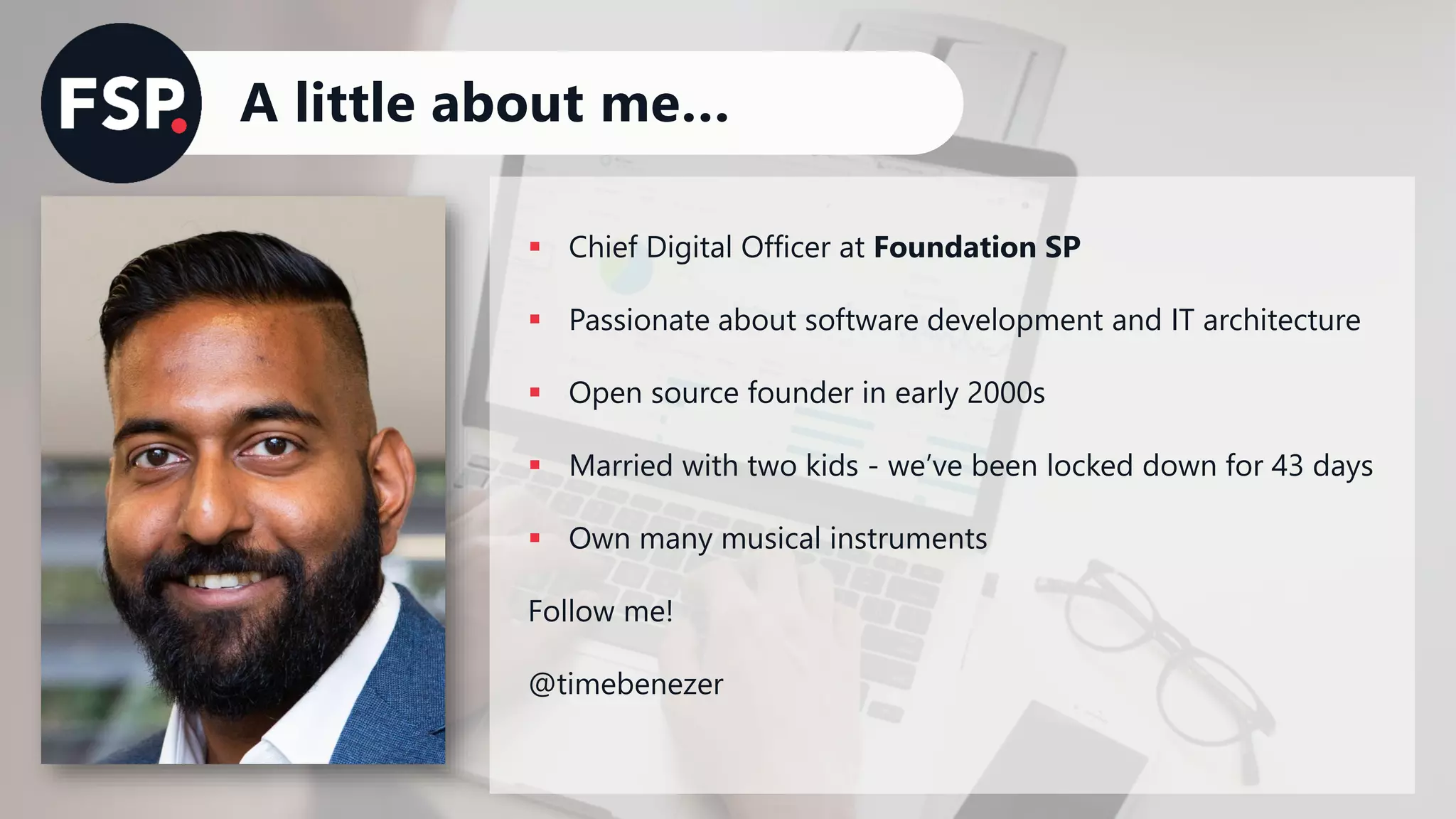
A little about me…
▪ Chief Digital Officer at Foundation SP
▪ Passionate about software development and IT architecture
▪ Open source founder in early 2000s
▪ Married with two kids - we’ve been locked down for 43 days
▪ Own many musical instruments
Follow me!
@timebenezer
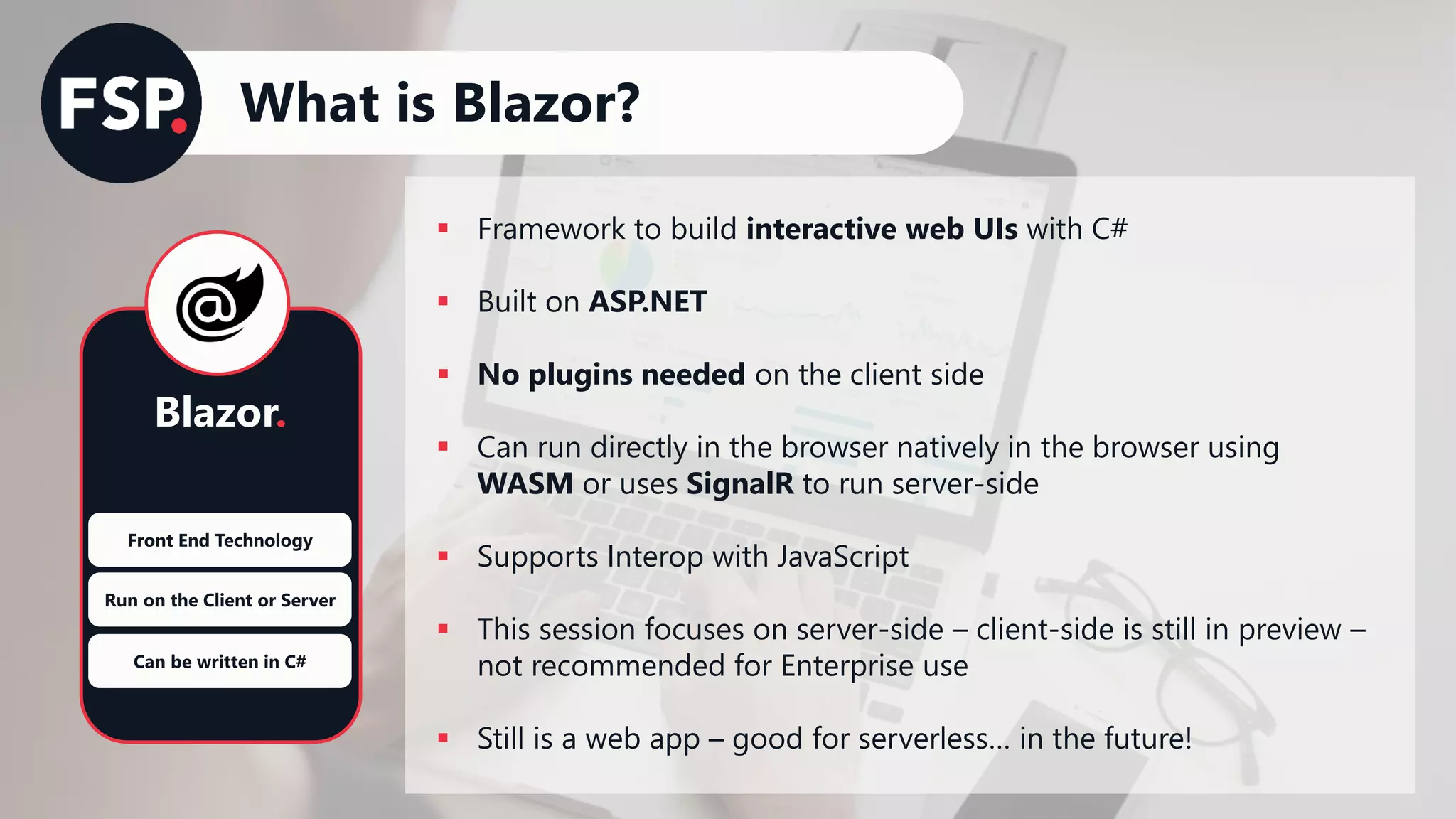
What is Blazor?
Blazor.
Front End Technology
Run on the Client or Server
Can be written in C#
▪ Framework to build interactive web UIs with C#
▪ Built on ASP.NET
▪ No plugins needed on the client side
▪ Can run directly in the browser natively in the browser using
WASM or uses SignalR to run server-side
▪ Supports Interop with JavaScript
▪ This session focuses on server-side – client-side is still in preview –
not recommended for Enterprise use
▪ Still is a web app – good for serverless… in the future!
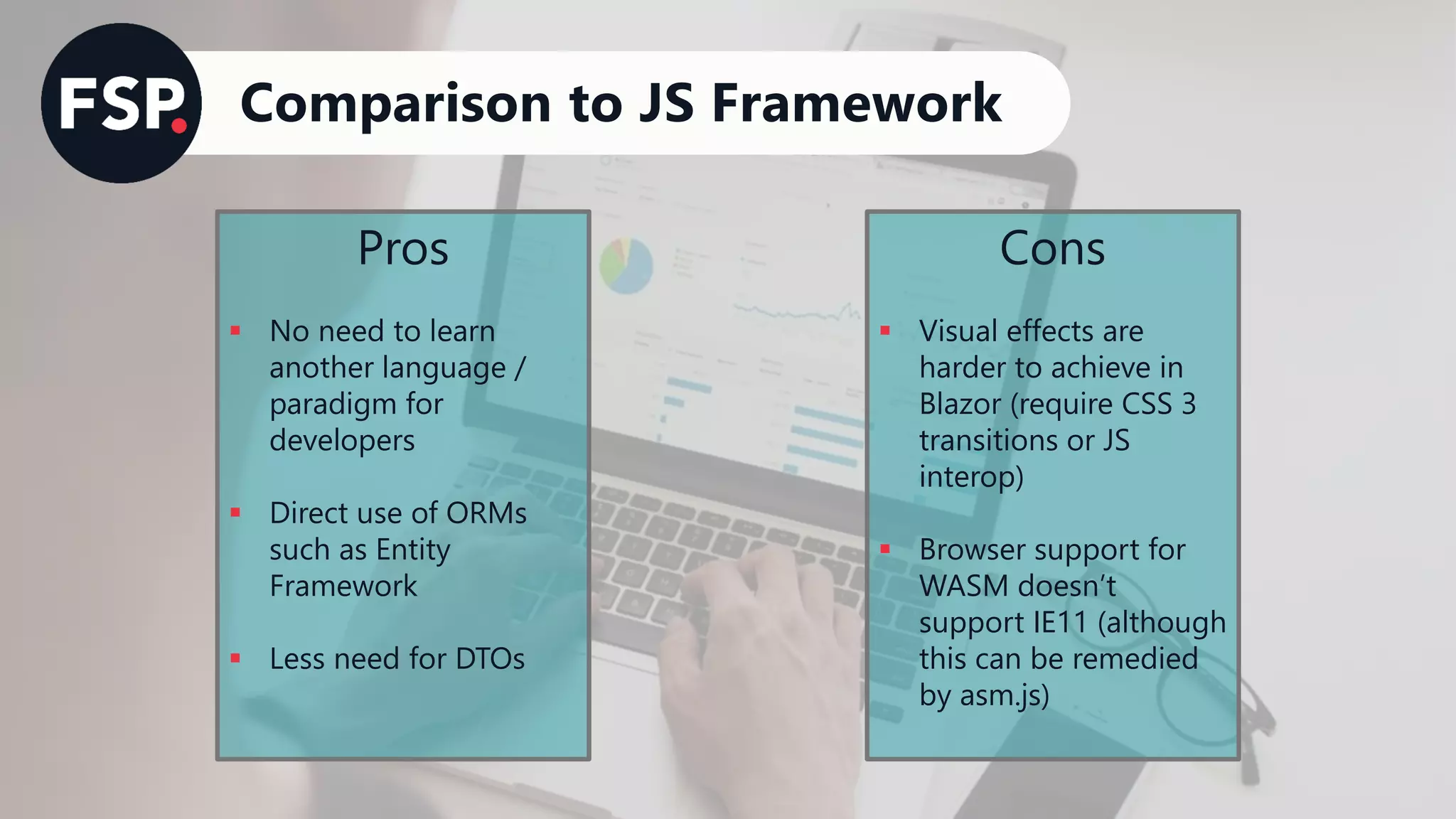
Comparison to JS Framework
Pros
▪ No need to learn
another language /
paradigm for
developers
▪ Direct use of ORMs
such as Entity
Framework
▪ Less need for DTOs
Cons
▪ Visual effects are
harder to achieve in
Blazor (require CSS 3
transitions or JS
interop)
▪ Browser support for
WASM doesn’t
support IE11 (although
this can be remedied
by asm.js)
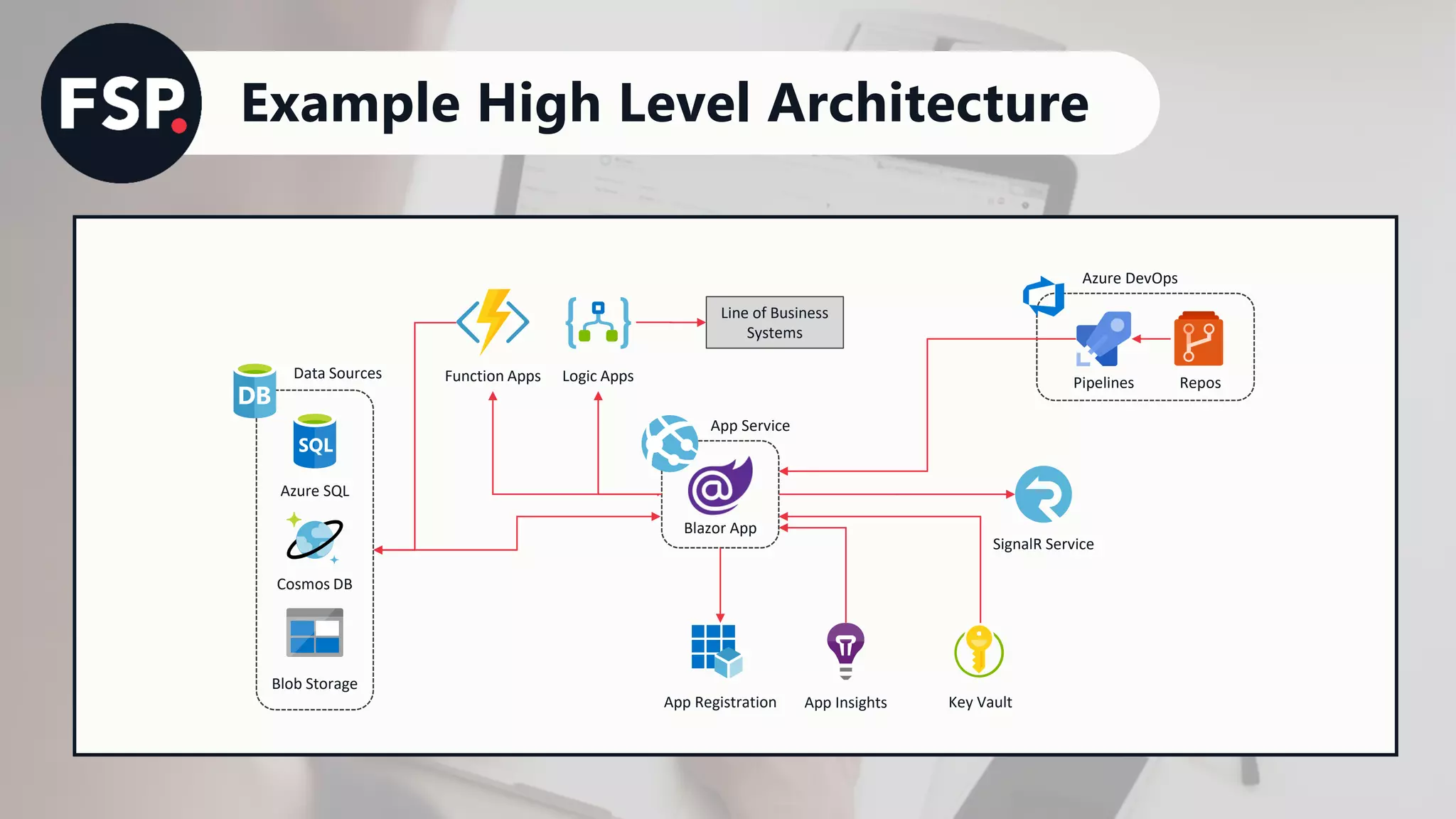
Example High Level Architecture
Blazor App
App Service
SignalR Service
Azure DevOps
Pipelines Repos
Azure SQL
Cosmos DB
Data Sources
Blob Storage
App Registration
Function Apps Logic Apps
Line of Business
Systems
Key VaultApp Insights
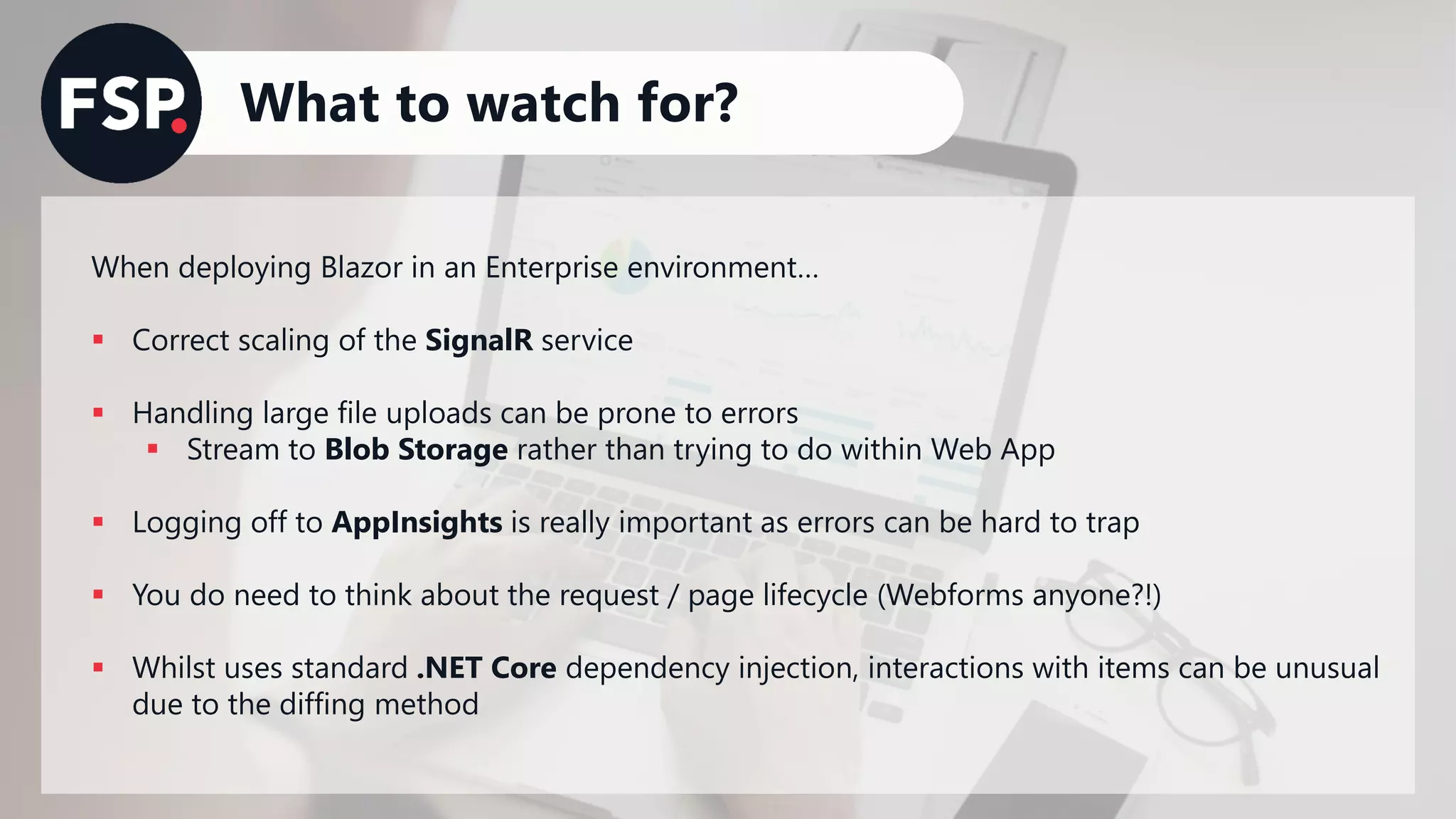
What to watch for?
When deploying Blazor in an Enterprise environment…
▪ Correct scaling of the SignalR service
▪ Handling large file uploads can be prone to errors
▪ Stream to Blob Storage rather than trying to do within Web App
▪ Logging off to AppInsights is really important as errors can be hard to trap
▪ You do need to think about the request / page lifecycle (Webforms anyone?!)
▪ Whilst uses standard .NET Core dependency injection, interactions with items can be unusual
due to the diffing method
Demonstration
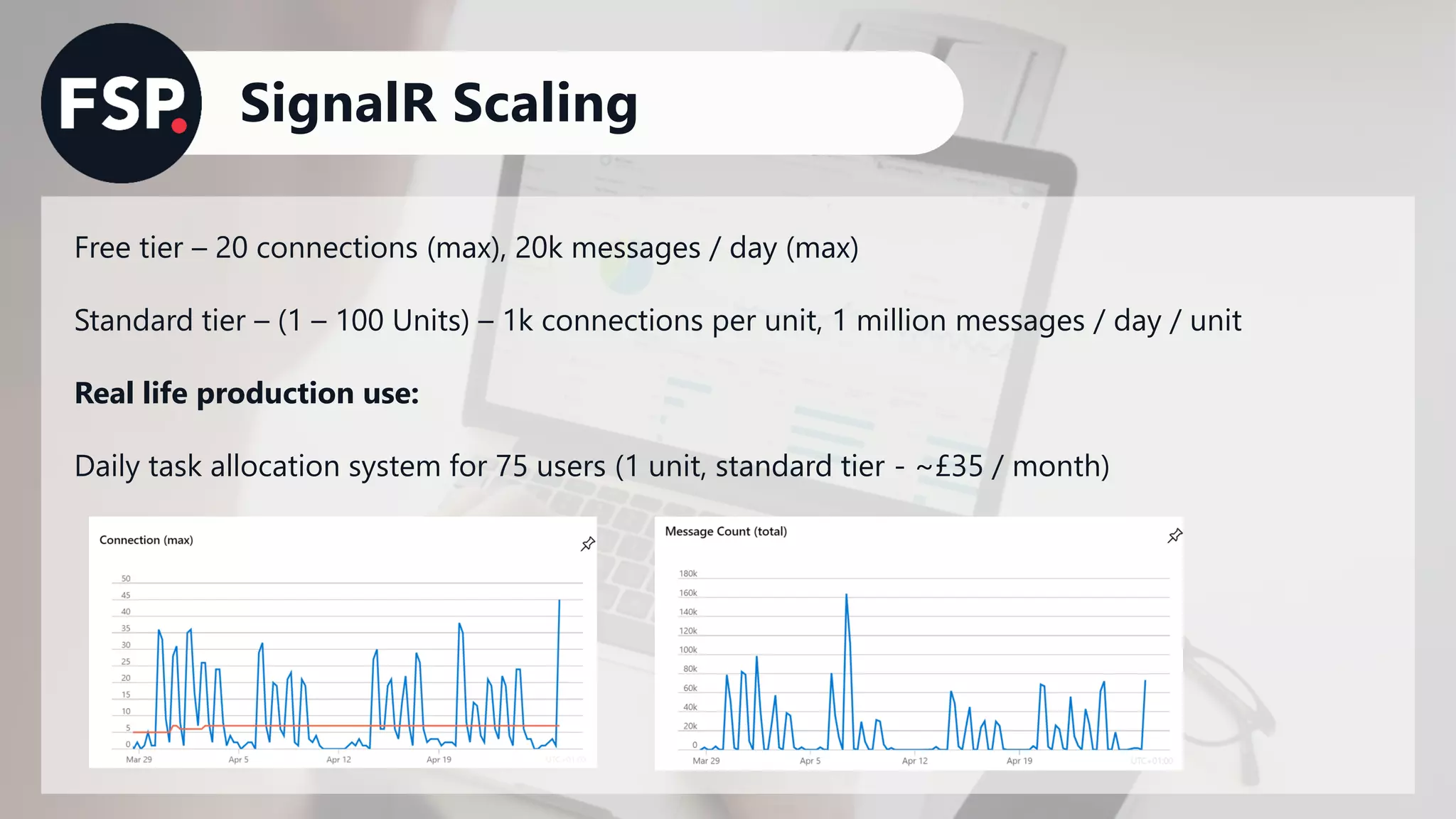
SignalR Scaling
Free tier – 20 connections (max), 20k messages / day (max)
Standard tier – (1 – 100 Units) – 1k connections per unit, 1 million messages / day / unit
Real life production use:
Daily task allocation system for 75 users (1 unit, standard tier - ~£35 / month)
Follow up reading
• Serverless arch with Blazor (WASM) - https://azure.microsoft.com/en-gb/resources/videos/build-
2019-serverless-web-apps-with-blazor-azure-functions-and-azure-storage/
• Chris Sainty blog - https://chrissainty.com/
• Awesome Blazor resources: https://github.com/AdrienTorris/awesome-blazor
• Channel 9 - https://channel9.msdn.com/
Thank you.
Any Questions?

UK Azure User Group - Blazor and Azure (Tim Ebenezer)

  • 1.
    UK Azure UserGroup Blazor & Azure in Enterprise Tim Ebenezer 27th April 2020
  • 2.
    1. What isBlazor? 2. How does it interact with Azure 3. Demonstration 4. Q&A Overview
  • 3.
    A little aboutme… ▪ Chief Digital Officer at Foundation SP ▪ Passionate about software development and IT architecture ▪ Open source founder in early 2000s ▪ Married with two kids - we’ve been locked down for 43 days ▪ Own many musical instruments Follow me! @timebenezer
  • 4.
    What is Blazor? Blazor. FrontEnd Technology Run on the Client or Server Can be written in C# ▪ Framework to build interactive web UIs with C# ▪ Built on ASP.NET ▪ No plugins needed on the client side ▪ Can run directly in the browser natively in the browser using WASM or uses SignalR to run server-side ▪ Supports Interop with JavaScript ▪ This session focuses on server-side – client-side is still in preview – not recommended for Enterprise use ▪ Still is a web app – good for serverless… in the future!
  • 5.
    Comparison to JSFramework Pros ▪ No need to learn another language / paradigm for developers ▪ Direct use of ORMs such as Entity Framework ▪ Less need for DTOs Cons ▪ Visual effects are harder to achieve in Blazor (require CSS 3 transitions or JS interop) ▪ Browser support for WASM doesn’t support IE11 (although this can be remedied by asm.js)
  • 6.
    Example High LevelArchitecture Blazor App App Service SignalR Service Azure DevOps Pipelines Repos Azure SQL Cosmos DB Data Sources Blob Storage App Registration Function Apps Logic Apps Line of Business Systems Key VaultApp Insights
  • 7.
    What to watchfor? When deploying Blazor in an Enterprise environment… ▪ Correct scaling of the SignalR service ▪ Handling large file uploads can be prone to errors ▪ Stream to Blob Storage rather than trying to do within Web App ▪ Logging off to AppInsights is really important as errors can be hard to trap ▪ You do need to think about the request / page lifecycle (Webforms anyone?!) ▪ Whilst uses standard .NET Core dependency injection, interactions with items can be unusual due to the diffing method
  • 8.
  • 9.
    SignalR Scaling Free tier– 20 connections (max), 20k messages / day (max) Standard tier – (1 – 100 Units) – 1k connections per unit, 1 million messages / day / unit Real life production use: Daily task allocation system for 75 users (1 unit, standard tier - ~£35 / month)
  • 10.
    Follow up reading •Serverless arch with Blazor (WASM) - https://azure.microsoft.com/en-gb/resources/videos/build- 2019-serverless-web-apps-with-blazor-azure-functions-and-azure-storage/ • Chris Sainty blog - https://chrissainty.com/ • Awesome Blazor resources: https://github.com/AdrienTorris/awesome-blazor • Channel 9 - https://channel9.msdn.com/
  • 11.