What is a Non-Impact Printer?
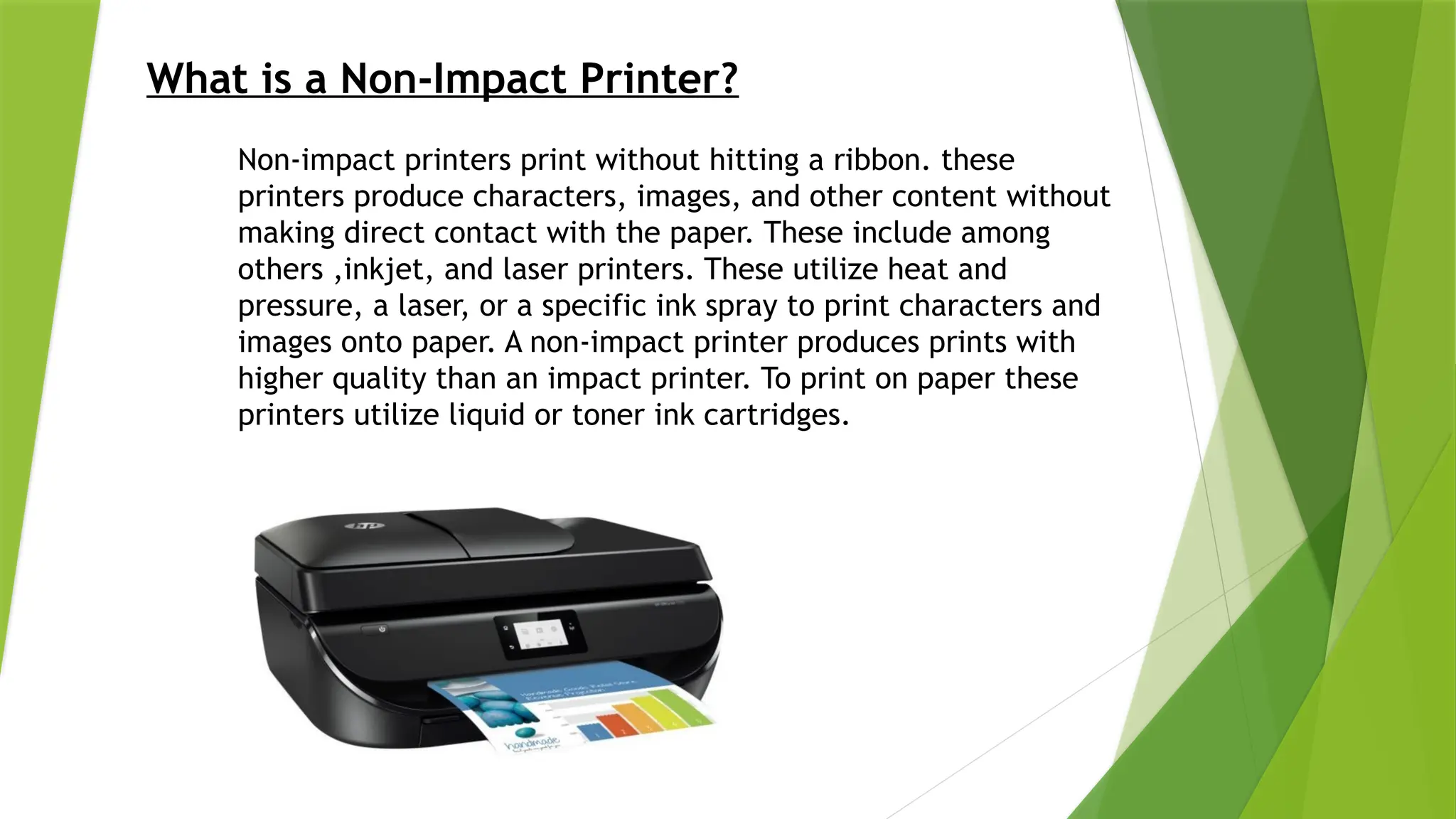
Non-impact printers print without hitting a ribbon. these
printers produce characters, images, and other content without
making direct contact with the paper. These include among
others ,inkjet, and laser printers. These utilize heat and
pressure, a laser, or a specific ink spray to print characters and
images onto paper. A non-impact printer produces prints with
higher quality than an impact printer. To print on paper these
printers utilize liquid or toner ink cartridges.
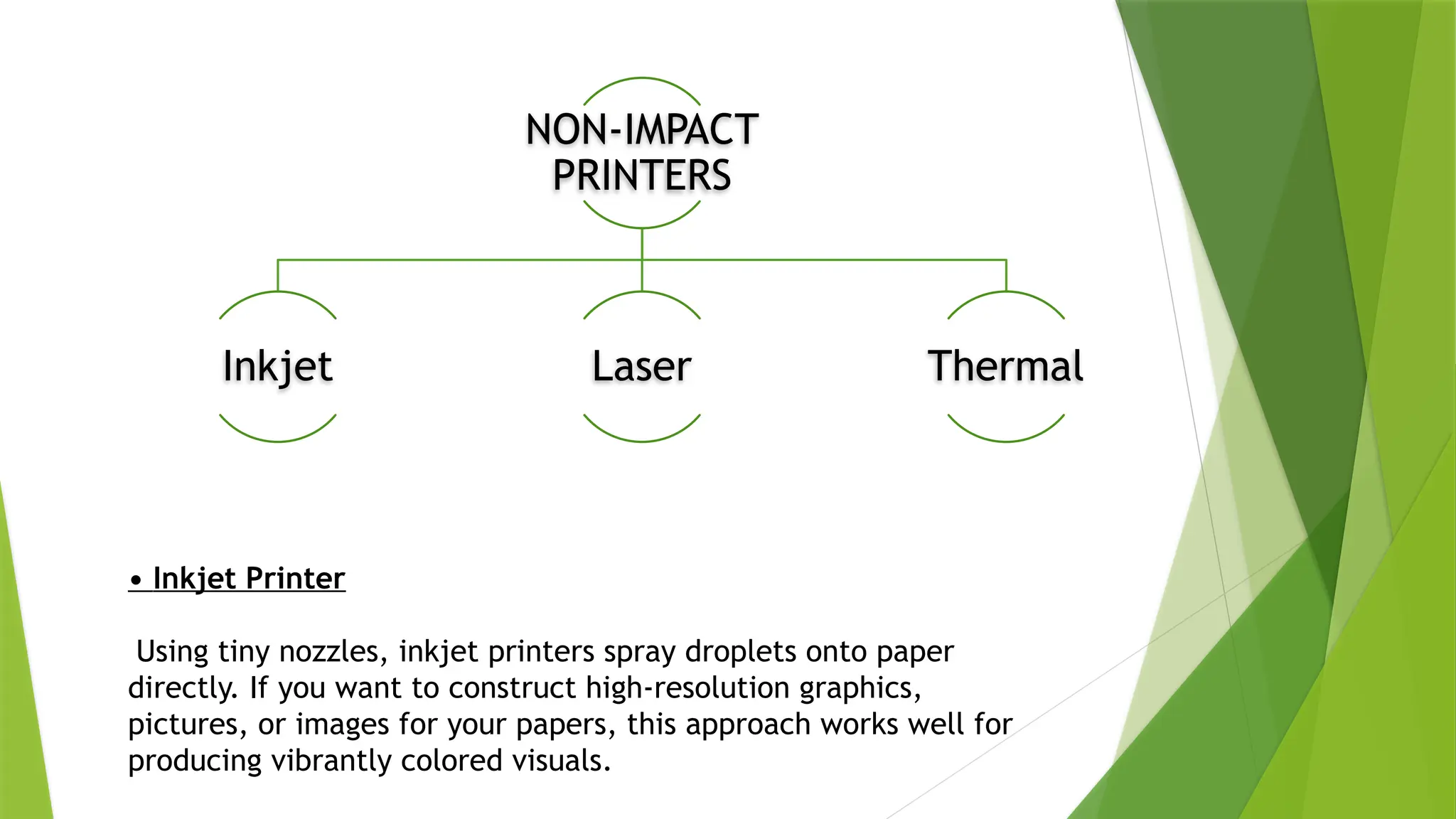
NON-IMPACT
PRINTERS
Inkjet Laser Thermal
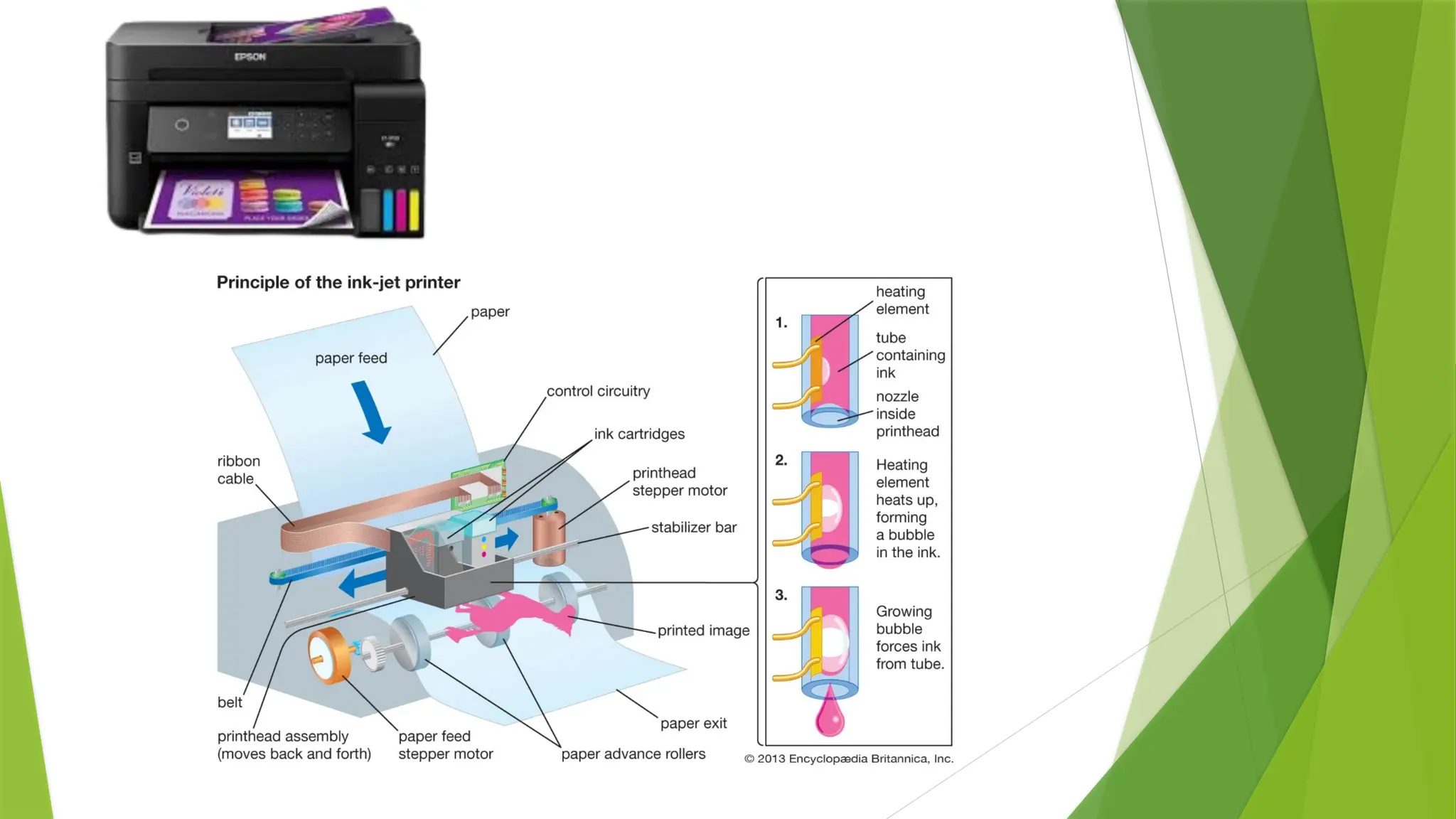
• Inkjet Printer
Using tiny nozzles, inkjet printers spray droplets onto paper
directly. If you want to construct high-resolution graphics,
pictures, or images for your papers, this approach works well for
producing vibrantly colored visuals.
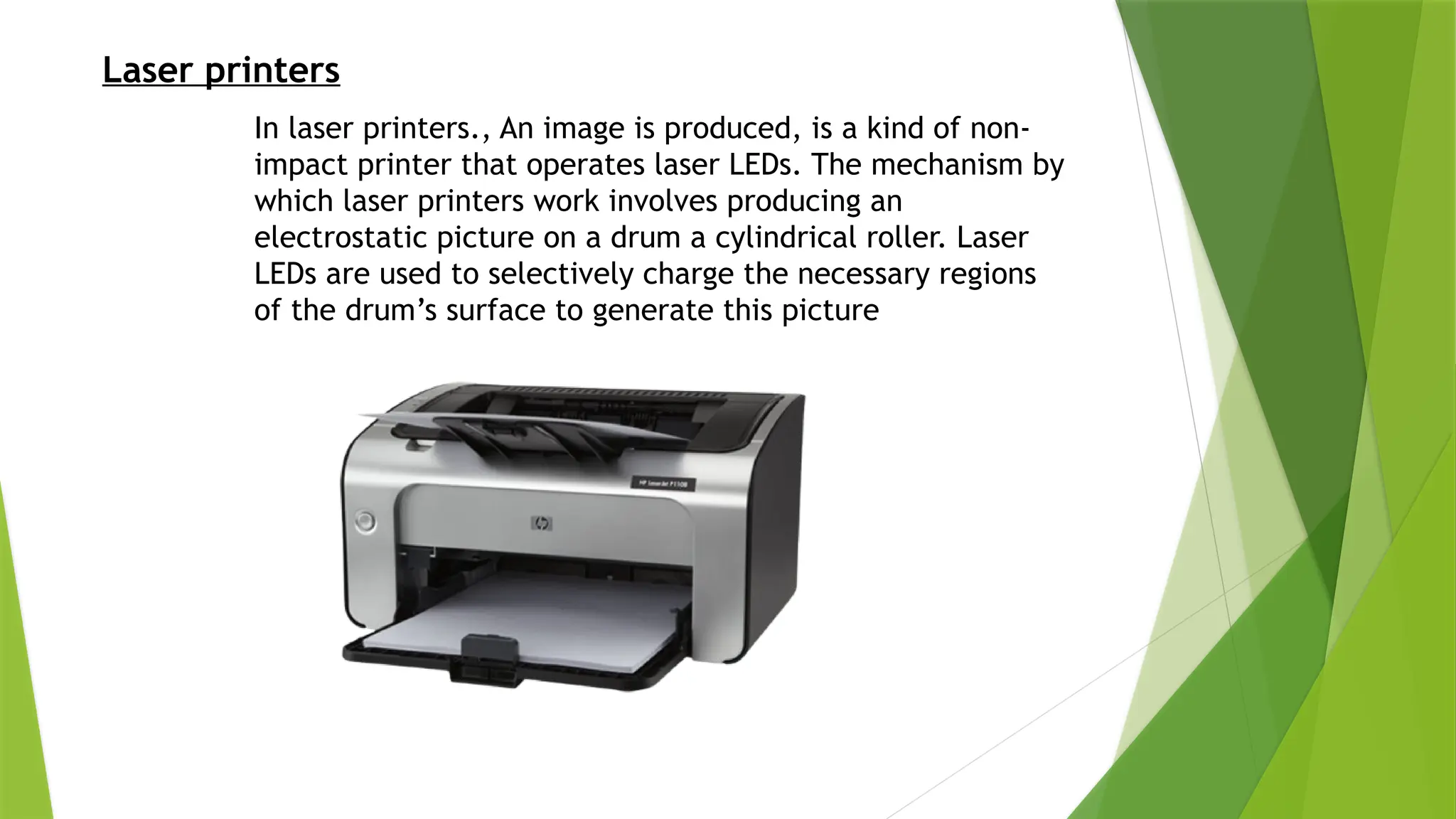
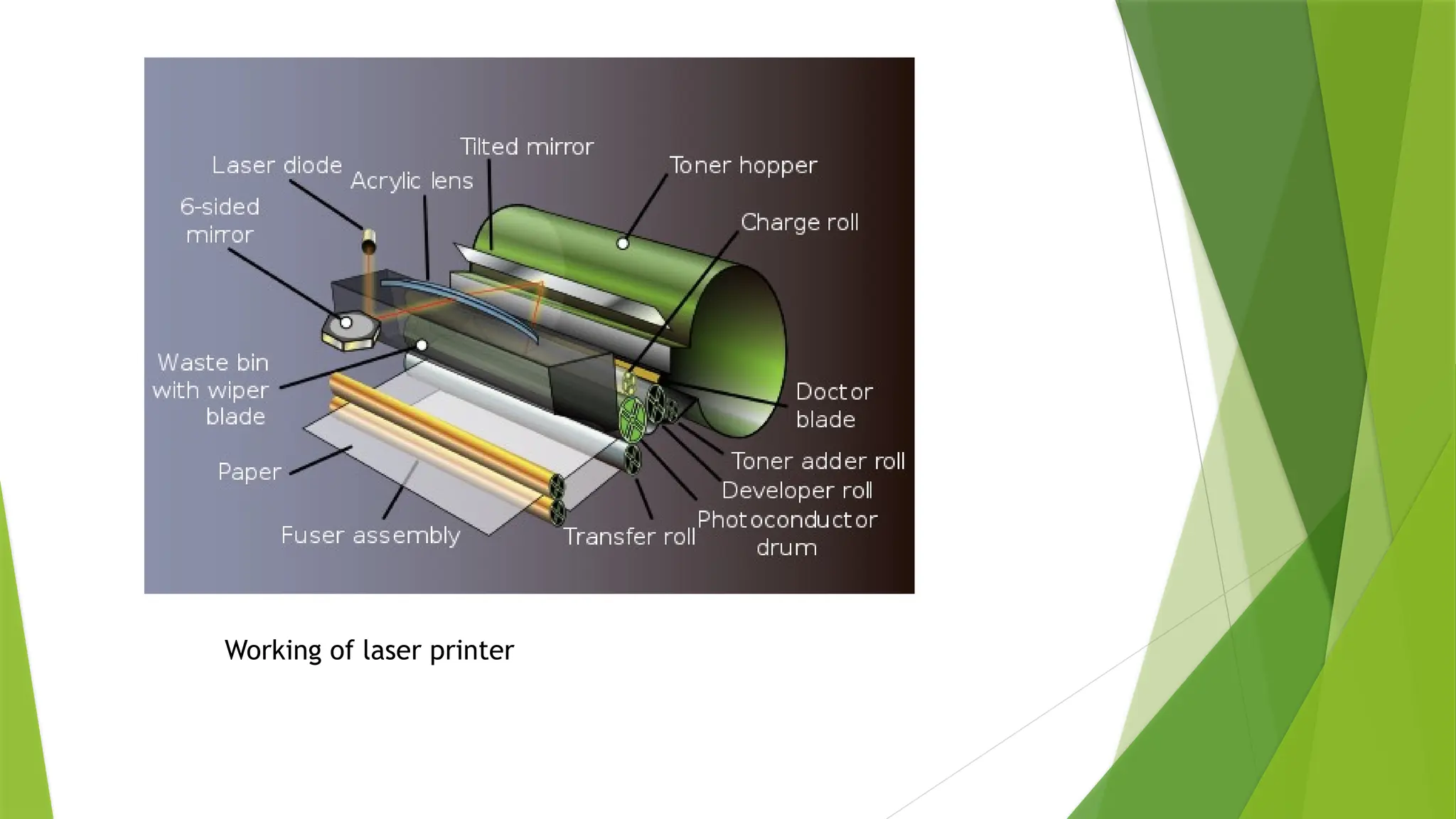
Laser printers
In laser printers., An image is produced, is a kind of non-
impact printer that operates laser LEDs. The mechanism by
which laser printers work involves producing an
electrostatic picture on a drum a cylindrical roller. Laser
LEDs are used to selectively charge the necessary regions
of the drum’s surface to generate this picture
Working of laser printer
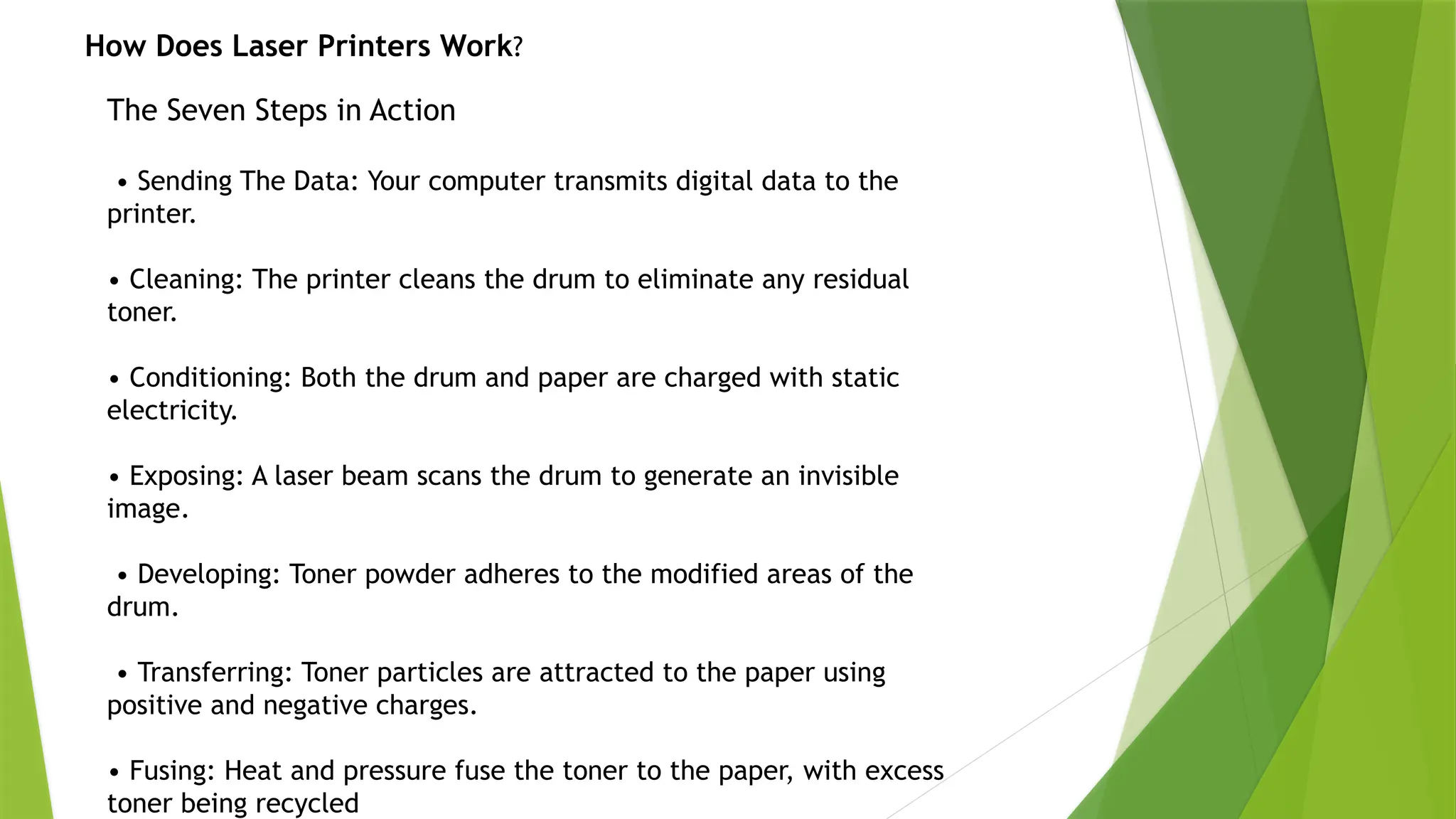
The Seven Steps in Action
• Sending The Data: Your computer transmits digital data to the
printer.
• Cleaning: The printer cleans the drum to eliminate any residual
toner.
• Conditioning: Both the drum and paper are charged with static
electricity.
• Exposing: A laser beam scans the drum to generate an invisible
image.
• Developing: Toner powder adheres to the modified areas of the
drum.
• Transferring: Toner particles are attracted to the paper using
positive and negative charges.
• Fusing: Heat and pressure fuse the toner to the paper, with excess
toner being recycled
How Does Laser Printers Work?
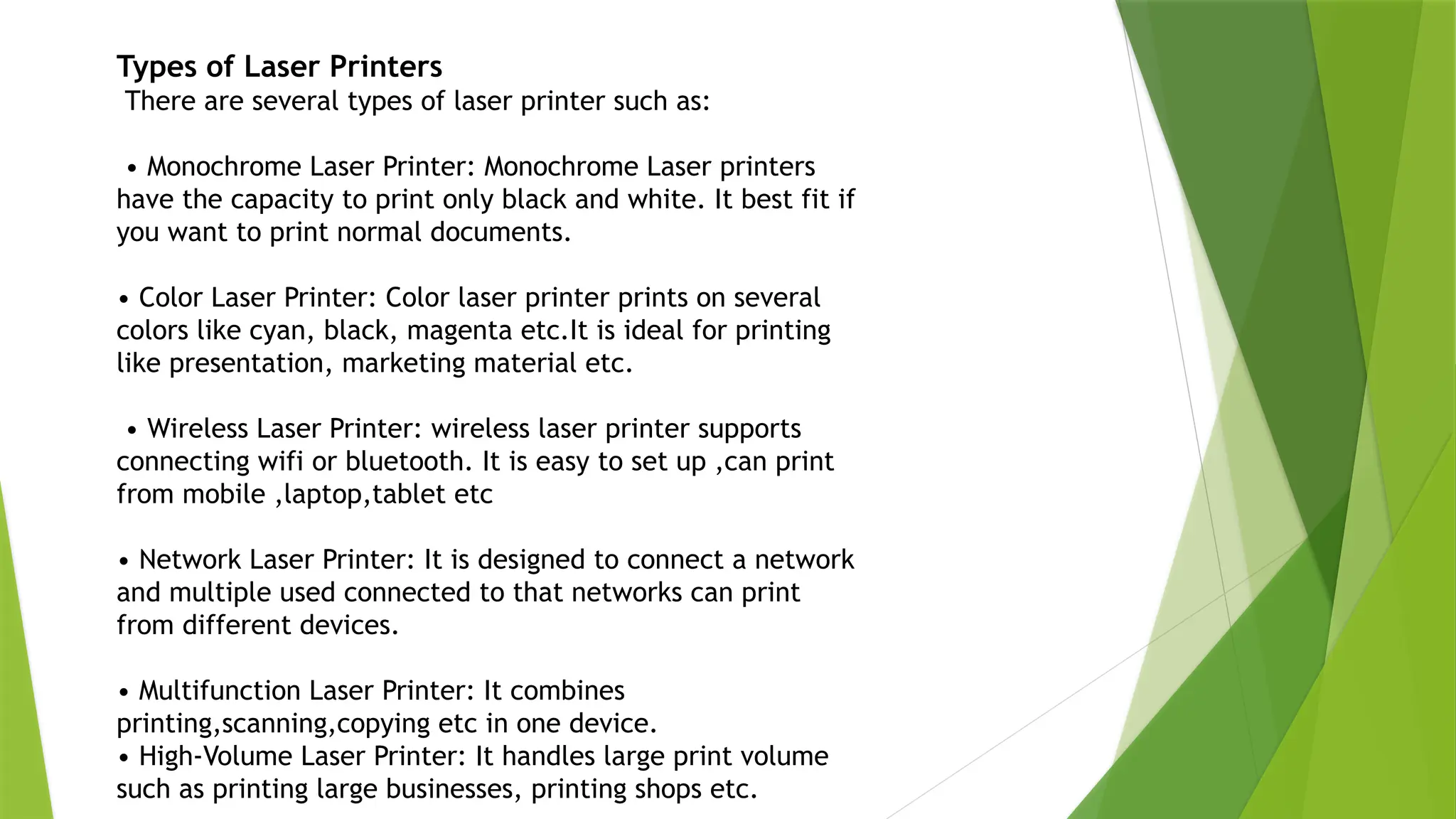
Types of Laser Printers
There are several types of laser printer such as:
• Monochrome Laser Printer: Monochrome Laser printers
have the capacity to print only black and white. It best fit if
you want to print normal documents.
• Color Laser Printer: Color laser printer prints on several
colors like cyan, black, magenta etc.It is ideal for printing
like presentation, marketing material etc.
• Wireless Laser Printer: wireless laser printer supports
connecting wifi or bluetooth. It is easy to set up ,can print
from mobile ,laptop,tablet etc
• Network Laser Printer: It is designed to connect a network
and multiple used connected to that networks can print
from different devices.
• Multifunction Laser Printer: It combines
printing,scanning,copying etc in one device.
• High-Volume Laser Printer: It handles large print volume
such as printing large businesses, printing shops etc.
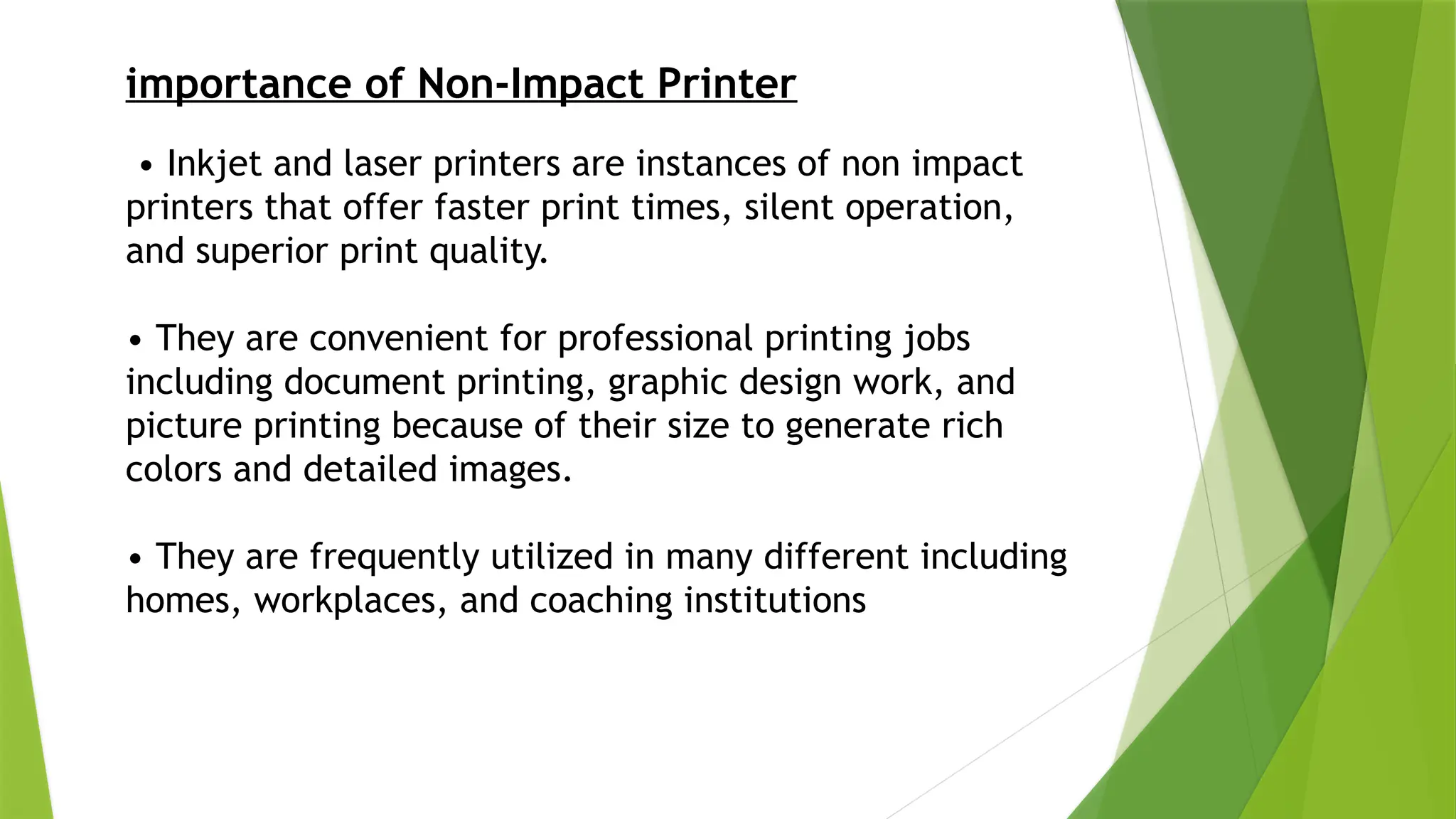
importance of Non-Impact Printer
• Inkjet and laser printers are instances of non impact
printers that offer faster print times, silent operation,
and superior print quality.
• They are convenient for professional printing jobs
including document printing, graphic design work, and
picture printing because of their size to generate rich
colors and detailed images.
• They are frequently utilized in many different including
homes, workplaces, and coaching institutions
Features of Non-Impact Printer
• High Quality Prints: In non-impact printers, High quality prints with crisp
details and brilliant colors are produced . With a resolution of up to 1200 dpi both
inkjet and laser printers are adequate of producing prints with incredibly fine
detail and clarity.
• Faster Printing Speeds: Non-impact printers often print them significantly
faster than impact printers when printing a lot of papers, They generally have
document feeders and automated two-sided printing installed, which can further
speed up output.
• Silent Process: It is considerably quieter to use non-impact printers than other
kinds of printers. This is so that they may obtain the required printing result
without having to actually pound a hole in the paper or any other substance.
• Lower Maintenance: Non-impact printers require a lot less maintenance
than impact printers. They have fewer mechanical faults and last longer
since they don’t have any moving components that come into contact with
the paper.
Advantages of Non-Impact Printer
• Dot-matrix and inkjet printers are precedent of impact
printers that are slower than non-impact printers.
• Media kinds and sizes may be freely chosen, giving users the
freedom to design a wide range of printed materials for diverse
applications.
• Because DPI ranges from 1200 to 2400, print quality is
likewise good-better than with Impact Printers.
• Permits customers to print wirelessly from a variety of
devices, including computers, tablets, and cellphones, by
providing additional connection ports.
Disadvantages of Non-Impact Printer
• The kinds of material that non-impact printers can handle are
restricted. Cardstock and carbon paper, which have thick surfaces,
are not suited for these printers since they employ either liquid ink
or dry toner particles.
• Connectivity problems also affect non-impact printers. Other
electrical equipment in the vicinity may cause interference with
wireless communications.
• The cost of operating non-impact printers is actually higher than
that of impact printers. The high expense of changing toner and
inkjet cartridges is mostly to blame for this.
• It may be difficult or impossible to recycle the plastic and metal
components needed to build non impact printers. These materials
have a good probability of ending up in landfills or other locations
types of printer in detail downoad for free

types of printer in detail downoad for free

  • 1.
    What is aNon-Impact Printer? Non-impact printers print without hitting a ribbon. these printers produce characters, images, and other content without making direct contact with the paper. These include among others ,inkjet, and laser printers. These utilize heat and pressure, a laser, or a specific ink spray to print characters and images onto paper. A non-impact printer produces prints with higher quality than an impact printer. To print on paper these printers utilize liquid or toner ink cartridges.
  • 2.
    NON-IMPACT PRINTERS Inkjet Laser Thermal •Inkjet Printer Using tiny nozzles, inkjet printers spray droplets onto paper directly. If you want to construct high-resolution graphics, pictures, or images for your papers, this approach works well for producing vibrantly colored visuals.
  • 4.
    Laser printers In laserprinters., An image is produced, is a kind of non- impact printer that operates laser LEDs. The mechanism by which laser printers work involves producing an electrostatic picture on a drum a cylindrical roller. Laser LEDs are used to selectively charge the necessary regions of the drum’s surface to generate this picture
  • 5.
  • 6.
    The Seven Stepsin Action • Sending The Data: Your computer transmits digital data to the printer. • Cleaning: The printer cleans the drum to eliminate any residual toner. • Conditioning: Both the drum and paper are charged with static electricity. • Exposing: A laser beam scans the drum to generate an invisible image. • Developing: Toner powder adheres to the modified areas of the drum. • Transferring: Toner particles are attracted to the paper using positive and negative charges. • Fusing: Heat and pressure fuse the toner to the paper, with excess toner being recycled How Does Laser Printers Work?
  • 7.
    Types of LaserPrinters There are several types of laser printer such as: • Monochrome Laser Printer: Monochrome Laser printers have the capacity to print only black and white. It best fit if you want to print normal documents. • Color Laser Printer: Color laser printer prints on several colors like cyan, black, magenta etc.It is ideal for printing like presentation, marketing material etc. • Wireless Laser Printer: wireless laser printer supports connecting wifi or bluetooth. It is easy to set up ,can print from mobile ,laptop,tablet etc • Network Laser Printer: It is designed to connect a network and multiple used connected to that networks can print from different devices. • Multifunction Laser Printer: It combines printing,scanning,copying etc in one device. • High-Volume Laser Printer: It handles large print volume such as printing large businesses, printing shops etc.
  • 8.
    importance of Non-ImpactPrinter • Inkjet and laser printers are instances of non impact printers that offer faster print times, silent operation, and superior print quality. • They are convenient for professional printing jobs including document printing, graphic design work, and picture printing because of their size to generate rich colors and detailed images. • They are frequently utilized in many different including homes, workplaces, and coaching institutions
  • 9.
    Features of Non-ImpactPrinter • High Quality Prints: In non-impact printers, High quality prints with crisp details and brilliant colors are produced . With a resolution of up to 1200 dpi both inkjet and laser printers are adequate of producing prints with incredibly fine detail and clarity. • Faster Printing Speeds: Non-impact printers often print them significantly faster than impact printers when printing a lot of papers, They generally have document feeders and automated two-sided printing installed, which can further speed up output. • Silent Process: It is considerably quieter to use non-impact printers than other kinds of printers. This is so that they may obtain the required printing result without having to actually pound a hole in the paper or any other substance. • Lower Maintenance: Non-impact printers require a lot less maintenance than impact printers. They have fewer mechanical faults and last longer since they don’t have any moving components that come into contact with the paper.
  • 10.
    Advantages of Non-ImpactPrinter • Dot-matrix and inkjet printers are precedent of impact printers that are slower than non-impact printers. • Media kinds and sizes may be freely chosen, giving users the freedom to design a wide range of printed materials for diverse applications. • Because DPI ranges from 1200 to 2400, print quality is likewise good-better than with Impact Printers. • Permits customers to print wirelessly from a variety of devices, including computers, tablets, and cellphones, by providing additional connection ports.
  • 11.
    Disadvantages of Non-ImpactPrinter • The kinds of material that non-impact printers can handle are restricted. Cardstock and carbon paper, which have thick surfaces, are not suited for these printers since they employ either liquid ink or dry toner particles. • Connectivity problems also affect non-impact printers. Other electrical equipment in the vicinity may cause interference with wireless communications. • The cost of operating non-impact printers is actually higher than that of impact printers. The high expense of changing toner and inkjet cartridges is mostly to blame for this. • It may be difficult or impossible to recycle the plastic and metal components needed to build non impact printers. These materials have a good probability of ending up in landfills or other locations