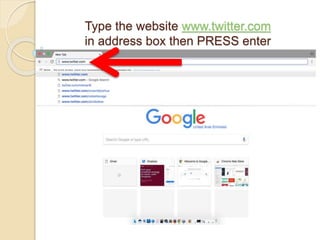
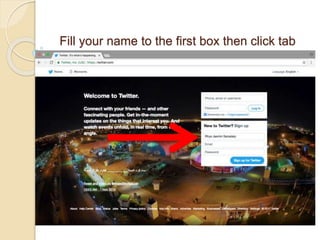
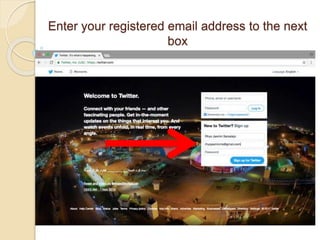
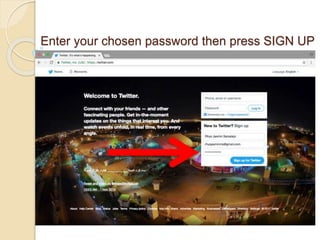
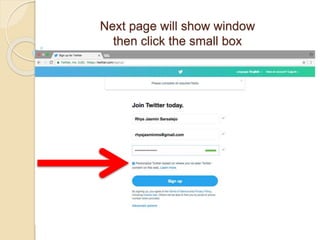
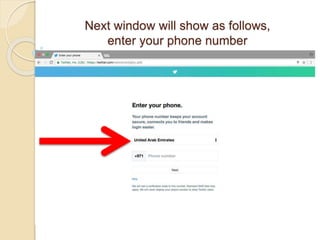
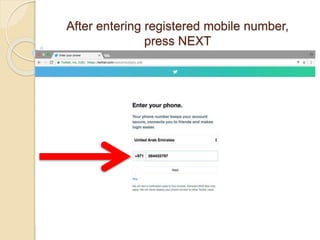
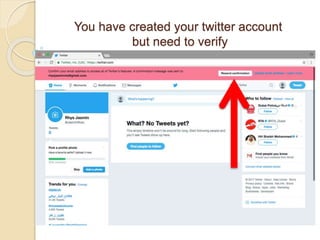
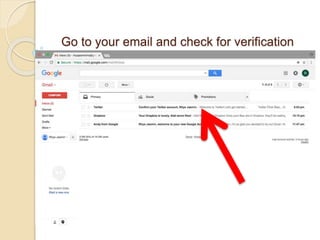
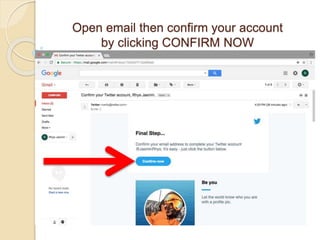
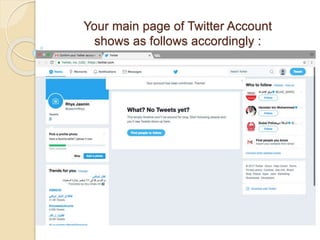
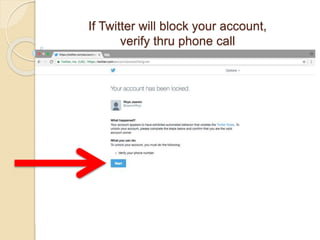
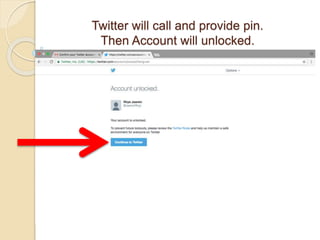
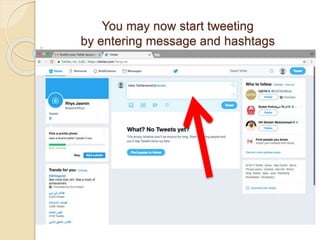
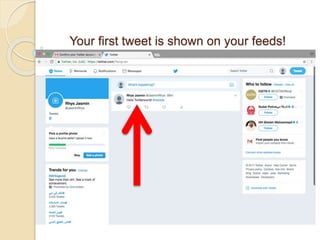
To create a Twitter account, go to twitter.com and fill out the sign up form by entering your name, email address, password, and phone number. After submitting the form, check your email for a verification link and click "Confirm Now" to verify your account. You can then start tweeting by entering messages and hashtags, with your first tweet appearing on your Twitter feed. Additional verification by phone call may be required if Twitter blocks the account.