Tools for maintaining an open source project
Ben Nuttall
@ben_nuttall
@ben_nuttall
Ben Nuttall
●
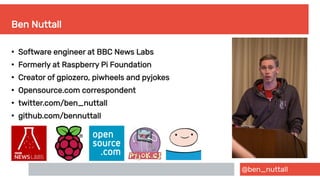
Software engineer at BBC News Labs
●
Formerly at Raspberry Pi Foundation
●
Creator of gpiozero, piwheels and pyjokes
●
Opensource.com correspondent
●
twitter.com/ben_nuttall
●
github.com/bennuttall
@ben_nuttall
My t-shirt
@ben_nuttall
What this talk covers

Organising a codebase

Sharing code and distributing software

Using git/GitHub

Testing & automated testing

Documentation

Licensing software
@ben_nuttall
What this talk is not
●
A thorough follow-along tutorial on
how to use each of the ~50 tools
mentioned
●
Me telling you which tools to use
●
Me telling you that you need to know
all of these tools inside-out in order to
be considered a proper programmer
●
A subtle diss at the tools I did not
mention
@ben_nuttall
How to engage with the talk
●
Feel free to add comments and
questions in the chat at any time
●
If I spot a question that I’m able to
answer without derailing the talk, I’ll
try to
●
Ask further questions at the end
●
Ping me on Twitter @ben_nuttall
@ben_nuttall
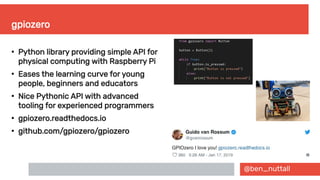
gpiozero
●
Python library providing simple API for
physical computing with Raspberry Pi
●
Eases the learning curve for young
people, beginners and educators
●
Nice Pythonic API with advanced
tooling for experienced programmers
●
gpiozero.readthedocs.io
●
github.com/gpiozero/gpiozero
@ben_nuttall
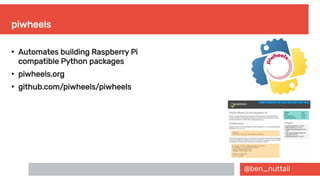
piwheels
●
Automates building Raspberry Pi
compatible Python packages
●
piwheels.org
●
github.com/piwheels/piwheels
@ben_nuttall
Distributing software – how?
Package managers:
●
Linux – apt, dnf, yum
●
Language package managers – pip, npm, gem
●
Linux portable – snap, flatpak, AppImage
●
Mac – homebrew
Download from sites:
●
GitHub, GitLab, Sourceforge
●
Personal websites
●
curl
@ben_nuttall
Distributing software – why?
●
Ease of access
●
Expectations
●
Trust and confidence
●
Stability
@ben_nuttall
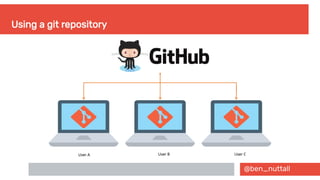
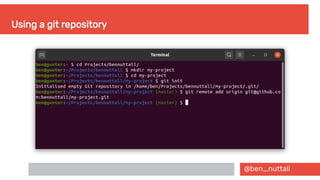
Using a git repository
@ben_nuttall
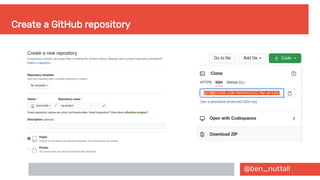
Create a GitHub repository
@ben_nuttall
Using a git repository
@ben_nuttall
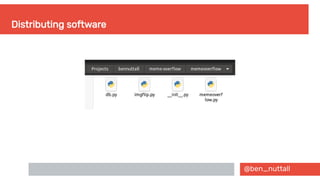
Distributing software
@ben_nuttall
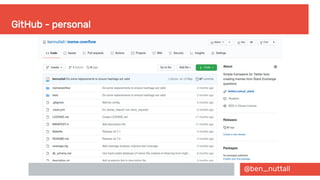
GitHub - personal
@ben_nuttall
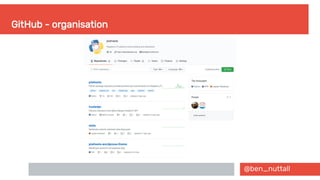
GitHub - organisation
@ben_nuttall
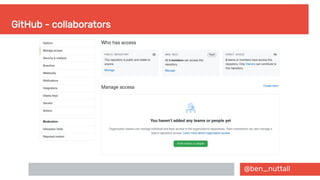
GitHub - collaborators
@ben_nuttall
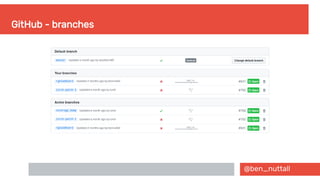
GitHub - branches
@ben_nuttall
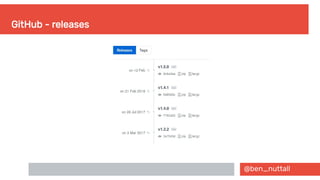
GitHub - releases
@ben_nuttall
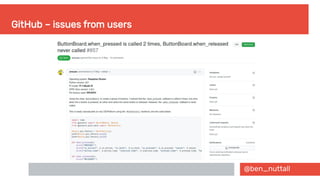
GitHub – issues from users
@ben_nuttall
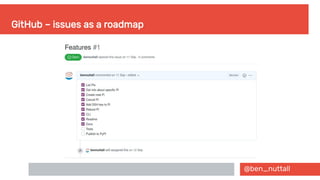
GitHub – issues as a roadmap
@ben_nuttall
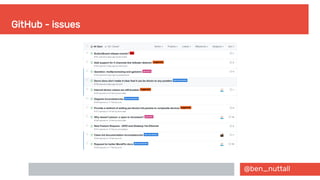
GitHub - issues
@ben_nuttall
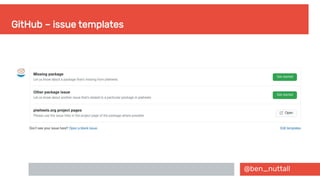
GitHub – issue templates
@ben_nuttall
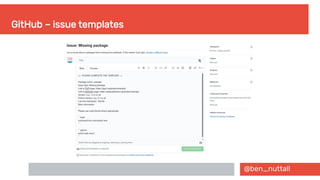
GitHub – issue templates
@ben_nuttall
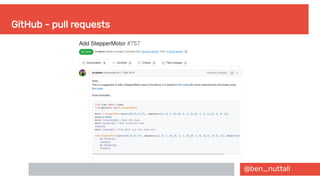
GitHub - pull requests
@ben_nuttall
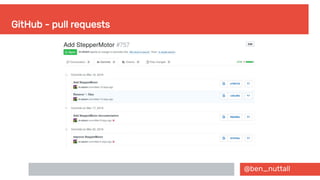
GitHub - pull requests
@ben_nuttall
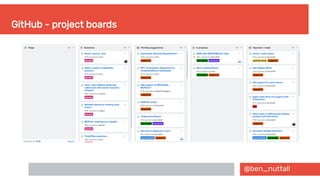
GitHub - project boards
@ben_nuttall
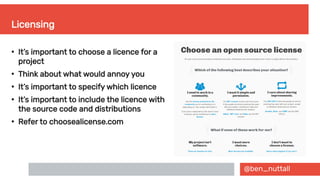
Licensing
●
It’s important to choose a licence for a
project
●
Think about what would annoy you
●
It’s important to specify which licence
●
It’s important to include the licence with
the source code and distributions
●
Refer to choosealicense.com
@ben_nuttall
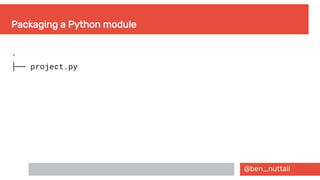
Packaging a Python module
.
├── project.py
@ben_nuttall
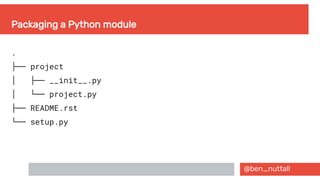
Packaging a Python module
.
├── project
  │ ├── __init__.py
  │ └── project.py
├── README.rst
└── setup.py
@ben_nuttall
Packaging a Python module – setup.py
import os
from setuptools import setup, find_packages
def read(fname):
return open(os.path.join(os.path.dirname(__file__), fname)).read()
setup(
name="project",
version="0.1.0",
author="Ben Nuttall",
description="Really cool project",
license="MIT",
keywords=["sample", "project"],
url="https://github.com/bennuttall/project",
packages=find_packages(),
long_description=read('README.rst'),
)
@ben_nuttall
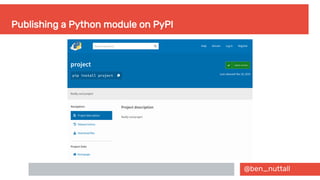
Publishing a Python module on PyPI
@ben_nuttall
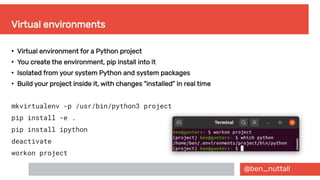
Virtual environments
●
Virtual environment for a Python project
●
You create the environment, pip install into it
●
Isolated from your system Python and system packages
●
Build your project inside it, with changes "installed" in real time
mkvirtualenv -p /usr/bin/python3 project
pip install -e .
pip install ipython
deactivate
workon project
@ben_nuttall
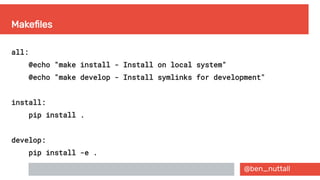
Makefiles
all:
@echo "make install - Install on local system"
@echo "make develop - Install symlinks for development"
install:
pip install .
develop:
pip install -e .
@ben_nuttall
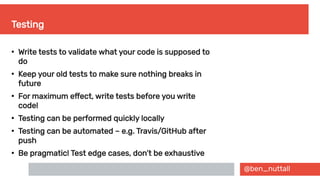
Testing
●
Write tests to validate what your code is supposed to
do
●
Keep your old tests to make sure nothing breaks in
future
●
For maximum effect, write tests before you write
code!
●
Testing can be performed quickly locally
●
Testing can be automated – e.g. Travis/GitHub after
push
●
Be pragmatic! Test edge cases, don’t be exhaustive
@ben_nuttall
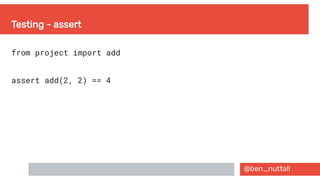
Testing - assert
from project import add
assert add(2, 2) == 4
@ben_nuttall
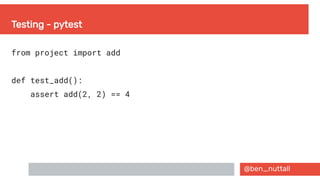
Testing - pytest
from project import add
def test_add():
assert add(2, 2) == 4
@ben_nuttall
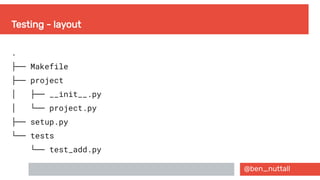
Testing - layout
.
├── Makefile
├── project
  │ ├── __init__.py
  │ └── project.py
├── setup.py
└── tests
└── test_add.py
@ben_nuttall
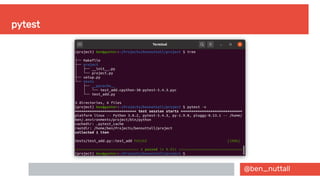
pytest
@ben_nuttall
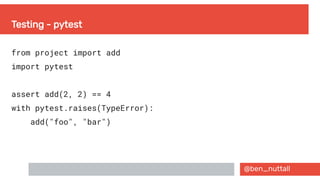
Testing - pytest
from project import add
import pytest
assert add(2, 2) == 4
with pytest.raises(TypeError):
add("foo", "bar")
@ben_nuttall
Tox
●
Run tests in multiple Python versions simultaneously
●
Ubuntu users – look for "Deadsnakes PPA"
●
tox.ini:
[tox]
envlist = {py35,py36,py37,py38,py39}
@ben_nuttall
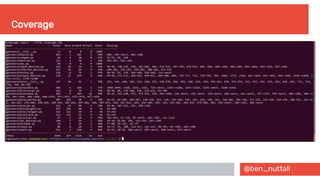
Coverage.py
●
Measuring code coverage of Python programs
●
Monitors your program, noting which parts of the code
have been executed
●
Analyses the source to identify code that could have
been executed but was not
●
Typically used to gauge the effectiveness of tests
●
Shows which parts of your code are being touched by
your tests, and which are not
@ben_nuttall
Coverage
@ben_nuttall
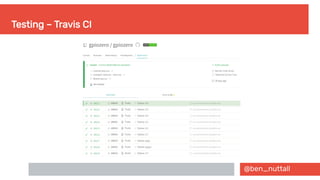
Testing – Travis CI
@ben_nuttall
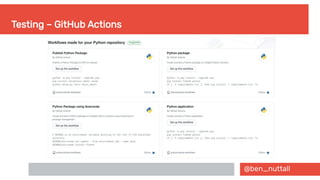
Testing – GitHub Actions
@ben_nuttall
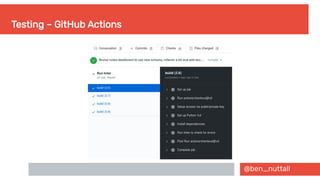
Testing – GitHub Actions
@ben_nuttall
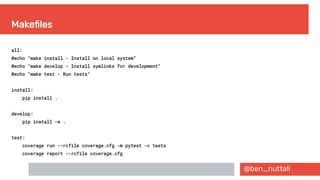
Makefiles
all:
@echo "make install - Install on local system"
@echo "make develop - Install symlinks for development"
@echo "make test - Run tests"
install:
pip install .
develop:
pip install -e .
test:
coverage run --rcfile coverage.cfg -m pytest -v tests
coverage report --rcfile coverage.cfg
@ben_nuttall
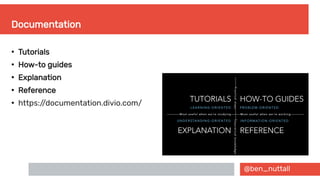
Documentation
●
Tutorials
●
How-to guides
●
Explanation
●
Reference
●
https://documentation.divio.com/
@ben_nuttall
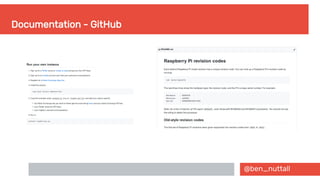
Documentation - GitHub
@ben_nuttall
Documentation - Markdown
# Title
Some text
## Header 2
- List item
- [link](http://foo.com/)
@ben_nuttall
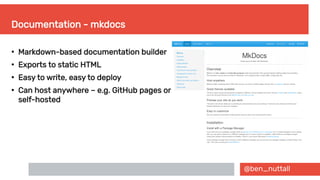
Documentation - mkdocs
●
Markdown-based documentation builder
●
Exports to static HTML
●
Easy to write, easy to deploy
●
Can host anywhere – e.g. GitHub pages or
self-hosted
@ben_nuttall
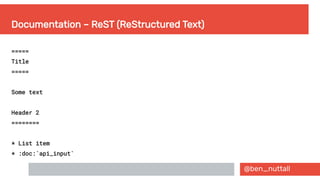
Documentation – ReST (ReStructured Text)
=====
Title
=====
Some text
Header 2
========
* List item
* :doc:`api_input`
@ben_nuttall
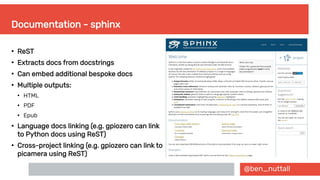
Documentation - sphinx
●
ReST
●
Extracts docs from docstrings
●
Can embed additional bespoke docs
●
Multiple outputs:
●
HTML
●
PDF
●
Epub
●
Language docs linking (e.g. gpiozero can link
to Python docs using ReST)
●
Cross-project linking (e.g. gpiozero can link to
picamera using ReST)
@ben_nuttall
Documentation - sphinx
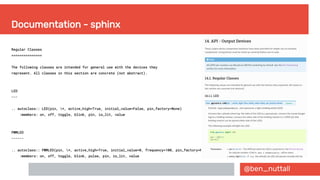
Regular Classes
===============
The following classes are intended for general use with the devices they
represent. All classes in this section are concrete (not abstract).
LED
---
.. autoclass:: LED(pin, *, active_high=True, initial_value=False, pin_factory=None)
:members: on, off, toggle, blink, pin, is_lit, value
PWMLED
------
.. autoclass:: PWMLED(pin, *, active_high=True, initial_value=0, frequency=100, pin_factory=None)
:members: on, off, toggle, blink, pulse, pin, is_lit, value
@ben_nuttall
Documentation - sphinx
@ben_nuttall
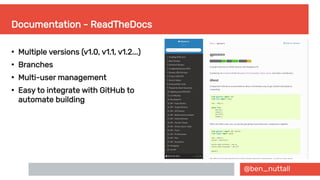
Documentation - ReadTheDocs
●
Multiple versions (v1.0, v1.1, v1.2...)
●
Branches
●
Multi-user management
●
Easy to integrate with GitHub to
automate building
@ben_nuttall
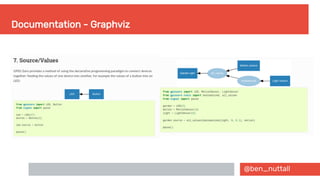
Documentation - Graphviz
@ben_nuttall
Documentation - Graphviz
digraph {
graph [rankdir=RL];
node [shape=rect, style=filled, color="#2980b9", fontname=Sans, fontcolor="#ffffff", fontsize=10];
edge [arrowhead=normal, style=solid];
Button -> LED;
}
@ben_nuttall
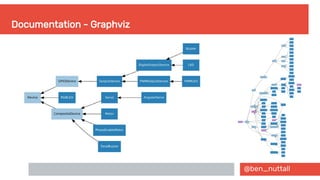
Documentation - Graphviz
digraph {
graph [rankdir=RL];
edge [arrowhead=normal, style=solid];
/* Devices */
node [shape=rect, style=filled, color="#2980b9", fontname=Sans, fontcolor="#ffffff", fontsize=10];
led [label="Garden light"]
light [label="Light sensor"]
motion [label="Motion sensor"]
/* functions */
node [shape=oval, style=filled, color="#9ec6e0", fontcolor="#ffffff"];
booleanized
all_values
all_values -> led;
booleanized -> all_values;
motion -> all_values;
light -> booleanized;
}
@ben_nuttall
Documentation - Graphviz
@ben_nuttall
What this talk covered

Organising a codebase – module structure, setup.py, Makefiles

Sharing code and distributing software – PyPI, pip, GitHub

Using git/GitHub – repositories, users & orgs, collaborators, issues, PRs,
project boards, integrations

Testing & automated testing – assert, pytest, mock, coverage, tox, Travis CI

Documentation – markdown, ReST, mkdocs, sphinx, graphviz

Licensing software – choosealicense.org
@ben_nuttall
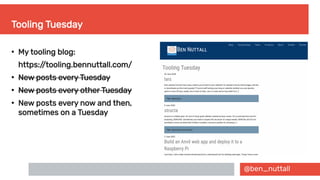
Tooling Tuesday
●
My tooling blog:
https://tooling.bennuttall.com/
●
New posts every Tuesday
●
New posts every other Tuesday
●
New posts every now and then,
sometimes on a Tuesday
@ben_nuttall
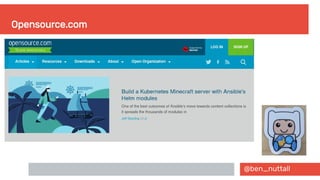
Opensource.com
Tools for maintaining an open source project
Ben Nuttall
@ben_nuttall

Tools for maintaining an open source project