Introduction to GraphicDesign Tools
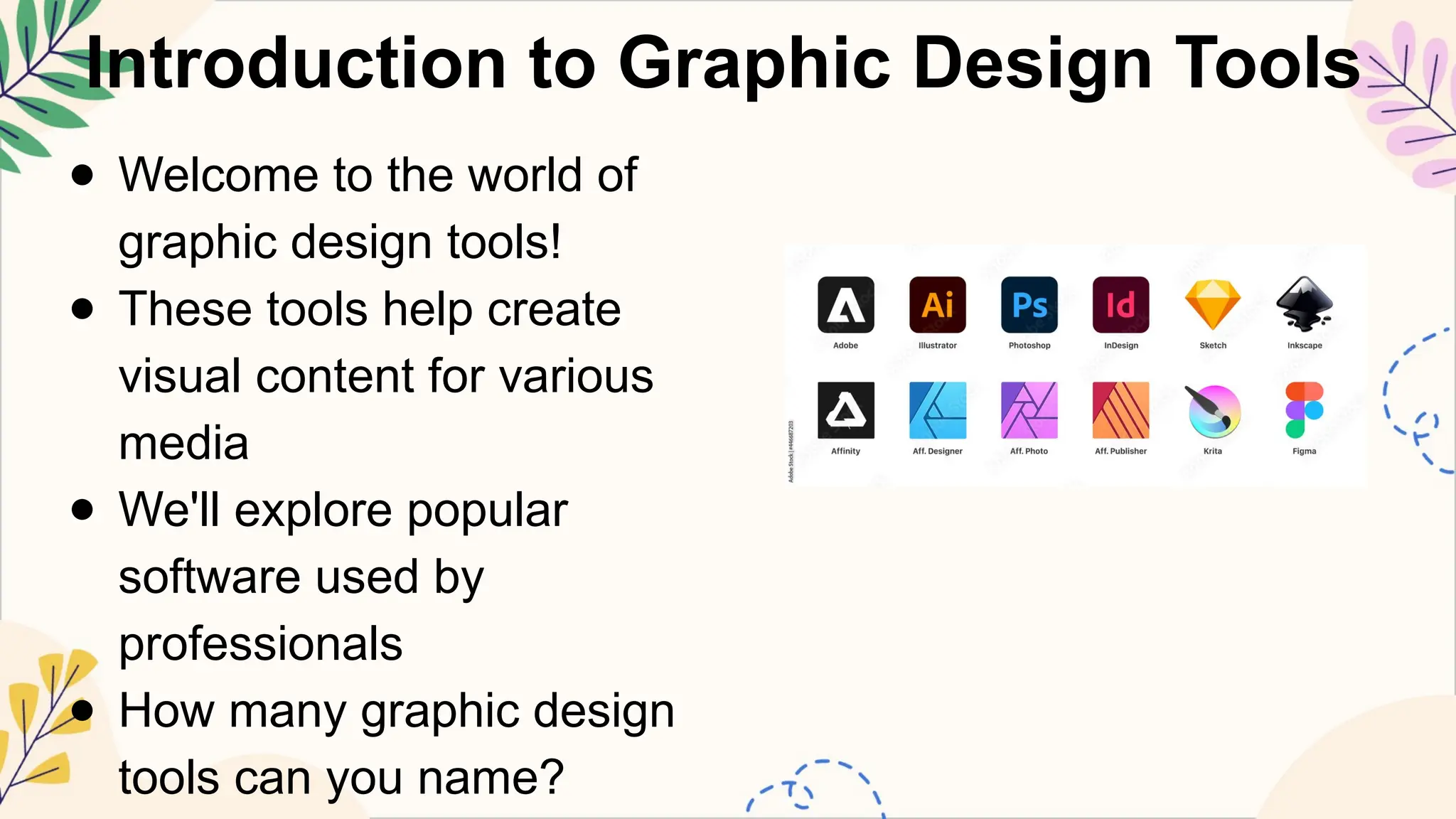
● Welcome to the world of
graphic design tools!
● These tools help create
visual content for various
media
● We'll explore popular
software used by
professionals
● How many graphic design
tools can you name?
3.
Vector Graphics Software
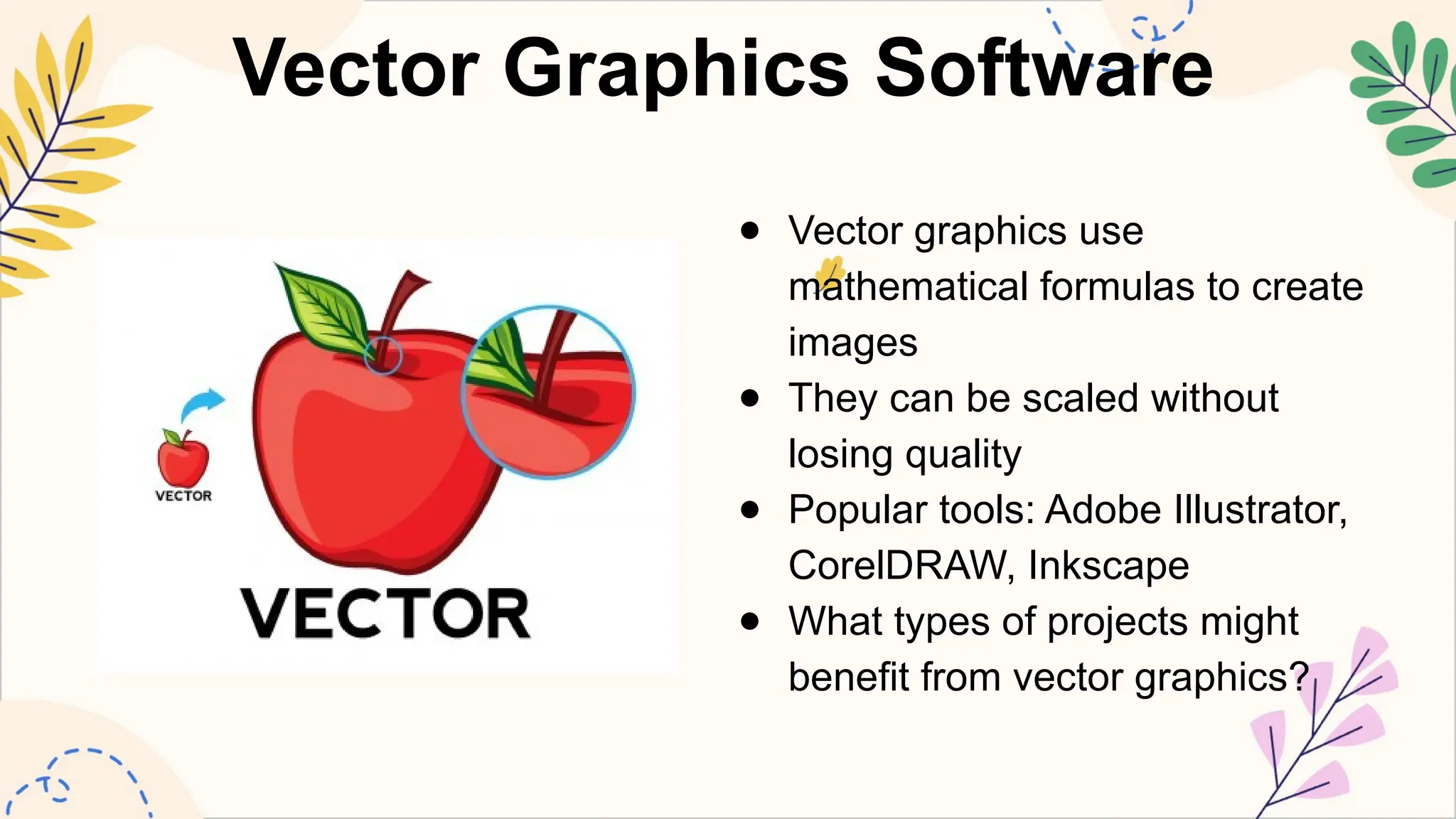
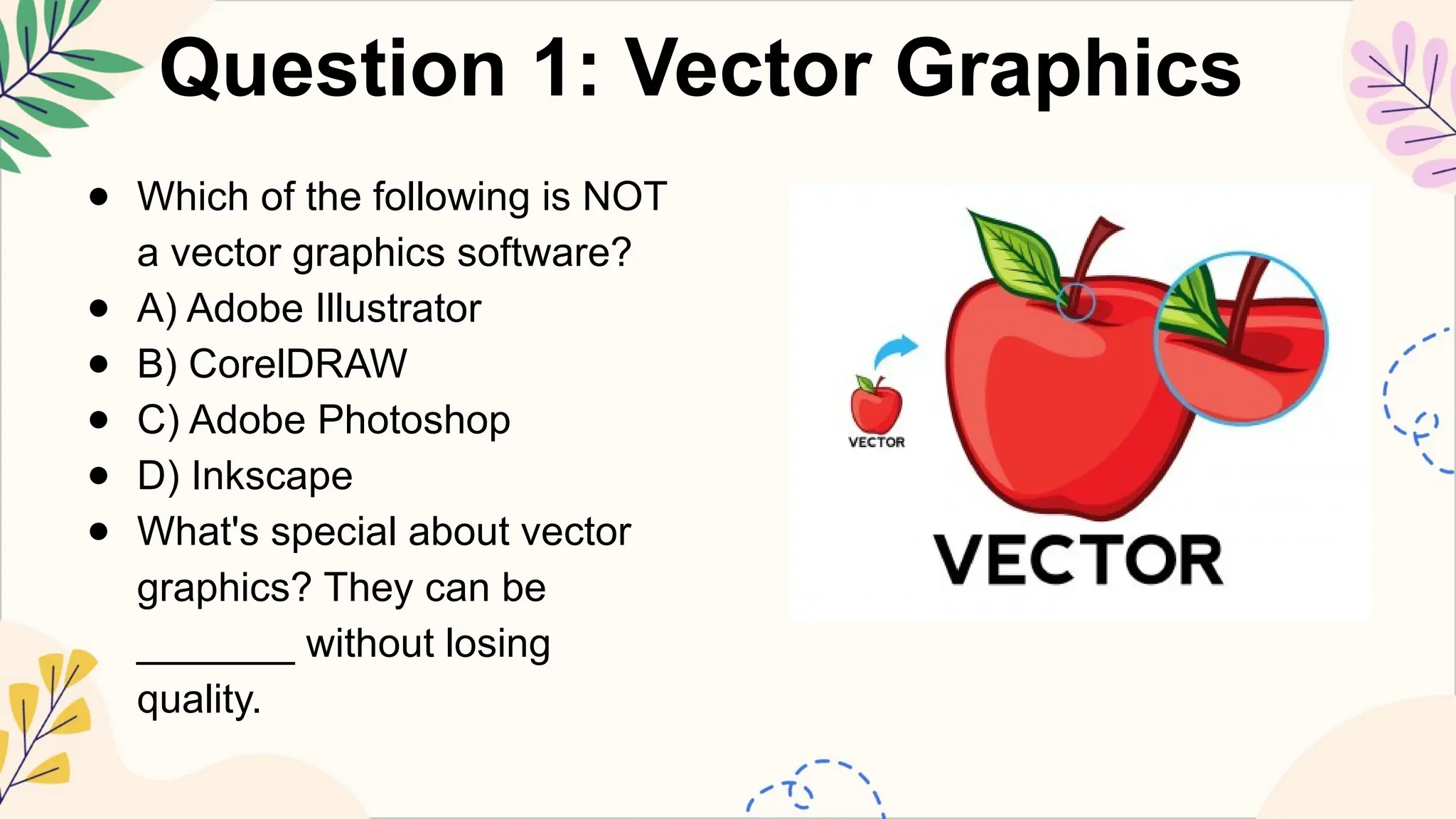
●Vector graphics use
mathematical formulas to create
images
● They can be scaled without
losing quality
● Popular tools: Adobe Illustrator,
CorelDRAW, Inkscape
● What types of projects might
benefit from vector graphics?
4.
Raster Graphics Software
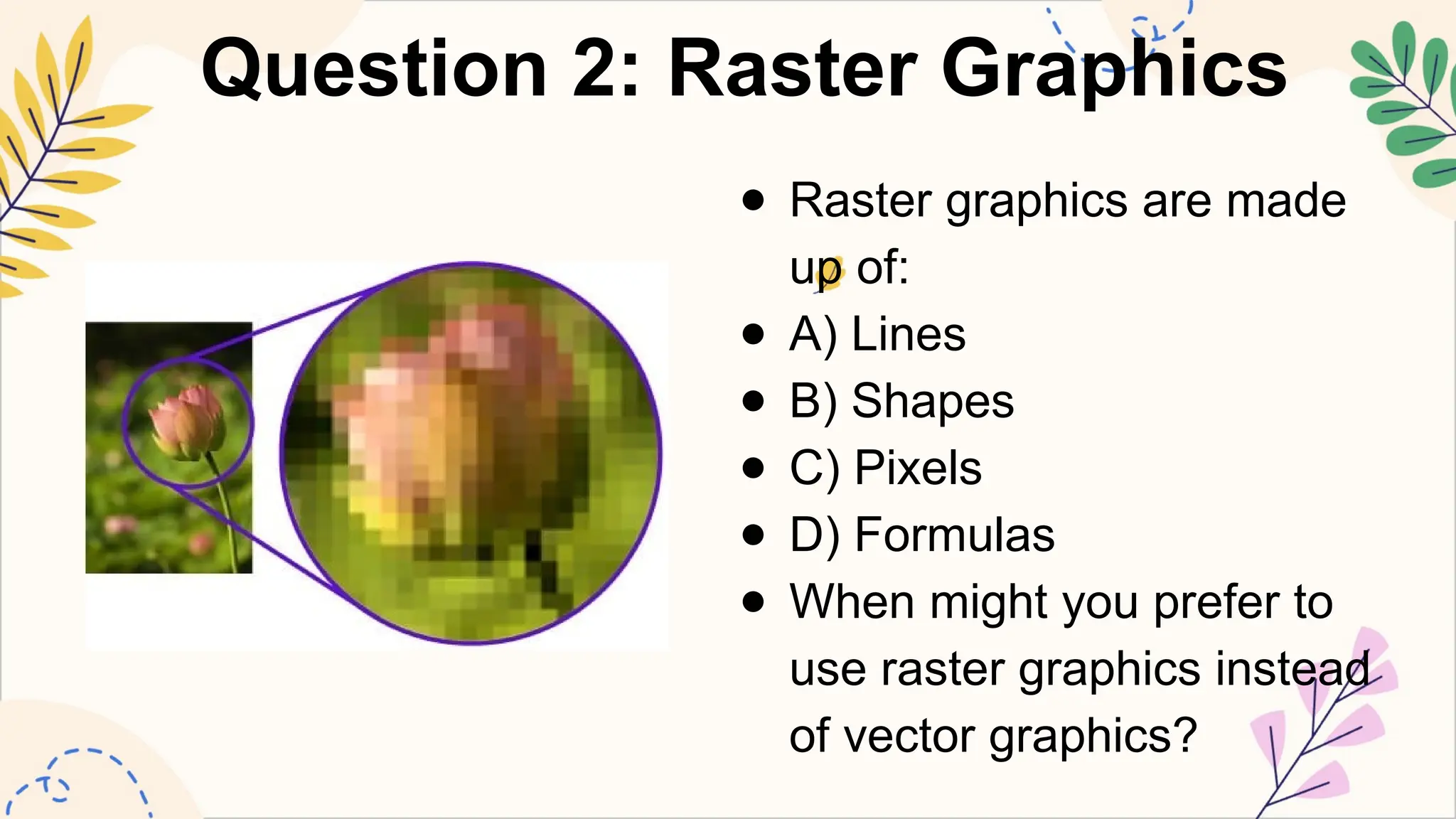
●Raster graphics use pixels to create images
● Best for photographs and complex images
● Popular tools: Adobe Photoshop, GIMP, Krita
● Can you think of situations where raster graphics
are preferred?
5.
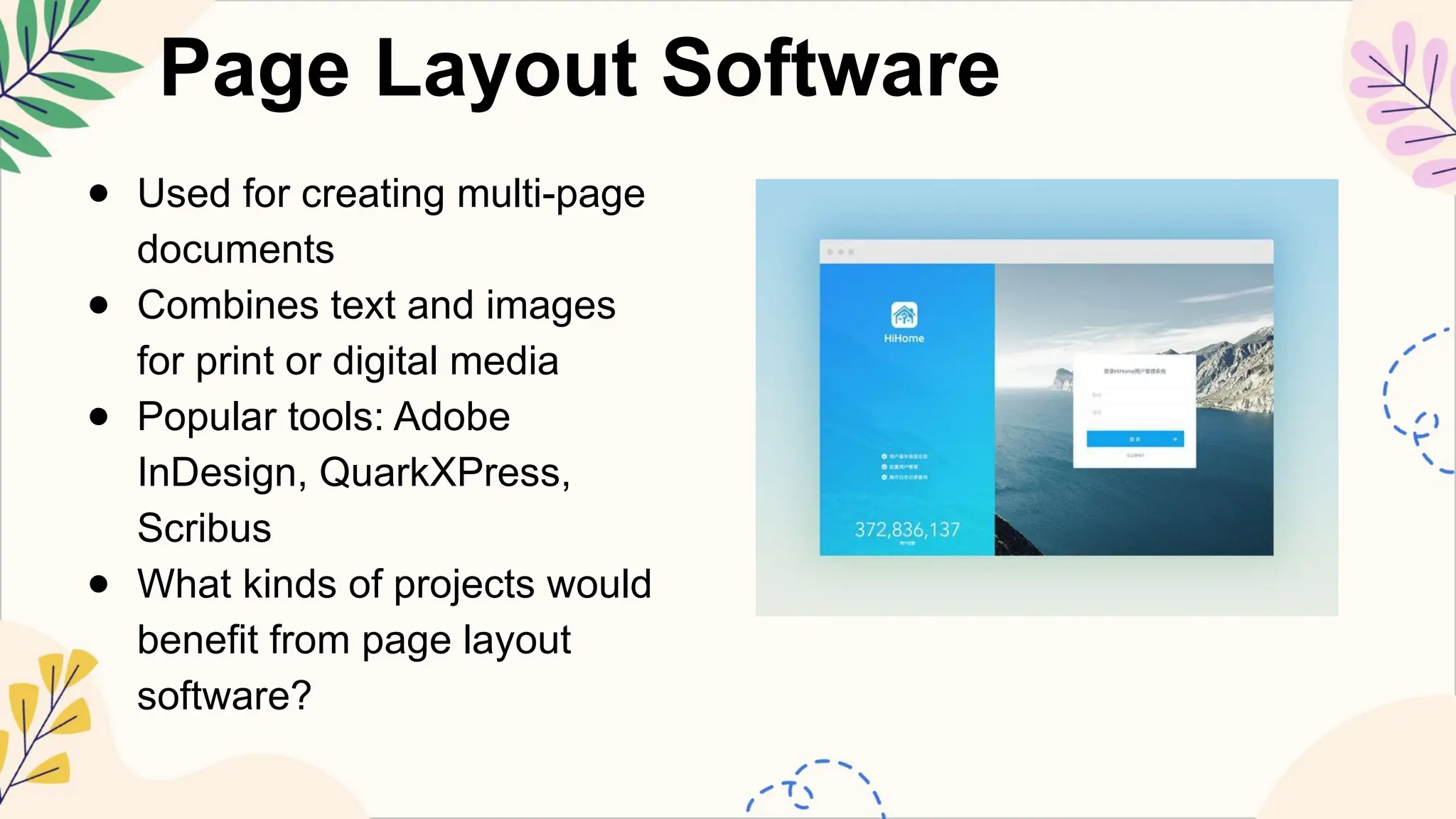
Page Layout Software
●Used for creating multi-page
documents
● Combines text and images
for print or digital media
● Popular tools: Adobe
InDesign, QuarkXPress,
Scribus
● What kinds of projects would
benefit from page layout
software?
6.
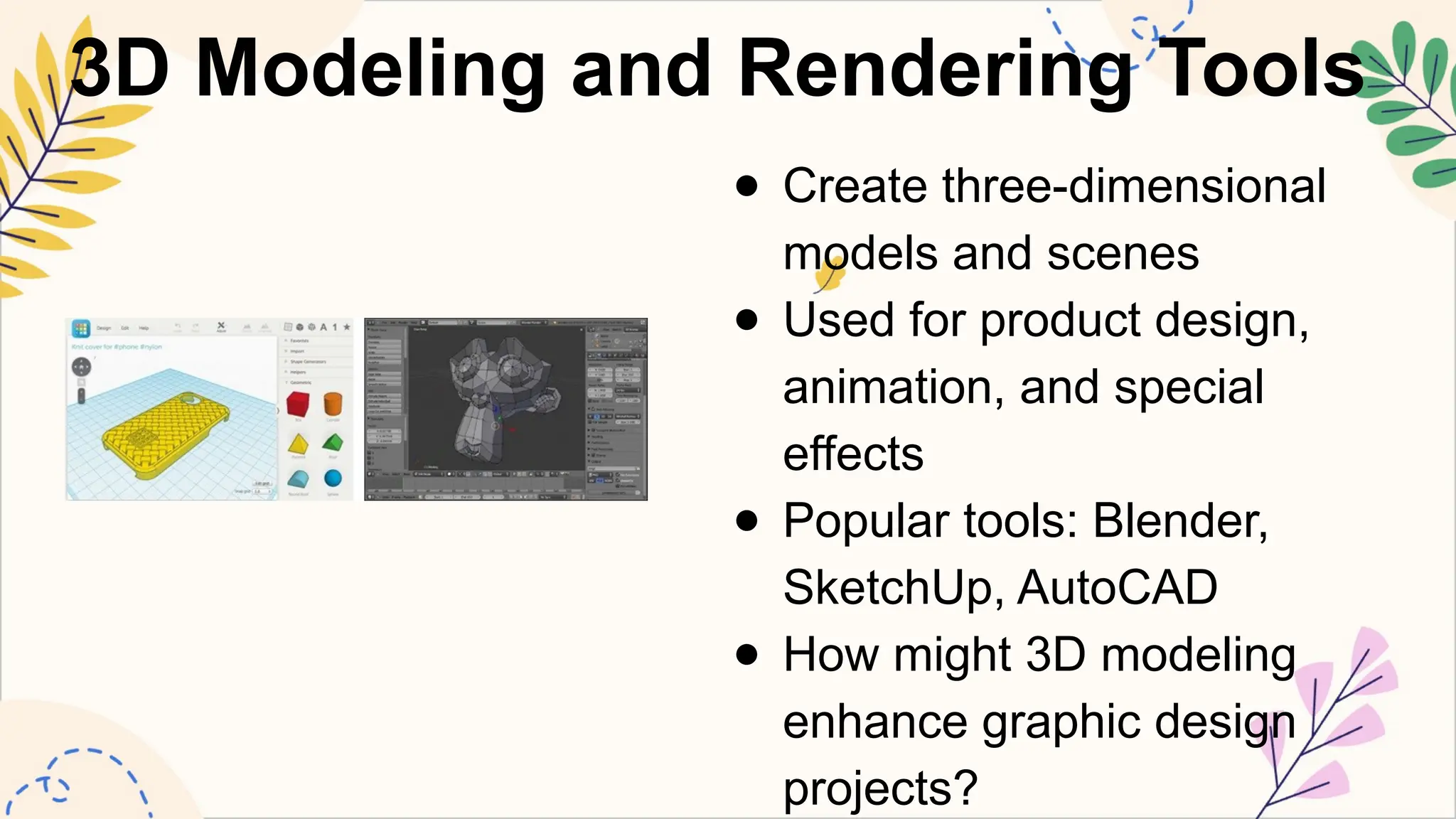
3D Modeling andRendering Tools
● Create three-dimensional
models and scenes
● Used for product design,
animation, and special
effects
● Popular tools: Blender,
SketchUp, AutoCAD
● How might 3D modeling
enhance graphic design
projects?
7.
Typography Tools
● Specializedsoftware for creating and editing
fonts
● Helps designers choose and manipulate
typefaces
● Popular tools: FontForge, Glyphs, FontLab
● Why is typography important in graphic design?
8.
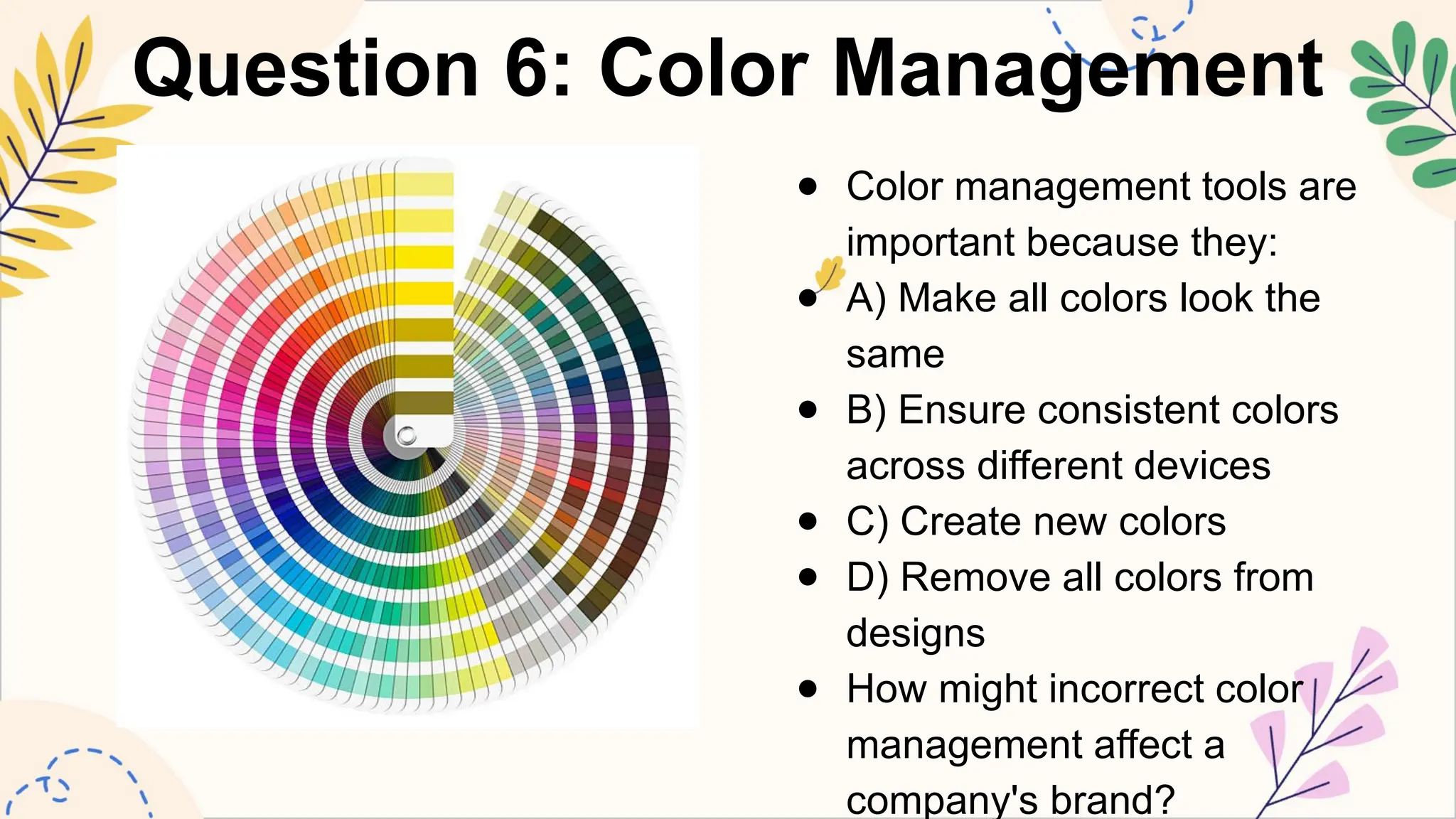
Color Management Tools
●Ensure consistent colors
across different devices and
media
● Crucial for print and digital
design
● Popular tools: Adobe Color,
Pantone Color Manager,
ColorSync
● How can proper color
management impact a design
project?
9.
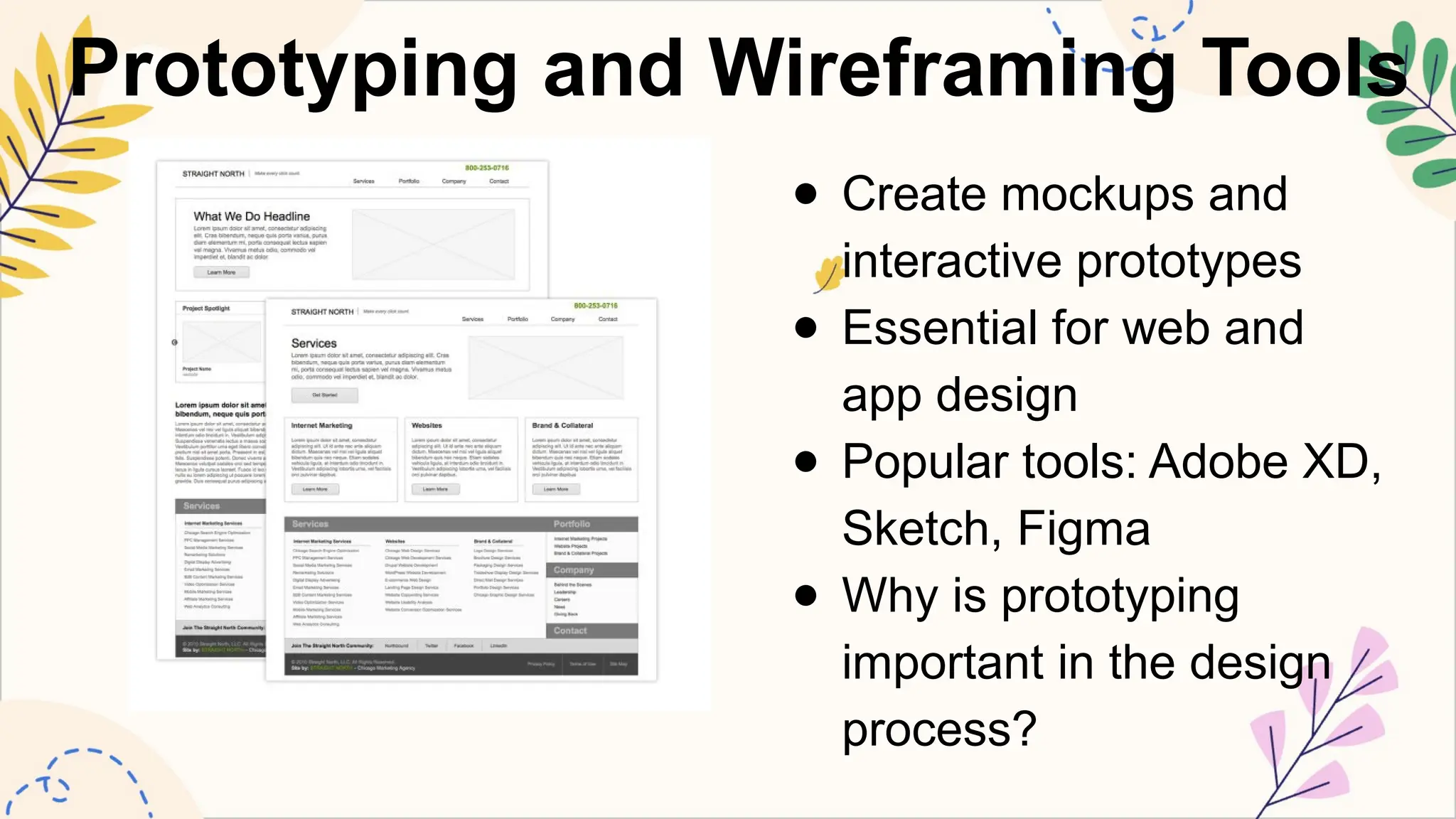
Prototyping and WireframingTools
● Create mockups and
interactive prototypes
● Essential for web and
app design
● Popular tools: Adobe XD,
Sketch, Figma
● Why is prototyping
important in the design
process?
10.
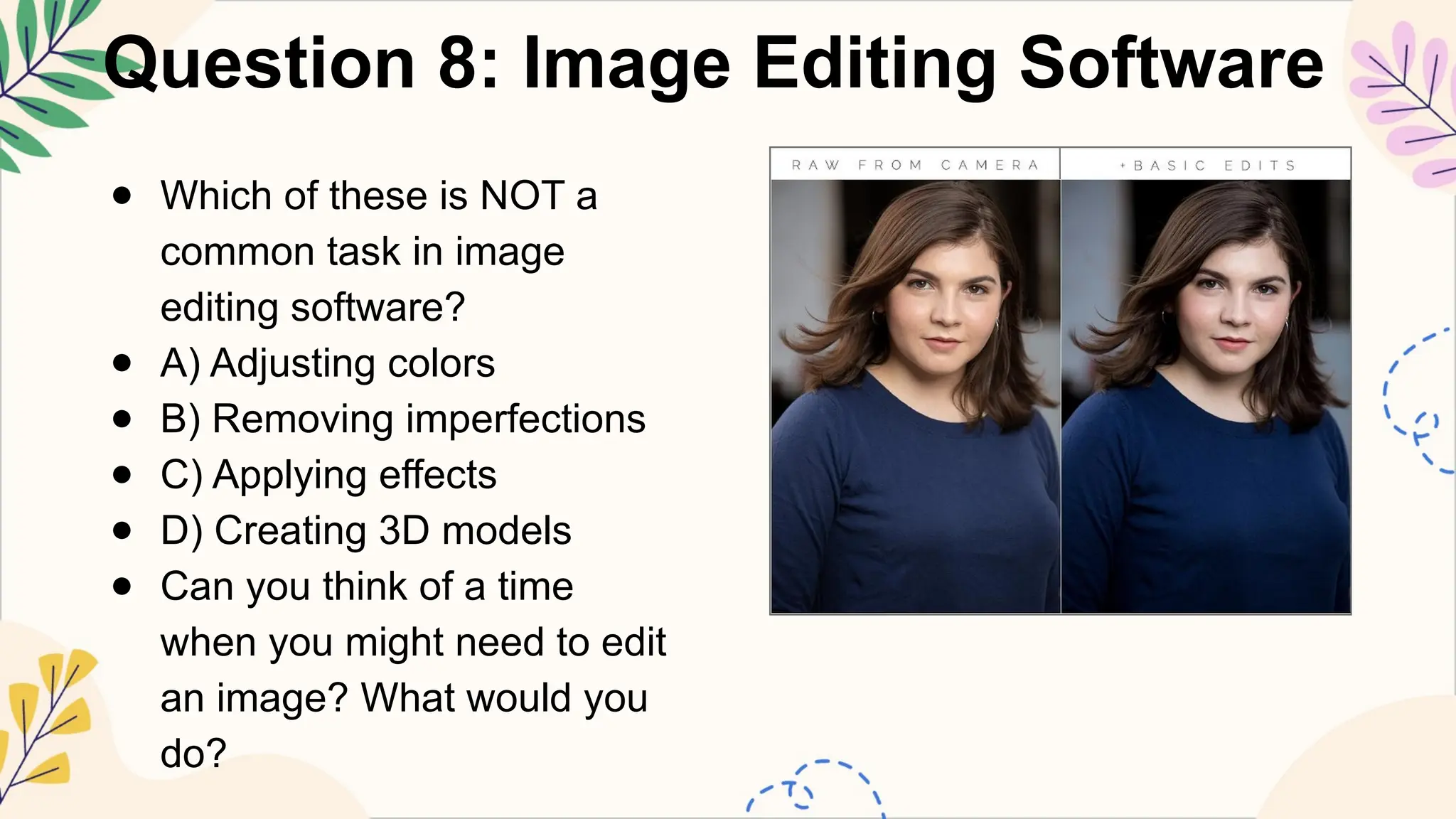
Image Editing Software
●Modify and enhance existing images
● Adjust colors, remove imperfections, apply
effects
● Popular tools: Adobe Lightroom, Capture
One, Affinity Photo
● What are some common image editing
tasks?
11.
Illustration Software
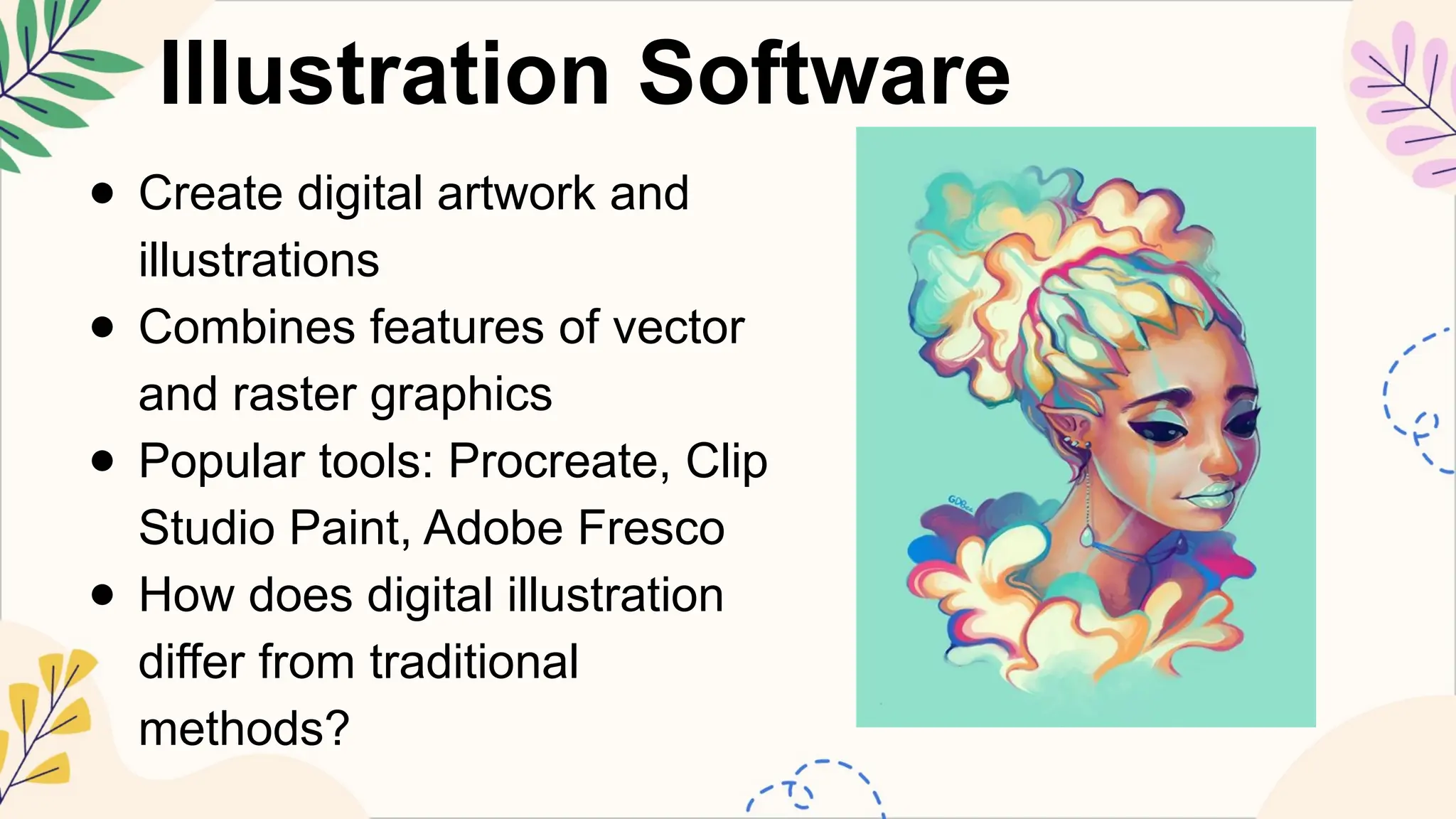
● Createdigital artwork and
illustrations
● Combines features of vector
and raster graphics
● Popular tools: Procreate, Clip
Studio Paint, Adobe Fresco
● How does digital illustration
differ from traditional
methods?
12.
Motion Graphics Software
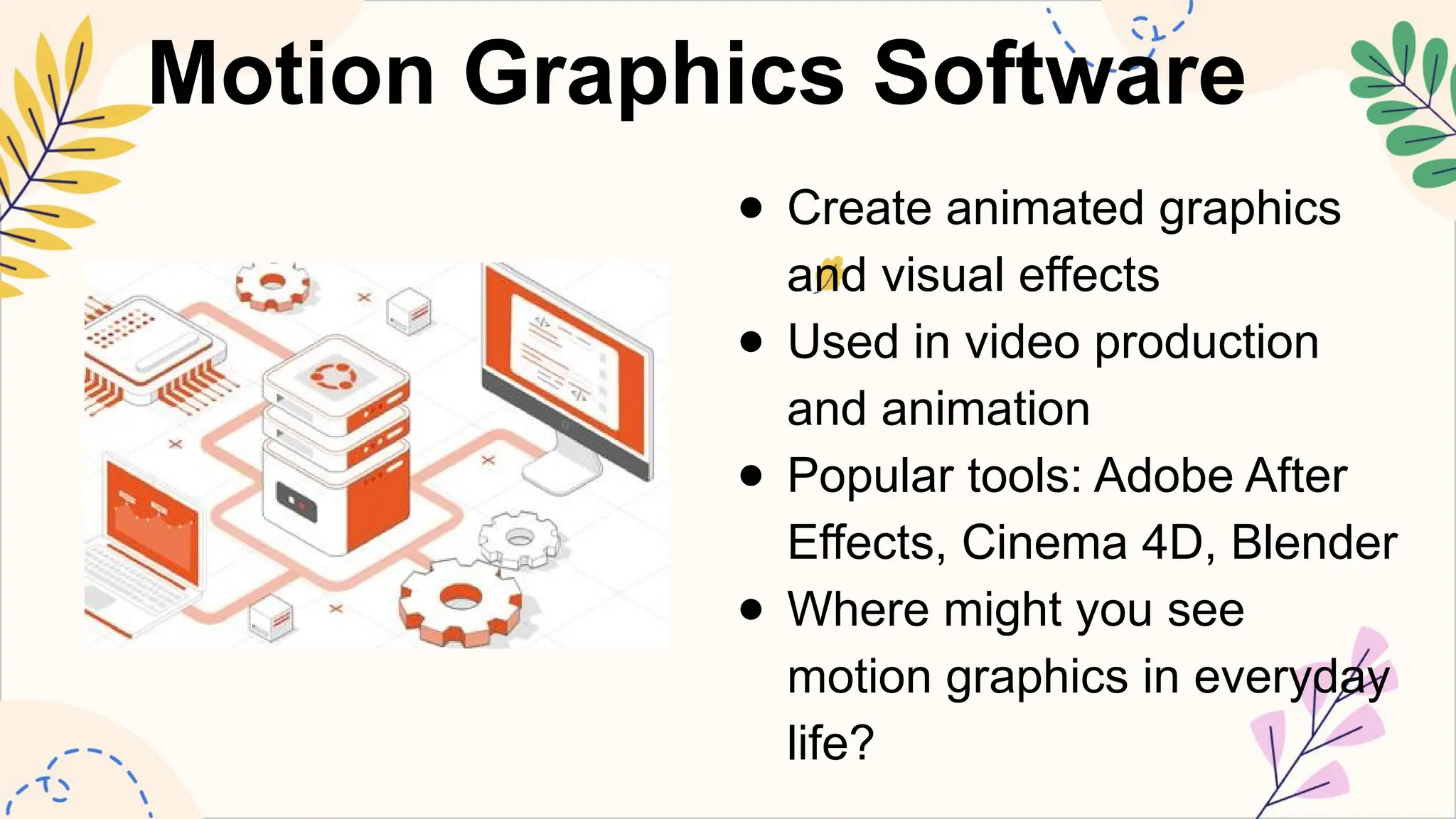
●Create animated graphics
and visual effects
● Used in video production
and animation
● Popular tools: Adobe After
Effects, Cinema 4D, Blender
● Where might you see
motion graphics in everyday
life?
13.
Collaboration and VersionControl Tools
● Allow teams to work together on design projects
● Track changes and manage different versions
● Popular tools: Adobe Creative Cloud, Figma, GitHub
● Why is collaboration important in graphic design?
14.
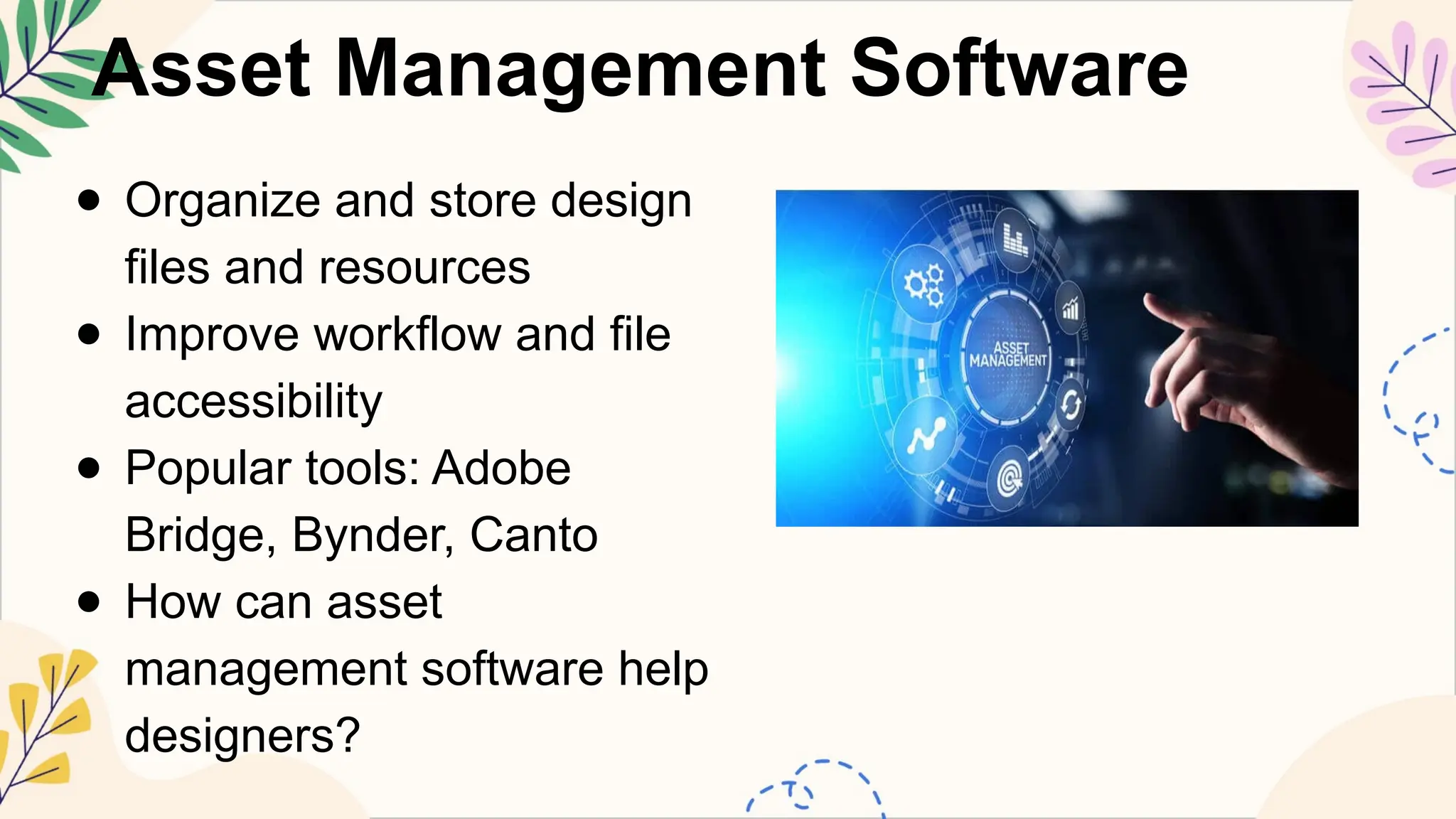
Asset Management Software
●Organize and store design
files and resources
● Improve workflow and file
accessibility
● Popular tools: Adobe
Bridge, Bynder, Canto
● How can asset
management software help
designers?
15.
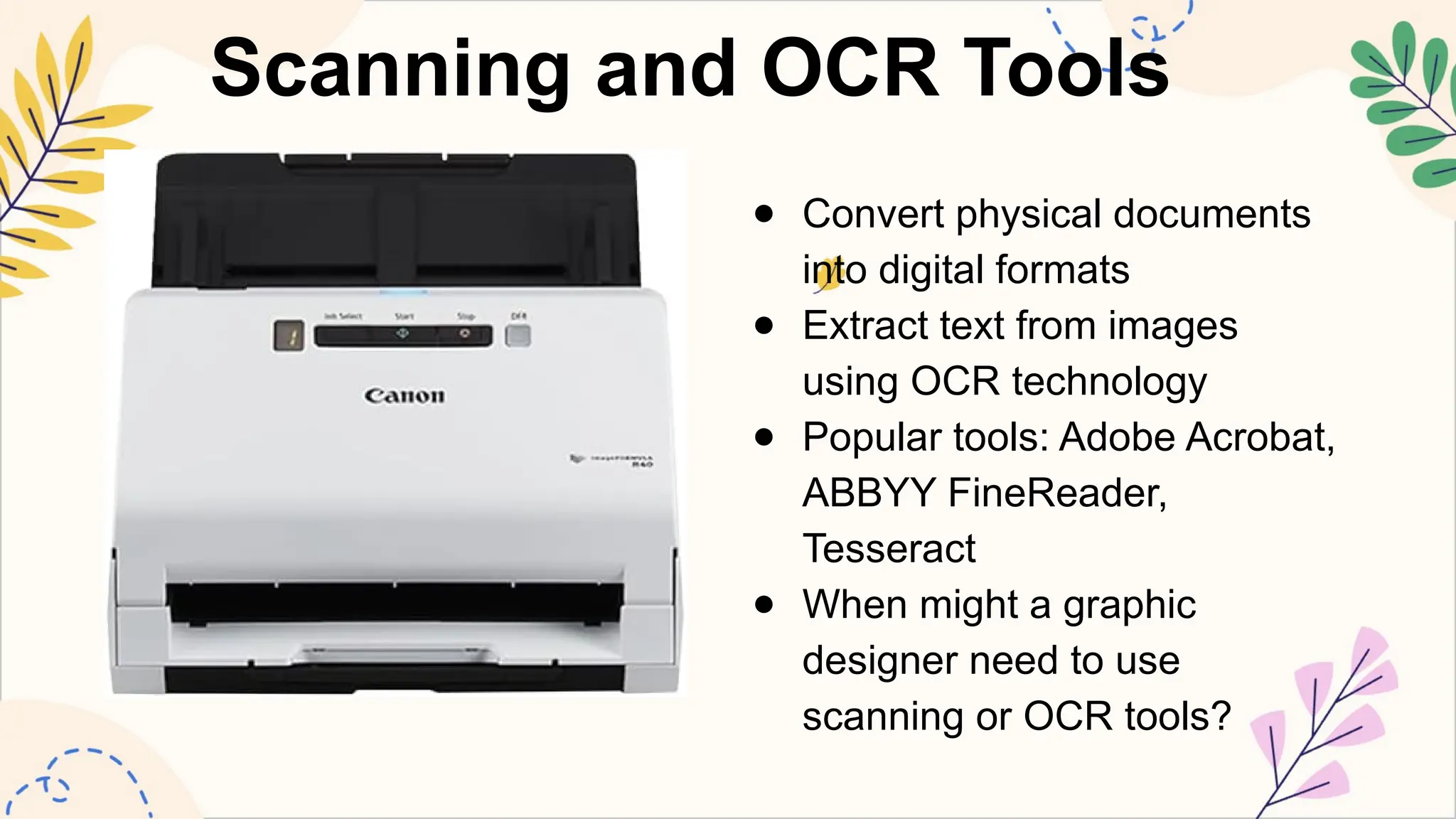
Scanning and OCRTools
● Convert physical documents
into digital formats
● Extract text from images
using OCR technology
● Popular tools: Adobe Acrobat,
ABBYY FineReader,
Tesseract
● When might a graphic
designer need to use
scanning or OCR tools?
16.
Print Production Software
●Prepare designs for professional printing
● Manage color separations, bleed, and
registration
● Popular tools: Adobe Acrobat Pro, PitStop Pro,
Quite Imposing
● Why is print production software important for
certain projects?
17.
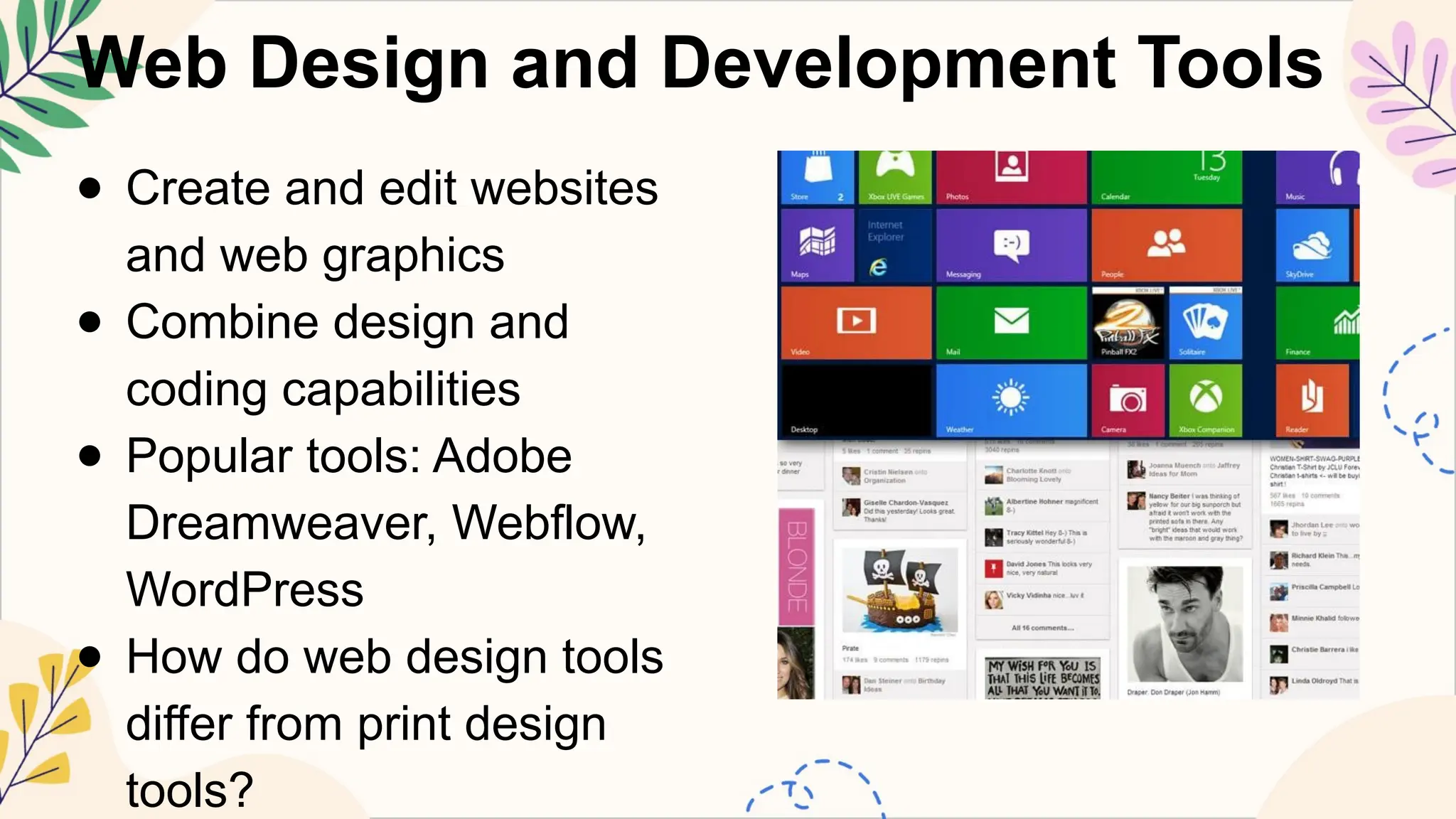
Web Design andDevelopment Tools
● Create and edit websites
and web graphics
● Combine design and
coding capabilities
● Popular tools: Adobe
Dreamweaver, Webflow,
WordPress
● How do web design tools
differ from print design
tools?
18.
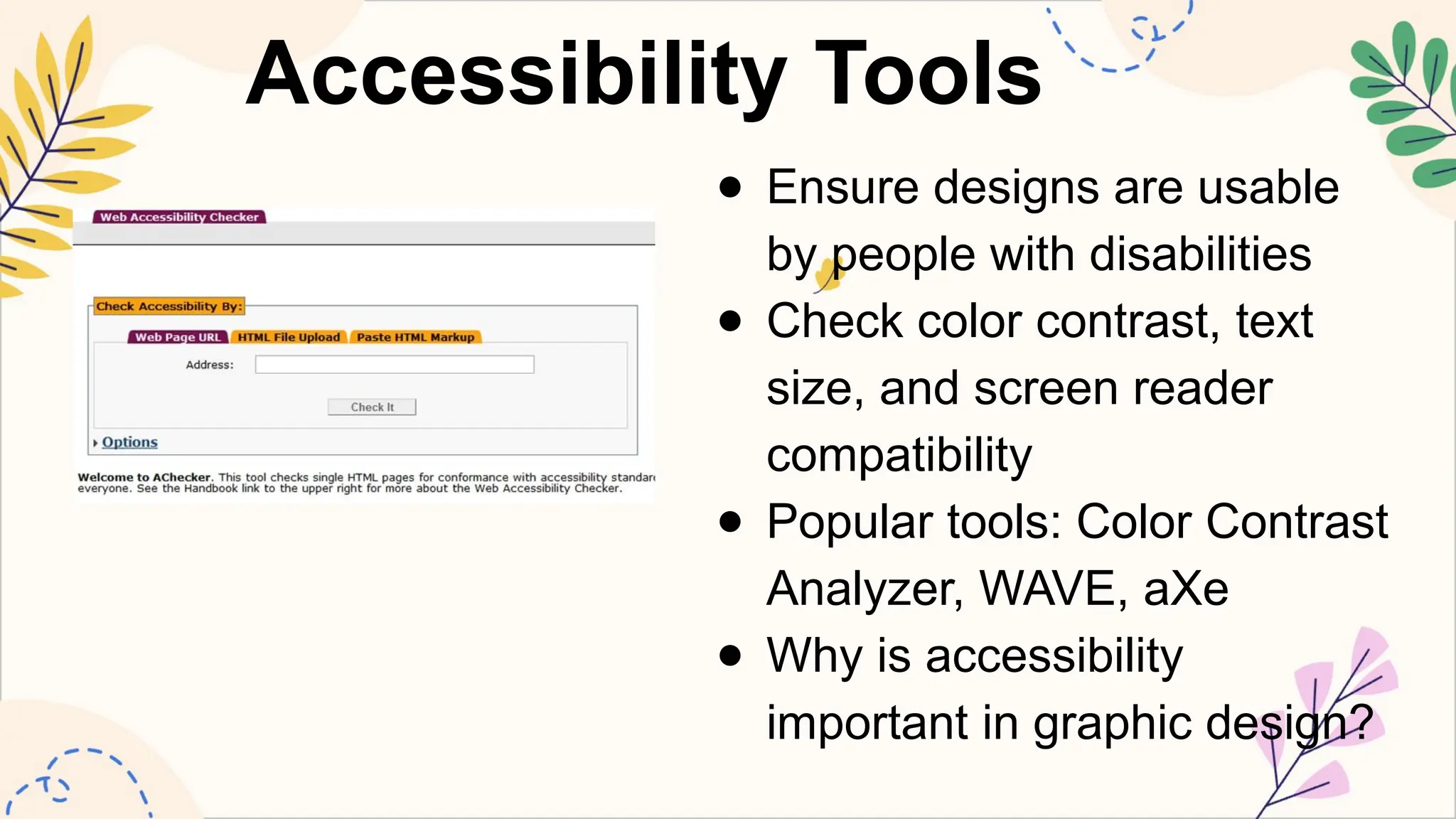
Accessibility Tools
● Ensuredesigns are usable
by people with disabilities
● Check color contrast, text
size, and screen reader
compatibility
● Popular tools: Color Contrast
Analyzer, WAVE, aXe
● Why is accessibility
important in graphic design?
19.
Data Visualization Tools
●Create charts, graphs, and infographics
● Transform complex data into visually appealing
graphics
● Popular tools: Tableau, D3.js, Microsoft Power BI
● How can data visualization enhance graphic design
projects?
20.
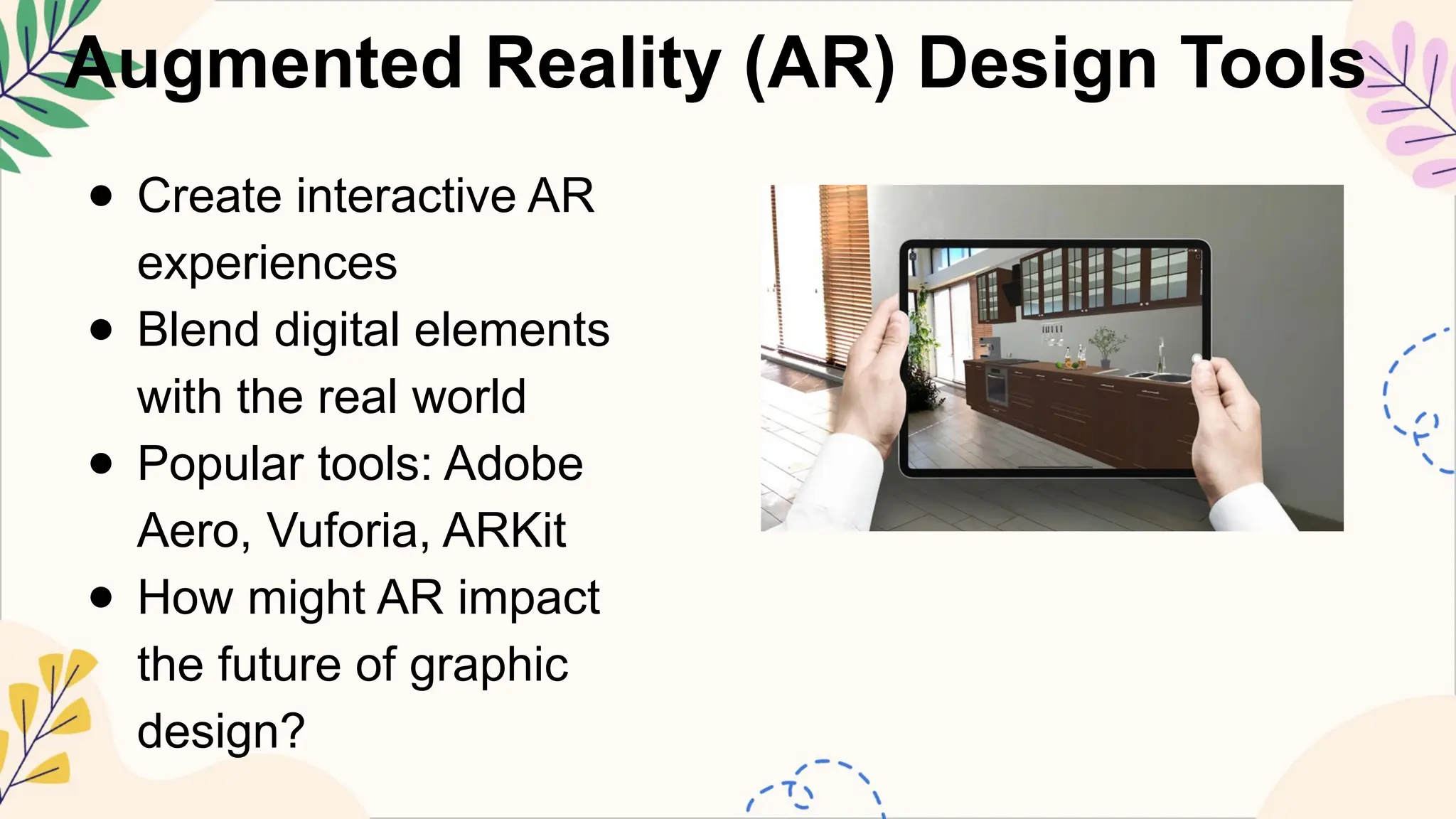
Augmented Reality (AR)Design Tools
● Create interactive AR
experiences
● Blend digital elements
with the real world
● Popular tools: Adobe
Aero, Vuforia, ARKit
● How might AR impact
the future of graphic
design?
21.
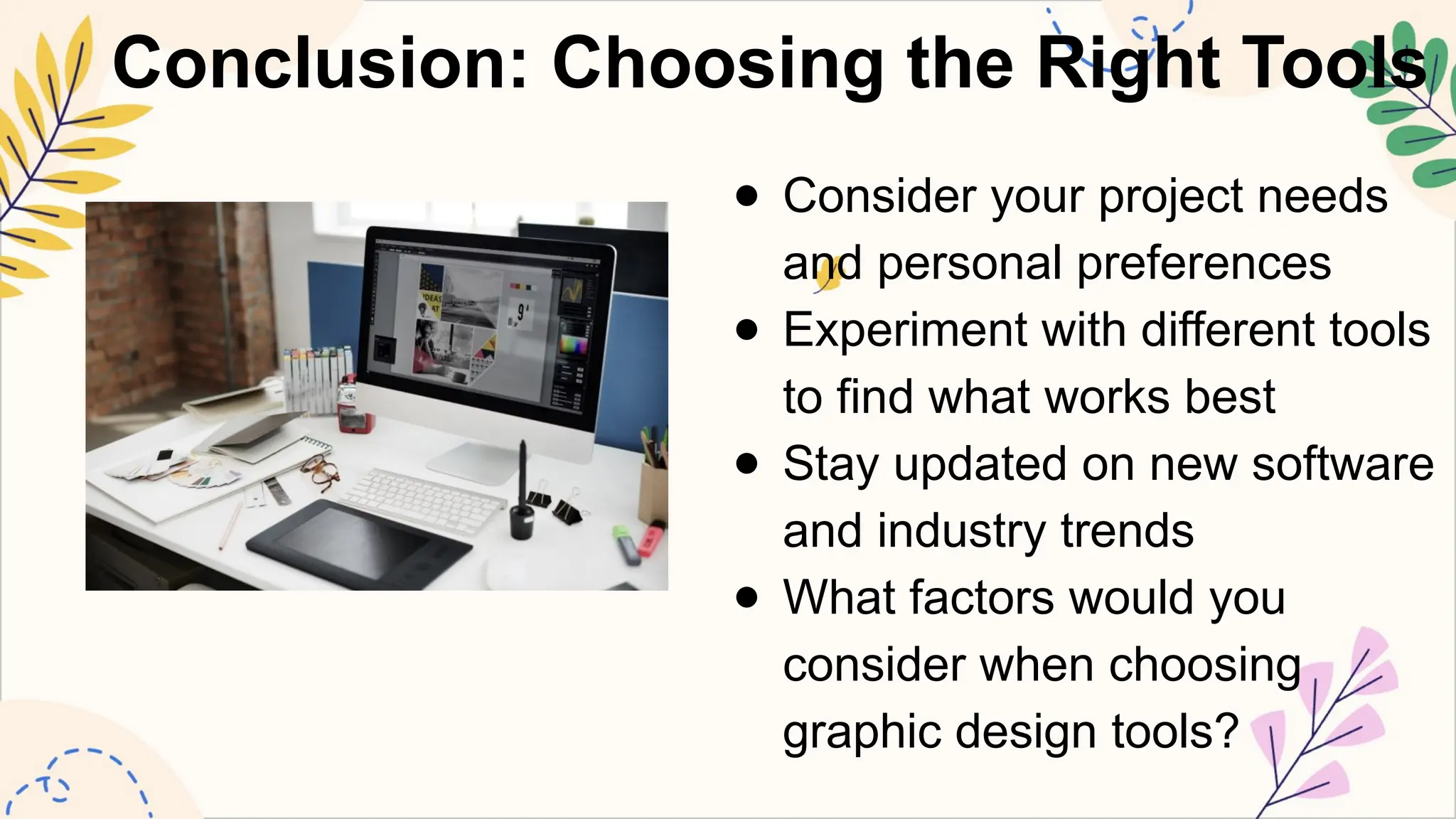
Conclusion: Choosing theRight Tools
● Consider your project needs
and personal preferences
● Experiment with different tools
to find what works best
● Stay updated on new software
and industry trends
● What factors would you
consider when choosing
graphic design tools?
22.
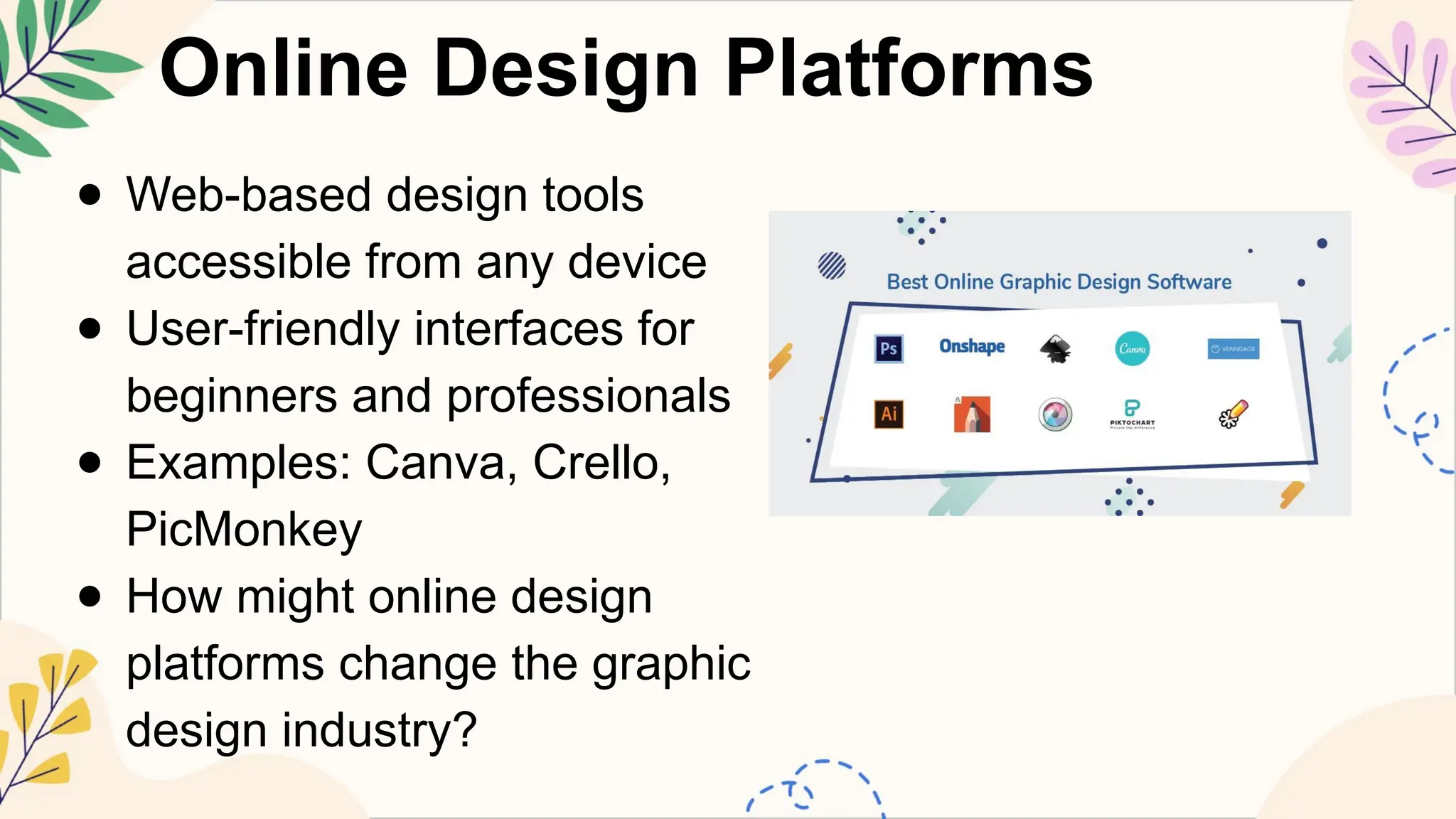
Online Design Platforms
●Web-based design tools
accessible from any device
● User-friendly interfaces for
beginners and professionals
● Examples: Canva, Crello,
PicMonkey
● How might online design
platforms change the graphic
design industry?
23.
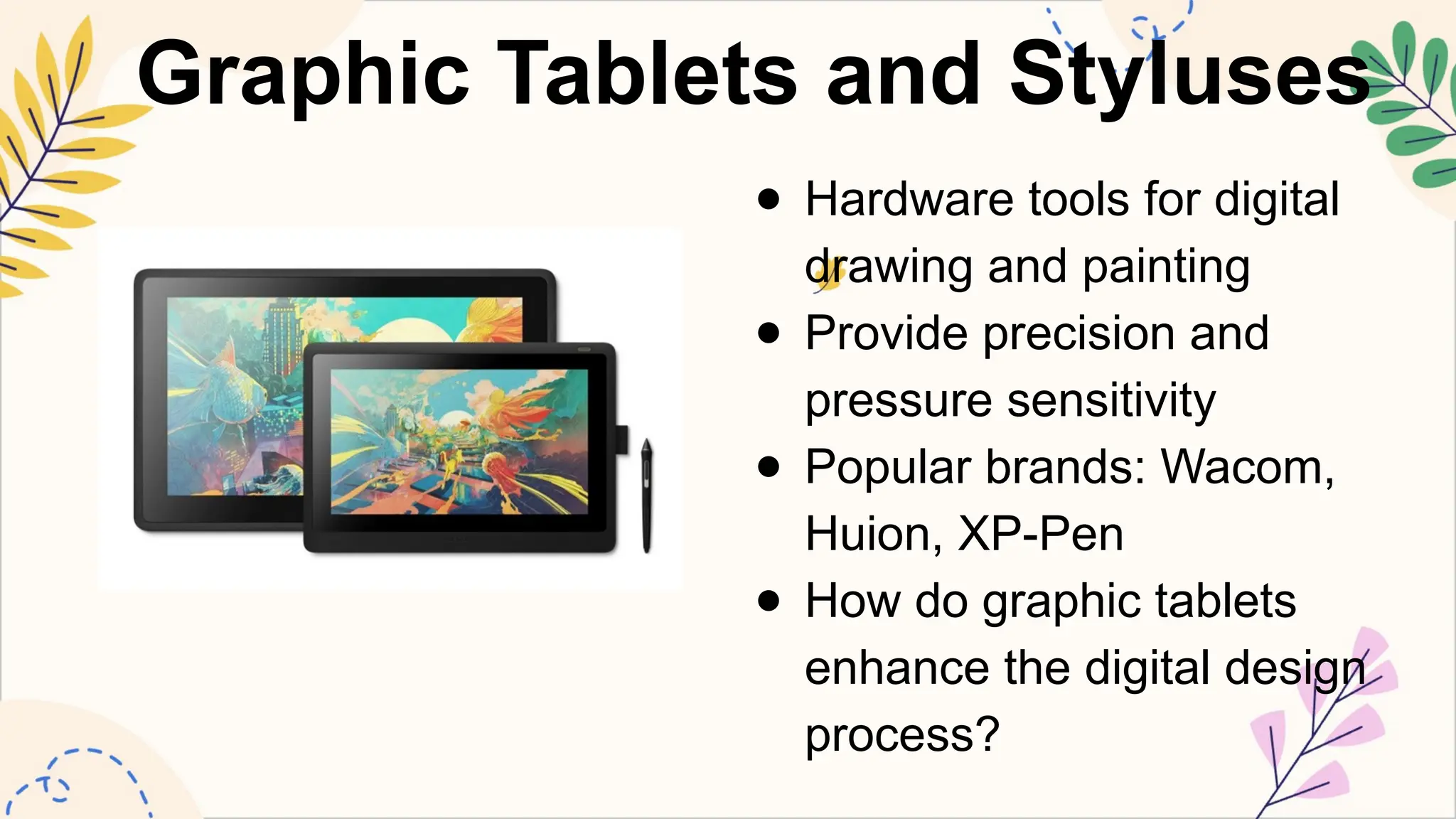
Graphic Tablets andStyluses
● Hardware tools for digital
drawing and painting
● Provide precision and
pressure sensitivity
● Popular brands: Wacom,
Huion, XP-Pen
● How do graphic tablets
enhance the digital design
process?
24.
Color Palette Generators
●Tools to create harmonious color schemes
● Based on color theory principles
● Examples: Adobe Color, Coolors, Paletton
● Why is choosing the right color palette
important in design?
25.
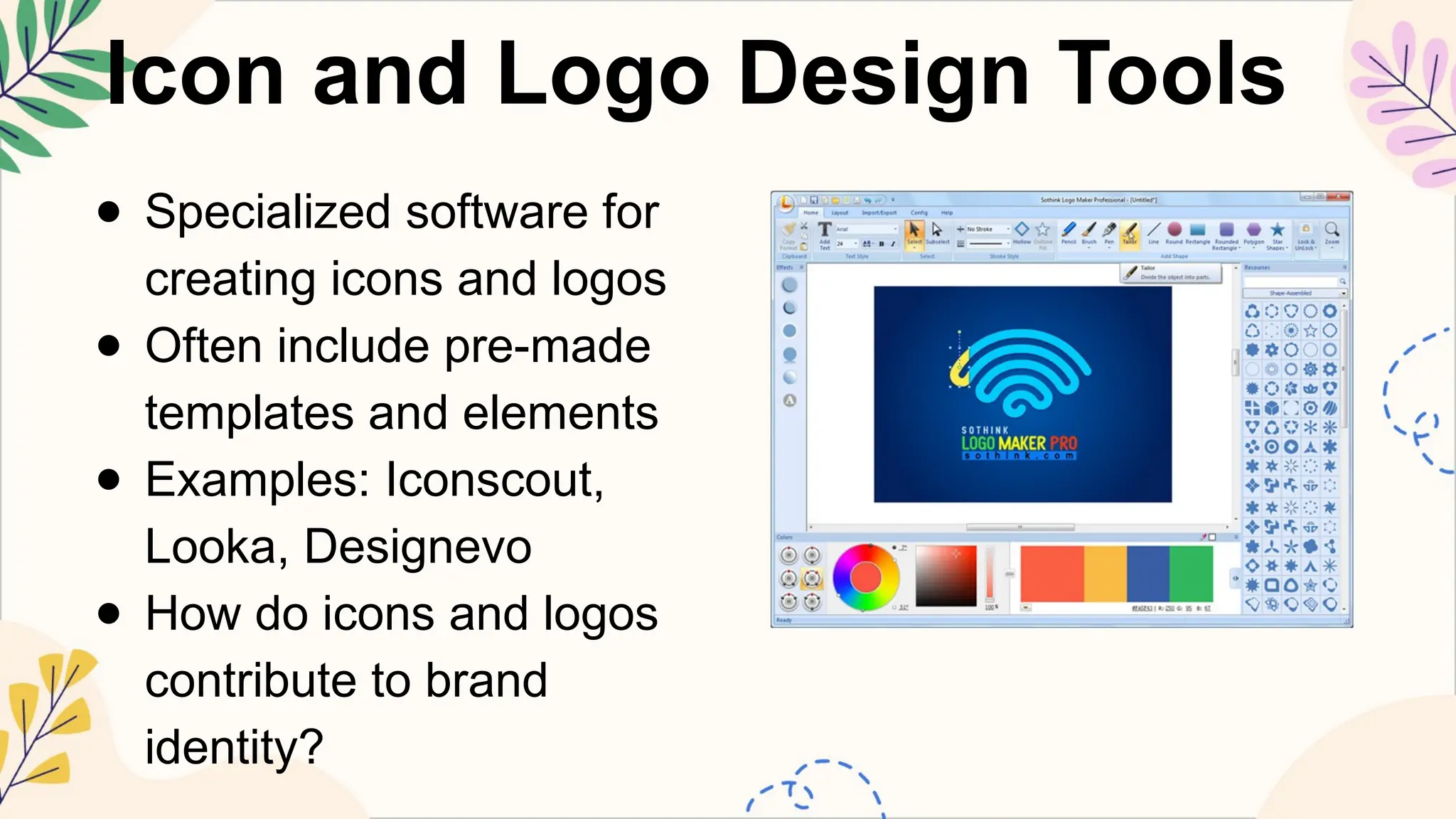
Icon and LogoDesign Tools
● Specialized software for
creating icons and logos
● Often include pre-made
templates and elements
● Examples: Iconscout,
Looka, Designevo
● How do icons and logos
contribute to brand
identity?
26.
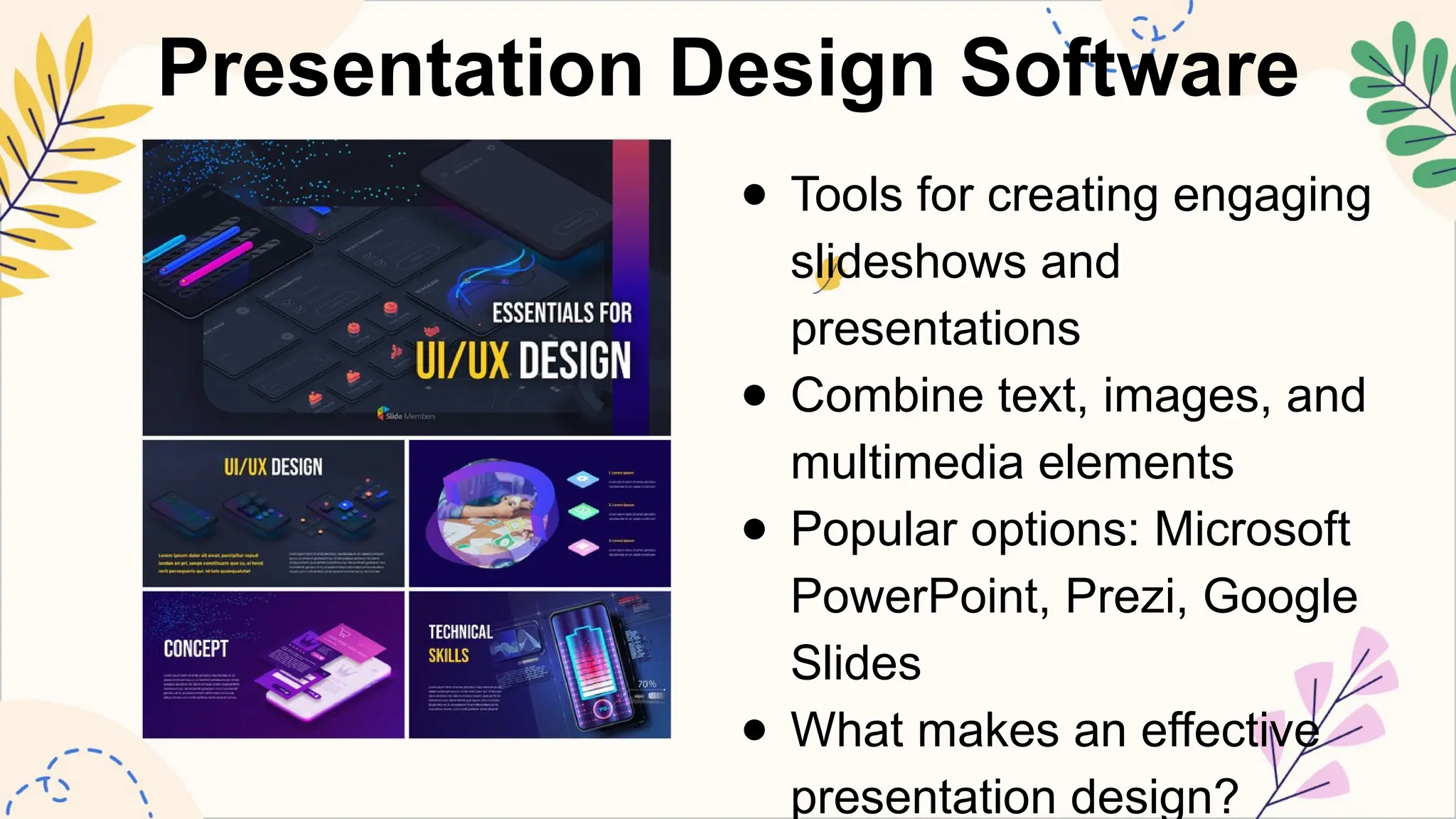
Presentation Design Software
●Tools for creating engaging
slideshows and
presentations
● Combine text, images, and
multimedia elements
● Popular options: Microsoft
PowerPoint, Prezi, Google
Slides
● What makes an effective
presentation design?
27.
Graphic Design MobileApps
● Design tools optimized for smartphones and
tablets
● Allow for on-the-go creativity and editing
● Examples: Adobe Spark Post, Over,
Snapseed
● How might mobile design apps change the
way we create graphics?
28.
Stock Photo andAsset Libraries
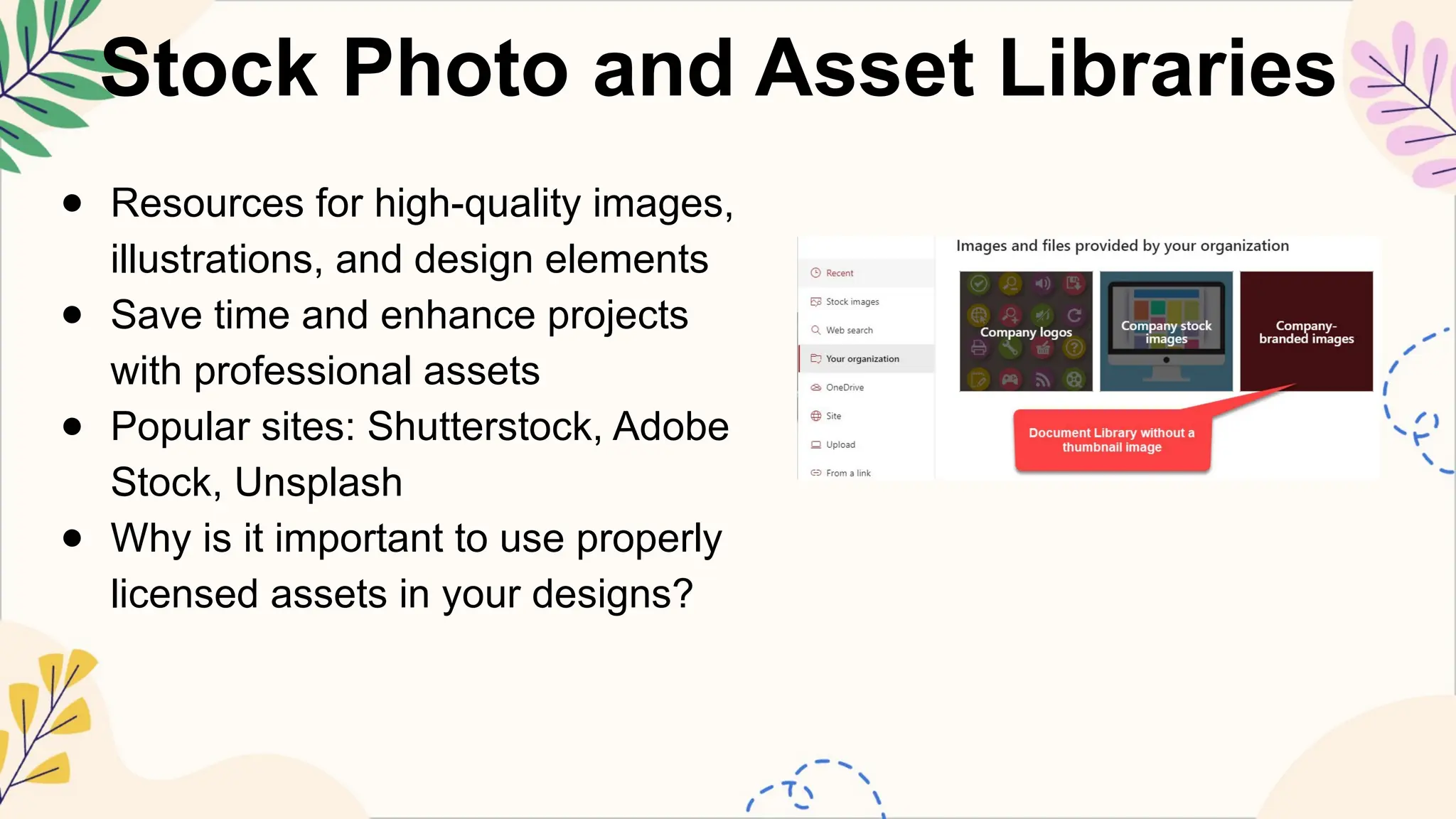
● Resources for high-quality images,
illustrations, and design elements
● Save time and enhance projects
with professional assets
● Popular sites: Shutterstock, Adobe
Stock, Unsplash
● Why is it important to use properly
licensed assets in your designs?
29.
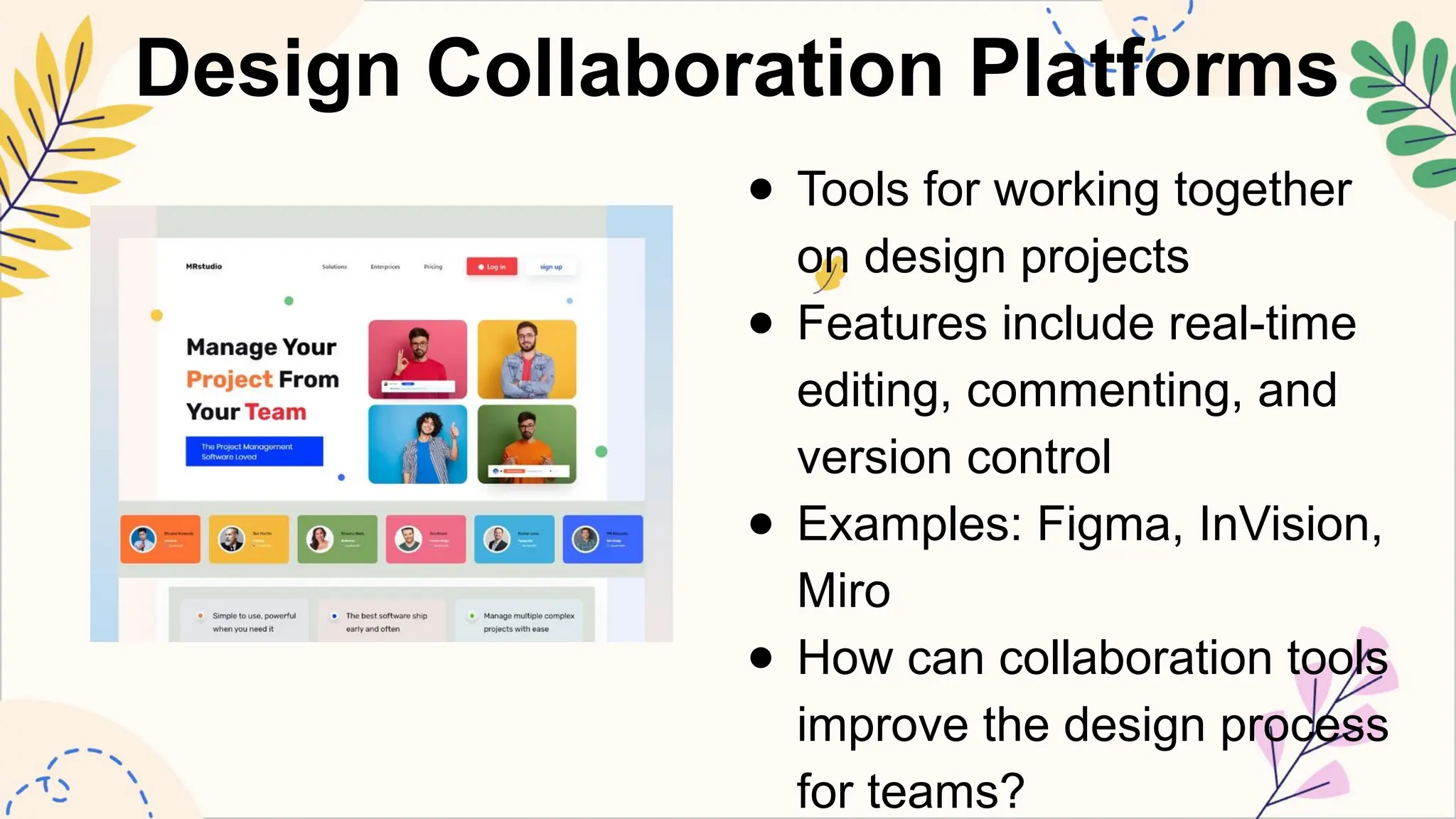
Design Collaboration Platforms
●Tools for working together
on design projects
● Features include real-time
editing, commenting, and
version control
● Examples: Figma, InVision,
Miro
● How can collaboration tools
improve the design process
for teams?
30.
Font Management Software
●Tools to organize, activate, and preview fonts
● Help designers manage large font collections
● Popular options: FontBase, Suitcase Fusion,
RightFont
● Why is efficient font management important for
designers?
31.
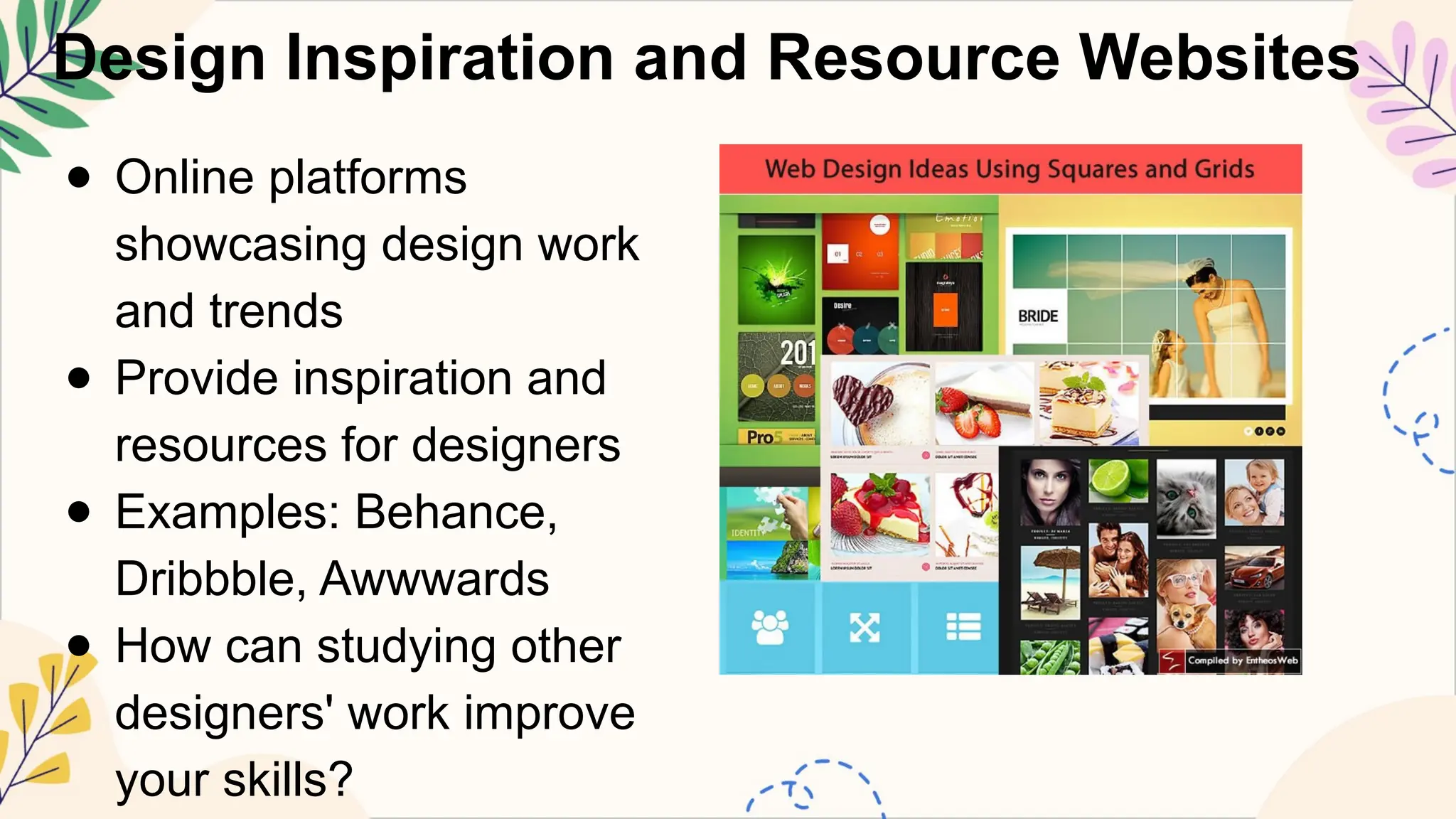
Design Inspiration andResource Websites
● Online platforms
showcasing design work
and trends
● Provide inspiration and
resources for designers
● Examples: Behance,
Dribbble, Awwwards
● How can studying other
designers' work improve
your skills?
32.
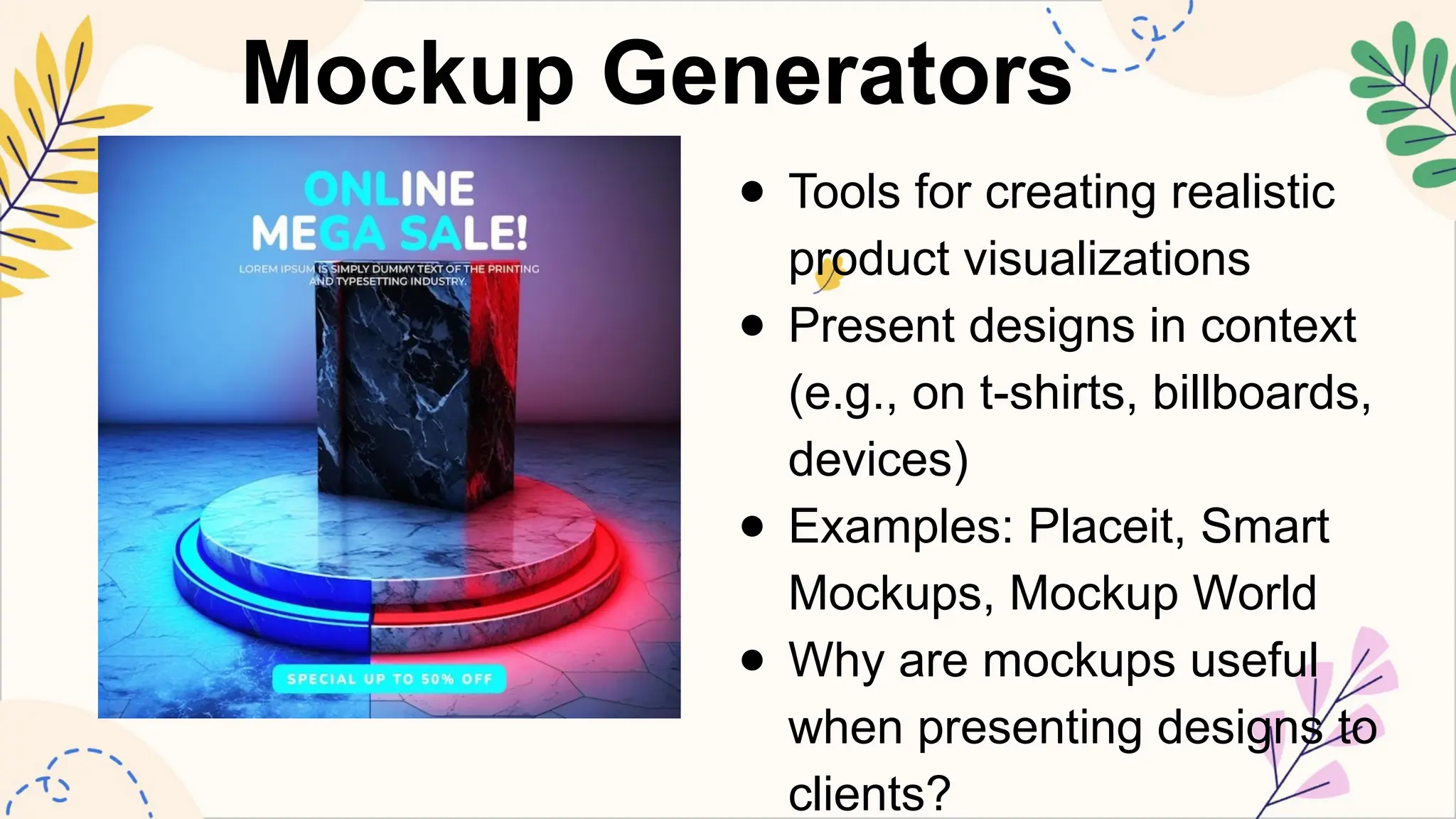
Mockup Generators
● Toolsfor creating realistic
product visualizations
● Present designs in context
(e.g., on t-shirts, billboards,
devices)
● Examples: Placeit, Smart
Mockups, Mockup World
● Why are mockups useful
when presenting designs to
clients?
33.
Social Media DesignTools
● Specialized software for creating social media
graphics
● Often include templates sized for various
platforms
● Popular tools: Later, Sprout Social, Buffer
● How do social media designs differ from other
graphic design projects?
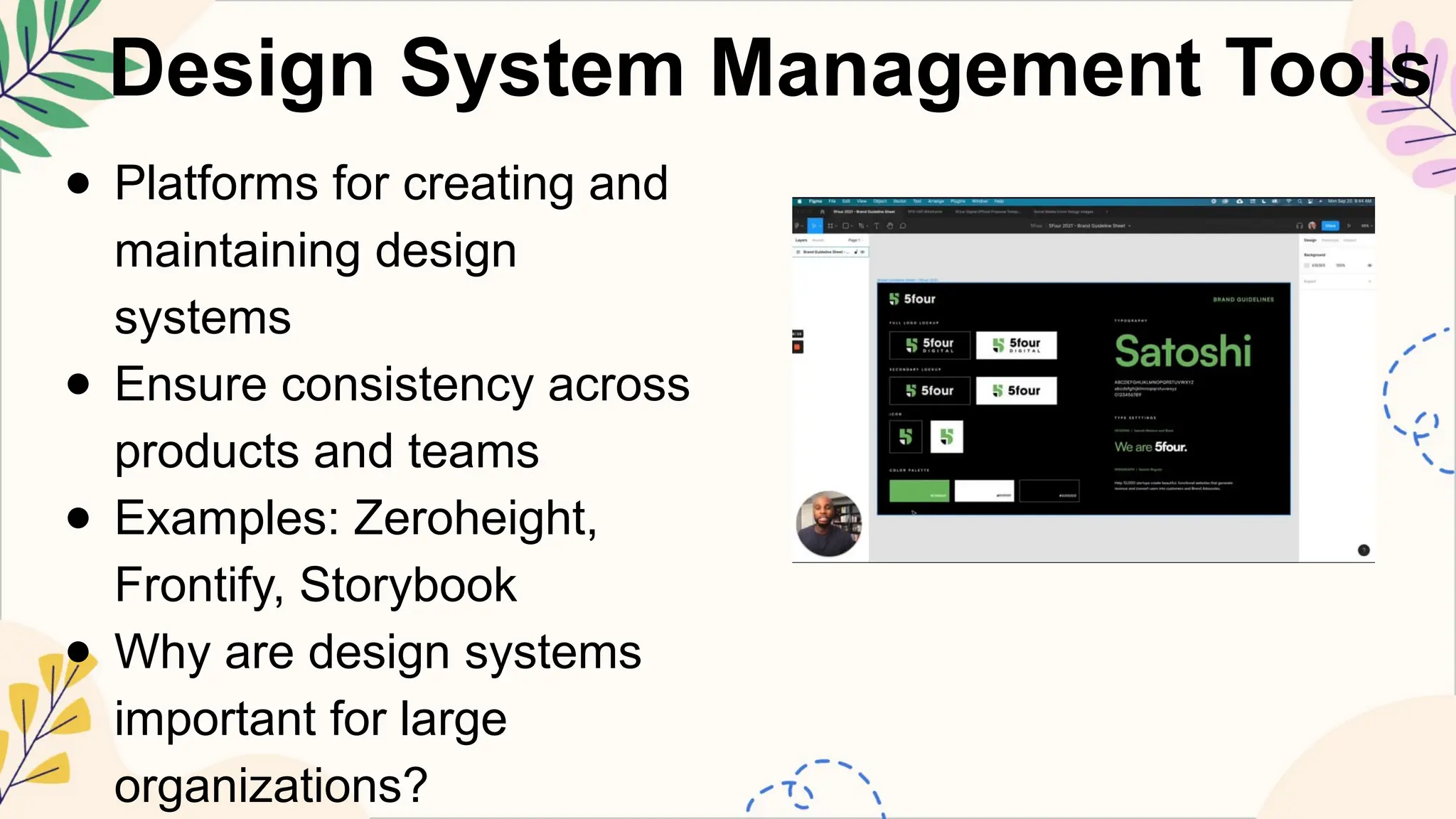
34.
Design System ManagementTools
● Platforms for creating and
maintaining design
systems
● Ensure consistency across
products and teams
● Examples: Zeroheight,
Frontify, Storybook
● Why are design systems
important for large
organizations?
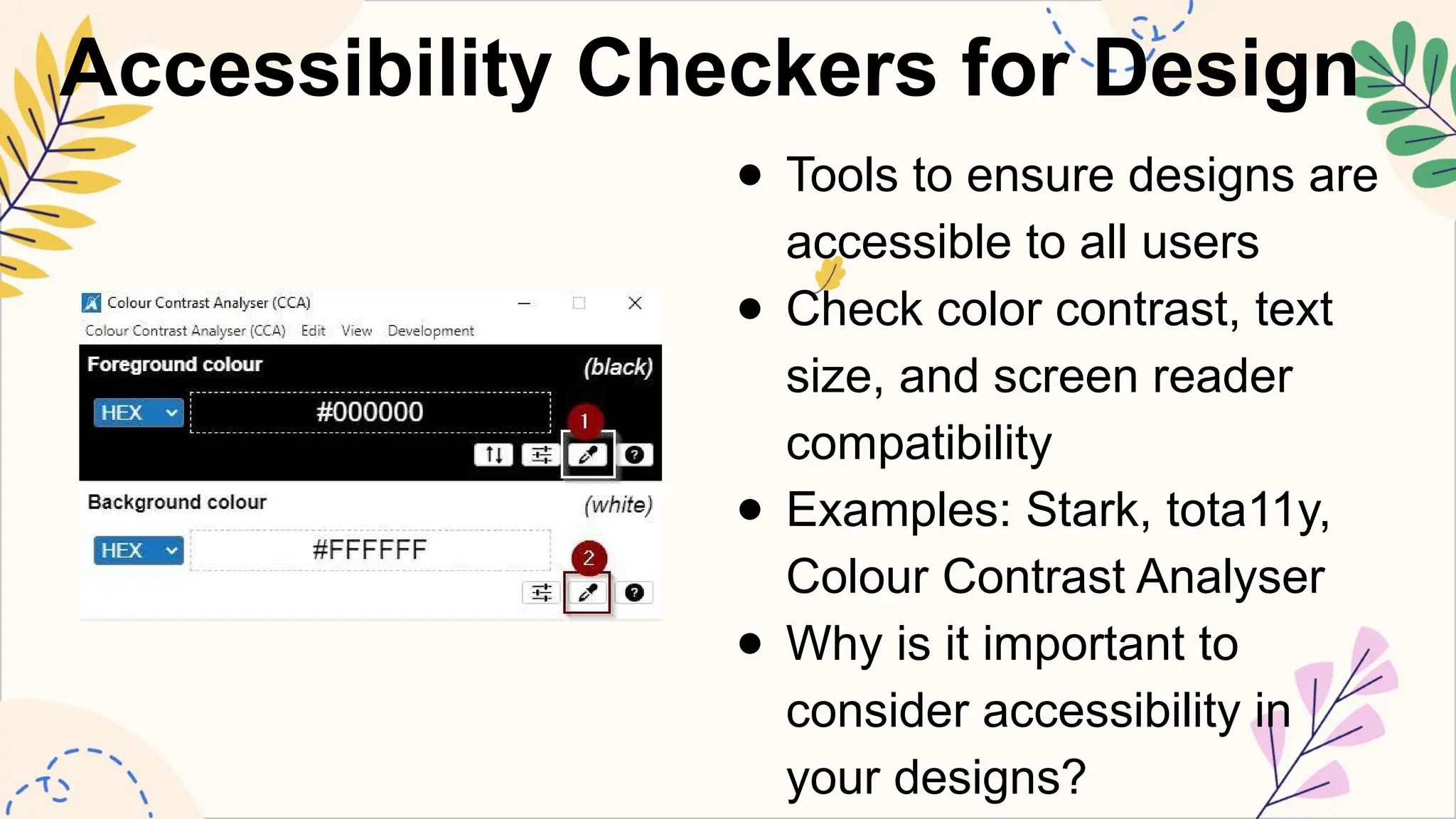
35.
Accessibility Checkers forDesign
● Tools to ensure designs are
accessible to all users
● Check color contrast, text
size, and screen reader
compatibility
● Examples: Stark, tota11y,
Colour Contrast Analyser
● Why is it important to
consider accessibility in
your designs?
36.
Pattern and TextureGenerators
● Tools for creating seamless patterns and textures
● Useful for backgrounds, packaging, and textile
design
● Examples: Adobe Capture, Patternodes, Texture Lab
● How can patterns and textures enhance your
designs?
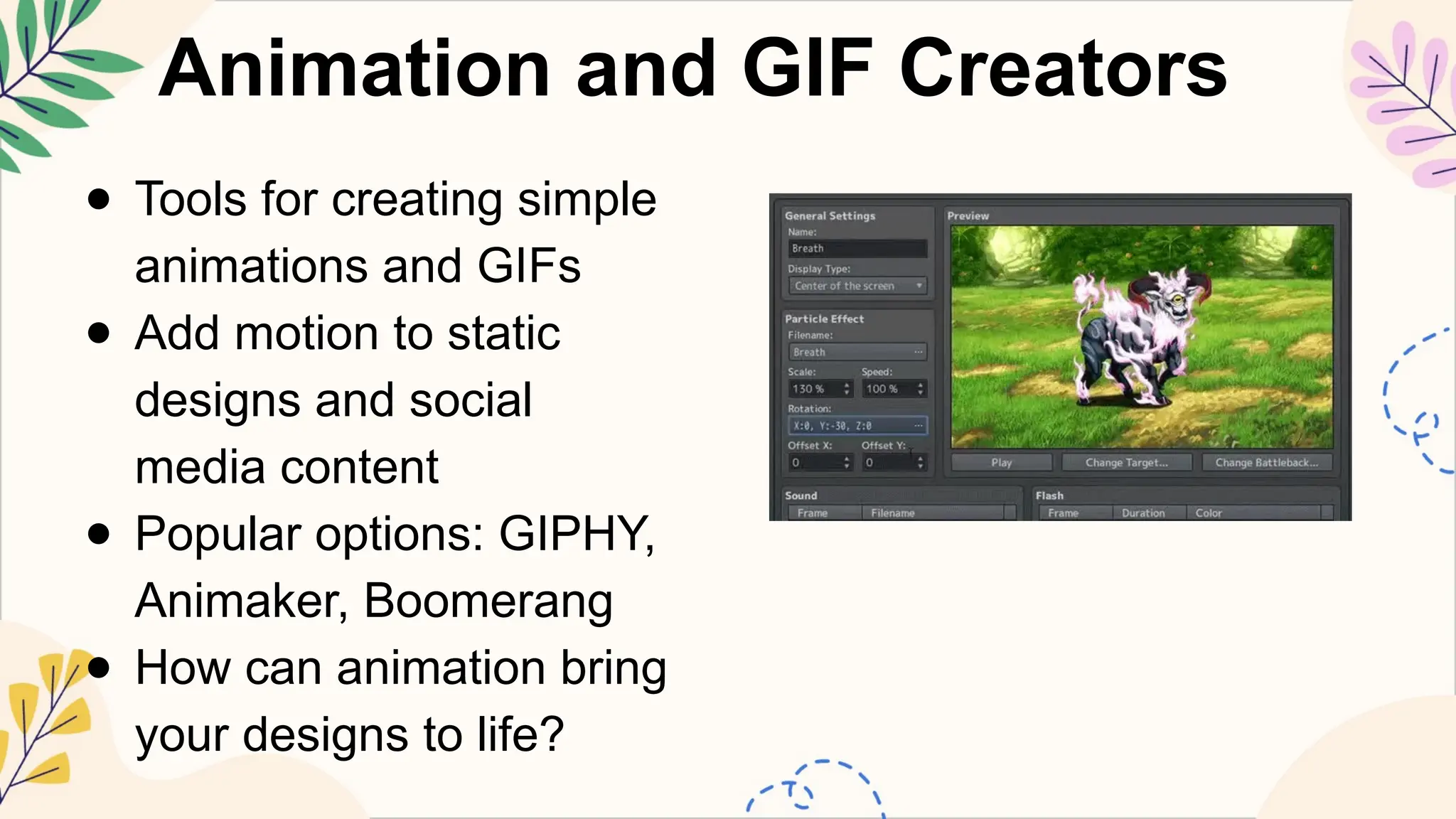
37.
Animation and GIFCreators
● Tools for creating simple
animations and GIFs
● Add motion to static
designs and social
media content
● Popular options: GIPHY,
Animaker, Boomerang
● How can animation bring
your designs to life?
38.
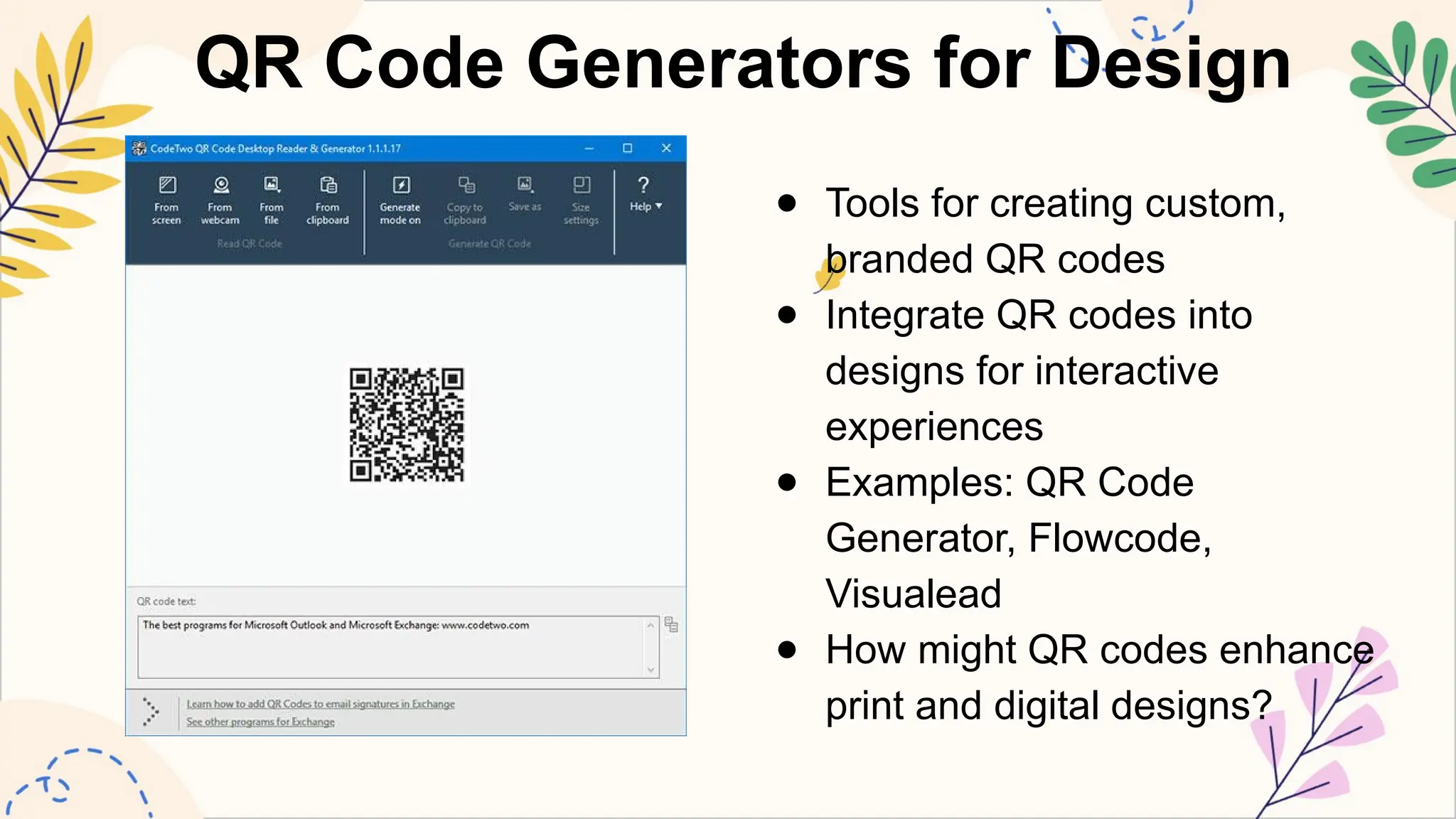
QR Code Generatorsfor Design
● Tools for creating custom,
branded QR codes
● Integrate QR codes into
designs for interactive
experiences
● Examples: QR Code
Generator, Flowcode,
Visualead
● How might QR codes enhance
print and digital designs?
39.
Design Critique andFeedback Tools
● Platforms for sharing designs and receiving
feedback
● Facilitate communication between designers,
clients, and stakeholders
● Examples: GoVisually, Red Pen, Markup.io
● Why is feedback important in the design process?
40.
Exploring New Frontiersin Design Tools
● Emerging technologies
in graphic design tools
● AI-powered design
assistants and
generative design
● Virtual and augmented
reality design tools
● How might these new
tools change the future
of graphic design?
41.
Question 1: VectorGraphics
● Which of the following is NOT
a vector graphics software?
● A) Adobe Illustrator
● B) CorelDRAW
● C) Adobe Photoshop
● D) Inkscape
● What's special about vector
graphics? They can be
_______ without losing
quality.
42.
Question 2: RasterGraphics
● Raster graphics are made
up of:
● A) Lines
● B) Shapes
● C) Pixels
● D) Formulas
● When might you prefer to
use raster graphics instead
of vector graphics?
43.
Question 3: PageLayout Software
● Which software is commonly used for creating multi-
page documents?
● A) Adobe Photoshop
● B) Adobe InDesign
● C) Blender
● D) FontForge
● Why do you think page layout software is important
for magazines or books?
44.
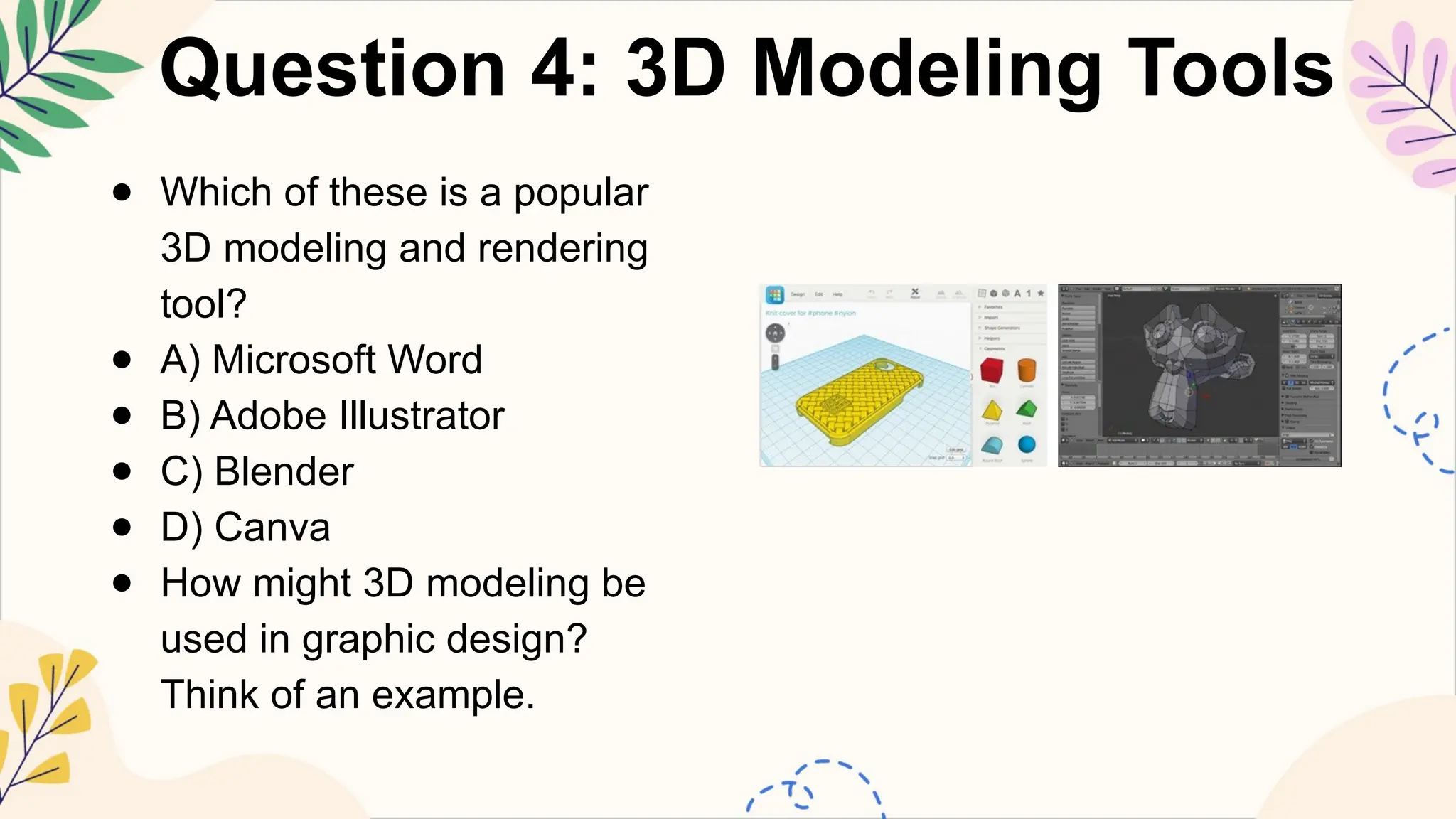
Question 4: 3DModeling Tools
● Which of these is a popular
3D modeling and rendering
tool?
● A) Microsoft Word
● B) Adobe Illustrator
● C) Blender
● D) Canva
● How might 3D modeling be
used in graphic design?
Think of an example.
45.
Question 5: TypographyTools
● What is the main purpose of typography tools in
graphic design?
● A) To create 3D models
● B) To edit photos
● C) To create and edit fonts
● D) To manage color palettes
● Why do you think choosing the right font is
important in design?
46.
Question 6: ColorManagement
● Color management tools are
important because they:
● A) Make all colors look the
same
● B) Ensure consistent colors
across different devices
● C) Create new colors
● D) Remove all colors from
designs
● How might incorrect color
management affect a
company's brand?
47.
Question 7: PrototypingTools
● Prototyping tools are essential for:
● A) Printing designs
● B) Creating fonts
● C) Web and app design
● D) 3D modeling
● Why do you think it's important to create
prototypes before finalizing a design?
48.
Question 8: ImageEditing Software
● Which of these is NOT a
common task in image
editing software?
● A) Adjusting colors
● B) Removing imperfections
● C) Applying effects
● D) Creating 3D models
● Can you think of a time
when you might need to edit
an image? What would you
do?
49.
Question 9: MotionGraphics Software
● 9. What feature of Adobe Photoshop is most
useful for removing backgrounds from images?
● a) Clone Stamp Tool
b) Magic Wand Tool
c) Pen Tool
d) Liquify Tool
50.
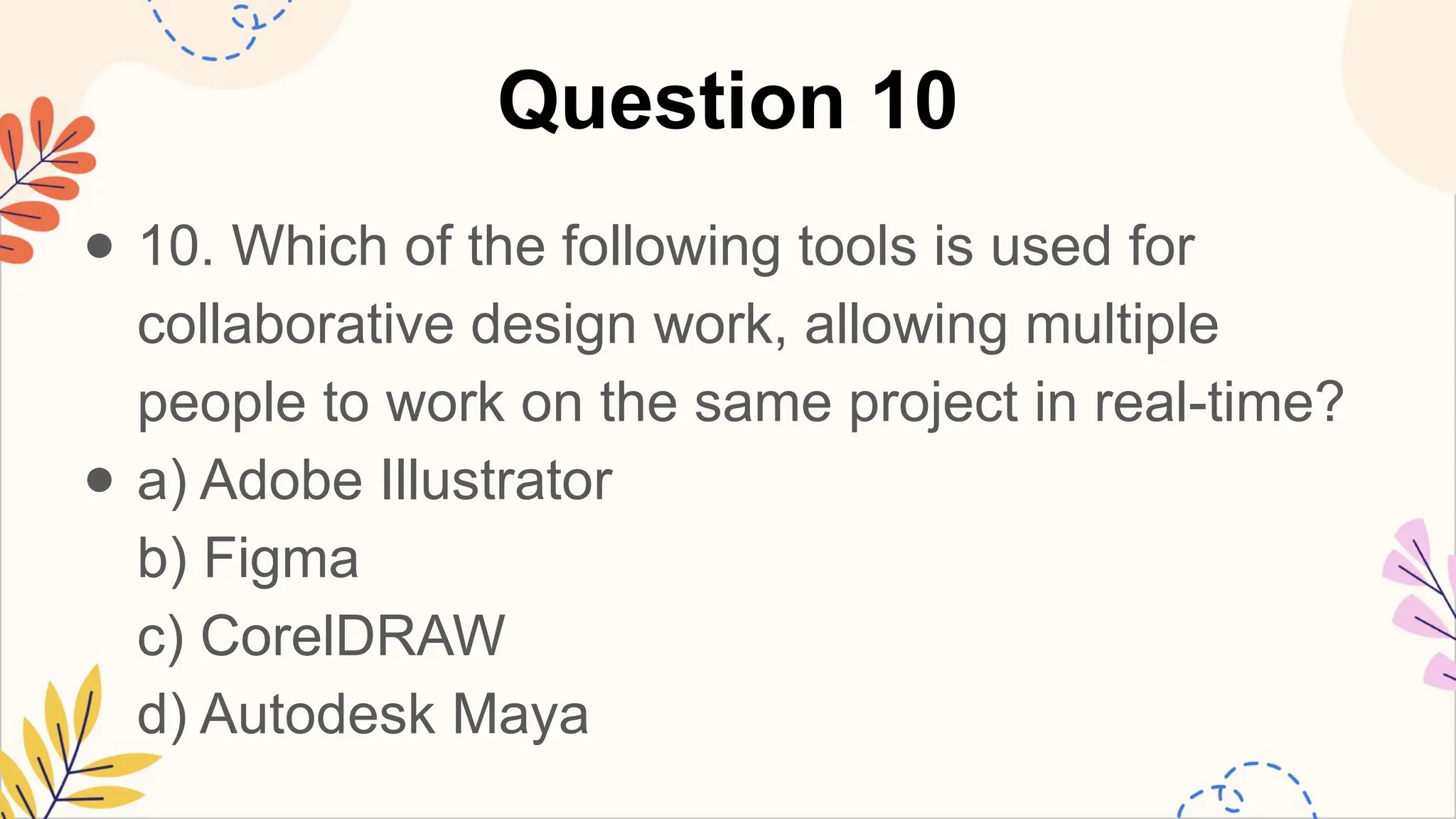
Question 10
● 10.Which of the following tools is used for
collaborative design work, allowing multiple
people to work on the same project in real-time?
● a) Adobe Illustrator
b) Figma
c) CorelDRAW
d) Autodesk Maya