Ring Documentation, Release 1.8
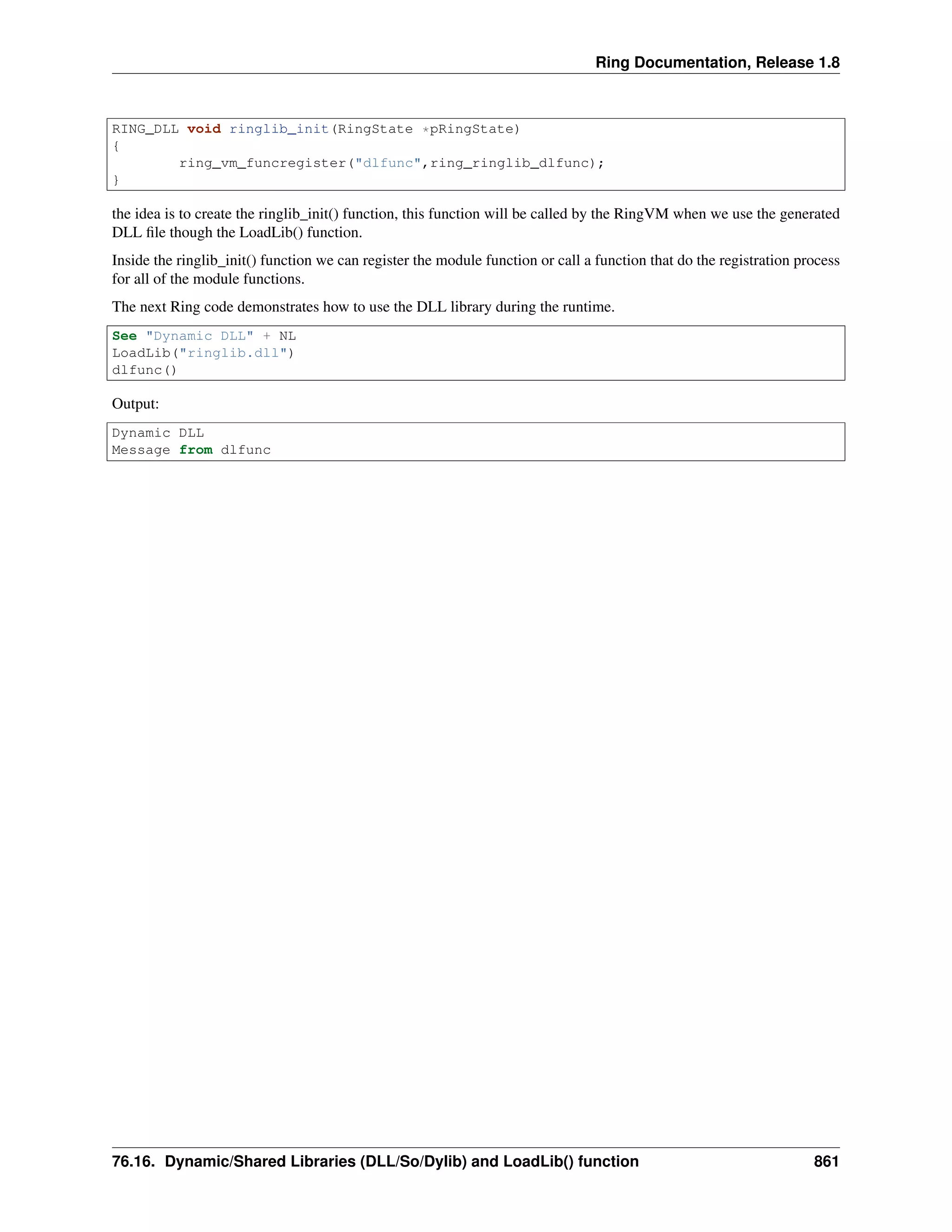
RING_DLL void ringlib_init(RingState *pRingState)
{
ring_vm_funcregister("dlfunc",ring_ringlib_dlfunc);
}
the idea is to create the ringlib_init() function, this function will be called by the RingVM when we use the generated
DLL file though the LoadLib() function.
Inside the ringlib_init() function we can register the module function or call a function that do the registration process
for all of the module functions.
The next Ring code demonstrates how to use the DLL library during the runtime.
See "Dynamic DLL" + NL
LoadLib("ringlib.dll")
dlfunc()
Output:
Dynamic DLL
Message from dlfunc
76.16. Dynamic/Shared Libraries (DLL/So/Dylib) and LoadLib() function 861
CHAPTER
SEVENTYSEVEN
EMBEDDING RING LANGUAGE IN C/C++ PROGRAMS
We can use the Ring language from C/C++ programs using the next functions
RingState *ring_state_init();
ring_state_runcode(RingState *pState,const char *cCode);
ring_state_delete(RingState *pState);
77.1 Ring State
The idea is to use the ring_state_init() to create new state for the Ring Language then call the ring_state_runcode()
function to execut Ring code using the same state. When we are done, we call the ring_state_delete() to free the
memory.
Example:
#include "ring.h"
#include "stdlib.h"
int main(int argc, char *argv[])
{
RingState *pState = ring_state_init();
printf("welcomen");
ring_state_runcode(pState,"see 'hello world from the ring programming language'+nl");
ring_state_delete(pState);
}
Output:
welcome
hello world from the ring programming language
77.2 Ring State Functions
The Ring API comes with the next functions to create and delete the state. Also we have functions to create new
variables and get variables values.
RingState * ring_state_init ( void ) ;
RingState * ring_state_delete ( RingState *pRingState ) ;
void ring_state_runcode ( RingState *pRingState,const char *cStr ) ;
List * ring_state_findvar ( RingState *pRingState,const char *cStr ) ;
List * ring_state_newvar ( RingState *pRingState,const char *cStr ) ;
void ring_state_main ( int argc, char *argv[] ) ;
862
Ring Documentation, Release 1.8
void ring_state_runfile ( RingState *pRingState,const char *cFileName ) ;
void ring_state_runobjectfile ( RingState *pRingState,const char *cFileName ) ;
77.3 Ring State Variables
We can create more than one ring state in the same program and we can create and modify variable values.
To get the variable list we can use the ring_state_findvar() function.
To create new variable we can use the ring_state_newvar() function.
Example:
#include "ring.h"
#include "stdlib.h"
int main(int argc, char *argv[])
{
List *pList;
RingState *pState = ring_state_init();
RingState *pState2 = ring_state_init();
printf("welcomen");
ring_state_runcode(pState,"see 'hello world from the ring programming language'+nl");
printf("Again from C we will call ring coden");
ring_state_runcode(pState,"for x = 1 to 10 see x + nl next");
ring_state_runcode(pState2,"for x = 1 to 5 see x + nl next");
printf("Now we will display the x variable value from ring coden");
ring_state_runcode(pState,"see 'x value : ' + x + nl ");
ring_state_runcode(pState2,"see 'x value : ' + x + nl ");
pList = ring_state_findvar(pState,"x");
printf("Printing Ring variable value from C , %.0fn",
ring_list_getdouble(pList,RING_VAR_VALUE));
printf("now we will set the ring variable value from Cn");
ring_list_setdouble(pList,RING_VAR_VALUE,20);
ring_state_runcode(pState,"see 'x value after update : ' + x + nl ");
pList = ring_state_newvar(pState,"v1");
ring_list_setdouble(pList,RING_VAR_VALUE,10);
pList = ring_state_newvar(pState,"v2");
ring_list_setdouble(pList,RING_VAR_VALUE,20);
ring_state_runcode(pState,"see 'v1 + v2 = ' see v1+v2 see nl");
ring_state_runcode(pState,"see 'end of test' + nl");
ring_state_delete(pState);
77.3. Ring State Variables 863
Ring Documentation, Release 1.8
ring_state_delete(pState2);
}
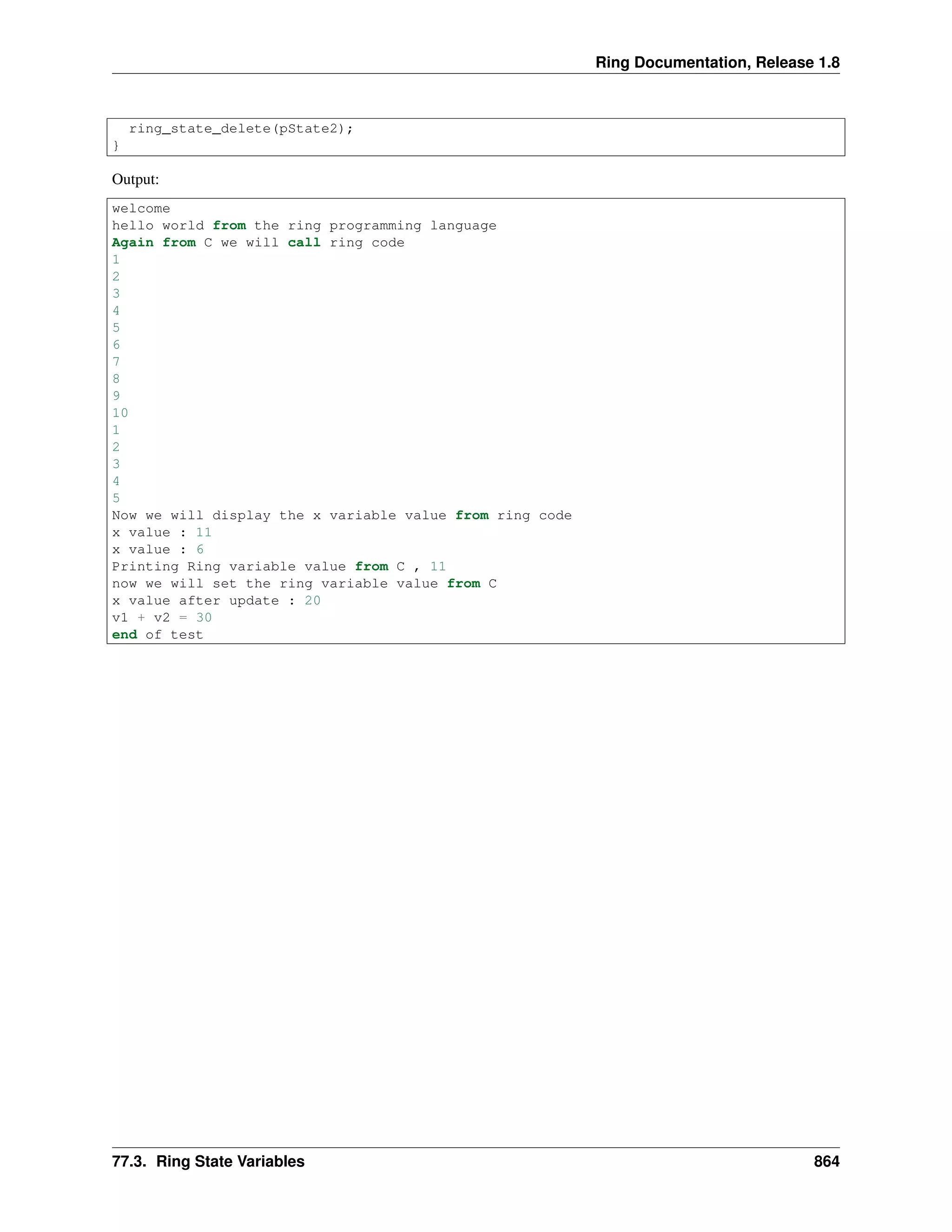
Output:
welcome
hello world from the ring programming language
Again from C we will call ring code
1
2
3
4
5
6
7
8
9
10
1
2
3
4
5
Now we will display the x variable value from ring code
x value : 11
x value : 6
Printing Ring variable value from C , 11
now we will set the ring variable value from C
x value after update : 20
v1 + v2 = 30
end of test
77.3. Ring State Variables 864
CHAPTER
SEVENTYEIGHT
CODE GENERATOR FOR WRAPPING C/C++ LIBRARIES
In this chapter we will learn how to use the code generator to wrap C/C++ Libraries to use it in our Ring applications.
78.1 Using the tool
The code generator program is parsec.ring that can be executed as any ring code using the ring language.
URL : https://github.com/ring-lang/ring/tree/master/extensions/codegen
for example to read a configuration file called test.cf to generate the source code file test.c run parsec.ring as in the
next command
ring parsec.ring test.cf test.c
78.2 Configuration file
The configuration file (*.cf) is the input file that we pass to the code generator. This file determine the functions
prototypes that we need to use from a C/C++ library.
Writing configuration files is simple according to the next rules
78.3 Using the function prototype
• To generate code that wraps a C function, we just write the C function prototype
Example:
ALLEGRO_DISPLAY *al_create_display(int w, int h)
void al_destroy_display(ALLEGRO_DISPLAY *display)
int al_get_new_display_flags(void)
void al_set_new_display_flags(int flags)
int al_get_new_display_option(int option, int *importance)
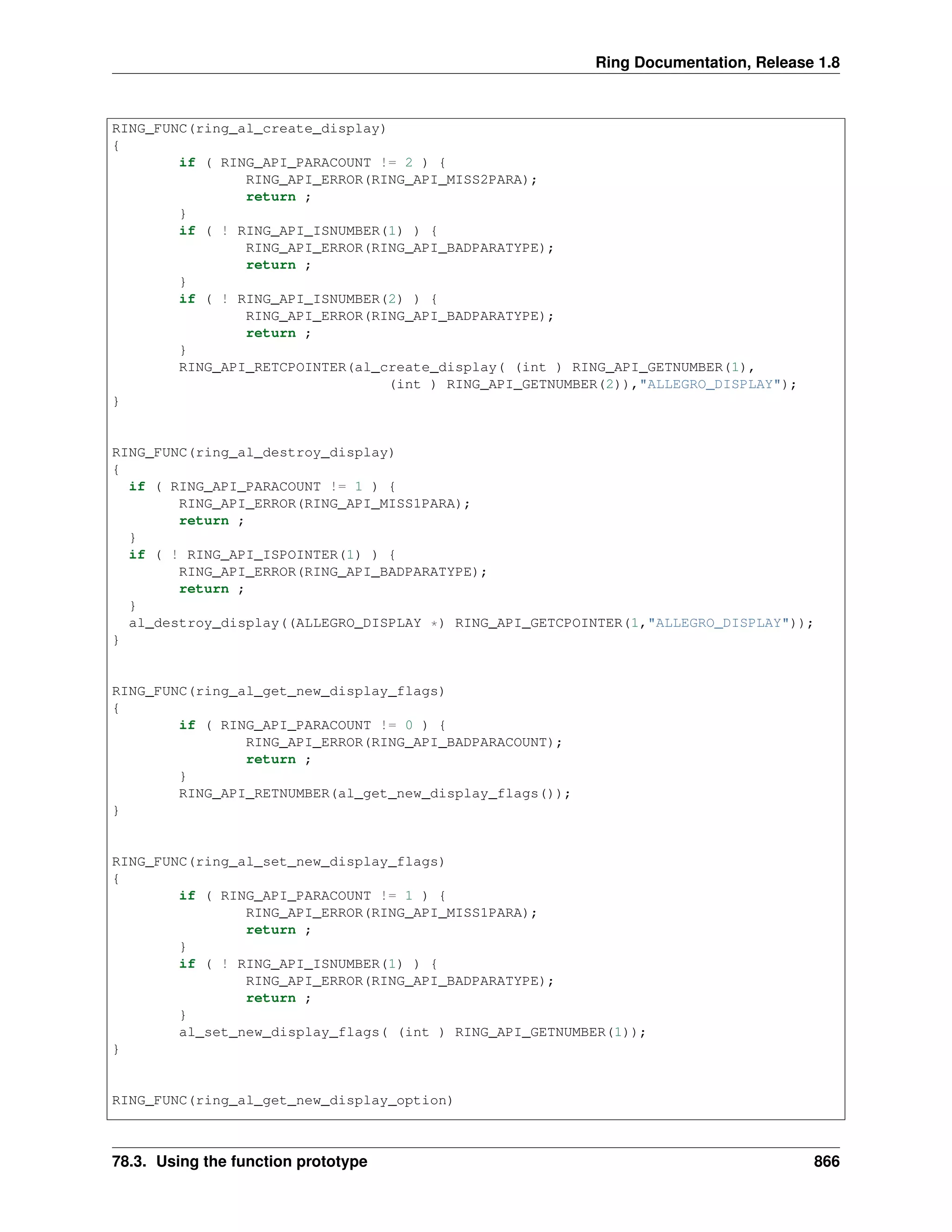
The previous example will guide the code generator to generate 5 functions that wraps the al_create_display(),
al_destroy_display(), al_get_new_display_flags(), al_set_new_diplay_flas() and al_get_new_display_option() func-
tions.
The generated code will be as in the next example
865
Ring Documentation, Release 1.8
RING_FUNC(ring_al_create_display)
{
if ( RING_API_PARACOUNT != 2 ) {
RING_API_ERROR(RING_API_MISS2PARA);
return ;
}
if ( ! RING_API_ISNUMBER(1) ) {
RING_API_ERROR(RING_API_BADPARATYPE);
return ;
}
if ( ! RING_API_ISNUMBER(2) ) {
RING_API_ERROR(RING_API_BADPARATYPE);
return ;
}
RING_API_RETCPOINTER(al_create_display( (int ) RING_API_GETNUMBER(1),
(int ) RING_API_GETNUMBER(2)),"ALLEGRO_DISPLAY");
}
RING_FUNC(ring_al_destroy_display)
{
if ( RING_API_PARACOUNT != 1 ) {
RING_API_ERROR(RING_API_MISS1PARA);
return ;
}
if ( ! RING_API_ISPOINTER(1) ) {
RING_API_ERROR(RING_API_BADPARATYPE);
return ;
}
al_destroy_display((ALLEGRO_DISPLAY *) RING_API_GETCPOINTER(1,"ALLEGRO_DISPLAY"));
}
RING_FUNC(ring_al_get_new_display_flags)
{
if ( RING_API_PARACOUNT != 0 ) {
RING_API_ERROR(RING_API_BADPARACOUNT);
return ;
}
RING_API_RETNUMBER(al_get_new_display_flags());
}
RING_FUNC(ring_al_set_new_display_flags)
{
if ( RING_API_PARACOUNT != 1 ) {
RING_API_ERROR(RING_API_MISS1PARA);
return ;
}
if ( ! RING_API_ISNUMBER(1) ) {
RING_API_ERROR(RING_API_BADPARATYPE);
return ;
}
al_set_new_display_flags( (int ) RING_API_GETNUMBER(1));
}
RING_FUNC(ring_al_get_new_display_option)
78.3. Using the function prototype 866
Ring Documentation, Release 1.8
{
if ( RING_API_PARACOUNT != 2 ) {
RING_API_ERROR(RING_API_MISS2PARA);
return ;
}
if ( ! RING_API_ISNUMBER(1) ) {
RING_API_ERROR(RING_API_BADPARATYPE);
return ;
}
if ( ! RING_API_ISSTRING(2) ) {
RING_API_ERROR(RING_API_BADPARATYPE);
return ;
}
RING_API_RETNUMBER(al_get_new_display_option( (int ) RING_API_GETNUMBER(1),
RING_API_GETINTPOINTER(2)));
RING_API_ACCEPTINTVALUE(2) ;
}
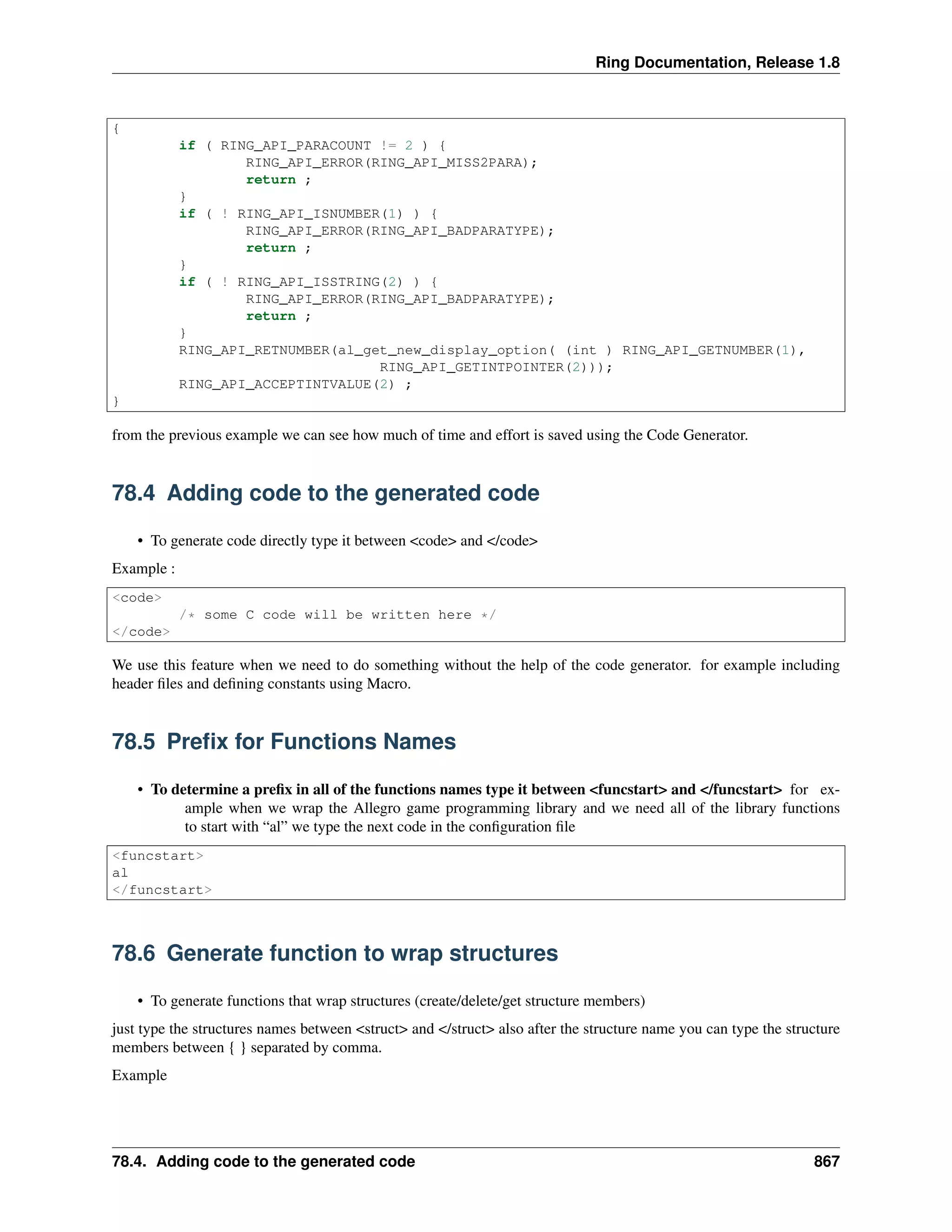
from the previous example we can see how much of time and effort is saved using the Code Generator.
78.4 Adding code to the generated code
• To generate code directly type it between <code> and </code>
Example :
<code>
/* some C code will be written here */
</code>
We use this feature when we need to do something without the help of the code generator. for example including
header files and defining constants using Macro.
78.5 Prefix for Functions Names
• To determine a prefix in all of the functions names type it between <funcstart> and </funcstart> for ex-
ample when we wrap the Allegro game programming library and we need all of the library functions
to start with “al” we type the next code in the configuration file
<funcstart>
al
</funcstart>
78.6 Generate function to wrap structures
• To generate functions that wrap structures (create/delete/get structure members)
just type the structures names between <struct> and </struct> also after the structure name you can type the structure
members between { } separated by comma.
Example
78.4. Adding code to the generated code 867
Ring Documentation, Release 1.8
<struct>
ALLEGRO_COLOR
ALLEGRO_EVENT { type , keyboard.keycode , mouse.x , mouse.y }
</struct>
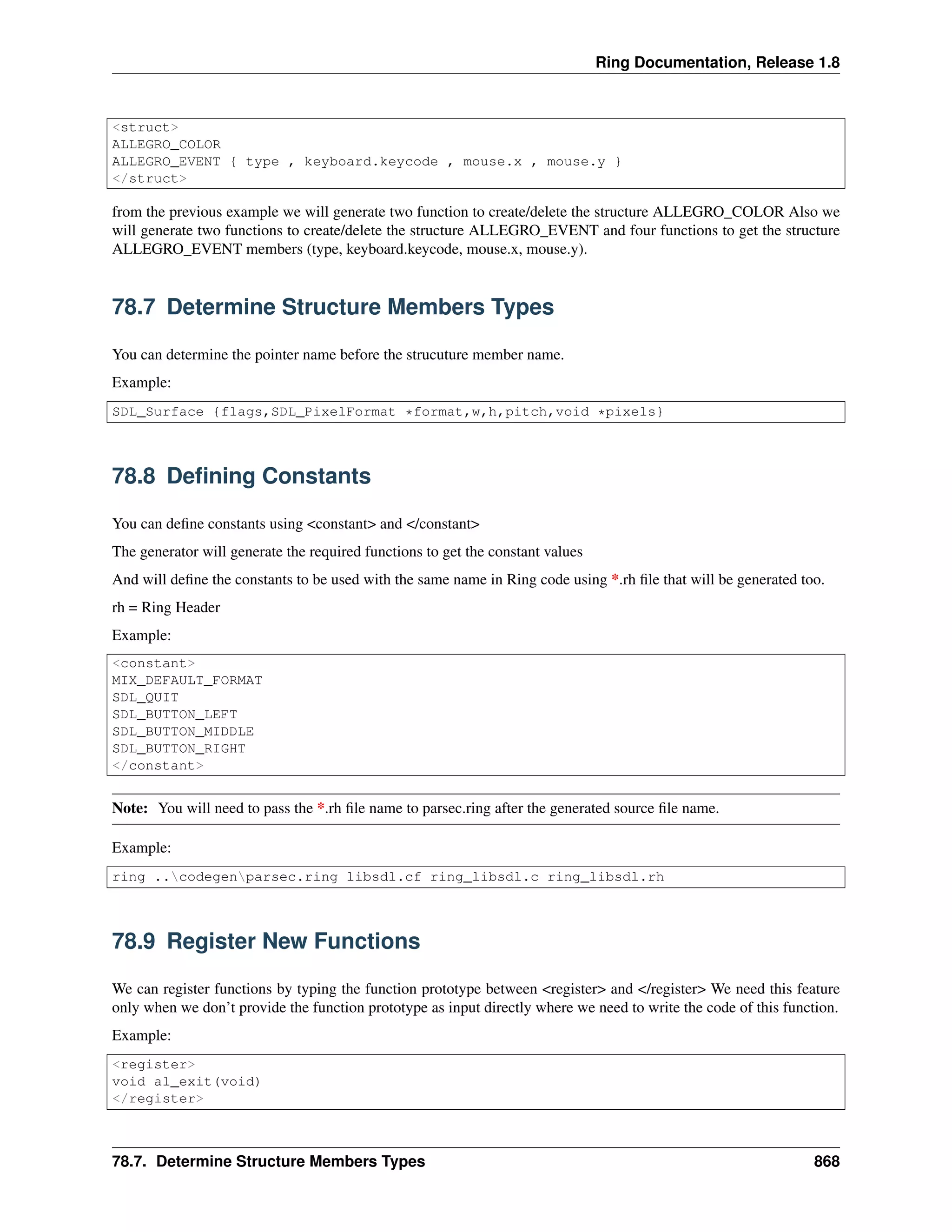
from the previous example we will generate two function to create/delete the structure ALLEGRO_COLOR Also we
will generate two functions to create/delete the structure ALLEGRO_EVENT and four functions to get the structure
ALLEGRO_EVENT members (type, keyboard.keycode, mouse.x, mouse.y).
78.7 Determine Structure Members Types
You can determine the pointer name before the strucuture member name.
Example:
SDL_Surface {flags,SDL_PixelFormat *format,w,h,pitch,void *pixels}
78.8 Defining Constants
You can define constants using <constant> and </constant>
The generator will generate the required functions to get the constant values
And will define the constants to be used with the same name in Ring code using *.rh file that will be generated too.
rh = Ring Header
Example:
<constant>
MIX_DEFAULT_FORMAT
SDL_QUIT
SDL_BUTTON_LEFT
SDL_BUTTON_MIDDLE
SDL_BUTTON_RIGHT
</constant>
Note: You will need to pass the *.rh file name to parsec.ring after the generated source file name.
Example:
ring ..codegenparsec.ring libsdl.cf ring_libsdl.c ring_libsdl.rh
78.9 Register New Functions
We can register functions by typing the function prototype between <register> and </register> We need this feature
only when we don’t provide the function prototype as input directly where we need to write the code of this function.
Example:
<register>
void al_exit(void)
</register>
78.7. Determine Structure Members Types 868
Ring Documentation, Release 1.8
<code>
RING_FUNC(ring_al_exit)
{
if ( RING_API_PARACOUNT != 0 ) {
RING_API_ERROR(RING_API_BADPARACOUNT);
return ;
}
exit(0);
}
</code>
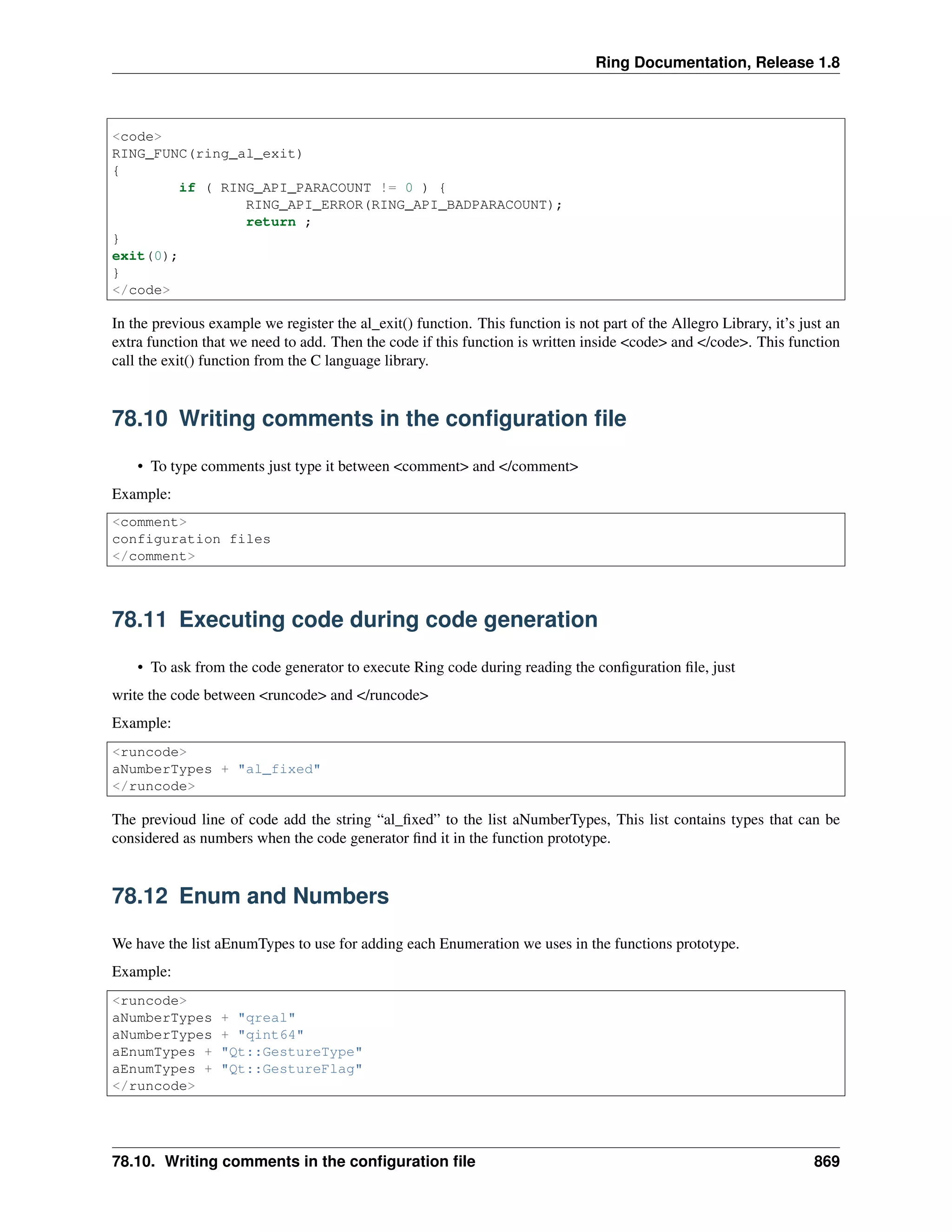
In the previous example we register the al_exit() function. This function is not part of the Allegro Library, it’s just an
extra function that we need to add. Then the code if this function is written inside <code> and </code>. This function
call the exit() function from the C language library.
78.10 Writing comments in the configuration file
• To type comments just type it between <comment> and </comment>
Example:
<comment>
configuration files
</comment>
78.11 Executing code during code generation
• To ask from the code generator to execute Ring code during reading the configuration file, just
write the code between <runcode> and </runcode>
Example:
<runcode>
aNumberTypes + "al_fixed"
</runcode>
The previoud line of code add the string “al_fixed” to the list aNumberTypes, This list contains types that can be
considered as numbers when the code generator find it in the function prototype.
78.12 Enum and Numbers
We have the list aEnumTypes to use for adding each Enumeration we uses in the functions prototype.
Example:
<runcode>
aNumberTypes + "qreal"
aNumberTypes + "qint64"
aEnumTypes + "Qt::GestureType"
aEnumTypes + "Qt::GestureFlag"
</runcode>
78.10. Writing comments in the configuration file 869
Ring Documentation, Release 1.8
78.13 Filtering using Expressions
using <filter> and </filter> we can include/exclude parts of the configuration file based on a condition, for example
<filter> iswindows()
... functions related to windows
</filter>
78.14 Constants Type
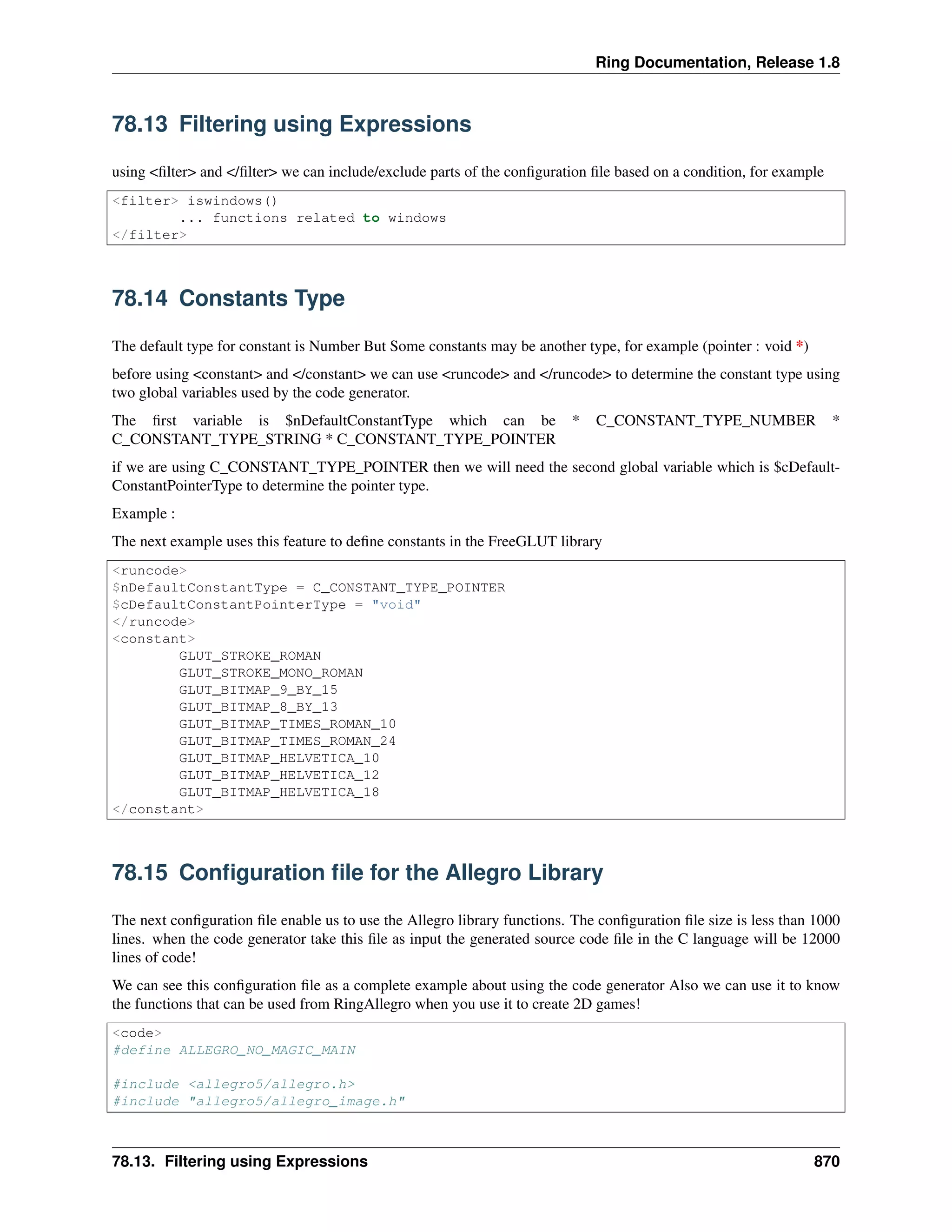
The default type for constant is Number But Some constants may be another type, for example (pointer : void *)
before using <constant> and </constant> we can use <runcode> and </runcode> to determine the constant type using
two global variables used by the code generator.
The first variable is $nDefaultConstantType which can be * C_CONSTANT_TYPE_NUMBER *
C_CONSTANT_TYPE_STRING * C_CONSTANT_TYPE_POINTER
if we are using C_CONSTANT_TYPE_POINTER then we will need the second global variable which is $cDefault-
ConstantPointerType to determine the pointer type.
Example :
The next example uses this feature to define constants in the FreeGLUT library
<runcode>
$nDefaultConstantType = C_CONSTANT_TYPE_POINTER
$cDefaultConstantPointerType = "void"
</runcode>
<constant>
GLUT_STROKE_ROMAN
GLUT_STROKE_MONO_ROMAN
GLUT_BITMAP_9_BY_15
GLUT_BITMAP_8_BY_13
GLUT_BITMAP_TIMES_ROMAN_10
GLUT_BITMAP_TIMES_ROMAN_24
GLUT_BITMAP_HELVETICA_10
GLUT_BITMAP_HELVETICA_12
GLUT_BITMAP_HELVETICA_18
</constant>
78.15 Configuration file for the Allegro Library
The next configuration file enable us to use the Allegro library functions. The configuration file size is less than 1000
lines. when the code generator take this file as input the generated source code file in the C language will be 12000
lines of code!
We can see this configuration file as a complete example about using the code generator Also we can use it to know
the functions that can be used from RingAllegro when you use it to create 2D games!
<code>
#define ALLEGRO_NO_MAGIC_MAIN
#include <allegro5/allegro.h>
#include "allegro5/allegro_image.h"
78.13. Filtering using Expressions 870

The Ring programming language version 1.8 book - Part 90 of 202

  • 1.
    Ring Documentation, Release1.8 RING_DLL void ringlib_init(RingState *pRingState) { ring_vm_funcregister("dlfunc",ring_ringlib_dlfunc); } the idea is to create the ringlib_init() function, this function will be called by the RingVM when we use the generated DLL file though the LoadLib() function. Inside the ringlib_init() function we can register the module function or call a function that do the registration process for all of the module functions. The next Ring code demonstrates how to use the DLL library during the runtime. See "Dynamic DLL" + NL LoadLib("ringlib.dll") dlfunc() Output: Dynamic DLL Message from dlfunc 76.16. Dynamic/Shared Libraries (DLL/So/Dylib) and LoadLib() function 861
  • 2.
    CHAPTER SEVENTYSEVEN EMBEDDING RING LANGUAGEIN C/C++ PROGRAMS We can use the Ring language from C/C++ programs using the next functions RingState *ring_state_init(); ring_state_runcode(RingState *pState,const char *cCode); ring_state_delete(RingState *pState); 77.1 Ring State The idea is to use the ring_state_init() to create new state for the Ring Language then call the ring_state_runcode() function to execut Ring code using the same state. When we are done, we call the ring_state_delete() to free the memory. Example: #include "ring.h" #include "stdlib.h" int main(int argc, char *argv[]) { RingState *pState = ring_state_init(); printf("welcomen"); ring_state_runcode(pState,"see 'hello world from the ring programming language'+nl"); ring_state_delete(pState); } Output: welcome hello world from the ring programming language 77.2 Ring State Functions The Ring API comes with the next functions to create and delete the state. Also we have functions to create new variables and get variables values. RingState * ring_state_init ( void ) ; RingState * ring_state_delete ( RingState *pRingState ) ; void ring_state_runcode ( RingState *pRingState,const char *cStr ) ; List * ring_state_findvar ( RingState *pRingState,const char *cStr ) ; List * ring_state_newvar ( RingState *pRingState,const char *cStr ) ; void ring_state_main ( int argc, char *argv[] ) ; 862
  • 3.
    Ring Documentation, Release1.8 void ring_state_runfile ( RingState *pRingState,const char *cFileName ) ; void ring_state_runobjectfile ( RingState *pRingState,const char *cFileName ) ; 77.3 Ring State Variables We can create more than one ring state in the same program and we can create and modify variable values. To get the variable list we can use the ring_state_findvar() function. To create new variable we can use the ring_state_newvar() function. Example: #include "ring.h" #include "stdlib.h" int main(int argc, char *argv[]) { List *pList; RingState *pState = ring_state_init(); RingState *pState2 = ring_state_init(); printf("welcomen"); ring_state_runcode(pState,"see 'hello world from the ring programming language'+nl"); printf("Again from C we will call ring coden"); ring_state_runcode(pState,"for x = 1 to 10 see x + nl next"); ring_state_runcode(pState2,"for x = 1 to 5 see x + nl next"); printf("Now we will display the x variable value from ring coden"); ring_state_runcode(pState,"see 'x value : ' + x + nl "); ring_state_runcode(pState2,"see 'x value : ' + x + nl "); pList = ring_state_findvar(pState,"x"); printf("Printing Ring variable value from C , %.0fn", ring_list_getdouble(pList,RING_VAR_VALUE)); printf("now we will set the ring variable value from Cn"); ring_list_setdouble(pList,RING_VAR_VALUE,20); ring_state_runcode(pState,"see 'x value after update : ' + x + nl "); pList = ring_state_newvar(pState,"v1"); ring_list_setdouble(pList,RING_VAR_VALUE,10); pList = ring_state_newvar(pState,"v2"); ring_list_setdouble(pList,RING_VAR_VALUE,20); ring_state_runcode(pState,"see 'v1 + v2 = ' see v1+v2 see nl"); ring_state_runcode(pState,"see 'end of test' + nl"); ring_state_delete(pState); 77.3. Ring State Variables 863
  • 4.
    Ring Documentation, Release1.8 ring_state_delete(pState2); } Output: welcome hello world from the ring programming language Again from C we will call ring code 1 2 3 4 5 6 7 8 9 10 1 2 3 4 5 Now we will display the x variable value from ring code x value : 11 x value : 6 Printing Ring variable value from C , 11 now we will set the ring variable value from C x value after update : 20 v1 + v2 = 30 end of test 77.3. Ring State Variables 864
  • 5.
    CHAPTER SEVENTYEIGHT CODE GENERATOR FORWRAPPING C/C++ LIBRARIES In this chapter we will learn how to use the code generator to wrap C/C++ Libraries to use it in our Ring applications. 78.1 Using the tool The code generator program is parsec.ring that can be executed as any ring code using the ring language. URL : https://github.com/ring-lang/ring/tree/master/extensions/codegen for example to read a configuration file called test.cf to generate the source code file test.c run parsec.ring as in the next command ring parsec.ring test.cf test.c 78.2 Configuration file The configuration file (*.cf) is the input file that we pass to the code generator. This file determine the functions prototypes that we need to use from a C/C++ library. Writing configuration files is simple according to the next rules 78.3 Using the function prototype • To generate code that wraps a C function, we just write the C function prototype Example: ALLEGRO_DISPLAY *al_create_display(int w, int h) void al_destroy_display(ALLEGRO_DISPLAY *display) int al_get_new_display_flags(void) void al_set_new_display_flags(int flags) int al_get_new_display_option(int option, int *importance) The previous example will guide the code generator to generate 5 functions that wraps the al_create_display(), al_destroy_display(), al_get_new_display_flags(), al_set_new_diplay_flas() and al_get_new_display_option() func- tions. The generated code will be as in the next example 865
  • 6.
    Ring Documentation, Release1.8 RING_FUNC(ring_al_create_display) { if ( RING_API_PARACOUNT != 2 ) { RING_API_ERROR(RING_API_MISS2PARA); return ; } if ( ! RING_API_ISNUMBER(1) ) { RING_API_ERROR(RING_API_BADPARATYPE); return ; } if ( ! RING_API_ISNUMBER(2) ) { RING_API_ERROR(RING_API_BADPARATYPE); return ; } RING_API_RETCPOINTER(al_create_display( (int ) RING_API_GETNUMBER(1), (int ) RING_API_GETNUMBER(2)),"ALLEGRO_DISPLAY"); } RING_FUNC(ring_al_destroy_display) { if ( RING_API_PARACOUNT != 1 ) { RING_API_ERROR(RING_API_MISS1PARA); return ; } if ( ! RING_API_ISPOINTER(1) ) { RING_API_ERROR(RING_API_BADPARATYPE); return ; } al_destroy_display((ALLEGRO_DISPLAY *) RING_API_GETCPOINTER(1,"ALLEGRO_DISPLAY")); } RING_FUNC(ring_al_get_new_display_flags) { if ( RING_API_PARACOUNT != 0 ) { RING_API_ERROR(RING_API_BADPARACOUNT); return ; } RING_API_RETNUMBER(al_get_new_display_flags()); } RING_FUNC(ring_al_set_new_display_flags) { if ( RING_API_PARACOUNT != 1 ) { RING_API_ERROR(RING_API_MISS1PARA); return ; } if ( ! RING_API_ISNUMBER(1) ) { RING_API_ERROR(RING_API_BADPARATYPE); return ; } al_set_new_display_flags( (int ) RING_API_GETNUMBER(1)); } RING_FUNC(ring_al_get_new_display_option) 78.3. Using the function prototype 866
  • 7.
    Ring Documentation, Release1.8 { if ( RING_API_PARACOUNT != 2 ) { RING_API_ERROR(RING_API_MISS2PARA); return ; } if ( ! RING_API_ISNUMBER(1) ) { RING_API_ERROR(RING_API_BADPARATYPE); return ; } if ( ! RING_API_ISSTRING(2) ) { RING_API_ERROR(RING_API_BADPARATYPE); return ; } RING_API_RETNUMBER(al_get_new_display_option( (int ) RING_API_GETNUMBER(1), RING_API_GETINTPOINTER(2))); RING_API_ACCEPTINTVALUE(2) ; } from the previous example we can see how much of time and effort is saved using the Code Generator. 78.4 Adding code to the generated code • To generate code directly type it between <code> and </code> Example : <code> /* some C code will be written here */ </code> We use this feature when we need to do something without the help of the code generator. for example including header files and defining constants using Macro. 78.5 Prefix for Functions Names • To determine a prefix in all of the functions names type it between <funcstart> and </funcstart> for ex- ample when we wrap the Allegro game programming library and we need all of the library functions to start with “al” we type the next code in the configuration file <funcstart> al </funcstart> 78.6 Generate function to wrap structures • To generate functions that wrap structures (create/delete/get structure members) just type the structures names between <struct> and </struct> also after the structure name you can type the structure members between { } separated by comma. Example 78.4. Adding code to the generated code 867
  • 8.
    Ring Documentation, Release1.8 <struct> ALLEGRO_COLOR ALLEGRO_EVENT { type , keyboard.keycode , mouse.x , mouse.y } </struct> from the previous example we will generate two function to create/delete the structure ALLEGRO_COLOR Also we will generate two functions to create/delete the structure ALLEGRO_EVENT and four functions to get the structure ALLEGRO_EVENT members (type, keyboard.keycode, mouse.x, mouse.y). 78.7 Determine Structure Members Types You can determine the pointer name before the strucuture member name. Example: SDL_Surface {flags,SDL_PixelFormat *format,w,h,pitch,void *pixels} 78.8 Defining Constants You can define constants using <constant> and </constant> The generator will generate the required functions to get the constant values And will define the constants to be used with the same name in Ring code using *.rh file that will be generated too. rh = Ring Header Example: <constant> MIX_DEFAULT_FORMAT SDL_QUIT SDL_BUTTON_LEFT SDL_BUTTON_MIDDLE SDL_BUTTON_RIGHT </constant> Note: You will need to pass the *.rh file name to parsec.ring after the generated source file name. Example: ring ..codegenparsec.ring libsdl.cf ring_libsdl.c ring_libsdl.rh 78.9 Register New Functions We can register functions by typing the function prototype between <register> and </register> We need this feature only when we don’t provide the function prototype as input directly where we need to write the code of this function. Example: <register> void al_exit(void) </register> 78.7. Determine Structure Members Types 868
  • 9.
    Ring Documentation, Release1.8 <code> RING_FUNC(ring_al_exit) { if ( RING_API_PARACOUNT != 0 ) { RING_API_ERROR(RING_API_BADPARACOUNT); return ; } exit(0); } </code> In the previous example we register the al_exit() function. This function is not part of the Allegro Library, it’s just an extra function that we need to add. Then the code if this function is written inside <code> and </code>. This function call the exit() function from the C language library. 78.10 Writing comments in the configuration file • To type comments just type it between <comment> and </comment> Example: <comment> configuration files </comment> 78.11 Executing code during code generation • To ask from the code generator to execute Ring code during reading the configuration file, just write the code between <runcode> and </runcode> Example: <runcode> aNumberTypes + "al_fixed" </runcode> The previoud line of code add the string “al_fixed” to the list aNumberTypes, This list contains types that can be considered as numbers when the code generator find it in the function prototype. 78.12 Enum and Numbers We have the list aEnumTypes to use for adding each Enumeration we uses in the functions prototype. Example: <runcode> aNumberTypes + "qreal" aNumberTypes + "qint64" aEnumTypes + "Qt::GestureType" aEnumTypes + "Qt::GestureFlag" </runcode> 78.10. Writing comments in the configuration file 869
  • 10.
    Ring Documentation, Release1.8 78.13 Filtering using Expressions using <filter> and </filter> we can include/exclude parts of the configuration file based on a condition, for example <filter> iswindows() ... functions related to windows </filter> 78.14 Constants Type The default type for constant is Number But Some constants may be another type, for example (pointer : void *) before using <constant> and </constant> we can use <runcode> and </runcode> to determine the constant type using two global variables used by the code generator. The first variable is $nDefaultConstantType which can be * C_CONSTANT_TYPE_NUMBER * C_CONSTANT_TYPE_STRING * C_CONSTANT_TYPE_POINTER if we are using C_CONSTANT_TYPE_POINTER then we will need the second global variable which is $cDefault- ConstantPointerType to determine the pointer type. Example : The next example uses this feature to define constants in the FreeGLUT library <runcode> $nDefaultConstantType = C_CONSTANT_TYPE_POINTER $cDefaultConstantPointerType = "void" </runcode> <constant> GLUT_STROKE_ROMAN GLUT_STROKE_MONO_ROMAN GLUT_BITMAP_9_BY_15 GLUT_BITMAP_8_BY_13 GLUT_BITMAP_TIMES_ROMAN_10 GLUT_BITMAP_TIMES_ROMAN_24 GLUT_BITMAP_HELVETICA_10 GLUT_BITMAP_HELVETICA_12 GLUT_BITMAP_HELVETICA_18 </constant> 78.15 Configuration file for the Allegro Library The next configuration file enable us to use the Allegro library functions. The configuration file size is less than 1000 lines. when the code generator take this file as input the generated source code file in the C language will be 12000 lines of code! We can see this configuration file as a complete example about using the code generator Also we can use it to know the functions that can be used from RingAllegro when you use it to create 2D games! <code> #define ALLEGRO_NO_MAGIC_MAIN #include <allegro5/allegro.h> #include "allegro5/allegro_image.h" 78.13. Filtering using Expressions 870