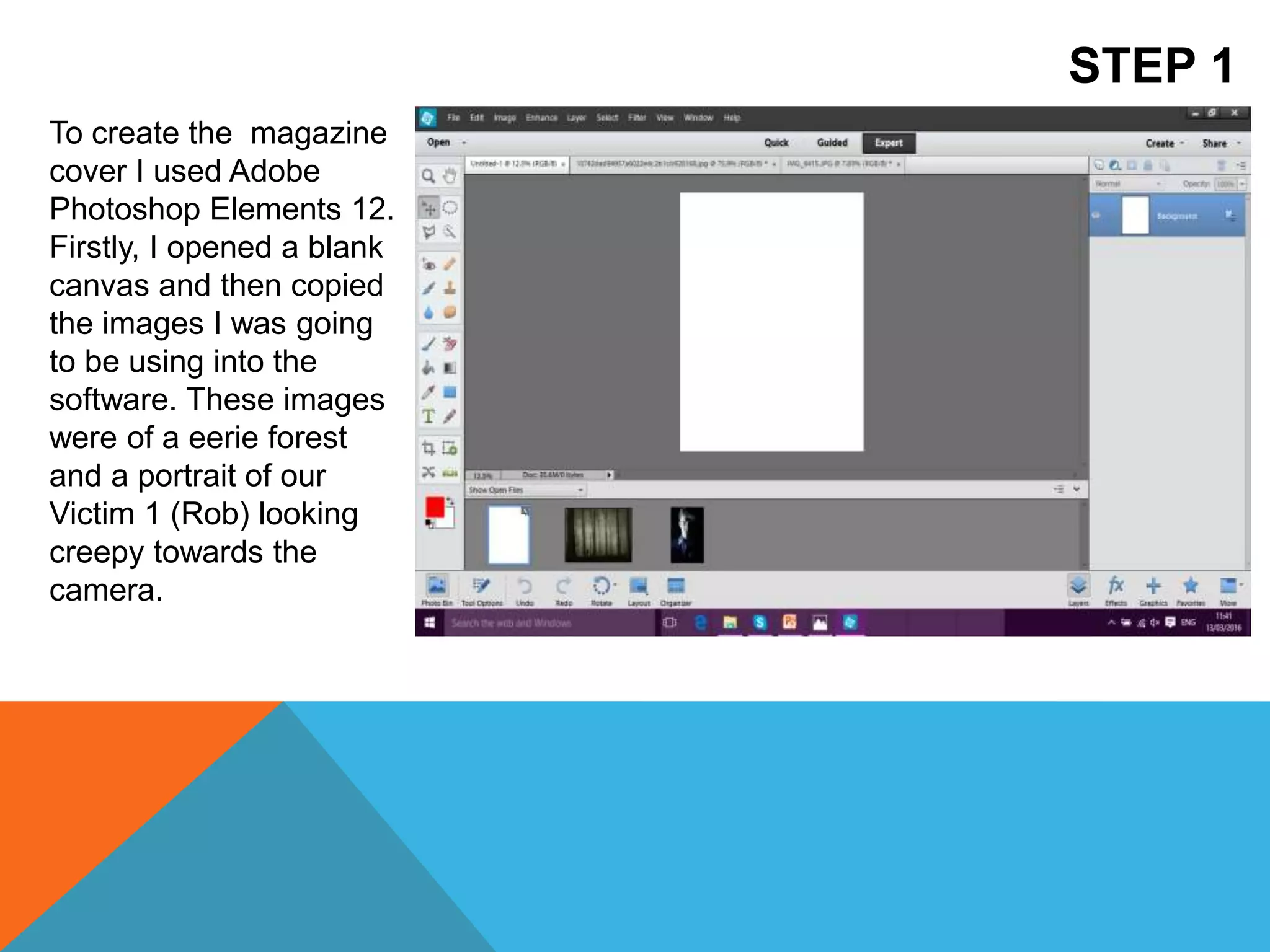
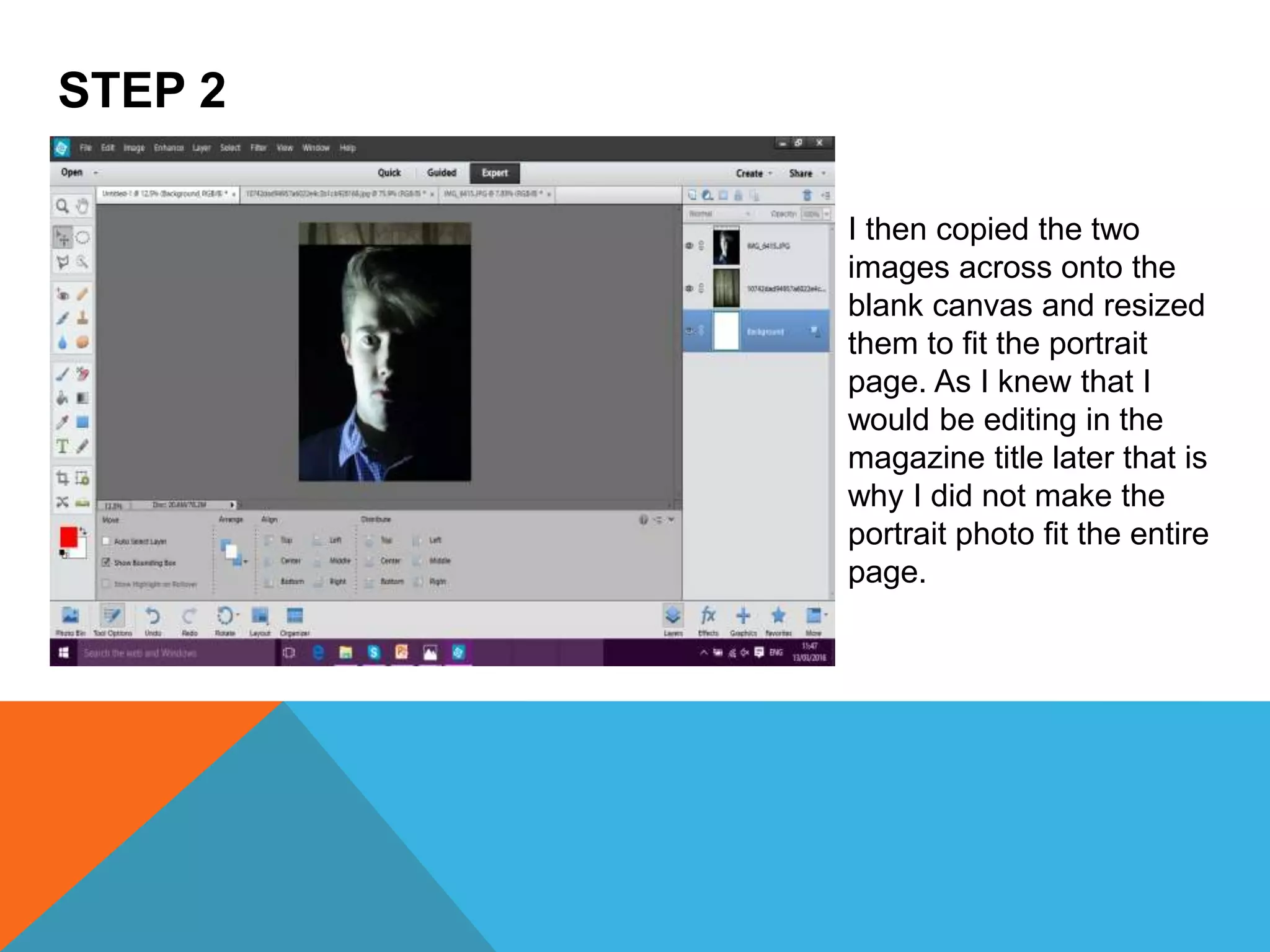
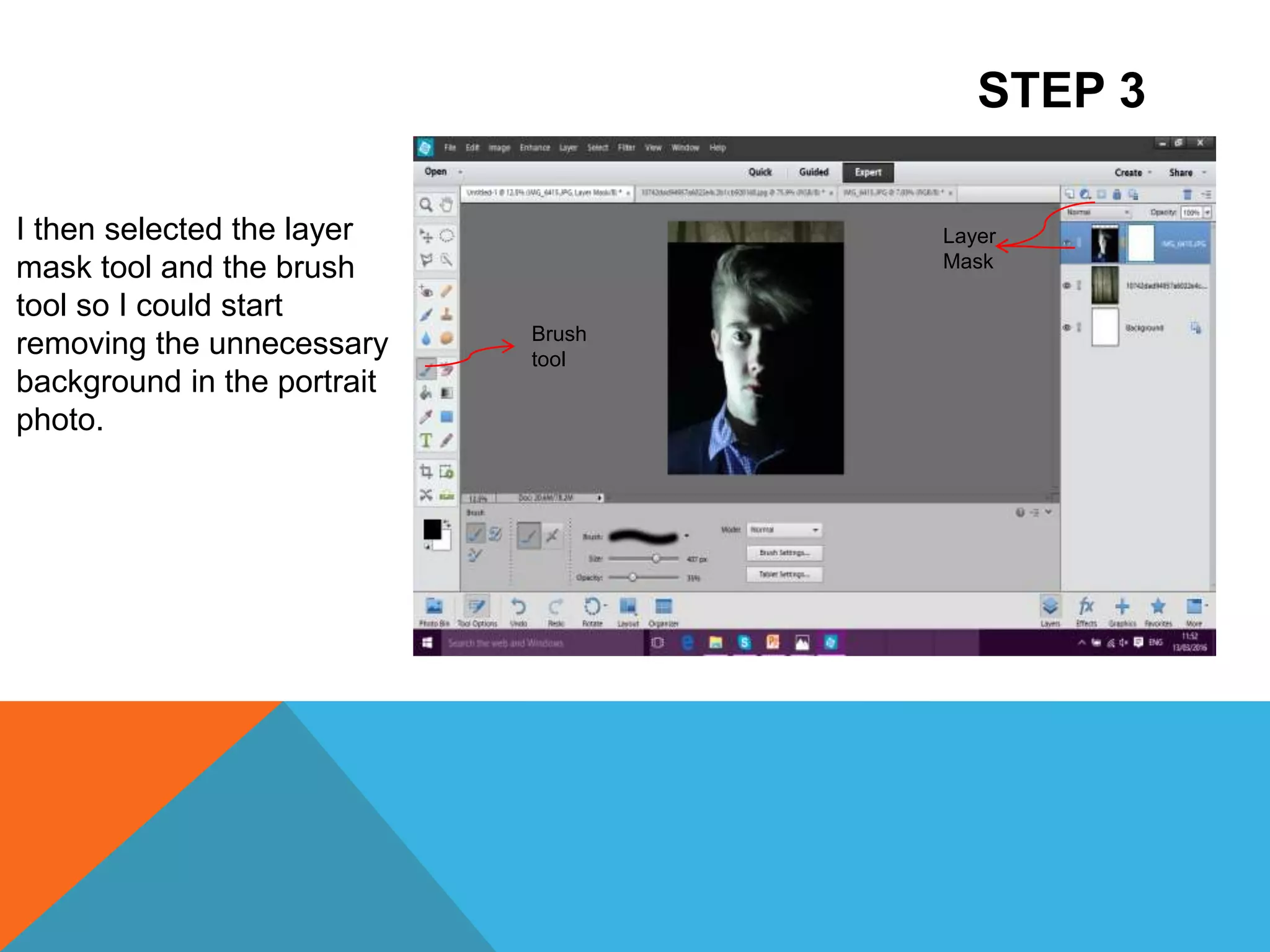
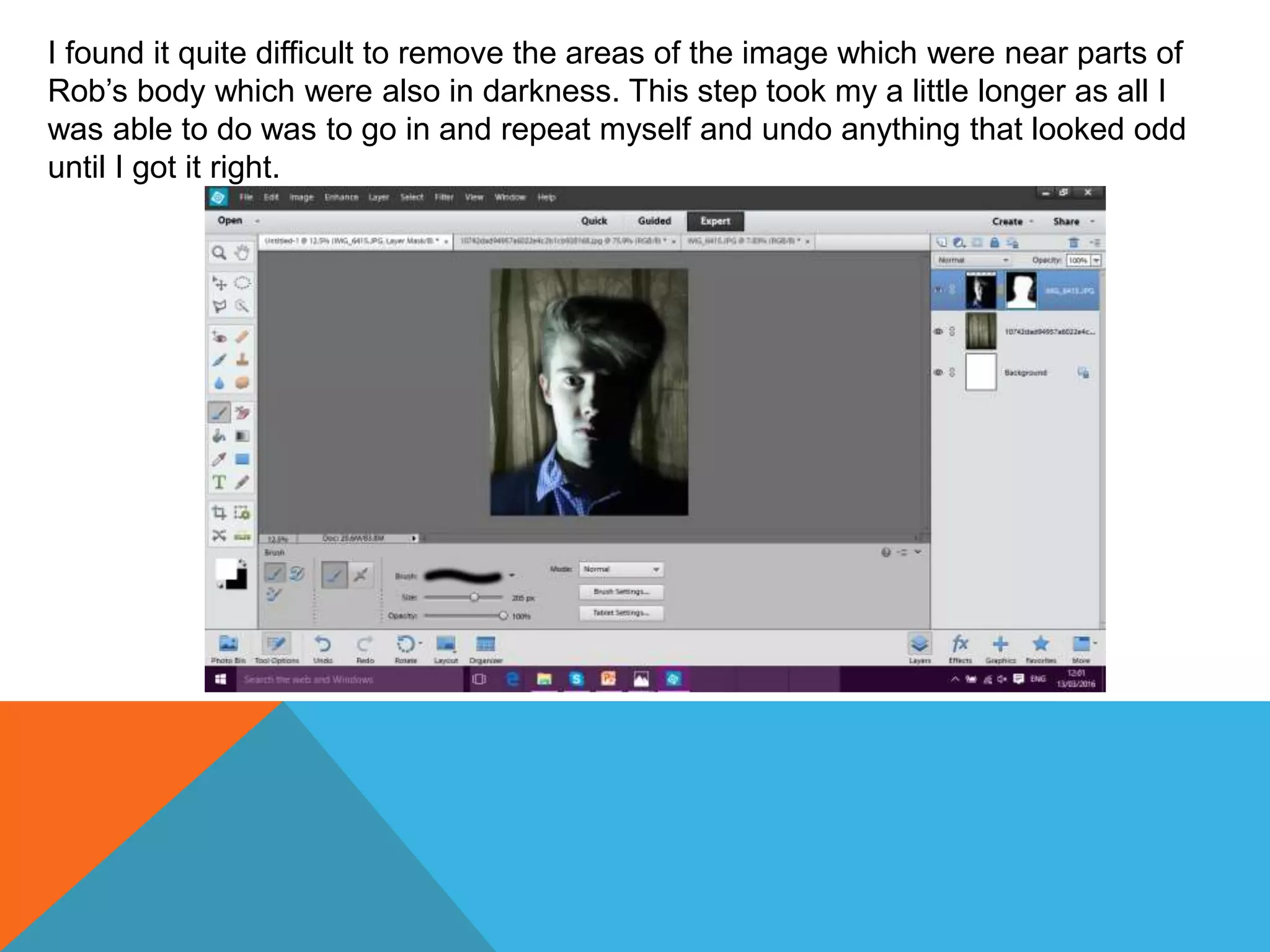
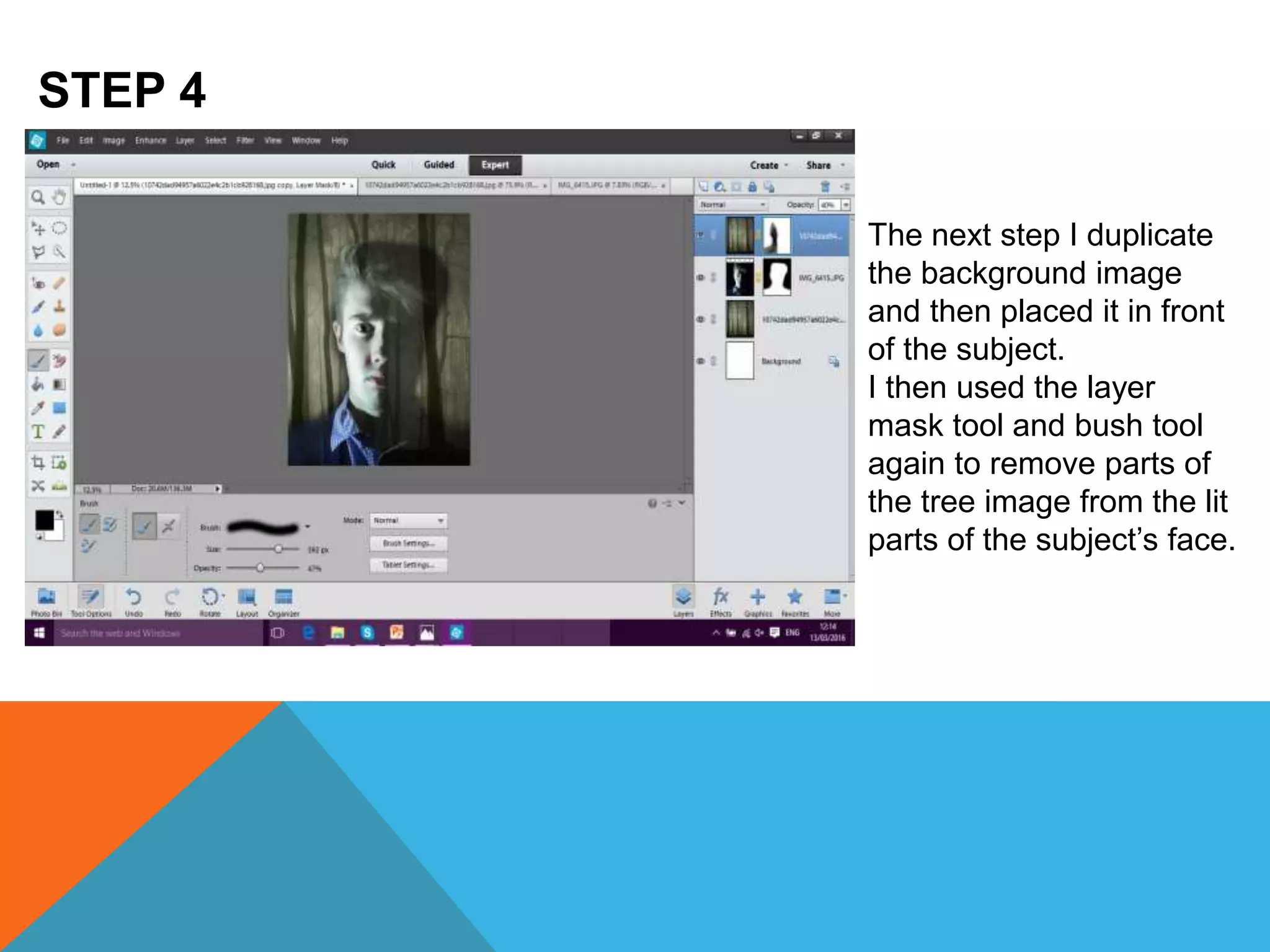
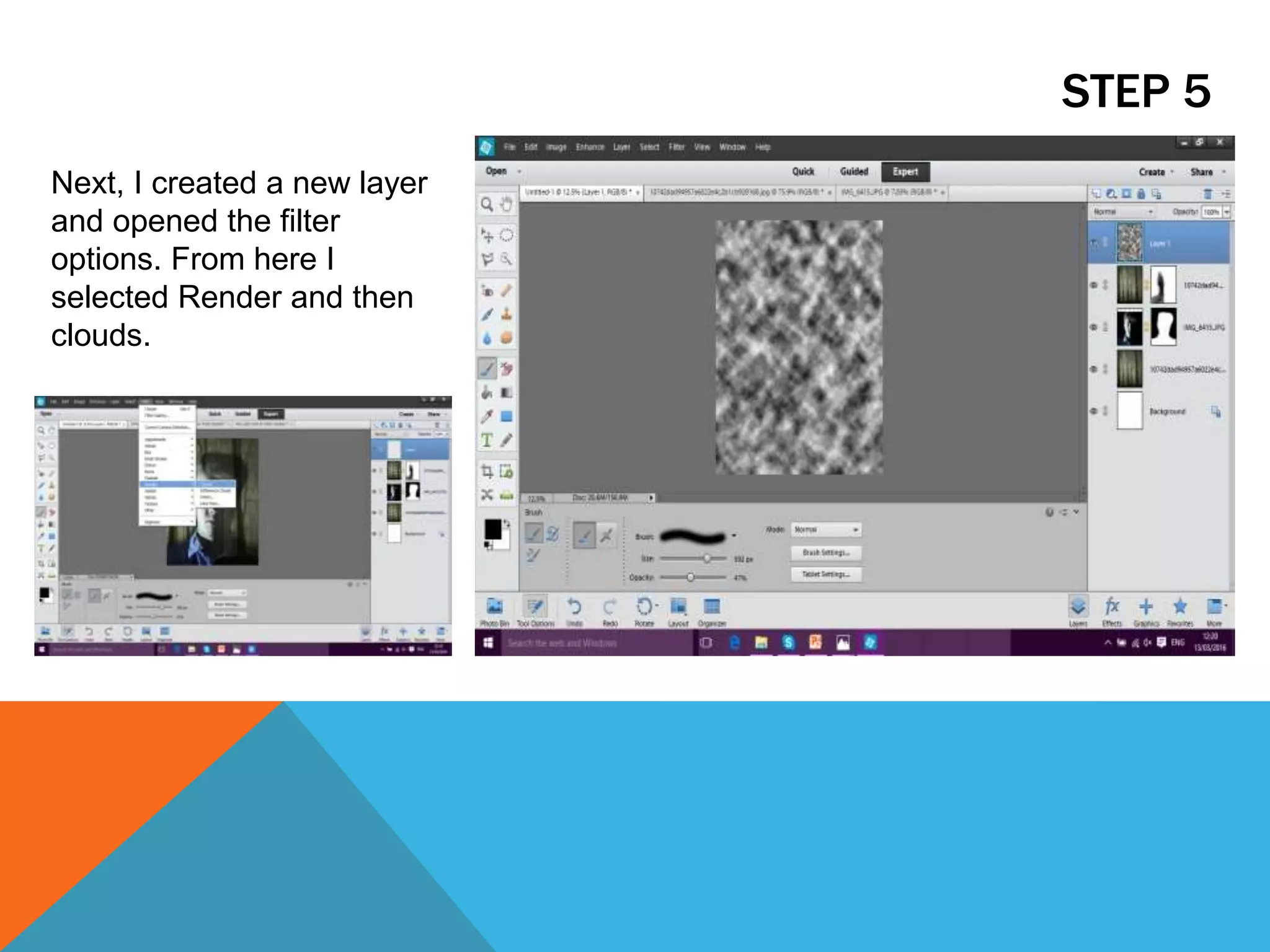
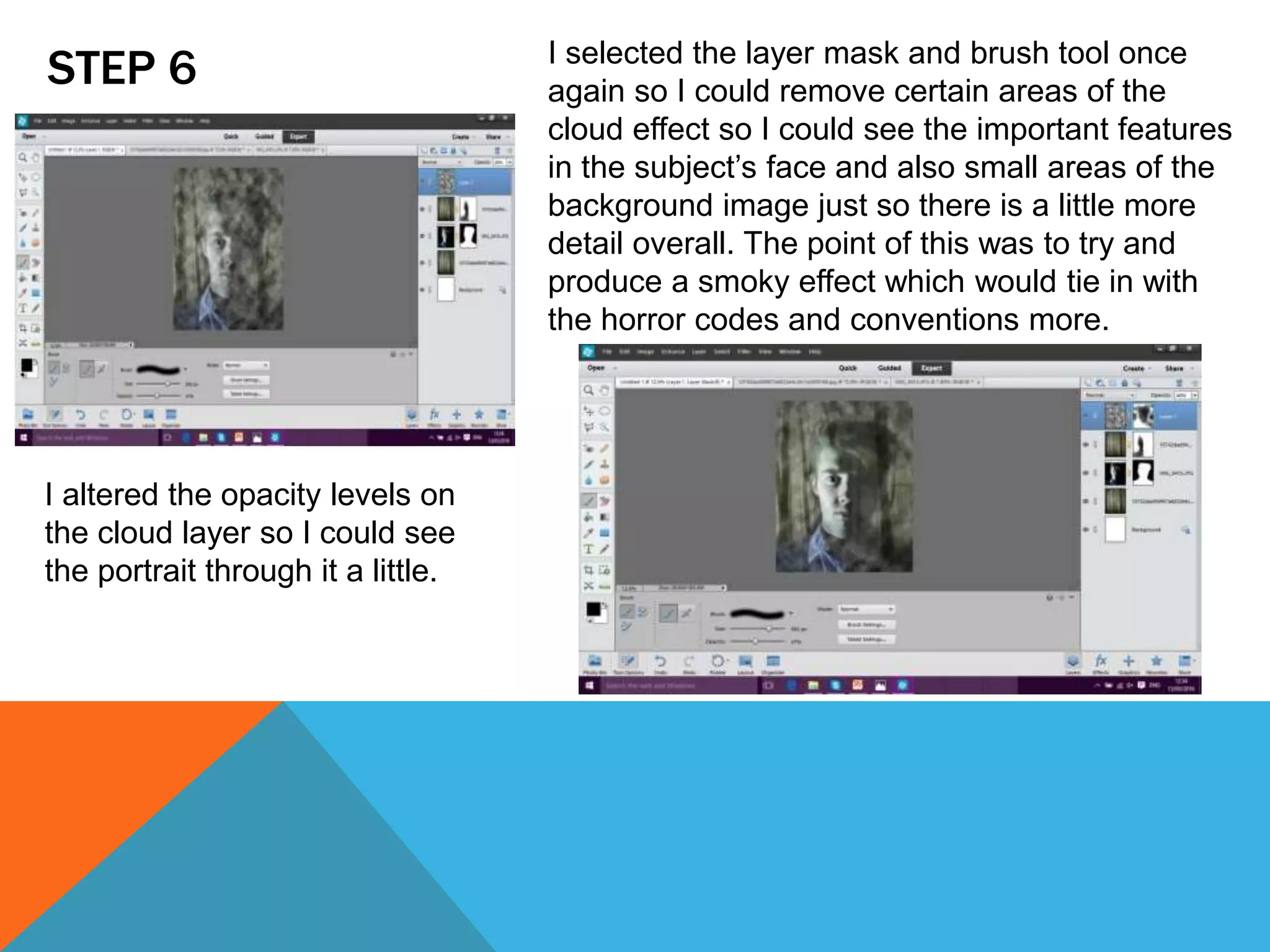
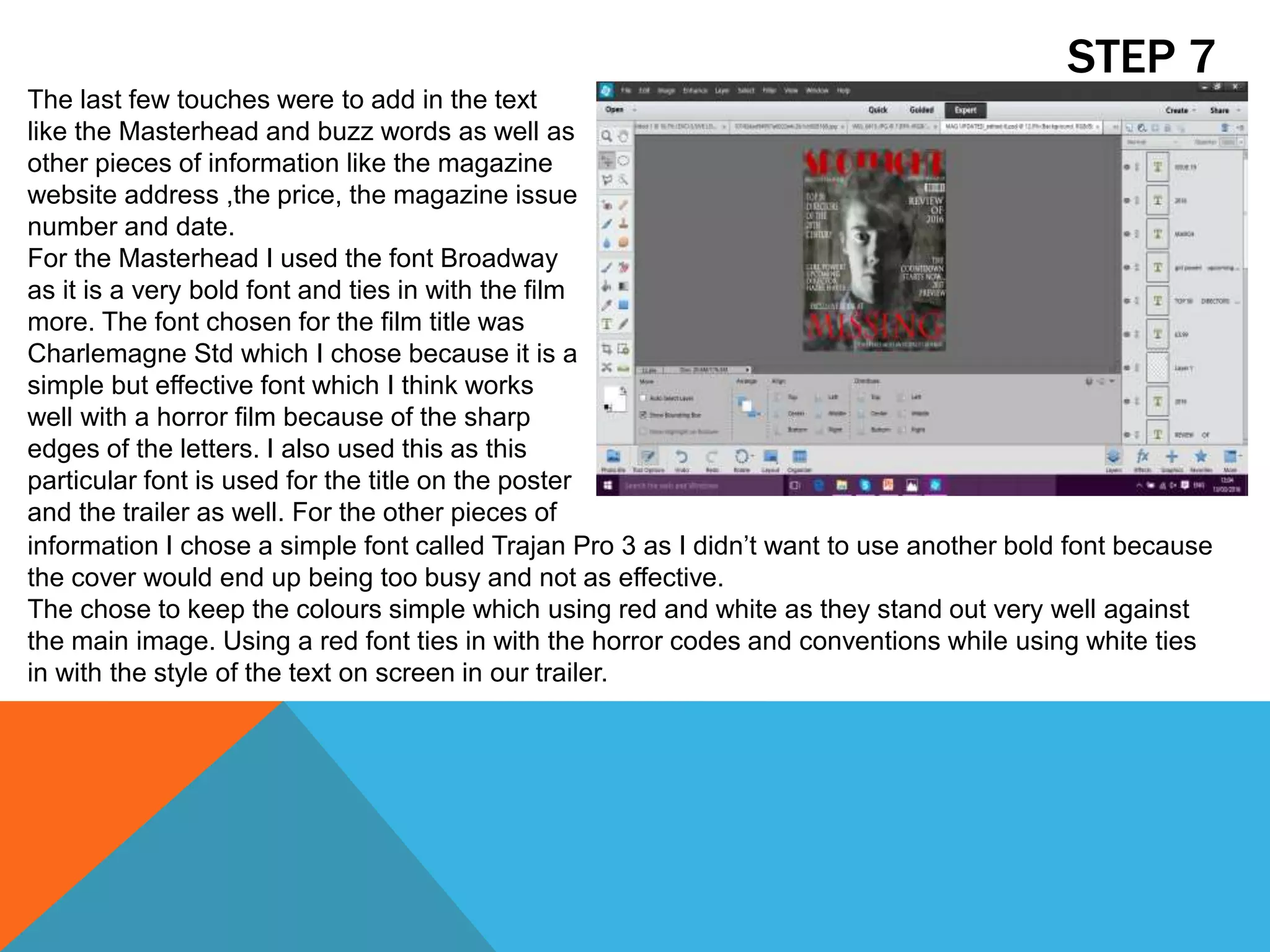
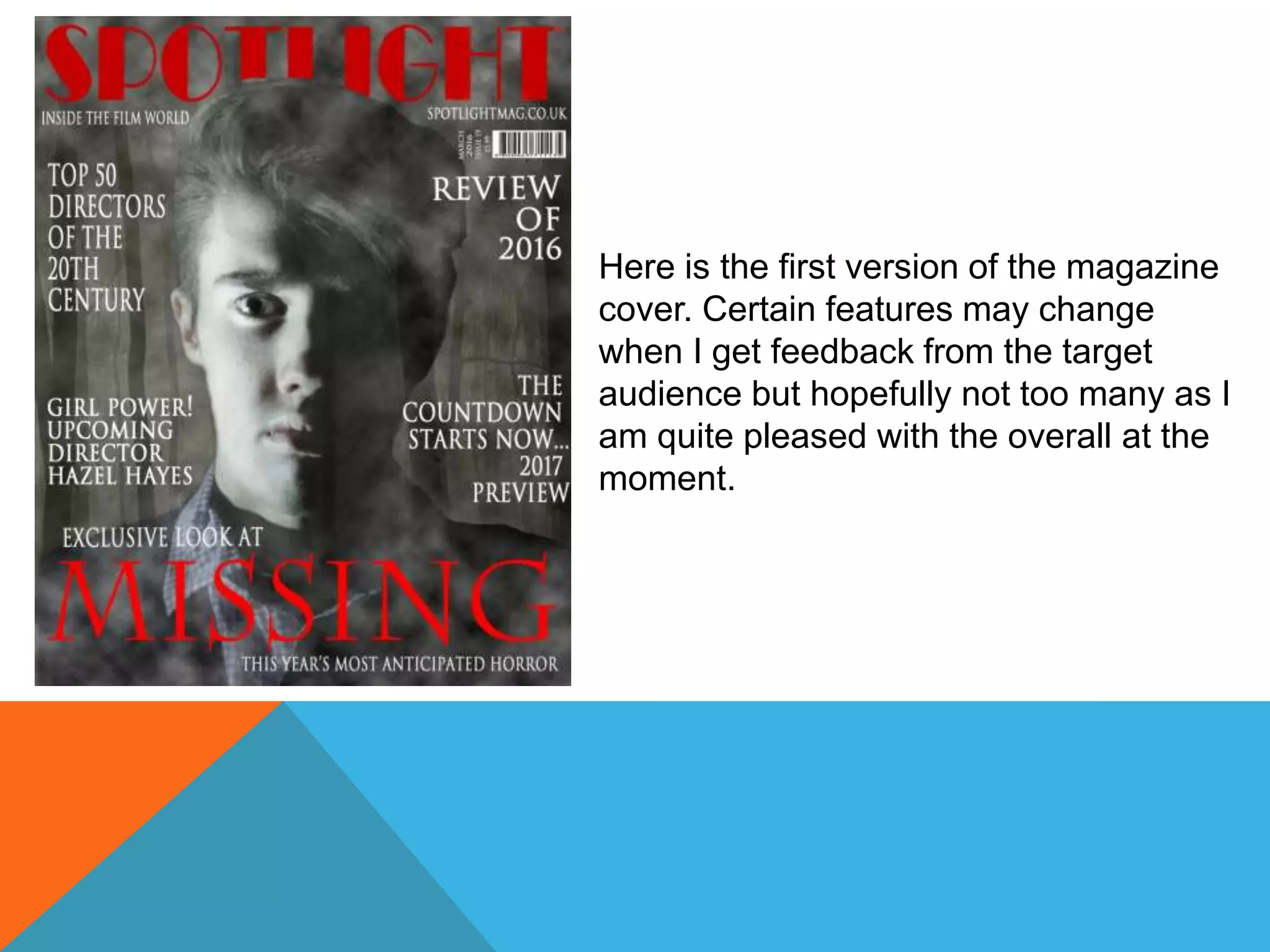
The document outlines the 7 step process for creating a magazine cover in Photoshop Elements 12 using images of a forest and a portrait subject. The steps include: 1) opening images in Photoshop, 2) resizing and positioning images, 3) removing background from portrait using layer mask and brush tools, 4) duplicating forest image and removing parts with mask, 5) adding cloud layer and adjusting opacity, 6) further removing parts of cloud layer with mask, 7) adding text elements like title and details using different fonts. The process resulted in a magazine cover with a horror theme incorporating the images and text.