TESTING IN
MULE
By-Aradhana Mohanty
AGENDA
 Introduction to Testing Mule
 Why testing?
 Types of Testing
 Tools for Testing
 MUnit
 MUnit with XML
 Munit with Java
 Installation of MUnit
 Creation of MUnit test for Mule flow
 Run MUnit
 Exception Handling
INTRODUCTION TO TESTING MULE
Why testing?
Iterate comfortably
Tests act as descriptors of application-interaction
Fast root cause analysis
Less time debugging
Confidence in your work
Types of Testing :-
Performance Testing
Unit Testing
Functional Testing
Testing Strategies
MUnit
TOOLS FOR TESTING
JUnit
 Most used Java framework to write repeatable tests
 Requires a mocking framework such as Mockito to perform unit tests
MUnit
 Mule testing framework
 Rich feature set built in including mocking
 Written in XML or Java
 Test suites written in MUnit and JUnit can be included in Maven builds
Supports continuous integration
ABOUT MUNIT
Testing framework that allows us to easily build automated tests for our
integrations and APIs.
Fully integrate with Anypoint Studio, allowing you to create, design and run
MUnit tests.
Fully integrate with Maven
MUnit uses :-
Integration
 Write test flows in Mule and/or Java code
 Fully integrate with Maven
Mocking
 Selected inbound endpoints ,i.e, AMQP, JMS, FTP
 Selected message processors
 Mock outbound endpoints
MUNIT (CONTINUE…)
MUnit is a Beta-version Mule testing framework that allows us to easily build
automated tests for integration and APIs.
MUnit is fully integrated with Anypoint Studio. We can use Studio’s graphical
interface to :
 Create and design MUnit tests
 Run tests
 View test results and coverage
 Debug tests with Studio
Steps to run MUnit :-
 Mount a flow to test onto Anypoint Studio
 Right click on the project which will be validated
 Choose create new suite
 You will be able to see all the flows. Select the required flow.
 Run it.
MUNIT WITH
XML AND
JAVA
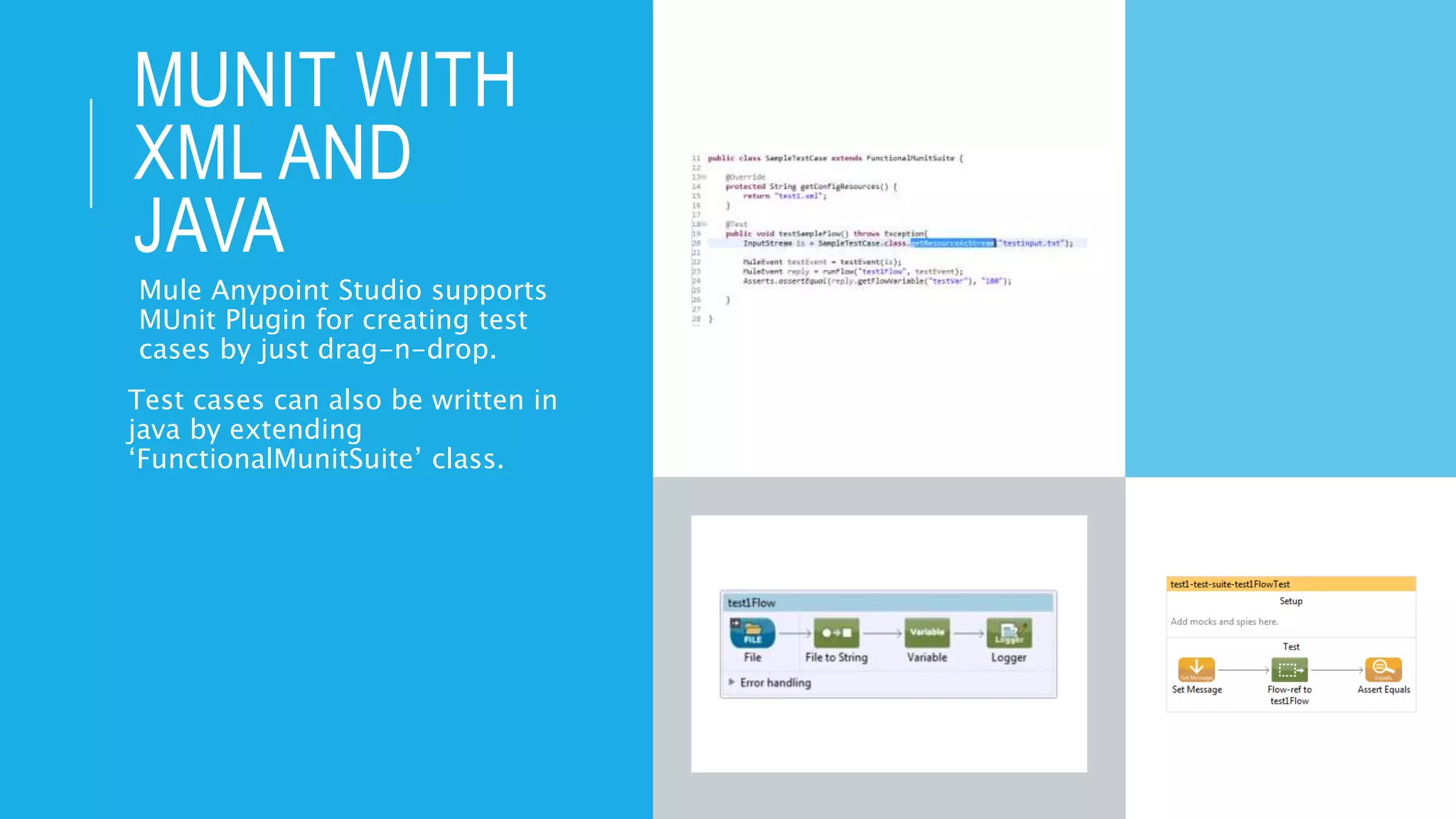
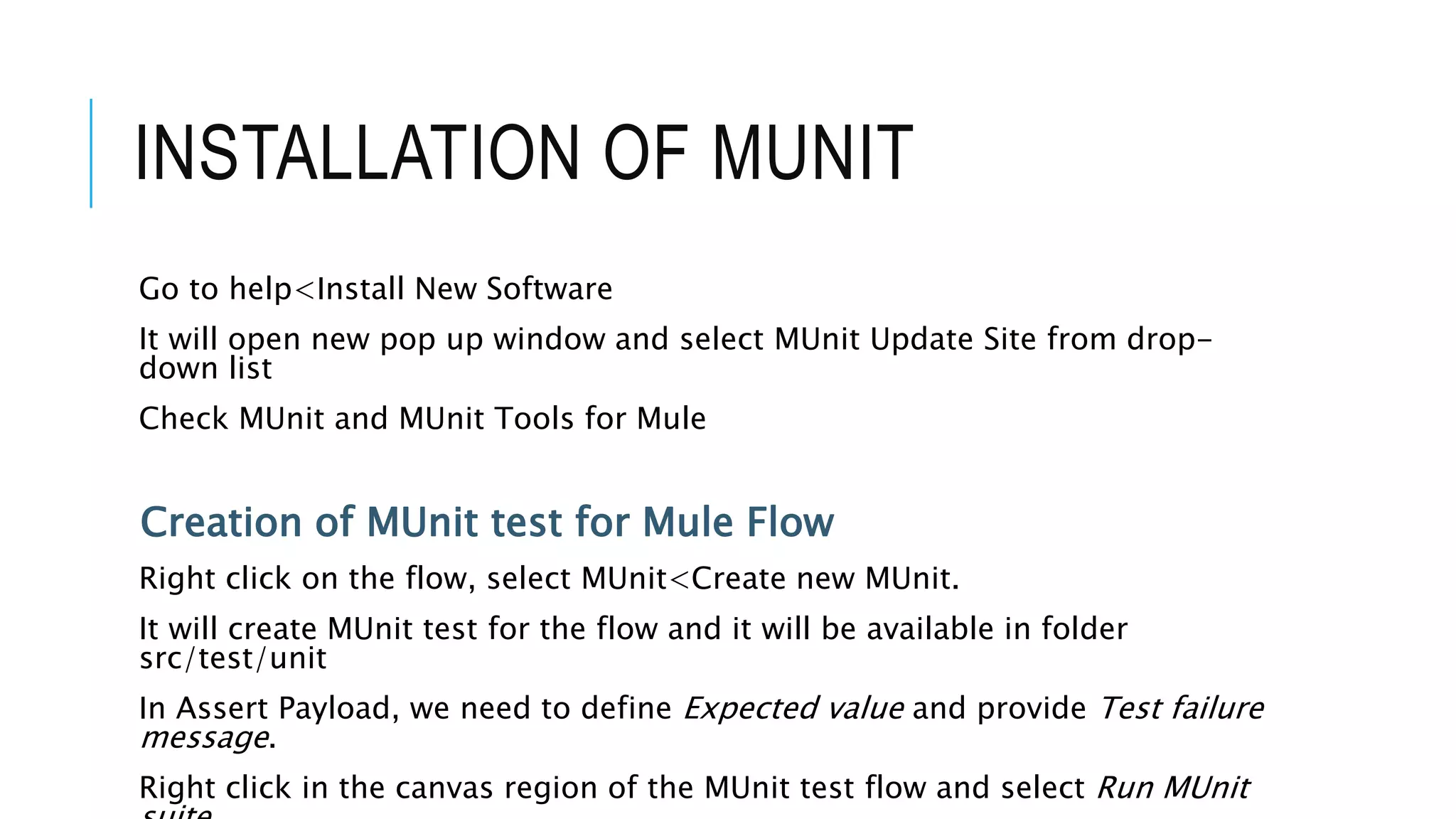
Mule Anypoint Studio supports
MUnit Plugin for creating test
cases by just drag-n-drop.
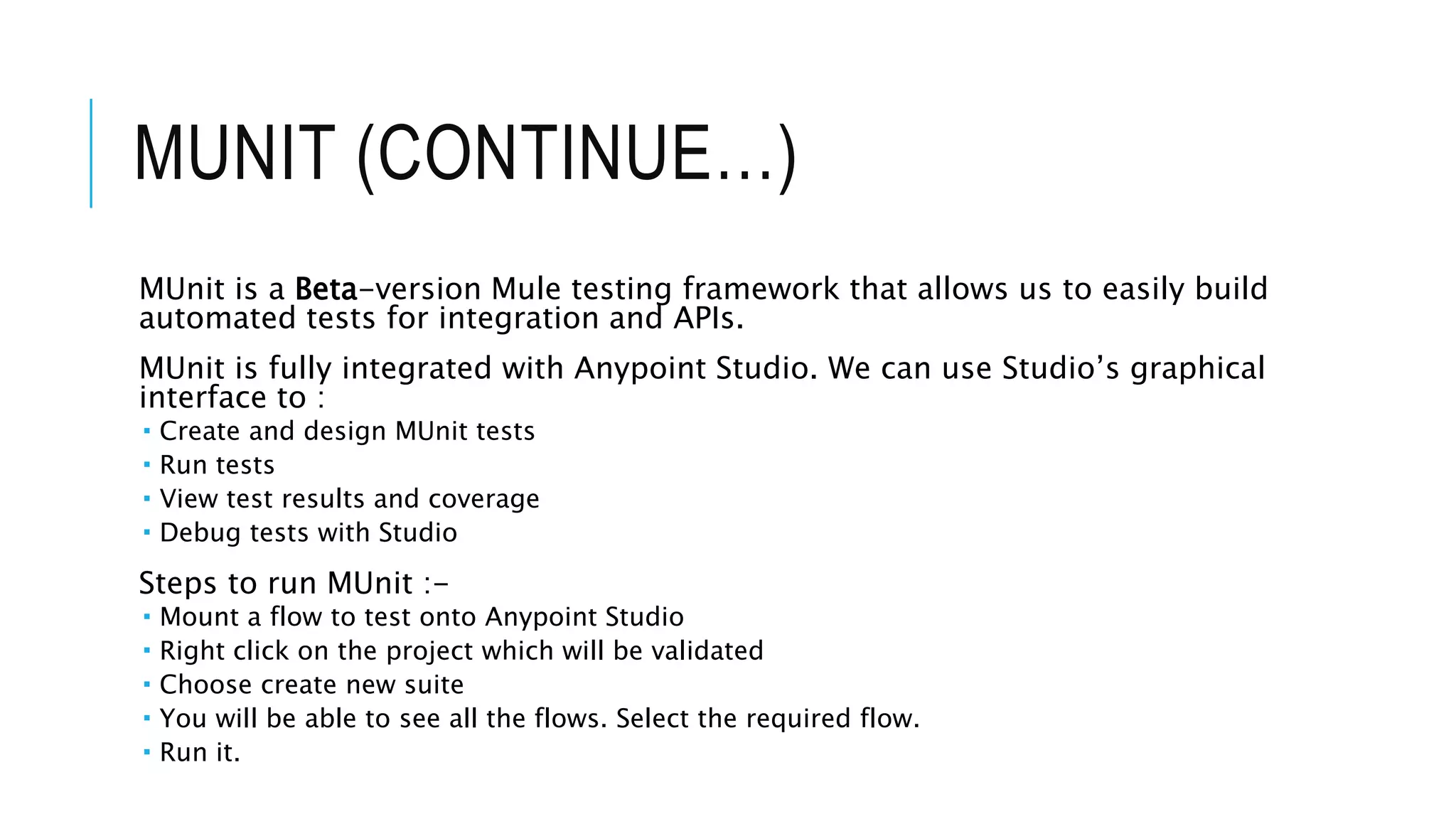
Test cases can also be written in
java by extending
‘FunctionalMunitSuite’ class.
INSTALLATION OF MUNIT
Go to help<Install New Software
It will open new pop up window and select MUnit Update Site from drop-
down list
Check MUnit and MUnit Tools for Mule
Creation of MUnit test for Mule Flow
Right click on the flow, select MUnit<Create new MUnit.
It will create MUnit test for the flow and it will be available in folder
src/test/unit
In Assert Payload, we need to define Expected value and provide Test failure
message.
Right click in the canvas region of the MUnit test flow and select Run MUnit
THANK YOU

Testing in mule

  • 1.
  • 2.
    AGENDA  Introduction toTesting Mule  Why testing?  Types of Testing  Tools for Testing  MUnit  MUnit with XML  Munit with Java  Installation of MUnit  Creation of MUnit test for Mule flow  Run MUnit  Exception Handling
  • 3.
    INTRODUCTION TO TESTINGMULE Why testing? Iterate comfortably Tests act as descriptors of application-interaction Fast root cause analysis Less time debugging Confidence in your work Types of Testing :- Performance Testing Unit Testing Functional Testing Testing Strategies MUnit
  • 4.
    TOOLS FOR TESTING JUnit Most used Java framework to write repeatable tests  Requires a mocking framework such as Mockito to perform unit tests MUnit  Mule testing framework  Rich feature set built in including mocking  Written in XML or Java  Test suites written in MUnit and JUnit can be included in Maven builds Supports continuous integration
  • 5.
    ABOUT MUNIT Testing frameworkthat allows us to easily build automated tests for our integrations and APIs. Fully integrate with Anypoint Studio, allowing you to create, design and run MUnit tests. Fully integrate with Maven MUnit uses :- Integration  Write test flows in Mule and/or Java code  Fully integrate with Maven Mocking  Selected inbound endpoints ,i.e, AMQP, JMS, FTP  Selected message processors  Mock outbound endpoints
  • 6.
    MUNIT (CONTINUE…) MUnit isa Beta-version Mule testing framework that allows us to easily build automated tests for integration and APIs. MUnit is fully integrated with Anypoint Studio. We can use Studio’s graphical interface to :  Create and design MUnit tests  Run tests  View test results and coverage  Debug tests with Studio Steps to run MUnit :-  Mount a flow to test onto Anypoint Studio  Right click on the project which will be validated  Choose create new suite  You will be able to see all the flows. Select the required flow.  Run it.
  • 7.
    MUNIT WITH XML AND JAVA MuleAnypoint Studio supports MUnit Plugin for creating test cases by just drag-n-drop. Test cases can also be written in java by extending ‘FunctionalMunitSuite’ class.
  • 8.
    INSTALLATION OF MUNIT Goto help<Install New Software It will open new pop up window and select MUnit Update Site from drop- down list Check MUnit and MUnit Tools for Mule Creation of MUnit test for Mule Flow Right click on the flow, select MUnit<Create new MUnit. It will create MUnit test for the flow and it will be available in folder src/test/unit In Assert Payload, we need to define Expected value and provide Test failure message. Right click in the canvas region of the MUnit test flow and select Run MUnit
  • 9.