Swift 介绍
微博 @Bencalie
2014-06-18
Swift
• n. 雨燕;adj. 迅速、快
• 雨燕是飞翔速度最快的鸟类,常在空中捕食昆虫,
翼长而腿、脚弱小 —— 维基百科
• 2014 WWDC,苹果公司赋予 Swift 新的含义
Swift诞生之前
Objective-C + Cocoa
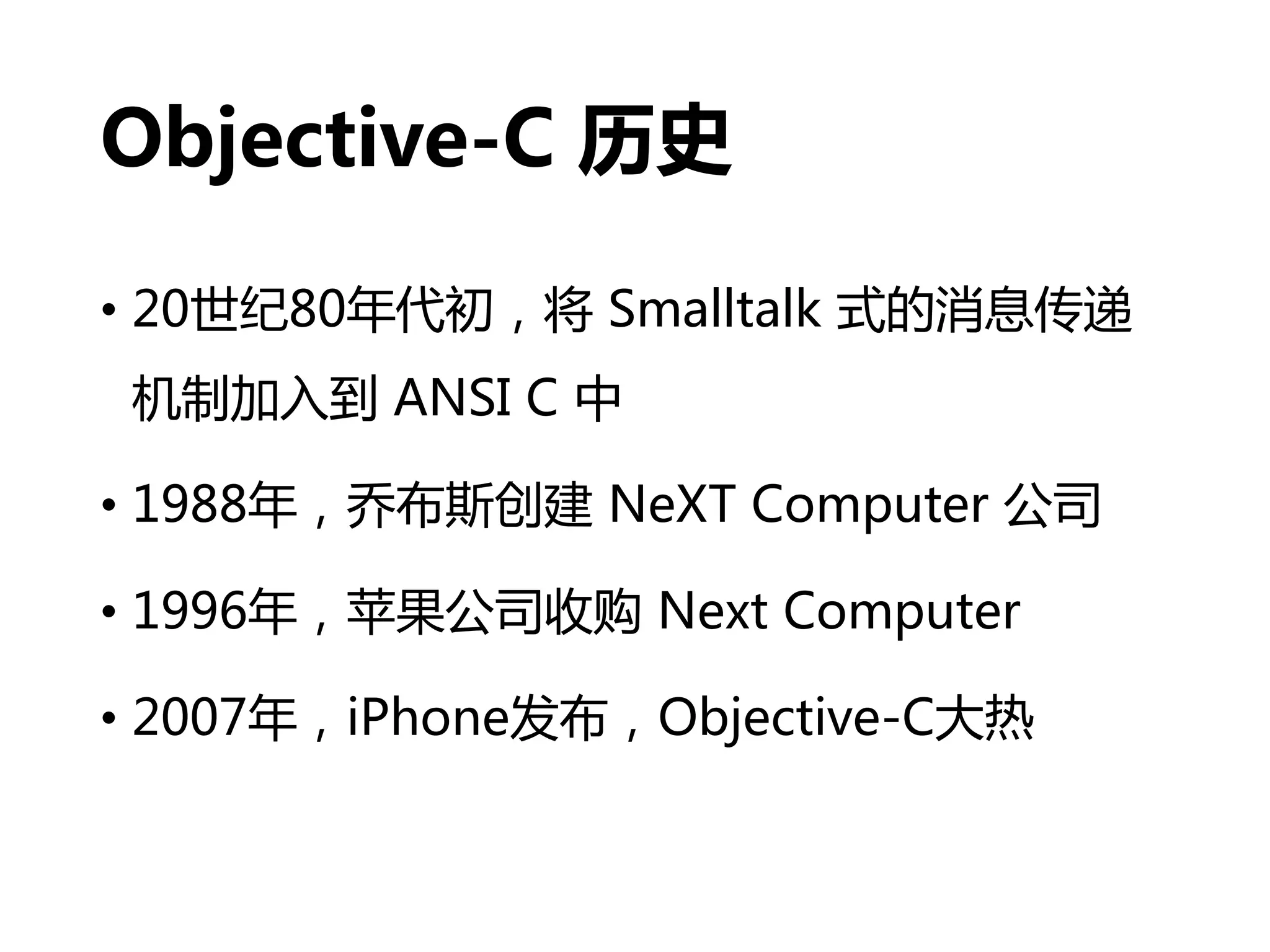
Objective-C 历史
• 20世纪80年代初,将 Smalltalk 式的消息传递
机制加入到 ANSI C 中
• 1988年,乔布斯创建 NeXT Computer 公司
• 1996年,苹果公司收购 Next Computer
• 2007年,iPhone发布,Objective-C大热
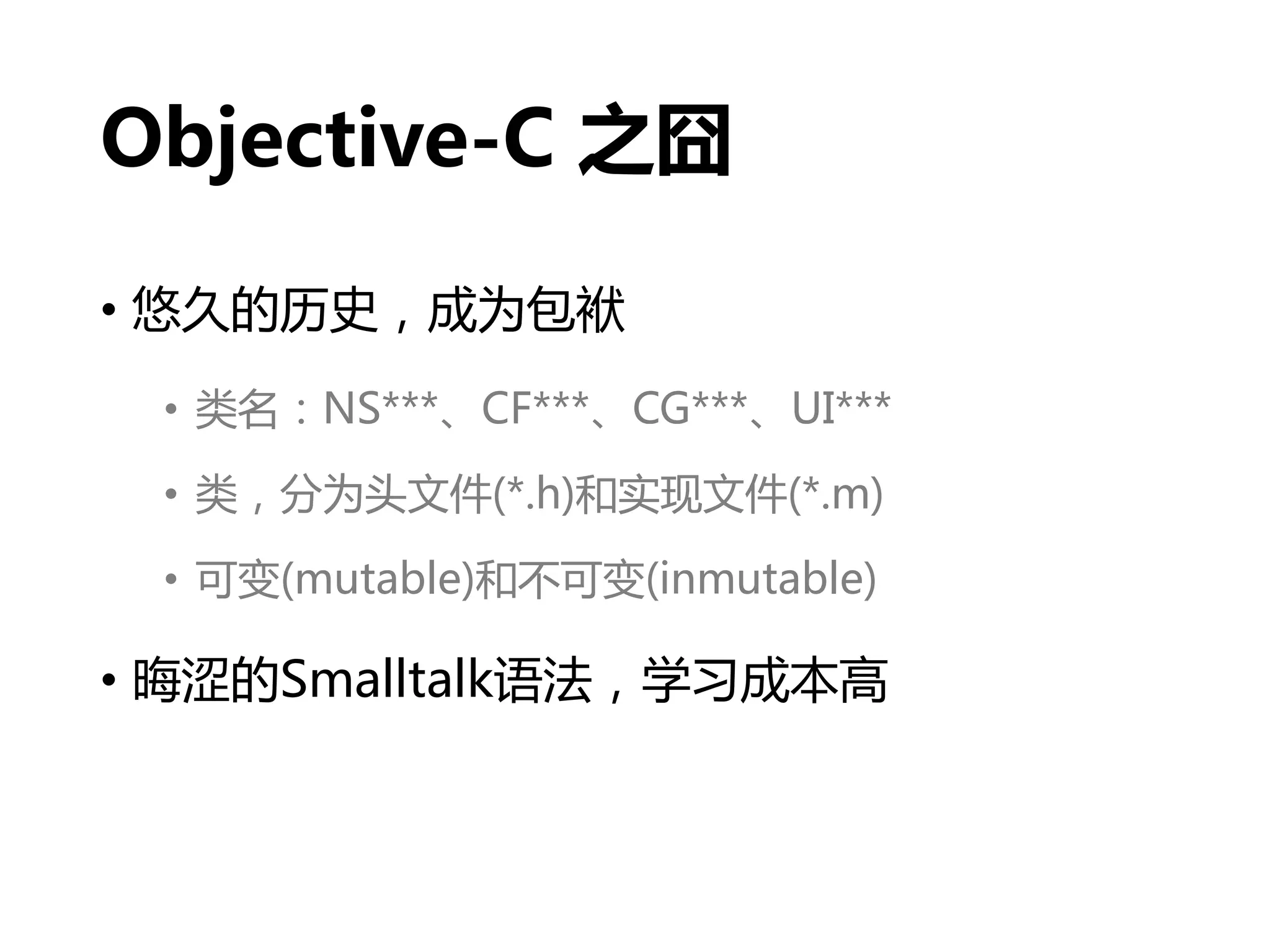
Objective-C 之囧
• 悠久的历史,成为包袱
• 类名:NS***、CF***、CG***、UI***
• 类,分为头文件(*.h)和实现文件(*.m)
• 可变(mutable)和不可变(inmutable)
• 晦涩的Smalltalk语法,学习成本高
// 初始化字符串
NSString *weiboDomain = @"http://weibo.com";
// 初始化一个类
RootViewController *viewController = [[RootViewController
alloc] initWithNibName:nil bundle:nil];
// 类方法
- (instancetype)initWithNibName:(NSString *)nibNameOrNil
bundle:(NSBundle *)nibBundleOrNil{
// 函数体
}
NSArray、NSMutableArray
NSDictionary、NSMutableDictionary
苹果再也受不了我们天天黑
Objective-C
Swift 历史
• 2010年7月,Chris Lattner开始设计Swift语言
• 2014年6月,正式发布
苹果公司对 Swift 的期待
• 快速(Fast)
• 学习成本低(舍弃了Smalltalk语法)
• 性能提升(优化了编译器、调试器、ARC)
• 现代(Modern)
• 借鉴了OC、Rust、Haskell、Ruby、Python、C#、CLU等的特点
• 安全(Safe)
• 取消了OC的指针及其他不安全访问的使用
• 互动(Interactive)
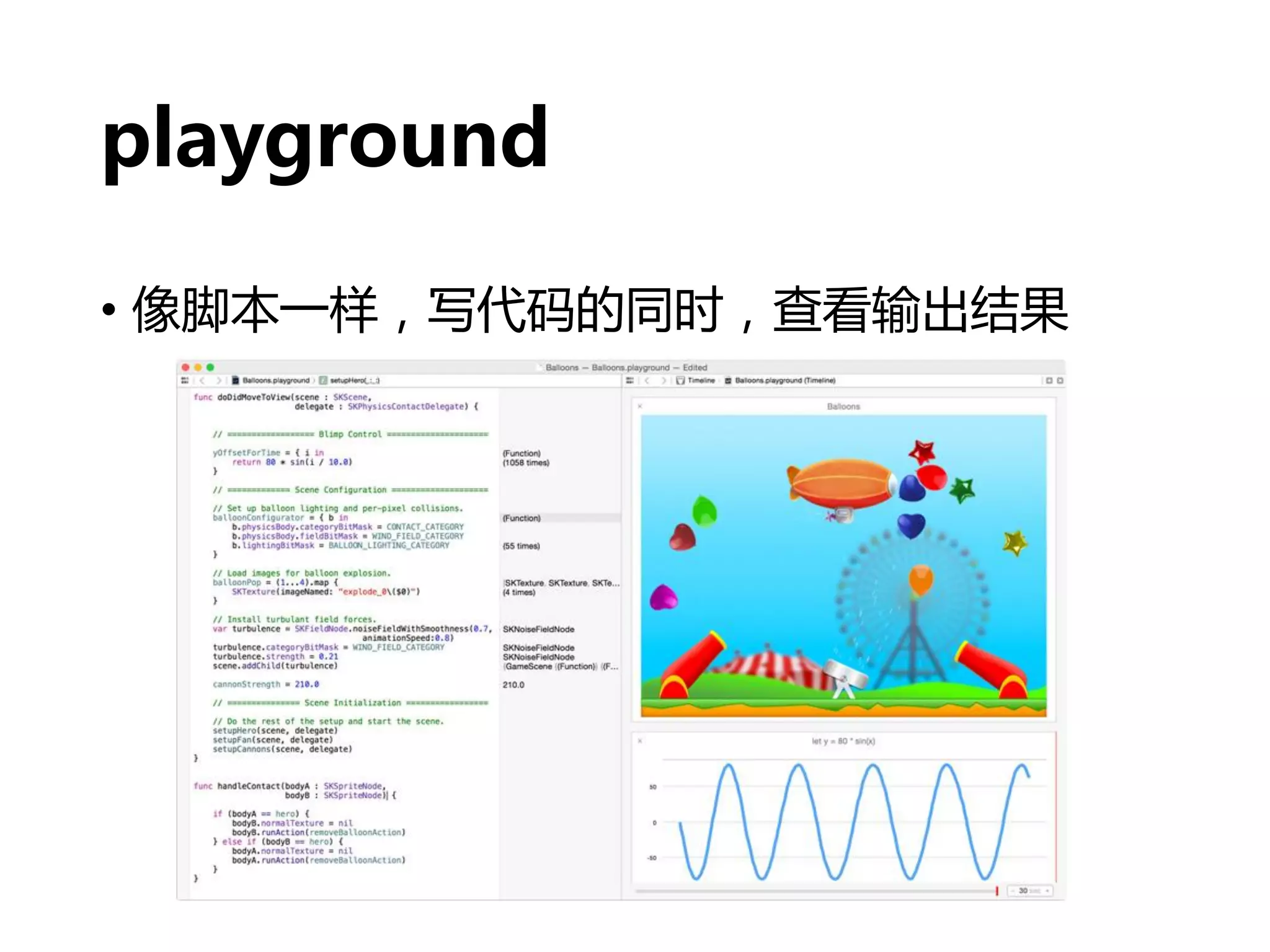
• playground
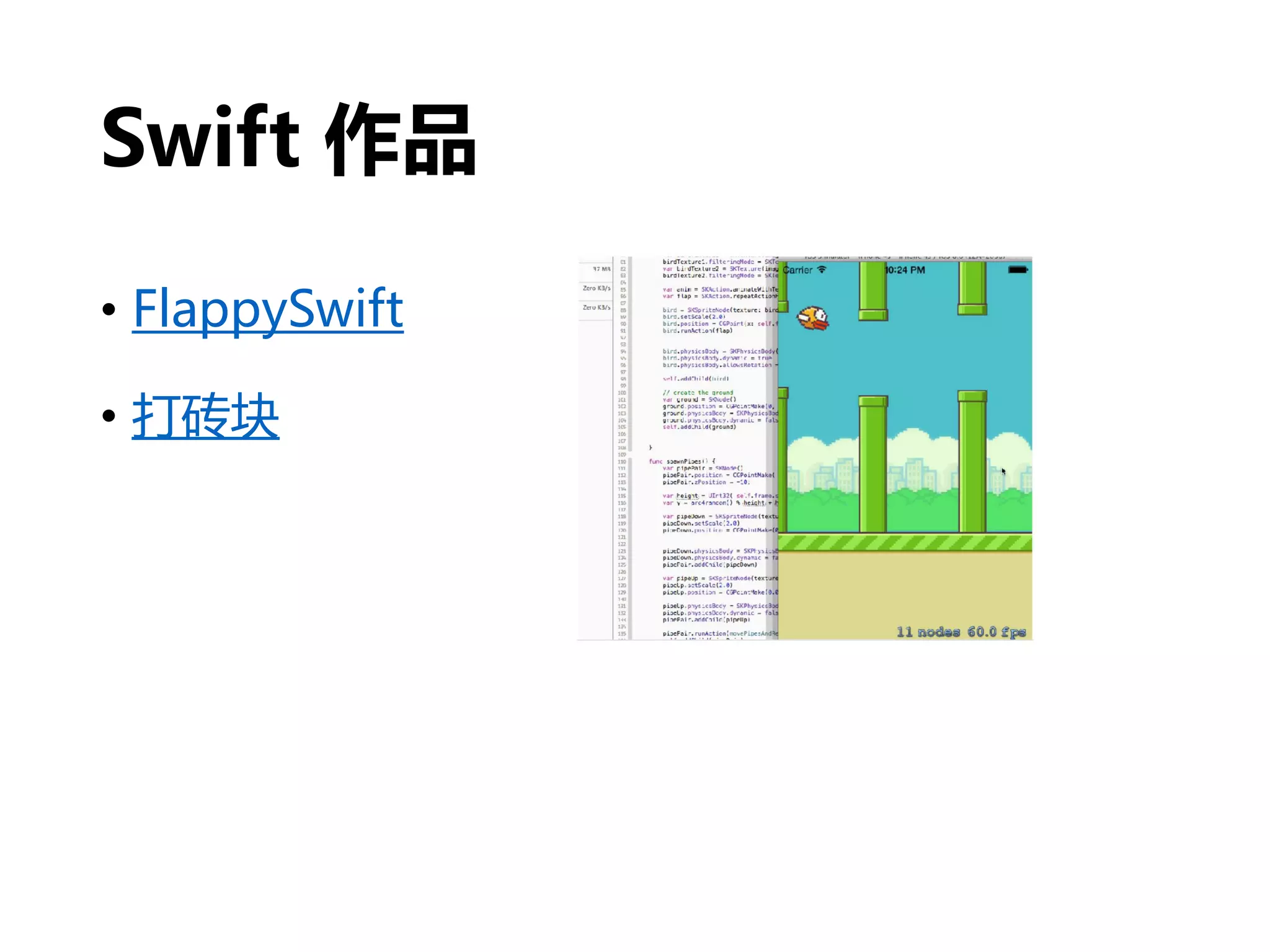
Swift 作品
• FlappySwift
• 打砖块
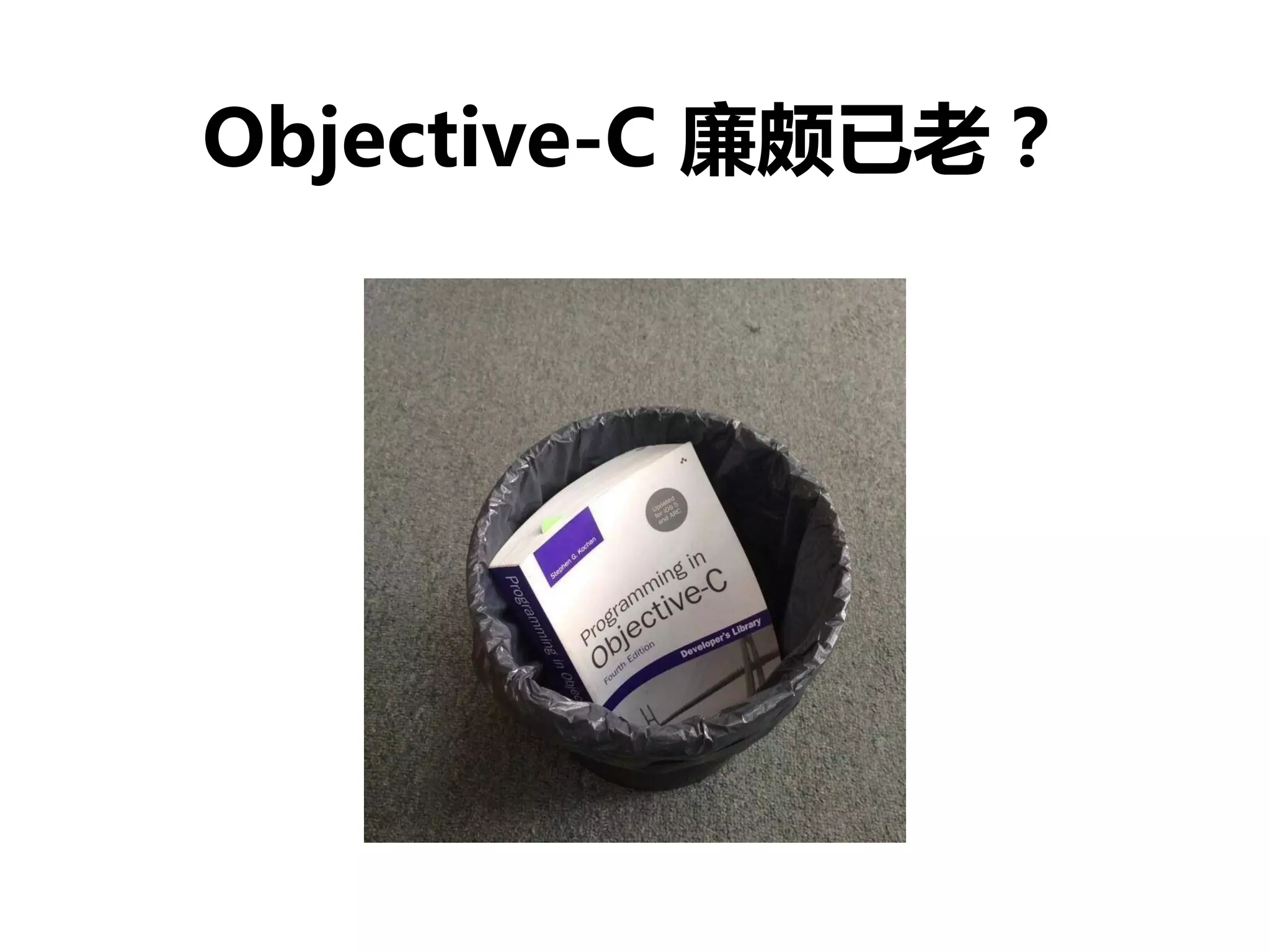
Objective-C 廉颇已老?
Swift 和 Objective-C
• 与 Cocoa、Objective-C 无缝集成
• iOS 6 和 OSX 10.8 都可以运行 Swift 程序
• Swift 可以和 Objective-C 运行于同一程序中
• 和 Objective-C 之间的交互,请阅读
• 《Using Swift with Cocoa and Objective-C》
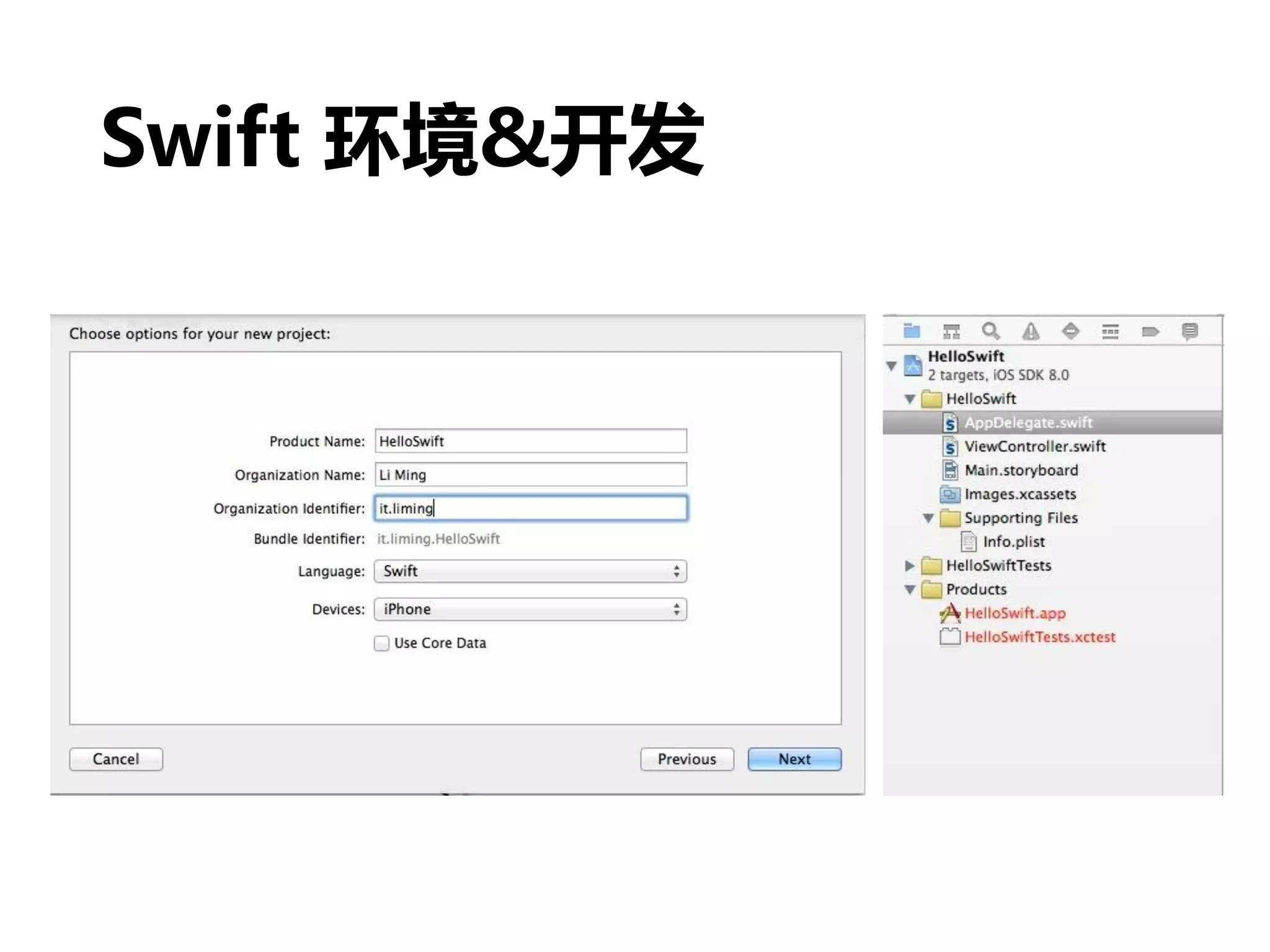
Swift 环境&开发
• 条件:Mac OS X 10.9.3 + Xcode6 Beta
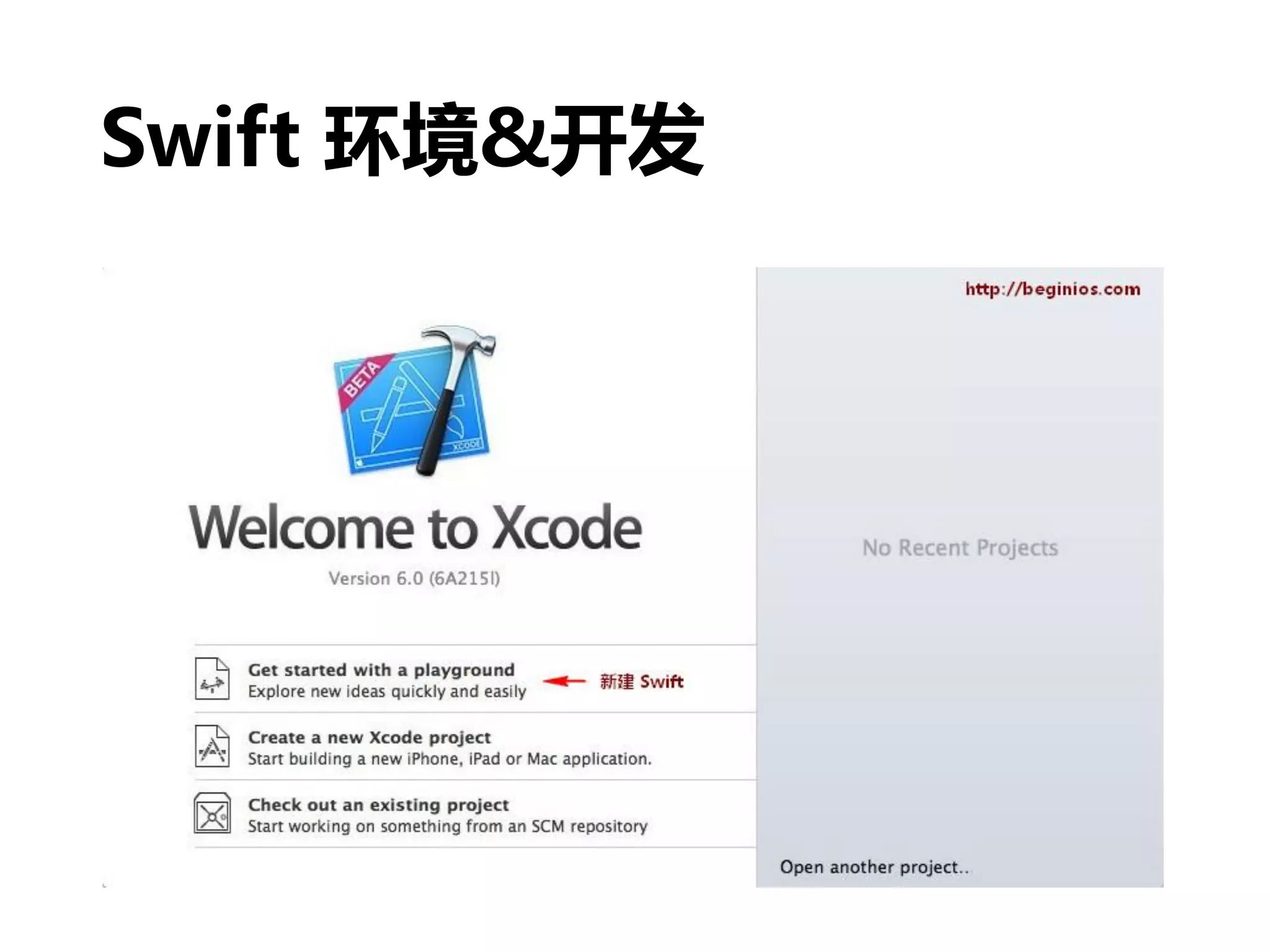
• 创建一个 playground
• 创建一个工程(project)
Swift 环境&开发
playground
• 像脚本一样,写代码的同时,查看输出结果
Swift 环境&开发
Swift 环境&开发
• 怎么识别应用入口呢?
• AppDelegate.swift
• @UIApplicationMain
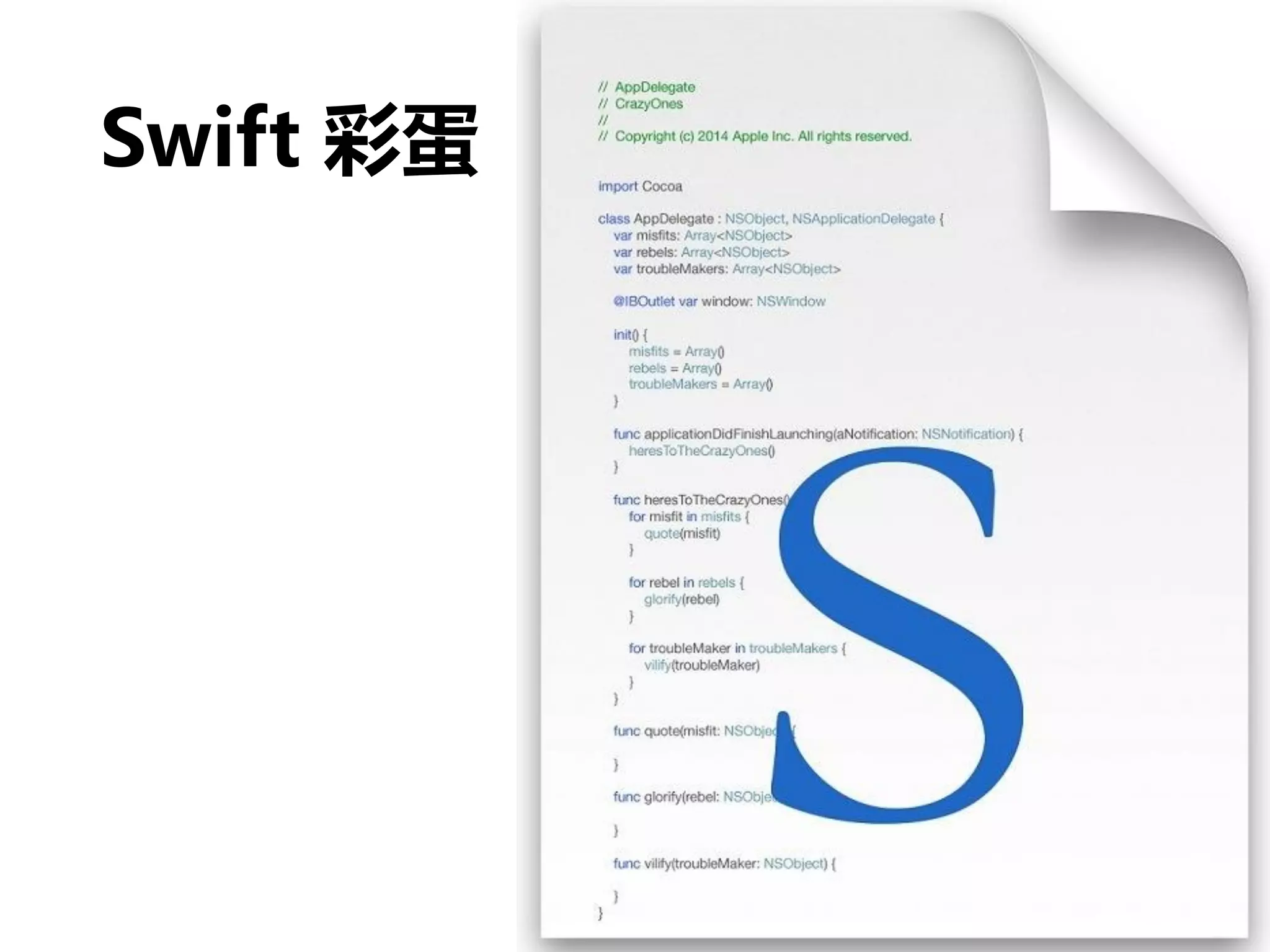
Swift 彩蛋
看看 Swift 代码
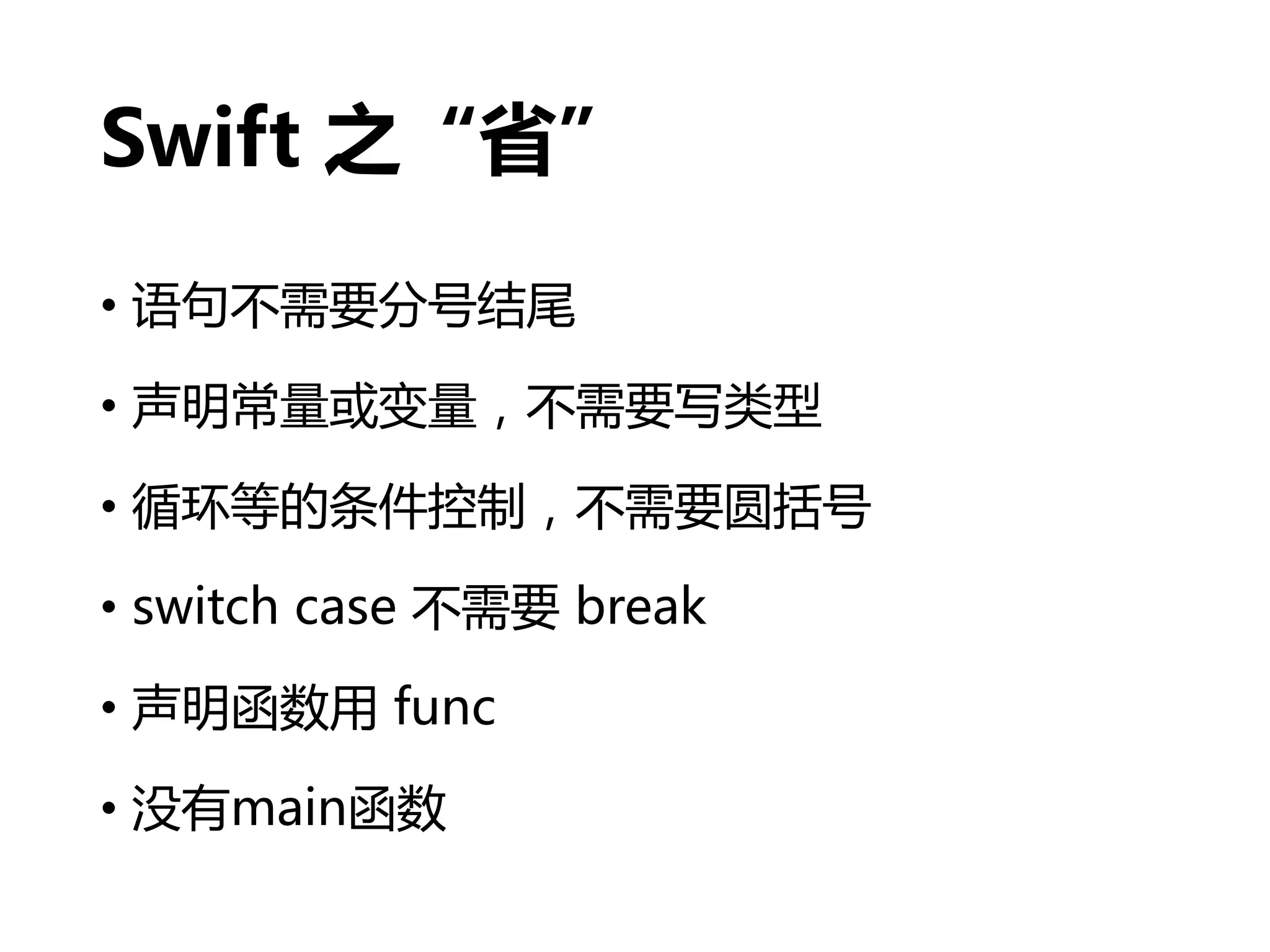
Swift 之“省”
• 语句不需要分号结尾
• 声明常量或变量,不需要写类型
• 循环等的条件控制,不需要圆括号
• switch case 不需要 break
• 声明函数用 func
• 没有main函数
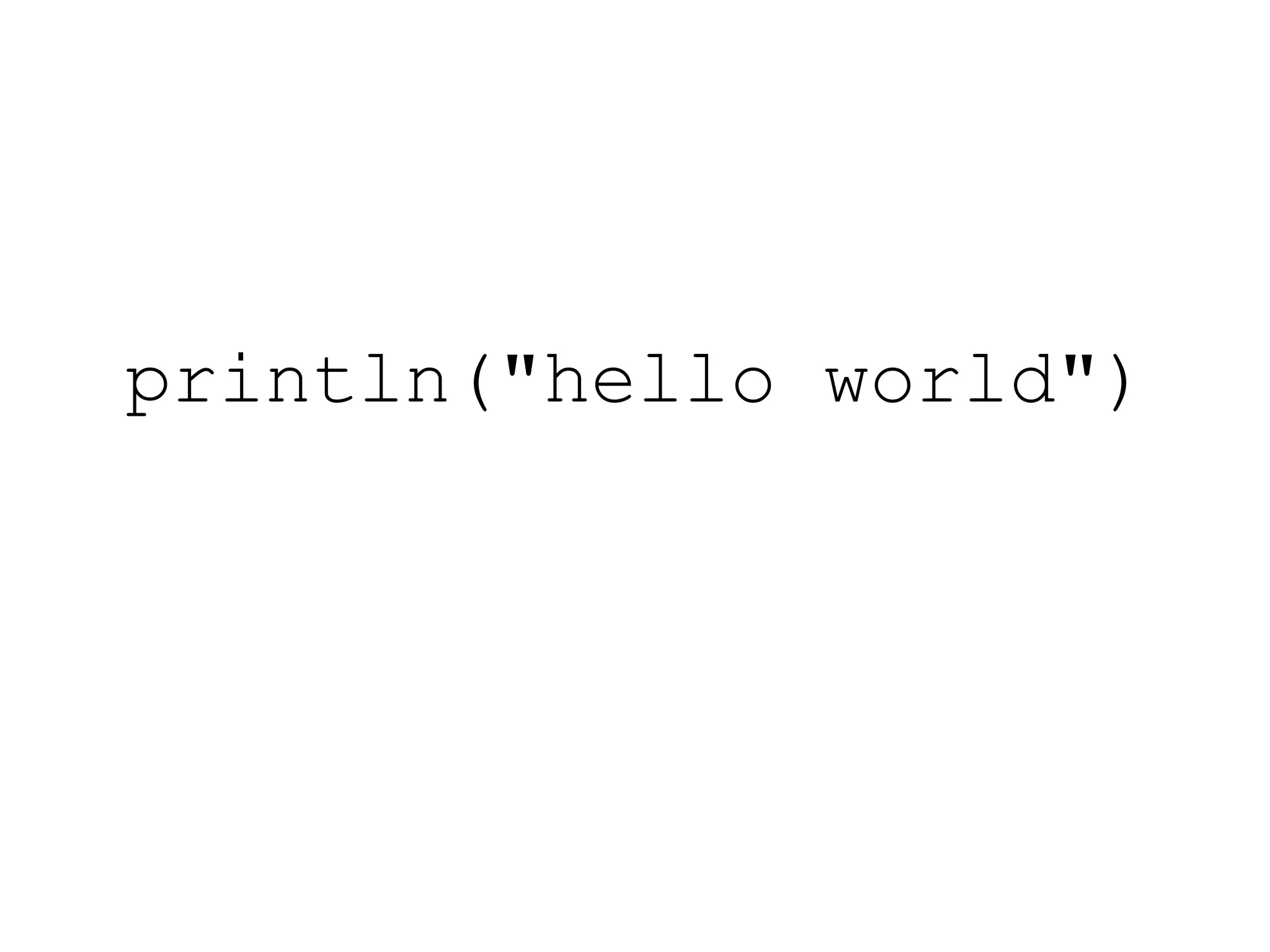
println("hello world")
// 对下面的数组进行排序
let names = ["Chris", "Alex", "Ewa", "Barry", "Daniella"]
// 方法一
func backwards(s1: String, s2: String) -> Bool {
return s1 > s2
}
var reversed = sort(names, backwards)
// 方法二,闭包
reversed = sort(names, {(s1: String, s2: String) -> Bool in
return s1 > s2
})
// 方法三
reversed = sort(names, {s1, s2 in return s1 > s2})
// 方法四
reversed = sort(names, {s1, s2 in s1 > s2})
// 方法五
reversed = sort(names, {$0 > $1})
// 方法六,操作符函数
reversed = sort(names, >)
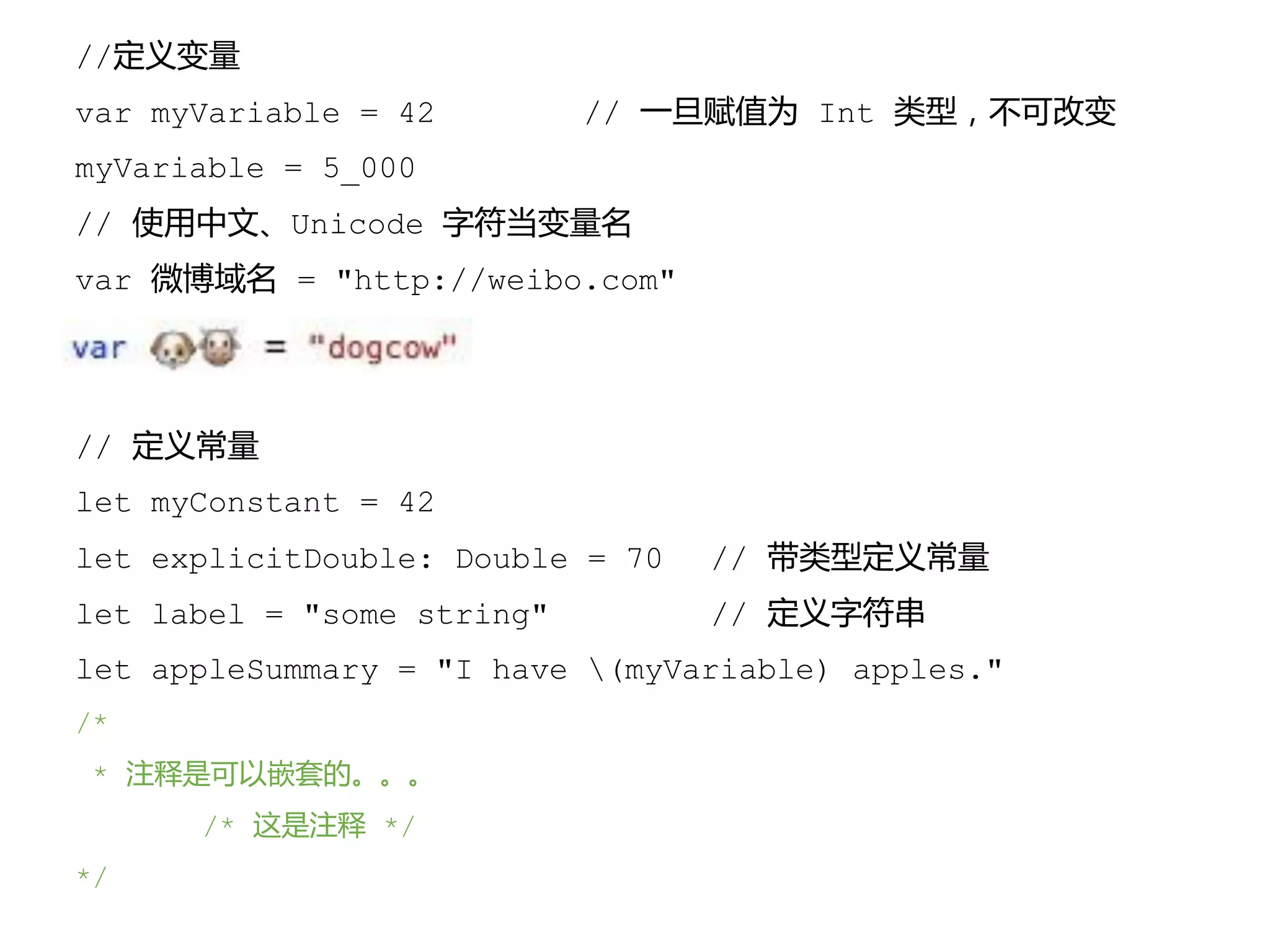
//定义变量
var myVariable = 42 // 一旦赋值为 Int 类型,不可改变
myVariable = 5_000
// 使用中文、Unicode 字符当变量名
var 微博域名 = "http://weibo.com"
// 定义常量
let myConstant = 42
let explicitDouble: Double = 70 // 带类型定义常量
let label = "some string" // 定义字符串
let appleSummary = "I have (myVariable) apples."
/*
* 注释是可以嵌套的。。。
/* 这是注释 */
*/
// 数组
var shoppingList = ["catfish", "water", "tulips"]
shoppingList[1] = "bottle of water"
// 字典
var occupations = [
"Malcolm": "Captain",
"Kaylee": "Mechainc",
]
Occupations["Jayne"] = "Public Relations"
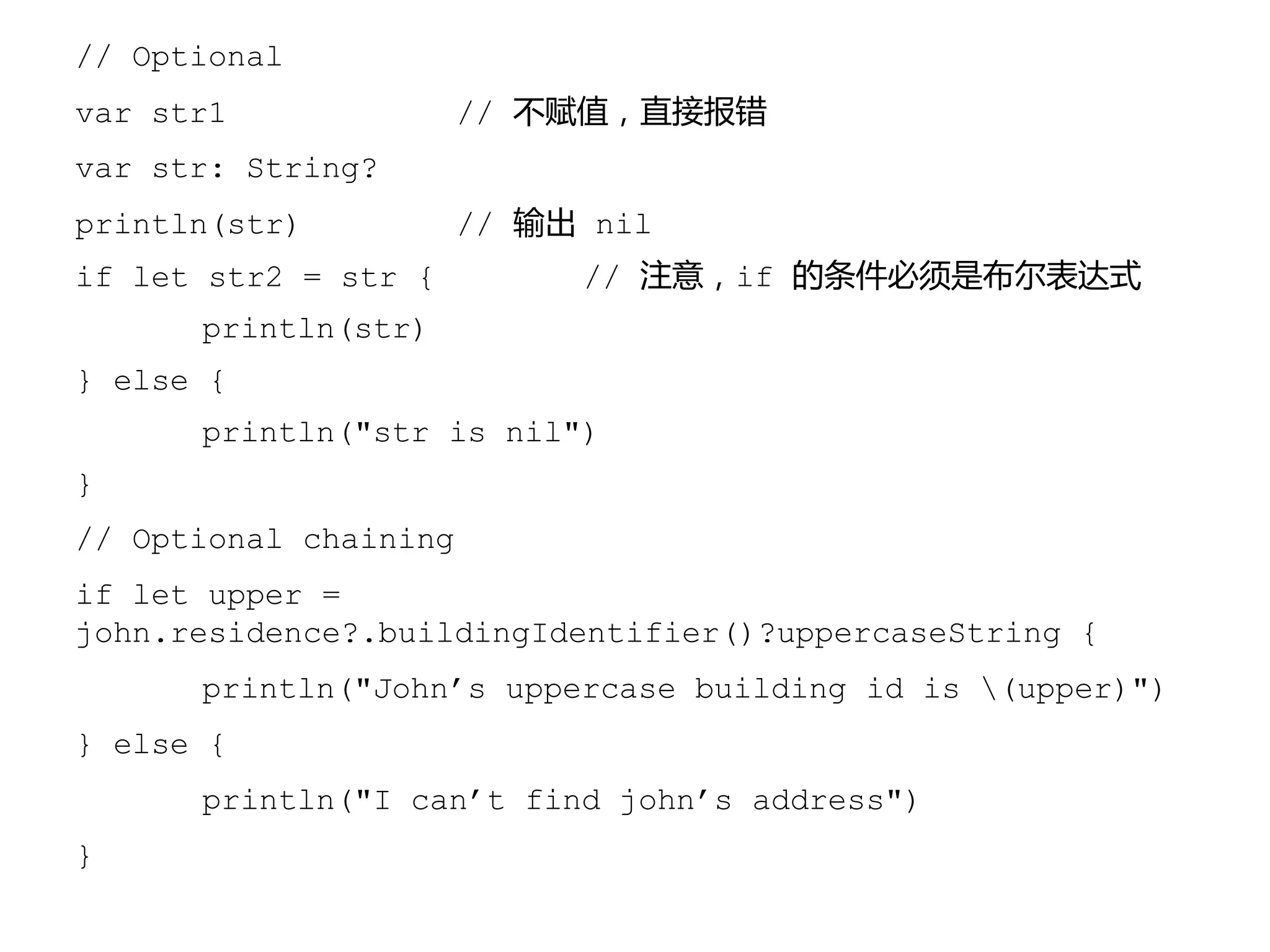
// Optional
var str1 // 不赋值,直接报错
var str: String?
println(str) // 输出 nil
if let str2 = str { // 注意,if 的条件必须是布尔表达式
println(str)
} else {
println("str is nil")
}
// Optional chaining
if let upper =
john.residence?.buildingIdentifier()?uppercaseString {
println("John’s uppercase building id is (upper)")
} else {
println("I can’t find john’s address")
}
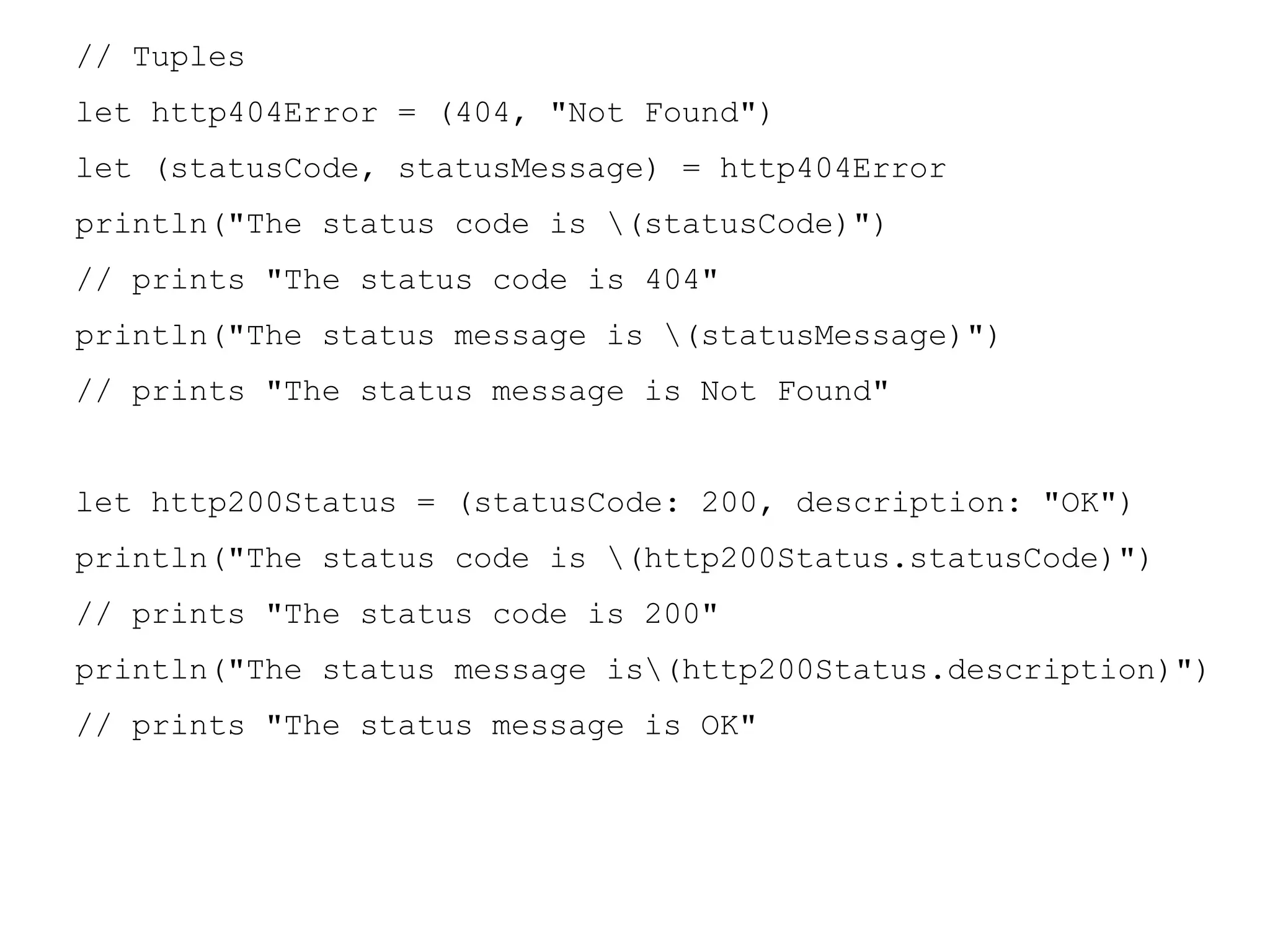
// Tuples
let http404Error = (404, "Not Found")
let (statusCode, statusMessage) = http404Error
println("The status code is (statusCode)")
// prints "The status code is 404"
println("The status message is (statusMessage)")
// prints "The status message is Not Found"
let http200Status = (statusCode: 200, description: "OK")
println("The status code is (http200Status.statusCode)")
// prints "The status code is 200"
println("The status message is(http200Status.description)")
// prints "The status message is OK"
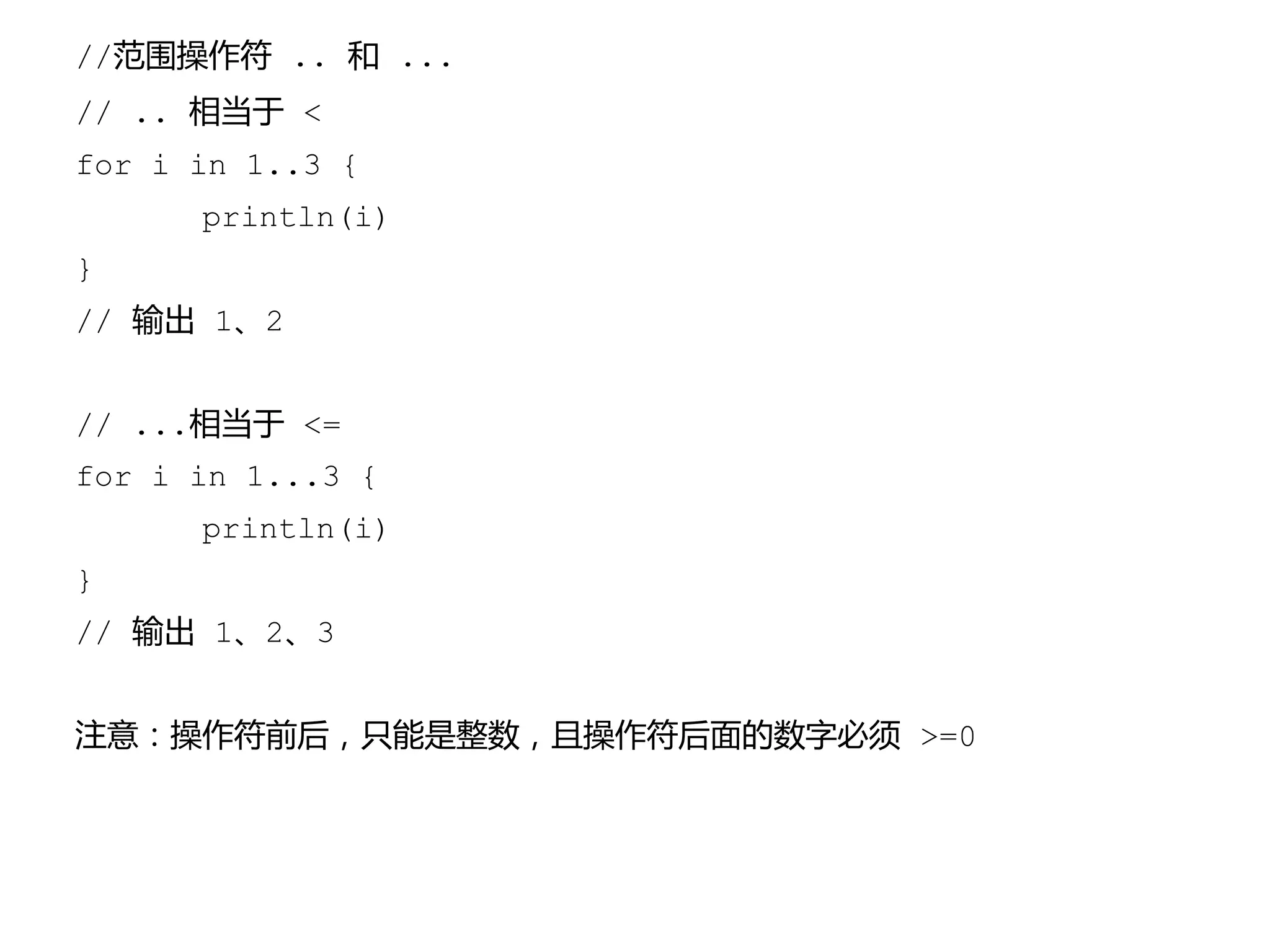
//范围操作符 .. 和 ...
// .. 相当于 <
for i in 1..3 {
println(i)
}
// 输出 1、2
// ...相当于 <=
for i in 1...3 {
println(i)
}
// 输出 1、2、3
注意:操作符前后,只能是整数,且操作符后面的数字必须 >=0
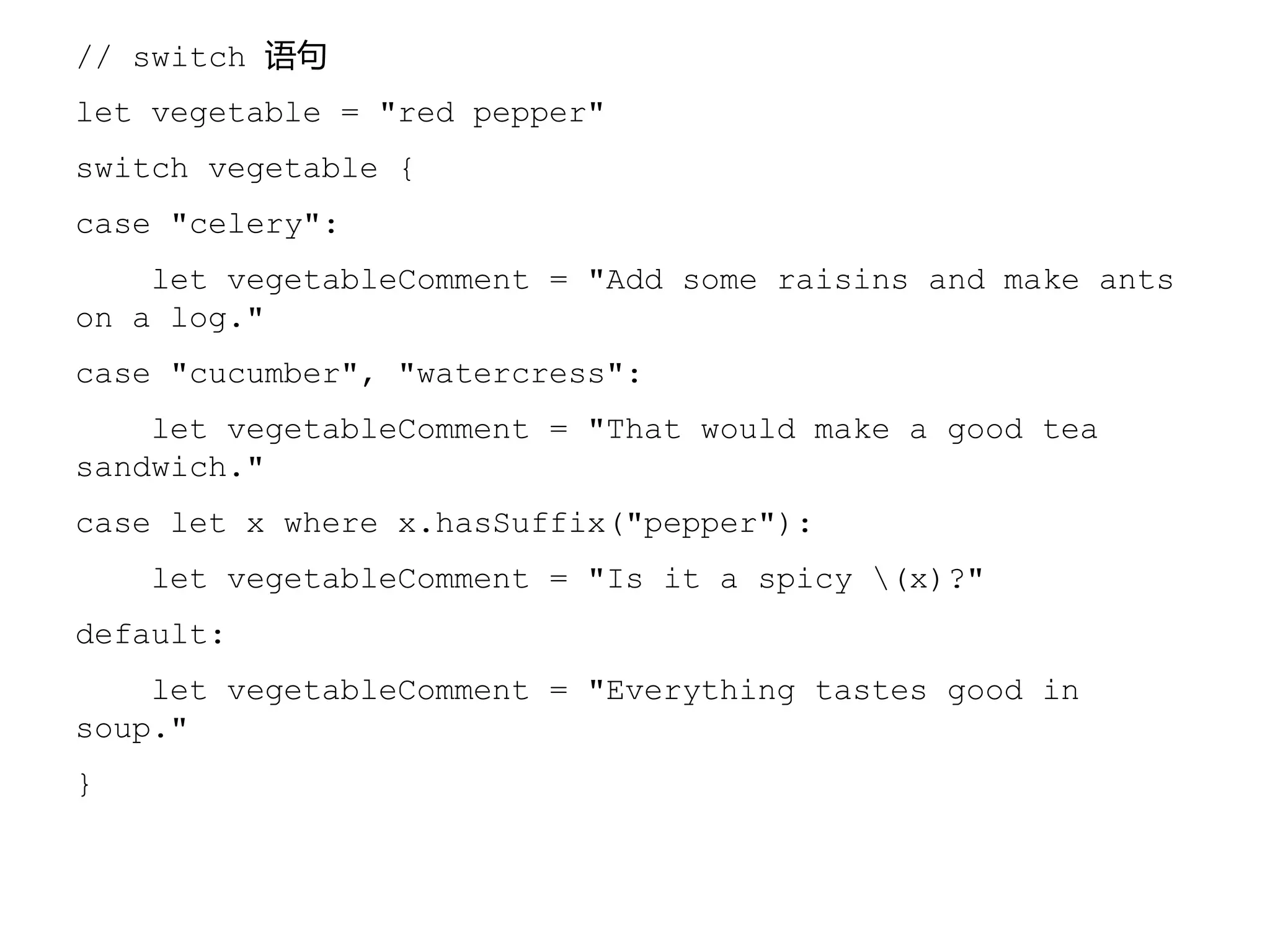
// switch 语句
let vegetable = "red pepper"
switch vegetable {
case "celery":
let vegetableComment = "Add some raisins and make ants
on a log."
case "cucumber", "watercress":
let vegetableComment = "That would make a good tea
sandwich."
case let x where x.hasSuffix("pepper"):
let vegetableComment = "Is it a spicy (x)?"
default:
let vegetableComment = "Everything tastes good in
soup."
}
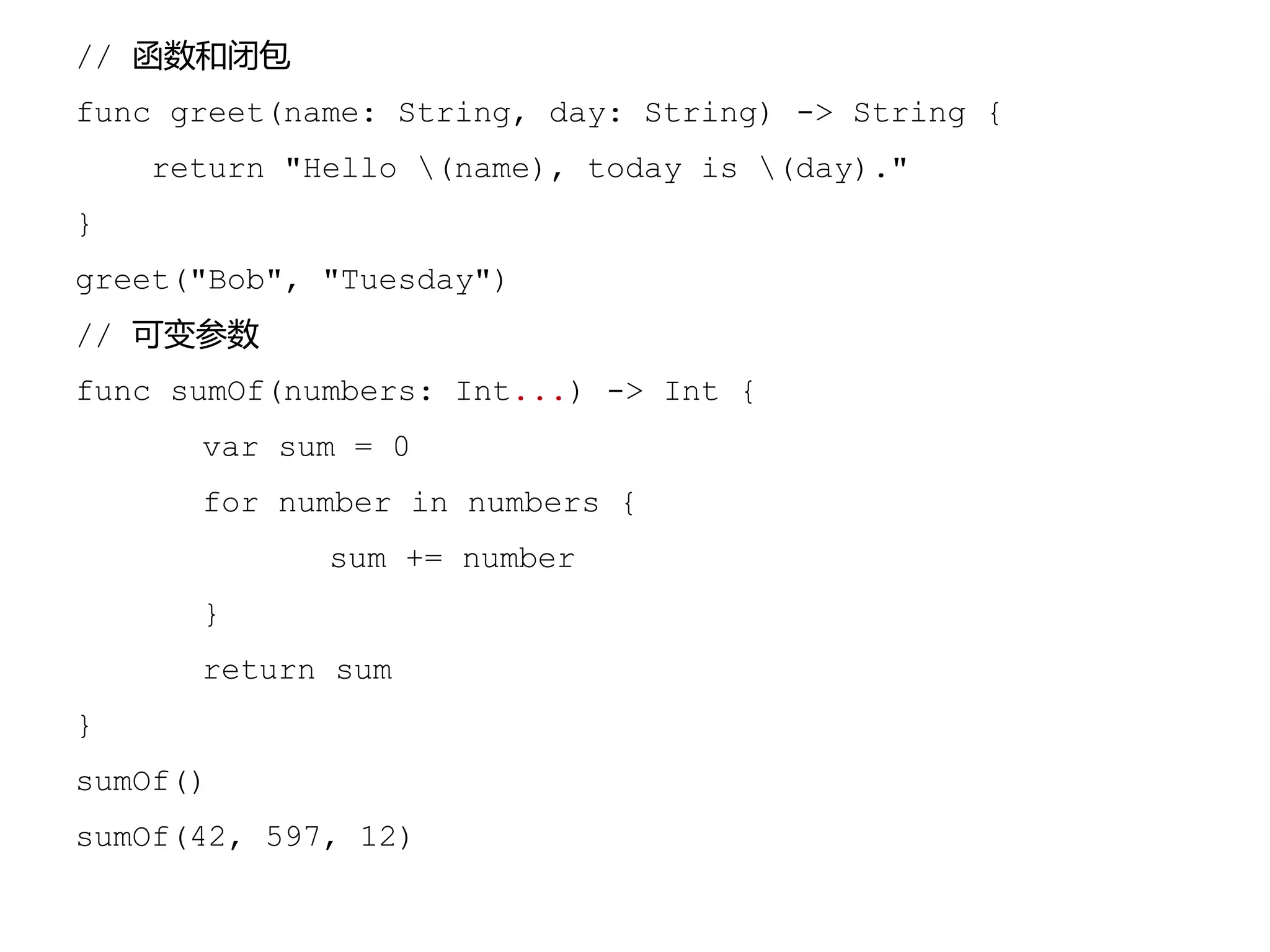
// 函数和闭包
func greet(name: String, day: String) -> String {
return "Hello (name), today is (day)."
}
greet("Bob", "Tuesday")
// 可变参数
func sumOf(numbers: Int...) -> Int {
var sum = 0
for number in numbers {
sum += number
}
return sum
}
sumOf()
sumOf(42, 597, 12)
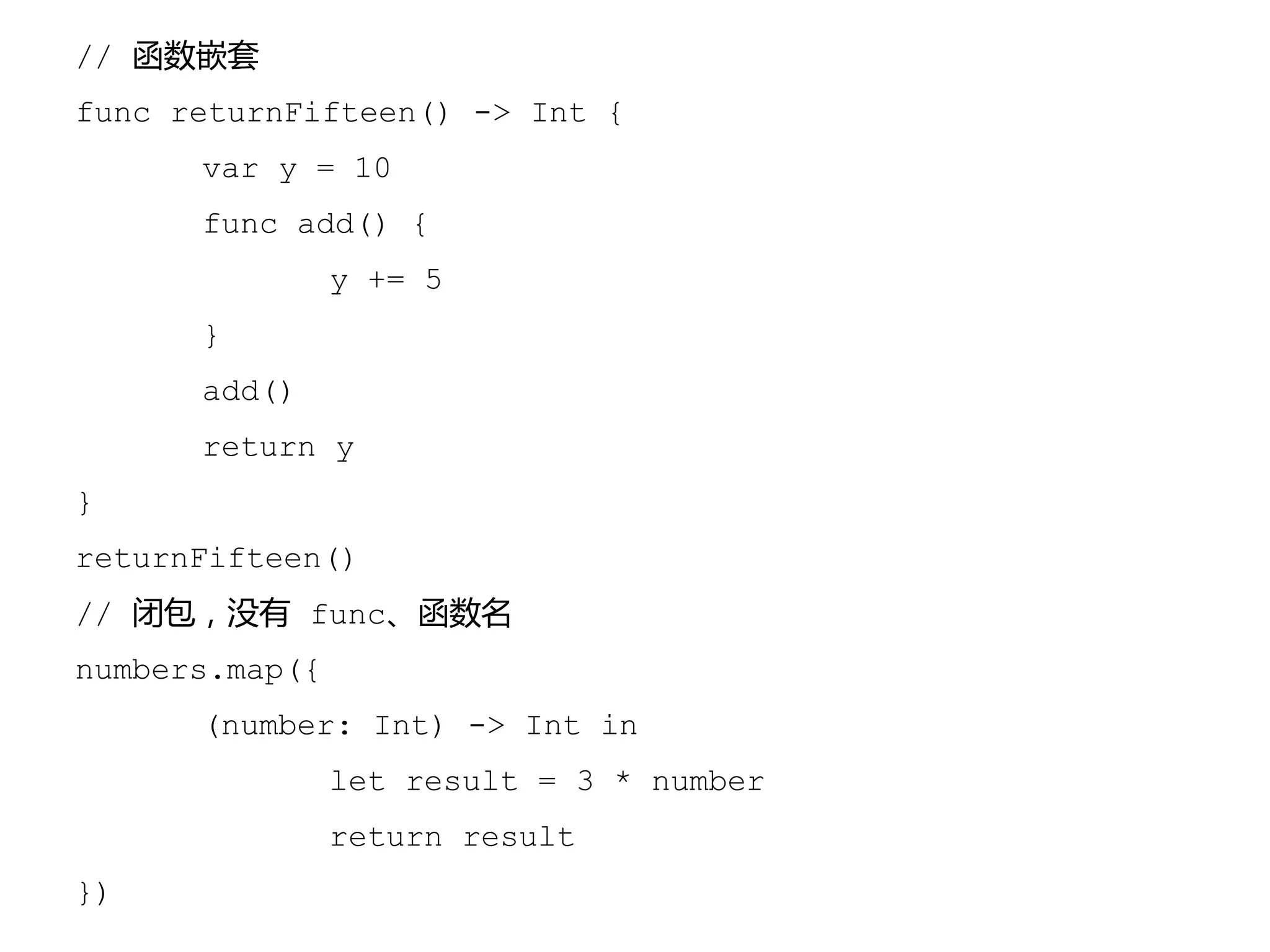
// 函数嵌套
func returnFifteen() -> Int {
var y = 10
func add() {
y += 5
}
add()
return y
}
returnFifteen()
// 闭包,没有 func、函数名
numbers.map({
(number: Int) -> Int in
let result = 3 * number
return result
})
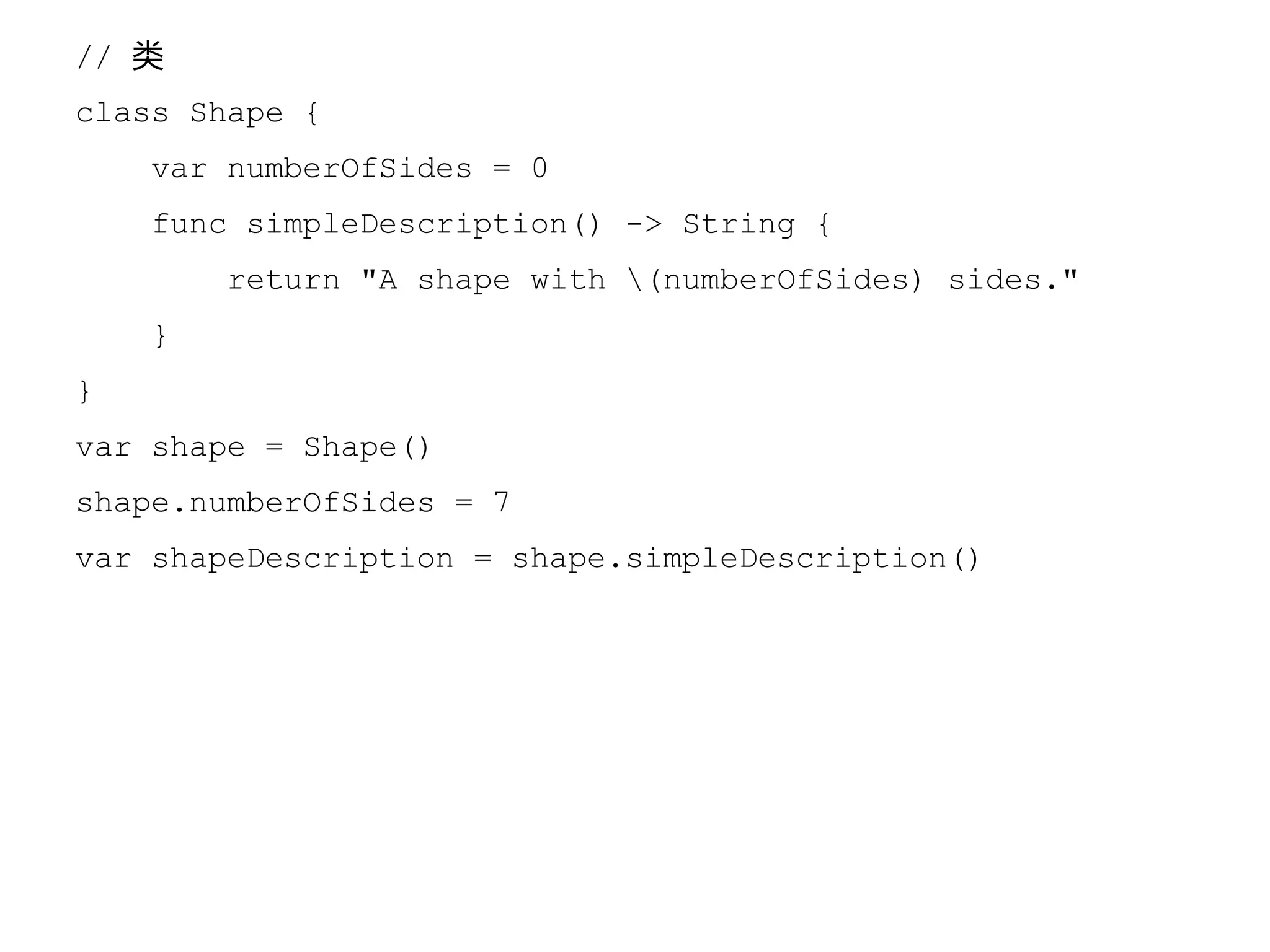
// 类
class Shape {
var numberOfSides = 0
func simpleDescription() -> String {
return "A shape with (numberOfSides) sides."
}
}
var shape = Shape()
shape.numberOfSides = 7
var shapeDescription = shape.simpleDescription()
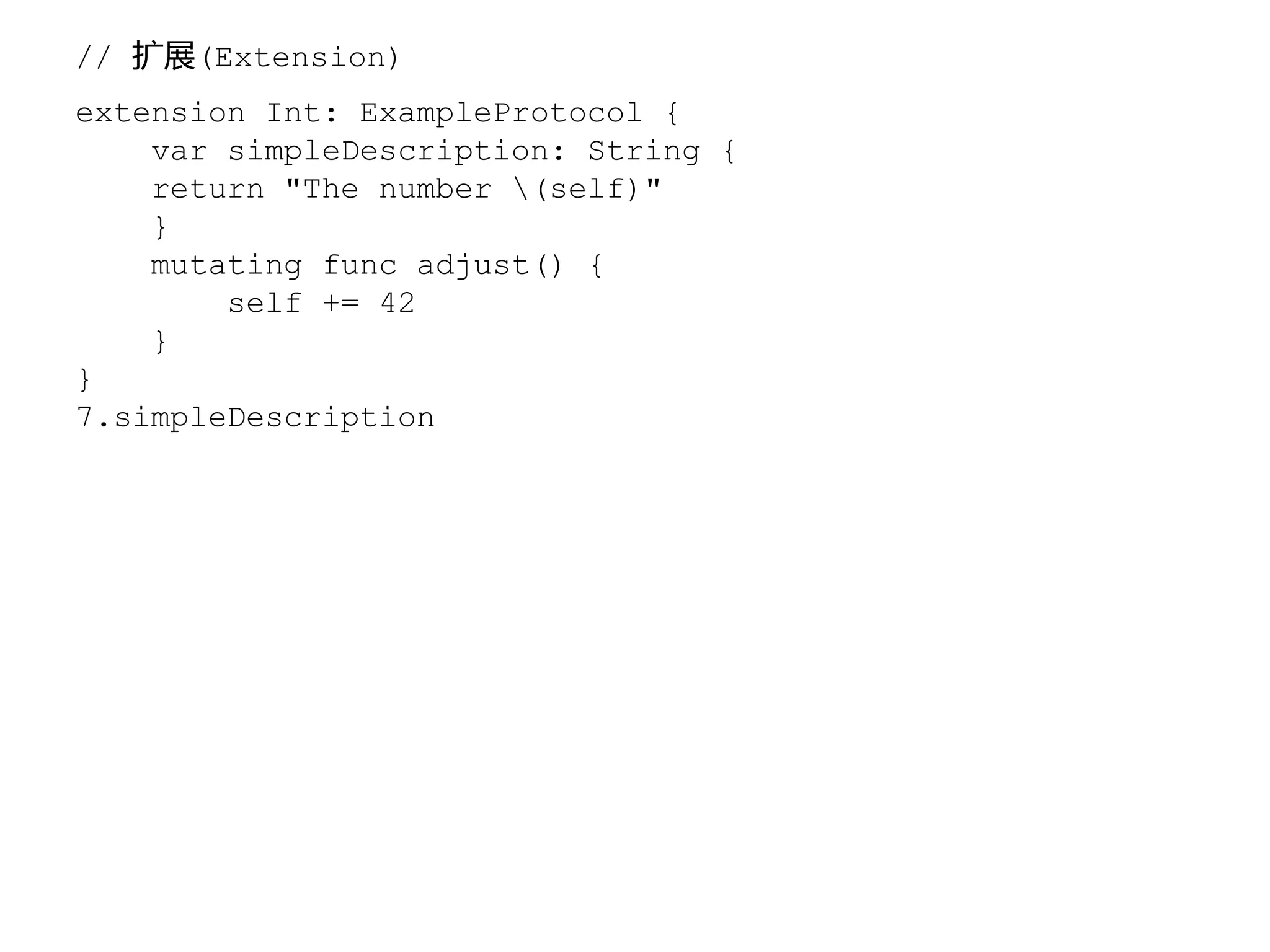
// 扩展(Extension)
extension Int: ExampleProtocol {
var simpleDescription: String {
return "The number (self)"
}
mutating func adjust() {
self += 42
}
}
7.simpleDescription
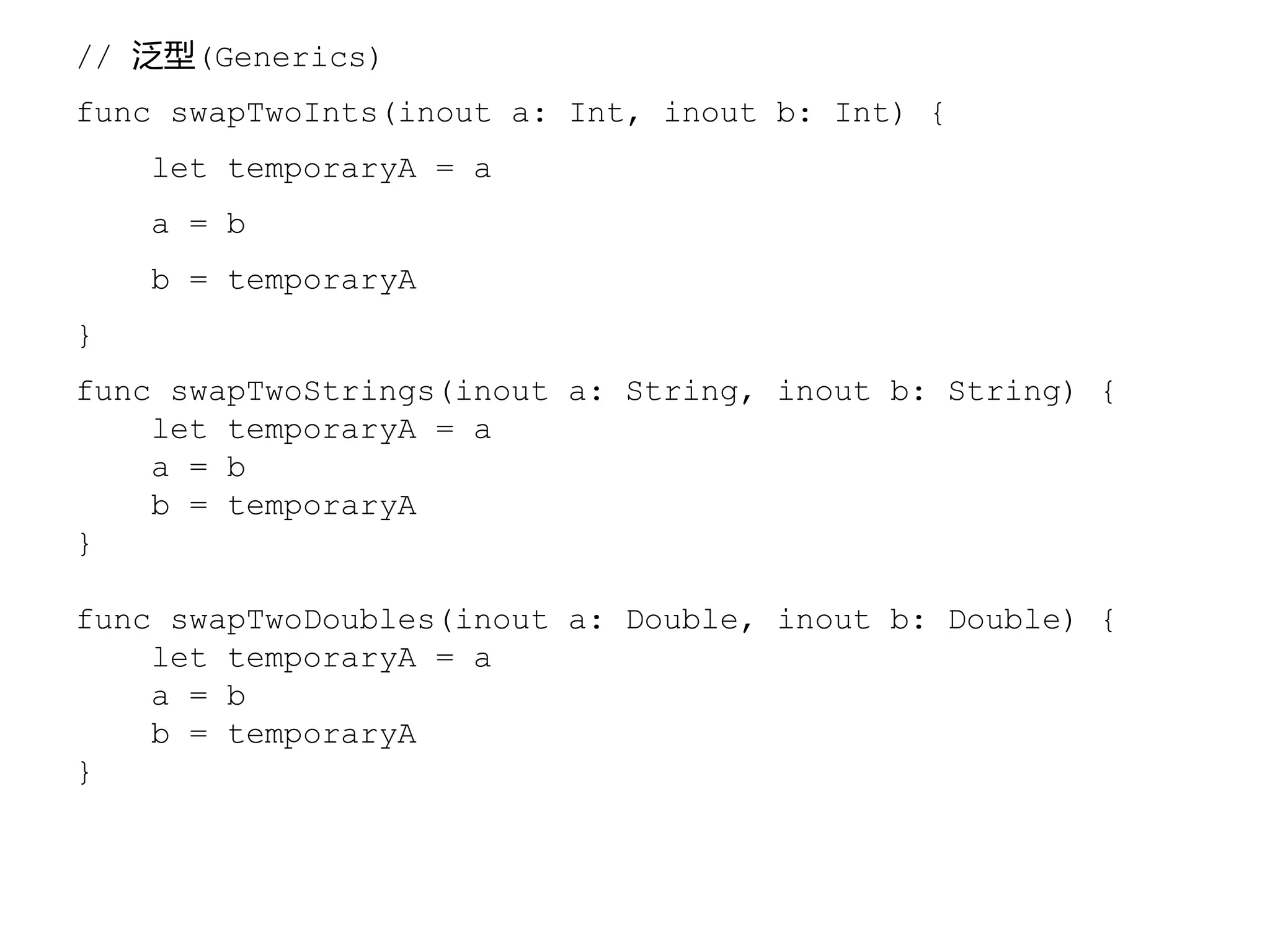
// 泛型(Generics)
func swapTwoInts(inout a: Int, inout b: Int) {
let temporaryA = a
a = b
b = temporaryA
}
func swapTwoStrings(inout a: String, inout b: String) {
let temporaryA = a
a = b
b = temporaryA
}
func swapTwoDoubles(inout a: Double, inout b: Double) {
let temporaryA = a
a = b
b = temporaryA
}
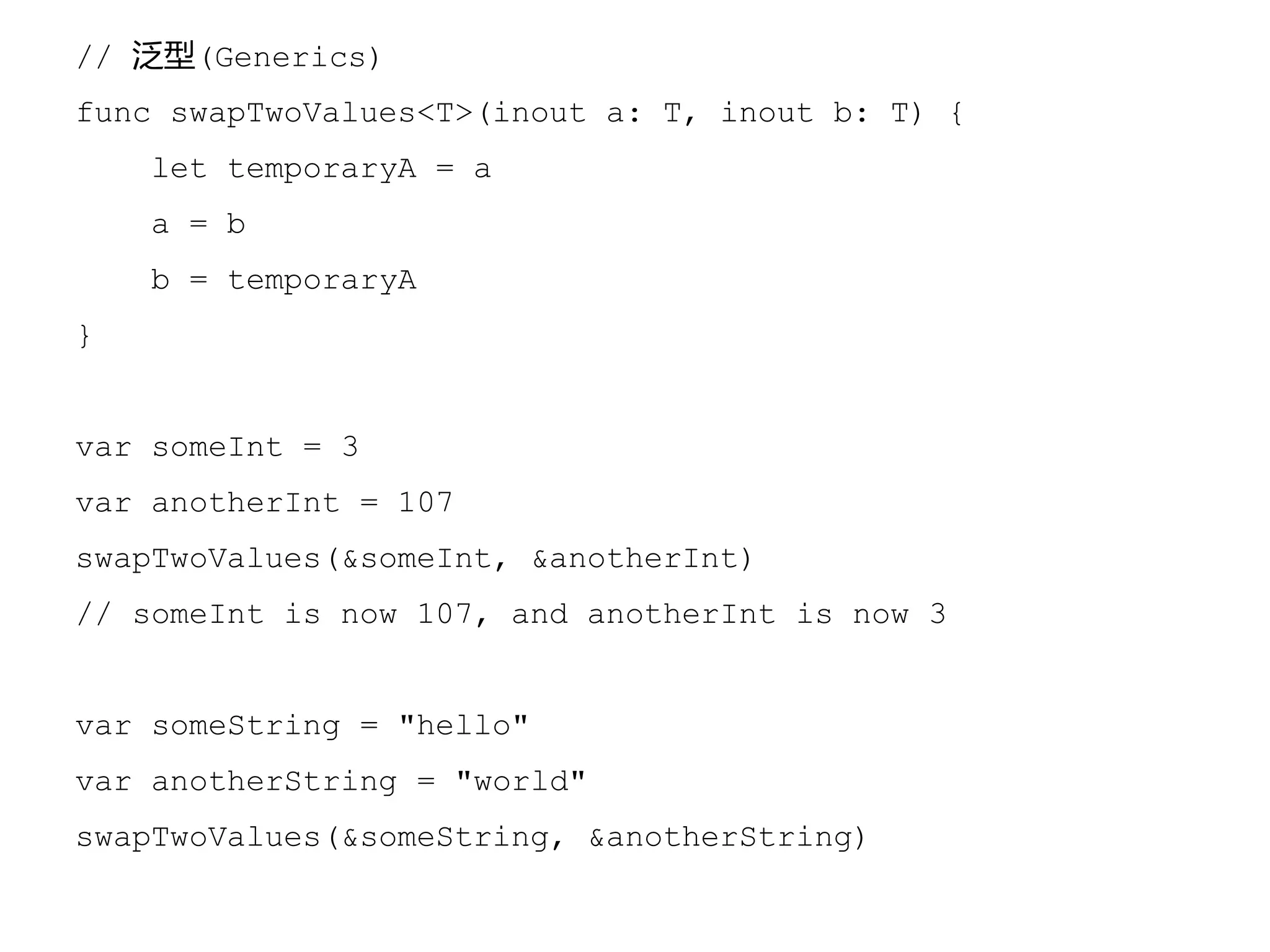
// 泛型(Generics)
func swapTwoValues<T>(inout a: T, inout b: T) {
let temporaryA = a
a = b
b = temporaryA
}
var someInt = 3
var anotherInt = 107
swapTwoValues(&someInt, &anotherInt)
// someInt is now 107, and anotherInt is now 3
var someString = "hello"
var anotherString = "world"
swapTwoValues(&someString, &anotherString)
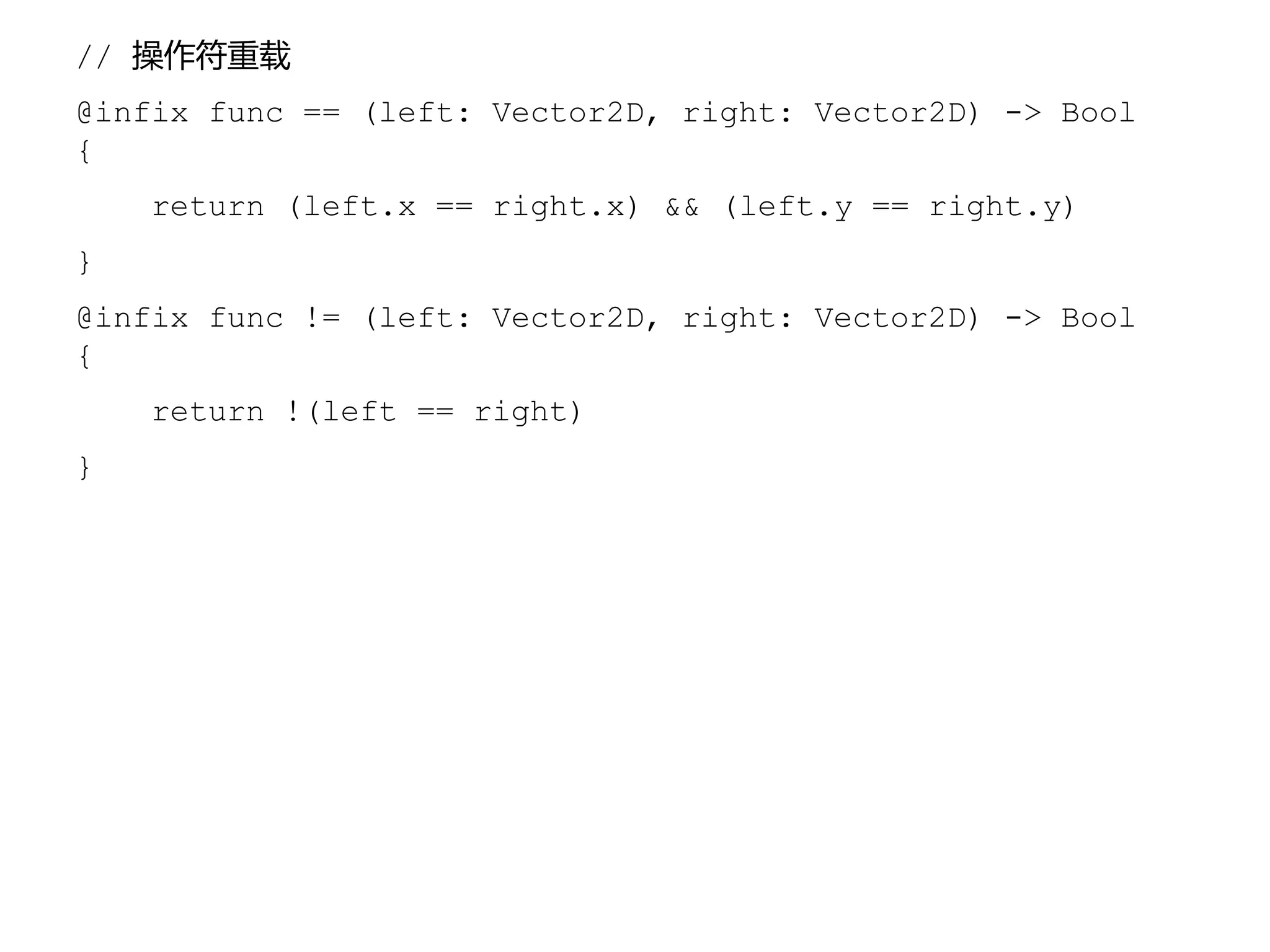
// 操作符重载
@infix func == (left: Vector2D, right: Vector2D) -> Bool
{
return (left.x == right.x) && (left.y == right.y)
}
@infix func != (left: Vector2D, right: Vector2D) -> Bool
{
return !(left == right)
}
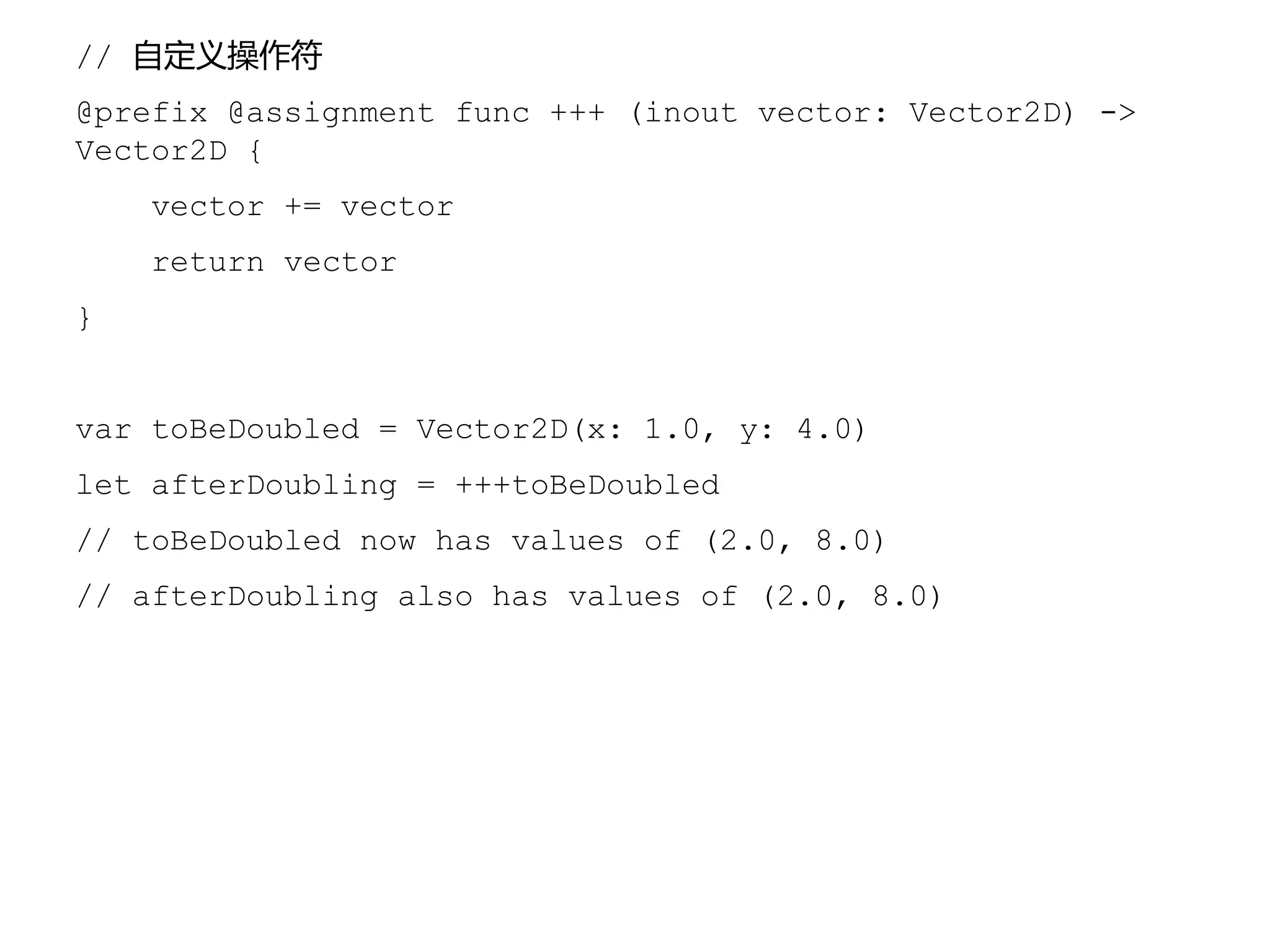
// 自定义操作符
@prefix @assignment func +++ (inout vector: Vector2D) ->
Vector2D {
vector += vector
return vector
}
var toBeDoubled = Vector2D(x: 1.0, y: 4.0)
let afterDoubling = +++toBeDoubled
// toBeDoubled now has values of (2.0, 8.0)
// afterDoubling also has values of (2.0, 8.0)
个人体会
• Objective-C 代表现在,Swift 代表未来
• Objective-C 开发者转型较容易
• 不要试图 Objective-C 和 Swift 混写
• 建立编码规范,避免写出的代码无法维护
• Swift只是语言,不同类型应用需要别的知识
• 游戏、Cordova 混合应用
• WWDC 2014,HomeKit、HealthKit、CloudKit
• 移动不仅仅是 iOS
参考资料
• iBooks:The Swift Programming Language
• https://developer.apple.com/swift
• http://www.cocoachina.com/special/swift/
• CocoaChina Swift FAQ
END

Swift 程序语言介绍

  • 1.
  • 2.
    Swift • n. 雨燕;adj.迅速、快 • 雨燕是飞翔速度最快的鸟类,常在空中捕食昆虫, 翼长而腿、脚弱小 —— 维基百科 • 2014 WWDC,苹果公司赋予 Swift 新的含义
  • 4.
  • 5.
    Objective-C 历史 • 20世纪80年代初,将Smalltalk 式的消息传递 机制加入到 ANSI C 中 • 1988年,乔布斯创建 NeXT Computer 公司 • 1996年,苹果公司收购 Next Computer • 2007年,iPhone发布,Objective-C大热
  • 6.
    Objective-C 之囧 • 悠久的历史,成为包袱 •类名:NS***、CF***、CG***、UI*** • 类,分为头文件(*.h)和实现文件(*.m) • 可变(mutable)和不可变(inmutable) • 晦涩的Smalltalk语法,学习成本高
  • 7.
    // 初始化字符串 NSString *weiboDomain= @"http://weibo.com"; // 初始化一个类 RootViewController *viewController = [[RootViewController alloc] initWithNibName:nil bundle:nil]; // 类方法 - (instancetype)initWithNibName:(NSString *)nibNameOrNil bundle:(NSBundle *)nibBundleOrNil{ // 函数体 } NSArray、NSMutableArray NSDictionary、NSMutableDictionary
  • 8.
  • 9.
    Swift 历史 • 2010年7月,ChrisLattner开始设计Swift语言 • 2014年6月,正式发布
  • 10.
    苹果公司对 Swift 的期待 •快速(Fast) • 学习成本低(舍弃了Smalltalk语法) • 性能提升(优化了编译器、调试器、ARC) • 现代(Modern) • 借鉴了OC、Rust、Haskell、Ruby、Python、C#、CLU等的特点 • 安全(Safe) • 取消了OC的指针及其他不安全访问的使用 • 互动(Interactive) • playground
  • 11.
  • 12.
  • 13.
    Swift 和 Objective-C •与 Cocoa、Objective-C 无缝集成 • iOS 6 和 OSX 10.8 都可以运行 Swift 程序 • Swift 可以和 Objective-C 运行于同一程序中 • 和 Objective-C 之间的交互,请阅读 • 《Using Swift with Cocoa and Objective-C》
  • 14.
    Swift 环境&开发 • 条件:MacOS X 10.9.3 + Xcode6 Beta • 创建一个 playground • 创建一个工程(project)
  • 15.
  • 16.
  • 17.
  • 18.
    Swift 环境&开发 • 怎么识别应用入口呢? •AppDelegate.swift • @UIApplicationMain
  • 19.
  • 20.
  • 21.
    Swift 之“省” • 语句不需要分号结尾 •声明常量或变量,不需要写类型 • 循环等的条件控制,不需要圆括号 • switch case 不需要 break • 声明函数用 func • 没有main函数
  • 22.
  • 23.
    // 对下面的数组进行排序 let names= ["Chris", "Alex", "Ewa", "Barry", "Daniella"] // 方法一 func backwards(s1: String, s2: String) -> Bool { return s1 > s2 } var reversed = sort(names, backwards) // 方法二,闭包 reversed = sort(names, {(s1: String, s2: String) -> Bool in return s1 > s2 }) // 方法三 reversed = sort(names, {s1, s2 in return s1 > s2}) // 方法四 reversed = sort(names, {s1, s2 in s1 > s2}) // 方法五 reversed = sort(names, {$0 > $1}) // 方法六,操作符函数 reversed = sort(names, >)
  • 24.
    //定义变量 var myVariable =42 // 一旦赋值为 Int 类型,不可改变 myVariable = 5_000 // 使用中文、Unicode 字符当变量名 var 微博域名 = "http://weibo.com" // 定义常量 let myConstant = 42 let explicitDouble: Double = 70 // 带类型定义常量 let label = "some string" // 定义字符串 let appleSummary = "I have (myVariable) apples." /* * 注释是可以嵌套的。。。 /* 这是注释 */ */
  • 25.
    // 数组 var shoppingList= ["catfish", "water", "tulips"] shoppingList[1] = "bottle of water" // 字典 var occupations = [ "Malcolm": "Captain", "Kaylee": "Mechainc", ] Occupations["Jayne"] = "Public Relations"
  • 26.
    // Optional var str1// 不赋值,直接报错 var str: String? println(str) // 输出 nil if let str2 = str { // 注意,if 的条件必须是布尔表达式 println(str) } else { println("str is nil") } // Optional chaining if let upper = john.residence?.buildingIdentifier()?uppercaseString { println("John’s uppercase building id is (upper)") } else { println("I can’t find john’s address") }
  • 27.
    // Tuples let http404Error= (404, "Not Found") let (statusCode, statusMessage) = http404Error println("The status code is (statusCode)") // prints "The status code is 404" println("The status message is (statusMessage)") // prints "The status message is Not Found" let http200Status = (statusCode: 200, description: "OK") println("The status code is (http200Status.statusCode)") // prints "The status code is 200" println("The status message is(http200Status.description)") // prints "The status message is OK"
  • 28.
    //范围操作符 .. 和... // .. 相当于 < for i in 1..3 { println(i) } // 输出 1、2 // ...相当于 <= for i in 1...3 { println(i) } // 输出 1、2、3 注意:操作符前后,只能是整数,且操作符后面的数字必须 >=0
  • 29.
    // switch 语句 letvegetable = "red pepper" switch vegetable { case "celery": let vegetableComment = "Add some raisins and make ants on a log." case "cucumber", "watercress": let vegetableComment = "That would make a good tea sandwich." case let x where x.hasSuffix("pepper"): let vegetableComment = "Is it a spicy (x)?" default: let vegetableComment = "Everything tastes good in soup." }
  • 30.
    // 函数和闭包 func greet(name:String, day: String) -> String { return "Hello (name), today is (day)." } greet("Bob", "Tuesday") // 可变参数 func sumOf(numbers: Int...) -> Int { var sum = 0 for number in numbers { sum += number } return sum } sumOf() sumOf(42, 597, 12)
  • 31.
    // 函数嵌套 func returnFifteen()-> Int { var y = 10 func add() { y += 5 } add() return y } returnFifteen() // 闭包,没有 func、函数名 numbers.map({ (number: Int) -> Int in let result = 3 * number return result })
  • 32.
    // 类 class Shape{ var numberOfSides = 0 func simpleDescription() -> String { return "A shape with (numberOfSides) sides." } } var shape = Shape() shape.numberOfSides = 7 var shapeDescription = shape.simpleDescription()
  • 33.
    // 扩展(Extension) extension Int:ExampleProtocol { var simpleDescription: String { return "The number (self)" } mutating func adjust() { self += 42 } } 7.simpleDescription
  • 34.
    // 泛型(Generics) func swapTwoInts(inouta: Int, inout b: Int) { let temporaryA = a a = b b = temporaryA } func swapTwoStrings(inout a: String, inout b: String) { let temporaryA = a a = b b = temporaryA } func swapTwoDoubles(inout a: Double, inout b: Double) { let temporaryA = a a = b b = temporaryA }
  • 35.
    // 泛型(Generics) func swapTwoValues<T>(inouta: T, inout b: T) { let temporaryA = a a = b b = temporaryA } var someInt = 3 var anotherInt = 107 swapTwoValues(&someInt, &anotherInt) // someInt is now 107, and anotherInt is now 3 var someString = "hello" var anotherString = "world" swapTwoValues(&someString, &anotherString)
  • 36.
    // 操作符重载 @infix func== (left: Vector2D, right: Vector2D) -> Bool { return (left.x == right.x) && (left.y == right.y) } @infix func != (left: Vector2D, right: Vector2D) -> Bool { return !(left == right) }
  • 37.
    // 自定义操作符 @prefix @assignmentfunc +++ (inout vector: Vector2D) -> Vector2D { vector += vector return vector } var toBeDoubled = Vector2D(x: 1.0, y: 4.0) let afterDoubling = +++toBeDoubled // toBeDoubled now has values of (2.0, 8.0) // afterDoubling also has values of (2.0, 8.0)
  • 38.
    个人体会 • Objective-C 代表现在,Swift代表未来 • Objective-C 开发者转型较容易 • 不要试图 Objective-C 和 Swift 混写 • 建立编码规范,避免写出的代码无法维护 • Swift只是语言,不同类型应用需要别的知识 • 游戏、Cordova 混合应用 • WWDC 2014,HomeKit、HealthKit、CloudKit • 移动不仅仅是 iOS
  • 39.
    参考资料 • iBooks:The SwiftProgramming Language • https://developer.apple.com/swift • http://www.cocoachina.com/special/swift/ • CocoaChina Swift FAQ
  • 40.