Summary:

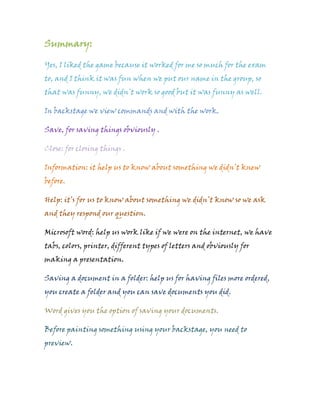
Yes, I liked the game because it worked for me so much for the exam
to, and I think it was fun when we put our name in the group, so
that was funny, we didn’t work so good but it was funny as well.

In backstage we view commands and with the work.

Save, for saving things obviously .

Close: for closing things .

Information: it help us to know about something we didn’t knew
before.

Help: it’s for us to know about something we didn’t know so we ask
and they respond our question.

Microsoft word: help us work like if we were on the internet, we have
tabs, colors, printer, different types of letters and obviously for
making a presentation.

Saving a document in a folder: help us for having files more ordered,
you create a folder and you can save documents you did.

Word gives you the option of saving your documents.

Before painting something using your backstage, you need to
preview.
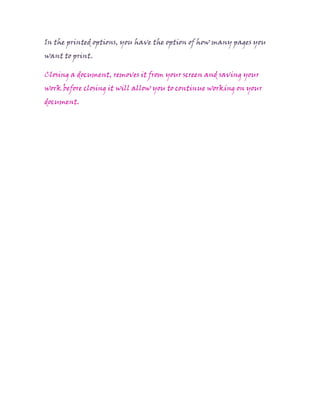
In the printed options, you have the option of how many pages you
want to print.

Closing a document, removes it from your screen and saving your
work before closing it will allow you to continue working on your
document.

Summary dani cervantes 7 a

  • 1.
    Summary: Yes, I likedthe game because it worked for me so much for the exam to, and I think it was fun when we put our name in the group, so that was funny, we didn’t work so good but it was funny as well. In backstage we view commands and with the work. Save, for saving things obviously . Close: for closing things . Information: it help us to know about something we didn’t knew before. Help: it’s for us to know about something we didn’t know so we ask and they respond our question. Microsoft word: help us work like if we were on the internet, we have tabs, colors, printer, different types of letters and obviously for making a presentation. Saving a document in a folder: help us for having files more ordered, you create a folder and you can save documents you did. Word gives you the option of saving your documents. Before painting something using your backstage, you need to preview.
  • 2.
    In the printedoptions, you have the option of how many pages you want to print. Closing a document, removes it from your screen and saving your work before closing it will allow you to continue working on your document.