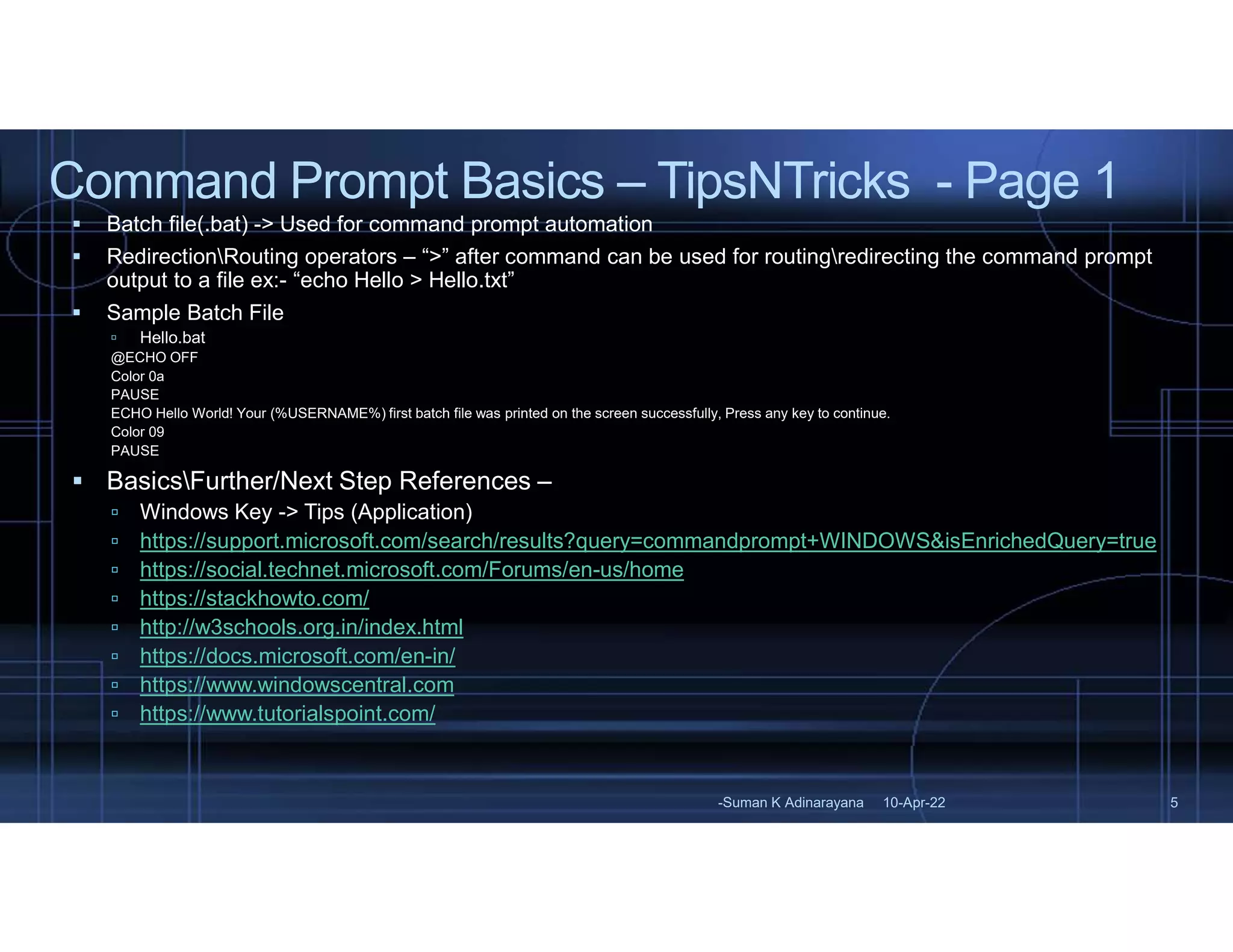
Command Prompt Basics – TipsNTricks - Page 1
-Suman K Adinarayana 5
10-Apr-22
 Batch file(.bat) -> Used for command prompt automation
 RedirectionRouting operators – “>” after command can be used for routingredirecting the command prompt
output to a file ex:- “echo Hello > Hello.txt”
 Sample Batch File
 Hello.bat
@ECHO OFF
Color 0a
PAUSE
ECHO Hello World! Your (%USERNAME%) first batch file was printed on the screen successfully, Press any key to continue.
Color 09
PAUSE
 BasicsFurther/Next Step References –
 Windows Key -> Tips (Application)
 https://support.microsoft.com/search/results?query=commandprompt+WINDOWS&isEnrichedQuery=true
 https://social.technet.microsoft.com/Forums/en-us/home
 https://stackhowto.com/
 http://w3schools.org.in/index.html
 https://docs.microsoft.com/en-in/
 https://www.windowscentral.com
 https://www.tutorialspoint.com/

SumanKAdinarayana_CommandPromptBasics_TipsNTricksPage1_10Apr2022.pdf

  • 1.
    Command Prompt Basics– TipsNTricks - Page 1 -Suman K Adinarayana 5 10-Apr-22  Batch file(.bat) -> Used for command prompt automation  RedirectionRouting operators – “>” after command can be used for routingredirecting the command prompt output to a file ex:- “echo Hello > Hello.txt”  Sample Batch File  Hello.bat @ECHO OFF Color 0a PAUSE ECHO Hello World! Your (%USERNAME%) first batch file was printed on the screen successfully, Press any key to continue. Color 09 PAUSE  BasicsFurther/Next Step References –  Windows Key -> Tips (Application)  https://support.microsoft.com/search/results?query=commandprompt+WINDOWS&isEnrichedQuery=true  https://social.technet.microsoft.com/Forums/en-us/home  https://stackhowto.com/  http://w3schools.org.in/index.html  https://docs.microsoft.com/en-in/  https://www.windowscentral.com  https://www.tutorialspoint.com/