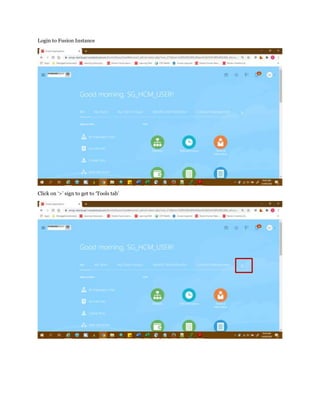
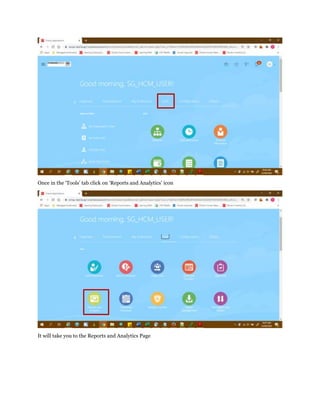
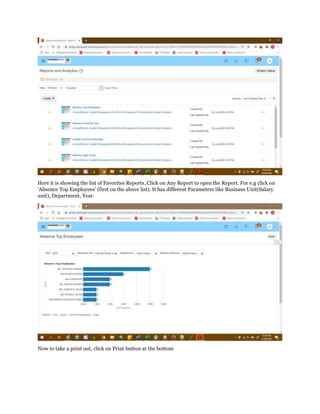
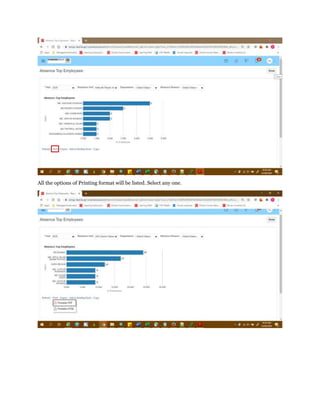
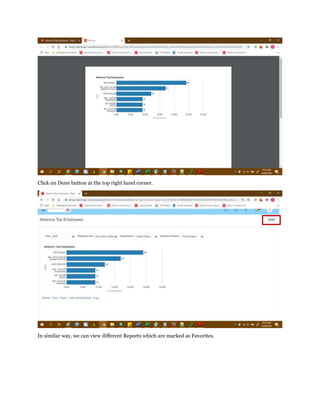
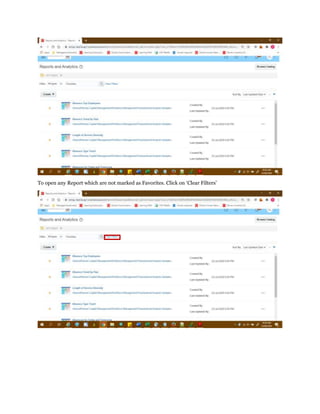
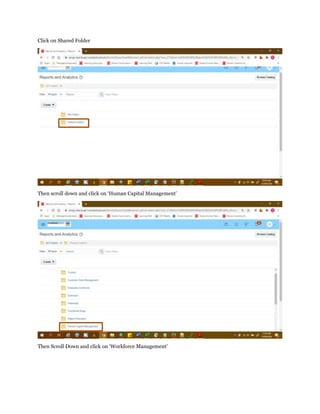
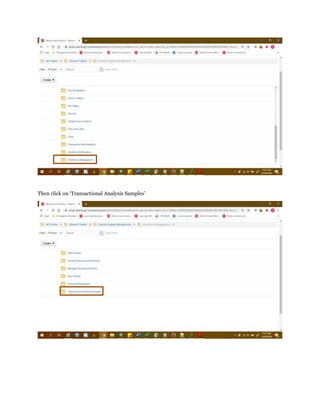
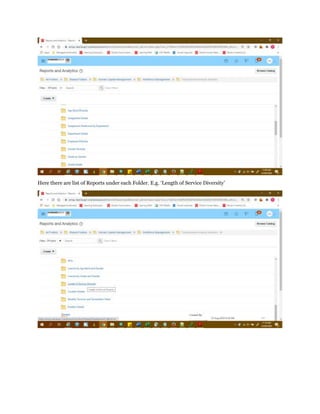
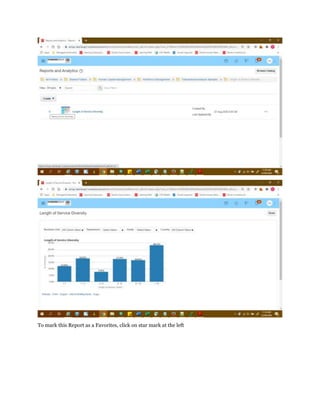
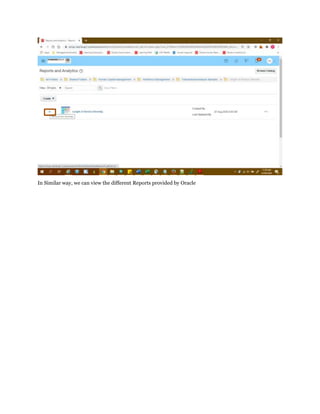
To access reports and analytics in a Fusion instance, click the Tools tab and select Reports and Analytics. This will display a list of favorite reports; clicking on a report like Absence Top Employees allows filtering by parameters like business unit, department, and year. Reports can be printed or added to favorites, and non-favorite reports can be found by clearing filters and drilling down through shared folders.