Staying safe on
the internet
Cyber Security Perspective.
By
OLUSUSI KAYODE OLUYEMI
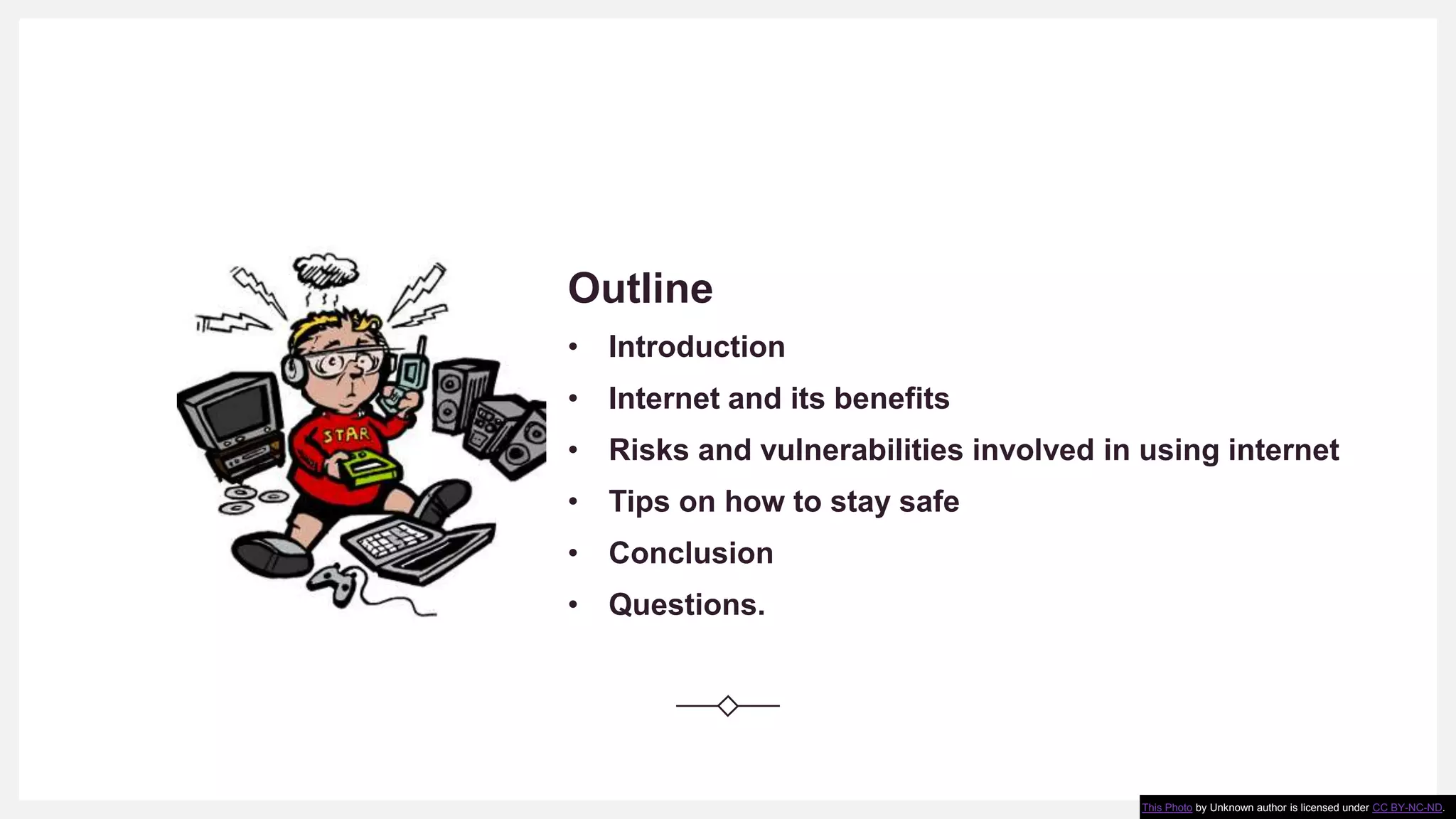
Outline
• Introduction
• Internet and its benefits
• Risks and vulnerabilities involved in using internet
• Tips on how to stay safe
• Conclusion
• Questions.
This Photo by Unknown author is licensed under CC BY-NC-ND.
What is internet
According to wikipedia and some other
journals online, Internet is defined as an
electronic communications network that
connects computer networks and
organizational computer facilities around
the world.
or just call it a network of networks.
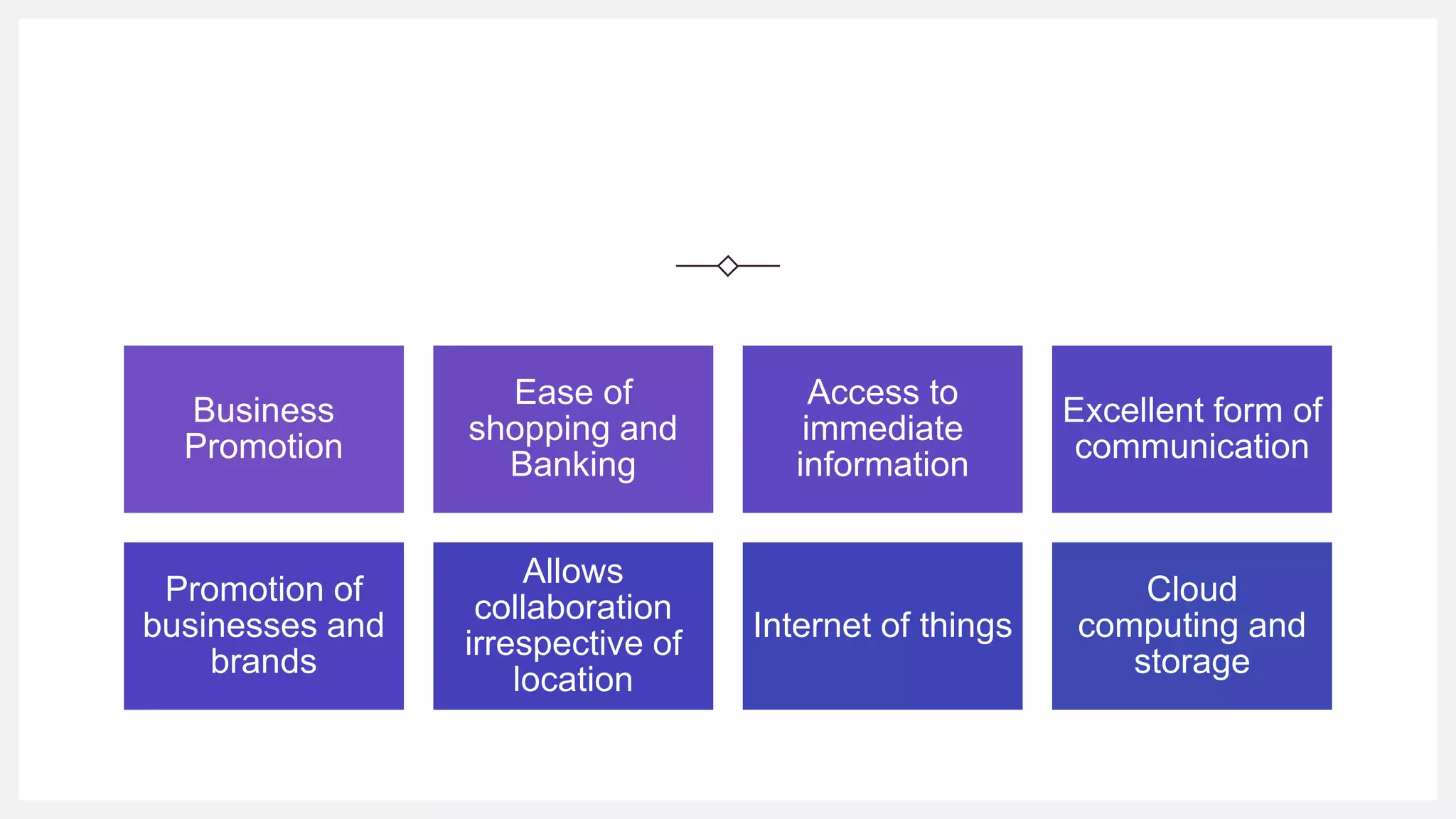
BENEFITS OF
INTERNET
Highlighted on the next slide are the
key advantages and benefits of
internet in our daily life.
Business
Promotion
Ease of
shopping and
Banking
Access to
immediate
information
Excellent form of
communication
Promotion of
businesses and
brands
Allows
collaboration
irrespective of
location
Internet of things
Cloud
computing and
storage
Needless to say that the usage
of internet comes with its own
risk.
Risks
involved in
using internet
and how to
stay safe 1.
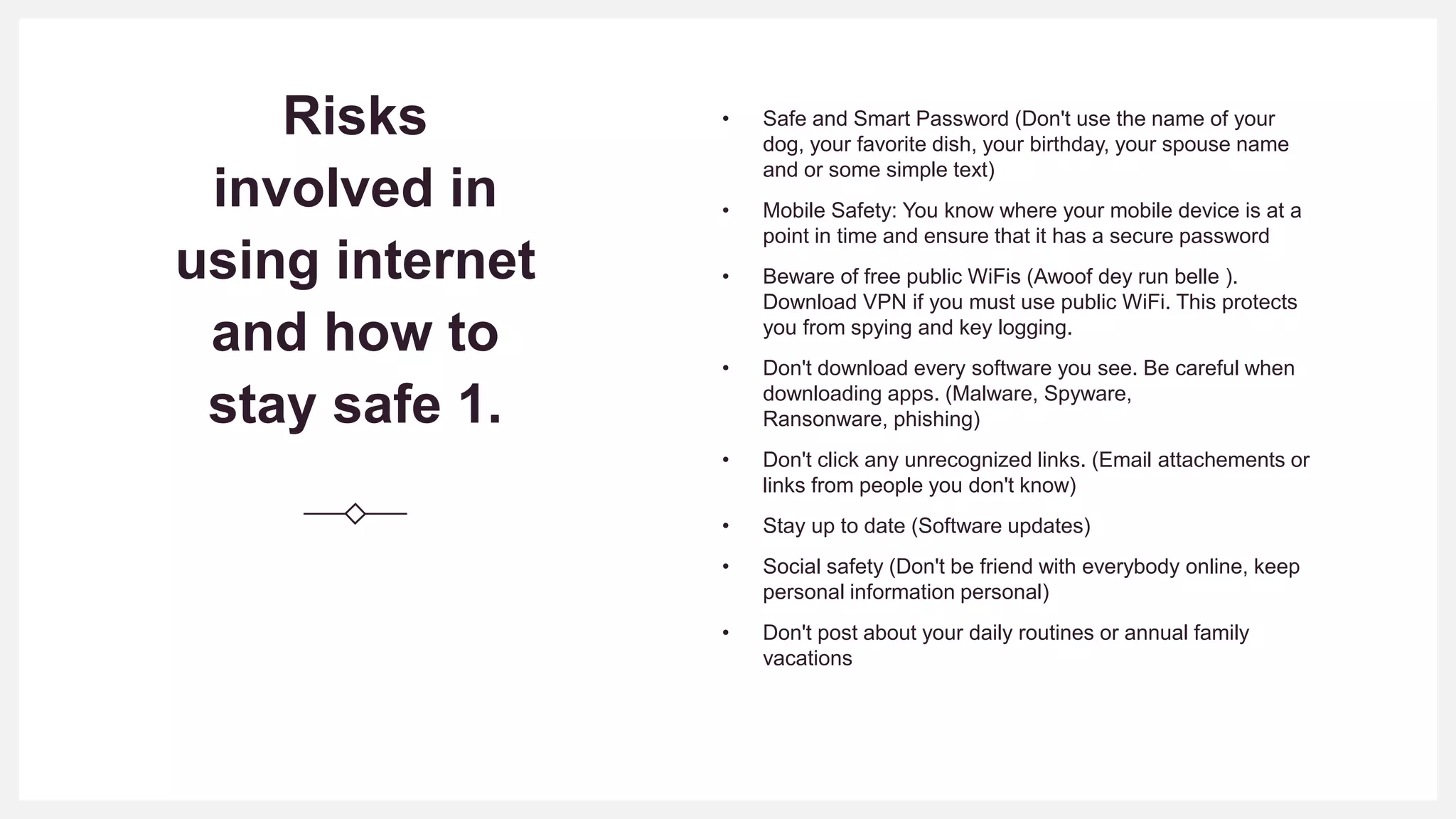
• Safe and Smart Password (Don't use the name of your
dog, your favorite dish, your birthday, your spouse name
and or some simple text)
• Mobile Safety: You know where your mobile device is at a
point in time and ensure that it has a secure password
• Beware of free public WiFis (Awoof dey run belle ).
Download VPN if you must use public WiFi. This protects
you from spying and key logging.
• Don't download every software you see. Be careful when
downloading apps. (Malware, Spyware,
Ransonware, phishing)
• Don't click any unrecognized links. (Email attachements or
links from people you don't know)
• Stay up to date (Software updates)
• Social safety (Don't be friend with everybody online, keep
personal information personal)
• Don't post about your daily routines or annual family
vacations
Risks
involved in
using internet
and how to
stay safe 2.
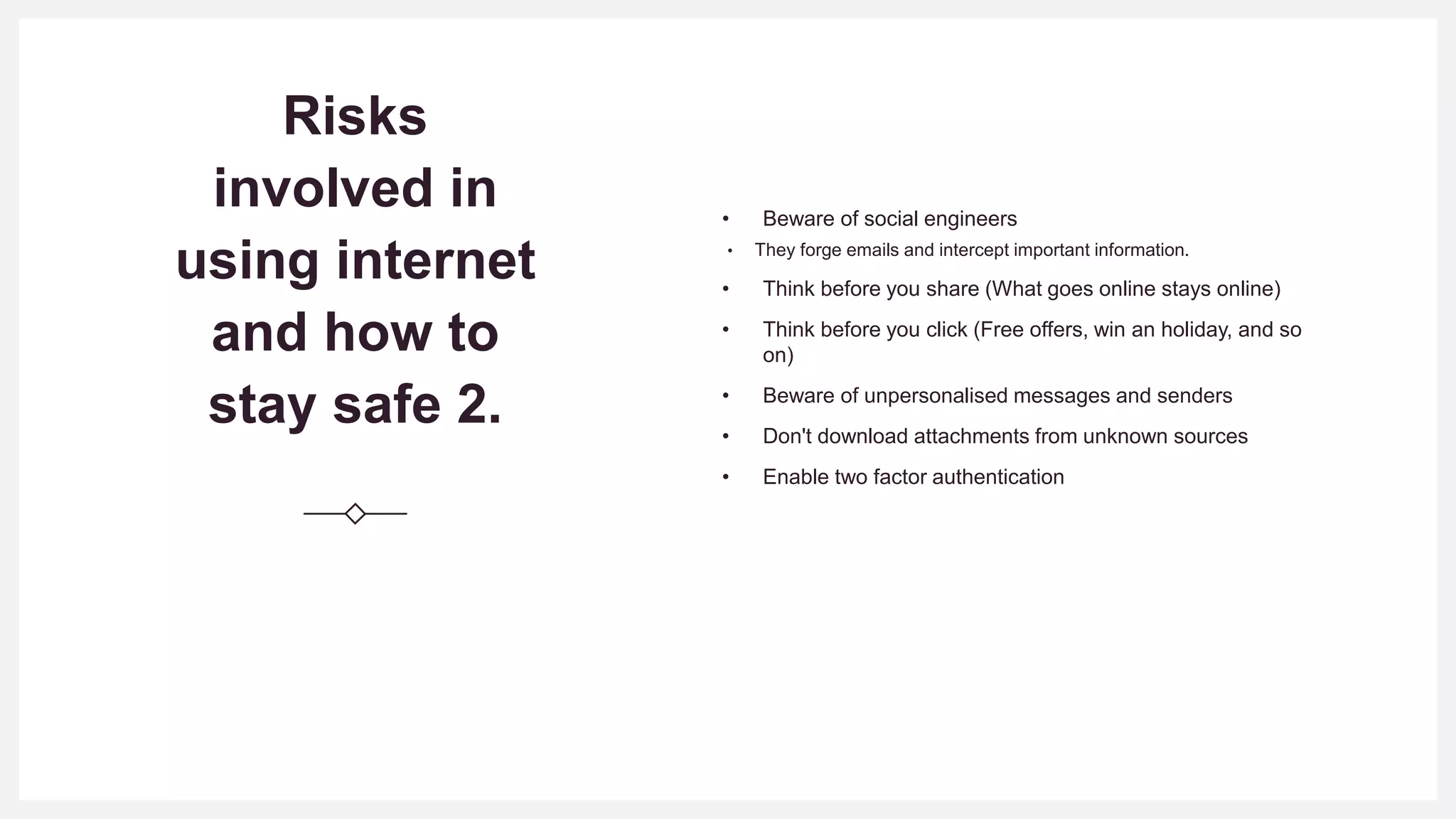
• Beware of social engineers
• They forge emails and intercept important information.
• Think before you share (What goes online stays online)
• Think before you click (Free offers, win an holiday, and so
on)
• Beware of unpersonalised messages and senders
• Don't download attachments from unknown sources
• Enable two factor authentication
Example of Email Scam
Conclusion
There is no doubt about the fact that internet has
come to stay. Permit me to call it a necessary
evil.
While it might be cool to outsource our safety online
to some great infrastructures, it is quite obligatory for
us as a group, organization or individual to maintain
sanity, be extra careful and stay safe while we use
the internet to our own advantage.
WHEN YOU GET ONLINE, GET PARANOID
Thanks for listening.
Questions?
Once again, my name is Oluyemi and known as
yemiwebby online.
Website: http://yemiwebby.com.ng/
Twitter: yemiwebby
Instagram: yemiwebby
GitHub: yemiwebby
Facebook: yemiwebby

Staying safe-on-internet

  • 1.
    Staying safe on theinternet Cyber Security Perspective. By OLUSUSI KAYODE OLUYEMI
  • 2.
    Outline • Introduction • Internetand its benefits • Risks and vulnerabilities involved in using internet • Tips on how to stay safe • Conclusion • Questions. This Photo by Unknown author is licensed under CC BY-NC-ND.
  • 3.
    What is internet Accordingto wikipedia and some other journals online, Internet is defined as an electronic communications network that connects computer networks and organizational computer facilities around the world. or just call it a network of networks.
  • 4.
    BENEFITS OF INTERNET Highlighted onthe next slide are the key advantages and benefits of internet in our daily life.
  • 5.
    Business Promotion Ease of shopping and Banking Accessto immediate information Excellent form of communication Promotion of businesses and brands Allows collaboration irrespective of location Internet of things Cloud computing and storage
  • 6.
    Needless to saythat the usage of internet comes with its own risk.
  • 7.
    Risks involved in using internet andhow to stay safe 1. • Safe and Smart Password (Don't use the name of your dog, your favorite dish, your birthday, your spouse name and or some simple text) • Mobile Safety: You know where your mobile device is at a point in time and ensure that it has a secure password • Beware of free public WiFis (Awoof dey run belle ). Download VPN if you must use public WiFi. This protects you from spying and key logging. • Don't download every software you see. Be careful when downloading apps. (Malware, Spyware, Ransonware, phishing) • Don't click any unrecognized links. (Email attachements or links from people you don't know) • Stay up to date (Software updates) • Social safety (Don't be friend with everybody online, keep personal information personal) • Don't post about your daily routines or annual family vacations
  • 8.
    Risks involved in using internet andhow to stay safe 2. • Beware of social engineers • They forge emails and intercept important information. • Think before you share (What goes online stays online) • Think before you click (Free offers, win an holiday, and so on) • Beware of unpersonalised messages and senders • Don't download attachments from unknown sources • Enable two factor authentication
  • 9.
  • 10.
    Conclusion There is nodoubt about the fact that internet has come to stay. Permit me to call it a necessary evil. While it might be cool to outsource our safety online to some great infrastructures, it is quite obligatory for us as a group, organization or individual to maintain sanity, be extra careful and stay safe while we use the internet to our own advantage. WHEN YOU GET ONLINE, GET PARANOID
  • 11.
    Thanks for listening. Questions? Onceagain, my name is Oluyemi and known as yemiwebby online. Website: http://yemiwebby.com.ng/ Twitter: yemiwebby Instagram: yemiwebby GitHub: yemiwebby Facebook: yemiwebby