Speed up your site with Varnish
PHP Cambridge, 21st March 2017
Simon Jones, Studio 24
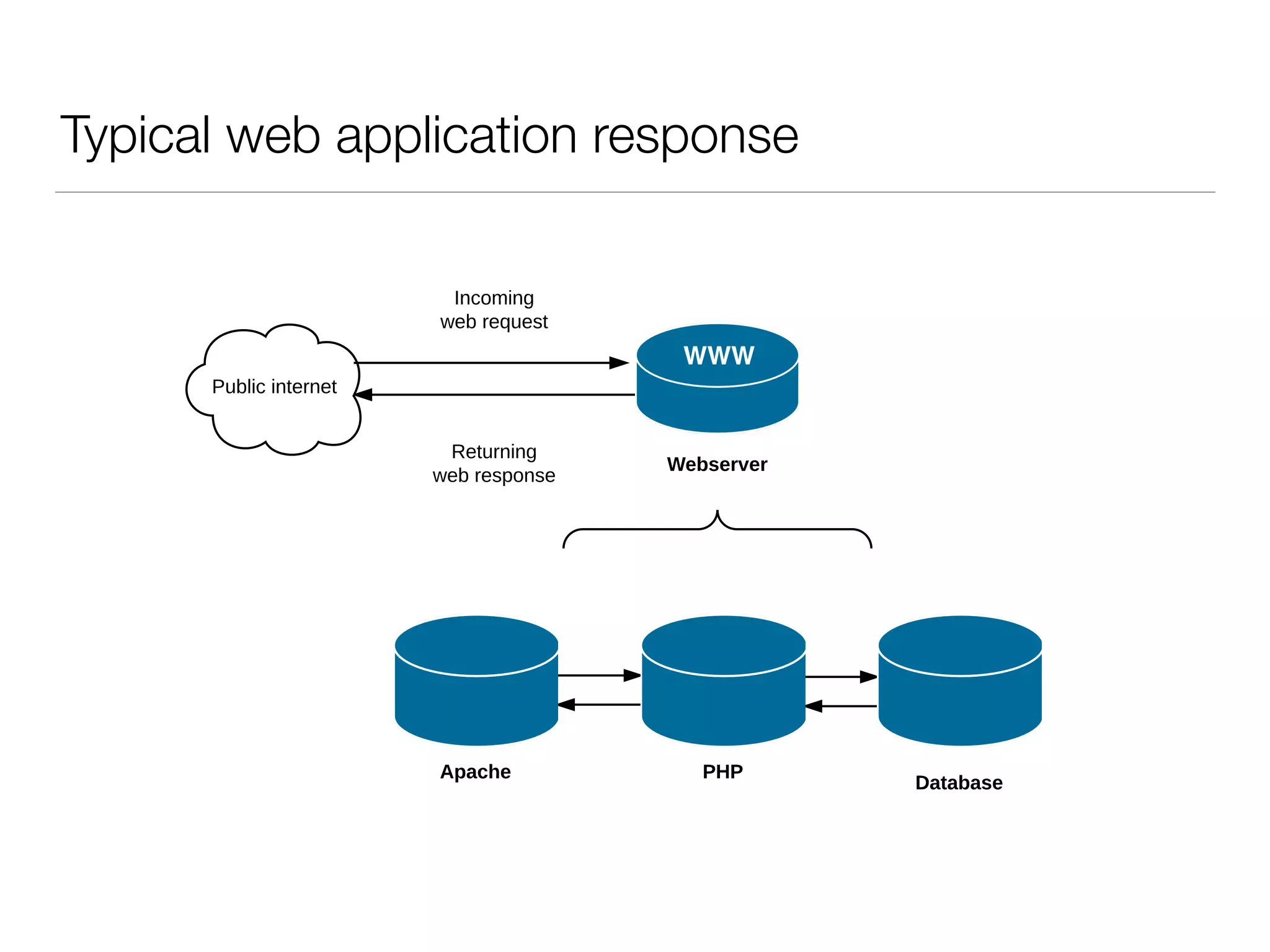
Typical web application response
Apache
Database
PHP
Public internet
Webserver
Incoming
web request
Returning
web response
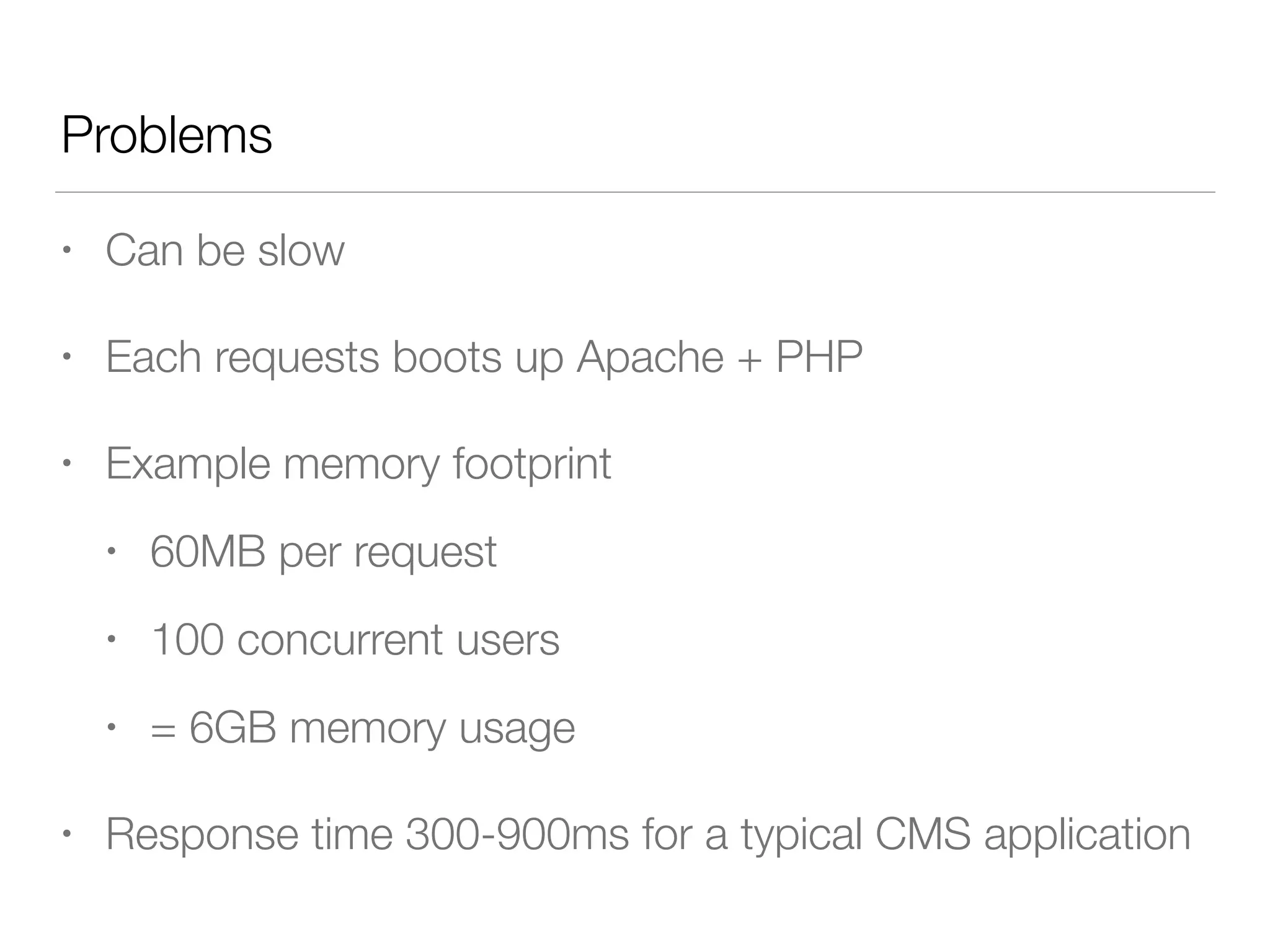
• Can be slow
• Each requests boots up Apache + PHP
• Example memory footprint
• 60MB per request
• 100 concurrent users
• = 6GB memory usage
• Response time 300-900ms for a typical CMS application
Problems
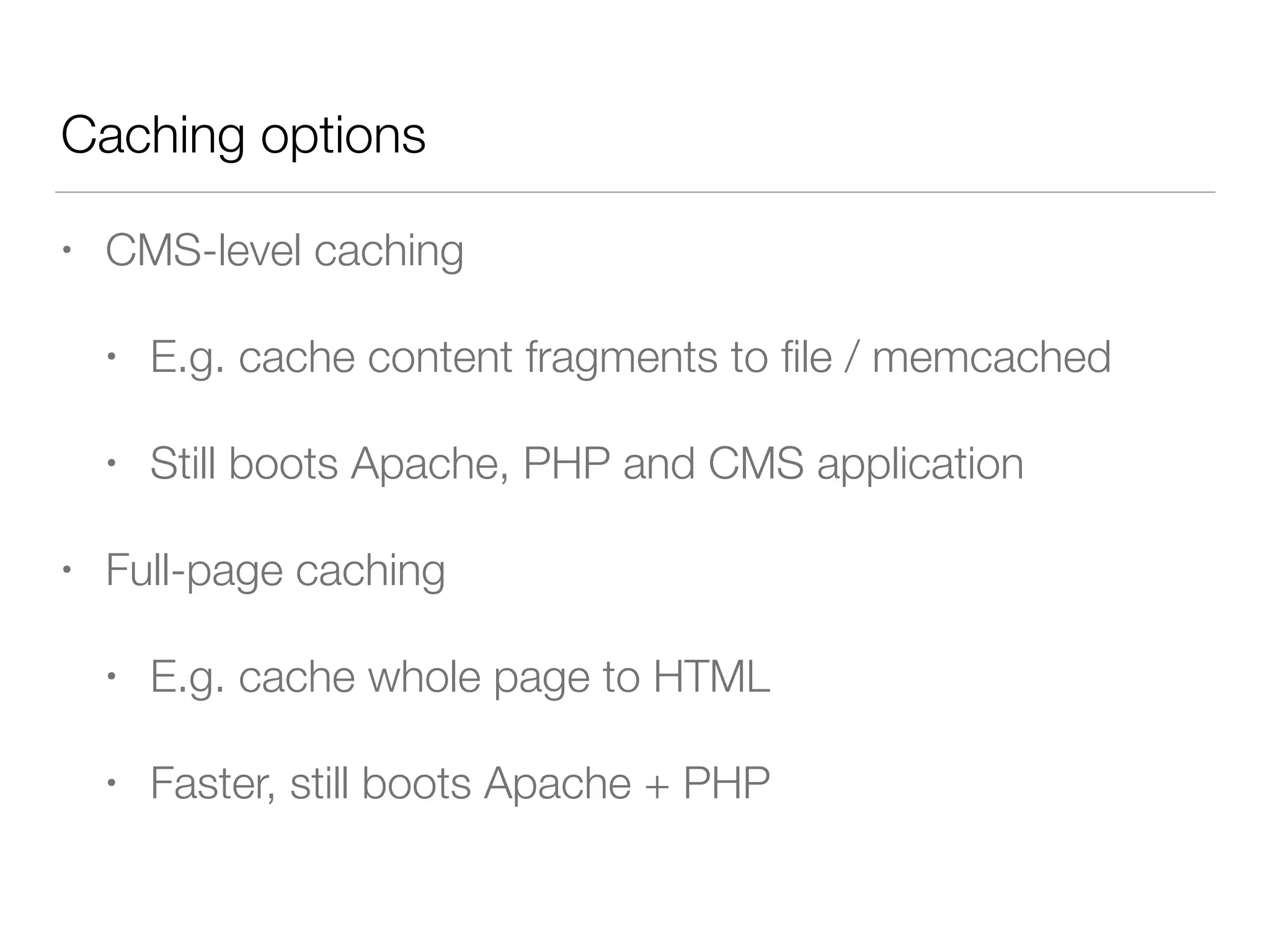
• CMS-level caching
• E.g. cache content fragments to file / memcached
• Still boots Apache, PHP and CMS application
• Full-page caching
• E.g. cache whole page to HTML
• Faster, still boots Apache + PHP
Caching options
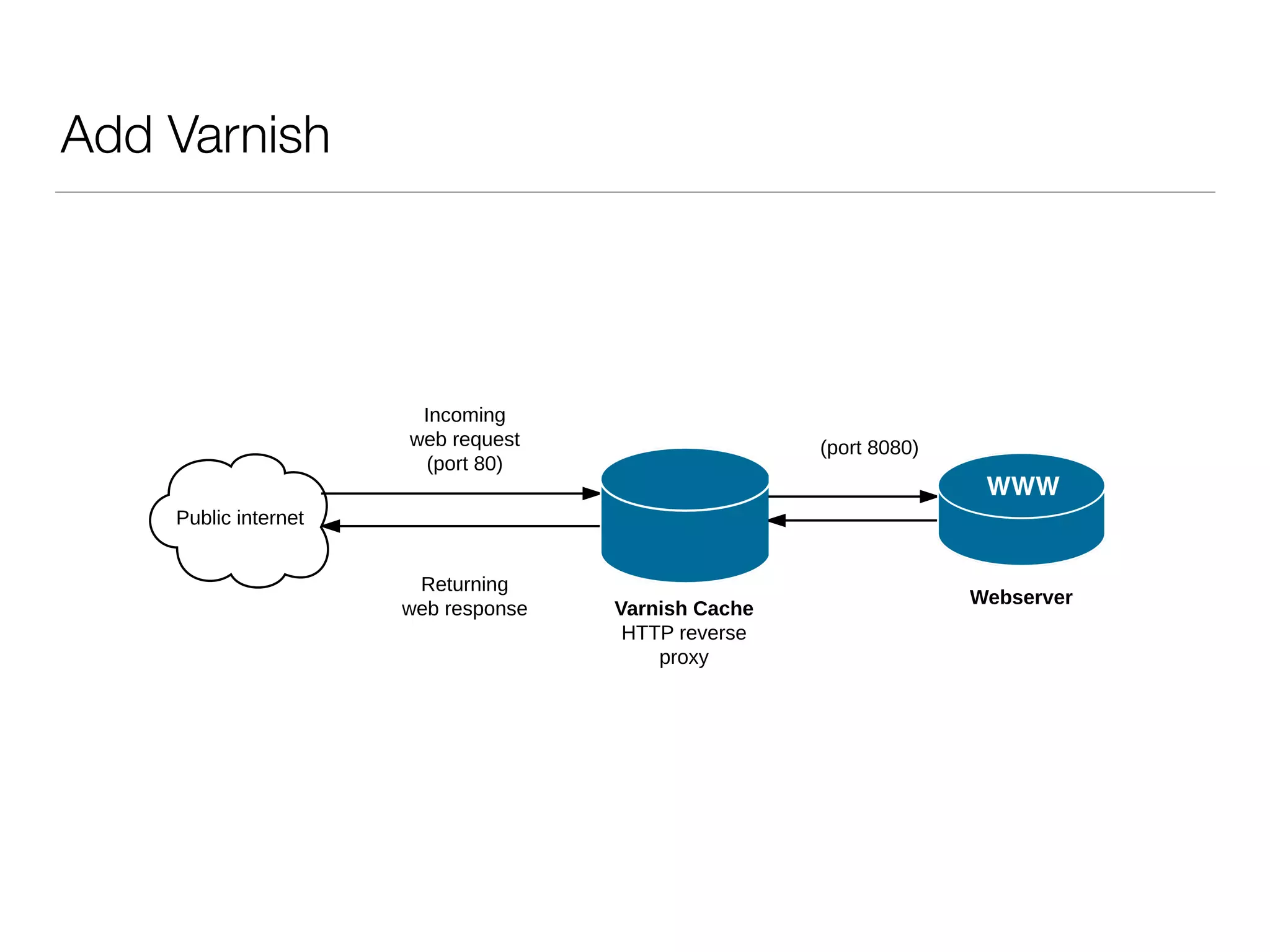
Add Varnish
Public internet
Webserver
Incoming
web request
(port 80)
Returning
web response
Public internet
Webserver
Incoming
web request
(port 80)
Returning
web response Varnish Cache
HTTP reverse
proxy
(port 8080)
How does Varnish work?
Public internet
Webserver
1) Incoming
web request
(port 80)
Varnish Cache
Yes
4) Return HTTP
response to user
3) Varnish returns
page from memory
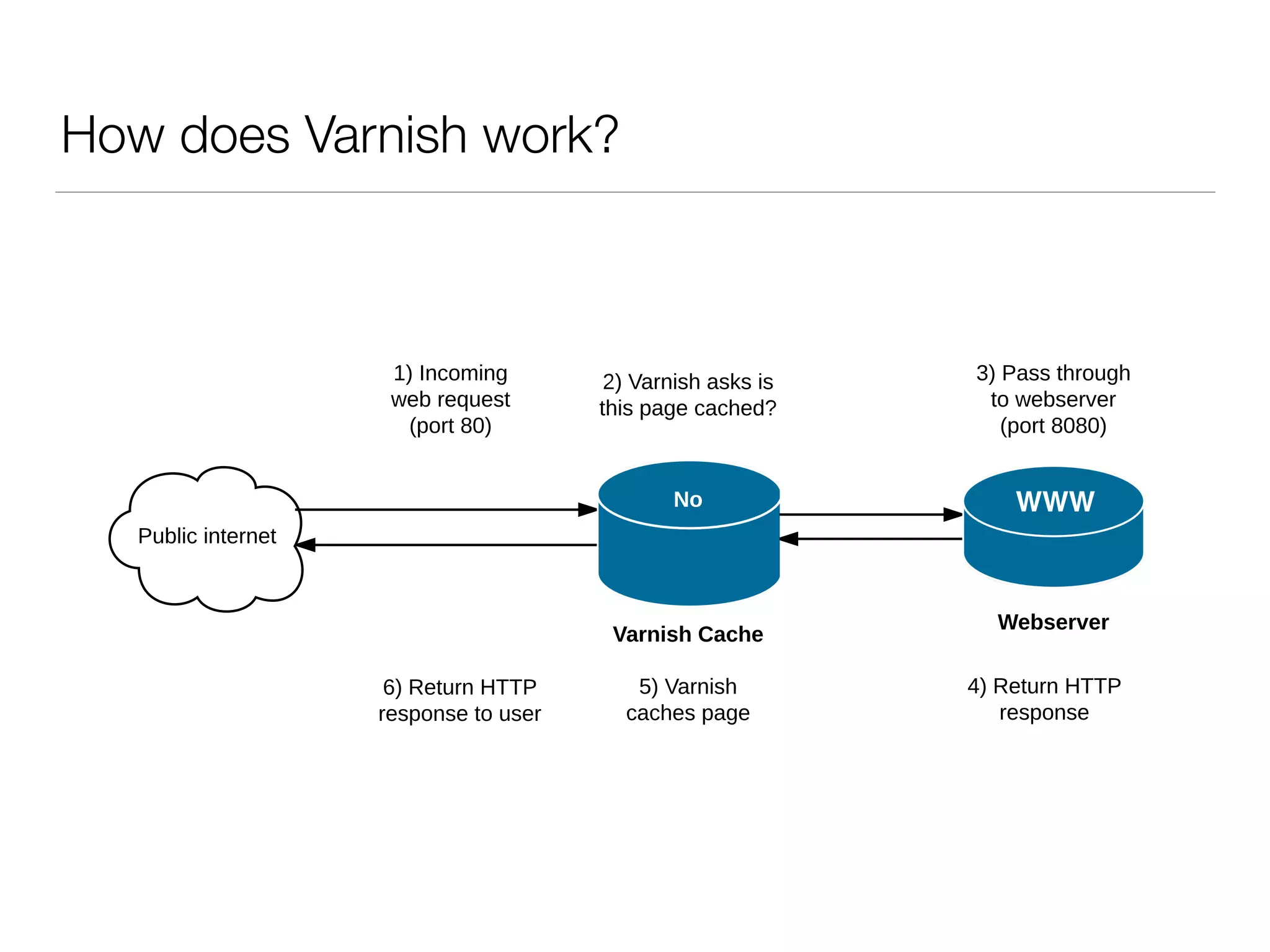
2) Varnish asks is
this page cached?
Public internet
Webserver
1) Incoming
web request
(port 80)
6) Return HTTP
response to user
Varnish Cache
2) Varnish asks is
this page cached?
No
3) Pass through
to webserver
(port 8080)
4) Return HTTP
response
5) Varnish
caches page
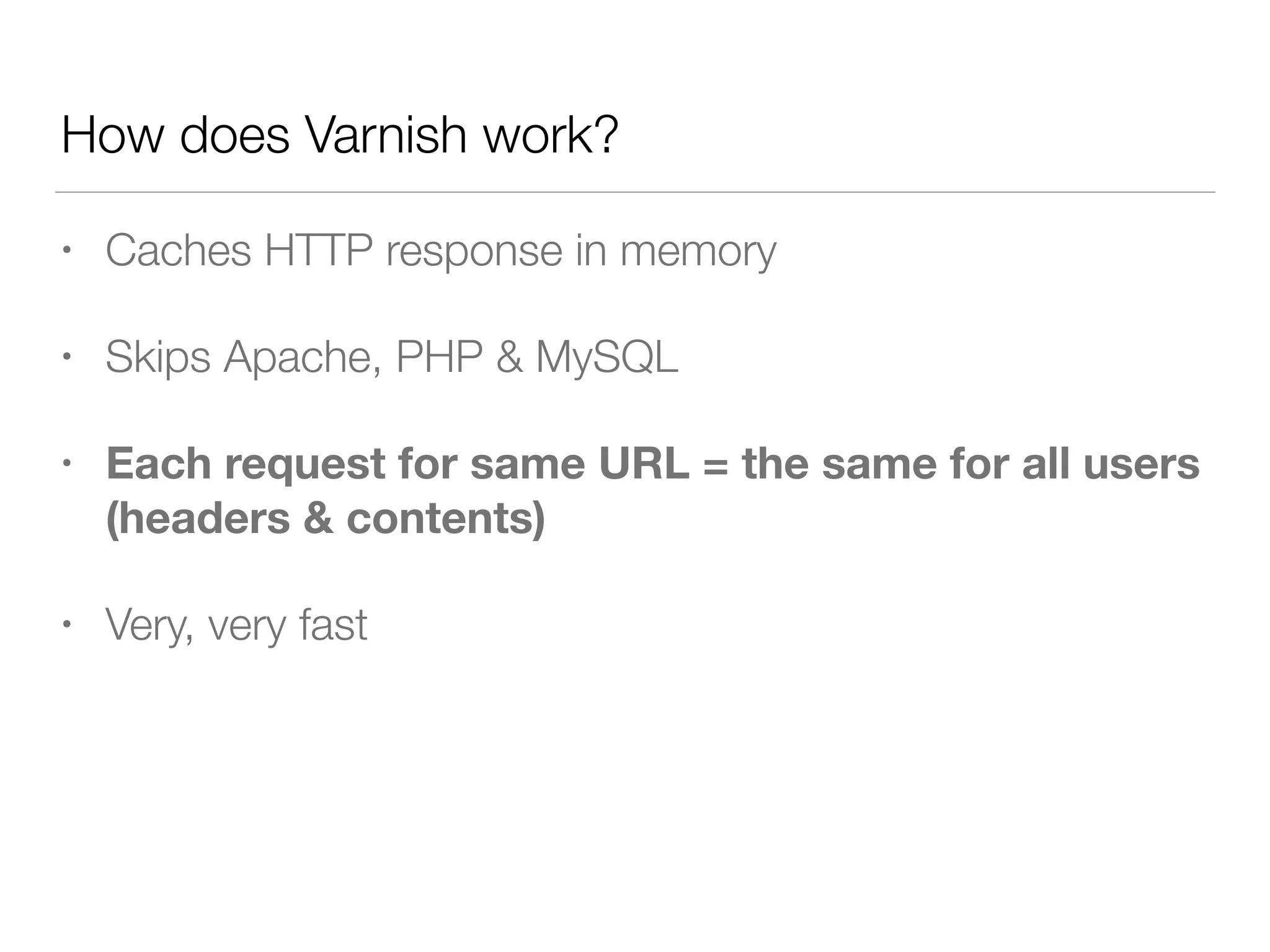
• Caches HTTP response in memory
• Skips Apache, PHP & MySQL
• Each request for same URL = the same for all users

(headers & contents)
• Very, very fast
How does Varnish work?
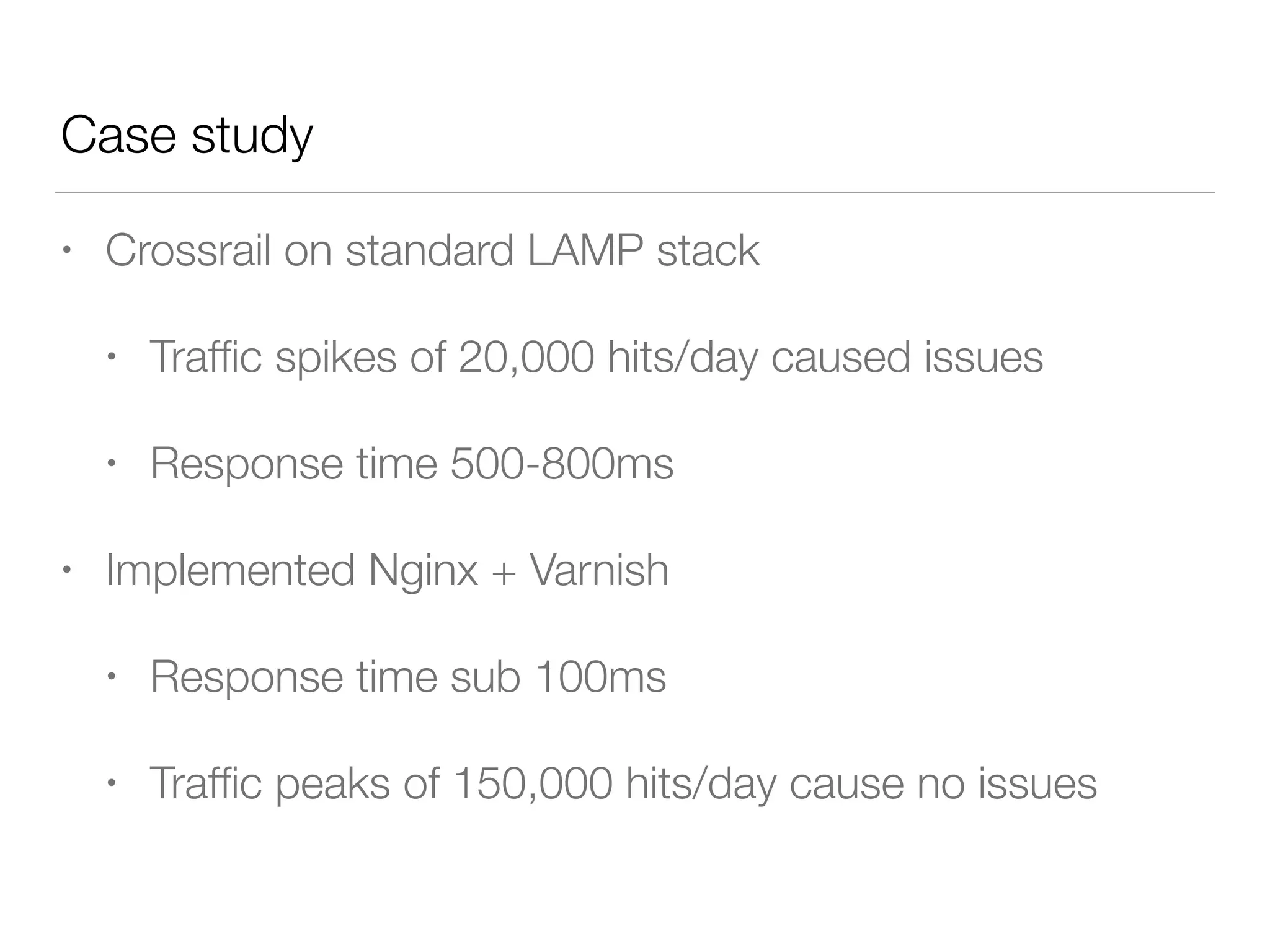
• Crossrail on standard LAMP stack
• Traffic spikes of 20,000 hits/day caused issues
• Response time 500-800ms
• Implemented Nginx + Varnish
• Response time sub 100ms
• Traffic peaks of 150,000 hits/day cause no issues
Case study
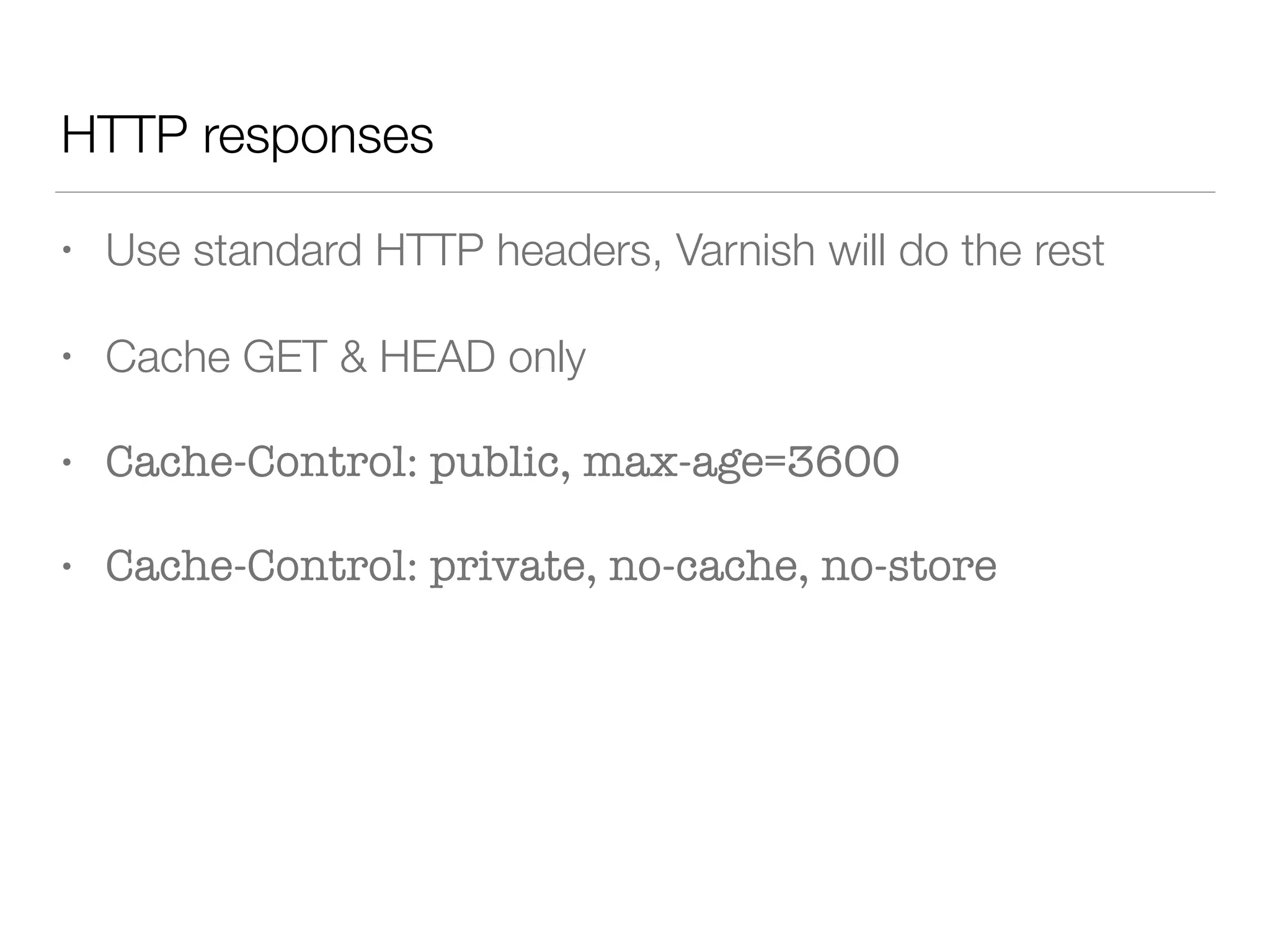
• Use standard HTTP headers, Varnish will do the rest
• Cache GET & HEAD only
• Cache-Control: public, max-age=3600
• Cache-Control: private, no-cache, no-store
HTTP responses
Downsides
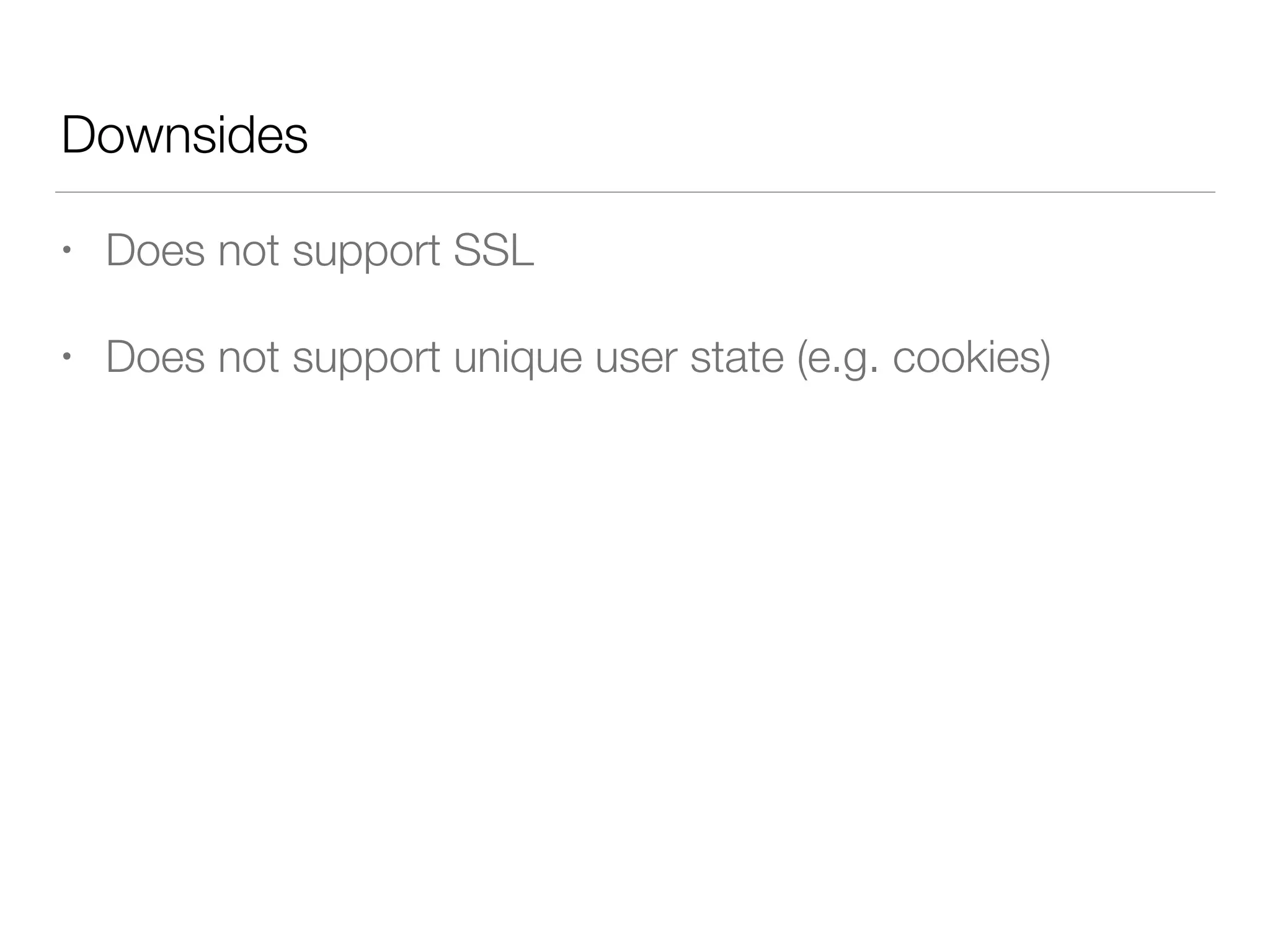
• Does not support SSL
• Does not support unique user state (e.g. cookies)
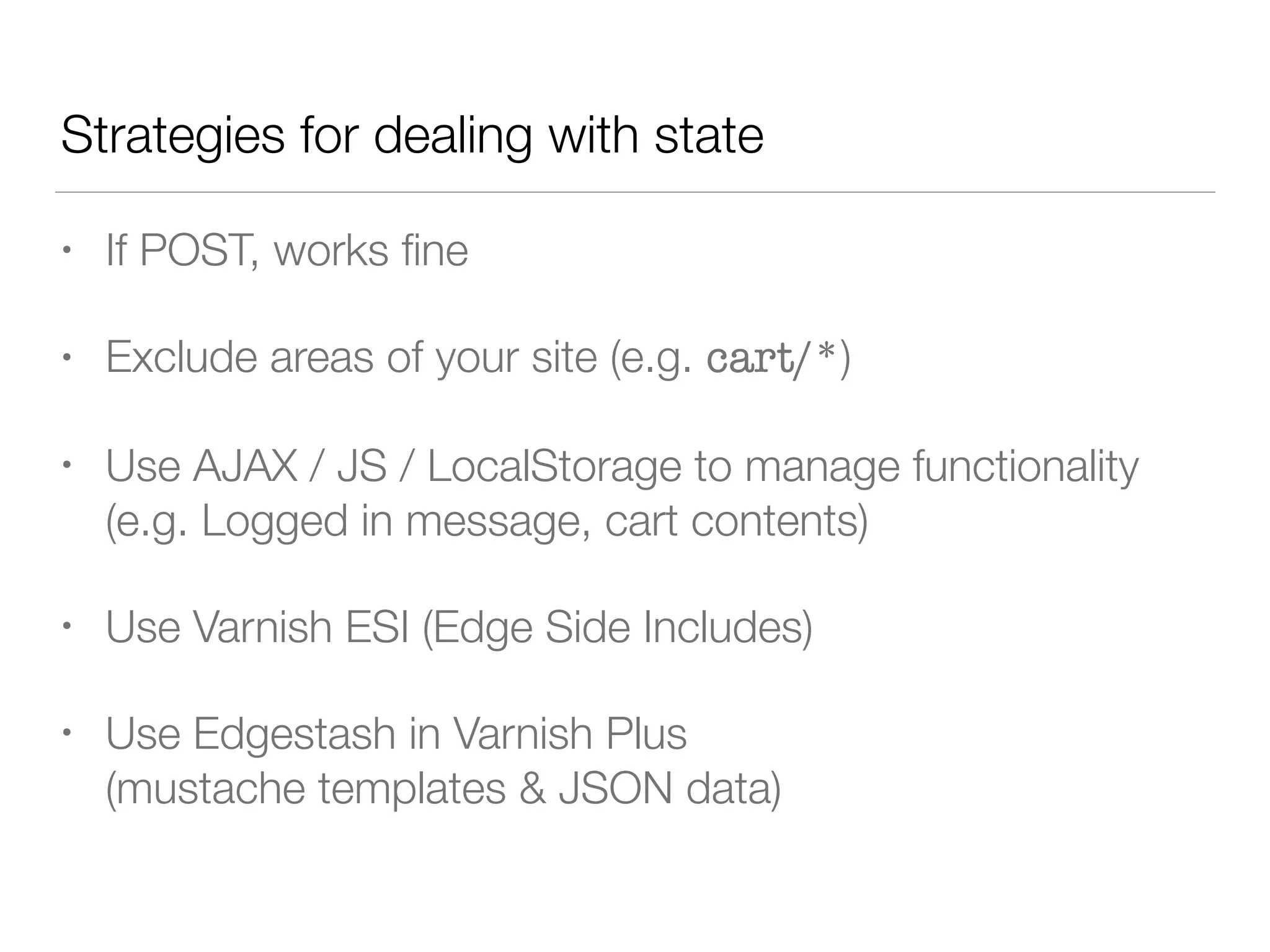
• If POST, works fine
• Exclude areas of your site (e.g. cart/*)
• Use AJAX / JS / LocalStorage to manage functionality
(e.g. Logged in message, cart contents)
• Use Varnish ESI (Edge Side Includes)
• Use Edgestash in Varnish Plus 

(mustache templates & JSON data)
Strategies for dealing with state
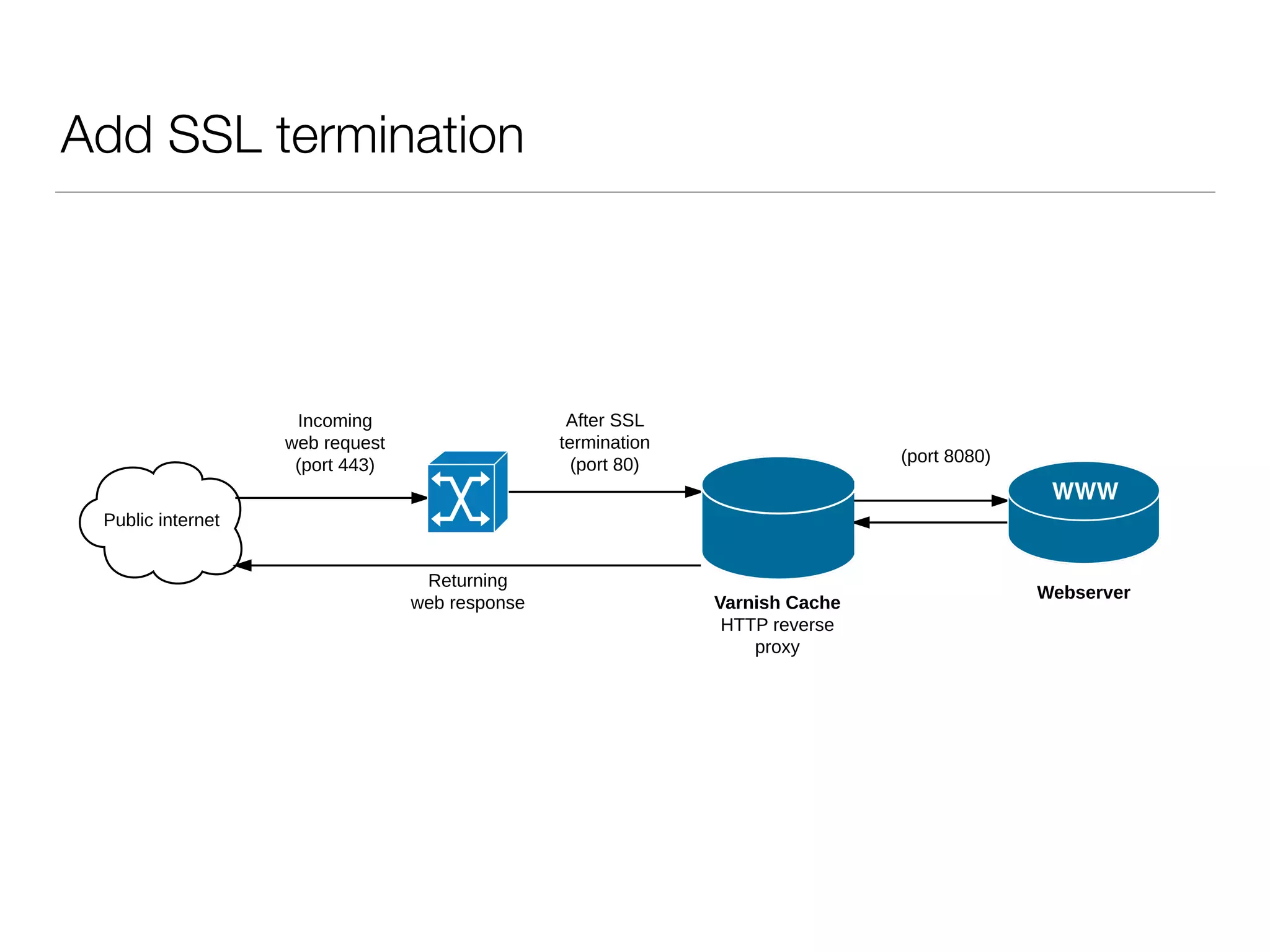
Add SSL termination
Public internet
Webserver
Incoming
web request
(port 443)
Returning
web response Varnish Cache
HTTP reverse
proxy
After SSL
termination
(port 80) (port 8080)
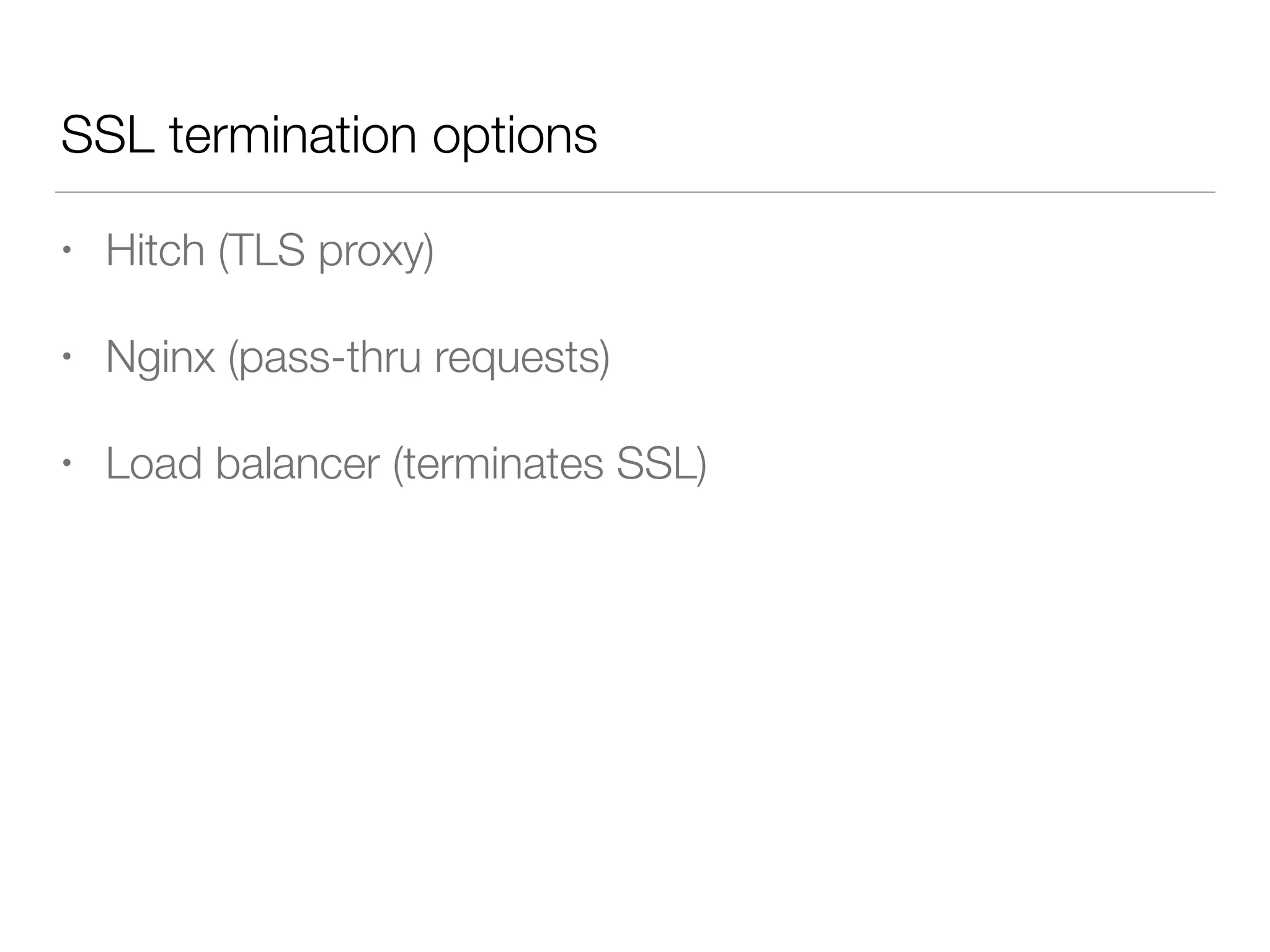
• Hitch (TLS proxy)
• Nginx (pass-thru requests)
• Load balancer (terminates SSL)
SSL termination options
Summary
• Brilliant at dealing with high traffic spikes
• Serves the same page for everyone
• Use HTTP headers to control caching
• Consider how to deal with unique content for users
• SSL termination strategy
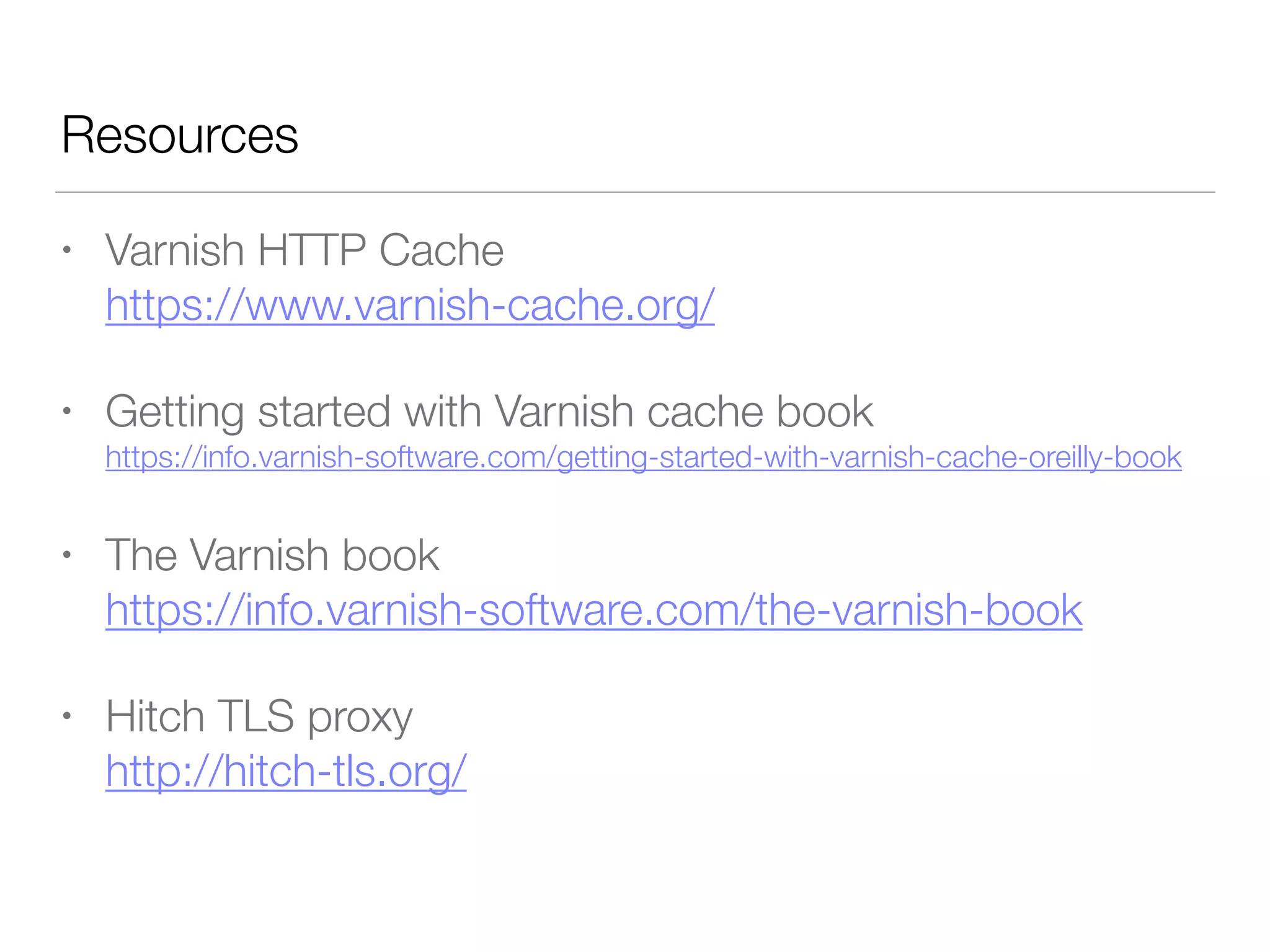
Resources
• Varnish HTTP Cache

https://www.varnish-cache.org/
• Getting started with Varnish cache book

https://info.varnish-software.com/getting-started-with-varnish-cache-oreilly-book
• The Varnish book 

https://info.varnish-software.com/the-varnish-book
• Hitch TLS proxy 

http://hitch-tls.org/
Thanks!
@simonrjones
@studio24
www.studio24.net

Speed up your site with Varnish

  • 1.
    Speed up yoursite with Varnish PHP Cambridge, 21st March 2017 Simon Jones, Studio 24
  • 2.
    Typical web applicationresponse Apache Database PHP Public internet Webserver Incoming web request Returning web response
  • 3.
    • Can beslow • Each requests boots up Apache + PHP • Example memory footprint • 60MB per request • 100 concurrent users • = 6GB memory usage • Response time 300-900ms for a typical CMS application Problems
  • 4.
    • CMS-level caching •E.g. cache content fragments to file / memcached • Still boots Apache, PHP and CMS application • Full-page caching • E.g. cache whole page to HTML • Faster, still boots Apache + PHP Caching options
  • 6.
    Add Varnish Public internet Webserver Incoming webrequest (port 80) Returning web response Public internet Webserver Incoming web request (port 80) Returning web response Varnish Cache HTTP reverse proxy (port 8080)
  • 7.
    How does Varnishwork? Public internet Webserver 1) Incoming web request (port 80) Varnish Cache Yes 4) Return HTTP response to user 3) Varnish returns page from memory 2) Varnish asks is this page cached? Public internet Webserver 1) Incoming web request (port 80) 6) Return HTTP response to user Varnish Cache 2) Varnish asks is this page cached? No 3) Pass through to webserver (port 8080) 4) Return HTTP response 5) Varnish caches page
  • 8.
    • Caches HTTPresponse in memory • Skips Apache, PHP & MySQL • Each request for same URL = the same for all users
 (headers & contents) • Very, very fast How does Varnish work?
  • 9.
    • Crossrail onstandard LAMP stack • Traffic spikes of 20,000 hits/day caused issues • Response time 500-800ms • Implemented Nginx + Varnish • Response time sub 100ms • Traffic peaks of 150,000 hits/day cause no issues Case study
  • 10.
    • Use standardHTTP headers, Varnish will do the rest • Cache GET & HEAD only • Cache-Control: public, max-age=3600 • Cache-Control: private, no-cache, no-store HTTP responses
  • 11.
    Downsides • Does notsupport SSL • Does not support unique user state (e.g. cookies)
  • 12.
    • If POST,works fine • Exclude areas of your site (e.g. cart/*) • Use AJAX / JS / LocalStorage to manage functionality (e.g. Logged in message, cart contents) • Use Varnish ESI (Edge Side Includes) • Use Edgestash in Varnish Plus 
 (mustache templates & JSON data) Strategies for dealing with state
  • 13.
    Add SSL termination Publicinternet Webserver Incoming web request (port 443) Returning web response Varnish Cache HTTP reverse proxy After SSL termination (port 80) (port 8080)
  • 14.
    • Hitch (TLSproxy) • Nginx (pass-thru requests) • Load balancer (terminates SSL) SSL termination options
  • 15.
    Summary • Brilliant atdealing with high traffic spikes • Serves the same page for everyone • Use HTTP headers to control caching • Consider how to deal with unique content for users • SSL termination strategy
  • 16.
    Resources • Varnish HTTPCache
 https://www.varnish-cache.org/ • Getting started with Varnish cache book
 https://info.varnish-software.com/getting-started-with-varnish-cache-oreilly-book • The Varnish book 
 https://info.varnish-software.com/the-varnish-book • Hitch TLS proxy 
 http://hitch-tls.org/
  • 17.