Downloaded 18 times
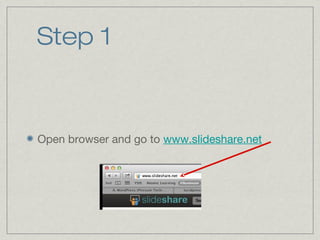
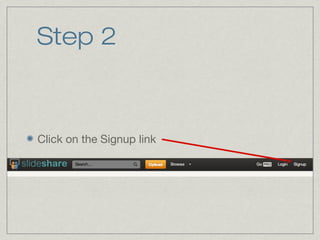
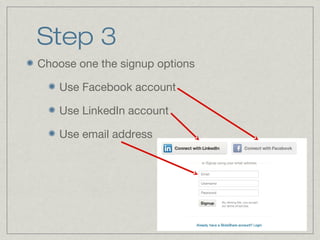
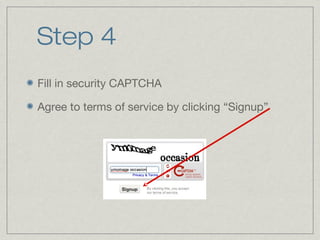
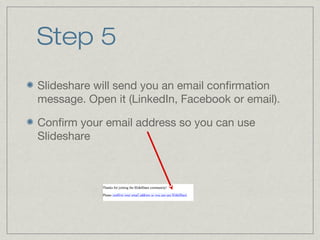

This 6-step tutorial explains how to sign up for a Slideshare account. It instructs users to open a browser and go to Slideshare's website, click the signup link, choose a signup option of Facebook, LinkedIn, or email, fill in a security CAPTCHA and agree to terms of service, confirm the email sent by Slideshare, and then they are ready to use the site.


