Friday, September 11, 2015
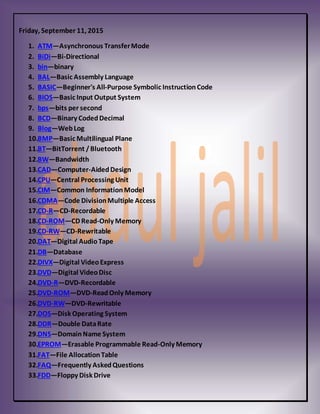
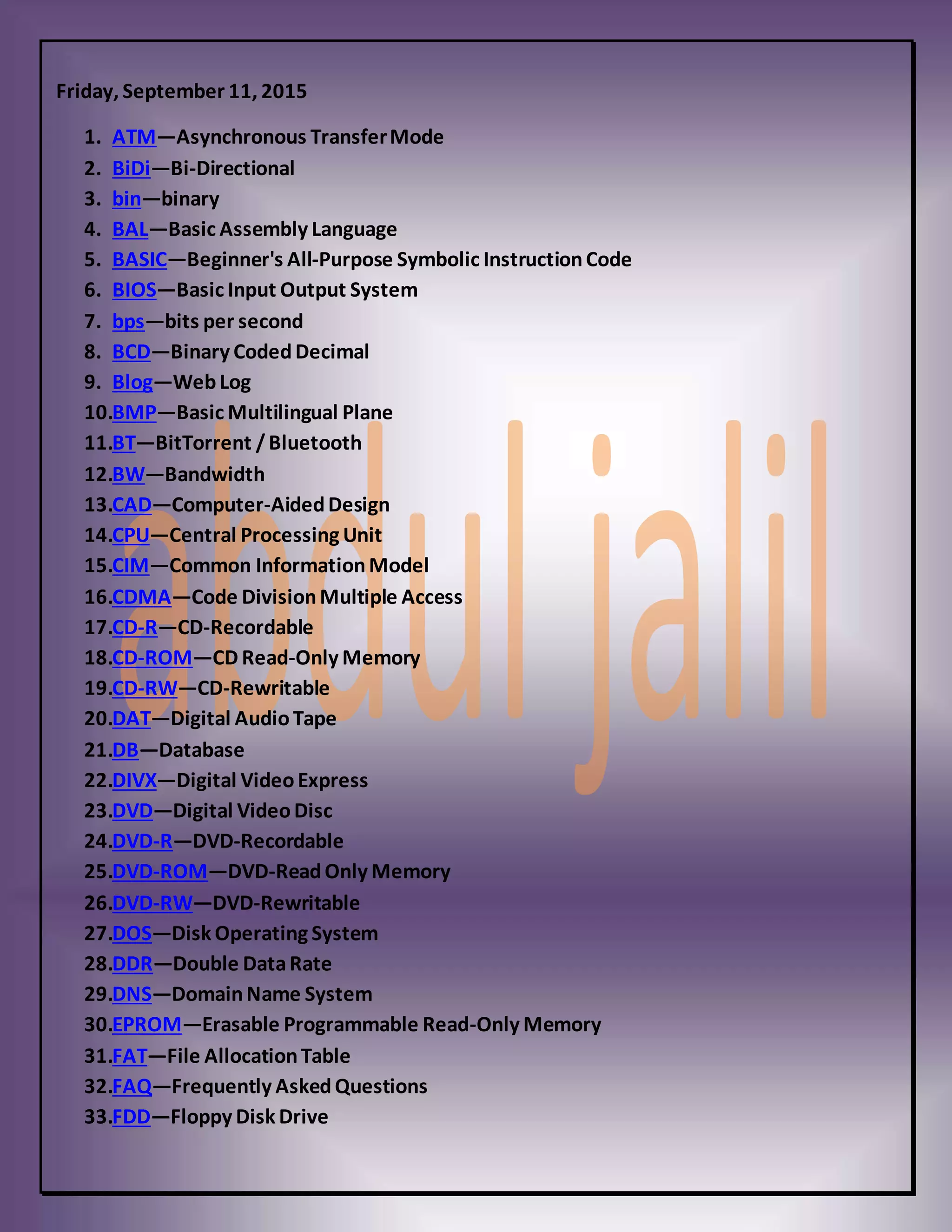
1. ATM—Asynchronous TransferMode
2. BiDi—Bi-Directional
3. bin—binary
4. BAL—Basic Assembly Language
5. BASIC—Beginner's All-Purpose Symbolic InstructionCode
6. BIOS—Basic Input Output System
7. bps—bits per second
8. BCD—Binary CodedDecimal
9. Blog—WebLog
10.BMP—Basic Multilingual Plane
11.BT—BitTorrent /Bluetooth
12.BW—Bandwidth
13.CAD—Computer-AidedDesign
14.CPU—Central Processing Unit
15.CIM—Common InformationModel
16.CDMA—Code DivisionMultiple Access
17.CD-R—CD-Recordable
18.CD-ROM—CD Read-Only Memory
19.CD-RW—CD-Rewritable
20.DAT—Digital AudioTape
21.DB—Database
22.DIVX—Digital VideoExpress
23.DVD—Digital VideoDisc
24.DVD-R—DVD-Recordable
25.DVD-ROM—DVD-ReadOnly Memory
26.DVD-RW—DVD-Rewritable
27.DOS—Disk Operating System
28.DDR—Double DataRate
29.DNS—DomainName System
30.EPROM—Erasable Programmable Read-Only Memory
31.FAT—File AllocationTable
32.FAQ—Frequently AskedQuestions
33.FDD—Floppy Disk Drive
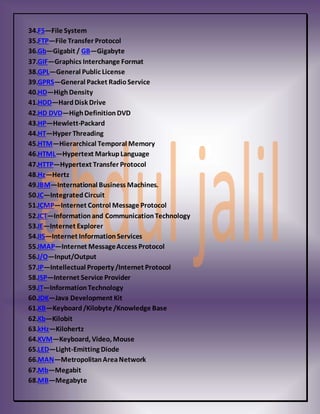
34.FS—File System
35.FTP—File Transfer Protocol
36.Gb—Gigabit / GB—Gigabyte
37.GIF—Graphics Interchange Format
38.GPL—General Public License
39.GPRS—General Packet RadioService
40.HD—HighDensity
41.HDD—Hard Disk Drive
42.HD DVD—HighDefinitionDVD
43.HP—Hewlett-Packard
44.HT—Hyper Threading
45.HTM—Hierarchical Temporal Memory
46.HTML—Hypertext MarkupLanguage
47.HTTP—Hypertext Transfer Protocol
48.Hz—Hertz
49.IBM—International Business Machines.
50.IC—Integrated Circuit
51.ICMP—Internet Control Message Protocol
52.ICT—Informationand CommunicationTechnology
53.IE—Internet Explorer
54.IIS—Internet InformationServices
55.IMAP—Internet MessageAccess Protocol
56.I/O—Input/Output
57.IP—Intellectual Property /Internet Protocol
58.ISP—Internet Service Provider
59.IT—InformationTechnology
60.JDK—Java Development Kit
61.KB—Keyboard/Kilobyte /Knowledge Base
62.Kb—Kilobit
63.kHz—Kilohertz
64.KVM—Keyboard, Video, Mouse
65.LED—Light-Emitting Diode
66.MAN—MetropolitanAreaNetwork
67.Mb—Megabit
68.MB—Megabyte
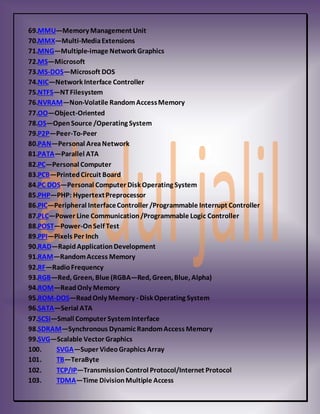
69.MMU—Memory Management Unit
70.MMX—Multi-MediaExtensions
71.MNG—Multiple-image Network Graphics
72.MS—Microsoft
73.MS-DOS—Microsoft DOS
74.NIC—Network Interface Controller
75.NTFS—NTFilesystem
76.NVRAM—Non-Volatile RandomAccessMemory
77.OO—Object-Oriented
78.OS—OpenSource /Operating System
79.P2P—Peer-To-Peer
80.PAN—Personal AreaNetwork
81.PATA—Parallel ATA
82.PC—Personal Computer
83.PCB—PrintedCircuit Board
84.PC DOS—Personal Computer Disk Operating System
85.PHP—PHP: HypertextPreprocessor
86.PIC—Peripheral InterfaceController /Programmable Interrupt Controller
87.PLC—Power Line Communication/Programmable Logic Controller
88.POST—Power-OnSelf Test
89.PPI—Pixels Per Inch
90.RAD—RapidApplicationDevelopment
91.RAM—RandomAccess Memory
92.RF—RadioFrequency
93.RGB—Red, Green, Blue (RGBA—Red, Green, Blue, Alpha)
94.ROM—ReadOnly Memory
95.ROM-DOS—ReadOnly Memory - Disk Operating System
96.SATA—Serial ATA
97.SCSI—Small Computer SystemInterface
98.SDRAM—Synchronous Dynamic RandomAccess Memory
99.SVG—Scalable Vector Graphics
100. SVGA—Super VideoGraphics Array
101. TB—TeraByte
102. TCP/IP—TransmissionControl Protocol/Internet Protocol
103. TDMA—Time DivisionMultiple Access
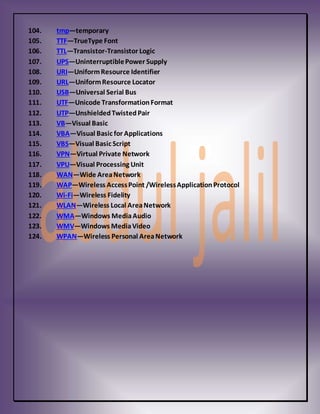
104. tmp—temporary
105. TTF—TrueType Font
106. TTL—Transistor-Transistor Logic
107. UPS—UninterruptiblePower Supply
108. URI—UniformResource Identifier
109. URL—UniformResource Locator
110. USB—Universal Serial Bus
111. UTF—Unicode TransformationFormat
112. UTP—UnshieldedTwistedPair
113. VB—Visual Basic
114. VBA—Visual Basic for Applications
115. VBS—Visual Basic Script
116. VPN—Virtual Private Network
117. VPU—Visual Processing Unit
118. WAN—Wide AreaNetwork
119. WAP—Wireless AccessPoint /WirelessApplicationProtocol
120. Wi-Fi—Wireless Fidelity
121. WLAN—Wireless Local AreaNetwork
122. WMA—Windows MediaAudio
123. WMV—Windows MediaVideo
124. WPAN—Wireless Personal AreaNetwork

shortcut computer abrevation

  • 1.
    Friday, September 11,2015 1. ATM—Asynchronous TransferMode 2. BiDi—Bi-Directional 3. bin—binary 4. BAL—Basic Assembly Language 5. BASIC—Beginner's All-Purpose Symbolic InstructionCode 6. BIOS—Basic Input Output System 7. bps—bits per second 8. BCD—Binary CodedDecimal 9. Blog—WebLog 10.BMP—Basic Multilingual Plane 11.BT—BitTorrent /Bluetooth 12.BW—Bandwidth 13.CAD—Computer-AidedDesign 14.CPU—Central Processing Unit 15.CIM—Common InformationModel 16.CDMA—Code DivisionMultiple Access 17.CD-R—CD-Recordable 18.CD-ROM—CD Read-Only Memory 19.CD-RW—CD-Rewritable 20.DAT—Digital AudioTape 21.DB—Database 22.DIVX—Digital VideoExpress 23.DVD—Digital VideoDisc 24.DVD-R—DVD-Recordable 25.DVD-ROM—DVD-ReadOnly Memory 26.DVD-RW—DVD-Rewritable 27.DOS—Disk Operating System 28.DDR—Double DataRate 29.DNS—DomainName System 30.EPROM—Erasable Programmable Read-Only Memory 31.FAT—File AllocationTable 32.FAQ—Frequently AskedQuestions 33.FDD—Floppy Disk Drive
  • 2.
    34.FS—File System 35.FTP—File TransferProtocol 36.Gb—Gigabit / GB—Gigabyte 37.GIF—Graphics Interchange Format 38.GPL—General Public License 39.GPRS—General Packet RadioService 40.HD—HighDensity 41.HDD—Hard Disk Drive 42.HD DVD—HighDefinitionDVD 43.HP—Hewlett-Packard 44.HT—Hyper Threading 45.HTM—Hierarchical Temporal Memory 46.HTML—Hypertext MarkupLanguage 47.HTTP—Hypertext Transfer Protocol 48.Hz—Hertz 49.IBM—International Business Machines. 50.IC—Integrated Circuit 51.ICMP—Internet Control Message Protocol 52.ICT—Informationand CommunicationTechnology 53.IE—Internet Explorer 54.IIS—Internet InformationServices 55.IMAP—Internet MessageAccess Protocol 56.I/O—Input/Output 57.IP—Intellectual Property /Internet Protocol 58.ISP—Internet Service Provider 59.IT—InformationTechnology 60.JDK—Java Development Kit 61.KB—Keyboard/Kilobyte /Knowledge Base 62.Kb—Kilobit 63.kHz—Kilohertz 64.KVM—Keyboard, Video, Mouse 65.LED—Light-Emitting Diode 66.MAN—MetropolitanAreaNetwork 67.Mb—Megabit 68.MB—Megabyte
  • 3.
    69.MMU—Memory Management Unit 70.MMX—Multi-MediaExtensions 71.MNG—Multiple-imageNetwork Graphics 72.MS—Microsoft 73.MS-DOS—Microsoft DOS 74.NIC—Network Interface Controller 75.NTFS—NTFilesystem 76.NVRAM—Non-Volatile RandomAccessMemory 77.OO—Object-Oriented 78.OS—OpenSource /Operating System 79.P2P—Peer-To-Peer 80.PAN—Personal AreaNetwork 81.PATA—Parallel ATA 82.PC—Personal Computer 83.PCB—PrintedCircuit Board 84.PC DOS—Personal Computer Disk Operating System 85.PHP—PHP: HypertextPreprocessor 86.PIC—Peripheral InterfaceController /Programmable Interrupt Controller 87.PLC—Power Line Communication/Programmable Logic Controller 88.POST—Power-OnSelf Test 89.PPI—Pixels Per Inch 90.RAD—RapidApplicationDevelopment 91.RAM—RandomAccess Memory 92.RF—RadioFrequency 93.RGB—Red, Green, Blue (RGBA—Red, Green, Blue, Alpha) 94.ROM—ReadOnly Memory 95.ROM-DOS—ReadOnly Memory - Disk Operating System 96.SATA—Serial ATA 97.SCSI—Small Computer SystemInterface 98.SDRAM—Synchronous Dynamic RandomAccess Memory 99.SVG—Scalable Vector Graphics 100. SVGA—Super VideoGraphics Array 101. TB—TeraByte 102. TCP/IP—TransmissionControl Protocol/Internet Protocol 103. TDMA—Time DivisionMultiple Access
  • 4.
    104. tmp—temporary 105. TTF—TrueTypeFont 106. TTL—Transistor-Transistor Logic 107. UPS—UninterruptiblePower Supply 108. URI—UniformResource Identifier 109. URL—UniformResource Locator 110. USB—Universal Serial Bus 111. UTF—Unicode TransformationFormat 112. UTP—UnshieldedTwistedPair 113. VB—Visual Basic 114. VBA—Visual Basic for Applications 115. VBS—Visual Basic Script 116. VPN—Virtual Private Network 117. VPU—Visual Processing Unit 118. WAN—Wide AreaNetwork 119. WAP—Wireless AccessPoint /WirelessApplicationProtocol 120. Wi-Fi—Wireless Fidelity 121. WLAN—Wireless Local AreaNetwork 122. WMA—Windows MediaAudio 123. WMV—Windows MediaVideo 124. WPAN—Wireless Personal AreaNetwork