Download to read offline
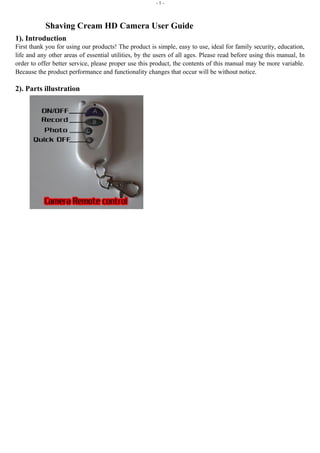
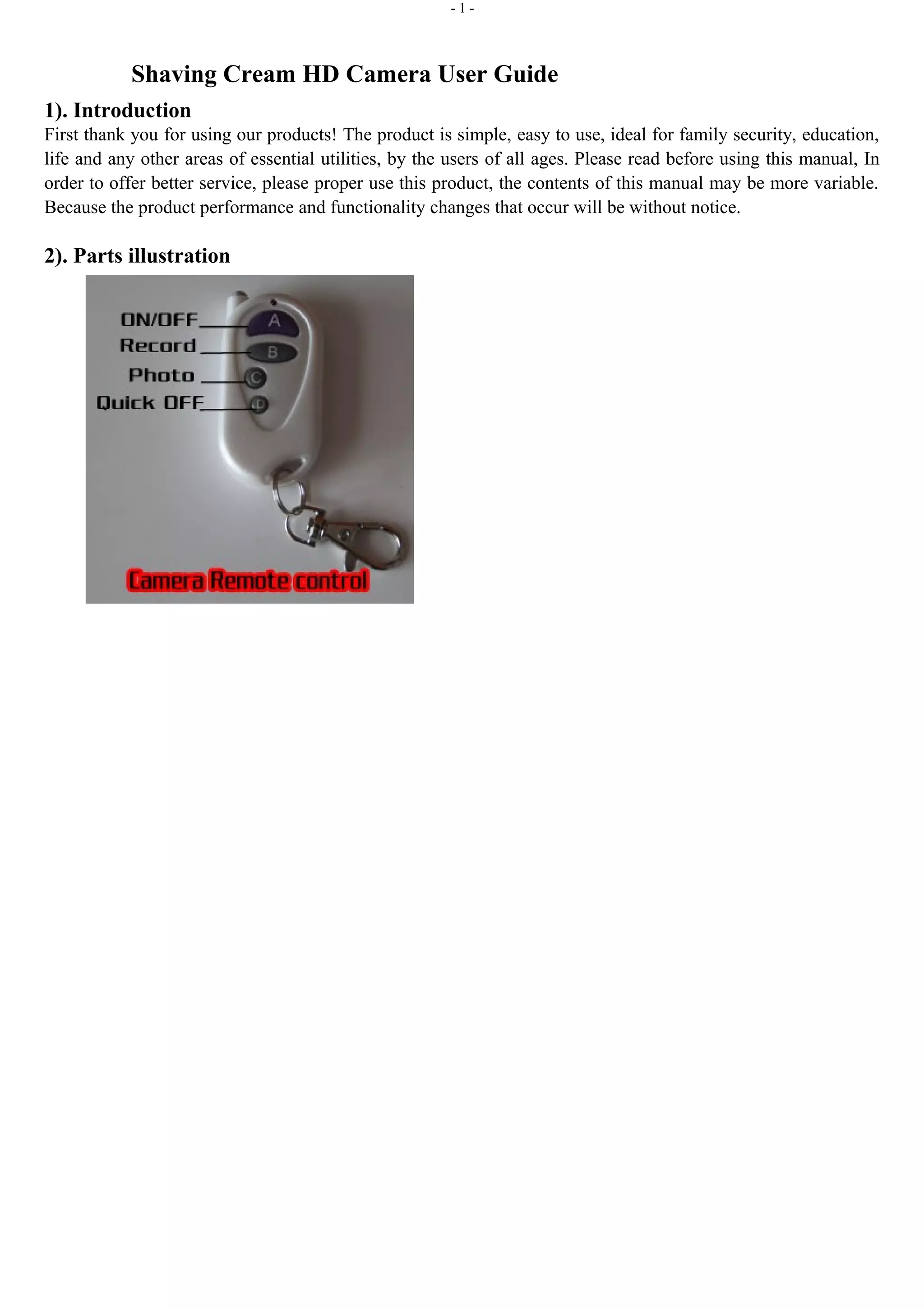
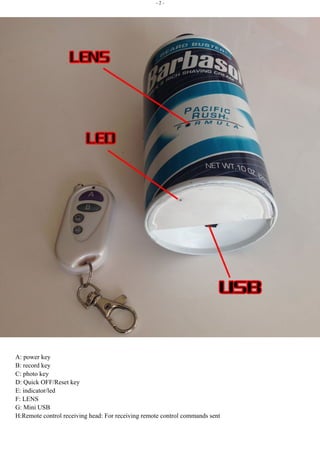
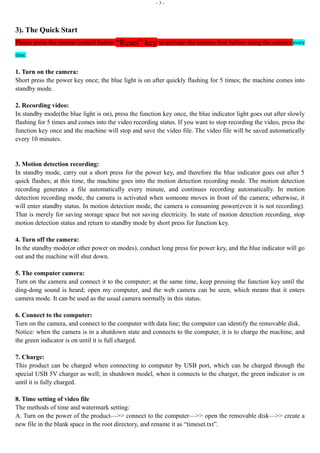

1. This user guide provides instructions for using a Shaving Cream HD camera. It describes the camera parts including power, record, photo buttons and lens. 2. The quick start instructions explain how to turn the camera on and off, start recording video or photos, and set up motion detection recording. Video files are automatically saved every 10 minutes. 3. Additional features covered include using the camera as a webcam by connecting it to a computer, connecting it to charge the battery, and settings for the video resolution and adding a time watermark to files.


