Agenda Overview
• Definitionand Scope of Software Engineering
• Software Characteristics
• Software Components
• Software Applications
• Software Engineering Principles
• Software Development Life Cycle
• Process Models
• Waterfall Model
• Iterative Model
• Spiral Model
• Agile Model
• Basics of Software Management
• AI-assisted development workflows
• Low-code/no-code platforms
• DevSecOps integration.
3.
Definition and Scopeof Software Engineering
Definition: Software Engineering is the systematic application of
engineering principles to the development, operation, and
maintenance of software.
Scope: It covers all phases of the software life cycle—requirement
analysis, design, coding, testing, deployment, and maintenance—to
build reliable and efficient software systems.
4.
Definition of
Software Engineering
SystematicApproach
Software engineering employs a systematic
approach that emphasizes organization and
structure throughout the software development
lifecycle.
Engineering Principles
It integrates engineering principles to ensure
software quality through methods like design,
testing, and maintenance.
High-Quality Software
The goal of software engineering is to produce
high-quality software that meets user needs and
performance standards.
5.
Scope and Areas
Coveredby Software
Engineering
Software Requirements
Software requirements involve gathering and analyzing user needs
to ensure the software meets its intended purpose.
Software Design
The design phase includes creating architectures and models to
outline how the software will function and meet requirements.
Implementation and Testing
Implementation involves coding the software, while testing ensures
that it functions correctly and is free of defects.
Maintenance and Project Management
Maintenance ensures software continues to function well over time,
while project management oversees the whole development
process.
6.
Importance in theModern
World
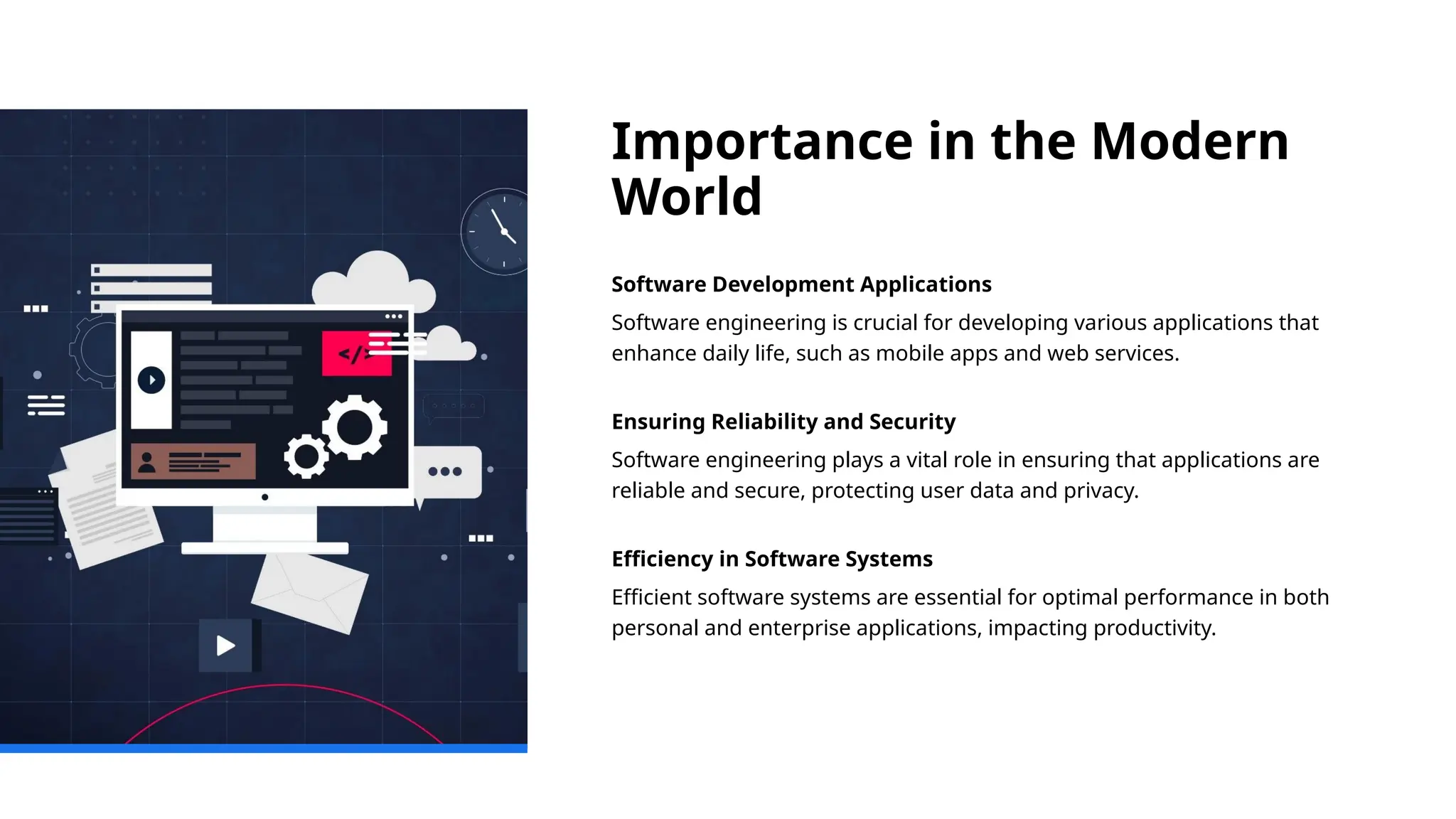
Software Development Applications
Software engineering is crucial for developing various applications that
enhance daily life, such as mobile apps and web services.
Ensuring Reliability and Security
Software engineering plays a vital role in ensuring that applications are
reliable and secure, protecting user data and privacy.
Efficiency in Software Systems
Efficient software systems are essential for optimal performance in both
personal and enterprise applications, impacting productivity.
7.
Intangibility: Software can'tbe touched.
Complexity: Software can be highly complex with
many interdependencies.
Flexibility: It can be easily modified and updated.
Scalability: It can be scaled up or down based on
user needs.
Maintenance: Software requires ongoing updates
and debugging.
Software Characteristics
8.
Functional Characteristics
• 1.Correctness: Performs intended functions without errors.
• 2. Functionality: Offers features that meet user requirements.
• 3. Interoperability: Works well with other systems.
9.
Non-Functional Characteristics
• 1.Reliability: Consistent performance over time.
• 2. Efficiency: Optimal resource usage.
• 3. Usability: Easy and intuitive to use.
• 4. Maintainability: Easy to modify and update.
• 5. Portability: Operates across different
environments.
• 6. Scalability: Handles increased demand.
• 7. Security: Protects against unauthorized access.
• 8. Reusability: Components can be reused.
• 9. Testability: Easy to test and validate.
10.
Summary Table
Category CharacteristicDescription
Functional Correctness
Performs intended functions
accurately
Functional Functionality Provides required features
Functional Interoperability
Works well with other
systems
Non-Functional Reliability
Consistent performance over
time
Non-Functional Efficiency Optimal use of resources
Non-Functional Usability User-friendly and intuitive
Non-Functional Maintainability Easy to fix and update
Non-Functional Portability
Can operate in different
environments
Non-Functional Scalability
Can grow with increased
demand
Non-Functional Security Protects against threats
Non-Functional Reusability
Components can be reused
elsewhere
Non-Functional Testability Easy to test and validate
Summary Table
11.
What Makes Software
Unique
Intangibilityof Software
Unlike hardware, software is intangible, meaning it cannot be physically
touched or held.
Modification Flexibility
Software can be easily modified to adapt to changing requirements,
making it highly flexible compared to hardware.
Complexity and Planning
The complexity of software demands careful planning and execution to
align with user needs and expectations.
12.
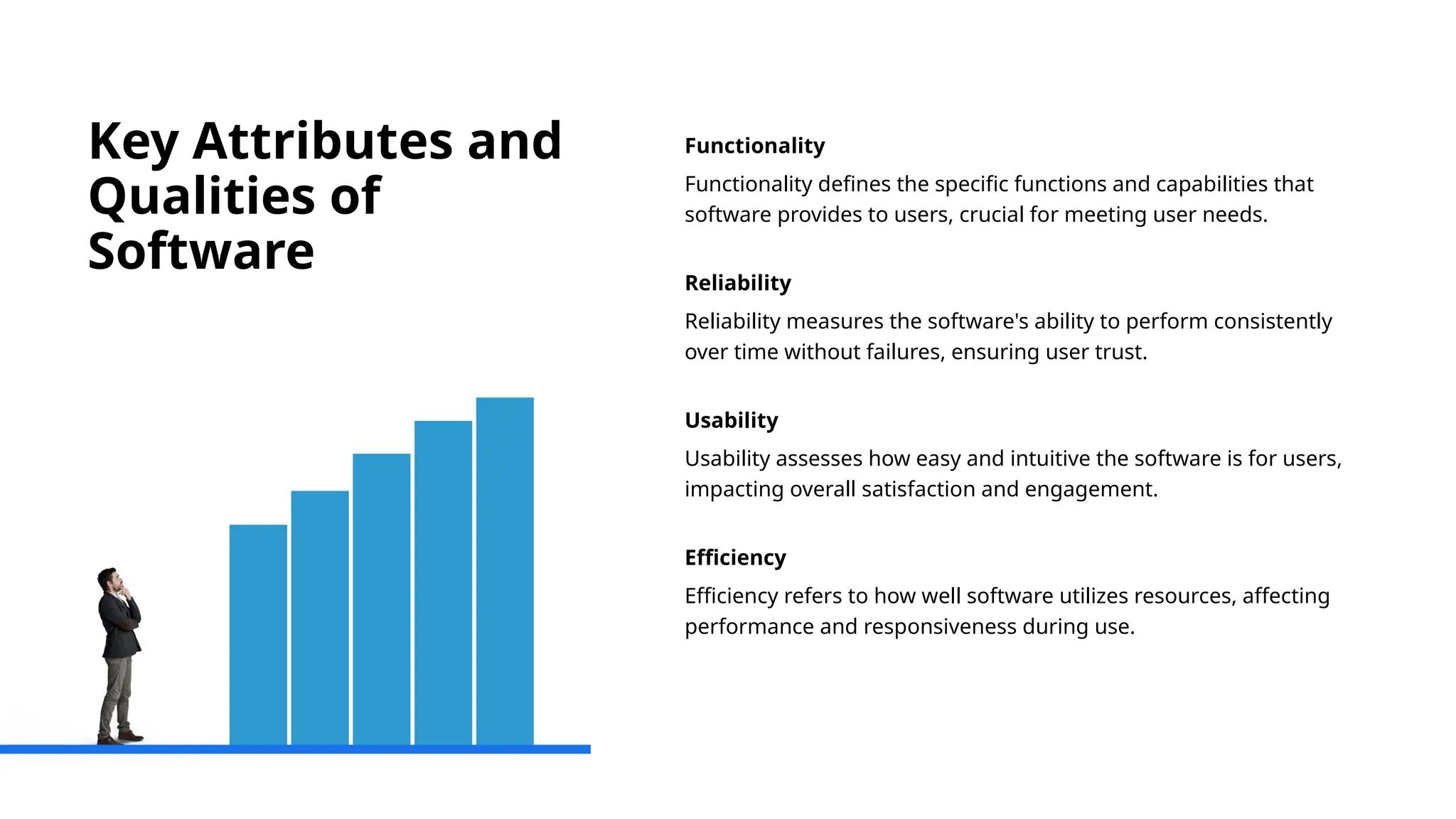
Key Attributes and
Qualitiesof
Software
Functionality
Functionality defines the specific functions and capabilities that
software provides to users, crucial for meeting user needs.
Reliability
Reliability measures the software's ability to perform consistently
over time without failures, ensuring user trust.
Usability
Usability assesses how easy and intuitive the software is for users,
impacting overall satisfaction and engagement.
Efficiency
Efficiency refers to how well software utilizes resources, affecting
performance and responsiveness during use.
13.
Factors Affecting Software
Performance
AlgorithmEfficiency
The efficiency of algorithms directly impacts software performance,
affecting speed and resource utilization.
Hardware Capabilities
Hardware specifications, such as CPU, memory, and storage, significantly
influence software performance and responsiveness.
User Load
The number of concurrent users can affect performance, requiring
systems to handle varying loads effectively.
14.
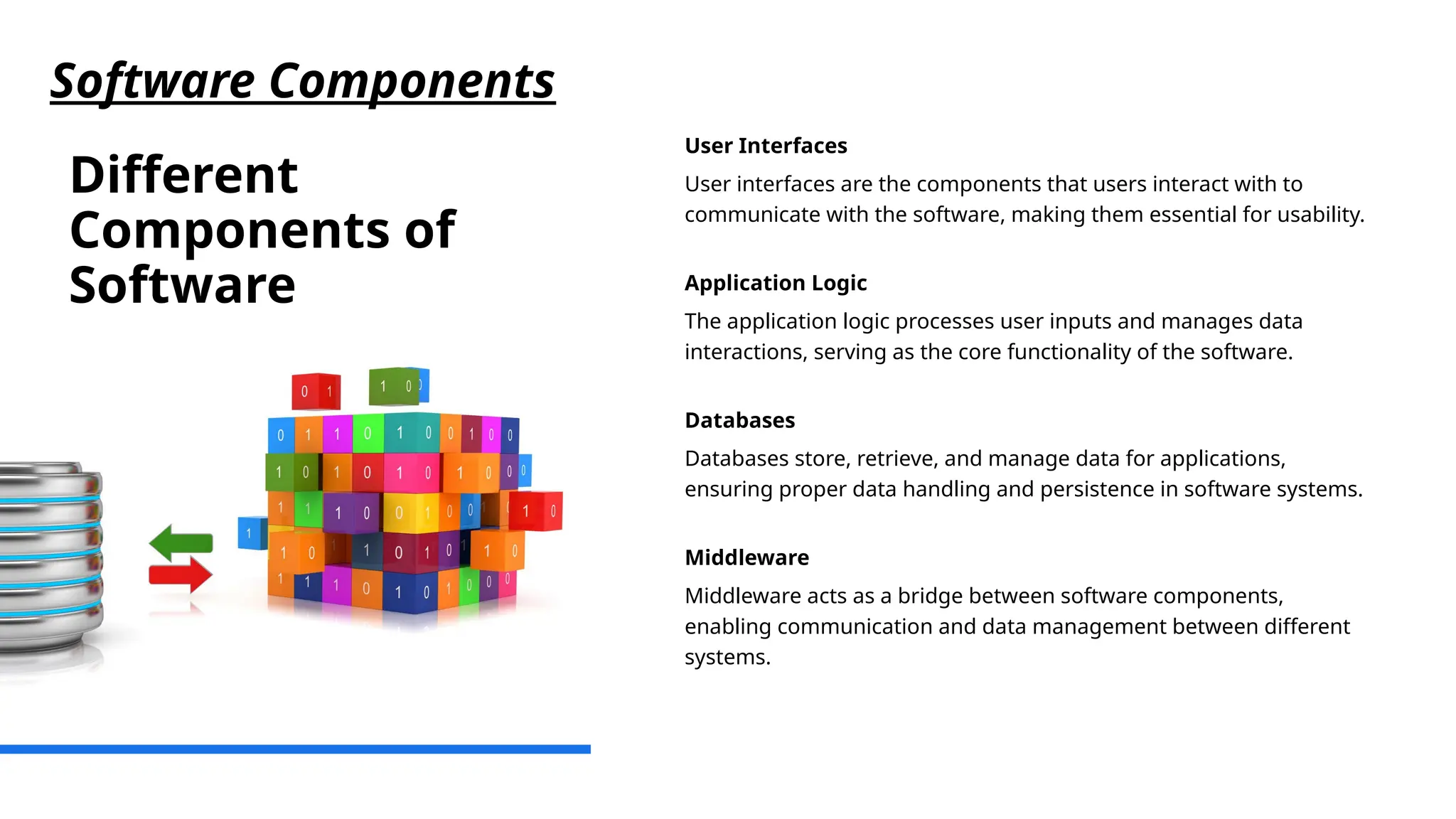
Different
Components of
Software
User Interfaces
Userinterfaces are the components that users interact with to
communicate with the software, making them essential for usability.
Application Logic
The application logic processes user inputs and manages data
interactions, serving as the core functionality of the software.
Databases
Databases store, retrieve, and manage data for applications,
ensuring proper data handling and persistence in software systems.
Middleware
Middleware acts as a bridge between software components,
enabling communication and data management between different
systems.
Software Components
15.
Role and Functionof Each
Component
User Interface Role
The user interface is critical for facilitating user interaction and ensuring a
positive user experience.
Database Functionality
Databases are essential for storing and retrieving data efficiently, enabling
seamless access and management of information.
Software Design Importance
Understanding the roles of each component is vital for effective software
design and functionality.
16.
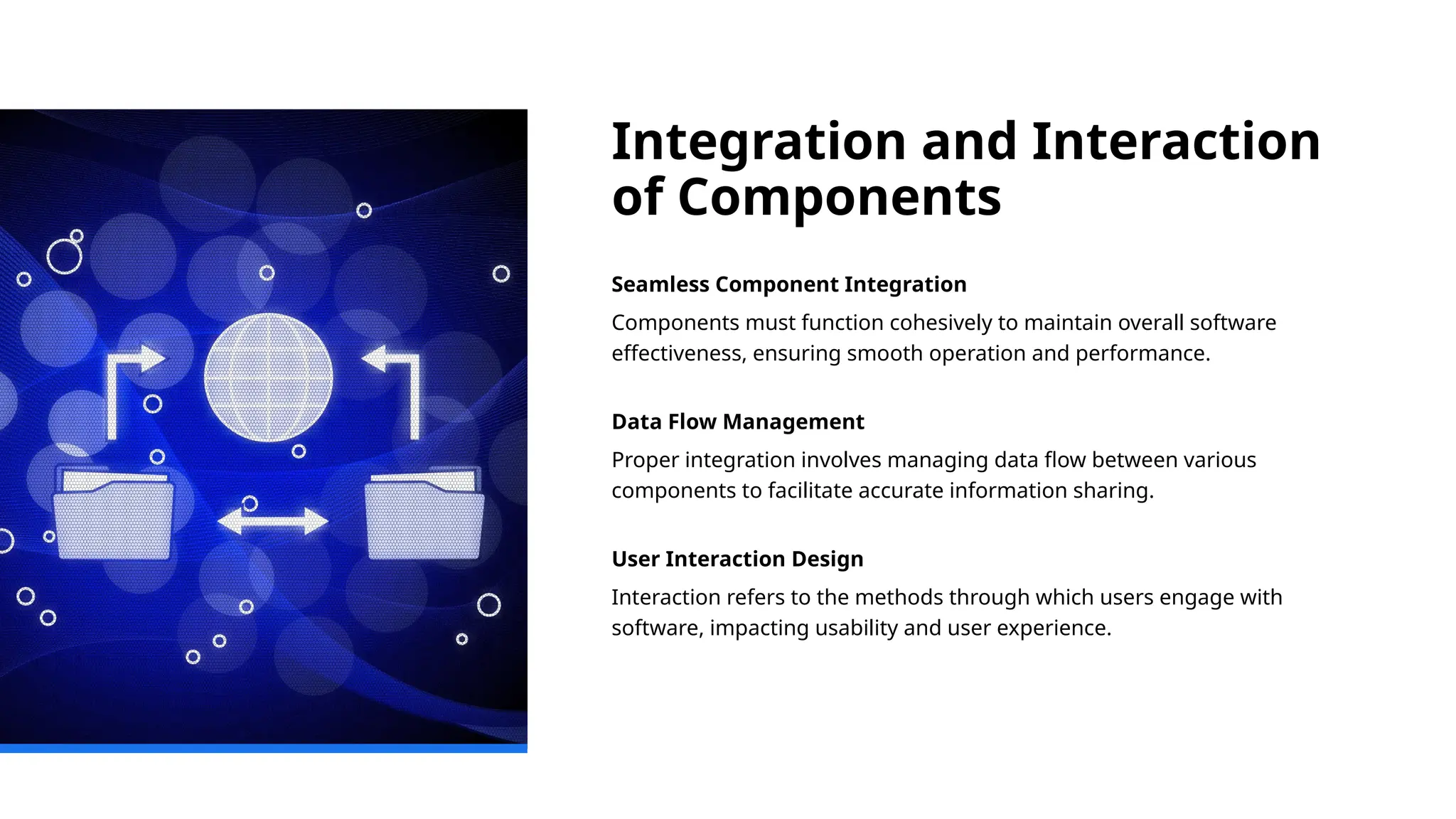
Integration and Interaction
ofComponents
Seamless Component Integration
Components must function cohesively to maintain overall software
effectiveness, ensuring smooth operation and performance.
Data Flow Management
Proper integration involves managing data flow between various
components to facilitate accurate information sharing.
User Interaction Design
Interaction refers to the methods through which users engage with
software, impacting usability and user experience.
17.
Types of Software
Applications
SystemSoftware
System software provides the fundamental platform for other
software. It manages hardware and software resources.
Application Software
Application software allows users to perform specific tasks like word
processing, spreadsheet management, or graphic design.
Embedded Software
Embedded software is designed to operate hardware devices,
providing specific control functions within them.
Web Applications
Web applications run on web browsers and are accessible through
the internet, enabling various online functionalities.
Software Applications
18.
Real-World Examples and
UseCases
Operating Systems
Operating systems like Windows provide the essential interface between
users and computer hardware, enabling various functionalities.
Productivity Software
Productivity software like Microsoft Office enhances efficiency by
facilitating tasks such as document creation, data analysis, and
presentations.
Web Applications
Web applications, including social media platforms, allow users to
interact, share content, and connect globally, transforming
communication.
19.
Trends in Software
Applications
CloudComputing
Cloud computing enables on-demand access to computing resources,
transforming how applications are hosted and managed.
Artificial Intelligence
Artificial intelligence is revolutionizing software applications by enabling
smarter and more personalized user experiences.
Mobile Applications
Mobile applications are increasingly popular, providing users with
functionality and convenience on their smartphones and tablets.
Fundamental
Principles of Software
Engineering
Modularity
Modularityinvolves breaking down software into smaller,
manageable components, making it easier to develop and maintain.
Abstraction
Abstraction focuses on hiding complex implementation details and
exposing only the necessary parts, improving usability.
Separation of Concerns
Separation of concerns divides a program into distinct sections,
each addressing a specific aspect, enhancing clarity and
manageability.
Iterative Development
Iterative development involves cycles of planning, executing, and
evaluating to progressively enhance and refine software.
22.
Best Practices inSoftware
Development
Version Control
Using version control systems like Git enhances collaboration by tracking
changes and managing code effectively.
Code Reviews
Conducting code reviews helps ensure code quality and facilitates
knowledge sharing among team members.
Automated Testing
Automated testing allows for faster detection of bugs and ensures code
reliability throughout the development cycle.
23.
Ethical Considerations
Data Privacy
Dataprivacy is a fundamental ethical consideration, ensuring users'
personal information is protected and handled responsibly.
Software Security
Ensuring software security is crucial to protect systems from
unauthorized access and potential threats to users.
Impact on Society
Software developers must consider the societal impacts of their
creations, promoting fairness and reducing bias in technology.
Phases of theSoftware
Development Life
Cycle
Planning Phase
The planning phase involves defining the scope and objectives of
the software project, ensuring all stakeholders are aligned.
Analysis Phase
During the analysis phase, requirements are gathered and analyzed
to understand user needs and define functionality.
Design Phase
In the design phase, the architecture and user interface are created,
ensuring usability and functionality for the software.
Development Phase
The development phase involves actual coding and implementation
of the software based on design specifications.
26.
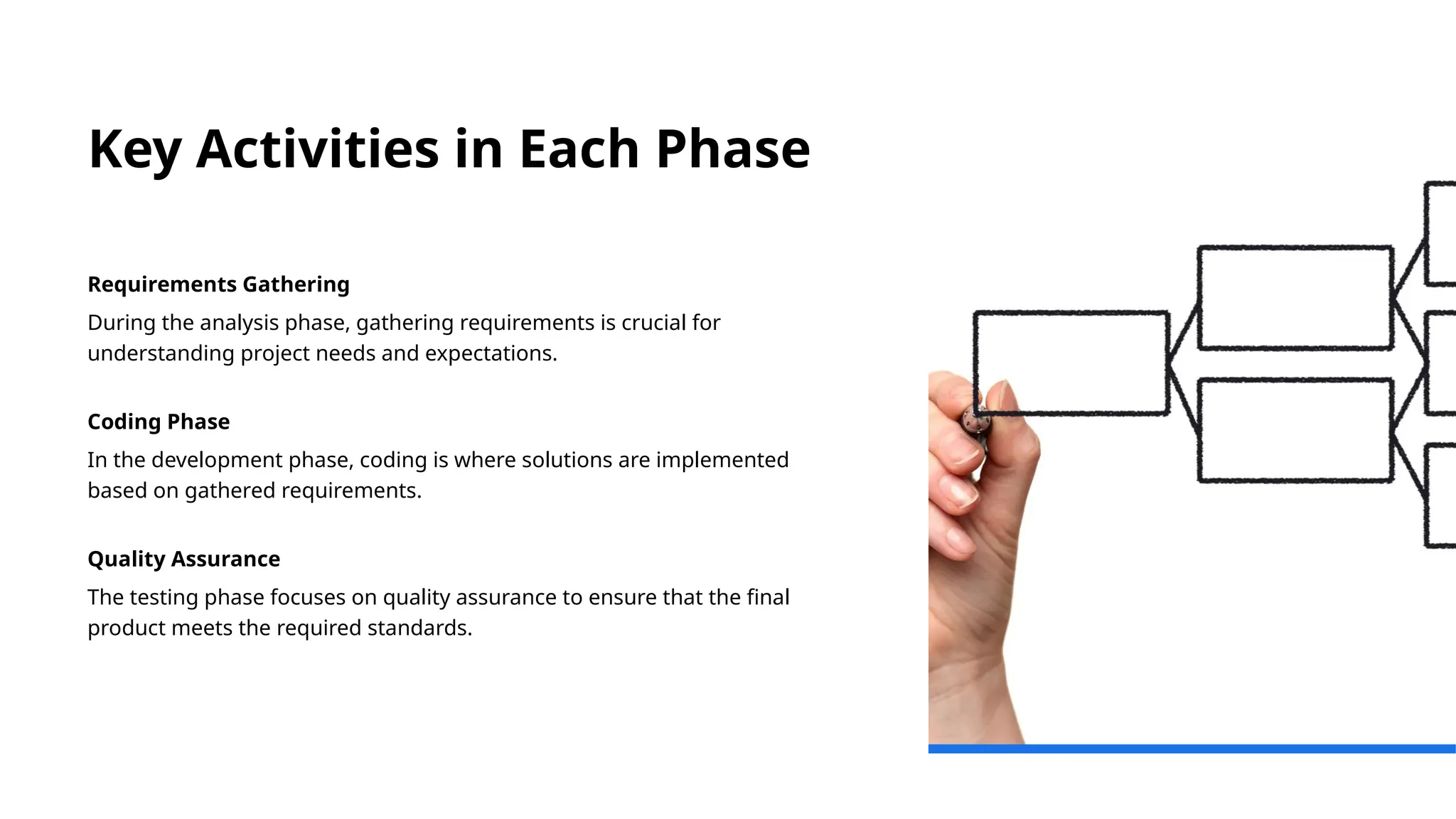
Key Activities inEach Phase
Requirements Gathering
During the analysis phase, gathering requirements is crucial for
understanding project needs and expectations.
Coding Phase
In the development phase, coding is where solutions are implemented
based on gathered requirements.
Quality Assurance
The testing phase focuses on quality assurance to ensure that the final
product meets the required standards.
27.
Importance of
SDLC inProject
Success
Timely Project Delivery
A structured SDLC approach ensures that projects are delivered on
time, meeting deadlines and milestones effectively.
Budget Management
Implementing SDLC helps control project costs, ensuring that
projects are delivered within budget constraints.
User Satisfaction
Structured SDLC processes ensure that projects meet user
expectations and requirements, leading to higher satisfaction.
Risk Reduction
Following SDLC minimizes risks associated with project
management, leading to more predictable outcomes.
Overview of
Various
Process
Models
Waterfall Model
TheWaterfall model is a linear and sequential approach to
software development, ideal for projects with clear
requirements.
Agile Model
The Agile model focuses on iterative development and
collaboration, allowing for flexibility and rapid response to
change.
Spiral Model
The Spiral model combines iterative development with
systematic risk assessment, suitable for complex and high-
risk projects.
Iterative Model
The Iterative model emphasizes repeated cycles of
development and refinement, allowing enhancements based
on user feedback.
30.
Comparison and Contrastof
Models
Flexibility of Models
Flexibility is a crucial factor when evaluating different process models for
project management.
Risk Management
Effective risk management strategies should be integrated into the
evaluation of process models to ensure project success.
Project Size Considerations
The size of the project significantly influences the choice of an
appropriate process model, impacting its implementation and outcomes.
31.
Choosing the RightModel for
a Project
Project Requirements
Understanding project requirements is crucial for selecting the appropriate
software development model that meets specific needs.
Team Capabilities
Evaluating team capabilities helps in choosing a model that aligns with the
skills and experience of the team members.
Stakeholder Expectations
Considering stakeholder expectations is essential in ensuring that the
chosen model meets their needs and project goals.
Definition and Structureof
the Waterfall Model
Sequential Phases
The Waterfall model is structured into distinct, sequential phases that guide
project development from start to finish.
Distinct Deliverables
Each phase of the Waterfall model has specific deliverables that must be
completed before moving to the next phase.
Timelines and Planning
The model emphasizes planning and timelines, ensuring that each phase is
completed within a defined timeframe.
34.
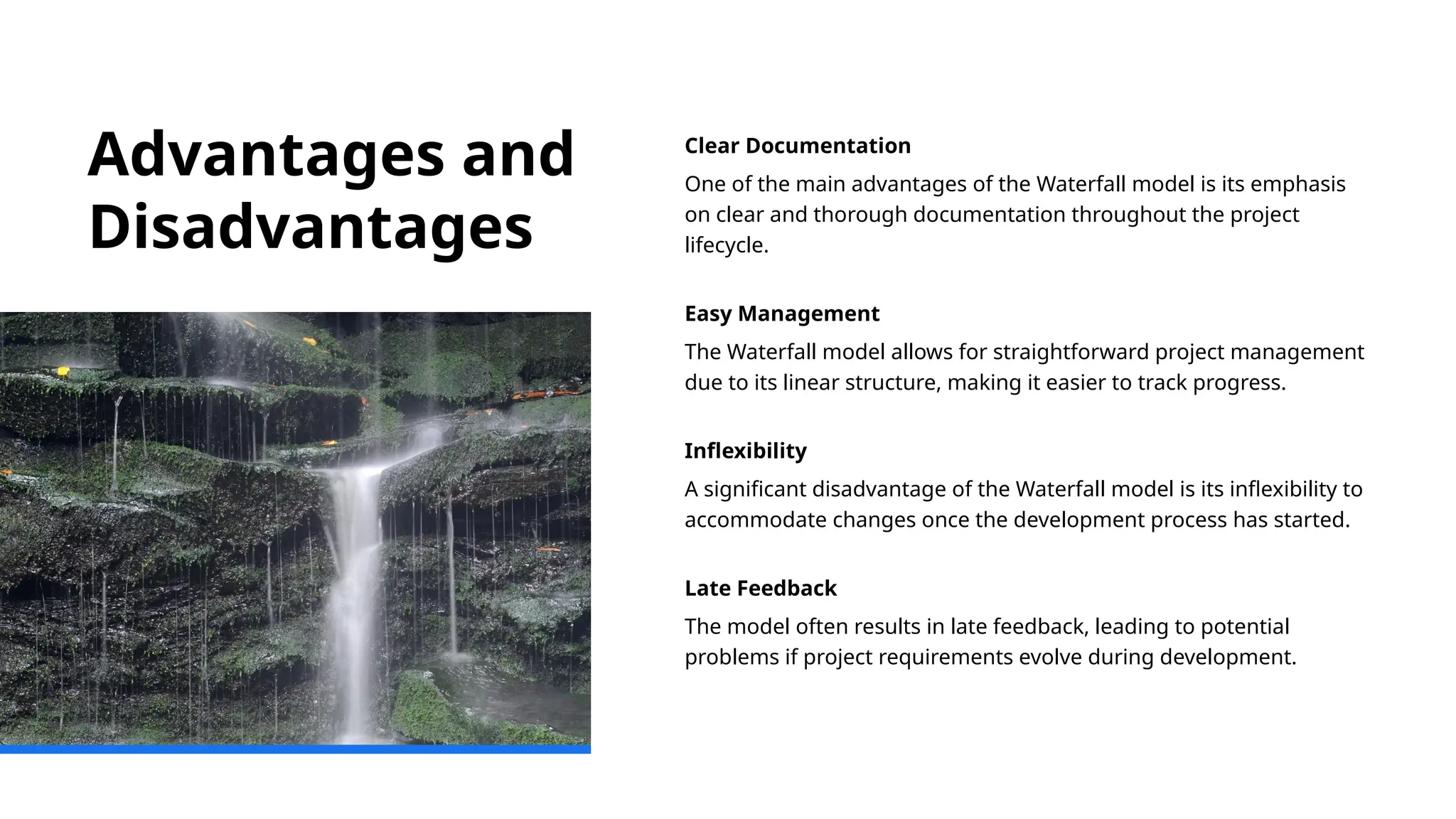
Advantages and
Disadvantages
Clear Documentation
Oneof the main advantages of the Waterfall model is its emphasis
on clear and thorough documentation throughout the project
lifecycle.
Easy Management
The Waterfall model allows for straightforward project management
due to its linear structure, making it easier to track progress.
Inflexibility
A significant disadvantage of the Waterfall model is its inflexibility to
accommodate changes once the development process has started.
Late Feedback
The model often results in late feedback, leading to potential
problems if project requirements evolve during development.
35.
Example Scenarios forUse
Defined Requirements
The Waterfall model excels in environments where project requirements
are well-defined and understood from the start.
Low Complexity Projects
It is particularly effective for simple applications or software upgrades,
where the scope is limited and manageable.
Sequential Development Process
The Waterfall model follows a linear, sequential approach, making it easy
to manage and track progress.
Definition and
Structure ofthe
Iterative Model
Iterative Development Segments
The Iterative model segments the software development
process into smaller, manageable parts, allowing for focused
improvements.
Process of Iteration
Each iteration includes essential phases: planning, designing,
coding, and testing, ensuring continuous enhancement of the
software.
Gradual Software Enhancement
The model promotes gradual enhancement of the software by
allowing for feedback and adjustments after each iteration.
38.
Advantages and
Disadvantages
Early Detectionof Issues
The iterative model allows for early identification of potential problems,
enabling timely corrections and reducing long-term risks.
Adaptability to Changes
This model offers flexibility to adapt to changes in requirements or
project scope, enhancing responsiveness to stakeholder needs.
Risk of Scope Creep
Without proper management, the iterative model can lead to scope
creep, where project requirements expand beyond initial plans.
39.
Example Scenarios forUse
Unclear Initial Requirements
The Iterative model is beneficial when project requirements are not well-
defined, allowing for continual refinement and adjustments.
User Feedback Integration
Incorporating user feedback is crucial for enhancing features in the
Iterative model, ensuring that the final product meets user needs.
Innovative Feature Development
The model supports the development of innovative features by allowing
teams to test and iterate based on real user interaction.
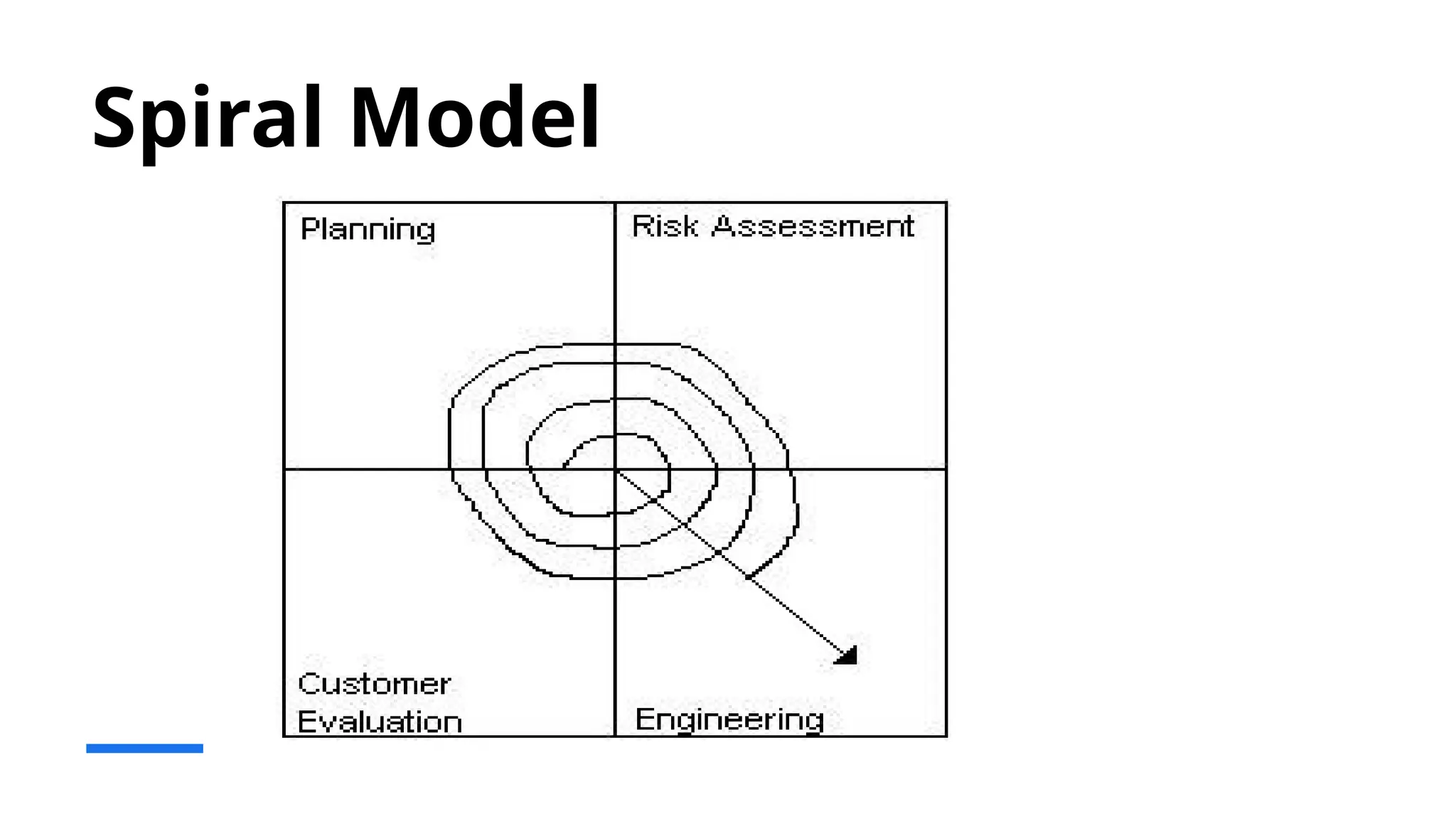
Definition and
Structure ofthe
Spiral Model
Phases of the Spiral Model
The Spiral model includes phases like planning,
risk analysis, engineering, and evaluation, creating
a structured approach to development.
Risk Management
Each cycle in the Spiral model focuses on
identifying and reducing risks, ensuring a safer
development process.
Iterative Development
The iterative nature of the Spiral model allows for
continuous improvement and refinement
throughout the lifecycle of the project.
42.
Advantages and
Disadvantages
Risk ManagementFocus
The Spiral model emphasizes thorough risk assessment and
management, allowing for proactive problem-solving throughout the
project lifecycle.
Customer Feedback Integration
This model encourages frequent customer feedback, ensuring that the
end product aligns with user needs and expectations.
Complexity and Cost
Despite its benefits, the Spiral model can be more costly and complex to
manage compared to other development methodologies.
43.
Example Scenarios forUse
Large High-Risk Projects
The Spiral model is ideal for managing large projects with considerable risk
and uncertainty, enabling iterative development and risk assessment.
Adaptive to Changing Requirements
The model accommodates significant changes in requirements during the
development process, making it suitable for dynamic environments.
Applications in Defense and Aerospace
The Spiral model is frequently used in defense and aerospace software
development, where precision and reliability are crucial.
44.
Basics of SoftwareManagement
Software management basics involve planning, executing, monitoring, and controlling software
projects throughout their lifecycle, encompassing activities like requirements gathering, design,
development, testing, deployment, and maintenance. These activities are supported by project
management principles and techniques.
1. Project Planning: Requirements Gathering: Defining the project's scope, functionalities, and
non-functional requirements (e.g., performance, security). Work Breakdown Structure (WBS):
Breaking down the project into smaller, manageable tasks. Scheduling: Using techniques like
Gantt charts, PERT, or CPM to plan and schedule project activities. Estimation: Estimating the
effort, cost, and time required for the project using various methods. Risk Management:
Identifying, analyzing, and planning responses to potential risks.
2. Project Execution: Code Development: Writing, testing, and integrating software code
according to the design specifications. Configuration Management: Managing the different
versions and releases of software artifacts. Testing: Ensuring the software meets the
requirements and quality standards. Deployment: Installing and configuring the software in the
target environment.
45.
Cont…….
3. Project Monitoringand Controlling: Progress Tracking: Monitoring project progress
against the plan and identifying deviations. Change Management: Managing changes to
the project plan and deliverables. Quality Control: Ensuring the quality of the software
throughout its lifecycle. Communication: Maintaining clear and consistent
communication with stakeholders.
4. Project Closure: Documentation: Creating and maintaining project documentation,
including user manuals and technical specifications. Transition: Transitioning the
software to the maintenance phase. Post-Project Review: Conducting a review to identify
lessons learned and areas for improvement.
46.
Key Concepts: SoftwareDevelopment Life Cycle (SDLC): A framework for organizing
software development activities, such as waterfall, agile, and iterative approaches.
Project Management Methodologies: Frameworks and techniques for planning,
executing, and controlling projects, such as Agile and Waterfall. Software Configuration
Management (SCM): Managing the different versions and releases of software artifacts.
Risk Management: Identifying, analyzing, and planning responses to potential risks.
Estimation Techniques: Various methods for estimating the effort, cost, and time
required for a project. Project Metrics: Quantitative measures used to track and assess
project performance
47.
AI in SoftwareDevelopment
Introduction
•AI is revolutionizing software development
•Generative AI coding tools and AI-assisted development
•Unlocking new levels of innovation and efficiency
How AI is Transforming Software Development
•Automating time-consuming, error-prone tasks
•Enabling faster coding and efficient debugging
•Reducing labor costs
•Freeing developers to focus on creativity and innovation
•Streamlining project management
AI in Code Generation
•Now actively writing code and supporting development
•Improving productivity and simplifying routine tasks
•Continuing to grow with better training and integration
48.
AI in CodeGeneration
•Now actively writing code and supporting development
•Improving productivity and simplifying routine tasks
•Continuing to grow with better training and integration
How AI Programming Works
•Training on extensive code repositories
•Learning from code snippets, libraries, and patterns
•Supporting multiple programming languages:
JavaScript, Java, C, C#, Python, etc.
What AI Programming Tools Can Do
Code Review and Error Detection
Identifying syntax errors, bugs, and performance bottlenecks
Providing real-time code quality feedback
49.
What AI ProgrammingTools Can Do (cont.)
Code Completion
•Suggesting completions for partially written code
•Using natural language processing to predict next lines
What AI Programming Tools Can Do (cont.)
Code Generation from Scratch
•Converting plain text descriptions into functional code
•Example: "Create a function to find the largest prime number less than a given integer"
•Generating templates for repetitive tasks (e.g., API endpoints)
What AI Programming Tools Can Do (cont.)
Learning New Languages
•Translating code snippets between languages
•Providing examples in unfamiliar syntax
•Accelerating the learning curve
50.
AI in Testing
KeyApplications:
•Testing requirements with NLP
•Generating test cases
•Creating unit test cases
•API and UI autotest generation
Goals:
•Reduce time-to-market
•Minimize routine work
•Enhance product quality
•Boost employee satisfaction
Requirements for AI Testing Solutions
Capabilities:
•Generate comprehensive test cases and test data
•Automate UI and API test creation
Integration:
•Connect with Jira and Confluence
•Support TMS TestIT integration
Compliance & Security:
•Open Source or listed in domestic software registry
•Maintain data security with customizable configurations
51.
Workflow of AIin Software Development
1. Training the AI Model & Providing Information
•Historical code, documentation, project management data
•Fine-tuning for specific technology stacks
2. Requirement Gathering and Analysis
•Analyzing user stories and documentation
•Identifying vague or conflicting requirements
3. Design and Architecture
•Generating initial system architecture
•Analyzing designs for potential issues
4. Code Generation and Testing
•AI-assisted coding and testing
5. Deployment and Continuous Integration
•Automating deployment processes
•Predicting deployment success/failure
•Monitoring feature integration
6. Post-deployment Monitoring and Maintenance
Real-time performance monitoring
Predicting future issues
Suggesting or implementing patches
7. Feedback and Iteration
Analyzing user feedback
Enhancing A/B testing
52.
Challenges in ImplementingAI
1. Data Dependency
•Need for extensive, relevant training datasets
•Challenges in data acquisition and relevance
Challenges in Implementing AI (cont.)
2. Security Concerns
•Vulnerability to cyberattacks
•Risk of malicious code insertion
•Data poisoning and adversarial attacks
Challenges in Implementing AI (cont.)
3. Cost of Implementation
•Significant investment in technology and training
53.
Low-Code/No-Code Platforms
1. Definition
•Low-code:Platforms that require minimal hand-coding, offering drag-and-drop features and model-driven logic to build
applications quickly.
•No-code: Platforms that require no programming skills at all, enabling users (even non-technical) to create apps using visual
tools.
2. Core Features
•Visual Development Interface
• Drag-and-drop UI builders
• WYSIWYG (What You See Is What You Get) editors
•Reusable Components
• Pre-built templates
• Reusable widgets and modules
•Workflow Automation
• Business process modeling
• Rule-based logic
•Integration Capabilities
• API connectors
• Database integration
•Deployment Tools
• One-click deployment
• Cloud-native options
54.
3. Benefits
•Faster DevelopmentCycles
•Reduced Costs
•Empowerment of Citizen Developers
•Scalability & Flexibility
4. Use Cases
•Internal business applications
•Rapid MVP prototyping
•Data collection and dashboards
•Process automation
5. Popular Platforms
•Low-code: Mendix, OutSystems, Microsoft PowerApps
•No-code: Bubble, Adalo, Glide, Airtable
55.
DevSecOps defined
DevSecOps, whichstands for development, security, and operations, is a framework that integrates
security into all phases of the software development lifecycle. Organizations adopt this approach to reduce
the risk of releasing code with security vulnerabilities. Through collaboration, automation, and clear
processes, teams share responsibility for security, rather than leaving it to the end when issues can be
much more difficult and costly to address. DevSecOps is a critical component of a multicloud
security strategy.
Why is DevSecOps Important?
There are many methods that attackers use to gain access to an organization’s data and assets, but a
common tactic is to exploit software vulnerabilities. These types of breaches are costly, time consuming,
and depending on the severity, damaging to a company’s reputation. The DevSecOps framework reduces
the risk of deploying software with misconfigurations and other vulnerabilities that bad actors can take
advantage of.
Continuous integration
With continuous integration developers commit their code to a central repository multiple times a day.
Then the code is automatically integrated and tested. This approach enables teams to catch integration
issues and bugs early in the process rather than waiting until the end when there could be several issues
that need to be resolved.
56.
DevSecOps versus DevOps
Intraditional software development, projects are split into distinct phases for planning, design,
development, integration, and testing, which happen sequentially over several months or even years.
Although this approach is very methodical, many organizations have found it to be too slow, making it
difficult to meet customers’ expectations for continuous product improvements. Additionally, security
typically gets bolted on at the very end, which puts companies at risk of a breach.
To remain competitive, many companies have adopted a DevOps model that prioritizes delivery of smaller
packets of high-quality code rather than feature-rich projects that take longer. In this framework, software
development and operations teams collaborate to incorporate testing and integration throughout the
process. Automation, standardized processes, and collaboration help teams move quickly without sacrificing
quality.
DevSecOps is an enhancement to DevOps that builds security into all aspects of the process. The goal is to
address security issues from the very start of the project. In this framework, not only does the entire team
take responsibility for quality assurance and code integration but also security. In practice, this means teams
discuss security implications during planning and begin testing for security issues in development
environments, rather than waiting until the end. Another name for this approach is shift left security.
Editor's Notes
#1 AI-generated content may be incorrect.
---
Software engineering is a vital discipline that combines engineering principles with software development practices. In this presentation, we will explore the definition, characteristics, components, applications, principles, life cycle, and various process models in software engineering.
#2 We will begin with the definition and scope of software engineering, followed by an exploration of software characteristics and components. Next, we will discuss software applications and engineering principles, before delving into the software development life cycle and process models. Finally, we will examine specific models such as the Waterfall, Iterative, and Spiral models.
#3 Software engineering encompasses the systematic approach to the development, operation, maintenance, and retirement of software. It integrates principles from computer science and engineering to create efficient and reliable software solutions.
#4 Software engineering is defined as the application of a systematic, disciplined, and quantifiable approach to the development, operation, and maintenance of software. It involves using engineering principles to produce high-quality software.
#5 The scope of software engineering covers various areas including software requirements, design, implementation, testing, maintenance, and project management. It addresses all stages of the software development process.
#6 In today's digital age, software engineering is essential for developing applications that power our daily lives, from mobile apps to enterprise systems. It ensures software reliability, security, and efficiency, making it a critical field.
#11 Software is intangible and can be easily modified, which distinguishes it from hardware. Its complexity and variability require careful planning and execution to meet user needs and expectations.
#12 Key attributes of software include functionality, reliability, usability, efficiency, maintainability, and portability. These qualities directly impact user satisfaction and software success.
#13 Software performance is influenced by various factors, including algorithm efficiency, hardware capabilities, and user load. Understanding these factors helps in optimizing performance and enhancing user experience.
#14 Common software components include user interfaces, application logic, databases, and middleware. Each component plays a vital role in the overall functionality of the software.
#15 Each software component has a specific role; for instance, the user interface facilitates interaction, while databases store and retrieve data. Understanding these roles is essential for effective software design.
#16 Components must work together seamlessly to ensure software functionality. Integration involves ensuring that data flows correctly between components, while interaction defines how users engage with the software.
#17 Software applications can be categorized into system software, application software, embedded software, and web applications. Each type serves different functions and user requirements.
#18 Real-world examples of software applications include operating systems like Windows, productivity software like Microsoft Office, and web applications like social media platforms. These applications highlight software's impact on daily tasks.
#19 Emerging trends in software applications include cloud computing, artificial intelligence, and mobile applications. These trends shape the future of software development and user experience.
#20 Software engineering principles guide the practice of developing and maintaining software. They ensure quality, efficiency, and reliability throughout the software life cycle.
#21 Key principles of software engineering include modularity, abstraction, separation of concerns, and iterative development. These principles help manage complexity and enhance software quality.
#22 Best practices in software development include using version control, conducting code reviews, and implementing automated testing. These practices improve collaboration and ensure code quality.
#23 Ethical considerations in software engineering include data privacy, security, and the impact of software on society. Developers must be aware of their responsibilities in creating software that is ethical and fair.
#24 The Software Development Life Cycle (SDLC) outlines the stages involved in developing software from inception to retirement. It serves as a roadmap for managing software projects effectively.
#25 The SDLC consists of several phases: planning, analysis, design, development, testing, deployment, and maintenance. Each phase plays a crucial role in the overall success of a software project.
#26 Key activities in each phase include requirements gathering during analysis, coding during development, and quality assurance during testing. Understanding these activities is vital for successful project execution.
#27 Following a structured SDLC helps ensure that projects are delivered on time, within budget, and meet user expectations. It reduces risks and improves overall project management.
#28 Process models are frameworks that guide the software development process. They provide structured approaches to managing project activities and ensuring quality outcomes.
#29 Various process models exist, including Waterfall, Iterative, Agile, and Spiral models. Each model has its strengths and is suited for different project requirements and environments.
#30 When comparing process models, it's important to consider factors such as flexibility, risk management, and project size. This understanding helps in selecting the most appropriate model for a given project.
#31 Choosing the right process model depends on project requirements, team capabilities, and stakeholder expectations. A careful assessment ensures the best approach to software development.
#32 The Waterfall model is a traditional linear approach to software development where each phase must be completed before the next begins. It is simple and easy to manage but can be inflexible.
#33 The Waterfall model consists of sequential phases: requirements, design, implementation, verification, and maintenance. Each phase has distinct deliverables and timelines.
#34 Advantages of the Waterfall model include clear documentation and easy management. However, its inflexibility and late feedback can lead to challenges if project requirements change.
#35 The Waterfall model is best suited for projects with clearly defined requirements and low levels of complexity, such as developing a simple application or a software upgrade.
#36 The Iterative model allows for repeated cycles of development, enabling teams to refine software through successive iterations. This model promotes flexibility and continuous improvement.
#37 The Iterative model breaks the software development process into smaller, manageable segments. Each iteration involves planning, designing, coding, and testing, leading to gradual enhancement of the software.
#38 Advantages of the Iterative model include early detection of issues and adaptability to changes. However, it may lead to scope creep if not managed properly.
#39 The Iterative model is ideal for projects where requirements are unclear at the outset or are likely to evolve, such as developing new innovative features based on user feedback.
#40 The Spiral model combines elements of both design and prototyping in stages. It emphasizes risk assessment and iterative development, making it suitable for large, complex projects.
#41 The Spiral model consists of repeated cycles (or spirals) through the following phases: planning, risk analysis, engineering, and evaluation. Each cycle addresses and reduces risks progressively.
#42 Advantages of the Spiral model include a strong focus on risk management and customer feedback. However, it can be more expensive and complex to manage than other models.
#43 The Spiral model is well-suited for large, high-risk projects where requirements may change significantly, such as in defense or aerospace software development.