
1


                                                                   ScrumDesk for iOS
                                                                       User Guide


                                                                       December 15, 2011

                                                                             v. 1


Hviezdoslavova 6, 082 71 Lipany, Slovakia   Tel +421 51 77 21019                           WWW.SCRUMDESK.COM
2


Content

GETTING STARTED .................................................................................................................................. 3


INSTALLATION ............................................................................................................................................ 3
LICENSING ................................................................................................................................................ 3


QUICK START.......................................................................................................................................... 4


PRE-REQUISITES ......................................................................................................................................... 4
CONNECT TO A REPOSITORY .......................................................................................................................... 4
LOGIN SCREEN ........................................................................................................................................................ 4
SETTINGS SCREEN .................................................................................................................................................... 4
LOGIN...................................................................................................................................................... 5
CHOOSE PROJECT........................................................................................................................................ 5


USER INTERFACE BASICS ......................................................................................................................... 6


SPRINT BACKLOG ........................................................................................................................................ 7
STORY DETAILS ....................................................................................................................................................... 7


TOOLS .................................................................................................................................................... 8


PLANNING POKER ....................................................................................................................................... 8
3


Getting Started
ScrumDesk for iOS provides an access to project data managed by Scrum teams that use ScrumDesk
solutions for project management.

In addition, ScrumDesk for iOS contains toolbox of tools for Scrum Masters and teams. These tools simplify
daily activities of agile teams.

Installation
ScrumDesk is available in Apple AppStore® at http://itunes.apple.com/sk/app/scrumdesk-lite/id461684059

Licensing
User licenses are shared among all applications, API and mobile editions of ScrumDesk.

     To use iOS edition all users need user license assigned in ScrumDesk desktop edition.

The company license is provided upon registration on Download page. Company license must be used and
must be the same in every ScrumDesk database installed by the customer.

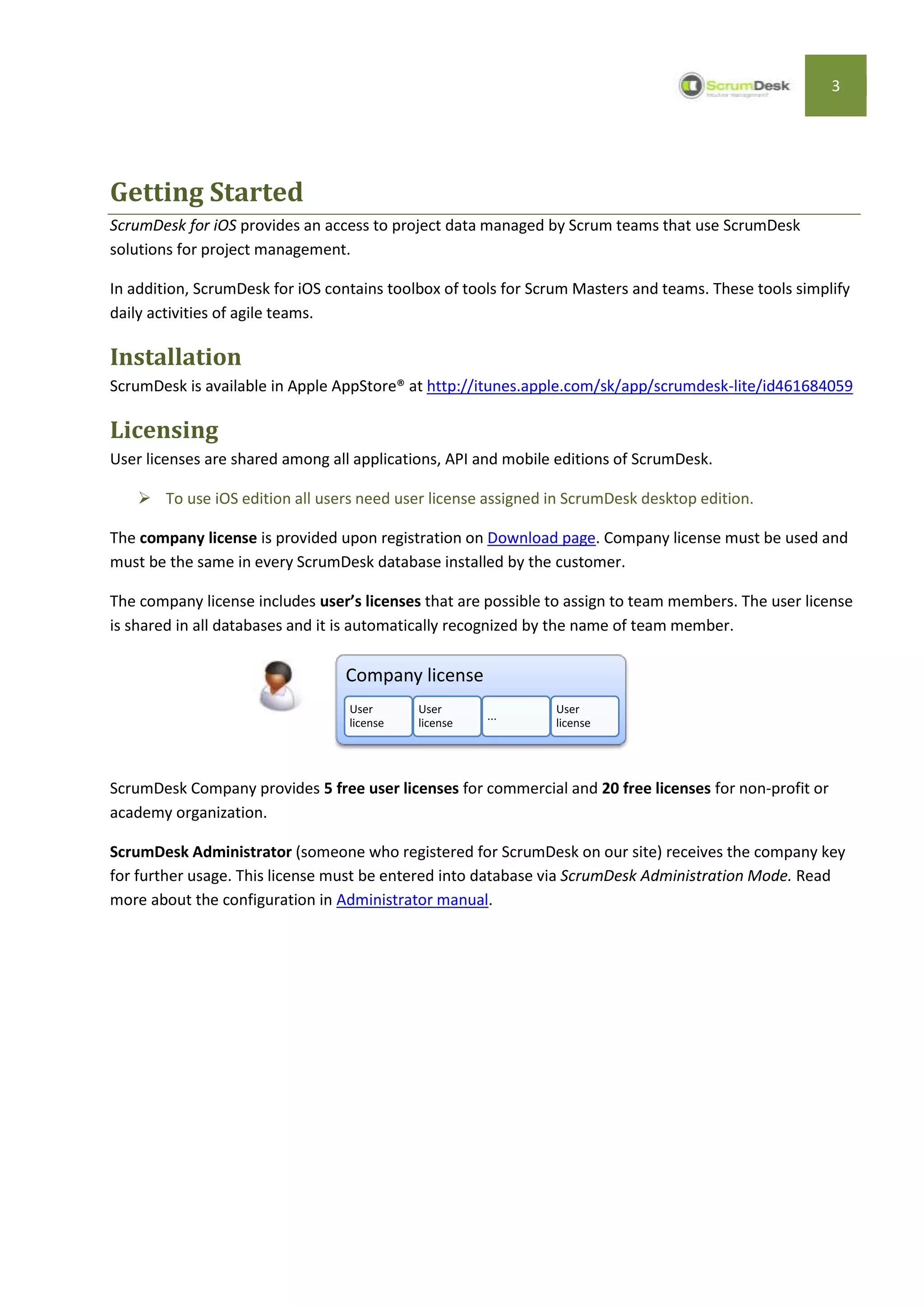
The company license includes user’s licenses that are possible to assign to team members. The user license
is shared in all databases and it is automatically recognized by the name of team member.

                                 Company license
                                  User      User               User
                                                      ...
                                  license   license            license


ScrumDesk Company provides 5 free user licenses for commercial and 20 free licenses for non-profit or
academy organization.

ScrumDesk Administrator (someone who registered for ScrumDesk on our site) receives the company key
for further usage. This license must be entered into database via ScrumDesk Administration Mode. Read
more about the configuration in Administrator manual.
4


Quick start
ScrumDesk for iOSis the application that provides an access to all data in data repository via ScrumDesk
Web API.

Pre-requisites
    1. Repository to store project data installed using ScrumDesk Database Manager
    2. ScrumDesk API installed in environment in case of On-Site edition. For On-Demand edition the API
       is already available at http://hosting.scrumdesk.com:81/WebAPI/
    3. Repository accessed via API (see API Installation Guide)

Connect to a repository
Projects are accessed via API connector.

Login screen
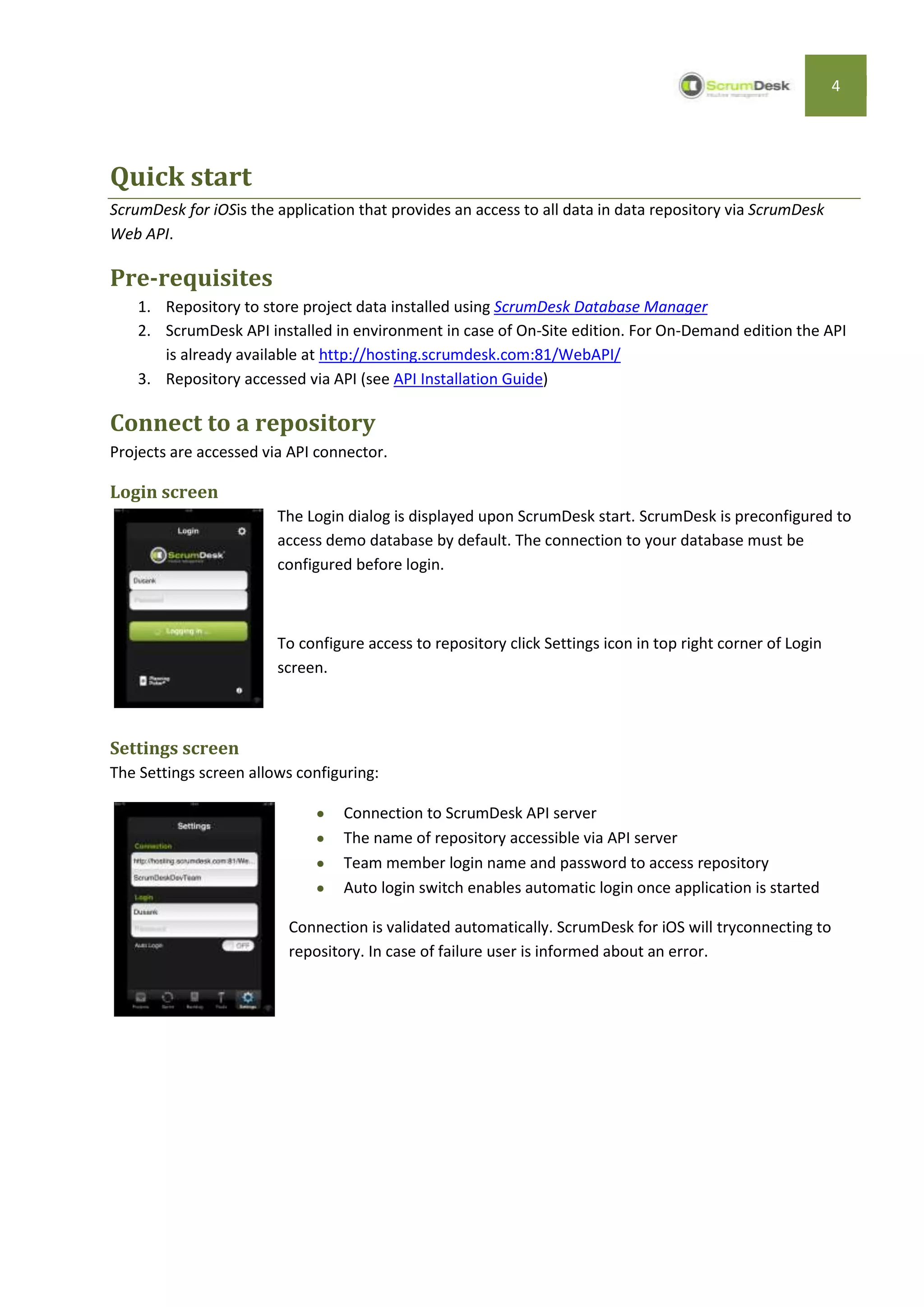
                        The Login dialog is displayed upon ScrumDesk start. ScrumDesk is preconfigured to
                        access demo database by default. The connection to your database must be
                        configured before login.


                        To configure access to repository click Settings icon in top right corner of Login
                        screen.


Settings screen
The Settings screen allows configuring:

                                  Connection to ScrumDesk API server
                                  The name of repository accessible via API server
                                  Team member login name and password to access repository
                                  Auto login switch enables automatic login once application is started

                          Connection is validated automatically. ScrumDesk for iOS will tryconnecting to
                          repository. In case of failure user is informed about an error.
5


Login
If connection to database is configured properly, the user can continue with login procedure.


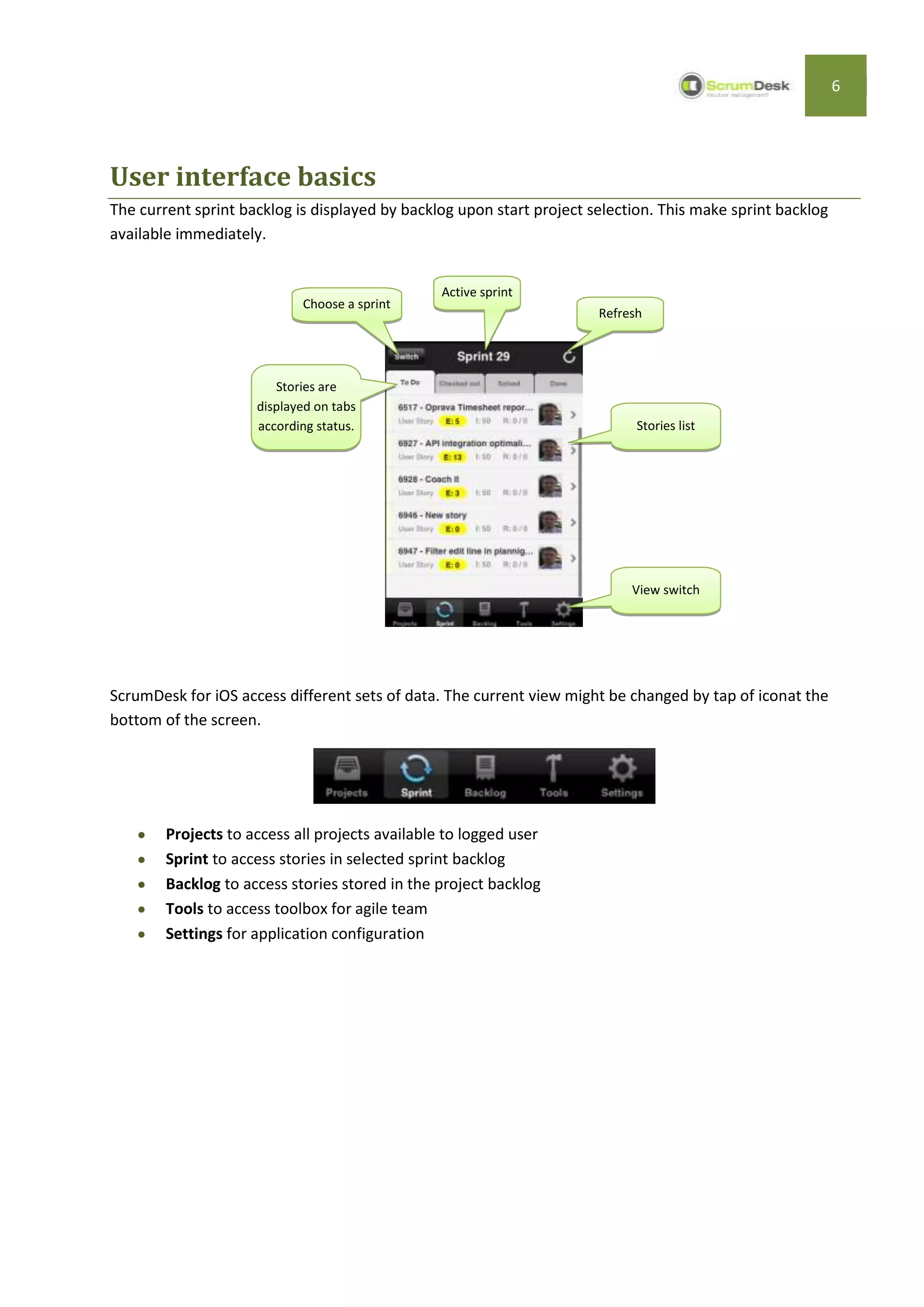
The team member name and password used in ScrumDesk desktop edition Login dialog should be entered
into appropriate edit lines in this screen.

Tapping Login button user will be redirect after successful login Projects screen displaying projectsavailable
in preconfigured repository.

Choose project
Logged user can choose a project to work with. ScrumDesk displays in a list:

         private projects that are accessible by team members only
         or public projects available to everyone able to connect to database/repository


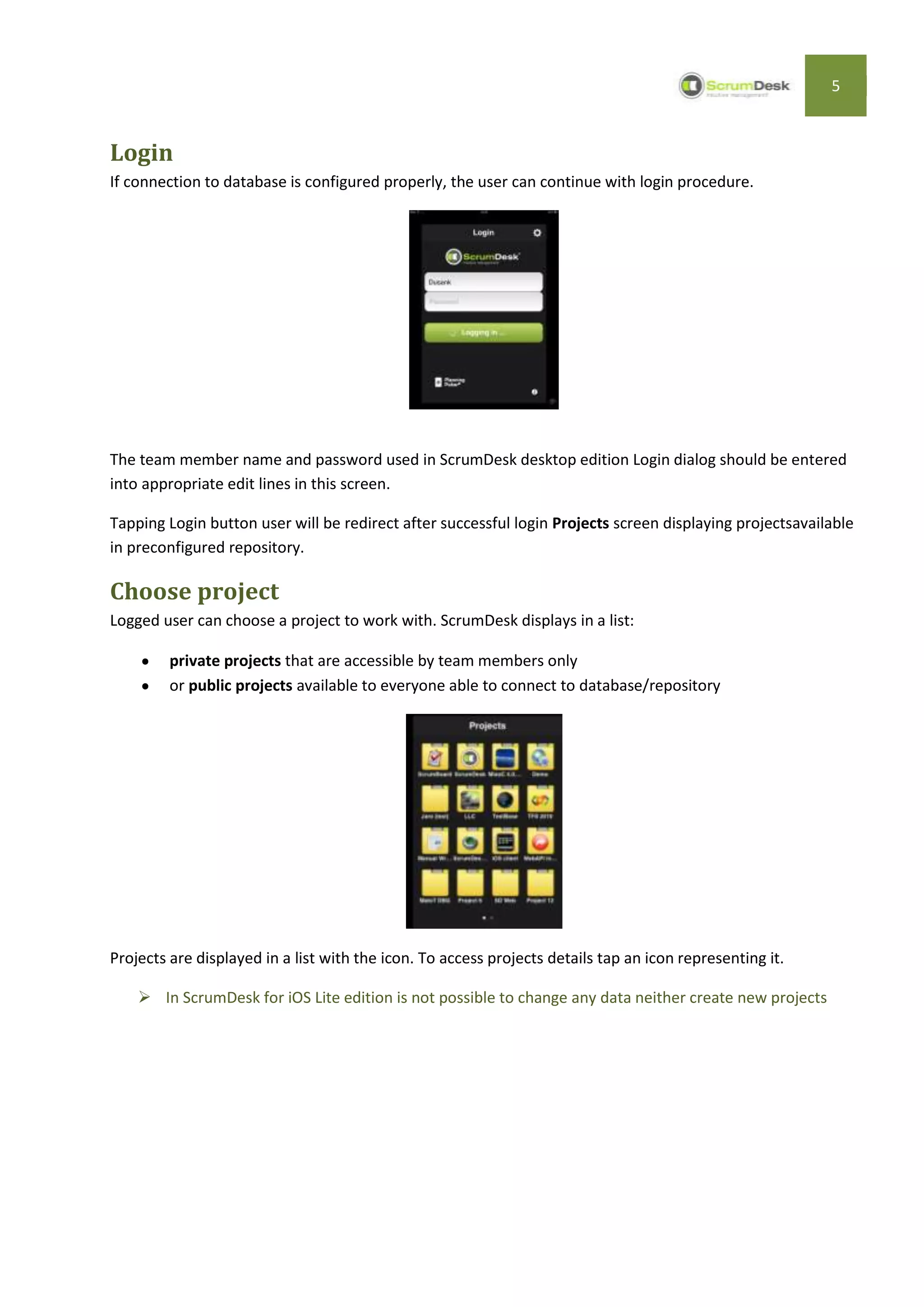
Projects are displayed in a list with the icon. To access projects details tap an icon representing it.

     In ScrumDesk for iOS Lite edition is not possible to change any data neither create new projects
6


User interface basics
The current sprint backlog is displayed by backlog upon start project selection. This make sprint backlog
available immediately.


                                                 Active sprint
                            Choose a sprint
                                                                       Refresh


                        Stories are
                     displayed on tabs
                     according status.                                       Stories list


                                                                            View switch


ScrumDesk for iOS access different sets of data. The current view might be changed by tap of iconat the
bottom of the screen.


        Projects to access all projects available to logged user
        Sprint to access stories in selected sprint backlog
        Backlog to access stories stored in the project backlog
        Tools to access toolbox for agile team
        Settings for application configuration
7


Sprint backlog
Stories are displayed in a list in four tabs according status of story:

        To Do – stories that need to be completed
        Checked out – stories that are developed currently
        Solved – stories developed and ready for testing
        Done – all completed stories

Story item displays information important for easy identification.


                             Story ID                                          Title


                                                                                                   Assignee

             Color of card


                                 Story type                                   Remaining/Duration

                                         Effort (story points)   Importance


Story details
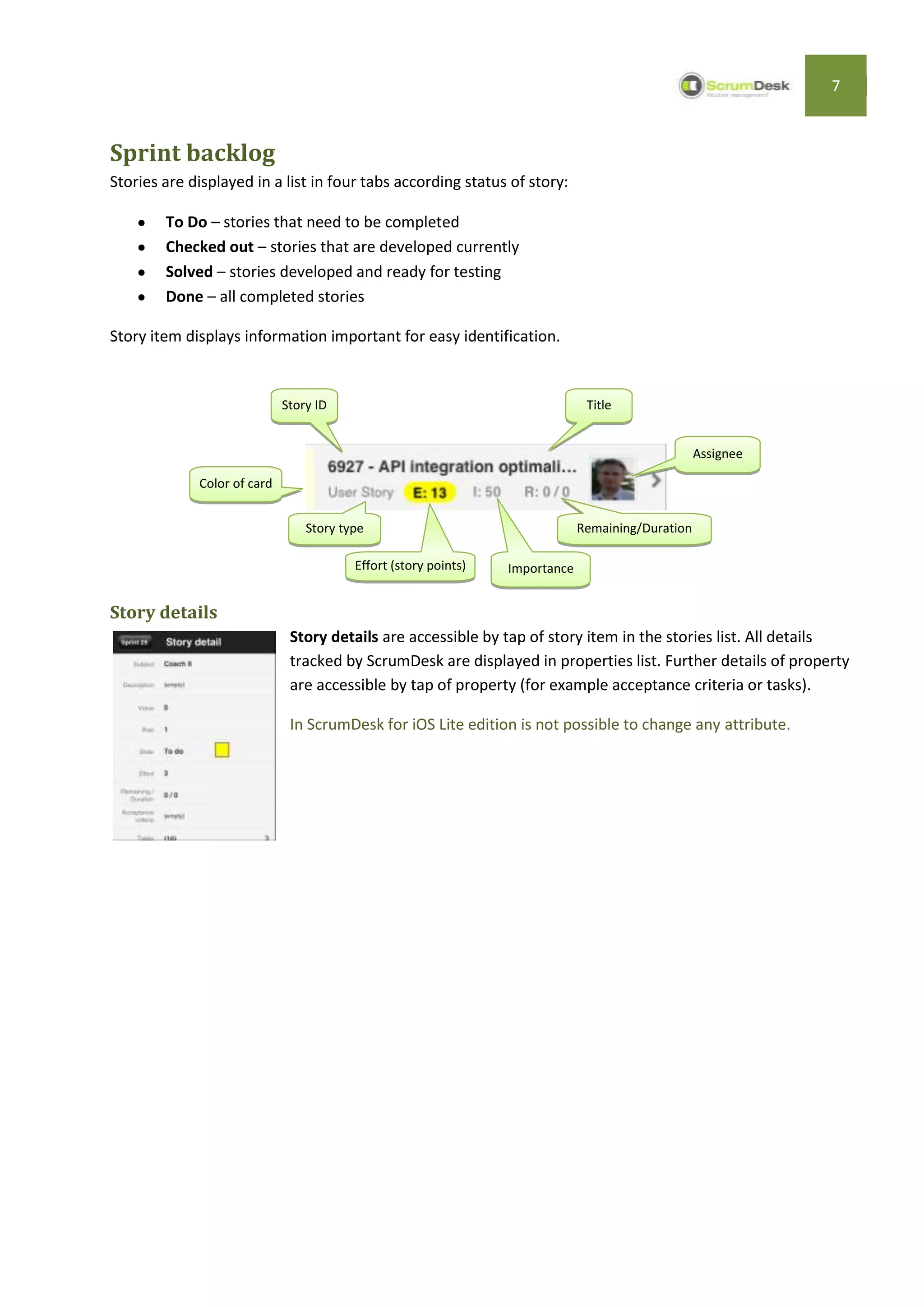
                              Story details are accessible by tap of story item in the stories list. All details
                              tracked by ScrumDesk are displayed in properties list. Further details of property
                              are accessible by tap of property (for example acceptance criteria or tasks).

                              In ScrumDesk for iOS Lite edition is not possible to change any attribute.
8


Tools
ScrumDesk for iOS contains a set of tools that support planning and typical daily activities of agile teams.

In the first version is Planning poker© available.

Planning Poker
                           Planning poker is a technique developed by Mike Cohn to simplify estimation
                           process.

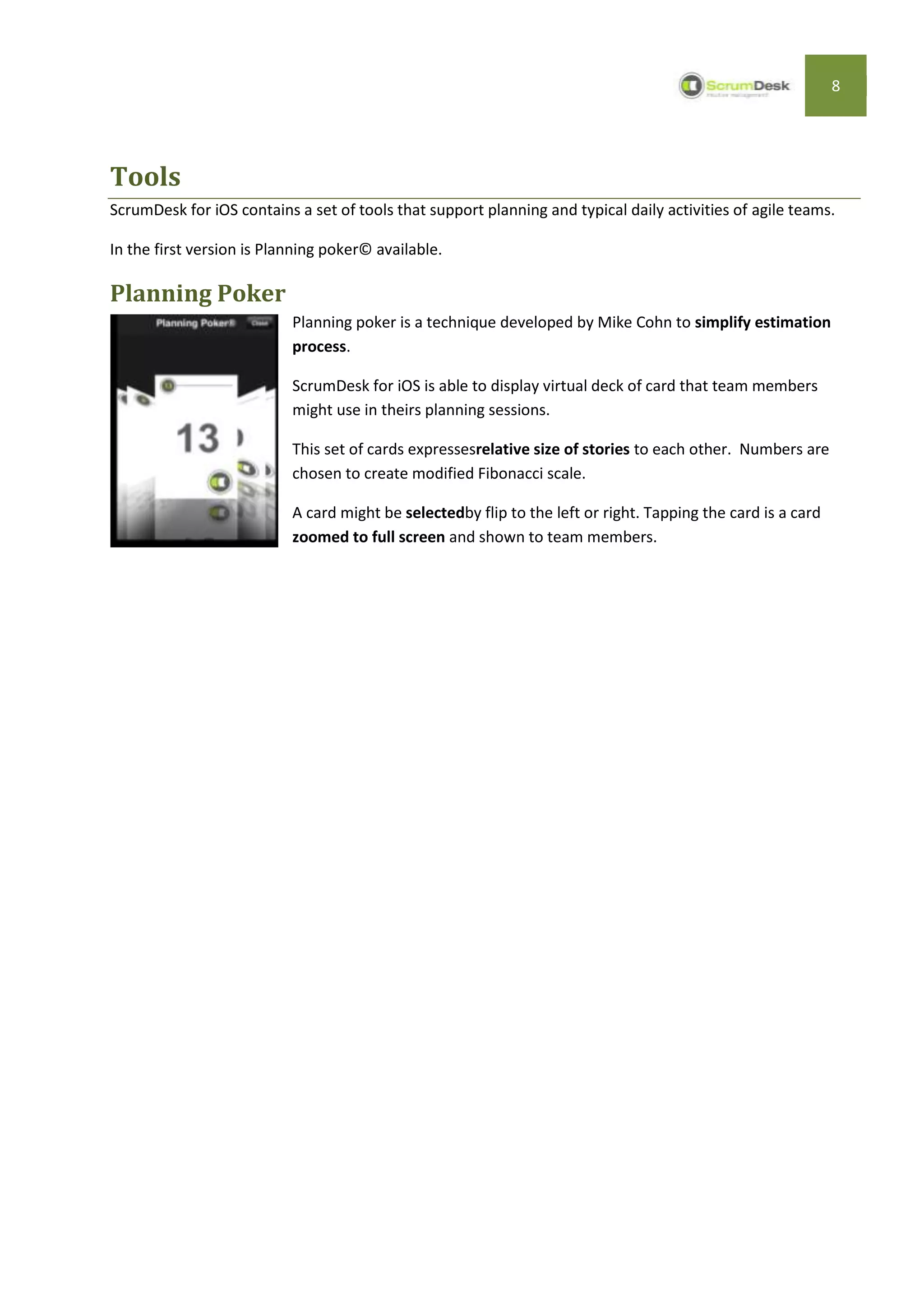
                           ScrumDesk for iOS is able to display virtual deck of card that team members
                           might use in theirs planning sessions.

                           This set of cards expressesrelative size of stories to each other. Numbers are
                           chosen to create modified Fibonacci scale.

                           A card might be selectedby flip to the left or right. Tapping the card is a card
                           zoomed to full screen and shown to team members.
9


If you need more information please take a look on www.scrumdesk.com

            or don’t hesitate to send email to support@scrumdesk.com.


                                     ScrumDesk contacts


                                       scrumdesk@scrumdesk.com

                                      Sales: sales@scrumdesk.com

                                Support: support@scrumdesk.com

ScrumDesk for iOS User Guide

  • 1.
    1 ScrumDesk for iOS User Guide December 15, 2011 v. 1 Hviezdoslavova 6, 082 71 Lipany, Slovakia Tel +421 51 77 21019 WWW.SCRUMDESK.COM
  • 2.
    2 Content GETTING STARTED ..................................................................................................................................3 INSTALLATION ............................................................................................................................................ 3 LICENSING ................................................................................................................................................ 3 QUICK START.......................................................................................................................................... 4 PRE-REQUISITES ......................................................................................................................................... 4 CONNECT TO A REPOSITORY .......................................................................................................................... 4 LOGIN SCREEN ........................................................................................................................................................ 4 SETTINGS SCREEN .................................................................................................................................................... 4 LOGIN...................................................................................................................................................... 5 CHOOSE PROJECT........................................................................................................................................ 5 USER INTERFACE BASICS ......................................................................................................................... 6 SPRINT BACKLOG ........................................................................................................................................ 7 STORY DETAILS ....................................................................................................................................................... 7 TOOLS .................................................................................................................................................... 8 PLANNING POKER ....................................................................................................................................... 8
  • 3.
    3 Getting Started ScrumDesk foriOS provides an access to project data managed by Scrum teams that use ScrumDesk solutions for project management. In addition, ScrumDesk for iOS contains toolbox of tools for Scrum Masters and teams. These tools simplify daily activities of agile teams. Installation ScrumDesk is available in Apple AppStore® at http://itunes.apple.com/sk/app/scrumdesk-lite/id461684059 Licensing User licenses are shared among all applications, API and mobile editions of ScrumDesk.  To use iOS edition all users need user license assigned in ScrumDesk desktop edition. The company license is provided upon registration on Download page. Company license must be used and must be the same in every ScrumDesk database installed by the customer. The company license includes user’s licenses that are possible to assign to team members. The user license is shared in all databases and it is automatically recognized by the name of team member. Company license User User User ... license license license ScrumDesk Company provides 5 free user licenses for commercial and 20 free licenses for non-profit or academy organization. ScrumDesk Administrator (someone who registered for ScrumDesk on our site) receives the company key for further usage. This license must be entered into database via ScrumDesk Administration Mode. Read more about the configuration in Administrator manual.
  • 4.
    4 Quick start ScrumDesk foriOSis the application that provides an access to all data in data repository via ScrumDesk Web API. Pre-requisites 1. Repository to store project data installed using ScrumDesk Database Manager 2. ScrumDesk API installed in environment in case of On-Site edition. For On-Demand edition the API is already available at http://hosting.scrumdesk.com:81/WebAPI/ 3. Repository accessed via API (see API Installation Guide) Connect to a repository Projects are accessed via API connector. Login screen The Login dialog is displayed upon ScrumDesk start. ScrumDesk is preconfigured to access demo database by default. The connection to your database must be configured before login. To configure access to repository click Settings icon in top right corner of Login screen. Settings screen The Settings screen allows configuring: Connection to ScrumDesk API server The name of repository accessible via API server Team member login name and password to access repository Auto login switch enables automatic login once application is started Connection is validated automatically. ScrumDesk for iOS will tryconnecting to repository. In case of failure user is informed about an error.
  • 5.
    5 Login If connection todatabase is configured properly, the user can continue with login procedure. The team member name and password used in ScrumDesk desktop edition Login dialog should be entered into appropriate edit lines in this screen. Tapping Login button user will be redirect after successful login Projects screen displaying projectsavailable in preconfigured repository. Choose project Logged user can choose a project to work with. ScrumDesk displays in a list: private projects that are accessible by team members only or public projects available to everyone able to connect to database/repository Projects are displayed in a list with the icon. To access projects details tap an icon representing it.  In ScrumDesk for iOS Lite edition is not possible to change any data neither create new projects
  • 6.
    6 User interface basics Thecurrent sprint backlog is displayed by backlog upon start project selection. This make sprint backlog available immediately. Active sprint Choose a sprint Refresh Stories are displayed on tabs according status. Stories list View switch ScrumDesk for iOS access different sets of data. The current view might be changed by tap of iconat the bottom of the screen. Projects to access all projects available to logged user Sprint to access stories in selected sprint backlog Backlog to access stories stored in the project backlog Tools to access toolbox for agile team Settings for application configuration
  • 7.
    7 Sprint backlog Stories aredisplayed in a list in four tabs according status of story: To Do – stories that need to be completed Checked out – stories that are developed currently Solved – stories developed and ready for testing Done – all completed stories Story item displays information important for easy identification. Story ID Title Assignee Color of card Story type Remaining/Duration Effort (story points) Importance Story details Story details are accessible by tap of story item in the stories list. All details tracked by ScrumDesk are displayed in properties list. Further details of property are accessible by tap of property (for example acceptance criteria or tasks). In ScrumDesk for iOS Lite edition is not possible to change any attribute.
  • 8.
    8 Tools ScrumDesk for iOScontains a set of tools that support planning and typical daily activities of agile teams. In the first version is Planning poker© available. Planning Poker Planning poker is a technique developed by Mike Cohn to simplify estimation process. ScrumDesk for iOS is able to display virtual deck of card that team members might use in theirs planning sessions. This set of cards expressesrelative size of stories to each other. Numbers are chosen to create modified Fibonacci scale. A card might be selectedby flip to the left or right. Tapping the card is a card zoomed to full screen and shown to team members.
  • 9.
    9 If you needmore information please take a look on www.scrumdesk.com or don’t hesitate to send email to support@scrumdesk.com. ScrumDesk contacts scrumdesk@scrumdesk.com Sales: sales@scrumdesk.com Support: support@scrumdesk.com