Revanth Technologies
B1, 3rd
Floor, Eureka Court, Near Image Hospital, Ameerpet, Hyderabad.
Ph : 9290971883, 9247461324, Email ID : revanthads@gmail.com
www.revanthtechnologies.com
SAS Online Training
Course Duration – 40 hrs
Introduction to SAS Programming
Working with the Windows
• Enhance Editor
• Result Window
• Log Window
• Explorer Window
• Output Window
• Program Editor Window
Basics Of SAS language
• SAS Libraries
• Data Sets
• Creating a SAS Program
• Components of SAS Program
• Characteristics of SAS Program
• Layout of SAS Program
Accessing Data
• Use FORMATTED, LIST and COLUMN input to read raw data files
• Use INFILE statement options to control processing when reading raw data files
• Use various components of an INPUT statement to process raw data files
including column and line pointer controls, and trailing @ controls
• Combine SAS data sets using the DATA step
Creating SAS data sets
• Create temporary and permanent SAS data sets
• Create and manipulate SAS date values
• Control which observations and variables in a SAS data set are processed and
output
Data Step Processing
• Program Data Vector (PDV)
• Execution Phase and Compilation Phase
• Get Started with Output Delivery System ( ODS )
Statement Options
• Global Statements
• Local Statements
• List Input
• Modified Input
• Column Input
• Named Input
Managing Data
• Exploring SAS data libraries using base SAS utility procedures
• Sorting observations in a SAS data set
• Conditionally execute SAS statements
• Use assignment statements in the DATA step
• Modify variable attributes using options and statements in the DATA step
• Use SAS functions to manipulate character data, numeric data, and SAS date
values
• Use SAS functions to convert character data to numeric and vice versa
Combining SAS Data Sets
• Concatenation
• One-One Merging
• Match Merging
• One-One Reading
• Updating or Setting
Conditional Statements
• IF & IF THEN statement
• IF ELSE statement
• Where condition
• Like , Into Statements
• Loops ( Do, While )
Writing Data to External Files
• File Statement
• Put Statement
Introduction to SAS Functions
Generating Reports
• Generate list reports using the PRINT and REPORT procedures
• Enhance reports through the use of labels, SAS formats, user-defined formats
• Generate summary reports and frequency tables using base SAS procedures
Debugging and Handling Errors
• Identify and resolve programming logic errors
• Checking for Errors, Warnings, Un-Initialization , missing values
• Recognize and correct syntax errors
• Examine and resolve data errors
Procedures
• Proc Sort
• Proc Transpose
• Proc Print, Proc Printto
• Proc Contents
• Proc Formats
• Proc Append, Proc Tabulate
• Proc Options, Proc Report
• Proc Import, Proc Export
• Proc Freq
• Proc Means
Introduction to SAS Macro Language Elements
• Introduction to Macro Variables
• Automatic Macro Variables
• User define Macro Variables
• How Macro processing will undergo inside the SAS system
• Macro Statements
• Macro Functions
• Autocall Macros

SAS Online Training

  • 1.
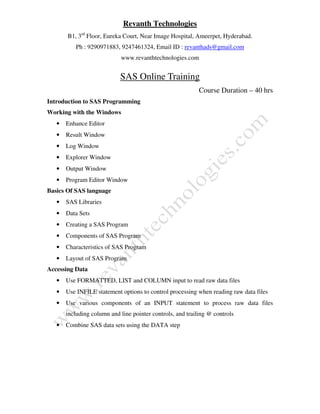
    Revanth Technologies B1, 3rd Floor,Eureka Court, Near Image Hospital, Ameerpet, Hyderabad. Ph : 9290971883, 9247461324, Email ID : revanthads@gmail.com www.revanthtechnologies.com SAS Online Training Course Duration – 40 hrs Introduction to SAS Programming Working with the Windows • Enhance Editor • Result Window • Log Window • Explorer Window • Output Window • Program Editor Window Basics Of SAS language • SAS Libraries • Data Sets • Creating a SAS Program • Components of SAS Program • Characteristics of SAS Program • Layout of SAS Program Accessing Data • Use FORMATTED, LIST and COLUMN input to read raw data files • Use INFILE statement options to control processing when reading raw data files • Use various components of an INPUT statement to process raw data files including column and line pointer controls, and trailing @ controls • Combine SAS data sets using the DATA step
  • 2.
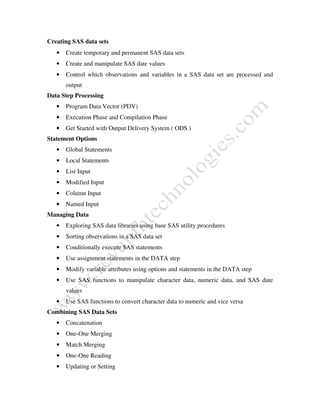
    Creating SAS datasets • Create temporary and permanent SAS data sets • Create and manipulate SAS date values • Control which observations and variables in a SAS data set are processed and output Data Step Processing • Program Data Vector (PDV) • Execution Phase and Compilation Phase • Get Started with Output Delivery System ( ODS ) Statement Options • Global Statements • Local Statements • List Input • Modified Input • Column Input • Named Input Managing Data • Exploring SAS data libraries using base SAS utility procedures • Sorting observations in a SAS data set • Conditionally execute SAS statements • Use assignment statements in the DATA step • Modify variable attributes using options and statements in the DATA step • Use SAS functions to manipulate character data, numeric data, and SAS date values • Use SAS functions to convert character data to numeric and vice versa Combining SAS Data Sets • Concatenation • One-One Merging • Match Merging • One-One Reading • Updating or Setting
  • 3.
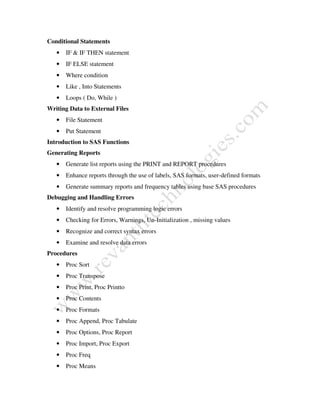
    Conditional Statements • IF& IF THEN statement • IF ELSE statement • Where condition • Like , Into Statements • Loops ( Do, While ) Writing Data to External Files • File Statement • Put Statement Introduction to SAS Functions Generating Reports • Generate list reports using the PRINT and REPORT procedures • Enhance reports through the use of labels, SAS formats, user-defined formats • Generate summary reports and frequency tables using base SAS procedures Debugging and Handling Errors • Identify and resolve programming logic errors • Checking for Errors, Warnings, Un-Initialization , missing values • Recognize and correct syntax errors • Examine and resolve data errors Procedures • Proc Sort • Proc Transpose • Proc Print, Proc Printto • Proc Contents • Proc Formats • Proc Append, Proc Tabulate • Proc Options, Proc Report • Proc Import, Proc Export • Proc Freq • Proc Means
  • 4.
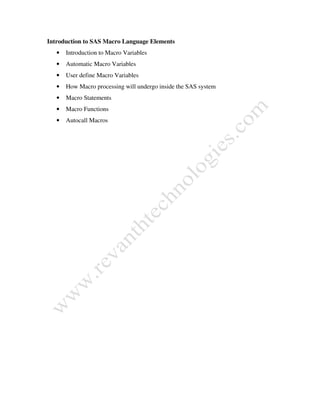
    Introduction to SASMacro Language Elements • Introduction to Macro Variables • Automatic Macro Variables • User define Macro Variables • How Macro processing will undergo inside the SAS system • Macro Statements • Macro Functions • Autocall Macros