Best Practices for Data
Governance and Stewardship
Inside Salesforce
Beth Fitzpatrick, Director Product Marketing, Data.com
Greg Malpass, Founder and CEO, Traction on Demand
Safe Harbor
Safe harbor statement under the Private Securities Litigation Reform Act of 1995:
This presentation may contain forward-looking statements that involve risks, uncertainties, and assumptions. If any such uncertainties
materialize or if any of the assumptions proves incorrect, the results of salesforce.com, inc. could differ materially from the results expressed or
implied by the forward-looking statements we make. All statements other than statements of historical fact could be deemed forward-looking,
including any projections of product or service availability, subscriber growth, earnings, revenues, or other financial items and any statements
regarding strategies or plans of management for future operations, statements of belief, any statements concerning new, planned, or upgraded
services or technology developments and customer contracts or use of our services.
The risks and uncertainties referred to above include – but are not limited to – risks associated with developing and delivering new functionality
for our service, new products and services, our new business model, our past operating losses, possible fluctuations in our operating results
and rate of growth, interruptions or delays in our Web hosting, breach of our security measures, the outcome of any litigation, risks associated
with completed and any possible mergers and acquisitions, the immature market in which we operate, our relatively limited operating history,
our ability to expand, retain, and motivate our employees and manage our growth, new releases of our service and successful customer
deployment, our limited history reselling non-salesforce.com products, and utilization and selling to larger enterprise customers. Further
information on potential factors that could affect the financial results of salesforce.com, inc. is included in our annual report on Form 10-K for
the most recent fiscal year and in our quarterly report on Form 10-Q for the most recent fiscal quarter. These documents and others containing
important disclosures are available on the SEC Filings section of the Investor Information section of our Web site.
Any unreleased services or features referenced in this or other presentations, press releases or public statements are not currently available
and may not be delivered on time or at all. Customers who purchase our services should make the purchase decisions
based upon features that are currently available. Salesforce.com, inc. assumes no obligation and does not intend to update these forward-
looking statements.
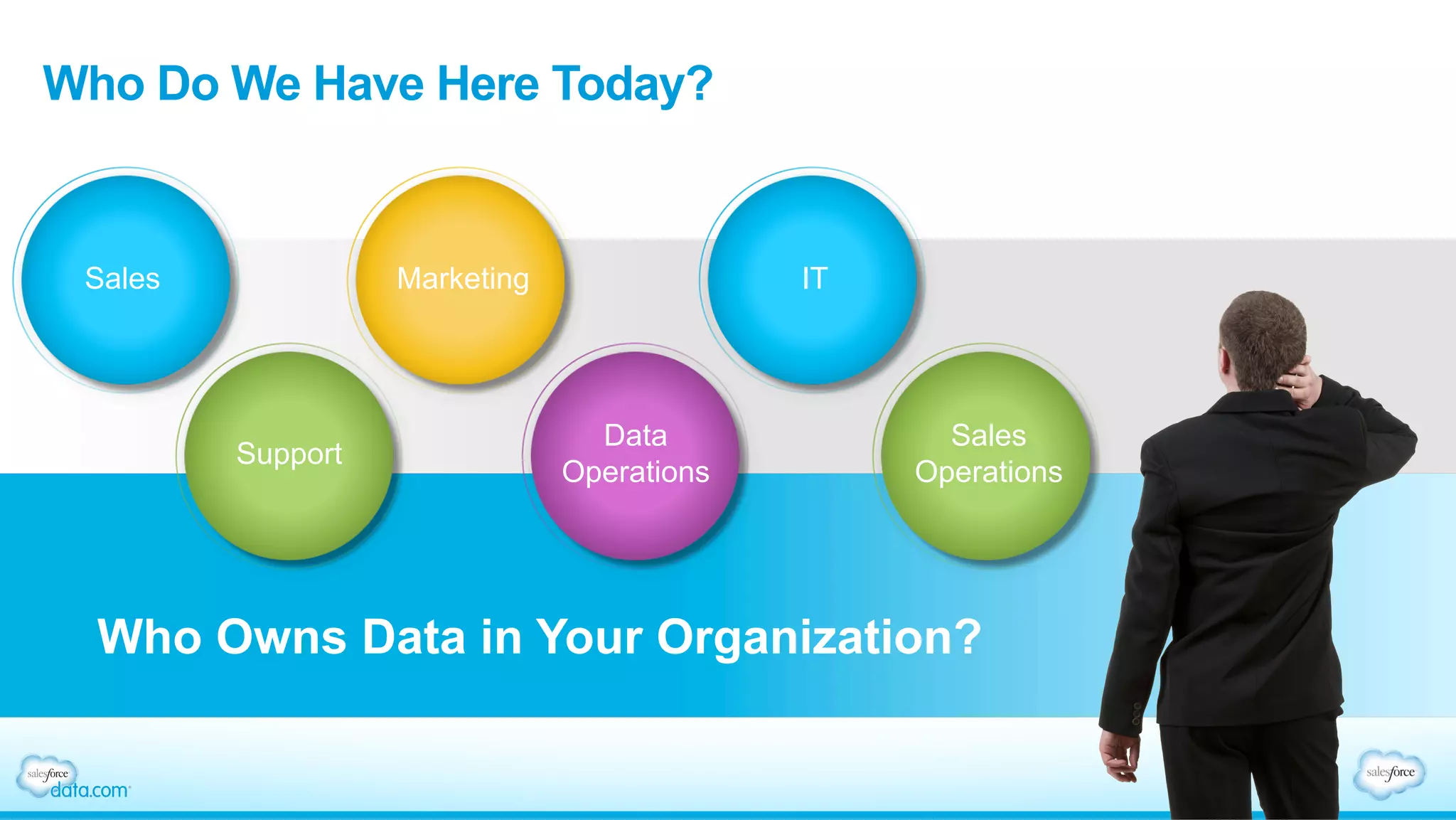
Who Do We Have Here Today?
Who Owns Data in Your Organization?
Sales Marketing IT
Support
Data
Operations
Sales
Operations
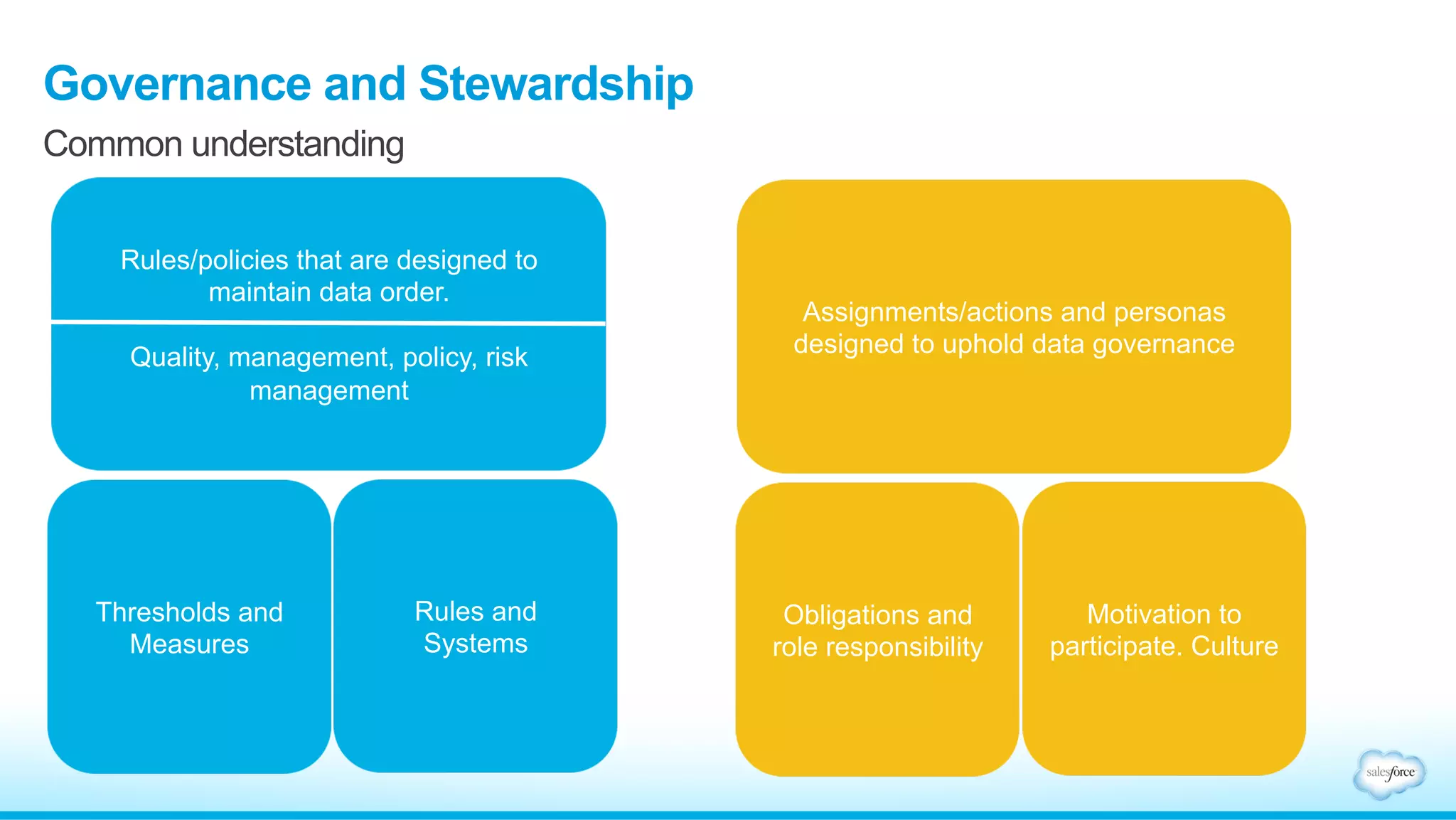
Governance and Stewardship
Common understanding
Rules/policies that are designed to
maintain data order.
Quality, management, policy, risk
management
Thresholds and
Measures
Rules and
Systems
Assignments/actions and personas
designed to uphold data governance
Obligations and
role responsibility
Motivation to
participate. Culture
Greg Malpass
Founder and CEO – Traction on Demand
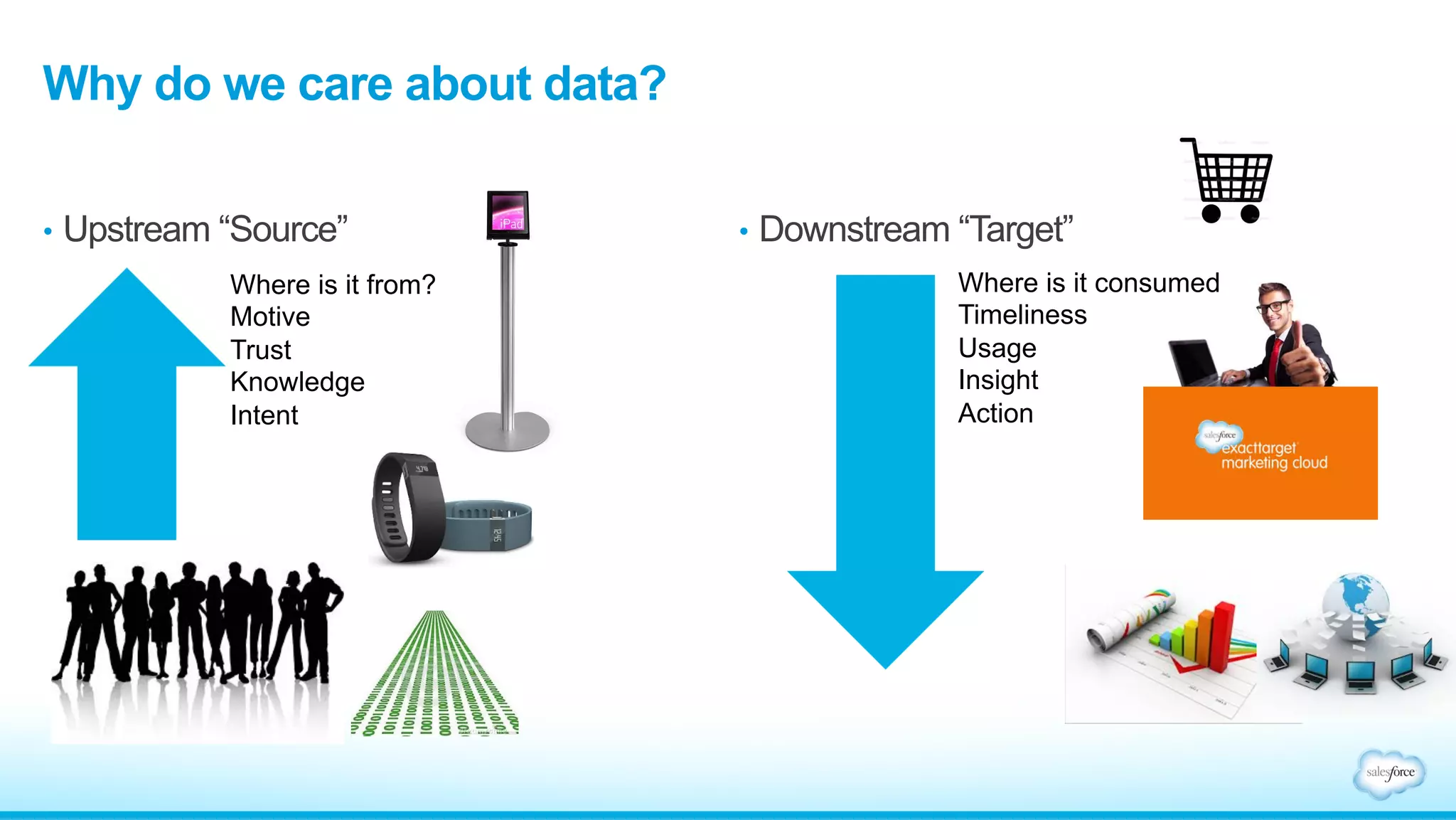
•  Downstream “Target”
Why do we care about data?
•  Upstream “Source”
Where is it from?
Motive
Trust
Knowledge
Intent
Where is it consumed
Timeliness
Usage
Insight
Action
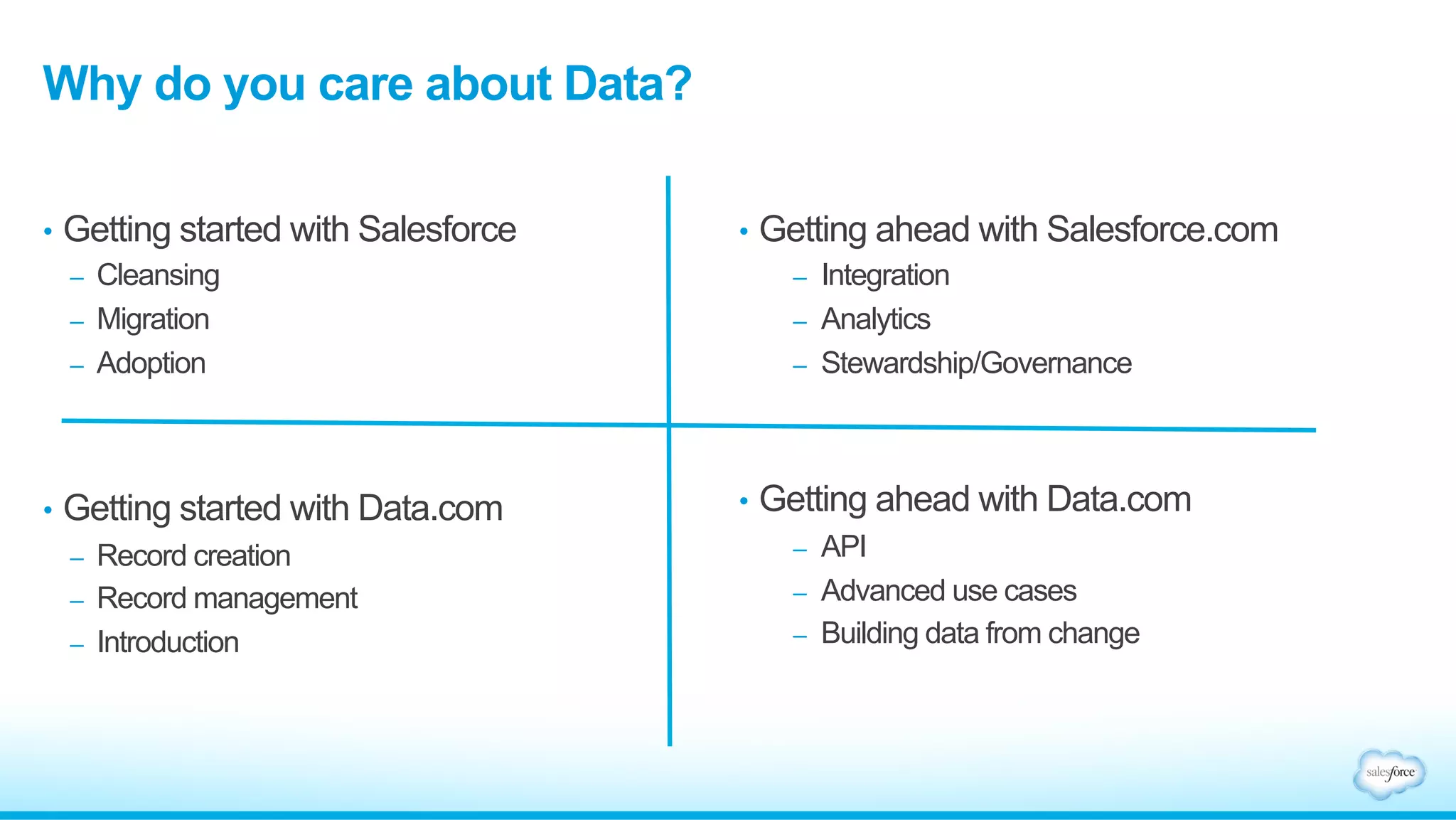
•  Getting ahead with Salesforce.com
–  Integration
–  Analytics
–  Stewardship/Governance
•  Getting ahead with Data.com
–  API
–  Advanced use cases
–  Building data from change
Why do you care about Data?
•  Getting started with Salesforce
–  Cleansing
–  Migration
–  Adoption
•  Getting started with Data.com
–  Record creation
–  Record management
–  Introduction
Let’s talk about data quality
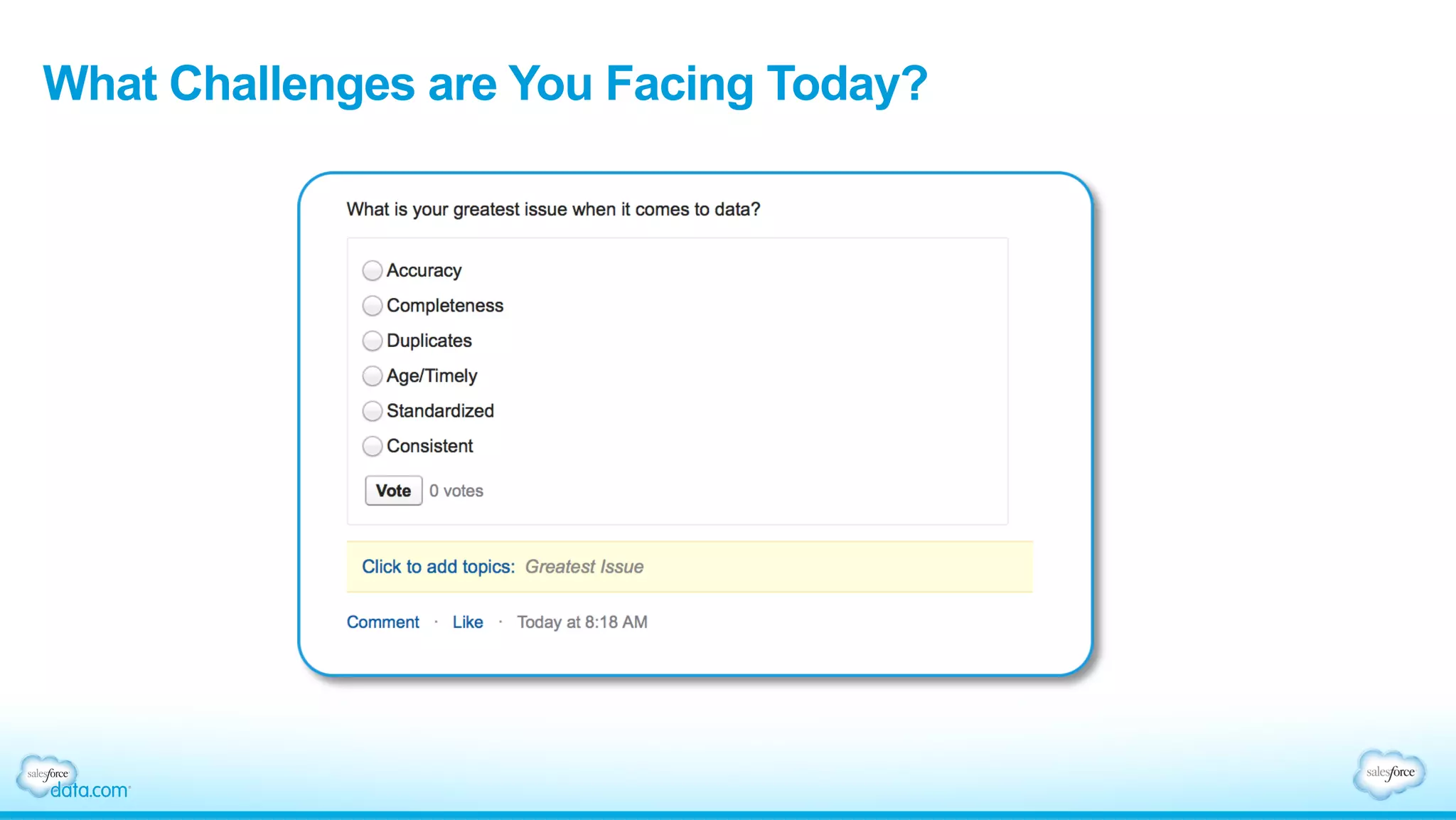
What Challenges are You Facing Today?
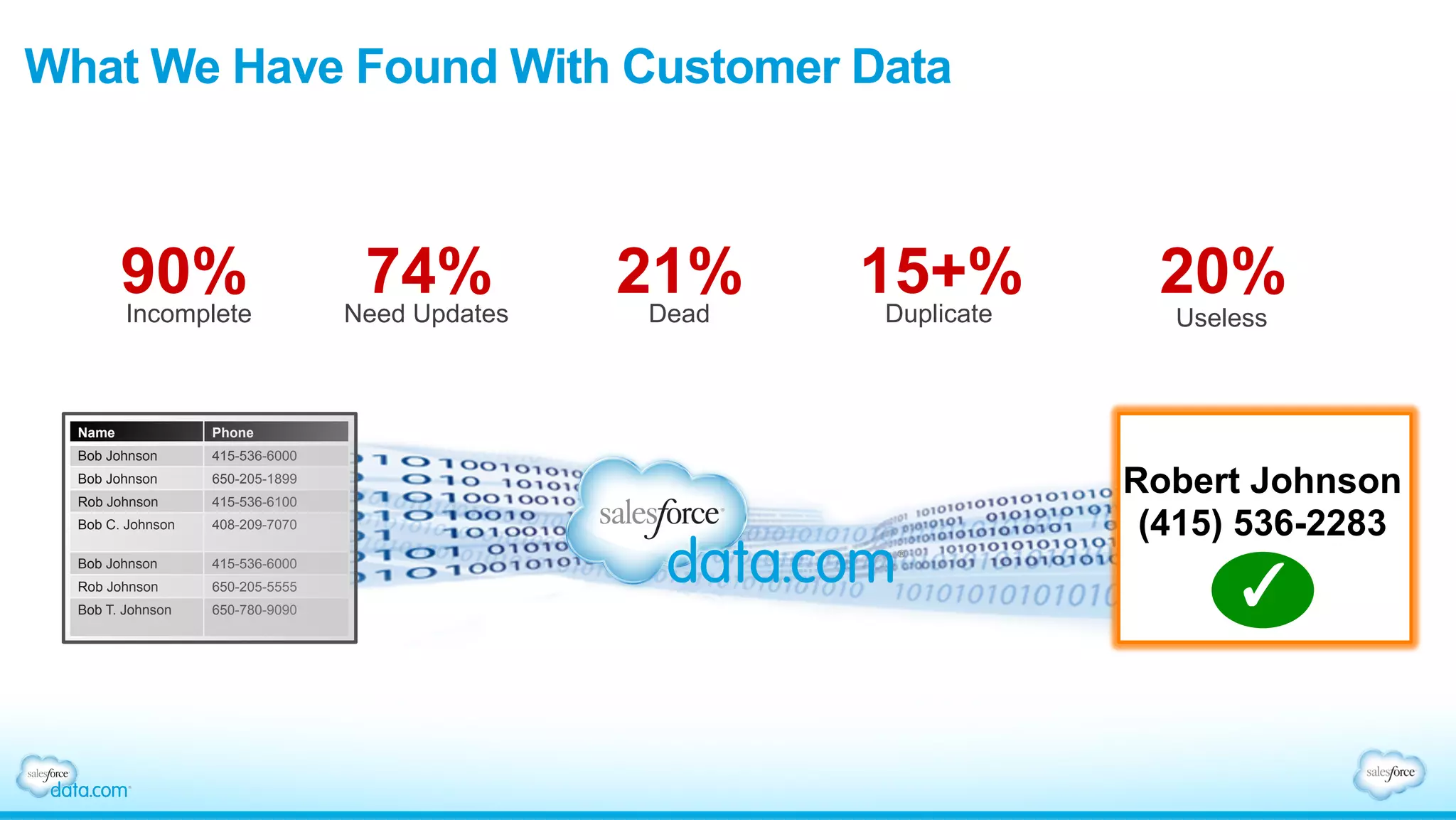
What We Have Found With Customer Data
Name Phone
Bob Johnson 415-536-6000
Bob Johnson 650-205-1899
Rob Johnson 415-536-6100
Bob C. Johnson 408-209-7070
Bob Johnson 415-536-6000
Rob Johnson 650-205-5555
Bob T. Johnson 650-780-9090
Robert Johnson
(415) 536-2283
90%Incomplete
74%Need Updates
21%Dead
15+%Duplicate
20%
Useless
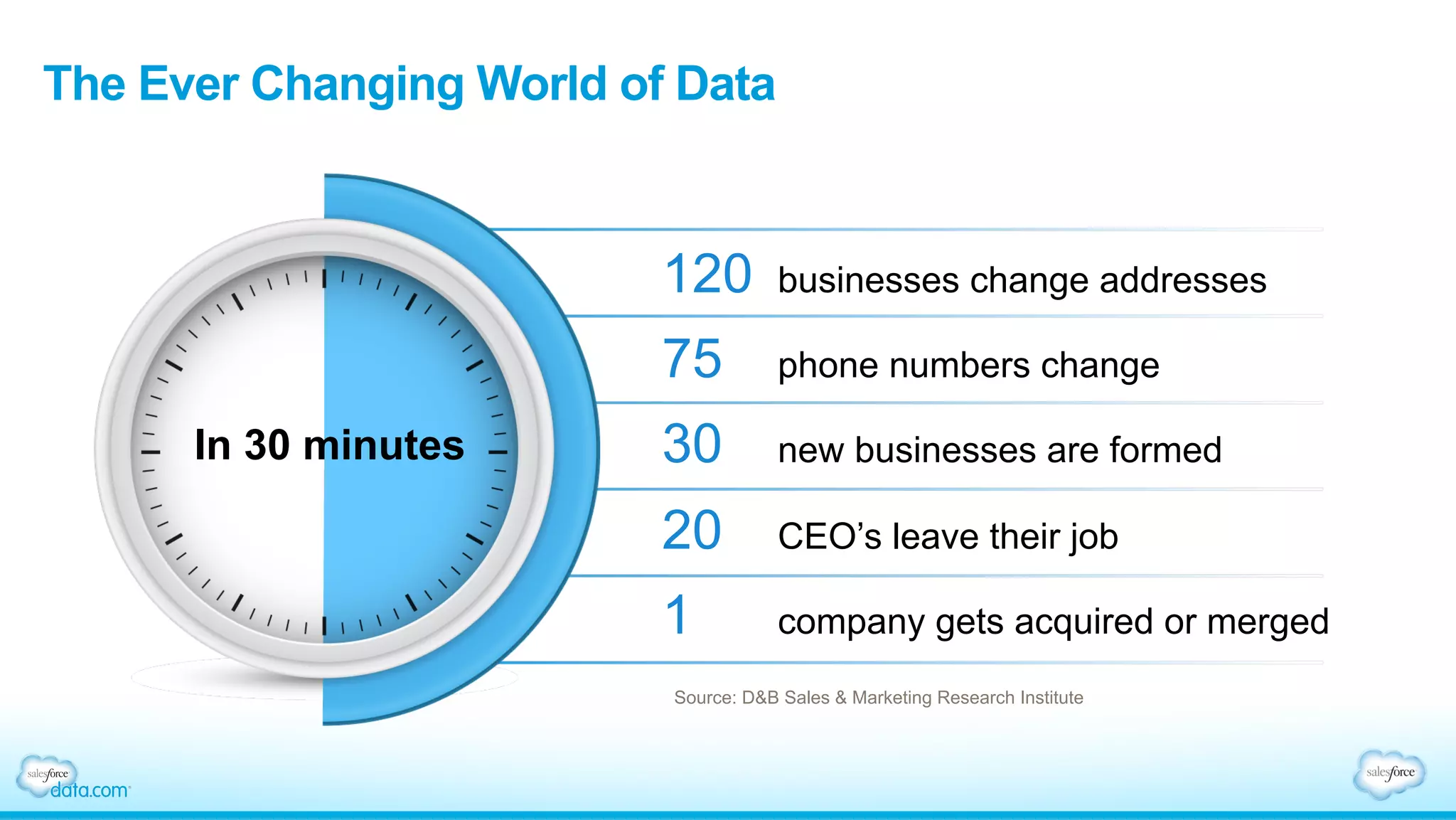
The Ever Changing World of Data
Source: D&B Sales & Marketing Research Institute
120 businesses change addresses
75 phone numbers change
30 new businesses are formed
20 CEO’s leave their job
1 company gets acquired or merged
In 30 minutes
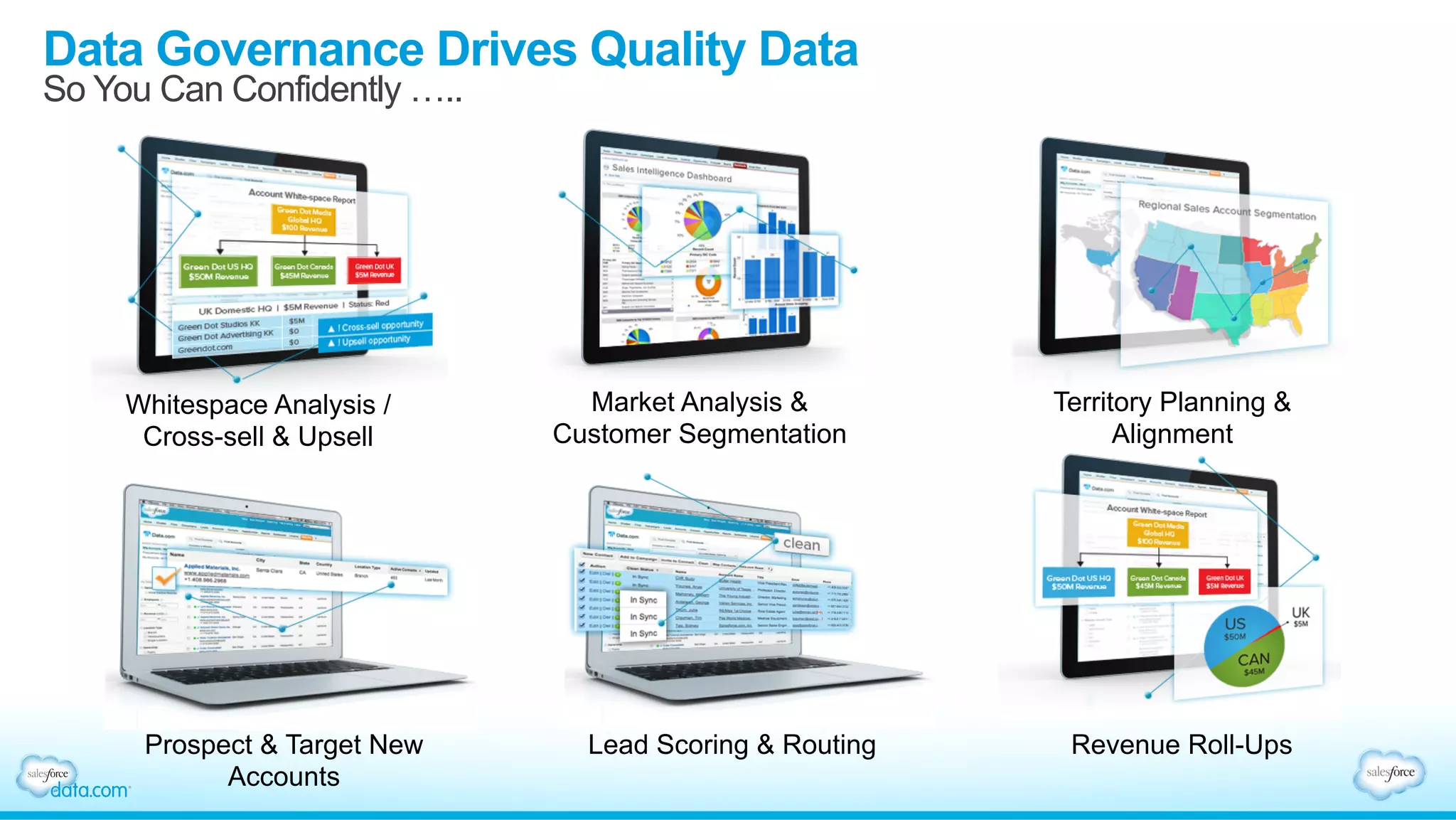
Data Governance Drives Quality Data
So You Can Confidently …..
Whitespace Analysis /
Cross-sell & Upsell
Market Analysis &
Customer Segmentation
Territory Planning &
Alignment
Prospect & Target New
Accounts
Lead Scoring & Routing Revenue Roll-Ups
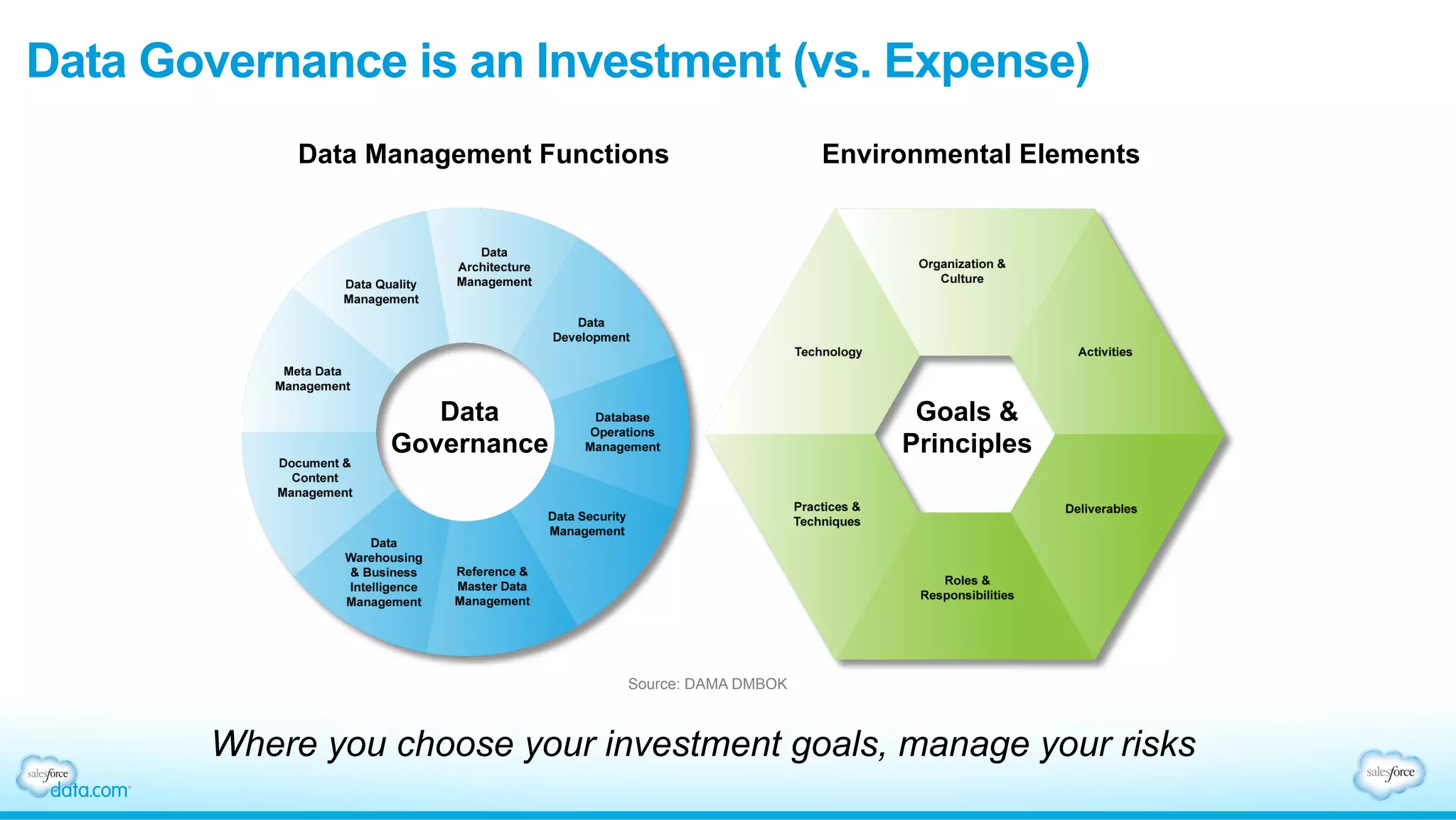
Data Governance is an Investment (vs. Expense)
Where you choose your investment goals, manage your risks
Source: DAMA DMBOK
Data Management Functions Environmental Elements
Data
Governance
Goals &
Principles
Moving from talking to doing
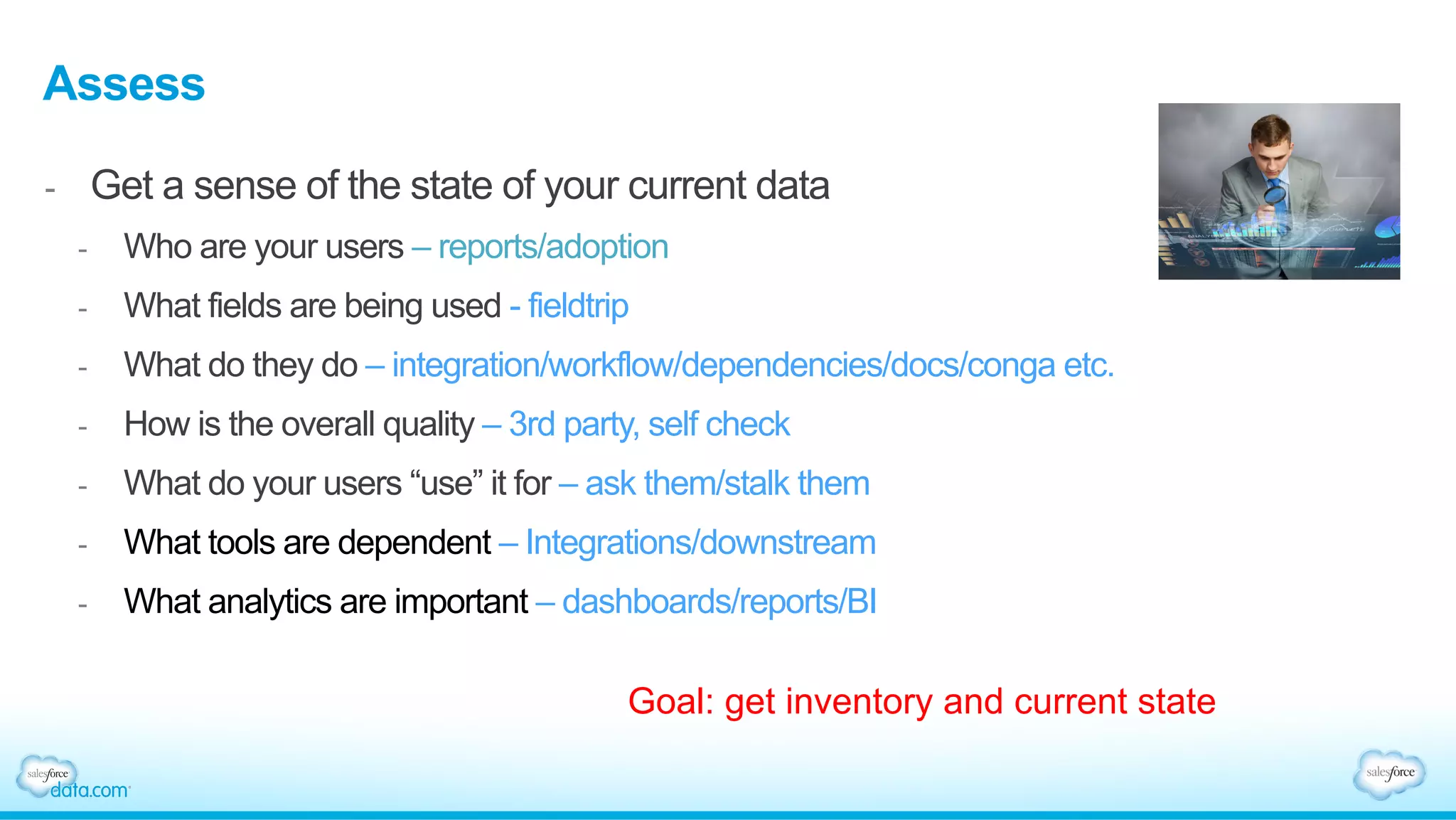
Assess
-  Get a sense of the state of your current data
-  Who are your users – reports/adoption
-  What fields are being used - fieldtrip
-  What do they do – integration/workflow/dependencies/docs/conga etc.
-  How is the overall quality – 3rd party, self check
-  What do your users “use” it for – ask them/stalk them
-  What tools are dependent – Integrations/downstream
-  What analytics are important – dashboards/reports/BI
Goal: get inventory and current state
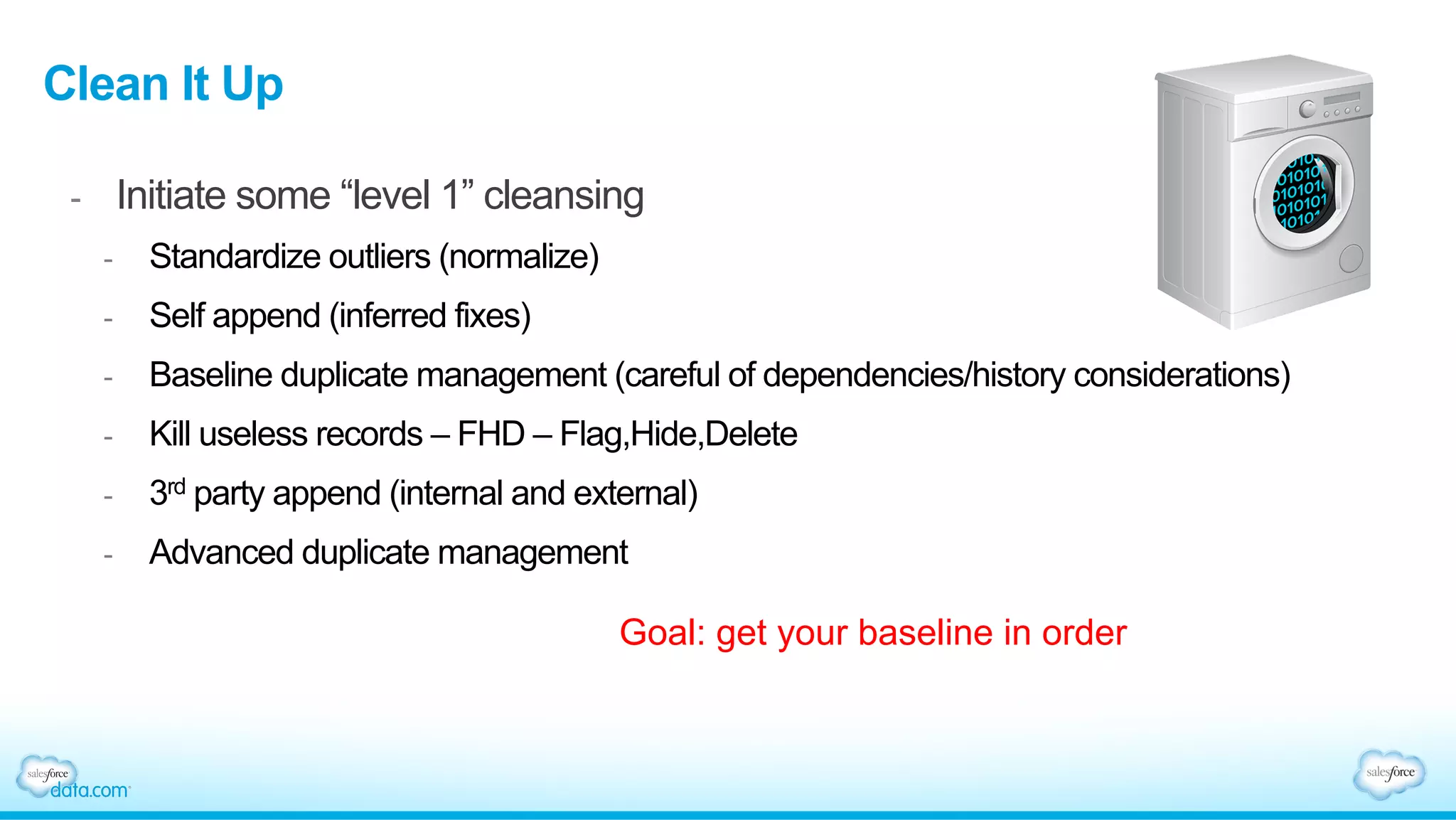
Clean It Up
-  Initiate some “level 1” cleansing
-  Standardize outliers (normalize)
-  Self append (inferred fixes)
-  Baseline duplicate management (careful of dependencies/history considerations)
-  Kill useless records – FHD – Flag,Hide,Delete
-  3rd party append (internal and external)
-  Advanced duplicate management
Goal: get your baseline in order
Develop a strategy
-  Two choices – distributed or managed
-  What will work within your “culture” today
-  What is sustainable looking forward
-  Recommendation – develop a distributed data management model
Goal: get your baseline in order
Levers
•  Forced business processes – contract generation/automated replies/dashboards
•  Entitlement and ownership – labeling, ownership, naming
•  SWAT team – call for help – tactical support team
•  Gift of time
•  Gift of focus and analytics
•  Gift of assignment
X
Guiding Principles
Data Quality Guiding Principles
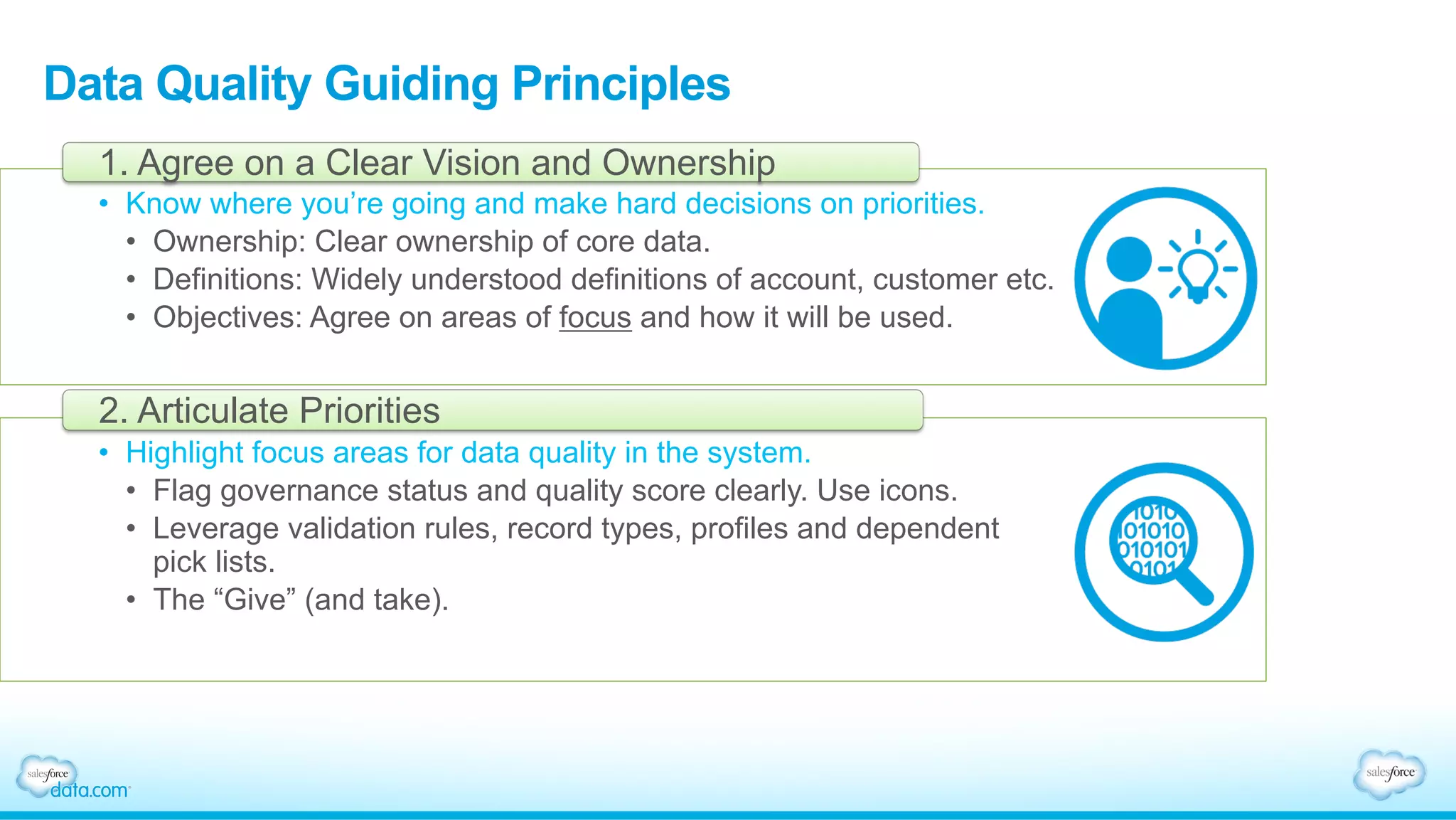
•  Know where you’re going and make hard decisions on priorities.
•  Ownership: Clear ownership of core data.
•  Definitions: Widely understood definitions of account, customer etc.
•  Objectives: Agree on areas of focus and how it will be used.
1. Agree on a Clear Vision and Ownership
•  Highlight focus areas for data quality in the system.
•  Flag governance status and quality score clearly. Use icons.
•  Leverage validation rules, record types, profiles and dependent
pick lists.
•  The “Give” (and take).
2. Articulate Priorities
Data Quality Guiding Principles
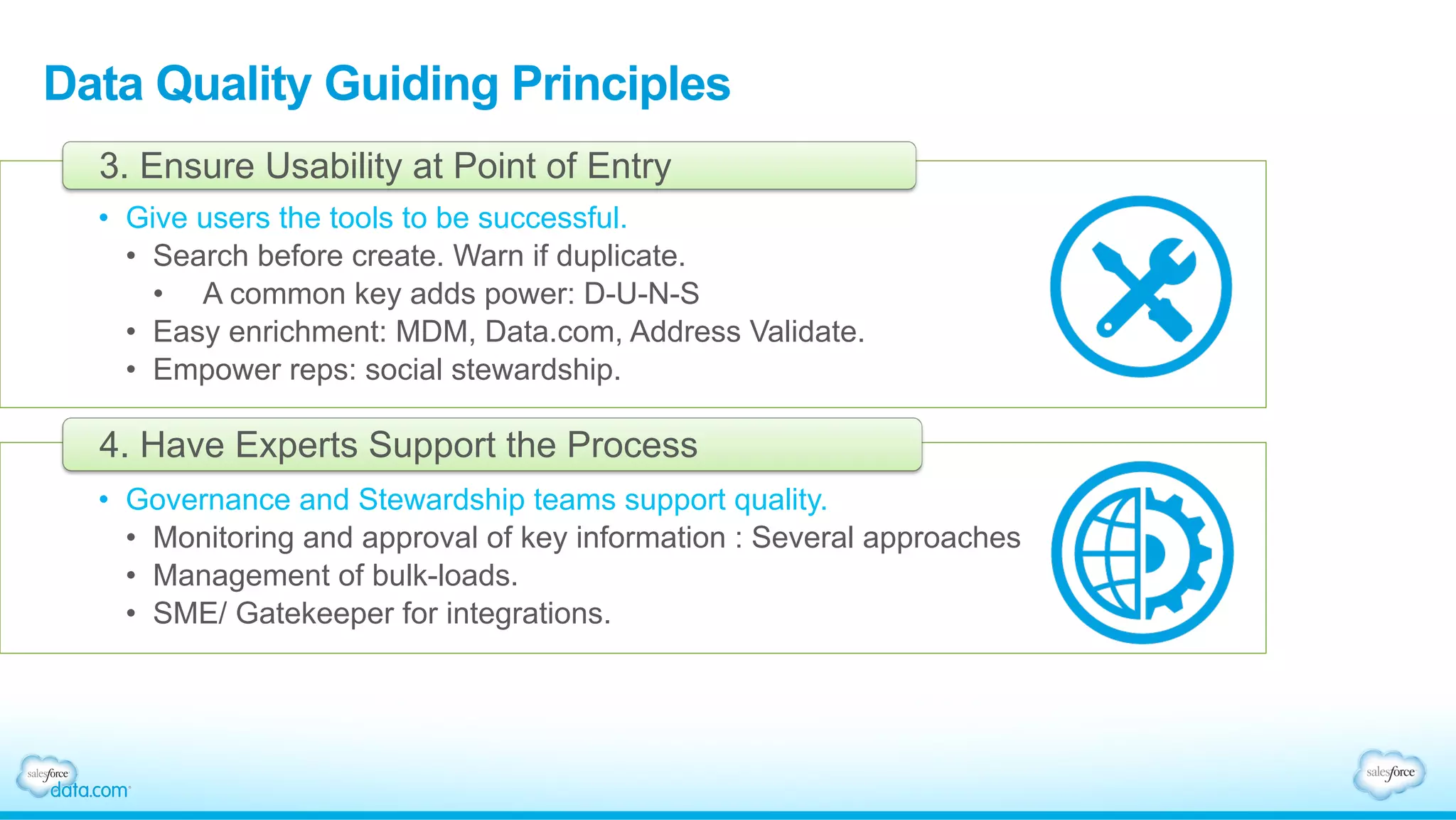
•  Give users the tools to be successful.
•  Search before create. Warn if duplicate.
•  A common key adds power: D-U-N-S
•  Easy enrichment: MDM, Data.com, Address Validate.
•  Empower reps: social stewardship.
3. Ensure Usability at Point of Entry
•  Governance and Stewardship teams support quality.
•  Monitoring and approval of key information : Several approaches
•  Management of bulk-loads.
•  SME/ Gatekeeper for integrations.
4. Have Experts Support the Process
Data Quality Guiding Principles
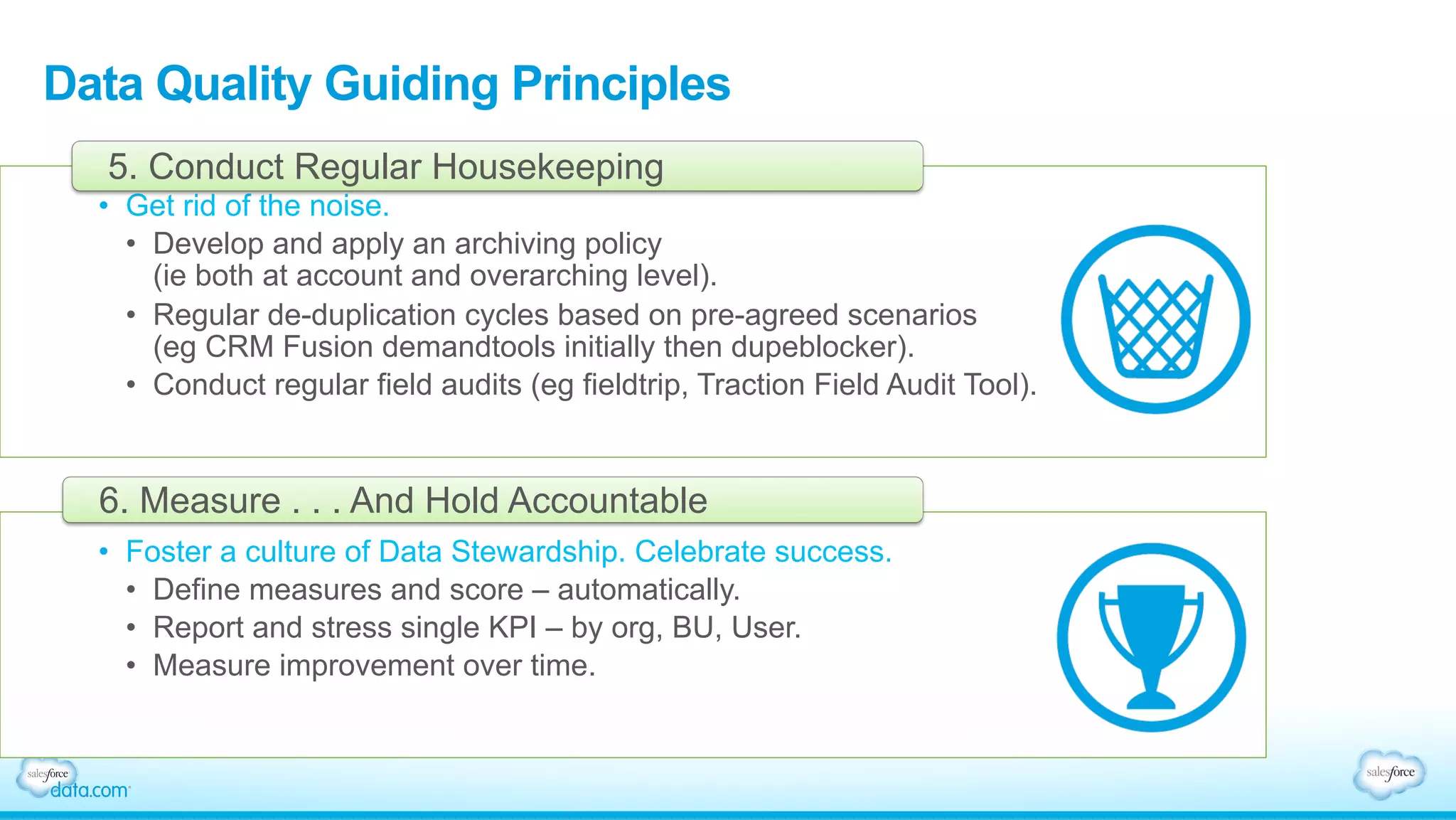
•  Get rid of the noise.
•  Develop and apply an archiving policy
(ie both at account and overarching level).
•  Regular de-duplication cycles based on pre-agreed scenarios
(eg CRM Fusion demandtools initially then dupeblocker).
•  Conduct regular field audits (eg fieldtrip, Traction Field Audit Tool).
5. Conduct Regular Housekeeping
•  Foster a culture of Data Stewardship. Celebrate success.
•  Define measures and score – automatically.
•  Report and stress single KPI – by org, BU, User.
•  Measure improvement over time.
6. Measure . . . And Hold Accountable
Tactical Examples
Getting Tactical
Moving from talking to doing:
•  9 declarative elements in SFDC that are excellent
governance/stewardship enablers
Check the www.tractionondemand.com blog for additional details
Data Quality
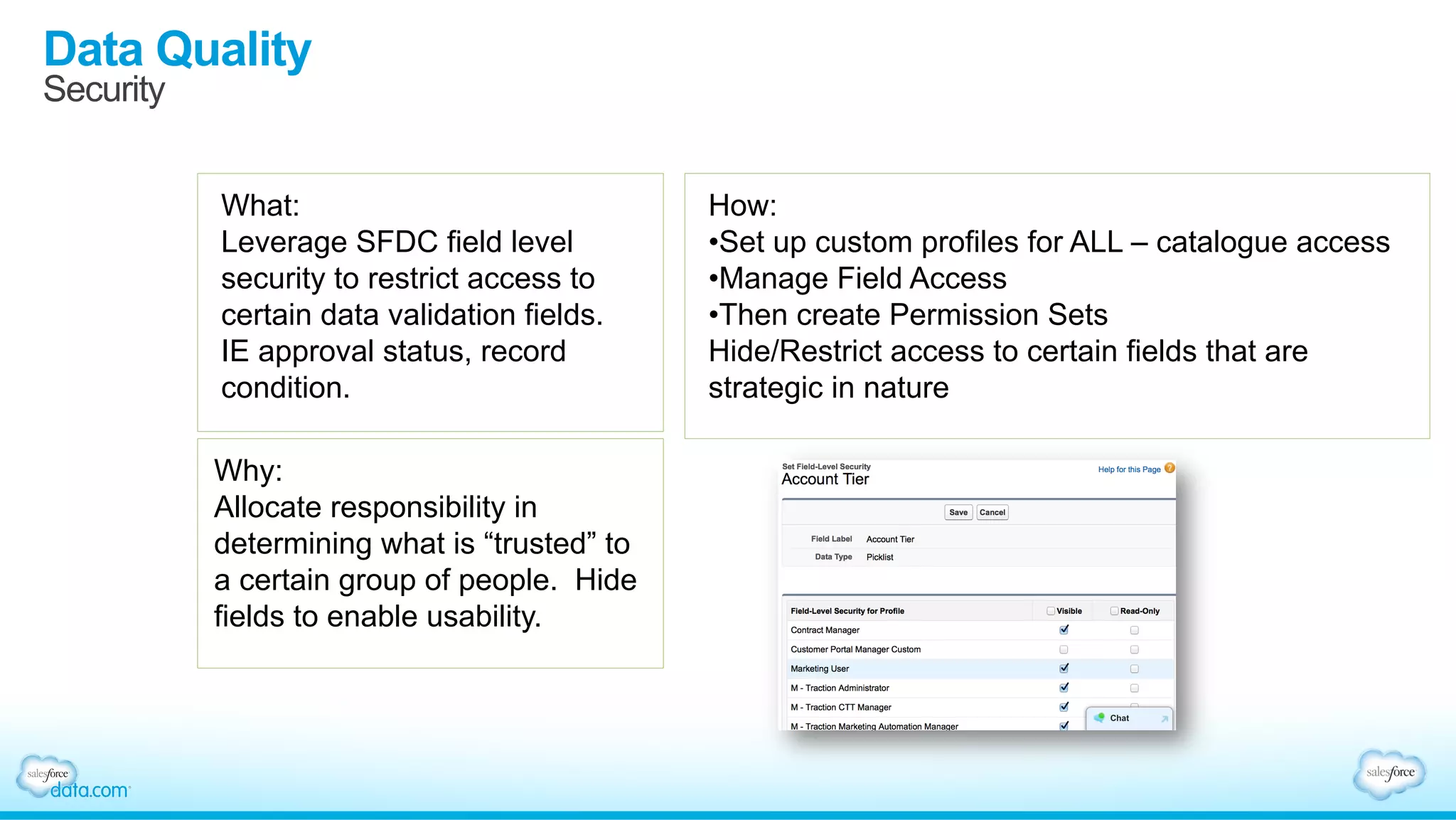
Security
What:
Leverage SFDC field level
security to restrict access to
certain data validation fields.
IE approval status, record
condition.
Why:
Allocate responsibility in
determining what is “trusted” to
a certain group of people. Hide
fields to enable usability.
How:
• Set up custom profiles for ALL – catalogue access
• Manage Field Access
• Then create Permission Sets
Hide/Restrict access to certain fields that are
strategic in nature
Data Quality
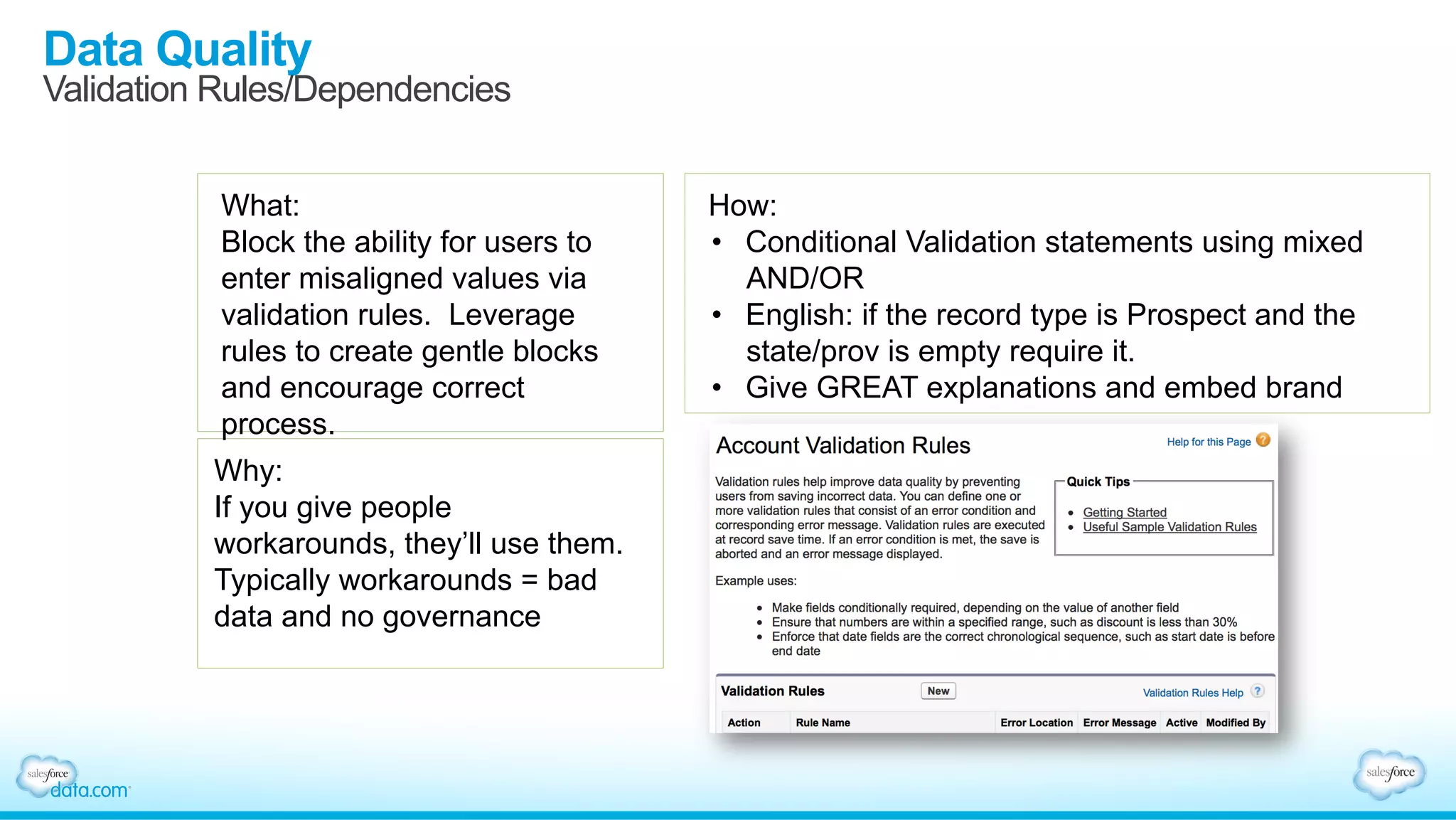
Validation Rules/Dependencies
What:
Block the ability for users to
enter misaligned values via
validation rules. Leverage
rules to create gentle blocks
and encourage correct
process.
Why:
If you give people
workarounds, they’ll use them.
Typically workarounds = bad
data and no governance
How:
•  Conditional Validation statements using mixed
AND/OR
•  English: if the record type is Prospect and the
state/prov is empty require it.
•  Give GREAT explanations and embed brand
Data Quality
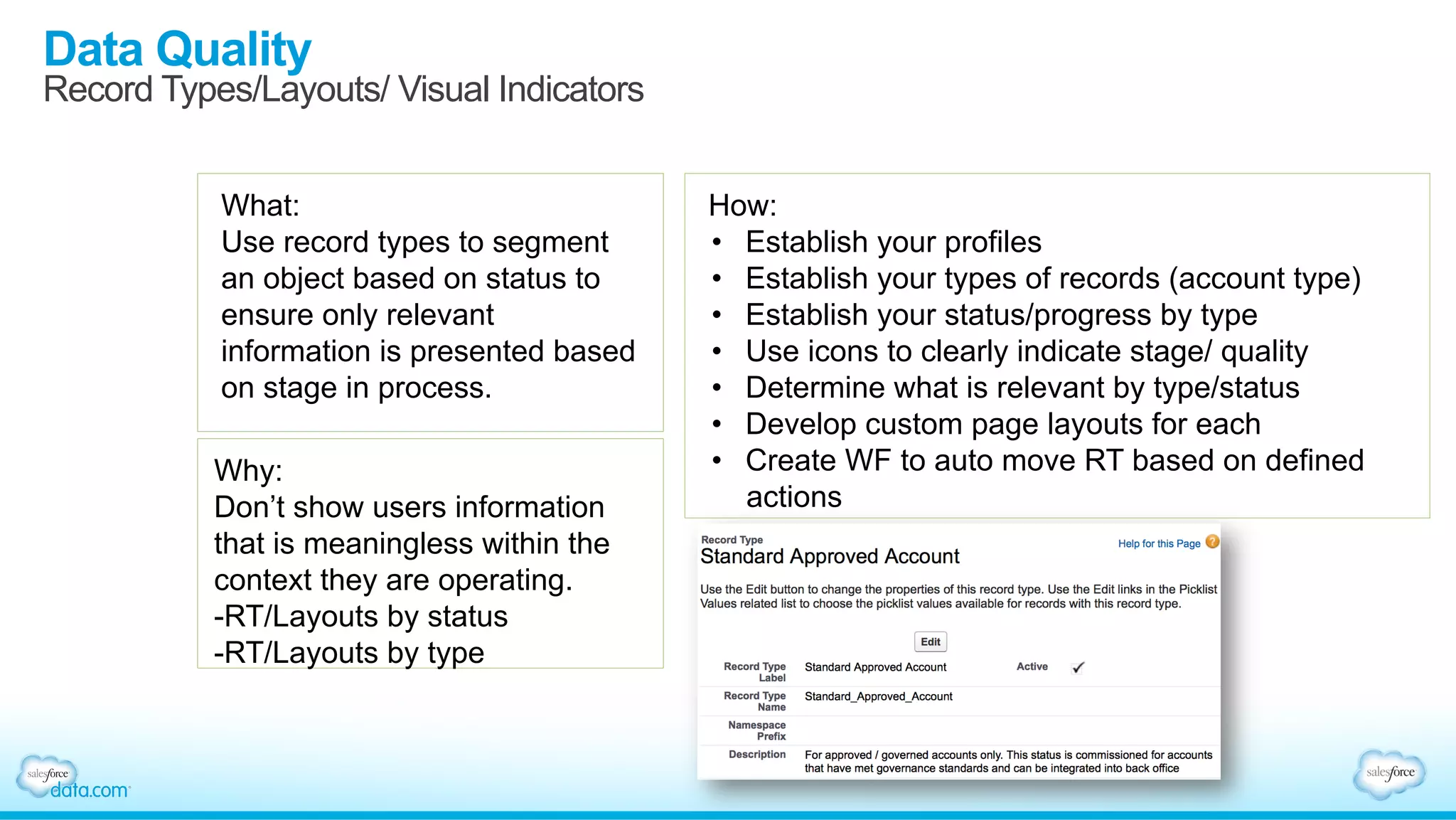
Record Types/Layouts/ Visual Indicators
What:
Use record types to segment
an object based on status to
ensure only relevant
information is presented based
on stage in process.
Why:
Don’t show users information
that is meaningless within the
context they are operating.
- RT/Layouts by status
- RT/Layouts by type
How:
•  Establish your profiles
•  Establish your types of records (account type)
•  Establish your status/progress by type
•  Use icons to clearly indicate stage/ quality
•  Determine what is relevant by type/status
•  Develop custom page layouts for each
•  Create WF to auto move RT based on defined
actions
Data Quality
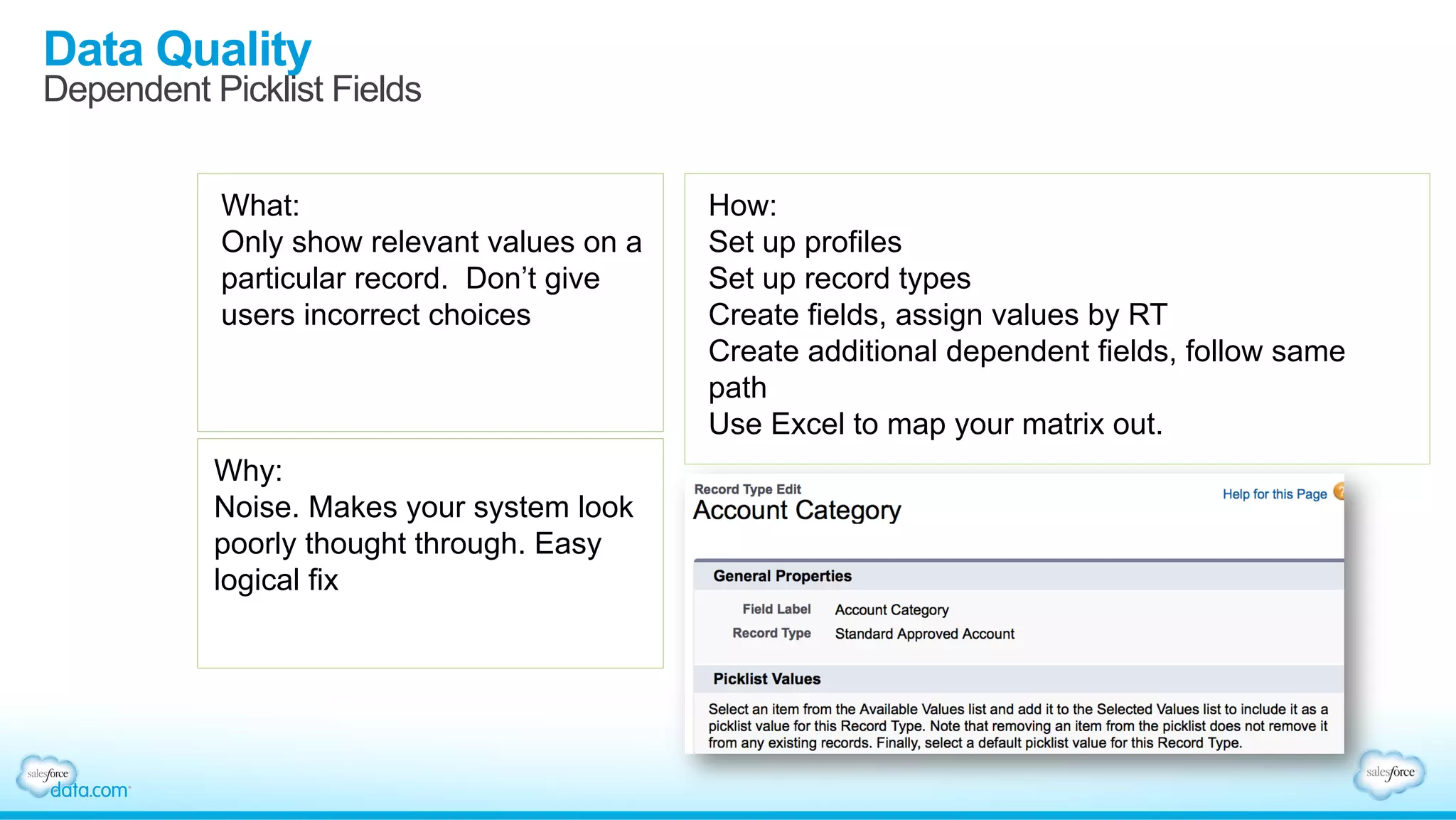
Dependent Picklist Fields
What:
Only show relevant values on a
particular record. Don’t give
users incorrect choices
Why:
Noise. Makes your system look
poorly thought through. Easy
logical fix
How:
Set up profiles
Set up record types
Create fields, assign values by RT
Create additional dependent fields, follow same
path
Use Excel to map your matrix out.
Data Quality
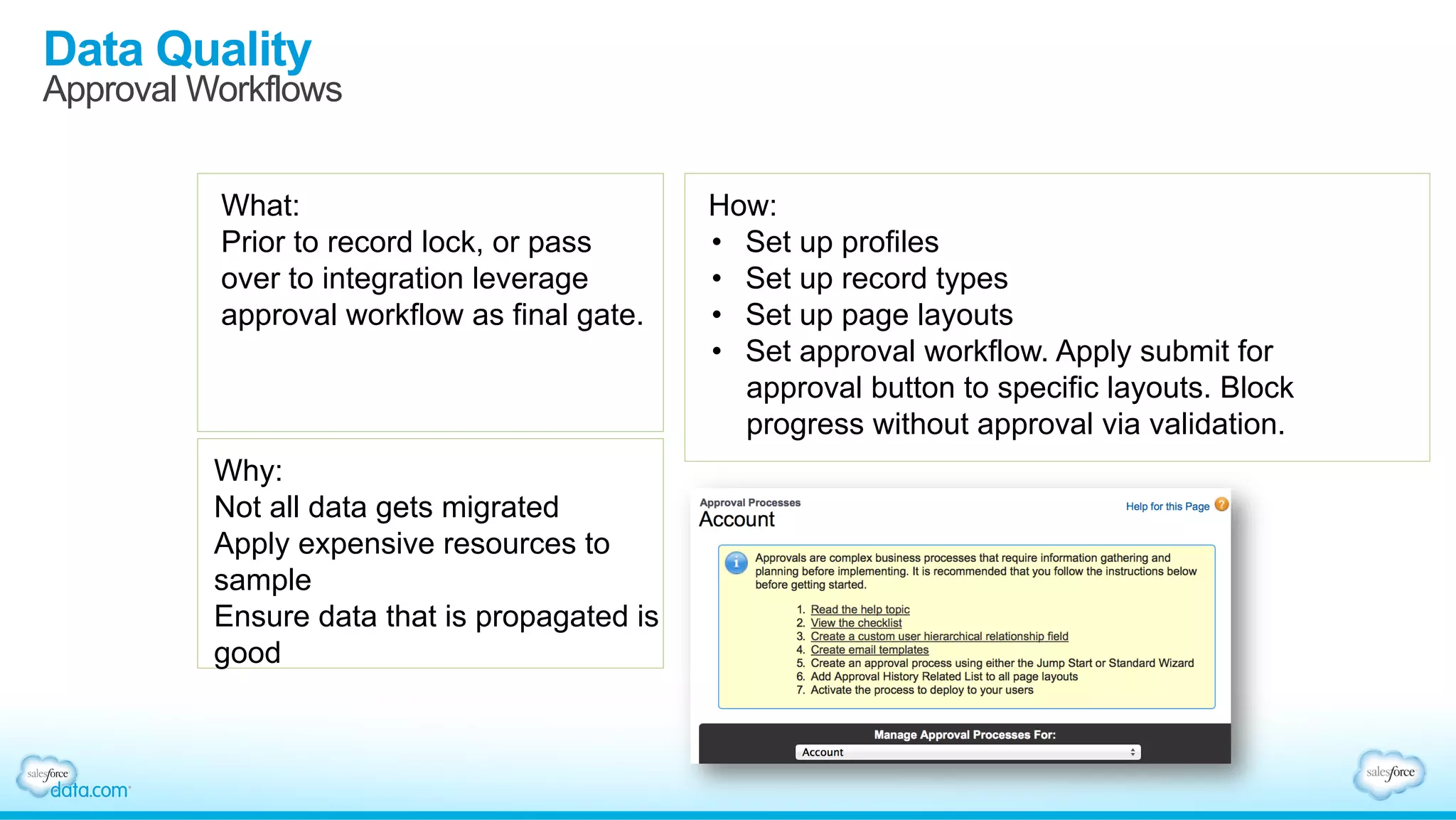
Approval Workflows
What:
Prior to record lock, or pass
over to integration leverage
approval workflow as final gate.
Why:
Not all data gets migrated
Apply expensive resources to
sample
Ensure data that is propagated is
good
How:
•  Set up profiles
•  Set up record types
•  Set up page layouts
•  Set approval workflow. Apply submit for
approval button to specific layouts. Block
progress without approval via validation.
Data Quality
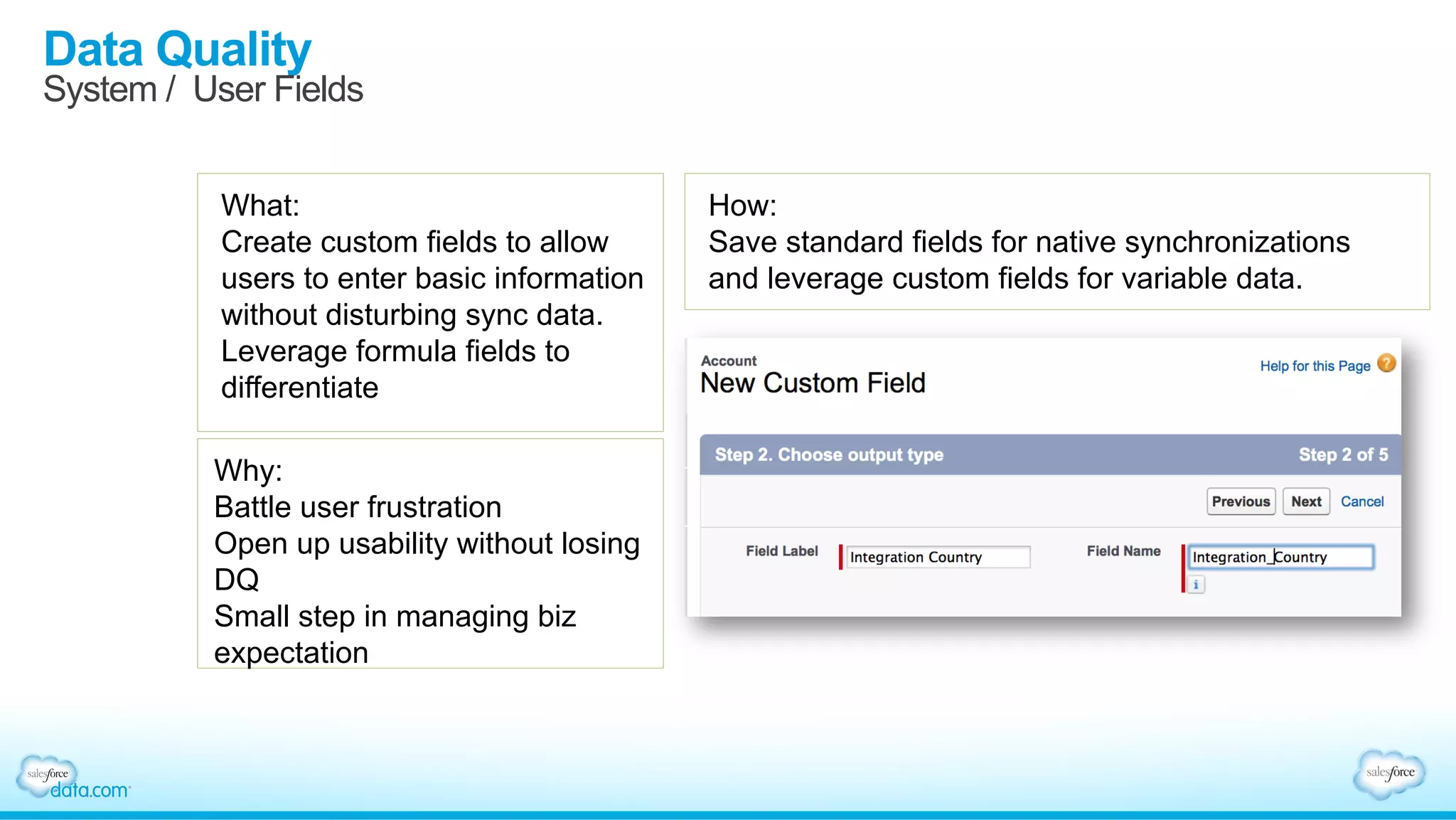
System / User Fields
What:
Create custom fields to allow
users to enter basic information
without disturbing sync data.
Leverage formula fields to
differentiate
Why:
Battle user frustration
Open up usability without losing
DQ
Small step in managing biz
expectation
How:
Save standard fields for native synchronizations
and leverage custom fields for variable data.
Data Quality
Add a Data Quality Score
What:
Establish a basic point scoring
formula to provide data quality
ratings on records
Why:
Expose your “trust” in a record and
detach the typical link between data
quality and adoption.
Set user expectations on records
Create positive motivation to
improve
How:
Create a single formula field to score
completeness from priority fields
Conditional statement that evaluates:
- Consistency
- Recency – last changed, last activity
- Completeness
- No duplicates
- 3rd party validation
- Represent point ranges with a graphic – one
score
- Use Analytic Snapshots to measure over time
- Report by Rep for accountability
Data Quality
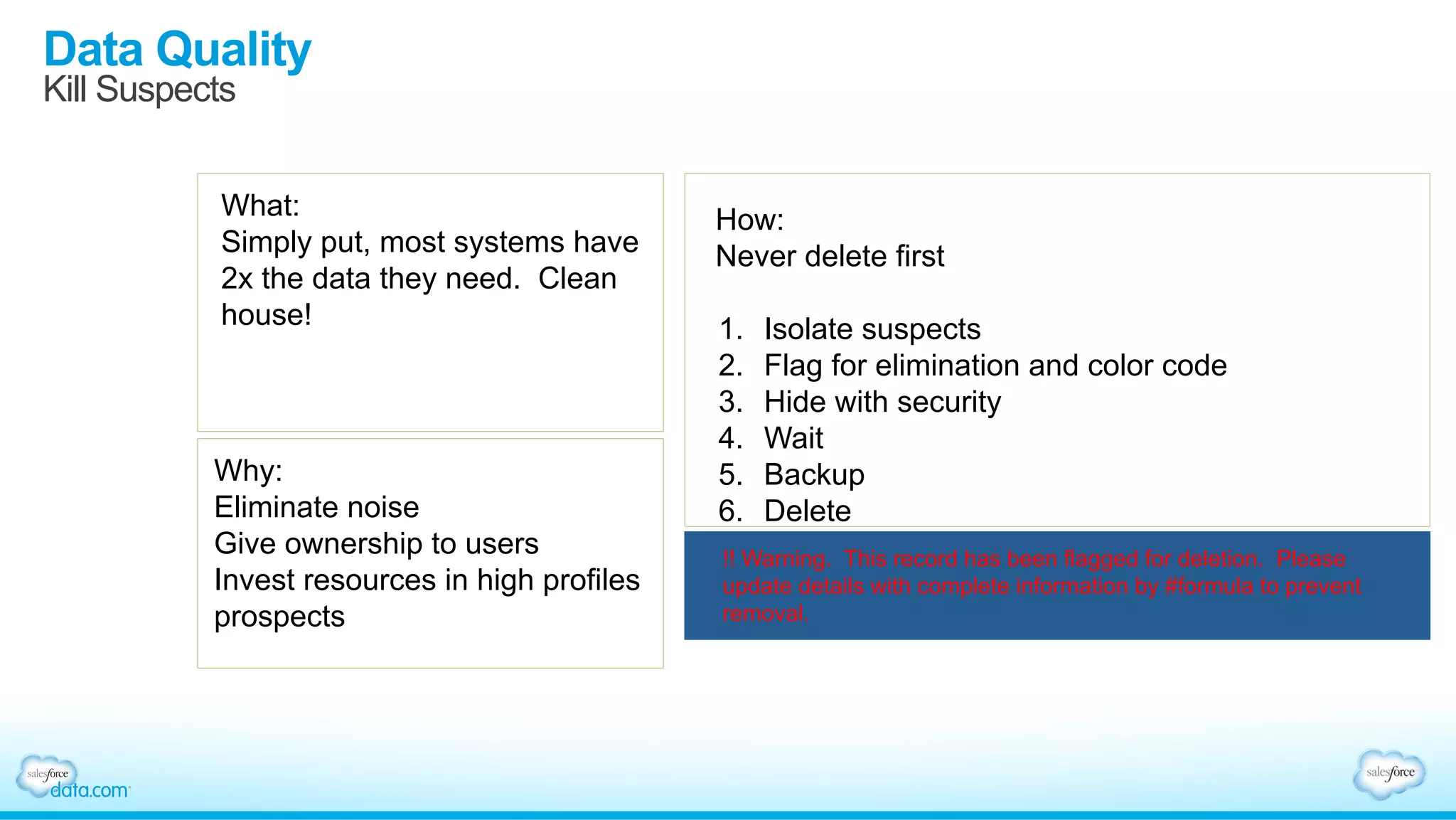
Kill Suspects
What:
Simply put, most systems have
2x the data they need. Clean
house!
Why:
Eliminate noise
Give ownership to users
Invest resources in high profiles
prospects
How:
Never delete first
1.  Isolate suspects
2.  Flag for elimination and color code
3.  Hide with security
4.  Wait
5.  Backup
6.  Delete
!! Warning. This record has been flagged for deletion. Please
update details with complete information by #formula to prevent
removal.
Data Quality
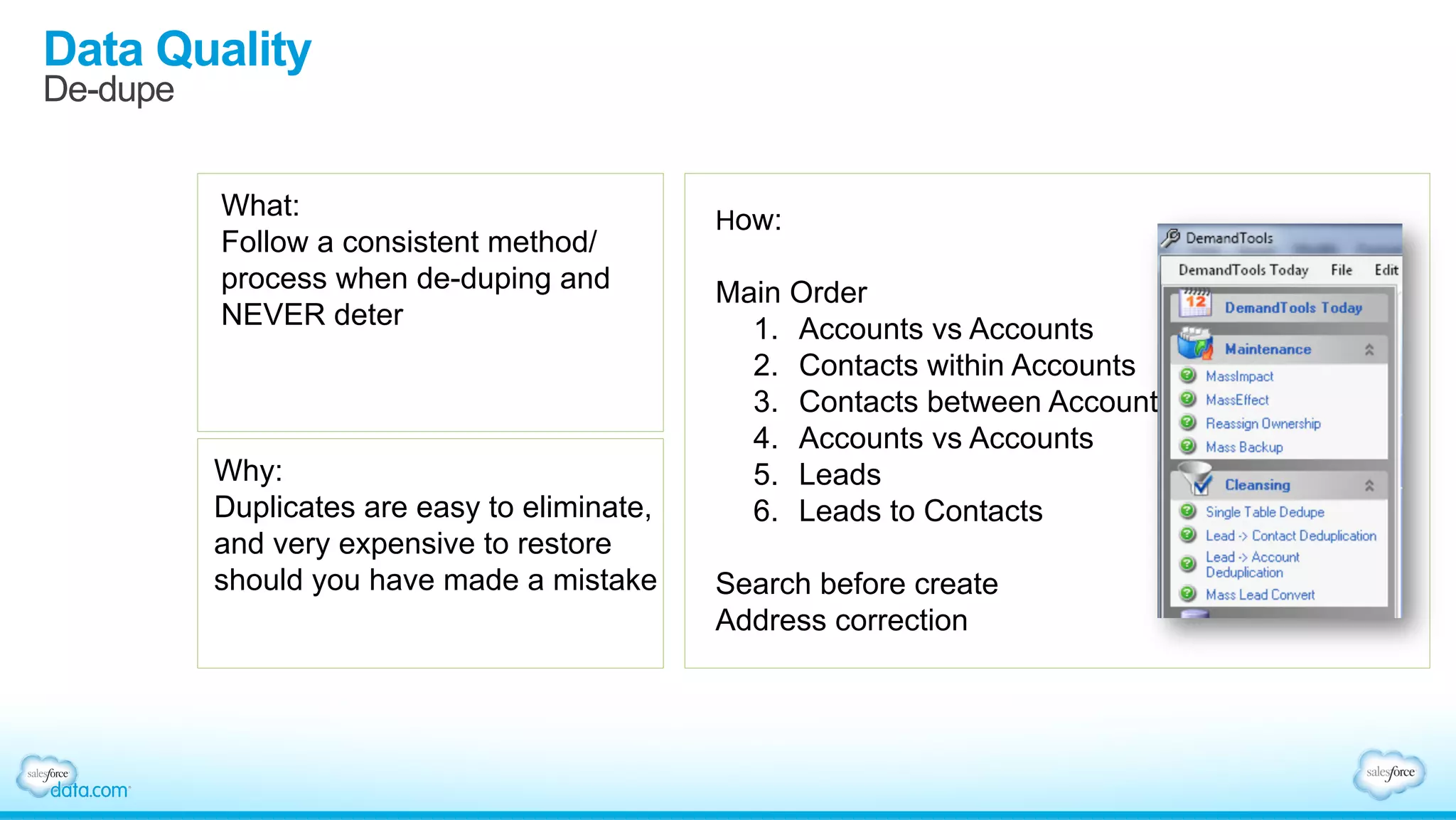
De-dupe
What:
Follow a consistent method/
process when de-duping and
NEVER deter
Why:
Duplicates are easy to eliminate,
and very expensive to restore
should you have made a mistake
How:
Main Order
1.  Accounts vs Accounts
2.  Contacts within Accounts
3.  Contacts between Accounts
4.  Accounts vs Accounts
5.  Leads
6.  Leads to Contacts
Search before create
Address correction
Data Quality
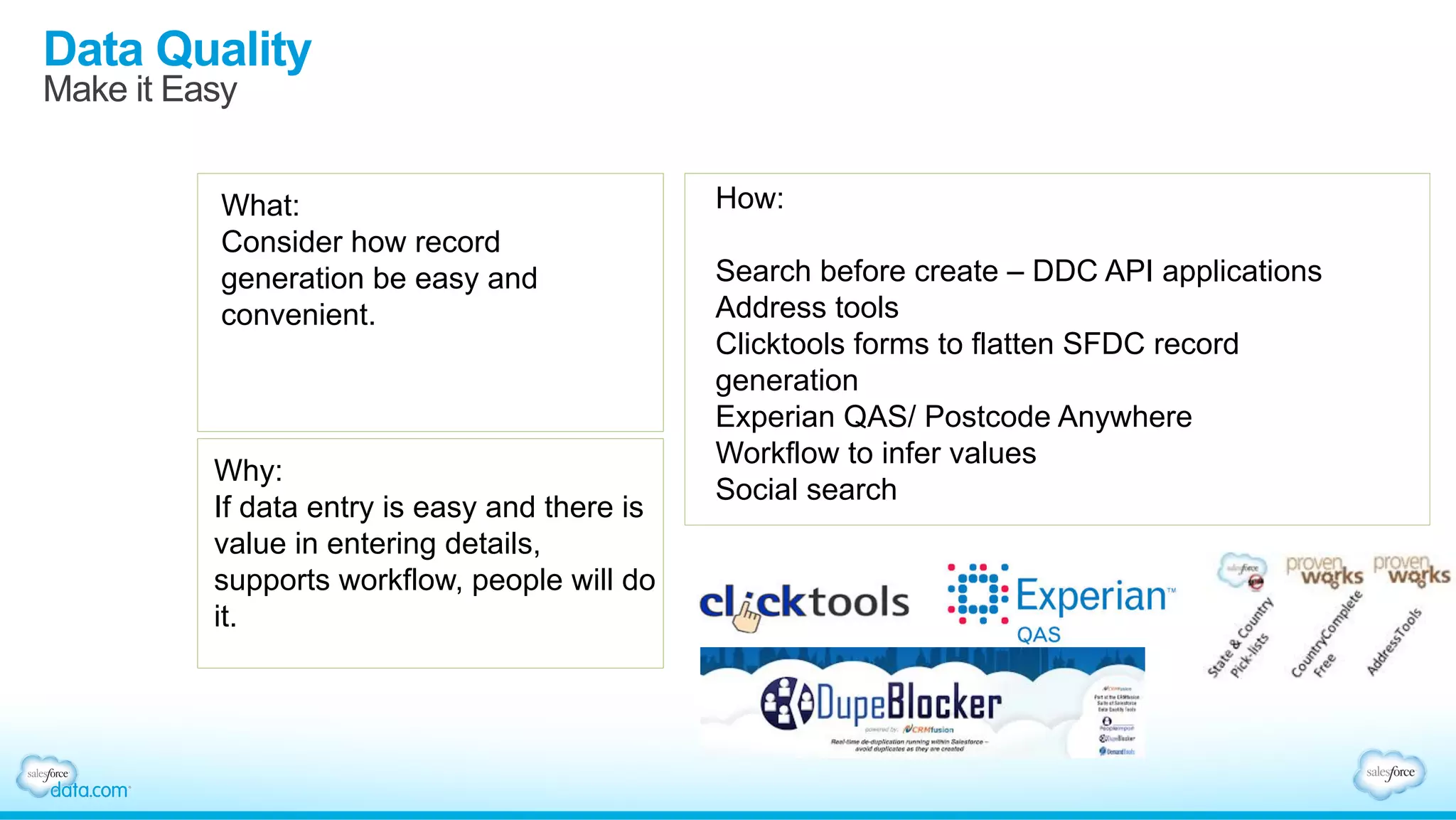
Make it Easy
What:
Consider how record
generation be easy and
convenient.
Why:
If data entry is easy and there is
value in entering details,
supports workflow, people will do
it.
How:
Search before create – DDC API applications
Address tools
Clicktools forms to flatten SFDC record
generation
Experian QAS/ Postcode Anywhere
Workflow to infer values
Social search
Salesforce1 data gov lunch toronto deck

Salesforce1 data gov lunch toronto deck

  • 1.
    Best Practices forData Governance and Stewardship Inside Salesforce Beth Fitzpatrick, Director Product Marketing, Data.com Greg Malpass, Founder and CEO, Traction on Demand
  • 2.
    Safe Harbor Safe harborstatement under the Private Securities Litigation Reform Act of 1995: This presentation may contain forward-looking statements that involve risks, uncertainties, and assumptions. If any such uncertainties materialize or if any of the assumptions proves incorrect, the results of salesforce.com, inc. could differ materially from the results expressed or implied by the forward-looking statements we make. All statements other than statements of historical fact could be deemed forward-looking, including any projections of product or service availability, subscriber growth, earnings, revenues, or other financial items and any statements regarding strategies or plans of management for future operations, statements of belief, any statements concerning new, planned, or upgraded services or technology developments and customer contracts or use of our services. The risks and uncertainties referred to above include – but are not limited to – risks associated with developing and delivering new functionality for our service, new products and services, our new business model, our past operating losses, possible fluctuations in our operating results and rate of growth, interruptions or delays in our Web hosting, breach of our security measures, the outcome of any litigation, risks associated with completed and any possible mergers and acquisitions, the immature market in which we operate, our relatively limited operating history, our ability to expand, retain, and motivate our employees and manage our growth, new releases of our service and successful customer deployment, our limited history reselling non-salesforce.com products, and utilization and selling to larger enterprise customers. Further information on potential factors that could affect the financial results of salesforce.com, inc. is included in our annual report on Form 10-K for the most recent fiscal year and in our quarterly report on Form 10-Q for the most recent fiscal quarter. These documents and others containing important disclosures are available on the SEC Filings section of the Investor Information section of our Web site. Any unreleased services or features referenced in this or other presentations, press releases or public statements are not currently available and may not be delivered on time or at all. Customers who purchase our services should make the purchase decisions based upon features that are currently available. Salesforce.com, inc. assumes no obligation and does not intend to update these forward- looking statements.
  • 3.
    Who Do WeHave Here Today? Who Owns Data in Your Organization? Sales Marketing IT Support Data Operations Sales Operations
  • 4.
    Governance and Stewardship Commonunderstanding Rules/policies that are designed to maintain data order. Quality, management, policy, risk management Thresholds and Measures Rules and Systems Assignments/actions and personas designed to uphold data governance Obligations and role responsibility Motivation to participate. Culture
  • 5.
    Greg Malpass Founder andCEO – Traction on Demand
  • 6.
    •  Downstream “Target” Whydo we care about data? •  Upstream “Source” Where is it from? Motive Trust Knowledge Intent Where is it consumed Timeliness Usage Insight Action
  • 7.
    •  Getting aheadwith Salesforce.com –  Integration –  Analytics –  Stewardship/Governance •  Getting ahead with Data.com –  API –  Advanced use cases –  Building data from change Why do you care about Data? •  Getting started with Salesforce –  Cleansing –  Migration –  Adoption •  Getting started with Data.com –  Record creation –  Record management –  Introduction
  • 8.
    Let’s talk aboutdata quality
  • 9.
    What Challenges areYou Facing Today?
  • 10.
    What We HaveFound With Customer Data Name Phone Bob Johnson 415-536-6000 Bob Johnson 650-205-1899 Rob Johnson 415-536-6100 Bob C. Johnson 408-209-7070 Bob Johnson 415-536-6000 Rob Johnson 650-205-5555 Bob T. Johnson 650-780-9090 Robert Johnson (415) 536-2283 90%Incomplete 74%Need Updates 21%Dead 15+%Duplicate 20% Useless
  • 11.
    The Ever ChangingWorld of Data Source: D&B Sales & Marketing Research Institute 120 businesses change addresses 75 phone numbers change 30 new businesses are formed 20 CEO’s leave their job 1 company gets acquired or merged In 30 minutes
  • 12.
    Data Governance DrivesQuality Data So You Can Confidently ….. Whitespace Analysis / Cross-sell & Upsell Market Analysis & Customer Segmentation Territory Planning & Alignment Prospect & Target New Accounts Lead Scoring & Routing Revenue Roll-Ups
  • 13.
    Data Governance isan Investment (vs. Expense) Where you choose your investment goals, manage your risks Source: DAMA DMBOK Data Management Functions Environmental Elements Data Governance Goals & Principles
  • 14.
  • 15.
    Assess -  Get asense of the state of your current data -  Who are your users – reports/adoption -  What fields are being used - fieldtrip -  What do they do – integration/workflow/dependencies/docs/conga etc. -  How is the overall quality – 3rd party, self check -  What do your users “use” it for – ask them/stalk them -  What tools are dependent – Integrations/downstream -  What analytics are important – dashboards/reports/BI Goal: get inventory and current state
  • 16.
    Clean It Up - Initiate some “level 1” cleansing -  Standardize outliers (normalize) -  Self append (inferred fixes) -  Baseline duplicate management (careful of dependencies/history considerations) -  Kill useless records – FHD – Flag,Hide,Delete -  3rd party append (internal and external) -  Advanced duplicate management Goal: get your baseline in order
  • 17.
    Develop a strategy - Two choices – distributed or managed -  What will work within your “culture” today -  What is sustainable looking forward -  Recommendation – develop a distributed data management model Goal: get your baseline in order
  • 18.
    Levers •  Forced businessprocesses – contract generation/automated replies/dashboards •  Entitlement and ownership – labeling, ownership, naming •  SWAT team – call for help – tactical support team •  Gift of time •  Gift of focus and analytics •  Gift of assignment X
  • 19.
  • 20.
    Data Quality GuidingPrinciples •  Know where you’re going and make hard decisions on priorities. •  Ownership: Clear ownership of core data. •  Definitions: Widely understood definitions of account, customer etc. •  Objectives: Agree on areas of focus and how it will be used. 1. Agree on a Clear Vision and Ownership •  Highlight focus areas for data quality in the system. •  Flag governance status and quality score clearly. Use icons. •  Leverage validation rules, record types, profiles and dependent pick lists. •  The “Give” (and take). 2. Articulate Priorities
  • 21.
    Data Quality GuidingPrinciples •  Give users the tools to be successful. •  Search before create. Warn if duplicate. •  A common key adds power: D-U-N-S •  Easy enrichment: MDM, Data.com, Address Validate. •  Empower reps: social stewardship. 3. Ensure Usability at Point of Entry •  Governance and Stewardship teams support quality. •  Monitoring and approval of key information : Several approaches •  Management of bulk-loads. •  SME/ Gatekeeper for integrations. 4. Have Experts Support the Process
  • 22.
    Data Quality GuidingPrinciples •  Get rid of the noise. •  Develop and apply an archiving policy (ie both at account and overarching level). •  Regular de-duplication cycles based on pre-agreed scenarios (eg CRM Fusion demandtools initially then dupeblocker). •  Conduct regular field audits (eg fieldtrip, Traction Field Audit Tool). 5. Conduct Regular Housekeeping •  Foster a culture of Data Stewardship. Celebrate success. •  Define measures and score – automatically. •  Report and stress single KPI – by org, BU, User. •  Measure improvement over time. 6. Measure . . . And Hold Accountable
  • 23.
  • 24.
    Getting Tactical Moving fromtalking to doing: •  9 declarative elements in SFDC that are excellent governance/stewardship enablers Check the www.tractionondemand.com blog for additional details
  • 25.
    Data Quality Security What: Leverage SFDCfield level security to restrict access to certain data validation fields. IE approval status, record condition. Why: Allocate responsibility in determining what is “trusted” to a certain group of people. Hide fields to enable usability. How: • Set up custom profiles for ALL – catalogue access • Manage Field Access • Then create Permission Sets Hide/Restrict access to certain fields that are strategic in nature
  • 26.
    Data Quality Validation Rules/Dependencies What: Blockthe ability for users to enter misaligned values via validation rules. Leverage rules to create gentle blocks and encourage correct process. Why: If you give people workarounds, they’ll use them. Typically workarounds = bad data and no governance How: •  Conditional Validation statements using mixed AND/OR •  English: if the record type is Prospect and the state/prov is empty require it. •  Give GREAT explanations and embed brand
  • 27.
    Data Quality Record Types/Layouts/Visual Indicators What: Use record types to segment an object based on status to ensure only relevant information is presented based on stage in process. Why: Don’t show users information that is meaningless within the context they are operating. - RT/Layouts by status - RT/Layouts by type How: •  Establish your profiles •  Establish your types of records (account type) •  Establish your status/progress by type •  Use icons to clearly indicate stage/ quality •  Determine what is relevant by type/status •  Develop custom page layouts for each •  Create WF to auto move RT based on defined actions
  • 28.
    Data Quality Dependent PicklistFields What: Only show relevant values on a particular record. Don’t give users incorrect choices Why: Noise. Makes your system look poorly thought through. Easy logical fix How: Set up profiles Set up record types Create fields, assign values by RT Create additional dependent fields, follow same path Use Excel to map your matrix out.
  • 29.
    Data Quality Approval Workflows What: Priorto record lock, or pass over to integration leverage approval workflow as final gate. Why: Not all data gets migrated Apply expensive resources to sample Ensure data that is propagated is good How: •  Set up profiles •  Set up record types •  Set up page layouts •  Set approval workflow. Apply submit for approval button to specific layouts. Block progress without approval via validation.
  • 30.
    Data Quality System /User Fields What: Create custom fields to allow users to enter basic information without disturbing sync data. Leverage formula fields to differentiate Why: Battle user frustration Open up usability without losing DQ Small step in managing biz expectation How: Save standard fields for native synchronizations and leverage custom fields for variable data.
  • 31.
    Data Quality Add aData Quality Score What: Establish a basic point scoring formula to provide data quality ratings on records Why: Expose your “trust” in a record and detach the typical link between data quality and adoption. Set user expectations on records Create positive motivation to improve How: Create a single formula field to score completeness from priority fields Conditional statement that evaluates: - Consistency - Recency – last changed, last activity - Completeness - No duplicates - 3rd party validation - Represent point ranges with a graphic – one score - Use Analytic Snapshots to measure over time - Report by Rep for accountability
  • 32.
    Data Quality Kill Suspects What: Simplyput, most systems have 2x the data they need. Clean house! Why: Eliminate noise Give ownership to users Invest resources in high profiles prospects How: Never delete first 1.  Isolate suspects 2.  Flag for elimination and color code 3.  Hide with security 4.  Wait 5.  Backup 6.  Delete !! Warning. This record has been flagged for deletion. Please update details with complete information by #formula to prevent removal.
  • 33.
    Data Quality De-dupe What: Follow aconsistent method/ process when de-duping and NEVER deter Why: Duplicates are easy to eliminate, and very expensive to restore should you have made a mistake How: Main Order 1.  Accounts vs Accounts 2.  Contacts within Accounts 3.  Contacts between Accounts 4.  Accounts vs Accounts 5.  Leads 6.  Leads to Contacts Search before create Address correction
  • 34.
    Data Quality Make itEasy What: Consider how record generation be easy and convenient. Why: If data entry is easy and there is value in entering details, supports workflow, people will do it. How: Search before create – DDC API applications Address tools Clicktools forms to flatten SFDC record generation Experian QAS/ Postcode Anywhere Workflow to infer values Social search