Go live
Once you are satisfied with your
integration testing, it's time to go
live. Start the integration process
and monitor it closely for any errors
or issues.
Identify your
integration needs
Before starting the
integration process,
identify your needs and
requirements.
Determine the data you
need to transfer
between Salesforce
and NetSuite, and the
frequency of this data
exchange.
Choose an
integration tool
There are several integration tools
available in the market, such as
Jitterbit, Celigo, and Dell Boomi.
Choose the tool that best fits your
business needs.
Once you have chosen your integration tool,
configure it to establish the connection between
Salesforce and NetSuite. This involves creating
integration flows, defining data mappings, and
setting up integration schedules.
Configure the
integration tool
Map your data
Map the data you want to transfer
between Salesforce and NetSuite.
This includes customer records, sales
orders, invoices, payments, and other
relevant data.
Before going live, test your
integration thoroughly to ensure that
data is transferring correctly between
the two systems. Use sample data to
verify the integration and fix any
issues that arise.
Test your
integration
Regularly monitor your integration to
ensure that data is transferring accurately
and efficiently. You may need to make
adjustments to your integration flows as
your business needs change.
Monitor and
maintain
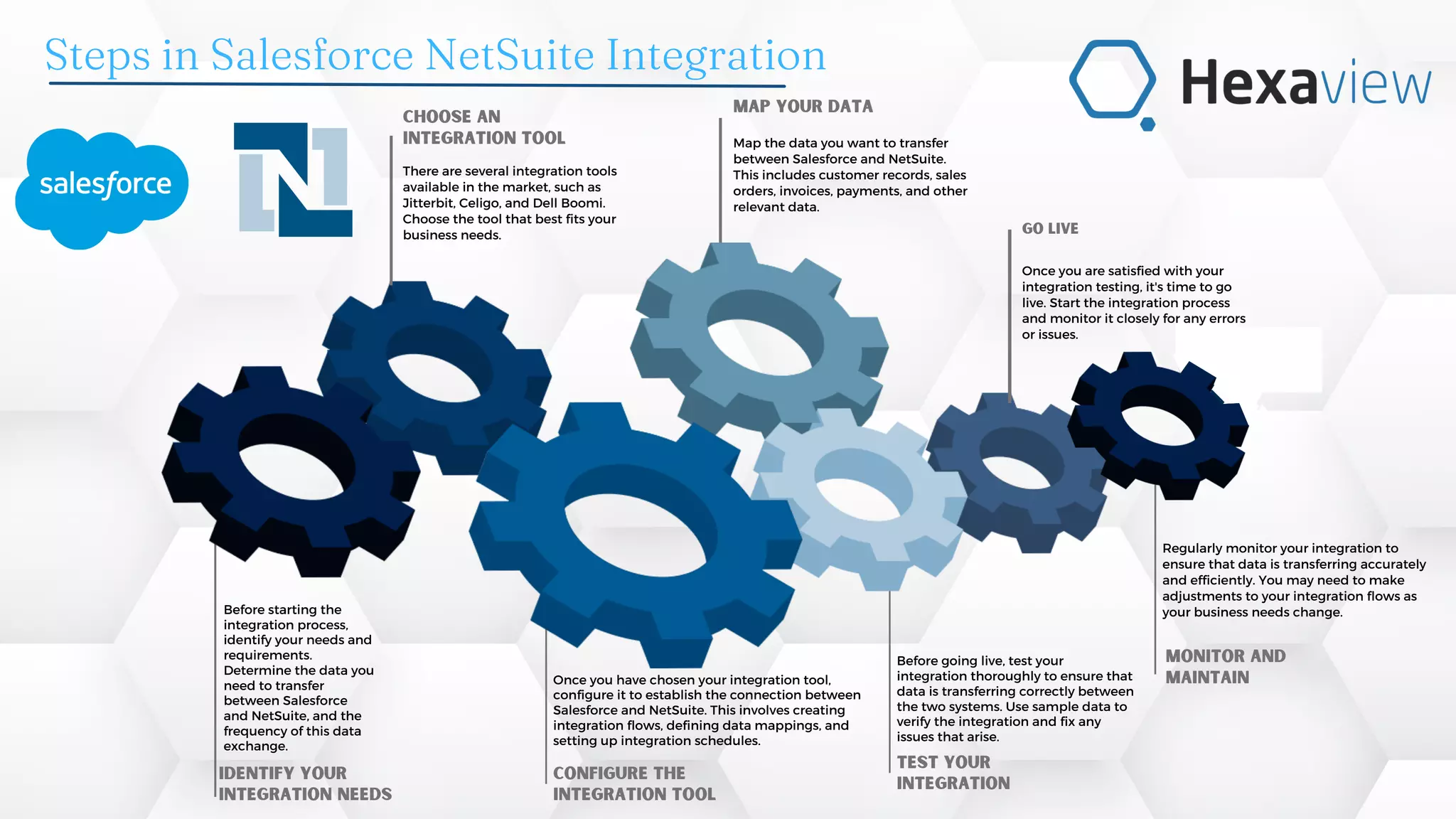
Steps in Salesforce NetSuite Integration

Salesforce Netsuite Integration.pdf

  • 1.
    Go live Once youare satisfied with your integration testing, it's time to go live. Start the integration process and monitor it closely for any errors or issues. Identify your integration needs Before starting the integration process, identify your needs and requirements. Determine the data you need to transfer between Salesforce and NetSuite, and the frequency of this data exchange. Choose an integration tool There are several integration tools available in the market, such as Jitterbit, Celigo, and Dell Boomi. Choose the tool that best fits your business needs. Once you have chosen your integration tool, configure it to establish the connection between Salesforce and NetSuite. This involves creating integration flows, defining data mappings, and setting up integration schedules. Configure the integration tool Map your data Map the data you want to transfer between Salesforce and NetSuite. This includes customer records, sales orders, invoices, payments, and other relevant data. Before going live, test your integration thoroughly to ensure that data is transferring correctly between the two systems. Use sample data to verify the integration and fix any issues that arise. Test your integration Regularly monitor your integration to ensure that data is transferring accurately and efficiently. You may need to make adjustments to your integration flows as your business needs change. Monitor and maintain Steps in Salesforce NetSuite Integration