`
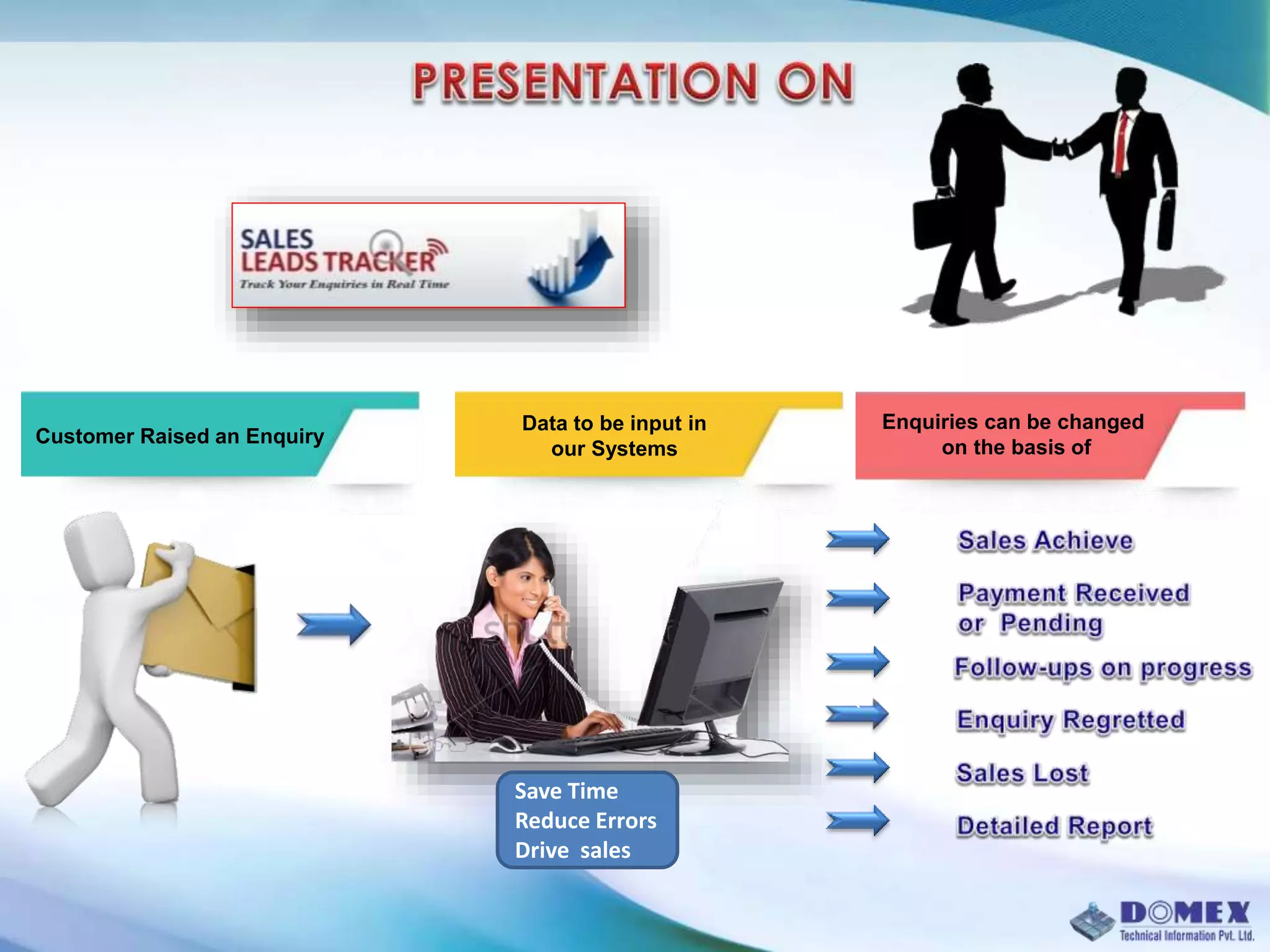
Customer Raised an Enquiry
Data to be input in
our Systems
Enquiries can be changed
on the basis of
Save Time
Reduce Errors
Drive sales
Our company is a 20 year old multi-dimensional company providing Sales
& Marketing software products & customized software development in
areas such as sales / marketing, HR, site management and logistics.
Domex also has a 20 year successful record in operating a KPO / BPO with
customers from UK / EU, USA and East Asia countries. Our clients,
comprise an expansive roster of covering a broad range of industries:
automotive, financial services, retail, health care, insurance, etc.
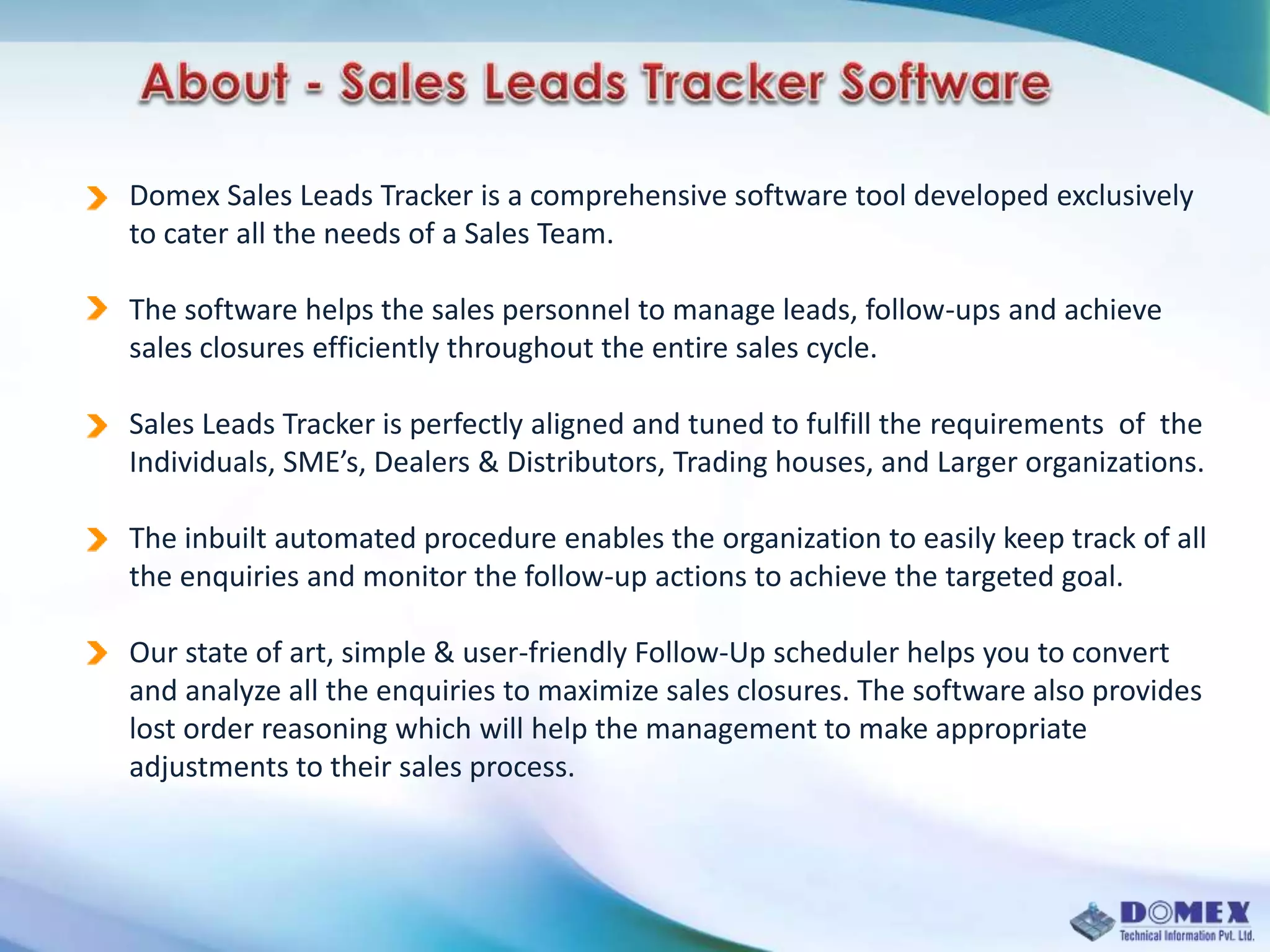
Domex Sales Leads Tracker is a comprehensive software tool developed exclusively
to cater all the needs of a Sales Team.
The software helps the sales personnel to manage leads, follow-ups and achieve
sales closures efficiently throughout the entire sales cycle.
Sales Leads Tracker is perfectly aligned and tuned to fulfill the requirements of the
Individuals, SME’s, Dealers & Distributors, Trading houses, and Larger organizations.
The inbuilt automated procedure enables the organization to easily keep track of all
the enquiries and monitor the follow-up actions to achieve the targeted goal.
Our state of art, simple & user-friendly Follow-Up scheduler helps you to convert
and analyze all the enquiries to maximize sales closures. The software also provides
lost order reasoning which will help the management to make appropriate
adjustments to their sales process.
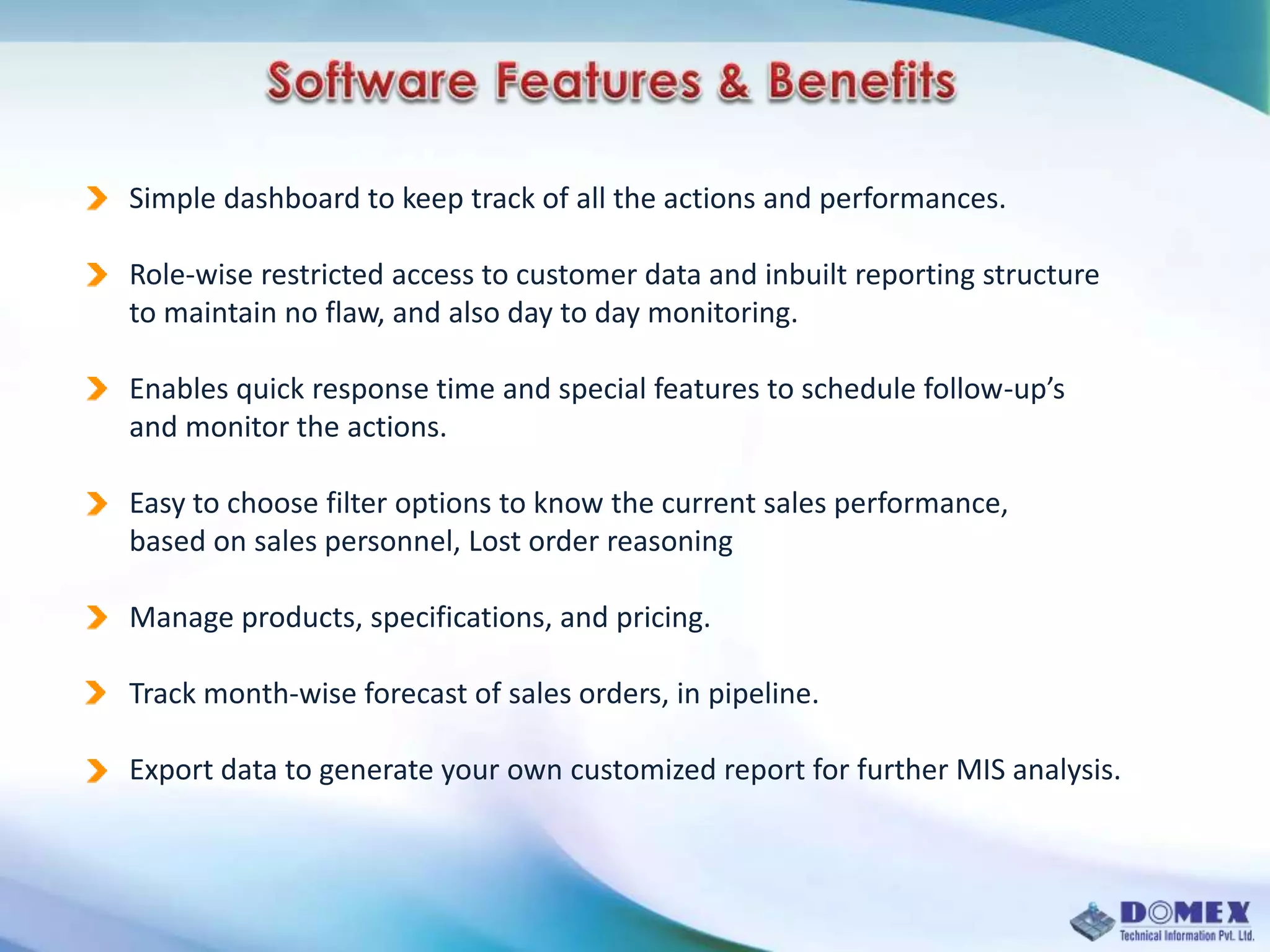
Simple dashboard to keep track of all the actions and performances.
Role-wise restricted access to customer data and inbuilt reporting structure
to maintain no flaw, and also day to day monitoring.
Enables quick response time and special features to schedule follow-up’s
and monitor the actions.
Easy to choose filter options to know the current sales performance,
based on sales personnel, Lost order reasoning
Manage products, specifications, and pricing.
Track month-wise forecast of sales orders, in pipeline.
Export data to generate your own customized report for further MIS analysis.
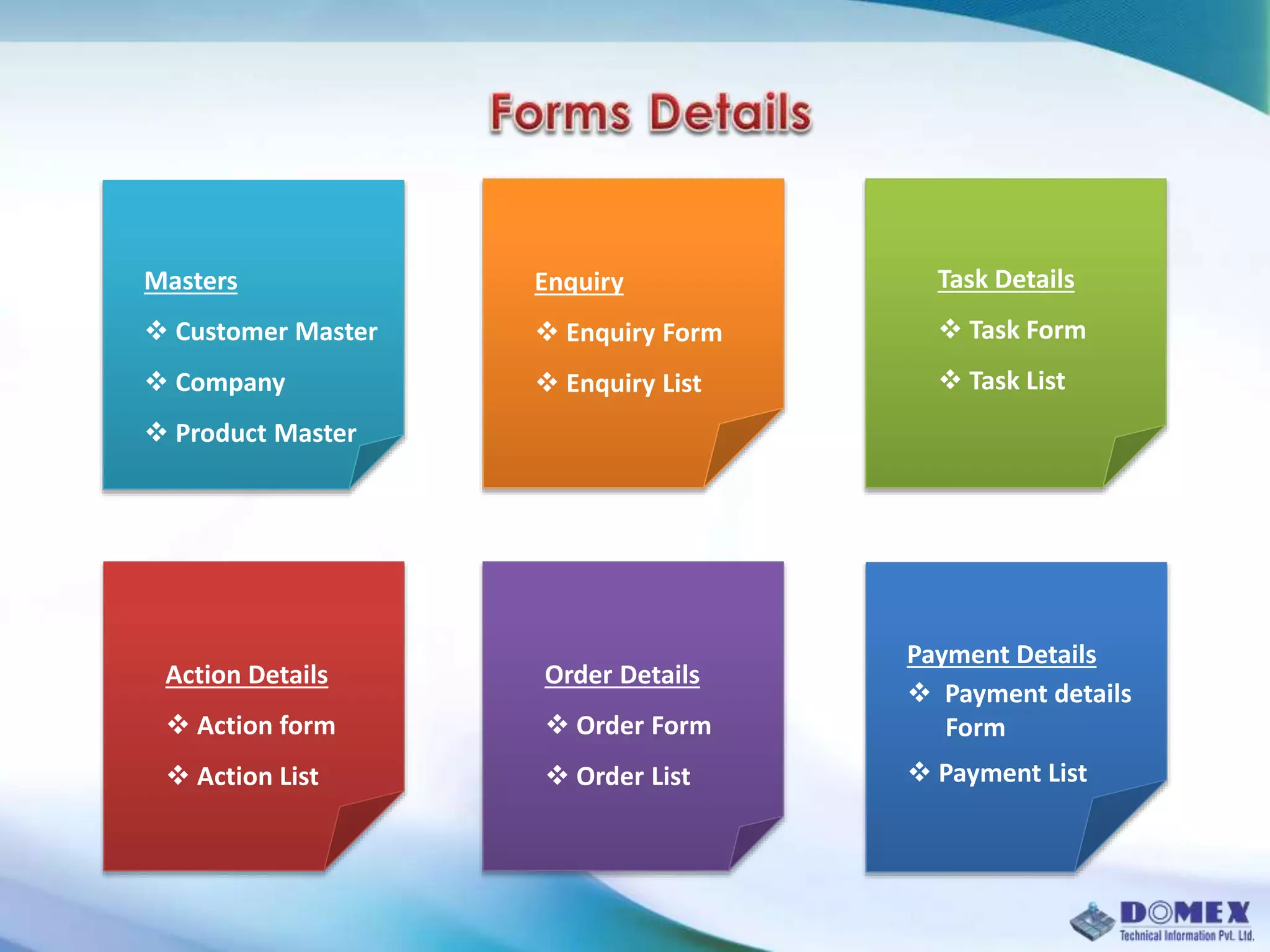
Masters
 Customer Master
 Company
 Product Master
Enquiry
 Enquiry Form
 Enquiry List
Order Details
 Order Form
 Order List
Task Details
 Task Form
 Task List
Action Details
 Action form
 Action List
Payment Details
 Payment details
Form
 Payment List
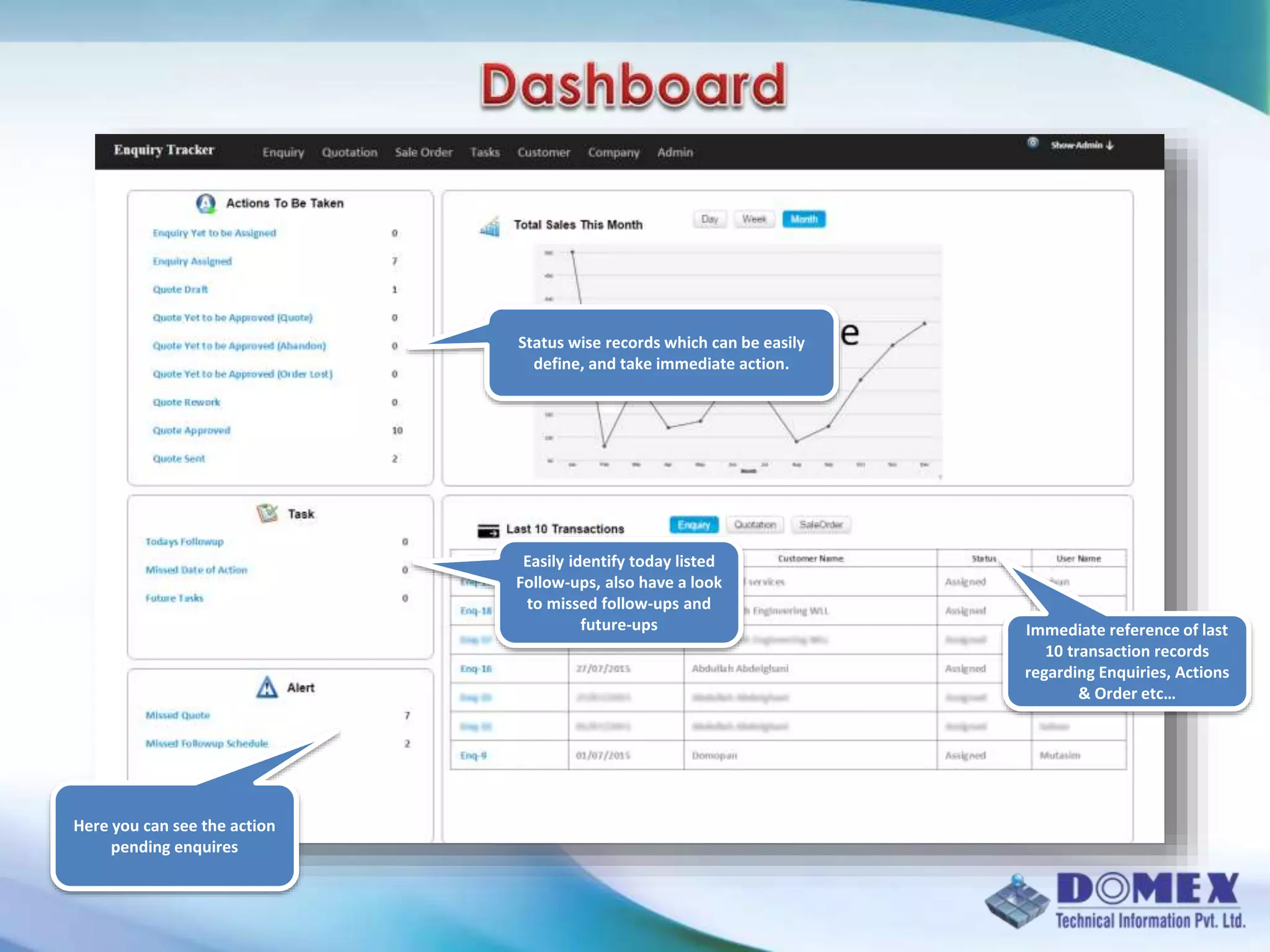
Status wise records which can be easily
define, and take immediate action.
Easily identify today listed
Follow-ups, also have a look
to missed follow-ups and
future-ups
Here you can see the action
pending enquires
Immediate reference of last
10 transaction records
regarding Enquiries, Actions
& Order etc…
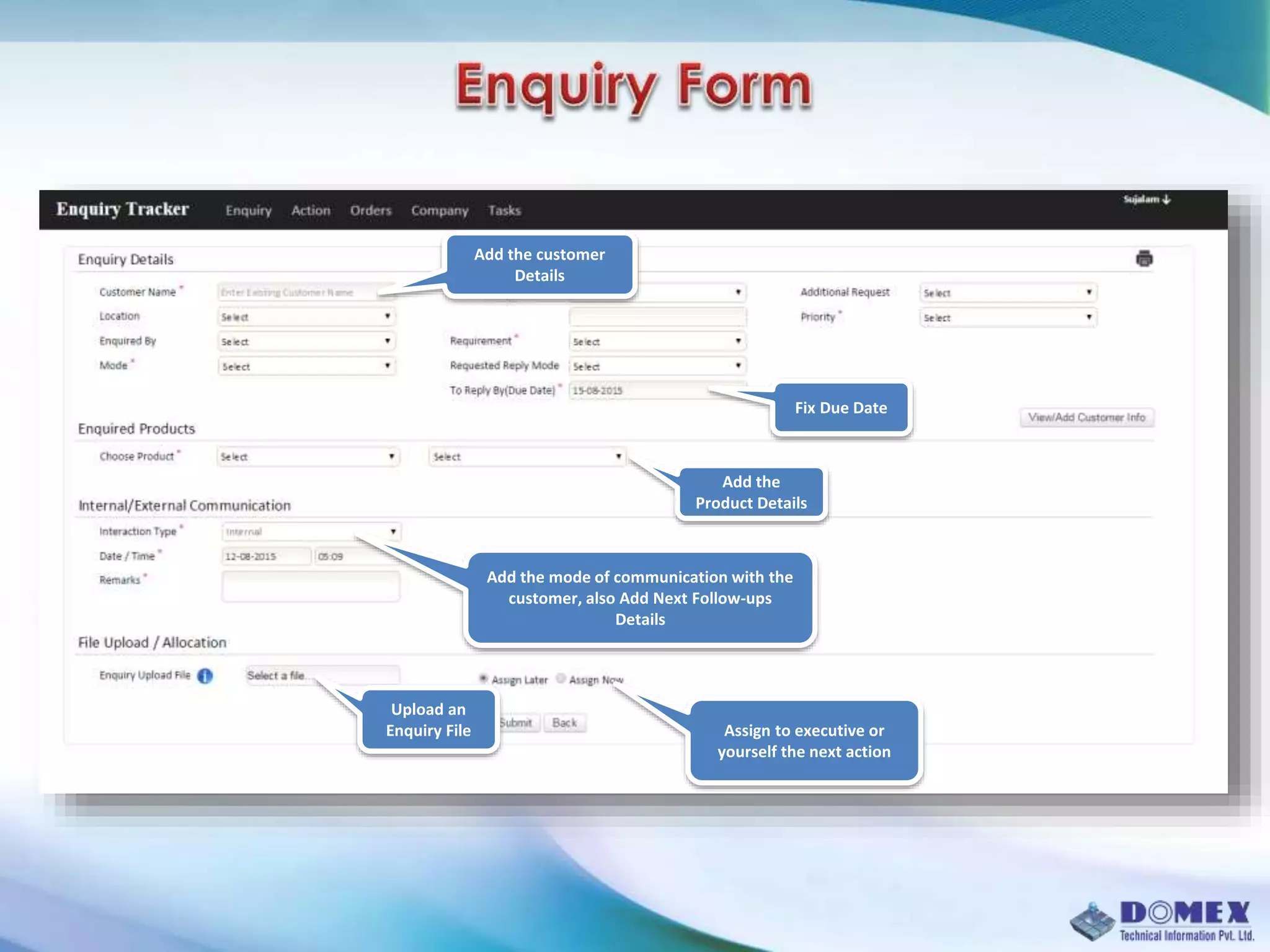
Fix Due Date
Add the customer
Details
Add the
Product Details
Add the mode of communication with the
customer, also Add Next Follow-ups
Details
Upload an
Enquiry File Assign to executive or
yourself the next action
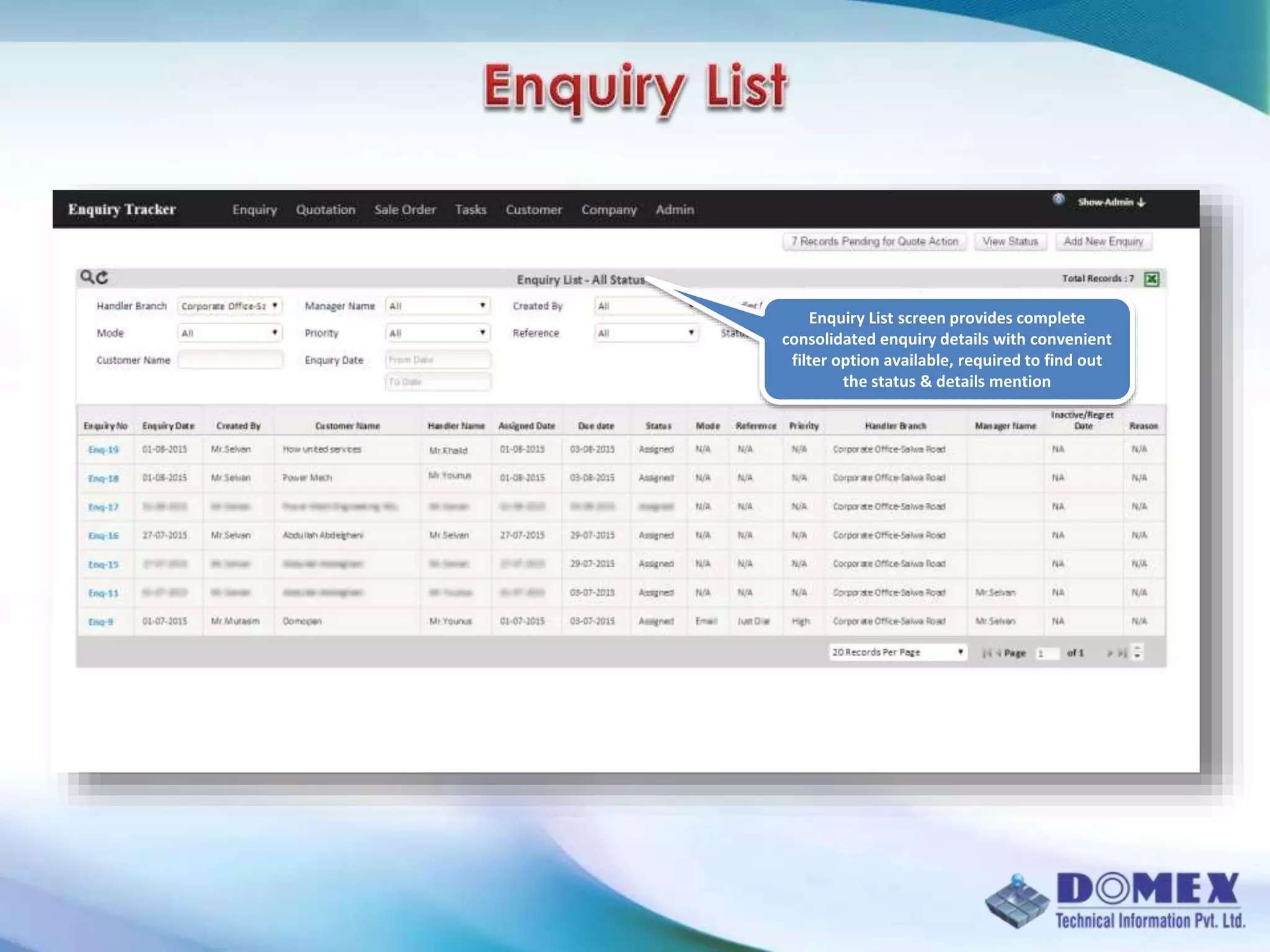
Enquiry List screen provides complete
consolidated enquiry details with convenient
filter option available, required to find out
the status & details mention
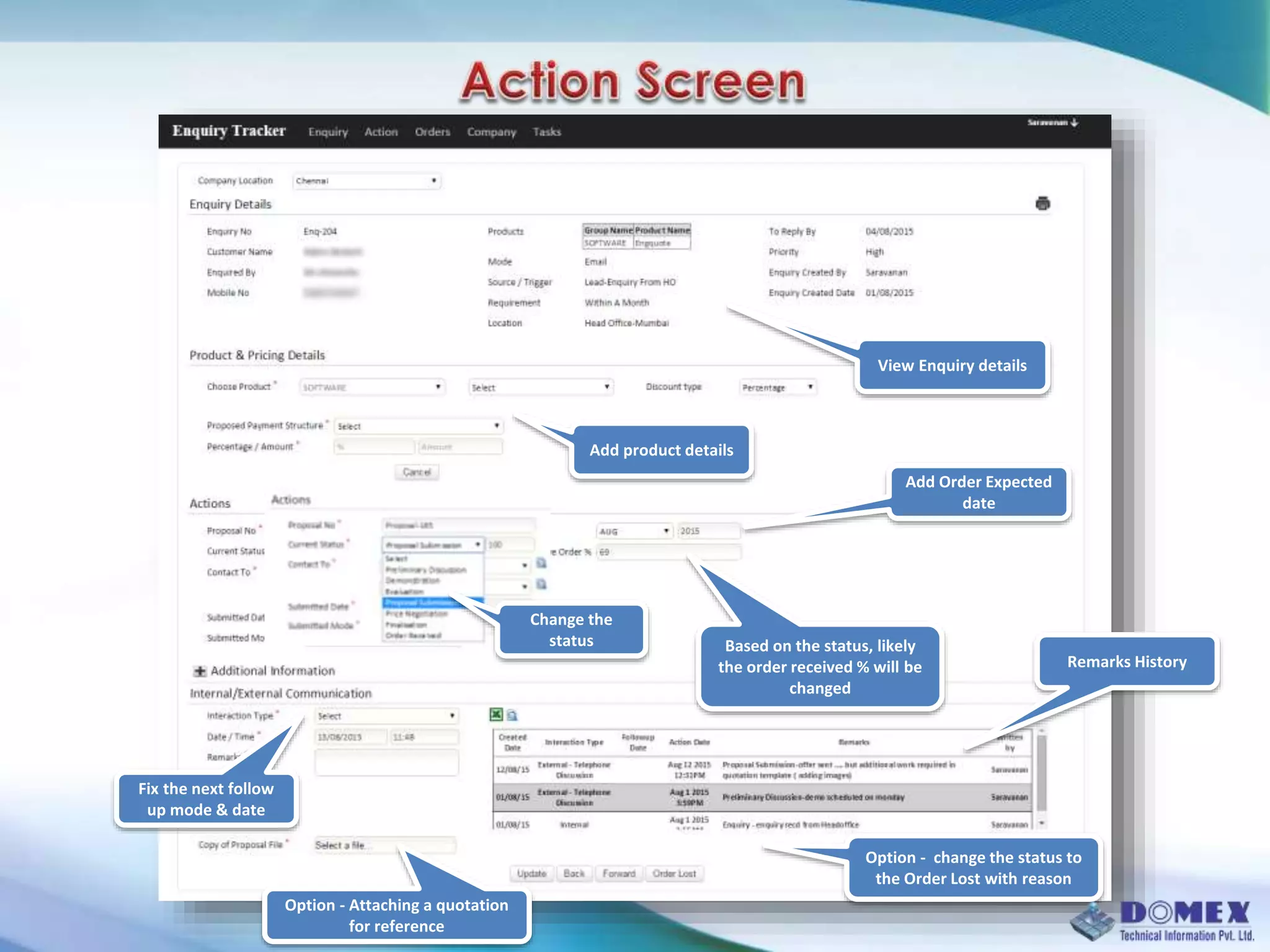
View Enquiry details
Add product details
Change the
status
Add Order Expected
date
Remarks History
Fix the next follow
up mode & date
Option - Attaching a quotation
for reference
Option - change the status to
the Order Lost with reason
Based on the status, likely
the order received % will be
changed
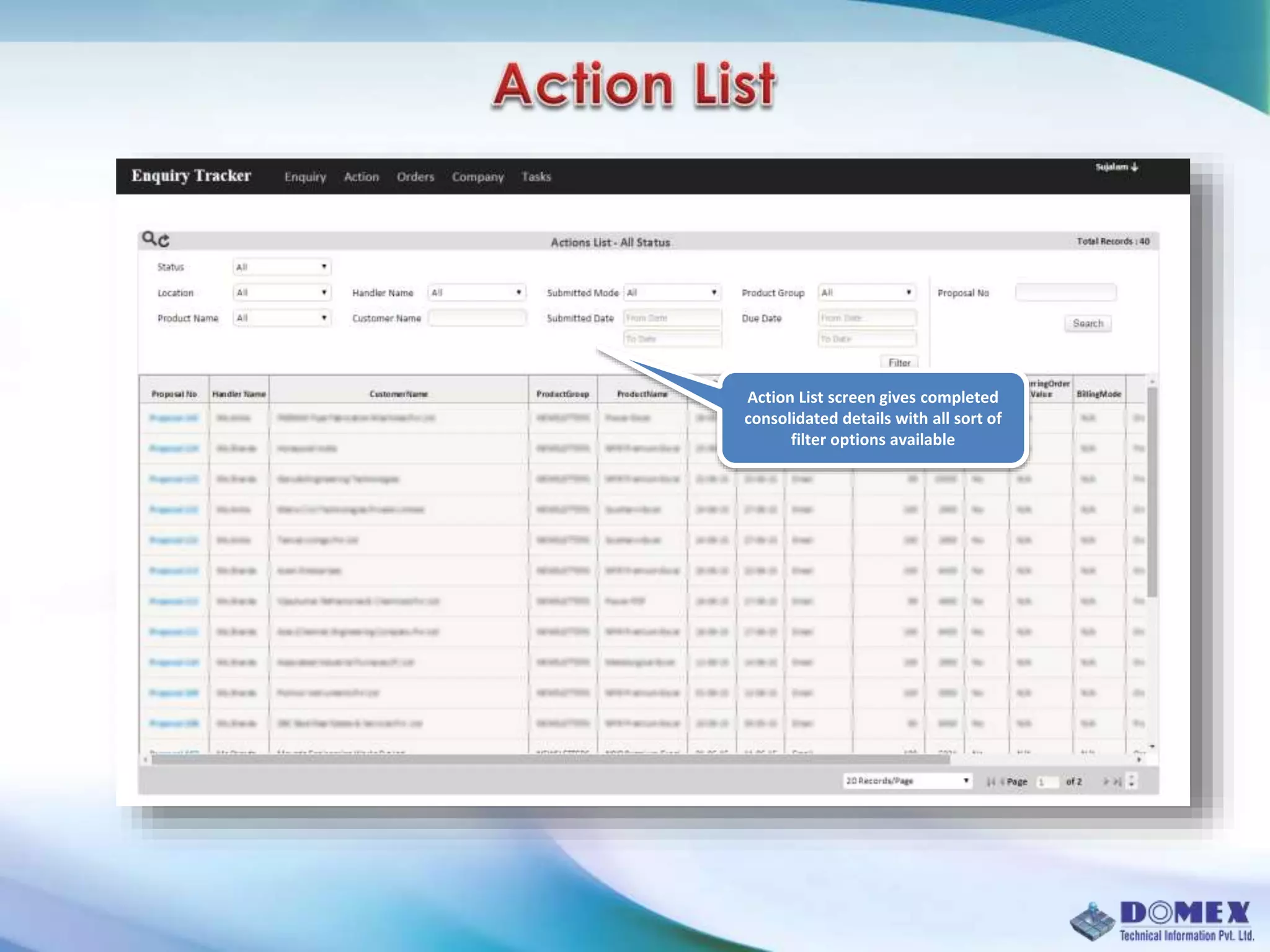
Action List screen gives completed
consolidated details with all sort of
filter options available
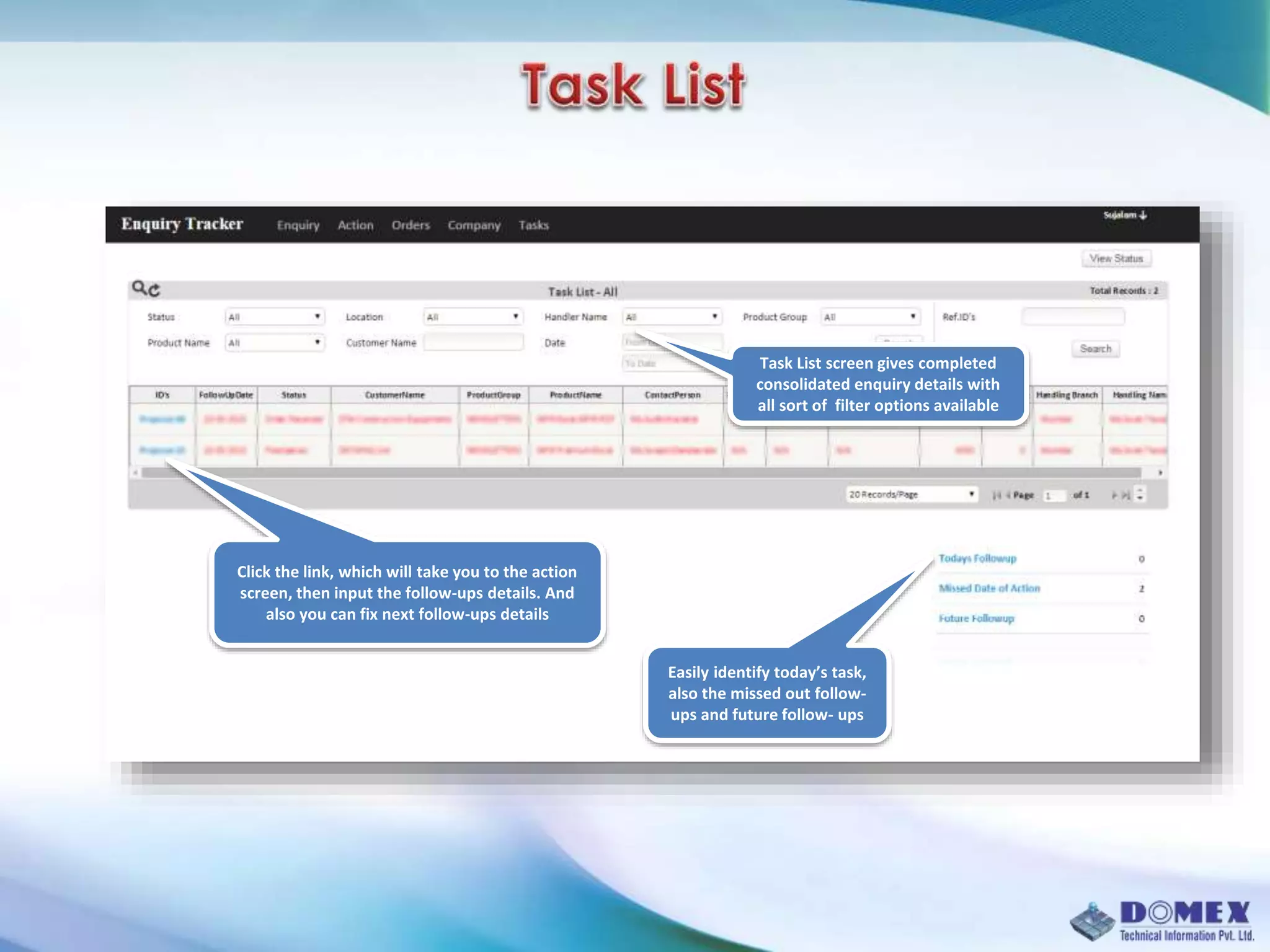
Task List screen gives completed
consolidated enquiry details with
all sort of filter options available
Click the link, which will take you to the action
screen, then input the follow-ups details. And
also you can fix next follow-ups details
Easily identify today’s task,
also the missed out follow-
ups and future follow- ups
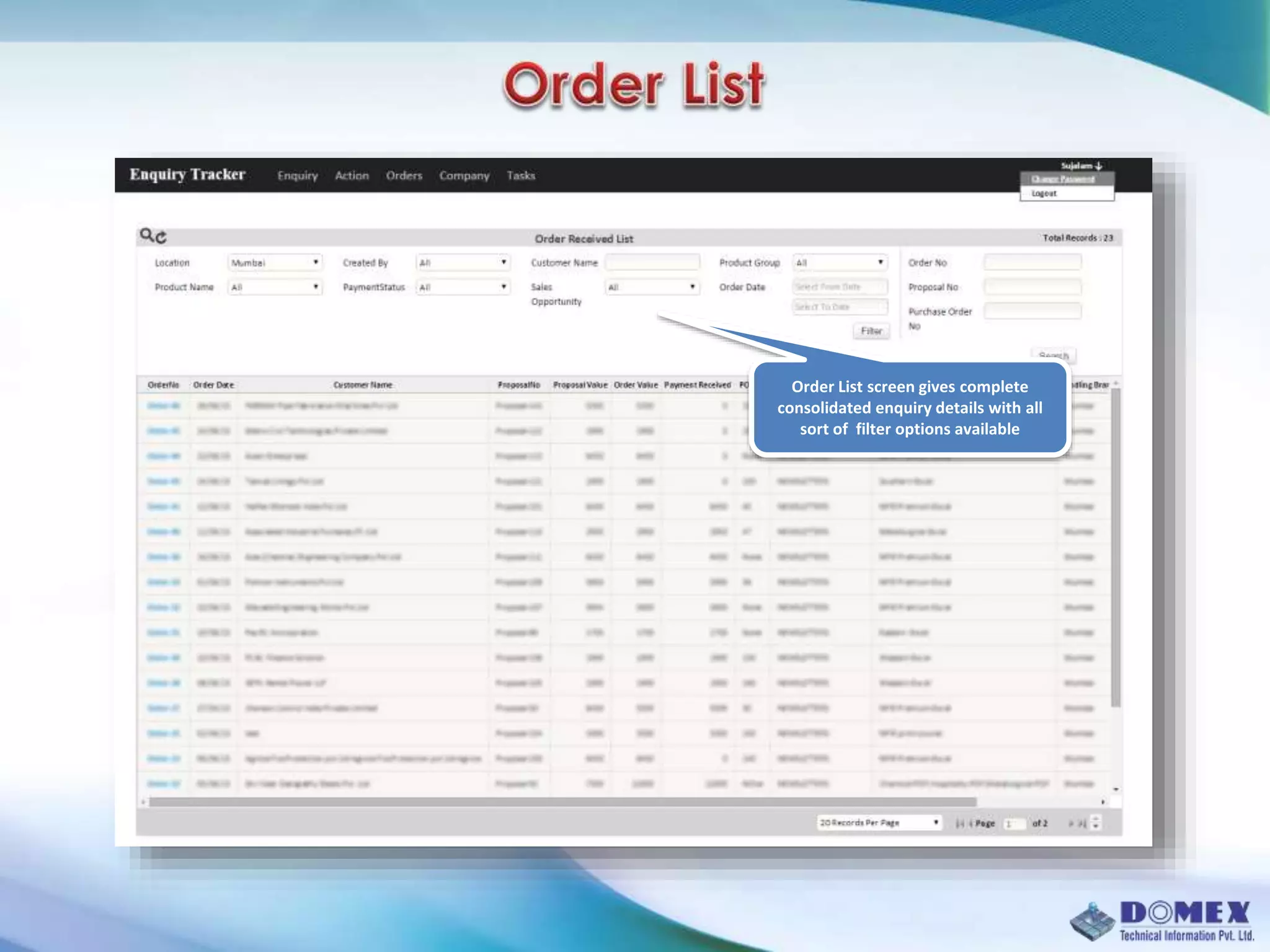
Order List screen gives complete
consolidated enquiry details with all
sort of filter options available
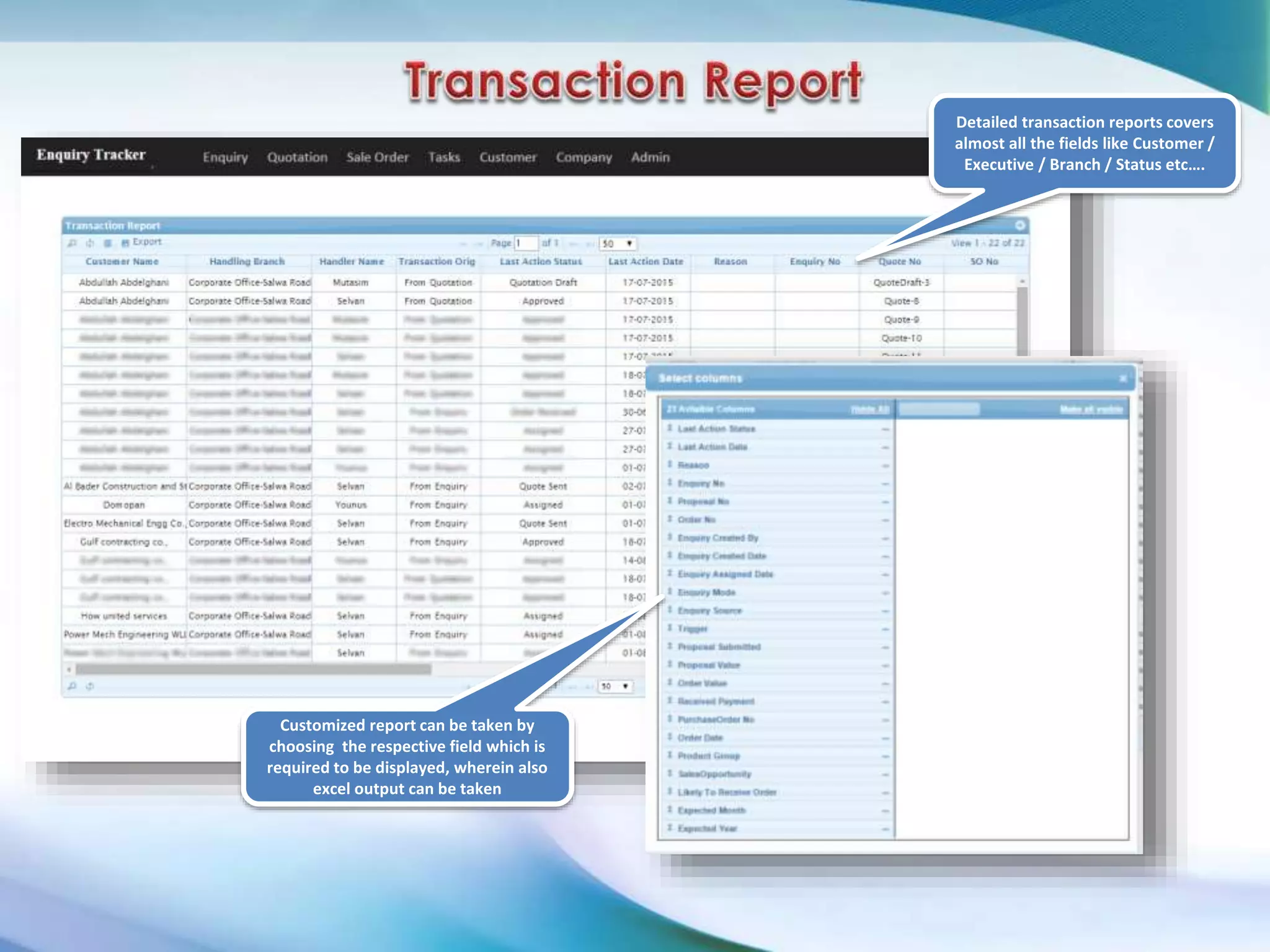
Detailed transaction reports covers
almost all the fields like Customer /
Executive / Branch / Status etc….
Customized report can be taken by
choosing the respective field which is
required to be displayed, wherein also
excel output can be taken
Email: sundar@domexinfo.in
Mob: 9840056568

Sales Leads Tracker Software

  • 1.
    ` Customer Raised anEnquiry Data to be input in our Systems Enquiries can be changed on the basis of Save Time Reduce Errors Drive sales
  • 2.
    Our company isa 20 year old multi-dimensional company providing Sales & Marketing software products & customized software development in areas such as sales / marketing, HR, site management and logistics. Domex also has a 20 year successful record in operating a KPO / BPO with customers from UK / EU, USA and East Asia countries. Our clients, comprise an expansive roster of covering a broad range of industries: automotive, financial services, retail, health care, insurance, etc.
  • 3.
    Domex Sales LeadsTracker is a comprehensive software tool developed exclusively to cater all the needs of a Sales Team. The software helps the sales personnel to manage leads, follow-ups and achieve sales closures efficiently throughout the entire sales cycle. Sales Leads Tracker is perfectly aligned and tuned to fulfill the requirements of the Individuals, SME’s, Dealers & Distributors, Trading houses, and Larger organizations. The inbuilt automated procedure enables the organization to easily keep track of all the enquiries and monitor the follow-up actions to achieve the targeted goal. Our state of art, simple & user-friendly Follow-Up scheduler helps you to convert and analyze all the enquiries to maximize sales closures. The software also provides lost order reasoning which will help the management to make appropriate adjustments to their sales process.
  • 4.
    Simple dashboard tokeep track of all the actions and performances. Role-wise restricted access to customer data and inbuilt reporting structure to maintain no flaw, and also day to day monitoring. Enables quick response time and special features to schedule follow-up’s and monitor the actions. Easy to choose filter options to know the current sales performance, based on sales personnel, Lost order reasoning Manage products, specifications, and pricing. Track month-wise forecast of sales orders, in pipeline. Export data to generate your own customized report for further MIS analysis.
  • 5.
    Masters  Customer Master Company  Product Master Enquiry  Enquiry Form  Enquiry List Order Details  Order Form  Order List Task Details  Task Form  Task List Action Details  Action form  Action List Payment Details  Payment details Form  Payment List
  • 7.
    Status wise recordswhich can be easily define, and take immediate action. Easily identify today listed Follow-ups, also have a look to missed follow-ups and future-ups Here you can see the action pending enquires Immediate reference of last 10 transaction records regarding Enquiries, Actions & Order etc…
  • 8.
    Fix Due Date Addthe customer Details Add the Product Details Add the mode of communication with the customer, also Add Next Follow-ups Details Upload an Enquiry File Assign to executive or yourself the next action
  • 9.
    Enquiry List screenprovides complete consolidated enquiry details with convenient filter option available, required to find out the status & details mention
  • 10.
    View Enquiry details Addproduct details Change the status Add Order Expected date Remarks History Fix the next follow up mode & date Option - Attaching a quotation for reference Option - change the status to the Order Lost with reason Based on the status, likely the order received % will be changed
  • 11.
    Action List screengives completed consolidated details with all sort of filter options available
  • 12.
    Task List screengives completed consolidated enquiry details with all sort of filter options available Click the link, which will take you to the action screen, then input the follow-ups details. And also you can fix next follow-ups details Easily identify today’s task, also the missed out follow- ups and future follow- ups
  • 13.
    Order List screengives complete consolidated enquiry details with all sort of filter options available
  • 14.
    Detailed transaction reportscovers almost all the fields like Customer / Executive / Branch / Status etc…. Customized report can be taken by choosing the respective field which is required to be displayed, wherein also excel output can be taken
  • 15.