My First Rust Project
Starting a 2D game with Amethyst
By Micah Tigley
me
My many other
unfinished
projects
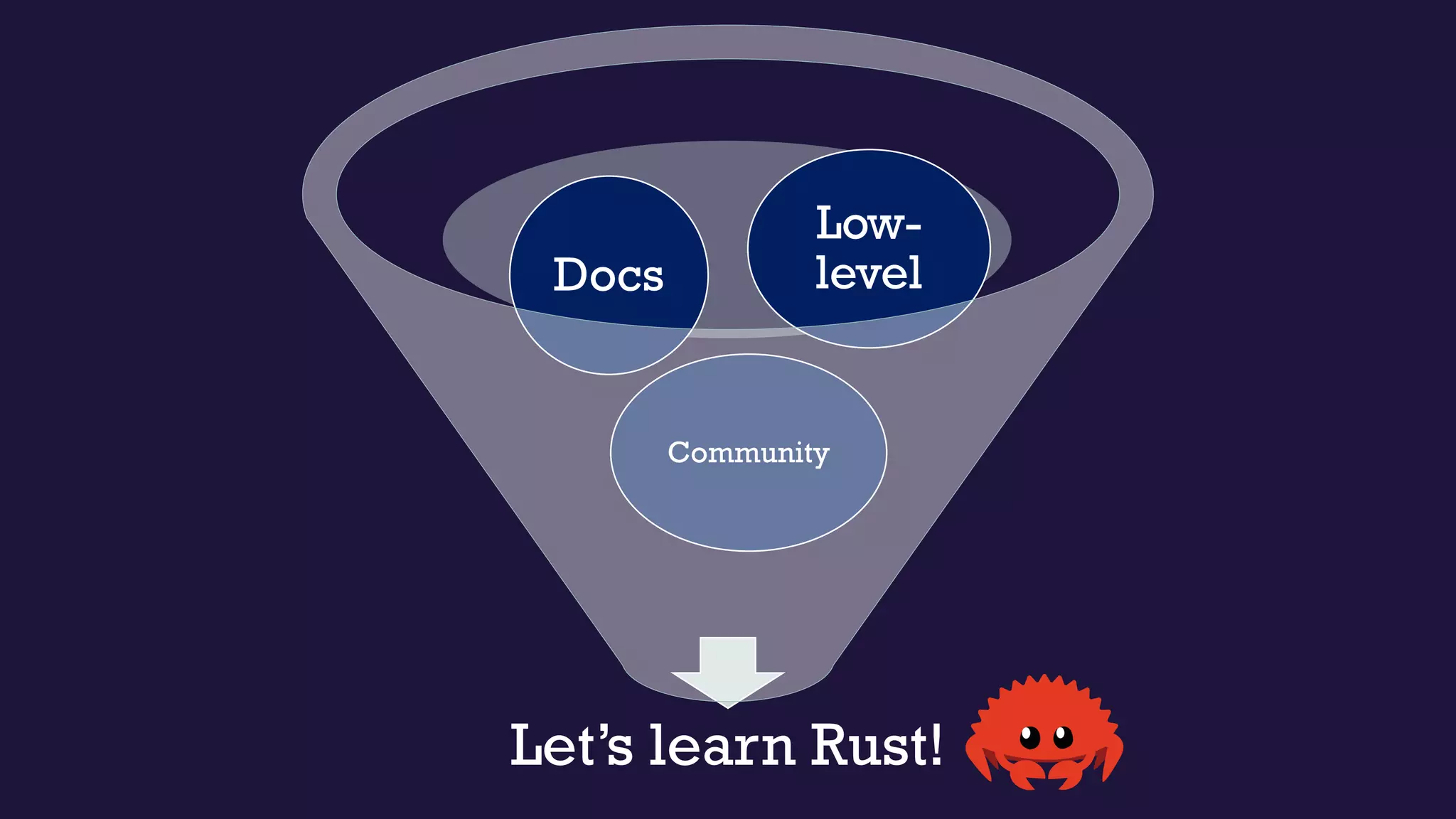
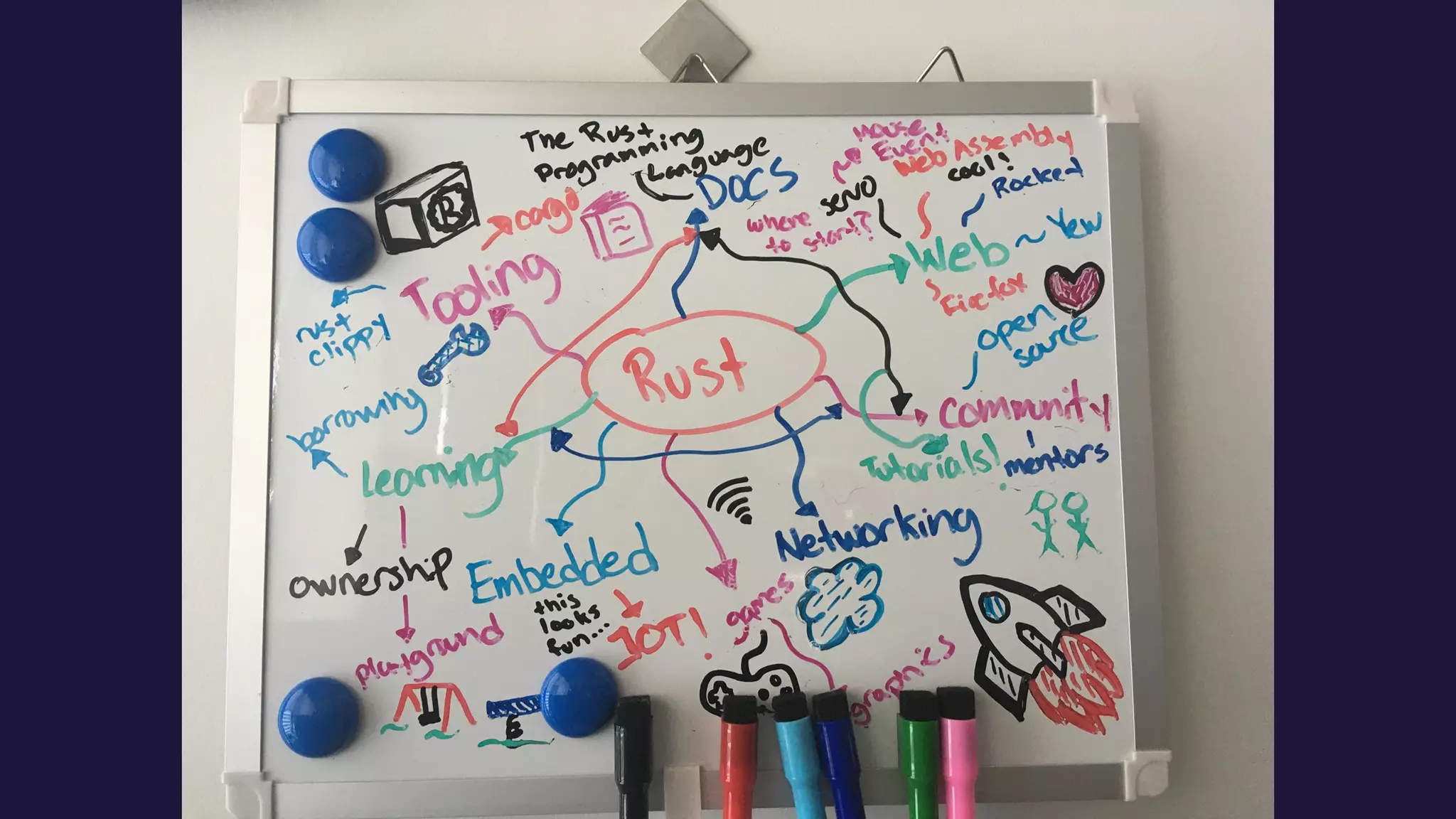
Let’s learn Rust!
Community
Docs
Low-
level
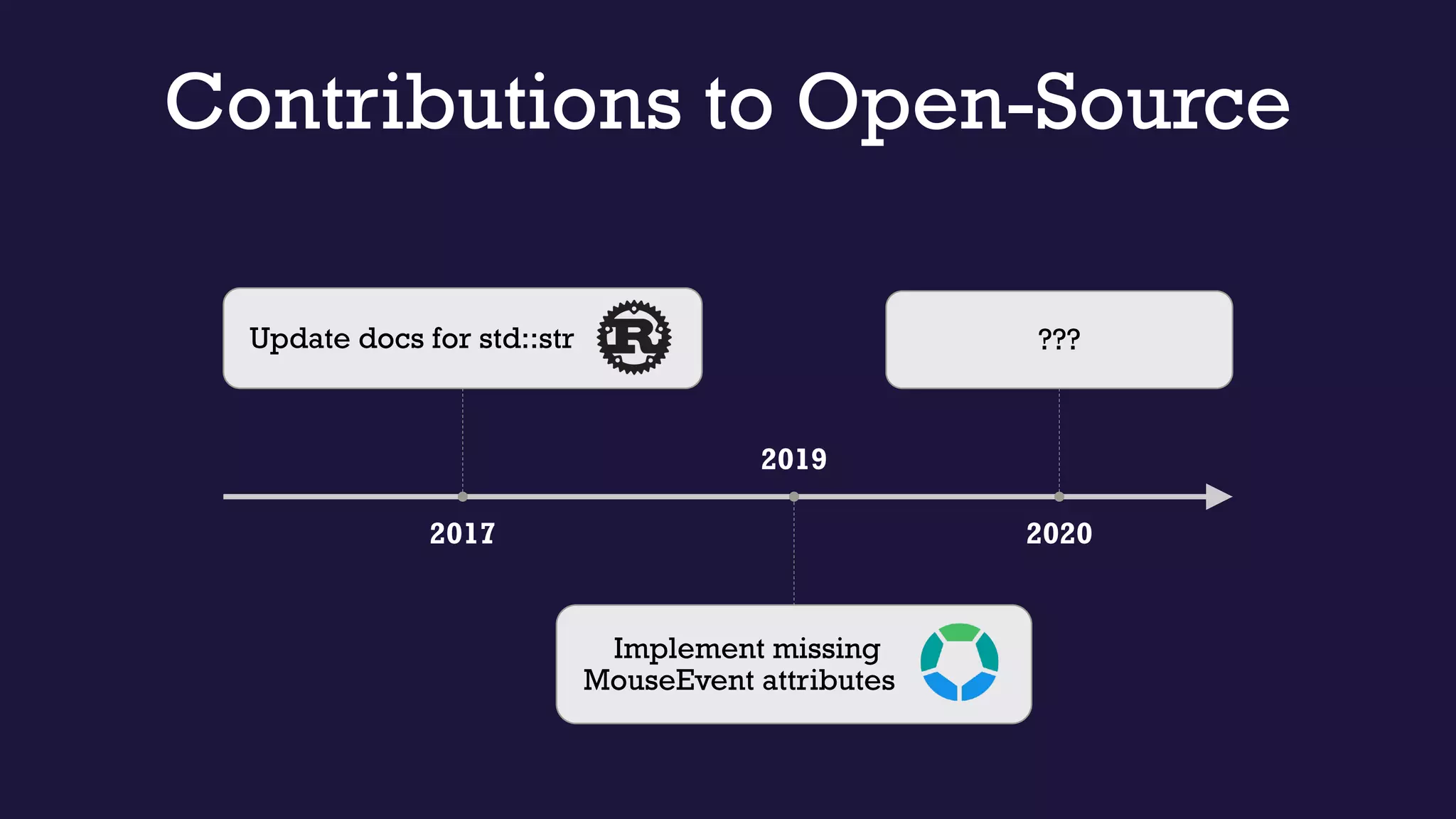
2017
Update docs for std::str
2019
Implement missing
MouseEvent attributes
2020
???
Contributions to Open-Source
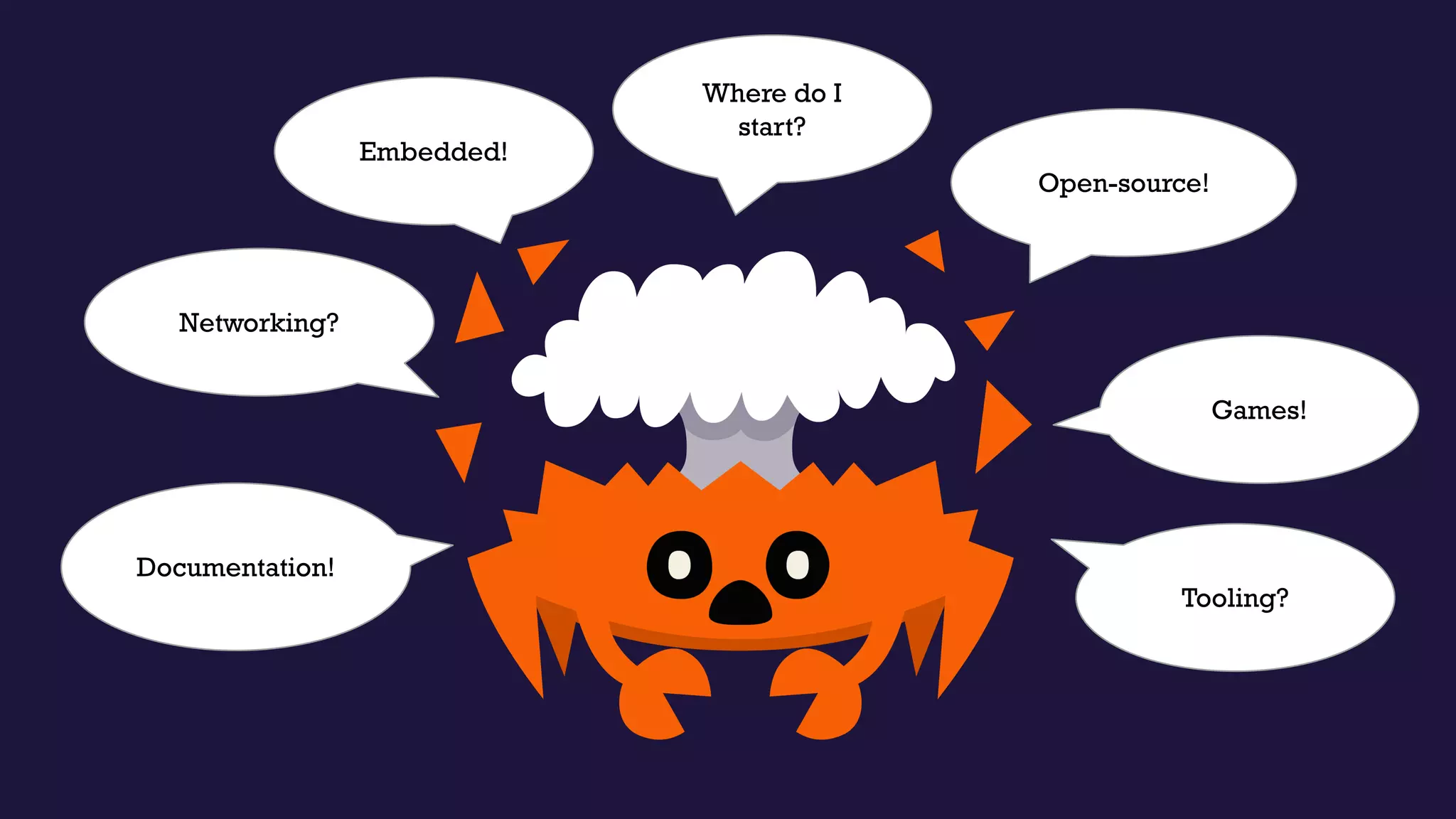
Open-source!
Embedded!
Networking?
Tooling?
Documentation!
Games!
Where do I
start?
Picking an area of interest
Experimenting
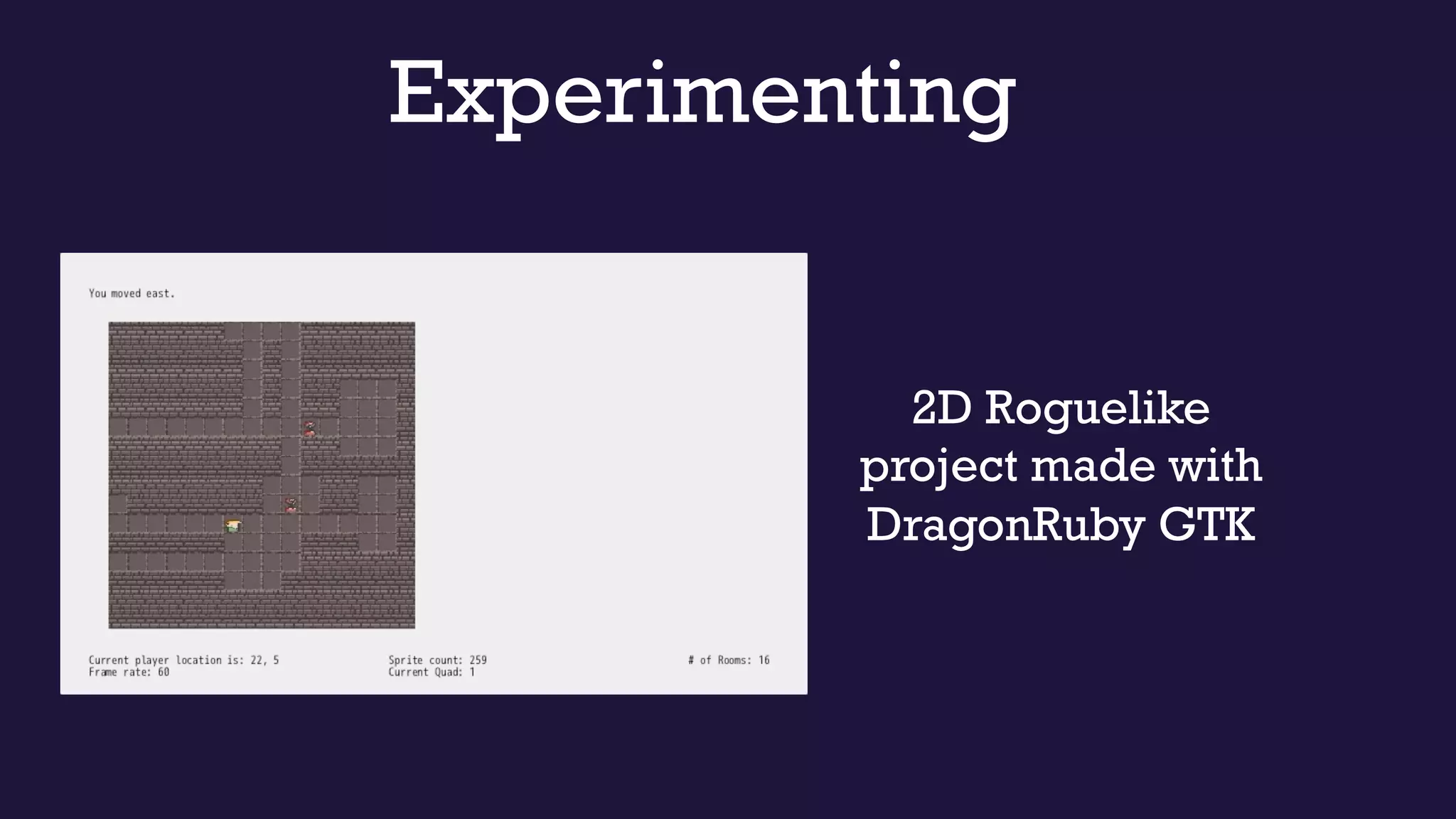
2D Roguelike
project made with
DragonRuby GTK
https://arewegameyet.rs/
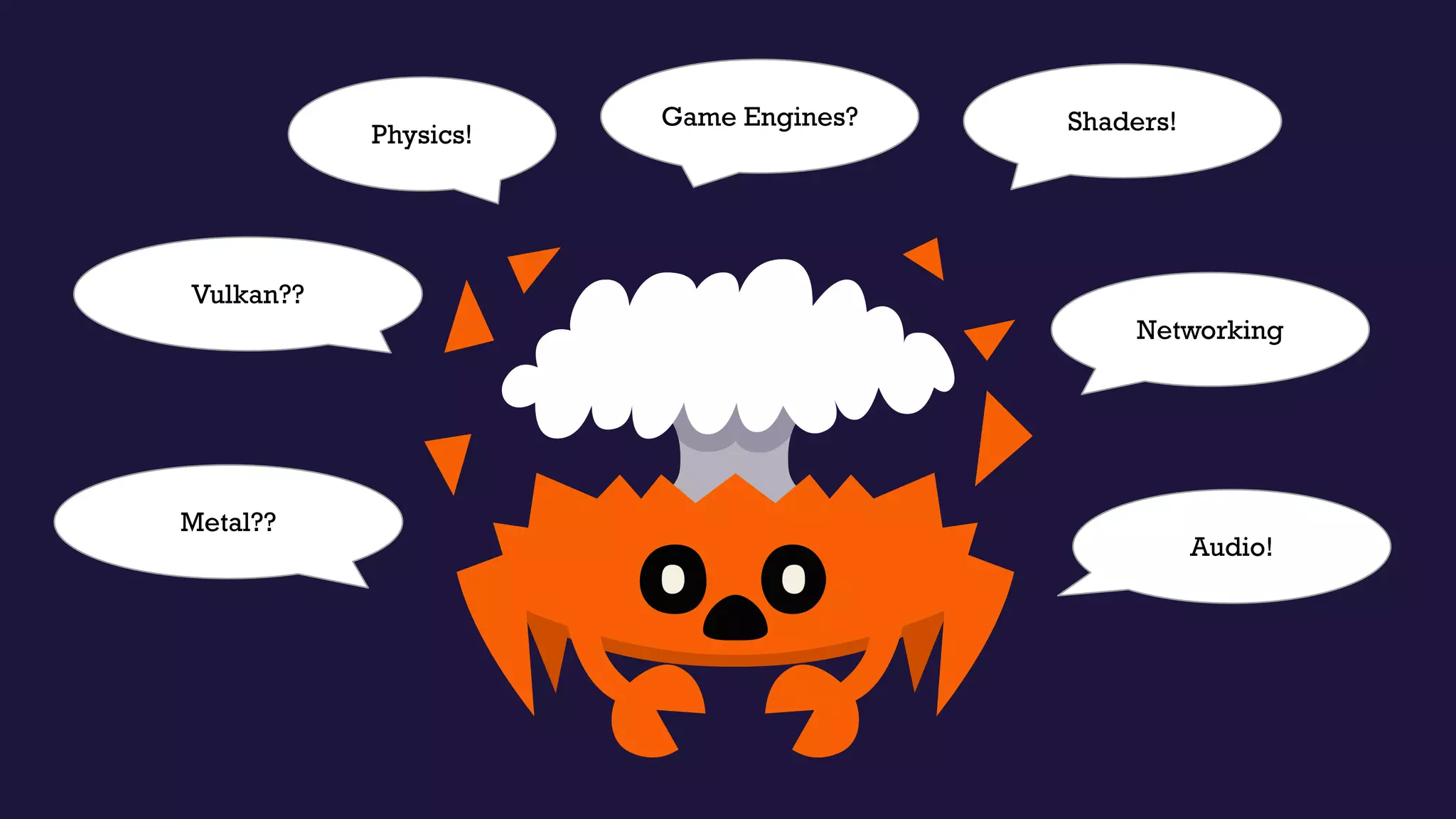
Shaders!Physics!
Vulkan??
Audio!
Metal??
Networking
Game Engines?
Game
Engines?
✓ Documentation
✓ Hands-on Learning
✓ Examples
Choosing a Game Engine
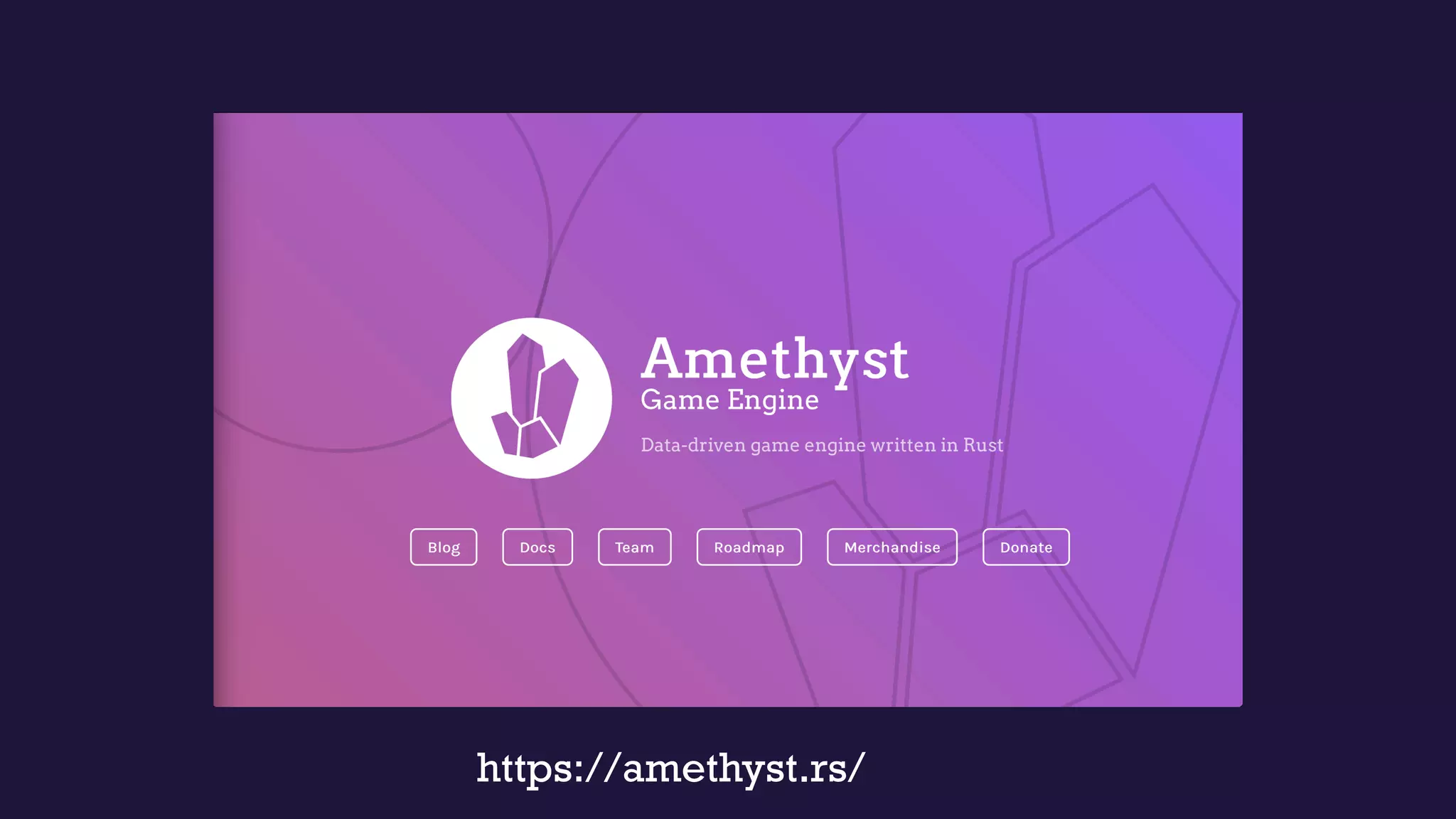
https://amethyst.rs/
Central Online Documentation
• The “Book”
• Community links
• API reference
• Links to examples
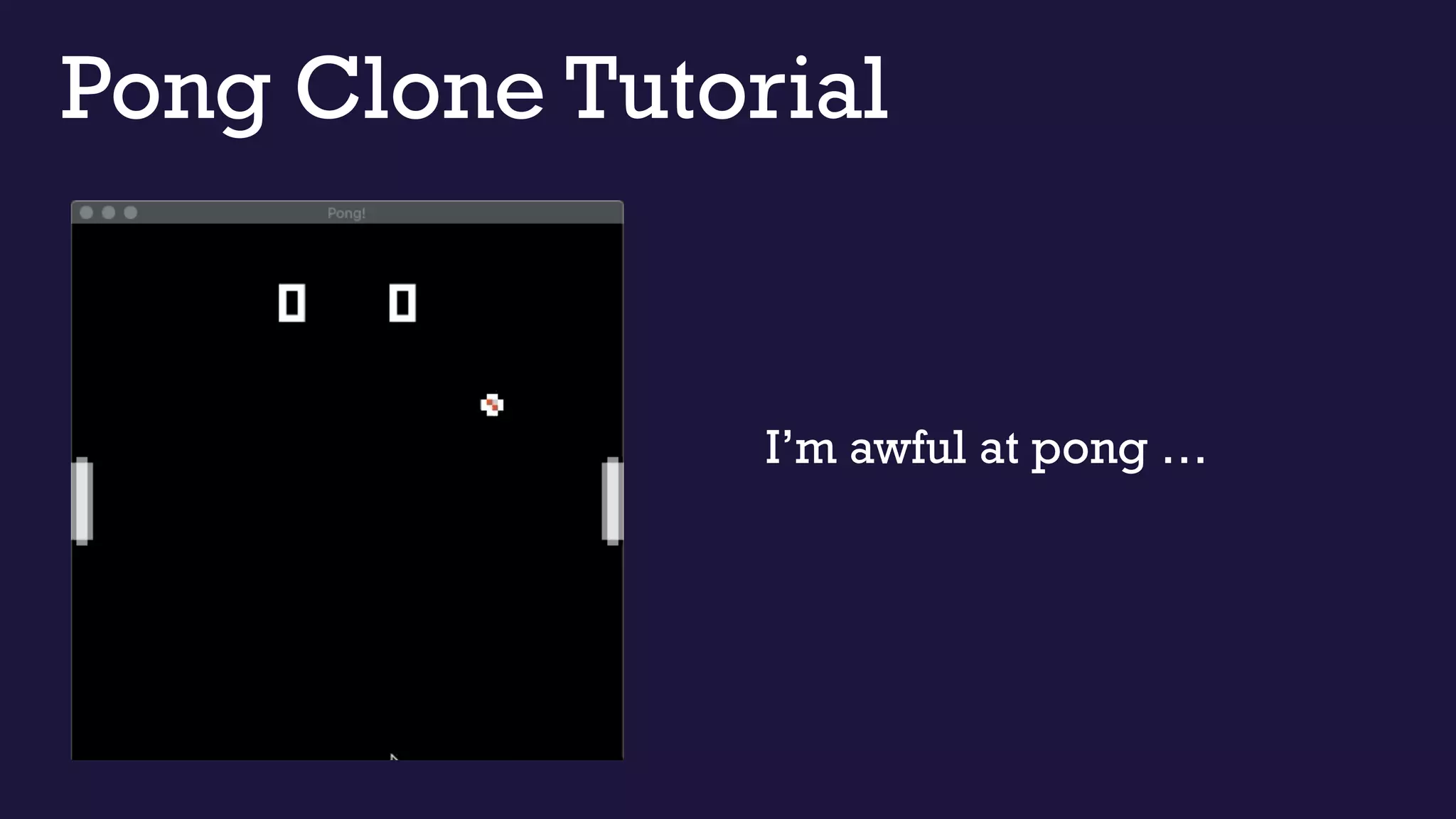
Pong Clone Tutorial
I’m awful at pong …
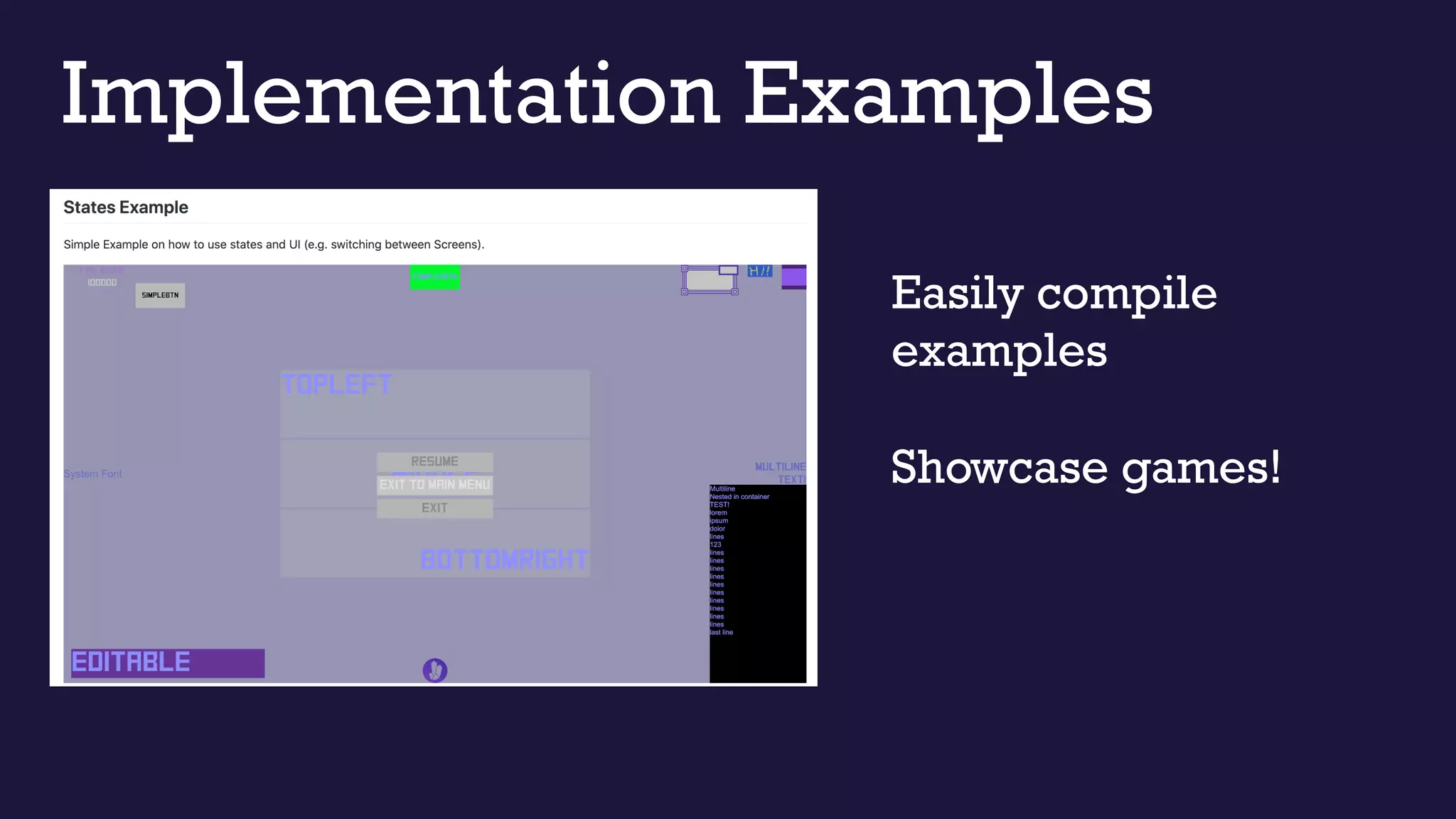
Implementation Examples
Easily compile
examples
Showcase games!
Applying that Knowledge
• What is ECS?
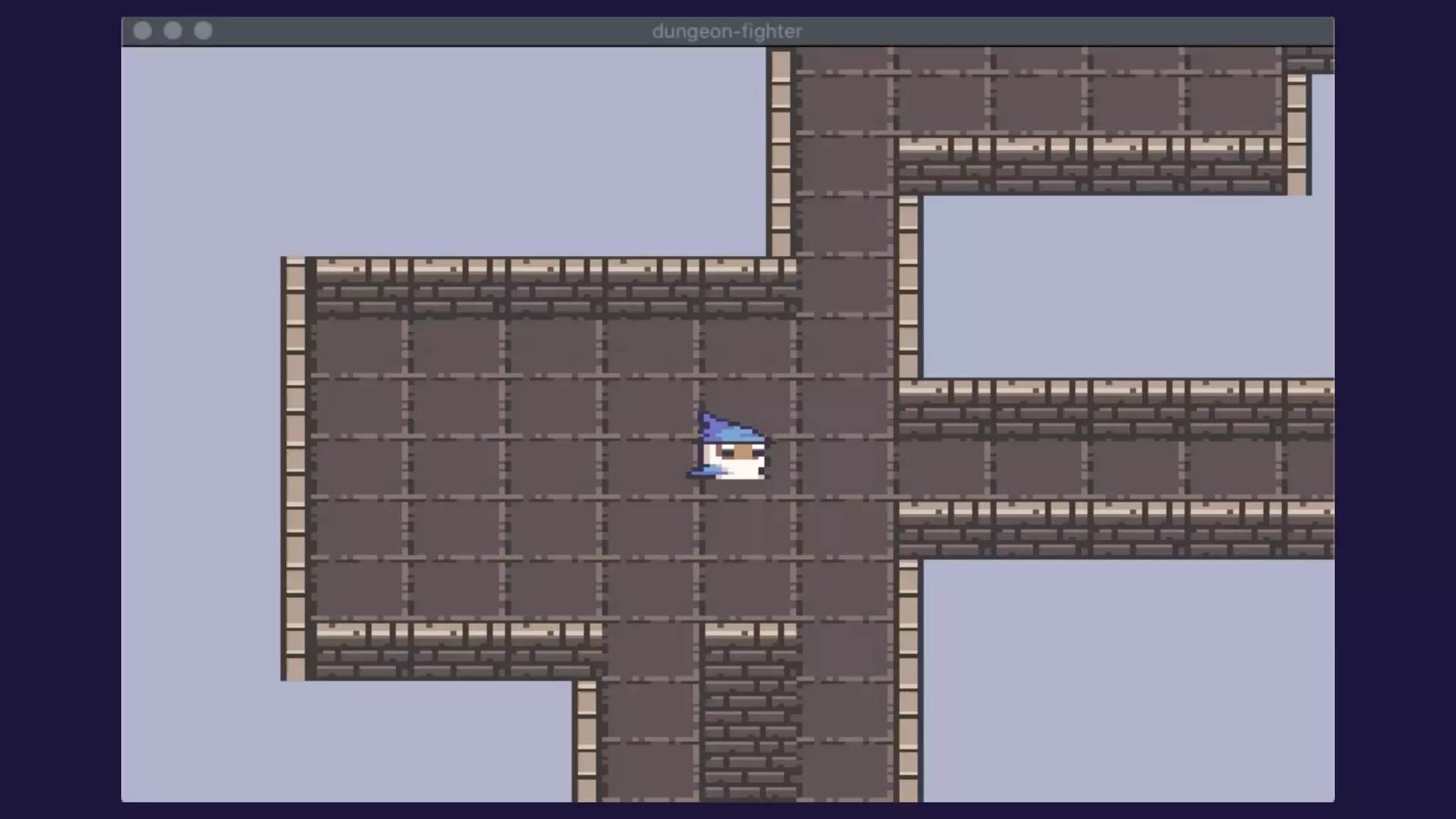
• 2D Sprite Animations!
• Camera follow
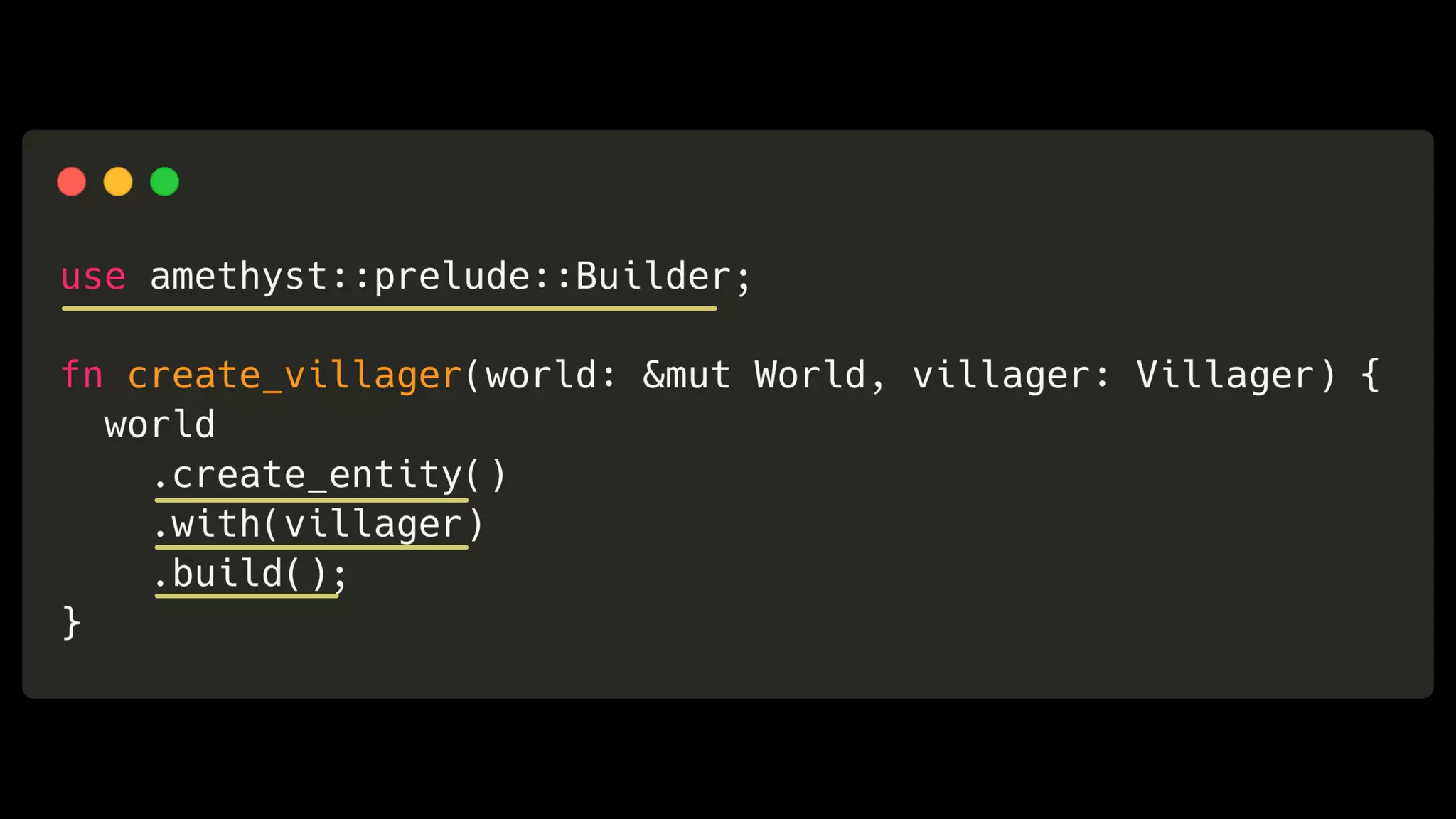
What’s ECS?
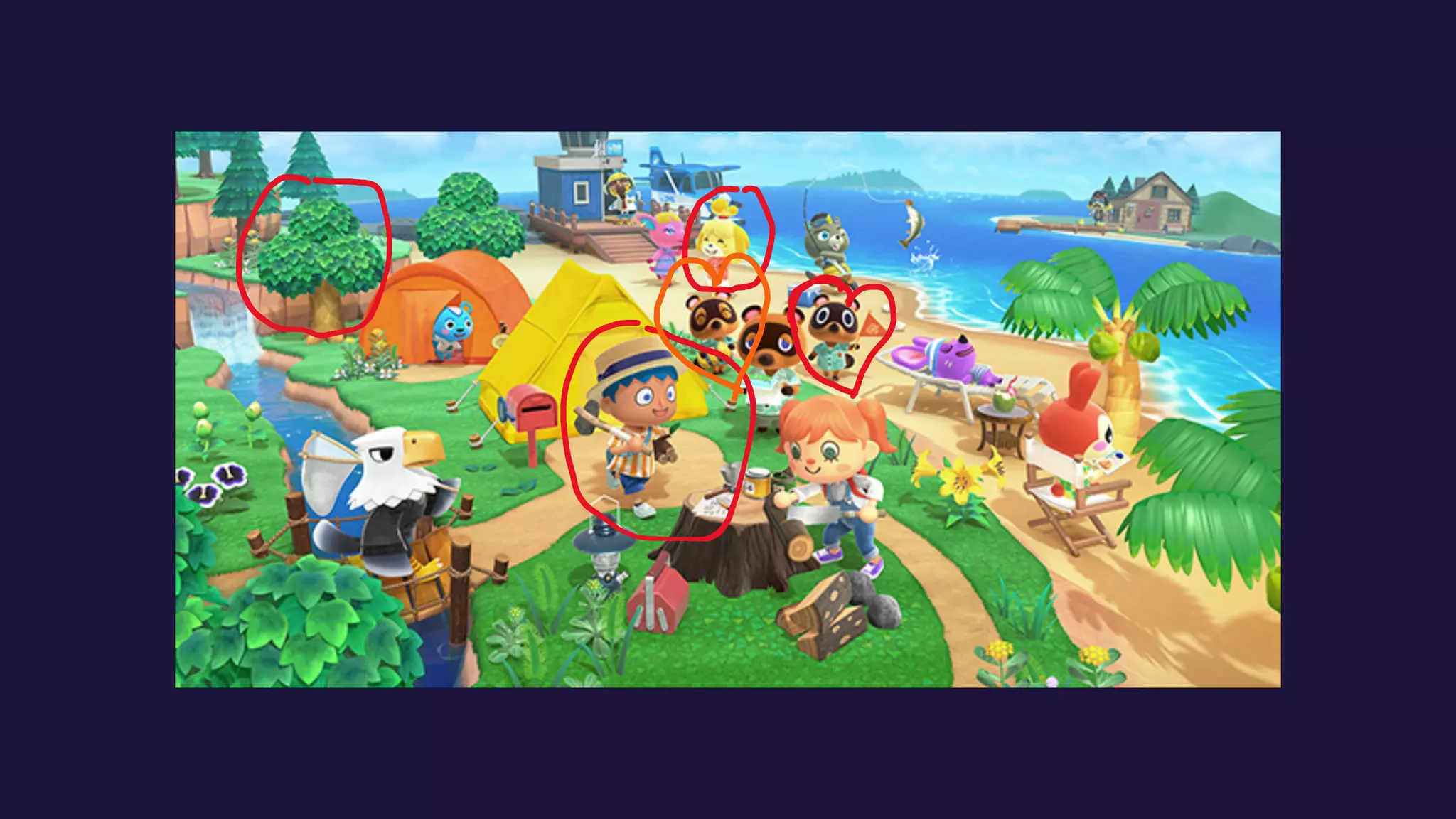
Entity acts as one object in your game
Component describes certain properties of
an object
System is a piece of logic that operates on
one or more entities in a game
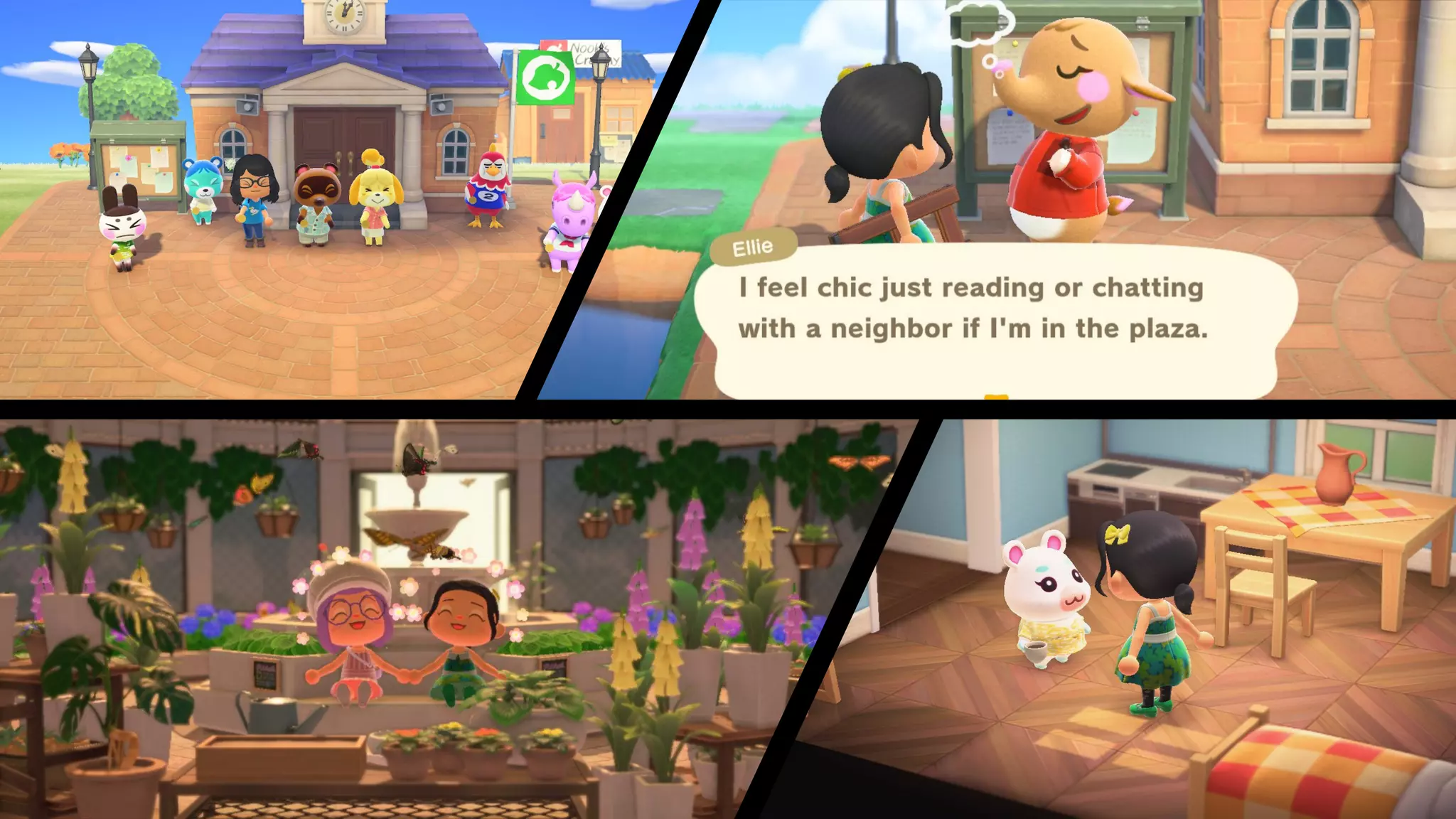
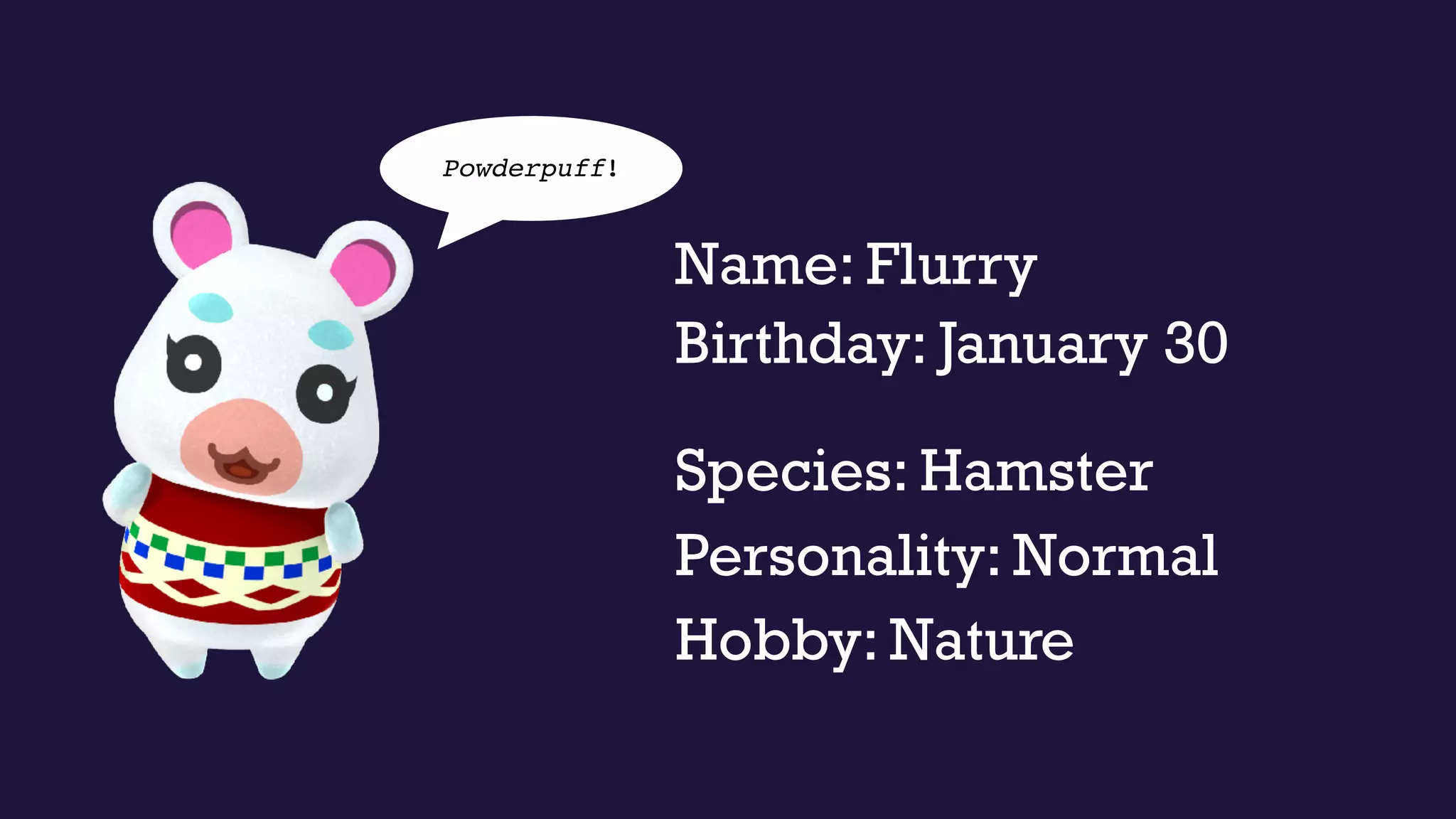
Name: Flurry
Personality: Normal
Species: Hamster
Hobby: Nature
Powderpuff!
Birthday: January 30
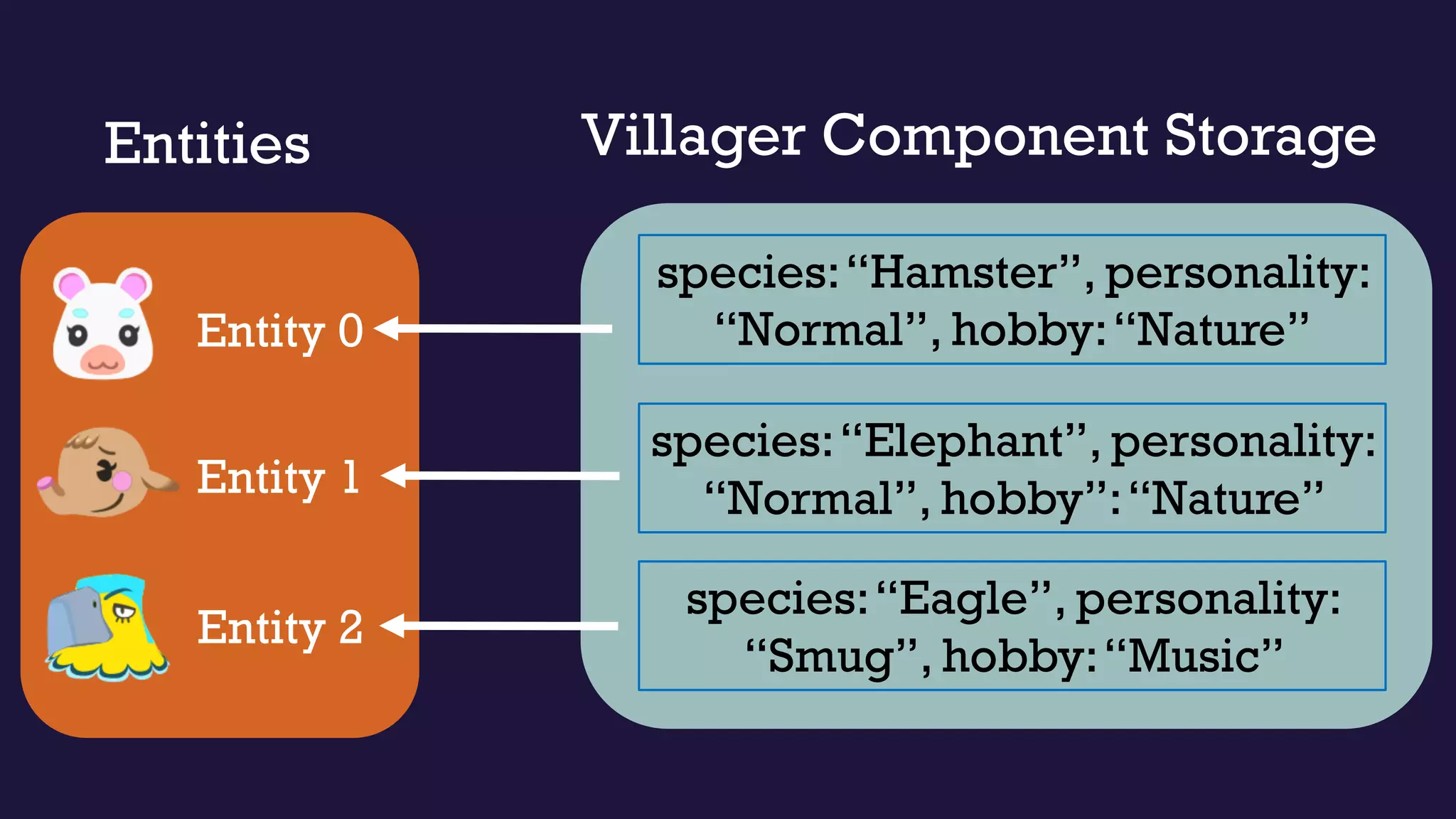
Villager Component StorageEntities
Entity 0
Entity 1
Entity 2
species:“Hamster”, personality:
“Normal”, hobby:“Nature”
species:“Elephant”, personality:
“Normal”, hobby”:“Nature”
species:“Eagle”, personality:
“Smug”, hobby:“Music”
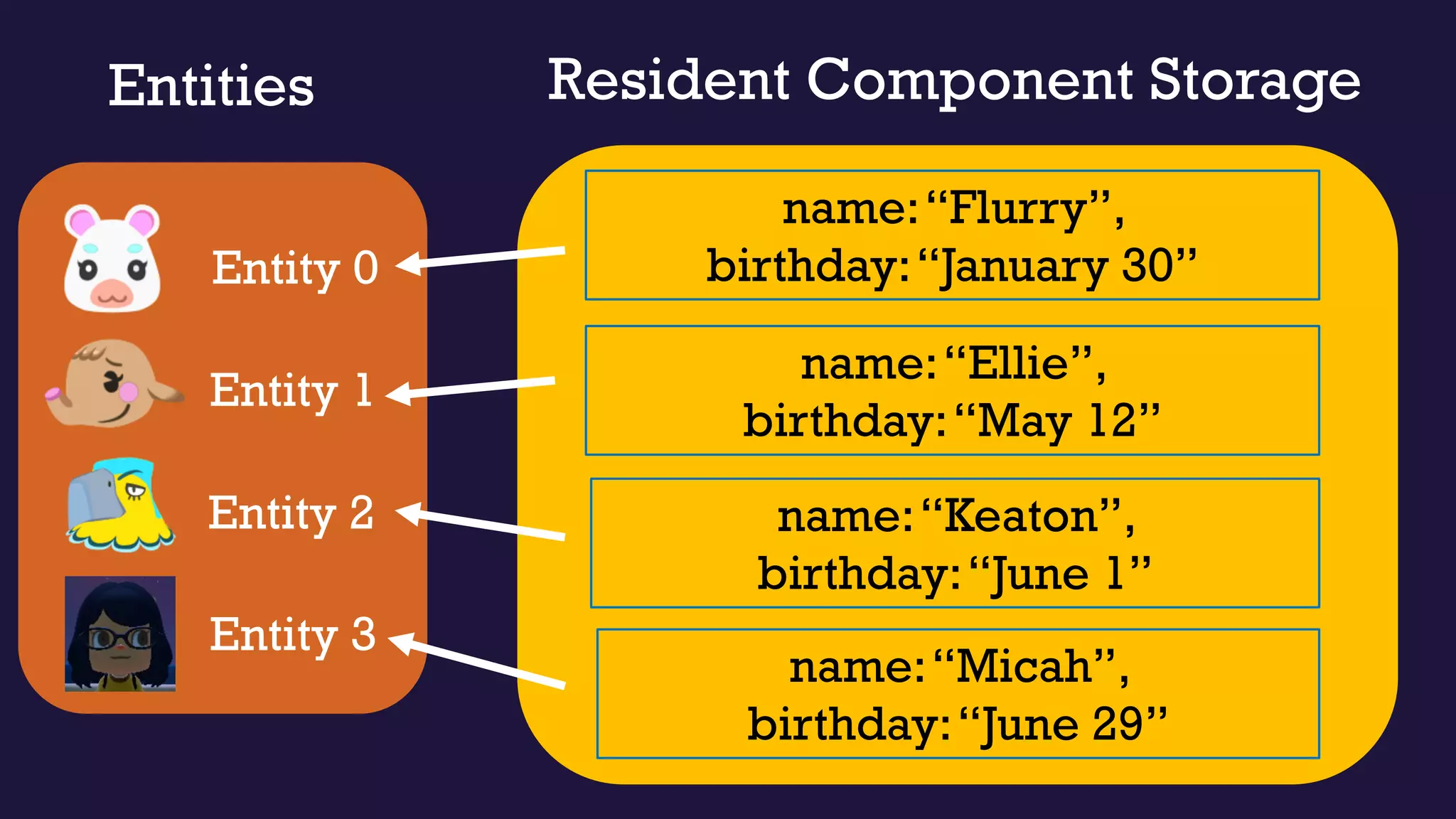
Entities
Entity 0
Entity 1
Entity 2
Resident Component Storage
name:“Flurry”,
birthday:“January 30”
name:“Ellie”,
birthday:“May 12”
name:“Keaton”,
birthday:“June 1”
Entity 3
name:“Micah”,
birthday:“June 29”
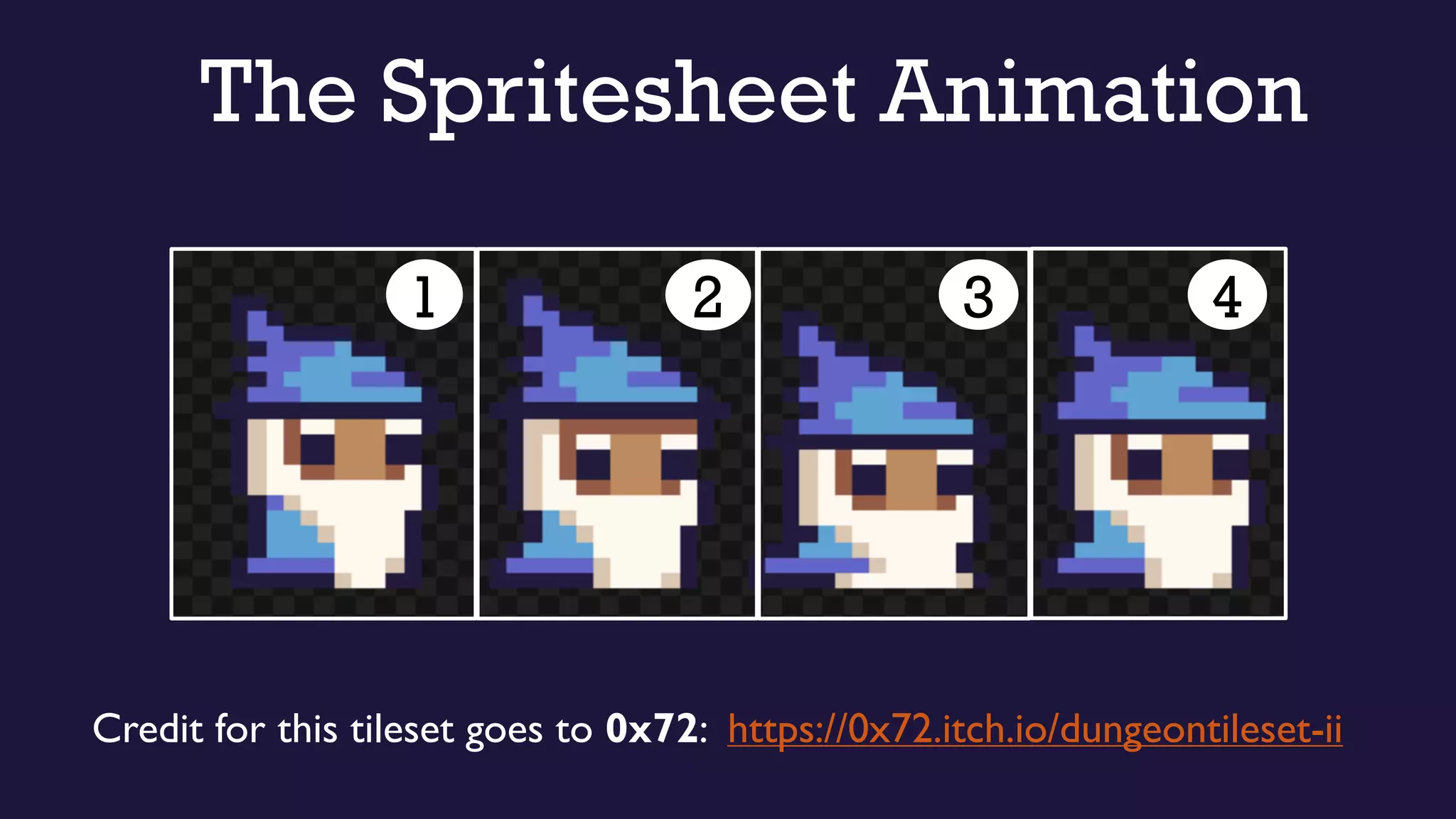
The Spritesheet Animation
1 32 4
Credit for this tileset goes to 0x72: https://0x72.itch.io/dungeontileset-ii
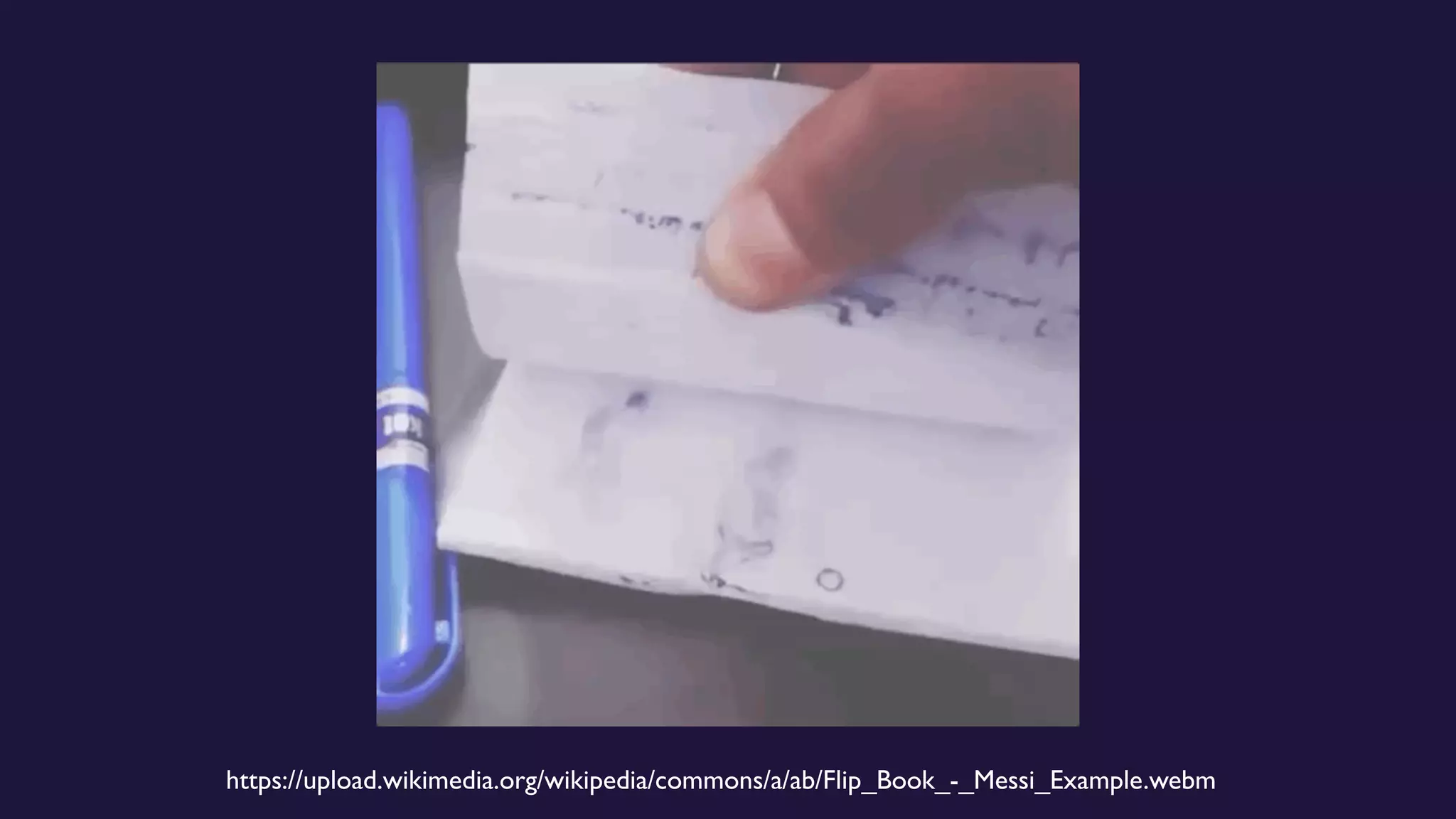
https://upload.wikimedia.org/wikipedia/commons/a/ab/Flip_Book_-_Messi_Example.webm
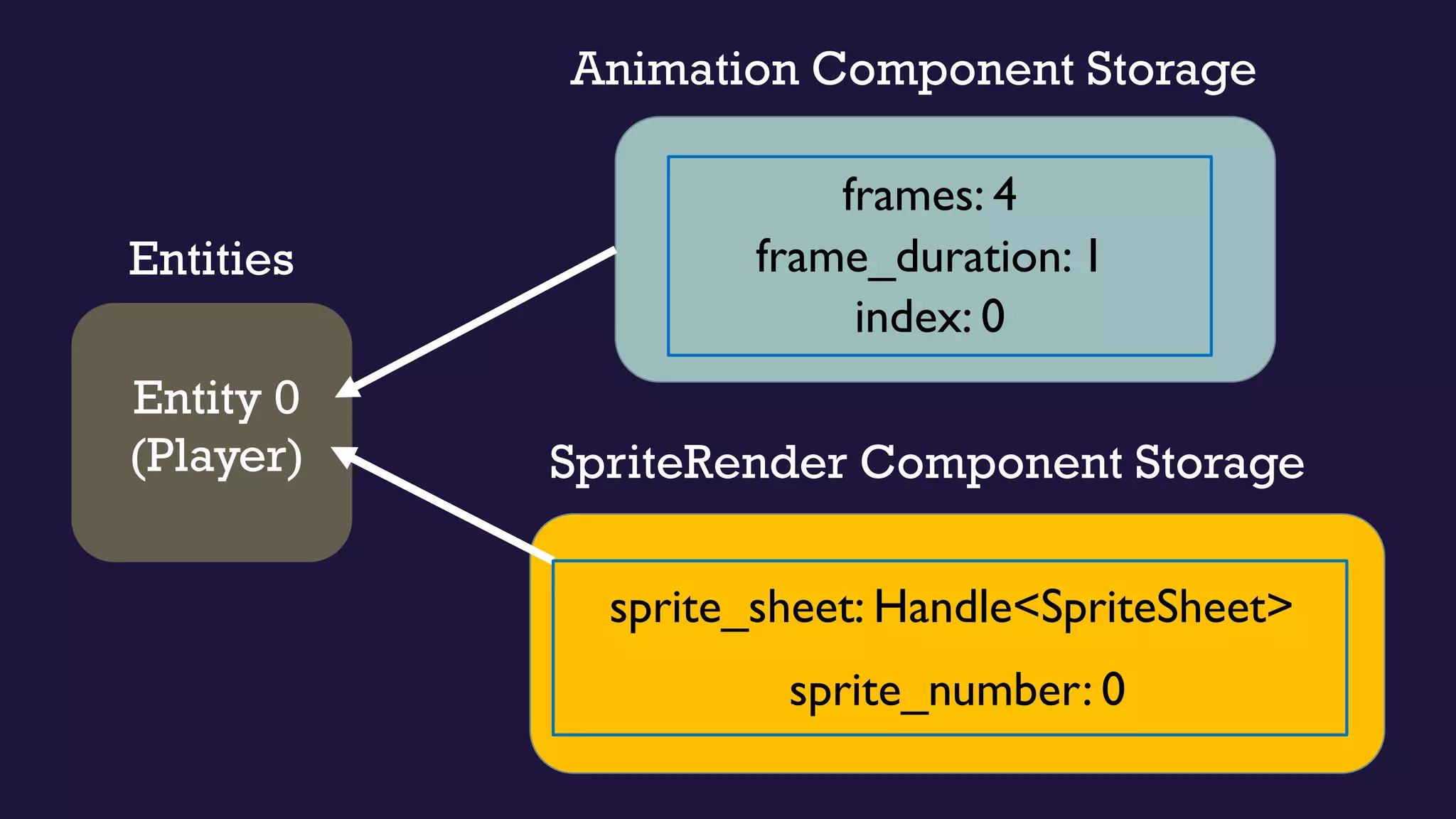
Animation Component Storage
SpriteRender Component Storage
Entities
Entity 0
(Player)
frames: 4
frame_duration: 1
index: 0
sprite_sheet: Handle<SpriteSheet>
sprite_number: 0
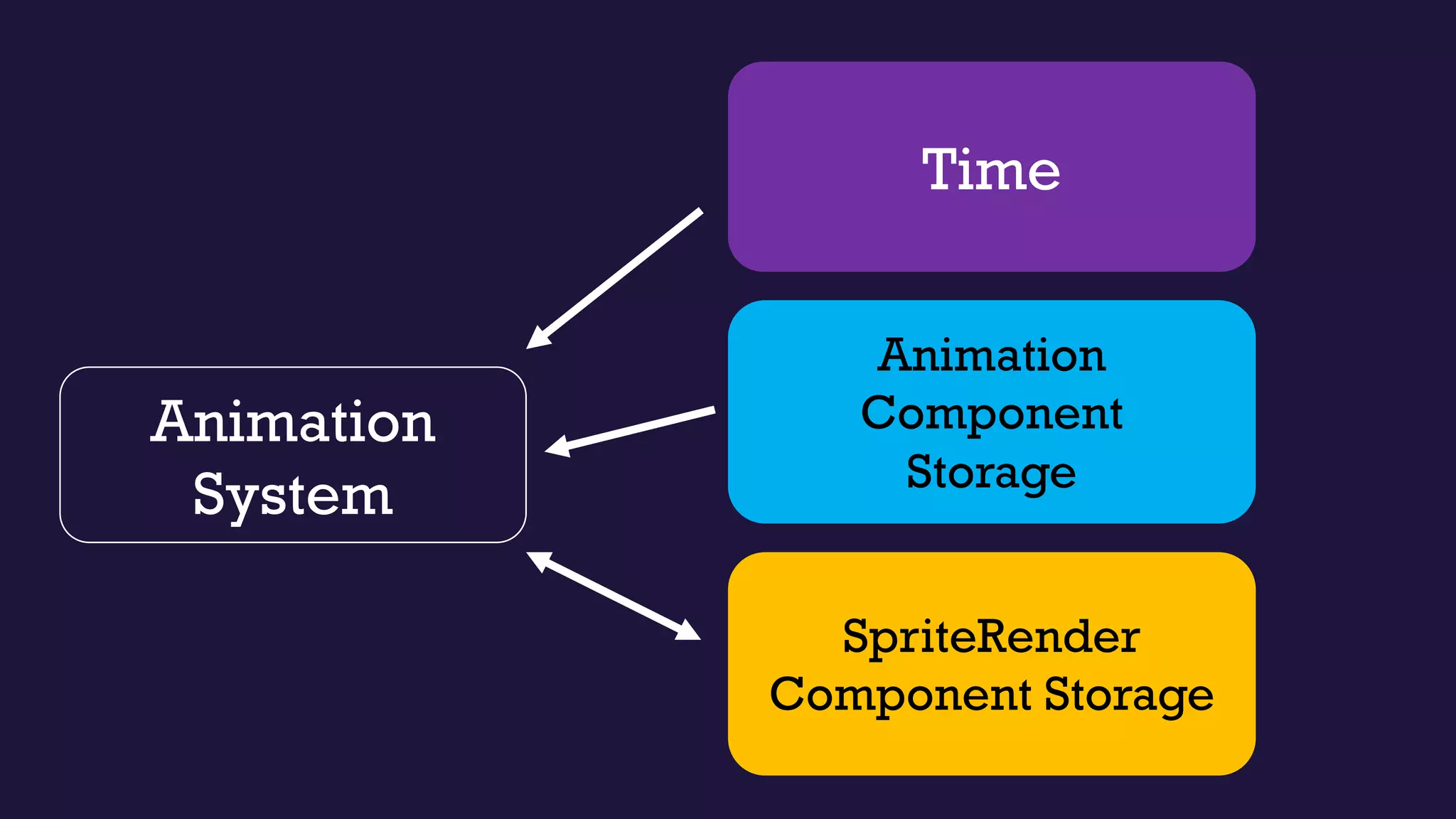
Animation
System
SpriteRender
Component Storage
Animation
Component
Storage
Time
Implementing the animation
1. Get an entity with an associated Animation
and SpriteRender component
https://docs.amethyst.rs/stable/specs/join/index.html
Implementing the animation
2. Get the current animation frame
3. Update SpriteRender
1. Get an entity with an associated Animation
and SpriteRender component
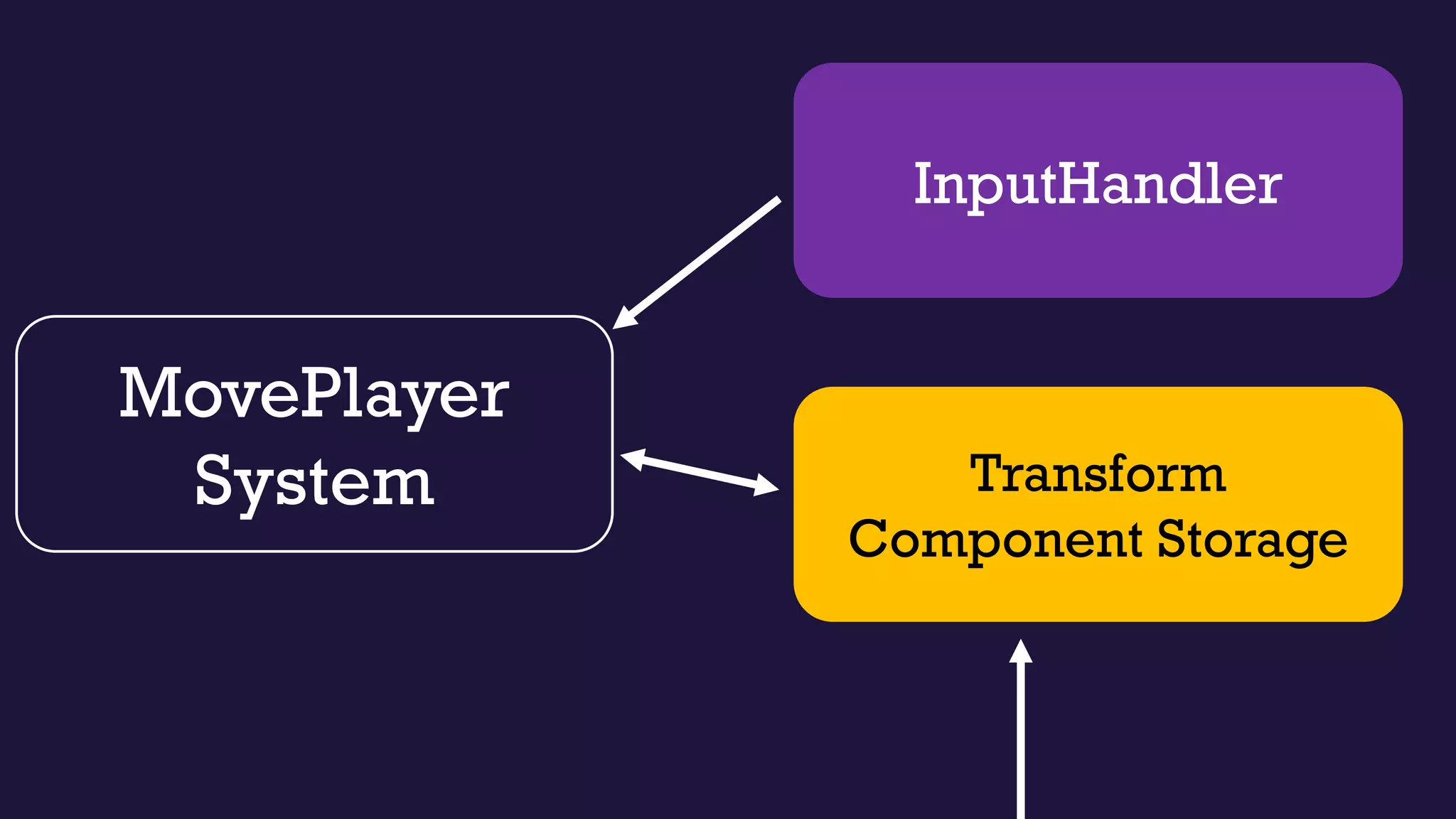
MovePlayer
System Transform
Component Storage
InputHandler
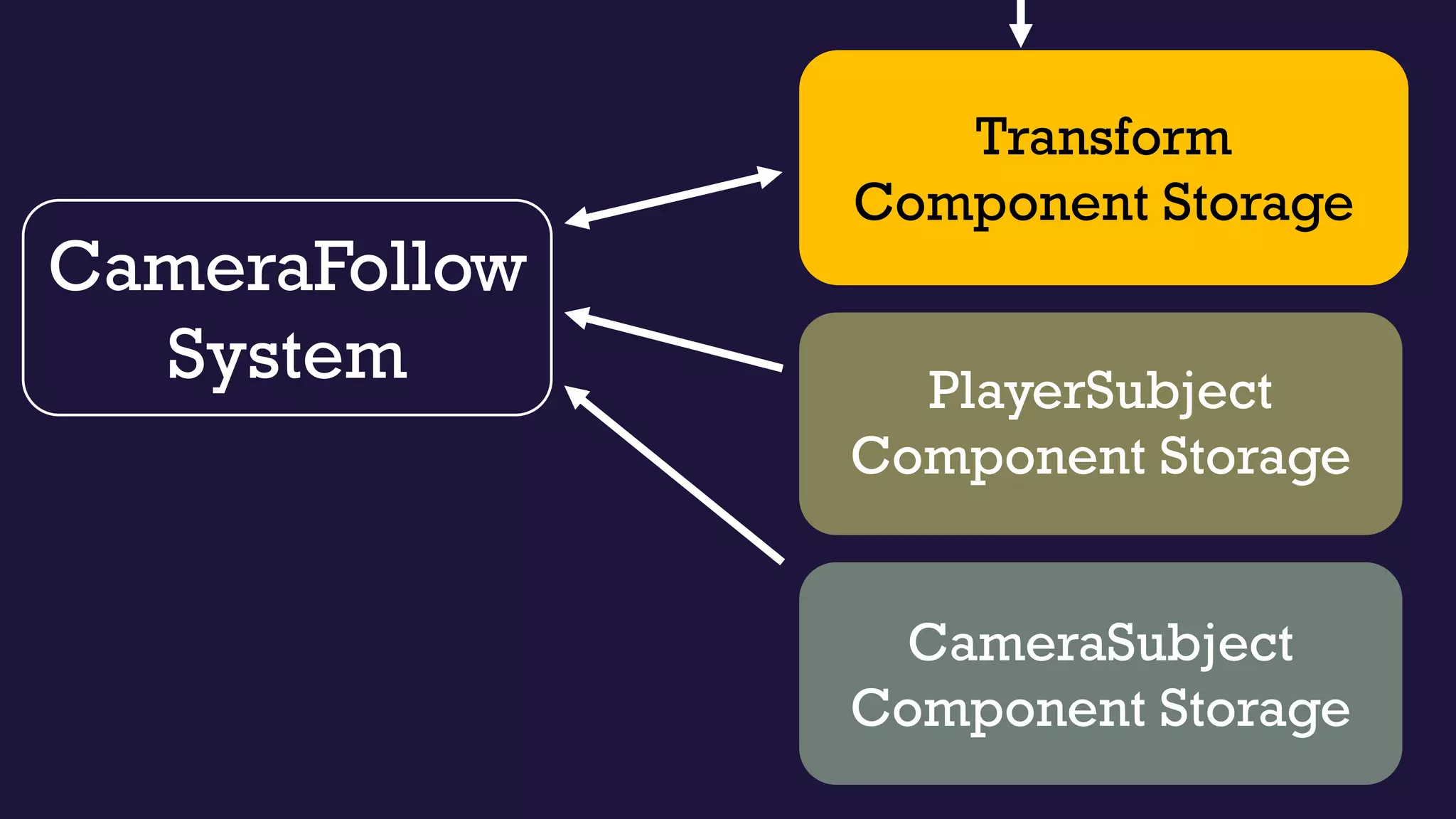
CameraFollow
System
Transform
Component Storage
PlayerSubject
Component Storage
CameraSubject
Component Storage
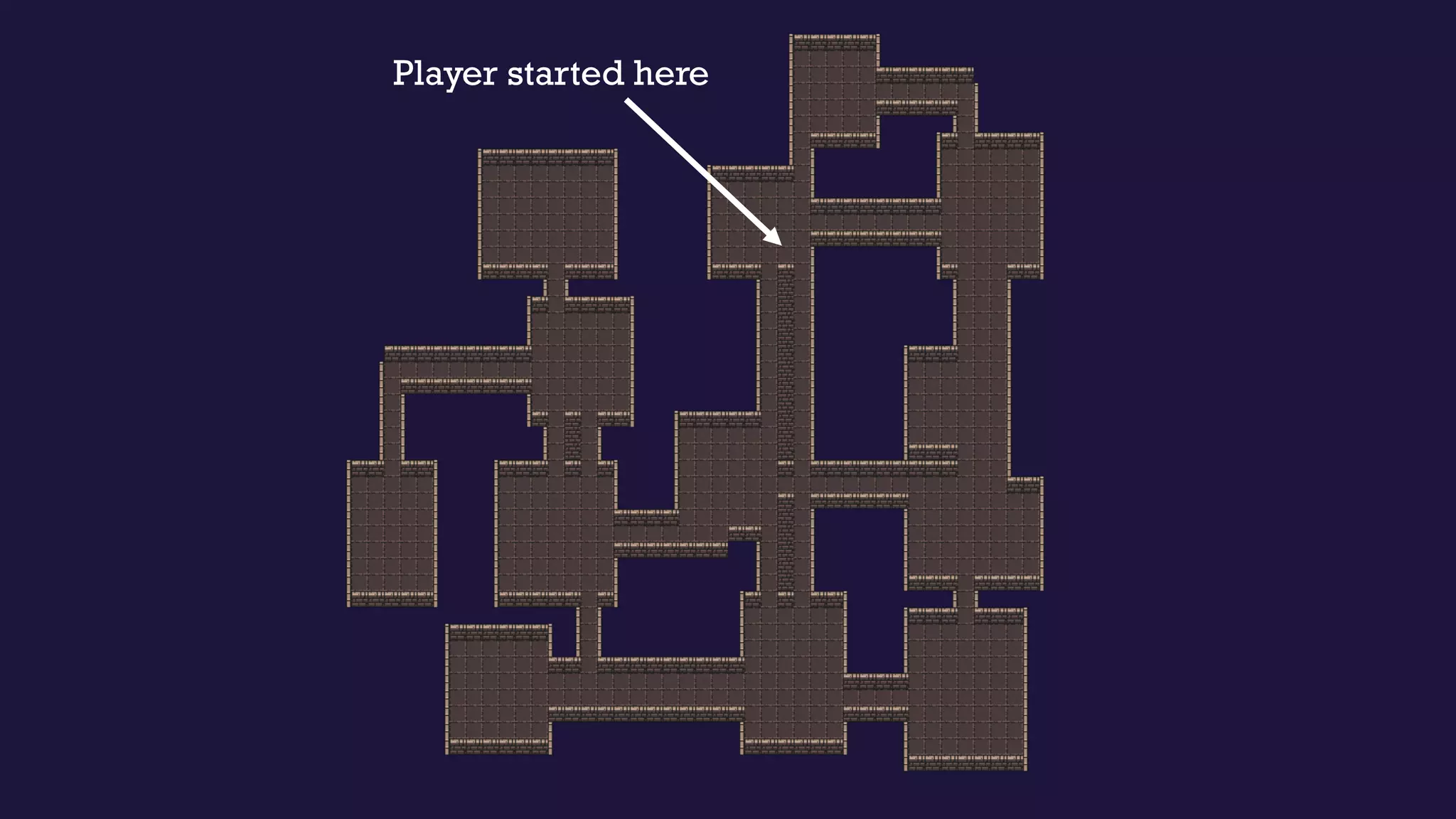
Player started here
It’s a process…
• Iterate on project ideas
• Go at your own pace
• Have fun!
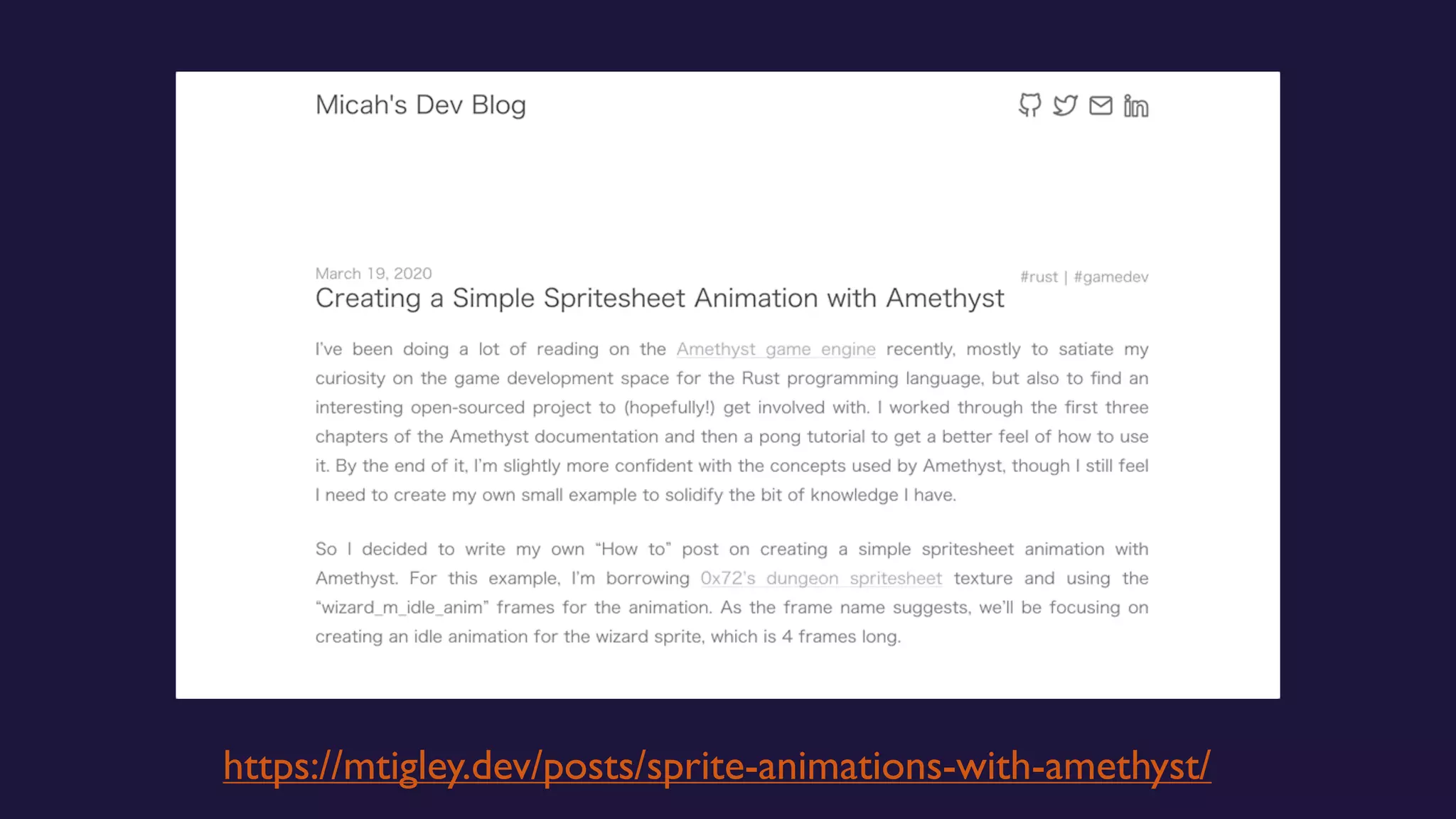
https://mtigley.dev/posts/sprite-animations-with-amethyst/
Teach others!
• Write blog posts
• Build your own repository of knowledge
• Someone might find it helpful
Thank
you!

RustConf 2020: My First Rust Project