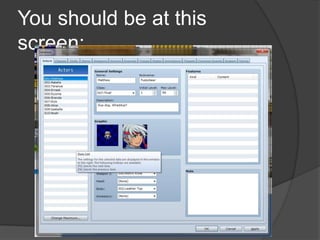
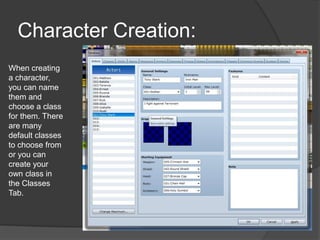
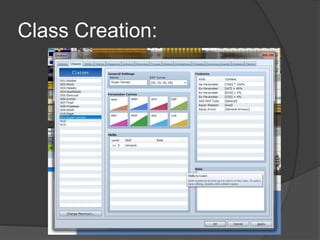
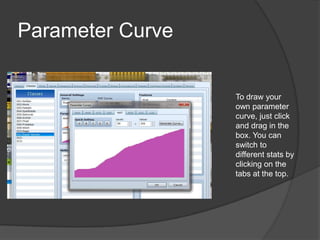
This document provides instructions for creating characters and classes in RPG Maker VX Ace. It outlines 3 steps: 1) Open RPG Maker and go to the database, 2) Create a new character by filling in information like name and class, 3) Create new classes by providing details such as name, experience curves, and skills. It describes how to customize parameter curves that determine how character stats increase with levels by drawing your own curve or selecting presets. The summary encourages applying a newly created custom class to a new character.