RPA with Automation Anywhere
A360
• Transforming Business Operations
• How RPA Can Enhance Your Work Efficiency
• Your Name & Date
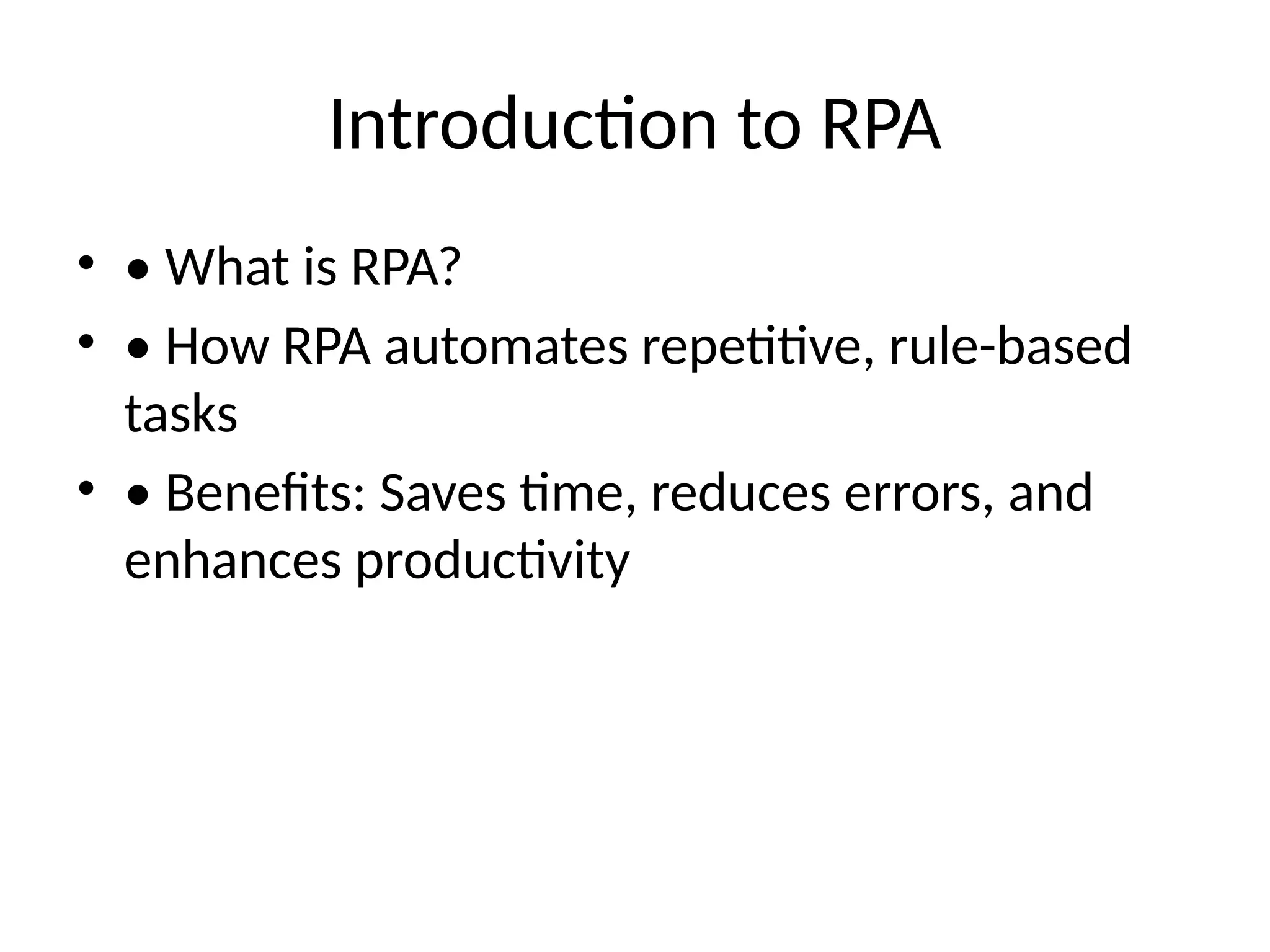
Introduction to RPA
• • What is RPA?
• • How RPA automates repetitive, rule-based
tasks
• • Benefits: Saves time, reduces errors, and
enhances productivity
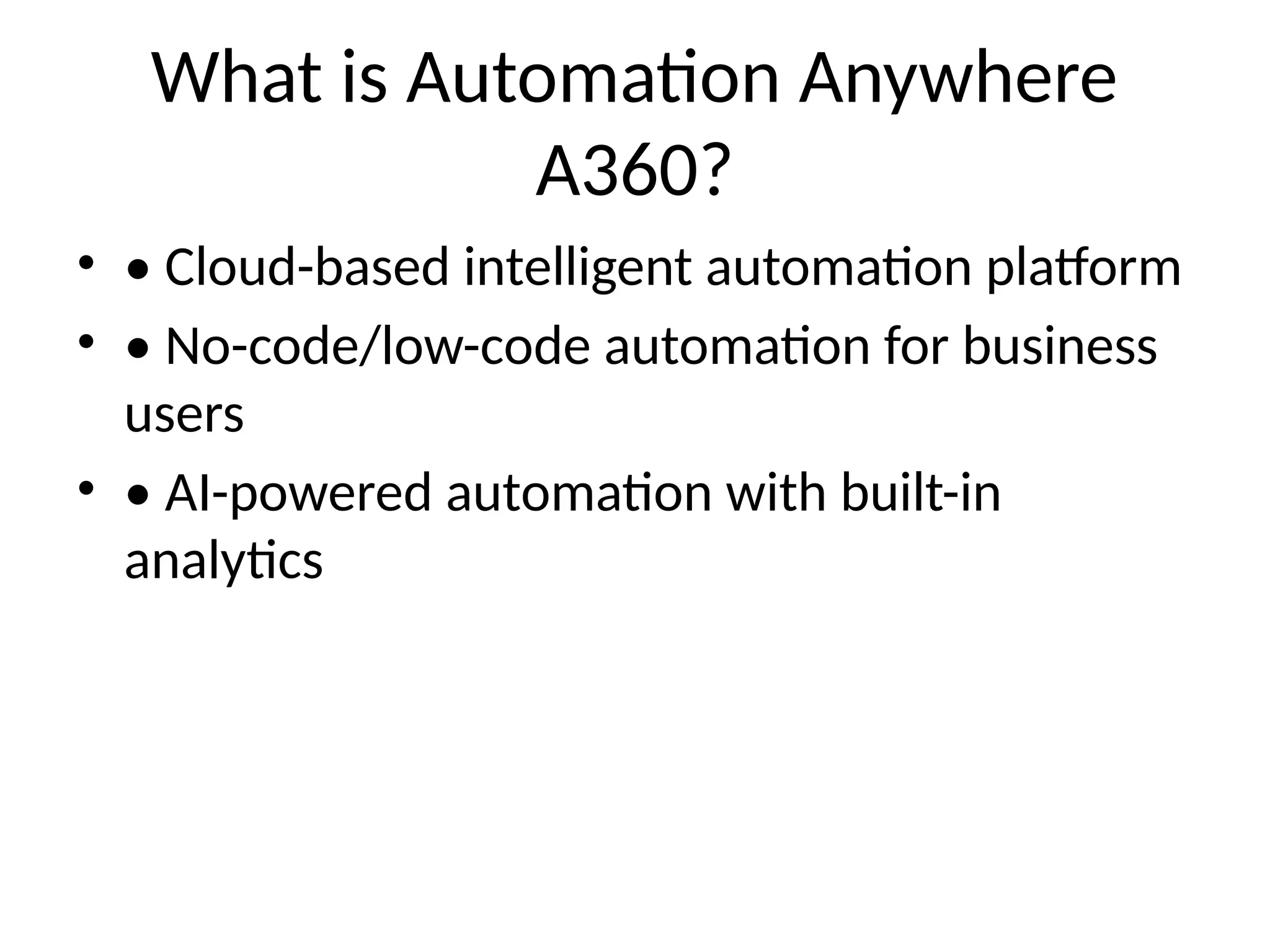
What is Automation Anywhere
A360?
• • Cloud-based intelligent automation platform
• • No-code/low-code automation for business
users
• • AI-powered automation with built-in
analytics
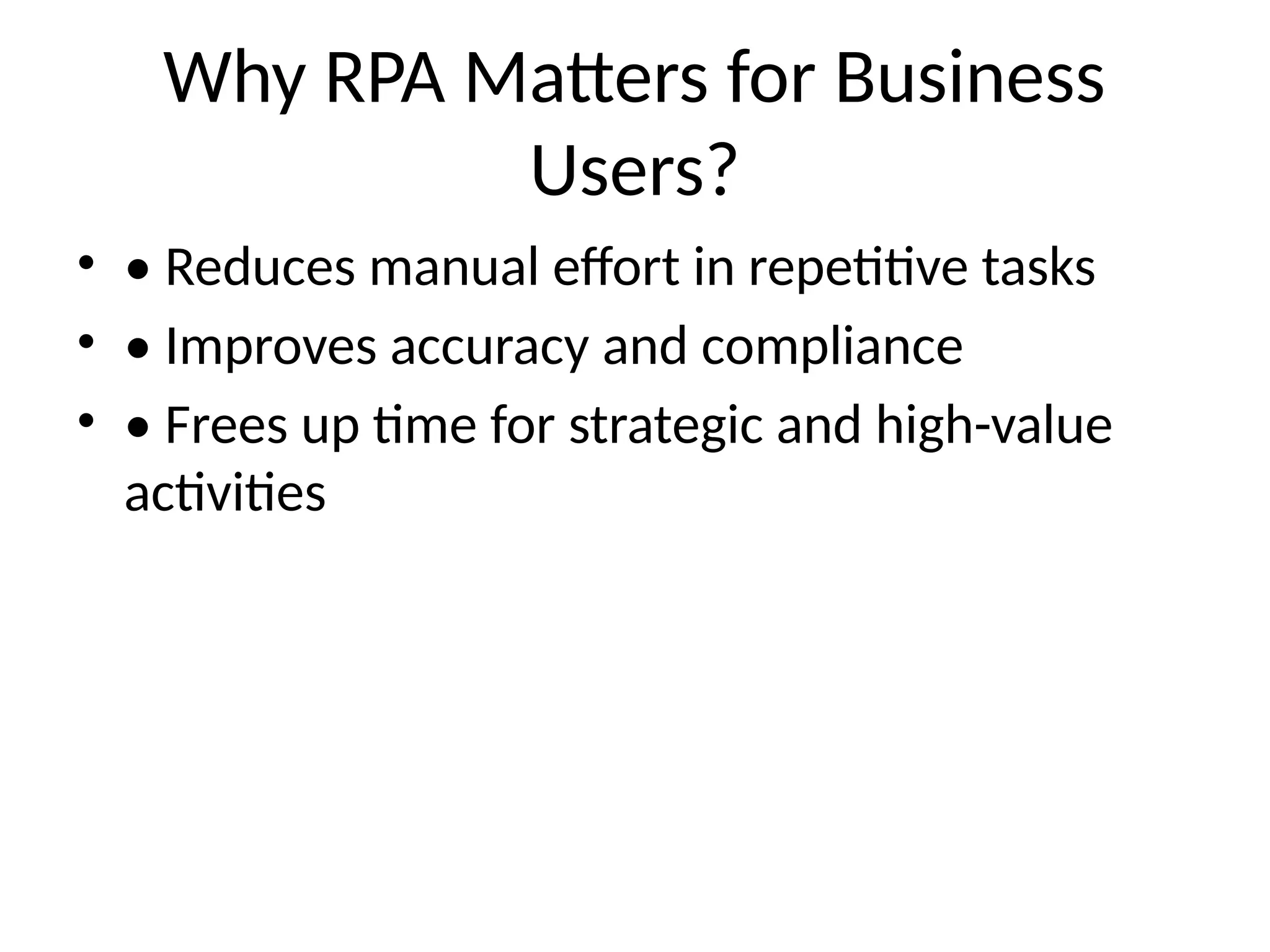
Why RPA Matters for Business
Users?
• • Reduces manual effort in repetitive tasks
• • Improves accuracy and compliance
• • Frees up time for strategic and high-value
activities
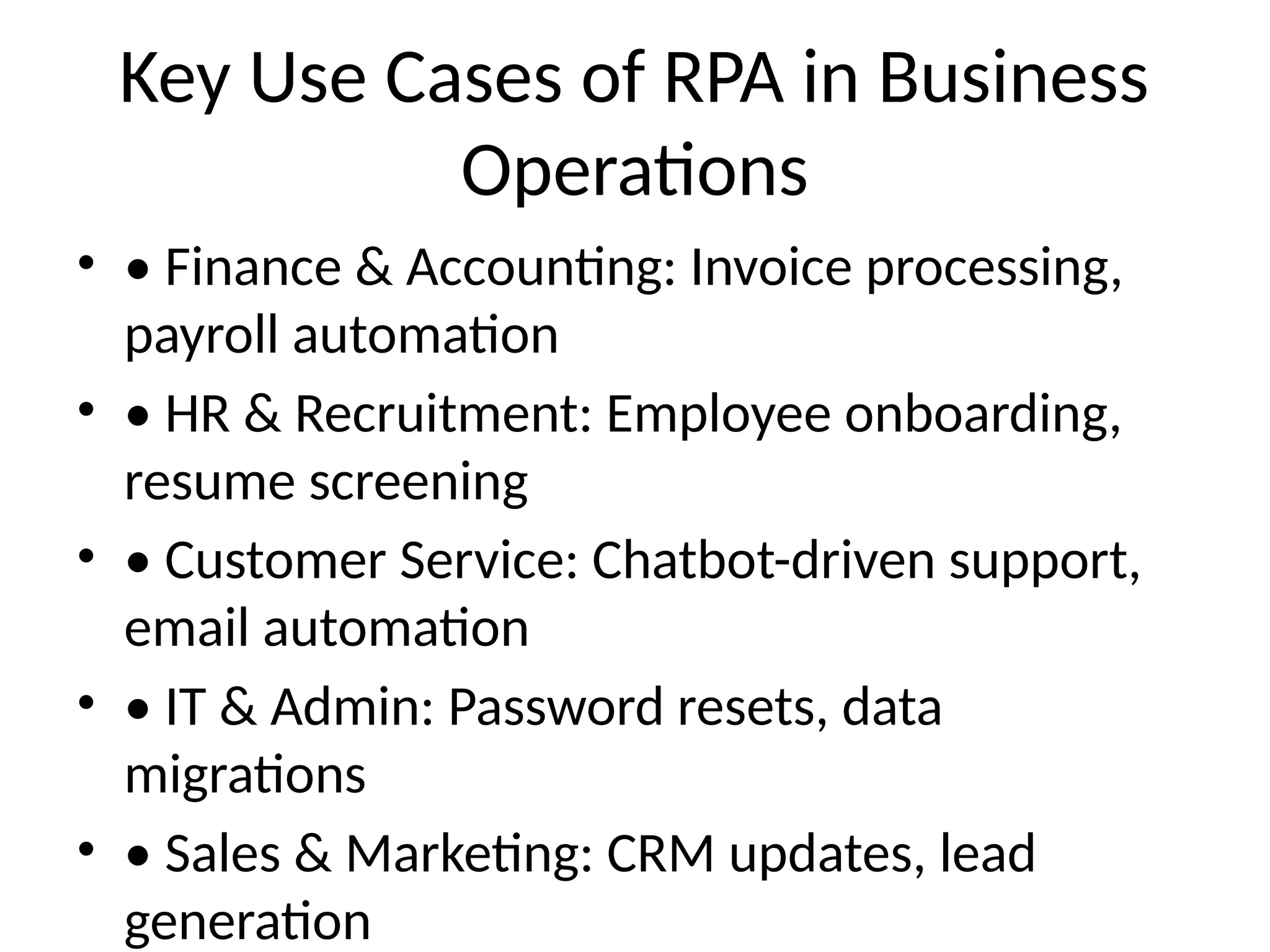
Key Use Cases of RPA in Business
Operations
• • Finance & Accounting: Invoice processing,
payroll automation
• • HR & Recruitment: Employee onboarding,
resume screening
• • Customer Service: Chatbot-driven support,
email automation
• • IT & Admin: Password resets, data
migrations
• • Sales & Marketing: CRM updates, lead
generation
Demo – How RPA Works in A360?
• 1. Identifying a task to automate
• 2. Designing the bot using Automation
Anywhere A360
• 3. Running the bot to execute the task
• 4. Monitoring performance and optimization
Business Impact of RPA
Implementation
• • Faster processing time (up to 80% efficiency
improvement)
• • Cost savings and ROI within months
• • Improved compliance and risk management
• • Scalability to handle increasing workloads
How to Get Started with RPA in
Your Work?
• 1. Identify repetitive, rule-based tasks
• 2. Work with IT or RPA CoE (Center of
Excellence)
• 3. Start with small automation pilots
• 4. Expand RPA adoption across departments
• 5. Monitor, optimize, and scale automation
Overcoming Challenges in RPA
Adoption
• • Change management and user adoption
• • Selecting the right processes for automation
• • Governance and compliance concerns
• • Integrating RPA with existing systems
Future of Automation with AI & ML
• • Intelligent Automation (IA): RPA + AI/ML for
smarter decision-making
• • Hyperautomation: End-to-end automation
with cloud and AI
• • Growing adoption across industries
Q&A
• Open discussion with business users

RPA_Automation_Anywhere_A360_Presentation.pptx

  • 1.
    RPA with AutomationAnywhere A360 • Transforming Business Operations • How RPA Can Enhance Your Work Efficiency • Your Name & Date
  • 2.
    Introduction to RPA •• What is RPA? • • How RPA automates repetitive, rule-based tasks • • Benefits: Saves time, reduces errors, and enhances productivity
  • 3.
    What is AutomationAnywhere A360? • • Cloud-based intelligent automation platform • • No-code/low-code automation for business users • • AI-powered automation with built-in analytics
  • 4.
    Why RPA Mattersfor Business Users? • • Reduces manual effort in repetitive tasks • • Improves accuracy and compliance • • Frees up time for strategic and high-value activities
  • 5.
    Key Use Casesof RPA in Business Operations • • Finance & Accounting: Invoice processing, payroll automation • • HR & Recruitment: Employee onboarding, resume screening • • Customer Service: Chatbot-driven support, email automation • • IT & Admin: Password resets, data migrations • • Sales & Marketing: CRM updates, lead generation
  • 6.
    Demo – HowRPA Works in A360? • 1. Identifying a task to automate • 2. Designing the bot using Automation Anywhere A360 • 3. Running the bot to execute the task • 4. Monitoring performance and optimization
  • 7.
    Business Impact ofRPA Implementation • • Faster processing time (up to 80% efficiency improvement) • • Cost savings and ROI within months • • Improved compliance and risk management • • Scalability to handle increasing workloads
  • 8.
    How to GetStarted with RPA in Your Work? • 1. Identify repetitive, rule-based tasks • 2. Work with IT or RPA CoE (Center of Excellence) • 3. Start with small automation pilots • 4. Expand RPA adoption across departments • 5. Monitor, optimize, and scale automation
  • 9.
    Overcoming Challenges inRPA Adoption • • Change management and user adoption • • Selecting the right processes for automation • • Governance and compliance concerns • • Integrating RPA with existing systems
  • 10.
    Future of Automationwith AI & ML • • Intelligent Automation (IA): RPA + AI/ML for smarter decision-making • • Hyperautomation: End-to-end automation with cloud and AI • • Growing adoption across industries
  • 11.
    Q&A • Open discussionwith business users