COG 601
Research Presentation and Publication II
University of the Visayas
Graduate School of Education
February 19, 2022 | Saturday | 8:00-2:00pm
Software
Free Templates
Design and Layouts
Discussant
Quality Circle 3
Garily C. Camatison
Topics:
Poster Design and Layout Tips
Objectives:
to identify the different software and
access free templates that can be used for
poster presentation
to be concise and logical in preparation of
data for presentation in a poster format
to understand the basic style and
techniques
The poster presentation is a dynamic
communication tool evolving over the
past four decades, as a means to
accommodate the increasing number
of researchers, especially graduate
students, seeking a means for
scholarly presentations of their
research.
Introduction
The poster presentation is a
highly-used communication tool
for students (undergraduate and
graduate) to display and discuss
their research experiences in
class and laboratory settings.
Introduction
Posters can be a useful medium in
scientific communication and are
regularly used in presentations at
meetings, research-based activities,
and conferences. They are static,
visual displays that enable you to
directly discuss your work and
receive instantaneous feedback.
Introduction
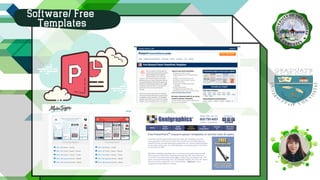
Software/ Free
Templates
Software/ Free
Templates
Software/ Free
Templates
Software/ Free
Templates
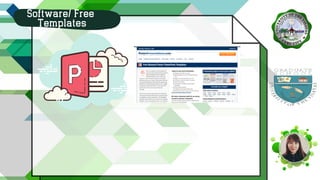
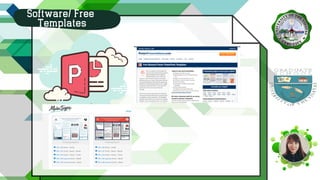
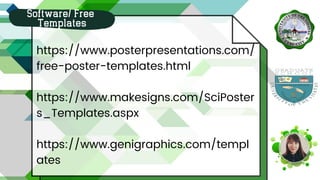
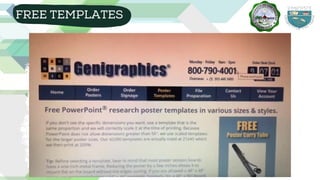
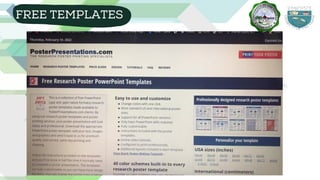
https://www.posterpresentations.com/
free-poster-templates.html
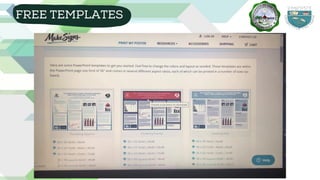
https://www.makesigns.com/SciPoster
s_Templates.aspx
https://www.genigraphics.com/templ
ates
Software/ Free
Templates
LET'S
LEARN
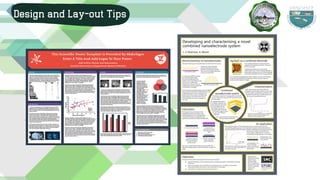
Design and Lay-out Tips
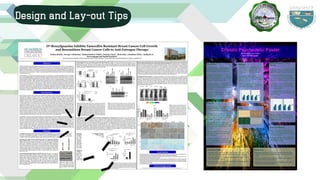
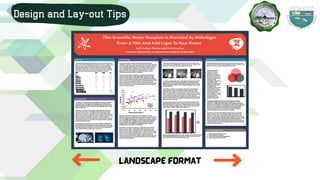
Landscape format
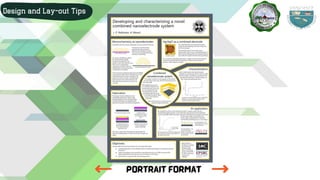
Design and Lay-out Tips
portrait format
Design and Lay-out Tips
Headings and other text with the same
importance should be the same font size
Font size varies based on poster dimensions
Suggested starting font sizes:
Design and Lay-out Tips
FONTS
Title: 100-144 pt.
Authors: 56 pt.
Sub-headings: 72-84 pt.
Text body: 18-24 pt.
Captions: 14-16 pt.
Acknowledgments
and References: 10-16 pts.
Design and Lay-out Tips
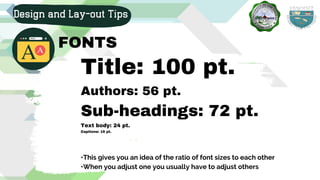
FONTS
Title: 100 pt.
Authors: 56 pt.
Sub-headings: 72 pt.
Text body: 24 pt.
Captions: 16 pt.
Design and Lay-out Tips
FONTS
•This gives you an idea of the ratio of font sizes to each other
•When you adjust one you usually have to adjust others
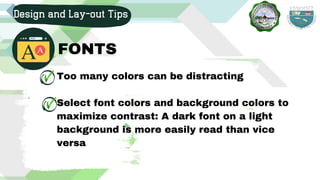
Too many colors can be distracting
Select font colors and background colors to
maximize contrast: A dark font on a light
background is more easily read than vice
versa
Design and Lay-out Tips
FONTS
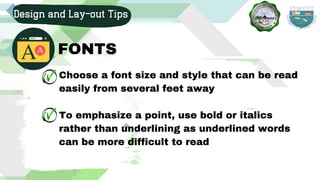
Choose a font size and style that can be read
easily from several feet away
To emphasize a point, use bold or italics
rather than underlining as underlined words
can be more difficult to read
Design and Lay-out Tips
FONTS
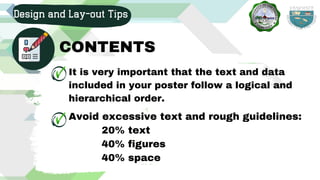
It is very important that the text and data
included in your poster follow a logical and
hierarchical order.
Design and Lay-out Tips
CONTENTS
Avoid excessive text and rough guidelines:
20% text
40% figures
40% space
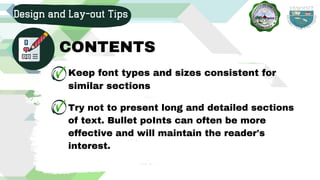
Keep font types and sizes consistent for
similar sections
Design and Lay-out Tips
CONTENTS
Try not to present long and detailed sections
of text. Bullet poInts can often be more
effective and will maintain the reader's
interest.
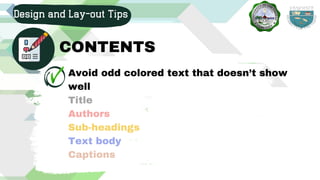
Avoid odd colored text that doesn’t show
well
Title
Authors
Sub-headings
Text body
Captions
Design and Lay-out Tips
CONTENTS
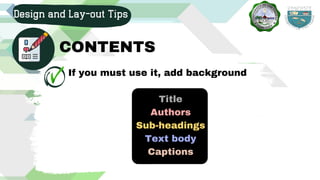
If you must use it, add background
Title
Authors
Sub-headings
Text body
Captions
Design and Lay-out Tips
CONTENTS
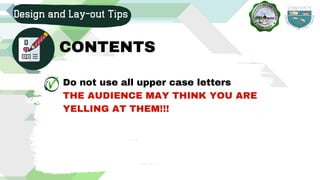
Do not use all upper case letters
THE AUDIENCE MAY THINK YOU ARE
YELLING AT THEM!!!
Design and Lay-out Tips
CONTENTS
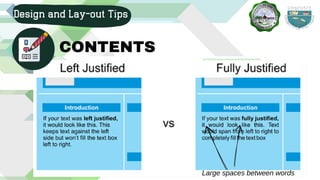
Left-align text
Fully-justified text creates large gaps
between words that are harder to read
Design and Lay-out Tips
CONTENTS
Design and Lay-out Tips
CONTENTS
Large spaces between words
Design and Lay-out Tips
CONTENTS
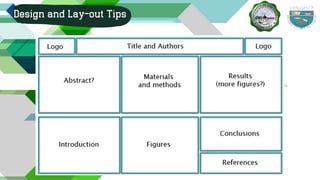
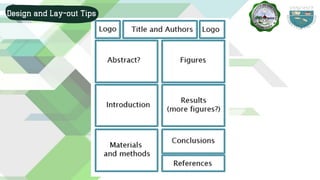
Title, Abstract
Introduction
Materials and methods
Results
Conclusions
References
Create sections of text in MS Word
Usually submitted beforehand for
approval
Short and concise
It may have separate sections or be a
single paragraph
Check the conference guidelines
Design and Lay-out Tips
Abstract
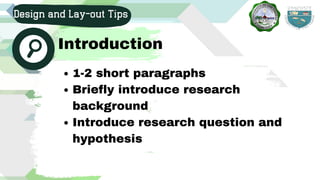
1-2 short paragraphs
Briefly introduce research
background
Introduce research question and
hypothesis
Design and Lay-out Tips
Introduction
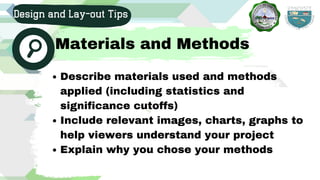
Describe materials used and methods
applied (including statistics and
significance cutoffs)
Include relevant images, charts, graphs to
help viewers understand your project
Explain why you chose your methods
Design and Lay-out Tips
Materials and Methods
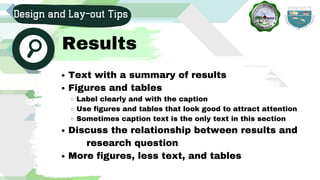
Text with a summary of results
Figures and tables
Label clearly and with the caption
Use figures and tables that look good to attract attention
Sometimes caption text is the only text in this section
Discuss the relationship between results and
More figures, less text, and tables
research question
Design and Lay-out Tips
Results
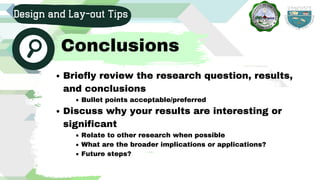
Briefly review the research question, results,
and conclusions
Bullet points acceptable/preferred
Discuss why your results are interesting or
significant
Relate to other research when possible
What are the broader implications or applications?
Future steps?
Design and Lay-out Tips
Conclusions
List references
Break into columns if needed
It is common to use smaller font here to
make everything fit
Some conferences don’t require this
section
Design and Lay-out Tips
References
People who helped you with your
research
Funding sources
The section should be short and concise
Sometimes logos can be used instead of
words
(40-50 words)
Design and Lay-out Tips
ACKNOWLEDGMENT
Remember that the poster should be
able to lead the reader through the work
presented.
Design and Lay-out Tips
THINGS TO REMEMBER
THINGS TO REMEMBER
Minimize cognitive load
Maximize information scent (TITLE)
If used in the correct way, graphics and
visual images can greatly enhance your
poster, increasing both understanding and
interest. However, ensure that all
graphics are relevant to your work, and
linked by references e.g. figures numbers
in the text.
Design and Lay-out Tips
IMAGES, GRAPHS and
PHOTOGRAPHS
Too many colors look chaotic, unprofessional
Make sure that all diagrams are clearly
captioned and easily seen. Captions should be
positioned below the diagram/figure and the
figure should be placed close to the relevant
text.
Design and Lay-out Tips
IMAGES, GRAPHS and
PHOTOGRAPHS
Design and Lay-out Tips
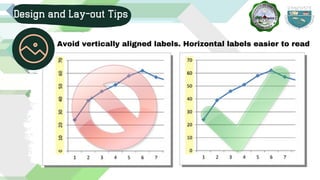
Avoid vertically aligned labels. Horizontal labels easier to read
Recommended: Use dark text and light
background
A busy background can be distracting
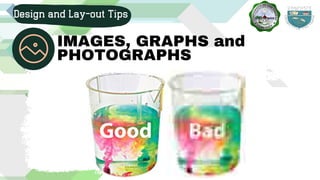
High quality to avoid blurry images when
blown up
Design and Lay-out Tips
IMAGES, GRAPHS and
PHOTOGRAPHS
Design and Lay-out Tips
IMAGES, GRAPHS and
PHOTOGRAPHS
Design and Lay-out Tips
STYLE
Keep it simple, clear and concise.
Obviously, the poster needs to be
eye-catching and attractive, but
filling up your poster space with
excess clutter can be distracting
for the viewer.
Design and Lay-out Tips
STYLE
Try to use one or two font types at
most. Too many font types can look
messy and confusing, particularly if
they are in the same sentence or
paragraph. It is best to choose fonts
that are easy on the eye, such as
Times Roman or Arial.
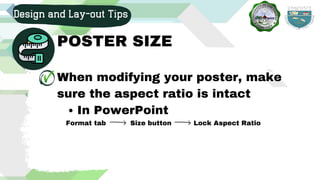
In PowerPoint
When modifying your poster, make
sure the aspect ratio is intact
Format tab Size button Lock Aspect Ratio
Design and Lay-out Tips
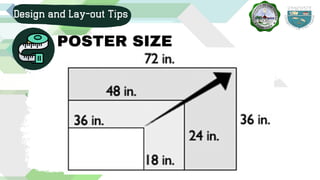
POSTER SIZE
Design and Lay-out Tips
POSTER SIZE
Design and Lay-out Tips
POSTER SIZE
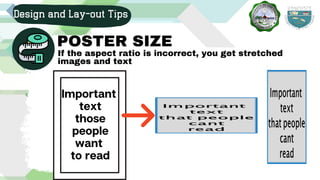
If the aspect ratio is incorrect, you get stretched
images and text
Important
text
those
people
want
to read
Design and Lay-out Tips
POSTER SIZE
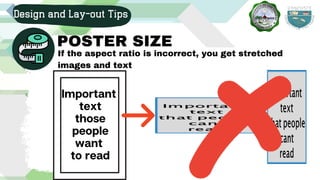
If the aspect ratio is incorrect, you get stretched
images and text
Important
text
those
people
want
to read
Design and Lay-out Tips
Confirm poster looks good, no mistakes
Very easy for mistakes to appear as you edit the poster
Print preview copy before the final print
Triple check dimensions before printing
Design and Lay-out Tips
Don't create a poster that will
make your audience fatigue
Don't put things on your poster
that people will ignore
People will ignore most things
The average viewer will spend 3-6 minutes
looking and 1-3 minutes asking questions
FREE
FREE
FREE
FREE TEMPLATES
FREE TEMPLATES
FREE TEMPLATES
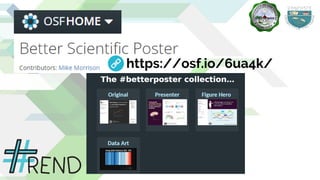
https://osf.io/6ua4k/
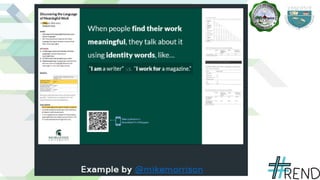
WORKS
WORKS
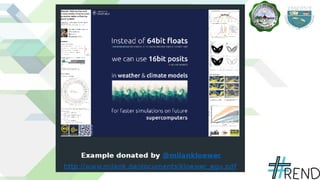
DONATED
DONATED
http://aspb.org/wp-content/uploads/2016/05/how-to-
make-a-great-poster.pdf
https://writing.colostate.edu/guides/guide.cfm?
guideid=78
https://prezi.com/0e1ftr5f7zlz/designing-an-academic-
poster/
Further Readings
https://guides.nyu.edu/posters
https://www.ncbi.nlm.nih.gov/pmc/articles/PMC1955747/
https://www.birmingham.ac.uk/schools/metallurgy-
materials/about/cases/tips-advice/poster.aspx
https://students.dartmouth.edu/ugar/news-
events/designing-research-poster
http://www.crl.iupui.edu/resources/poster-design.asp
http://www.makesigns.com/tutorials/
REFERENCES
YOU!
THANK
Garily C. Camatison
Discussant
Quality Circle 3

Research and Publication Poster Design and Layout