Regular Expressions in
          R
      Houston R Users Group
             10.05.2011
            Ed Goodwin
       twitter: @egoodwintx
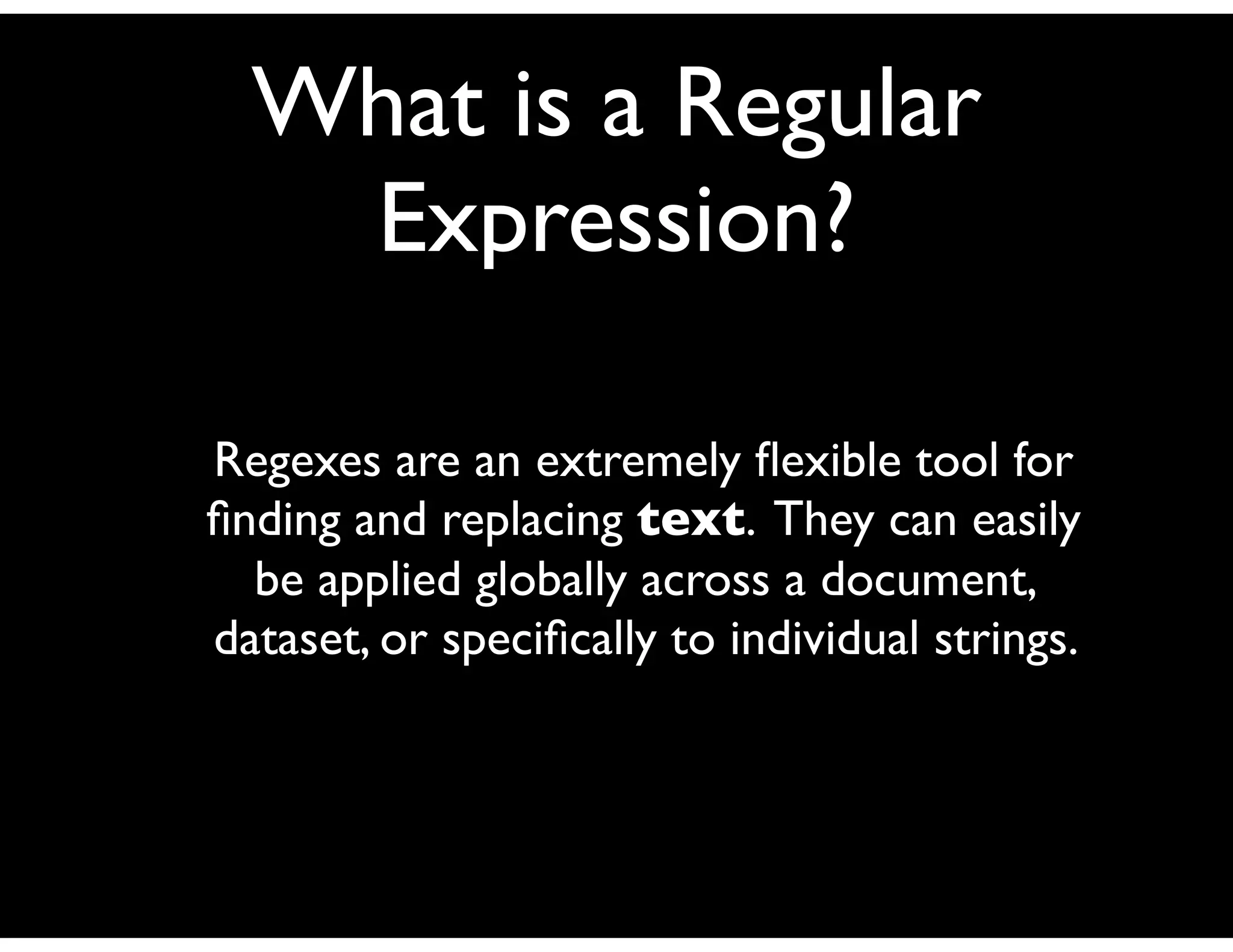
What is a Regular
   Expression?

Regexes are an extremely flexible tool for
finding and replacing text. They can easily
  be applied globally across a document,
dataset, or specifically to individual strings.
Example
Data
  LastName, FirstName, Address, Phone
  Baker, Tom, 123 Unit St., 555-452-1324
  Smith, Matt, 456 Tardis St., 555-326-4567
  Tennant, David, 567 Torchwood Ave., 555-563-8974


Regular Expression to Convert “St.” to “Street”
  gsub(“St.”, “Street”, data[i])


  *Note the double-slash “” to escape the ‘.’
Benefits of Regex
• Flexible (can be applied globally or
  specifically across data)
• Terse (very powerful scripting template)
• Portable (sort of) across languages
• Rich history
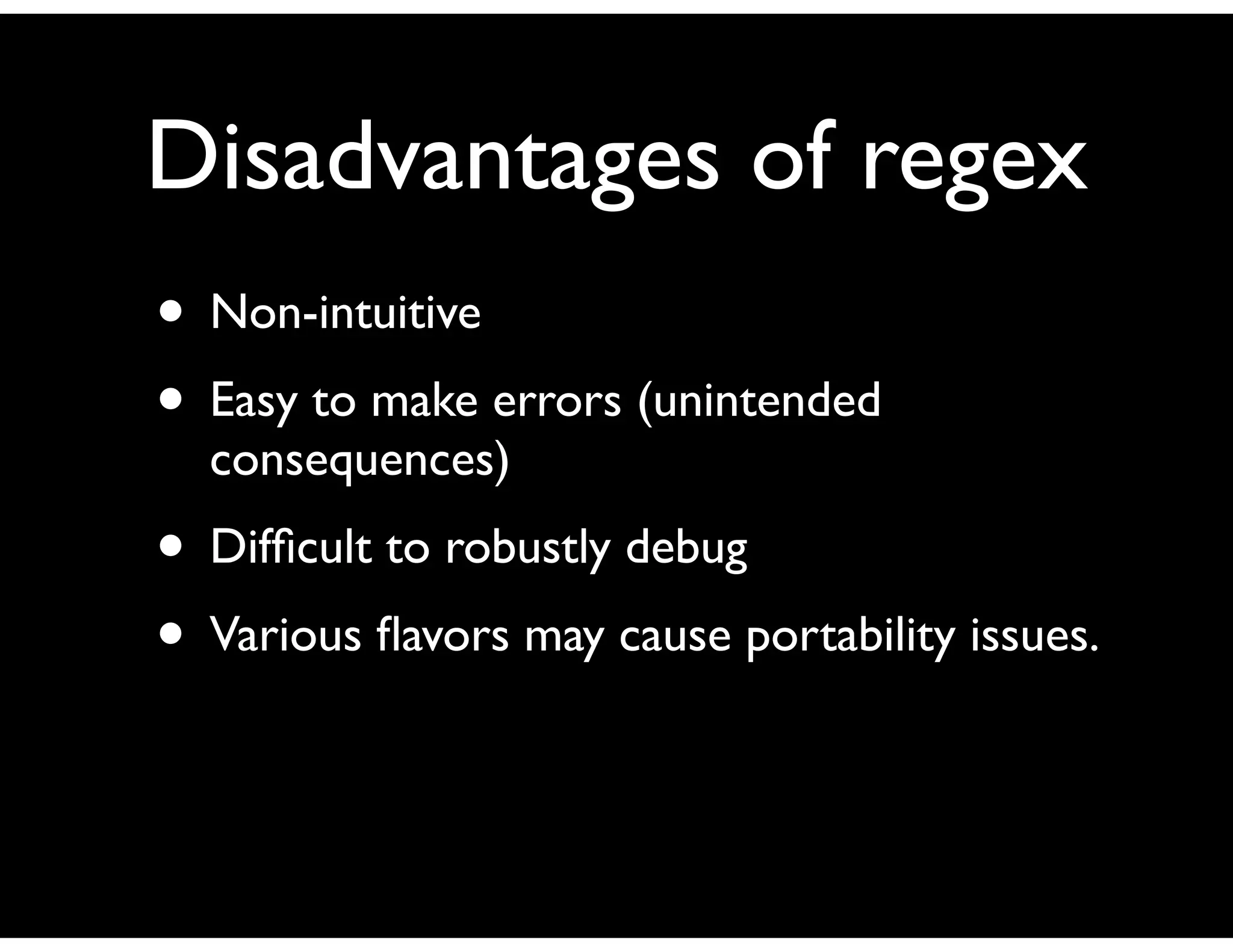
Disadvantages of regex
• Non-intuitive
• Easy to make errors (unintended
  consequences)
• Difficult to robustly debug
• Various flavors may cause portability issues.
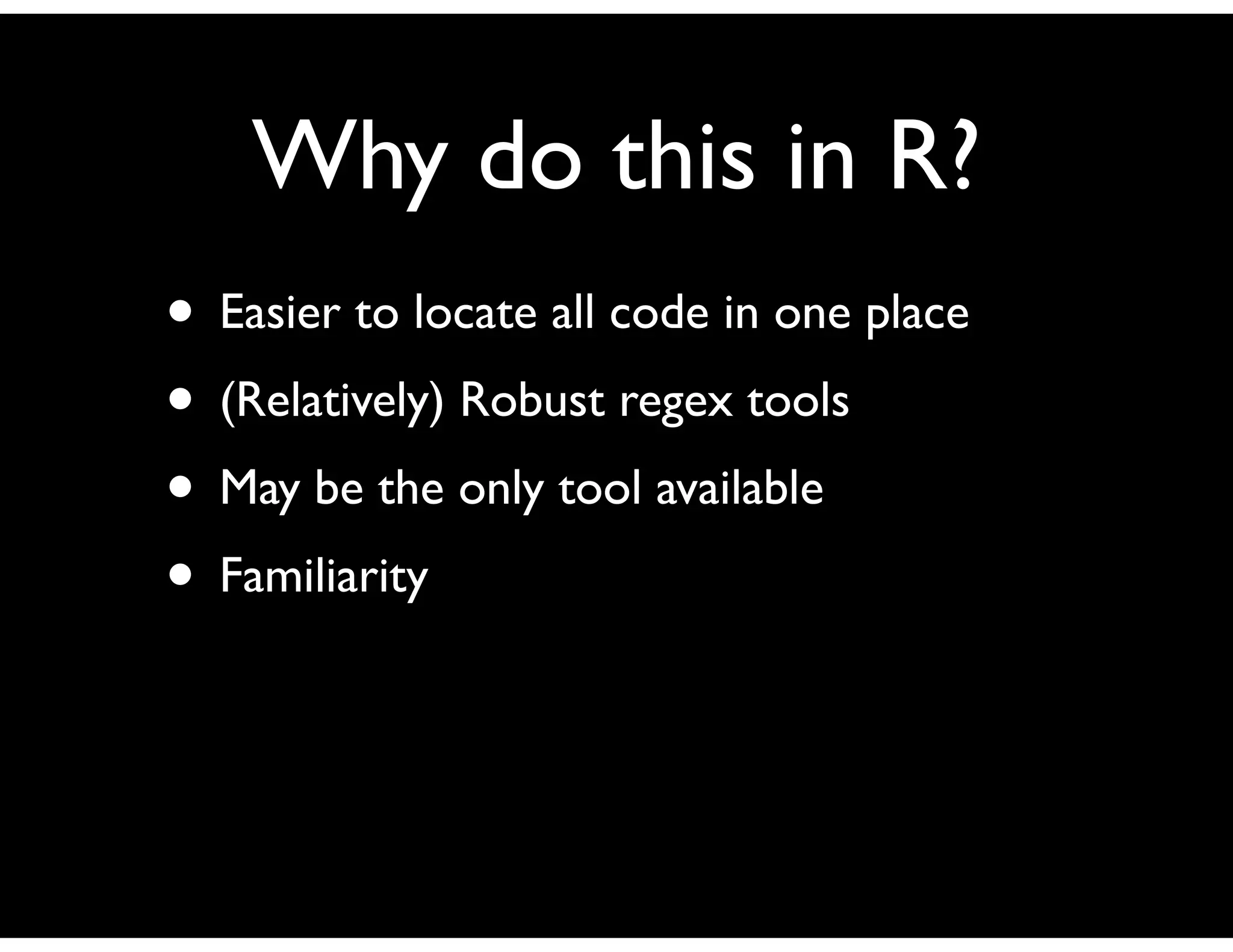
Why do this in R?
• Easier to locate all code in one place
• (Relatively) Robust regex tools
• May be the only tool available
• Familiarity
Other alternatives?
• Perl
• Python
• Java
• Ruby
• Others (grep, sed, awk, bash, csh, ksh, etc.)
Components of a
   Regular Expression
• Characters
• Metacharacters
• Character classes
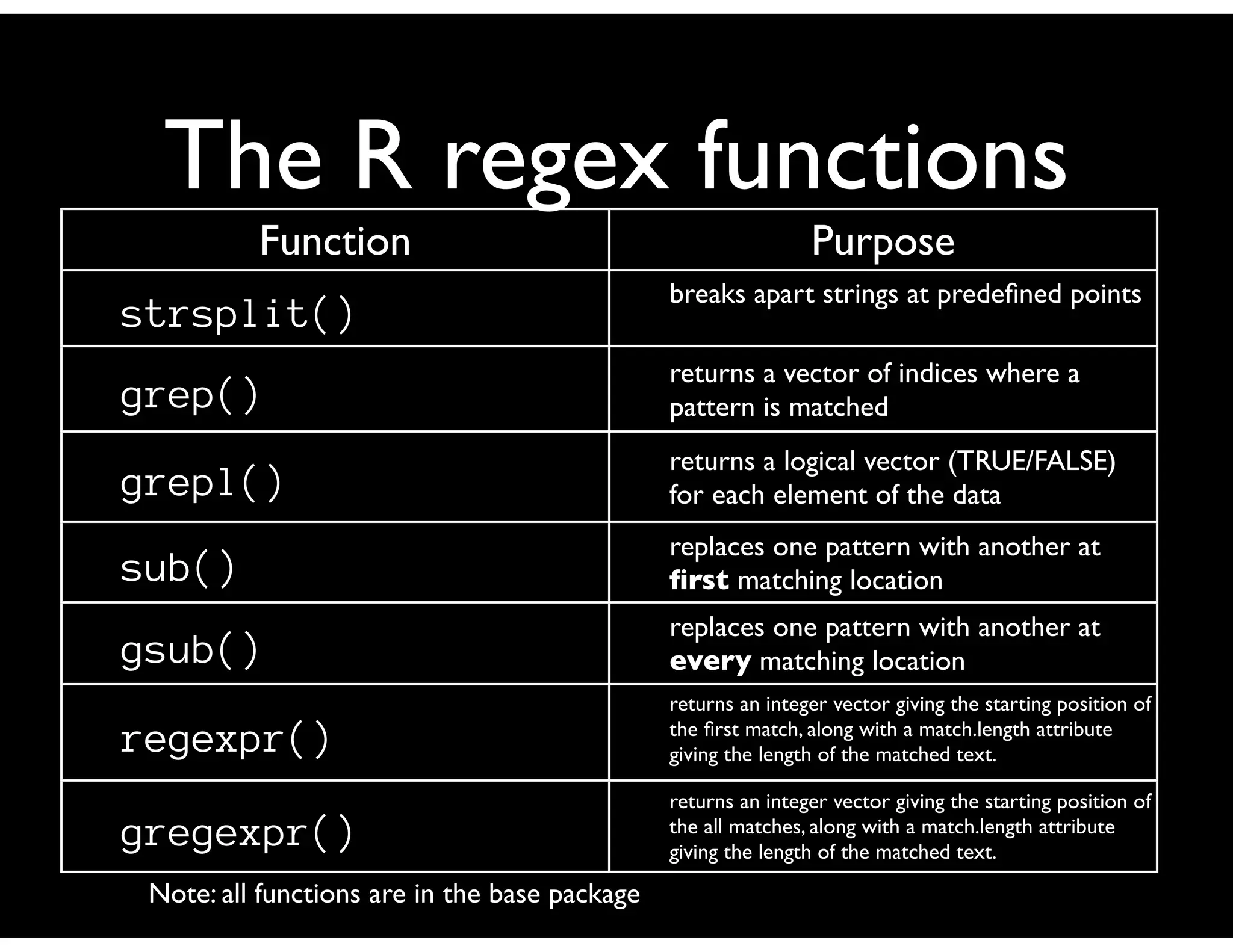
The R regex functions
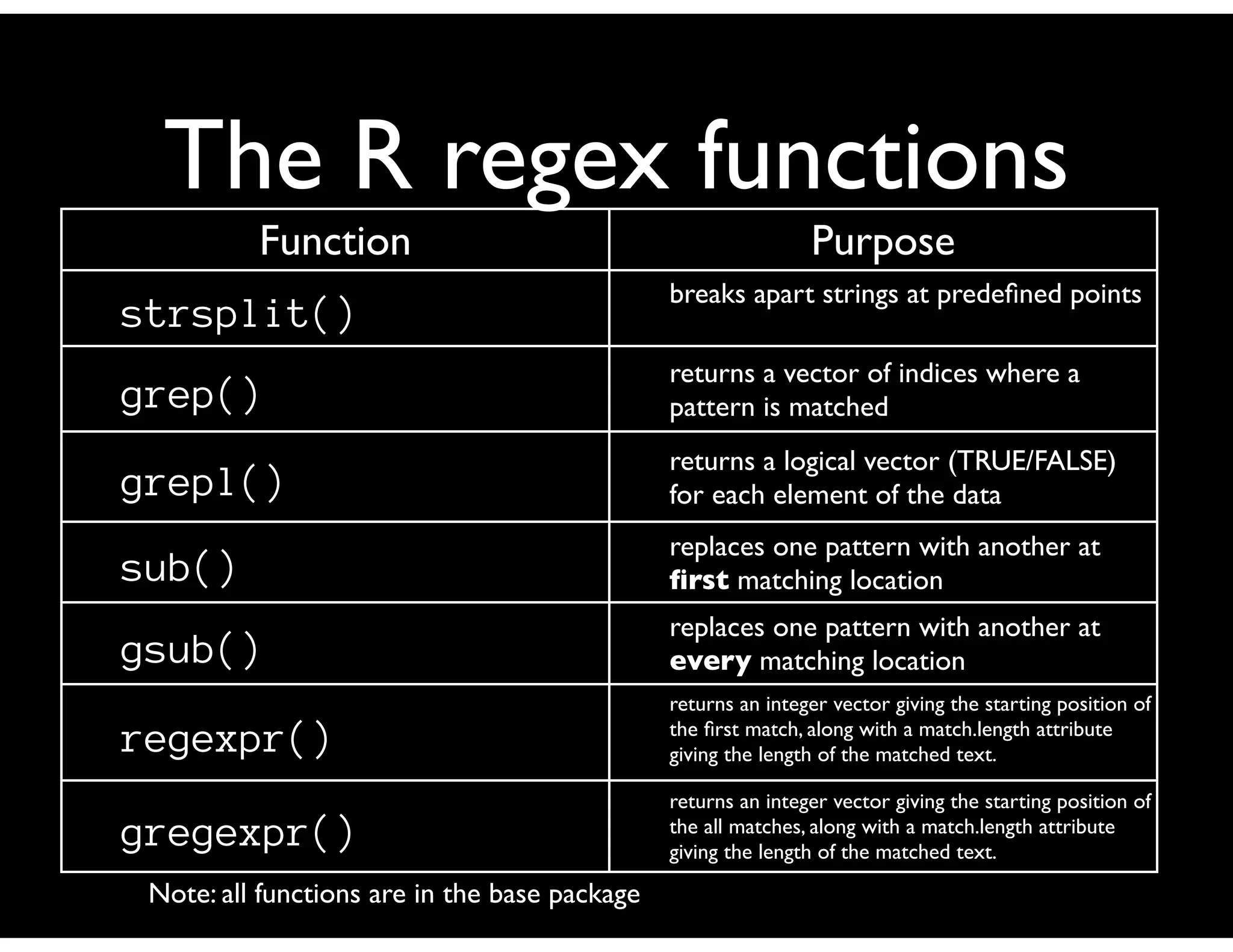
          Function                                             Purpose
                                               breaks apart strings at predefined points
strsplit()
                                               returns a vector of indices where a
grep()                                         pattern is matched
                                               returns a logical vector (TRUE/FALSE)
grepl()                                        for each element of the data
                                               replaces one pattern with another at
sub()                                          first matching location
                                               replaces one pattern with another at
gsub()                                         every matching location
                                               returns an integer vector giving the starting position of
regexpr()                                      the first match, along with a match.length attribute
                                               giving the length of the matched text.

                                               returns an integer vector giving the starting position of
gregexpr()                                     the all matches, along with a match.length attribute
                                               giving the length of the matched text.

 Note: all functions are in the base package
Metacharacter Symbols
     Modifier                                                    Meaning
           ^                               anchors expression to beginning of target
           $                                   anchors expression to end of target
           .                             matches any single character except newline
           |                                       separates alternative patterns
           []                                accepts any of the enclosed characters
          [^]                   accepts any characters but the ones enclosed in brackets
           ()                     groups patterns together for assignment or constraint
           *                     matches zero or more occurrences of preceding entity
           ?                       matches zero or one occurrences of preceding entity
           +                      matches one or more occurrences of preceding entity
          {n}                        matches exactly n occurrences of preceding entity
         {n,}                        matches at least n occurrences of preceding entity
        {n,m}                         matches n to m occurrences of preceding entity
                                        interpret succeeding character as literal
Source: “Data Manipulation with R”. Spector, Phil. Springer, 2008. page 92.
Examples
     [A-Za-z]+                matches one or more alphabetic characters


         .*             matches zero or more of any character up to the newline


      .*.*          matches zero or more characters followed by a literal .*


      (July? )             Accept ‘Jul’ or ‘July’ but not ‘Julyy’. Note the space.


     (abc|123)                             Match “abc” or “123”


     [abc|123]                  Match a, b, c, 1, 2 or 3.The ‘|’ is extraneous.

                          Matches lines starting with “From:” or “Subject:” or
^(From|Subject|Date):                            “Date:”
Let’s work through some examples...
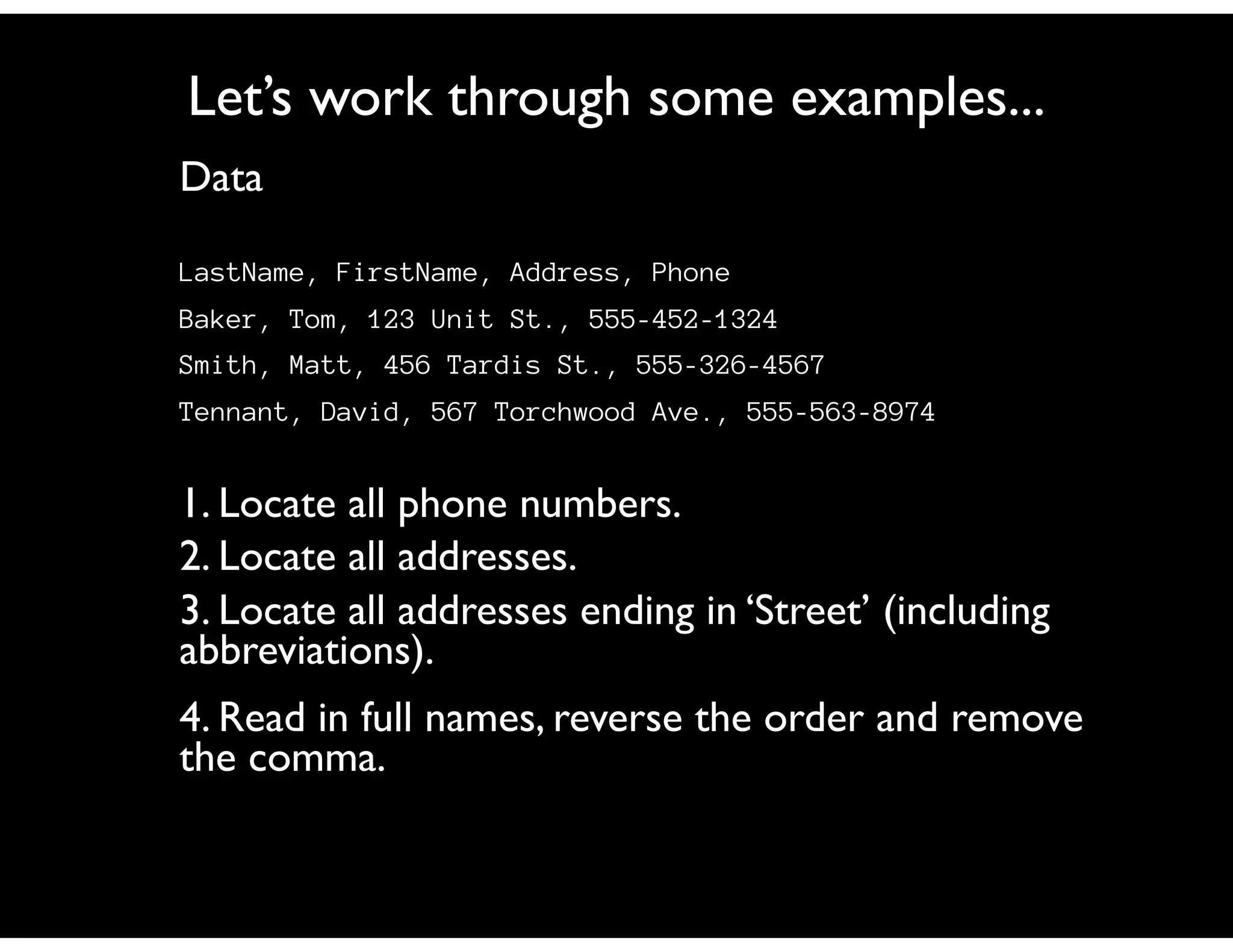
Data

LastName, FirstName, Address, Phone
Baker, Tom, 123 Unit St., 555-452-1324
Smith, Matt, 456 Tardis St., 555-326-4567
Tennant, David, 567 Torchwood Ave., 555-563-8974


1. Locate all phone numbers.
2. Locate all addresses.
3. Locate all addresses ending in ‘Street’ (including
abbreviations).
4. Read in full names, reverse the order and remove
the comma.
So how would you write the regular
 expression to match a calendar date in
format “mm/dd/yyyy” or “mm.dd.yyyy”?
Regex to identify date
      format?
What’s wrong with
“[0-9]{2}(.|/)[0-9]{2}(.|/)[0-9]{4}”    ?
Or with
“[1-12](.|/)[1-31](.|/)[0001-9999]” ?
Dates are not an easy problem
because they are not a simple text
             pattern

Best bet is to validate the textual pattern
(mm.dd.yyyy) and then pass to a separate
function to validate the date (leap years, odd
days in month, etc.)
“^(1[0-2]|0[1-9])(.|/)(3[0-1]|[1-2][0-9]|0[1-9])(.|/)
([0-9]{4})$”
Supported flavors of
     regex in R
• POSIX 1003.2
• Perl
Perl is the more robust of the two. POSIX
has a few idiosyncracies handling ‘’ that may
trip you up.
Usage Patterns
• Data validation
• String replace on dataset
• String identify in dataset (subset of data)
• Pattern arithmetic (how prevalent is string
  in data?)
• Error prevention/detection
The R regex functions
          Function                                             Purpose
                                               breaks apart strings at predefined points
strsplit()
                                               returns a vector of indices where a
grep()                                         pattern is matched
                                               returns a logical vector (TRUE/FALSE)
grepl()                                        for each element of the data
                                               replaces one pattern with another at
sub()                                          first matching location
                                               replaces one pattern with another at
gsub()                                         every matching location
                                               returns an integer vector giving the starting position of
regexpr()                                      the first match, along with a match.length attribute
                                               giving the length of the matched text.

                                               returns an integer vector giving the starting position of
gregexpr()                                     the all matches, along with a match.length attribute
                                               giving the length of the matched text.

 Note: all functions are in the base package
strsplit( )
Definition:
 strsplit(x, split, fixed=FALSE, perl=FALSE, useBytes=FALSE)

Example:

str <- “This is some dummy data to parse x785y8099”
strsplit(str, “[ xy]”, perl=TRUE)

Result:
[[1]]
 [1] "This"   "is"      "some"   "dumm"   ""   "data"   "to"
"parse" ""
[10] "785"    "8099"
grep( )
Definition:
grep(pattern, x, ignore.case=FALSE, perl=FALSE, value=FALSE,
            fixed = FALSE, useBytes = FALSE, invert = FALSE)

Example:

str <- “This is some dummy data to parse x785y8099”
grep(“[a-z][0-9]{3}[a-z][0-9]{4}”, str, perl=TRUE,
value=TRUE)

Result:
[1] "This is some dummy data to parse x785y8099"
grepl( )
Definition:
grepl(pattern, x, ignore.case=FALSE, perl=FALSE,
value=FALSE,fixed = FALSE, useBytes = FALSE, invert = FALSE)

Example:

str <- “This is some dummy data to parse x785y8099”
grepl(“[a-z][0-9]{3}[a-z][0-9]{4}”, str, perl=TRUE)

Result:

[1] TRUE
sub( )
Definition:
sub(pattern, replacement, x, ignore.case=FALSE, perl=FALSE,
fixed=FALSE, useBytes=FALSE)

Example:

str <- “This is some dummy data to parse x785y8099”
sub("dummy(.* )([a-z][0-9]{3}).([0-9]{4})",
"awesome12H3", str, perl=TRUE)

Result:
[1] "This is some awesome data to parse x785H8099"
gsub( )
Definition:
gsub(pattern, replacement, x, ignore.case=FALSE,
perl=FALSE,fixed=FALSE, useBytes=FALSE)

Example:

str <- “This is some dummy data to parse x785y8099 you
dummy”
gsub(“dummy”, “awesome”, perl=TRUE)

Result:
[1] "This is some awesome data to parse x785y8099 you
awesome"
regexpr( )
Definition:
regexpr(pattern, text, ignore.case=FALSE, perl=FALSE,
fixed = FALSE, useBytes = FALSE)

Example:

duckgoose <- "Duck, duck, duck, goose, duck, duck, goose,
duck, duck"

regexpr("duck", duckgoose, ignore.case=TRUE, perl=TRUE)

Result:
[1] 1
attr(,"match.length")
[1] 4
gregexpr( )
Definition:
gregexpr(pattern, text, ignore.case=FALSE, perl=FALSE,
fixed=FALSE, useBytes=FALSE)

Example:

duckgoose <- "Duck, duck, duck, goose, duck, duck, goose,
duck, duck"

regexpr("duck", duckgoose, ignore.case=TRUE, perl=TRUE)

Result:
[[1]]
[1] 1 7 13 26 32 45 51
attr(,"match.length")
[1] 4 4 4 4 4 4 4
Problem Solving &
       Debugging
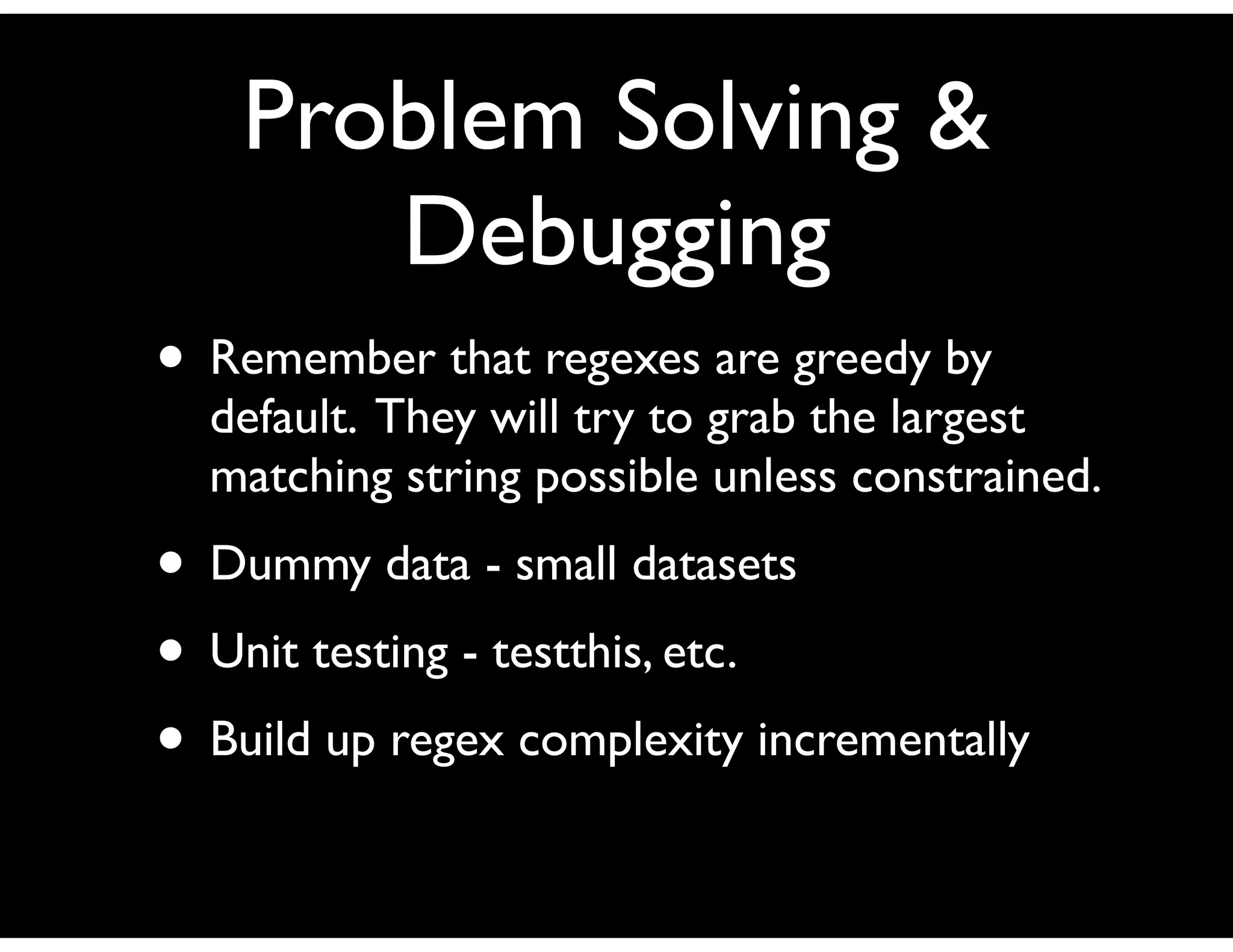
• Remember that regexes are greedy by
  default. They will try to grab the largest
  matching string possible unless constrained.
• Dummy data - small datasets
• Unit testing - testthis, etc.
• Build up regex complexity incrementally
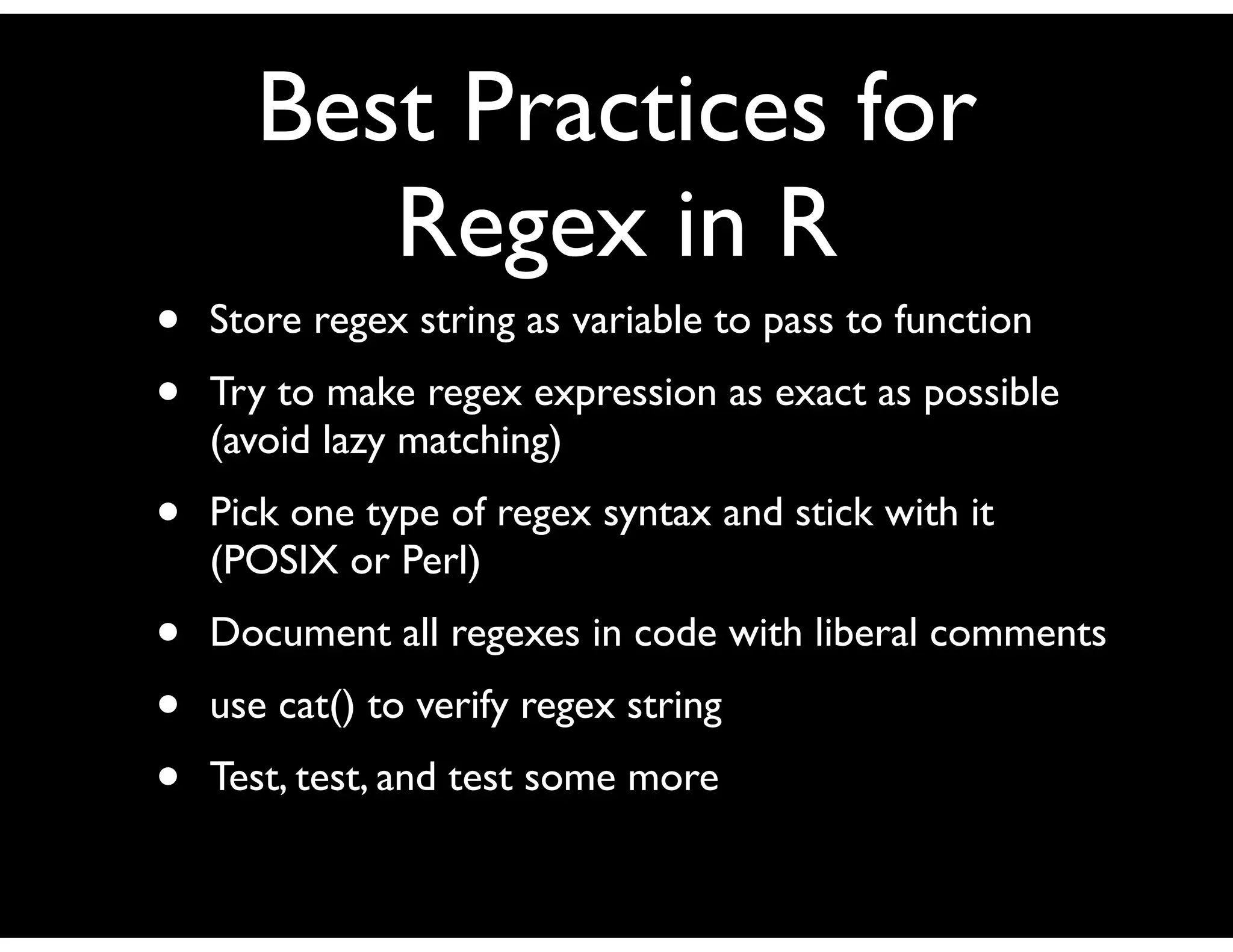
Best Practices for
         Regex in R
•   Store regex string as variable to pass to function
•   Try to make regex expression as exact as possible
    (avoid lazy matching)
•   Pick one type of regex syntax and stick with it
    (POSIX or Perl)
•   Document all regexes in code with liberal comments
•   use cat() to verify regex string
•   Test, test, and test some more
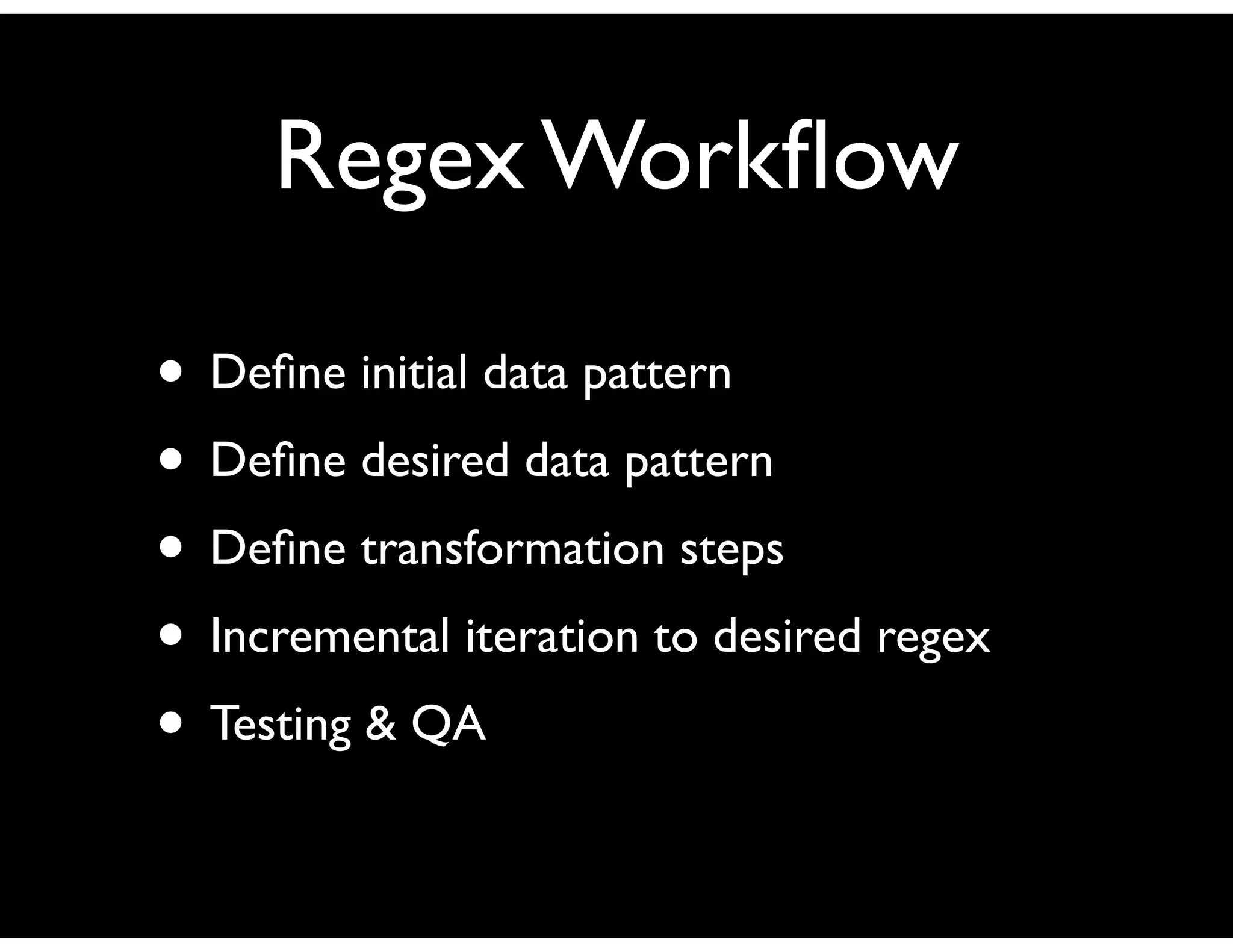
Regex Workflow

• Define initial data pattern
• Define desired data pattern
• Define transformation steps
• Incremental iteration to desired regex
• Testing & QA
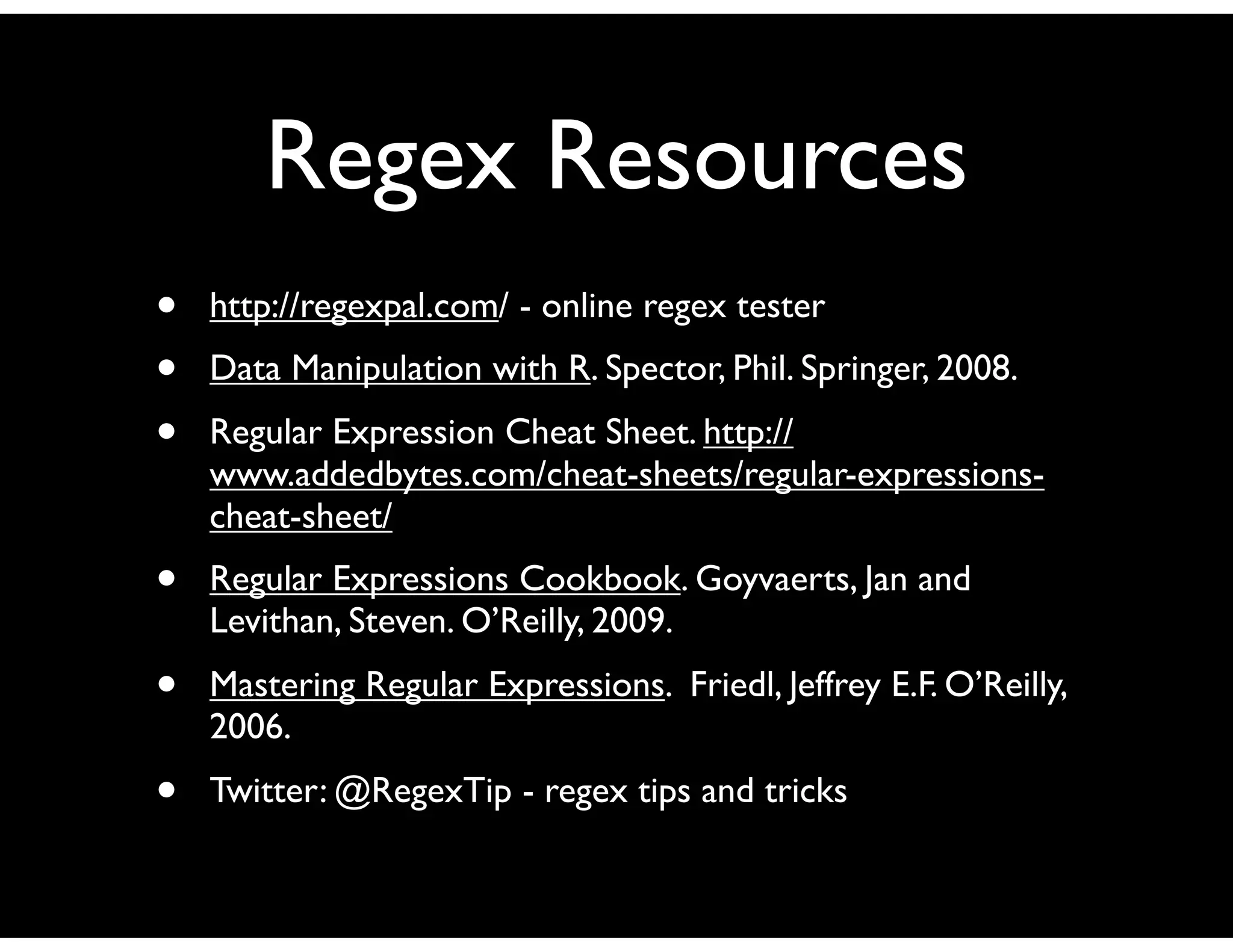
Regex Resources
•   http://regexpal.com/ - online regex tester
•   Data Manipulation with R. Spector, Phil. Springer, 2008.
•   Regular Expression Cheat Sheet. http://
    www.addedbytes.com/cheat-sheets/regular-expressions-
    cheat-sheet/
•   Regular Expressions Cookbook. Goyvaerts, Jan and
    Levithan, Steven. O’Reilly, 2009.
•   Mastering Regular Expressions. Friedl, Jeffrey E.F. O’Reilly,
    2006.
•   Twitter: @RegexTip - regex tips and tricks

regex-presentation_ed_goodwin

  • 1.
    Regular Expressions in R Houston R Users Group 10.05.2011 Ed Goodwin twitter: @egoodwintx
  • 2.
    What is aRegular Expression? Regexes are an extremely flexible tool for finding and replacing text. They can easily be applied globally across a document, dataset, or specifically to individual strings.
  • 3.
    Example Data LastName,FirstName, Address, Phone Baker, Tom, 123 Unit St., 555-452-1324 Smith, Matt, 456 Tardis St., 555-326-4567 Tennant, David, 567 Torchwood Ave., 555-563-8974 Regular Expression to Convert “St.” to “Street” gsub(“St.”, “Street”, data[i]) *Note the double-slash “” to escape the ‘.’
  • 4.
    Benefits of Regex •Flexible (can be applied globally or specifically across data) • Terse (very powerful scripting template) • Portable (sort of) across languages • Rich history
  • 5.
    Disadvantages of regex •Non-intuitive • Easy to make errors (unintended consequences) • Difficult to robustly debug • Various flavors may cause portability issues.
  • 6.
    Why do thisin R? • Easier to locate all code in one place • (Relatively) Robust regex tools • May be the only tool available • Familiarity
  • 7.
    Other alternatives? • Perl •Python • Java • Ruby • Others (grep, sed, awk, bash, csh, ksh, etc.)
  • 8.
    Components of a Regular Expression • Characters • Metacharacters • Character classes
  • 9.
    The R regexfunctions Function Purpose breaks apart strings at predefined points strsplit() returns a vector of indices where a grep() pattern is matched returns a logical vector (TRUE/FALSE) grepl() for each element of the data replaces one pattern with another at sub() first matching location replaces one pattern with another at gsub() every matching location returns an integer vector giving the starting position of regexpr() the first match, along with a match.length attribute giving the length of the matched text. returns an integer vector giving the starting position of gregexpr() the all matches, along with a match.length attribute giving the length of the matched text. Note: all functions are in the base package
  • 10.
    Metacharacter Symbols Modifier Meaning ^ anchors expression to beginning of target $ anchors expression to end of target . matches any single character except newline | separates alternative patterns [] accepts any of the enclosed characters [^] accepts any characters but the ones enclosed in brackets () groups patterns together for assignment or constraint * matches zero or more occurrences of preceding entity ? matches zero or one occurrences of preceding entity + matches one or more occurrences of preceding entity {n} matches exactly n occurrences of preceding entity {n,} matches at least n occurrences of preceding entity {n,m} matches n to m occurrences of preceding entity interpret succeeding character as literal Source: “Data Manipulation with R”. Spector, Phil. Springer, 2008. page 92.
  • 11.
    Examples [A-Za-z]+ matches one or more alphabetic characters .* matches zero or more of any character up to the newline .*.* matches zero or more characters followed by a literal .* (July? ) Accept ‘Jul’ or ‘July’ but not ‘Julyy’. Note the space. (abc|123) Match “abc” or “123” [abc|123] Match a, b, c, 1, 2 or 3.The ‘|’ is extraneous. Matches lines starting with “From:” or “Subject:” or ^(From|Subject|Date): “Date:”
  • 12.
    Let’s work throughsome examples... Data LastName, FirstName, Address, Phone Baker, Tom, 123 Unit St., 555-452-1324 Smith, Matt, 456 Tardis St., 555-326-4567 Tennant, David, 567 Torchwood Ave., 555-563-8974 1. Locate all phone numbers. 2. Locate all addresses. 3. Locate all addresses ending in ‘Street’ (including abbreviations). 4. Read in full names, reverse the order and remove the comma.
  • 13.
    So how wouldyou write the regular expression to match a calendar date in format “mm/dd/yyyy” or “mm.dd.yyyy”?
  • 14.
    Regex to identifydate format? What’s wrong with “[0-9]{2}(.|/)[0-9]{2}(.|/)[0-9]{4}” ? Or with “[1-12](.|/)[1-31](.|/)[0001-9999]” ?
  • 15.
    Dates are notan easy problem because they are not a simple text pattern Best bet is to validate the textual pattern (mm.dd.yyyy) and then pass to a separate function to validate the date (leap years, odd days in month, etc.) “^(1[0-2]|0[1-9])(.|/)(3[0-1]|[1-2][0-9]|0[1-9])(.|/) ([0-9]{4})$”
  • 16.
    Supported flavors of regex in R • POSIX 1003.2 • Perl Perl is the more robust of the two. POSIX has a few idiosyncracies handling ‘’ that may trip you up.
  • 17.
    Usage Patterns • Datavalidation • String replace on dataset • String identify in dataset (subset of data) • Pattern arithmetic (how prevalent is string in data?) • Error prevention/detection
  • 18.
    The R regexfunctions Function Purpose breaks apart strings at predefined points strsplit() returns a vector of indices where a grep() pattern is matched returns a logical vector (TRUE/FALSE) grepl() for each element of the data replaces one pattern with another at sub() first matching location replaces one pattern with another at gsub() every matching location returns an integer vector giving the starting position of regexpr() the first match, along with a match.length attribute giving the length of the matched text. returns an integer vector giving the starting position of gregexpr() the all matches, along with a match.length attribute giving the length of the matched text. Note: all functions are in the base package
  • 19.
    strsplit( ) Definition: strsplit(x,split, fixed=FALSE, perl=FALSE, useBytes=FALSE) Example: str <- “This is some dummy data to parse x785y8099” strsplit(str, “[ xy]”, perl=TRUE) Result: [[1]] [1] "This" "is" "some" "dumm" "" "data" "to" "parse" "" [10] "785" "8099"
  • 20.
    grep( ) Definition: grep(pattern, x,ignore.case=FALSE, perl=FALSE, value=FALSE, fixed = FALSE, useBytes = FALSE, invert = FALSE) Example: str <- “This is some dummy data to parse x785y8099” grep(“[a-z][0-9]{3}[a-z][0-9]{4}”, str, perl=TRUE, value=TRUE) Result: [1] "This is some dummy data to parse x785y8099"
  • 21.
    grepl( ) Definition: grepl(pattern, x,ignore.case=FALSE, perl=FALSE, value=FALSE,fixed = FALSE, useBytes = FALSE, invert = FALSE) Example: str <- “This is some dummy data to parse x785y8099” grepl(“[a-z][0-9]{3}[a-z][0-9]{4}”, str, perl=TRUE) Result: [1] TRUE
  • 22.
    sub( ) Definition: sub(pattern, replacement,x, ignore.case=FALSE, perl=FALSE, fixed=FALSE, useBytes=FALSE) Example: str <- “This is some dummy data to parse x785y8099” sub("dummy(.* )([a-z][0-9]{3}).([0-9]{4})", "awesome12H3", str, perl=TRUE) Result: [1] "This is some awesome data to parse x785H8099"
  • 23.
    gsub( ) Definition: gsub(pattern, replacement,x, ignore.case=FALSE, perl=FALSE,fixed=FALSE, useBytes=FALSE) Example: str <- “This is some dummy data to parse x785y8099 you dummy” gsub(“dummy”, “awesome”, perl=TRUE) Result: [1] "This is some awesome data to parse x785y8099 you awesome"
  • 24.
    regexpr( ) Definition: regexpr(pattern, text,ignore.case=FALSE, perl=FALSE, fixed = FALSE, useBytes = FALSE) Example: duckgoose <- "Duck, duck, duck, goose, duck, duck, goose, duck, duck" regexpr("duck", duckgoose, ignore.case=TRUE, perl=TRUE) Result: [1] 1 attr(,"match.length") [1] 4
  • 25.
    gregexpr( ) Definition: gregexpr(pattern, text,ignore.case=FALSE, perl=FALSE, fixed=FALSE, useBytes=FALSE) Example: duckgoose <- "Duck, duck, duck, goose, duck, duck, goose, duck, duck" regexpr("duck", duckgoose, ignore.case=TRUE, perl=TRUE) Result: [[1]] [1] 1 7 13 26 32 45 51 attr(,"match.length") [1] 4 4 4 4 4 4 4
  • 26.
    Problem Solving & Debugging • Remember that regexes are greedy by default. They will try to grab the largest matching string possible unless constrained. • Dummy data - small datasets • Unit testing - testthis, etc. • Build up regex complexity incrementally
  • 27.
    Best Practices for Regex in R • Store regex string as variable to pass to function • Try to make regex expression as exact as possible (avoid lazy matching) • Pick one type of regex syntax and stick with it (POSIX or Perl) • Document all regexes in code with liberal comments • use cat() to verify regex string • Test, test, and test some more
  • 28.
    Regex Workflow • Defineinitial data pattern • Define desired data pattern • Define transformation steps • Incremental iteration to desired regex • Testing & QA
  • 29.
    Regex Resources • http://regexpal.com/ - online regex tester • Data Manipulation with R. Spector, Phil. Springer, 2008. • Regular Expression Cheat Sheet. http:// www.addedbytes.com/cheat-sheets/regular-expressions- cheat-sheet/ • Regular Expressions Cookbook. Goyvaerts, Jan and Levithan, Steven. O’Reilly, 2009. • Mastering Regular Expressions. Friedl, Jeffrey E.F. O’Reilly, 2006. • Twitter: @RegexTip - regex tips and tricks