RECKON ACCOUNTS
HOSTED – GEEK SPEAK
Jason Hollis - Tony Tran
IMPROVING
CONNECTION SPEED
Test Internet Speed
To get the most out of Reckon Accounts Hosted
make sure your internet speed test result is
“Above Average” in the RAH control panel.
Restart Machine and Router
When you restart the machine or device it is
rebooting the system, returning to its default
working state and clearing any trapped memory.
Wi-Fi Connections
Too far away from the router? Poor Signal?
Purchasing a Wi-Fi Extender (OfficeWorks,
Dick Smith etc) will boost Wi-Fi coverage
throughout your home or office.
Wi-Fi Apps
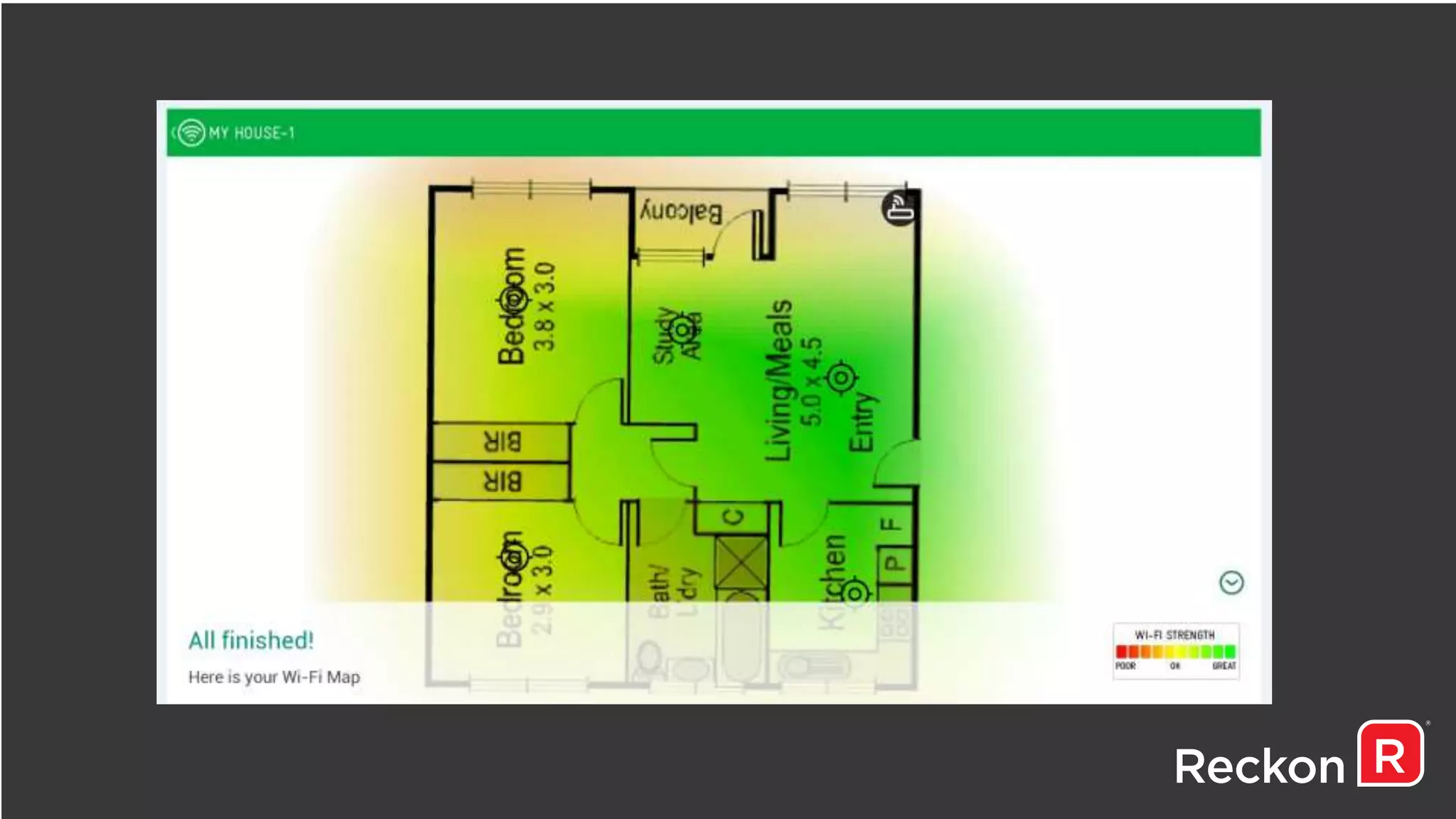
WIFI Analyzer
Scans the local area to determine which WiFi channels are being
used.
WIFI Maximiser
Will determine where the strongest WiFi signal is from your
router which will give you an indication where to place your
systems
Disabling Bandwidth Hogs
• Google Drive
• Skype
• DropBox
• VOIP
• YouTube
TIPS & TRICKS
Product Information now available
Pressing Ctrl + 1 in RAH will now display product
information about your Reckon Accounts data file
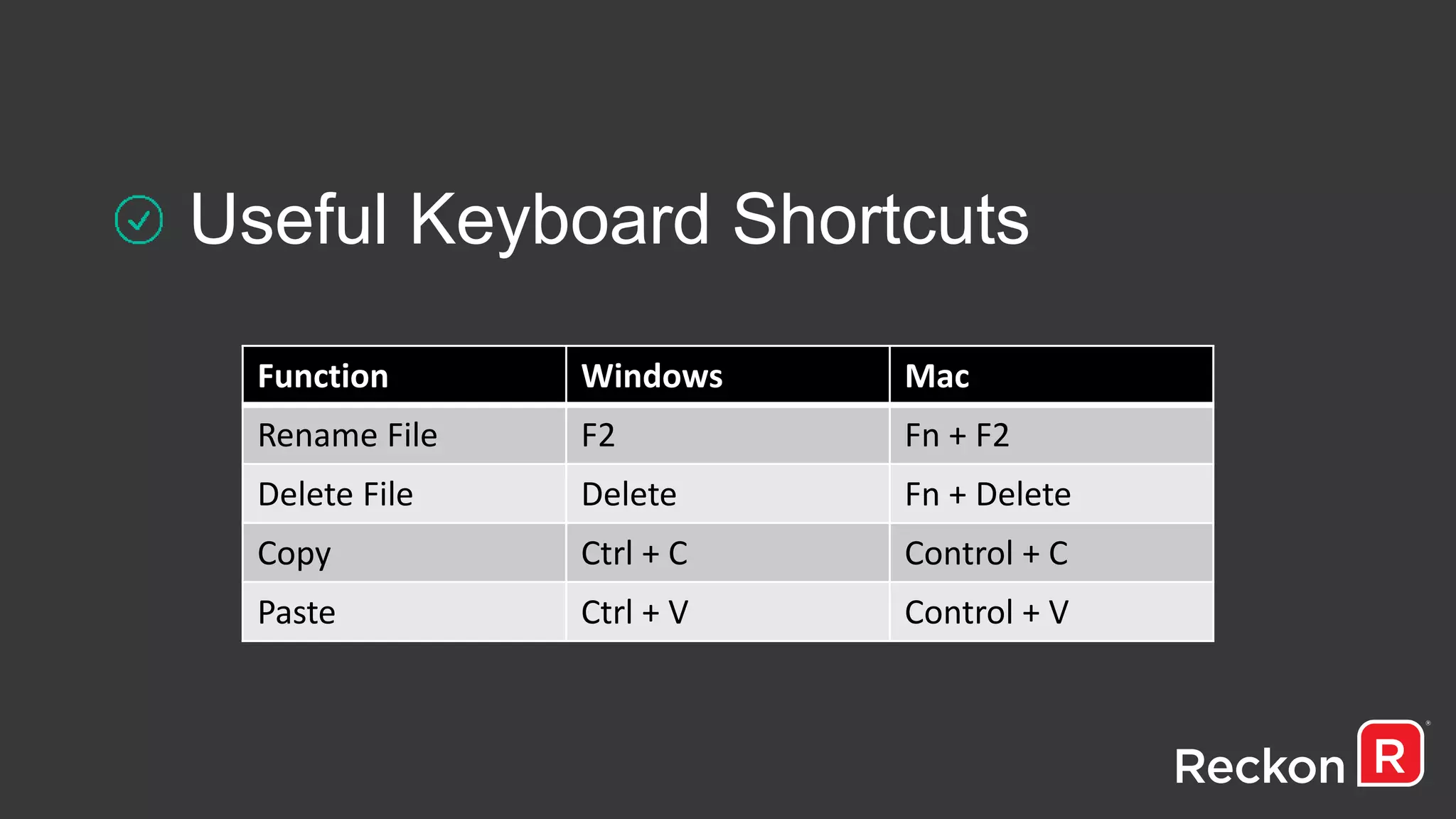
Useful Keyboard Shortcuts
Function Windows Mac
Rename File F2 Fn + F2
Delete File Delete Fn + Delete
Copy Ctrl + C Control + C
Paste Ctrl + V Control + V
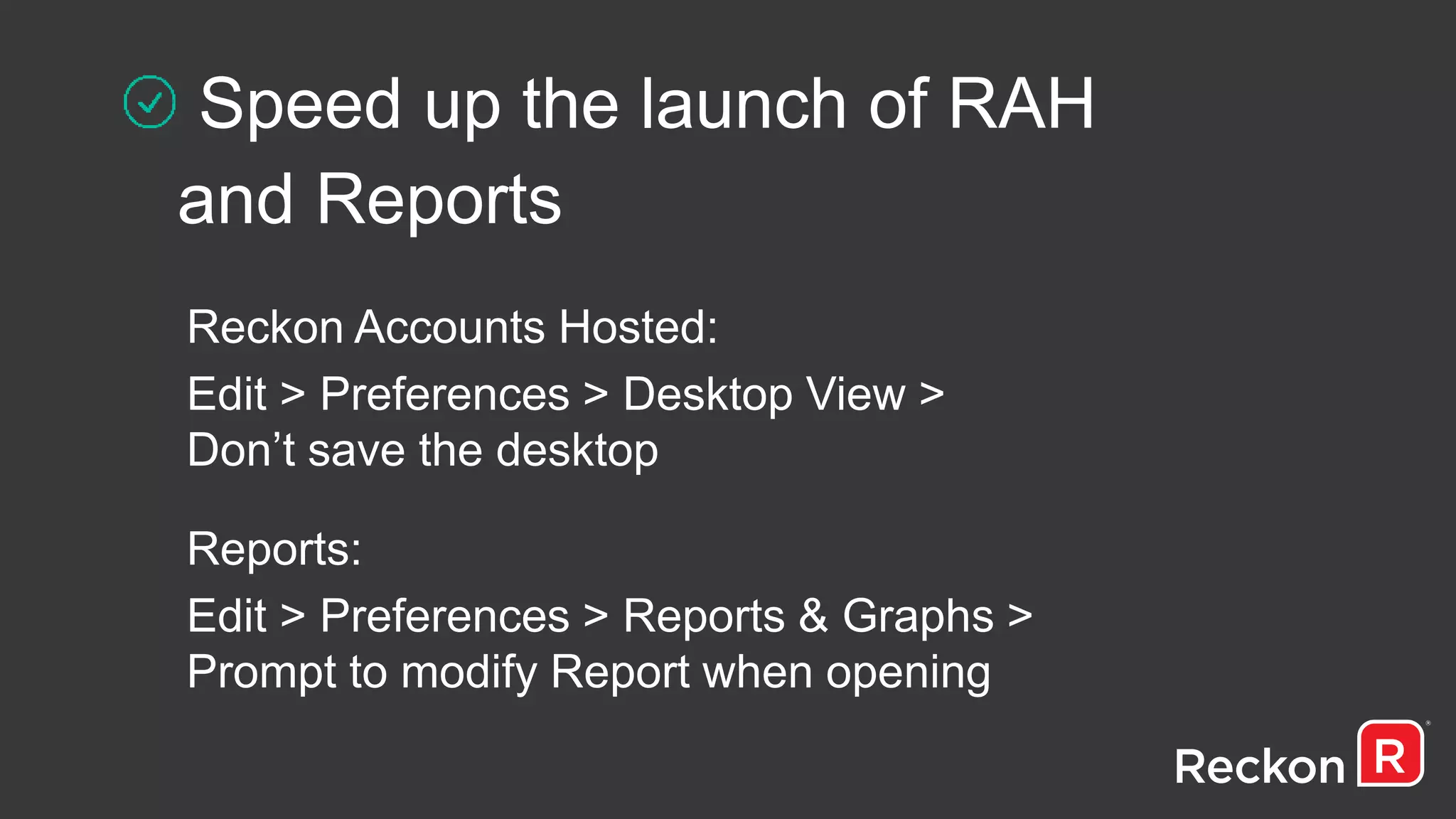
Speed up the launch of RAH
and Reports
Reckon Accounts Hosted:
Edit > Preferences > Desktop View >
Don’t save the desktop
Reports:
Edit > Preferences > Reports & Graphs >
Prompt to modify Report when opening
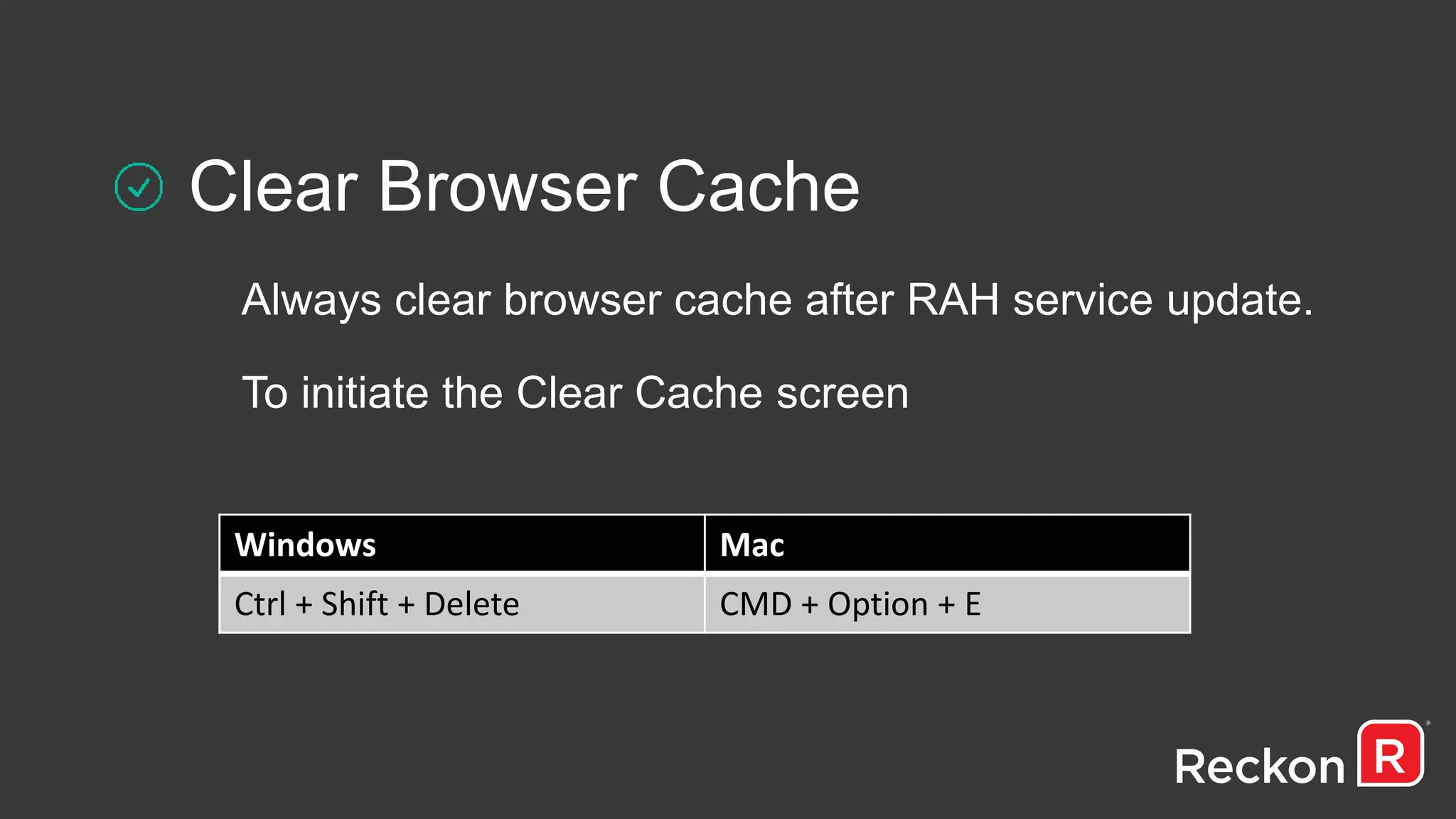
Clear Browser Cache
Always clear browser cache after RAH service update.
To initiate the Clear Cache screen
Windows Mac
Ctrl + Shift + Delete CMD + Option + E
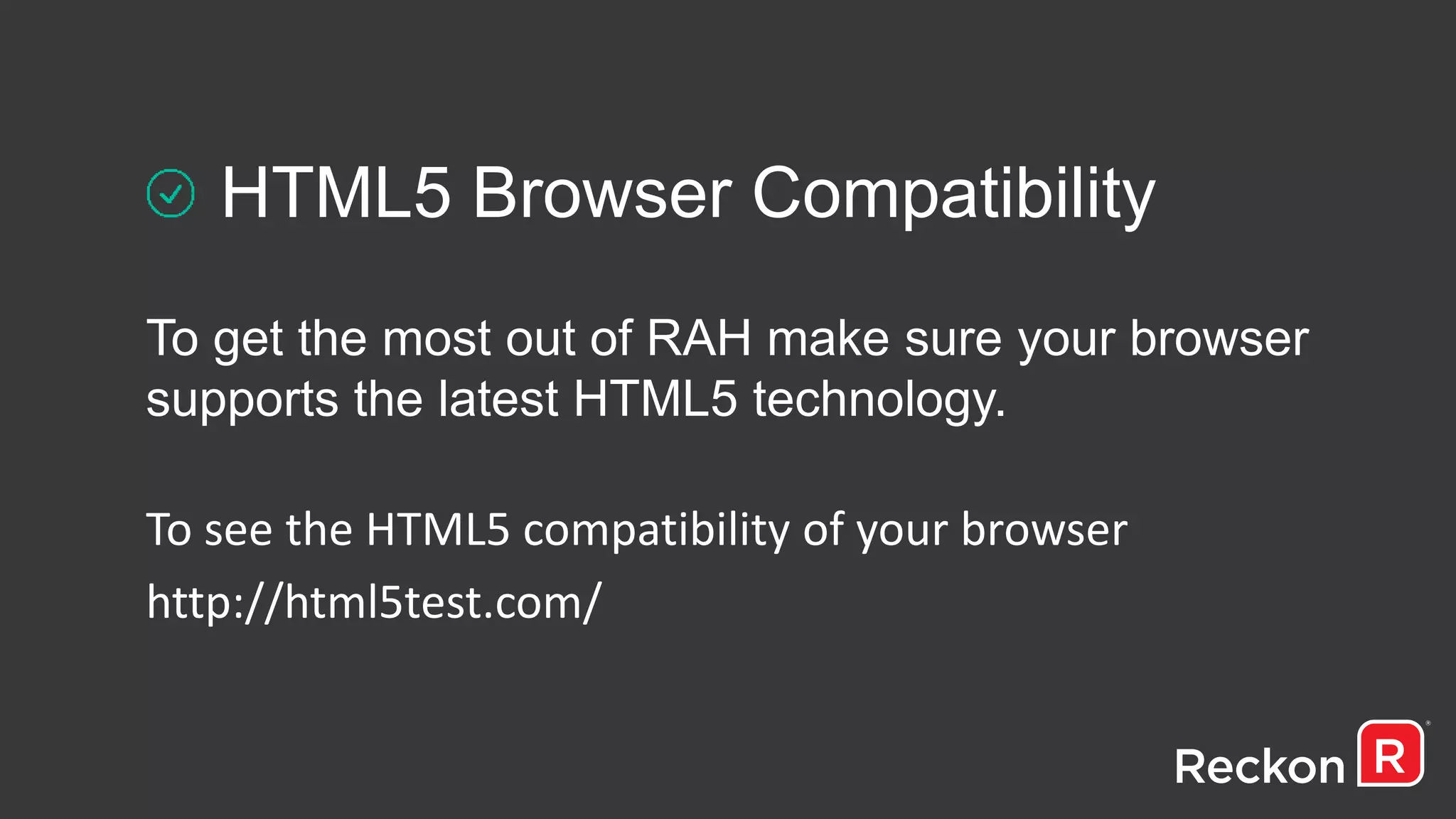
HTML5 Browser Compatibility
To get the most out of RAH make sure your browser
supports the latest HTML5 technology.
To see the HTML5 compatibility of your browser
http://html5test.com/
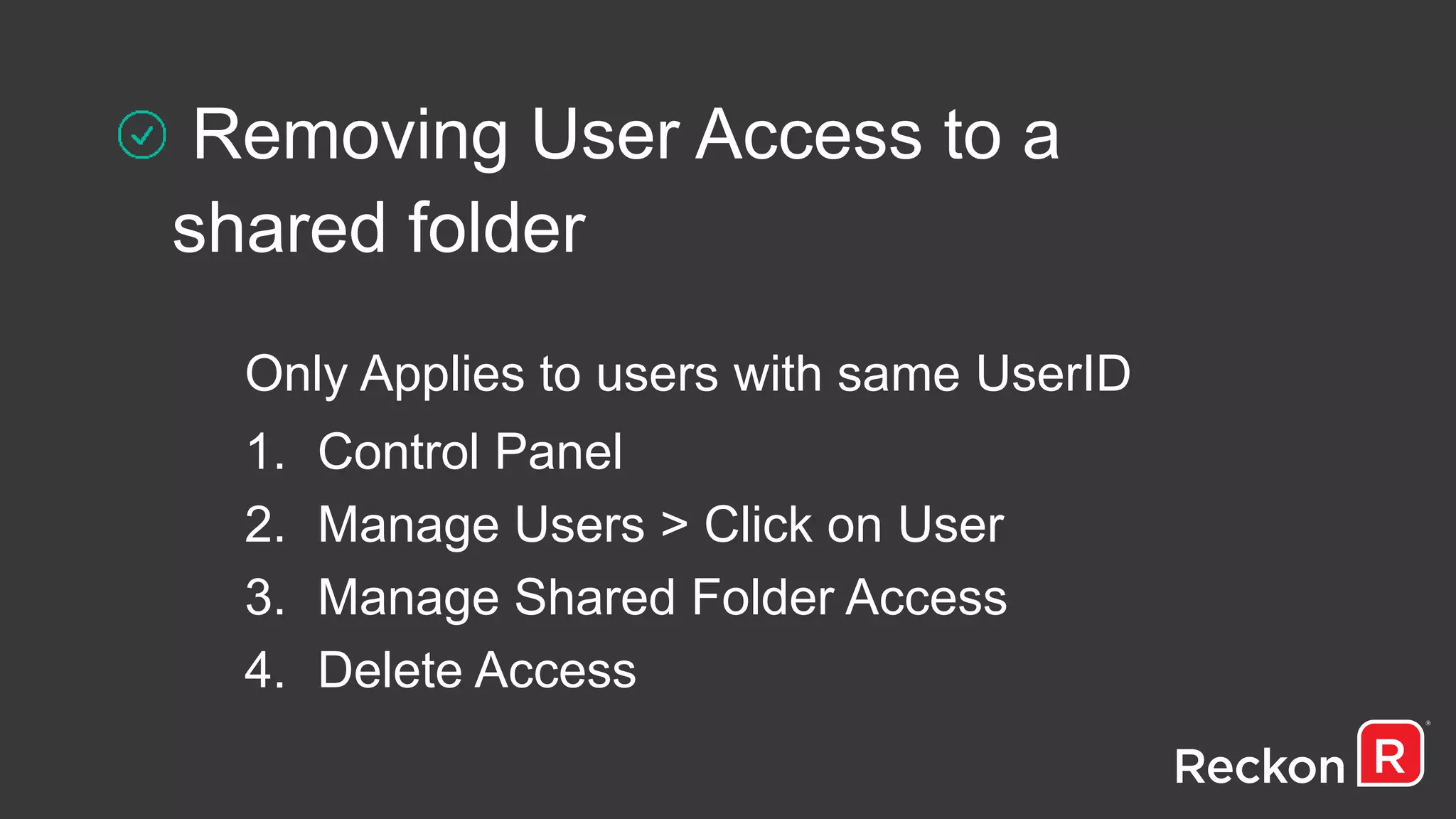
Removing User Access to a
shared folder
Only Applies to users with same UserID
1. Control Panel
2. Manage Users > Click on User
3. Manage Shared Folder Access
4. Delete Access
Log out Correctly
Avoid closing the Tab or Browser
Click File > Close Company
Then File > Exit
Log off Remote Session
Control Panel > Log off remote sessions
Select User to log off > Click Log off
FILE MAINTENANCE
Resort Lists
Before verifying and rebuilding your data it is advisable to
re-sort the lists to return them to the preferred database
structure.
Full Verification when Backing Up
TLG (Transaction Log) files increase in size over
time which will result in delays when committing a
transaction. By selecting “Full Verification” during
a backup (.QBB) the .TLG file will reset.
TROUBLESHOOT
4G Comparison to diagnose speed Issues
Sometimes troubleshooting speed issues in a network
environment can be tricky. Using a 4G connection
from your smart device (HotSpot Feature) can help
determine whether it is the service or the environment
which is at fault.
Latest Display Drivers Installed
Pixilation and screen refresh (redraw) issues
may occur if display drivers are out of date.
RAH Log Files now available
- QBWin.log
- QBMailClient.log
• KB 5014: Testing your modem integrity to Reckon Accounts Hosted
• KB 5228: RAH continues to pixilate between screens
• KB 5216: ‘Bad Request’ when launching RAH in a Network Environment
• KB 5189: Hosted does not remember last opened company
• KB 5187: How emails work on Reckon Accounts Hosted
• Community Search: Hosted Speed Tips & Tricks
Top Support Articles
HOSTED SUPPORT
RESOURCES
The Reckon Community
Knowledgebase
Reckon Tech Support Team
YouTube (ReckonHQ)
WHAT’S NEXT…
Load balance enhancements
Bank Data enhancements
AUSkey in the cloud (AU)
2016/17 legislation changes (NZ)
Reckon Conf2015 (AU / NZ) Reckon Accounts Hosted - Geek speakv2

Reckon Conf2015 (AU / NZ) Reckon Accounts Hosted - Geek speakv2

  • 1.
    RECKON ACCOUNTS HOSTED –GEEK SPEAK Jason Hollis - Tony Tran
  • 2.
  • 3.
    Test Internet Speed Toget the most out of Reckon Accounts Hosted make sure your internet speed test result is “Above Average” in the RAH control panel.
  • 4.
    Restart Machine andRouter When you restart the machine or device it is rebooting the system, returning to its default working state and clearing any trapped memory.
  • 5.
    Wi-Fi Connections Too faraway from the router? Poor Signal? Purchasing a Wi-Fi Extender (OfficeWorks, Dick Smith etc) will boost Wi-Fi coverage throughout your home or office.
  • 6.
    Wi-Fi Apps WIFI Analyzer Scansthe local area to determine which WiFi channels are being used. WIFI Maximiser Will determine where the strongest WiFi signal is from your router which will give you an indication where to place your systems
  • 8.
    Disabling Bandwidth Hogs •Google Drive • Skype • DropBox • VOIP • YouTube
  • 9.
  • 10.
    Product Information nowavailable Pressing Ctrl + 1 in RAH will now display product information about your Reckon Accounts data file
  • 11.
    Useful Keyboard Shortcuts FunctionWindows Mac Rename File F2 Fn + F2 Delete File Delete Fn + Delete Copy Ctrl + C Control + C Paste Ctrl + V Control + V
  • 12.
    Speed up thelaunch of RAH and Reports Reckon Accounts Hosted: Edit > Preferences > Desktop View > Don’t save the desktop Reports: Edit > Preferences > Reports & Graphs > Prompt to modify Report when opening
  • 13.
    Clear Browser Cache Alwaysclear browser cache after RAH service update. To initiate the Clear Cache screen Windows Mac Ctrl + Shift + Delete CMD + Option + E
  • 14.
    HTML5 Browser Compatibility Toget the most out of RAH make sure your browser supports the latest HTML5 technology. To see the HTML5 compatibility of your browser http://html5test.com/
  • 15.
    Removing User Accessto a shared folder Only Applies to users with same UserID 1. Control Panel 2. Manage Users > Click on User 3. Manage Shared Folder Access 4. Delete Access
  • 16.
    Log out Correctly Avoidclosing the Tab or Browser Click File > Close Company Then File > Exit
  • 17.
    Log off RemoteSession Control Panel > Log off remote sessions Select User to log off > Click Log off
  • 18.
  • 19.
    Resort Lists Before verifyingand rebuilding your data it is advisable to re-sort the lists to return them to the preferred database structure.
  • 20.
    Full Verification whenBacking Up TLG (Transaction Log) files increase in size over time which will result in delays when committing a transaction. By selecting “Full Verification” during a backup (.QBB) the .TLG file will reset.
  • 21.
  • 22.
    4G Comparison todiagnose speed Issues Sometimes troubleshooting speed issues in a network environment can be tricky. Using a 4G connection from your smart device (HotSpot Feature) can help determine whether it is the service or the environment which is at fault.
  • 23.
    Latest Display DriversInstalled Pixilation and screen refresh (redraw) issues may occur if display drivers are out of date.
  • 24.
    RAH Log Filesnow available - QBWin.log - QBMailClient.log
  • 25.
    • KB 5014:Testing your modem integrity to Reckon Accounts Hosted • KB 5228: RAH continues to pixilate between screens • KB 5216: ‘Bad Request’ when launching RAH in a Network Environment • KB 5189: Hosted does not remember last opened company • KB 5187: How emails work on Reckon Accounts Hosted • Community Search: Hosted Speed Tips & Tricks Top Support Articles
  • 26.
    HOSTED SUPPORT RESOURCES The ReckonCommunity Knowledgebase Reckon Tech Support Team YouTube (ReckonHQ)
  • 27.
    WHAT’S NEXT… Load balanceenhancements Bank Data enhancements AUSkey in the cloud (AU) 2016/17 legislation changes (NZ)

Editor's Notes

  • #2 JASON
  • #3 JASON
  • #4 To Make sure your clients meet the minimum requirements we recommend performing an online internet speed test via the control Panel What we are after is an “Above Average” result to get the most out of RAH If you score below “Above Average” please contact us and we can investigate why as there are always things we can implement to help improve this.
  • #5 Like anything, if its been running for too long will result in performing slow and requires a restart to return it to its default working state. Case Study: Average Result after restarting Machine and Router Speed test boosted to Above Average
  • #6 Those that are using WiFi connections – this is perfectly fine as long as you have a strong signal Sometimes this is not possible, fortunately you can buy a device called a WiFi Extender from any leading electronic store such as OfficeWorks or Dick Smith that will boost WiFi coverage throughout your home or office
  • #7 In addition to the WiFi connections there are Two apps to assist with WiFi connections WIFI Analyzer – Allows you to see all the WIFI networks setup in the local area. Sometimes there is a situation where too many routers are on the same channel and this can affect speed. This will let you know if that is the case and one can change manually on the router. WIFI Maximiser – App by Telstra in Australia. First you draw a basic outline of the premises you are in and then with the phone walk around the premises. It will tell you where the strongest WIFI signal is from your router and where you should place office computers if possible.
  • #8 In addition to the WiFi connections there are Two apps to assist with WiFi connections WIFI Analyzer – Allows you to see all the WIFI networks setup in the local area. Sometimes there is a situation where too many routers are on the same channel and this can affect speed. This will let you know if that is the case and one can change manually on the router. WIFI Maximiser – App by Telstra in Australia. First you draw a basic outline of the premises you are in and then with the phone walk around the premises. It will tell you where the strongest WIFI signal is from your router and where you should place office computers if possible.
  • #9 Disabling Bandwidth Hogs such as – “Read from screen” will help in improving connection speed Now you might not be using these programs but others might be – so if your finding it becoming slow all the time or certain parts of the day ( a good example is when kids come home from school) please check what they are doing. - Now if these programs are a necessity then you will need to consider upgrading your internet plan to accommodate for the extra load.
  • #10 JASON
  • #11 Product Information that was available for Desktop is now available for RAH Where you can find out things like: List Information, Location of the file and the prior versions used on the file.
  • #12 Now we know right clicking does not work on RAH so we need to use KeyBoard shortcuts to perform the following The tip here is to engage the file – as you know left clicking on the file will open it so right click to “Highlight” or engage the file then simply “Read Win and Mac columns”
  • #13 Enable Don’t save the desktop – so no reports are being generated the next time you log in Prompt Modify report options – User is given the option to select a customised date range instead of the default date range e.g. Last financial date
  • #14 Clearing Browser cache after a service update is very important – Cache files are a set of files downloaded by your machine to help load website or online programs faster – if we implement an update on our end and you still have the outdated cache files you may not see extra features, links or buttons that have been added to the update – Once you clear the your browser cache your machine will download the updated files which will reflect the new changes we have put in place. Read how to initiate
  • #15 JASON
  • #19 JASON
  • #20 Read from screen – E.g. – Think of it like alphabetising a certain list – It is much easier to find what you are looking for when they are in this order, same concept applies RA implements this process so it is easier to scan and fix data.
  • #21 If you are finding you are waiting a long time when saving a transactions – chances are your TLG file is due for a reset. TLG files AKA Transaction log file increase in size each time you save a transaction, so the larger the TLG file the longer it will take to write to it and save to it. ALWAYS select Full Verification when backing up which will automatically reset the TLG file.
  • #22 JASON
  • #23 Troubleshooting RAH speed issues is always tricky whether at home or in a networked environment – My favourite tool is the hotspot feature on your smart device – which enables your laptop or mobile device to utilise the 4G connection to connect to the internet This will establish whether it is their environment or our Hosted service which is at fault.
  • #24 If your clients are experiencing pixilation and screen refresh issues after testing minimum connection speeds are met – chances are their display drivers are out of date A lot of users who experience this will automatically deem the service as slow due to what they can see – after their display drivers were updated problem was resolved.
  • #25 QBWin.log – Will reflect the result of a verify and rebuild to help narrow down data issues reported by the verification and Rebuild process. QBMailClient.log – Reflect an email trace to let you know What was sent to whom?
  • #26 5187 – Provides detailed information on how recipients receive emails from RAH and a method to obtain an Email trace from RAH also.
  • #27 Hosted Support Resources We got the Reckon Community and Knowledgebase as you are all familiar with If you still can’t find what you are after calling our Fantastic PSG Tech Support Team they will assist you with your queries And our youtube channel Reckon HQ – which has loads of useful how to videos for beginners and advance users of Reckon Accounts Hosted
  • #28 Load balance Introduce a File Server Load Balancer which will enable us to load balance the file servers on RAH to better manage storage and reducing the risk of unplanned outages Bank Data Over the past two years we've introduced Bank Feeds & Transaction Rules. The feedback we've received from AP's & Customers is that having automated BankFeeds is the feature that a lot of users base the decision on what Accounting Software they will go with. The feedback we've received is that the BankFeed feature within Reckon Accounts is still behind other applications (Especially Cloud Based) in terms of usability. The enhancements to be included are: - - Allowing users to enter/edit Transaction Rules 'on the fly' - Allow Class Tracking - Have a new Payee Condition called 'Contains' so users can match partial words - Ability to enter Multiple Transactions via a Rule - Ability to create Sales Receipts (may not get through in the next release) Ability to Export & Import the Rules List (may not get through in the next release) AUSkey Users can no longer upload their individual AUSkey into a 3rd party environment (security) therefore Reckon are introducing a global key that will be used by all company files to lodge their Gov forms. NZ legislation To implement any legislation changes (ie Tax Rates) that are released as part of the IRD budget in December.