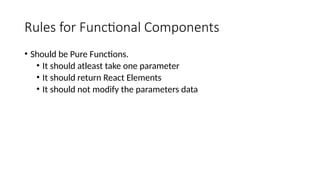
Rules for FunctionalComponents
• Should be Pure Functions.
• It should atleast take one parameter
• It should return React Elements
• It should not modify the parameters data
12.
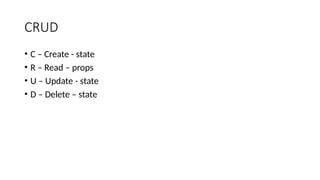
CRUD
• C –Create - state
• R – Read – props
• U – Update - state
• D – Delete – state
Pass data fromParent to Child
• Use props to pass data from parent to child
15.
Pass data fromchild to parent
• Step 1 – Create a method in parent component
• Step 2 – Pass that method as a props to child component
• Step 3 – Get that method from child component and call that method
on action from the child component
• Step 4 – If you want to pass the data pass it as a parameter
16.
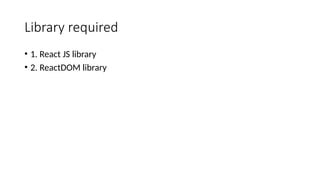
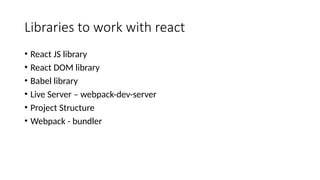
Libraries to workwith react
• React JS library
• React DOM library
• Babel library
• Live Server – webpack-dev-server
• Project Structure
• Webpack - bundler
17.
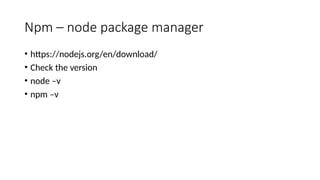
Npm – nodepackage manager
• https://nodejs.org/en/download/
• Check the version
• node –v
• npm –v
18.
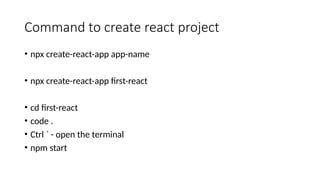
Command to createreact project
• npx create-react-app app-name
• npx create-react-app first-react
• cd first-react
• code .
• Ctrl ` - open the terminal
• npm start
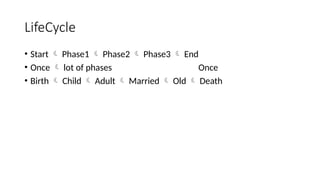
LifeCycle
• Start Phase1 Phase2 Phase3 End
• Once lot of phases Once
• Birth Child Adult Married Old Death
21.
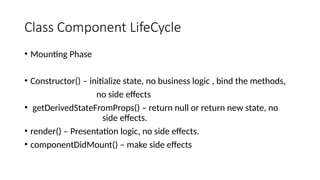
Class Component LifeCycle
•Mounting Phase
• Constructor() – initialize state, no business logic , bind the methods,
no side effects
• getDerivedStateFromProps() – return null or return new state, no
side effects.
• render() – Presentation logic, no side effects.
• componentDidMount() – make side effects
22.
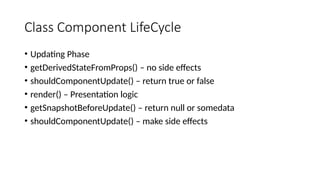
Class Component LifeCycle
•Updating Phase
• getDerivedStateFromProps() – no side effects
• shouldComponentUpdate() – return true or false
• render() – Presentation logic
• getSnapshotBeforeUpdate() – return null or somedata
• shouldComponentUpdate() – make side effects
23.
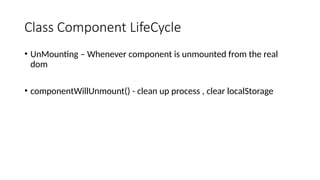
Class Component LifeCycle
•UnMounting – Whenever component is unmounted from the real
dom
• componentWillUnmount() - clean up process , clear localStorage
• Primitive valueswill be compared.
• Reference address wil be compared.
• Object or array.
const person ={
name : “soni”,
age : 12
}
const person ={
name : “soni”,
age : 12
}
34.
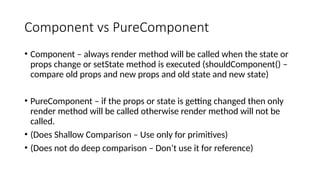
Component vs PureComponent
•Component – always render method will be called when the state or
props change or setState method is executed (shouldComponent() –
compare old props and new props and old state and new state)
• PureComponent – if the props or state is getting changed then only
render method will be called otherwise render method will not be
called.
• (Does Shallow Comparison – Use only for primitives)
• (Does not do deep comparison – Don’t use it for reference)
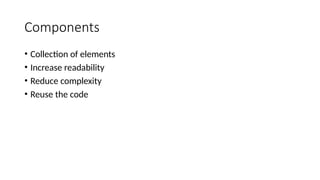
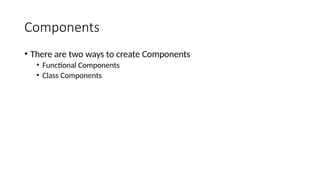
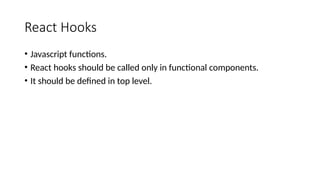
React Hooks
• Javascriptfunctions.
• React hooks should be called only in functional components.
• It should be defined in top level.
37.
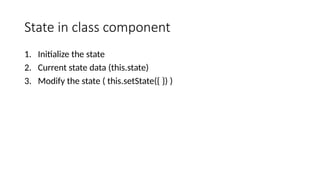
State in classcomponent
1. Initialize the state
2. Current state data (this.state)
3. Modify the state ( this.setState({ }) )
38.
State in functionalcomponent
• const array = useState(initialState)
• array[0] = current state data
• array[1] = function to modify the state
39.
Best Practice toupdate state in Functional
Component
• Take a copy of the state
• Update or modify or delete or add to the copy
• Set the state using the copy
Example –
const [numbers,setNumbers] = useState([1,2,3,4,5])
const n = […numbers]
const result = n.filter(num=>{return num>2})
setNumbers(result)
40.
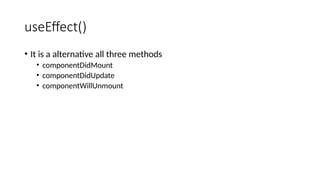
useEffect()
• It isa alternative all three methods
• componentDidMount
• componentDidUpdate
• componentWillUnmount
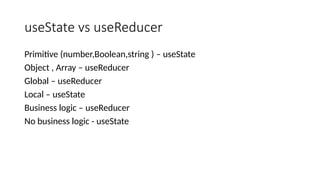
useState vs useReducer
Primitive(number,Boolean,string ) – useState
Object , Array – useReducer
Global – useReducer
Local – useState
Business logic – useReducer
No business logic - useState




![[ {
id : 1,
name : “John”,
age : 12
},
{
id : 1,
name : “John”,
age : 12
},
]](https://image.slidesharecdn.com/reactjsworkings-250429002243-96772dba/85/React-JS-Workings-Exercises-Extra-Classes-6-320.jpg)







![• [
{
email:””,
password:””,
phoneno:””,
name:””
},{
}
]](https://image.slidesharecdn.com/reactjsworkings-250429002243-96772dba/85/React-JS-Workings-Exercises-Extra-Classes-28-320.jpg)




![State in functional component
• const array = useState(initialState)
• array[0] = current state data
• array[1] = function to modify the state](https://image.slidesharecdn.com/reactjsworkings-250429002243-96772dba/85/React-JS-Workings-Exercises-Extra-Classes-38-320.jpg)
![Best Practice to update state in Functional
Component
• Take a copy of the state
• Update or modify or delete or add to the copy
• Set the state using the copy
Example –
const [numbers,setNumbers] = useState([1,2,3,4,5])
const n = […numbers]
const result = n.filter(num=>{return num>2})
setNumbers(result)](https://image.slidesharecdn.com/reactjsworkings-250429002243-96772dba/85/React-JS-Workings-Exercises-Extra-Classes-39-320.jpg)
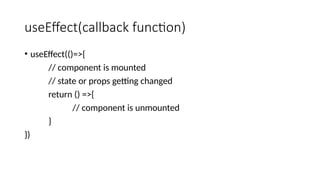
![useEffect first syntax
• useEffect(()=>{
// logic for mounting
}, [] ) ===== componentDidMount](https://image.slidesharecdn.com/reactjsworkings-250429002243-96772dba/85/React-JS-Workings-Exercises-Extra-Classes-42-320.jpg)
![useEffect second syntax
• useEffect(()=>{
// logic executes whenever there is change in count variable value
}, [ count ])](https://image.slidesharecdn.com/reactjsworkings-250429002243-96772dba/85/React-JS-Workings-Exercises-Extra-Classes-43-320.jpg)
![useEffect third syntax
• useEffect(()=>{
return () =>{
// logic to be executed on component unmount
}
}, [])](https://image.slidesharecdn.com/reactjsworkings-250429002243-96772dba/85/React-JS-Workings-Exercises-Extra-Classes-44-320.jpg)

![useCallback
• useCallback(()=>{
},[age])
useCallback(()=>{
},[salary])](https://image.slidesharecdn.com/reactjsworkings-250429002243-96772dba/85/React-JS-Workings-Exercises-Extra-Classes-47-320.jpg)
![useReducer(reducer,initialState)
new state = reducer(state,action)
const [ newState, dispatch ] = useReducer(reducer,initialState)](https://image.slidesharecdn.com/reactjsworkings-250429002243-96772dba/85/React-JS-Workings-Exercises-Extra-Classes-48-320.jpg)


![Full Stack React Workshop [CSSC x GDSC]](https://cdn.slidesharecdn.com/ss_thumbnails/fullstackreactworkshopcsscxgdsc-230221003415-b512c1cf-thumbnail.jpg?width=640&height=640&fit=bounds)


![[Final] ReactJS presentation](https://cdn.slidesharecdn.com/ss_thumbnails/65cfd4f9-740f-4f41-b769-b496b6e60802-170119143904-thumbnail.jpg?width=640&height=640&fit=bounds)


