React Hook Form is a library that helps validate forms in React using hooks. It uses uncontrolled inputs and refs rather than state to improve performance and reduce re-renders. Key aspects include registering inputs with useForm, handling form submission, validating fields, and accessing error objects. It can also integrate with third-party components and provides context via useFormContext.
Introduction
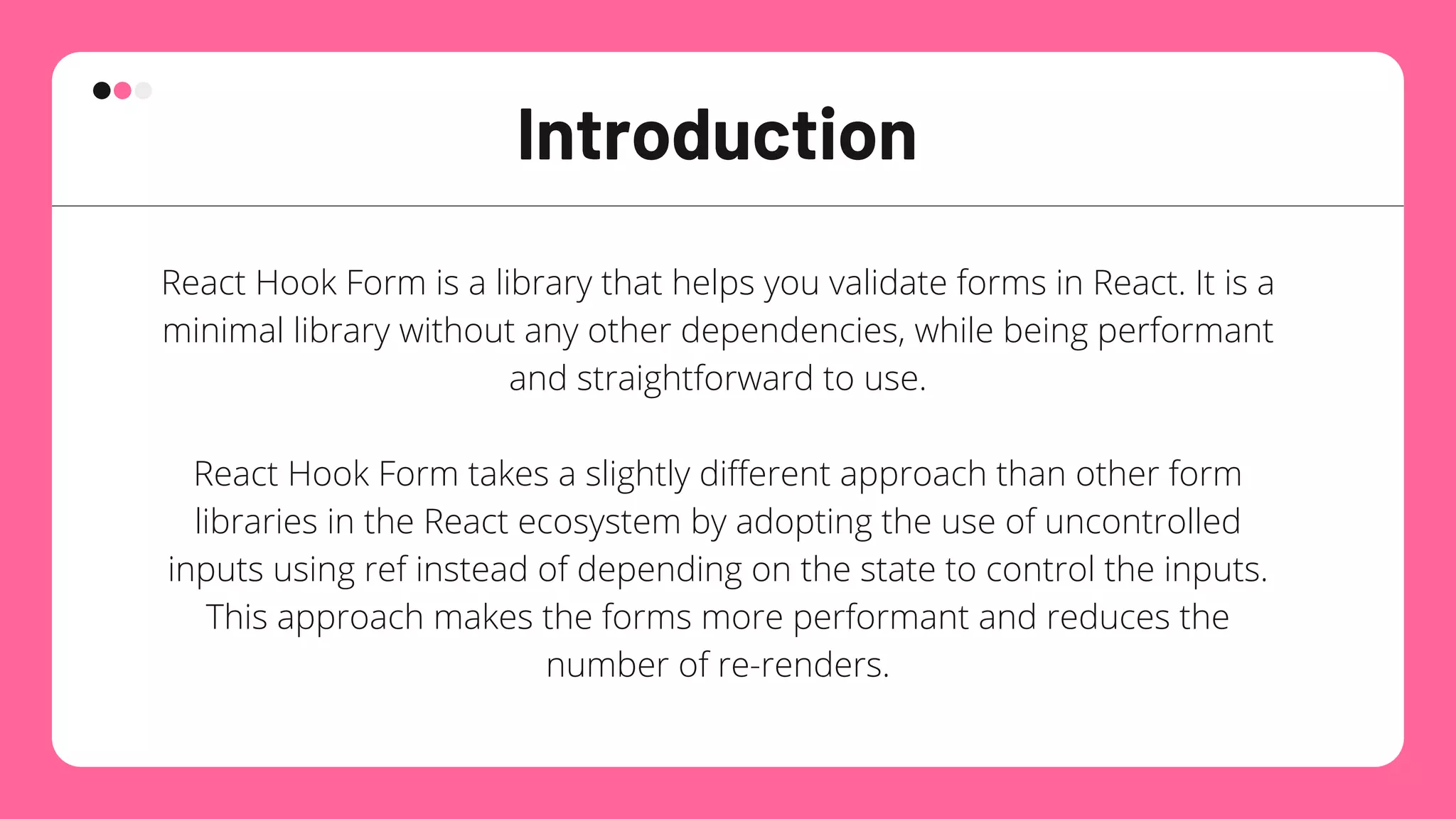
React Hook Formis a library that helps you validate forms in React. It is a
minimal library without any other dependencies, while being performant
and straightforward to use.
React Hook Form takes a slightly different approach than other form
libraries in the React ecosystem by adopting the use of uncontrolled
inputs using ref instead of depending on the state to control the inputs.
This approach makes the forms more performant and reduces the
number of re-renders.
3.
How to use
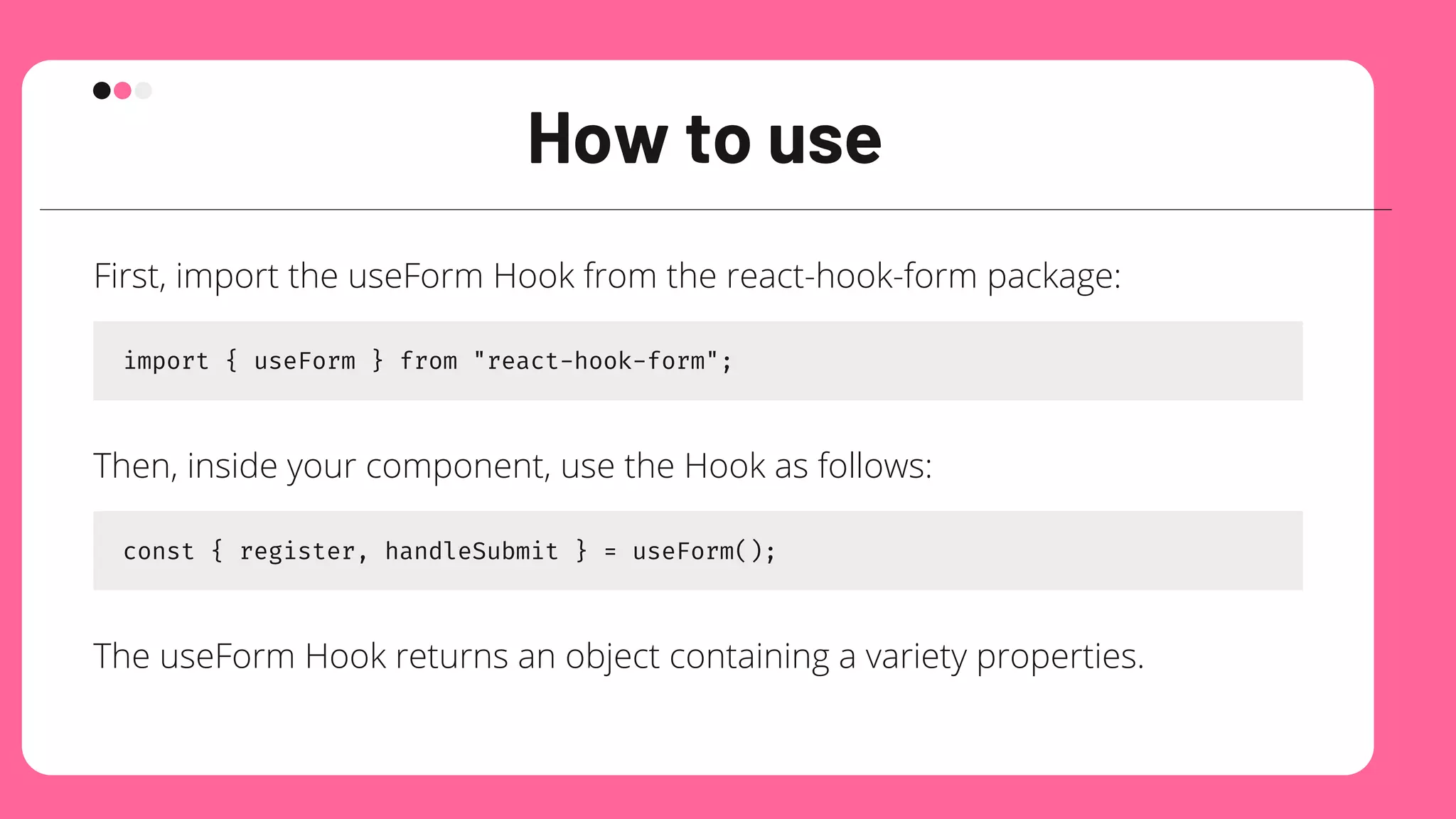
First,import the useForm Hook from the react-hook-form package:
import { useForm } from "react-hook-form";
Then, inside your component, use the Hook as follows:
const { register, handleSubmit } = useForm();
The useForm Hook returns an object containing a variety properties.
4.
register
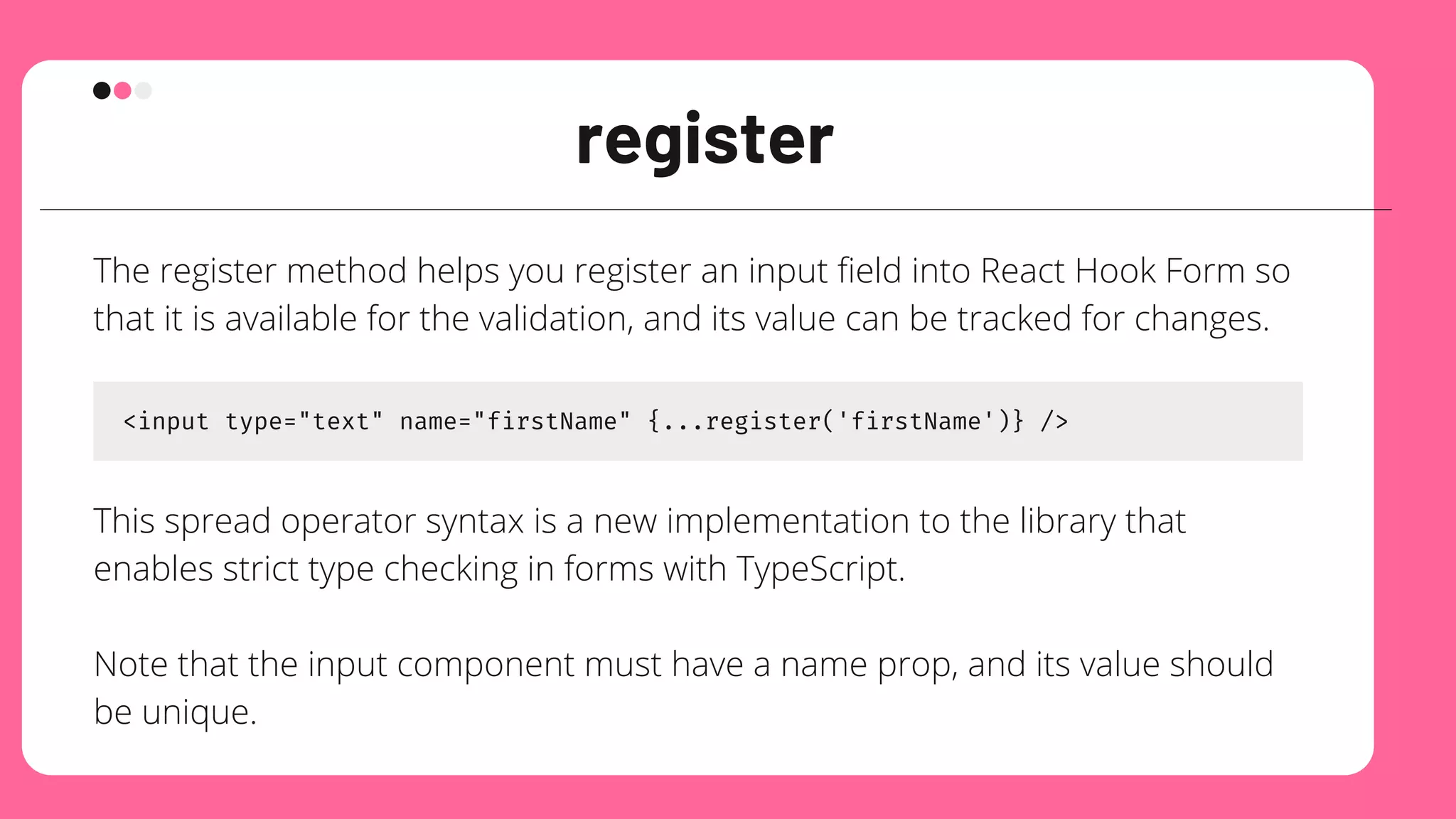
The register methodhelps you register an input field into React Hook Form so
that it is available for the validation, and its value can be tracked for changes.
<input type="text" name="firstName" {...register('firstName')} />
This spread operator syntax is a new implementation to the library that
enables strict type checking in forms with TypeScript.
Note that the input component must have a name prop, and its value should
be unique.
5.
handleSubmit
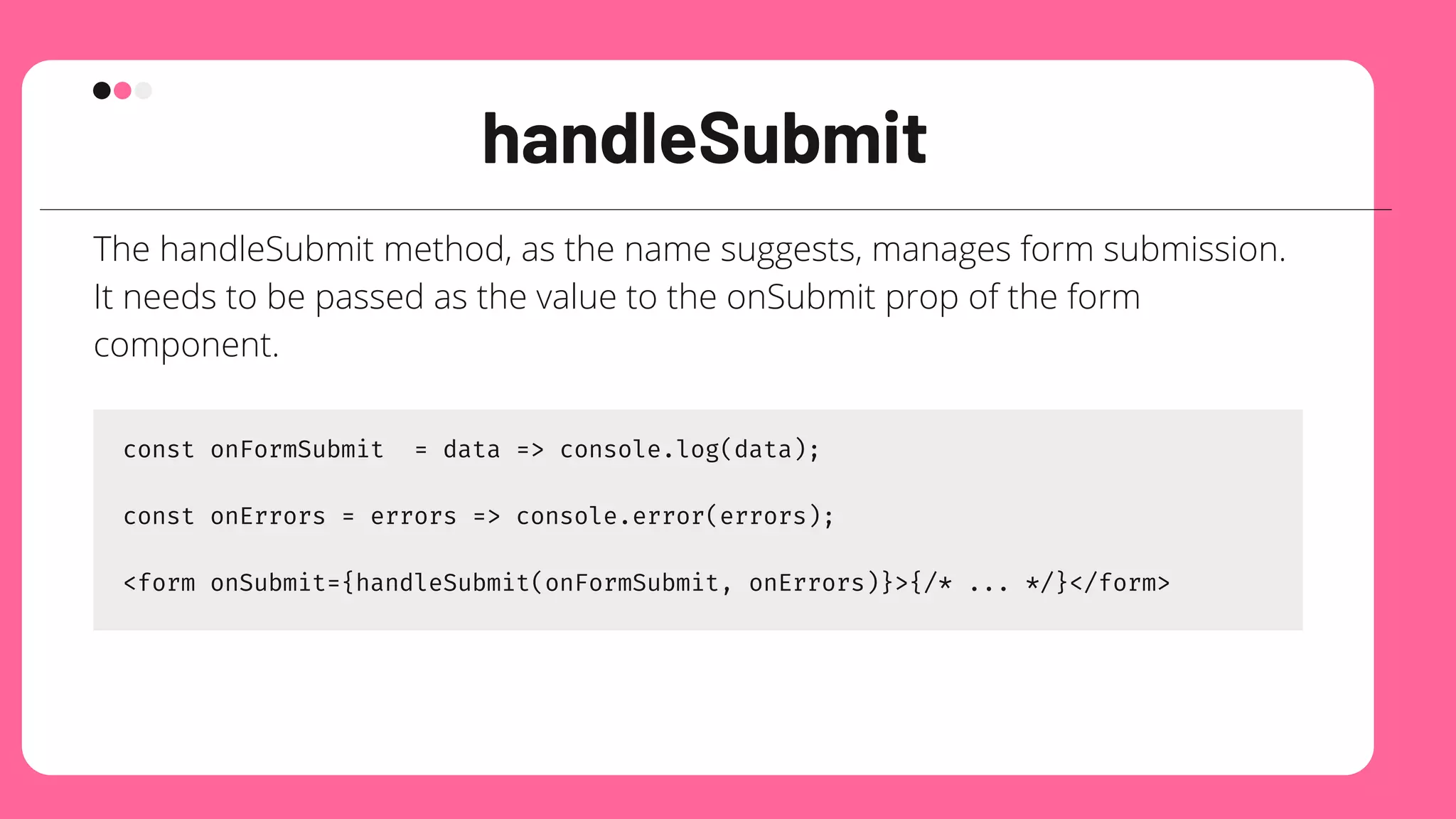
The handleSubmit method,as the name suggests, manages form submission.
It needs to be passed as the value to the onSubmit prop of the form
component.
const onFormSubmit = data => console.log(data);
const onErrors = errors => console.error(errors);
<form onSubmit={handleSubmit(onFormSubmit, onErrors)}>{/* ... */}</form>
6.
Let’s take alook at a more realistic
example
No other components were imported to track the input values. The useForm
Hook makes the component code cleaner and easier to maintain, and
because the form is uncontrolled, you do not have to pass props like
onChange and value to each input.
You can use any other UI library of your choice for creating the form. But first
make sure to check the docs, and find the prop used for accessing reference
attribute of the native input component.
7.
How to validateforms with React
Hook Form
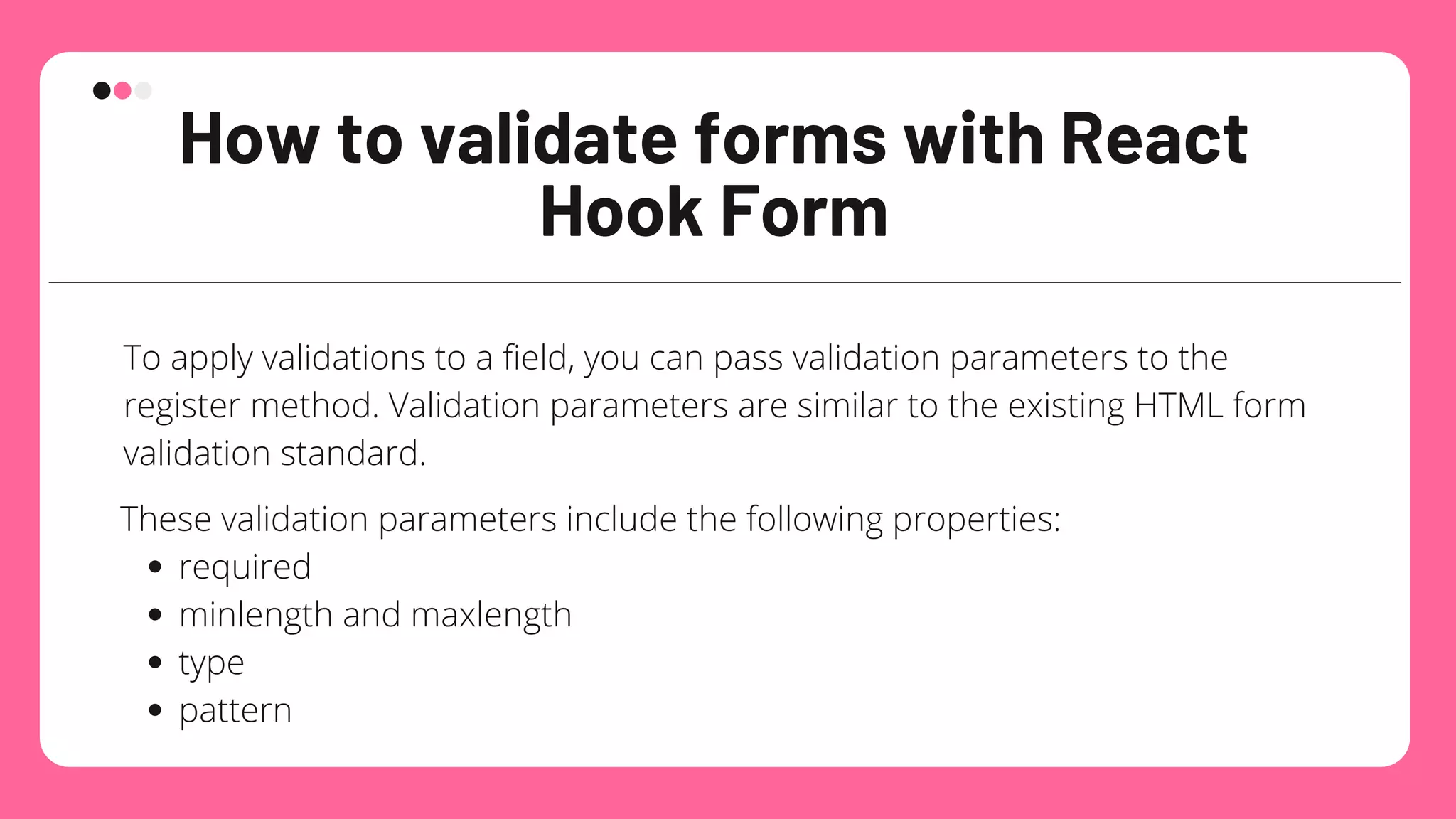
To apply validations to a field, you can pass validation parameters to the
register method. Validation parameters are similar to the existing HTML form
validation standard.
required
minlength and maxlength
type
pattern
These validation parameters include the following properties:
8.
How to validateforms with React
Hook Form
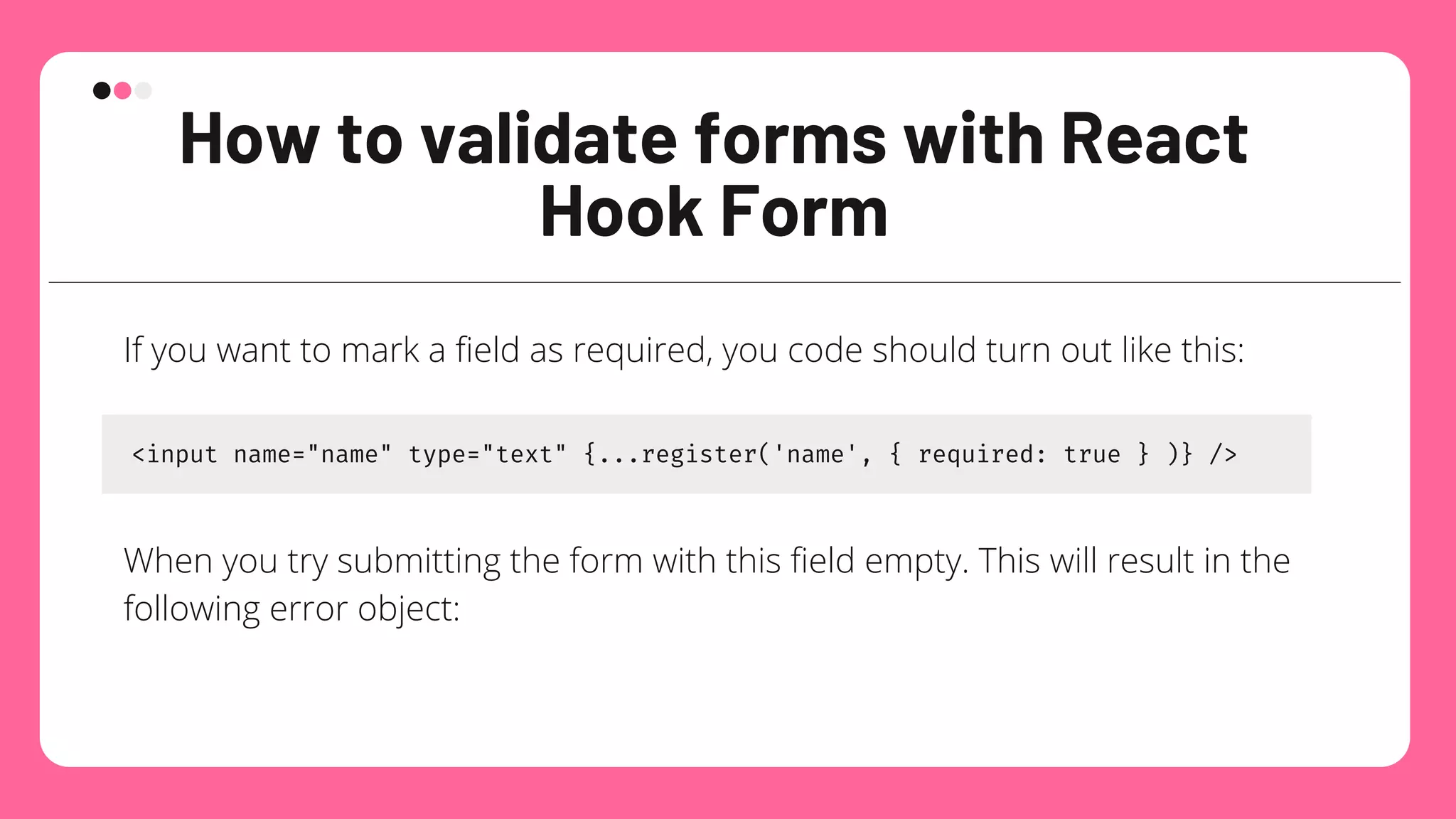
If you want to mark a field as required, you code should turn out like this:
<input name="name" type="text" {...register('name', { required: true } )} />
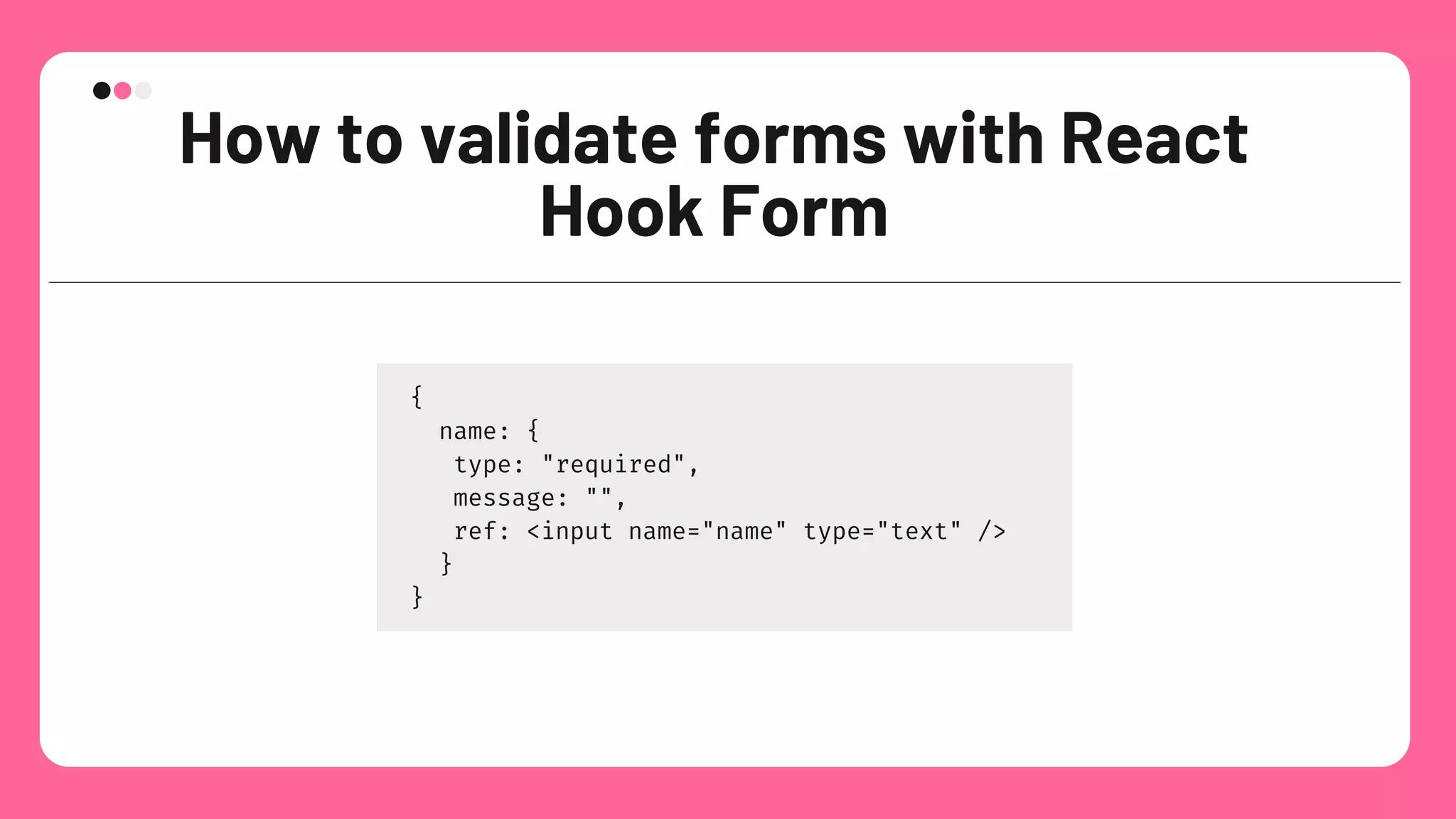
When you try submitting the form with this field empty. This will result in the
following error object:
9.
How to validateforms with React
Hook Form
{
name: {
type: "required",
message: "",
ref: <input name="name" type="text" />
}
}
10.
How to validateforms with React
Hook Form
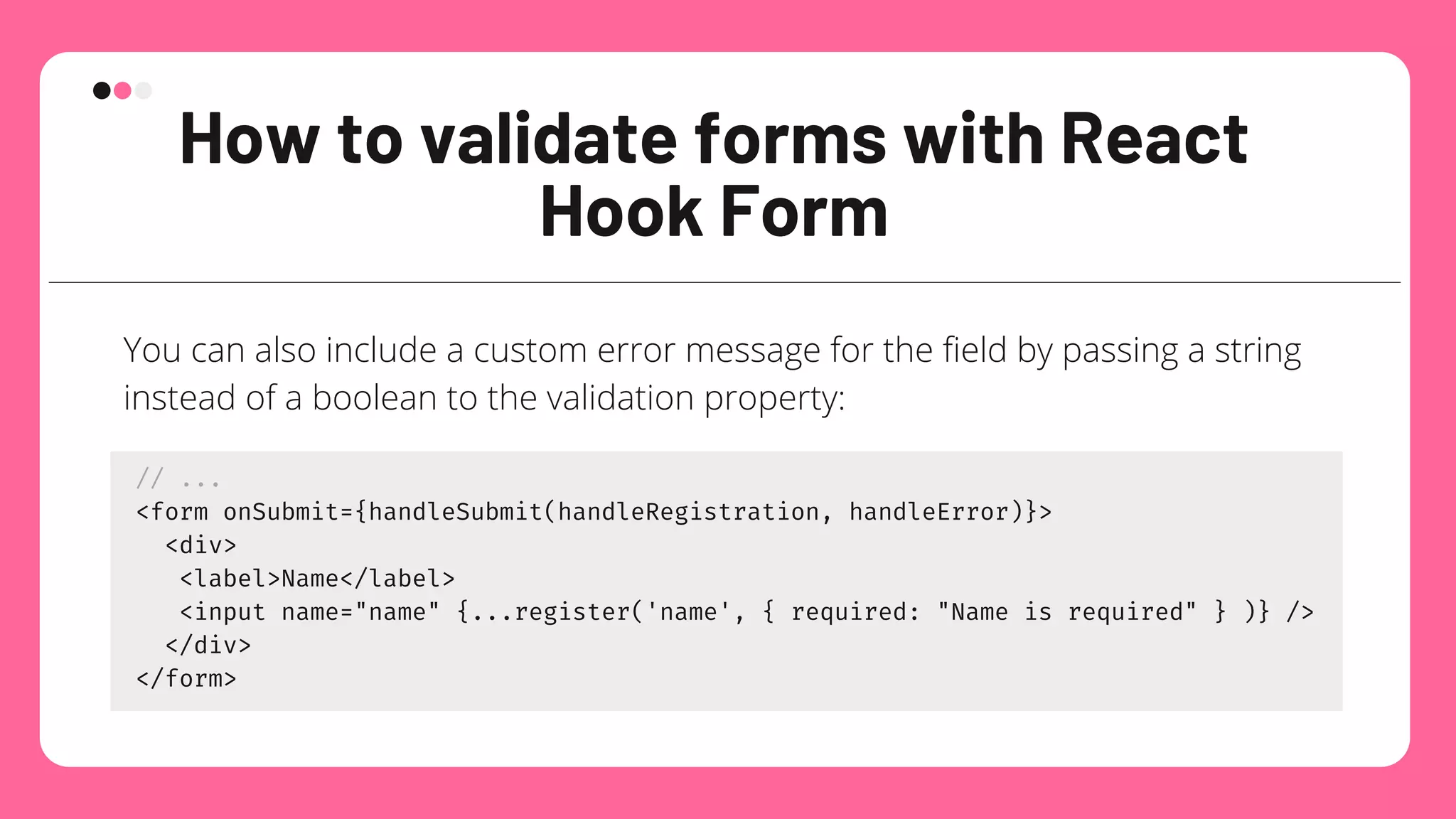
You can also include a custom error message for the field by passing a string
instead of a boolean to the validation property:
// ...
<form onSubmit={handleSubmit(handleRegistration, handleError)}>
<div>
<label>Name</label>
<input name="name" {...register('name', { required: "Name is required" } )} />
</div>
</form>
11.
How access theerrors object
using the useForm Hook
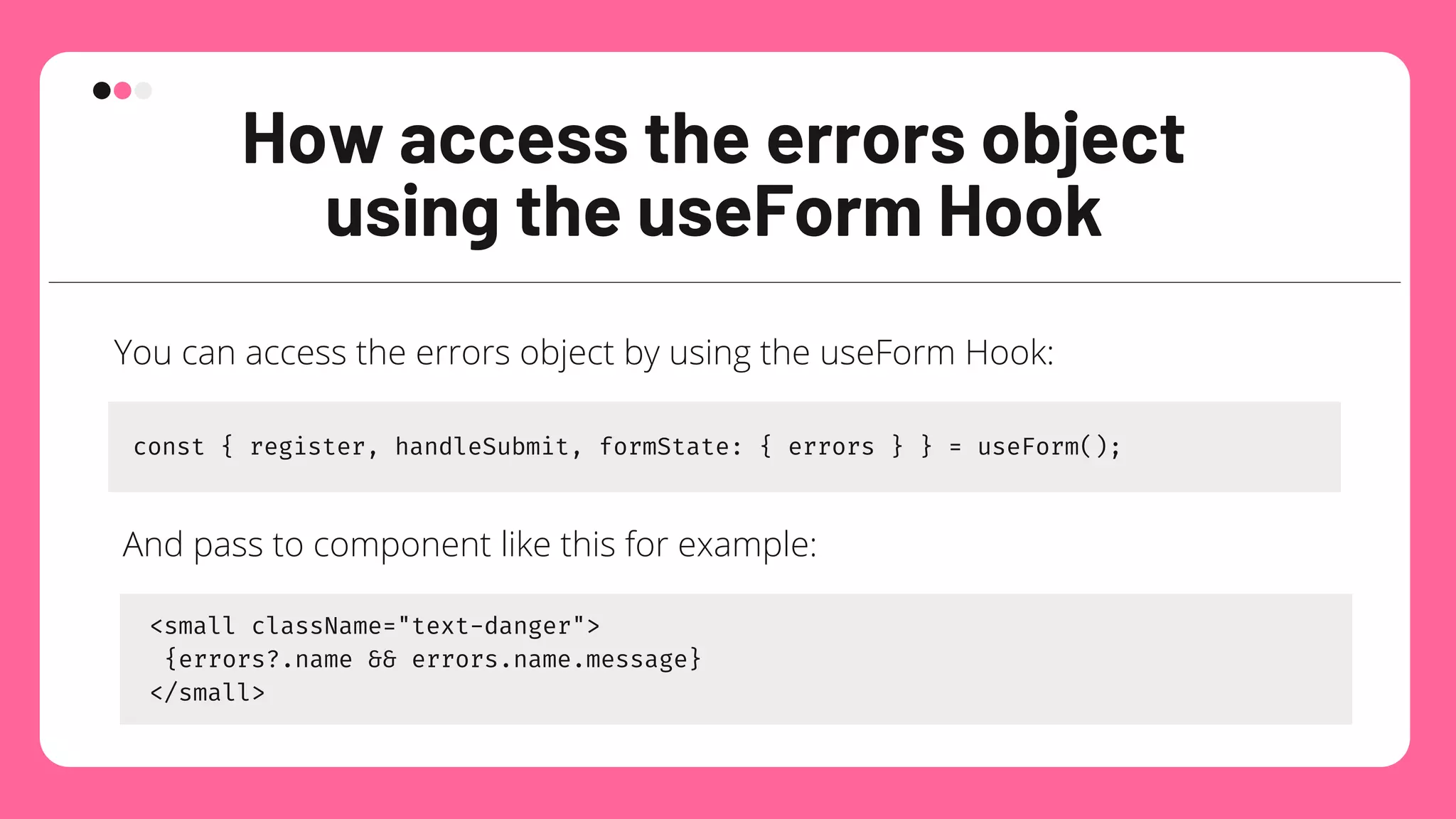
You can access the errors object by using the useForm Hook:
const { register, handleSubmit, formState: { errors } } = useForm();
And pass to component like this for example:
<small className="text-danger">
{errors?.name && errors.name.message}
</small>
12.
Usage with third-party
components
Insome cases, the external UI component you want to use in your form may
not support ref, and can only be controlled by the state.
React Hook Form has provisions for such cases, and can easily integrate with
any third-party-controlled components using a Controller component.
React Hook Form provides the wrapper Controller component that allows
you to register a controlled external component, similar to how the register
method works. In this case, instead of the register method, you will use the
control object from the useForm Hook:
13.
Usage with third-party
components
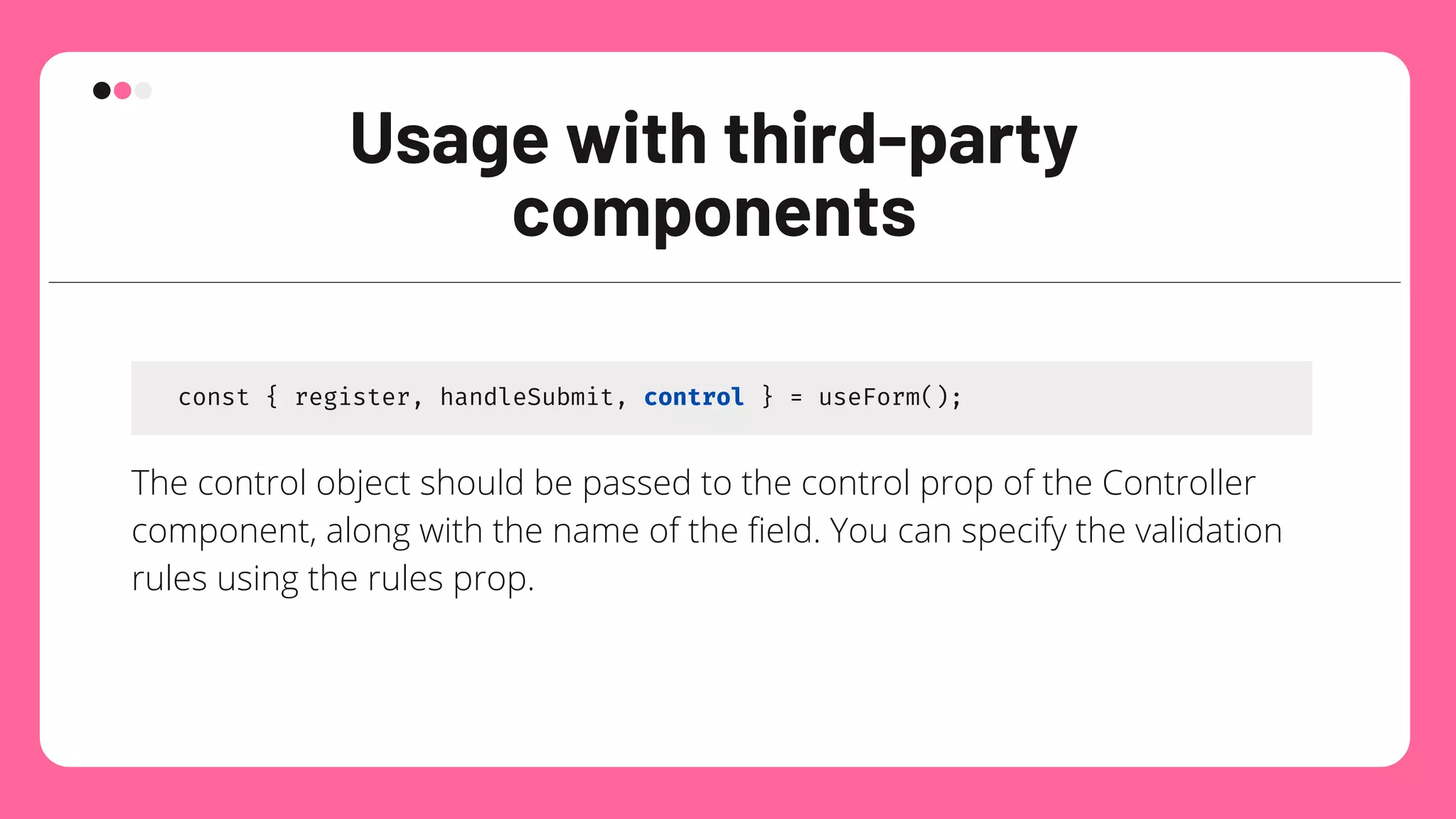
const{ register, handleSubmit, control } = useForm();
The control object should be passed to the control prop of the Controller
component, along with the name of the field. You can specify the validation
rules using the rules prop.
useFormContext
This custom hookallows you to access the form context. useFormContext is
intended to be used in deeply nested structures, where it would become
inconvenient to pass the context as a prop.
You need to wrap your form with the FormProvider component for
useFormContext to work properly.
16.
watch vs getValues
watch:subscribe to either all inputs or the specified inputs changes via
event listener and re-render based on which fields that are subscribed.
Check out this codesandbox for actual behaviour.
getValues: get values that are stored inside the custom hook as
reference, fast and cheap. This method doesn’t trigger re-render.
17.
Conclusion
React Hook Formis an excellent addition to the React open source ecosystem.
It has made creating and maintaining forms much easier for developers.
The best part about this library is that it focuses more on developer
experience, and is very flexible to work with. React Hook Form also integrates
well with state management libraries and works excellent in React Native.



![Vibe Coding vs. Spec-Driven Development [Free Meetup]](https://cdn.slidesharecdn.com/ss_thumbnails/vibecodingvsspecdrivendevelopment-251209105622-43f455e7-thumbnail.jpg?width=640&height=640&fit=bounds)


