Using the Rails console
        Reuven M. Lerner
       reuven@lerner.co.il
      September 13th, 2010
Some basics

• Ruby is interpreted
 • Last definition wins!
• Runtime message sending (“method call”)
  decision-making
• Open classes
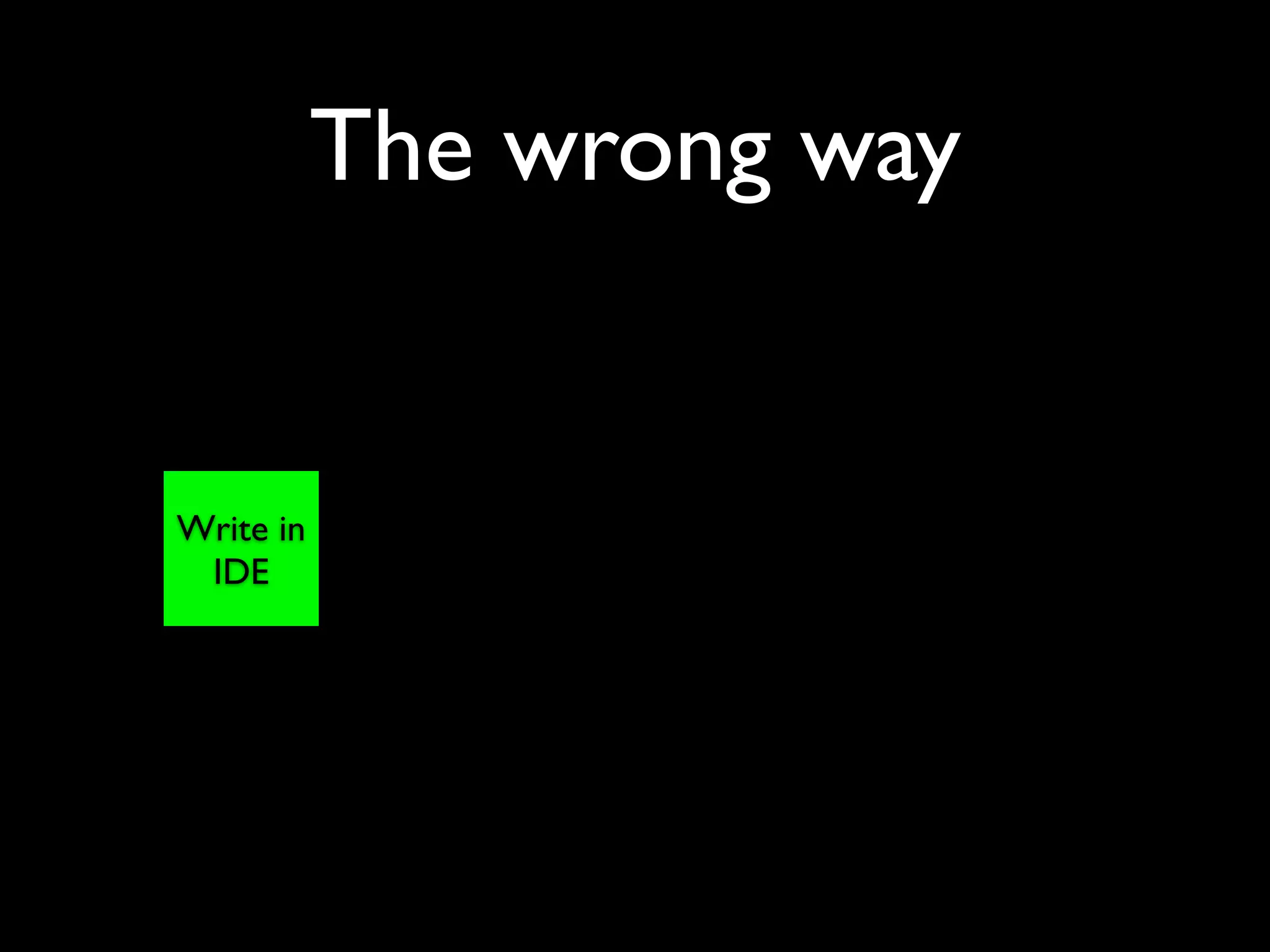
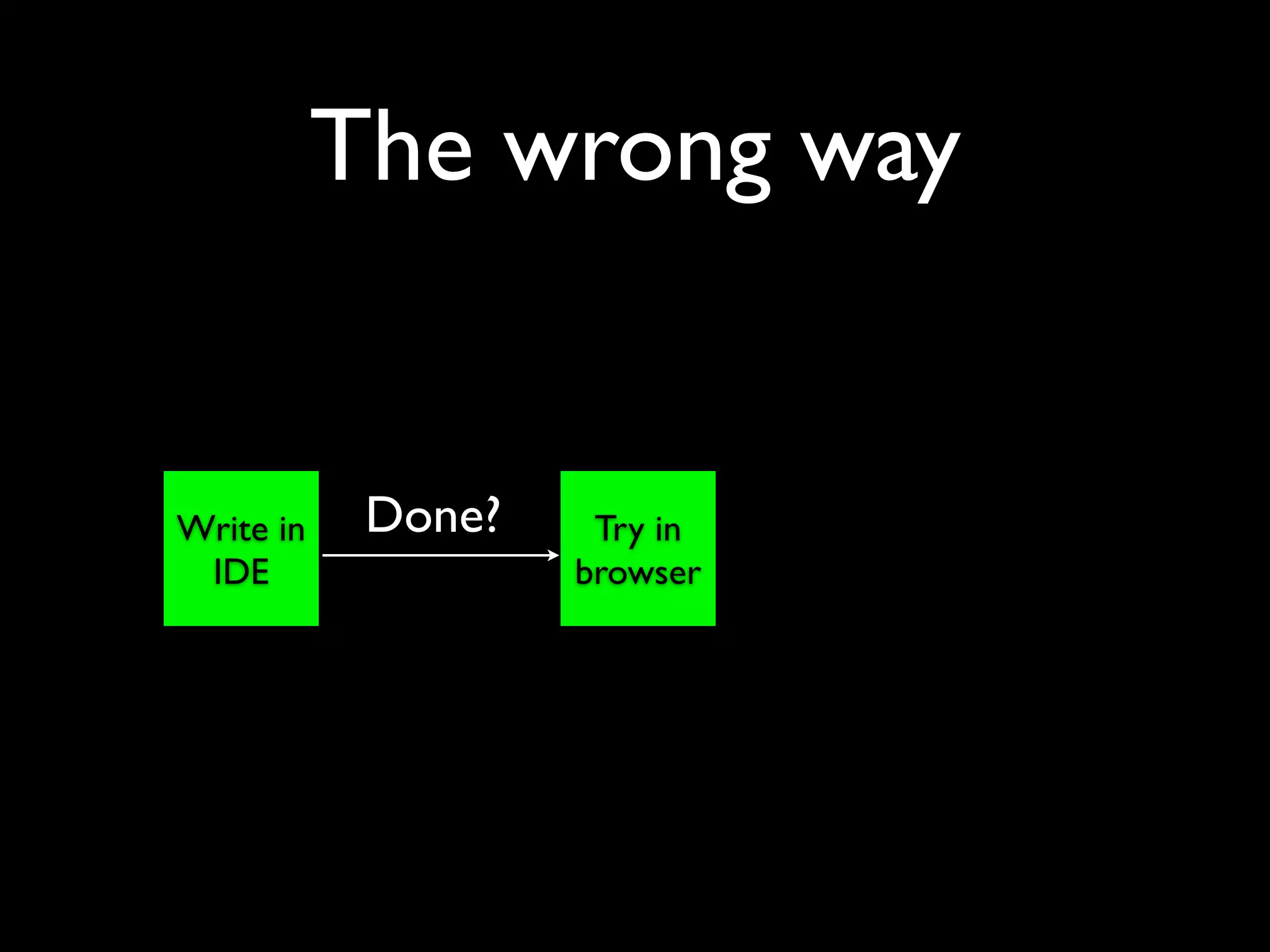
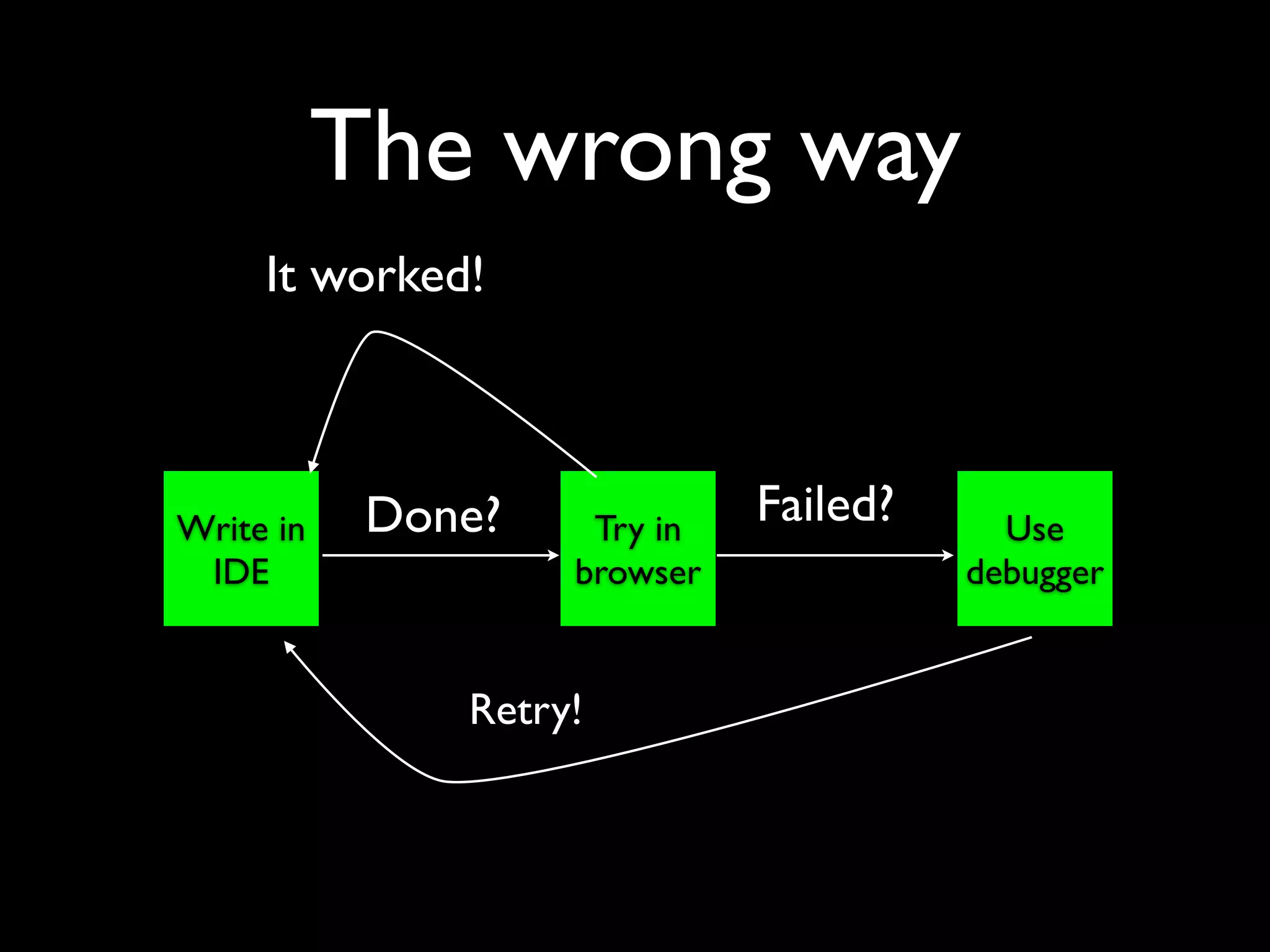
The wrong way


Write in
 IDE
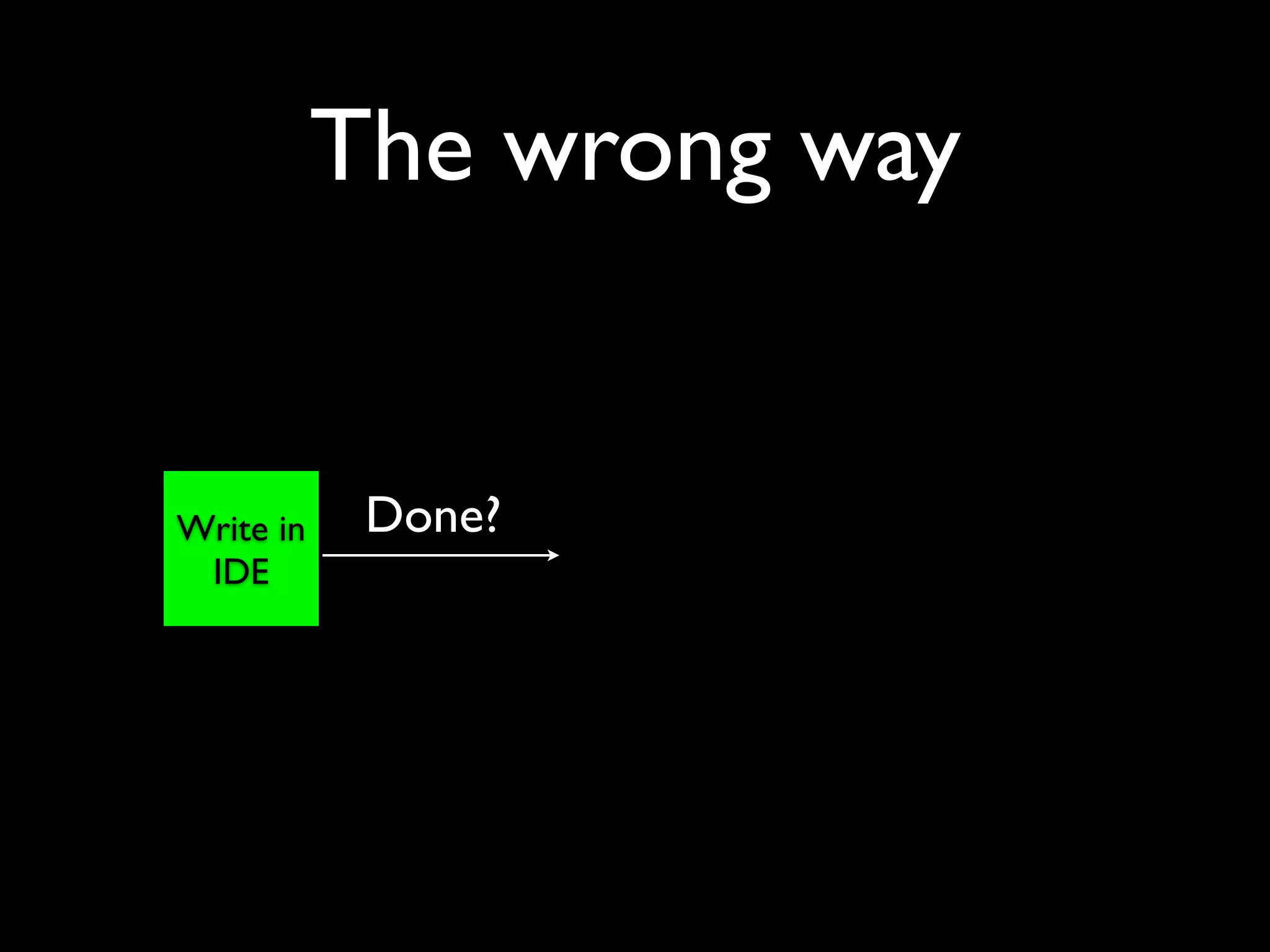
The wrong way


Write in    Done?
 IDE
The wrong way


Write in    Done?    Try in
 IDE                browser
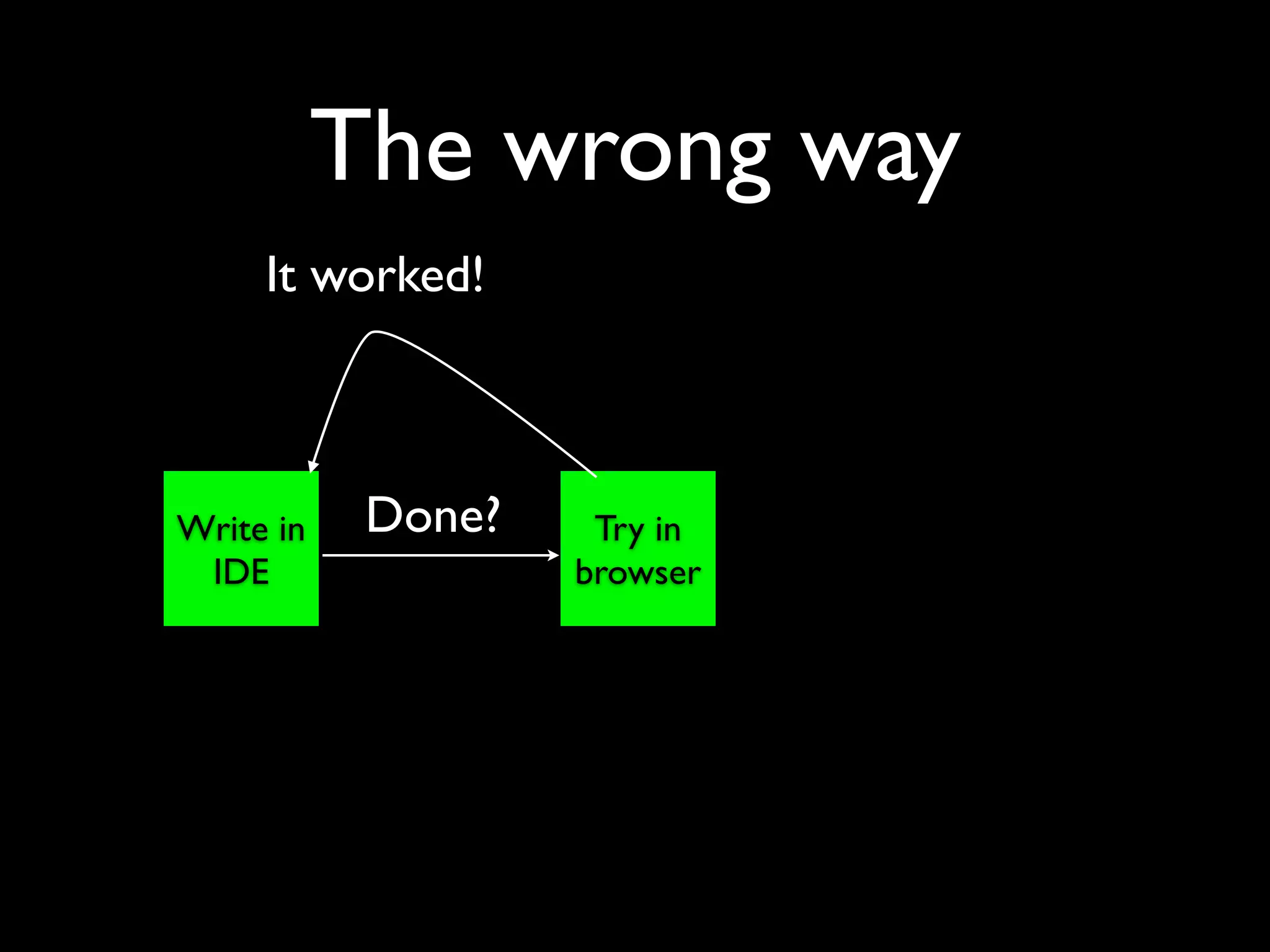
The wrong way
     It worked!


Write in    Done?    Try in
 IDE                browser
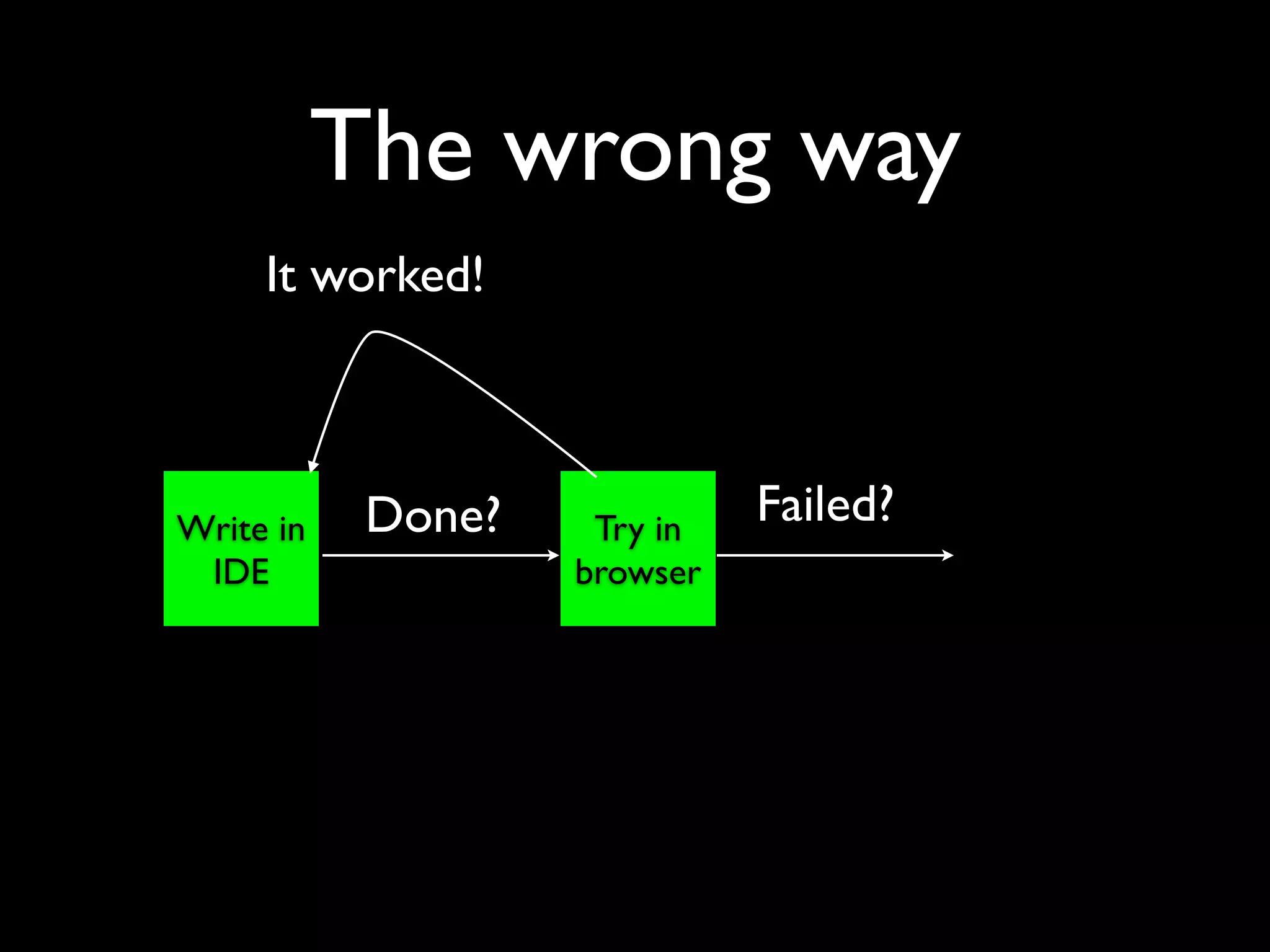
The wrong way
     It worked!


Write in    Done?    Try in
                              Failed?
 IDE                browser
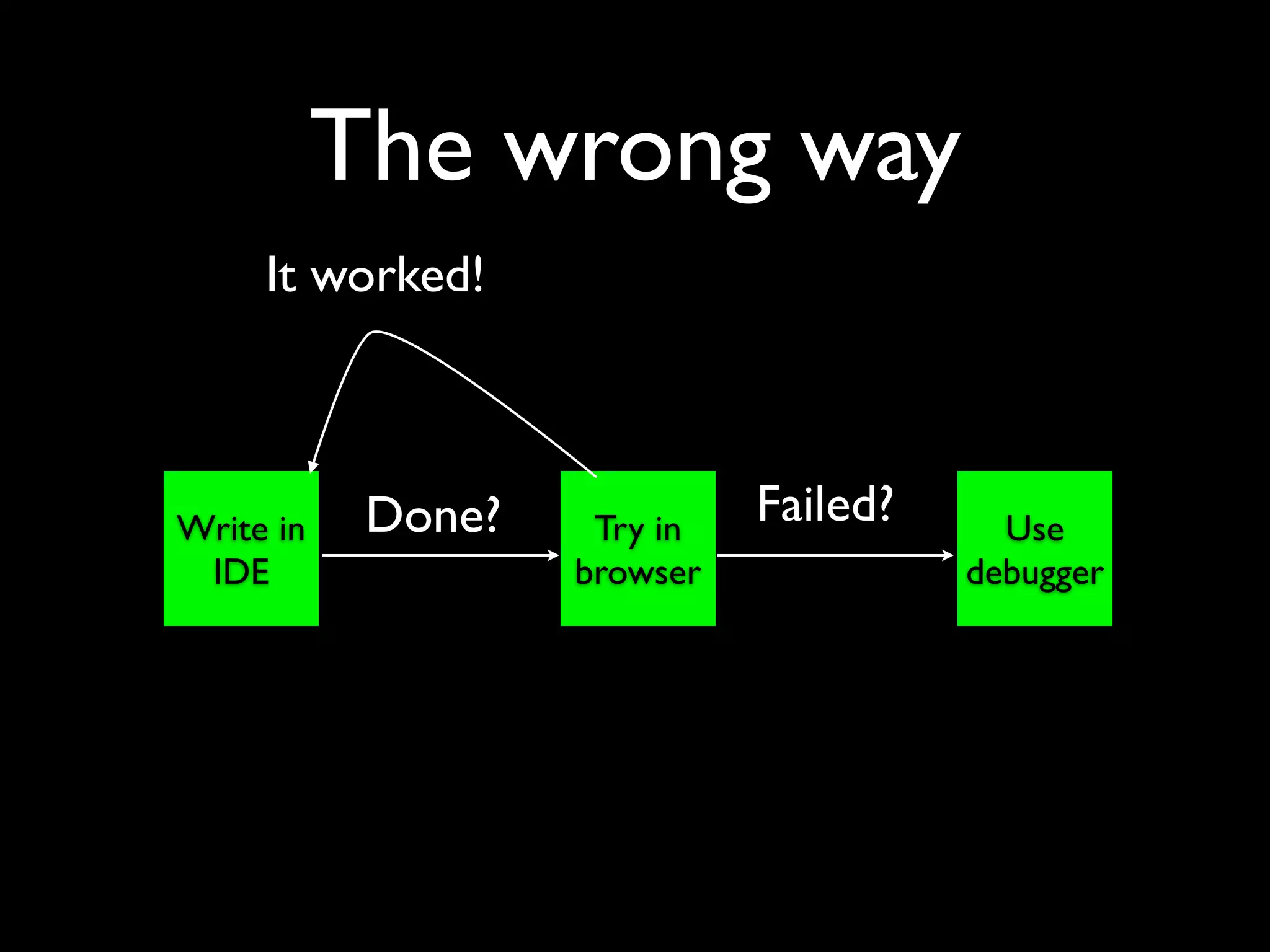
The wrong way
     It worked!


Write in    Done?    Try in
                              Failed?     Use
 IDE                browser             debugger
The wrong way
     It worked!


Write in    Done?    Try in
                              Failed?     Use
 IDE                browser             debugger


               Retry!
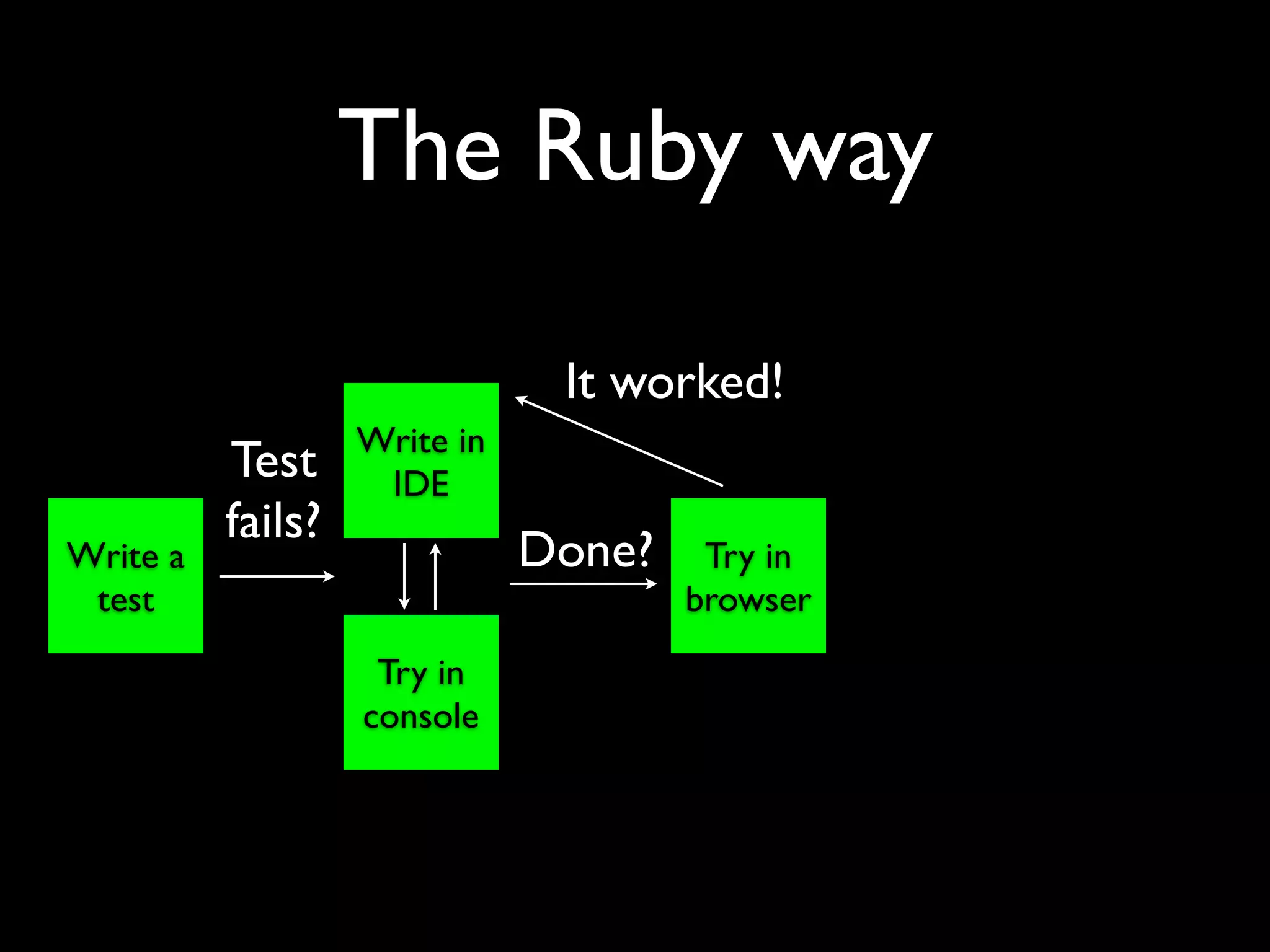
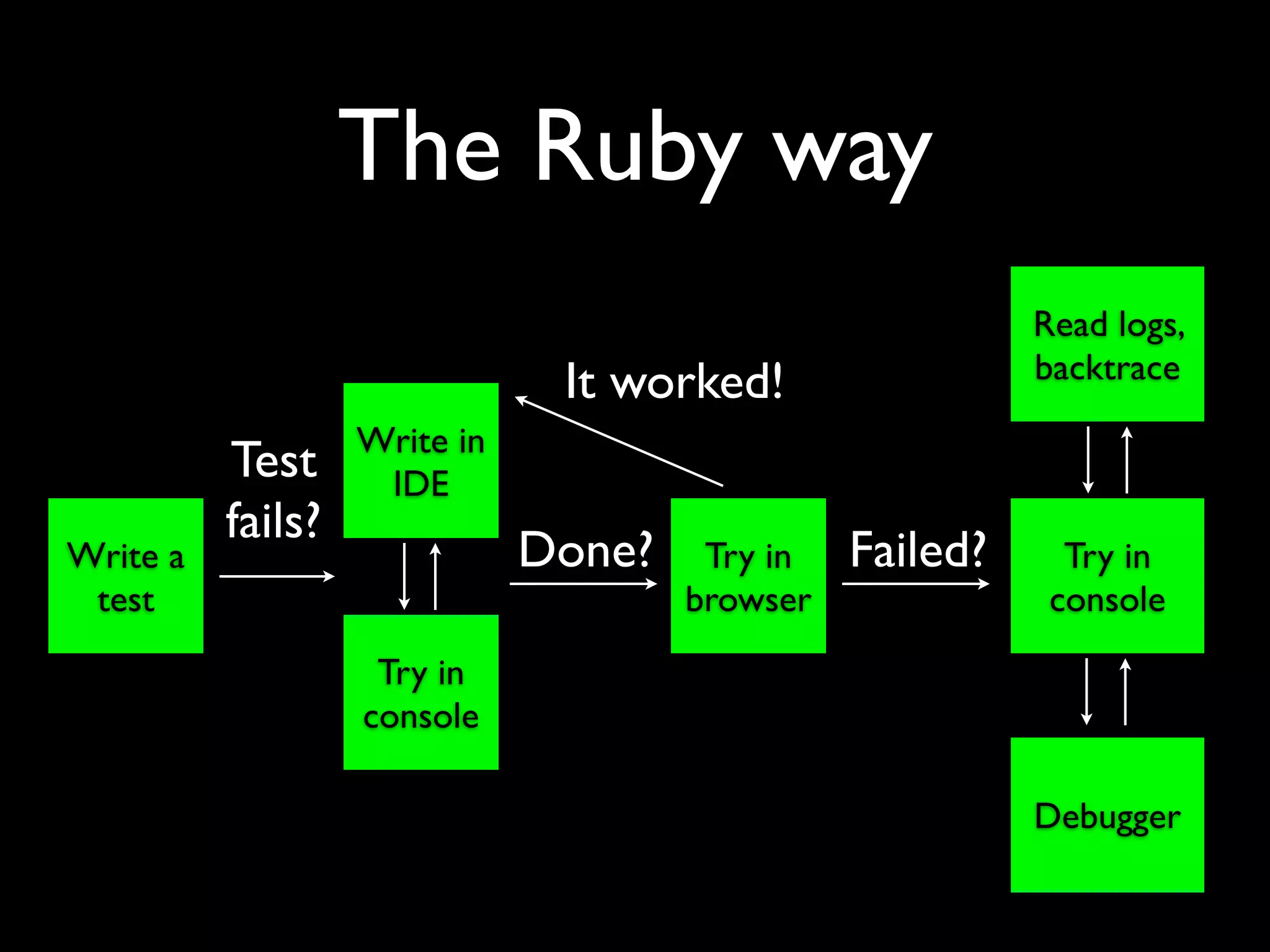
The Ruby way
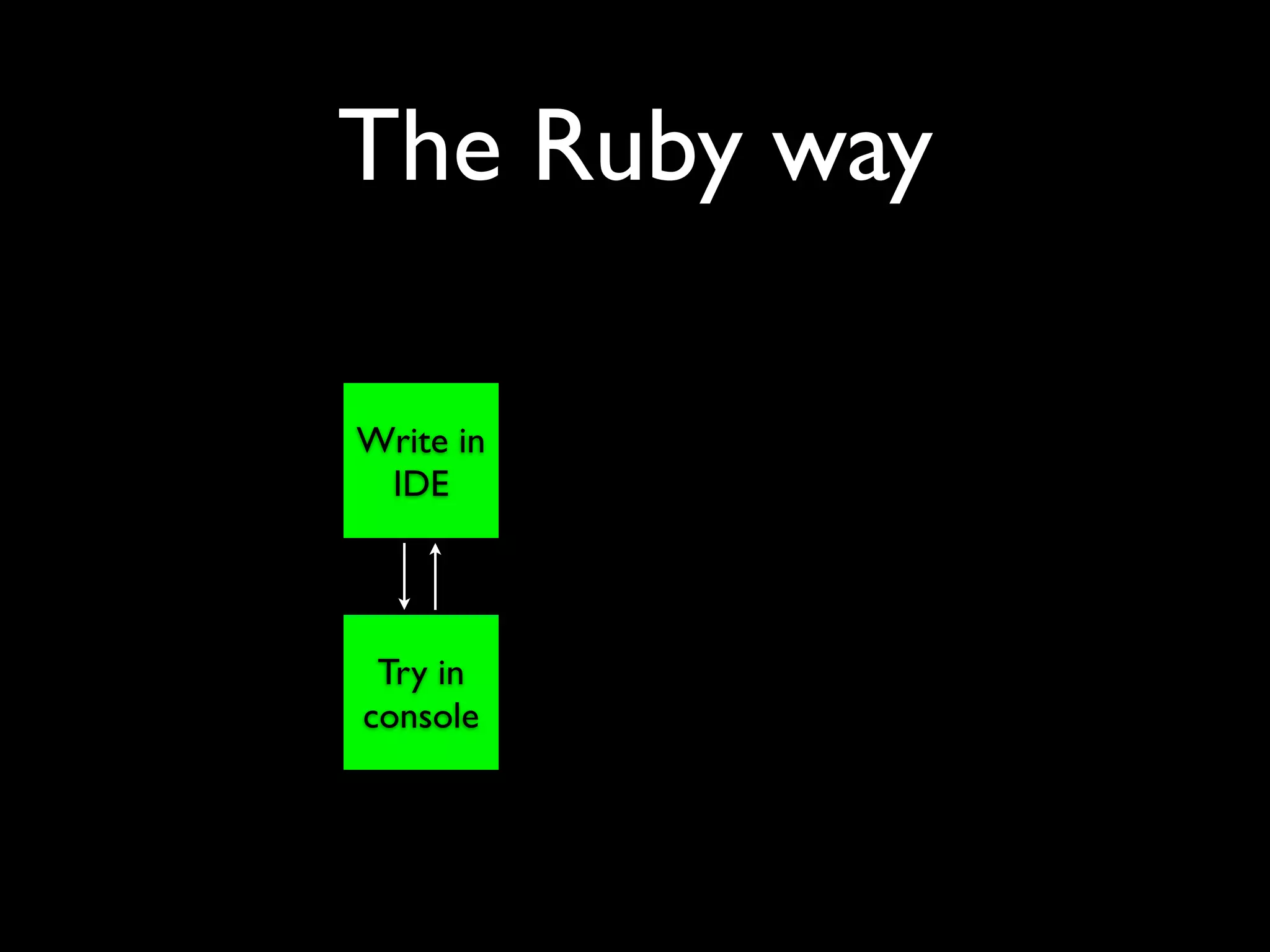
The Ruby way

Write in
 IDE


 Try in
console
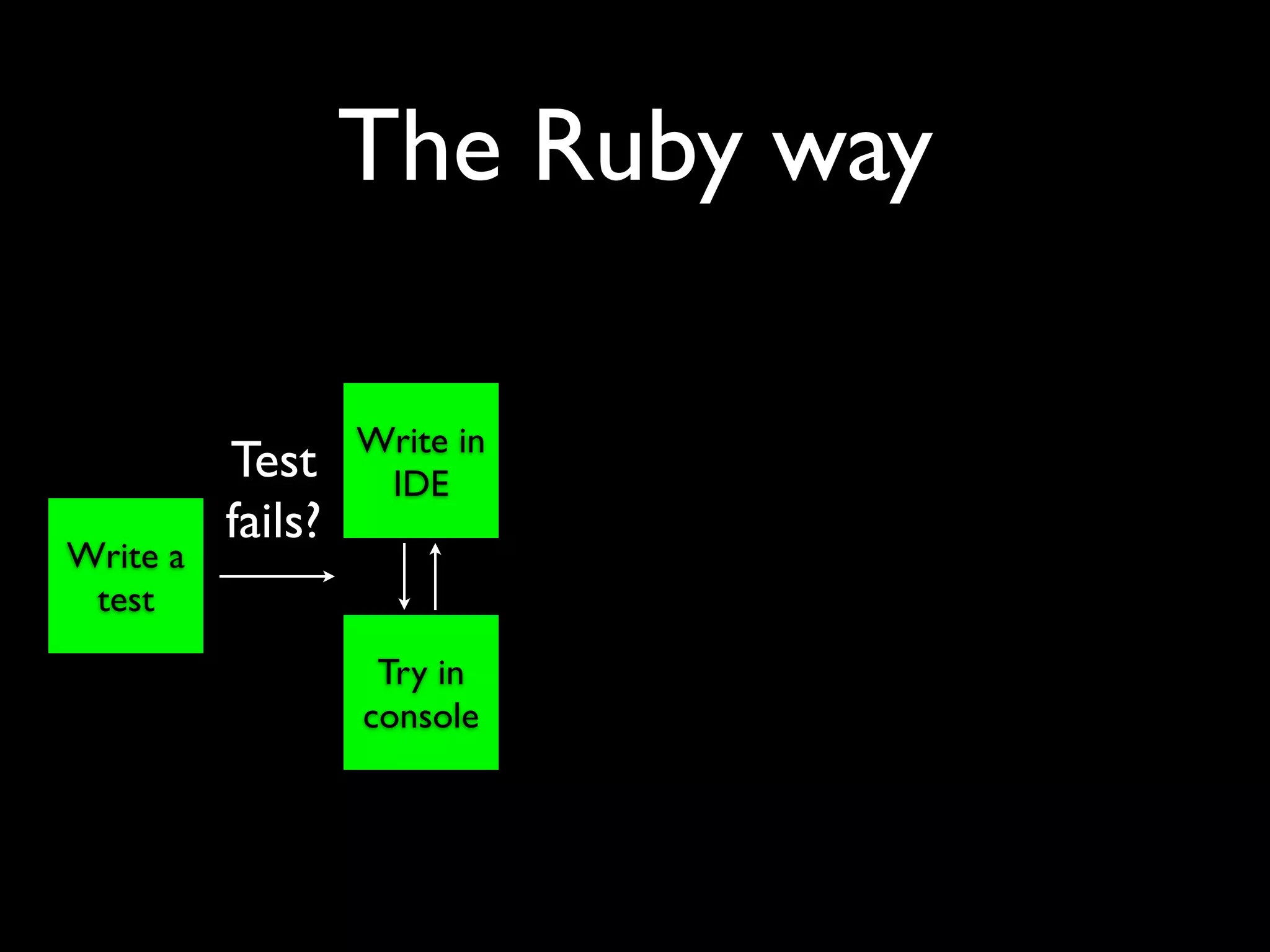
The Ruby way

                   Write in
          Test      IDE
          fails?
Write a
 test
                    Try in
                   console
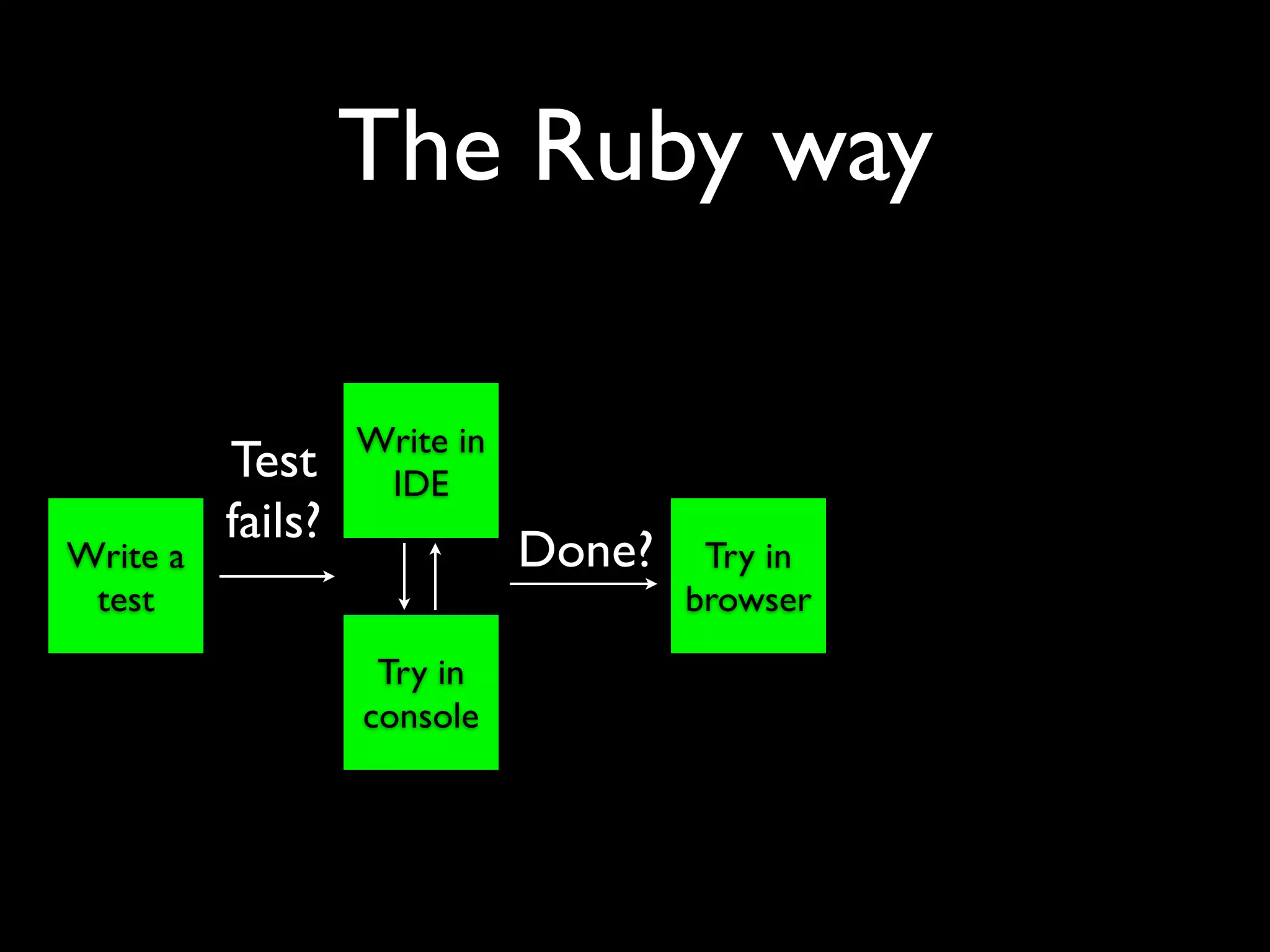
The Ruby way

                   Write in
          Test      IDE
          fails?
Write a                       Done?    Try in
 test                                 browser
                    Try in
                   console
The Ruby way

                               It worked!
                   Write in
          Test      IDE
          fails?
Write a                       Done?    Try in
 test                                 browser
                    Try in
                   console
The Ruby way
                                                          Read logs,
                                                          backtrace
                               It worked!
                   Write in
          Test      IDE
          fails?
Write a                       Done?    Try in   Failed?     Try in
 test                                 browser              console
                    Try in
                   console

                                                          Debugger
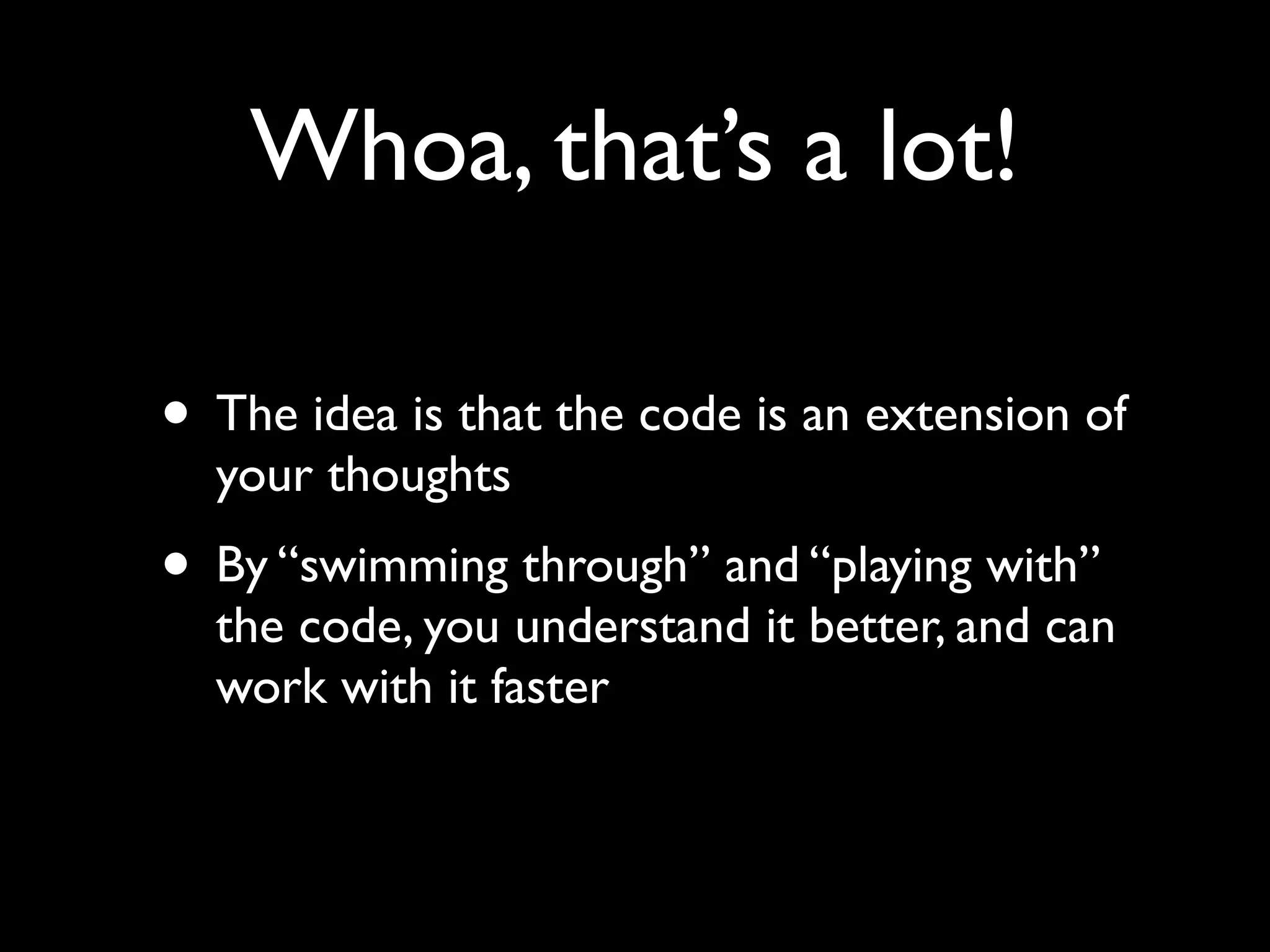
Whoa, that’s a lot!

• The idea is that the code is an extension of
  your thoughts
• By “swimming through” and “playing with”
  the code, you understand it better, and can
  work with it faster
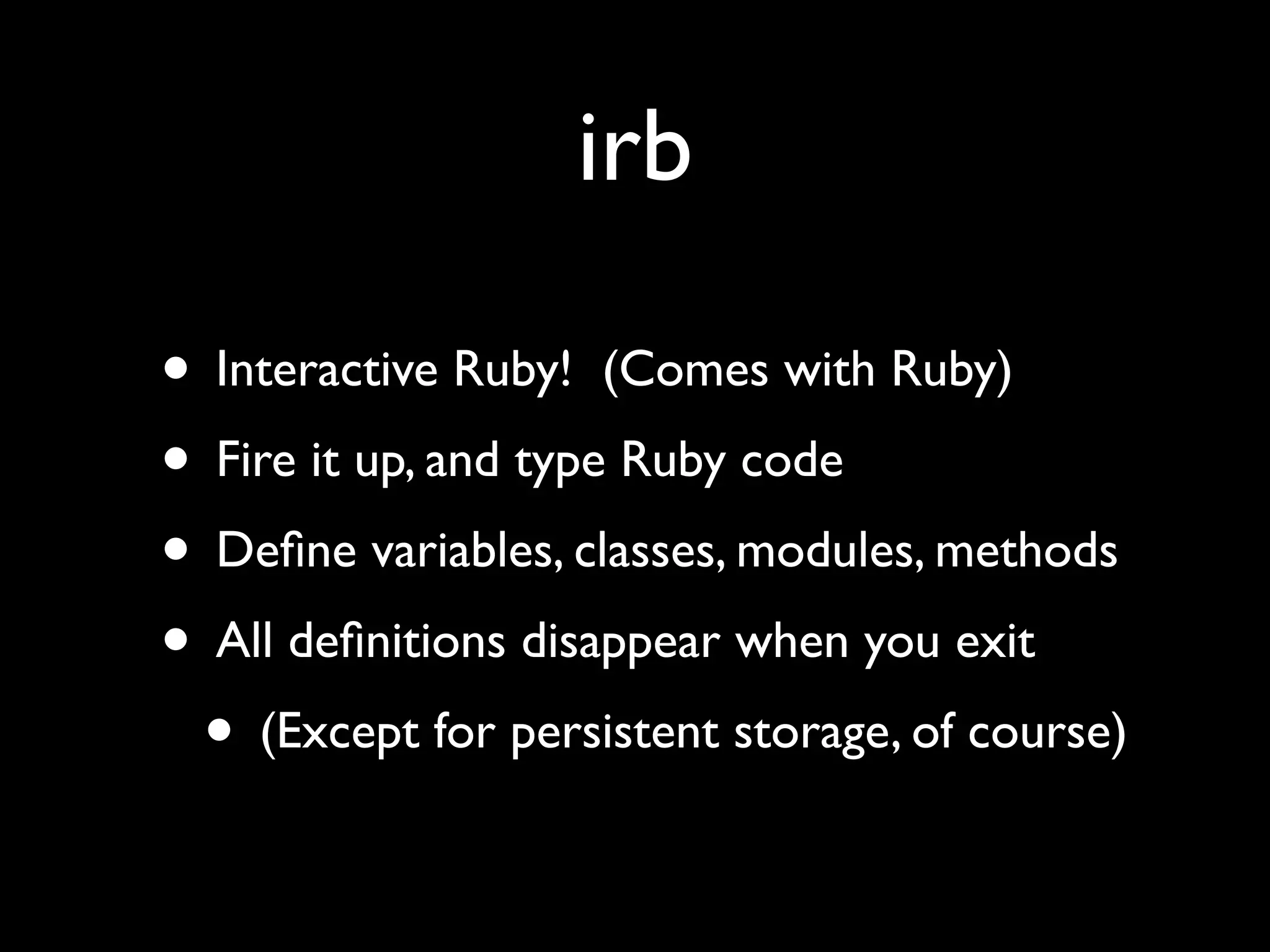
irb

• Interactive Ruby! (Comes with Ruby)
• Fire it up, and type Ruby code
• Define variables, classes, modules, methods
• All definitions disappear when you exit
 • (Except for persistent storage, of course)
Why use irb?

• Test code
• Debug code
• Try things out
• Better understand Ruby
• Better understand an object or class
Rails requires more
• development/test/production environments
• ActiveRecord
• Other libraries, such as ActiveSupport
• HTTP requests and responses
• Model and controller objects
• Included gems
script/console

• Wrapper around irb
• Loads objects that are useful
• Makes other objects easily available
• Test your code, data, and assumptions
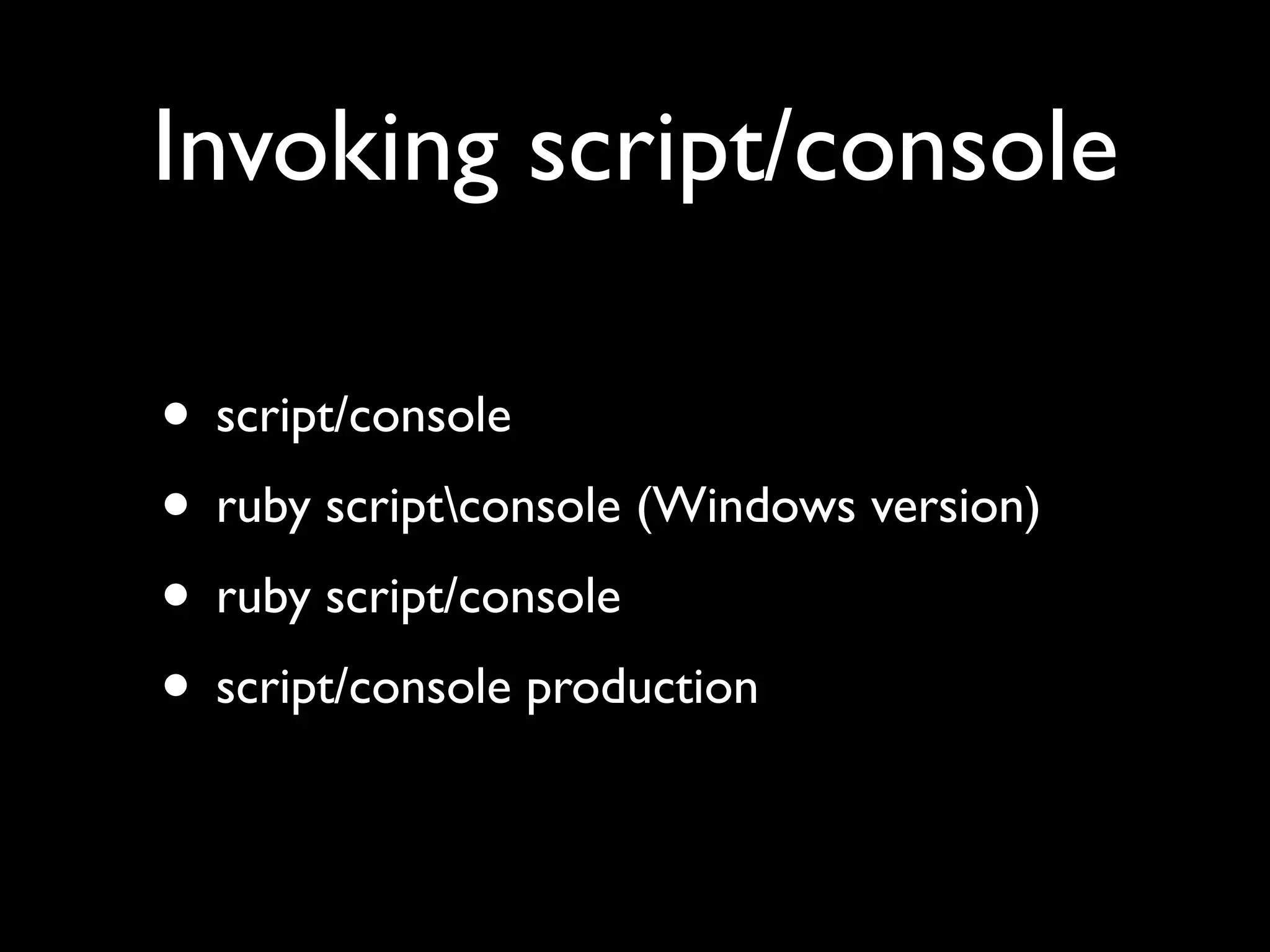
Invoking script/console

• script/console
• ruby scriptconsole (Windows version)
• ruby script/console
• script/console production
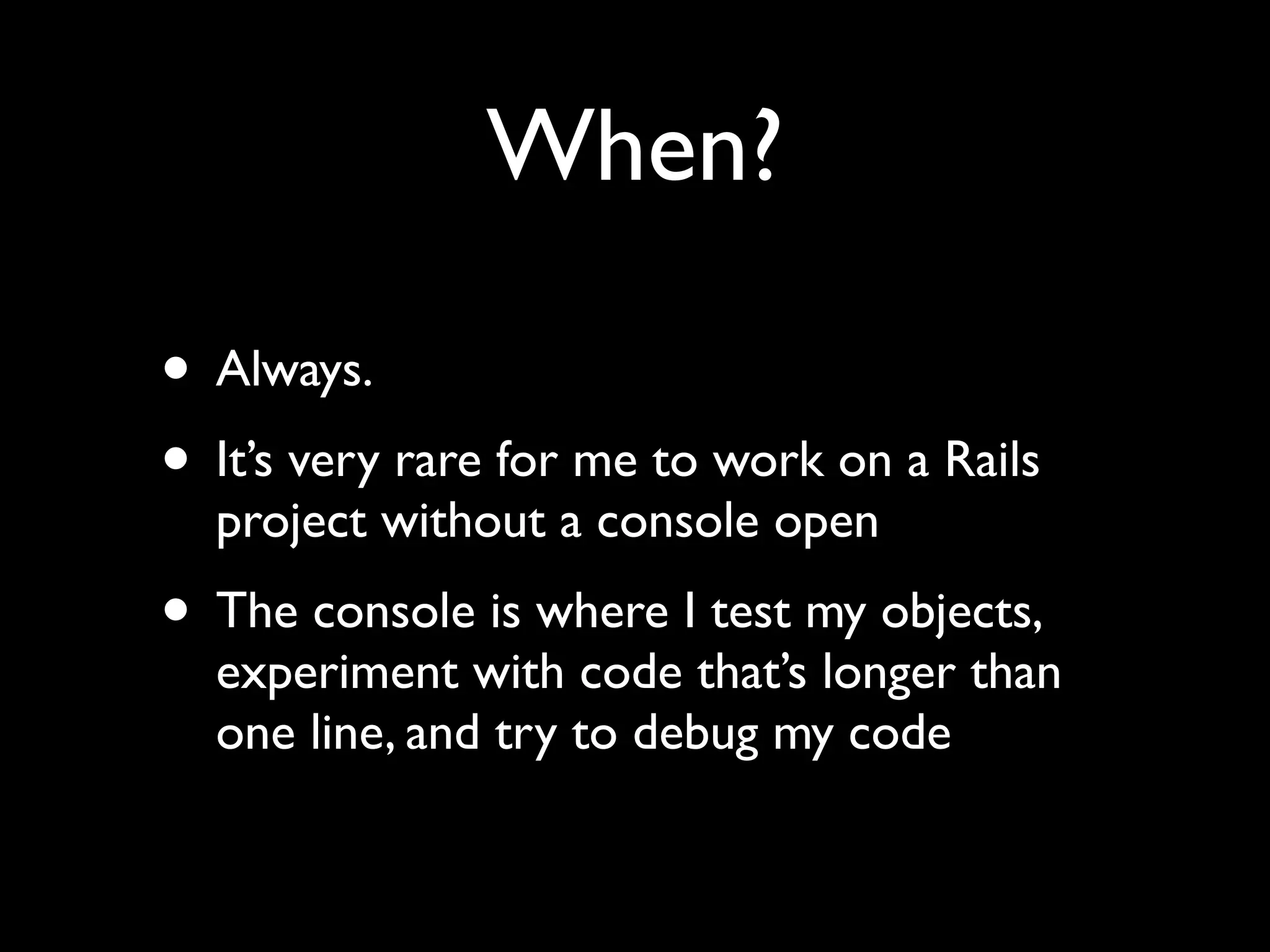
When?

• Always.
• It’s very rare for me to work on a Rails
  project without a console open
• The console is where I test my objects,
  experiment with code that’s longer than
  one line, and try to debug my code
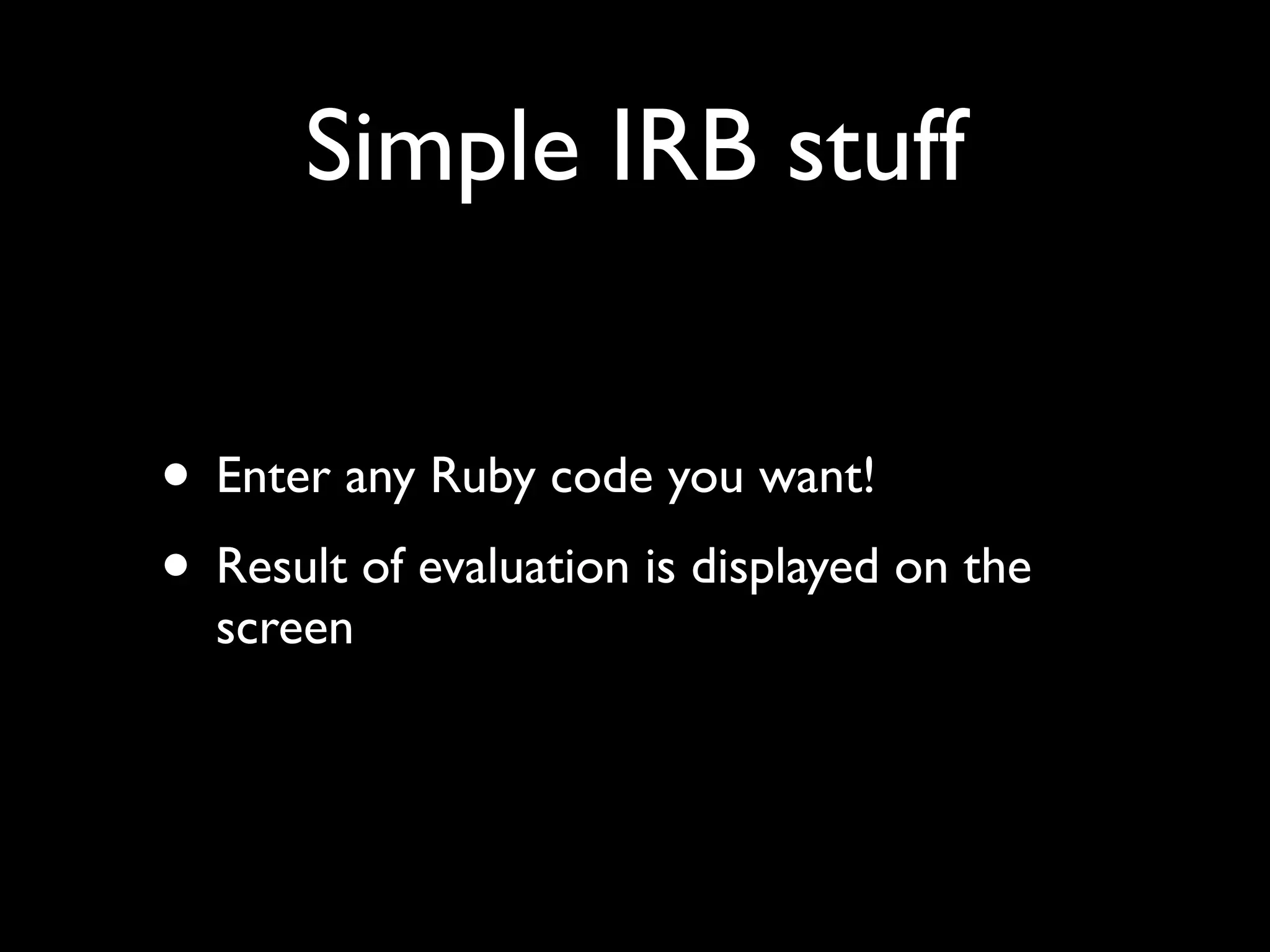
Simple IRB stuff


• Enter any Ruby code you want!
• Result of evaluation is displayed on the
  screen
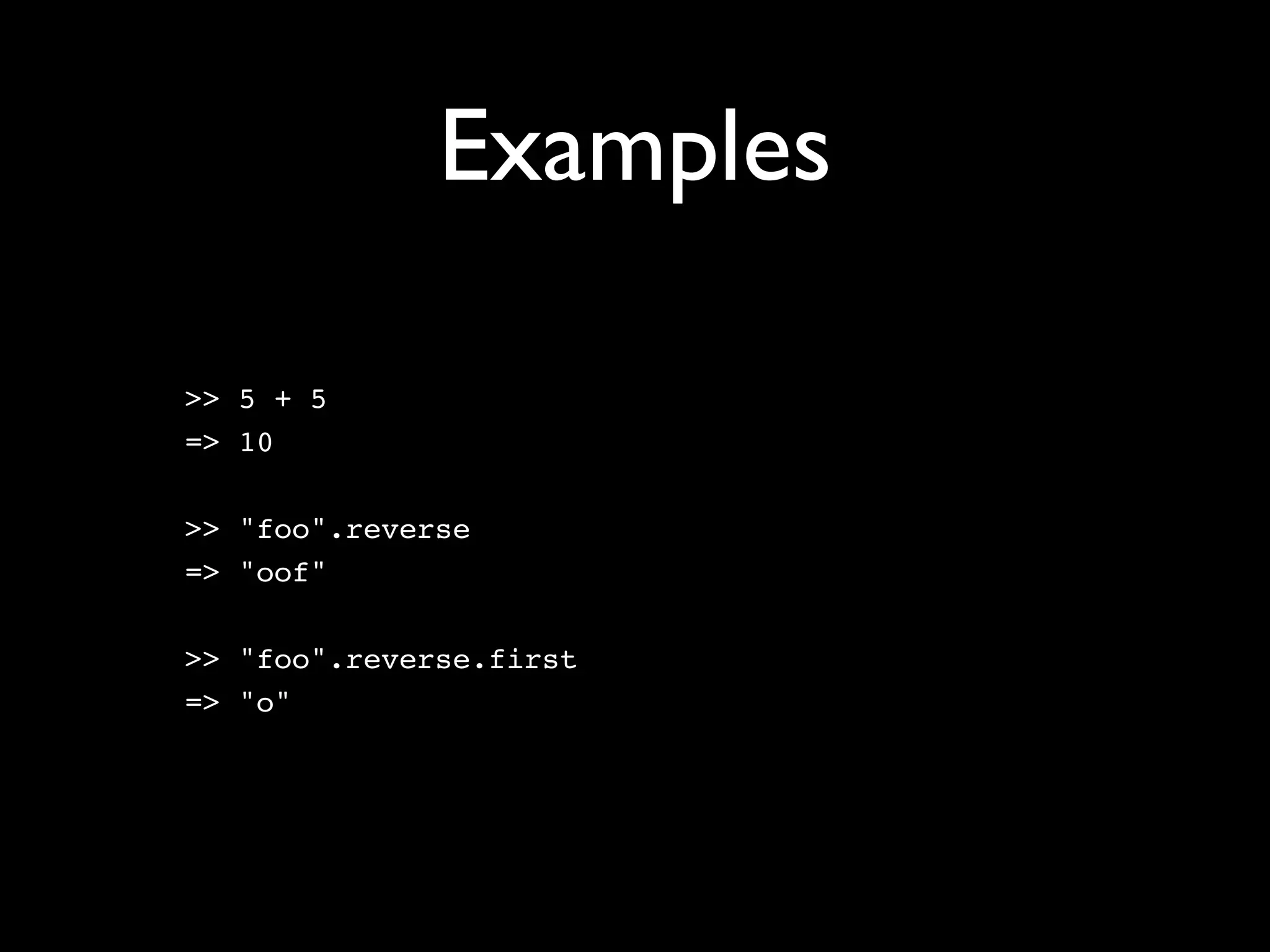
Examples

>> 5 + 5
=> 10

>> "foo".reverse
=> "oof"

>> "foo".reverse.first
=> "o"
Printing vs. value
>> puts "hello"
hello
=> nil

>> ['foo', 'bar', 'baz'].each do |word|
?>     puts word
>>   end
foo
bar
baz
=> ["foo", "bar", "baz"]
Printing vs. value
>> puts "hello"      This is what it prints
hello
=> nil

>> ['foo', 'bar', 'baz'].each do |word|
?>     puts word
>>   end
foo
bar
baz
=> ["foo", "bar", "baz"]
Printing vs. value
>> puts "hello"      This is what it prints
hello
=> nil               This is its value
>> ['foo', 'bar', 'baz'].each do |word|
?>     puts word
>>   end
foo
bar
baz
=> ["foo", "bar", "baz"]
Printing vs. value
>> puts "hello"      This is what it prints
hello
=> nil               This is its value
>> ['foo', 'bar', 'baz'].each do |word|
?>     puts word
>>   end
foo                  This is what it prints
bar
baz
=> ["foo", "bar", "baz"]
Printing vs. value
>> puts "hello"      This is what it prints
hello
=> nil               This is its value
>> ['foo', 'bar', 'baz'].each do |word|
?>     puts word
>>   end
foo                  This is what it prints
bar
baz
=> ["foo", "bar", "baz"]

                         This is its value
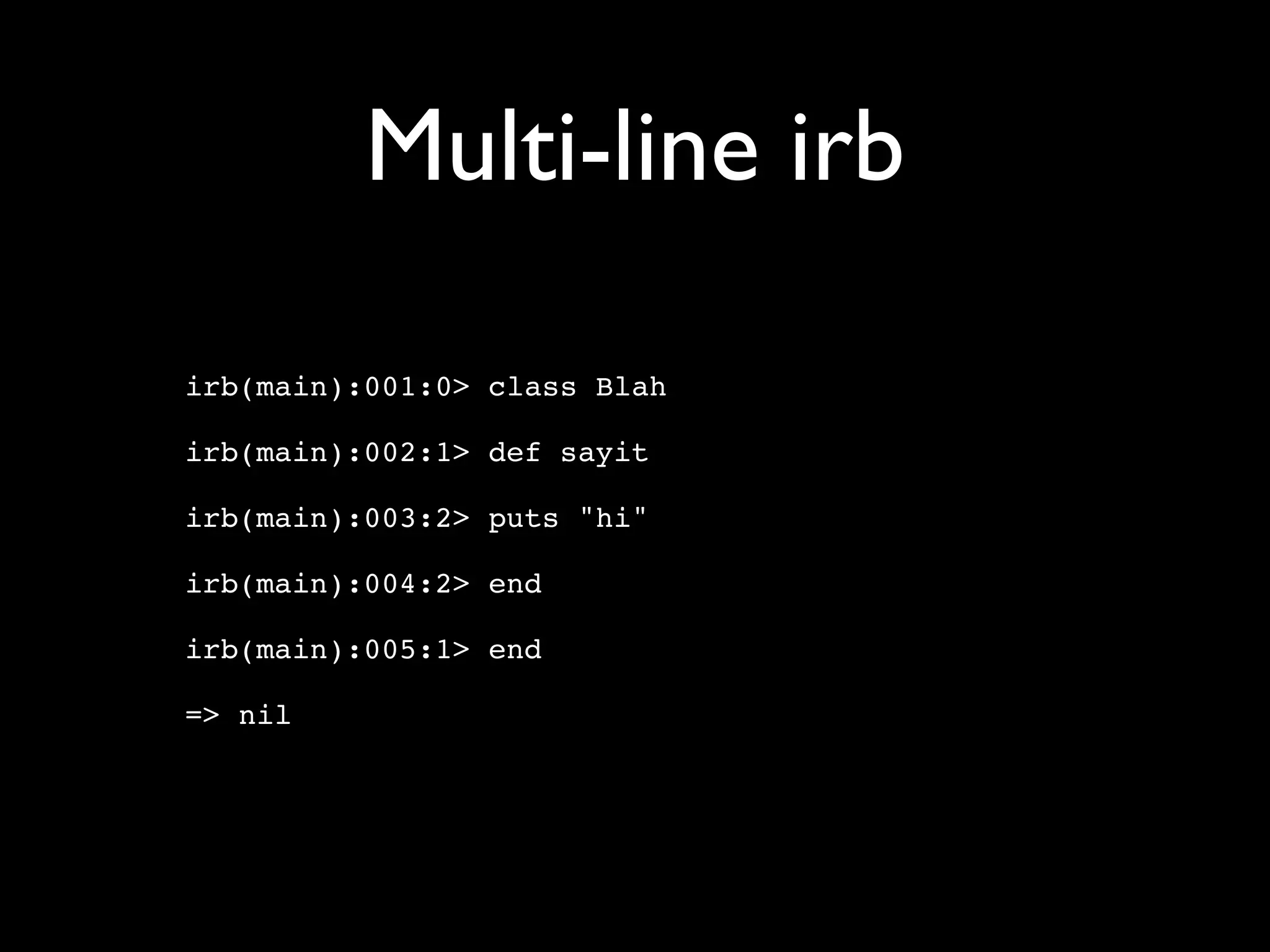
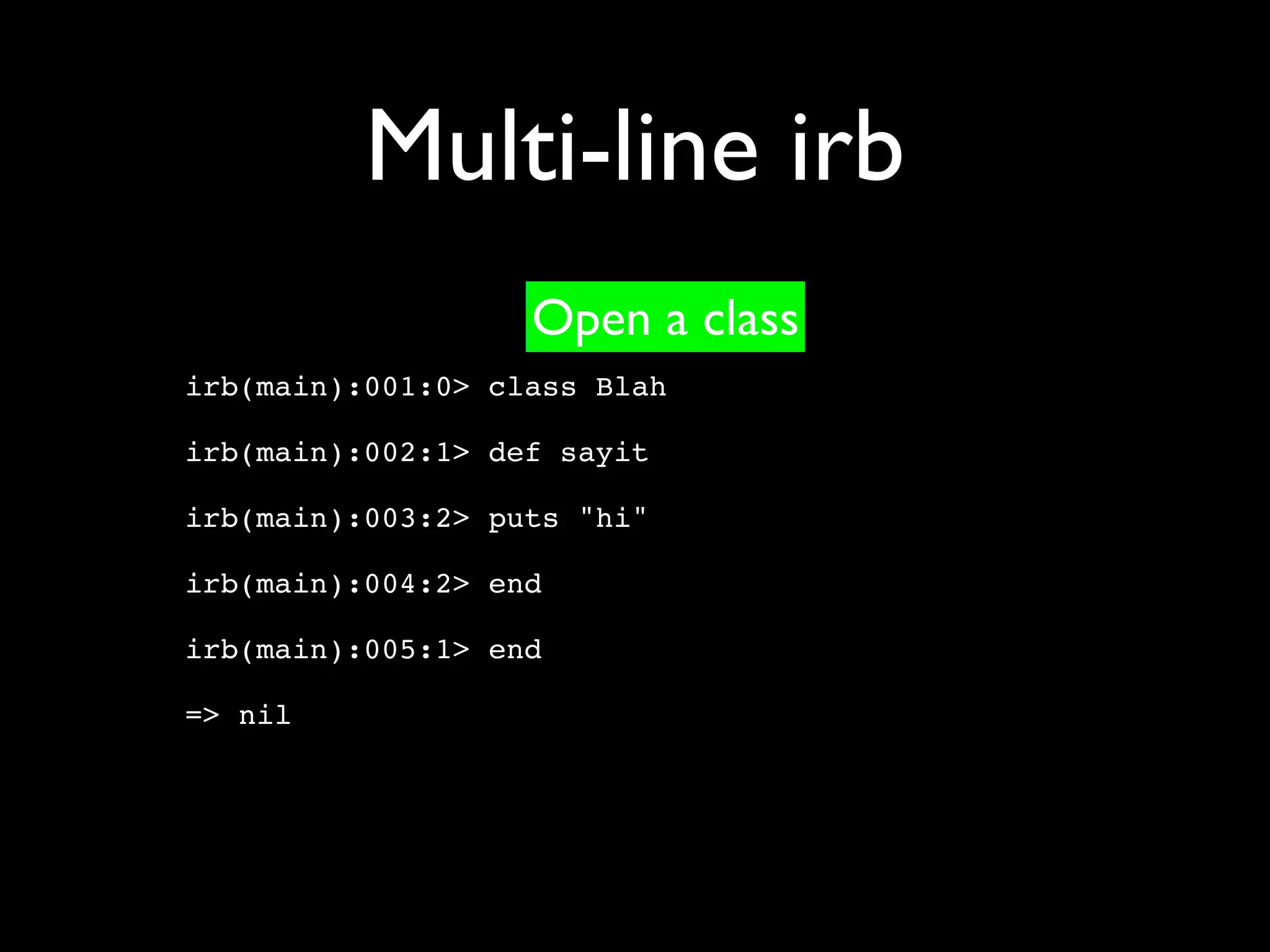
Multi-line irb

irb(main):001:0> class Blah

irb(main):002:1> def sayit

irb(main):003:2> puts "hi"

irb(main):004:2> end

irb(main):005:1> end

=> nil
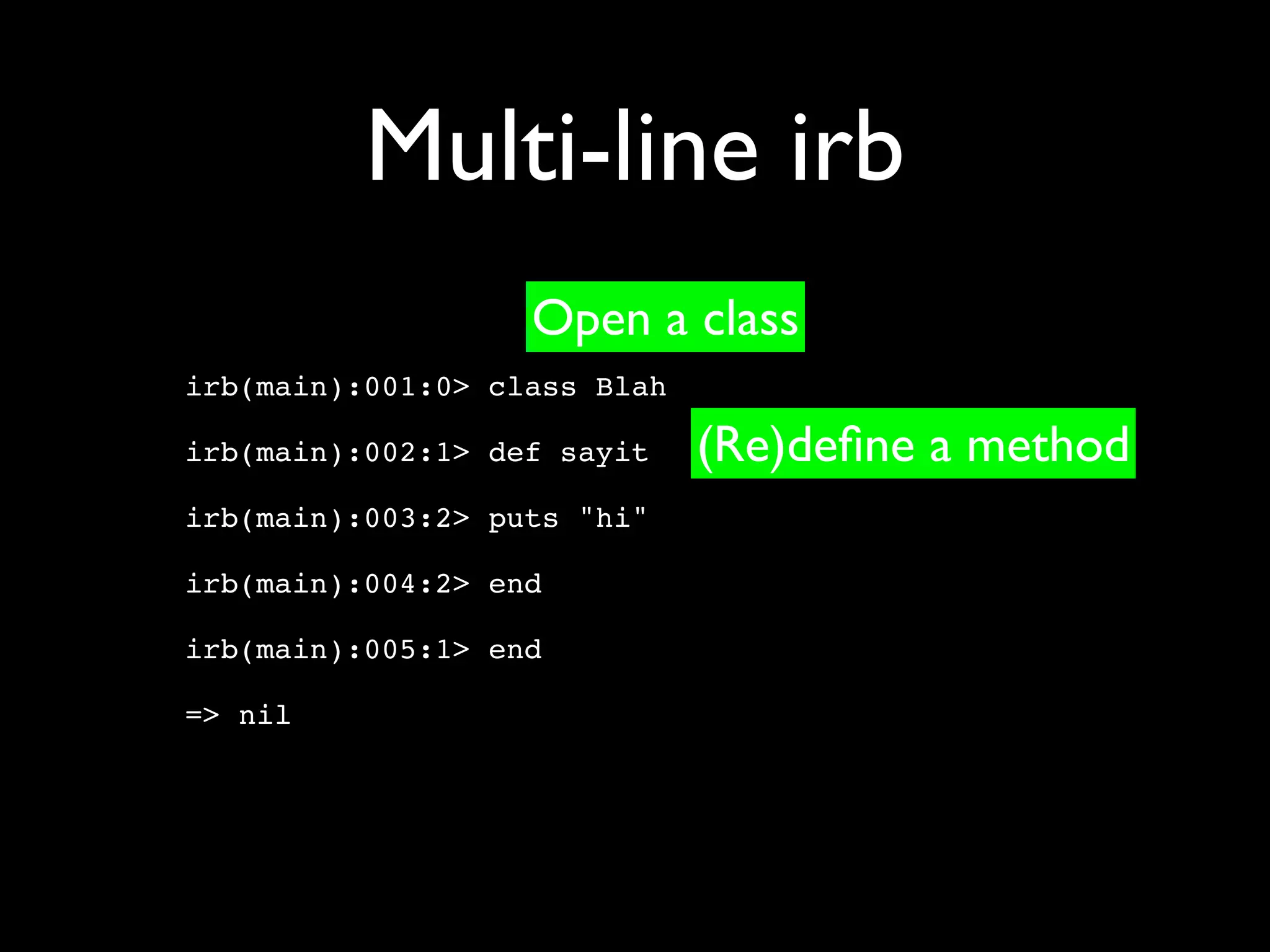
Multi-line irb
                   Open a class
irb(main):001:0> class Blah

irb(main):002:1> def sayit

irb(main):003:2> puts "hi"

irb(main):004:2> end

irb(main):005:1> end

=> nil
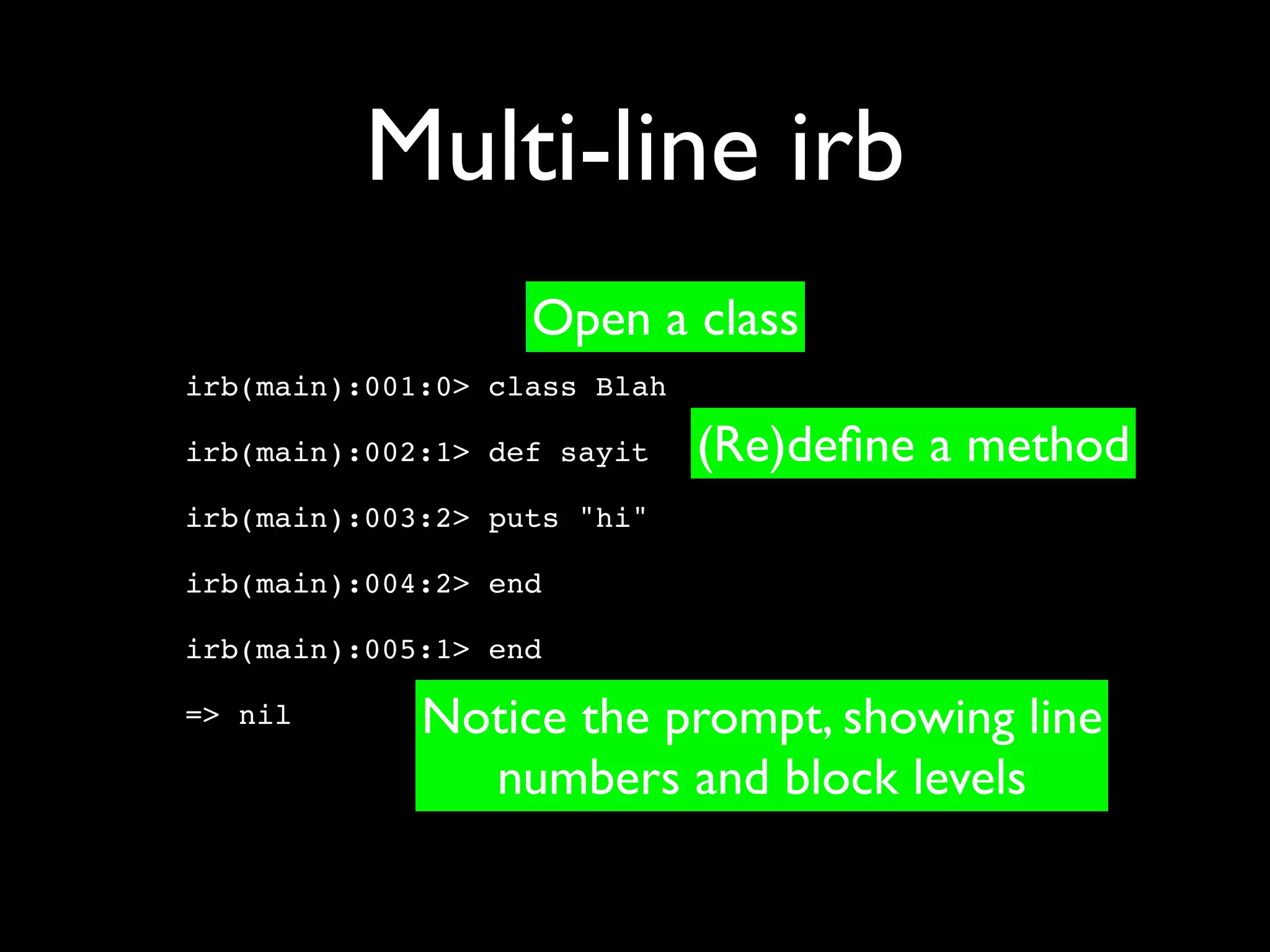
Multi-line irb
                   Open a class
irb(main):001:0> class Blah

irb(main):002:1> def sayit    (Re)define a method
irb(main):003:2> puts "hi"

irb(main):004:2> end

irb(main):005:1> end

=> nil
Multi-line irb
                   Open a class
irb(main):001:0> class Blah

irb(main):002:1> def sayit    (Re)define a method
irb(main):003:2> puts "hi"

irb(main):004:2> end

irb(main):005:1> end

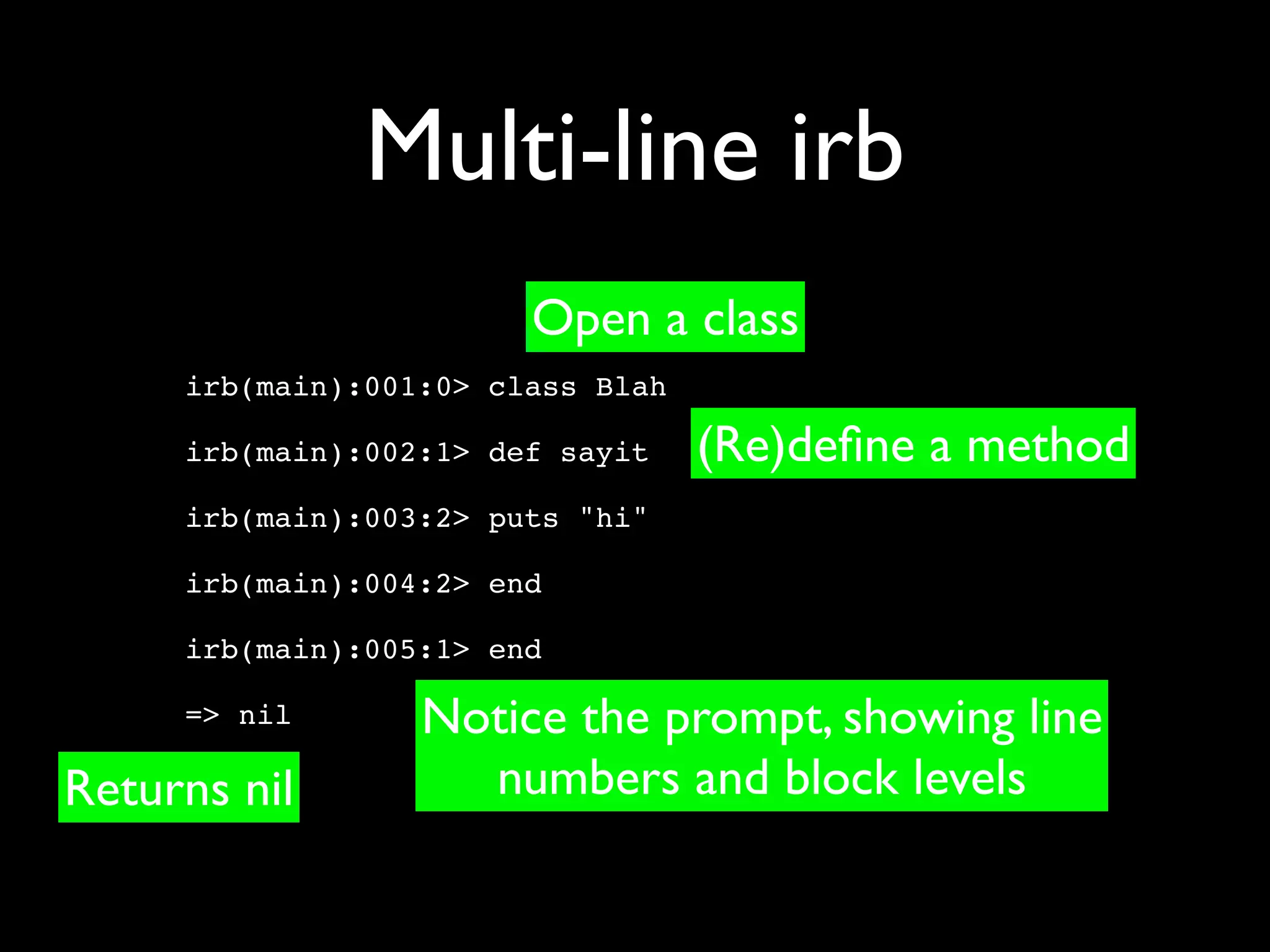
=> nil       Notice the prompt, showing line
               numbers and block levels
Multi-line irb
                        Open a class
     irb(main):001:0> class Blah

     irb(main):002:1> def sayit    (Re)define a method
     irb(main):003:2> puts "hi"

     irb(main):004:2> end

     irb(main):005:1> end

     => nil       Notice the prompt, showing line
Returns nil         numbers and block levels
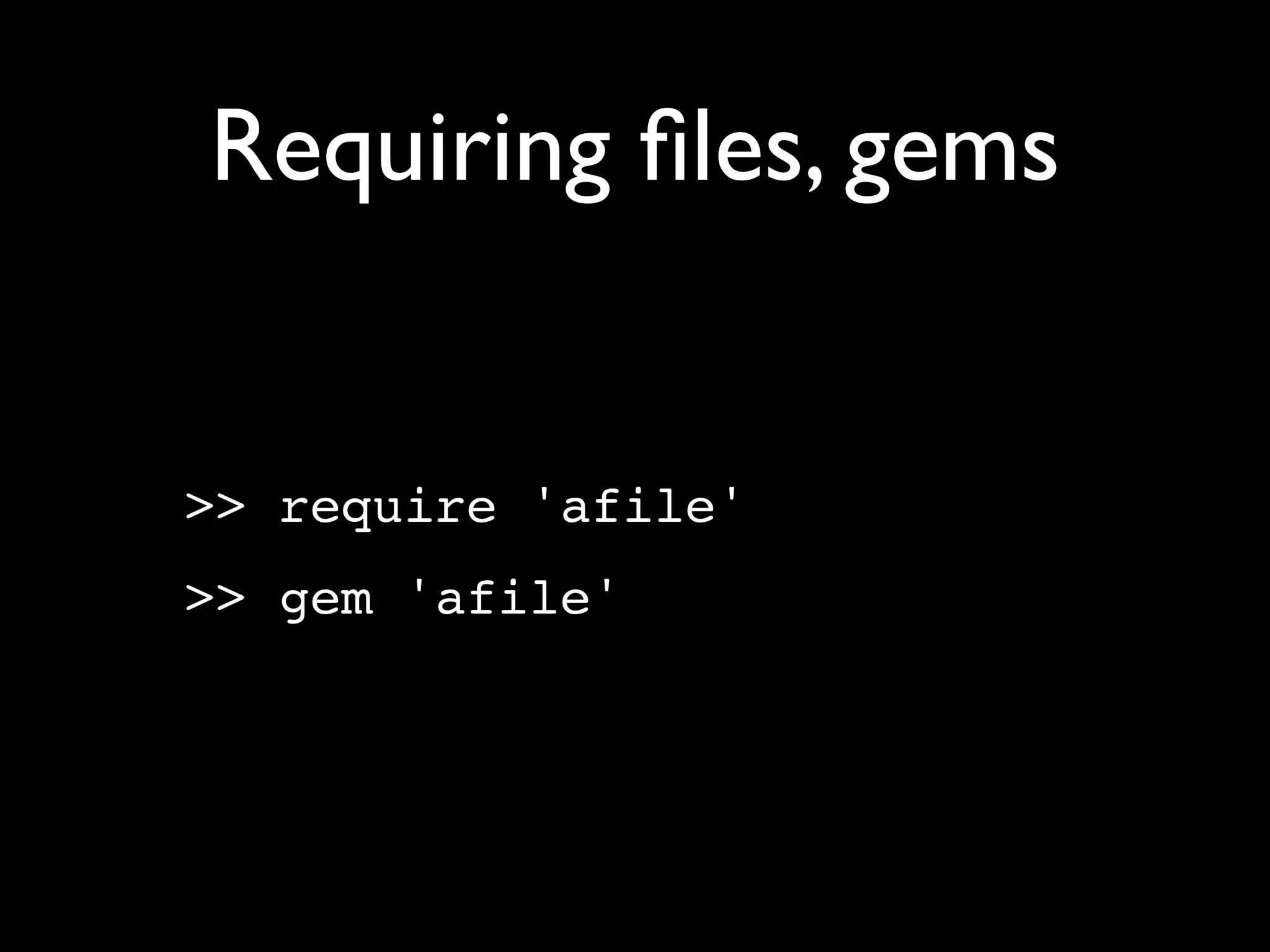
Requiring files, gems


>> require 'afile'
>> gem 'afile'
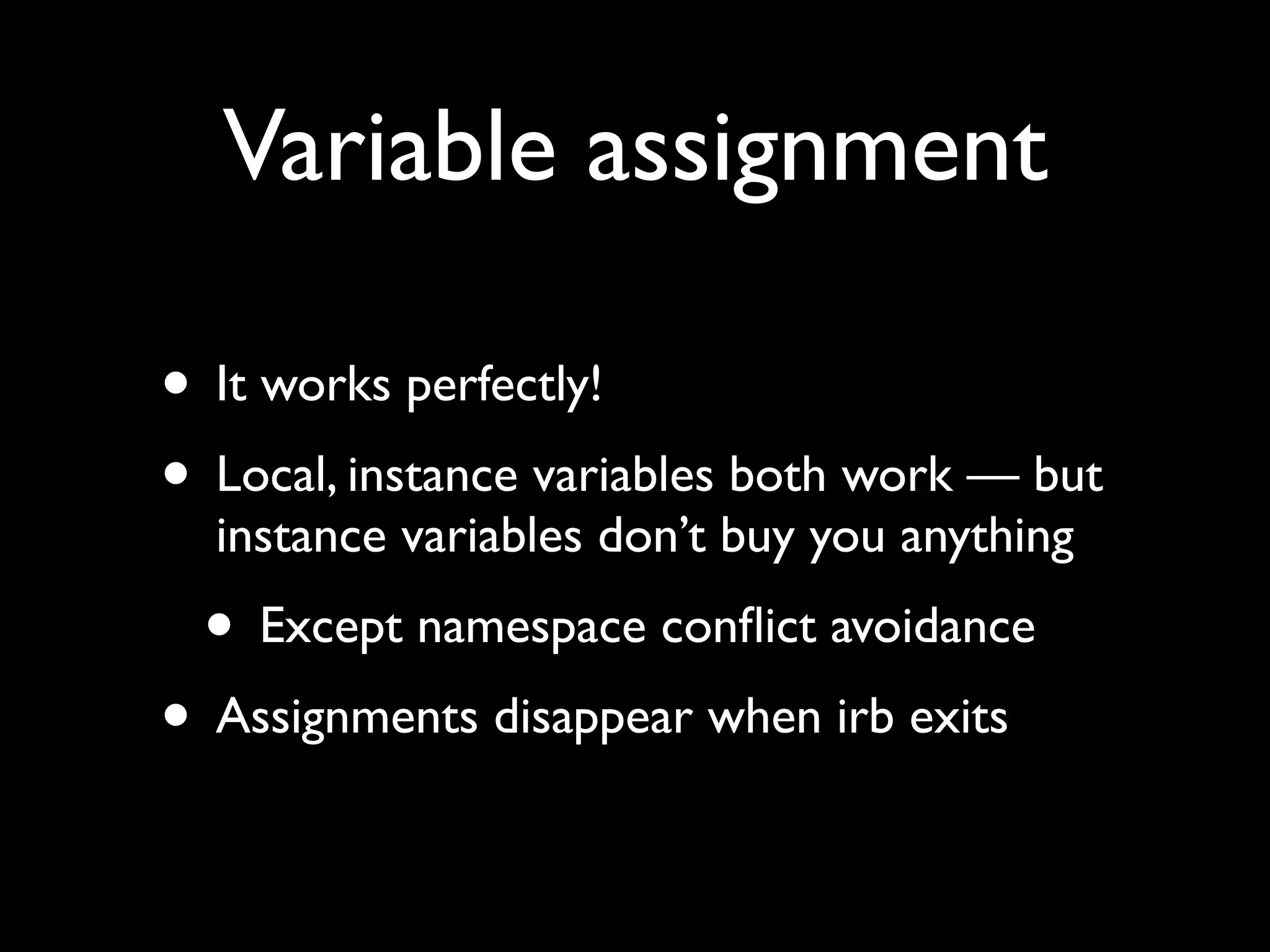
Variable assignment

• It works perfectly!
• Local, instance variables both work — but
  instance variables don’t buy you anything
 • Except namespace conflict avoidance
• Assignments disappear when irb exits
Variable assignment

h = {:a => 1, :b => 2}
a = [1, 2, 3, [h, h]]
@p = Person.first
@p = Person.all
Variable assignment

h = {:a => 1, :b => 2}
a = [1, 2, 3, [h, h]]
@p = Person.first
@p = Person.all Dynamic typing!
Viewing variables
>> a

=> [1, 2, 3, [{:b=>2, :a=>1}, {:b=>2, :a=>1}]]


>> h[:c] = 3

=> 3


>> a

=> [1, 2, 3, [{:b=>2, :a=>1, :c=>3},
{:b=>2, :a=>1, :c=>3}]]
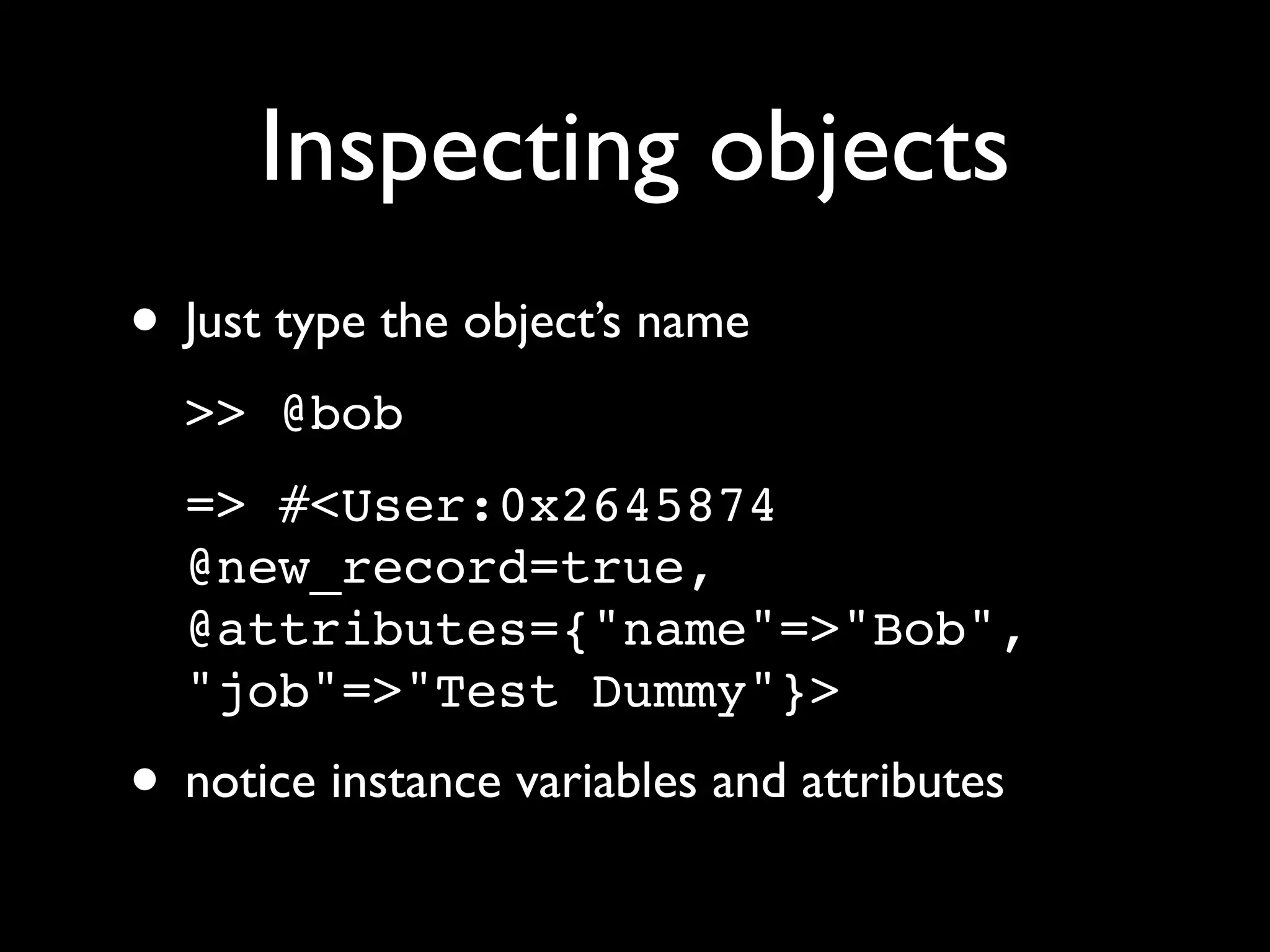
Inspecting objects
• Just type the object’s name
  >> @bob
  => #<User:0x2645874
  @new_record=true,
  @attributes={"name"=>"Bob",
  "job"=>"Test Dummy"}>
• notice instance variables and attributes
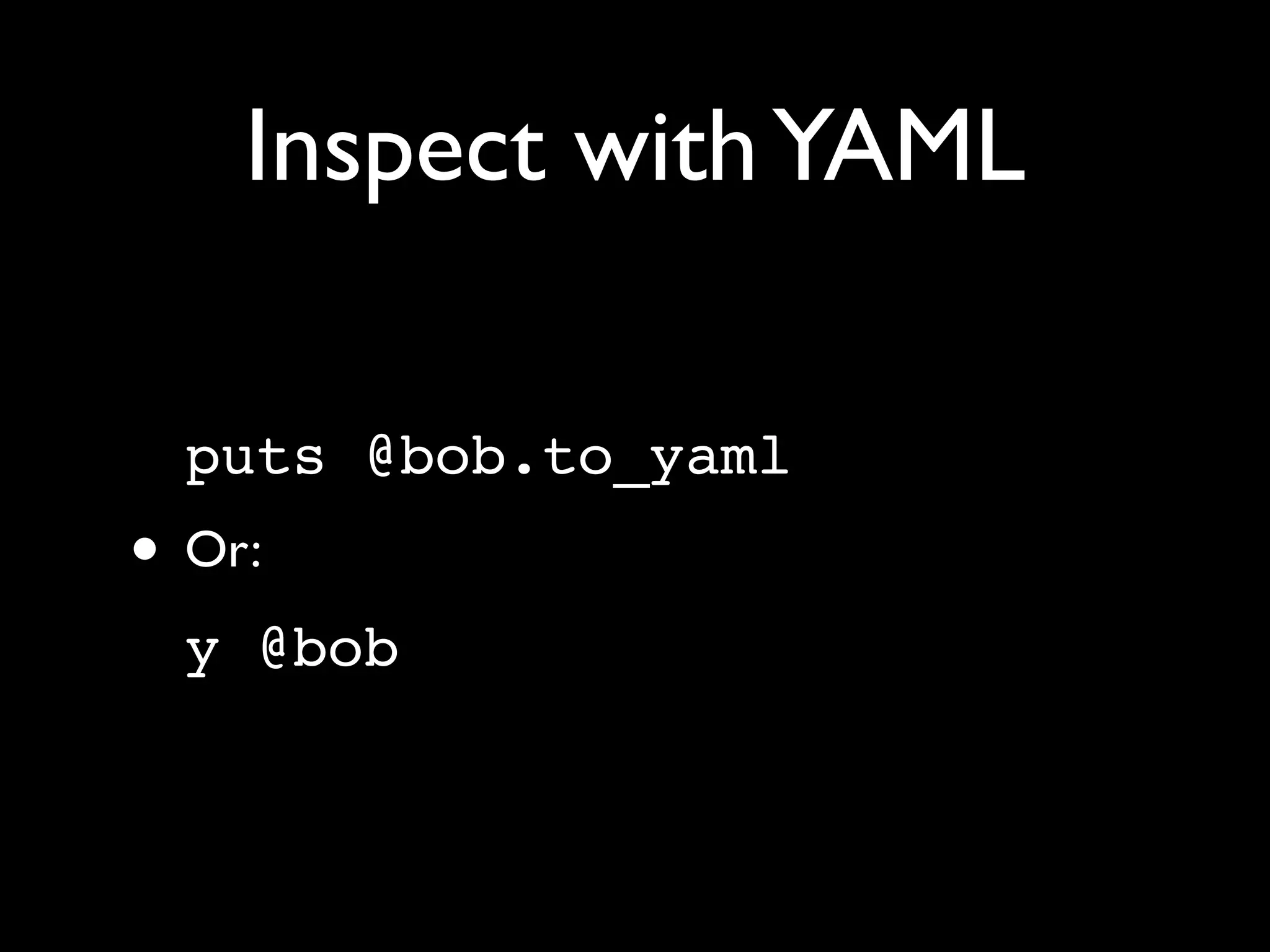
Inspect with YAML

  puts @bob.to_yaml
• Or:
  y @bob
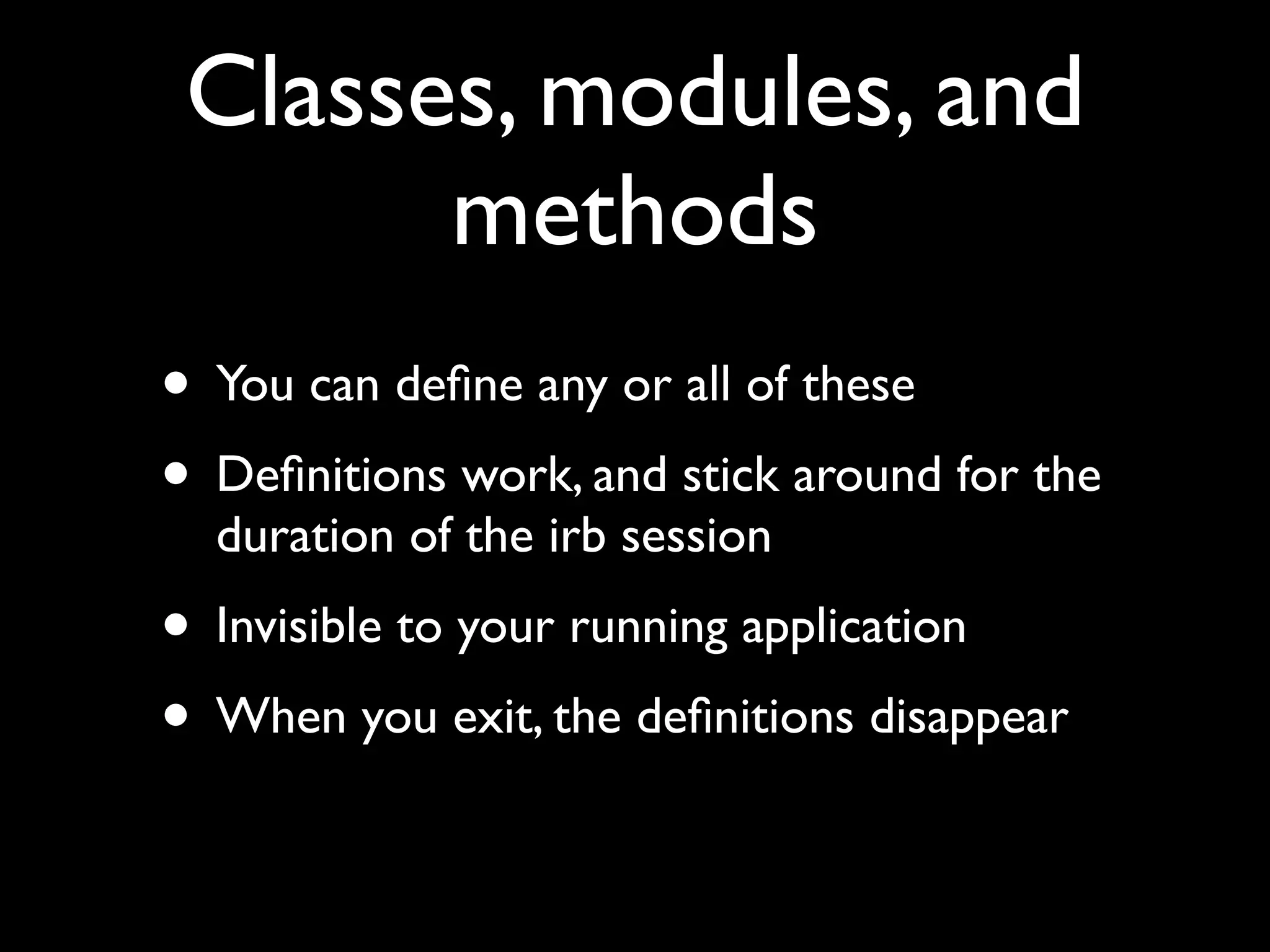
Classes, modules, and
       methods
• You can define any or all of these
• Definitions work, and stick around for the
  duration of the irb session
• Invisible to your running application
• When you exit, the definitions disappear
Defining classes
>>   class Train
>>     attr :passengers
>>     def initialize
>>       @passengers = [ ]
>>       end
>>     end
=>   nil
>>   t = Train.new
=>   #<Train:0x102f391e0 @passengers=[]>
>>   t.passengers << 'Reuven'
=>   ["Reuven"]
>>   t.passengers << 'Atara'
=>   ["Reuven", "Atara"]
Defining classes
>>   class Train
>>     attr :passengers
>>     def initialize
>>       @passengers = [ ]
>>       end
>>     end           Class definitions evaluate to nil
=>   nil
>>   t = Train.new
=>   #<Train:0x102f391e0 @passengers=[]>
>>   t.passengers << 'Reuven'
=>   ["Reuven"]
>>   t.passengers << 'Atara'
=>   ["Reuven", "Atara"]
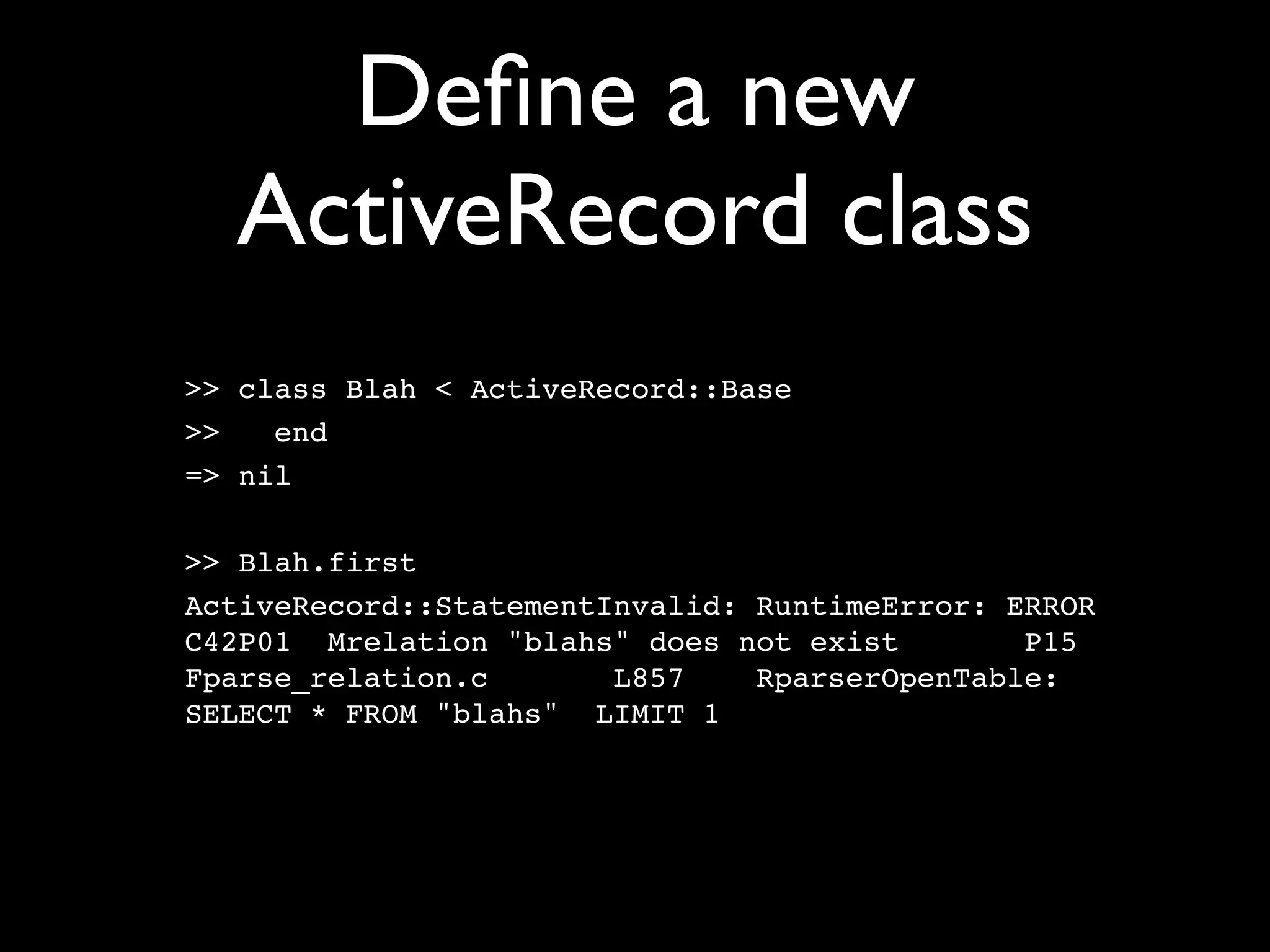
Define a new
  ActiveRecord class
>> class Blah < ActiveRecord::Base
>>   end
=> nil

>> Blah.first
ActiveRecord::StatementInvalid: RuntimeError: ERROR
C42P01 Mrelation "blahs" does not exist        P15
Fparse_relation.c       L857    RparserOpenTable:
SELECT * FROM "blahs" LIMIT 1
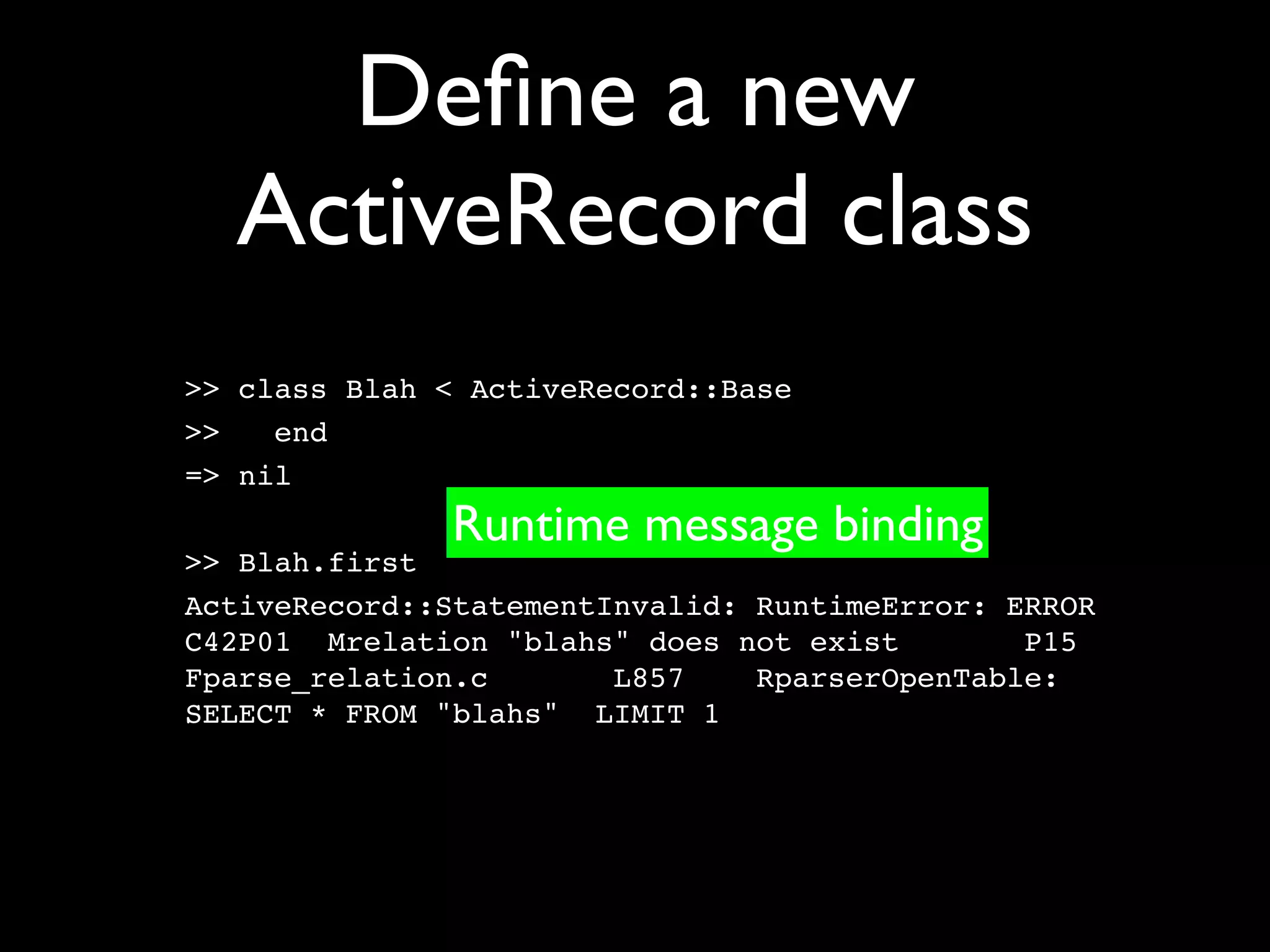
Define a new
  ActiveRecord class
>> class Blah < ActiveRecord::Base
>>   end
=> nil
              Runtime message binding
>> Blah.first
ActiveRecord::StatementInvalid: RuntimeError: ERROR
C42P01 Mrelation "blahs" does not exist        P15
Fparse_relation.c       L857    RparserOpenTable:
SELECT * FROM "blahs" LIMIT 1
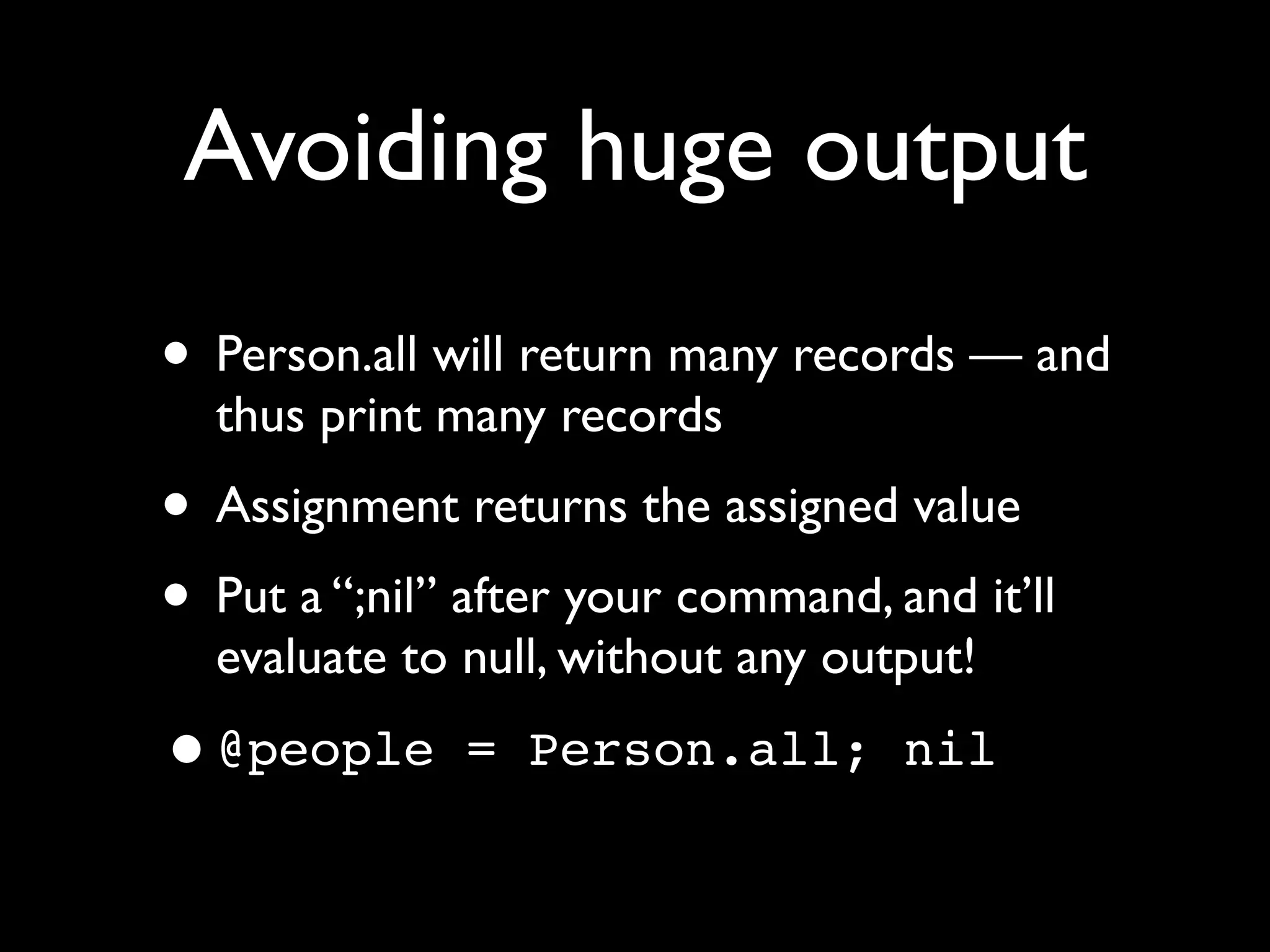
Avoiding huge output
• Person.all will return many records — and
  thus print many records
• Assignment returns the assigned value
• Put a “;nil” after your command, and it’ll
  evaluate to null, without any output!

•@people       = Person.all; nil
Made a mistake?

• Use control-c to return to the top level
  >> ['foo','bar','bat'].each do |word|

  ?> [1,2,3].each do |num|

  ?> ^C

  >>
Exiting from irb


• Type “exit”
• That’ll return you to the shell
ActiveRecord
• ActiveRecord classes are available
 • Console talks to the database for the
    current environment
• Type the name of a class to see its fields
• Use class methods
• Create instances, use instance methods
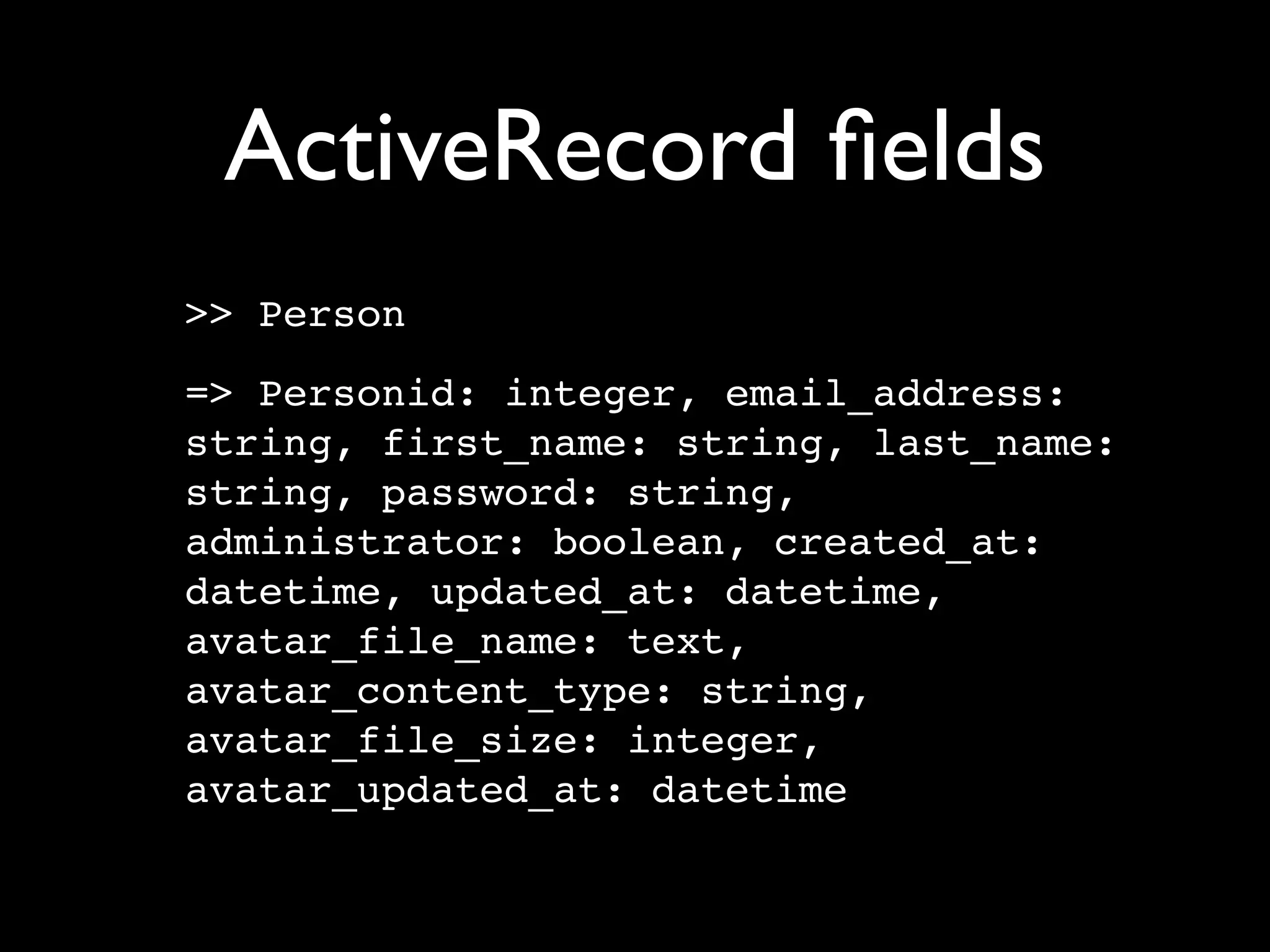
ActiveRecord fields
>> Person
=> Personid: integer, email_address:
string, first_name: string, last_name:
string, password: string,
administrator: boolean, created_at:
datetime, updated_at: datetime,
avatar_file_name: text,
avatar_content_type: string,
avatar_file_size: integer,
avatar_updated_at: datetime
Class methods

Person.count
Person.first
Person.all
Person.find(:all, :conditions
=> ["name like ? ", "%euve%"])
Named scopes
• If you have a named scope:
  named_scope :created_since, lambda
  { |since| { :conditions =>
  ['created_at >= ? ', since] }}

• Then it’s available as a class method, and we
  can run it from inside of the console
  >> Node.created_since('2010-9-1')
Huh? Named scopes?


• Don’t worry — we’ll get to those in an
  upcoming session
• They’re really great, though!
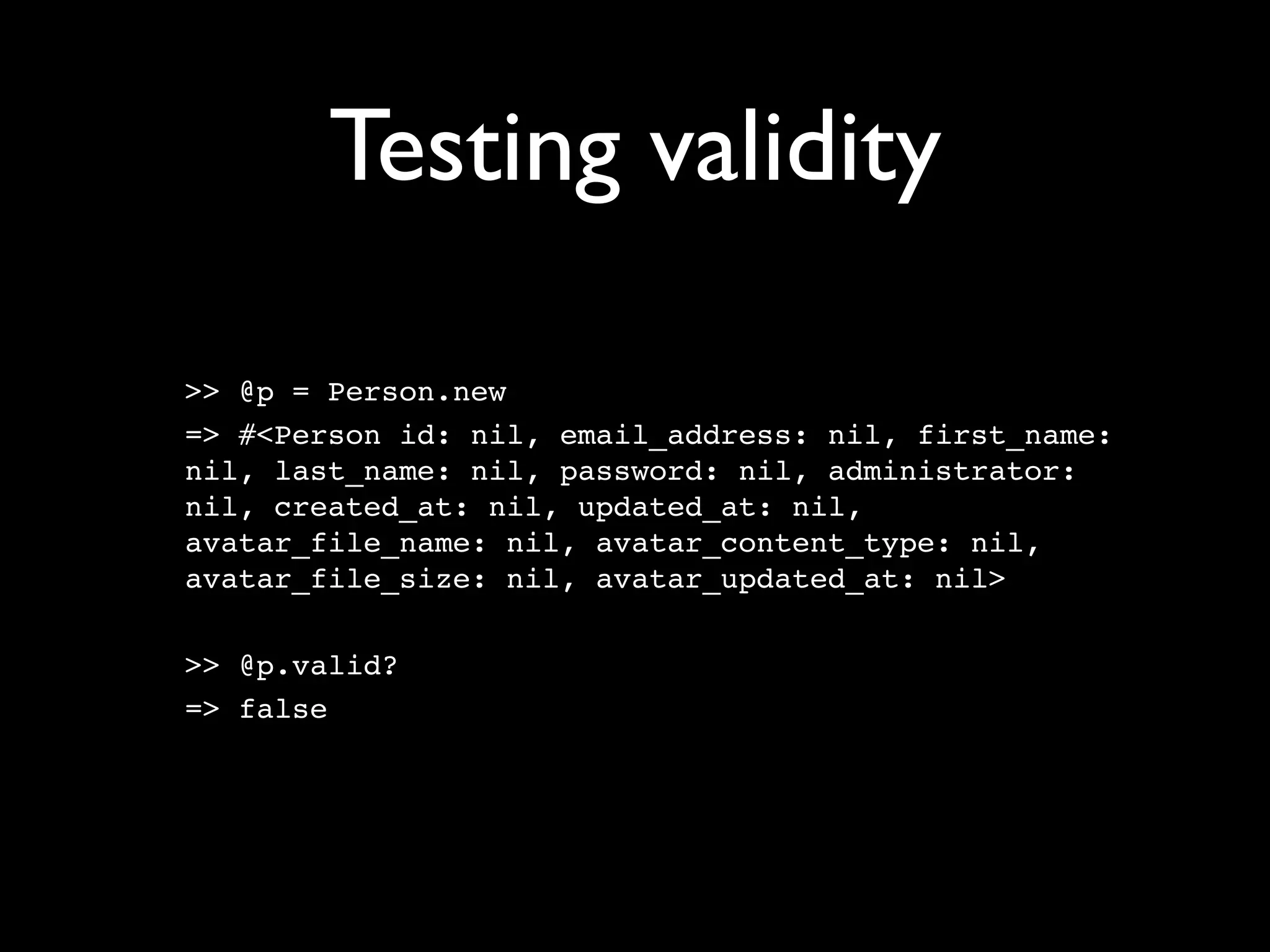
Testing validity

>> @p = Person.new
=> #<Person id: nil, email_address: nil, first_name:
nil, last_name: nil, password: nil, administrator:
nil, created_at: nil, updated_at: nil,
avatar_file_name: nil, avatar_content_type: nil,
avatar_file_size: nil, avatar_updated_at: nil>

>> @p.valid?
=> false
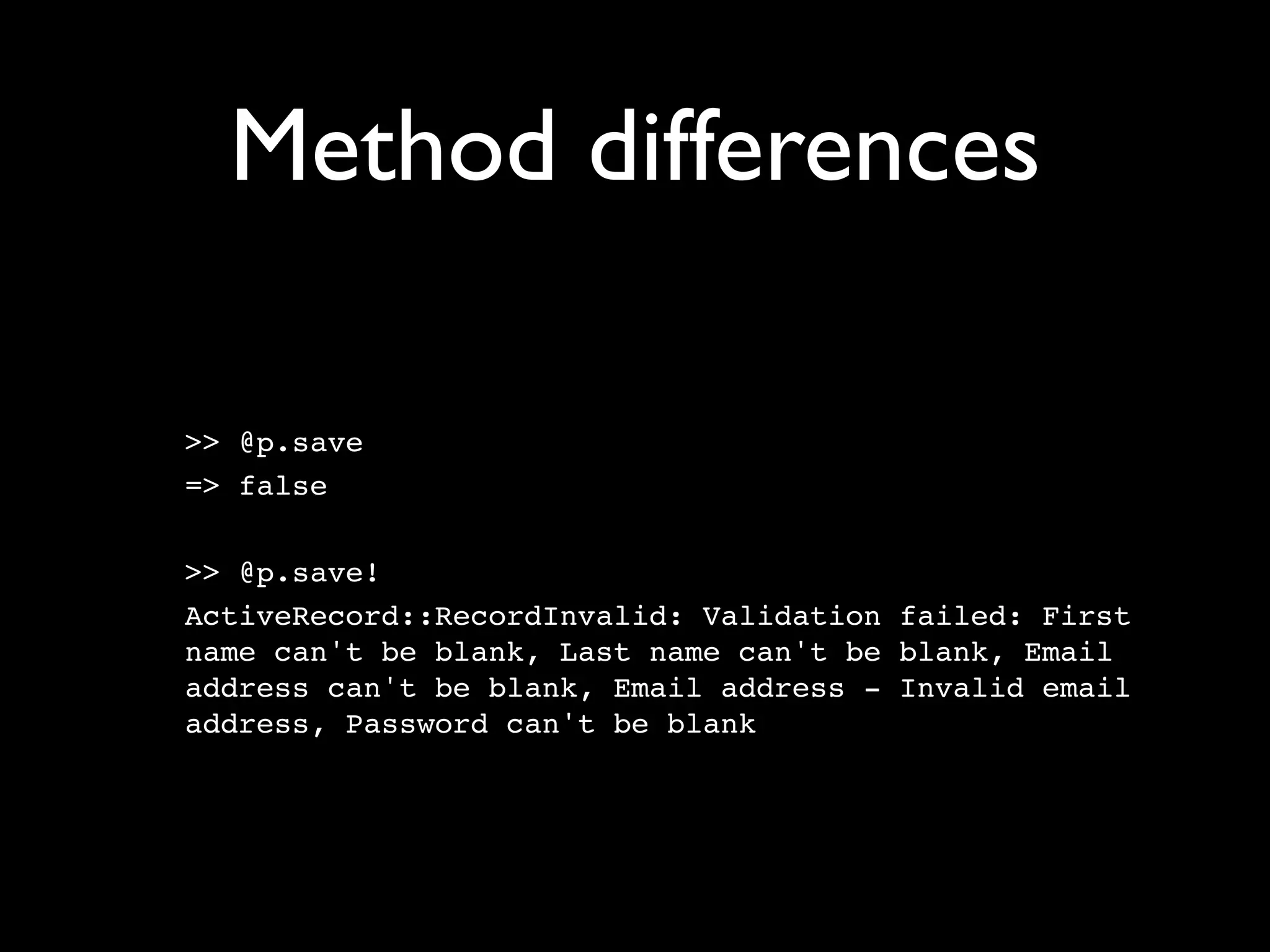
Method differences

>> @p.save
=> false

>> @p.save!
ActiveRecord::RecordInvalid: Validation failed: First
name can't be blank, Last name can't be blank, Email
address can't be blank, Email address - Invalid email
address, Password can't be blank
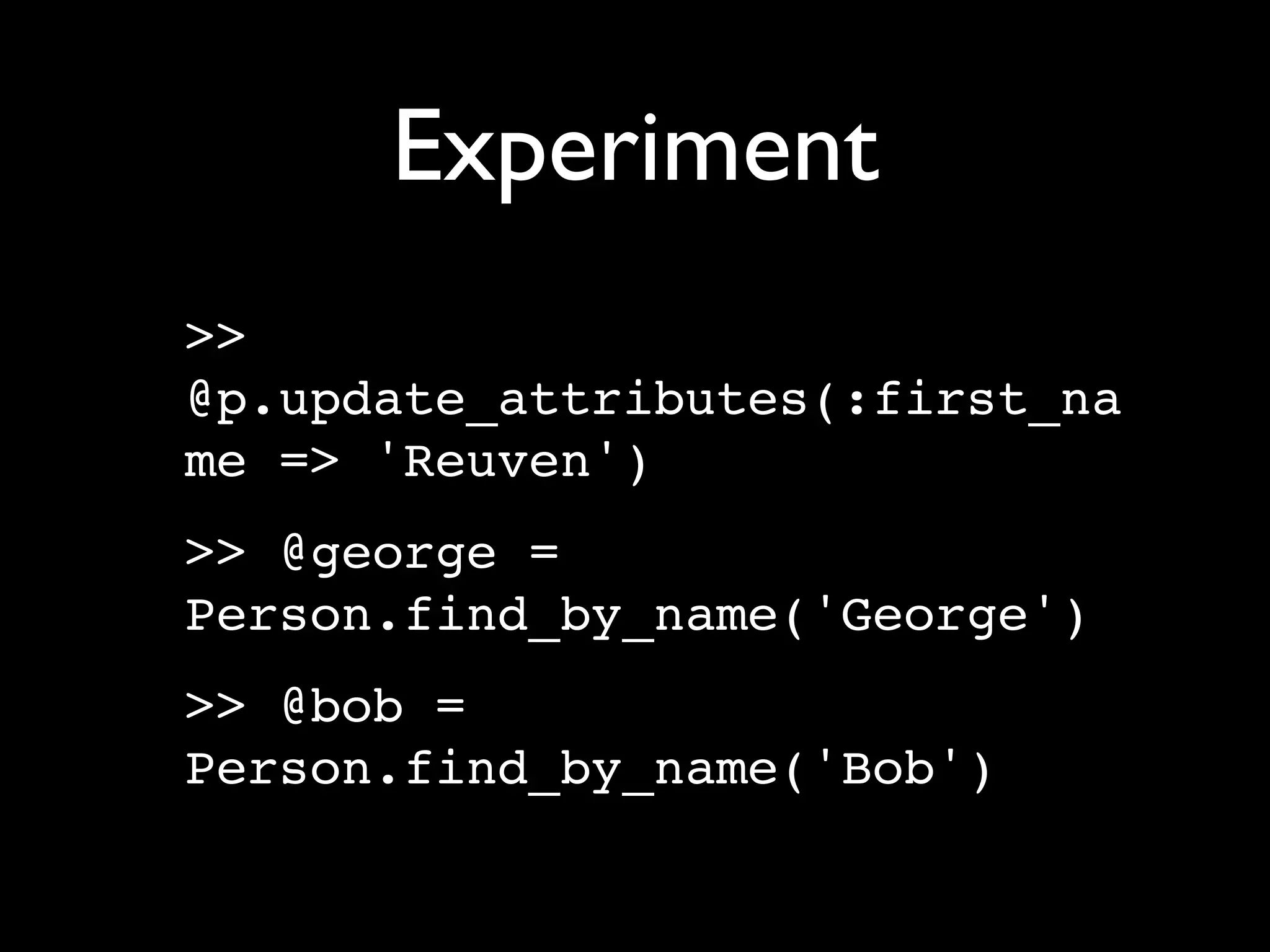
Experiment
>>
@p.update_attributes(:first_na
me => 'Reuven')
>> @george =
Person.find_by_name('George')
>> @bob =
Person.find_by_name('Bob')
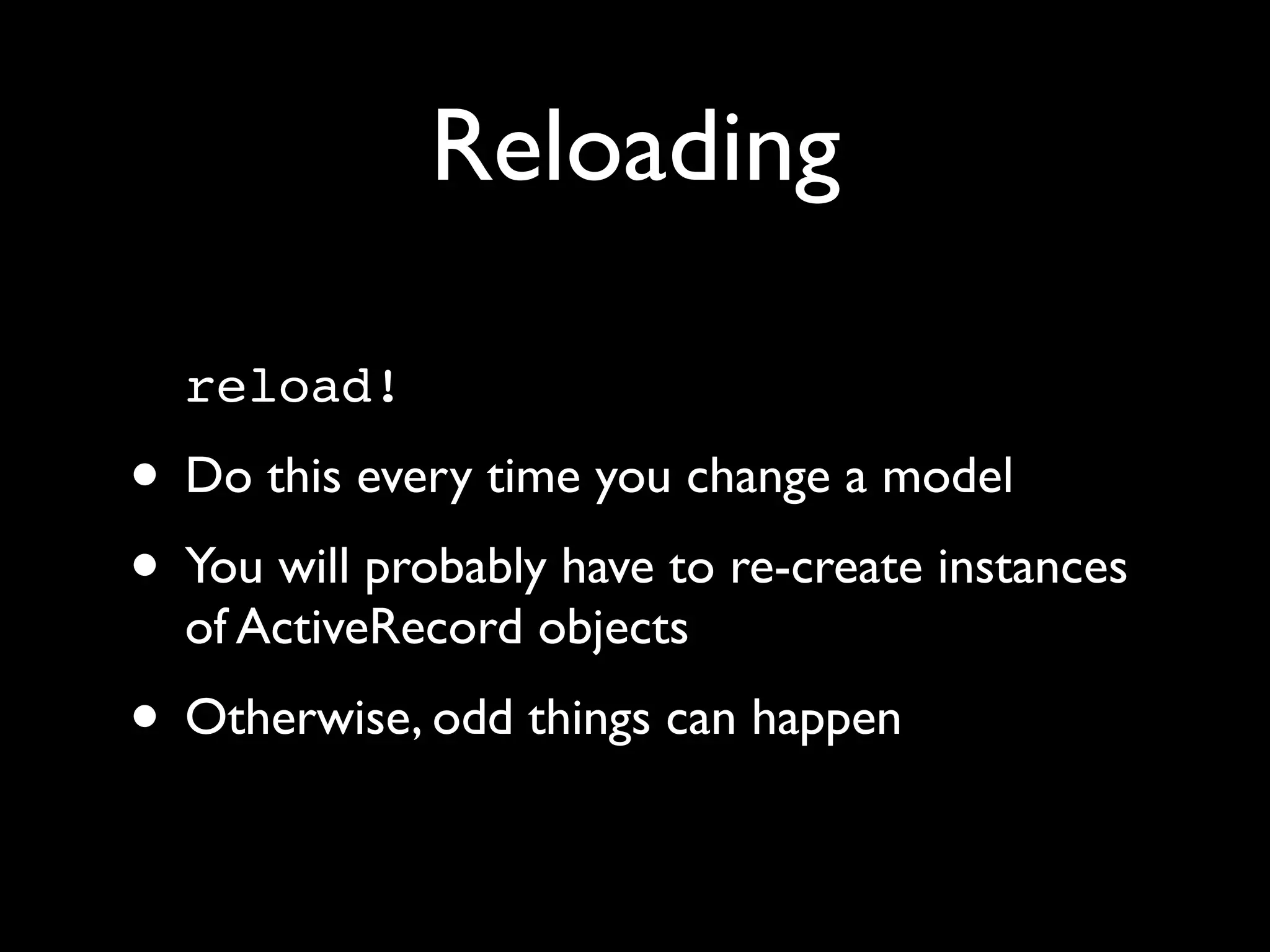
Reloading

  reload!
• Do this every time you change a model
• You will probably have to re-create instances
  of ActiveRecord objects
• Otherwise, odd things can happen
Fat models =
        easier testing
• ActiveRecord methods are immediately
  available in the console
• This means that you can test your code
  more easily when it’s in ActiveRecord
• Fat models win again!
 • Remember: Keep your controllers skinny
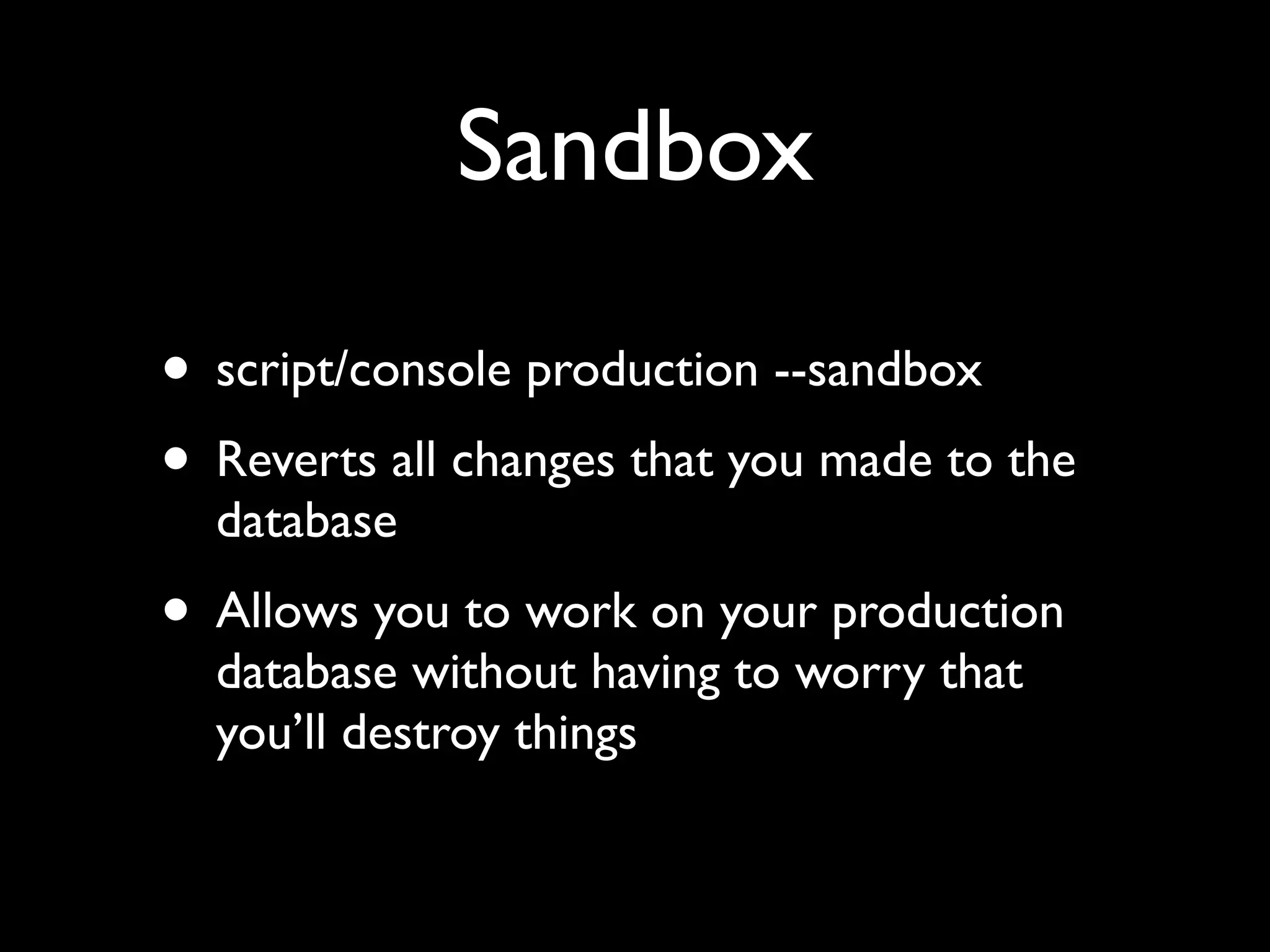
Sandbox

• script/console production --sandbox
• Reverts all changes that you made to the
  database
• Allows you to work on your production
  database without having to worry that
  you’ll destroy things
Helpers

• Helpers: Methods for use within views
• Available under the “helper” object
• There are lots of helpers, and they have lots
  of options. Test them before they’re in your
  views!
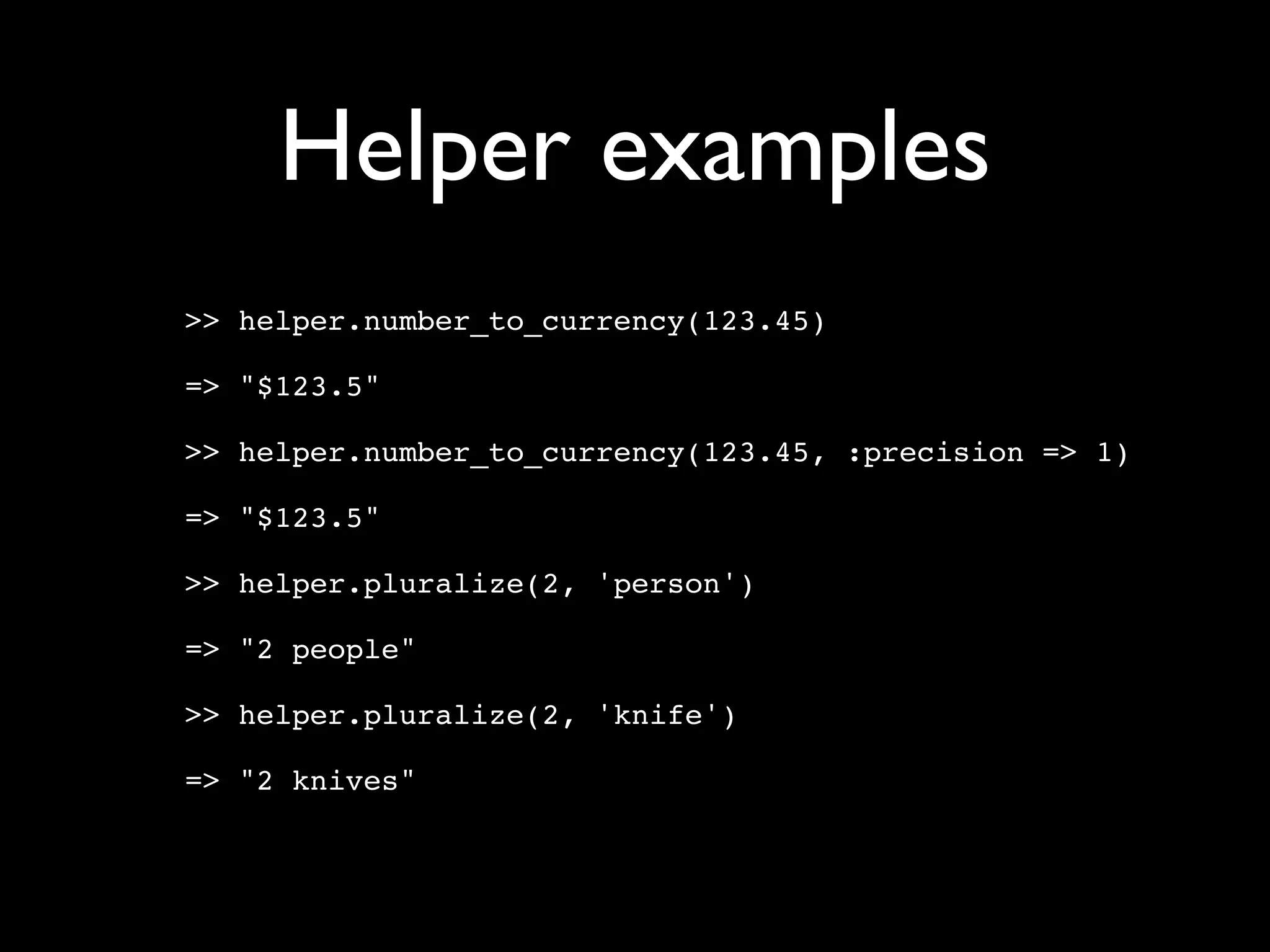
Helper examples
>> helper.number_to_currency(123.45)

=> "$123.5"

>> helper.number_to_currency(123.45, :precision => 1)

=> "$123.5"

>> helper.pluralize(2, 'person')

=> "2 people"

>> helper.pluralize(2, 'knife')

=> "2 knives"
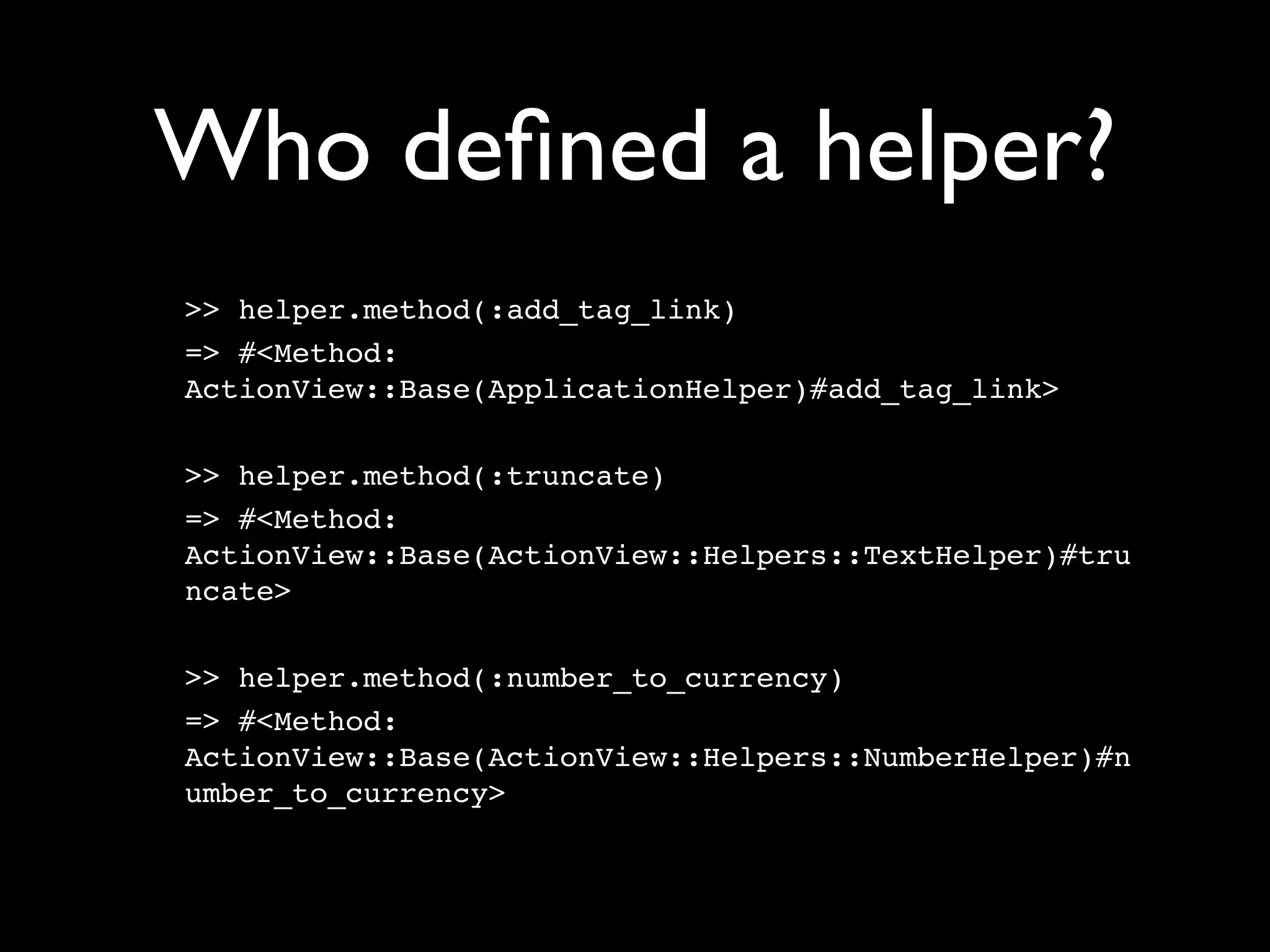
Who defined a helper?
>> helper.method(:add_tag_link)
=> #<Method:
ActionView::Base(ApplicationHelper)#add_tag_link>

>> helper.method(:truncate)
=> #<Method:
ActionView::Base(ActionView::Helpers::TextHelper)#tru
ncate>

>> helper.method(:number_to_currency)
=> #<Method:
ActionView::Base(ActionView::Helpers::NumberHelper)#n
umber_to_currency>
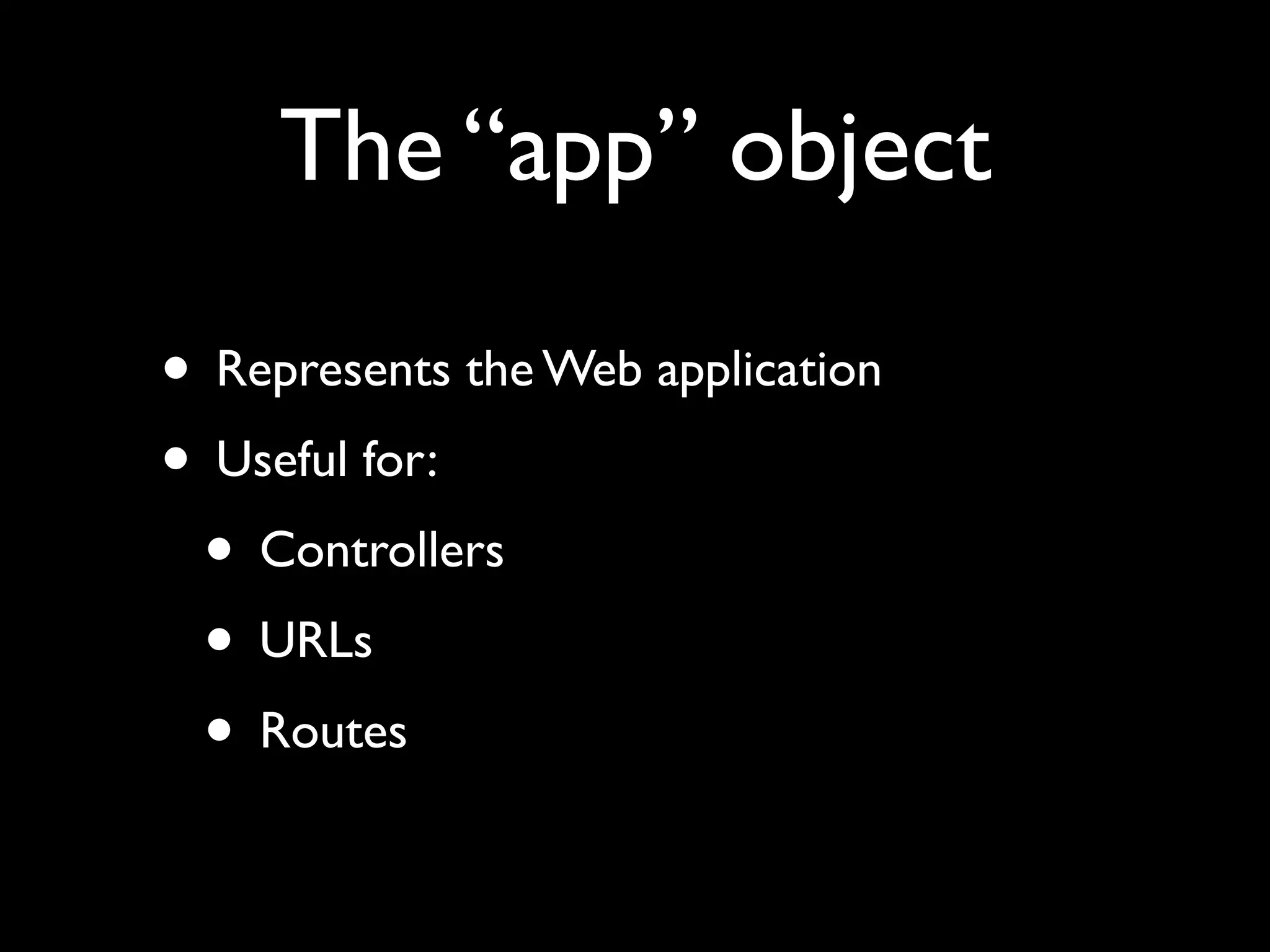
The “app” object

• Represents the Web application
• Useful for:
 • Controllers
 • URLs
 • Routes
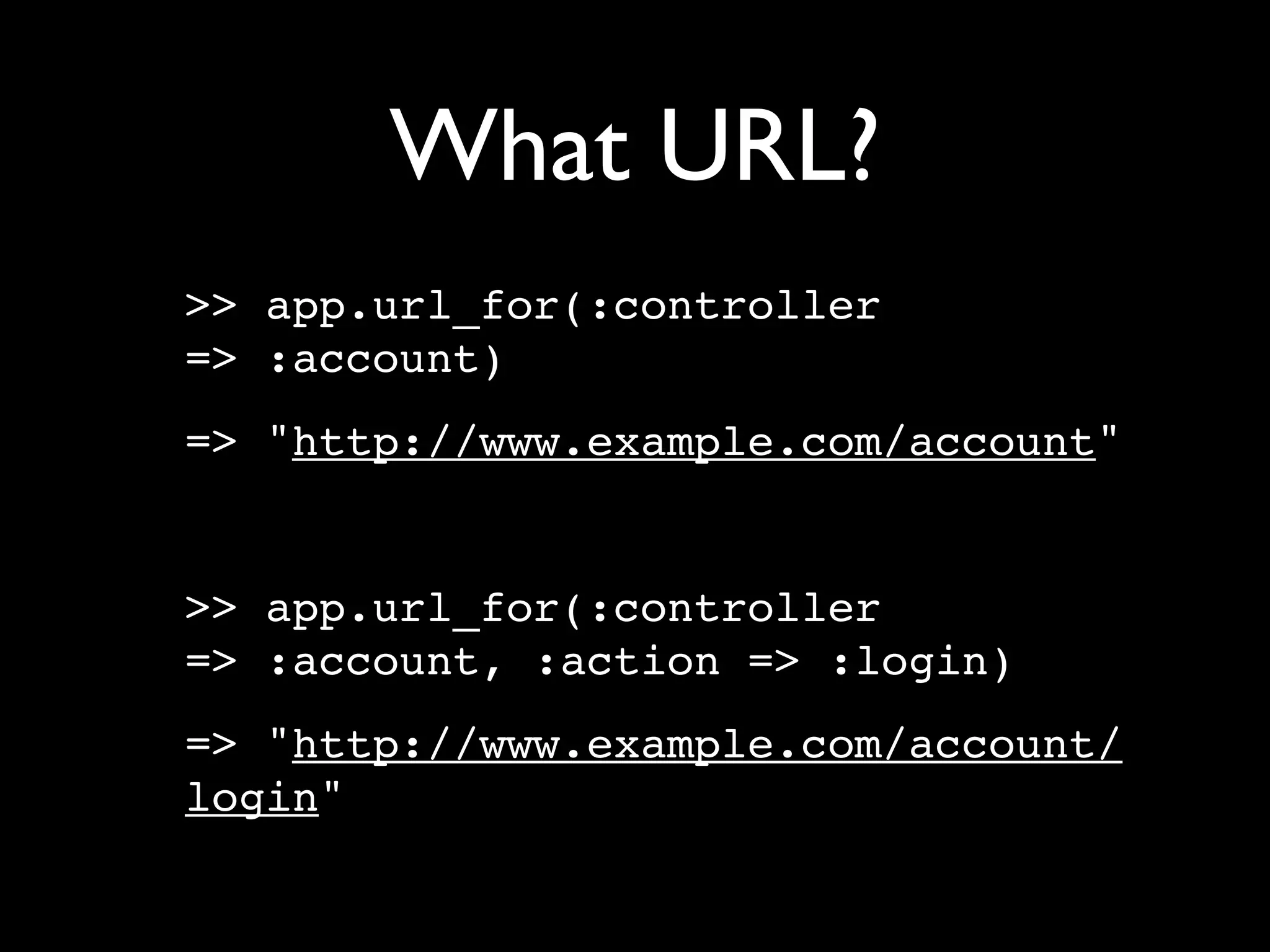
What URL?
>> app.url_for(:controller
=> :account)
=> "http://www.example.com/account"


>> app.url_for(:controller
=> :account, :action => :login)
=> "http://www.example.com/account/
login"
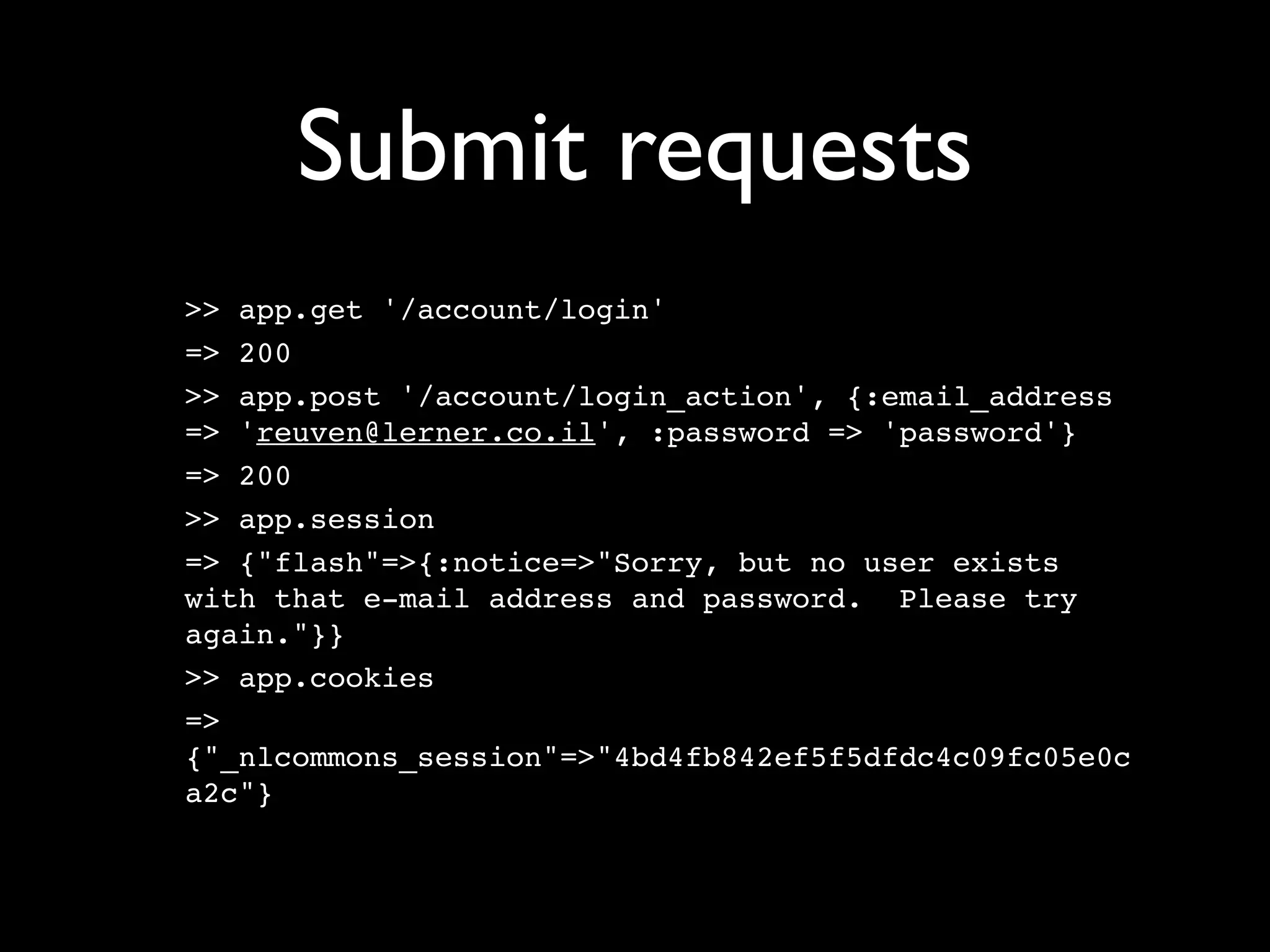
Submit requests
>> app.get '/account/login'
=> 200
>> app.post '/account/login_action', {:email_address
=> 'reuven@lerner.co.il', :password => 'password'}
=> 200
>> app.session
=> {"flash"=>{:notice=>"Sorry, but no user exists
with that e-mail address and password. Please try
again."}}
>> app.cookies
=>
{"_nlcommons_session"=>"4bd4fb842ef5f5dfdc4c09fc05e0c
a2c"}
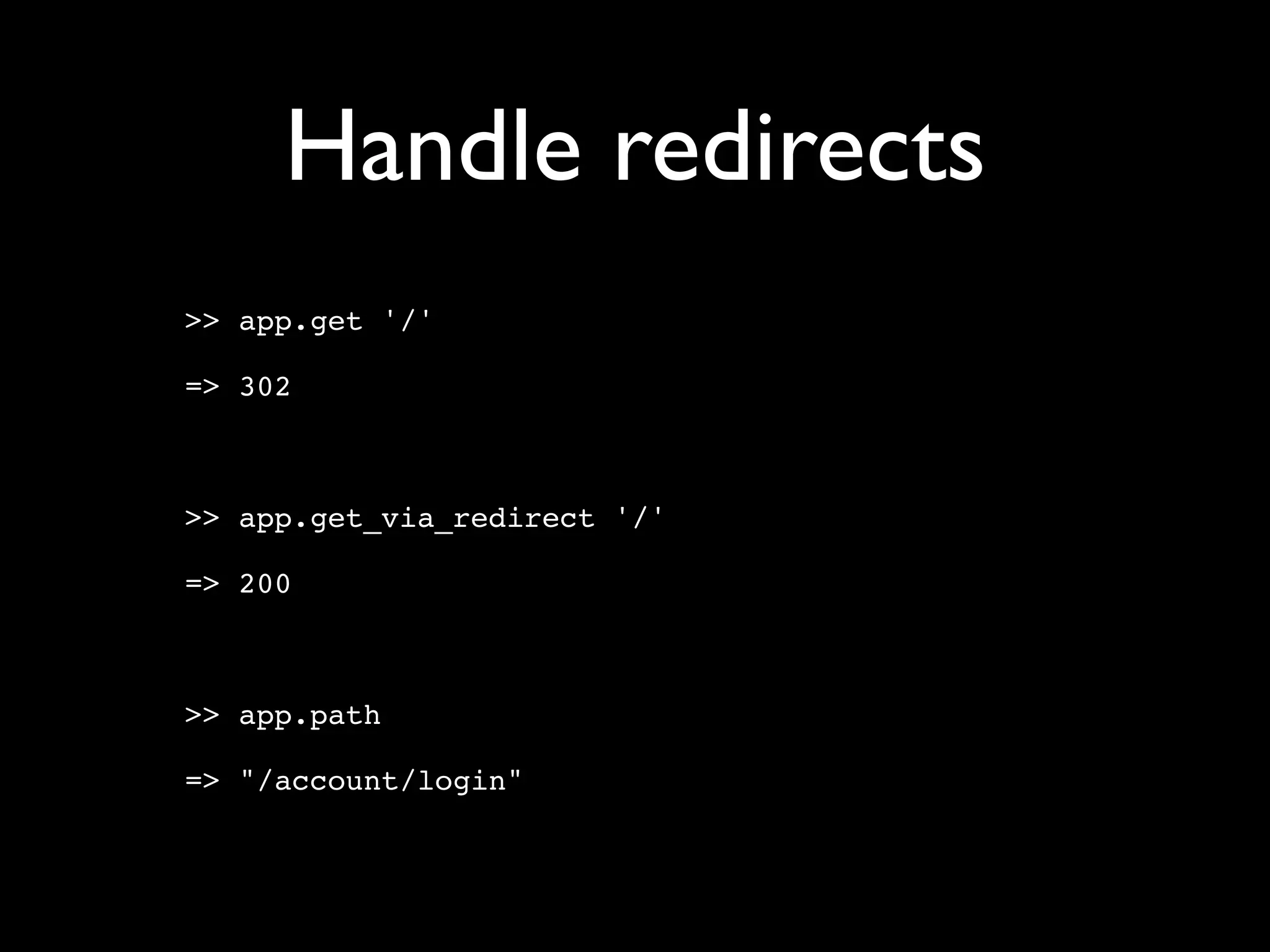
Handle redirects
>> app.get '/'

=> 302


>> app.get_via_redirect '/'

=> 200


>> app.path

=> "/account/login"
Look at the response
>> app.get '/account/login'
=> 200

>> app.response.response_code
=> 200

>> app.response.body[0..100]
=> "<!DOCTYPE html PUBLIC "-//W3C//DTD XHTML 1.0
Transitional//EN"n          "http://www.w3.org/TR/
xhtml1"

>> app.response.has_flash?
=> false
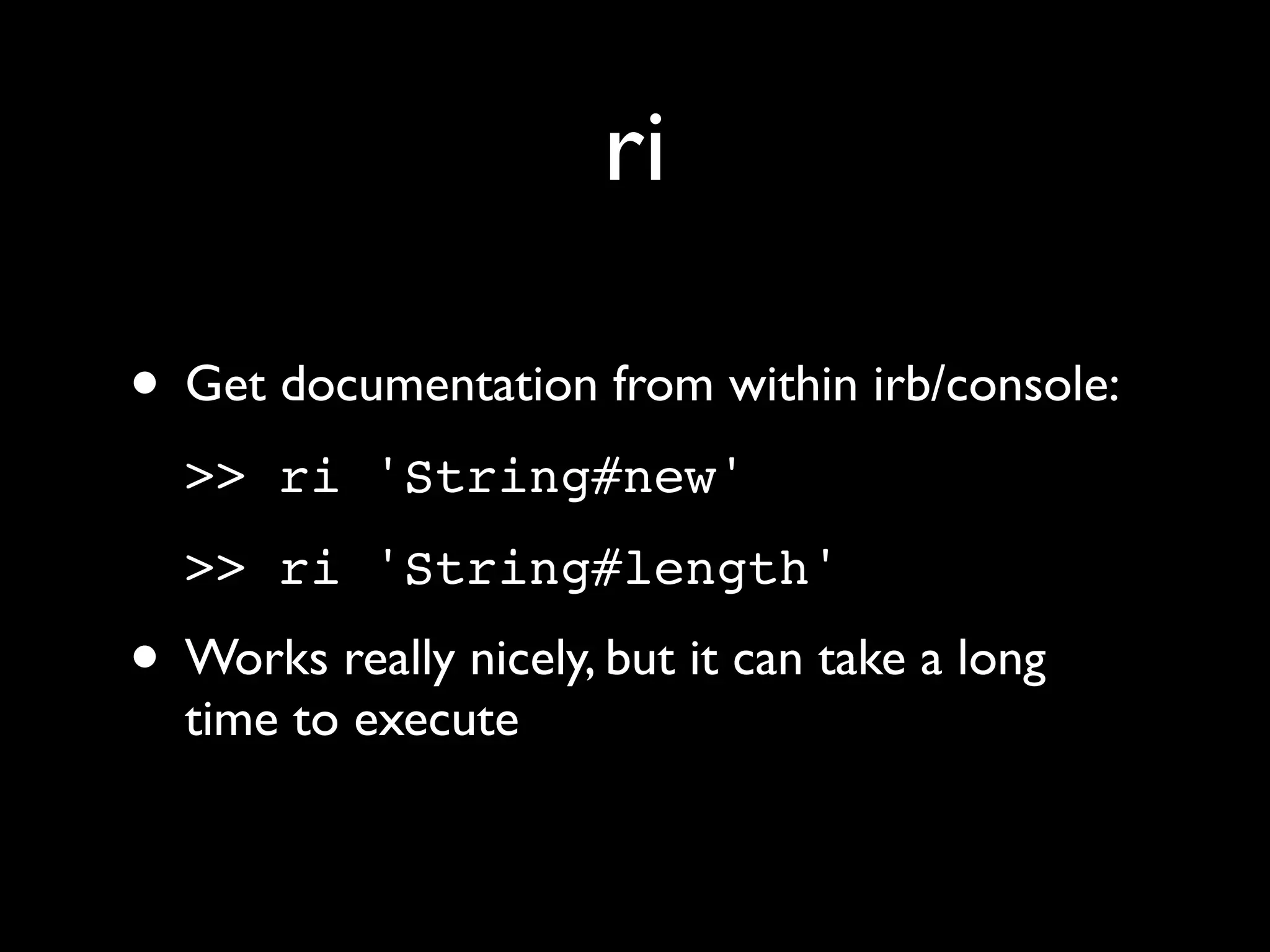
ri

• Get documentation from within irb/console:
  >> ri 'String#new'
  >> ri 'String#length'
• Works really nicely, but it can take a long
  time to execute
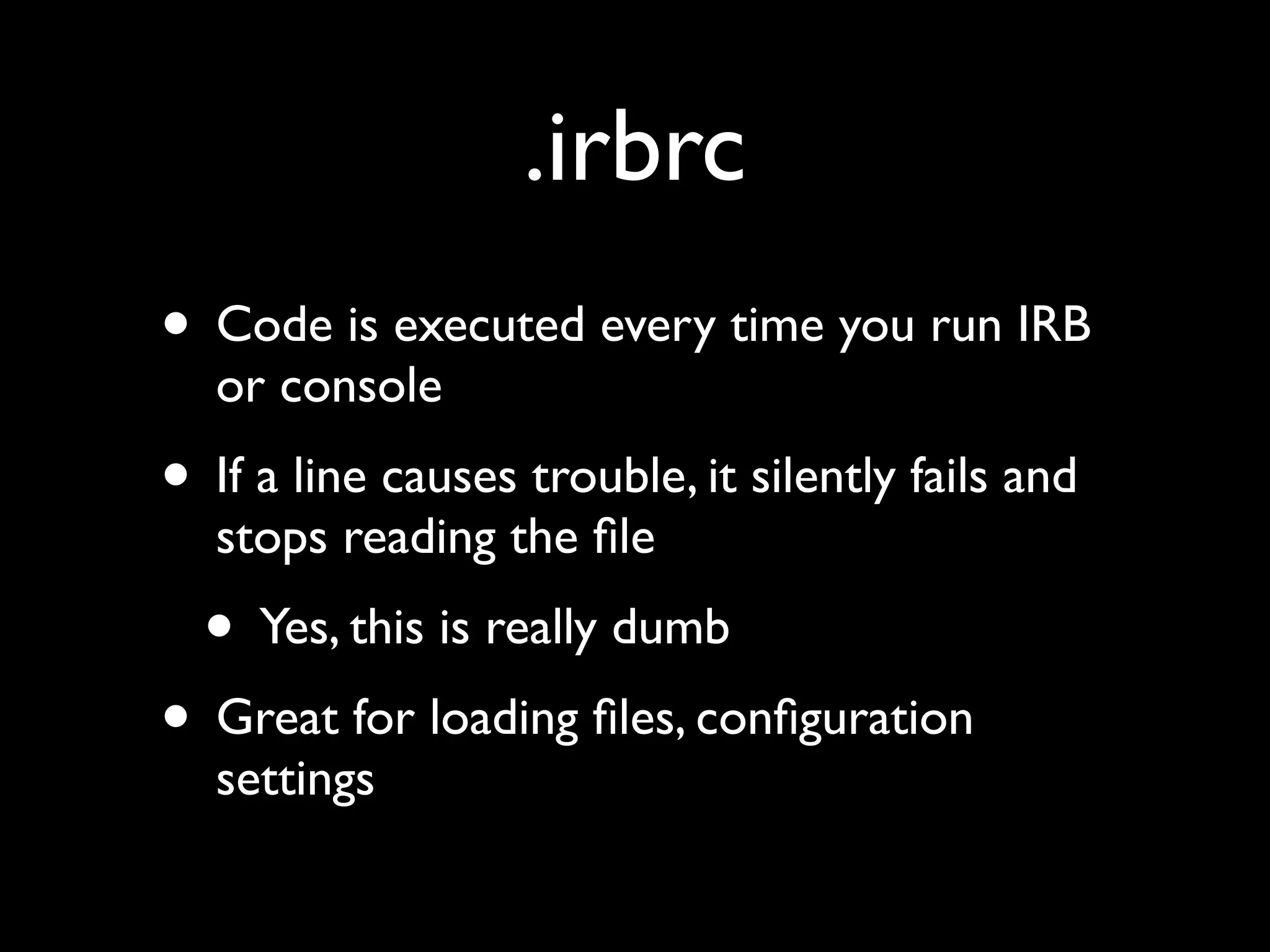
.irbrc
• Code is executed every time you run IRB
  or console
• If a line causes trouble, it silently fails and
  stops reading the file
  • Yes, this is really dumb
• Great for loading files, configuration
  settings
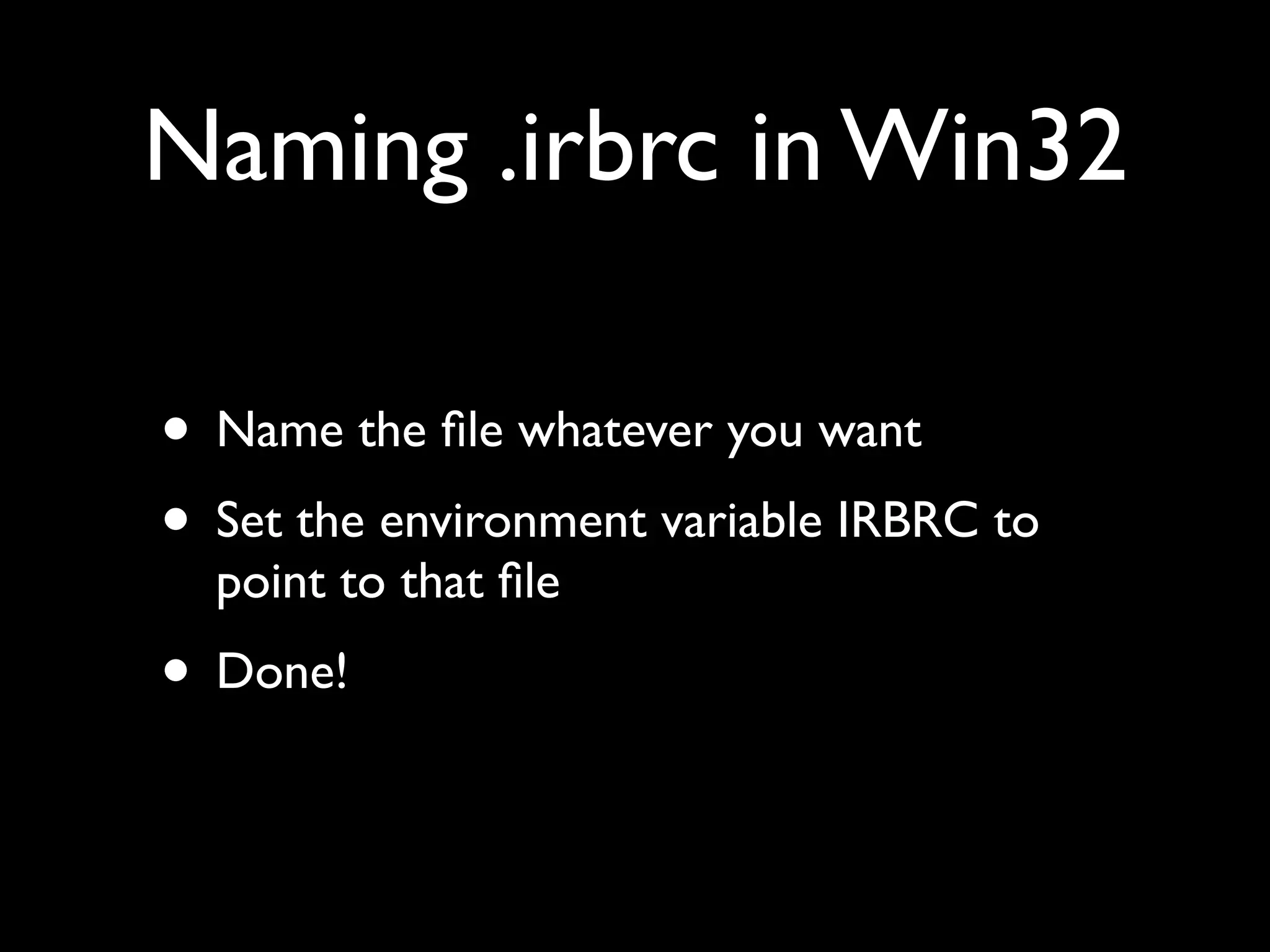
Naming .irbrc in Win32

• Name the file whatever you want
• Set the environment variable IRBRC to
  point to that file
• Done!
IRB configuration

• IRB (and the console) is an essential tool
• There are many configuration parameters
  and gems you can use to enhance it
• They’re great!
Configuration in Ruby!


• IRB.conf is a hash
• Set elements of this hash in .irbrc to change
  the configuration
AUTO_INDENT

  IRB.conf[:AUTO_INDENT]=true
• When you start a block, the prompt indents
  you a little bit
• It’s not super-smart, but better than nothing
Autocomplete
• Should be automatic (or :USE_READLINE)
• Type TAB to complete things:
  >> abc = 5
  => 5
  >> abd = 6
  => 6
  >> ab[tab]
  abc    abd     abort
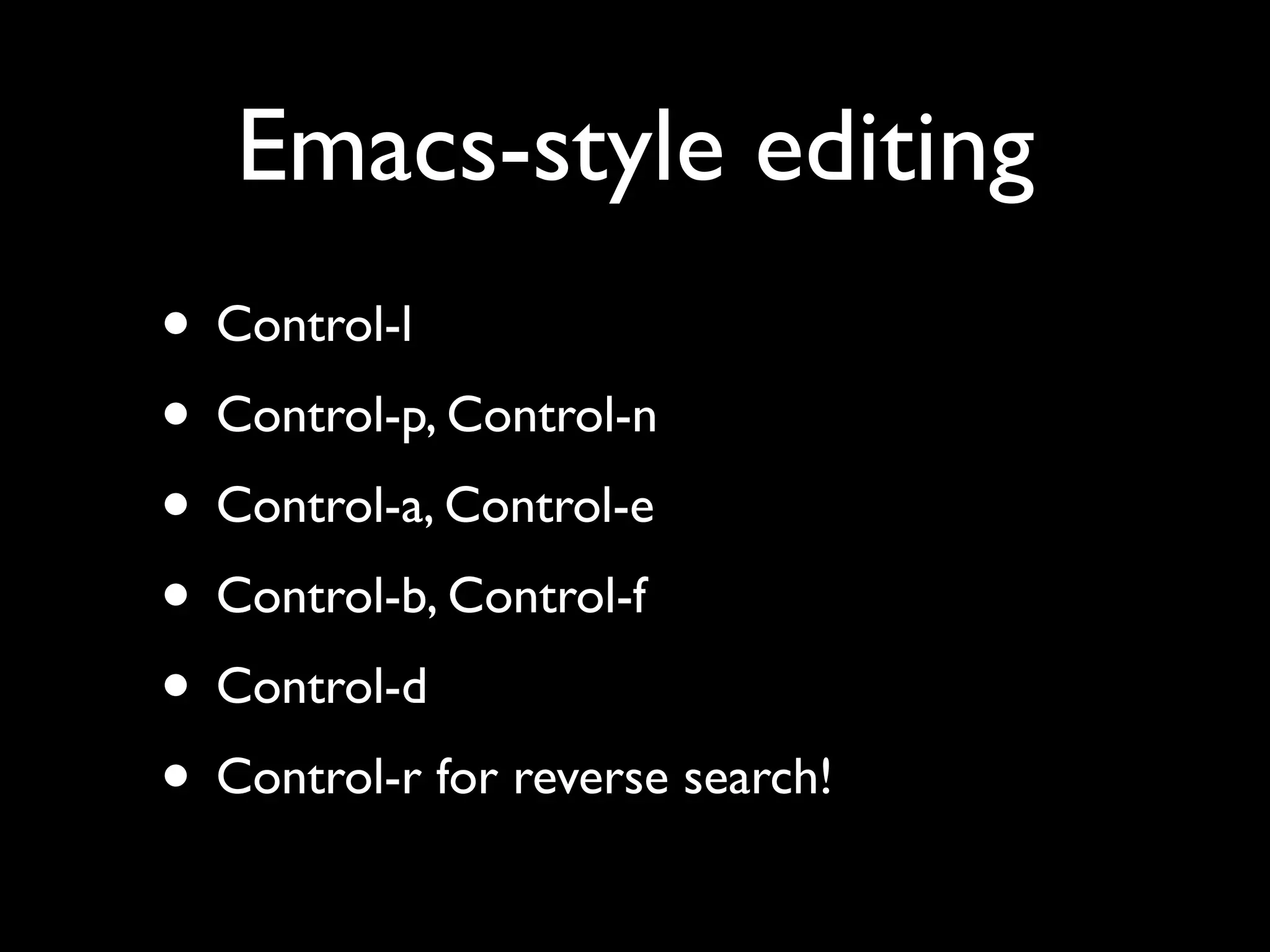
Emacs-style editing
• Control-l
• Control-p, Control-n
• Control-a, Control-e
• Control-b, Control-f
• Control-d
• Control-r for reverse search!
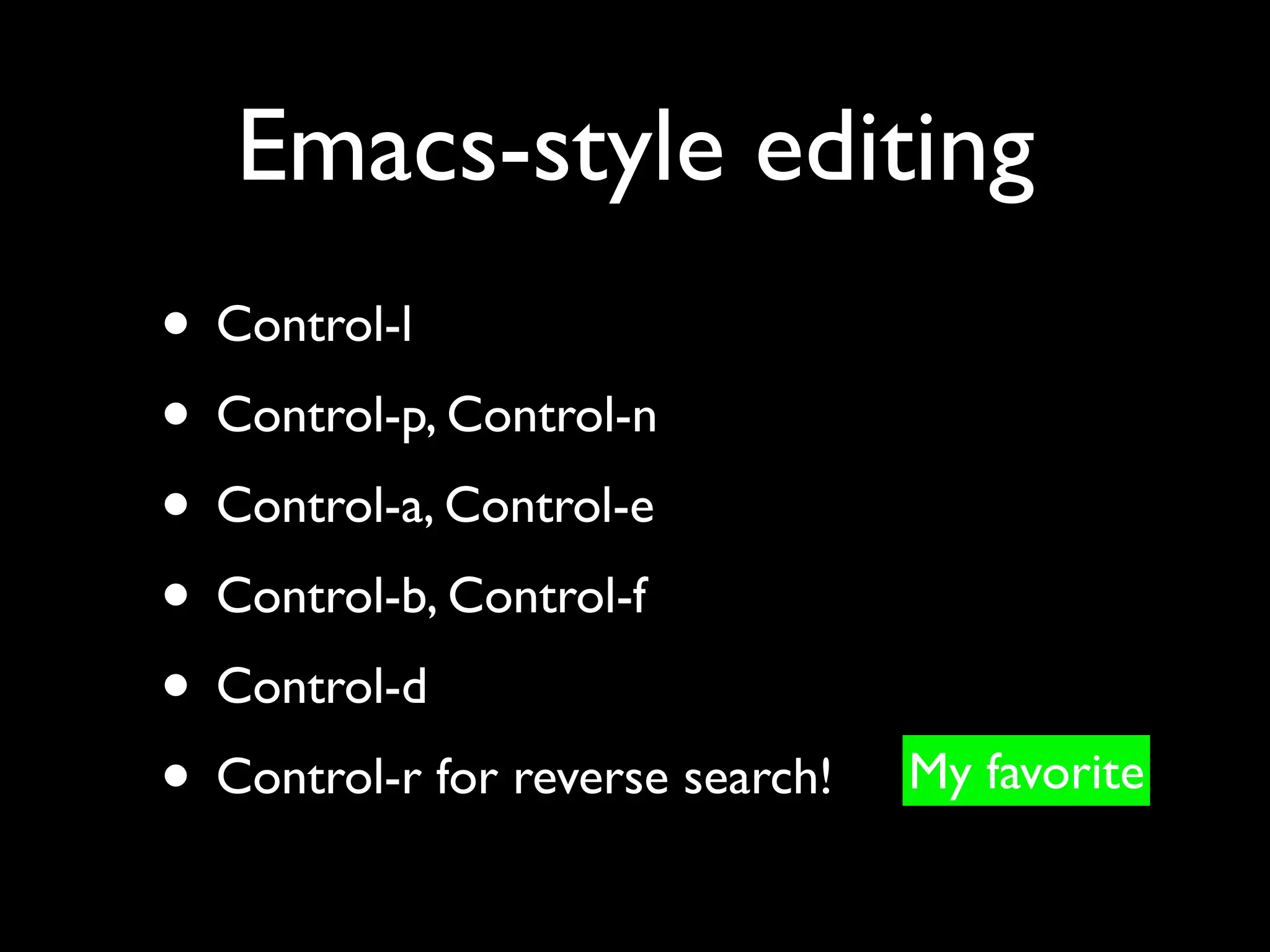
Emacs-style editing
• Control-l
• Control-p, Control-n
• Control-a, Control-e
• Control-b, Control-f
• Control-d
• Control-r for reverse search!   My favorite
Save history
require 'irb/ext/save-history'
IRB.conf[:USE_READLINE] = true
IRB.conf[:SAVE_HISTORY] = 1000
IRB.conf[:HISTORY_PATH] =
File::expand_path("~/.irb.hist
ory")
ap — awesome_print

gem install awesome_print
>> h = {:a => [1,2,3], :b =>
'hello'}
Nicely printed
>> ap h
{
    :b => "hello",
    :a => [
        [0] 1, (Color not shown here)
        [1] 2,
        [2] 3
    ]
}
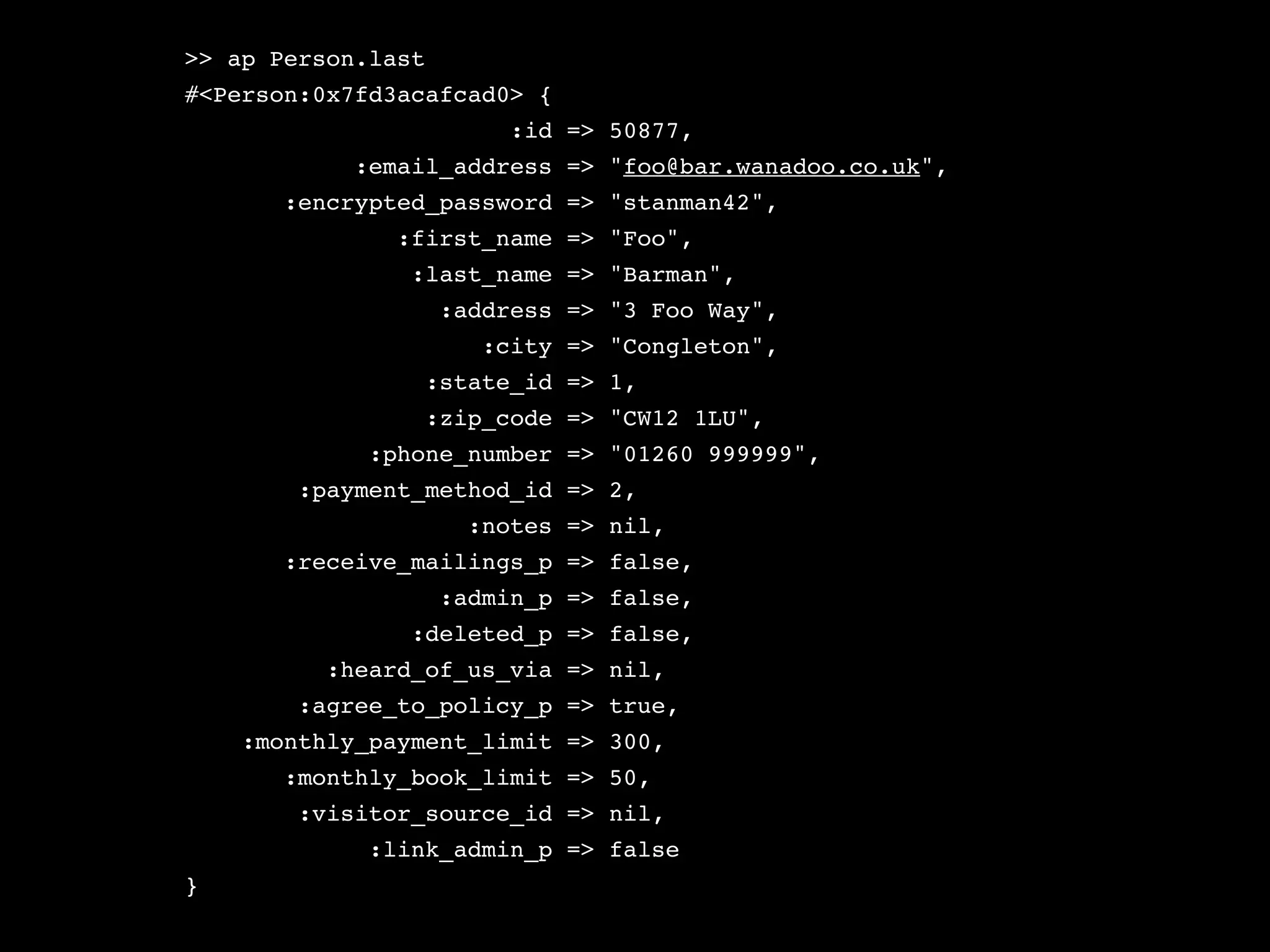
>> ap Person.last
#<Person:0x7fd3acafcad0> {
                         :id => 50877,
            :email_address => "foo@bar.wanadoo.co.uk",
       :encrypted_password => "stanman42",
               :first_name => "Foo",
                :last_name => "Barman",
                    :address => "3 Foo Way",
                       :city => "Congleton",
                 :state_id => 1,
                 :zip_code => "CW12 1LU",
             :phone_number => "01260 999999",
        :payment_method_id => 2,
                      :notes => nil,
       :receive_mailings_p => false,
                    :admin_p => false,
                :deleted_p => false,
          :heard_of_us_via => nil,
        :agree_to_policy_p => true,
    :monthly_payment_limit => 300,
       :monthly_book_limit => 50,
        :visitor_source_id => nil,
             :link_admin_p => false
}
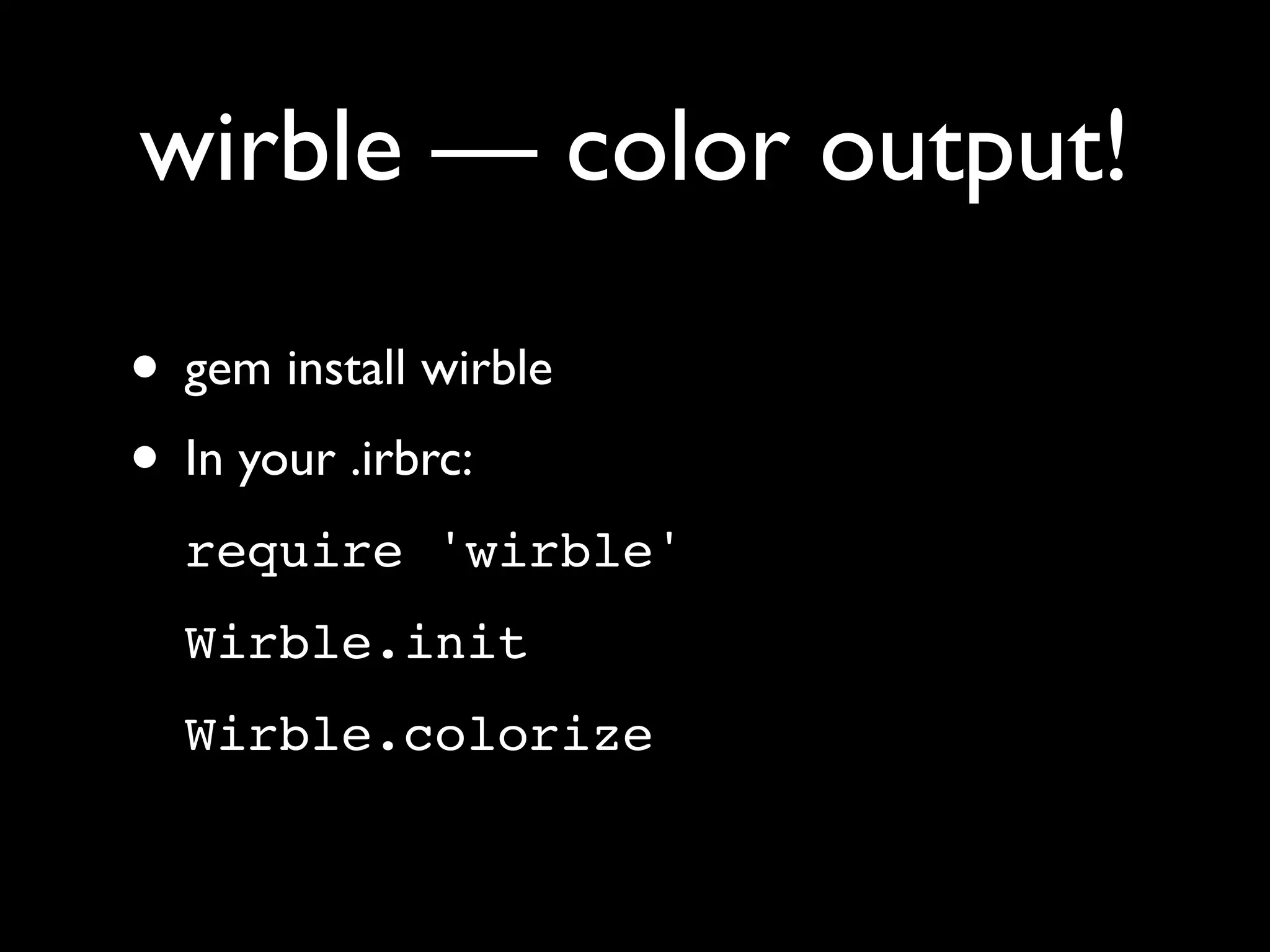
wirble — color output!

• gem install wirble
• In your .irbrc:
  require 'wirble'
  Wirble.init
  Wirble.colorize
What returns X?
require 'what_methods'


>> 'abc'.what? 'a'
"abc".first == "a"
=> ["first"]
Summary

• Use the console!
• The more you use the console, the more
  comfortable you’ll feel with Ruby
• It will save you lots of time and effort
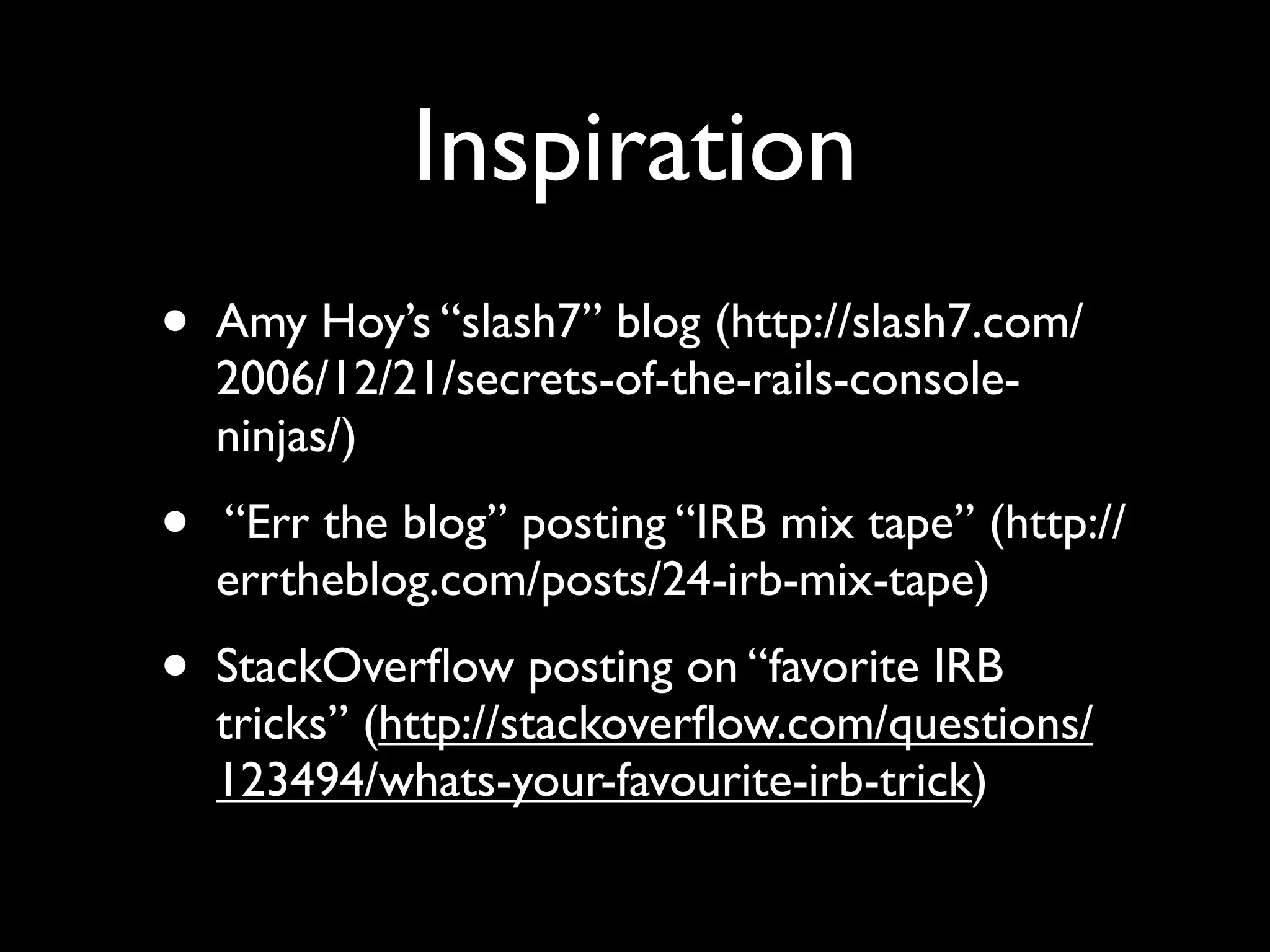
Inspiration
•   Amy Hoy’s “slash7” blog (http://slash7.com/
    2006/12/21/secrets-of-the-rails-console-
    ninjas/)
•   “Err the blog” posting “IRB mix tape” (http://
    errtheblog.com/posts/24-irb-mix-tape)
•   StackOverflow posting on “favorite IRB
    tricks” (http://stackoverflow.com/questions/
    123494/whats-your-favourite-irb-trick)
Contacting me

• Call me in Israel: 054-496-8405
• Call me in the US: 847-230-9795
• E-mail me: reuven@lerner.co.il
• Interrupt me: reuvenlerner (Skype/AIM)

Rails console

  • 1.
    Using the Railsconsole Reuven M. Lerner reuven@lerner.co.il September 13th, 2010
  • 2.
    Some basics • Rubyis interpreted • Last definition wins! • Runtime message sending (“method call”) decision-making • Open classes
  • 3.
  • 4.
    The wrong way Writein Done? IDE
  • 5.
    The wrong way Writein Done? Try in IDE browser
  • 6.
    The wrong way It worked! Write in Done? Try in IDE browser
  • 7.
    The wrong way It worked! Write in Done? Try in Failed? IDE browser
  • 8.
    The wrong way It worked! Write in Done? Try in Failed? Use IDE browser debugger
  • 9.
    The wrong way It worked! Write in Done? Try in Failed? Use IDE browser debugger Retry!
  • 10.
  • 11.
    The Ruby way Writein IDE Try in console
  • 12.
    The Ruby way Write in Test IDE fails? Write a test Try in console
  • 13.
    The Ruby way Write in Test IDE fails? Write a Done? Try in test browser Try in console
  • 14.
    The Ruby way It worked! Write in Test IDE fails? Write a Done? Try in test browser Try in console
  • 15.
    The Ruby way Read logs, backtrace It worked! Write in Test IDE fails? Write a Done? Try in Failed? Try in test browser console Try in console Debugger
  • 16.
    Whoa, that’s alot! • The idea is that the code is an extension of your thoughts • By “swimming through” and “playing with” the code, you understand it better, and can work with it faster
  • 19.
    irb • Interactive Ruby!(Comes with Ruby) • Fire it up, and type Ruby code • Define variables, classes, modules, methods • All definitions disappear when you exit • (Except for persistent storage, of course)
  • 20.
    Why use irb? •Test code • Debug code • Try things out • Better understand Ruby • Better understand an object or class
  • 21.
    Rails requires more •development/test/production environments • ActiveRecord • Other libraries, such as ActiveSupport • HTTP requests and responses • Model and controller objects • Included gems
  • 22.
    script/console • Wrapper aroundirb • Loads objects that are useful • Makes other objects easily available • Test your code, data, and assumptions
  • 23.
    Invoking script/console • script/console •ruby scriptconsole (Windows version) • ruby script/console • script/console production
  • 24.
    When? • Always. • It’svery rare for me to work on a Rails project without a console open • The console is where I test my objects, experiment with code that’s longer than one line, and try to debug my code
  • 25.
    Simple IRB stuff •Enter any Ruby code you want! • Result of evaluation is displayed on the screen
  • 26.
    Examples >> 5 +5 => 10 >> "foo".reverse => "oof" >> "foo".reverse.first => "o"
  • 27.
    Printing vs. value >>puts "hello" hello => nil >> ['foo', 'bar', 'baz'].each do |word| ?> puts word >> end foo bar baz => ["foo", "bar", "baz"]
  • 28.
    Printing vs. value >>puts "hello" This is what it prints hello => nil >> ['foo', 'bar', 'baz'].each do |word| ?> puts word >> end foo bar baz => ["foo", "bar", "baz"]
  • 29.
    Printing vs. value >>puts "hello" This is what it prints hello => nil This is its value >> ['foo', 'bar', 'baz'].each do |word| ?> puts word >> end foo bar baz => ["foo", "bar", "baz"]
  • 30.
    Printing vs. value >>puts "hello" This is what it prints hello => nil This is its value >> ['foo', 'bar', 'baz'].each do |word| ?> puts word >> end foo This is what it prints bar baz => ["foo", "bar", "baz"]
  • 31.
    Printing vs. value >>puts "hello" This is what it prints hello => nil This is its value >> ['foo', 'bar', 'baz'].each do |word| ?> puts word >> end foo This is what it prints bar baz => ["foo", "bar", "baz"] This is its value
  • 32.
    Multi-line irb irb(main):001:0> classBlah irb(main):002:1> def sayit irb(main):003:2> puts "hi" irb(main):004:2> end irb(main):005:1> end => nil
  • 33.
    Multi-line irb Open a class irb(main):001:0> class Blah irb(main):002:1> def sayit irb(main):003:2> puts "hi" irb(main):004:2> end irb(main):005:1> end => nil
  • 34.
    Multi-line irb Open a class irb(main):001:0> class Blah irb(main):002:1> def sayit (Re)define a method irb(main):003:2> puts "hi" irb(main):004:2> end irb(main):005:1> end => nil
  • 35.
    Multi-line irb Open a class irb(main):001:0> class Blah irb(main):002:1> def sayit (Re)define a method irb(main):003:2> puts "hi" irb(main):004:2> end irb(main):005:1> end => nil Notice the prompt, showing line numbers and block levels
  • 36.
    Multi-line irb Open a class irb(main):001:0> class Blah irb(main):002:1> def sayit (Re)define a method irb(main):003:2> puts "hi" irb(main):004:2> end irb(main):005:1> end => nil Notice the prompt, showing line Returns nil numbers and block levels
  • 37.
    Requiring files, gems >>require 'afile' >> gem 'afile'
  • 38.
    Variable assignment • Itworks perfectly! • Local, instance variables both work — but instance variables don’t buy you anything • Except namespace conflict avoidance • Assignments disappear when irb exits
  • 39.
    Variable assignment h ={:a => 1, :b => 2} a = [1, 2, 3, [h, h]] @p = Person.first @p = Person.all
  • 40.
    Variable assignment h ={:a => 1, :b => 2} a = [1, 2, 3, [h, h]] @p = Person.first @p = Person.all Dynamic typing!
  • 41.
    Viewing variables >> a =>[1, 2, 3, [{:b=>2, :a=>1}, {:b=>2, :a=>1}]] >> h[:c] = 3 => 3 >> a => [1, 2, 3, [{:b=>2, :a=>1, :c=>3}, {:b=>2, :a=>1, :c=>3}]]
  • 42.
    Inspecting objects • Justtype the object’s name >> @bob => #<User:0x2645874 @new_record=true, @attributes={"name"=>"Bob", "job"=>"Test Dummy"}> • notice instance variables and attributes
  • 43.
    Inspect with YAML puts @bob.to_yaml • Or: y @bob
  • 44.
    Classes, modules, and methods • You can define any or all of these • Definitions work, and stick around for the duration of the irb session • Invisible to your running application • When you exit, the definitions disappear
  • 45.
    Defining classes >> class Train >> attr :passengers >> def initialize >> @passengers = [ ] >> end >> end => nil >> t = Train.new => #<Train:0x102f391e0 @passengers=[]> >> t.passengers << 'Reuven' => ["Reuven"] >> t.passengers << 'Atara' => ["Reuven", "Atara"]
  • 46.
    Defining classes >> class Train >> attr :passengers >> def initialize >> @passengers = [ ] >> end >> end Class definitions evaluate to nil => nil >> t = Train.new => #<Train:0x102f391e0 @passengers=[]> >> t.passengers << 'Reuven' => ["Reuven"] >> t.passengers << 'Atara' => ["Reuven", "Atara"]
  • 47.
    Define a new ActiveRecord class >> class Blah < ActiveRecord::Base >> end => nil >> Blah.first ActiveRecord::StatementInvalid: RuntimeError: ERROR C42P01 Mrelation "blahs" does not exist P15 Fparse_relation.c L857 RparserOpenTable: SELECT * FROM "blahs" LIMIT 1
  • 48.
    Define a new ActiveRecord class >> class Blah < ActiveRecord::Base >> end => nil Runtime message binding >> Blah.first ActiveRecord::StatementInvalid: RuntimeError: ERROR C42P01 Mrelation "blahs" does not exist P15 Fparse_relation.c L857 RparserOpenTable: SELECT * FROM "blahs" LIMIT 1
  • 49.
    Avoiding huge output •Person.all will return many records — and thus print many records • Assignment returns the assigned value • Put a “;nil” after your command, and it’ll evaluate to null, without any output! •@people = Person.all; nil
  • 50.
    Made a mistake? •Use control-c to return to the top level >> ['foo','bar','bat'].each do |word| ?> [1,2,3].each do |num| ?> ^C >>
  • 51.
    Exiting from irb •Type “exit” • That’ll return you to the shell
  • 52.
    ActiveRecord • ActiveRecord classesare available • Console talks to the database for the current environment • Type the name of a class to see its fields • Use class methods • Create instances, use instance methods
  • 53.
    ActiveRecord fields >> Person =>Personid: integer, email_address: string, first_name: string, last_name: string, password: string, administrator: boolean, created_at: datetime, updated_at: datetime, avatar_file_name: text, avatar_content_type: string, avatar_file_size: integer, avatar_updated_at: datetime
  • 54.
  • 55.
    Named scopes • Ifyou have a named scope: named_scope :created_since, lambda { |since| { :conditions => ['created_at >= ? ', since] }} • Then it’s available as a class method, and we can run it from inside of the console >> Node.created_since('2010-9-1')
  • 56.
    Huh? Named scopes? •Don’t worry — we’ll get to those in an upcoming session • They’re really great, though!
  • 57.
    Testing validity >> @p= Person.new => #<Person id: nil, email_address: nil, first_name: nil, last_name: nil, password: nil, administrator: nil, created_at: nil, updated_at: nil, avatar_file_name: nil, avatar_content_type: nil, avatar_file_size: nil, avatar_updated_at: nil> >> @p.valid? => false
  • 58.
    Method differences >> @p.save =>false >> @p.save! ActiveRecord::RecordInvalid: Validation failed: First name can't be blank, Last name can't be blank, Email address can't be blank, Email address - Invalid email address, Password can't be blank
  • 59.
    Experiment >> @p.update_attributes(:first_na me => 'Reuven') >>@george = Person.find_by_name('George') >> @bob = Person.find_by_name('Bob')
  • 60.
    Reloading reload! •Do this every time you change a model • You will probably have to re-create instances of ActiveRecord objects • Otherwise, odd things can happen
  • 61.
    Fat models = easier testing • ActiveRecord methods are immediately available in the console • This means that you can test your code more easily when it’s in ActiveRecord • Fat models win again! • Remember: Keep your controllers skinny
  • 63.
    Sandbox • script/console production--sandbox • Reverts all changes that you made to the database • Allows you to work on your production database without having to worry that you’ll destroy things
  • 64.
    Helpers • Helpers: Methodsfor use within views • Available under the “helper” object • There are lots of helpers, and they have lots of options. Test them before they’re in your views!
  • 65.
    Helper examples >> helper.number_to_currency(123.45) =>"$123.5" >> helper.number_to_currency(123.45, :precision => 1) => "$123.5" >> helper.pluralize(2, 'person') => "2 people" >> helper.pluralize(2, 'knife') => "2 knives"
  • 66.
    Who defined ahelper? >> helper.method(:add_tag_link) => #<Method: ActionView::Base(ApplicationHelper)#add_tag_link> >> helper.method(:truncate) => #<Method: ActionView::Base(ActionView::Helpers::TextHelper)#tru ncate> >> helper.method(:number_to_currency) => #<Method: ActionView::Base(ActionView::Helpers::NumberHelper)#n umber_to_currency>
  • 67.
    The “app” object •Represents the Web application • Useful for: • Controllers • URLs • Routes
  • 68.
    What URL? >> app.url_for(:controller =>:account) => "http://www.example.com/account" >> app.url_for(:controller => :account, :action => :login) => "http://www.example.com/account/ login"
  • 69.
    Submit requests >> app.get'/account/login' => 200 >> app.post '/account/login_action', {:email_address => 'reuven@lerner.co.il', :password => 'password'} => 200 >> app.session => {"flash"=>{:notice=>"Sorry, but no user exists with that e-mail address and password. Please try again."}} >> app.cookies => {"_nlcommons_session"=>"4bd4fb842ef5f5dfdc4c09fc05e0c a2c"}
  • 70.
    Handle redirects >> app.get'/' => 302 >> app.get_via_redirect '/' => 200 >> app.path => "/account/login"
  • 71.
    Look at theresponse >> app.get '/account/login' => 200 >> app.response.response_code => 200 >> app.response.body[0..100] => "<!DOCTYPE html PUBLIC "-//W3C//DTD XHTML 1.0 Transitional//EN"n "http://www.w3.org/TR/ xhtml1" >> app.response.has_flash? => false
  • 72.
    ri • Get documentationfrom within irb/console: >> ri 'String#new' >> ri 'String#length' • Works really nicely, but it can take a long time to execute
  • 73.
    .irbrc • Code isexecuted every time you run IRB or console • If a line causes trouble, it silently fails and stops reading the file • Yes, this is really dumb • Great for loading files, configuration settings
  • 74.
    Naming .irbrc inWin32 • Name the file whatever you want • Set the environment variable IRBRC to point to that file • Done!
  • 75.
    IRB configuration • IRB(and the console) is an essential tool • There are many configuration parameters and gems you can use to enhance it • They’re great!
  • 76.
    Configuration in Ruby! •IRB.conf is a hash • Set elements of this hash in .irbrc to change the configuration
  • 77.
    AUTO_INDENT IRB.conf[:AUTO_INDENT]=true •When you start a block, the prompt indents you a little bit • It’s not super-smart, but better than nothing
  • 78.
    Autocomplete • Should beautomatic (or :USE_READLINE) • Type TAB to complete things: >> abc = 5 => 5 >> abd = 6 => 6 >> ab[tab] abc abd abort
  • 79.
    Emacs-style editing • Control-l •Control-p, Control-n • Control-a, Control-e • Control-b, Control-f • Control-d • Control-r for reverse search!
  • 80.
    Emacs-style editing • Control-l •Control-p, Control-n • Control-a, Control-e • Control-b, Control-f • Control-d • Control-r for reverse search! My favorite
  • 81.
    Save history require 'irb/ext/save-history' IRB.conf[:USE_READLINE]= true IRB.conf[:SAVE_HISTORY] = 1000 IRB.conf[:HISTORY_PATH] = File::expand_path("~/.irb.hist ory")
  • 82.
    ap — awesome_print geminstall awesome_print >> h = {:a => [1,2,3], :b => 'hello'}
  • 83.
    Nicely printed >> aph { :b => "hello", :a => [ [0] 1, (Color not shown here) [1] 2, [2] 3 ] }
  • 84.
    >> ap Person.last #<Person:0x7fd3acafcad0>{ :id => 50877, :email_address => "foo@bar.wanadoo.co.uk", :encrypted_password => "stanman42", :first_name => "Foo", :last_name => "Barman", :address => "3 Foo Way", :city => "Congleton", :state_id => 1, :zip_code => "CW12 1LU", :phone_number => "01260 999999", :payment_method_id => 2, :notes => nil, :receive_mailings_p => false, :admin_p => false, :deleted_p => false, :heard_of_us_via => nil, :agree_to_policy_p => true, :monthly_payment_limit => 300, :monthly_book_limit => 50, :visitor_source_id => nil, :link_admin_p => false }
  • 85.
    wirble — coloroutput! • gem install wirble • In your .irbrc: require 'wirble' Wirble.init Wirble.colorize
  • 86.
    What returns X? require'what_methods' >> 'abc'.what? 'a' "abc".first == "a" => ["first"]
  • 87.
    Summary • Use theconsole! • The more you use the console, the more comfortable you’ll feel with Ruby • It will save you lots of time and effort
  • 88.
    Inspiration • Amy Hoy’s “slash7” blog (http://slash7.com/ 2006/12/21/secrets-of-the-rails-console- ninjas/) • “Err the blog” posting “IRB mix tape” (http:// errtheblog.com/posts/24-irb-mix-tape) • StackOverflow posting on “favorite IRB tricks” (http://stackoverflow.com/questions/ 123494/whats-your-favourite-irb-trick)
  • 89.
    Contacting me • Callme in Israel: 054-496-8405 • Call me in the US: 847-230-9795 • E-mail me: reuven@lerner.co.il • Interrupt me: reuvenlerner (Skype/AIM)