PostgreSQL
Reuven M. Lerner (reuven@lerner.co.il)
             IL-Techtalks
        November 14th, 2012
Who am I?
• Web developer since 1993
• Linux Journal columnist since 1996
• Software architect, developer, consultant
• Mostly Ruby on Rails + PostgreSQL, but
  also Python, PHP, Perl, JavaScript, MySQL,
  MongoDB, and lots more...
• PostgreSQL user since (at least) 1997
What do I do?

• Web development, especially in Rails
• Teaching/training
• Coaching/consulting
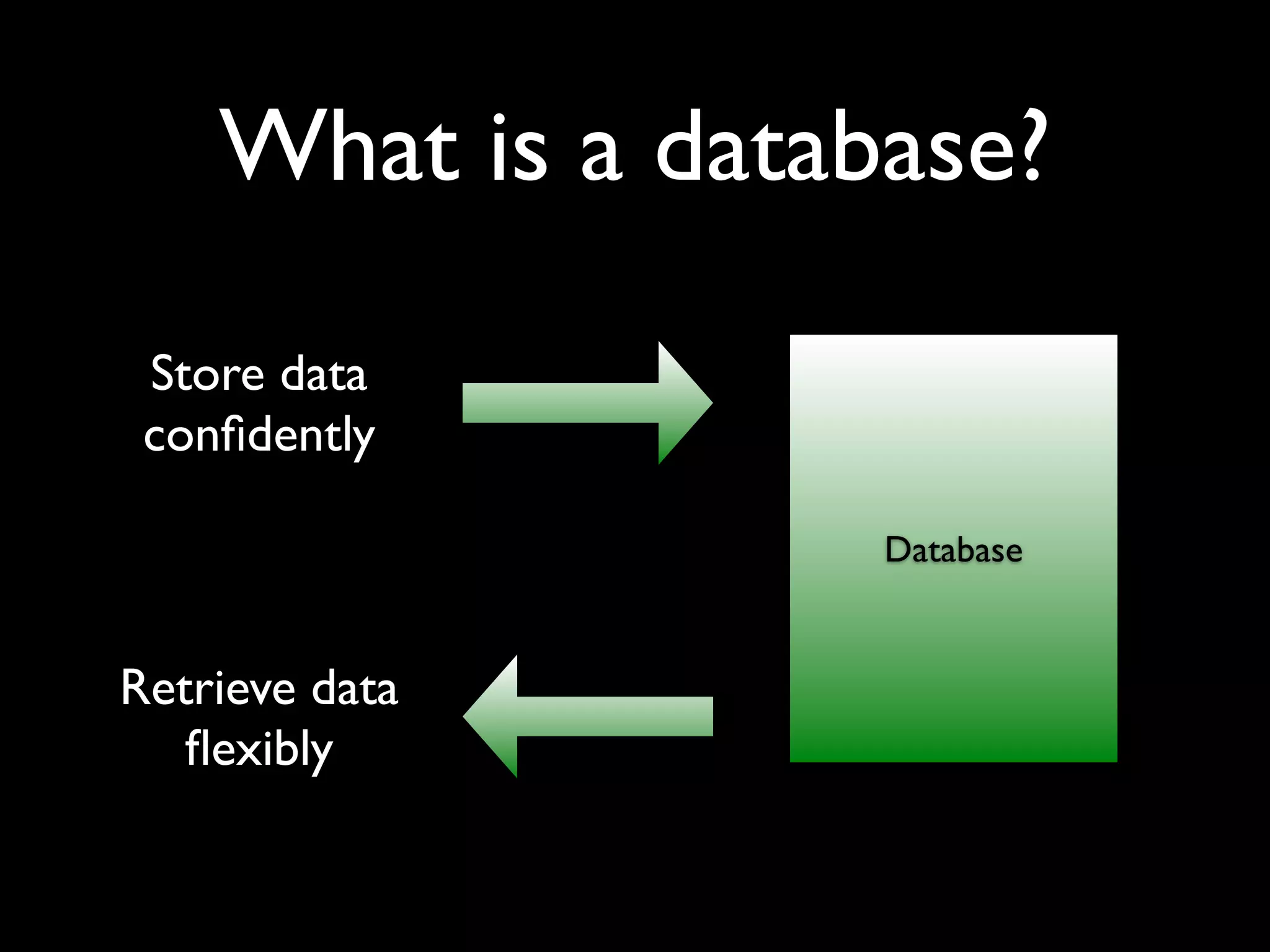
What is a database?

 Store data
 confidently

                   Database


Retrieve data
   flexibly
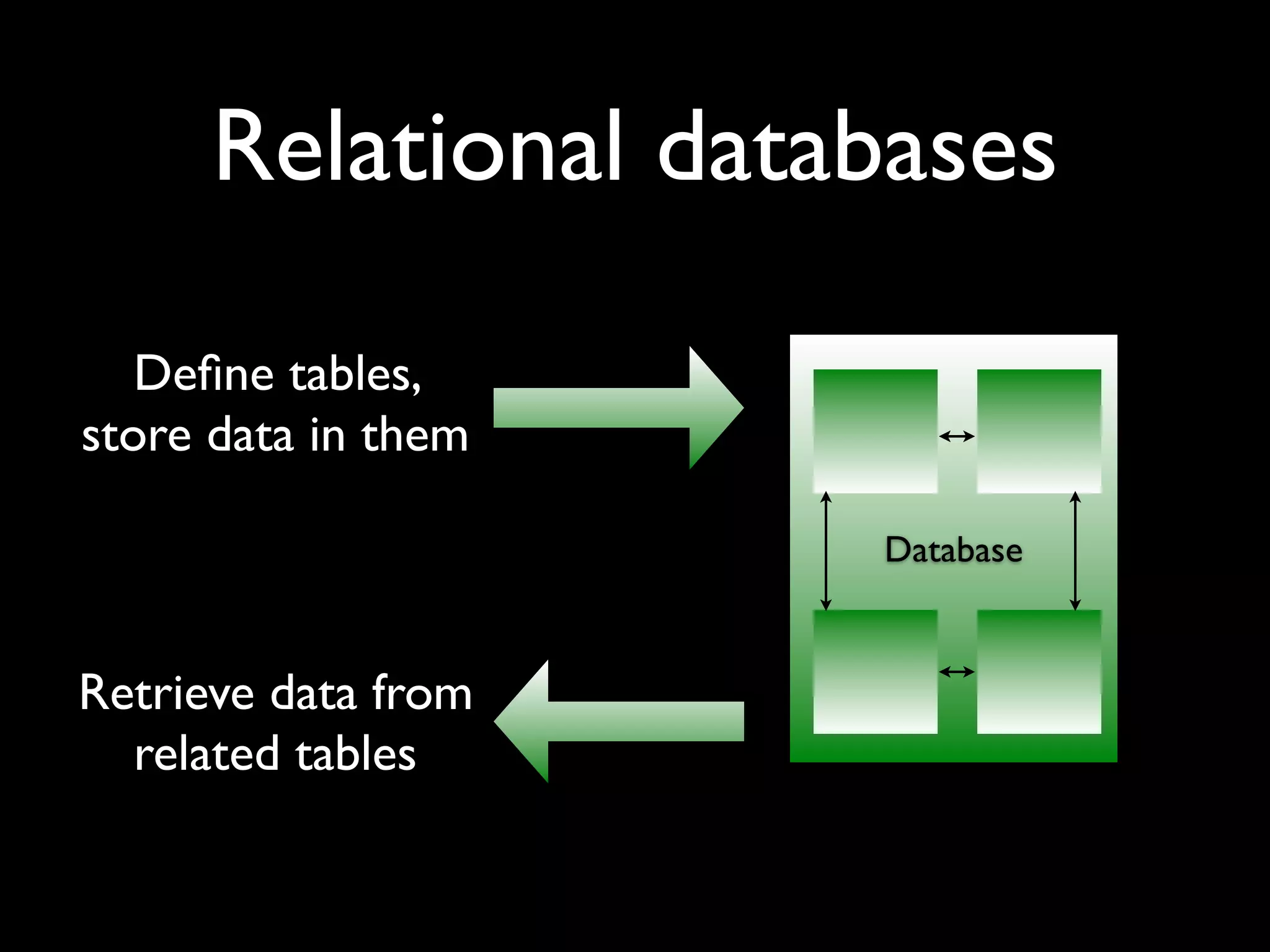
Relational databases

   Define tables,
store data in them

                     Database


Retrieve data from
  related tables
Lots of options!

• Oracle
• Microsoft SQL Server
• IBM DB2
• MySQL
• PostgreSQL
How do you choose?
•   Integrity (ACID compliance)

•   Data types

•   Functionality

•   Tools

•   Extensibility

•   Documentation

•   Community
PostgreSQL
• Very fast, very scalable. (Just ask Skype.)
• Amazingly flexible, easily extensible.
• Rock-solid — no crashes, corruption,
  security issues for years
• Ridiculously easy administration
• It also happens to be free (MIT/BSD)
PostgreSQL
PostgreSQL
PostgreSQL
PostgreSQL
PostgreSQL
PostgreSQL
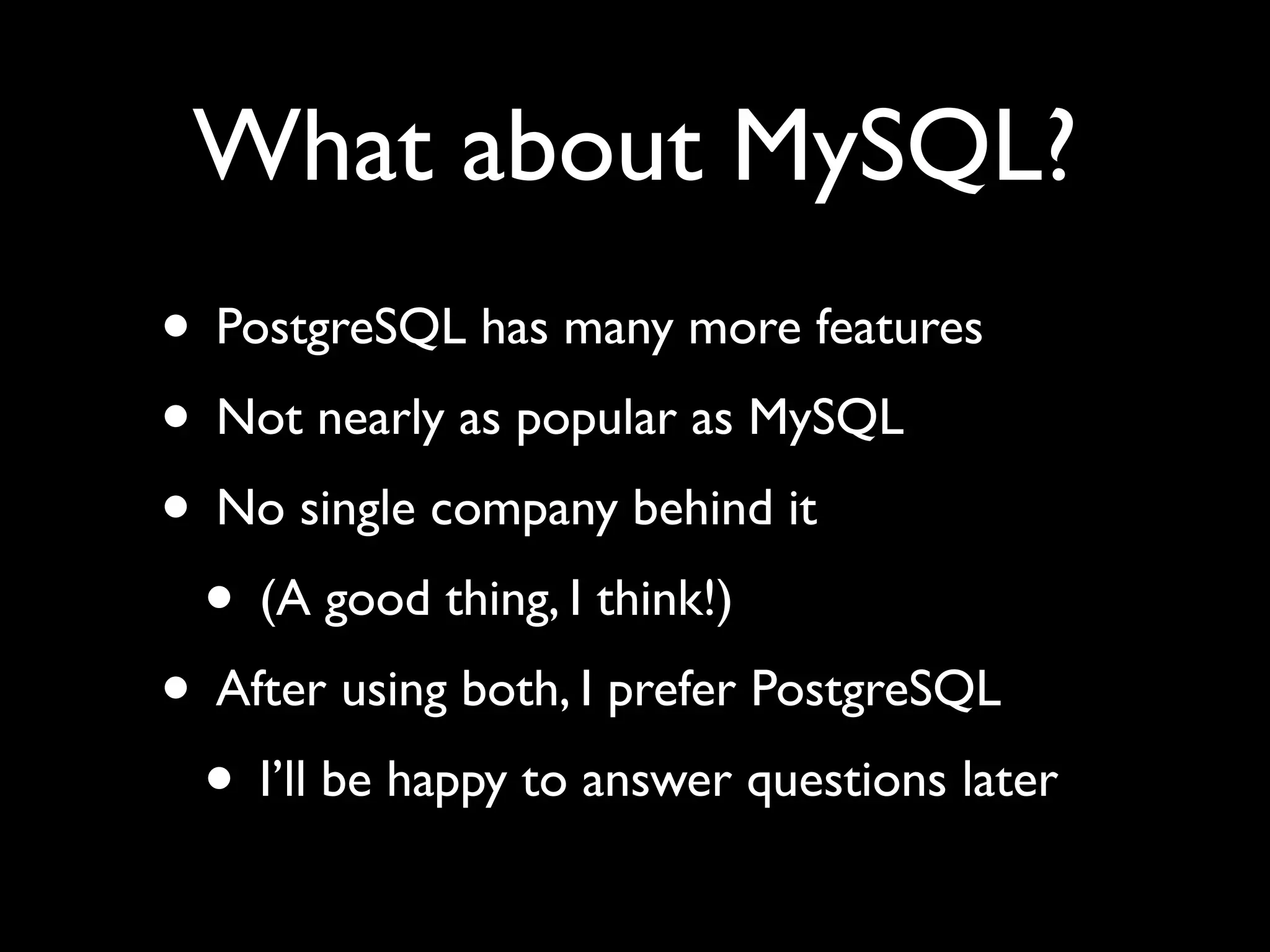
What about MySQL?
• PostgreSQL has many more features
• Not nearly as popular as MySQL
• No single company behind it
 • (A good thing, I think!)
• After using both, I prefer PostgreSQL
 • I’ll be happy to answer questions later
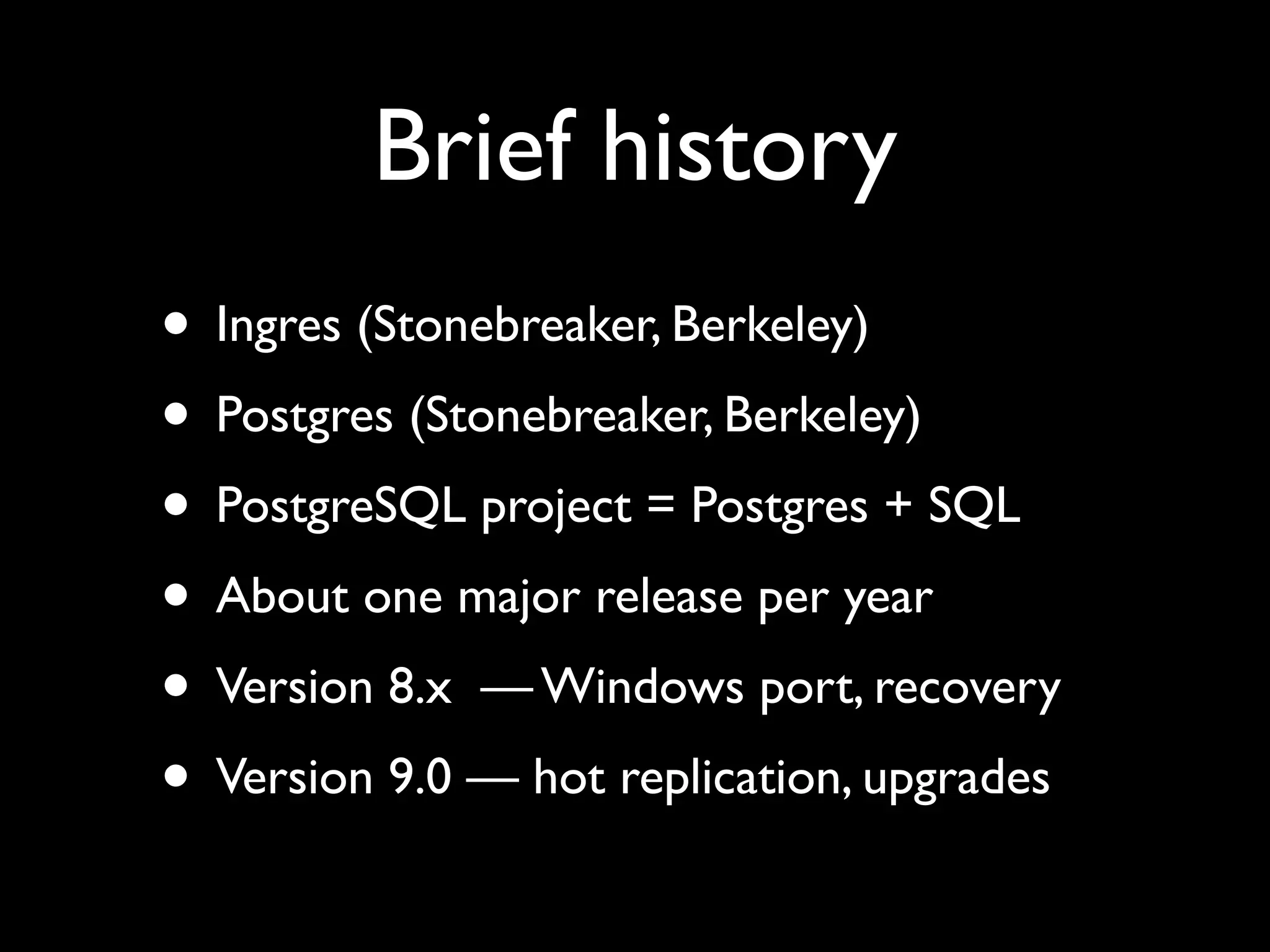
Brief history
• Ingres (Stonebreaker, Berkeley)
• Postgres (Stonebreaker, Berkeley)
• PostgreSQL project = Postgres + SQL
• About one major release per year
• Version 8.x — Windows port, recovery
• Version 9.0 — hot replication, upgrades
ACID
• ACID — basic standard for databases
 • Atomicity
 • Consistency
 • Isolation
 • Durability
• Pg has always been ACID compliant
Data types
• Boolean
• Numeric (integer, float, decimal)
• (var)char, text (infinitely large), binary
• sequences (guaranteed to be unique)
• Date/time and time intervals
• IP addresses, XML, enums, arrays
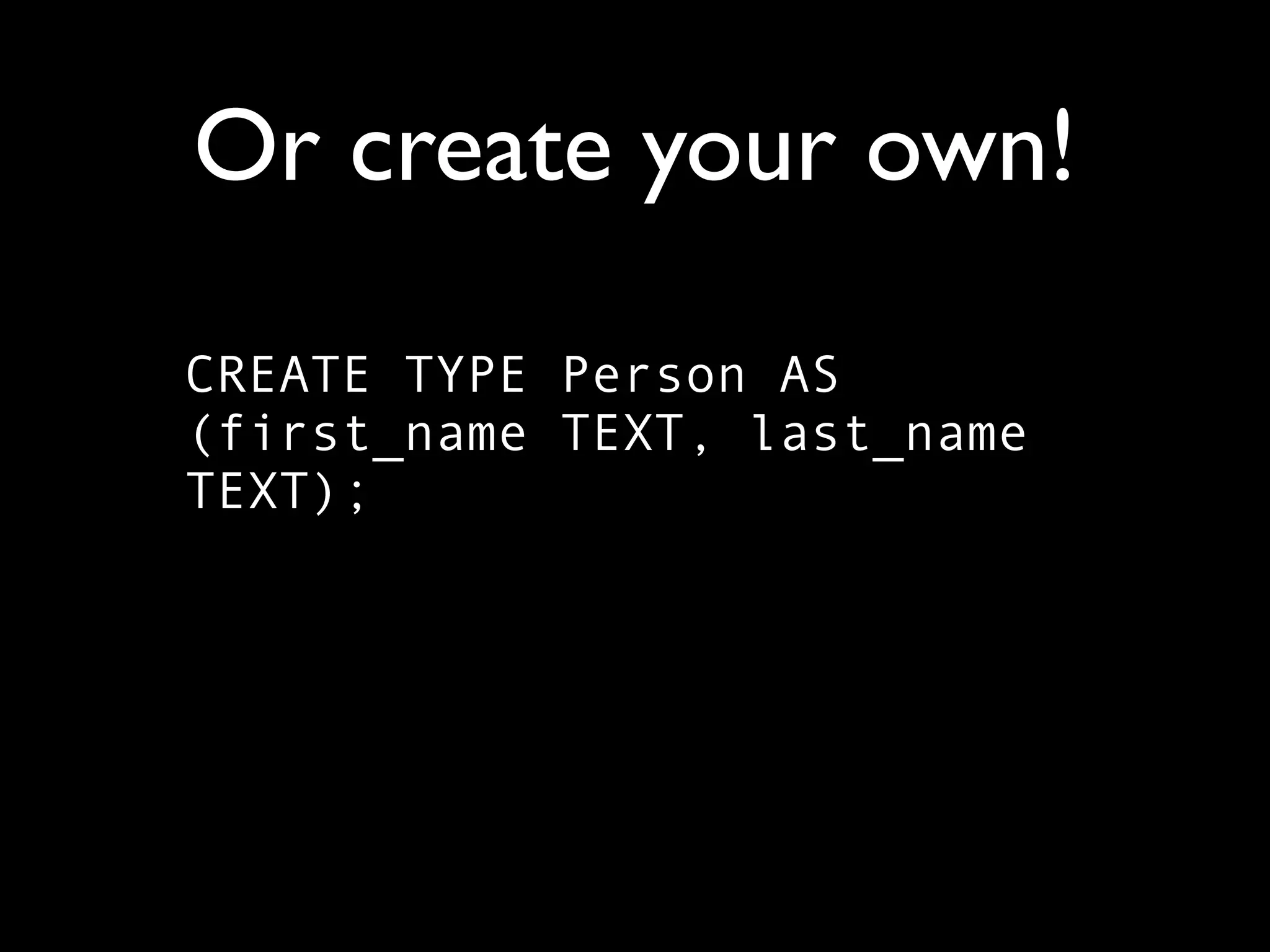
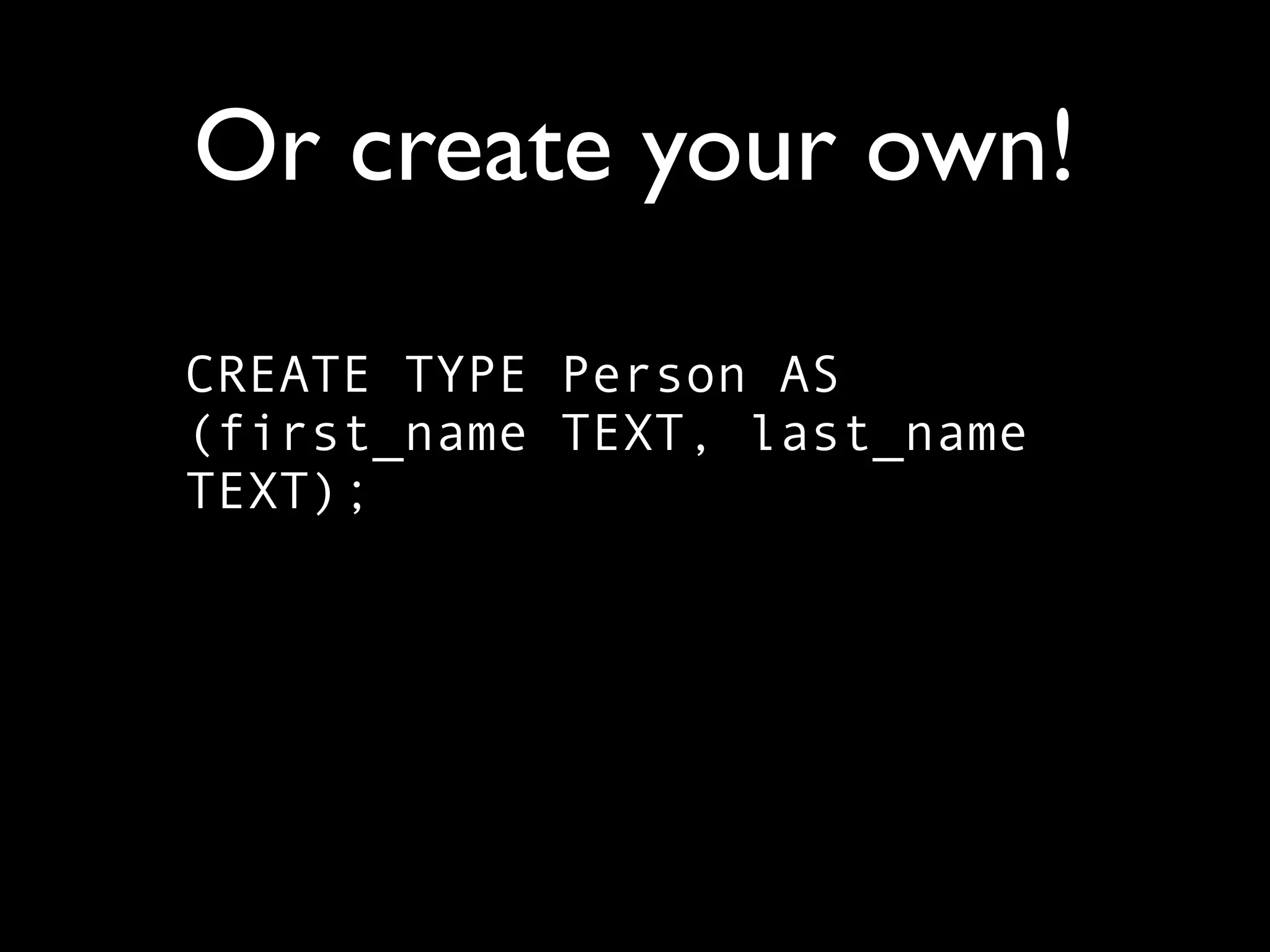
Or create your own!
Or create your own!

CREATE TYPE Person AS
(first_name TEXT, last_name
TEXT);
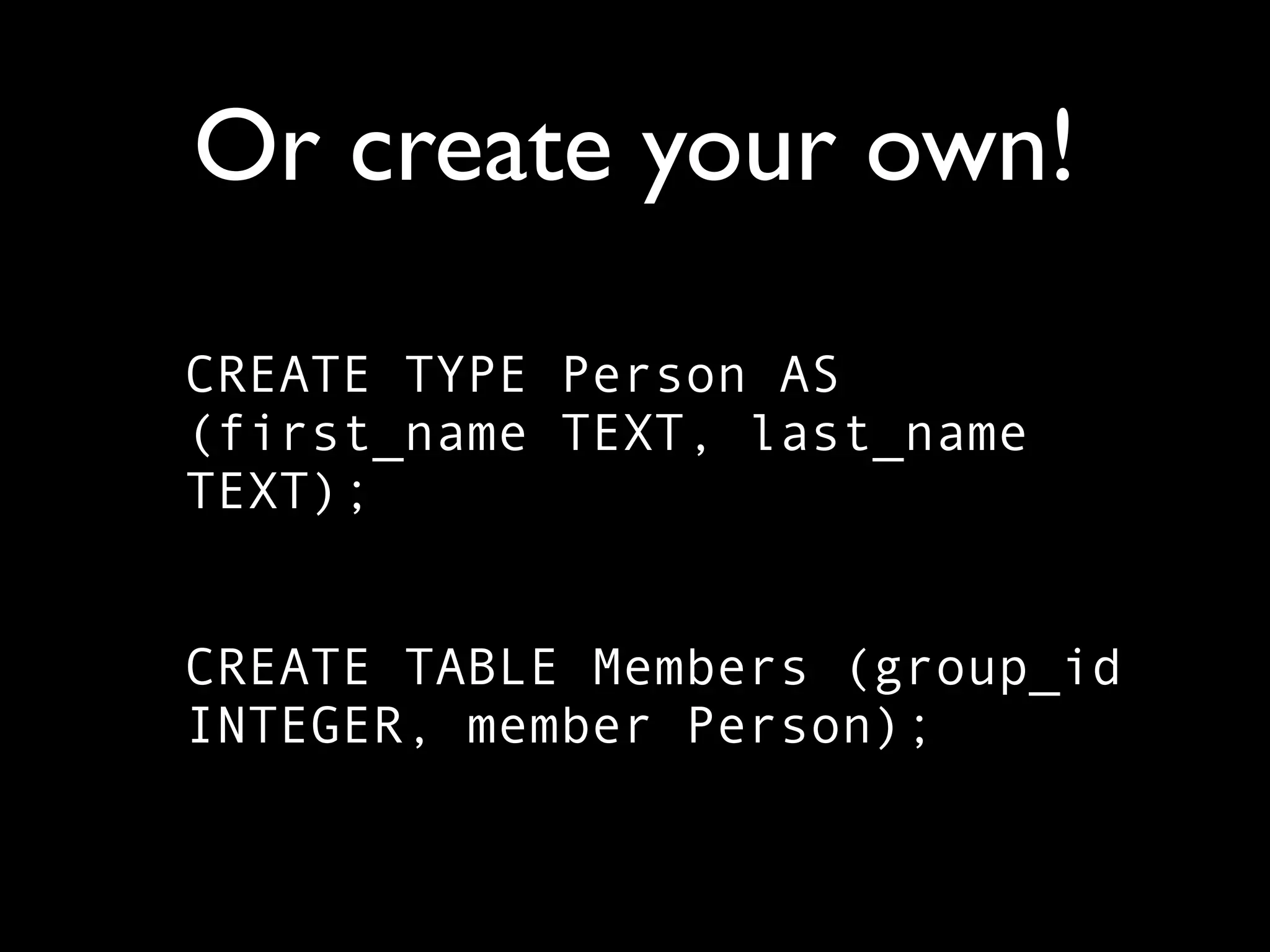
Or create your own!

CREATE TYPE Person AS
(first_name TEXT, last_name
TEXT);
Or create your own!

CREATE TYPE Person AS
(first_name TEXT, last_name
TEXT);


CREATE TABLE Members (group_id
INTEGER, member Person);
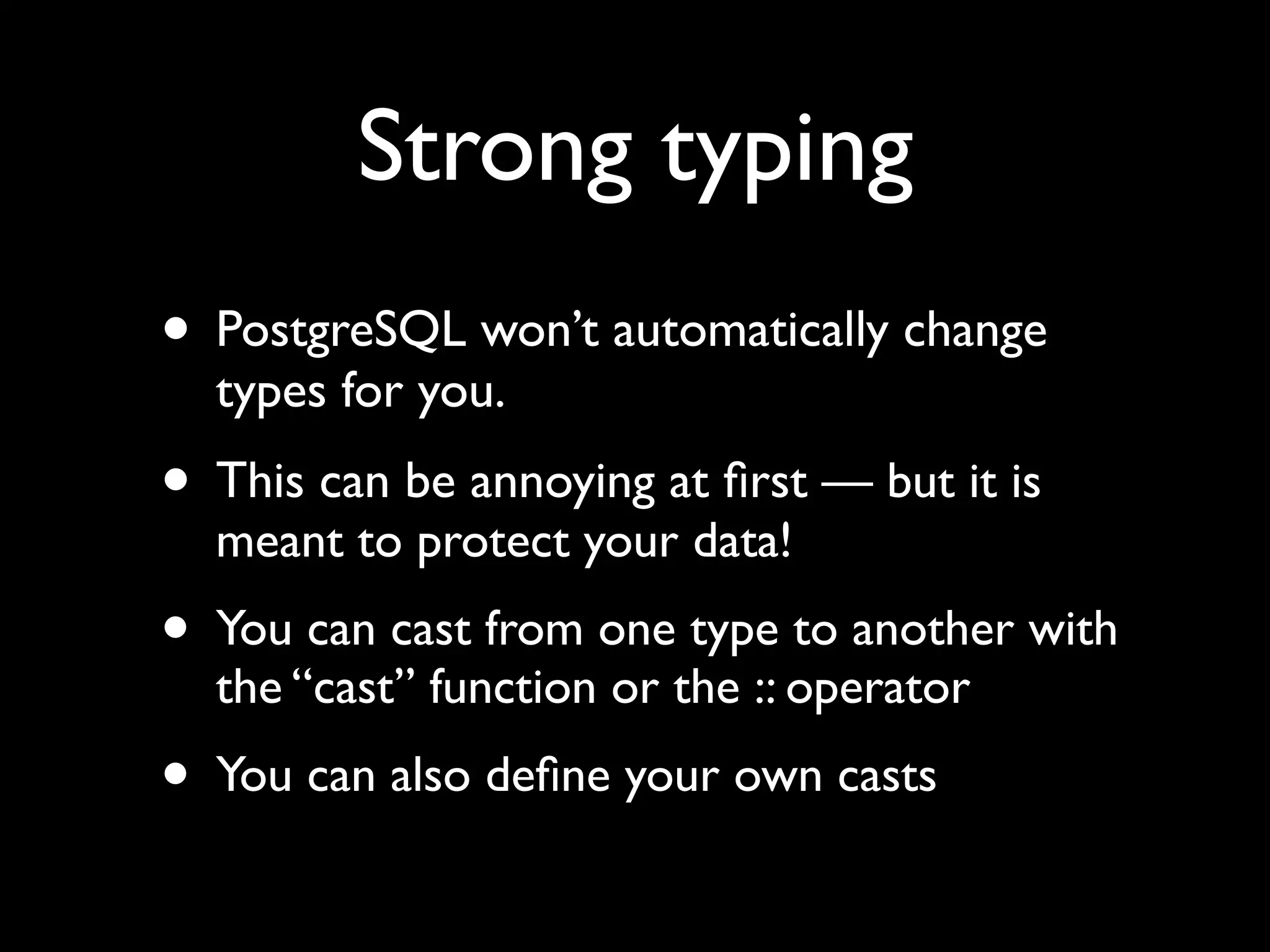
Strong typing
• PostgreSQL won’t automatically change
  types for you.
• This can be annoying at first — but it is
  meant to protect your data!
• You can cast from one type to another with
  the “cast” function or the :: operator
• You can also define your own casts
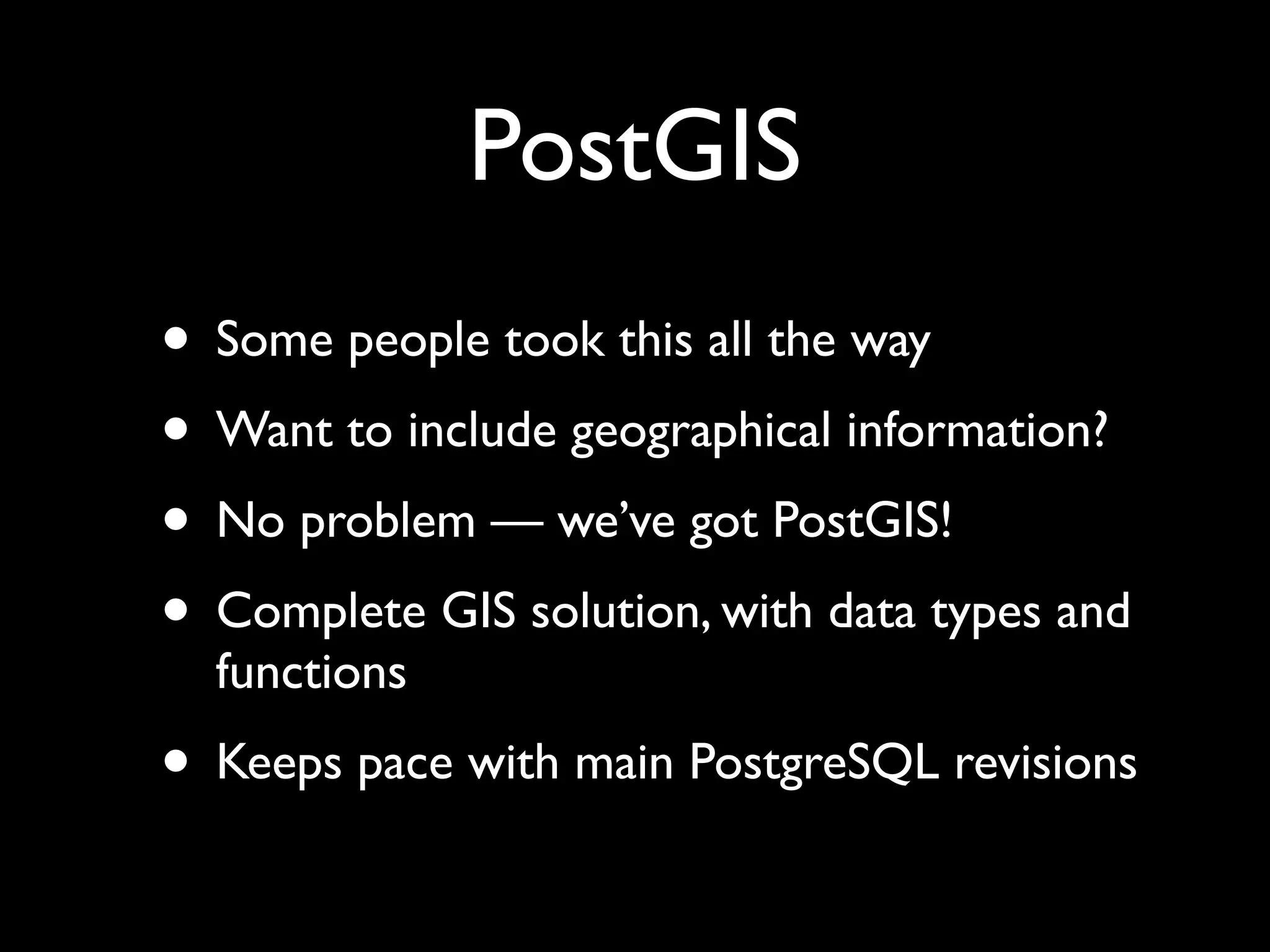
PostGIS
• Some people took this all the way
• Want to include geographical information?
• No problem — we’ve got PostGIS!
• Complete GIS solution, with data types and
  functions
• Keeps pace with main PostgreSQL revisions
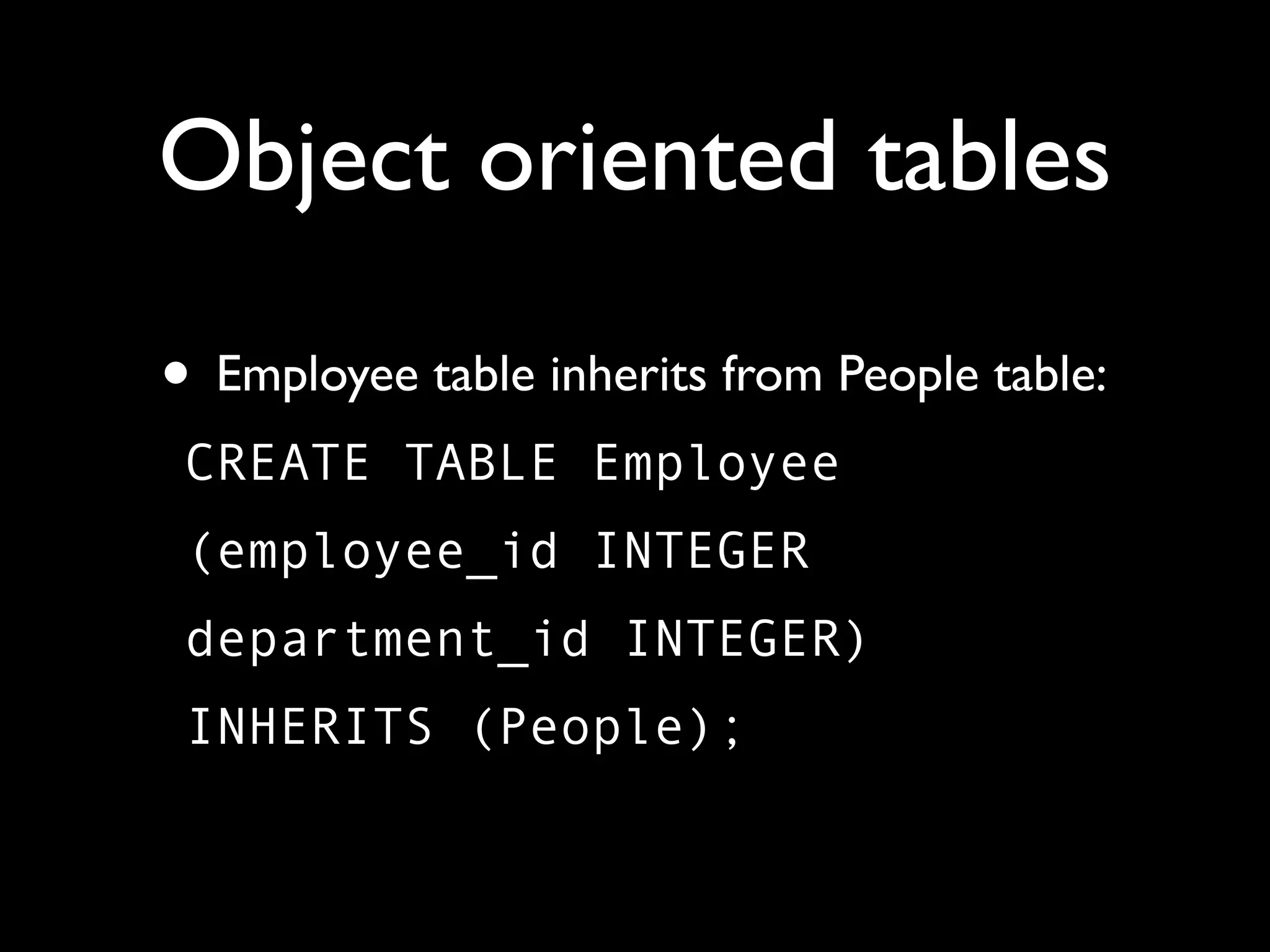
Object oriented tables

• Employee table inherits from People table:
 CREATE TABLE Employee
 (employee_id INTEGER
 department_id INTEGER)
 INHERITS (People);
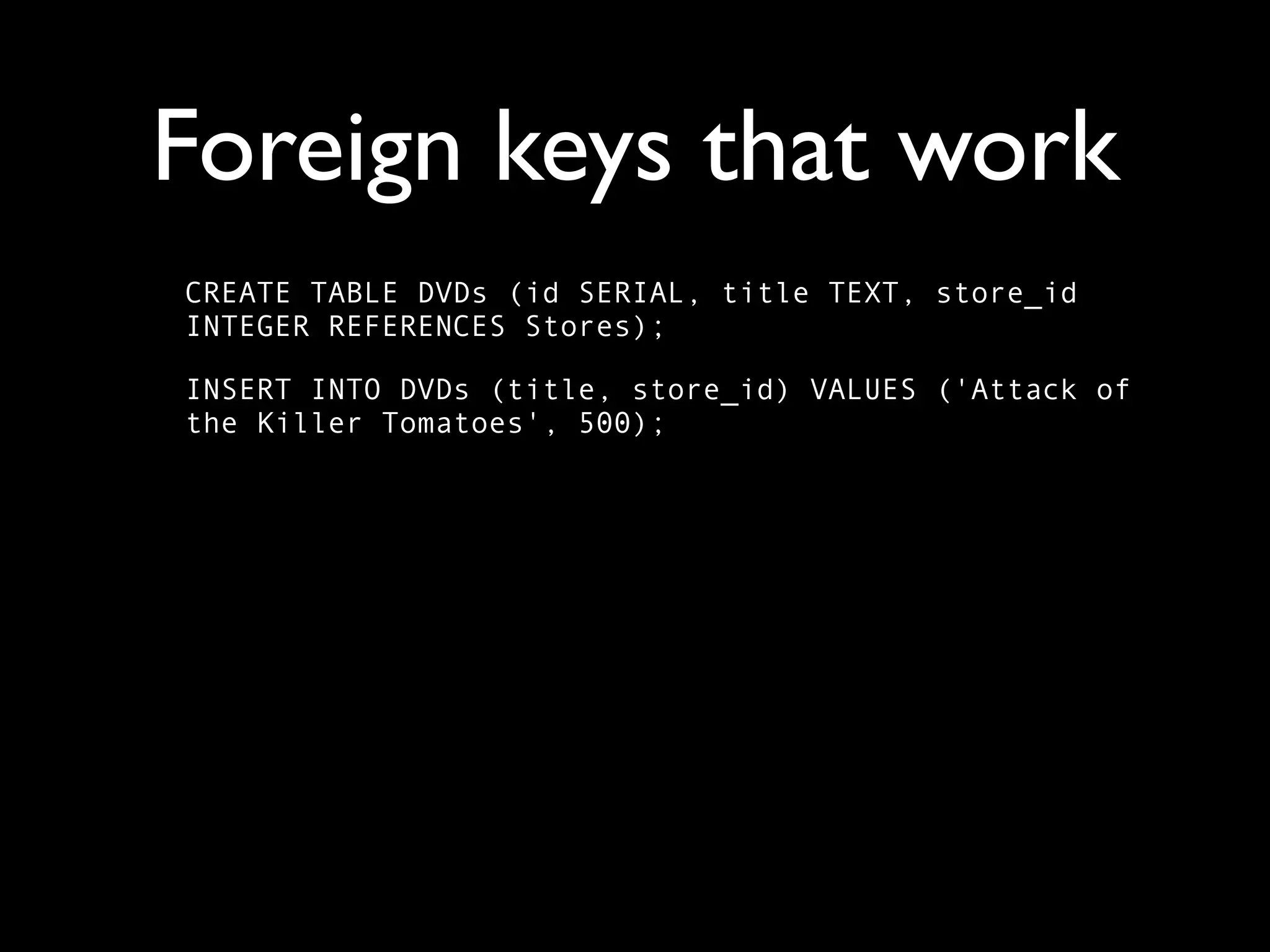
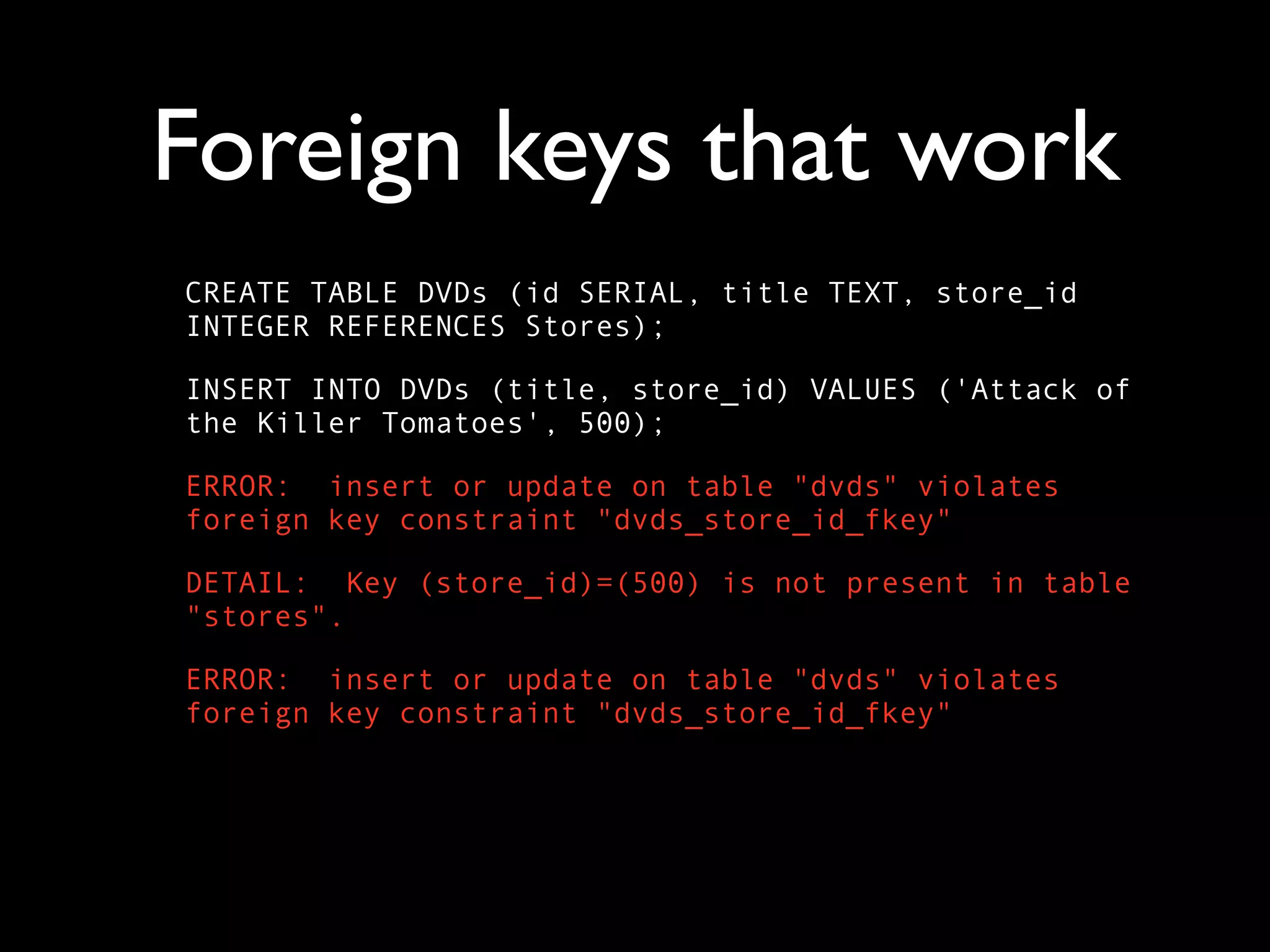
Foreign keys that work
CREATE TABLE DVDs (id SERIAL, title TEXT, store_id
INTEGER REFERENCES Stores);

INSERT INTO DVDs (title, store_id) VALUES ('Attack of
the Killer Tomatoes', 500);
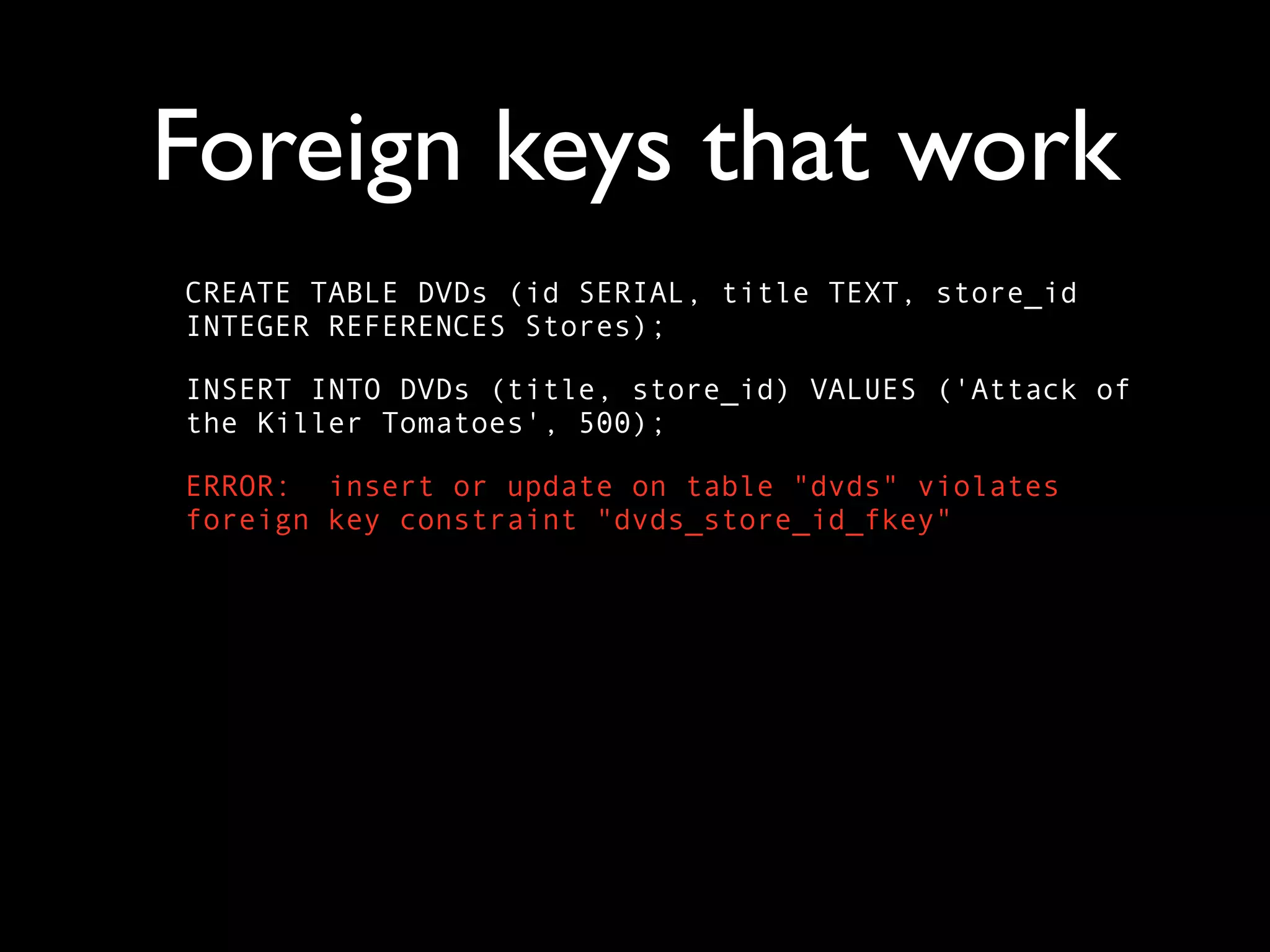
Foreign keys that work
CREATE TABLE DVDs (id SERIAL, title TEXT, store_id
INTEGER REFERENCES Stores);

INSERT INTO DVDs (title, store_id) VALUES ('Attack of
the Killer Tomatoes', 500);

ERROR: insert or update on table "dvds" violates
foreign key constraint "dvds_store_id_fkey"
Foreign keys that work
CREATE TABLE DVDs (id SERIAL, title TEXT, store_id
INTEGER REFERENCES Stores);

INSERT INTO DVDs (title, store_id) VALUES ('Attack of
the Killer Tomatoes', 500);

ERROR: insert or update on table "dvds" violates
foreign key constraint "dvds_store_id_fkey"

DETAIL: Key (store_id)=(500) is not present in table
"stores".
Foreign keys that work
CREATE TABLE DVDs (id SERIAL, title TEXT, store_id
INTEGER REFERENCES Stores);

INSERT INTO DVDs (title, store_id) VALUES ('Attack of
the Killer Tomatoes', 500);

ERROR: insert or update on table "dvds" violates
foreign key constraint "dvds_store_id_fkey"

DETAIL: Key (store_id)=(500) is not present in table
"stores".

ERROR: insert or update on table "dvds" violates
foreign key constraint "dvds_store_id_fkey"
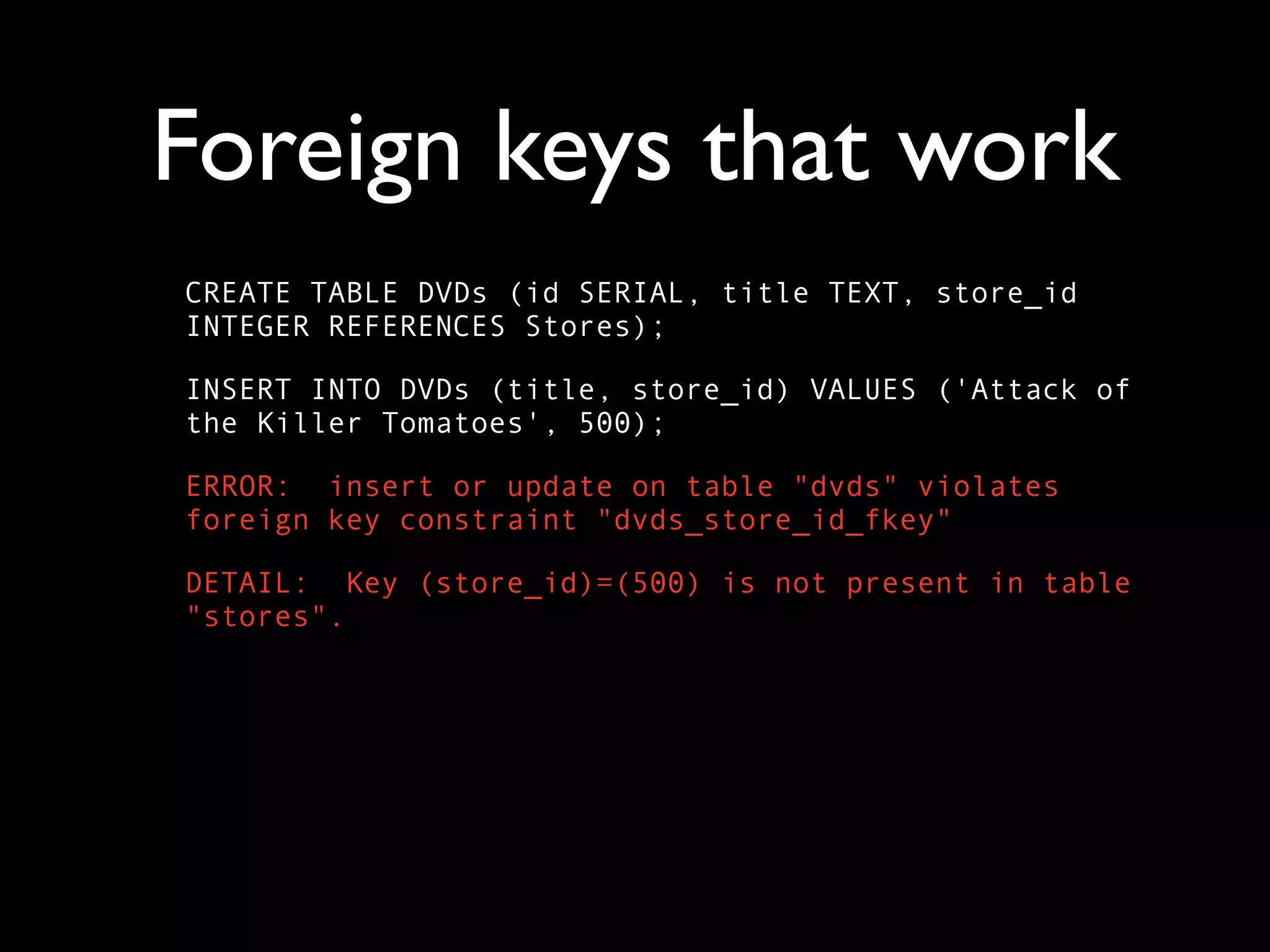
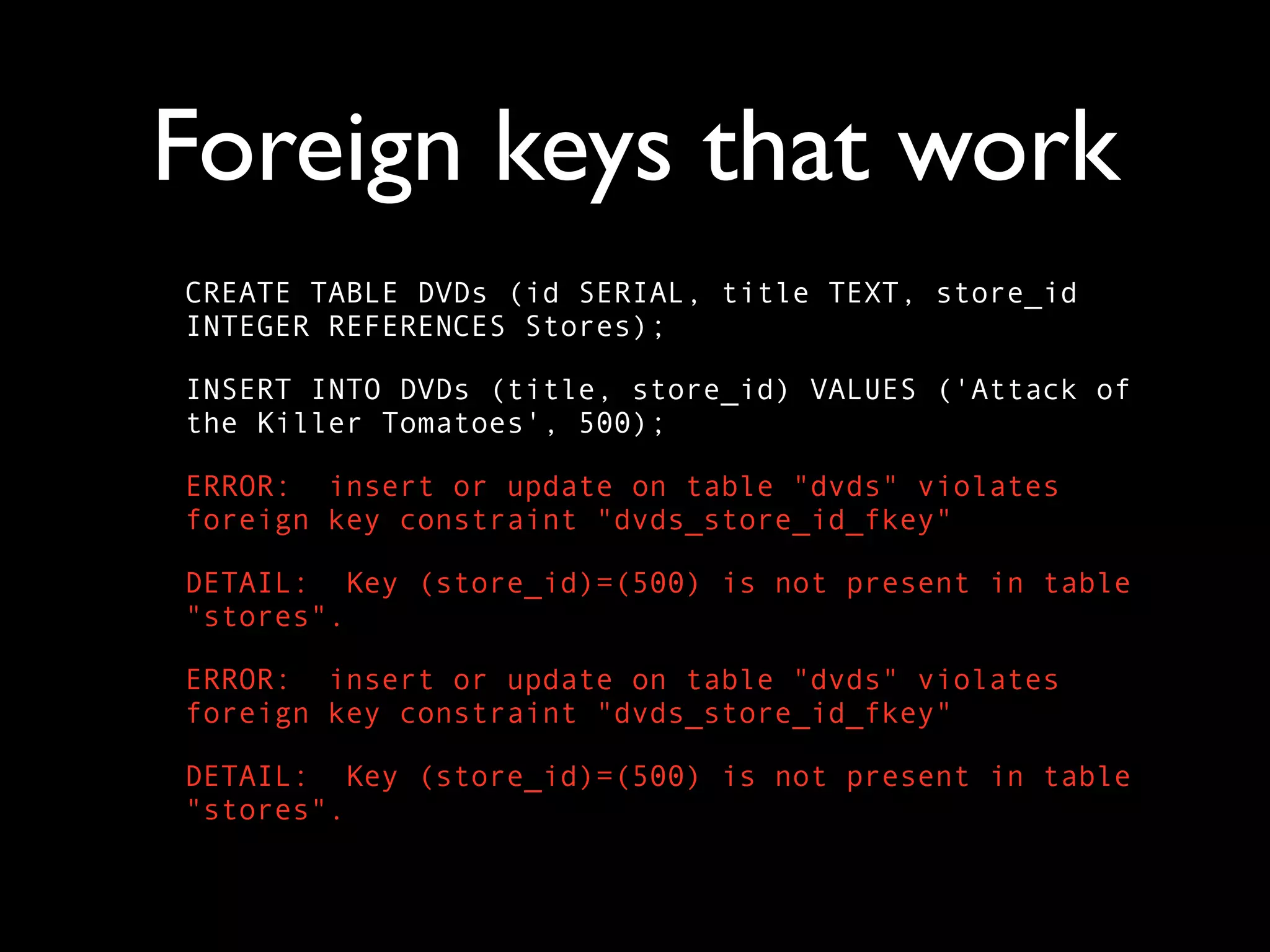
Foreign keys that work
CREATE TABLE DVDs (id SERIAL, title TEXT, store_id
INTEGER REFERENCES Stores);

INSERT INTO DVDs (title, store_id) VALUES ('Attack of
the Killer Tomatoes', 500);

ERROR: insert or update on table "dvds" violates
foreign key constraint "dvds_store_id_fkey"

DETAIL: Key (store_id)=(500) is not present in table
"stores".

ERROR: insert or update on table "dvds" violates
foreign key constraint "dvds_store_id_fkey"

DETAIL: Key (store_id)=(500) is not present in table
"stores".
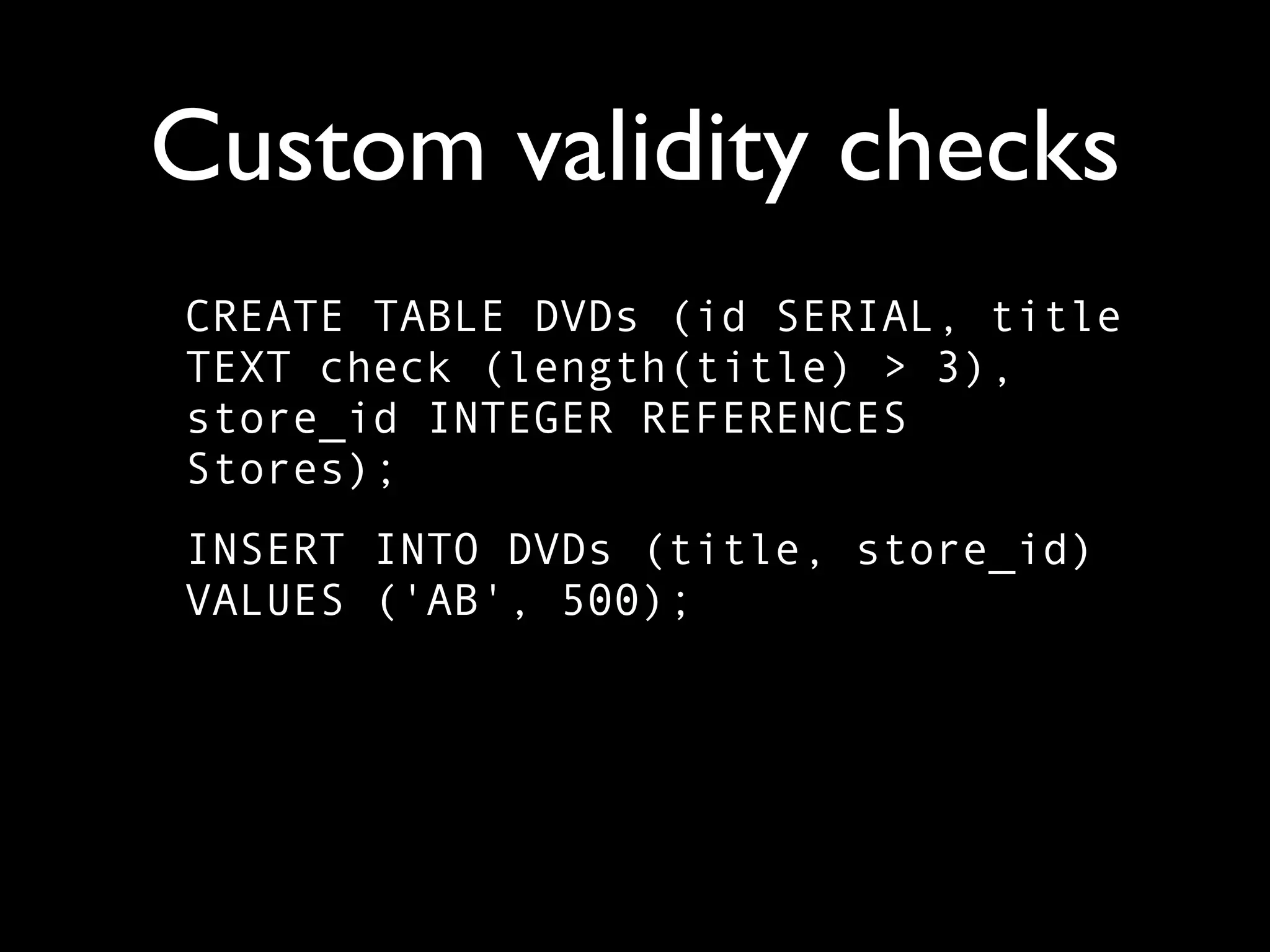
Custom validity checks
CREATE TABLE DVDs (id SERIAL, title
TEXT check (length(title) > 3),
store_id INTEGER REFERENCES
Stores);
INSERT INTO DVDs (title, store_id)
VALUES ('AB', 500);
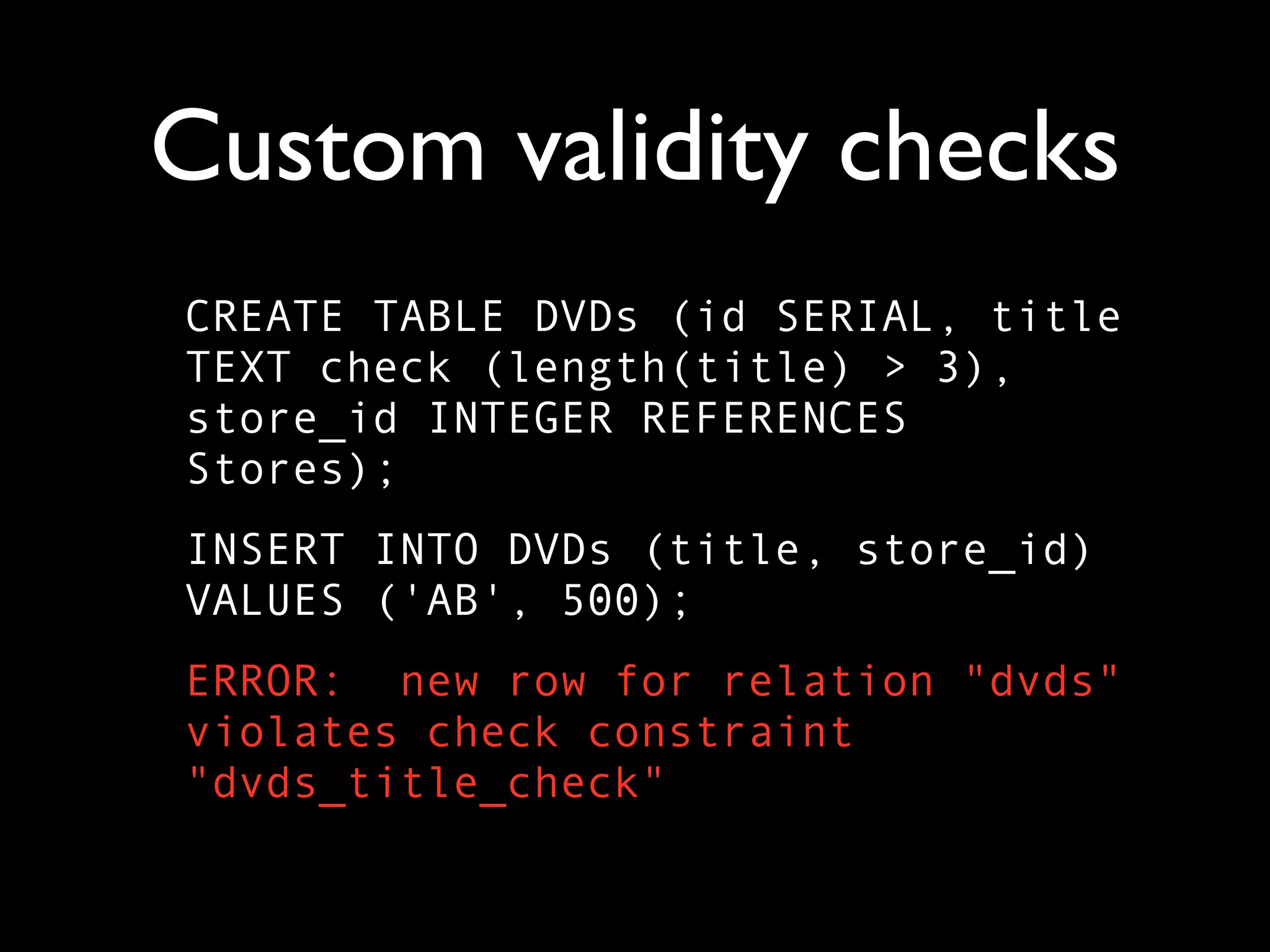
Custom validity checks
CREATE TABLE DVDs (id SERIAL, title
TEXT check (length(title) > 3),
store_id INTEGER REFERENCES
Stores);
INSERT INTO DVDs (title, store_id)
VALUES ('AB', 500);
ERROR: new row for relation "dvds"
violates check constraint
"dvds_title_check"
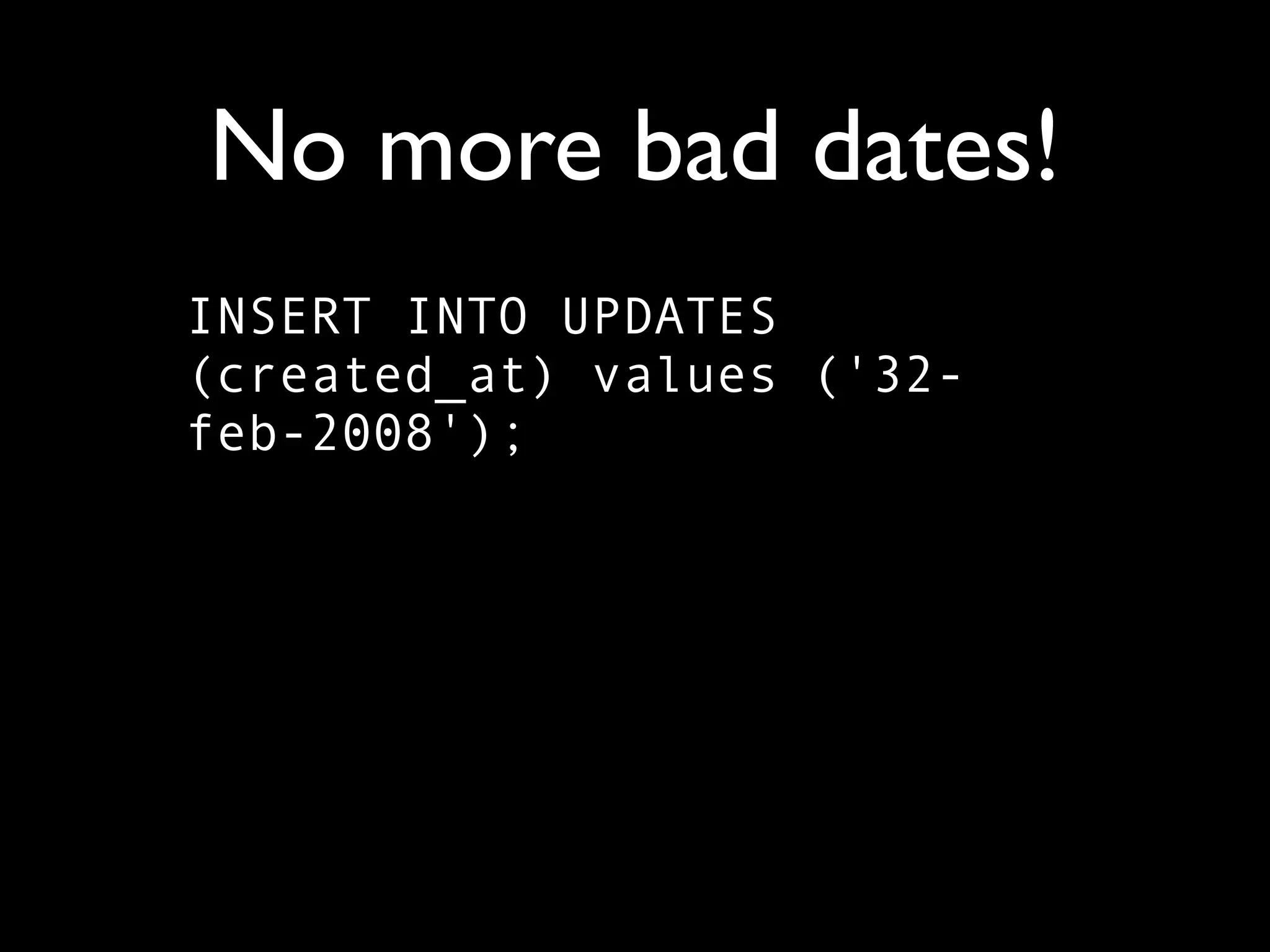
No more bad dates!
INSERT INTO UPDATES
(created_at) values ('32-
feb-2008');
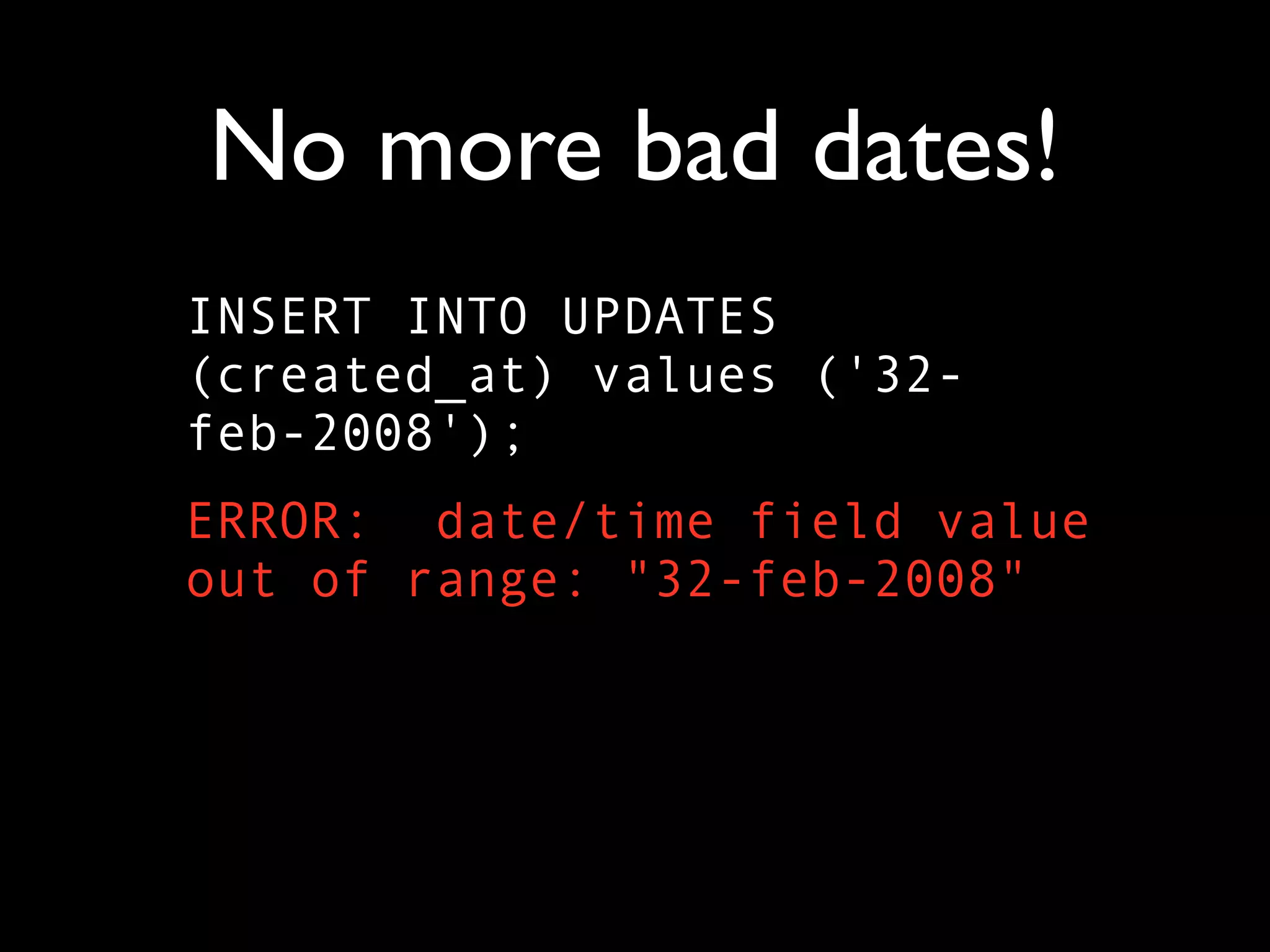
No more bad dates!
INSERT INTO UPDATES
(created_at) values ('32-
feb-2008');
ERROR: date/time field value
out of range: "32-feb-2008"
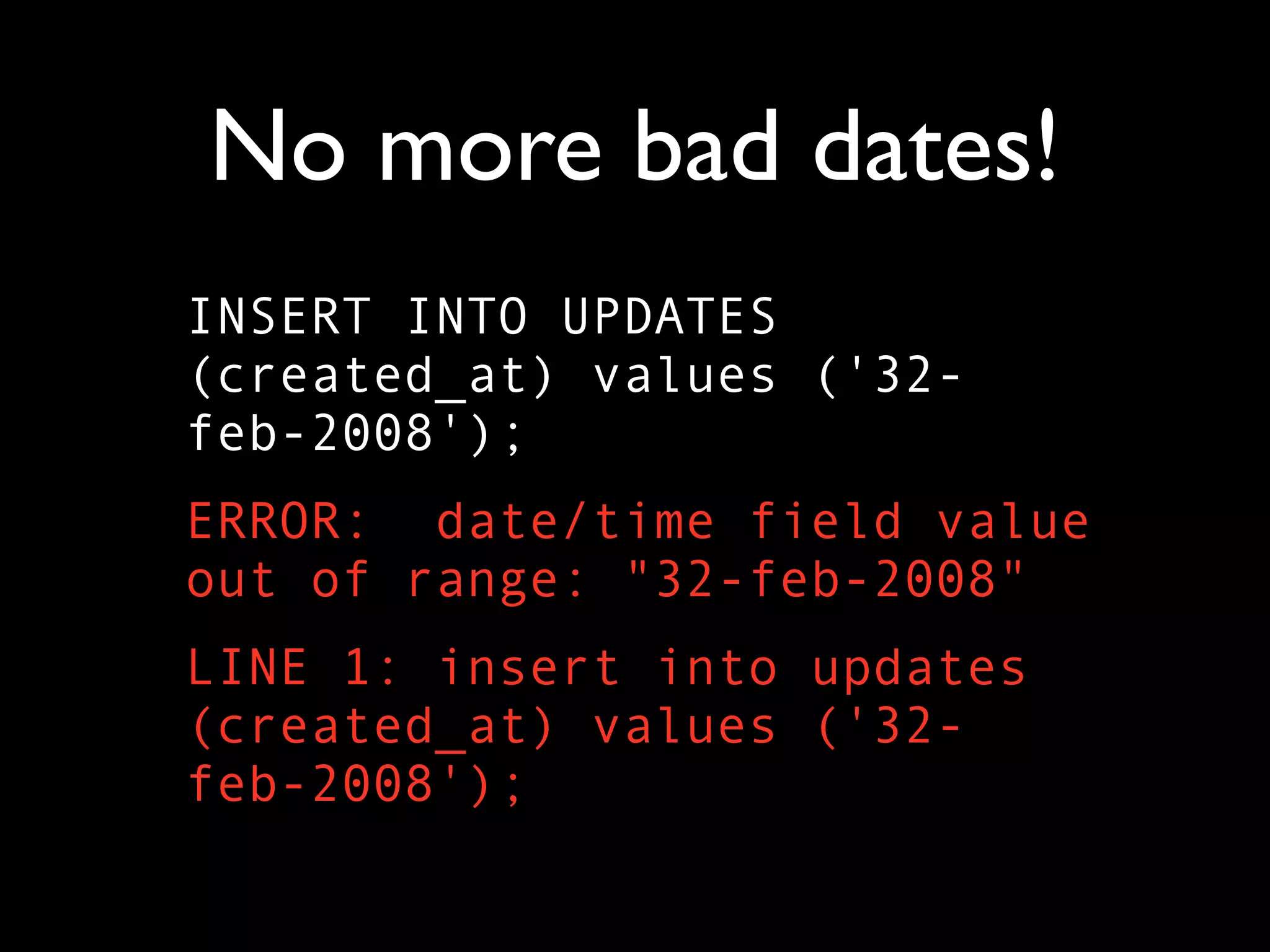
No more bad dates!
INSERT INTO UPDATES
(created_at) values ('32-
feb-2008');
ERROR: date/time field value
out of range: "32-feb-2008"
LINE 1: insert into updates
(created_at) values ('32-
feb-2008');
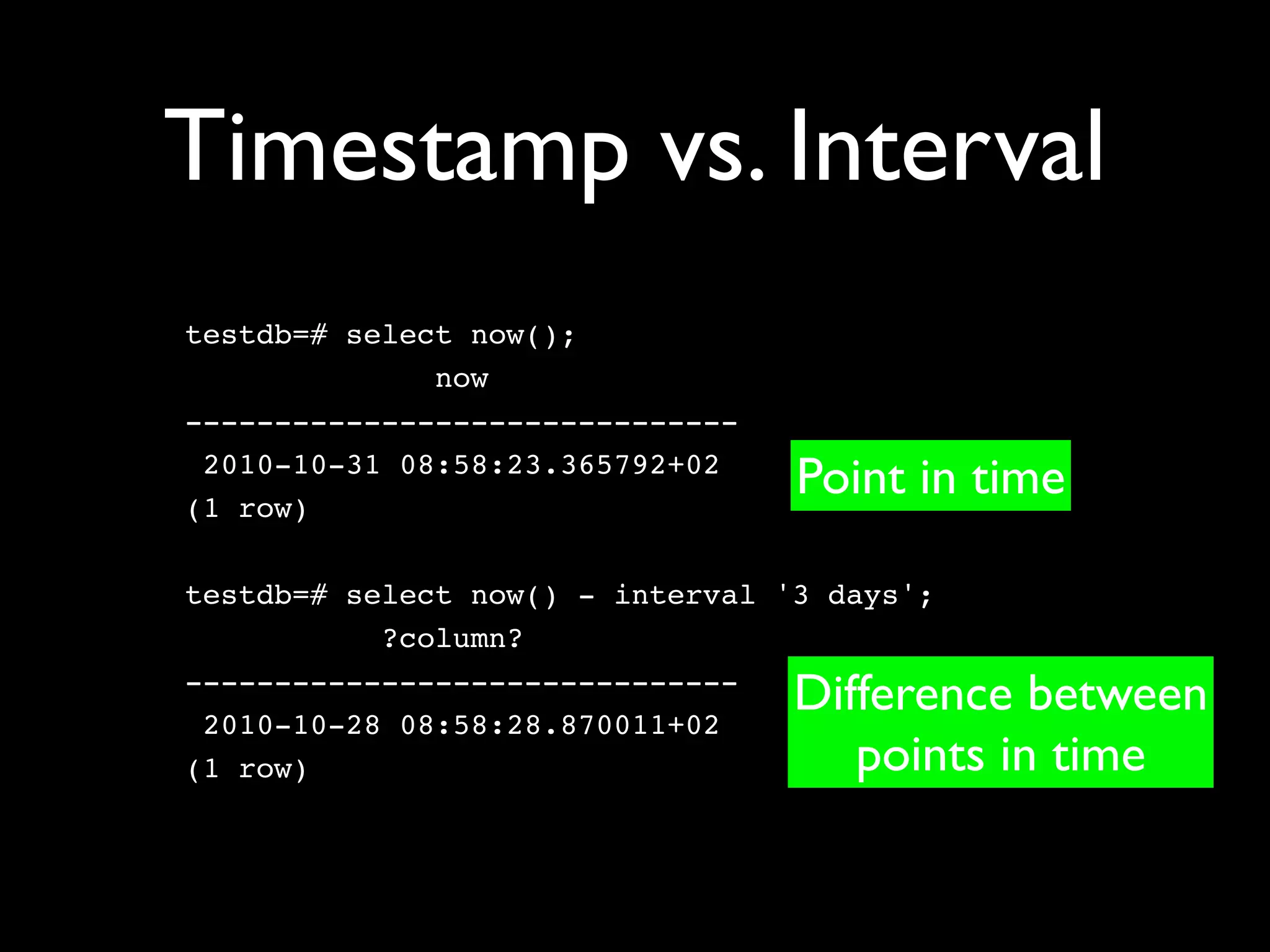
Timestamp vs. Interval
testdb=# select now();
              now
-------------------------------
 2010-10-31 08:58:23.365792+02
(1 row)
                                  Point in time

testdb=# select now() - interval '3 days';
           ?column?
-------------------------------
 2010-10-28 08:58:28.870011+02
                                  Difference between
(1 row)                              points in time
Built-in functions
• Math
• Text processing (including regexps)
• Date/time calculations
• Conditionals (CASE, COALESCE, NULLIF)
  for use in queries
• Extensive library of geometrical functions
Or write your own!
• PL/pgSQL
• PL/Perl
• PL/Python
• PL/Ruby
• PL/R
• PL/Tcl
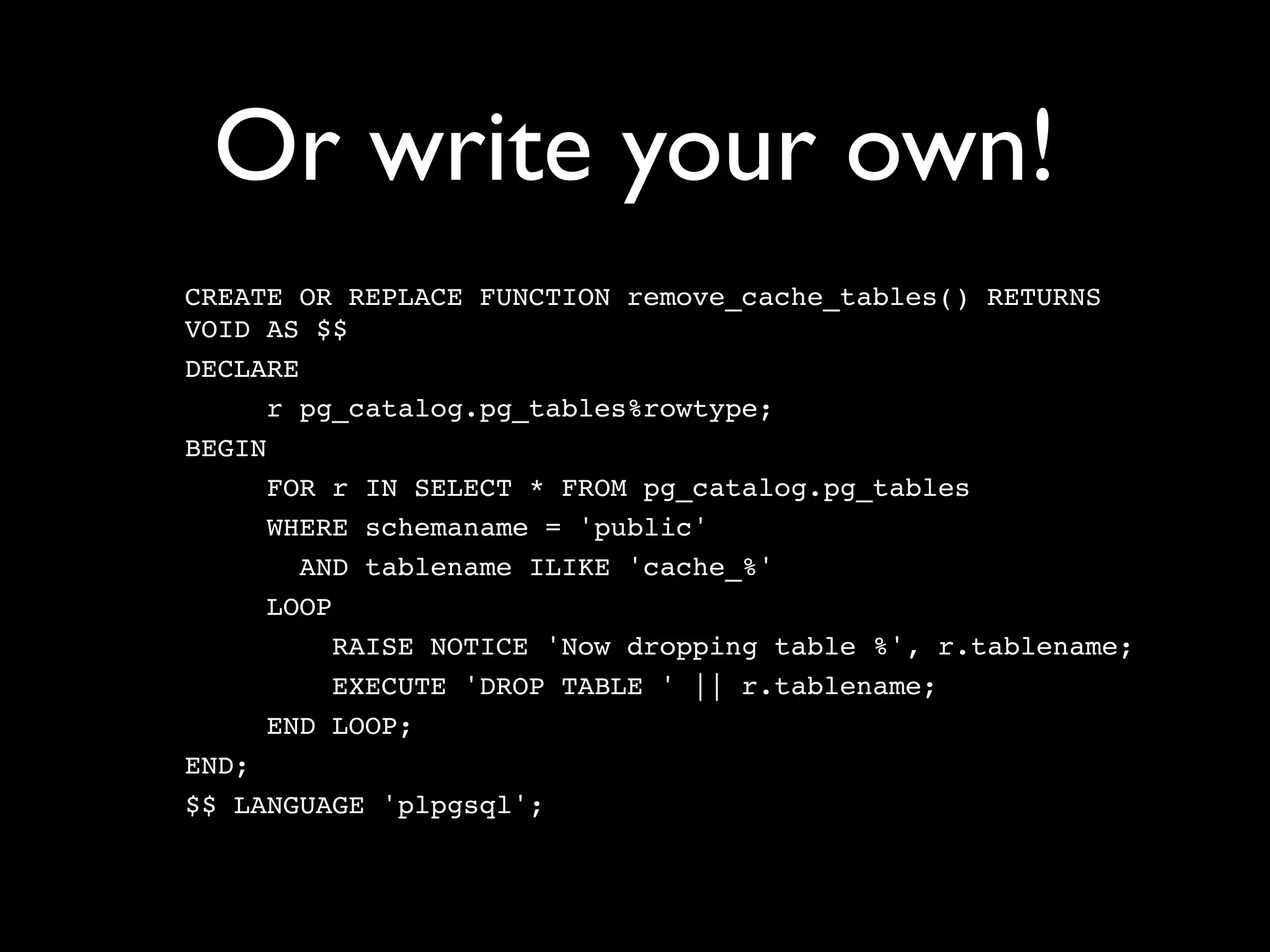
Or write your own!
CREATE OR REPLACE FUNCTION remove_cache_tables() RETURNS
VOID AS $$
DECLARE
      r pg_catalog.pg_tables%rowtype;
BEGIN
      FOR r IN SELECT * FROM pg_catalog.pg_tables
      WHERE schemaname = 'public'
        AND tablename ILIKE 'cache_%'
      LOOP
           RAISE NOTICE 'Now dropping table %', r.tablename;
           EXECUTE 'DROP TABLE ' || r.tablename;
      END LOOP;
END;
$$ LANGUAGE 'plpgsql';
Another example
CREATE OR REPLACE FUNCTION store_hostname() RETURNS
TRIGGER AS $store_hostname$

    BEGIN

           NEW.hostname := 'http://' ||

            substring(NEW.url, '(?:http://)?([^/]+)');

           RETURN NEW;

    END;

$store_hostname$ LANGUAGE plpgsql;
Triggers

• Yes, that last function was a trigger
• Automatically execute functions upon
  INSERT, UPDATE, and/or DELETE
• Can execute before or after
• Very powerful, very fast
Function possibilities
• Computing values, strings
• Returning table-like sets of values
• Encapsulating queries
• Dynamically generating queries via strings
• Triggers: Modifying data before it is inserted
  or updated
Why use a PL/lang?

• Other libraries (e.g., CPAN for Perl)
• Faster, optimized functions (eg., R)
• Programmer familiarity
• Cached query plans
Views and rules
• Views are stored SELECT statements
• Pretend that something is a read-only table
• Rules let you turn it into a read/write table
 • Intercept and rewrite incoming query
 • Check or change data
 • Change where data is stored
Full-text indexing

• Built into PostgreSQL
• Handles stop words, different languages,
  synonyms, and even (often) stemming
• Very powerful, but it can take some time to
  get configured correctly
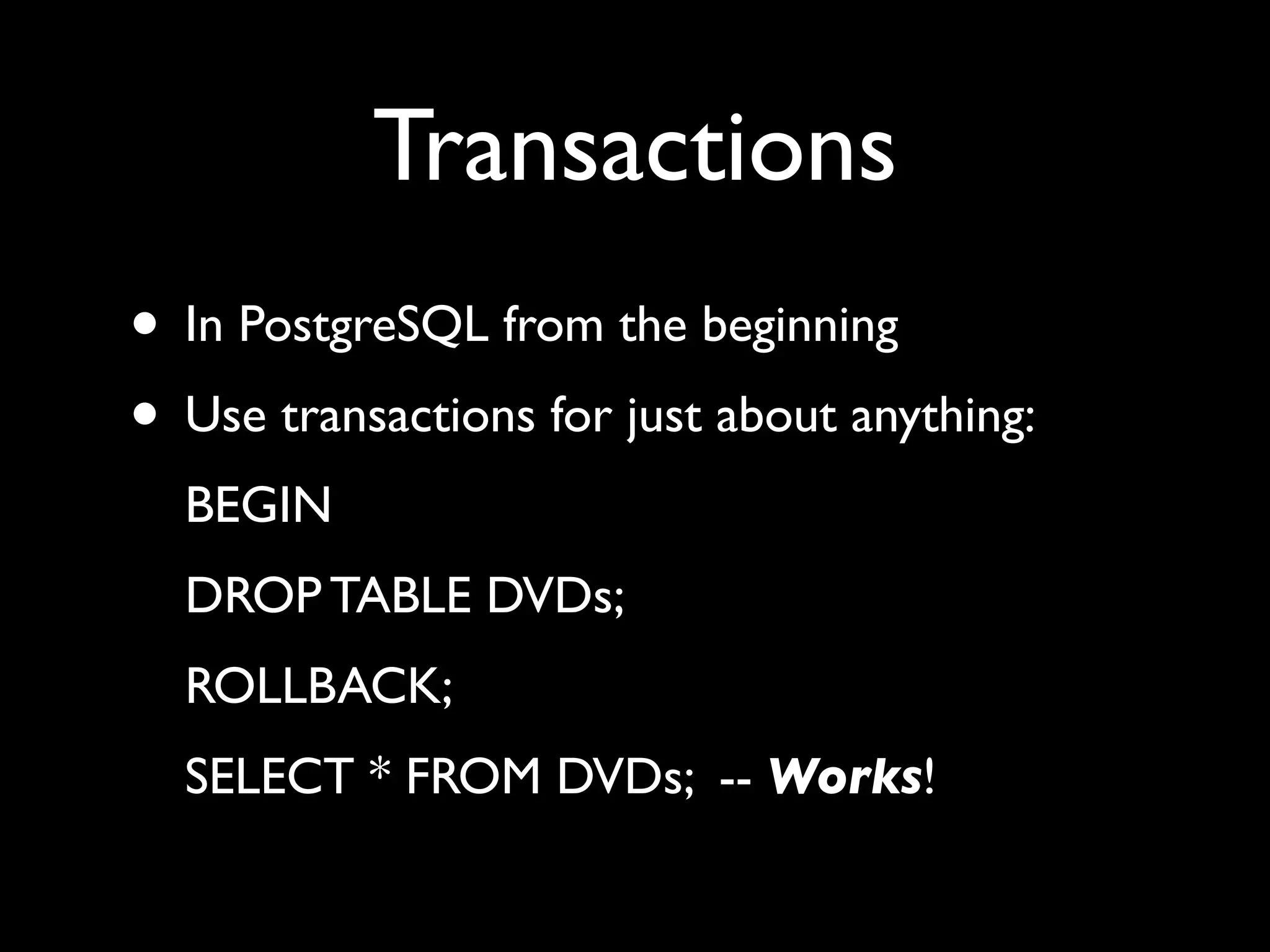
Transactions
• In PostgreSQL from the beginning
• Use transactions for just about anything:
  BEGIN
  DROP TABLE DVDs;
  ROLLBACK;
  SELECT * FROM DVDs; -- Works!
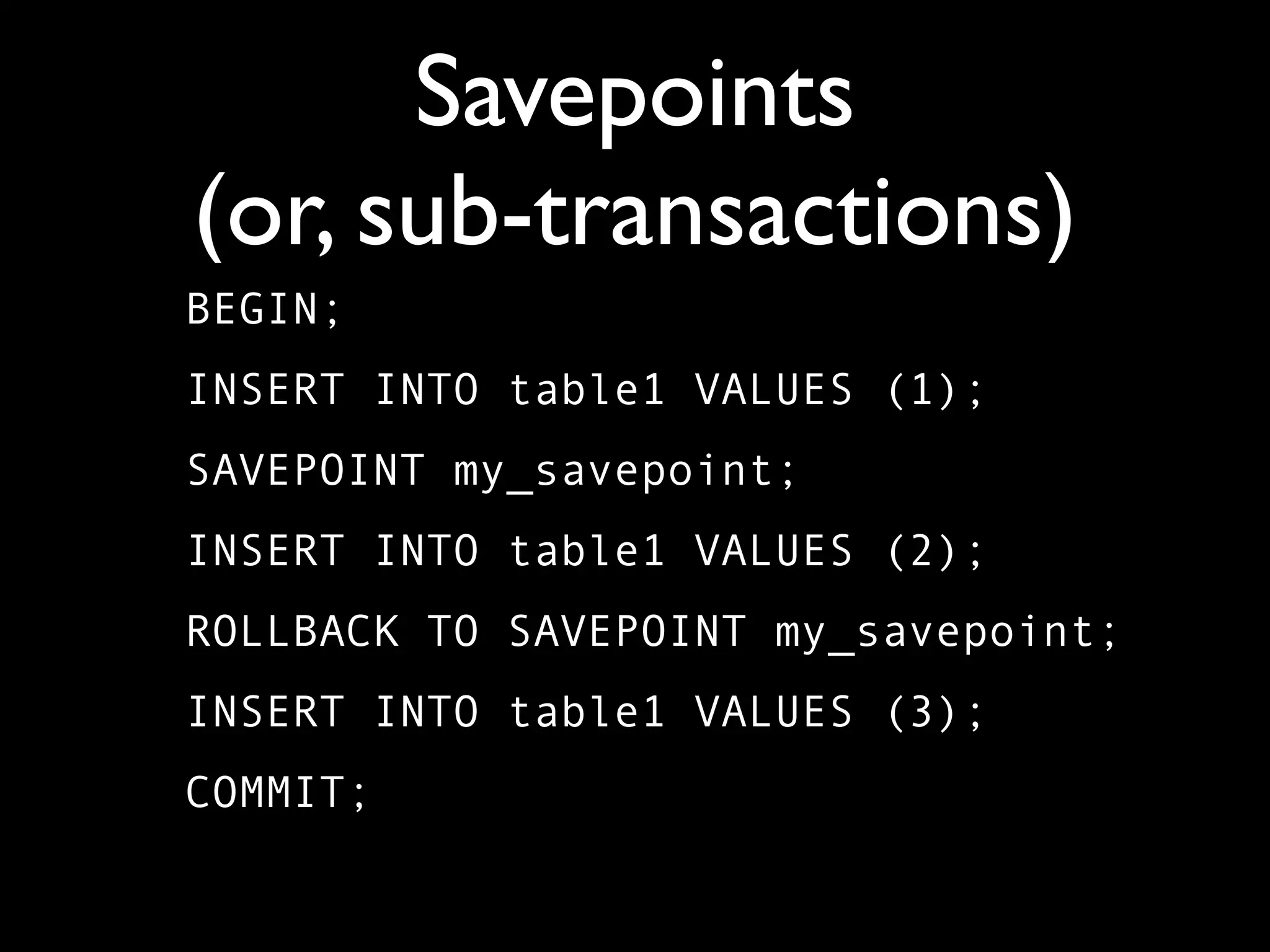
Savepoints
(or, sub-transactions)
BEGIN;
INSERT INTO table1 VALUES (1);
SAVEPOINT my_savepoint;
INSERT INTO table1 VALUES (2);
ROLLBACK TO SAVEPOINT my_savepoint;
INSERT INTO table1 VALUES (3);
COMMIT;
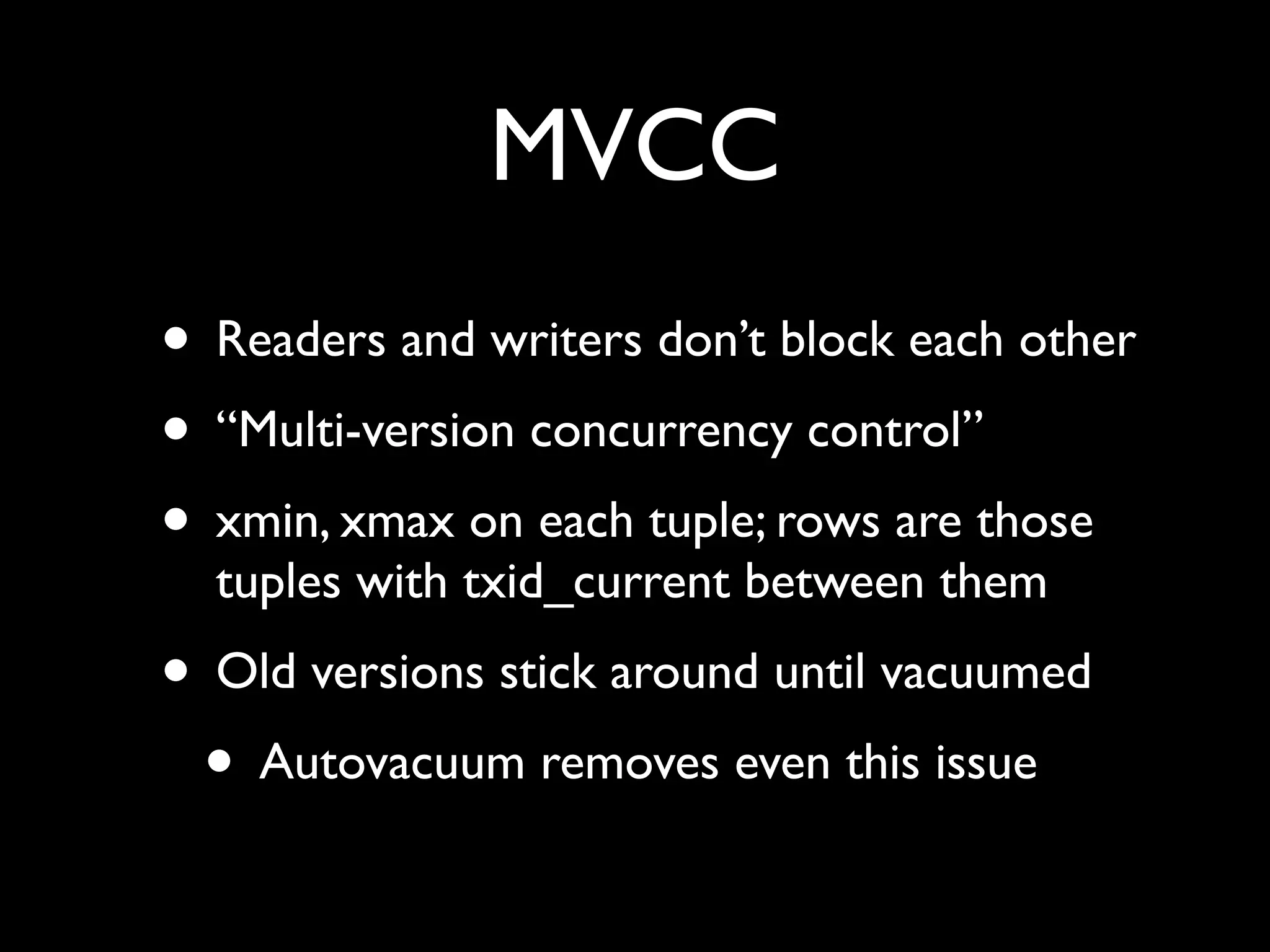
MVCC
• Readers and writers don’t block each other
• “Multi-version concurrency control”
• xmin, xmax on each tuple; rows are those
  tuples with txid_current between them
• Old versions stick around until vacuumed
 • Autovacuum removes even this issue
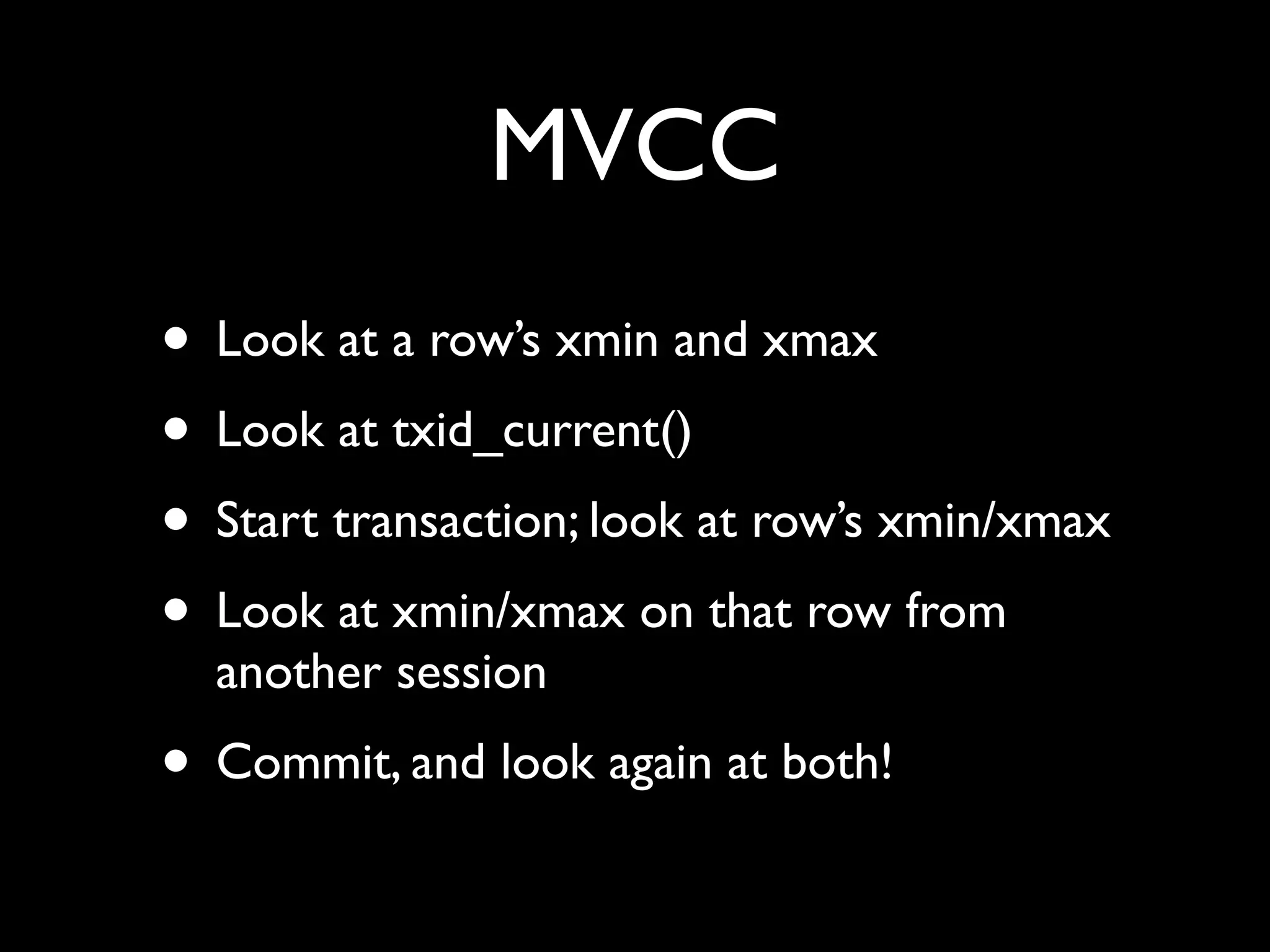
MVCC
• Look at a row’s xmin and xmax
• Look at txid_current()
• Start transaction; look at row’s xmin/xmax
• Look at xmin/xmax on that row from
  another session
• Commit, and look again at both!
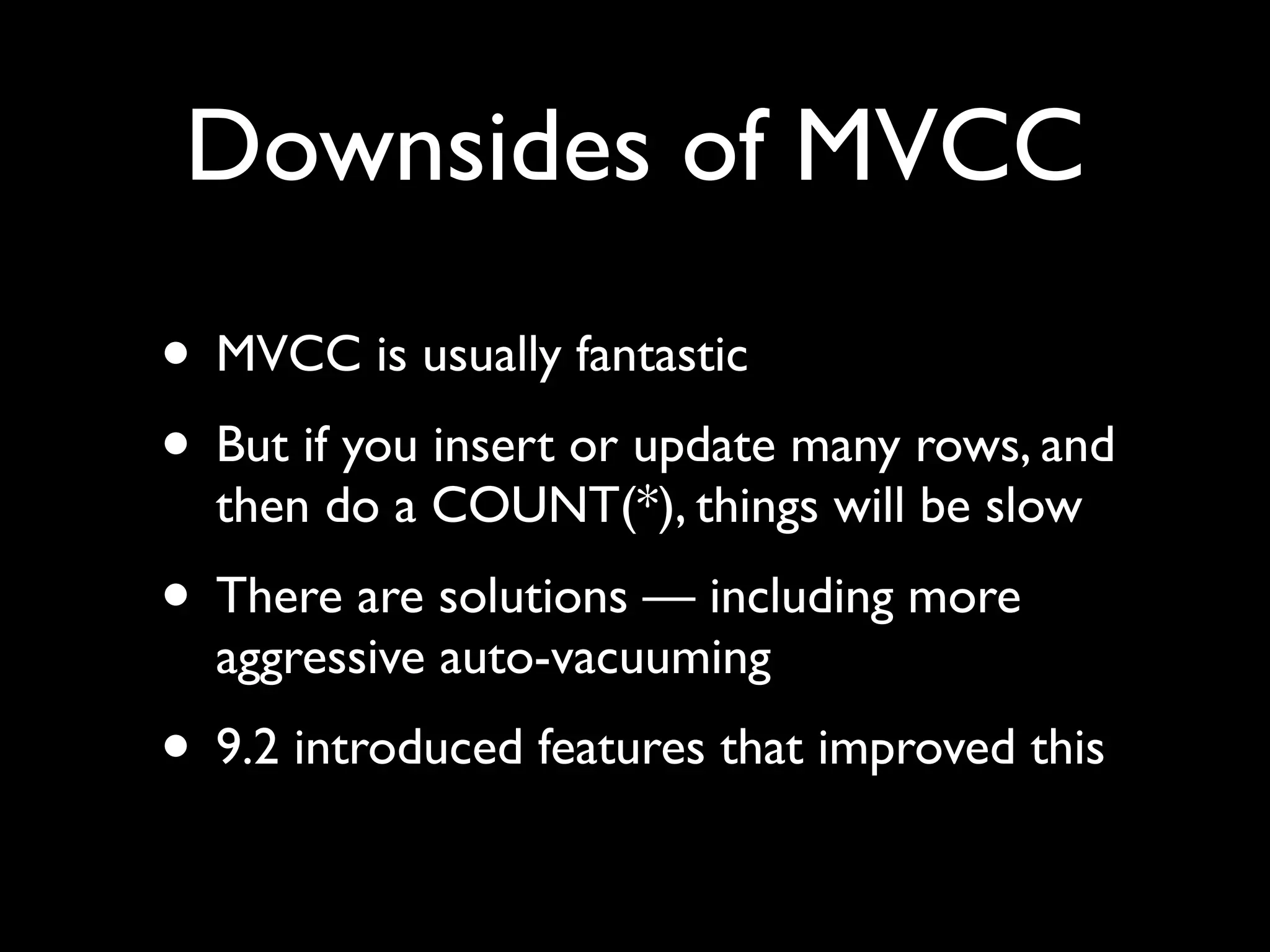
Downsides of MVCC
• MVCC is usually fantastic
• But if you insert or update many rows, and
  then do a COUNT(*), things will be slow
• There are solutions — including more
  aggressive auto-vacuuming
• 9.2 introduced features that improved this
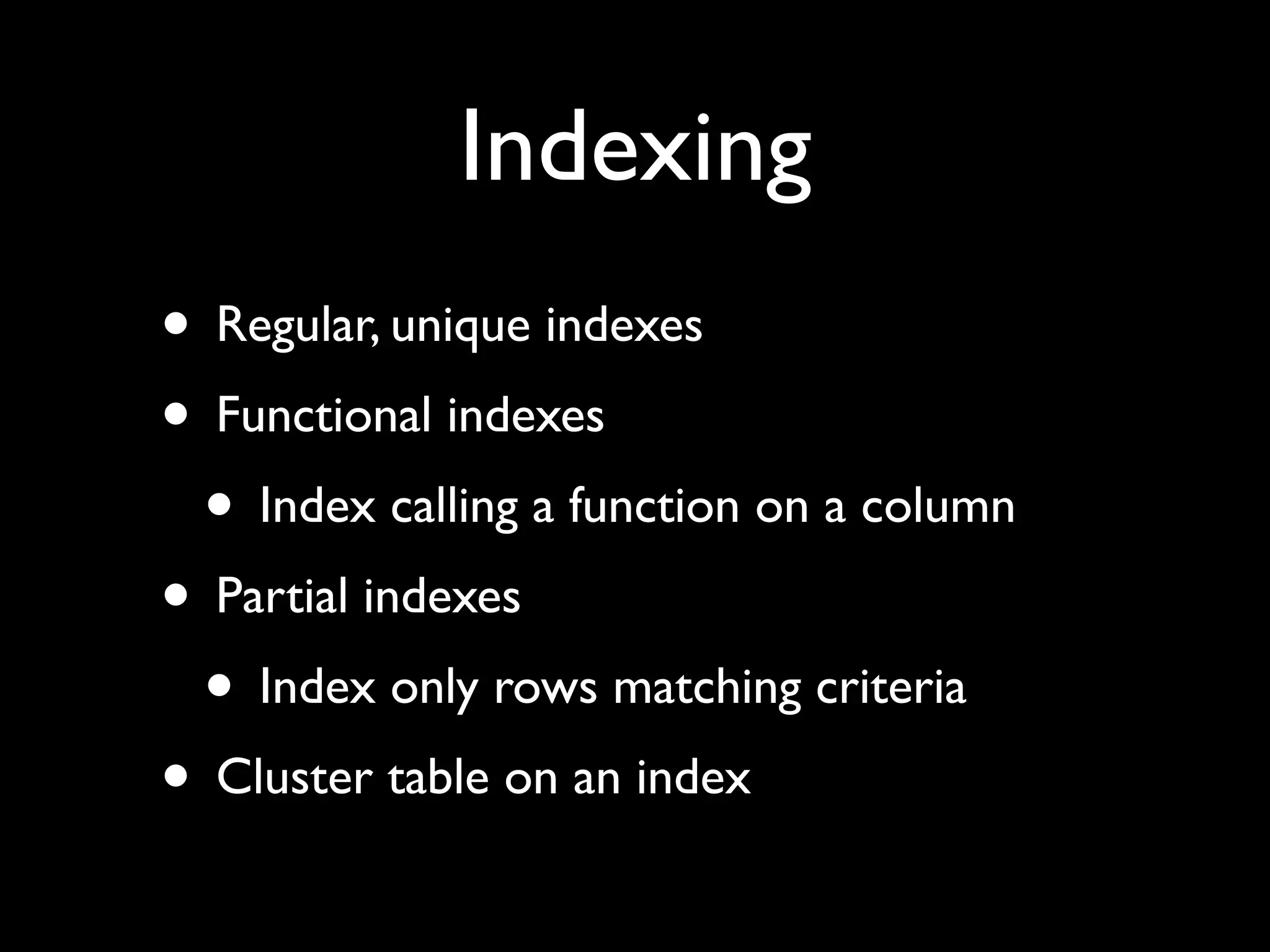
Indexing
• Regular, unique indexes
• Functional indexes
 • Index calling a function on a column
• Partial indexes
 • Index only rows matching criteria
• Cluster table on an index
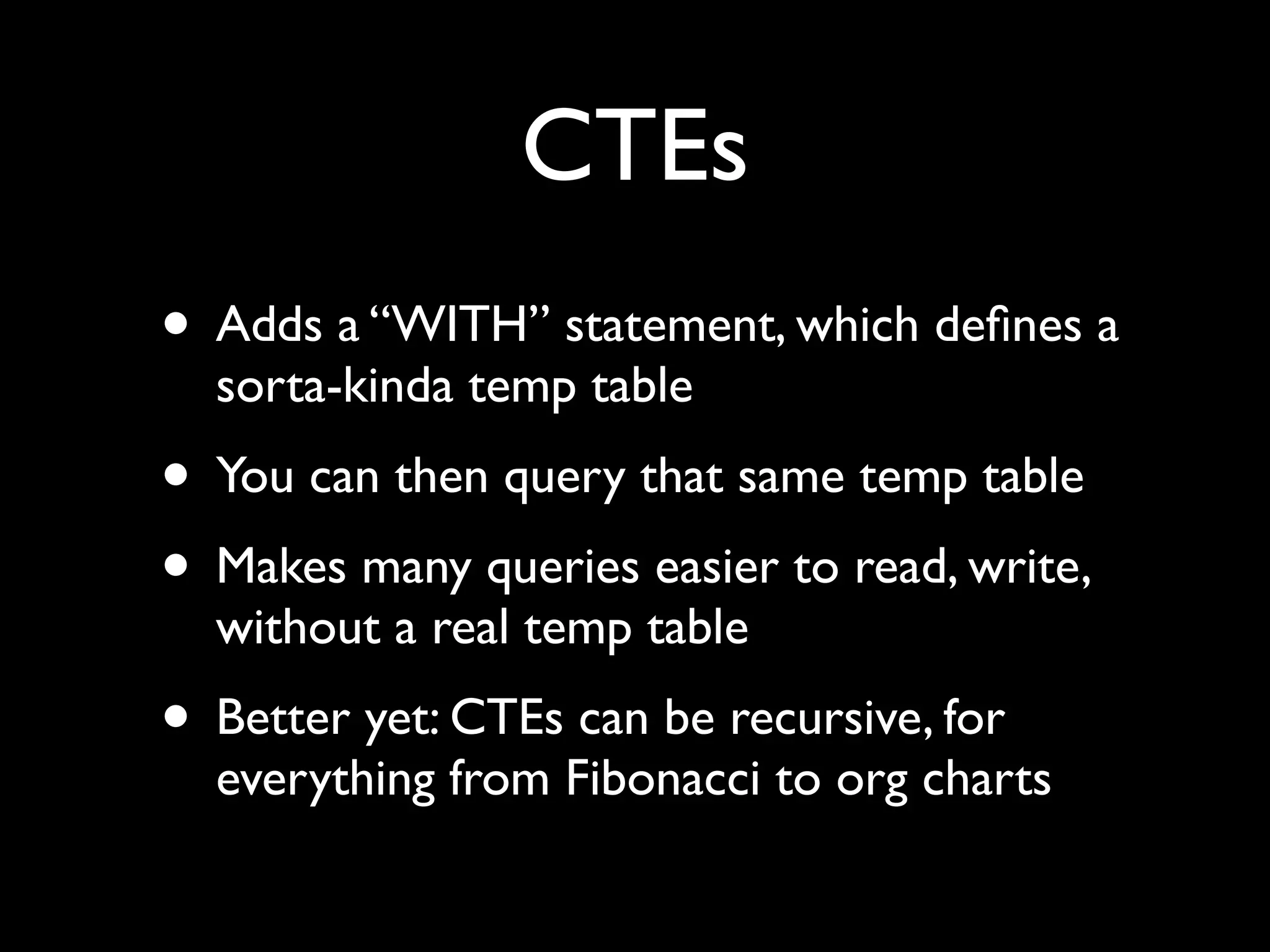
CTEs
• Adds a “WITH” statement, which defines a
  sorta-kinda temp table
• You can then query that same temp table
• Makes many queries easier to read, write,
  without a real temp table
• Better yet: CTEs can be recursive, for
  everything from Fibonacci to org charts
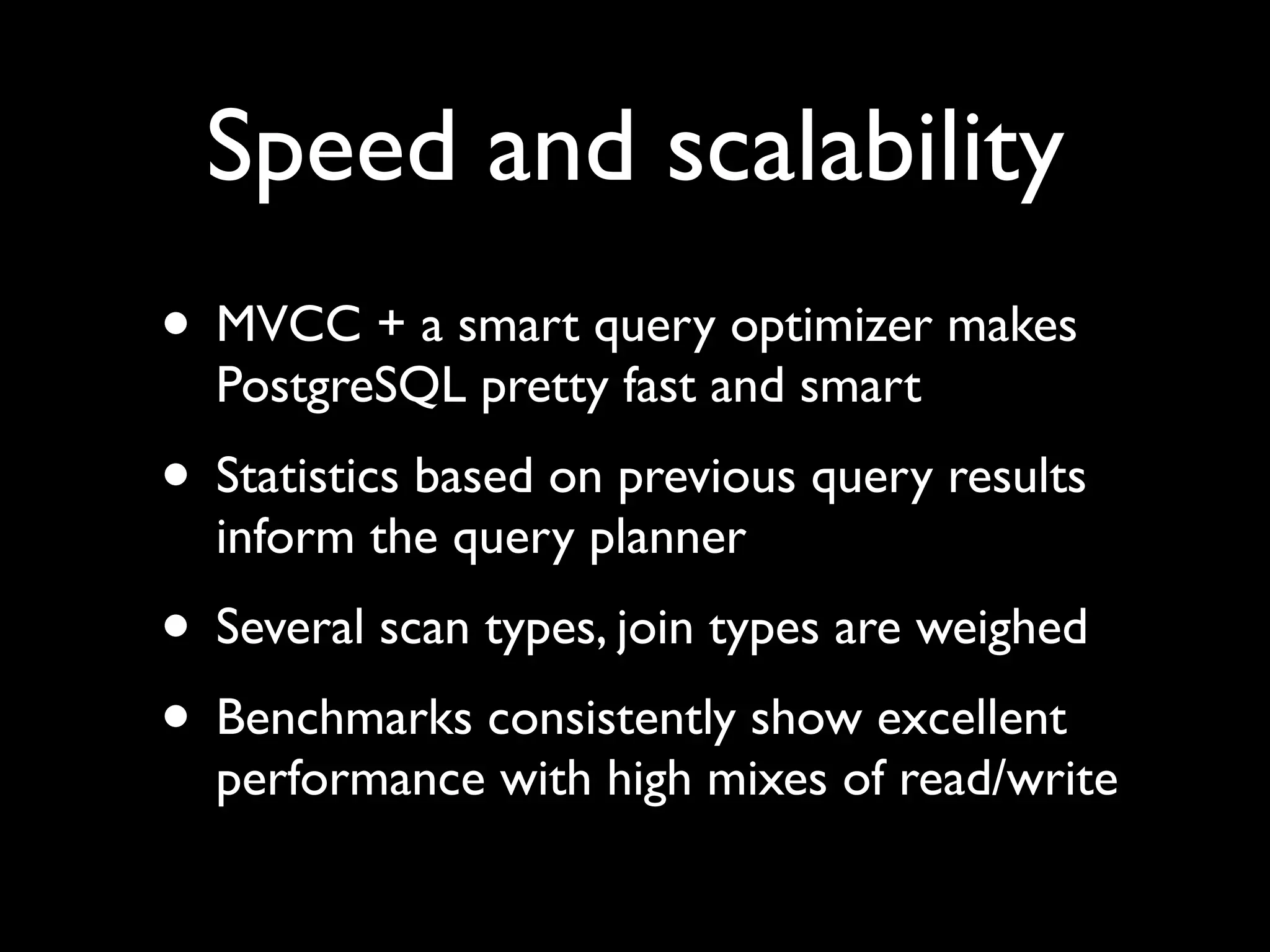
Speed and scalability
• MVCC + a smart query optimizer makes
  PostgreSQL pretty fast and smart
• Statistics based on previous query results
  inform the query planner
• Several scan types, join types are weighed
• Benchmarks consistently show excellent
  performance with high mixes of read/write
WAL
• All activity in the database is put in “write-
  ahead logs” before it happens
• If the database server fails, it replays the
  WALs, then continues
• You can change how often WALs are
  written, to improve performance
• PITR — restore database from WALs
Log shipping
• Copy WALs to a second, identical server —
  known as “log shipping” — and you have a
  backup
• If the primary server goes down, you can
  bring the secondary up in its place
• This was known as “warm standby,” and
  worked in 8.4
Hot standby,
 streaming replication
• As of 9.0, you don’t have to do this
• You can have the primary stream the
  information to the secondary
 • Almost-instant updates
• The secondary machine can answer read-
  only queries (“hot standby”), not just
  handle failover
Extensions
• Provides a standardized mechanism for
  downloading, installing, and versioning
  extensions
• New data types, functions, languages are
  possible
• Download, search via pgxn.org
• Similar to CPAN, PyPi, or Ruby gems
SQL/MED

• SQL/MED was introduced in 9.1
• Query information from other databases
  (and database-like interfaces)
• So if you have data in MySQL, Oracle,
  CSV ... just install a wrapper, and you can
  query it like a PostgreSQL table
Unlogged tables

• All actions are logged in WALs
• That adds some overhead, which isn’t
  required by throwaway data
• Unlogged tables (different from temp
  tables!) offer a speedup, in exchange for
  less reliability
New in 9.2
• JSON support
• Range types, for handling
• Much more scalable — from 24 cores and
  75k queries/sec to 64 cores and 350k
  queries/sec
• Index-only queries (“covering indexes”)
• Cascading replication
Web problems
• PostgreSQL is great as a Web backend
• But if you use an ORM (e.g., ActiveRecord),
  you are probably losing much of the power
  • e.g., foreign keys, CTE, triggers, and views
• No good way to bridge this gap — for now
• There are always methods, but this is an
  area that definitely needs some work
Tablespaces
• You can create any number of
  “tablespaces,” separate storage areas
• Put tables, indexes on different tablespaces
 • Most useful with multiple disks
• Separate tables (or parts of a partitioned
  table)... or separate tables from indexes
Partitioning
• Combine object-oriented tables, CHECK
  clauses, and tablespaces for partitioning
• Example: Invoices from Jan-June go in table
  “q12”, and July-December go in table “q34”
• Now PostgreSQL knows where to look
  when you SELECT from the parent table
• Note that INSERT requires a trigger
Reflection

• pg_catalog schema contains everything
  about your database
  • Tables, functions, views, etc.
• You can learn a great deal about
  PostgreSQL by looking through the
  pg_catalog schema
Advanced uses

• GridSQL: Split a query across multiple
  PostgreSQL servers
• Very large-scale data warehousing:
  Greenplum
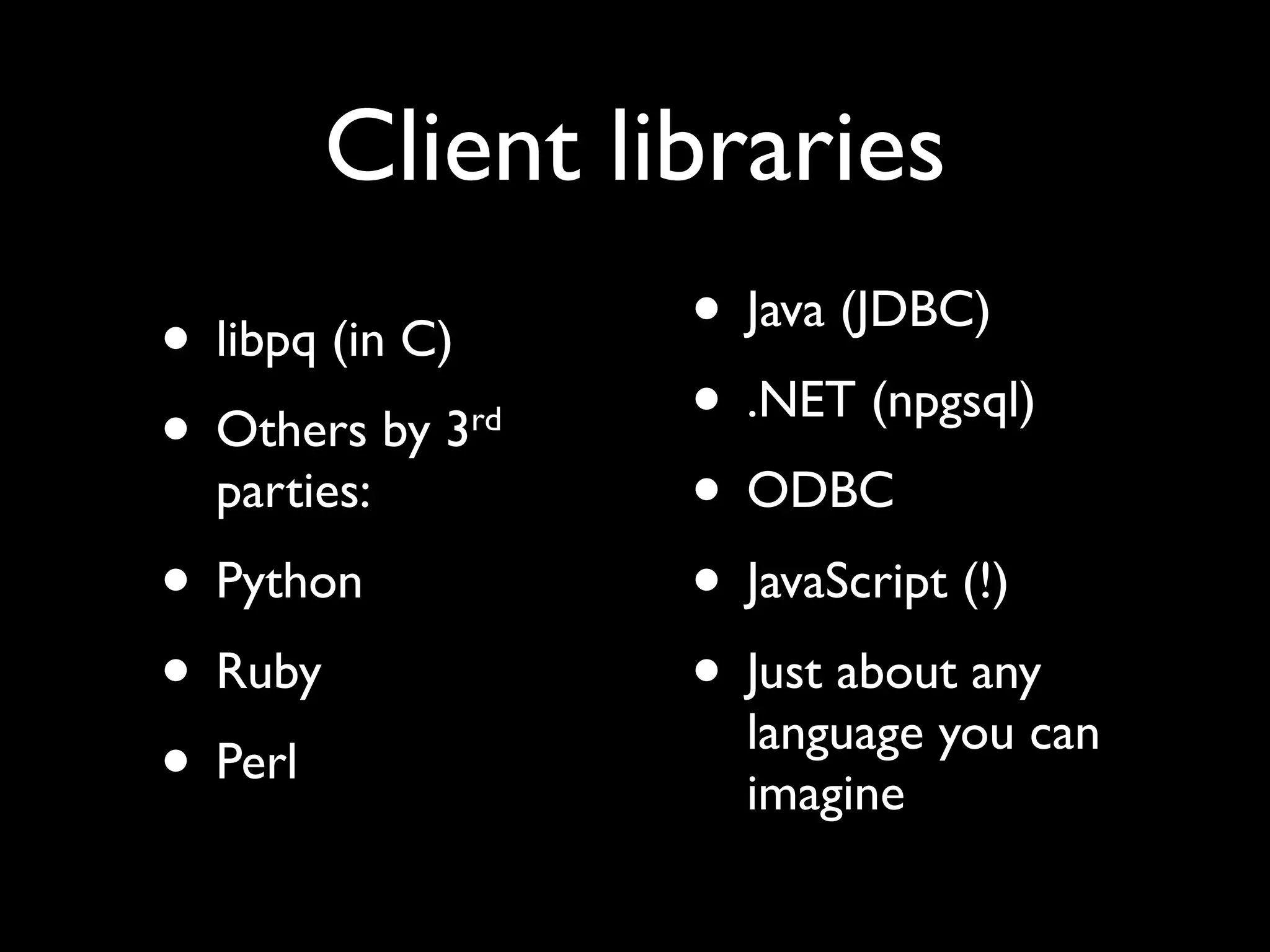
Client libraries
• libpq (in C)        • Java (JDBC)
• Others by 3    rd   • .NET (npgsql)
  parties:            • ODBC
• Python              • JavaScript (!)
• Ruby                • Just about any
                        language you can
• Perl                  imagine
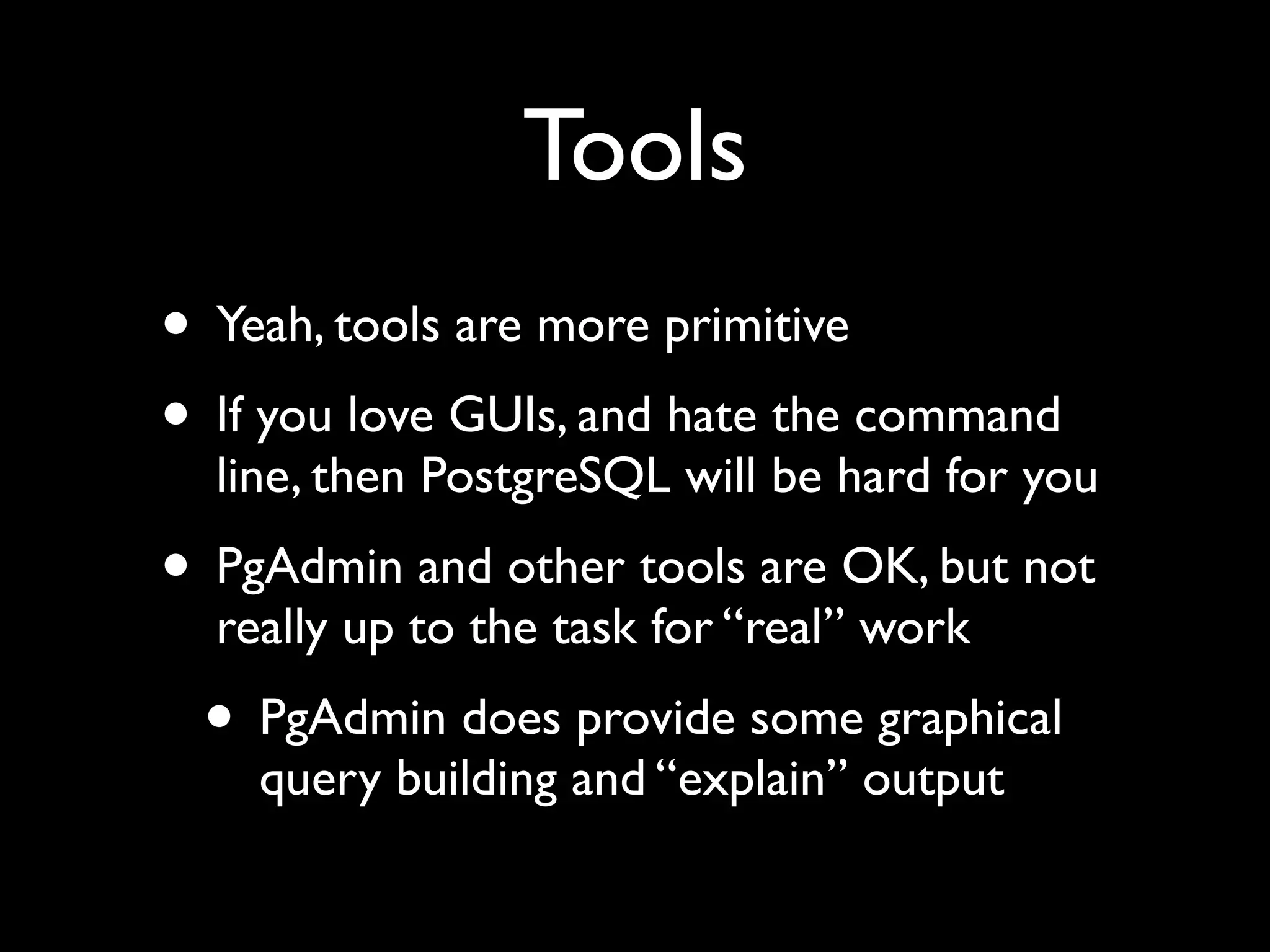
Tools
• Yeah, tools are more primitive
• If you love GUIs, and hate the command
  line, then PostgreSQL will be hard for you
• PgAdmin and other tools are OK, but not
  really up to the task for “real” work
 • PgAdmin does provide some graphical
    query building and “explain” output
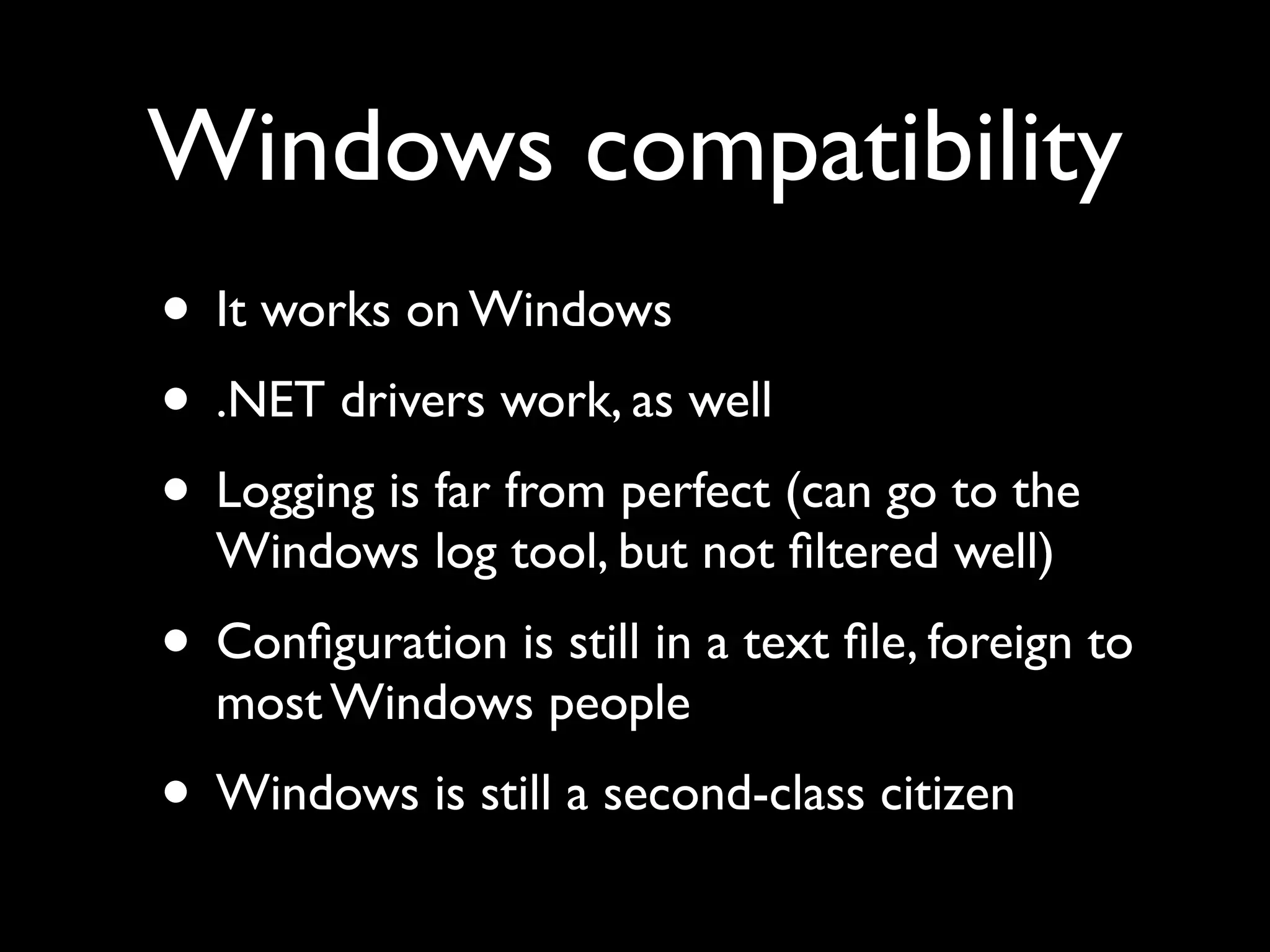
Windows compatibility
• It works on Windows
• .NET drivers work, as well
• Logging is far from perfect (can go to the
  Windows log tool, but not filtered well)
• Configuration is still in a text file, foreign to
  most Windows people
• Windows is still a second-class citizen
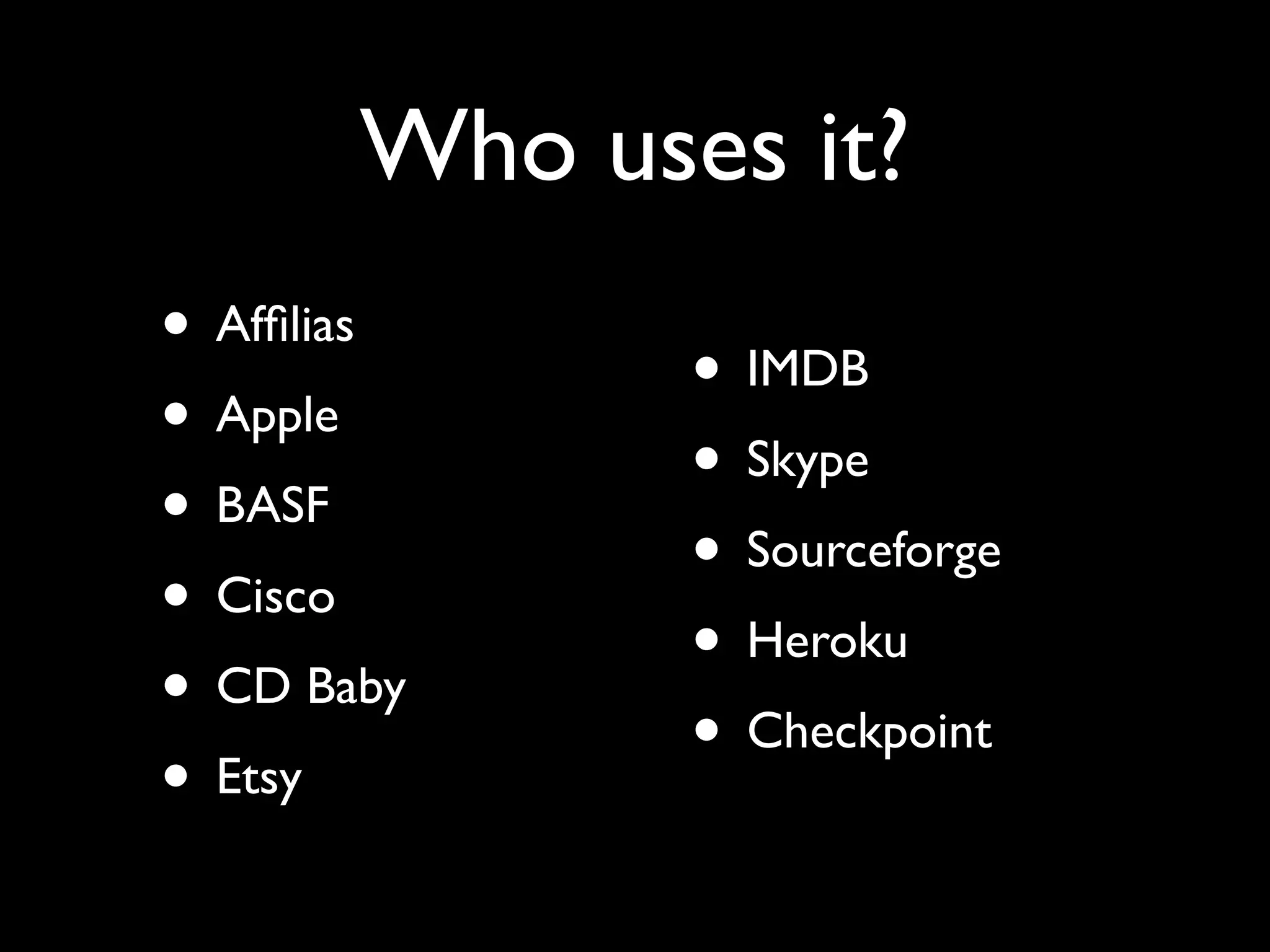
Who uses it?
• Affilias
              • IMDB
• Apple
              • Skype
• BASF
              • Sourceforge
• Cisco
              • Heroku
• CD Baby
              • Checkpoint
• Etsy
Who supports it?

• EnterpriseDB — products and services
• 2 Quadrant
   nd


• Many freelancers (like me!)
PostgreSQL problems
• Tuning is still hard (but getting easier)
• Double quotes
• Lack of good GUI-based tools
• Some features (e.g., materialized views) that
  people want without having to resort to
  hacks and triggers/rules
• Multi-master (of course!)
Bottom line
• PostgreSQL: BSD licensed, easy to install,
  easy to use, easy to administer
• Still not quite up to commercial databases
  regarding features — but not far behind
• More than good enough for places like
  Skype and Affilias; probably good enough
  for you!
Want to learn more?
• Mailing lists, wikis, and blogs
 • All at http://postgresql.org/
 • http://planetpostgresql.org
• PostgreSQL training, consulting,
  development, hand-holding, and general
  encouragement
Thanks!
(Any questions?)


     reuven@lerner.co.il
   http://www.lerner.co.il/
        054-496-8405
“reuvenlerner” on Skype/AIM

PostgreSQL

  • 1.
    PostgreSQL Reuven M. Lerner(reuven@lerner.co.il) IL-Techtalks November 14th, 2012
  • 2.
    Who am I? •Web developer since 1993 • Linux Journal columnist since 1996 • Software architect, developer, consultant • Mostly Ruby on Rails + PostgreSQL, but also Python, PHP, Perl, JavaScript, MySQL, MongoDB, and lots more... • PostgreSQL user since (at least) 1997
  • 3.
    What do Ido? • Web development, especially in Rails • Teaching/training • Coaching/consulting
  • 4.
    What is adatabase? Store data confidently Database Retrieve data flexibly
  • 5.
    Relational databases Define tables, store data in them Database Retrieve data from related tables
  • 6.
    Lots of options! •Oracle • Microsoft SQL Server • IBM DB2 • MySQL • PostgreSQL
  • 7.
    How do youchoose? • Integrity (ACID compliance) • Data types • Functionality • Tools • Extensibility • Documentation • Community
  • 8.
    PostgreSQL • Very fast,very scalable. (Just ask Skype.) • Amazingly flexible, easily extensible. • Rock-solid — no crashes, corruption, security issues for years • Ridiculously easy administration • It also happens to be free (MIT/BSD)
  • 9.
  • 10.
  • 11.
  • 12.
  • 13.
  • 14.
  • 15.
    What about MySQL? •PostgreSQL has many more features • Not nearly as popular as MySQL • No single company behind it • (A good thing, I think!) • After using both, I prefer PostgreSQL • I’ll be happy to answer questions later
  • 16.
    Brief history • Ingres(Stonebreaker, Berkeley) • Postgres (Stonebreaker, Berkeley) • PostgreSQL project = Postgres + SQL • About one major release per year • Version 8.x — Windows port, recovery • Version 9.0 — hot replication, upgrades
  • 17.
    ACID • ACID — basicstandard for databases • Atomicity • Consistency • Isolation • Durability • Pg has always been ACID compliant
  • 18.
    Data types • Boolean •Numeric (integer, float, decimal) • (var)char, text (infinitely large), binary • sequences (guaranteed to be unique) • Date/time and time intervals • IP addresses, XML, enums, arrays
  • 19.
  • 20.
    Or create yourown! CREATE TYPE Person AS (first_name TEXT, last_name TEXT);
  • 21.
    Or create yourown! CREATE TYPE Person AS (first_name TEXT, last_name TEXT);
  • 22.
    Or create yourown! CREATE TYPE Person AS (first_name TEXT, last_name TEXT); CREATE TABLE Members (group_id INTEGER, member Person);
  • 23.
    Strong typing • PostgreSQLwon’t automatically change types for you. • This can be annoying at first — but it is meant to protect your data! • You can cast from one type to another with the “cast” function or the :: operator • You can also define your own casts
  • 24.
    PostGIS • Some peopletook this all the way • Want to include geographical information? • No problem — we’ve got PostGIS! • Complete GIS solution, with data types and functions • Keeps pace with main PostgreSQL revisions
  • 25.
    Object oriented tables •Employee table inherits from People table: CREATE TABLE Employee (employee_id INTEGER department_id INTEGER) INHERITS (People);
  • 26.
    Foreign keys thatwork CREATE TABLE DVDs (id SERIAL, title TEXT, store_id INTEGER REFERENCES Stores); INSERT INTO DVDs (title, store_id) VALUES ('Attack of the Killer Tomatoes', 500);
  • 27.
    Foreign keys thatwork CREATE TABLE DVDs (id SERIAL, title TEXT, store_id INTEGER REFERENCES Stores); INSERT INTO DVDs (title, store_id) VALUES ('Attack of the Killer Tomatoes', 500); ERROR: insert or update on table "dvds" violates foreign key constraint "dvds_store_id_fkey"
  • 28.
    Foreign keys thatwork CREATE TABLE DVDs (id SERIAL, title TEXT, store_id INTEGER REFERENCES Stores); INSERT INTO DVDs (title, store_id) VALUES ('Attack of the Killer Tomatoes', 500); ERROR: insert or update on table "dvds" violates foreign key constraint "dvds_store_id_fkey" DETAIL: Key (store_id)=(500) is not present in table "stores".
  • 29.
    Foreign keys thatwork CREATE TABLE DVDs (id SERIAL, title TEXT, store_id INTEGER REFERENCES Stores); INSERT INTO DVDs (title, store_id) VALUES ('Attack of the Killer Tomatoes', 500); ERROR: insert or update on table "dvds" violates foreign key constraint "dvds_store_id_fkey" DETAIL: Key (store_id)=(500) is not present in table "stores". ERROR: insert or update on table "dvds" violates foreign key constraint "dvds_store_id_fkey"
  • 30.
    Foreign keys thatwork CREATE TABLE DVDs (id SERIAL, title TEXT, store_id INTEGER REFERENCES Stores); INSERT INTO DVDs (title, store_id) VALUES ('Attack of the Killer Tomatoes', 500); ERROR: insert or update on table "dvds" violates foreign key constraint "dvds_store_id_fkey" DETAIL: Key (store_id)=(500) is not present in table "stores". ERROR: insert or update on table "dvds" violates foreign key constraint "dvds_store_id_fkey" DETAIL: Key (store_id)=(500) is not present in table "stores".
  • 31.
    Custom validity checks CREATETABLE DVDs (id SERIAL, title TEXT check (length(title) > 3), store_id INTEGER REFERENCES Stores); INSERT INTO DVDs (title, store_id) VALUES ('AB', 500);
  • 32.
    Custom validity checks CREATETABLE DVDs (id SERIAL, title TEXT check (length(title) > 3), store_id INTEGER REFERENCES Stores); INSERT INTO DVDs (title, store_id) VALUES ('AB', 500); ERROR: new row for relation "dvds" violates check constraint "dvds_title_check"
  • 33.
    No more baddates! INSERT INTO UPDATES (created_at) values ('32- feb-2008');
  • 34.
    No more baddates! INSERT INTO UPDATES (created_at) values ('32- feb-2008'); ERROR: date/time field value out of range: "32-feb-2008"
  • 35.
    No more baddates! INSERT INTO UPDATES (created_at) values ('32- feb-2008'); ERROR: date/time field value out of range: "32-feb-2008" LINE 1: insert into updates (created_at) values ('32- feb-2008');
  • 36.
    Timestamp vs. Interval testdb=#select now(); now ------------------------------- 2010-10-31 08:58:23.365792+02 (1 row) Point in time testdb=# select now() - interval '3 days'; ?column? ------------------------------- 2010-10-28 08:58:28.870011+02 Difference between (1 row) points in time
  • 37.
    Built-in functions • Math •Text processing (including regexps) • Date/time calculations • Conditionals (CASE, COALESCE, NULLIF) for use in queries • Extensive library of geometrical functions
  • 38.
    Or write yourown! • PL/pgSQL • PL/Perl • PL/Python • PL/Ruby • PL/R • PL/Tcl
  • 39.
    Or write yourown! CREATE OR REPLACE FUNCTION remove_cache_tables() RETURNS VOID AS $$ DECLARE r pg_catalog.pg_tables%rowtype; BEGIN FOR r IN SELECT * FROM pg_catalog.pg_tables WHERE schemaname = 'public' AND tablename ILIKE 'cache_%' LOOP RAISE NOTICE 'Now dropping table %', r.tablename; EXECUTE 'DROP TABLE ' || r.tablename; END LOOP; END; $$ LANGUAGE 'plpgsql';
  • 40.
    Another example CREATE ORREPLACE FUNCTION store_hostname() RETURNS TRIGGER AS $store_hostname$ BEGIN NEW.hostname := 'http://' || substring(NEW.url, '(?:http://)?([^/]+)'); RETURN NEW; END; $store_hostname$ LANGUAGE plpgsql;
  • 41.
    Triggers • Yes, thatlast function was a trigger • Automatically execute functions upon INSERT, UPDATE, and/or DELETE • Can execute before or after • Very powerful, very fast
  • 42.
    Function possibilities • Computingvalues, strings • Returning table-like sets of values • Encapsulating queries • Dynamically generating queries via strings • Triggers: Modifying data before it is inserted or updated
  • 43.
    Why use aPL/lang? • Other libraries (e.g., CPAN for Perl) • Faster, optimized functions (eg., R) • Programmer familiarity • Cached query plans
  • 44.
    Views and rules •Views are stored SELECT statements • Pretend that something is a read-only table • Rules let you turn it into a read/write table • Intercept and rewrite incoming query • Check or change data • Change where data is stored
  • 45.
    Full-text indexing • Builtinto PostgreSQL • Handles stop words, different languages, synonyms, and even (often) stemming • Very powerful, but it can take some time to get configured correctly
  • 46.
    Transactions • In PostgreSQLfrom the beginning • Use transactions for just about anything: BEGIN DROP TABLE DVDs; ROLLBACK; SELECT * FROM DVDs; -- Works!
  • 47.
    Savepoints (or, sub-transactions) BEGIN; INSERT INTOtable1 VALUES (1); SAVEPOINT my_savepoint; INSERT INTO table1 VALUES (2); ROLLBACK TO SAVEPOINT my_savepoint; INSERT INTO table1 VALUES (3); COMMIT;
  • 48.
    MVCC • Readers andwriters don’t block each other • “Multi-version concurrency control” • xmin, xmax on each tuple; rows are those tuples with txid_current between them • Old versions stick around until vacuumed • Autovacuum removes even this issue
  • 49.
    MVCC • Look ata row’s xmin and xmax • Look at txid_current() • Start transaction; look at row’s xmin/xmax • Look at xmin/xmax on that row from another session • Commit, and look again at both!
  • 50.
    Downsides of MVCC •MVCC is usually fantastic • But if you insert or update many rows, and then do a COUNT(*), things will be slow • There are solutions — including more aggressive auto-vacuuming • 9.2 introduced features that improved this
  • 51.
    Indexing • Regular, uniqueindexes • Functional indexes • Index calling a function on a column • Partial indexes • Index only rows matching criteria • Cluster table on an index
  • 52.
    CTEs • Adds a“WITH” statement, which defines a sorta-kinda temp table • You can then query that same temp table • Makes many queries easier to read, write, without a real temp table • Better yet: CTEs can be recursive, for everything from Fibonacci to org charts
  • 53.
    Speed and scalability •MVCC + a smart query optimizer makes PostgreSQL pretty fast and smart • Statistics based on previous query results inform the query planner • Several scan types, join types are weighed • Benchmarks consistently show excellent performance with high mixes of read/write
  • 54.
    WAL • All activityin the database is put in “write- ahead logs” before it happens • If the database server fails, it replays the WALs, then continues • You can change how often WALs are written, to improve performance • PITR — restore database from WALs
  • 55.
    Log shipping • CopyWALs to a second, identical server — known as “log shipping” — and you have a backup • If the primary server goes down, you can bring the secondary up in its place • This was known as “warm standby,” and worked in 8.4
  • 56.
    Hot standby, streamingreplication • As of 9.0, you don’t have to do this • You can have the primary stream the information to the secondary • Almost-instant updates • The secondary machine can answer read- only queries (“hot standby”), not just handle failover
  • 57.
    Extensions • Provides astandardized mechanism for downloading, installing, and versioning extensions • New data types, functions, languages are possible • Download, search via pgxn.org • Similar to CPAN, PyPi, or Ruby gems
  • 58.
    SQL/MED • SQL/MED wasintroduced in 9.1 • Query information from other databases (and database-like interfaces) • So if you have data in MySQL, Oracle, CSV ... just install a wrapper, and you can query it like a PostgreSQL table
  • 59.
    Unlogged tables • Allactions are logged in WALs • That adds some overhead, which isn’t required by throwaway data • Unlogged tables (different from temp tables!) offer a speedup, in exchange for less reliability
  • 60.
    New in 9.2 •JSON support • Range types, for handling • Much more scalable — from 24 cores and 75k queries/sec to 64 cores and 350k queries/sec • Index-only queries (“covering indexes”) • Cascading replication
  • 61.
    Web problems • PostgreSQLis great as a Web backend • But if you use an ORM (e.g., ActiveRecord), you are probably losing much of the power • e.g., foreign keys, CTE, triggers, and views • No good way to bridge this gap — for now • There are always methods, but this is an area that definitely needs some work
  • 62.
    Tablespaces • You cancreate any number of “tablespaces,” separate storage areas • Put tables, indexes on different tablespaces • Most useful with multiple disks • Separate tables (or parts of a partitioned table)... or separate tables from indexes
  • 63.
    Partitioning • Combine object-orientedtables, CHECK clauses, and tablespaces for partitioning • Example: Invoices from Jan-June go in table “q12”, and July-December go in table “q34” • Now PostgreSQL knows where to look when you SELECT from the parent table • Note that INSERT requires a trigger
  • 64.
    Reflection • pg_catalog schemacontains everything about your database • Tables, functions, views, etc. • You can learn a great deal about PostgreSQL by looking through the pg_catalog schema
  • 65.
    Advanced uses • GridSQL:Split a query across multiple PostgreSQL servers • Very large-scale data warehousing: Greenplum
  • 66.
    Client libraries • libpq(in C) • Java (JDBC) • Others by 3 rd • .NET (npgsql) parties: • ODBC • Python • JavaScript (!) • Ruby • Just about any language you can • Perl imagine
  • 67.
    Tools • Yeah, toolsare more primitive • If you love GUIs, and hate the command line, then PostgreSQL will be hard for you • PgAdmin and other tools are OK, but not really up to the task for “real” work • PgAdmin does provide some graphical query building and “explain” output
  • 68.
    Windows compatibility • Itworks on Windows • .NET drivers work, as well • Logging is far from perfect (can go to the Windows log tool, but not filtered well) • Configuration is still in a text file, foreign to most Windows people • Windows is still a second-class citizen
  • 69.
    Who uses it? •Affilias • IMDB • Apple • Skype • BASF • Sourceforge • Cisco • Heroku • CD Baby • Checkpoint • Etsy
  • 70.
    Who supports it? •EnterpriseDB — products and services • 2 Quadrant nd • Many freelancers (like me!)
  • 71.
    PostgreSQL problems • Tuningis still hard (but getting easier) • Double quotes • Lack of good GUI-based tools • Some features (e.g., materialized views) that people want without having to resort to hacks and triggers/rules • Multi-master (of course!)
  • 72.
    Bottom line • PostgreSQL:BSD licensed, easy to install, easy to use, easy to administer • Still not quite up to commercial databases regarding features — but not far behind • More than good enough for places like Skype and Affilias; probably good enough for you!
  • 73.
    Want to learnmore? • Mailing lists, wikis, and blogs • All at http://postgresql.org/ • http://planetpostgresql.org • PostgreSQL training, consulting, development, hand-holding, and general encouragement
  • 74.
    Thanks! (Any questions?) reuven@lerner.co.il http://www.lerner.co.il/ 054-496-8405 “reuvenlerner” on Skype/AIM