HOW TO CHECK INTERNET
CONNECTION USING PYTHON
BY
 M LIKITH MAHENDRA
 22951A0481
 PYTHON PROGRAMMING
 ECE-B
Topic:
INTRODUCTION
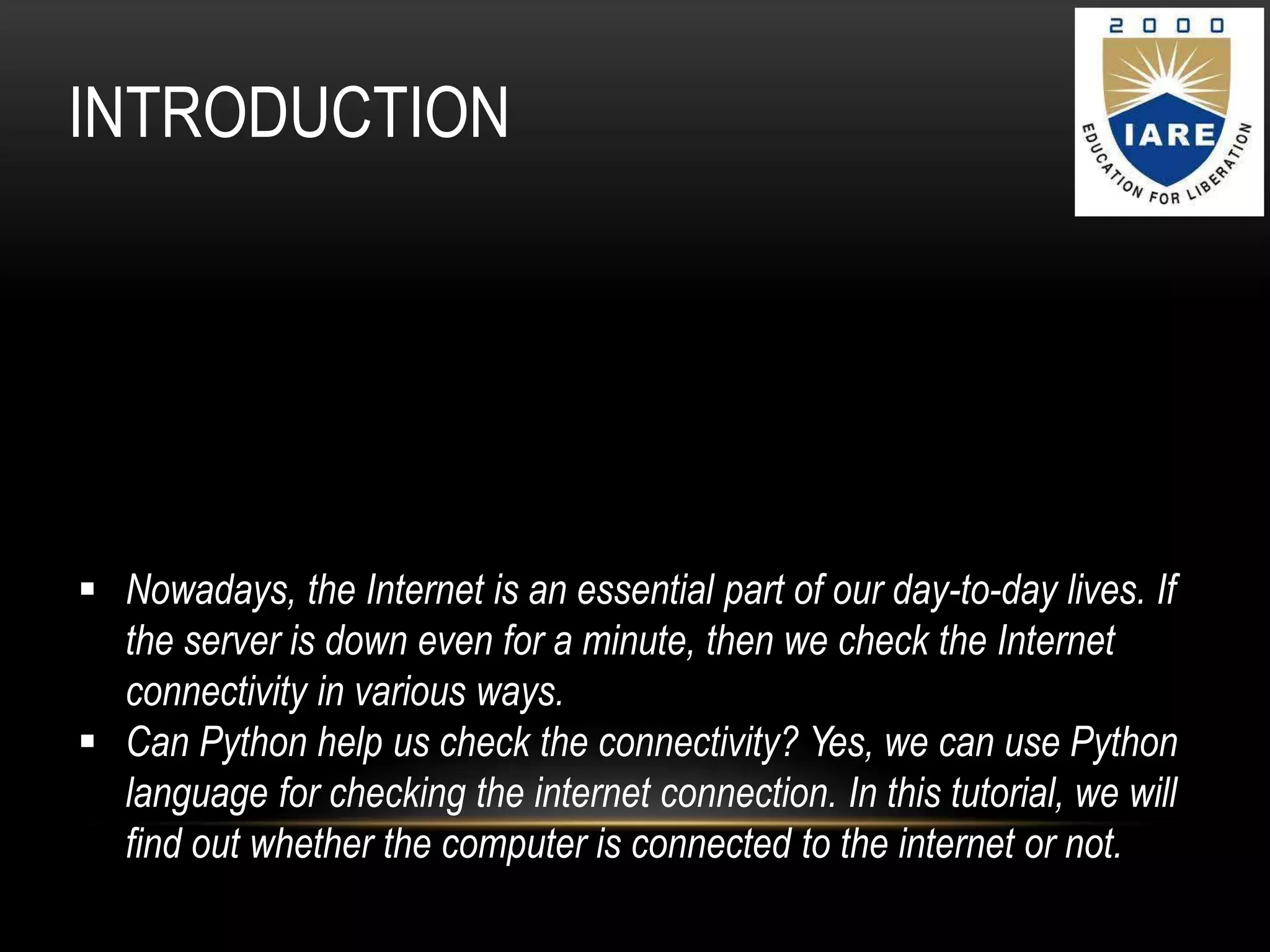
 Nowadays, the Internet is an essential part of our day-to-day lives. If
the server is down even for a minute, then we check the Internet
connectivity in various ways.
 Can Python help us check the connectivity? Yes, we can use Python
language for checking the internet connection. In this tutorial, we will
find out whether the computer is connected to the internet or not.
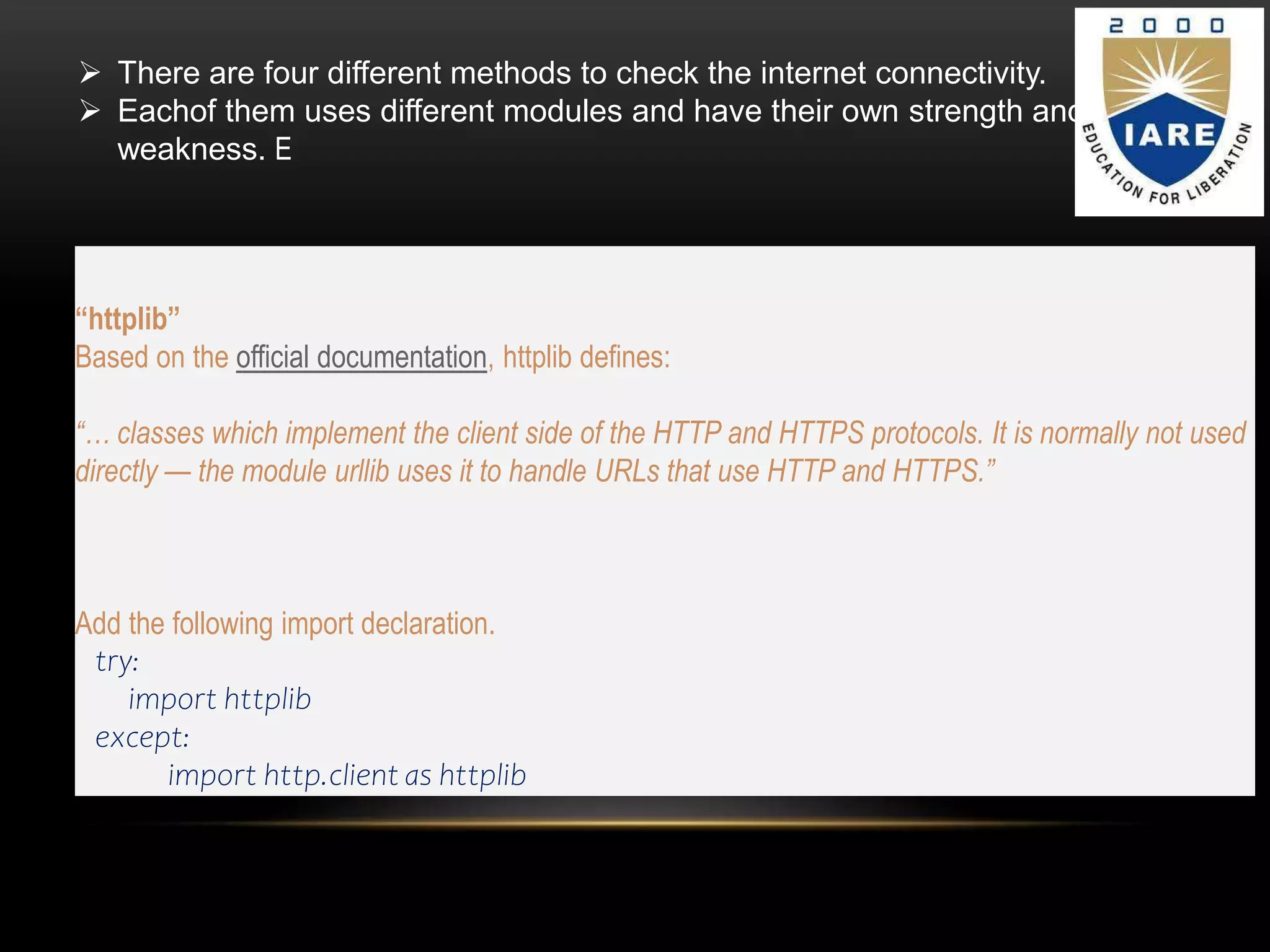
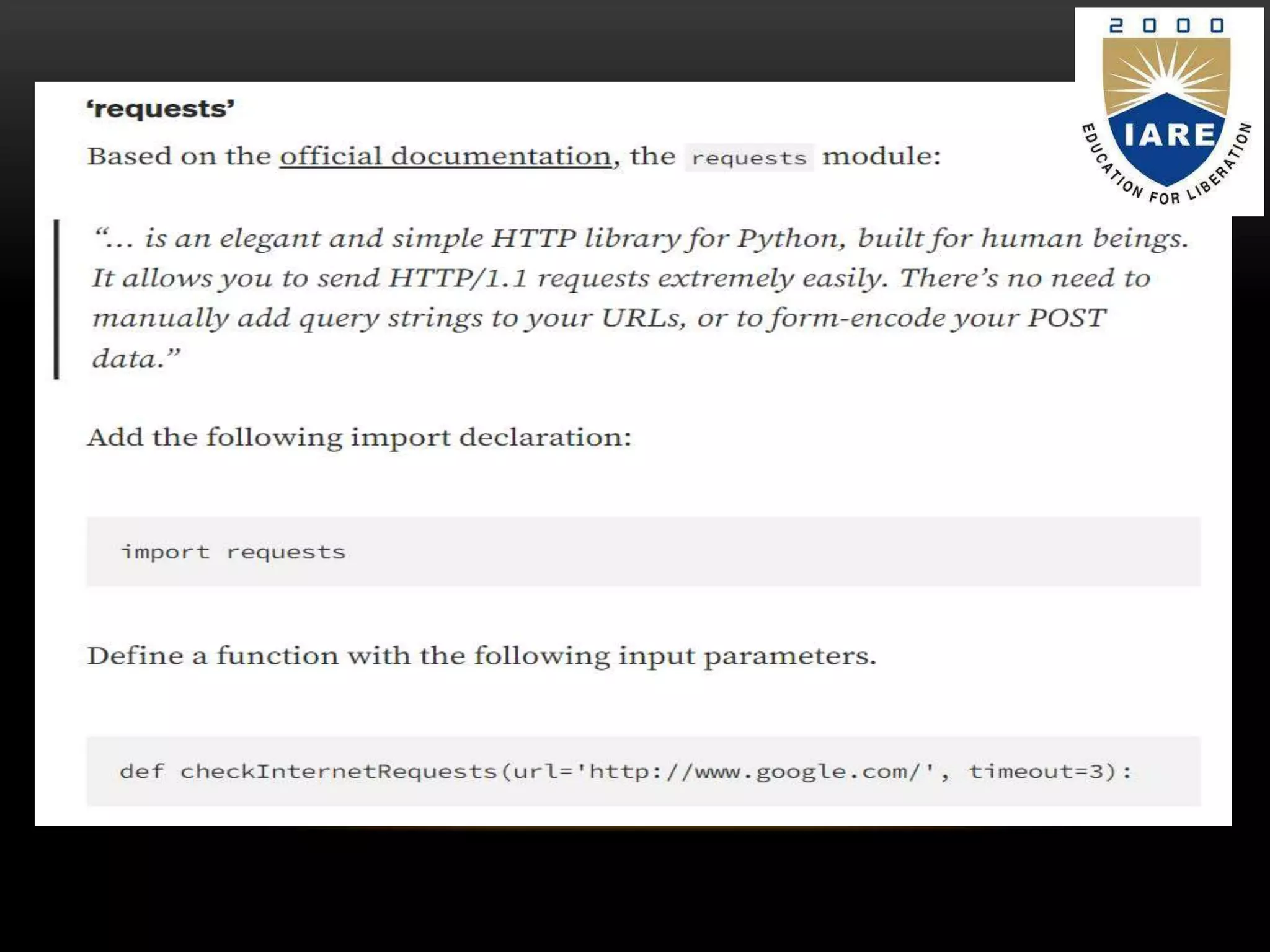
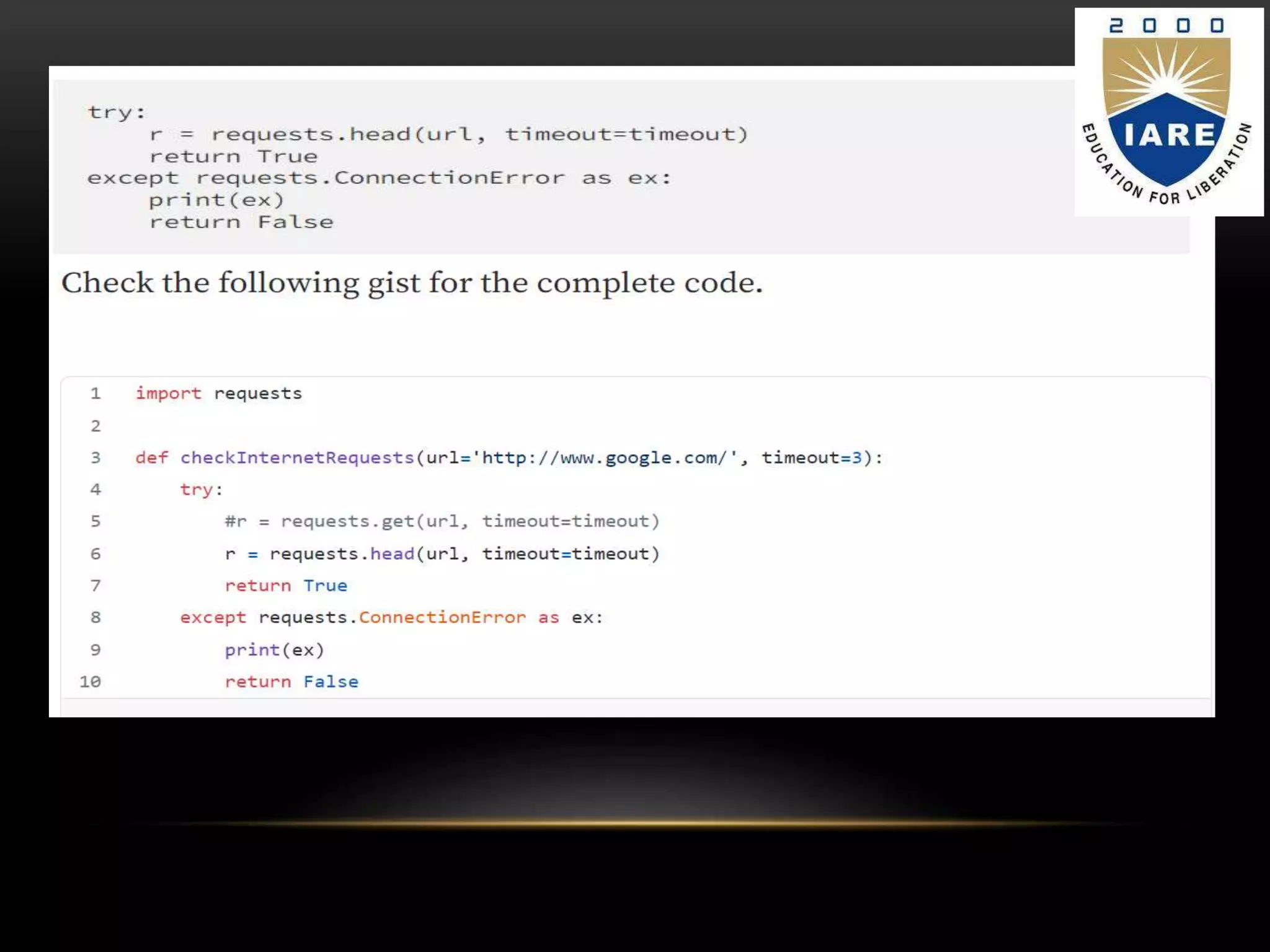
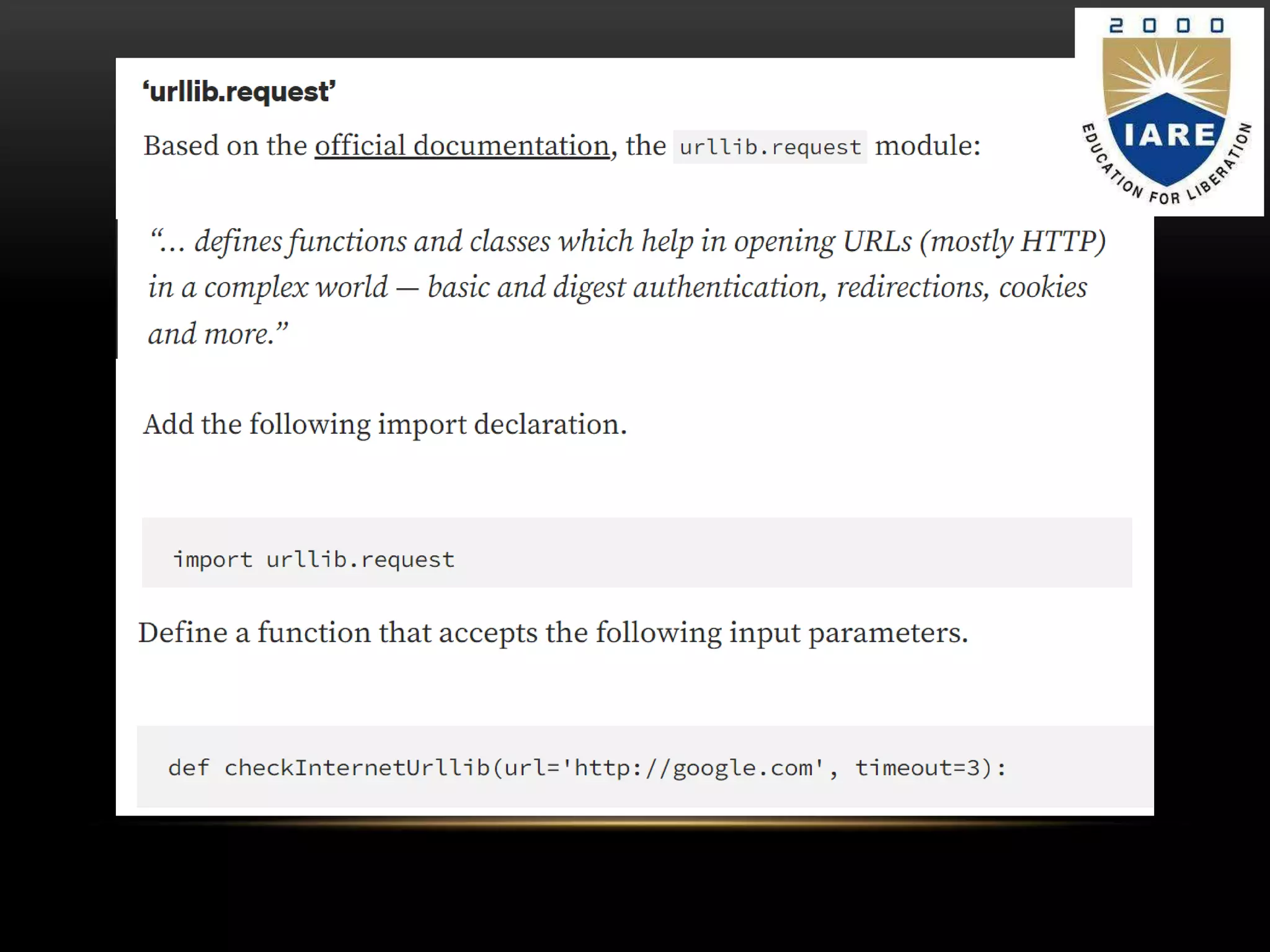
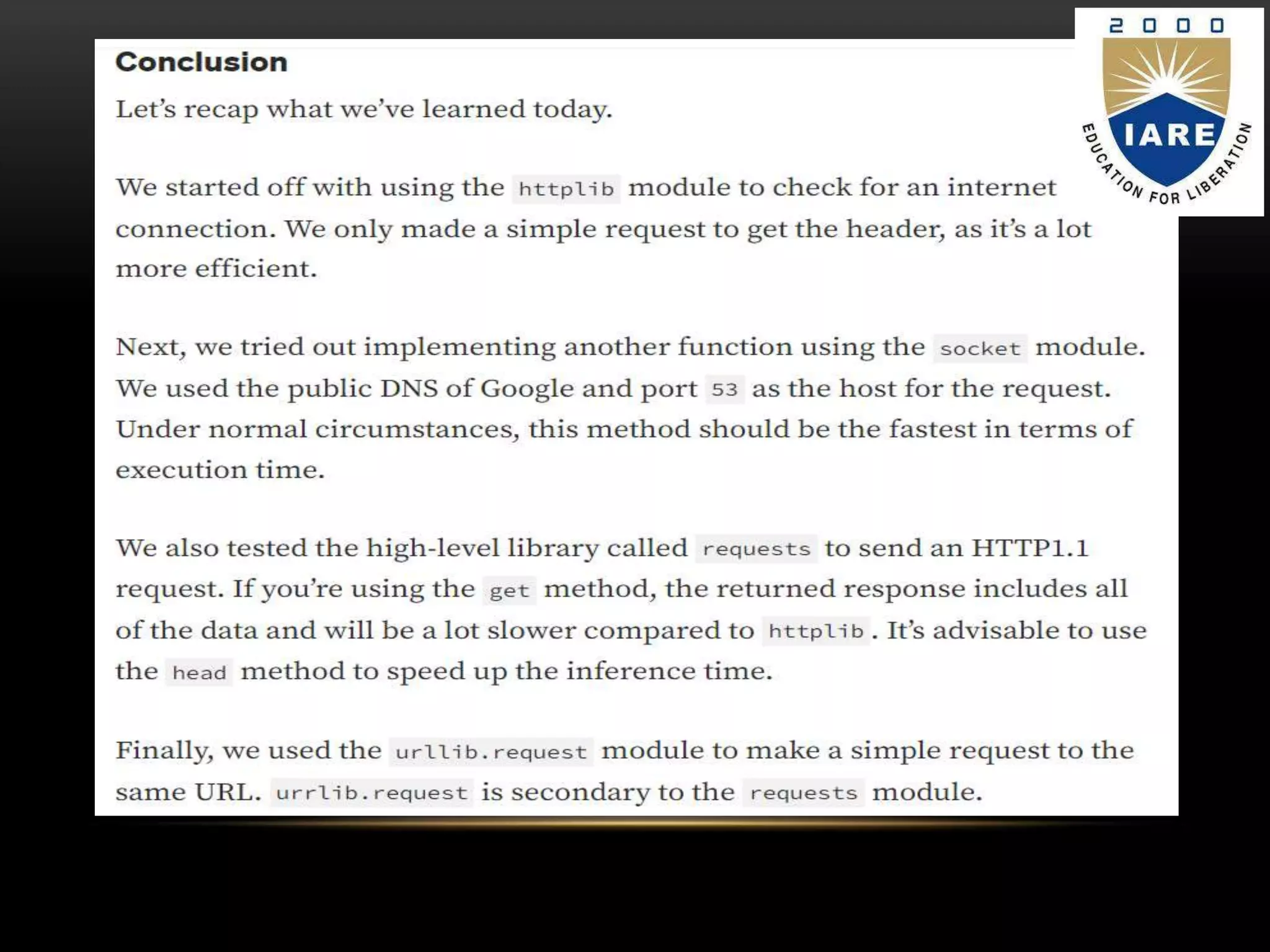
 There are four different methods to check the internet connectivity.
 Eachof them uses different modules and have their own strength and
weakness. E
“httplib”
Based on the official documentation, httplib defines:
“… classes which implement the client side of the HTTP and HTTPS protocols. It is normally not used
directly — the module urllib uses it to handle URLs that use HTTP and HTTPS.”
Add the following import declaration.
try:
import httplib
except:
import http.client as httplib
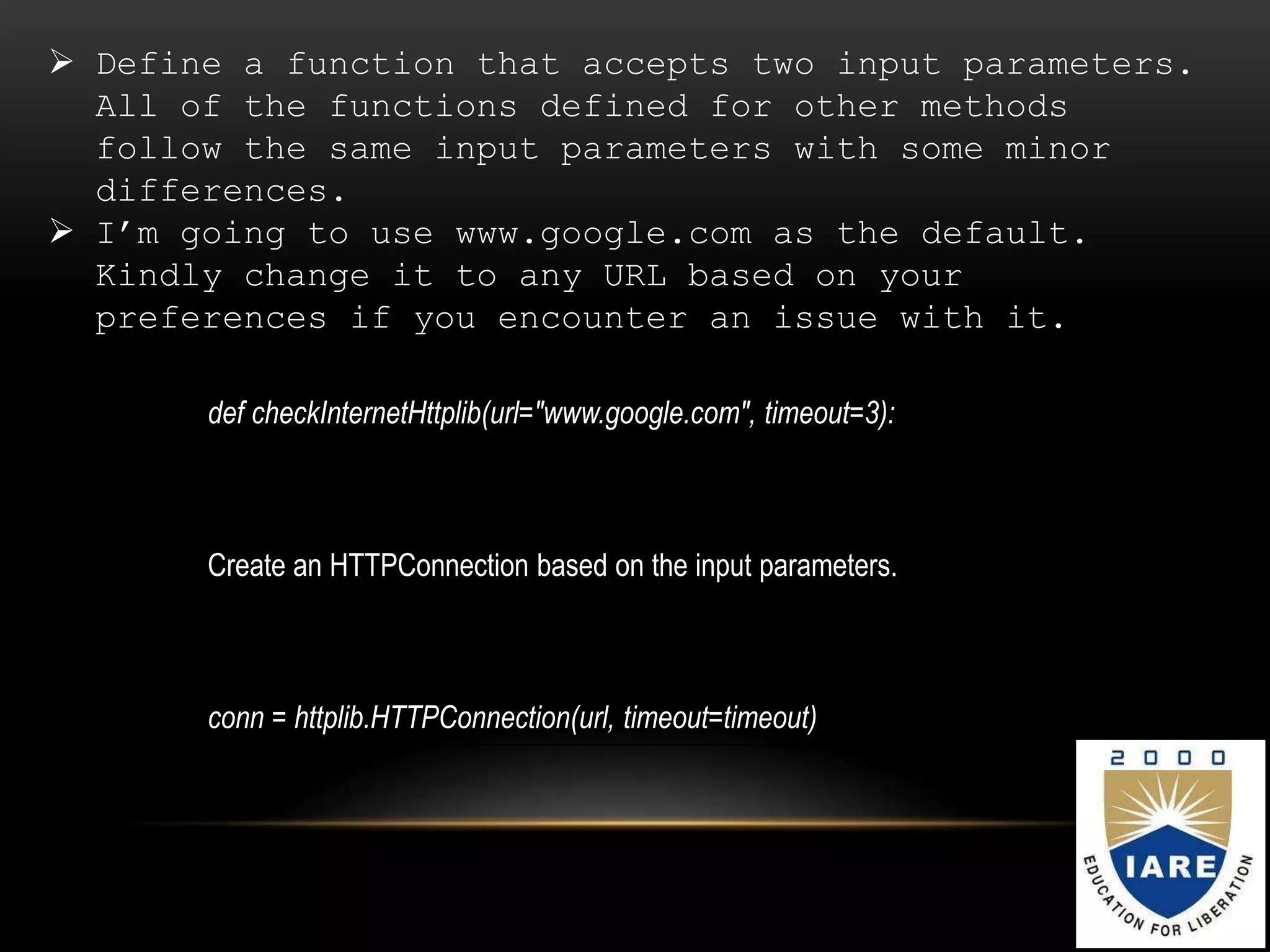
 Define a function that accepts two input parameters.
All of the functions defined for other methods
follow the same input parameters with some minor
differences.
 I’m going to use www.google.com as the default.
Kindly change it to any URL based on your
preferences if you encounter an issue with it.
def checkInternetHttplib(url="www.google.com", timeout=3):
Create an HTTPConnection based on the input parameters.
conn = httplib.HTTPConnection(url, timeout=timeout)
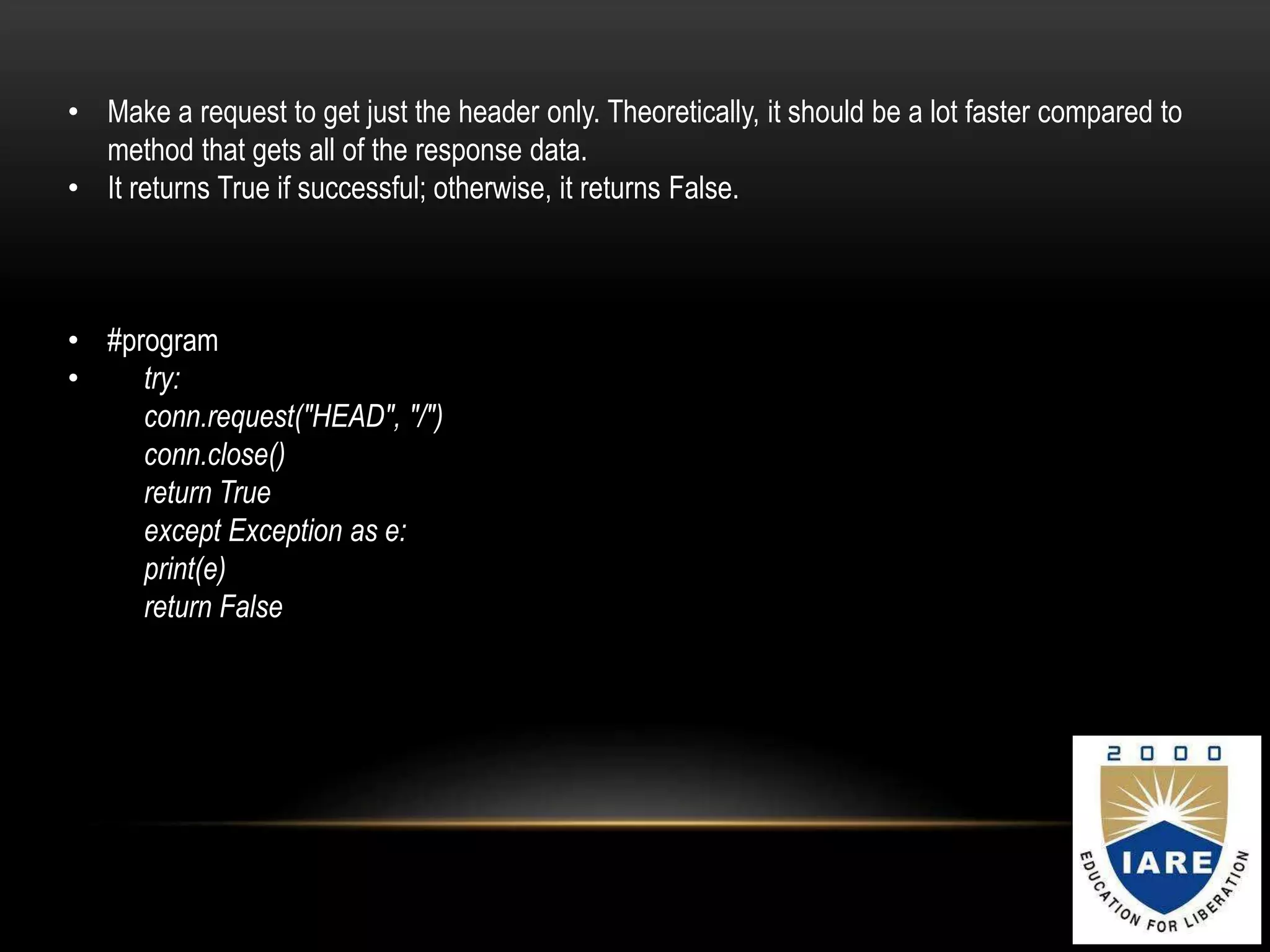
• Make a request to get just the header only. Theoretically, it should be a lot faster compared to
method that gets all of the response data.
• It returns True if successful; otherwise, it returns False.
• #program
• try:
conn.request("HEAD", "/")
conn.close()
return True
except Exception as e:
print(e)
return False
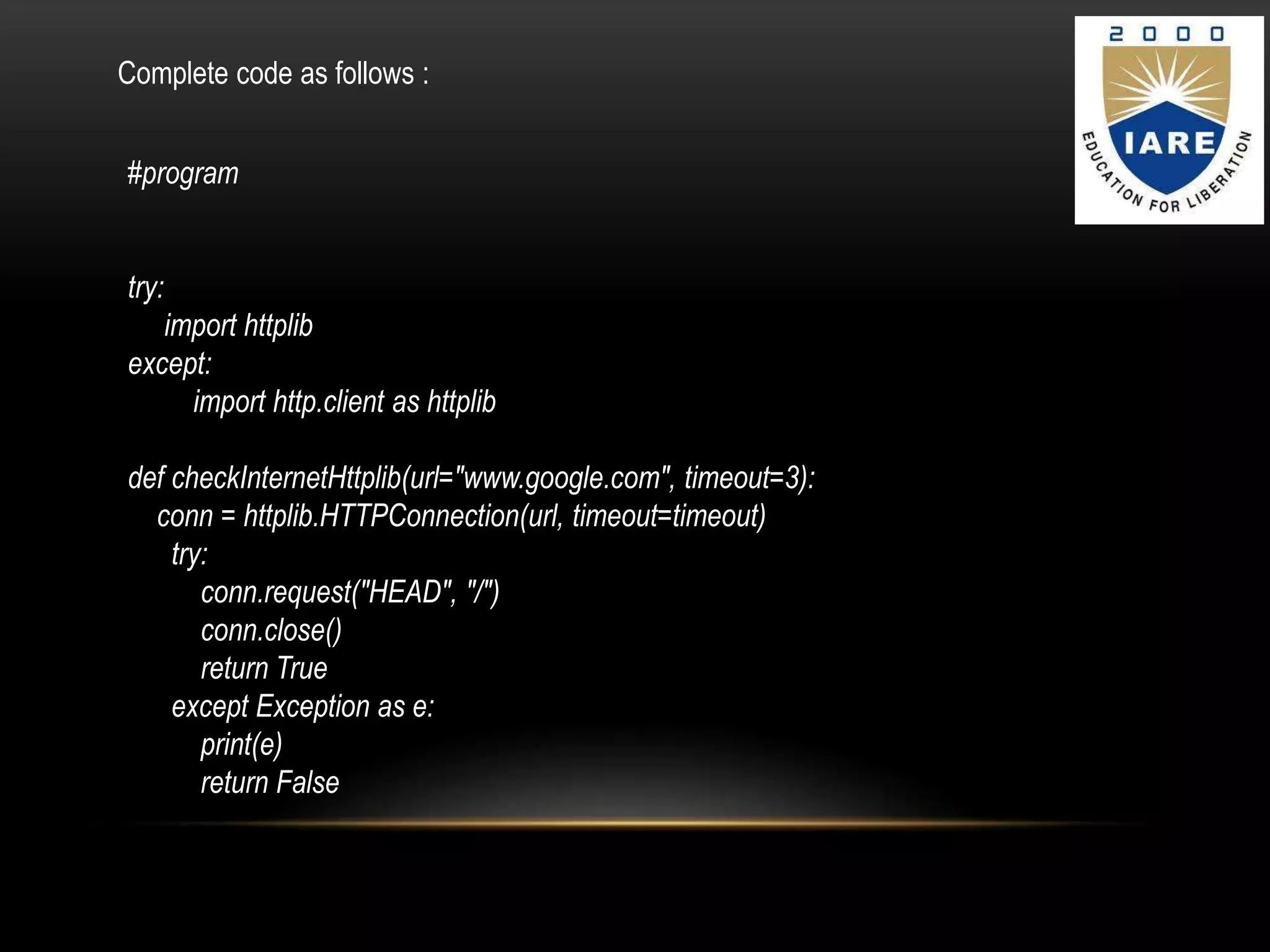
#program
try:
import httplib
except:
import http.client as httplib
def checkInternetHttplib(url="www.google.com", timeout=3):
conn = httplib.HTTPConnection(url, timeout=timeout)
try:
conn.request("HEAD", "/")
conn.close()
return True
except Exception as e:
print(e)
return False
Complete code as follows :
PYTHON.pptx
PYTHON.pptx
PYTHON.pptx
PYTHON.pptx
PYTHON.pptx
PYTHON.pptx
PYTHON.pptx
PYTHON.pptx
PYTHON.pptx

PYTHON.pptx

  • 1.
    HOW TO CHECKINTERNET CONNECTION USING PYTHON BY  M LIKITH MAHENDRA  22951A0481  PYTHON PROGRAMMING  ECE-B Topic:
  • 2.
    INTRODUCTION  Nowadays, theInternet is an essential part of our day-to-day lives. If the server is down even for a minute, then we check the Internet connectivity in various ways.  Can Python help us check the connectivity? Yes, we can use Python language for checking the internet connection. In this tutorial, we will find out whether the computer is connected to the internet or not.
  • 3.
     There arefour different methods to check the internet connectivity.  Eachof them uses different modules and have their own strength and weakness. E “httplib” Based on the official documentation, httplib defines: “… classes which implement the client side of the HTTP and HTTPS protocols. It is normally not used directly — the module urllib uses it to handle URLs that use HTTP and HTTPS.” Add the following import declaration. try: import httplib except: import http.client as httplib
  • 4.
     Define afunction that accepts two input parameters. All of the functions defined for other methods follow the same input parameters with some minor differences.  I’m going to use www.google.com as the default. Kindly change it to any URL based on your preferences if you encounter an issue with it. def checkInternetHttplib(url="www.google.com", timeout=3): Create an HTTPConnection based on the input parameters. conn = httplib.HTTPConnection(url, timeout=timeout)
  • 5.
    • Make arequest to get just the header only. Theoretically, it should be a lot faster compared to method that gets all of the response data. • It returns True if successful; otherwise, it returns False. • #program • try: conn.request("HEAD", "/") conn.close() return True except Exception as e: print(e) return False
  • 6.
    #program try: import httplib except: import http.clientas httplib def checkInternetHttplib(url="www.google.com", timeout=3): conn = httplib.HTTPConnection(url, timeout=timeout) try: conn.request("HEAD", "/") conn.close() return True except Exception as e: print(e) return False Complete code as follows :