Python programming
UNIT-1
What is Python
• Python is a general-purpose, dynamic, high-level,
and interpreted programming language. It supports
Object Oriented programming approach to develop
applications. It is simple and easy to learn and
provides lots of high-level data structures.
• Python is an easy-to-learn yet powerful and versatile
scripting language, which makes it attractive for
Application Development.
• With its interpreted nature, Python's syntax and
dynamic typing make it an ideal language for
scripting and rapid application development.
• Python supports multiple programming patterns,
including object-oriented, imperative, and functional
or procedural programming styles.
• Python is not intended to work in a particular area,
such as web programming. It is a multipurpose
programming language because it can be used with
web, enterprise, 3D CAD, etc.
• We don't need to use data types to declare variable
because it is dynamically typed, so we can write a=10
to assign an integer value in an integer variable.
• Python makes development and debugging fast
because no compilation step is included in Python
development, and the edit-test-debug cycle is very
fast.
• Python has many web-based assets, open-source
projects, and a vibrant community. Learning the
language, working together on projects, and
contributing to the Python ecosystem are all made
very easy for developers.
• Because of its straightforward language framework,
Python is easier to understand and write code in. This
makes it a fantastic programming language for
novices. Additionally, it assists seasoned
programmers in writing clearer, error-free code.
• Python is an open-source, cost-free programming
language. It is utilized in several sectors and
disciplines as a result.
• In Python, code readability and maintainability are
important. As a result, even if the code was
developed by someone else, it is easy to understand
and adapt by some other developer.
• Python has many third-party libraries that can be
used to make its functionality easier. These libraries
cover many domains, for example, web development,
scientific computing, data analysis, and more.
Python Basic Syntax
• There is no use of curly braces or semicolon in Python programming
language. It is English-like language. But Python uses the indentation to
define a block of code. Indentation is nothing but adding whitespace
before the statement when it is needed. For example -
def func():
statement 1
statement 2
…………………
…………………
statement N
• In the above example, the statements that are the same level to the
right belong to the function. Generally, we can use four whitespaces to
define indentation.
• Instead of Semicolon as used in other languages, Python ends its
statements with a NewLine character.
• Python is a case-sensitive language, which means that uppercase and
lowercase letters are treated differently. For example, 'name' and
'Name' are two different variables in Python.
• In Python, comments can be added using the '#'
symbol. Any text written after the '#' symbol is
considered a comment and is ignored by the
interpreter. This trick is useful for adding notes to
the code or temporarily disabling a code block. It
also helps in understanding the code better by some
other developers.
• 'If', 'otherwise', 'for', 'while', 'try', 'except', and
'finally' are a few reserved keywords in Python that
cannot be used as variable names. These terms are
used in the language for particular reasons and have
fixed meanings. If you use these keywords, your
code may include errors, or the interpreter may
reject them as potential new Variables.
Why learn Python?
• Python provides many useful features to the programmer. These
features make it the most popular and widely used language.
We have listed belo
• Easy to use and Learn: Python has a simple and easy-to-
understand syntax, unlike traditional languages like C, C++, Java,
etc., making it easy for beginners to learn.
• Expressive Language: It allows programmers to express complex
concepts in just a few lines of code or reduces Developer's Time.
• Interpreted Language: Python does not require compilation,
allowing rapid development and testing. It uses Interpreter
instead of Compiler.
• Object-Oriented Language: It supports object-oriented
programming, making writing reusable and modular code easy.
• Open Source Language: Python is open source and free to use,
distribute and modify.
• Extensible: Python can be extended with modules written in C,
C++, or other languages.
• Learn Standard Library: Python's standard library contains many
modules and functions that can be used for various tasks, such as
string manipulation, web programming, and more.
• GUI Programming Support: Python provides several GUI frameworks,
such as Tkinter and PyQt, allowing developers to create desktop
applications easily.
• Integrated: Python can easily integrate with other languages and
technologies, such as C/C++, Java, and . NET.
• Embeddable: Python code can be embedded into other applications as
a scripting language.
• Dynamic Memory Allocation: Python automatically manages memory
allocation, making it easier for developers to write complex programs
without worrying about memory management.
• Wide Range of Libraries and Frameworks: Python has a vast collection
of libraries and frameworks, such as NumPy, Pandas, Django, and Flask,
that can be used to solve a wide range of problems.
• Versatility: Python is a universal language in various domains such as
web development, machine learning, data analysis, scientific
computing, and more.
• Large Community: Python has a vast and active community of
developers contributing to its development and offering support. This
makes it easy for beginners to get help and learn from experienced
developers.
• Career Opportunities: Python is a highly popular language in the job
market. Learning Python can open up several career opportunities in
data science, artificial intelligence, web development, and more.
• High Demand: With the growing demand for automation and digital
transformation, the need for Python developers is rising. Many
industries seek skilled Python developers to help build their digital
infrastructure.
• Increased Productivity: Python has a simple syntax and powerful
libraries that can help developers write code faster and more
efficiently. This can increase productivity and save time for developers
and organizations.
• Big Data and Machine Learning: Python has become the go-to
language for big data and machine learning. Python has become
popular among data scientists and machine learning engineers with
libraries like NumPy, Pandas, Scikit-learn, TensorFlow, and more.
Where is Python used?
• Python is a general-purpose, popular programming language, and it is
used in almost every technical field. The various areas of Python use are
given below.
• Data Science: Data Science is a vast field, and Python is an important
language for this field because of its simplicity, ease of use, and
availability of powerful data analysis and visualization libraries like
NumPy, Pandas, and Matplotlib.
• Desktop Applications: PyQt and Tkinter are useful libraries that can be
used in GUI - Graphical User Interface-based Desktop Applications.
There are better languages for this field, but it can be used with other
languages for making Applications.
• Console-based Applications: Python is also commonly used to create
command-line or console-based applications because of its ease of use
and support for advanced features such as input/output redirection and
piping.
• Mobile Applications: While Python is not commonly used for creating
mobile applications, it can still be combined with frameworks like Kivy
or BeeWare to create cross-platform mobile applications.
• Software Development: Python is considered one of the best
software-making languages. Python is easily compatible with
both from Small Scale to Large Scale software.
• Artificial Intelligence: AI is an emerging Technology, and Python
is a perfect language for artificial intelligence and machine
learning because of the availability of powerful libraries such as
TensorFlow, Keras, and PyTorch.
• Web Applications: Python is commonly used in web
development on the backend with frameworks like Django and
Flask and on the front end with tools like JavaScript and HTML.
• Enterprise Applications: Python can be used to develop large-
scale enterprise applications with features such as distributed
computing, networking, and parallel processing.
• 3D CAD Applications: Python can be used for 3D computer-
aided design (CAD) applications through libraries such as
Blender.
• Machine Learning: Python is widely used for machine learning
due to its simplicity, ease of use, and availability of powerful
machine learning libraries.
• Computer Vision or Image Processing Applications: Python can
be used for computer vision and image processing applications
through powerful libraries such as OpenCV and Scikit-image.
• Speech Recognition: Python can be used for speech recognition
applications through libraries such as SpeechRecognition and
PyAudio.
• Scientific computing: Libraries like NumPy, SciPy, and Pandas
provide advanced numerical computing capabilities for tasks
like data analysis, machine learning, and more.
• Education: Python's easy-to-learn syntax and availability of
many resources make it an ideal language for teaching
programming to beginners.
• Testing: Python is used for writing automated tests, providing
frameworks like unit tests and pytest that help write test cases
and generate reports.
• Gaming: Python has libraries like Pygame, which provide a
platform for developing games using Python.
• IoT: Python is used in IoT for developing scripts and applications
for devices like Raspberry Pi, Arduino, and others.
• Networking: Python is used in networking for
developing scripts and applications for network
automation, monitoring, and management.
• DevOps: Python is widely used in DevOps for
automation and scripting of infrastructure
management, configuration management, and
deployment processes.
• Finance: Python has libraries like Pandas, Scikit-learn,
and Statsmodels for financial modeling and analysis.
• Audio and Music: Python has libraries like Pyaudio,
which is used for audio processing, synthesis, and
analysis, and Music21, which is used for music
analysis and generation.
• Writing scripts: Python is used for writing utility
scripts to automate tasks like file operations, web
scraping, and data processing.
Python Popular Frameworks and
Libraries
• Python has wide range of libraries and frameworks widely
used in various fields such as machine learning, artificial
intelligence, web applications, etc. We define some popular
frameworks and libraries of Python as follows.
• Web development (Server-side) - Django Flask, Pyramid,
CherryPy
• GUIs based applications - Tk, PyGTK, PyQt, PyJs, etc.
• Machine Learning - TensorFlow, PyTorch, Scikit-learn,
Matplotlib, Scipy, etc.
• Mathematics - Numpy, Pandas, etc.
• BeautifulSoup: a library for web scraping and parsing HTML
and XML
• Requests: a library for making HTTP requests
• SQLAlchemy: a library for working with SQL databases
• Kivy: a framework for building multi-touch
applications
• Pygame: a library for game development
• Pytest: a testing framework for Python
• Django REST framework: a toolkit for building
RESTful APIs
• FastAPI: a modern, fast web framework for
building APIs
• Streamlit: a library for building interactive web
apps for machine learning and data science
• NLTK: a library for natural language processing
Python Features
• Python provides many useful features which make it popular and
valuable from the other programming languages. It supports object-
oriented programming, procedural programming approaches and
provides dynamic memory allocation. We have listed below a few
essential features.
1) Easy to Learn and Use
• Python is easy to learn as compared to other programming
languages. Its syntax is straightforward and much the same as the
English language. There is no use of the semicolon or curly-bracket,
the indentation defines the code block. It is the recommended
programming language for beginners.
2) Expressive Language
• Python can perform complex tasks using a few lines of code. A simple
example, the hello world program you simply type print("Hello
World"). It will take only one line to execute, while Java or C takes
multiple lines.
3) Interpreted Language
• Python is an interpreted language; it means the Python program is
executed one line at a time. The advantage of being interpreted
language, it makes debugging easy and portable.
4) Cross-platform Language
Python can run equally on different platforms such as Windows, Linux,
UNIX, and Macintosh, etc. So, we can say that Python is a portable
language. It enables programmers to develop the software for several
competing platforms by writing a program only once.
5) Free and Open Source
Python is freely available for everyone. It is freely available on its official
website www.python.org. It has a large community across the world that
is dedicatedly working towards make new python modules and
functions. Anyone can contribute to the Python community. The open-
source means, "Anyone can download its source code without paying any
penny."
6) Object-Oriented Language
Python supports object-oriented language and concepts of classes and
objects come into existence. It supports inheritance, polymorphism, and
encapsulation, etc. The object-oriented procedure helps to programmer
to write reusable code and develop applications in less code.
7) Extensible
It implies that other languages such as C/C++ can be used to compile the
code and thus it can be used further in our Python code. It converts the
program into byte code, and any platform can use that byte code.
8) Large Standard Library
It provides a vast range of libraries for the various fields such as machine
learning, web developer, and also for the scripting. There are various
machine learning libraries, such as Tensor flow, Pandas, Numpy, Keras,
and Pytorch, etc. Django, flask, pyramids are the popular framework for
Python web development.
9) GUI Programming Support
Graphical User Interface is used for the developing Desktop application.
PyQT5, Tkinter, Kivy are the libraries which are used for developing the
web application.
10) Integrated
It can be easily integrated with languages like C, C++, and JAVA, etc. Python
runs code line by line like C,C++ Java. It makes easy to debug the code.
11. Embeddable
The code of the other programming language can use in the Python source
code. We can use Python source code in another programming
language as well. It can embed other language into our code.
12. Dynamic Memory Allocation
In Python, we don't need to specify the data-type of the variable. When
we assign some value to the variable, it automatically allocates the
memory to the variable at run time. Suppose we are assigned integer
value 15 to x, then we don't need to write int x = 15. Just write x = 15.
Python History and Versions
• Python laid its foundation in the late 1980s.
• The implementation of Python was started in December 1989
by Guido Van Rossum at CWI in Netherland.
• In February 1991, Guido Van Rossum published the code
(labeled version 0.9.0) to alt.sources.
• In 1994, Python 1.0 was released with new features like lambda,
map, filter, and reduce.
• Python 2.0 added new features such as list comprehensions,
garbage collection systems.
• On December 3, 2008, Python 3.0 (also called "Py3K") was
released. It was designed to rectify the fundamental flaw of the
language.
• ABC programming language is said to be the predecessor of
Python language, which was capable of Exception Handling and
interfacing with the Amoeba Operating System.
• The following programming languages influence Python:
– ABC language.
– Modula-3
Why the Name Python?
• There is a fact behind choosing the name Python. Guido
van Rossum was reading the script of a popular BBC
comedy series "Monty Python's Flying Circus". It was late
on-air 1970s.
• Van Rossum wanted to select a name which unique, sort,
and little-bit mysterious. So he decided to select naming
Python after the "Monty Python's Flying Circus" for their
newly created programming language.
• The comedy series was creative and well random. It talks
about everything. Thus it is slow and unpredictable, which
made it very interesting.
• Python is also versatile and widely used in every technical
field, such as Machine Learning, Artificial Intelligence, Web
Development, Mobile Application, Desktop Application,
Scientific Calculation, etc.
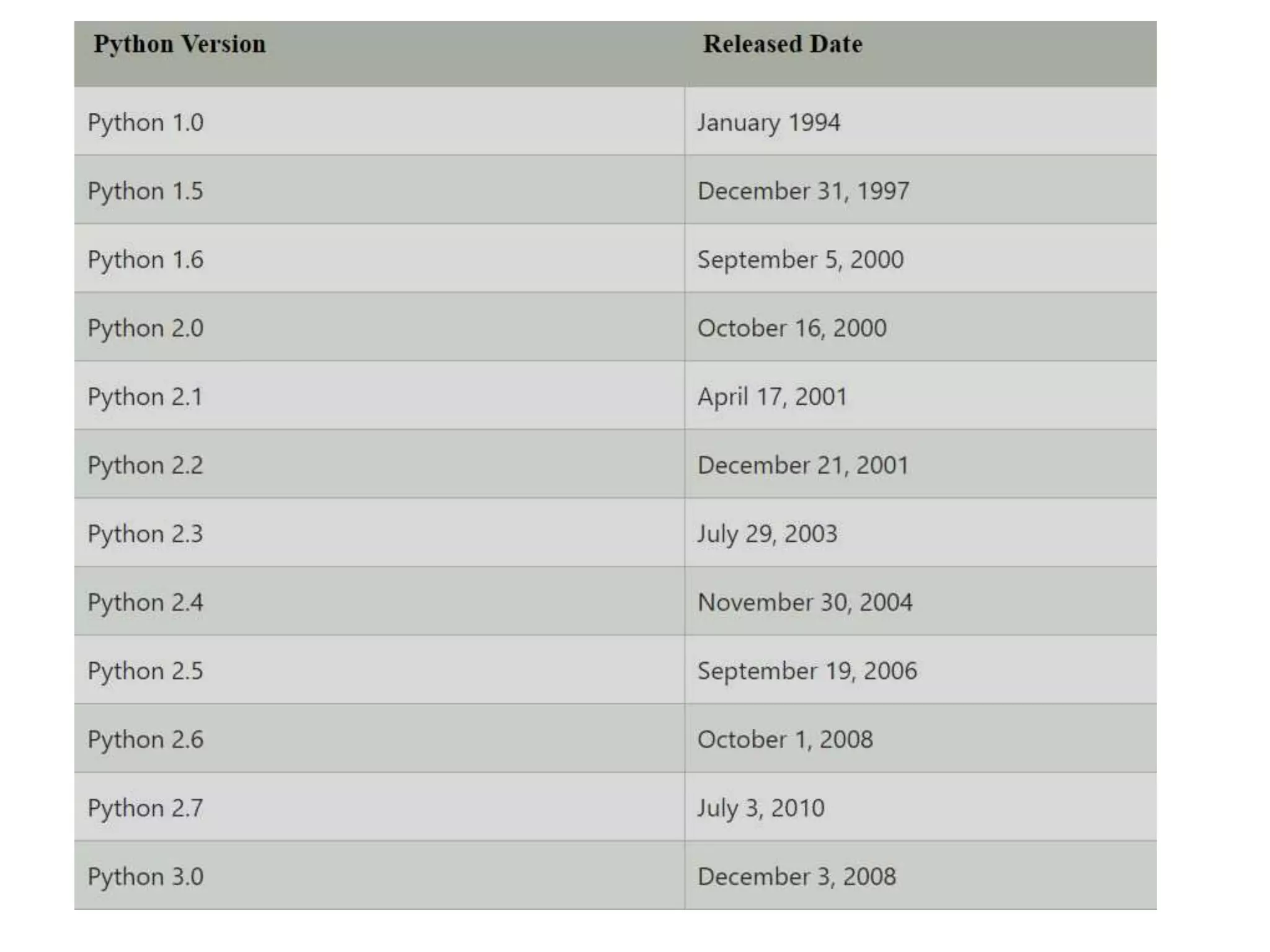
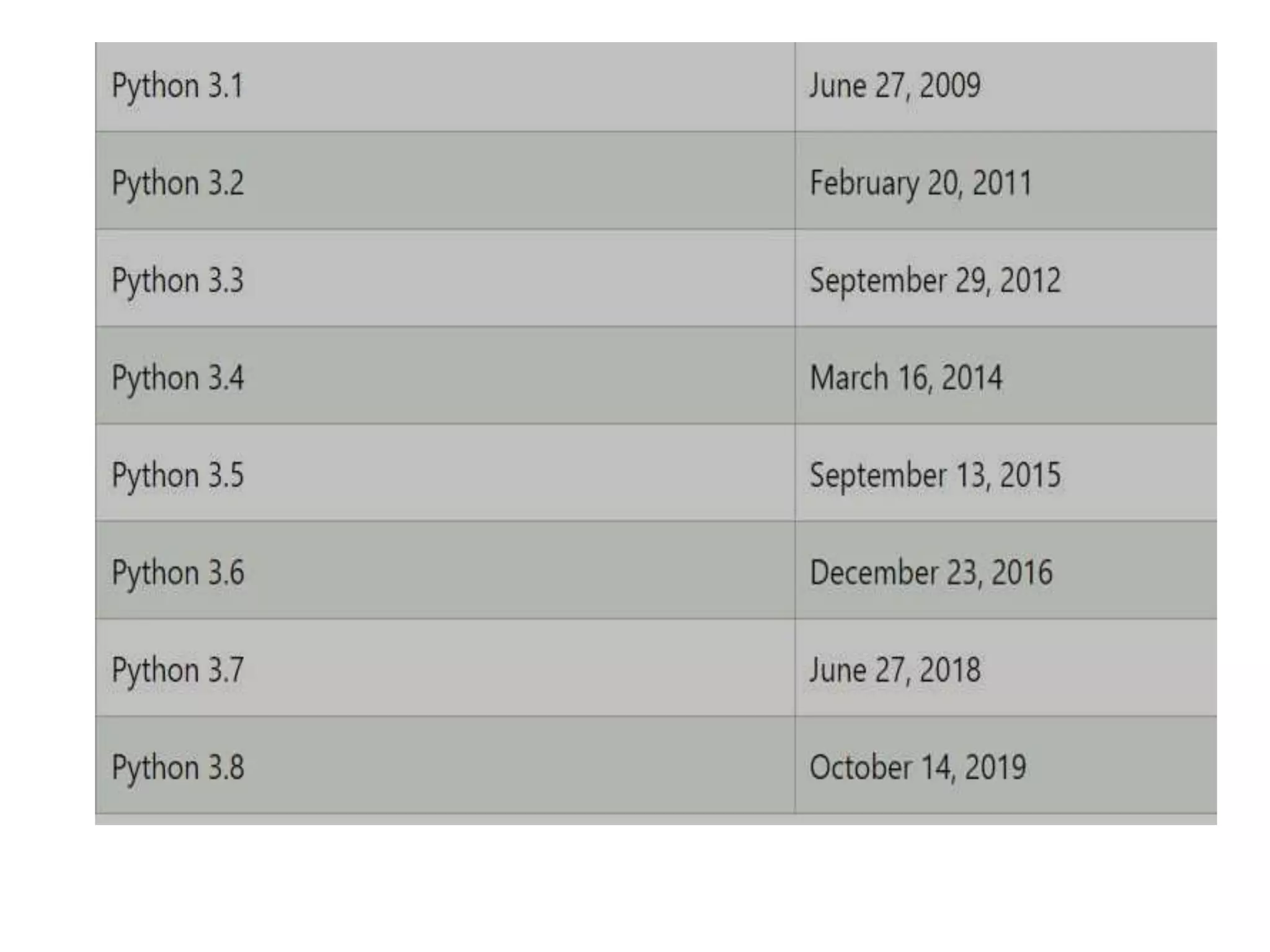
Python Version List
• Python programming language is being updated
regularly with new features and supports. There
are lots of update in Python versions, started
from 1994 to current release.
• A list of Python versions with its released date is
given below.
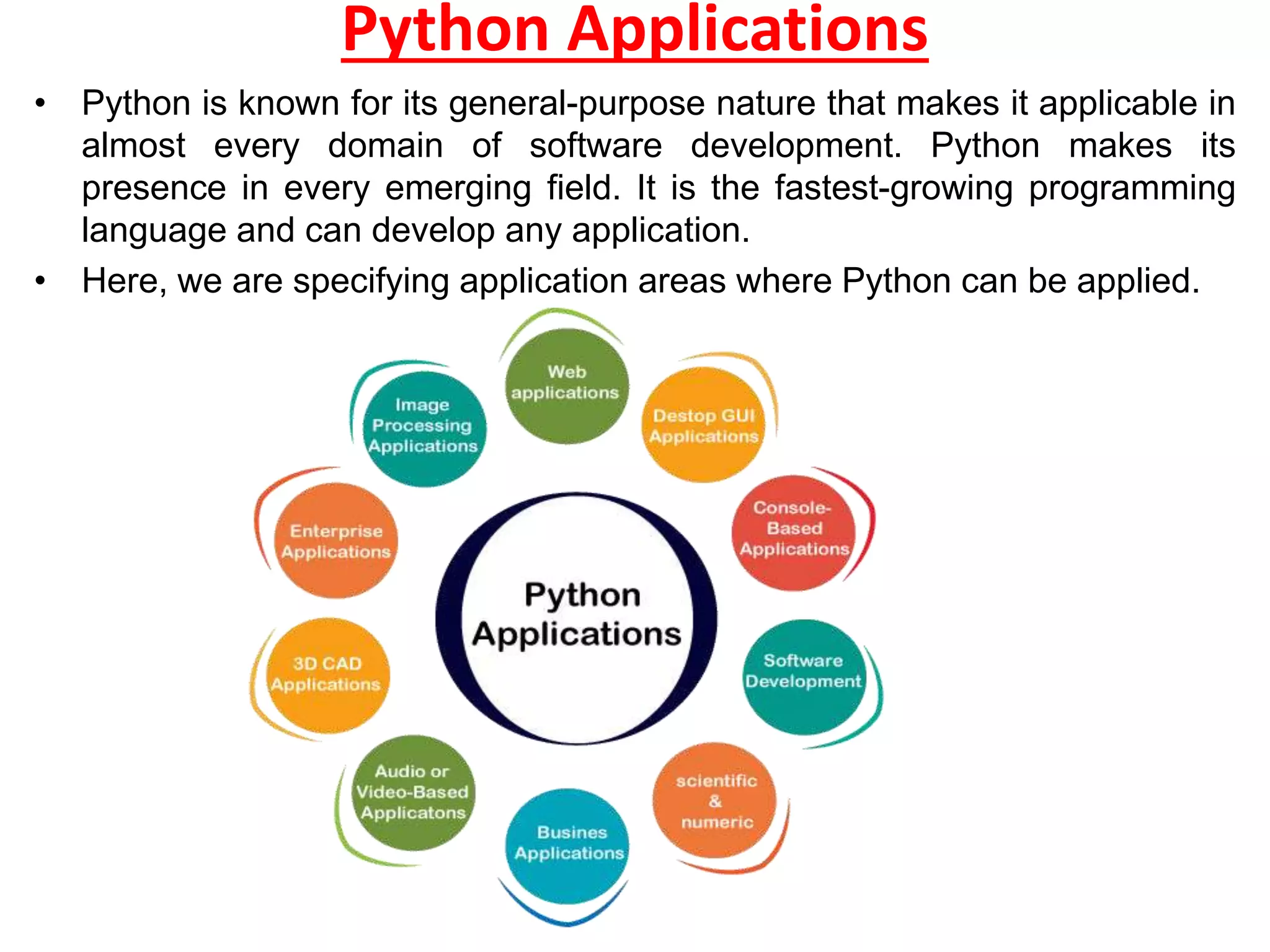
Python Applications
• Python is known for its general-purpose nature that makes it applicable in
almost every domain of software development. Python makes its
presence in every emerging field. It is the fastest-growing programming
language and can develop any application.
• Here, we are specifying application areas where Python can be applied.
1) Web Applications
We can use Python to develop web applications. It provides
libraries to handle internet protocols such as HTML and
XML, JSON, Email processing, request, beautifulSoup,
Feedparser, etc. One of Python web-framework named
Django is used on Instagram. Python provides many useful
frameworks, and these are given below:
• Django and Pyramid framework(Use for heavy
applications)
• Flask and Bottle (Micro-framework)
• Plone and Django CMS (Advance Content management)
2) Desktop GUI Applications
The GUI stands for the Graphical User Interface, which
provides a smooth interaction to any application. Python
provides a Tk GUI library to develop a user interface.
Some popular GUI libraries are given below.
• Tkinter or Tk
• wxWidgetM
• Kivy (used for writing multitouch applications )
• PyQt or Pyside
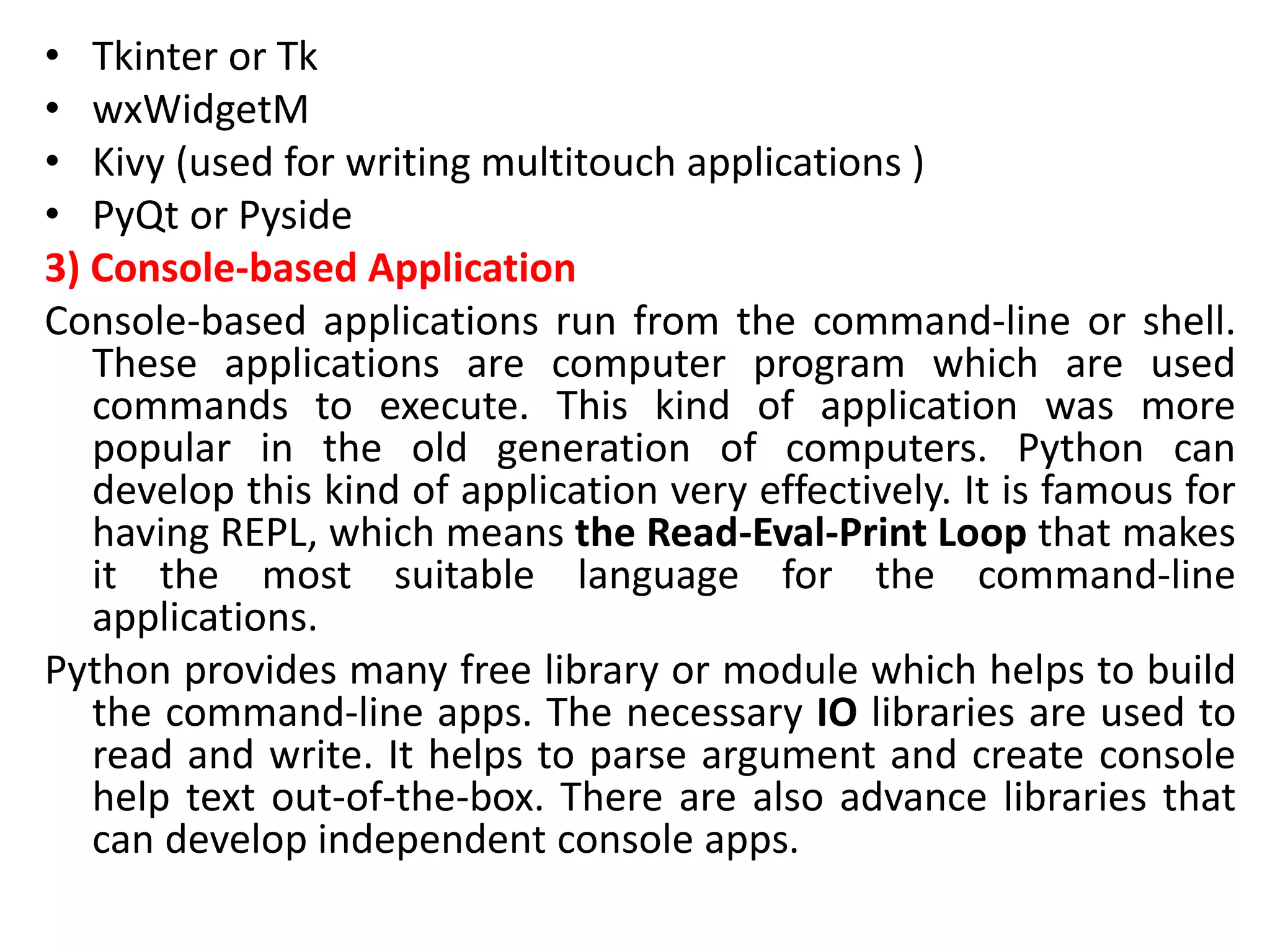
3) Console-based Application
Console-based applications run from the command-line or shell.
These applications are computer program which are used
commands to execute. This kind of application was more
popular in the old generation of computers. Python can
develop this kind of application very effectively. It is famous for
having REPL, which means the Read-Eval-Print Loop that makes
it the most suitable language for the command-line
applications.
Python provides many free library or module which helps to build
the command-line apps. The necessary IO libraries are used to
read and write. It helps to parse argument and create console
help text out-of-the-box. There are also advance libraries that
can develop independent console apps.
4) Software Development
Python is useful for the software development process. It works as a support
language and can be used to build control and management, testing, etc.
SCons is used to build control.
Buildbot and Apache Gumps are used for automated continuous compilation and
testing.
Round or Trac for bug tracking and project management.
5) Scientific and Numeric
This is the era of Artificial intelligence where the machine can perform the task the
same as the human. Python language is the most suitable language for Artificial
intelligence or machine learning. It consists of many scientific and mathematical
libraries, which makes easy to solve complex calculations.
Implementing machine learning algorithms require complex mathematical
calculation. Python has many libraries for scientific and numeric such as Numpy,
Pandas, Scipy, Scikit-learn, etc. If you have some basic knowledge of Python, you
need to import libraries on the top of the code. Few popular frameworks of
machine libraries are given below.
SciPy
Scikit-learn
NumPy
Pandas
Matplotlib
6) Business Applications
Business Applications differ from standard applications.
E-commerce and ERP are an example of a business
application. This kind of application requires
extensively, scalability and readability, and Python
provides all these features.
7) Audio or Video-based Applications
Python is flexible to perform multiple tasks and can be
used to create multimedia applications. Some
multimedia applications which are made by using
Python are TimPlayer, cplay, etc. The few multimedia
libraries are given below.
Gstreamer
Pyglet
QT Phonon
8) 3D CAD Applications
The CAD (Computer-aided design) is used to design engineering related
architecture. It is used to develop the 3D representation of a part of a
system. Python can create a 3D CAD application by using the following
functionalities.
Fandango (Popular )
CAMVOX
HeeksCNC
AnyCAD
RCAM
9) Enterprise Applications
Python can be used to create applications that can be used within an
Enterprise or an Organization. Some real-time applications are
OpenERP, Tryton, Picalo, etc.
10) Image Processing Application
Python contains many libraries that are used to work with the image. The
image can be manipulated according to our requirements. Some
libraries of image processing are given below.
OpenCV
Pillow
SimpleITK
How to Install Python
• Installing Python on Windows:
• Download Python:
– Visit the official Python website at https://www.python.org/downloads/windows/.
– Click on the "Downloads" tab.
– Download the latest Python installer for Windows. Choose the installer that corresponds to your system
architecture (32-bit or 64-bit).
• Run the Installer:
– Locate the downloaded installer file (e.g., python-3.x.x.exe) and double-click it to run the installer.
• Customize Installation (Optional):
– You can customize the installation by clicking the "Customize installation" button. However, the default
settings are usually sufficient for most users.
• Installation Options:
– Make sure to check the box that says "Add Python X.X to PATH." This allows you to use Python from the
command line without needing to specify the full path.
• Installation:
– Click the "Install Now" button to begin the installation process.
• Completing the Installation:
– Once the installation is complete, you should see a screen that says "Setup was successful." You can now
close the installer.
• Verify Installation:
– Open the Command Prompt by searching for "cmd" in the Windows Start Menu.
– Type python and press Enter. You should see the Python version information. This confirms that Python is
installed.
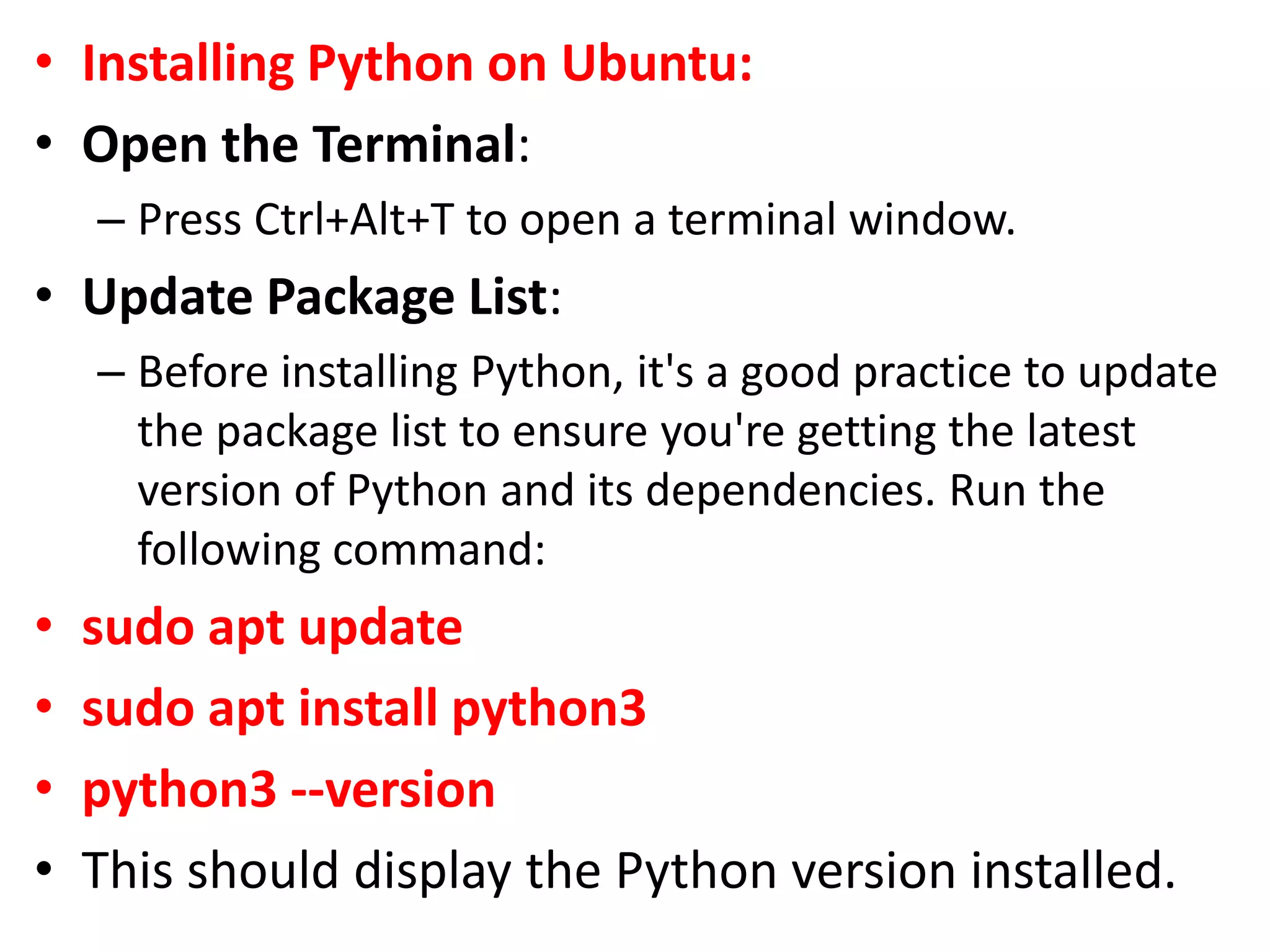
• Installing Python on Ubuntu:
• Open the Terminal:
– Press Ctrl+Alt+T to open a terminal window.
• Update Package List:
– Before installing Python, it's a good practice to update
the package list to ensure you're getting the latest
version of Python and its dependencies. Run the
following command:
• sudo apt update
• sudo apt install python3
• python3 --version
• This should display the Python version installed.
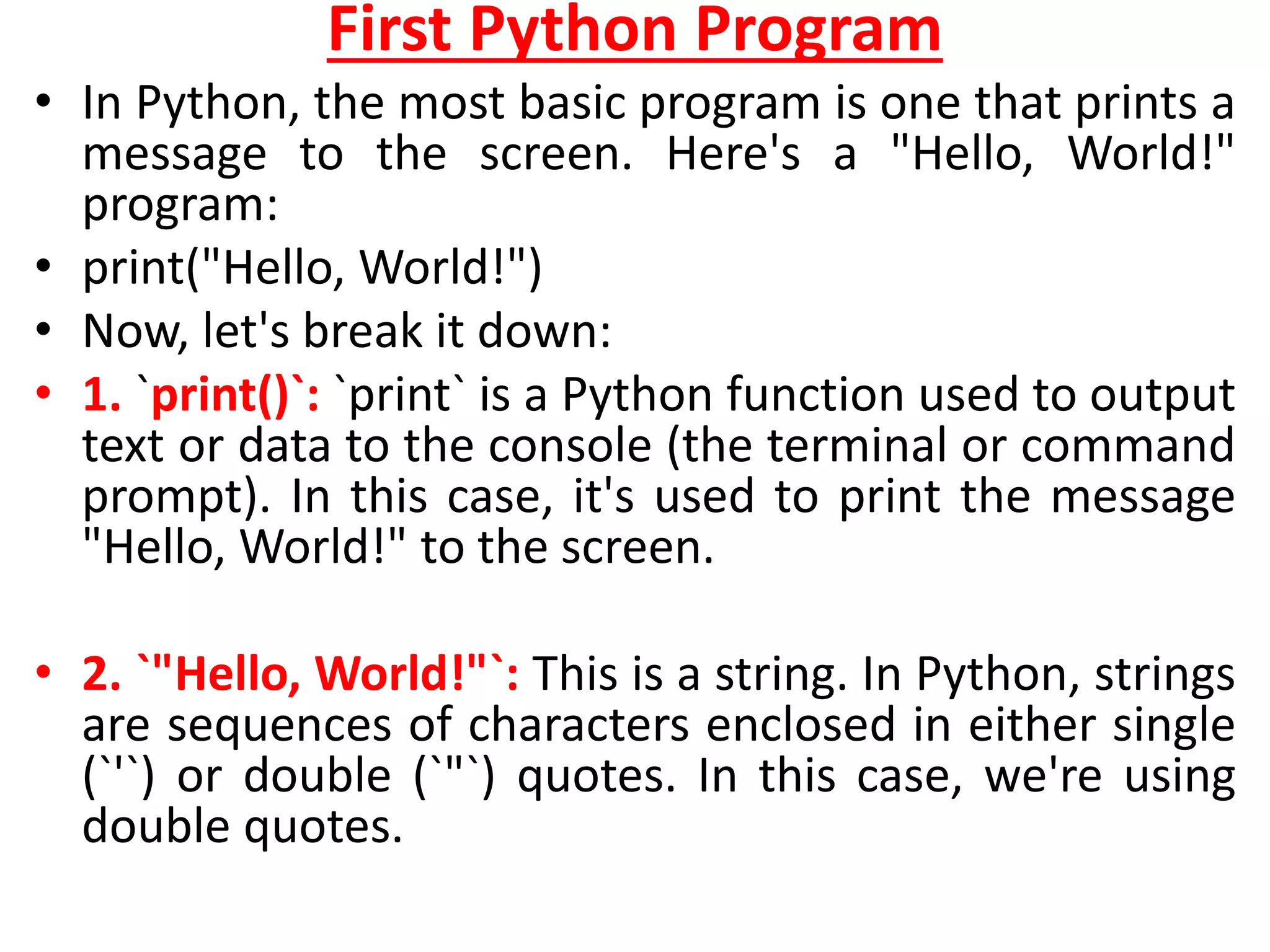
First Python Program
• In Python, the most basic program is one that prints a
message to the screen. Here's a "Hello, World!"
program:
• print("Hello, World!")
• Now, let's break it down:
• 1. `print()`: `print` is a Python function used to output
text or data to the console (the terminal or command
prompt). In this case, it's used to print the message
"Hello, World!" to the screen.
• 2. `"Hello, World!"`: This is a string. In Python, strings
are sequences of characters enclosed in either single
(`'`) or double (`"`) quotes. In this case, we're using
double quotes.
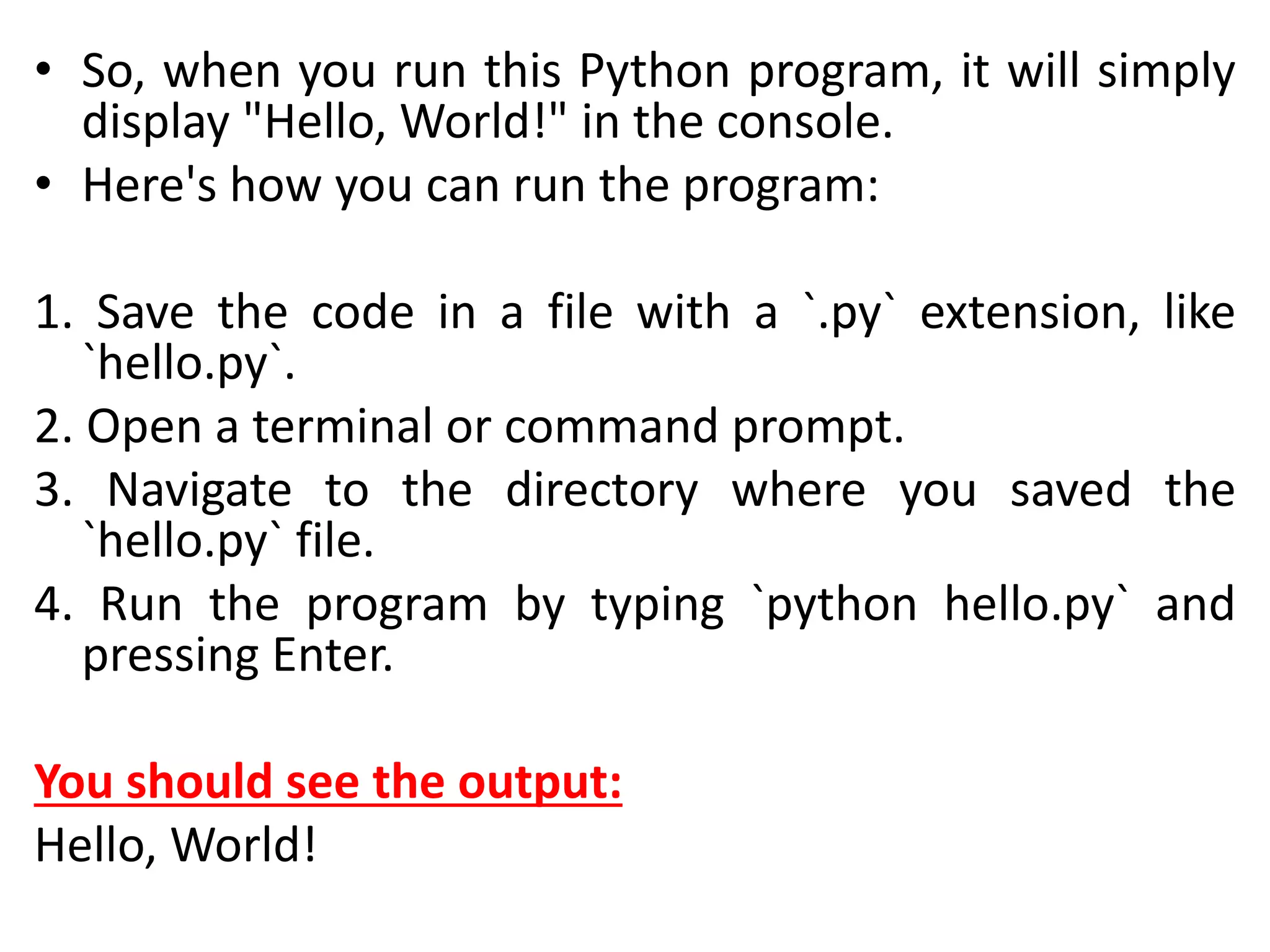
• So, when you run this Python program, it will simply
display "Hello, World!" in the console.
• Here's how you can run the program:
1. Save the code in a file with a `.py` extension, like
`hello.py`.
2. Open a terminal or command prompt.
3. Navigate to the directory where you saved the
`hello.py` file.
4. Run the program by typing `python hello.py` and
pressing Enter.
You should see the output:
Hello, World!
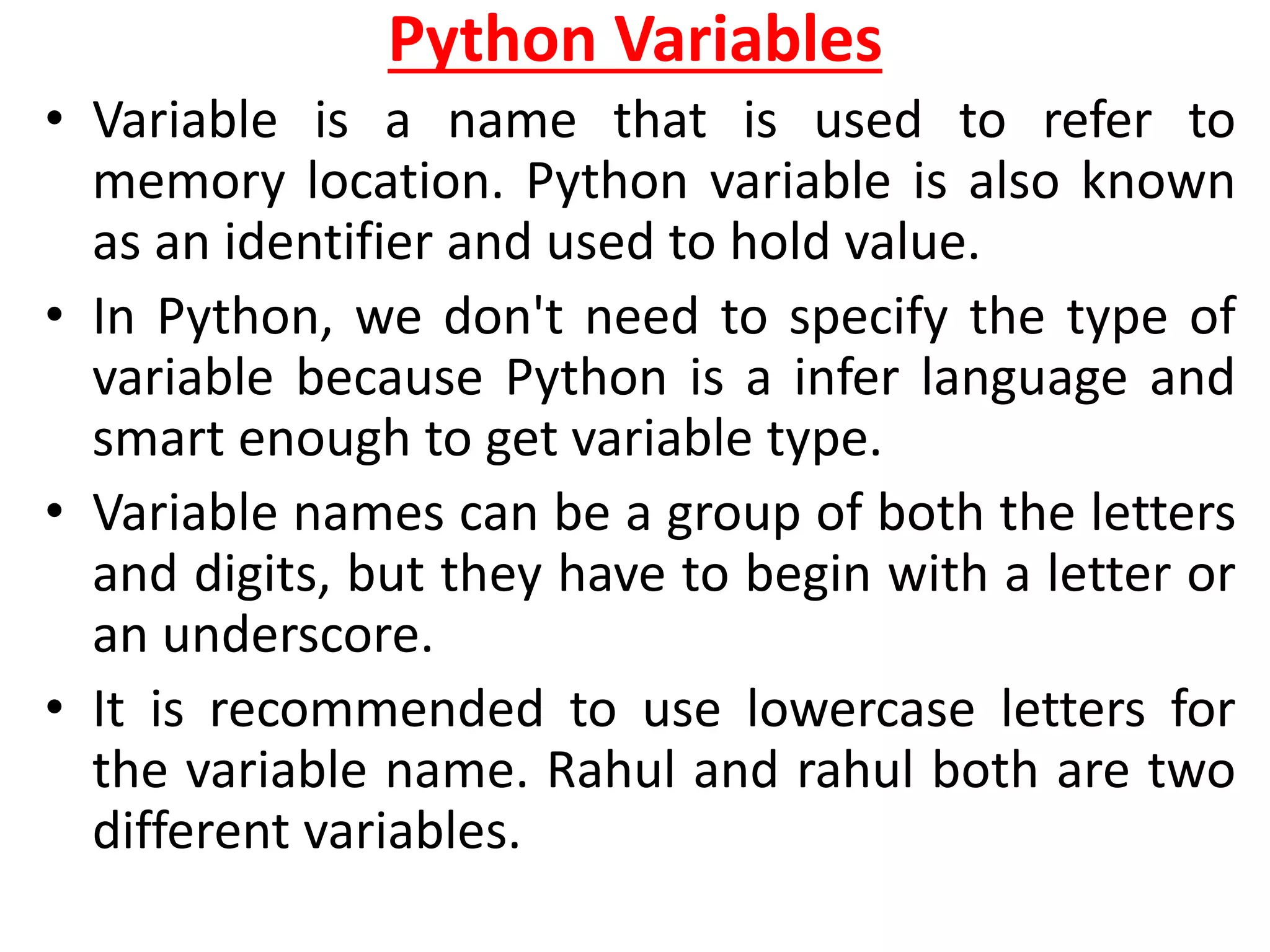
Python Variables
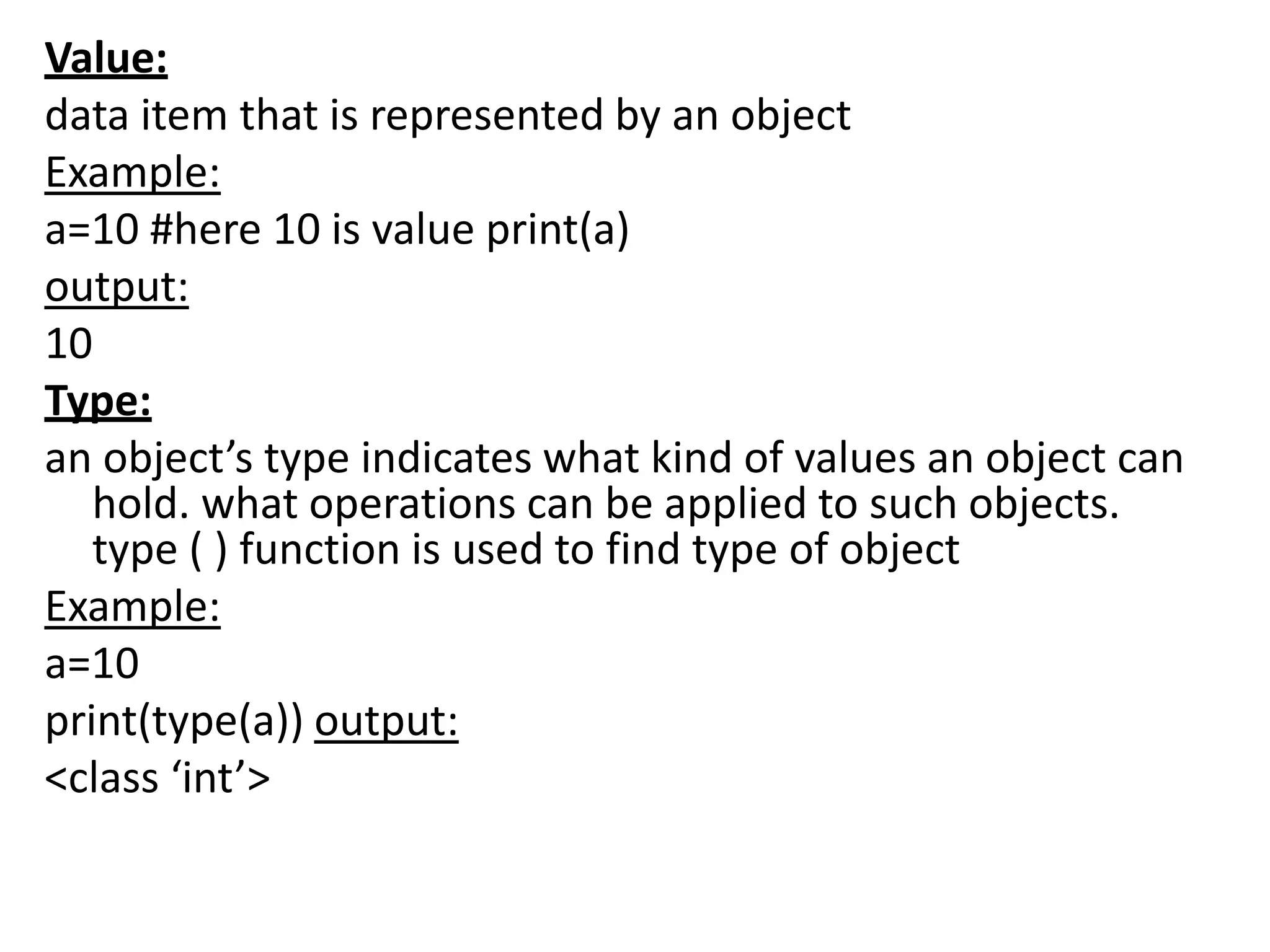
• Variable is a name that is used to refer to
memory location. Python variable is also known
as an identifier and used to hold value.
• In Python, we don't need to specify the type of
variable because Python is a infer language and
smart enough to get variable type.
• Variable names can be a group of both the letters
and digits, but they have to begin with a letter or
an underscore.
• It is recommended to use lowercase letters for
the variable name. Rahul and rahul both are two
different variables.
Python Variables
• Variable is a name that is used to refer to
memory location. Python variable is also known
as an identifier and used to hold value.
• In Python, we don't need to specify the type of
variable because Python is a infer language and
smart enough to get variable type.
• Variable names can be a group of both the letters
and digits, but they have to begin with a letter or
an underscore.
• It is recommended to use lowercase letters for
the variable name. Rahul and rahul both are two
different variables.
Identifier Naming:
• Variables are the example of identifiers. An Identifier is
used to identify the literals used in the program. The rules
to name an identifier are given below.
• The first character of the variable must be an alphabet or
underscore ( _ ).
• All the characters except the first character may be an
alphabet of lower-case(a-z), upper-case (A-Z), underscore,
or digit (0-9).
• Identifier name must not contain any white-space, or
special character (!, @, #, %, ^, &, *).
• Identifier name must not be similar to any keyword
defined in the language.
• Identifier names are case sensitive; for example, my name,
and MyName is not the same.
• Examples of valid identifiers: a123, _n, n_9, etc.
• Examples of invalid identifiers: 1a, n%4, n 9, etc.
Declaring Variable and Assigning Values
• Python does not bind us to declare a variable before using
it in the application. It allows us to create a variable at the
required time.
• We don't need to declare explicitly variable in Python.
When we assign any value to the variable, that variable is
declared automatically.
• The equal (=) operator is used to assign value to a
variable.
• Object References
• It is necessary to understand how the Python interpreter
works when we declare a variable. The process of treating
variables is somewhat different from many other
programming languages.
• Python is the highly object-oriented programming
language; that's why every data item belongs to a specific
type of class. Consider the following example.
print("John")
Output:
John
• The Python object creates an integer object and displays it to
the console. In the above print statement, we have created a
string object. Let's check the type of it using the Python built-
in type() function.
type("John")
Output:
<class 'str'>
• In Python, variables are a symbolic name that is a reference or
pointer to an object. The variables are used to denote objects
by that name.
• Let's understand the following example
a = 50
• In the above image, the variable a refers to an integer object.
• Suppose we assign the integer value 50 to a new variable b.
a = 50
b = a
• The variable b refers to the same object that a
points to because Python does not create
another object.
• Let's assign the new value to b. Now both
variables will refer to the different objects.
a = 50
b =100
• python manages memory efficiently if we assign
the same variable to two different values.
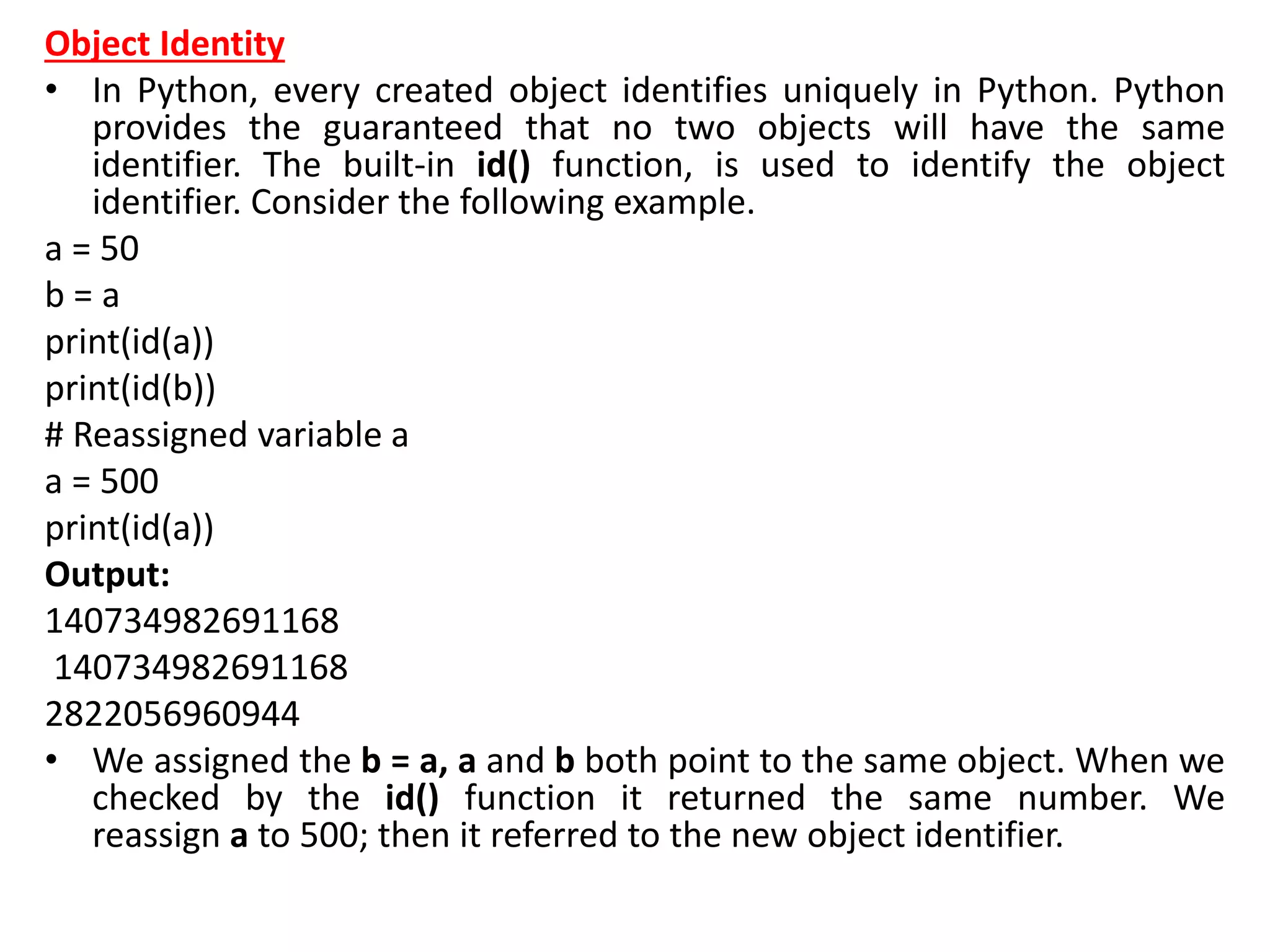
Object Identity
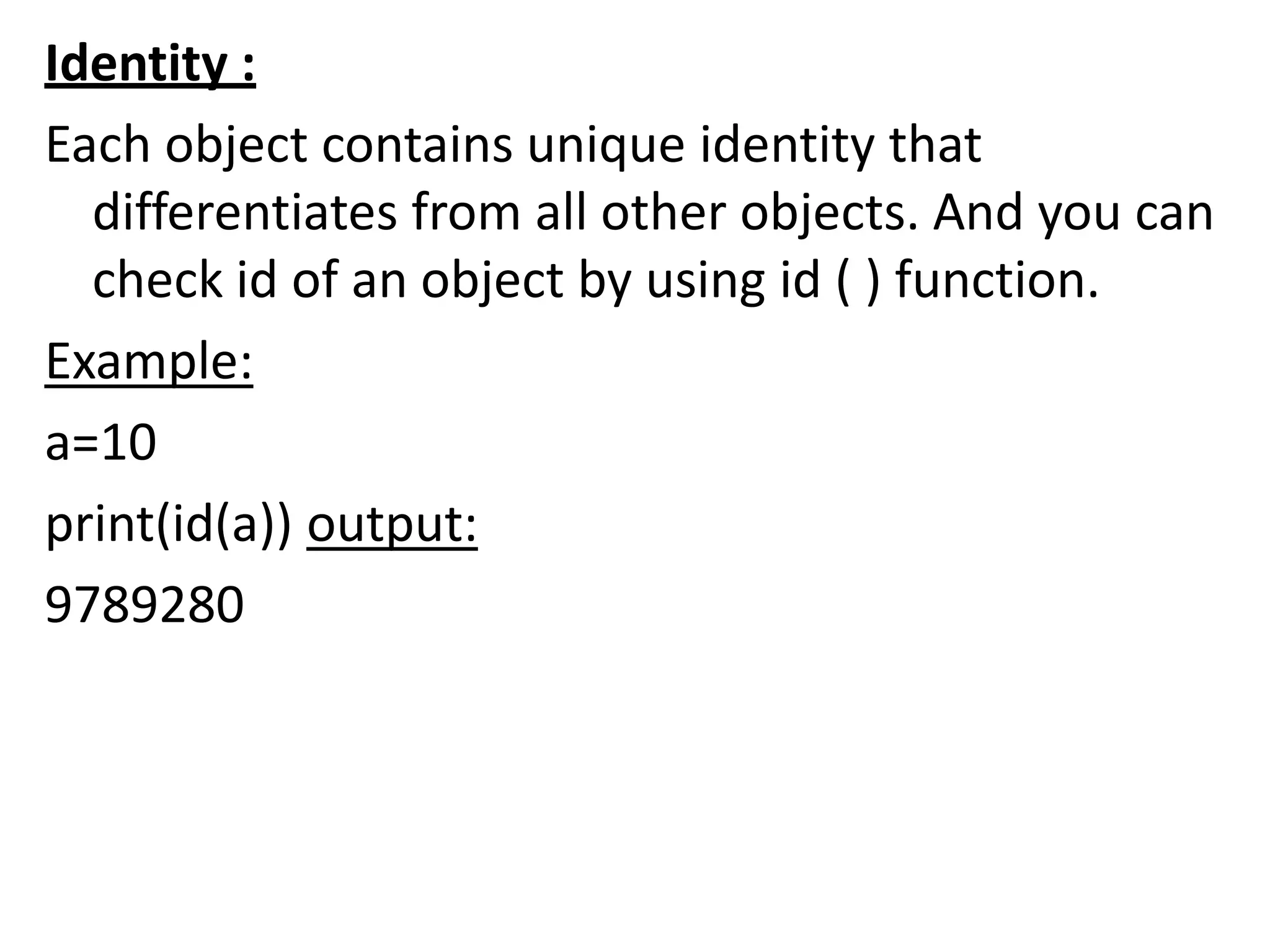
• In Python, every created object identifies uniquely in Python. Python
provides the guaranteed that no two objects will have the same
identifier. The built-in id() function, is used to identify the object
identifier. Consider the following example.
a = 50
b = a
print(id(a))
print(id(b))
# Reassigned variable a
a = 500
print(id(a))
Output:
140734982691168
140734982691168
2822056960944
• We assigned the b = a, a and b both point to the same object. When we
checked by the id() function it returned the same number. We
reassign a to 500; then it referred to the new object identifier.
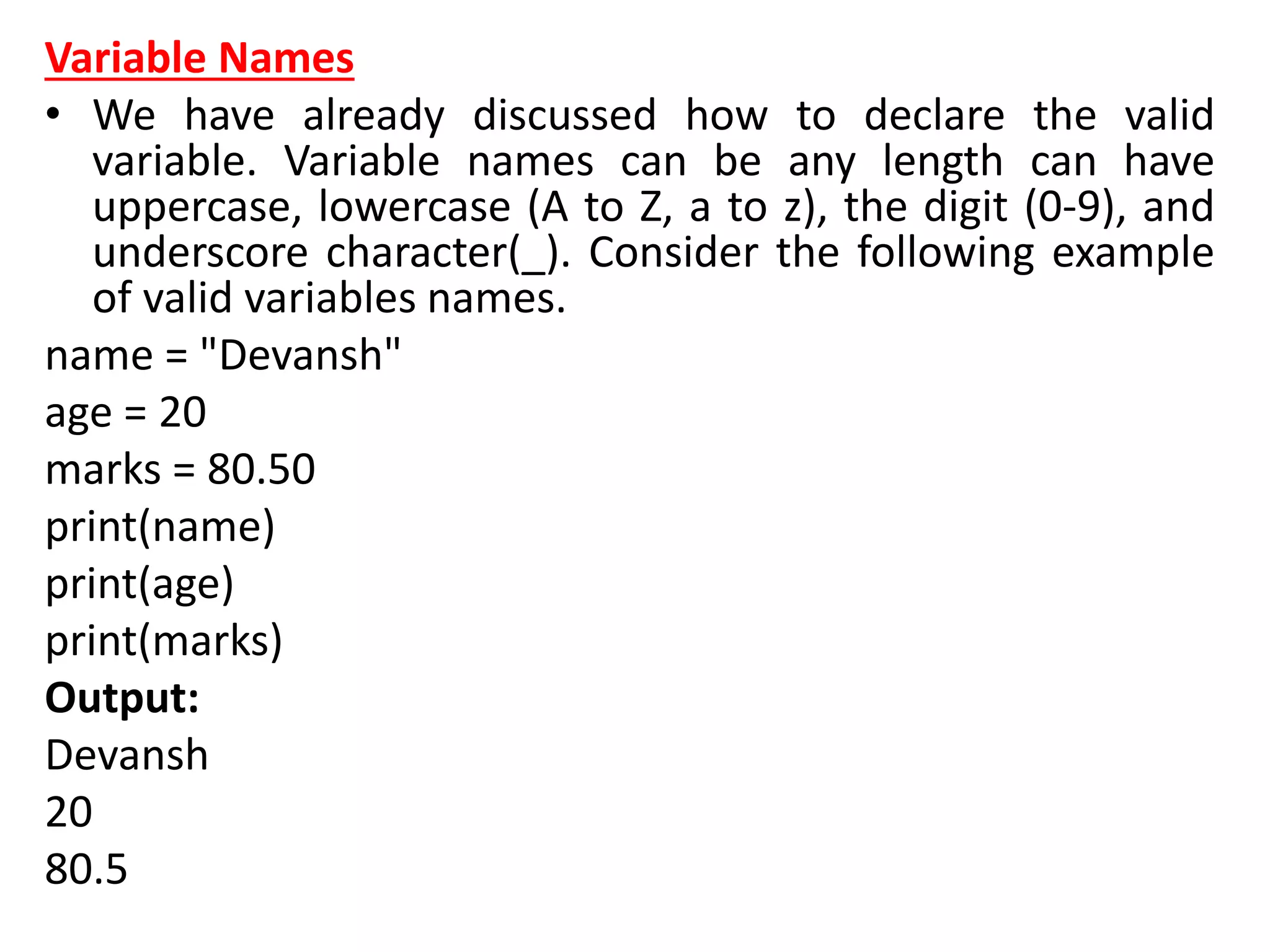
Variable Names
• We have already discussed how to declare the valid
variable. Variable names can be any length can have
uppercase, lowercase (A to Z, a to z), the digit (0-9), and
underscore character(_). Consider the following example
of valid variables names.
name = "Devansh"
age = 20
marks = 80.50
print(name)
print(age)
print(marks)
Output:
Devansh
20
80.5
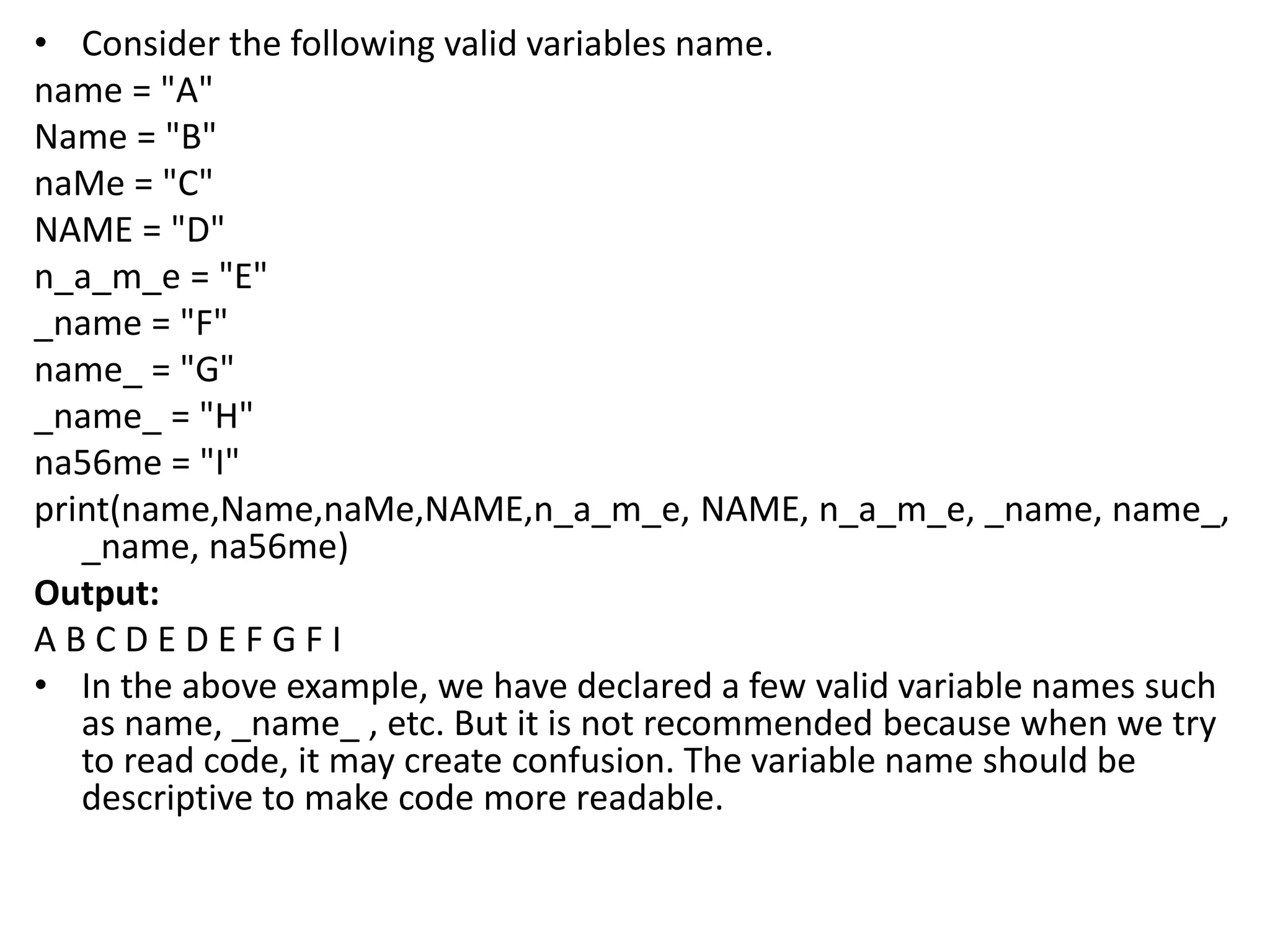
• Consider the following valid variables name.
name = "A"
Name = "B"
naMe = "C"
NAME = "D"
n_a_m_e = "E"
_name = "F"
name_ = "G"
_name_ = "H"
na56me = "I"
print(name,Name,naMe,NAME,n_a_m_e, NAME, n_a_m_e, _name, name_,
_name, na56me)
Output:
A B C D E D E F G F I
• In the above example, we have declared a few valid variable names such
as name, _name_ , etc. But it is not recommended because when we try
to read code, it may create confusion. The variable name should be
descriptive to make code more readable.
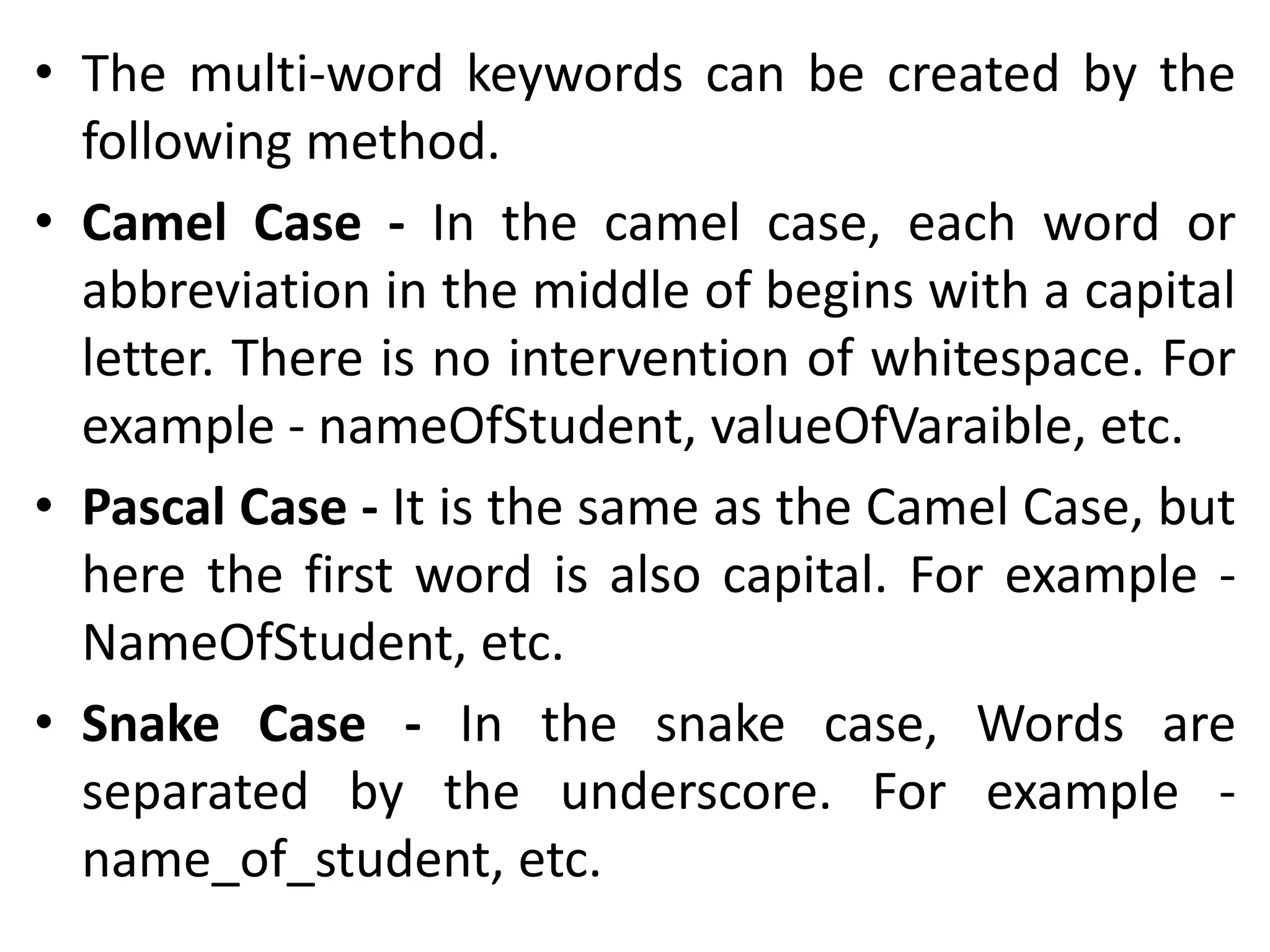
• The multi-word keywords can be created by the
following method.
• Camel Case - In the camel case, each word or
abbreviation in the middle of begins with a capital
letter. There is no intervention of whitespace. For
example - nameOfStudent, valueOfVaraible, etc.
• Pascal Case - It is the same as the Camel Case, but
here the first word is also capital. For example -
NameOfStudent, etc.
• Snake Case - In the snake case, Words are
separated by the underscore. For example -
name_of_student, etc.
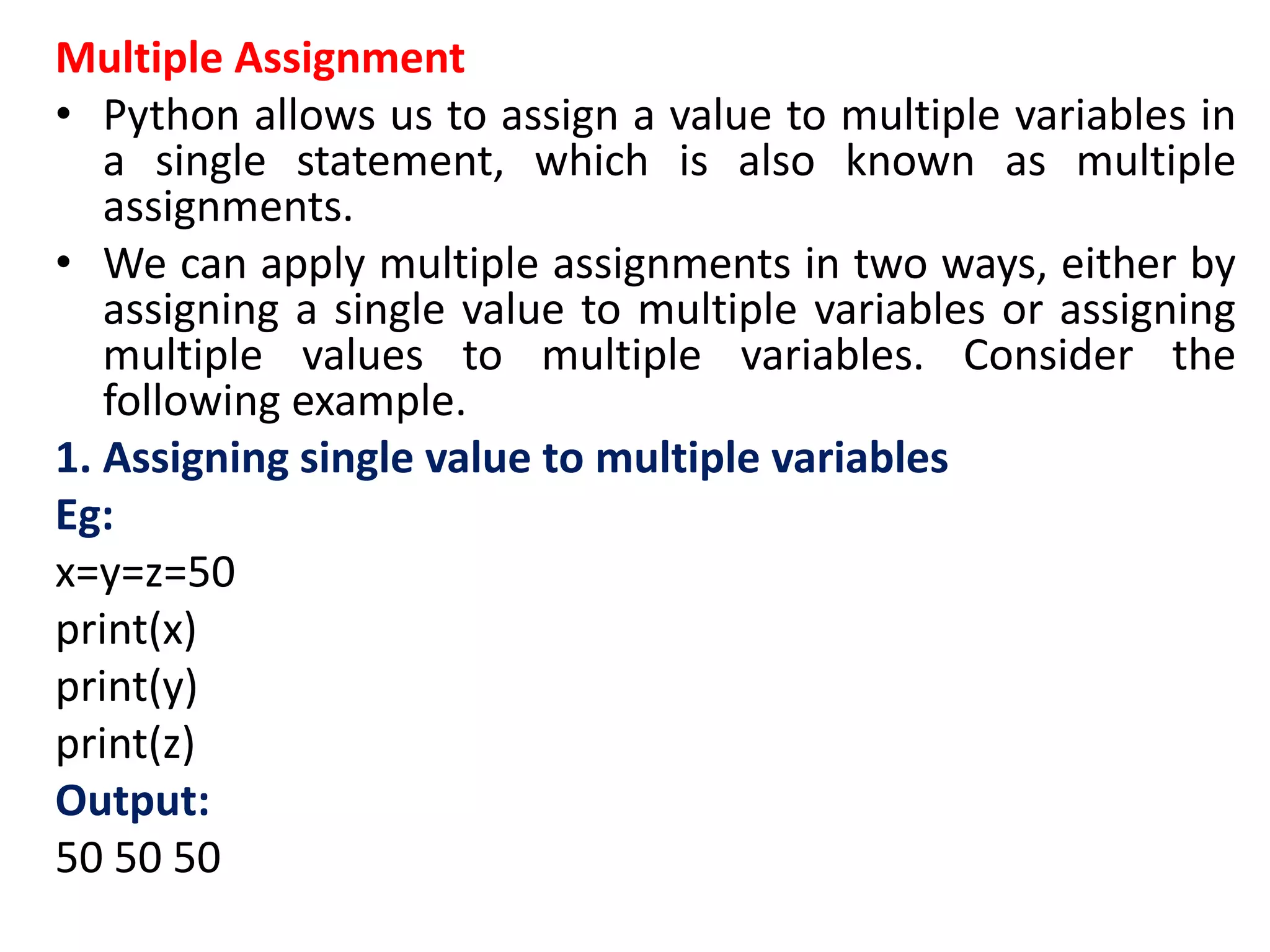
Multiple Assignment
• Python allows us to assign a value to multiple variables in
a single statement, which is also known as multiple
assignments.
• We can apply multiple assignments in two ways, either by
assigning a single value to multiple variables or assigning
multiple values to multiple variables. Consider the
following example.
1. Assigning single value to multiple variables
Eg:
x=y=z=50
print(x)
print(y)
print(z)
Output:
50 50 50
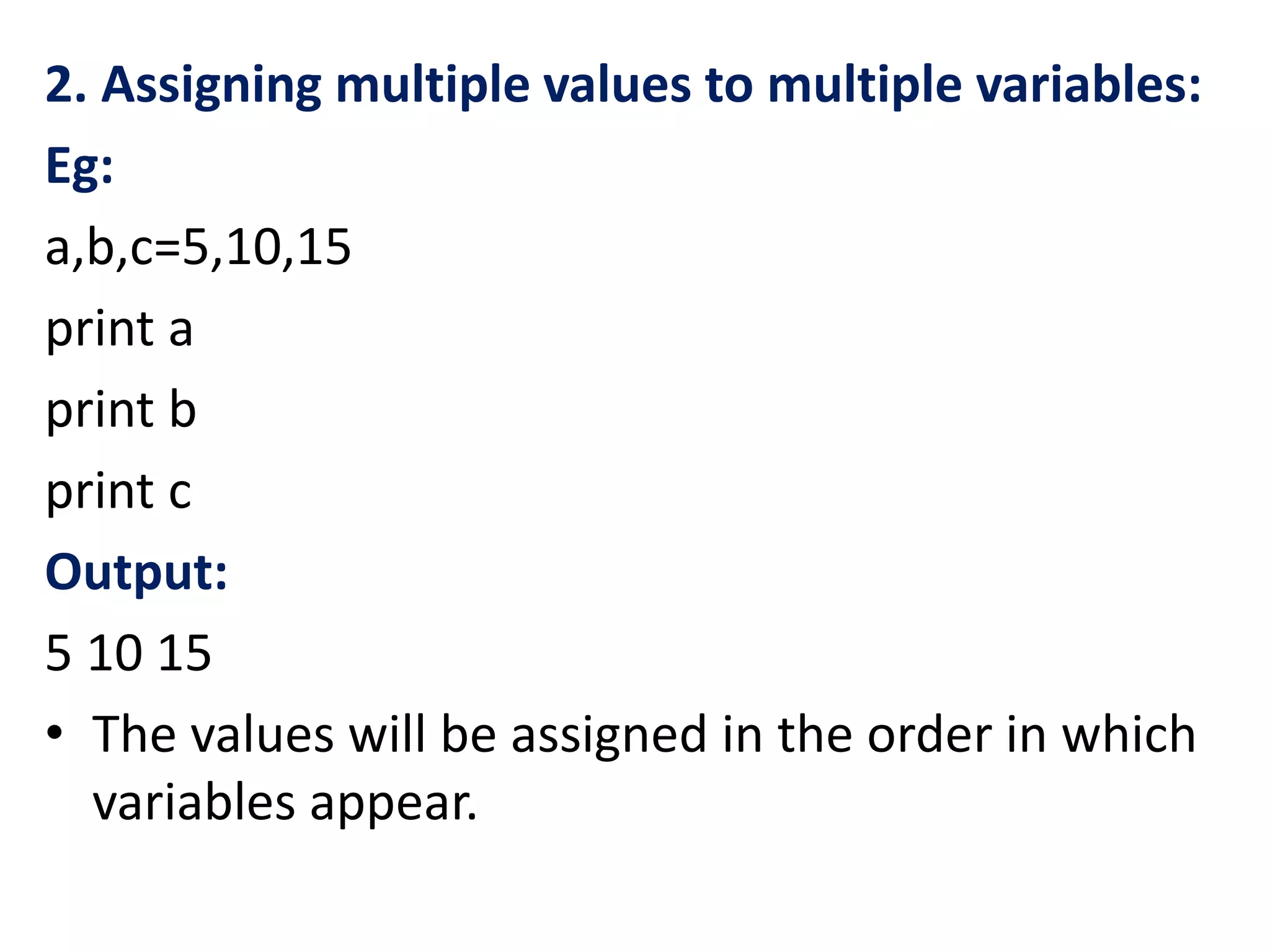
2. Assigning multiple values to multiple variables:
Eg:
a,b,c=5,10,15
print a
print b
print c
Output:
5 10 15
• The values will be assigned in the order in which
variables appear.
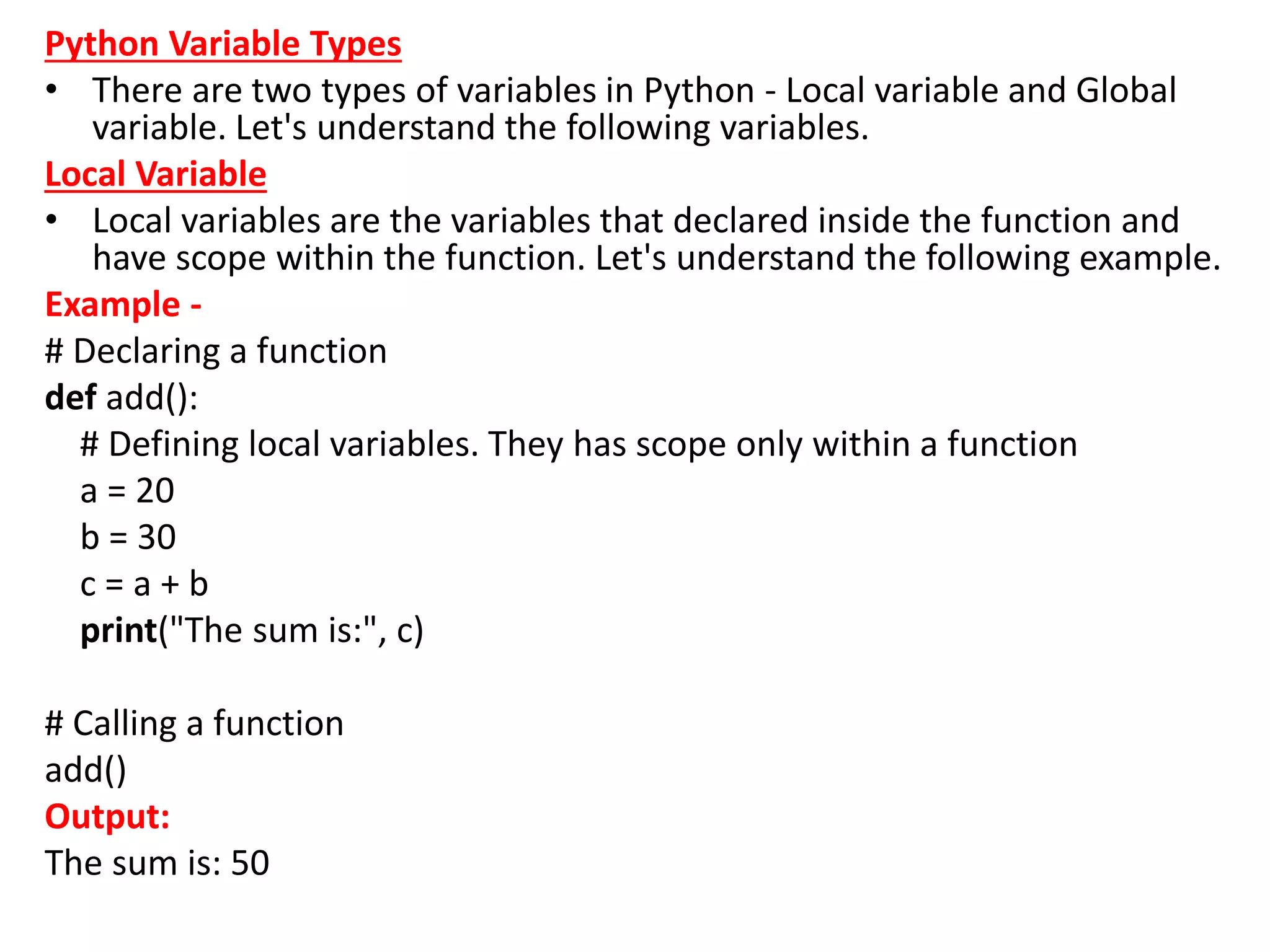
Python Variable Types
• There are two types of variables in Python - Local variable and Global
variable. Let's understand the following variables.
Local Variable
• Local variables are the variables that declared inside the function and
have scope within the function. Let's understand the following example.
Example -
# Declaring a function
def add():
# Defining local variables. They has scope only within a function
a = 20
b = 30
c = a + b
print("The sum is:", c)
# Calling a function
add()
Output:
The sum is: 50
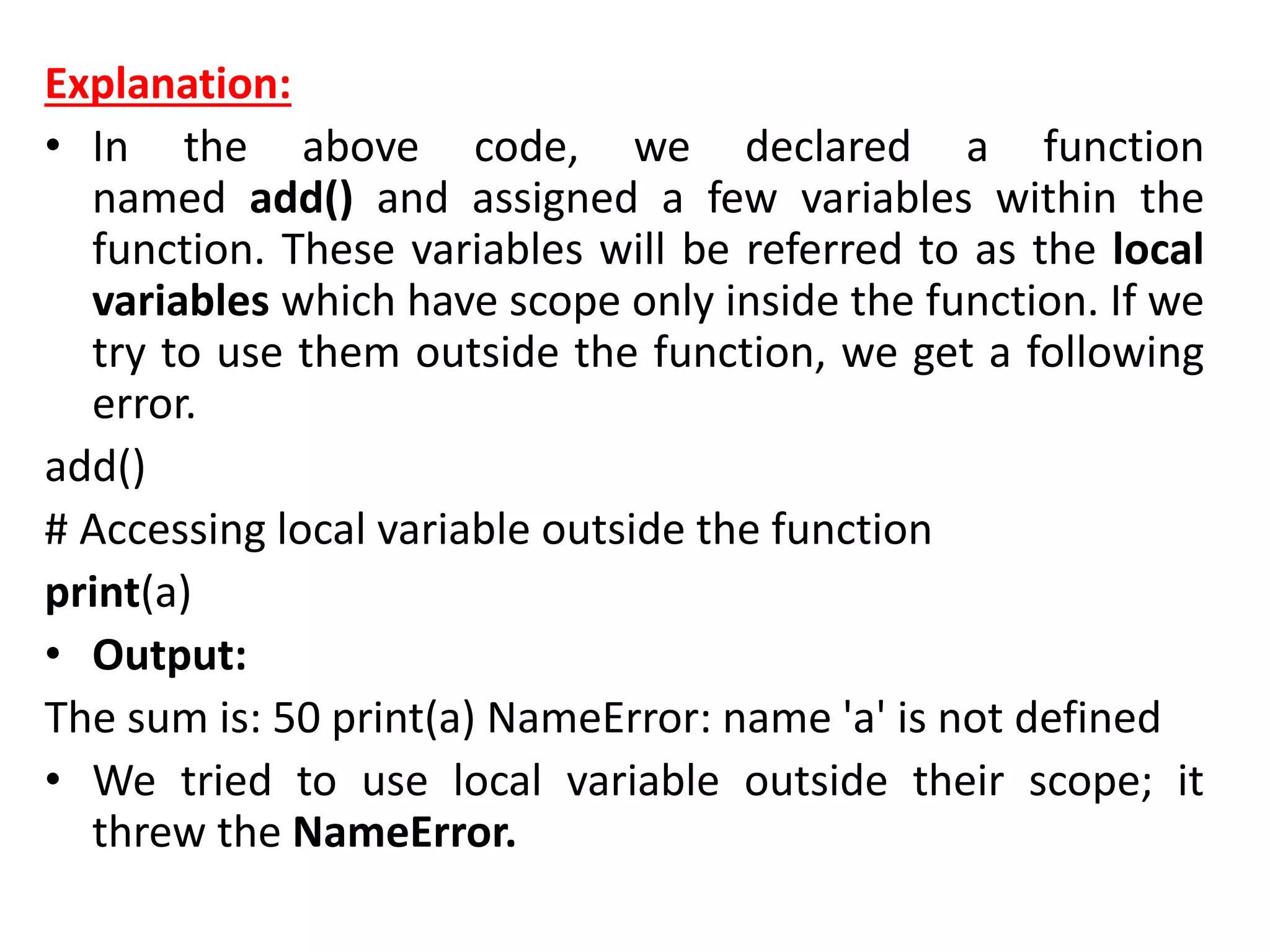
Explanation:
• In the above code, we declared a function
named add() and assigned a few variables within the
function. These variables will be referred to as the local
variables which have scope only inside the function. If we
try to use them outside the function, we get a following
error.
add()
# Accessing local variable outside the function
print(a)
• Output:
The sum is: 50 print(a) NameError: name 'a' is not defined
• We tried to use local variable outside their scope; it
threw the NameError.
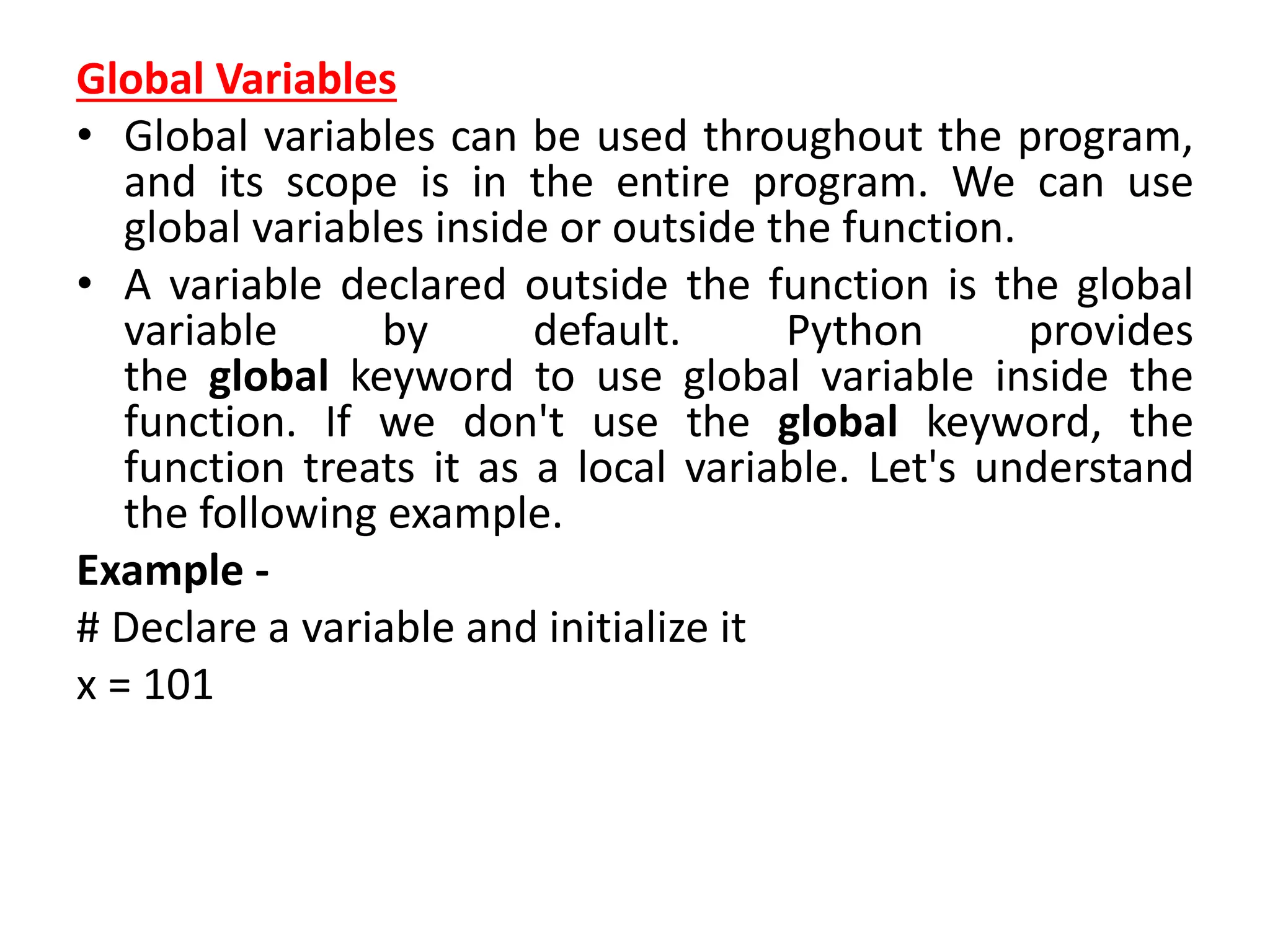
Global Variables
• Global variables can be used throughout the program,
and its scope is in the entire program. We can use
global variables inside or outside the function.
• A variable declared outside the function is the global
variable by default. Python provides
the global keyword to use global variable inside the
function. If we don't use the global keyword, the
function treats it as a local variable. Let's understand
the following example.
Example -
# Declare a variable and initialize it
x = 101
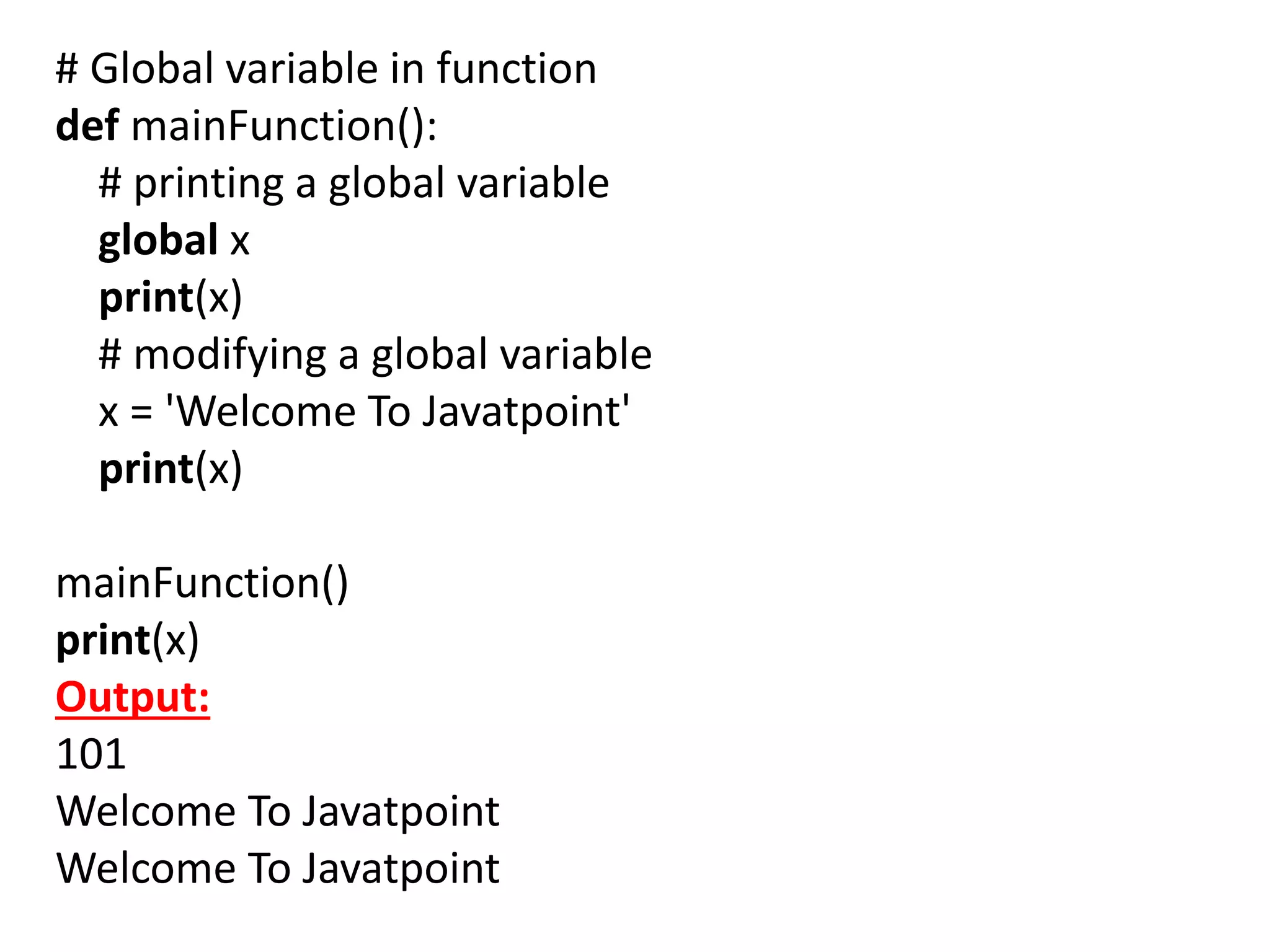
# Global variable in function
def mainFunction():
# printing a global variable
global x
print(x)
# modifying a global variable
x = 'Welcome To Javatpoint'
print(x)
mainFunction()
print(x)
Output:
101
Welcome To Javatpoint
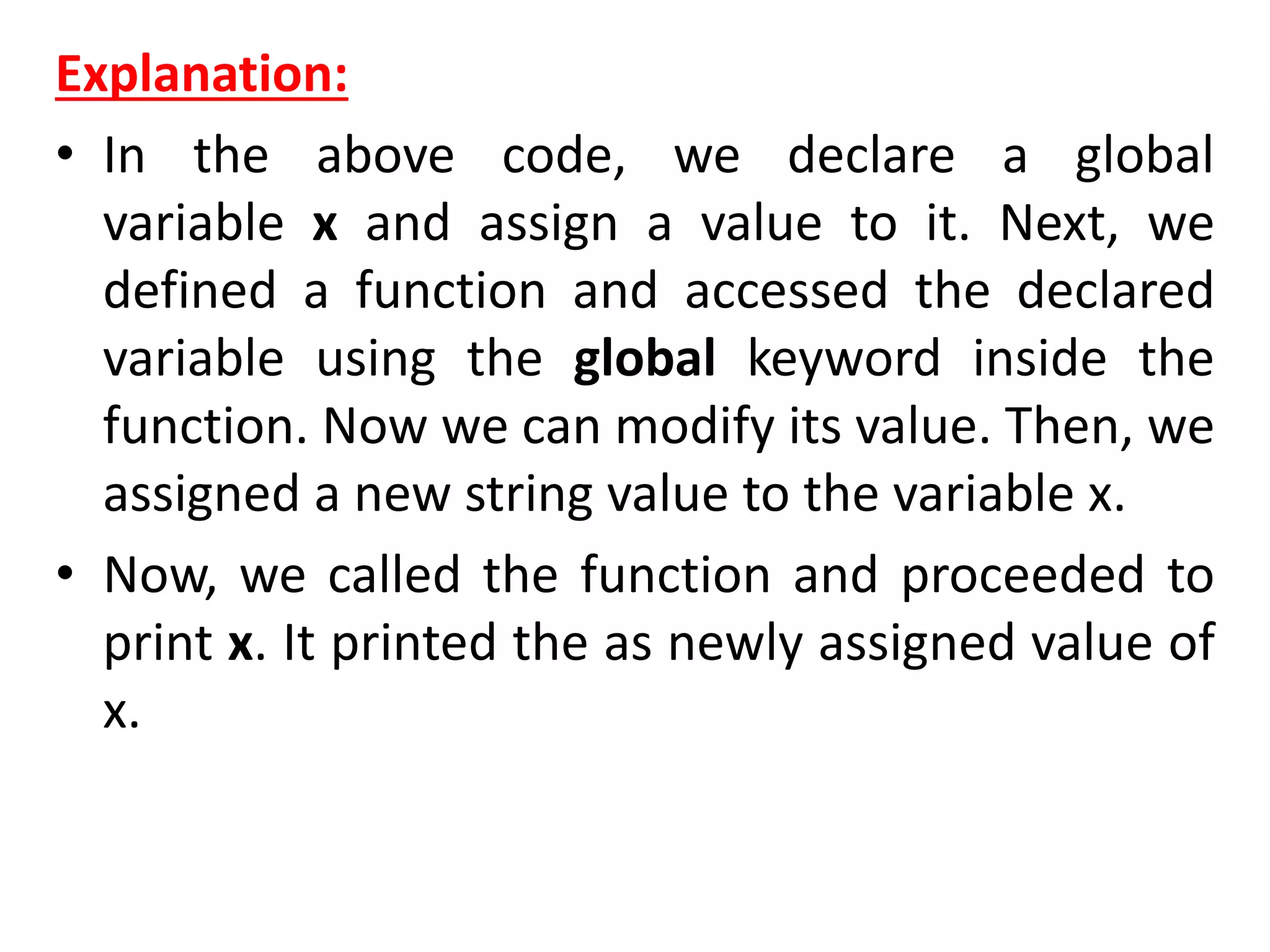
Explanation:
• In the above code, we declare a global
variable x and assign a value to it. Next, we
defined a function and accessed the declared
variable using the global keyword inside the
function. Now we can modify its value. Then, we
assigned a new string value to the variable x.
• Now, we called the function and proceeded to
print x. It printed the as newly assigned value of
x.
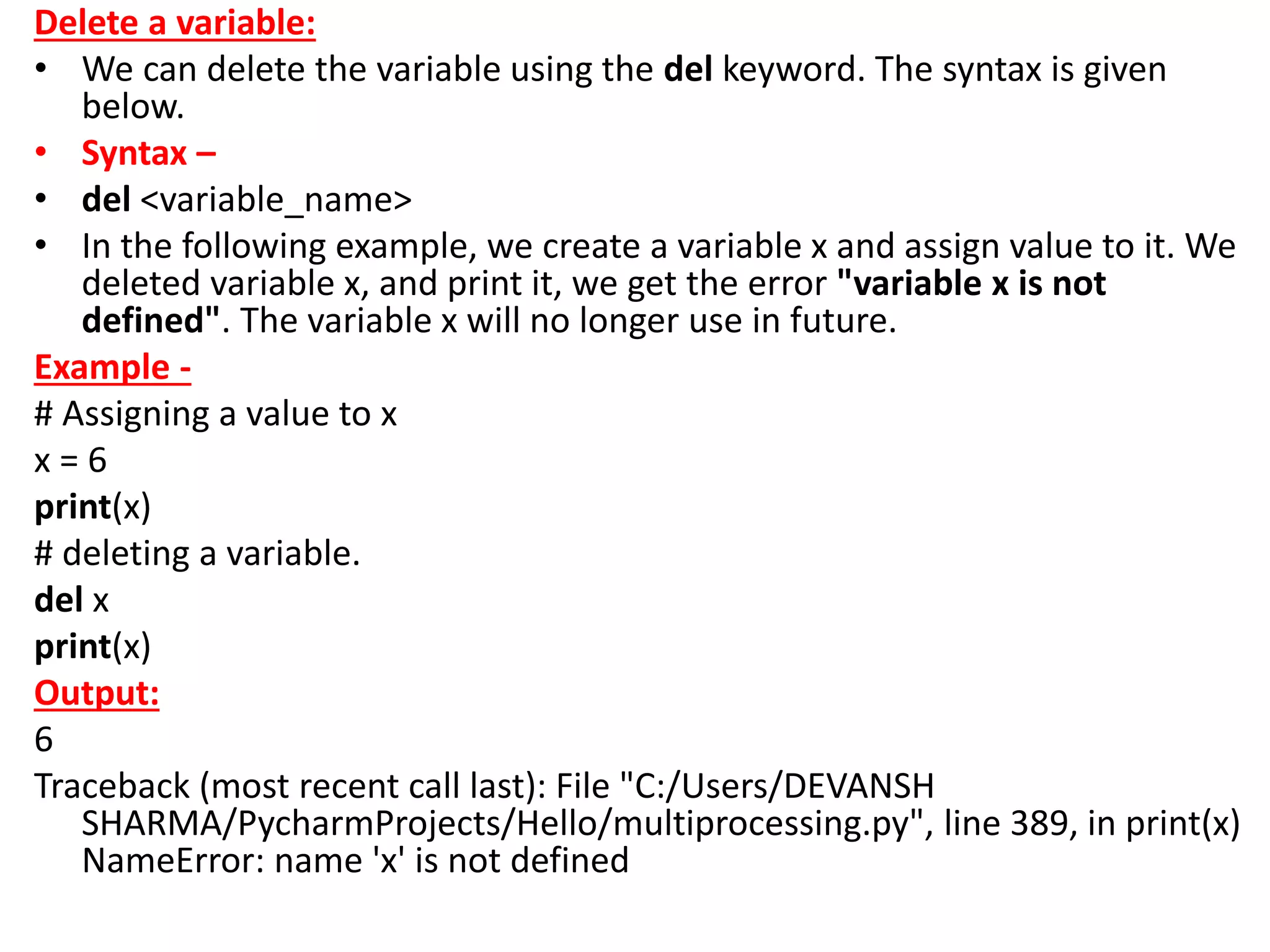
Delete a variable:
• We can delete the variable using the del keyword. The syntax is given
below.
• Syntax –
• del <variable_name>
• In the following example, we create a variable x and assign value to it. We
deleted variable x, and print it, we get the error "variable x is not
defined". The variable x will no longer use in future.
Example -
# Assigning a value to x
x = 6
print(x)
# deleting a variable.
del x
print(x)
Output:
6
Traceback (most recent call last): File "C:/Users/DEVANSH
SHARMA/PycharmProjects/Hello/multiprocessing.py", line 389, in print(x)
NameError: name 'x' is not defined
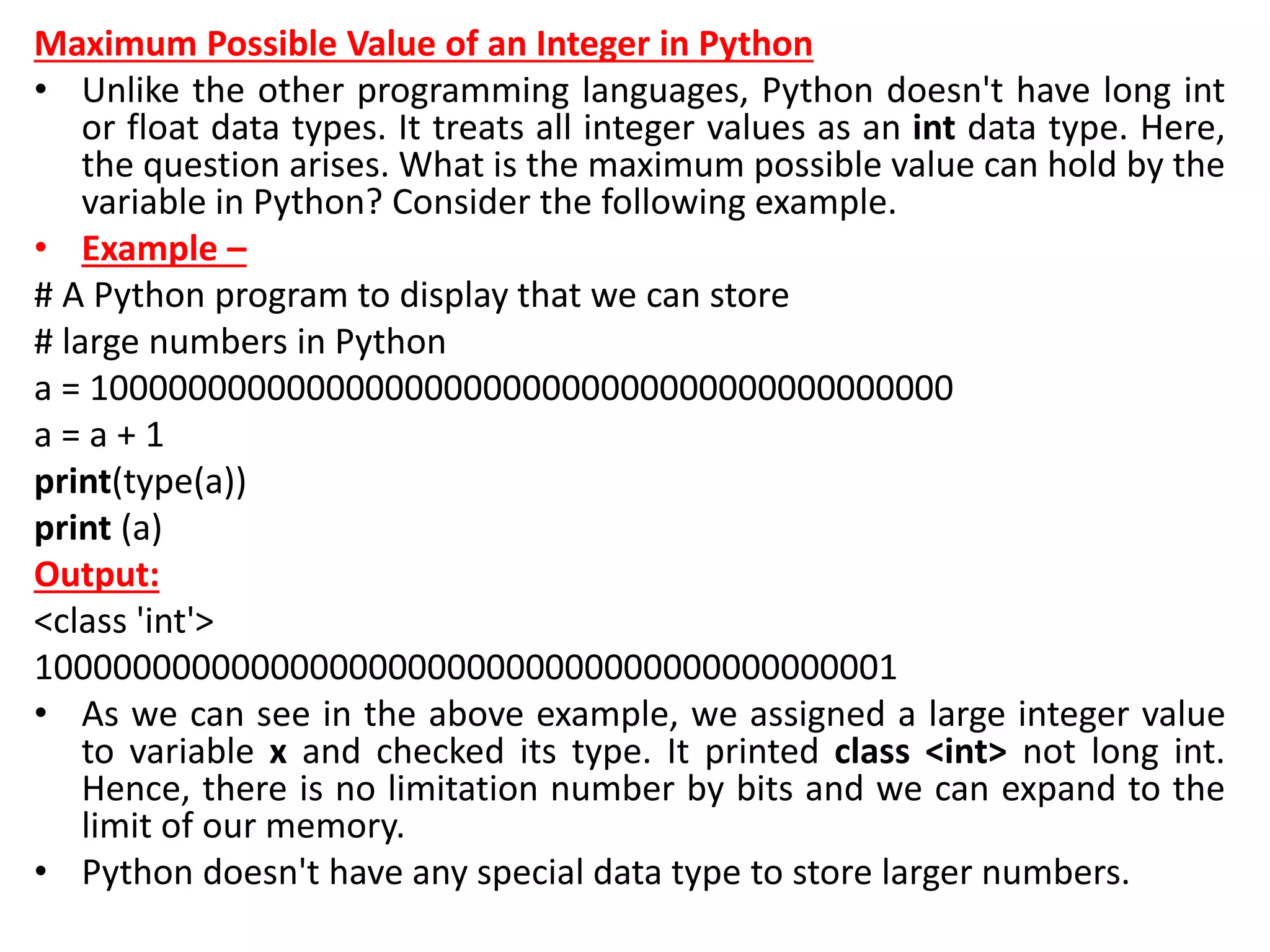
Maximum Possible Value of an Integer in Python
• Unlike the other programming languages, Python doesn't have long int
or float data types. It treats all integer values as an int data type. Here,
the question arises. What is the maximum possible value can hold by the
variable in Python? Consider the following example.
• Example –
# A Python program to display that we can store
# large numbers in Python
a = 10000000000000000000000000000000000000000000
a = a + 1
print(type(a))
print (a)
Output:
<class 'int'>
10000000000000000000000000000000000000000001
• As we can see in the above example, we assigned a large integer value
to variable x and checked its type. It printed class <int> not long int.
Hence, there is no limitation number by bits and we can expand to the
limit of our memory.
• Python doesn't have any special data type to store larger numbers.
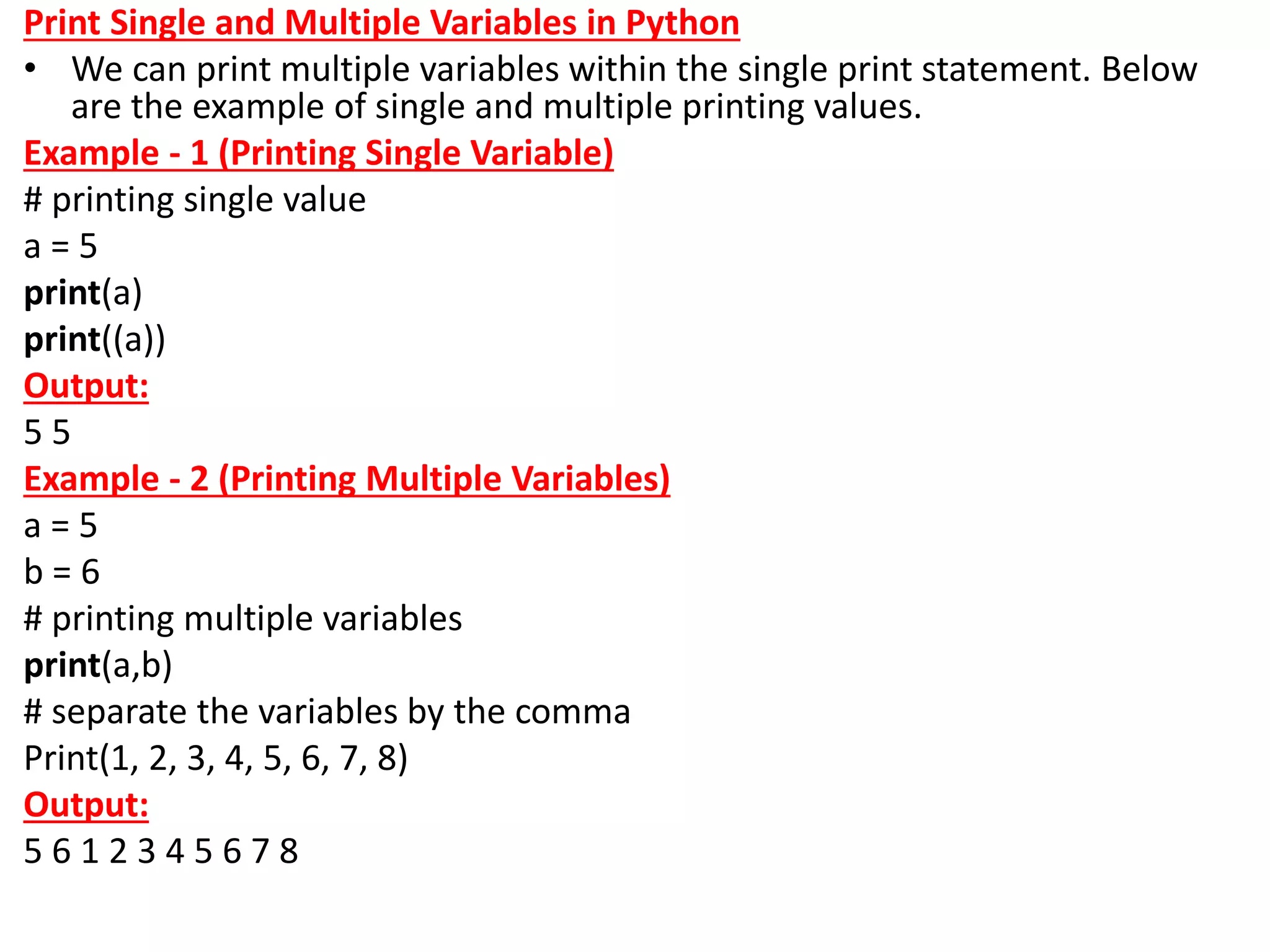
Print Single and Multiple Variables in Python
• We can print multiple variables within the single print statement. Below
are the example of single and multiple printing values.
Example - 1 (Printing Single Variable)
# printing single value
a = 5
print(a)
print((a))
Output:
5 5
Example - 2 (Printing Multiple Variables)
a = 5
b = 6
# printing multiple variables
print(a,b)
# separate the variables by the comma
Print(1, 2, 3, 4, 5, 6, 7, 8)
Output:
5 6 1 2 3 4 5 6 7 8
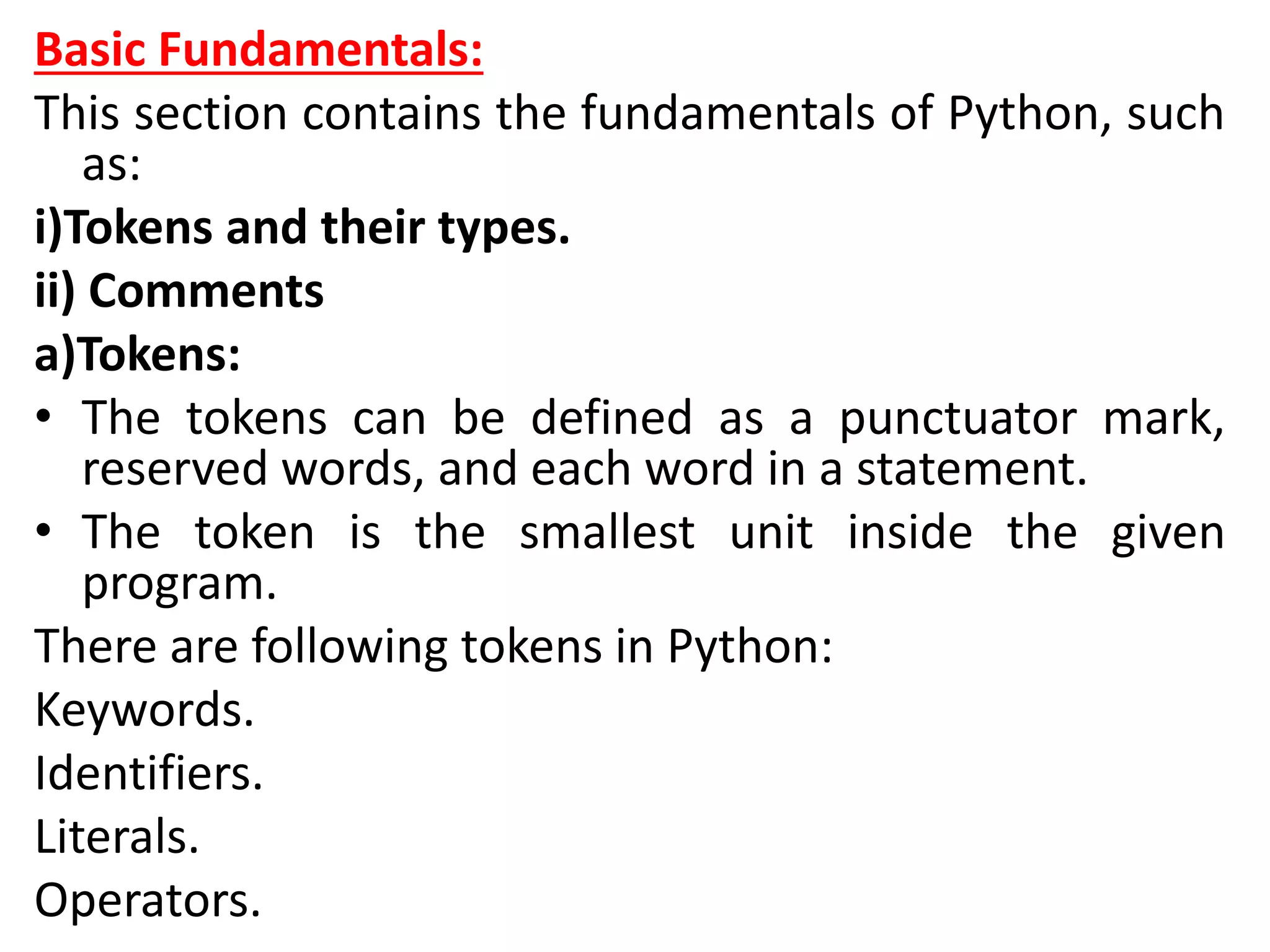
Basic Fundamentals:
This section contains the fundamentals of Python, such
as:
i)Tokens and their types.
ii) Comments
a)Tokens:
• The tokens can be defined as a punctuator mark,
reserved words, and each word in a statement.
• The token is the smallest unit inside the given
program.
There are following tokens in Python:
Keywords.
Identifiers.
Literals.
Operators.
Python Data Types
• Every value has a datatype, and variables can hold
values. Python is a powerfully composed language;
consequently, we don't have to characterize the sort
of variable while announcing it. The interpreter binds
the value implicitly to its type.
a = 5
• We did not specify the type of the variable a, which
has the value five from an integer. The Python
interpreter will automatically interpret the variable as
an integer.
• We can verify the type of the program-used variable
thanks to Python. The type() function in Python
returns the type of the passed variable.
• Consider the following illustration when defining and
verifying the values of various data types.
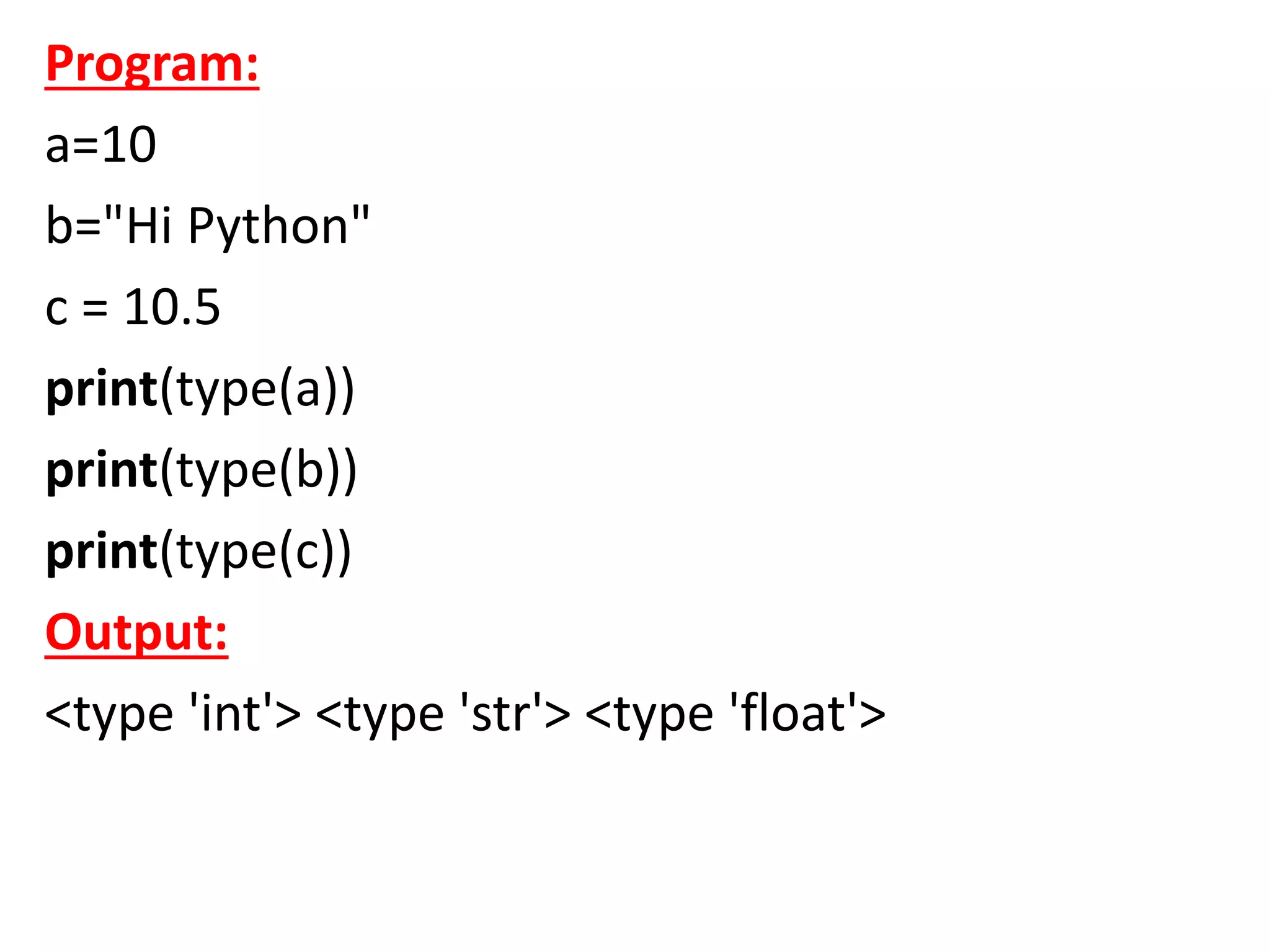
Program:
a=10
b="Hi Python"
c = 10.5
print(type(a))
print(type(b))
print(type(c))
Output:
<type 'int'> <type 'str'> <type 'float'>
Standard data types:
• A variable can contain a variety of values. On the
other hand, a person's id must be stored as an
integer, while their name must be stored as a string.
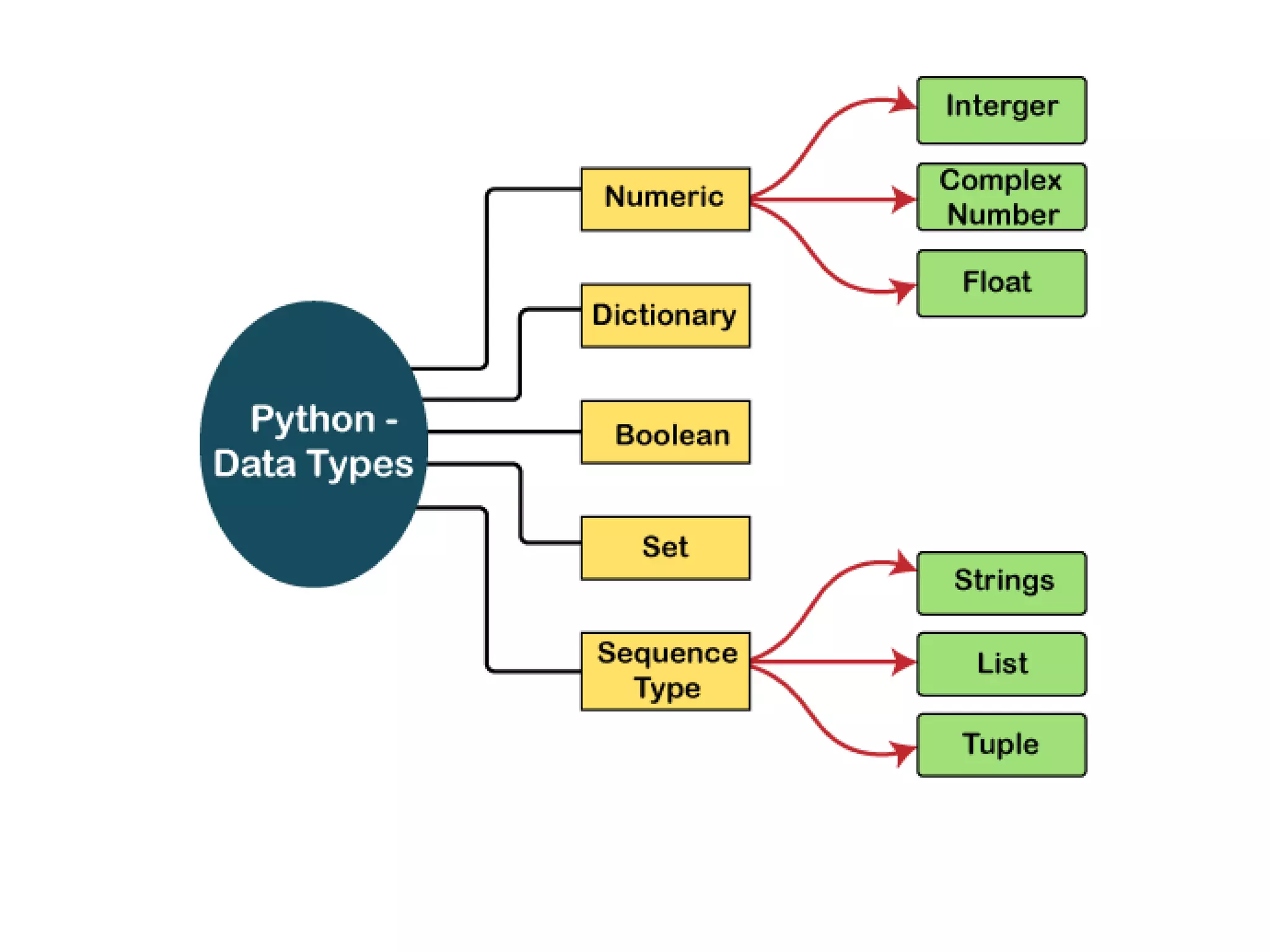
• The storage method for each of the standard data
types that Python provides is specified by Python.
The following is a list of the Python-defined data
types.
Numbers
Sequence Type
Boolean
Set
Dictionary
• The data types will be briefly discussed in this
tutorial section. We will talk about every single
one of them exhaustively later in this
instructional exercise.
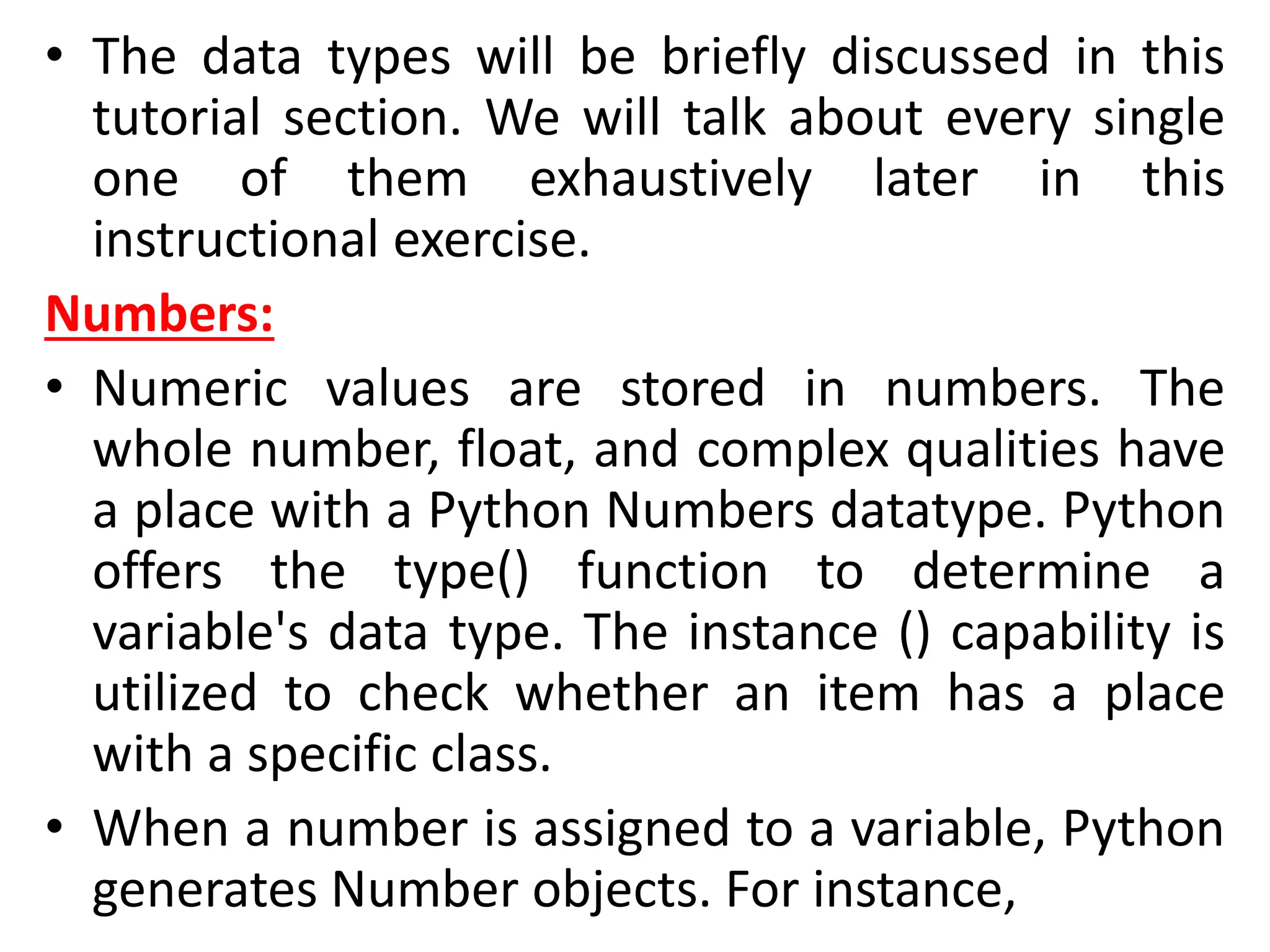
Numbers:
• Numeric values are stored in numbers. The
whole number, float, and complex qualities have
a place with a Python Numbers datatype. Python
offers the type() function to determine a
variable's data type. The instance () capability is
utilized to check whether an item has a place
with a specific class.
• When a number is assigned to a variable, Python
generates Number objects. For instance,
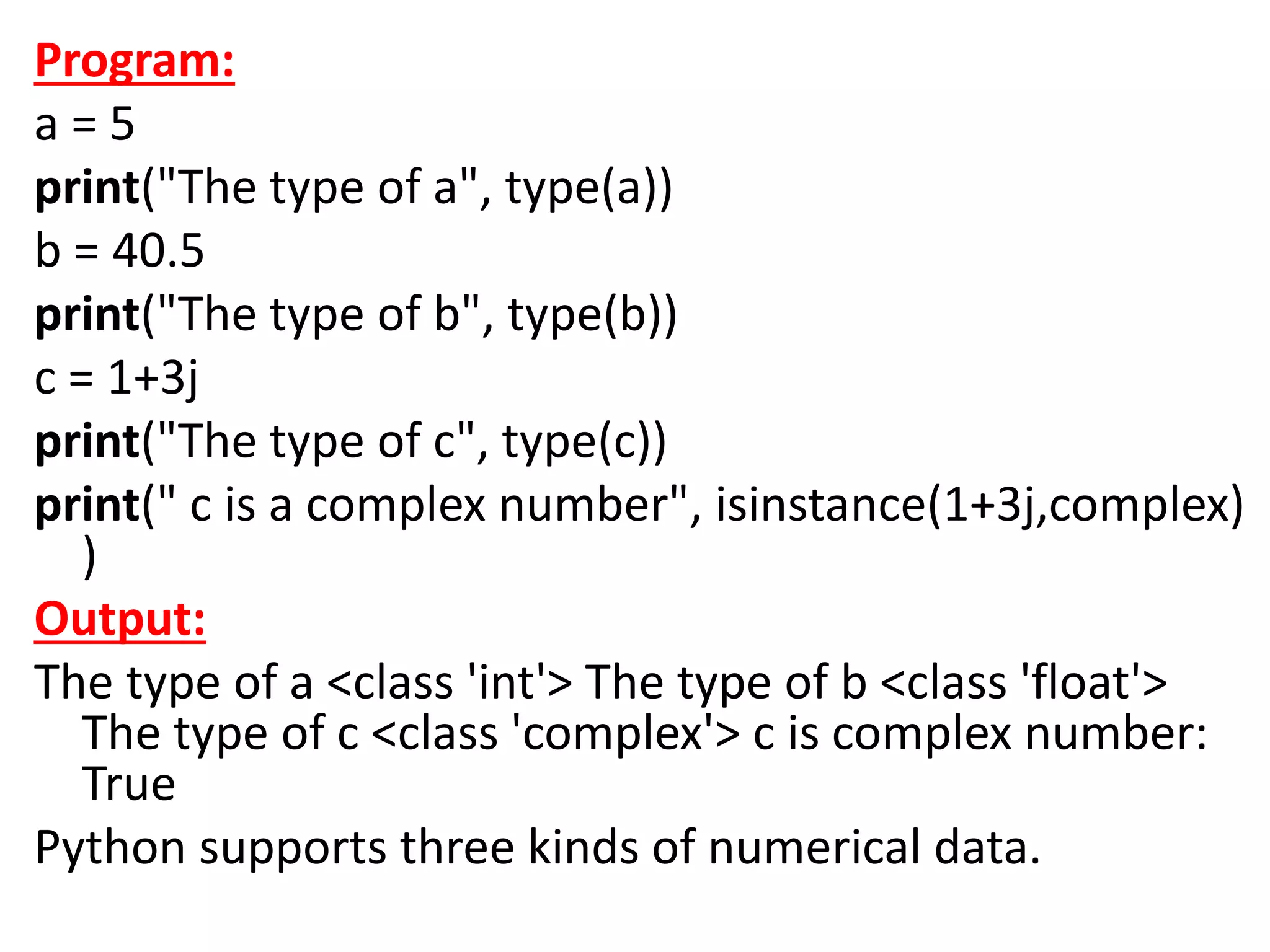
Program:
a = 5
print("The type of a", type(a))
b = 40.5
print("The type of b", type(b))
c = 1+3j
print("The type of c", type(c))
print(" c is a complex number", isinstance(1+3j,complex)
)
Output:
The type of a <class 'int'> The type of b <class 'float'>
The type of c <class 'complex'> c is complex number:
True
Python supports three kinds of numerical data.
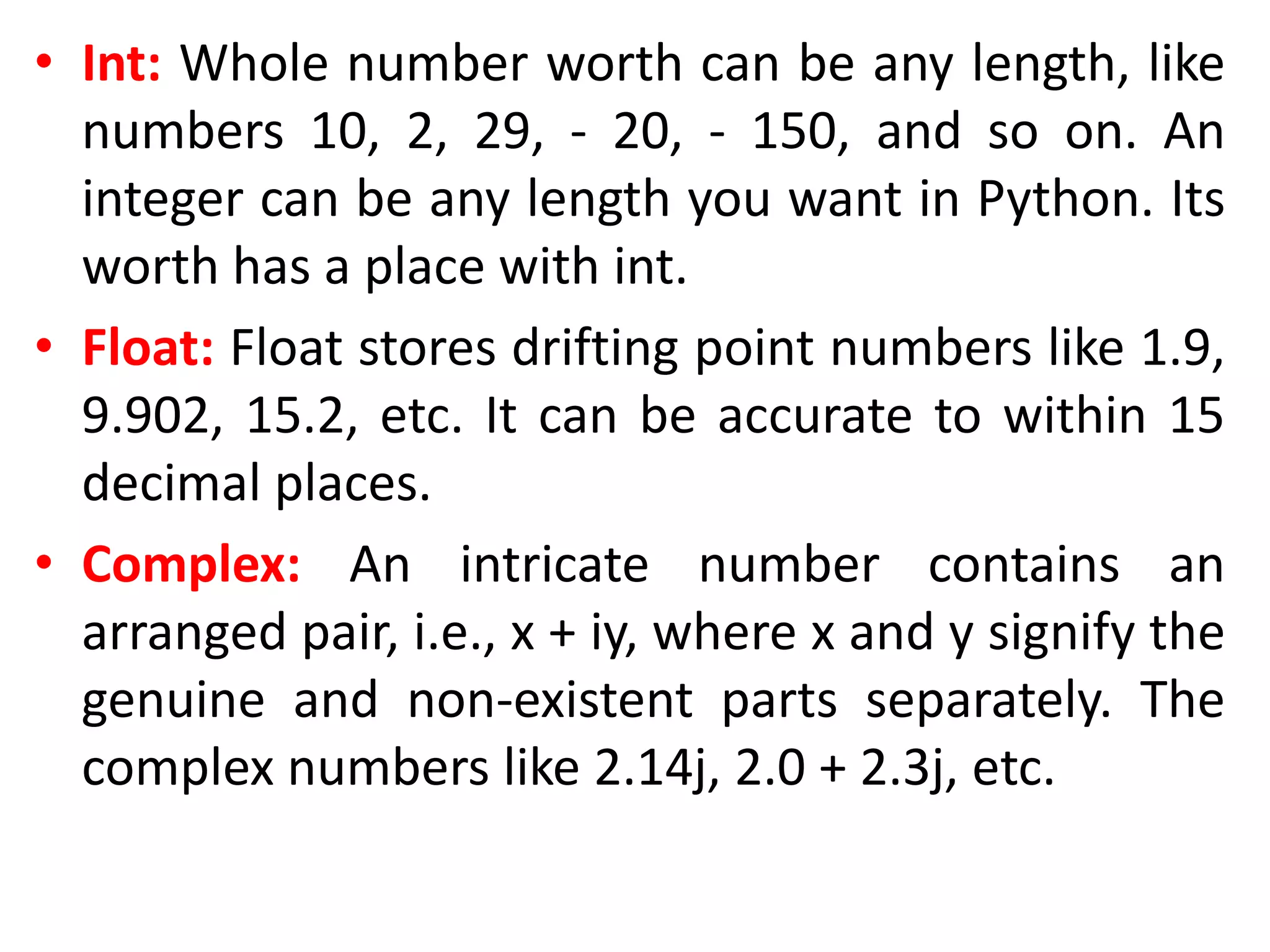
• Int: Whole number worth can be any length, like
numbers 10, 2, 29, - 20, - 150, and so on. An
integer can be any length you want in Python. Its
worth has a place with int.
• Float: Float stores drifting point numbers like 1.9,
9.902, 15.2, etc. It can be accurate to within 15
decimal places.
• Complex: An intricate number contains an
arranged pair, i.e., x + iy, where x and y signify the
genuine and non-existent parts separately. The
complex numbers like 2.14j, 2.0 + 2.3j, etc.
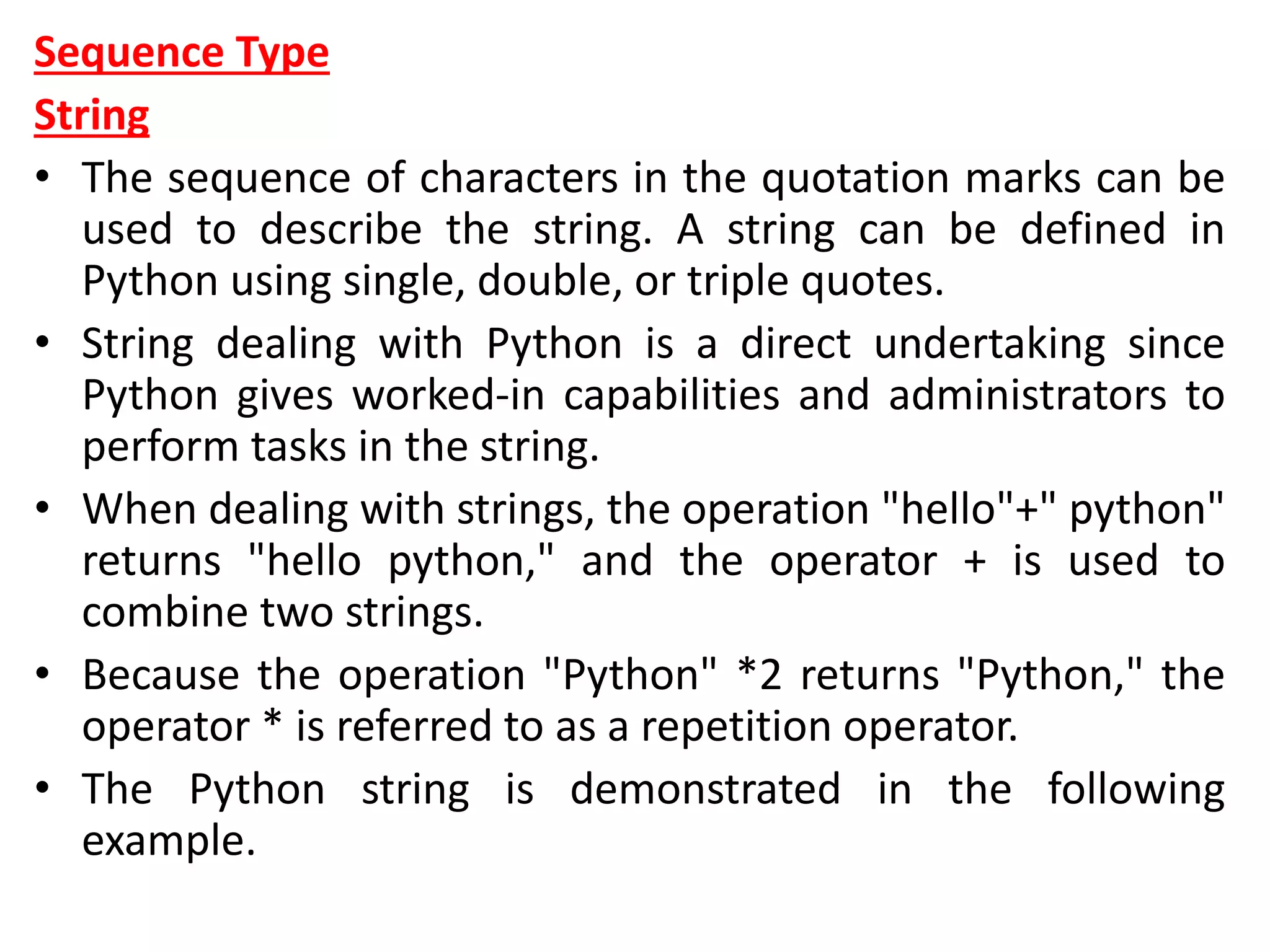
Sequence Type
String
• The sequence of characters in the quotation marks can be
used to describe the string. A string can be defined in
Python using single, double, or triple quotes.
• String dealing with Python is a direct undertaking since
Python gives worked-in capabilities and administrators to
perform tasks in the string.
• When dealing with strings, the operation "hello"+" python"
returns "hello python," and the operator + is used to
combine two strings.
• Because the operation "Python" *2 returns "Python," the
operator * is referred to as a repetition operator.
• The Python string is demonstrated in the following
example.
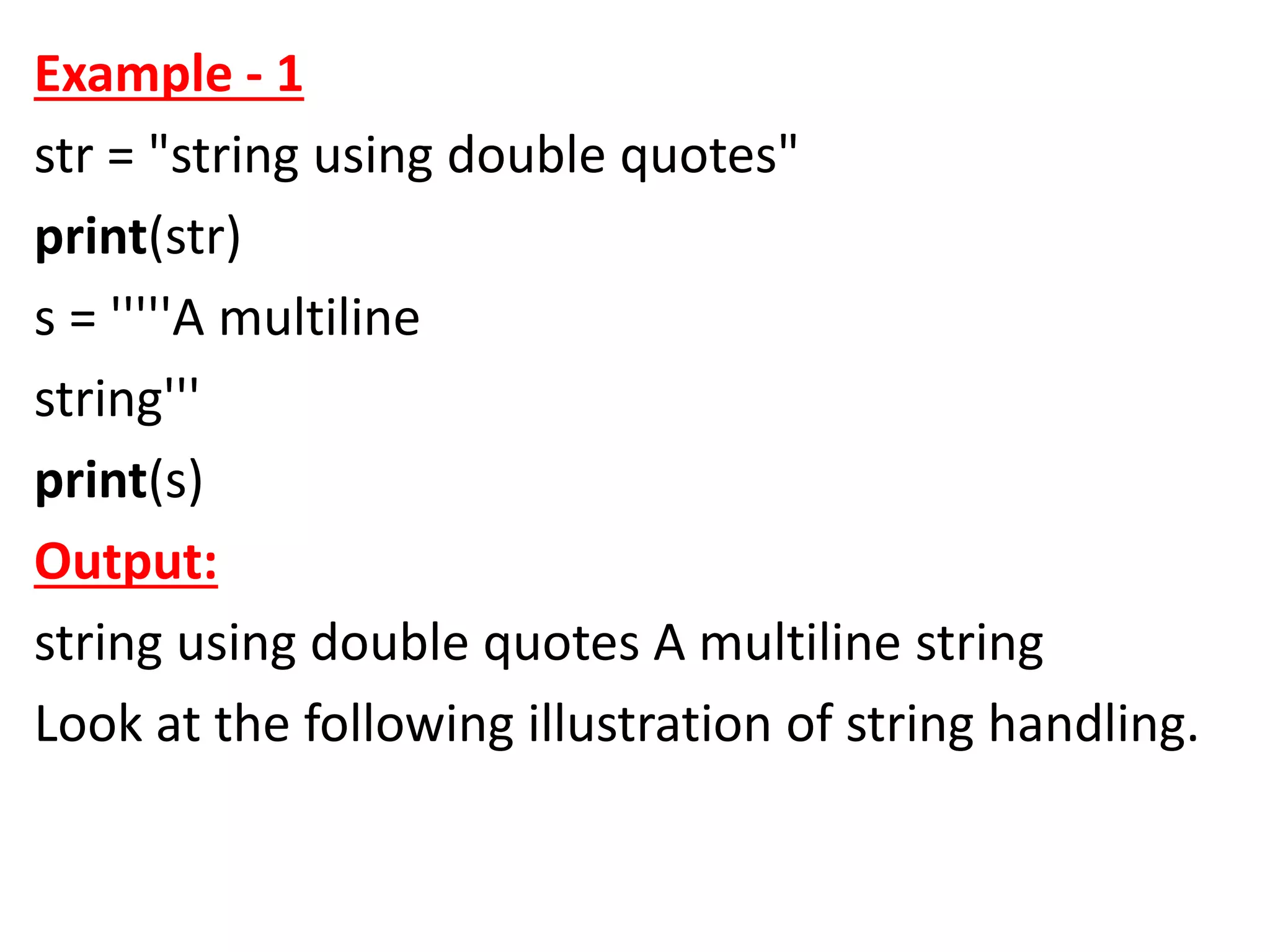
Example - 1
str = "string using double quotes"
print(str)
s = '''''A multiline
string'''
print(s)
Output:
string using double quotes A multiline string
Look at the following illustration of string handling.
Example - 2
str1 = 'hello javatpoint' #string str1
str2 = ' how are you' #string str2
print (str1[0:2]) #printing first two character using slice
operator
print (str1[4]) #printing 4th character of the string
print (str1*2) #printing the string twice
print (str1 + str2) #printing the concatenation of str1 a
nd str2
Output:
he o hello javatpointhello javatpoint hello javatpoint
how are you
• List:
• Lists in Python are like arrays in C, but lists can
contain data of different types. The things put
away in the rundown are isolated with a comma
(,) and encased inside square sections [].
• To gain access to the list's data, we can use slice
[:] operators. Like how they worked with strings,
the list is handled by the concatenation operator
(+) and the repetition operator (*).
Example:
list1 = [1, "hi", "Python", 2]
#Checking type of given list
print(type(list1))
#Printing the list1
print (list1)
# List slicing
print (list1[3:])
# List slicing
print (list1[0:2])
# List Concatenation using + operator
print (list1 + list1)
# List repetation using * operator
print (list1 * 3)
Output:
[1, 'hi', 'Python', 2] [2] [1, 'hi'] [1, 'hi', 'Python', 2, 1, 'hi', 'Python', 2]
[1, 'hi', 'Python', 2, 1, 'hi', 'Python', 2, 1, 'hi', 'Python', 2]
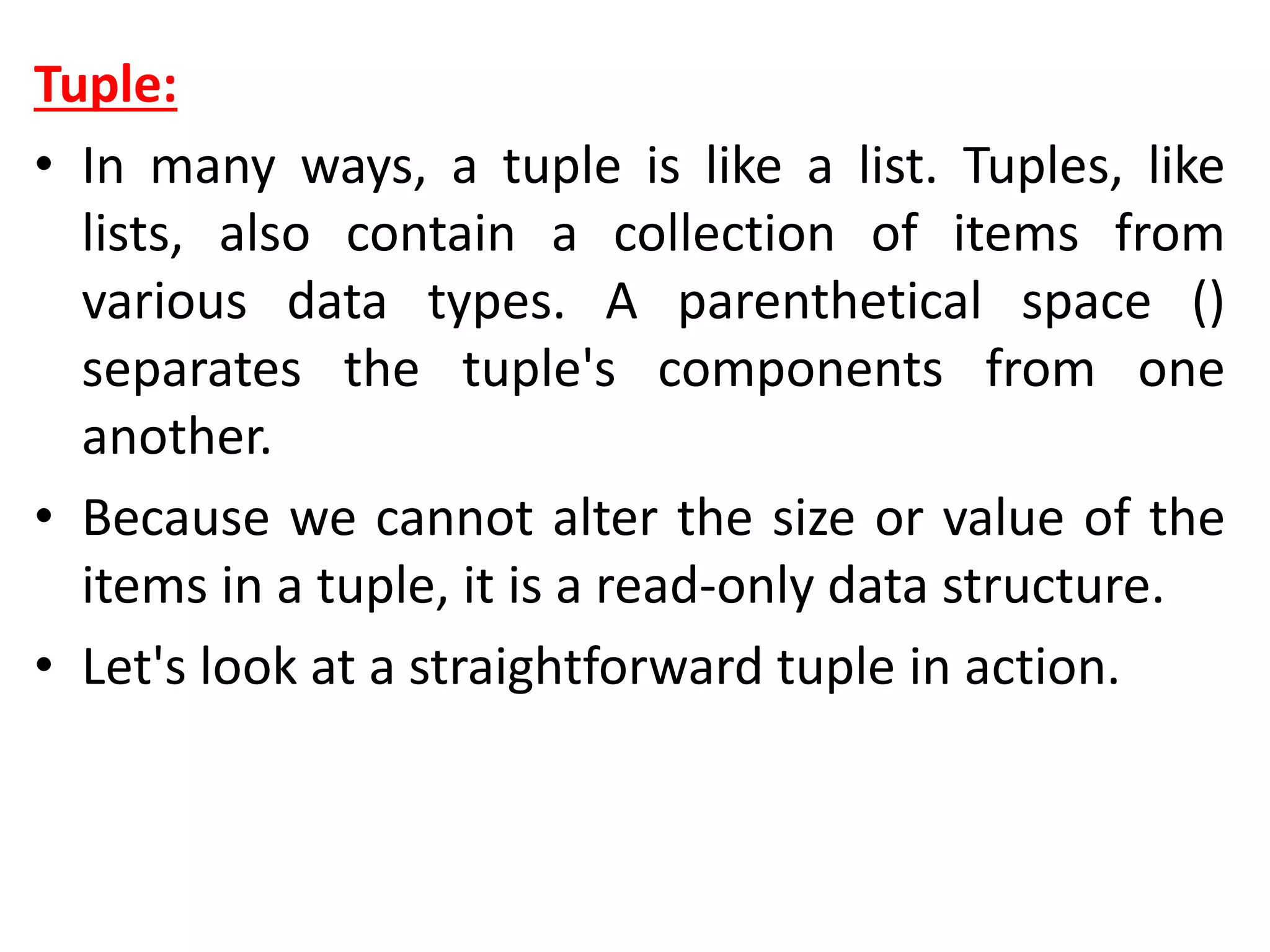
Tuple:
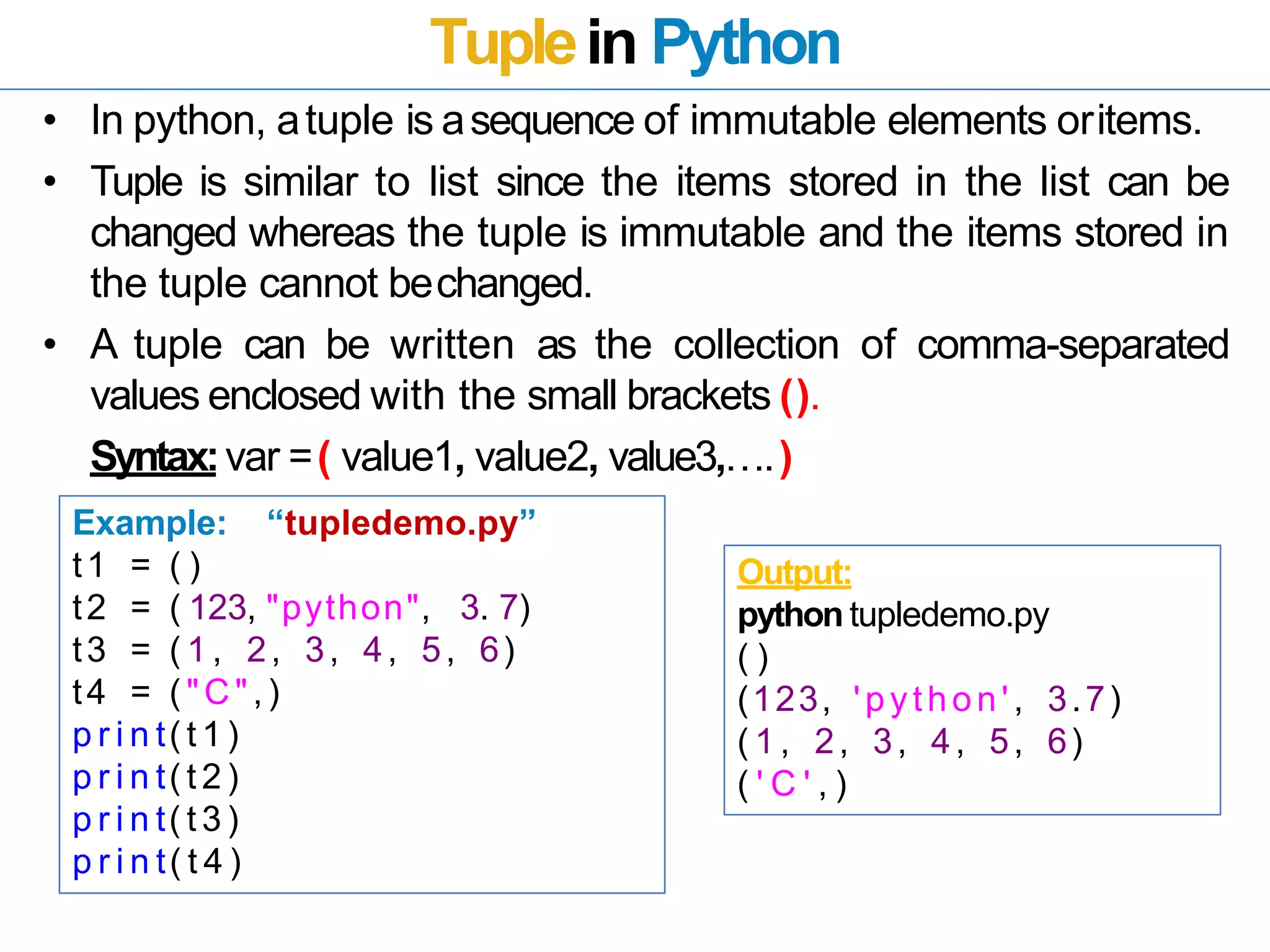
• In many ways, a tuple is like a list. Tuples, like
lists, also contain a collection of items from
various data types. A parenthetical space ()
separates the tuple's components from one
another.
• Because we cannot alter the size or value of the
items in a tuple, it is a read-only data structure.
• Let's look at a straightforward tuple in action.
Example:
tup = ("hi", "Python", 2)
# Checking type of tup
print (type(tup))
#Printing the tuple
print (tup)
# Tuple slicing
print (tup[1:])
print (tup[0:1])
# Tuple concatenation using + operator
print (tup + tup)
# Tuple repatation using * operator
print (tup * 3)
# Adding value to tup. It will throw an error.
t[2] = "hi"
Output:
<class 'tuple'>
('hi', 'Python', 2)
('Python', 2)
('hi',)
('hi', 'Python', 2, 'hi', 'Python', 2)
('hi', 'Python', 2, 'hi', 'Python', 2, 'hi', 'Python', 2)
Traceback (most recent call last):
File "main.py", line 14, in <module>
t[2] = "hi";
TypeError: 'tuple' object does not support item
assignment
Dictionary
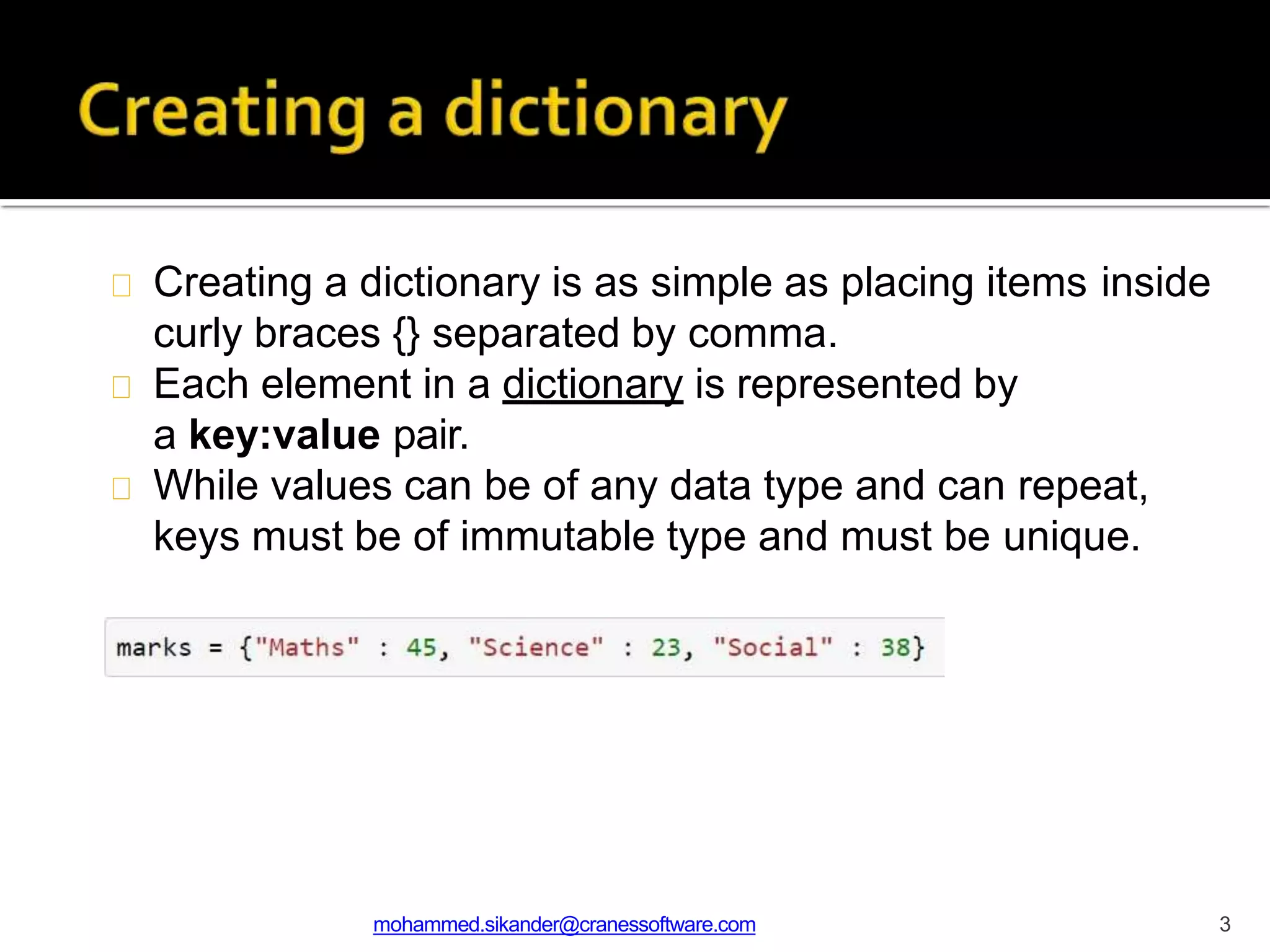
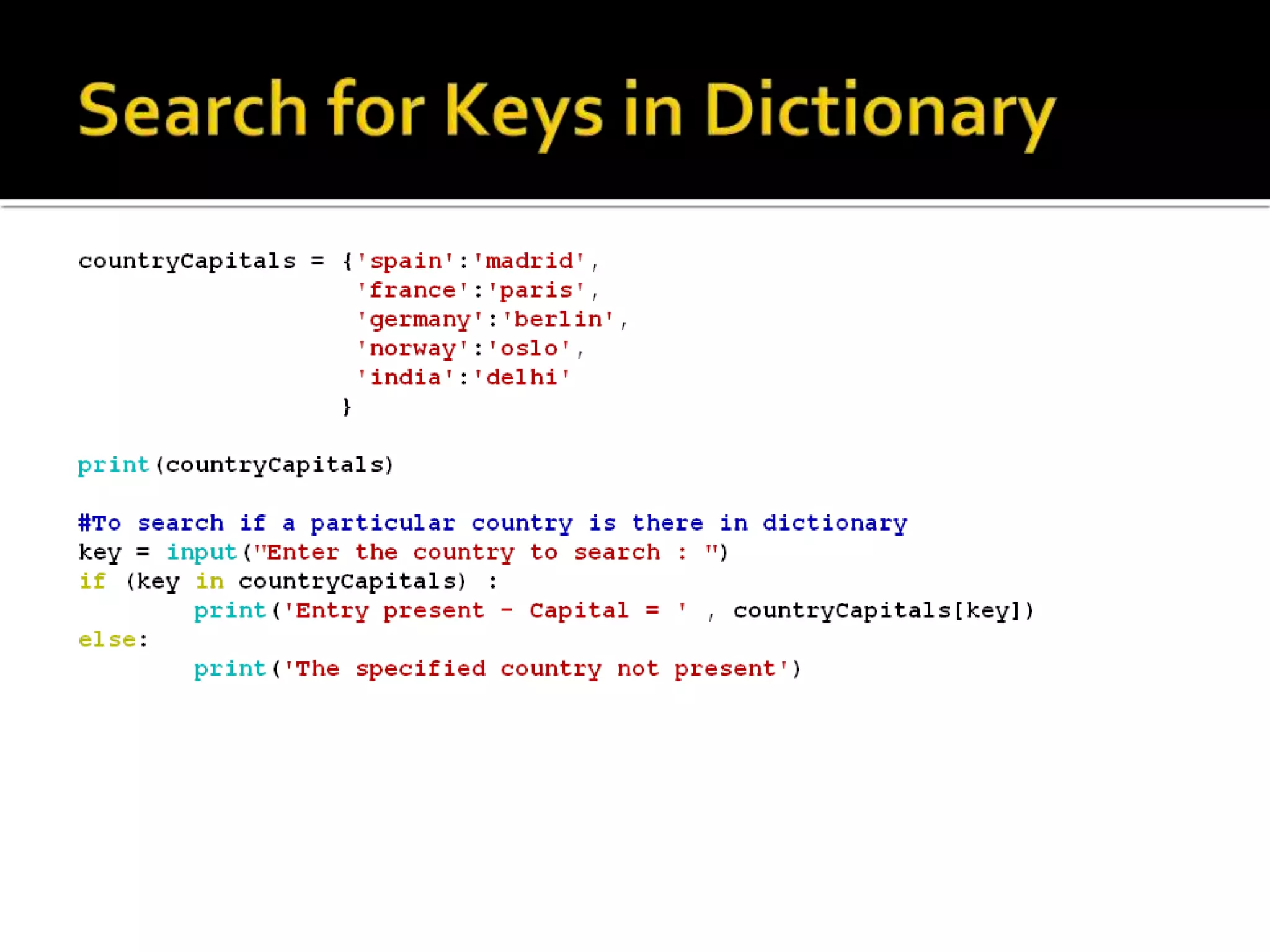
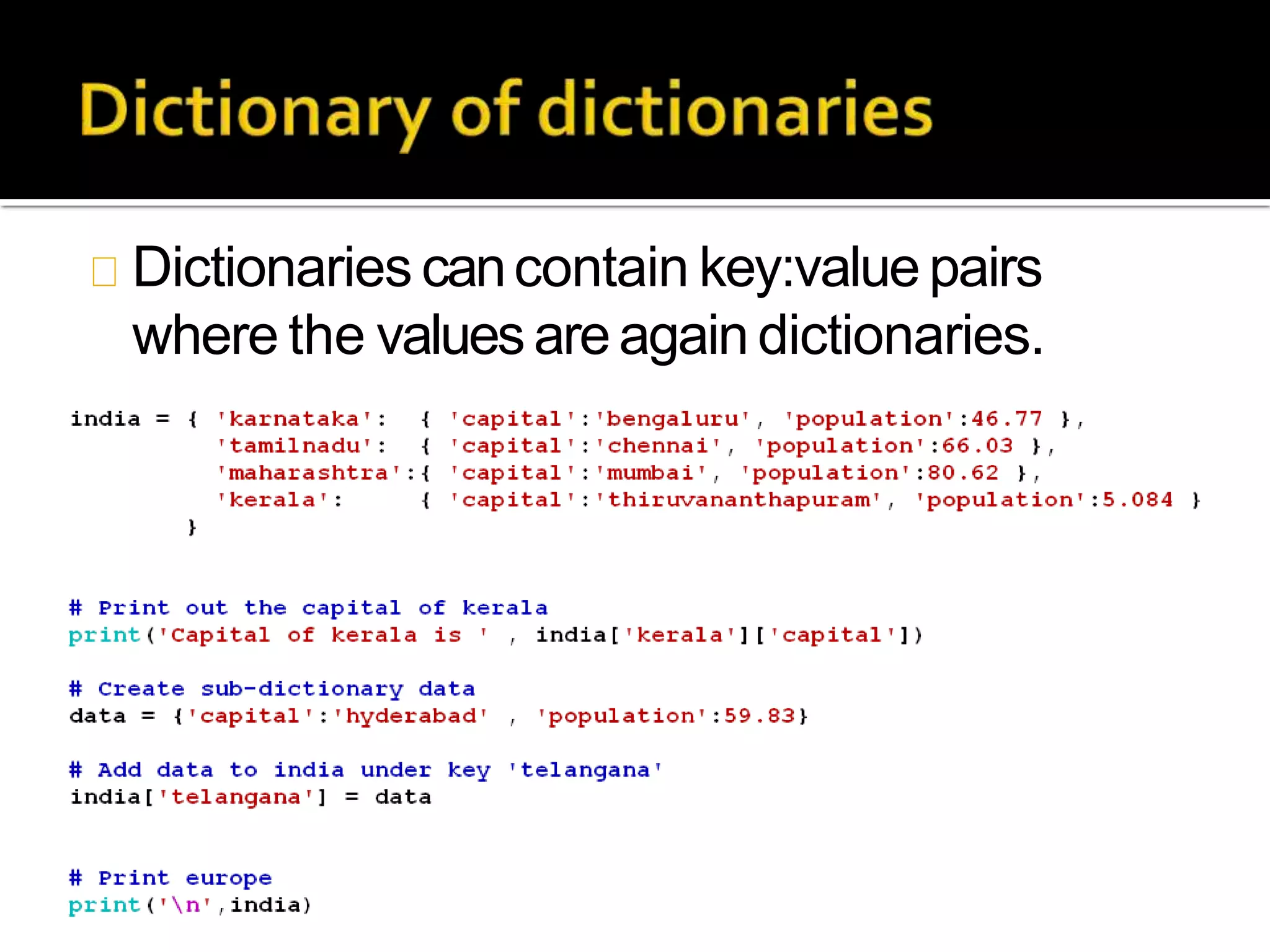
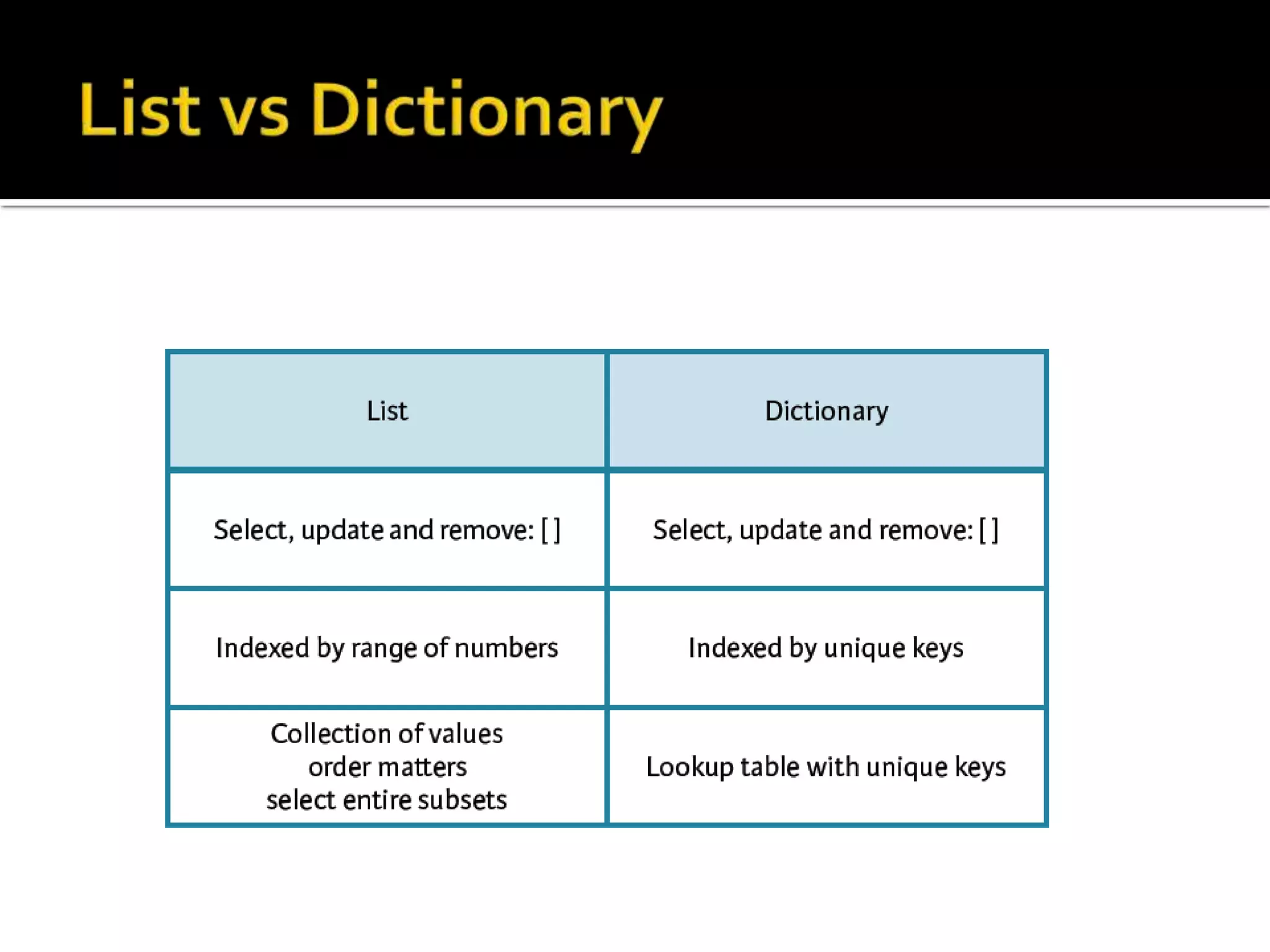
• A dictionary is a key-value pair set arranged in any order. It
stores a specific value for each key, like an associative
array or a hash table. Value is any Python object, while the
key can hold any primitive data type.
• The comma (,) and the curly braces are used to separate
the items in the dictionary.
• Look at the following example.
d = {1:'Jimmy', 2:'Alex', 3:'john', 4:'mike'}
# Printing dictionary
print (d)
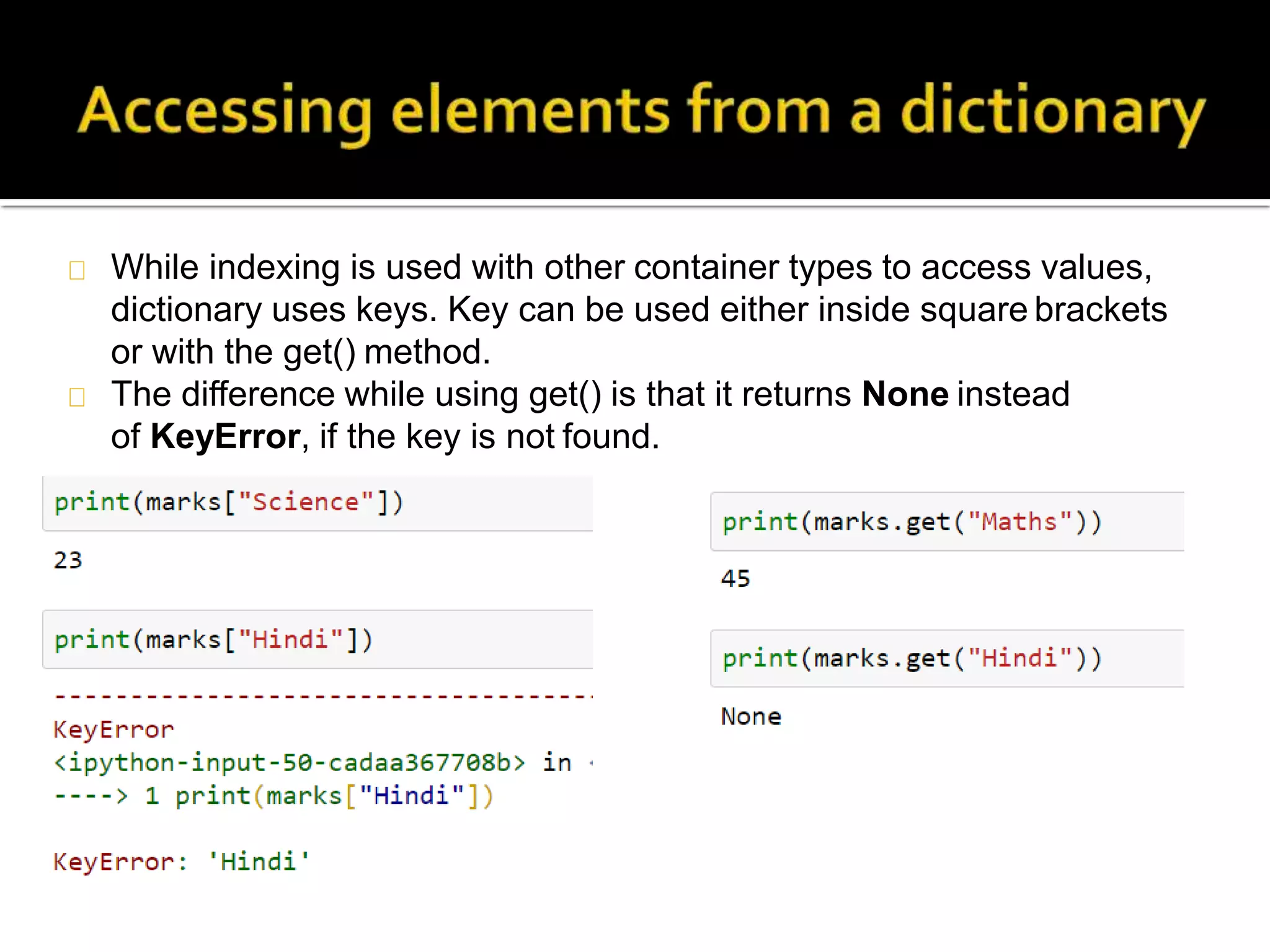
# Accesing value using keys
print("1st name is "+d[1])
print("2nd name is "+ d[4])
print (d.keys())
print (d.values())
• Output:
1st name is Jimmy
2nd name is mike
{1: 'Jimmy', 2: 'Alex', 3: 'john', 4: 'mike'}
dict_keys([1, 2, 3, 4])
dict_values(['Jimmy', 'Alex', 'john', 'mike'])
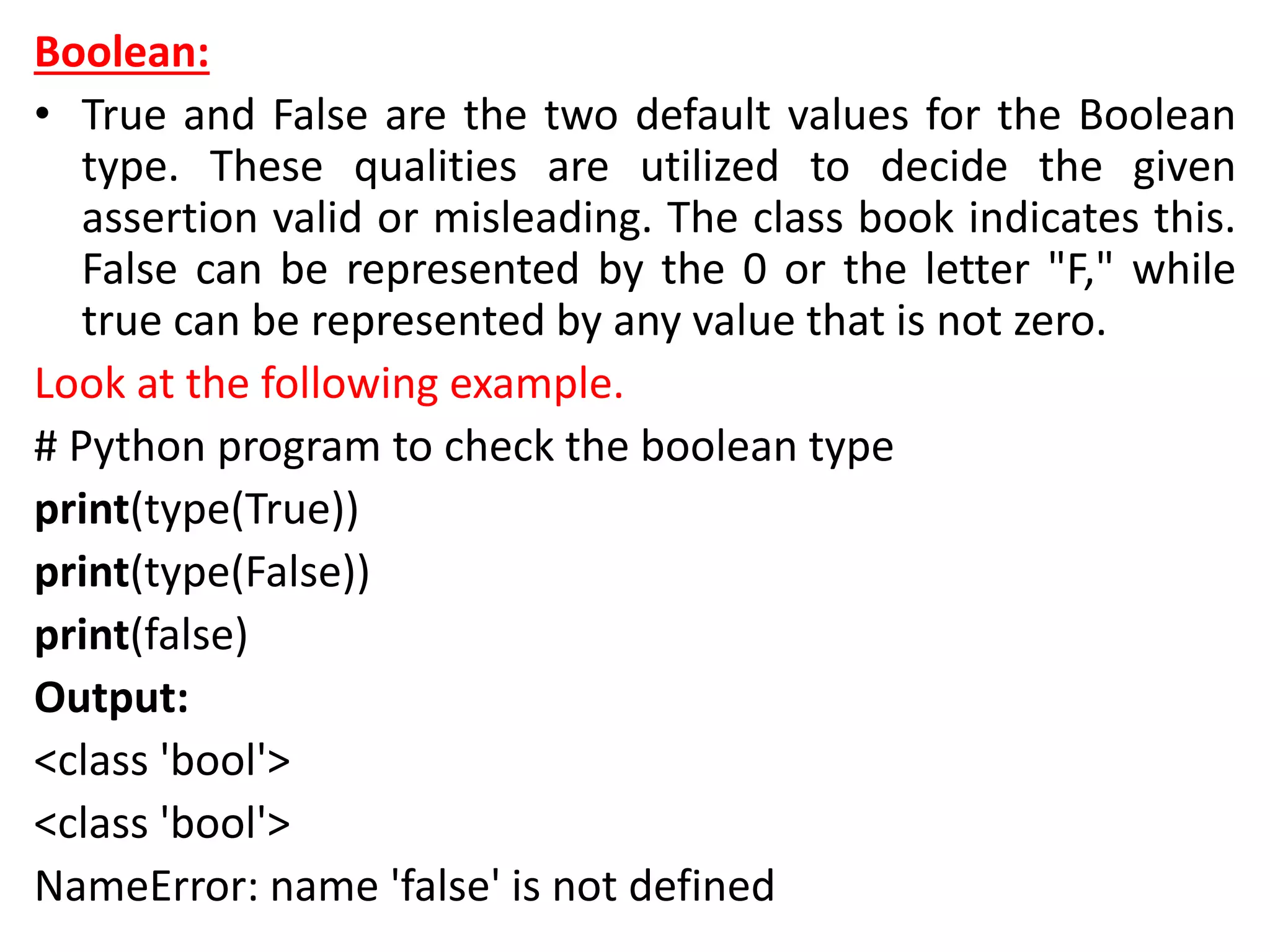
Boolean:
• True and False are the two default values for the Boolean
type. These qualities are utilized to decide the given
assertion valid or misleading. The class book indicates this.
False can be represented by the 0 or the letter "F," while
true can be represented by any value that is not zero.
Look at the following example.
# Python program to check the boolean type
print(type(True))
print(type(False))
print(false)
Output:
<class 'bool'>
<class 'bool'>
NameError: name 'false' is not defined
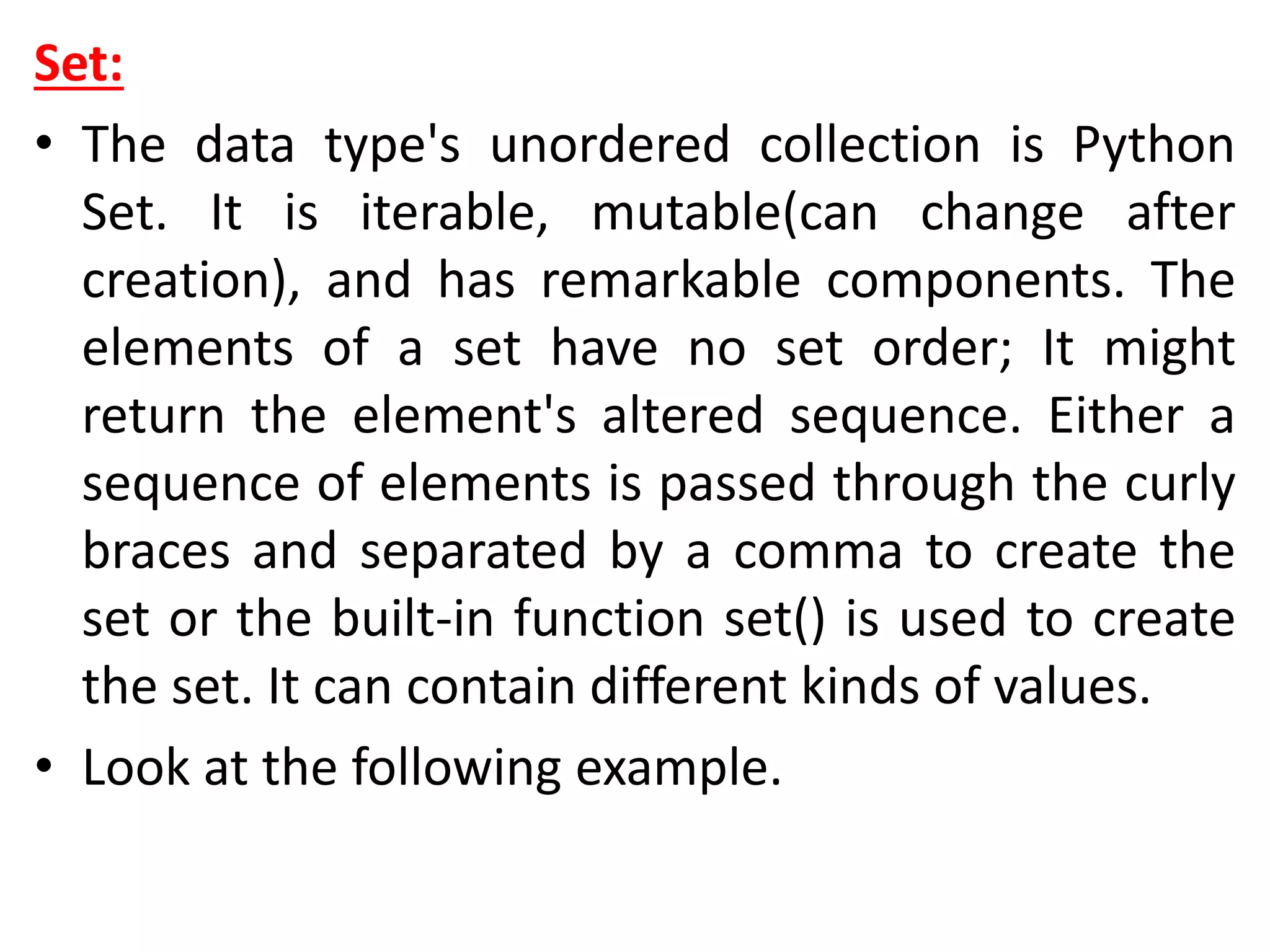
Set:
• The data type's unordered collection is Python
Set. It is iterable, mutable(can change after
creation), and has remarkable components. The
elements of a set have no set order; It might
return the element's altered sequence. Either a
sequence of elements is passed through the curly
braces and separated by a comma to create the
set or the built-in function set() is used to create
the set. It can contain different kinds of values.
• Look at the following example.
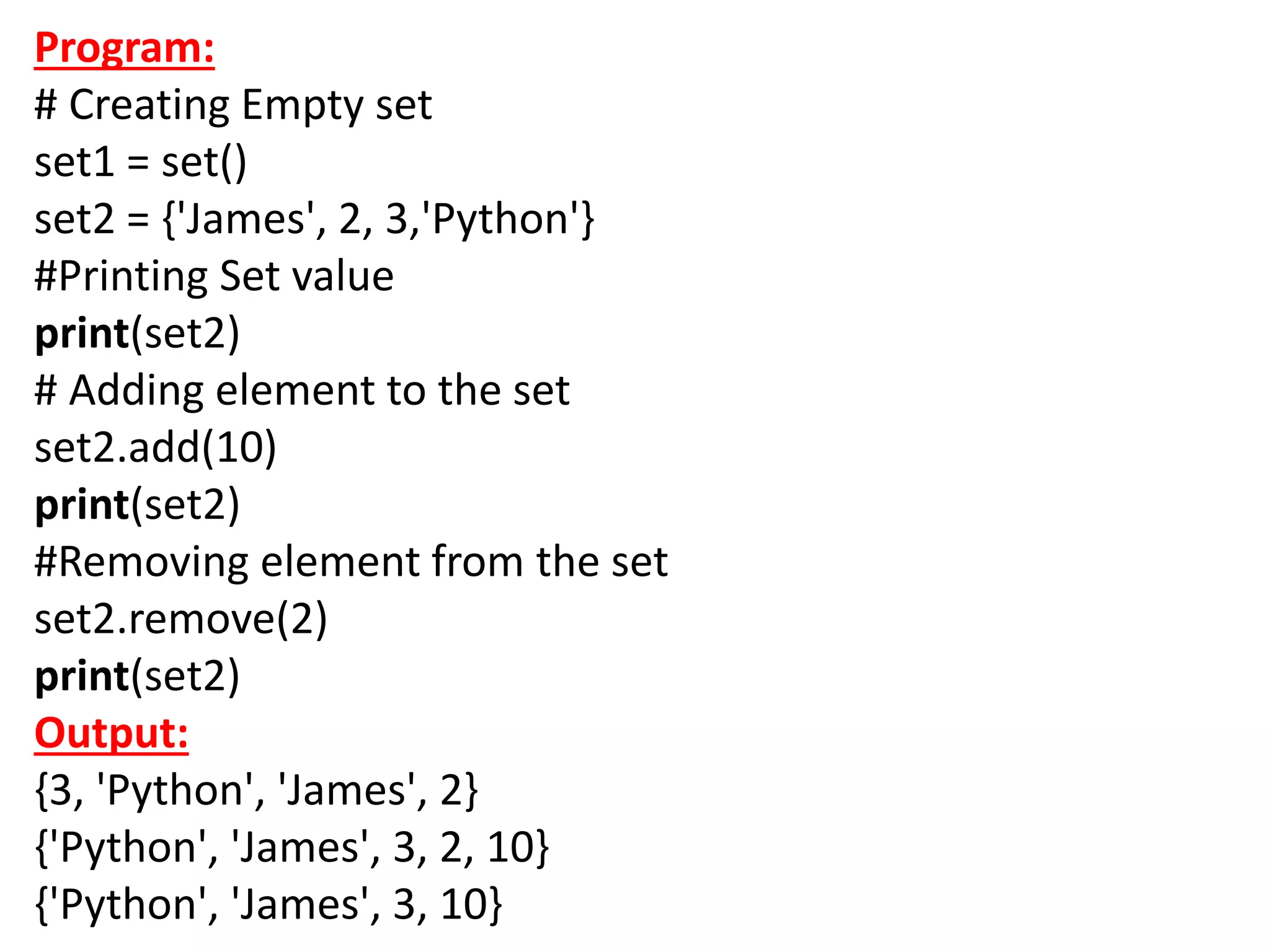
Program:
# Creating Empty set
set1 = set()
set2 = {'James', 2, 3,'Python'}
#Printing Set value
print(set2)
# Adding element to the set
set2.add(10)
print(set2)
#Removing element from the set
set2.remove(2)
print(set2)
Output:
{3, 'Python', 'James', 2}
{'Python', 'James', 3, 2, 10}
{'Python', 'James', 3, 10}
Python Keywords
• Every scripting language has designated words or
keywords, with particular definitions and usage guidelines.
Python is no exception. The fundamental constituent
elements of any Python program are Python keywords.
• This tutorial will give you a basic overview of all Python
keywords and a detailed discussion of some important
keywords that are frequently used.
Introducing Python Keywords:
• Python keywords are unique words reserved with defined
meanings and functions that we can only apply for those
functions. You'll never need to import any keyword into
your program because they're permanently present.
• Python's built-in methods and classes are not the same as
the keywords. Built-in methods and classes are constantly
present; however, they are not as limited in their
application as keywords.
• Assigning a particular meaning to Python
keywords means you can't use them for other
purposes in our code. You'll get a message of
SyntaxError if you attempt to do the same. If you
attempt to assign anything to a built-in method
or type, you will not receive a SyntaxError
message; however, it is still not a smart idea.
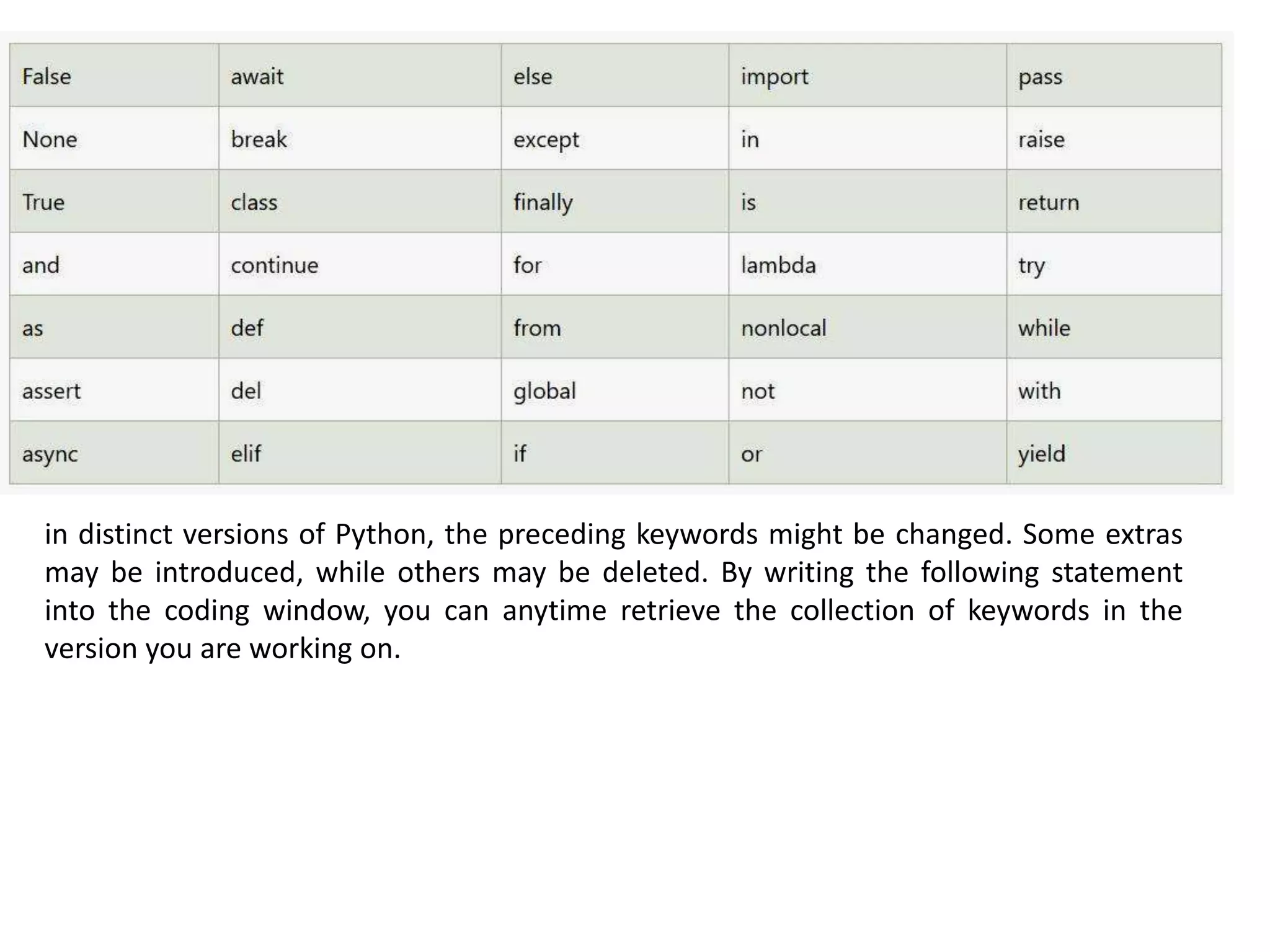
• Python contains thirty-five keywords in the most
recent version, i.e., Python 3.8. Here we have
shown a complete list of Python keywords for the
reader's reference.
in distinct versions of Python, the preceding keywords might be changed. Some extras
may be introduced, while others may be deleted. By writing the following statement
into the coding window, you can anytime retrieve the collection of keywords in the
version you are working on.
Code:
# Python program to demonstrate the application of iskeyword()
# importing keyword library which has lists
import keyword
# displaying the complete list using "kwlist()."
print("The set of keywords in this version is: ")
print( keyword.kwlist )
Output:
The set of keywords in this version is : ['False', 'None', 'True',
'and', 'as', 'assert', 'async', 'await', 'break', 'class', 'continue',
'def', 'del', 'elif', 'else', 'except', 'finally', 'for', 'from', 'global',
'if', 'import', 'in', 'is', 'lambda', 'nonlocal', 'not', 'or', 'pass',
'raise', 'return', 'try', 'while', 'with', 'yield']
By calling help(), you can retrieve a list of currently offered
keywords:
Code
help("keywords")
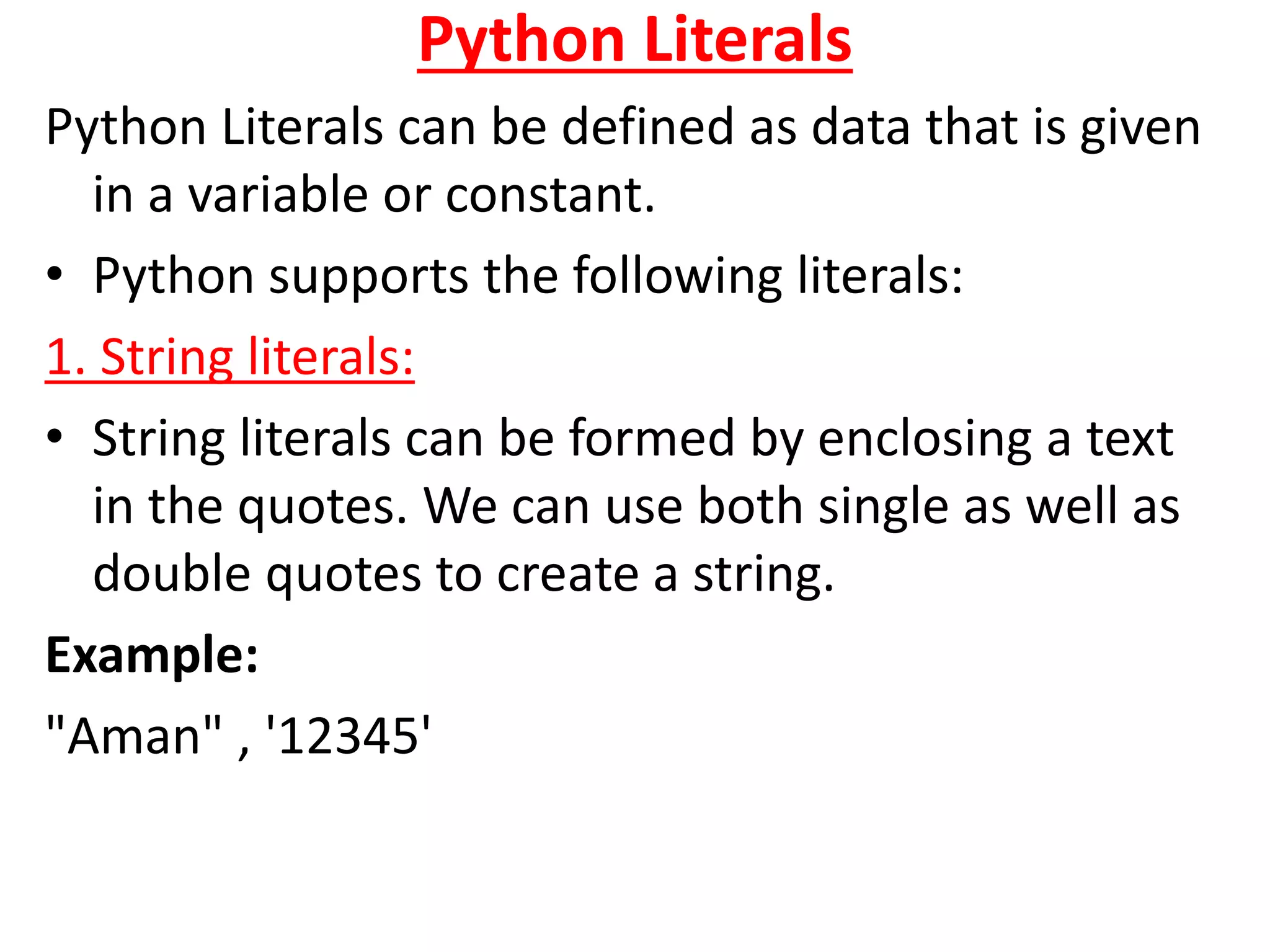
Python Literals
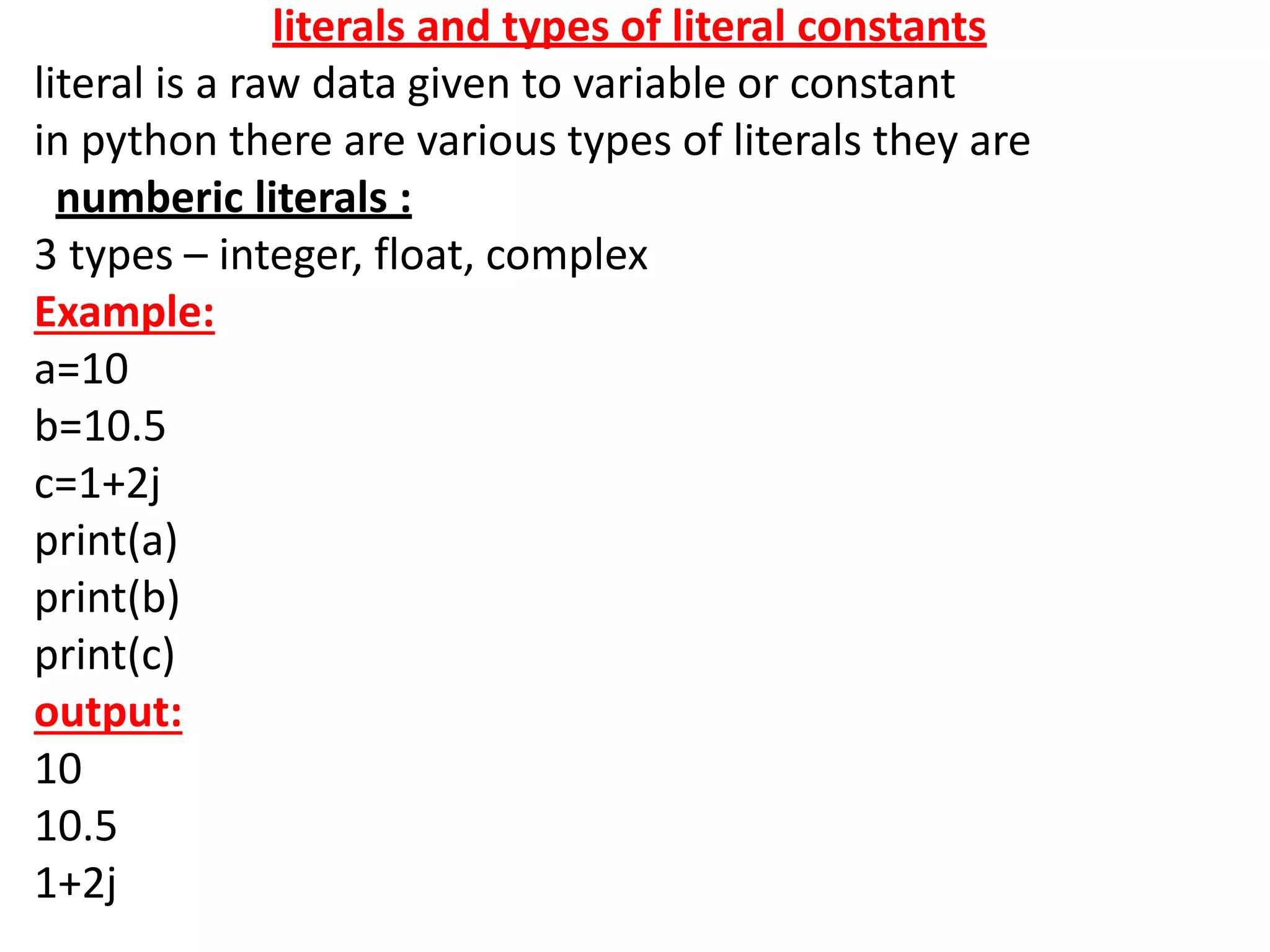
Python Literals can be defined as data that is given
in a variable or constant.
• Python supports the following literals:
1. String literals:
• String literals can be formed by enclosing a text
in the quotes. We can use both single as well as
double quotes to create a string.
Example:
"Aman" , '12345'
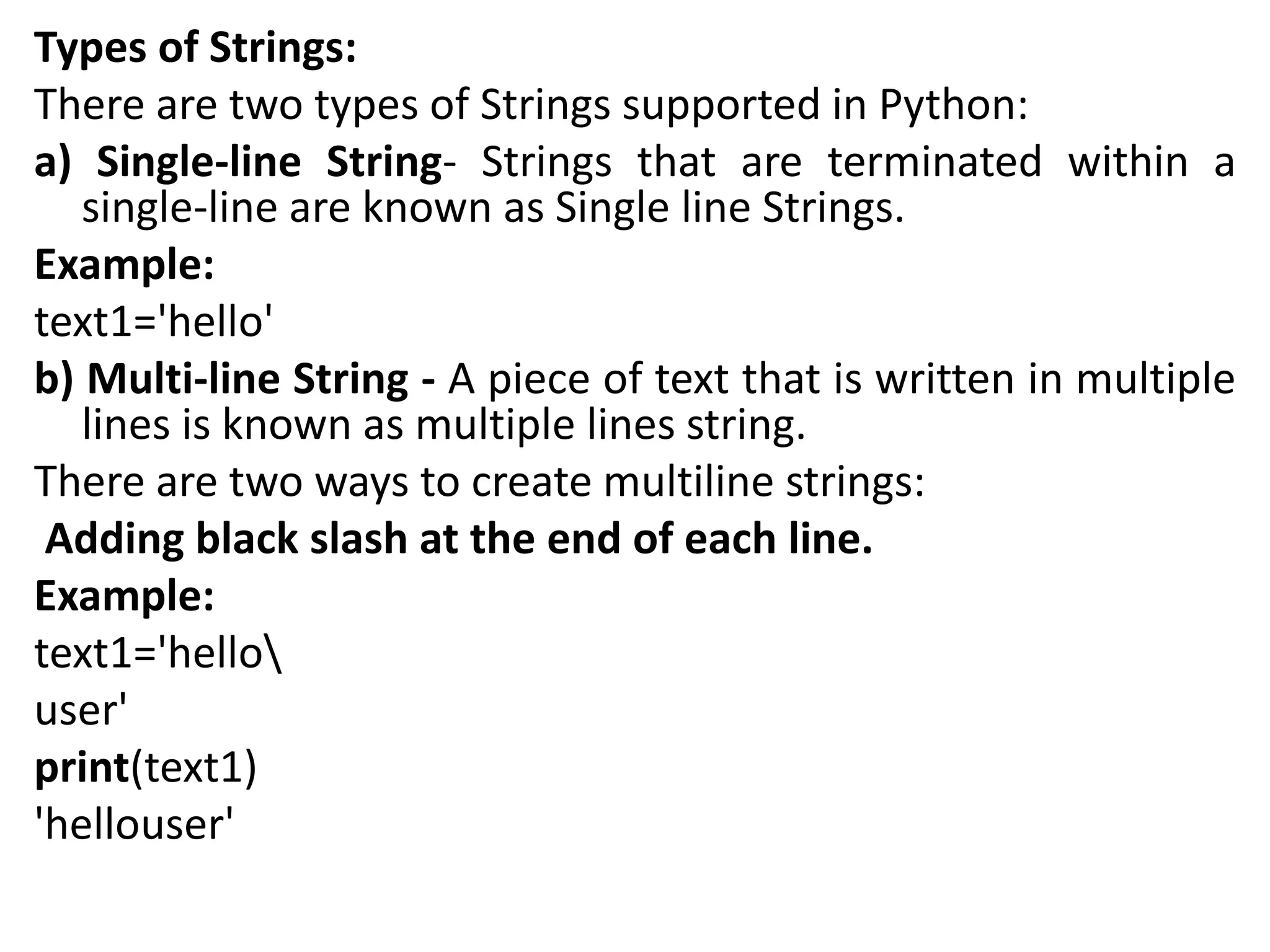
Types of Strings:
There are two types of Strings supported in Python:
a) Single-line String- Strings that are terminated within a
single-line are known as Single line Strings.
Example:
text1='hello'
b) Multi-line String - A piece of text that is written in multiple
lines is known as multiple lines string.
There are two ways to create multiline strings:
Adding black slash at the end of each line.
Example:
text1='hello
user'
print(text1)
'hellouser'
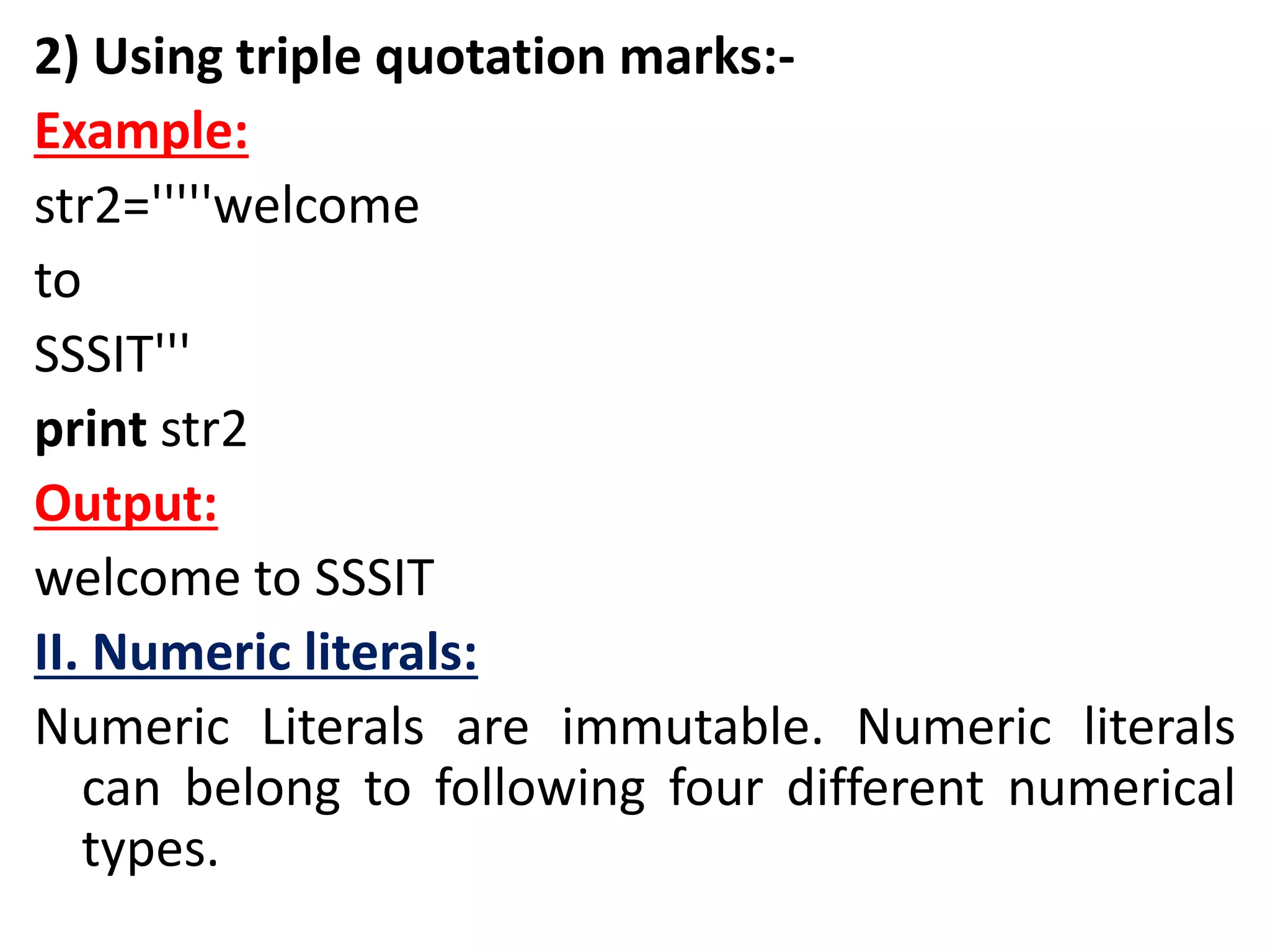
2) Using triple quotation marks:-
Example:
str2='''''welcome
to
SSSIT'''
print str2
Output:
welcome to SSSIT
II. Numeric literals:
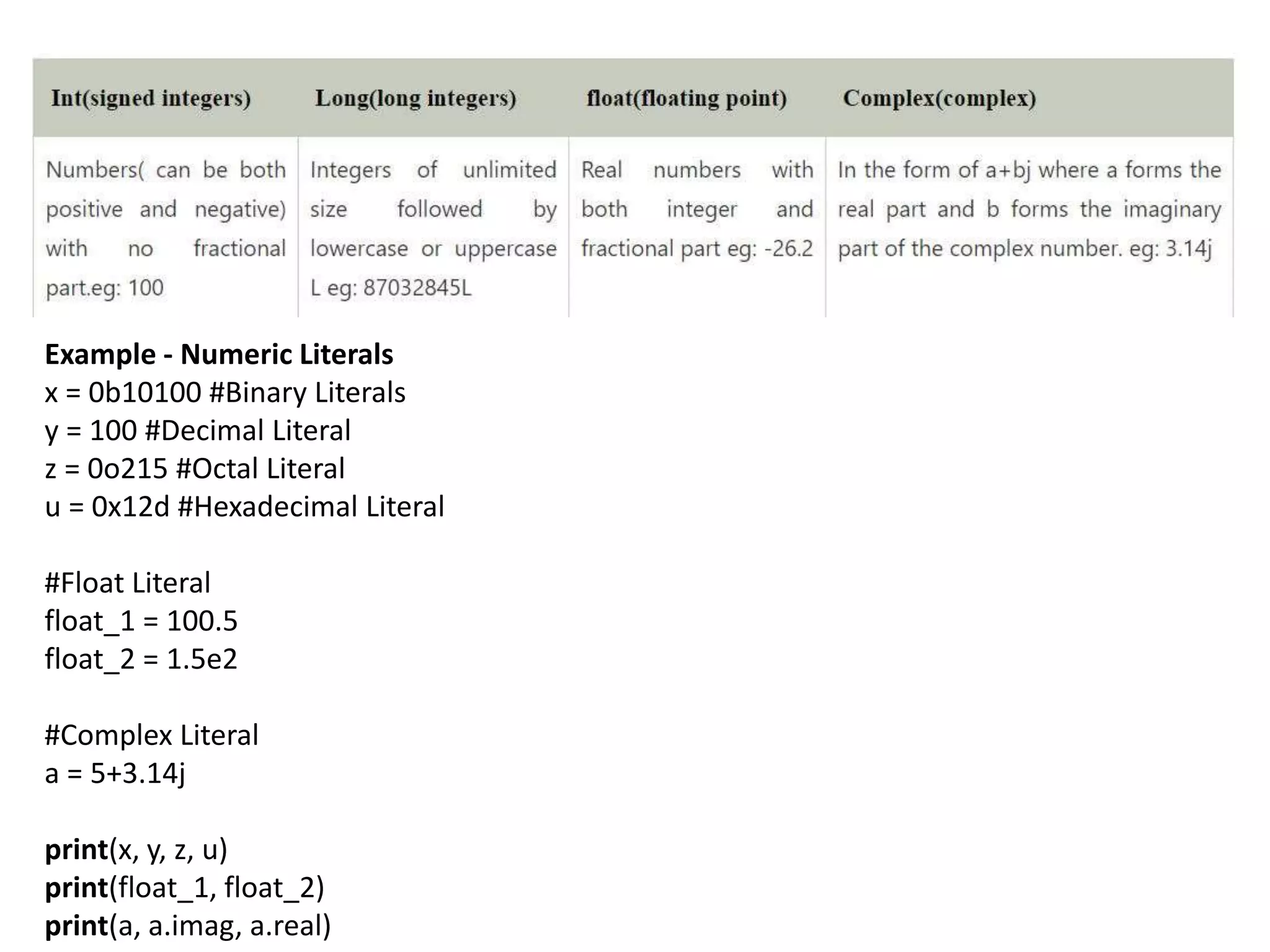
Numeric Literals are immutable. Numeric literals
can belong to following four different numerical
types.
Example - Numeric Literals
x = 0b10100 #Binary Literals
y = 100 #Decimal Literal
z = 0o215 #Octal Literal
u = 0x12d #Hexadecimal Literal
#Float Literal
float_1 = 100.5
float_2 = 1.5e2
#Complex Literal
a = 5+3.14j
print(x, y, z, u)
print(float_1, float_2)
print(a, a.imag, a.real)
Output:
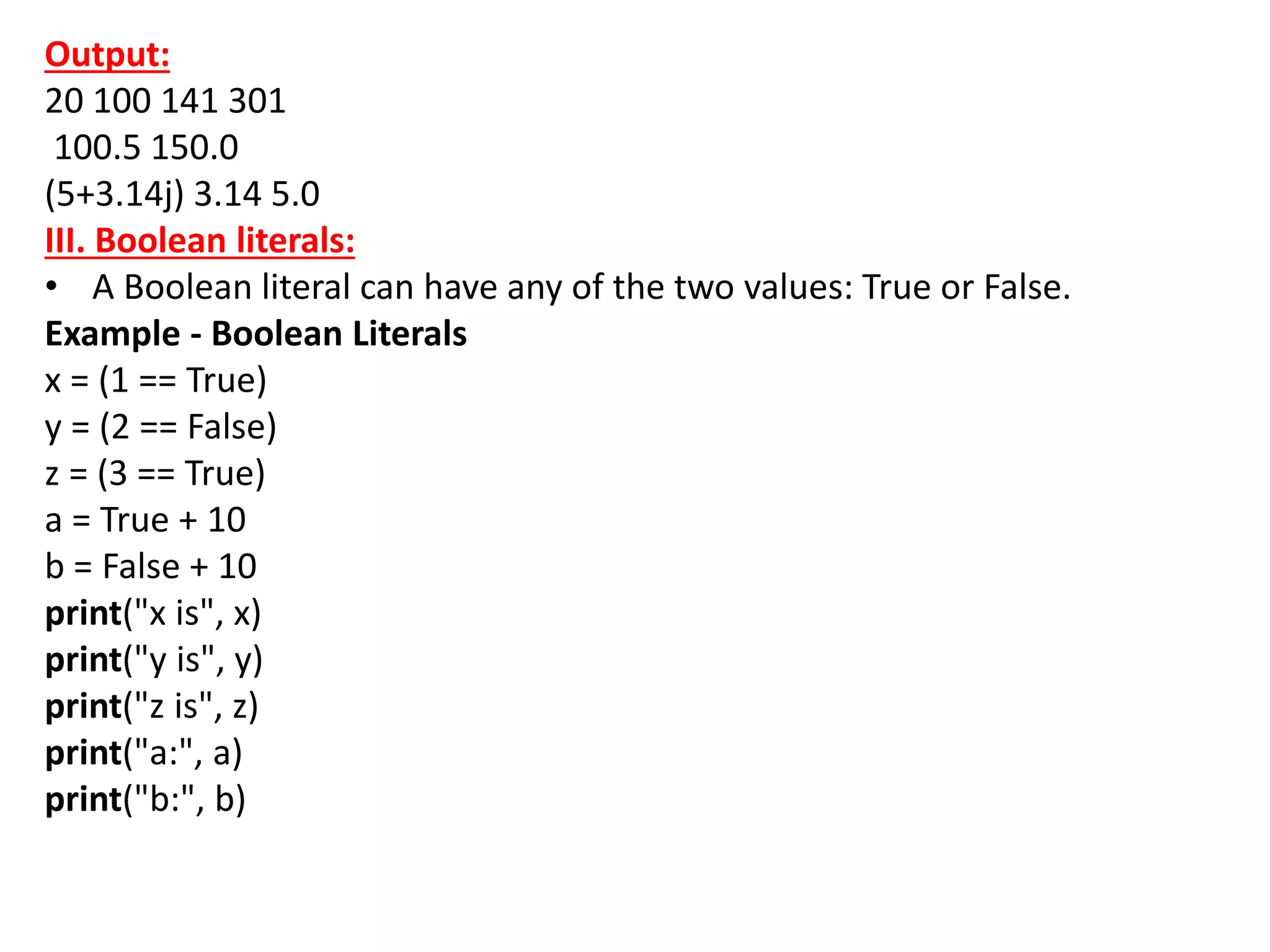
20 100 141 301
100.5 150.0
(5+3.14j) 3.14 5.0
III. Boolean literals:
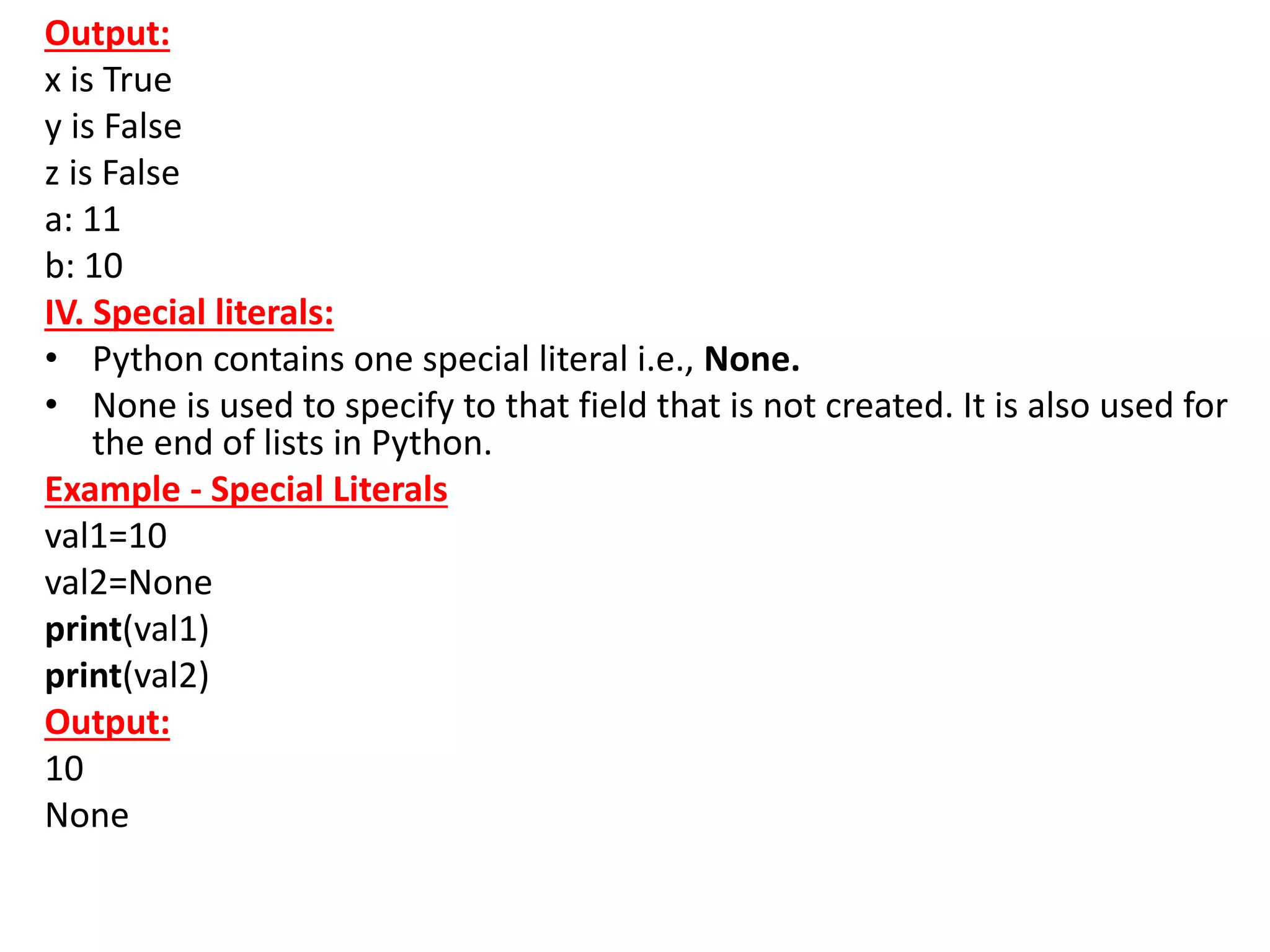
• A Boolean literal can have any of the two values: True or False.
Example - Boolean Literals
x = (1 == True)
y = (2 == False)
z = (3 == True)
a = True + 10
b = False + 10
print("x is", x)
print("y is", y)
print("z is", z)
print("a:", a)
print("b:", b)
Output:
x is True
y is False
z is False
a: 11
b: 10
IV. Special literals:
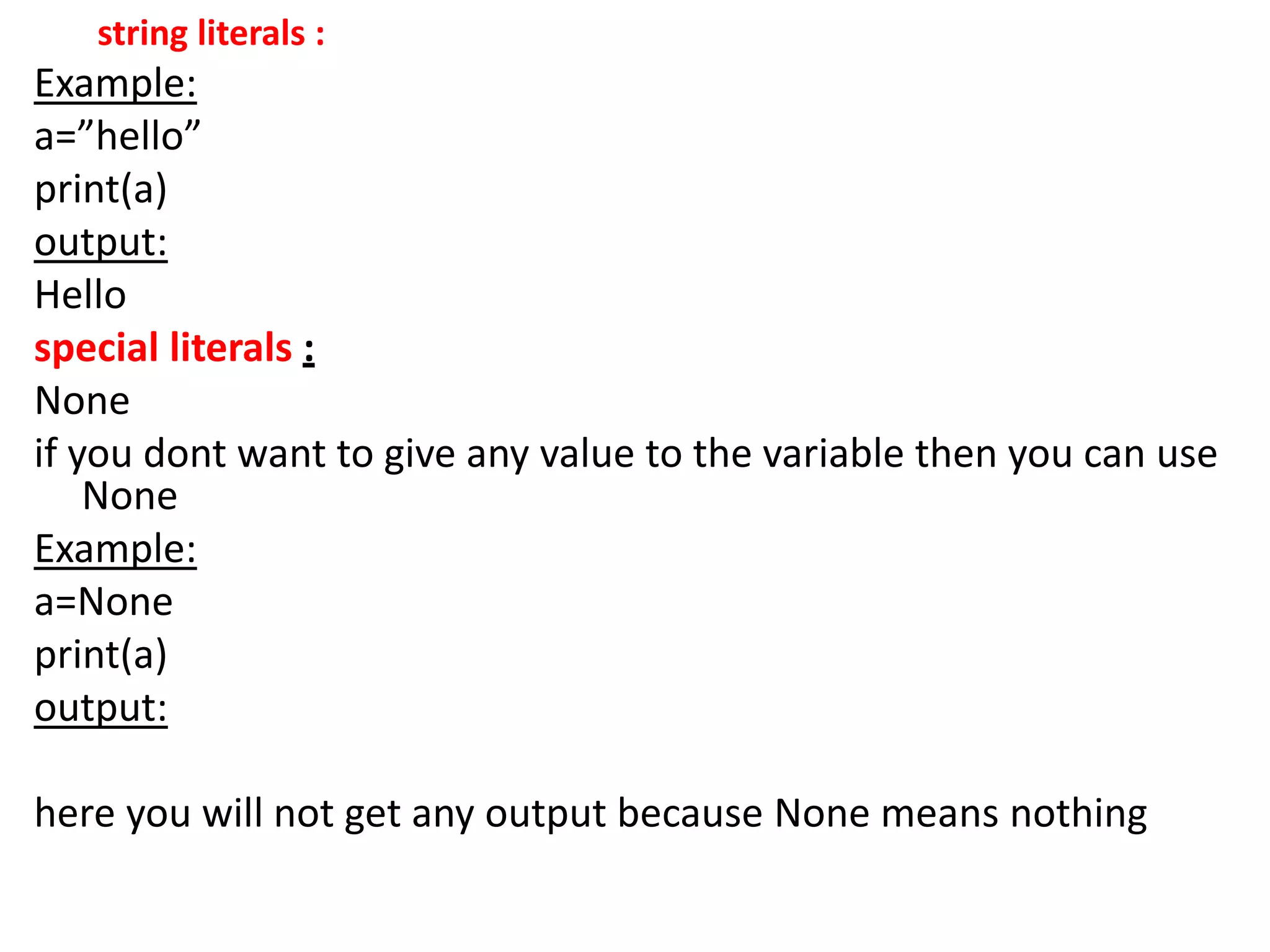
• Python contains one special literal i.e., None.
• None is used to specify to that field that is not created. It is also used for
the end of lists in Python.
Example - Special Literals
val1=10
val2=None
print(val1)
print(val2)
Output:
10
None
V. Literal Collections.
• Python provides the four types of literal
collection such as List literals, Tuple literals, Dict
literals, and Set literals.
List:
• List contains items of different data types. Lists
are mutable i.e., modifiable.
• The values stored in List are separated by
comma(,) and enclosed within square
brackets([]). We can store different types of data
in a List.
Example - List literals
list=['John',678,20.4,'Peter']
list1=[456,'Andrew']
print(list)
print(list + list1)
Output:
['John', 678, 20.4, 'Peter']
['John', 678, 20.4, 'Peter', 456, 'Andrew']
• Dictionary:
• Python dictionary stores the data in the key-value
pair.
• It is enclosed by curly-braces {} and each pair is
separated by the commas(,).
Example
dict = {'name': 'Pater', 'Age':18,'Roll_nu':101}
print(dict)
Output:
{'name': 'Pater', 'Age': 18, 'Roll_nu': 101}
Tuple:
Python tuple is a collection of different data-type. It is
immutable which means it cannot be modified after
creation.
It is enclosed by the parentheses () and each element is
separated by the comma(,).
Example
tup = (10,20,"Dev",[2,3,4])
print(tup)
Output:
(10, 20, 'Dev', [2, 3, 4])
Set:
Python set is the collection of the unordered
dataset.
It is enclosed by the {} and each element is
separated by the comma(,).
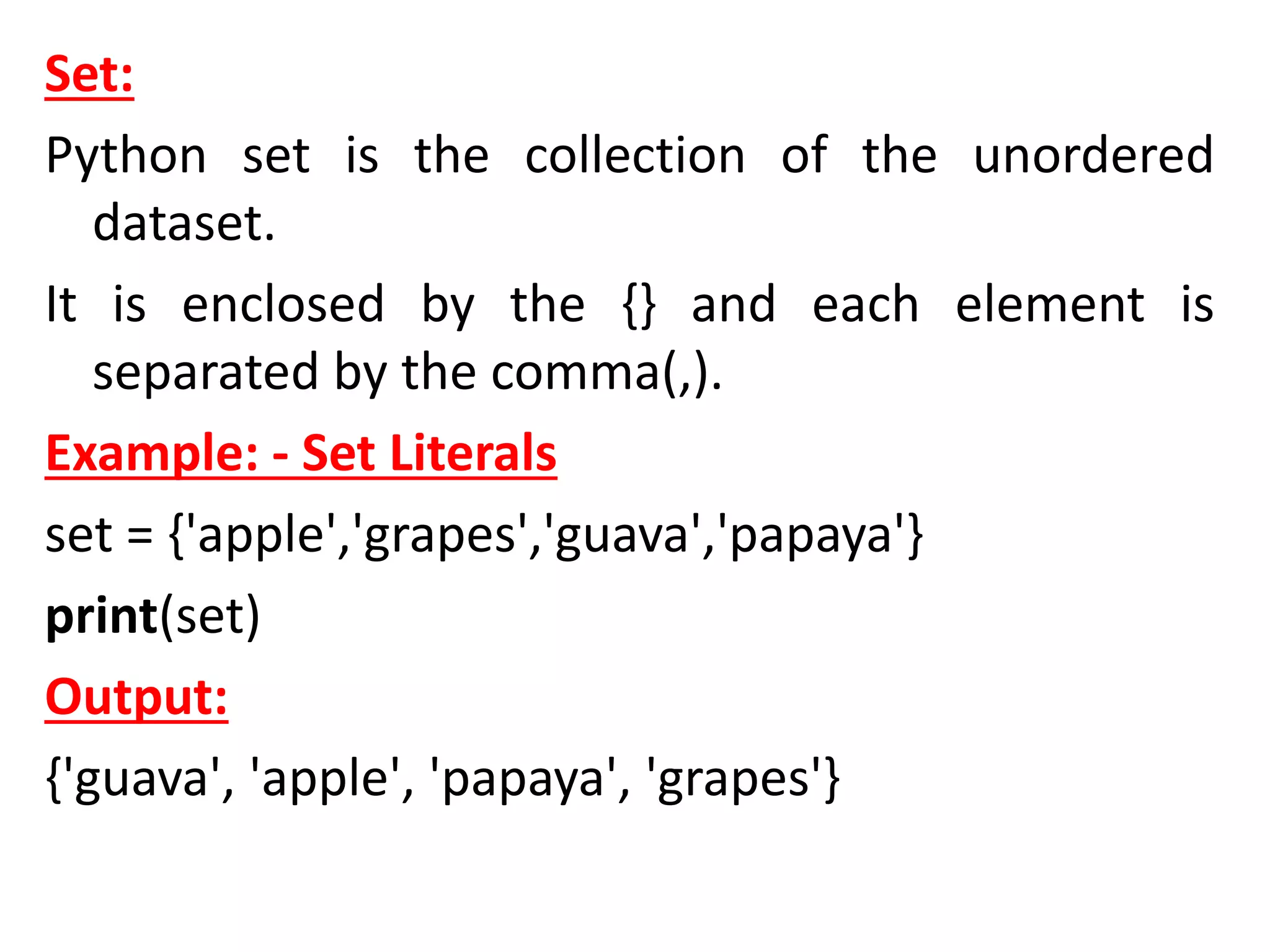
Example: - Set Literals
set = {'apple','grapes','guava','papaya'}
print(set)
Output:
{'guava', 'apple', 'papaya', 'grapes'}
Python Operators
Introduction:
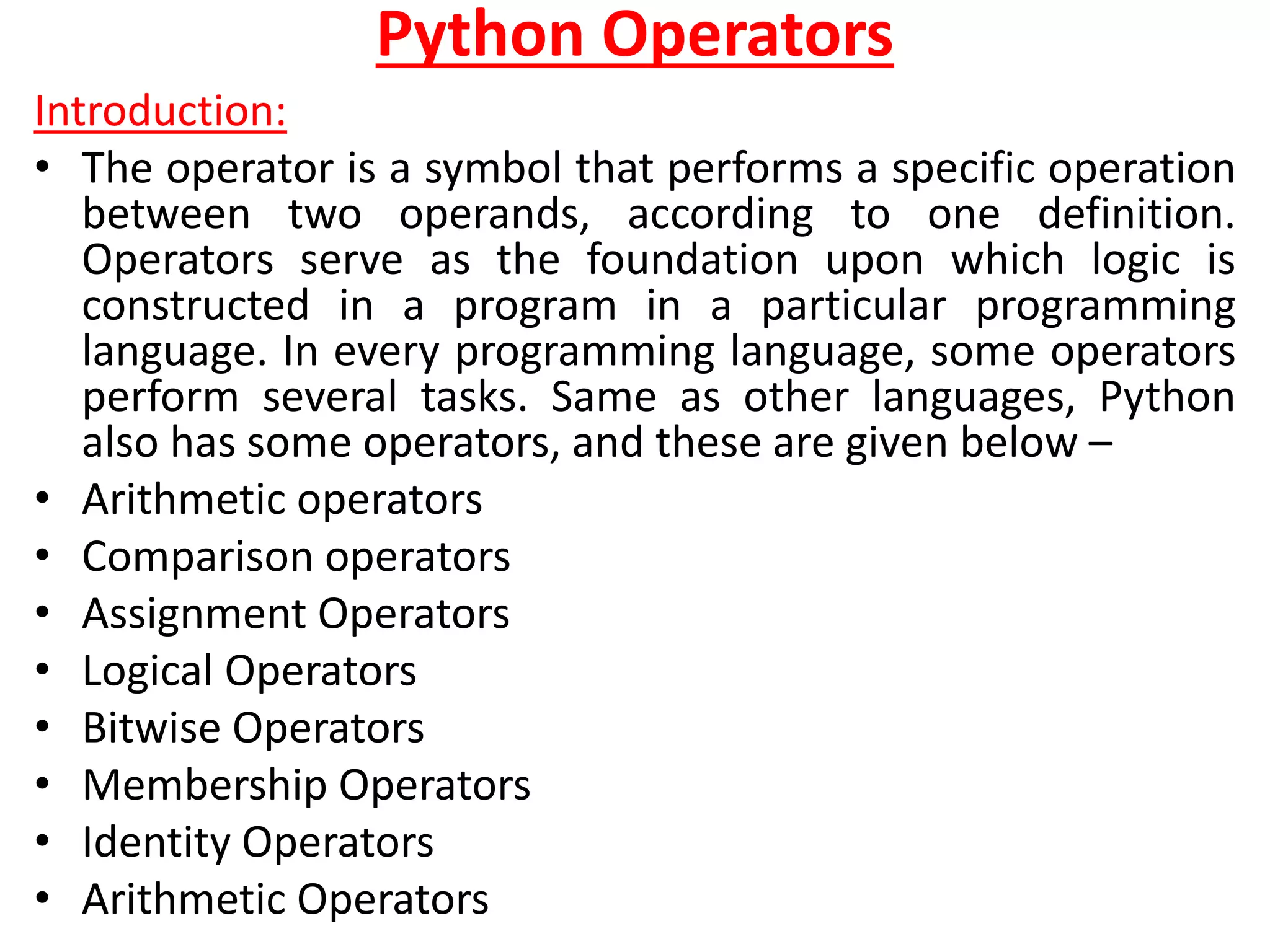
• The operator is a symbol that performs a specific operation
between two operands, according to one definition.
Operators serve as the foundation upon which logic is
constructed in a program in a particular programming
language. In every programming language, some operators
perform several tasks. Same as other languages, Python
also has some operators, and these are given below –
• Arithmetic operators
• Comparison operators
• Assignment Operators
• Logical Operators
• Bitwise Operators
• Membership Operators
• Identity Operators
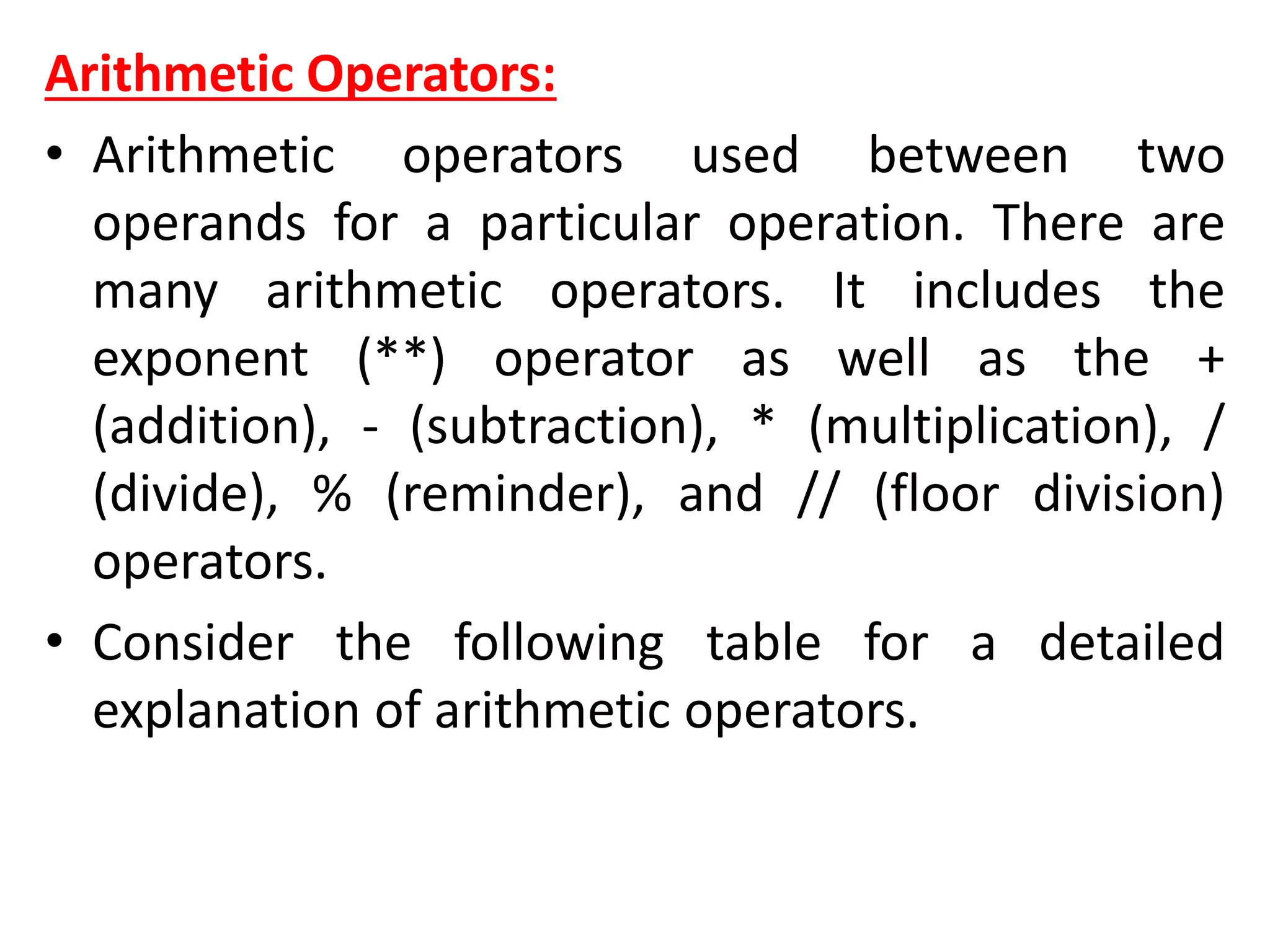
• Arithmetic Operators
Arithmetic Operators:
• Arithmetic operators used between two
operands for a particular operation. There are
many arithmetic operators. It includes the
exponent (**) operator as well as the +
(addition), - (subtraction), * (multiplication), /
(divide), % (reminder), and // (floor division)
operators.
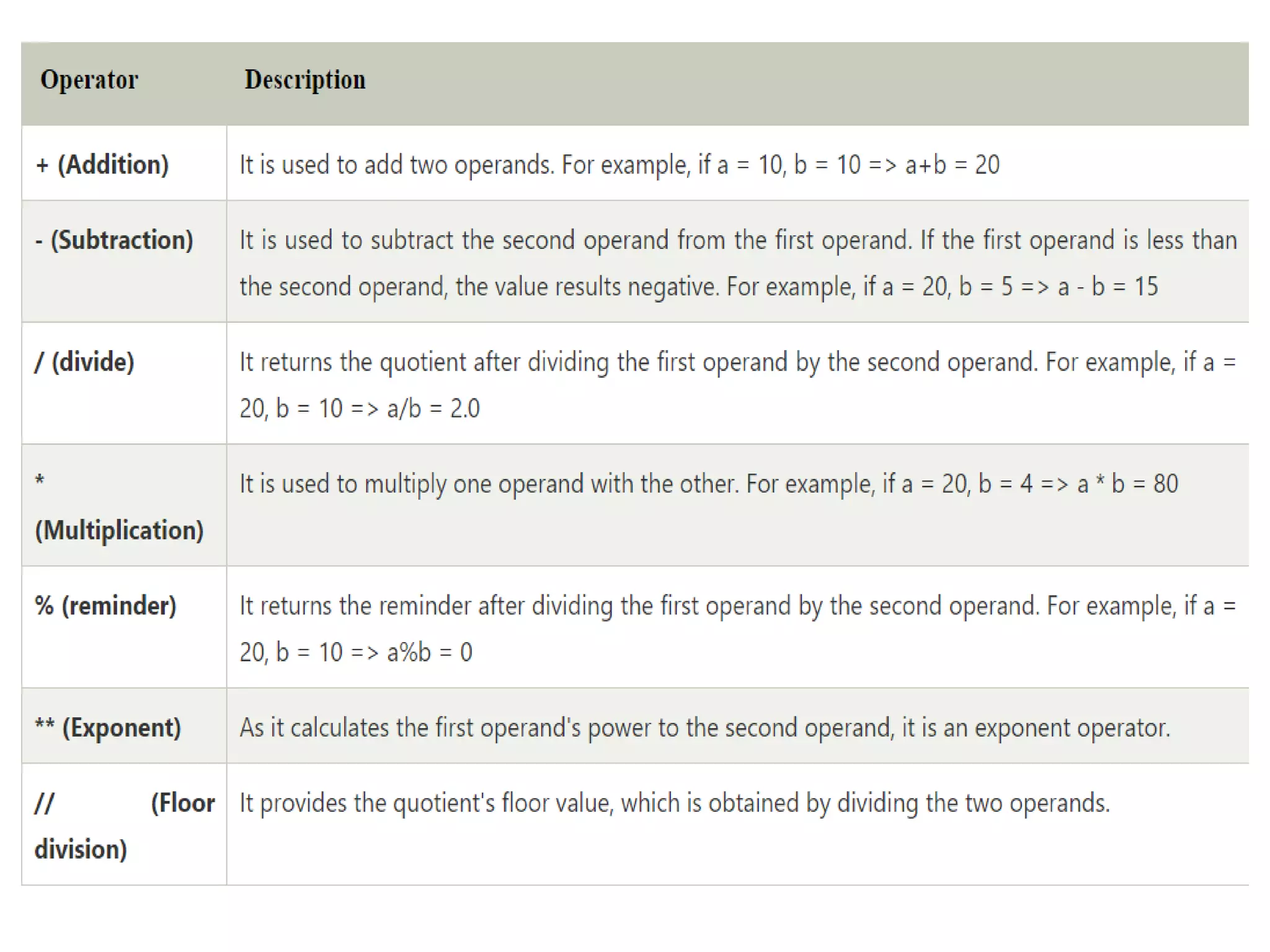
• Consider the following table for a detailed
explanation of arithmetic operators.
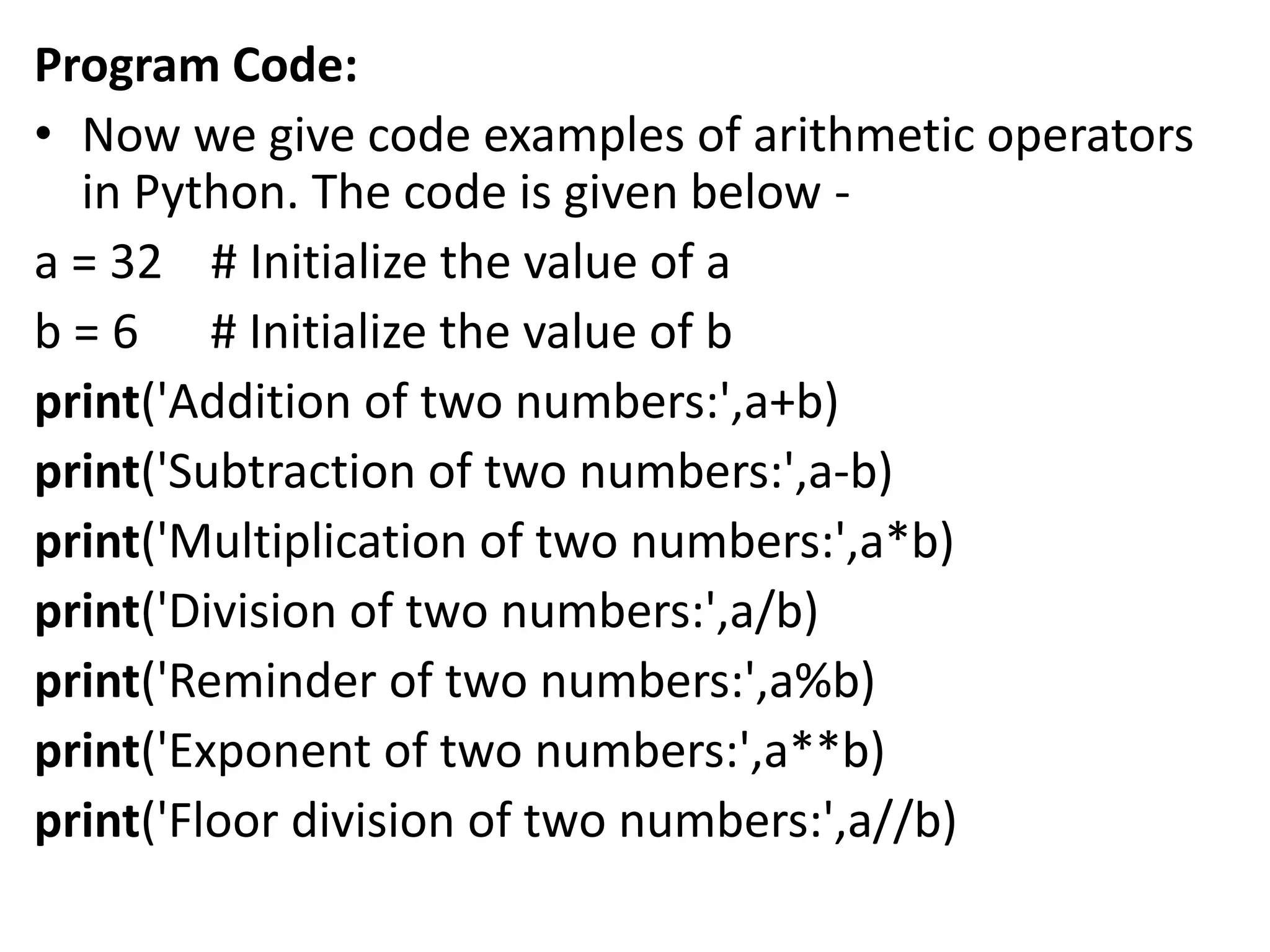
Program Code:
• Now we give code examples of arithmetic operators
in Python. The code is given below -
a = 32 # Initialize the value of a
b = 6 # Initialize the value of b
print('Addition of two numbers:',a+b)
print('Subtraction of two numbers:',a-b)
print('Multiplication of two numbers:',a*b)
print('Division of two numbers:',a/b)
print('Reminder of two numbers:',a%b)
print('Exponent of two numbers:',a**b)
print('Floor division of two numbers:',a//b)
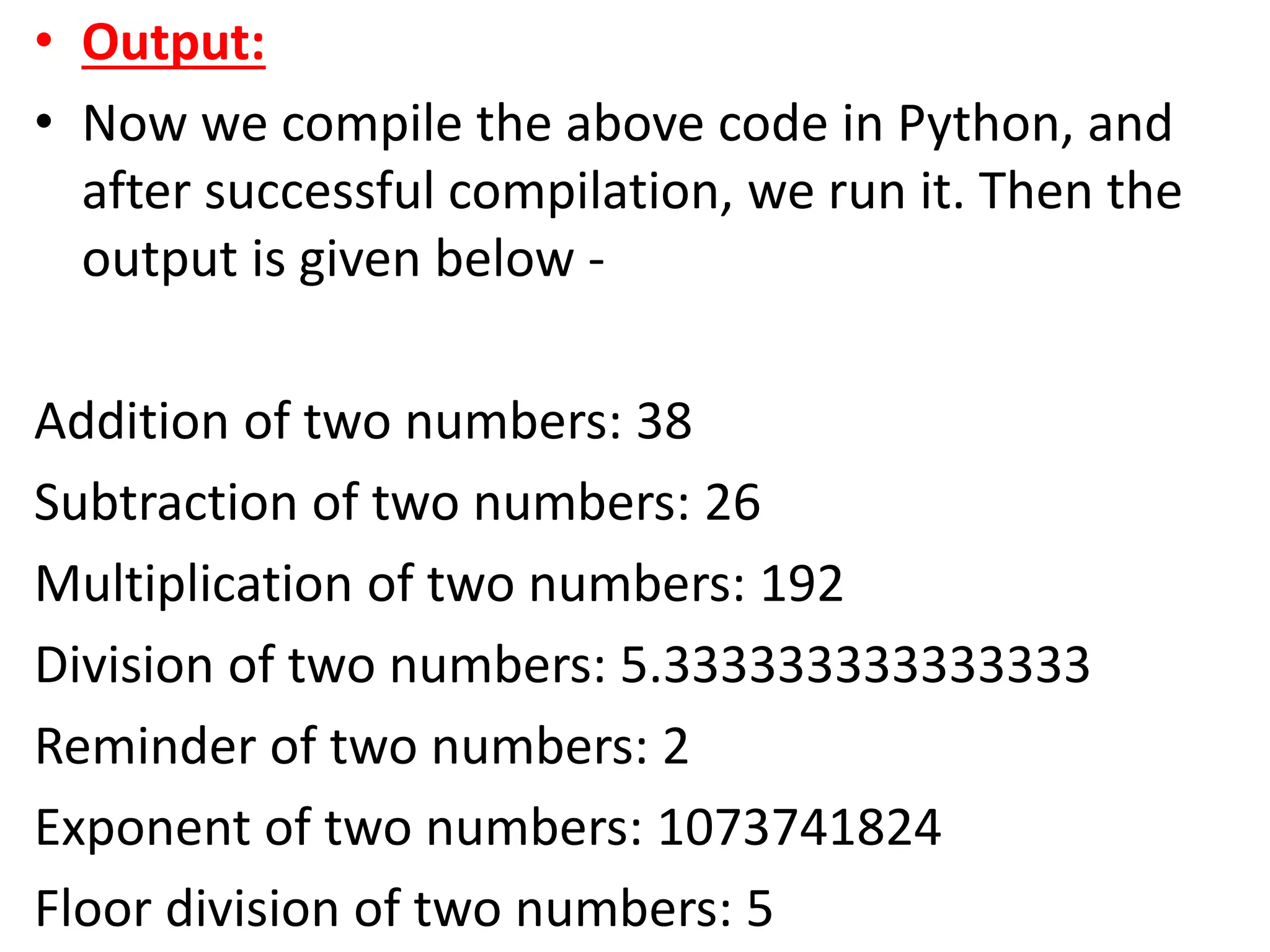
• Output:
• Now we compile the above code in Python, and
after successful compilation, we run it. Then the
output is given below -
Addition of two numbers: 38
Subtraction of two numbers: 26
Multiplication of two numbers: 192
Division of two numbers: 5.333333333333333
Reminder of two numbers: 2
Exponent of two numbers: 1073741824
Floor division of two numbers: 5
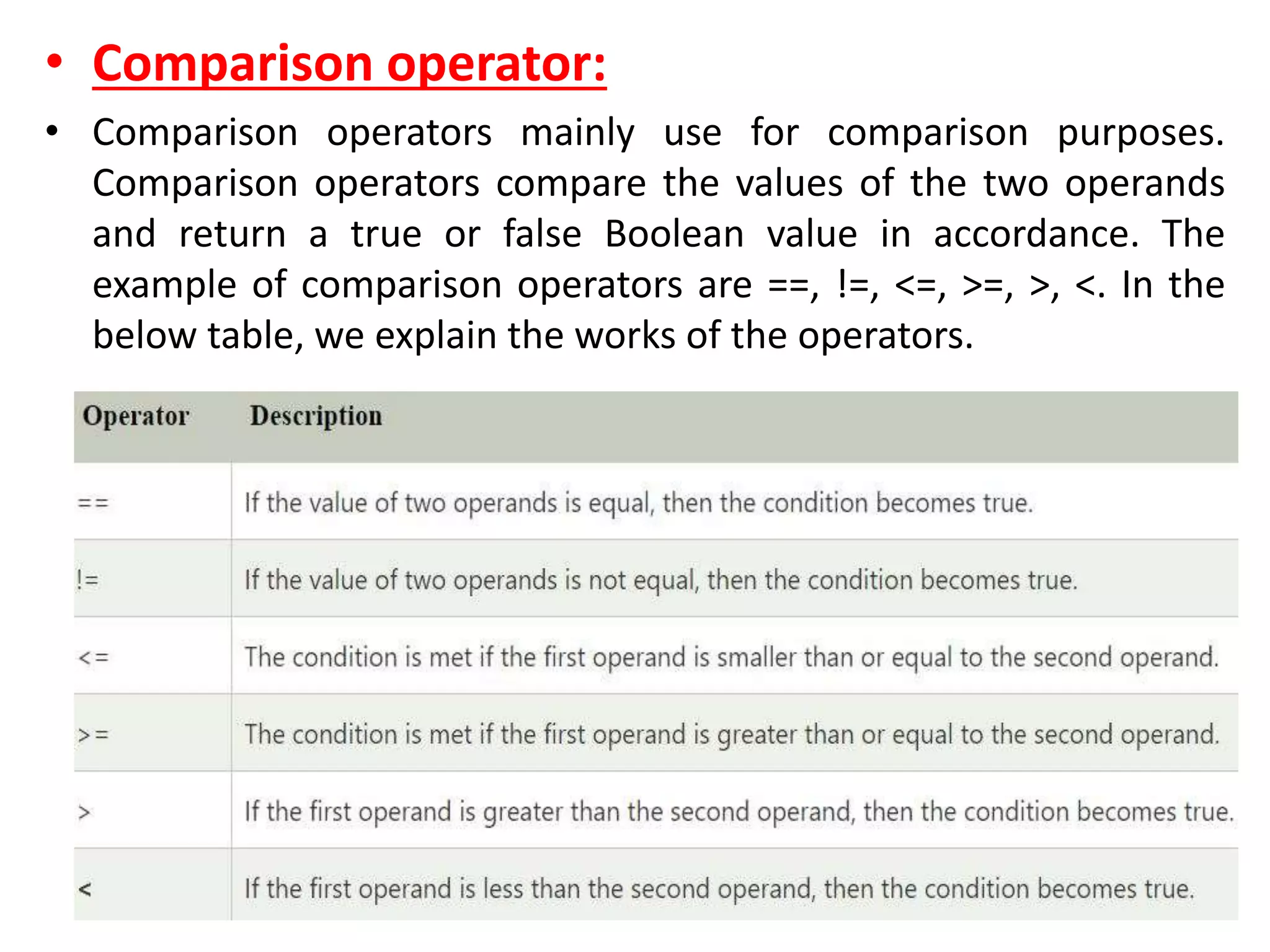
• Comparison operator:
• Comparison operators mainly use for comparison purposes.
Comparison operators compare the values of the two operands
and return a true or false Boolean value in accordance. The
example of comparison operators are ==, !=, <=, >=, >, <. In the
below table, we explain the works of the operators.
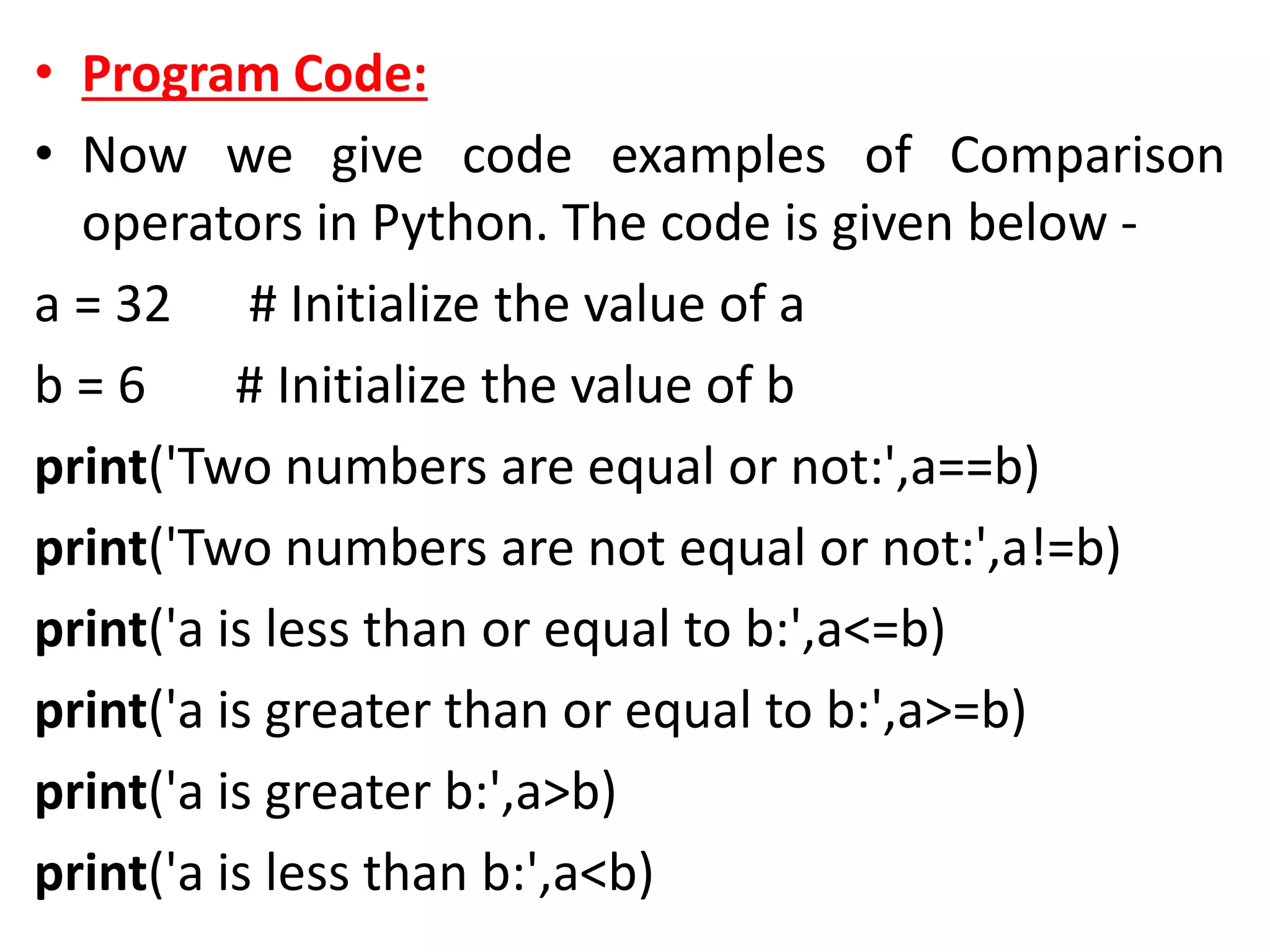
• Program Code:
• Now we give code examples of Comparison
operators in Python. The code is given below -
a = 32 # Initialize the value of a
b = 6 # Initialize the value of b
print('Two numbers are equal or not:',a==b)
print('Two numbers are not equal or not:',a!=b)
print('a is less than or equal to b:',a<=b)
print('a is greater than or equal to b:',a>=b)
print('a is greater b:',a>b)
print('a is less than b:',a<b)
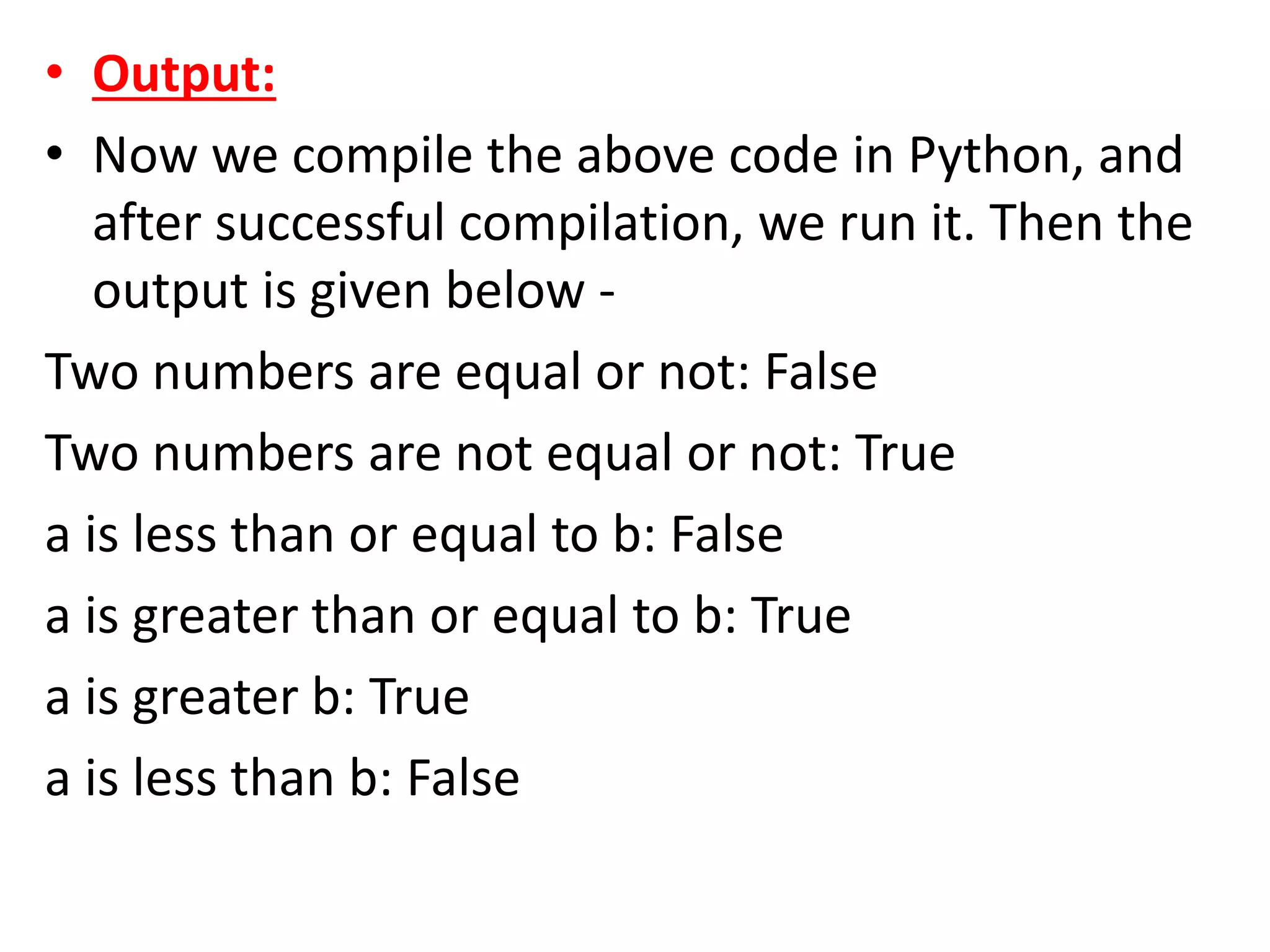
• Output:
• Now we compile the above code in Python, and
after successful compilation, we run it. Then the
output is given below -
Two numbers are equal or not: False
Two numbers are not equal or not: True
a is less than or equal to b: False
a is greater than or equal to b: True
a is greater b: True
a is less than b: False
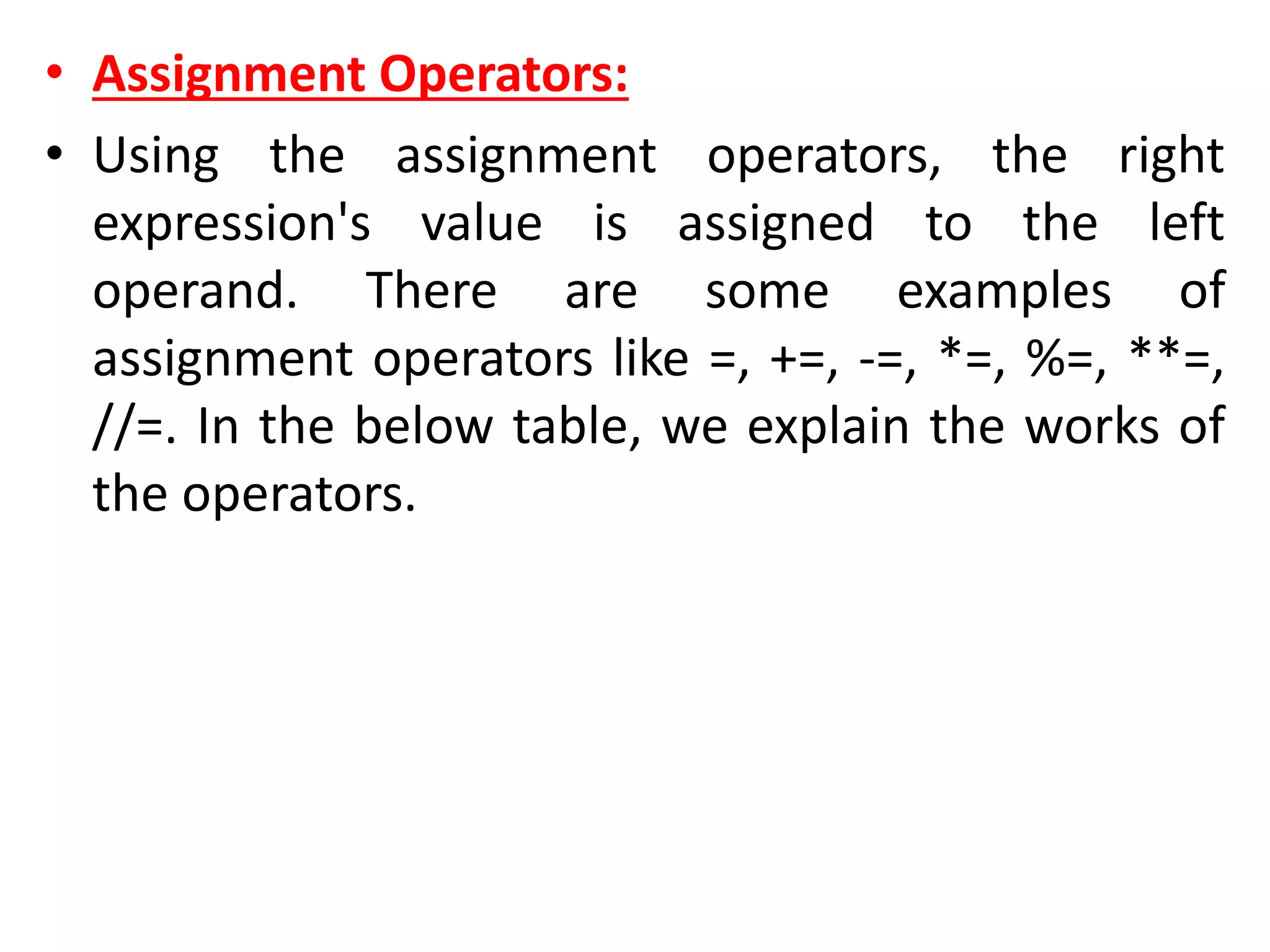
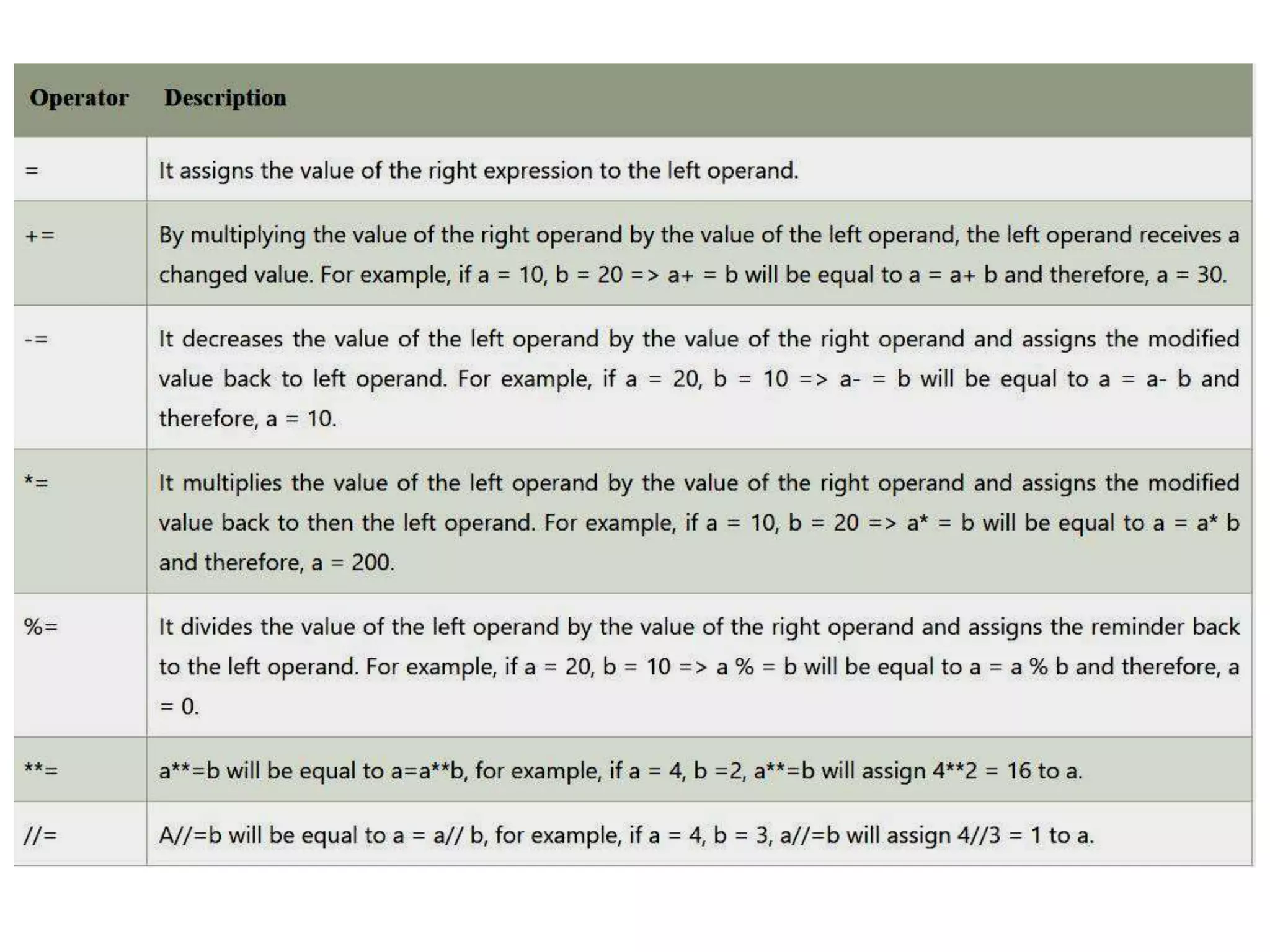
• Assignment Operators:
• Using the assignment operators, the right
expression's value is assigned to the left
operand. There are some examples of
assignment operators like =, +=, -=, *=, %=, **=,
//=. In the below table, we explain the works of
the operators.
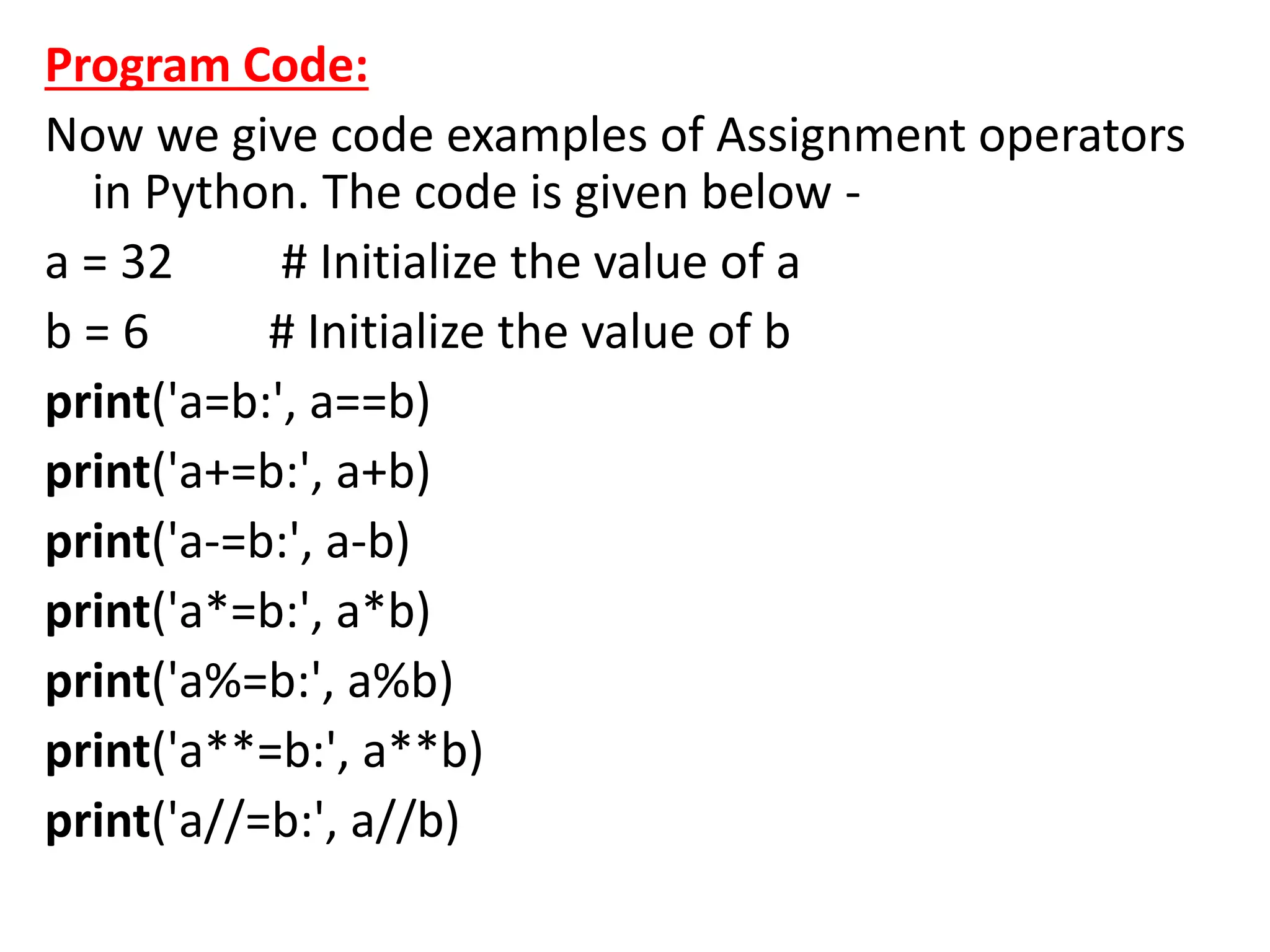
Program Code:
Now we give code examples of Assignment operators
in Python. The code is given below -
a = 32 # Initialize the value of a
b = 6 # Initialize the value of b
print('a=b:', a==b)
print('a+=b:', a+b)
print('a-=b:', a-b)
print('a*=b:', a*b)
print('a%=b:', a%b)
print('a**=b:', a**b)
print('a//=b:', a//b)
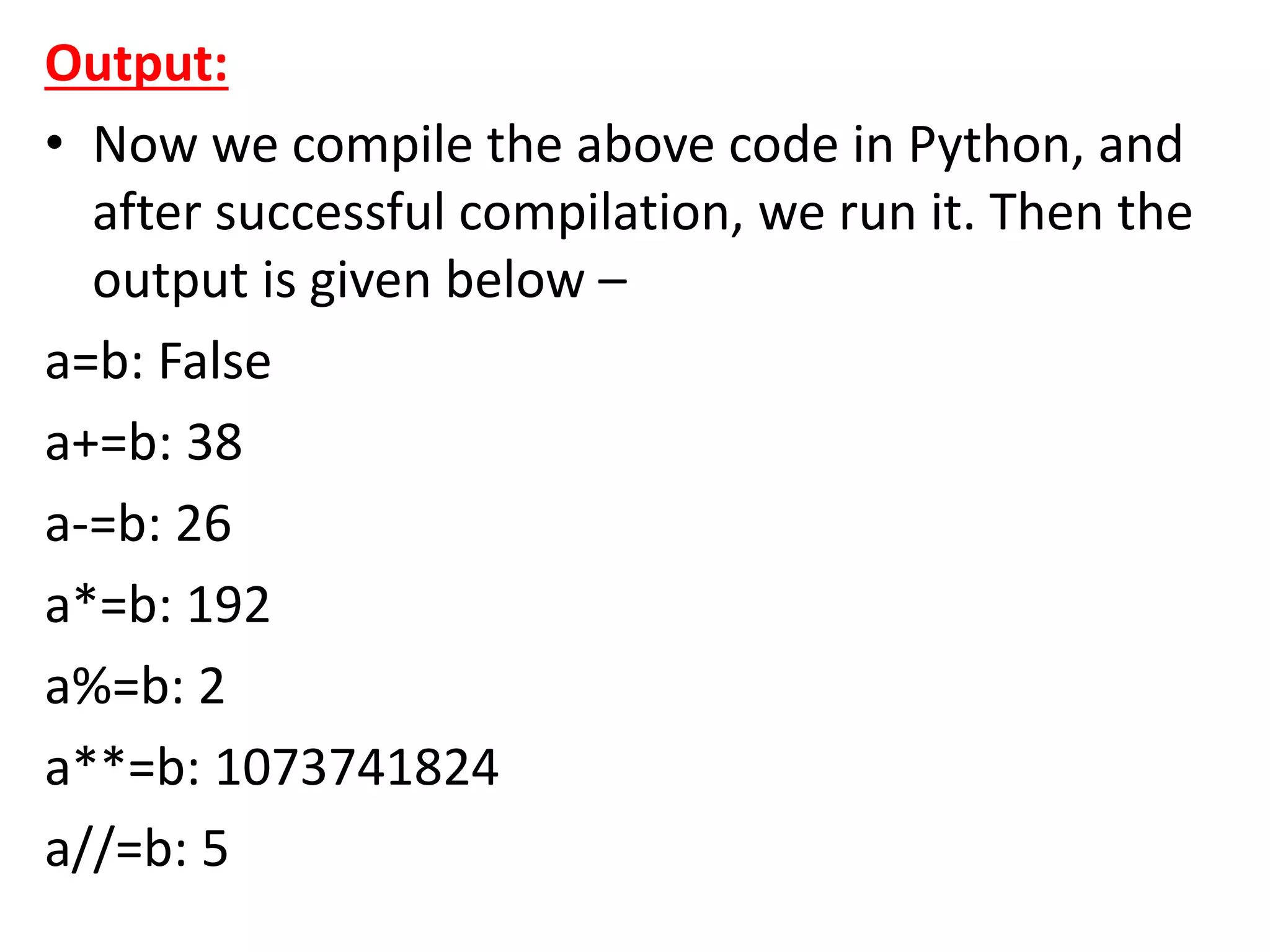
Output:
• Now we compile the above code in Python, and
after successful compilation, we run it. Then the
output is given below –
a=b: False
a+=b: 38
a-=b: 26
a*=b: 192
a%=b: 2
a**=b: 1073741824
a//=b: 5
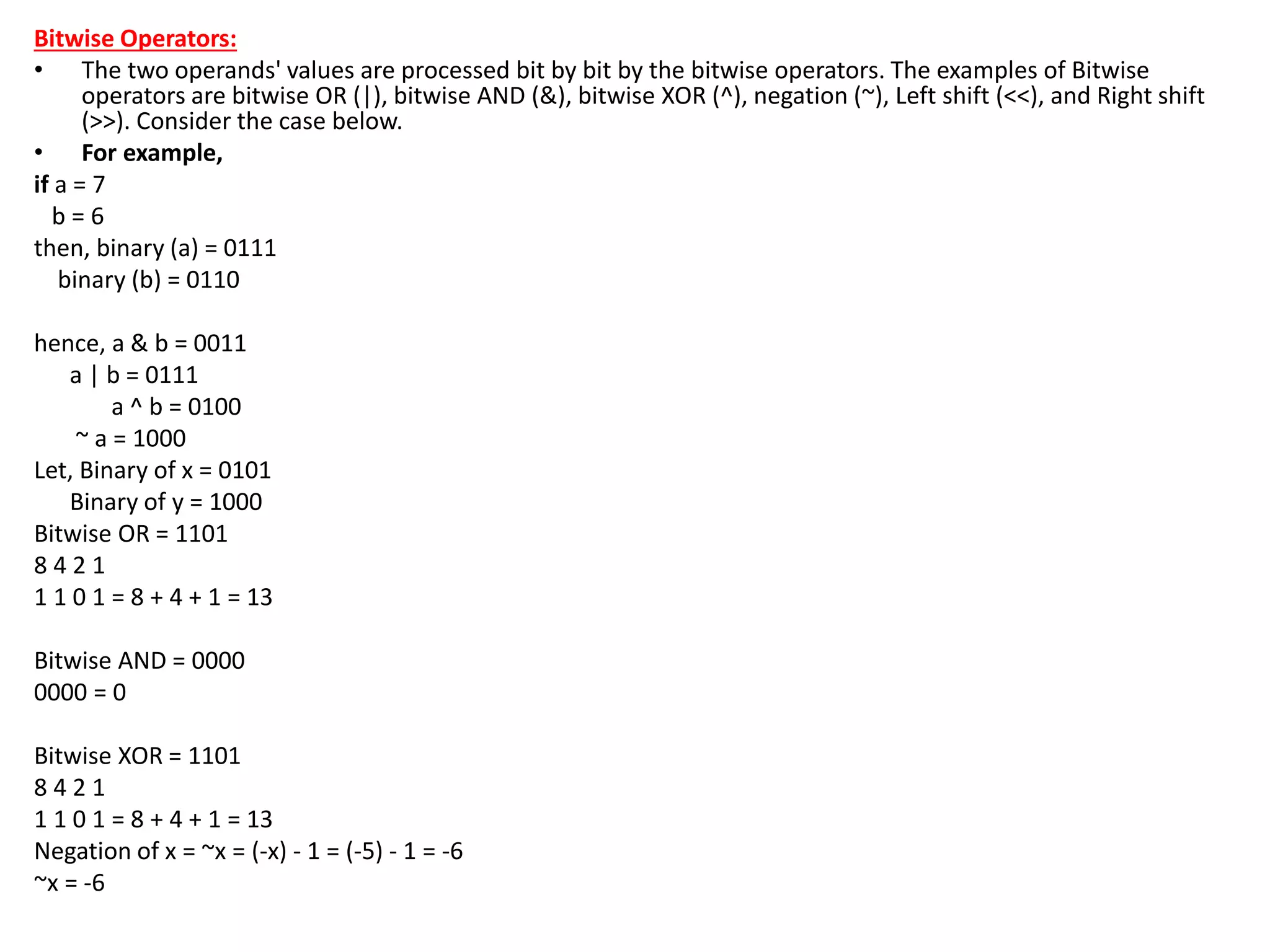
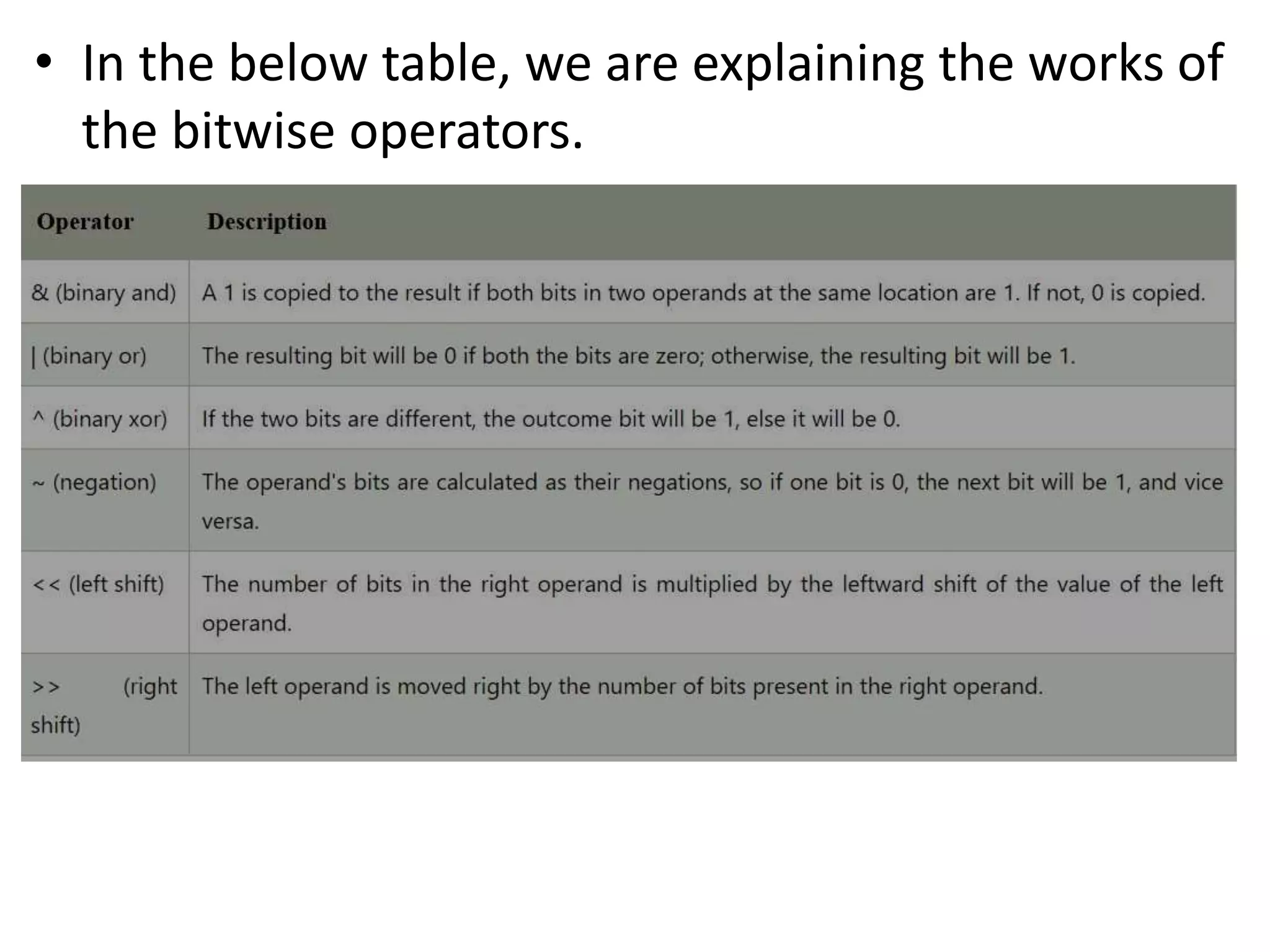
Bitwise Operators:
• The two operands' values are processed bit by bit by the bitwise operators. The examples of Bitwise
operators are bitwise OR (|), bitwise AND (&), bitwise XOR (^), negation (~), Left shift (<<), and Right shift
(>>). Consider the case below.
• For example,
if a = 7
b = 6
then, binary (a) = 0111
binary (b) = 0110
hence, a & b = 0011
a | b = 0111
a ^ b = 0100
~ a = 1000
Let, Binary of x = 0101
Binary of y = 1000
Bitwise OR = 1101
8 4 2 1
1 1 0 1 = 8 + 4 + 1 = 13
Bitwise AND = 0000
0000 = 0
Bitwise XOR = 1101
8 4 2 1
1 1 0 1 = 8 + 4 + 1 = 13
Negation of x = ~x = (-x) - 1 = (-5) - 1 = -6
~x = -6
• In the below table, we are explaining the works of
the bitwise operators.
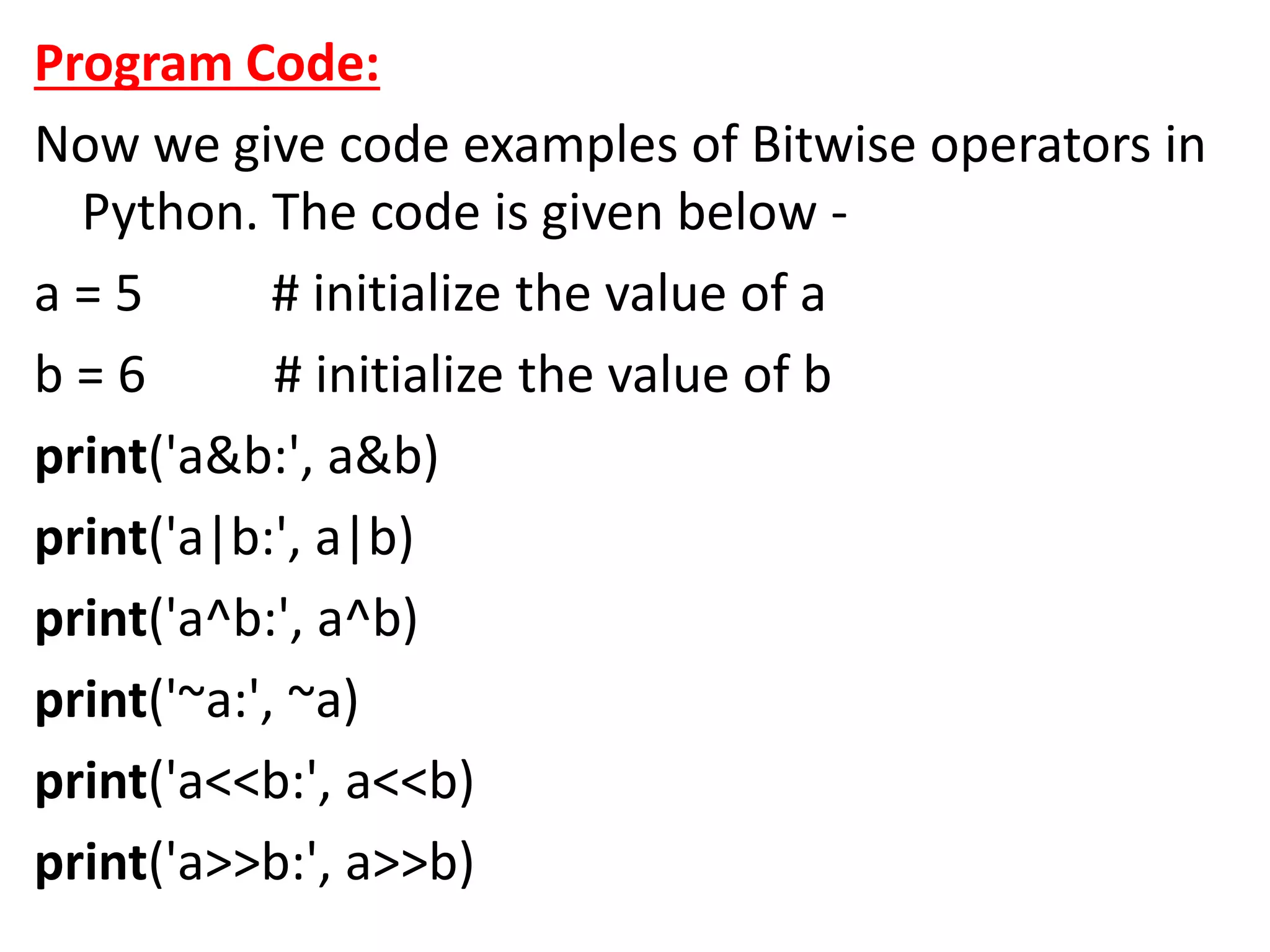
Program Code:
Now we give code examples of Bitwise operators in
Python. The code is given below -
a = 5 # initialize the value of a
b = 6 # initialize the value of b
print('a&b:', a&b)
print('a|b:', a|b)
print('a^b:', a^b)
print('~a:', ~a)
print('a<<b:', a<<b)
print('a>>b:', a>>b)
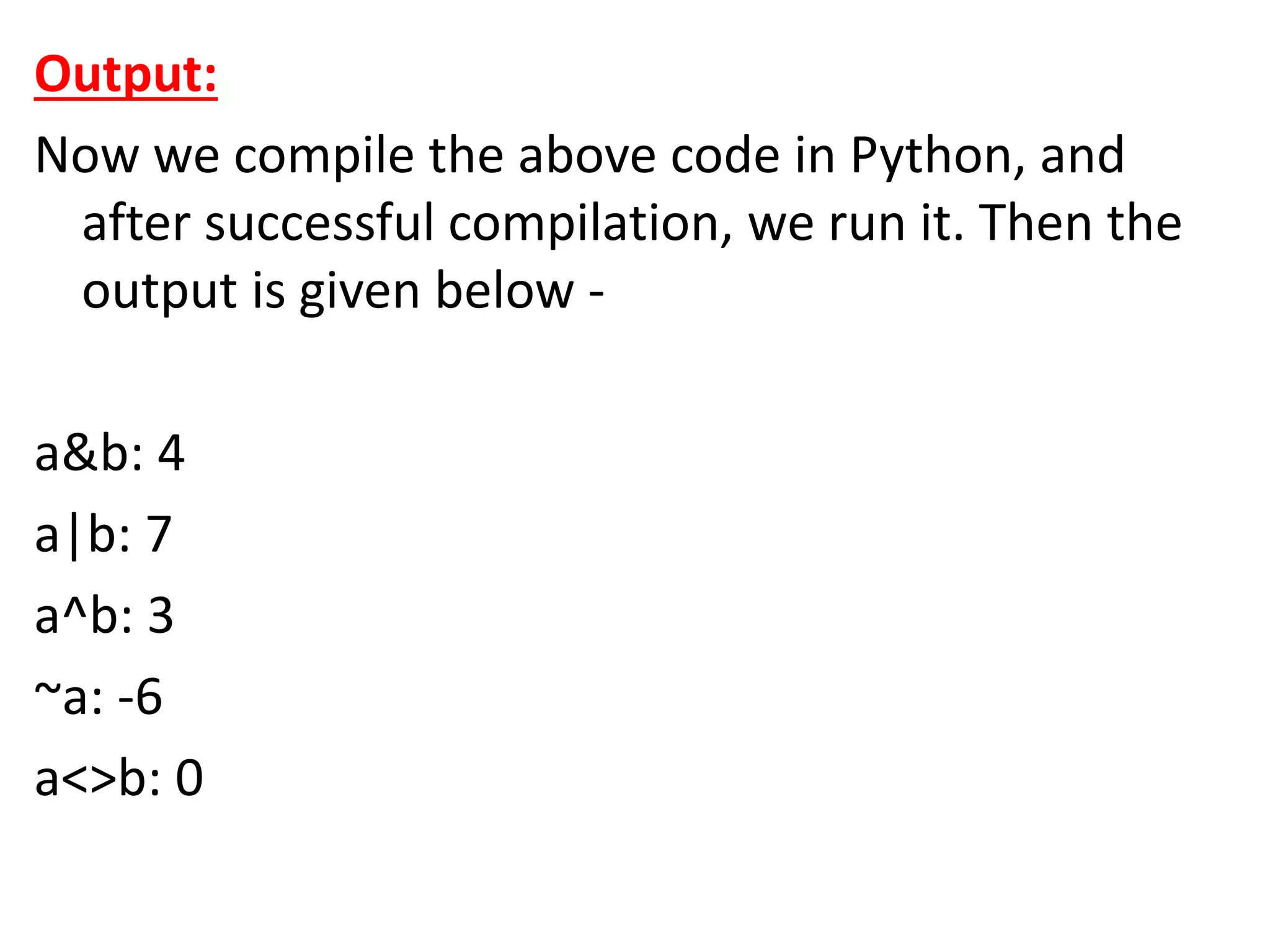
Output:
Now we compile the above code in Python, and
after successful compilation, we run it. Then the
output is given below -
a&b: 4
a|b: 7
a^b: 3
~a: -6
a<>b: 0
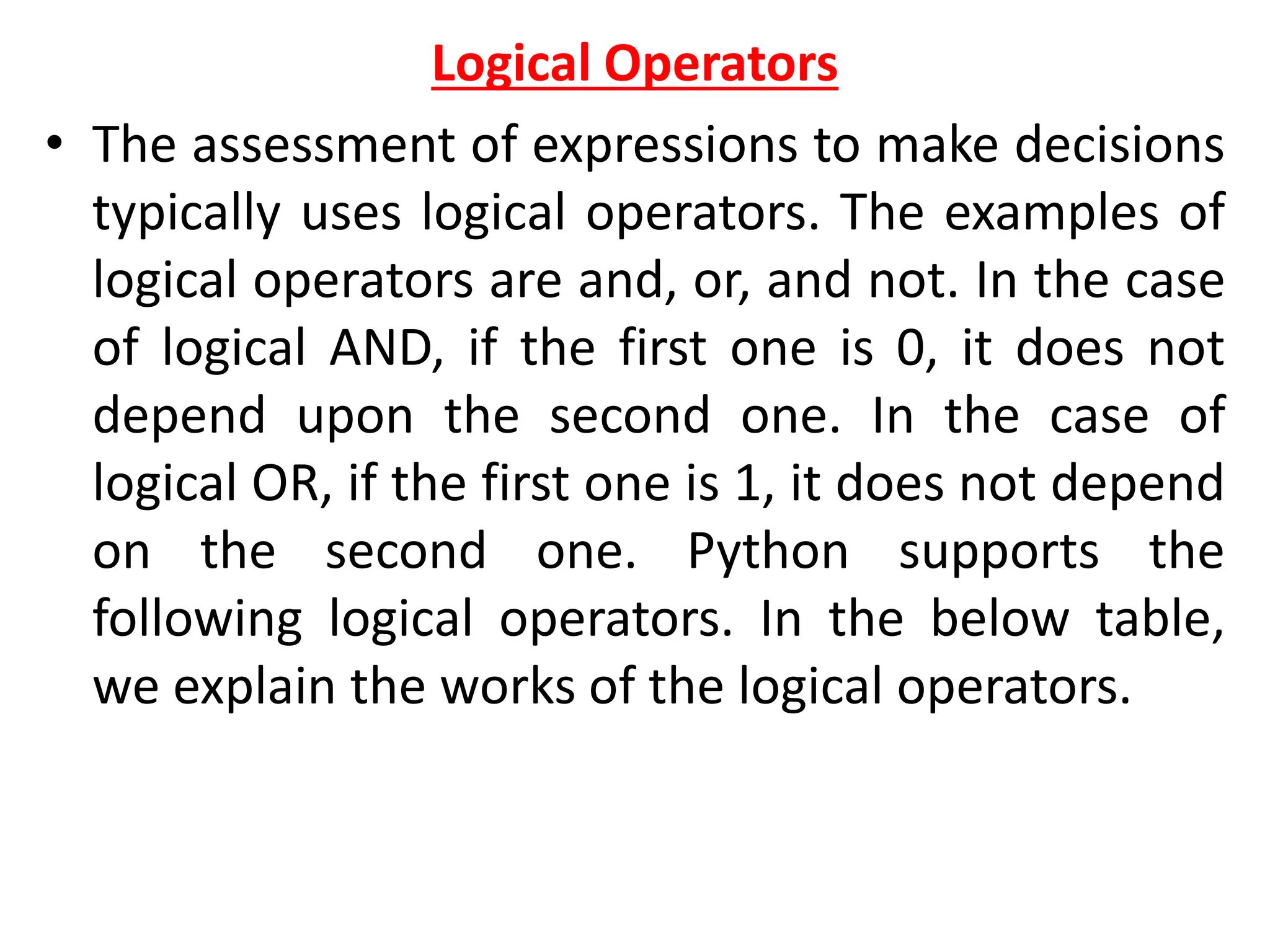
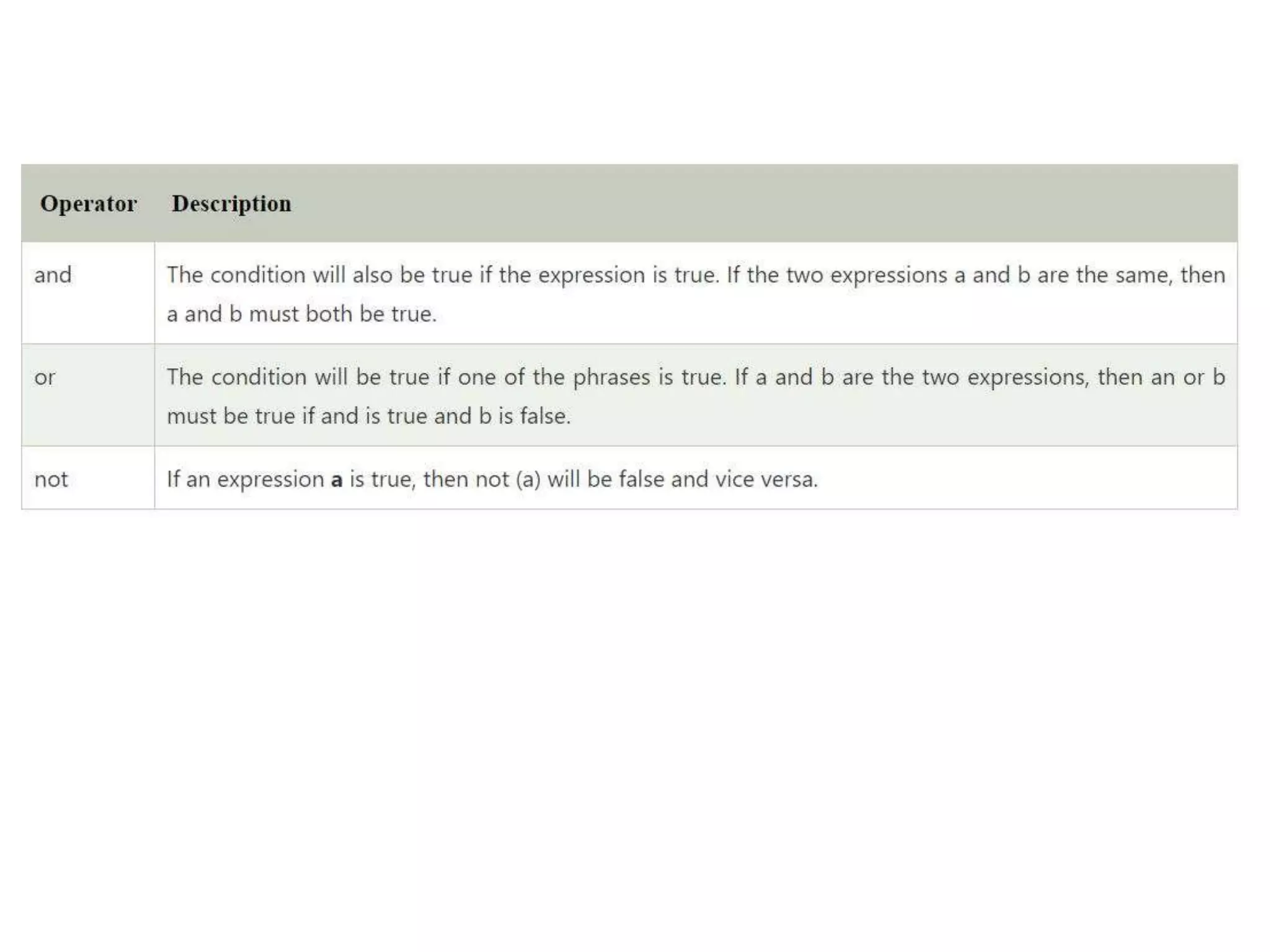
Logical Operators
• The assessment of expressions to make decisions
typically uses logical operators. The examples of
logical operators are and, or, and not. In the case
of logical AND, if the first one is 0, it does not
depend upon the second one. In the case of
logical OR, if the first one is 1, it does not depend
on the second one. Python supports the
following logical operators. In the below table,
we explain the works of the logical operators.
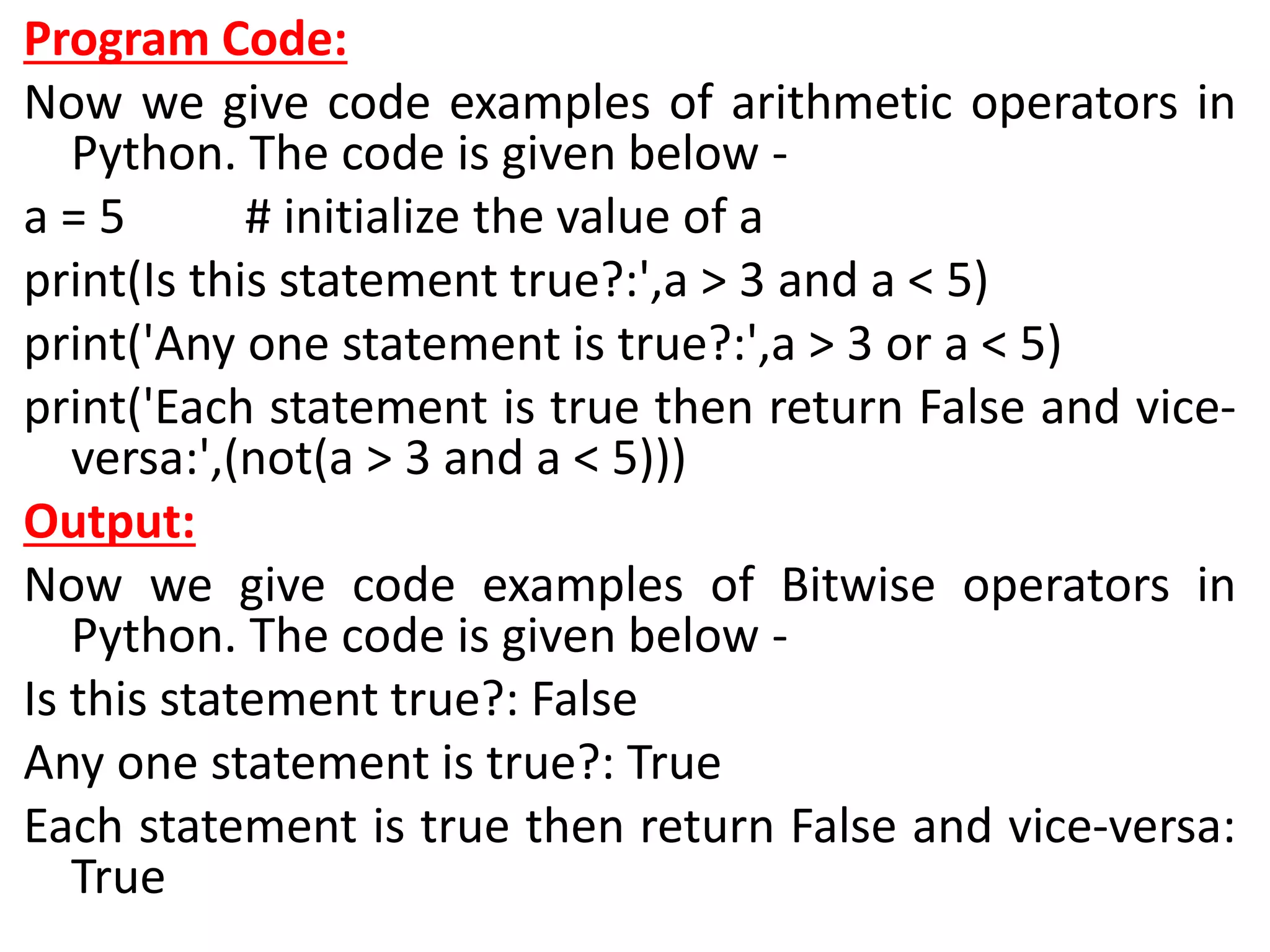
Program Code:
Now we give code examples of arithmetic operators in
Python. The code is given below -
a = 5 # initialize the value of a
print(Is this statement true?:',a > 3 and a < 5)
print('Any one statement is true?:',a > 3 or a < 5)
print('Each statement is true then return False and vice-
versa:',(not(a > 3 and a < 5)))
Output:
Now we give code examples of Bitwise operators in
Python. The code is given below -
Is this statement true?: False
Any one statement is true?: True
Each statement is true then return False and vice-versa:
True
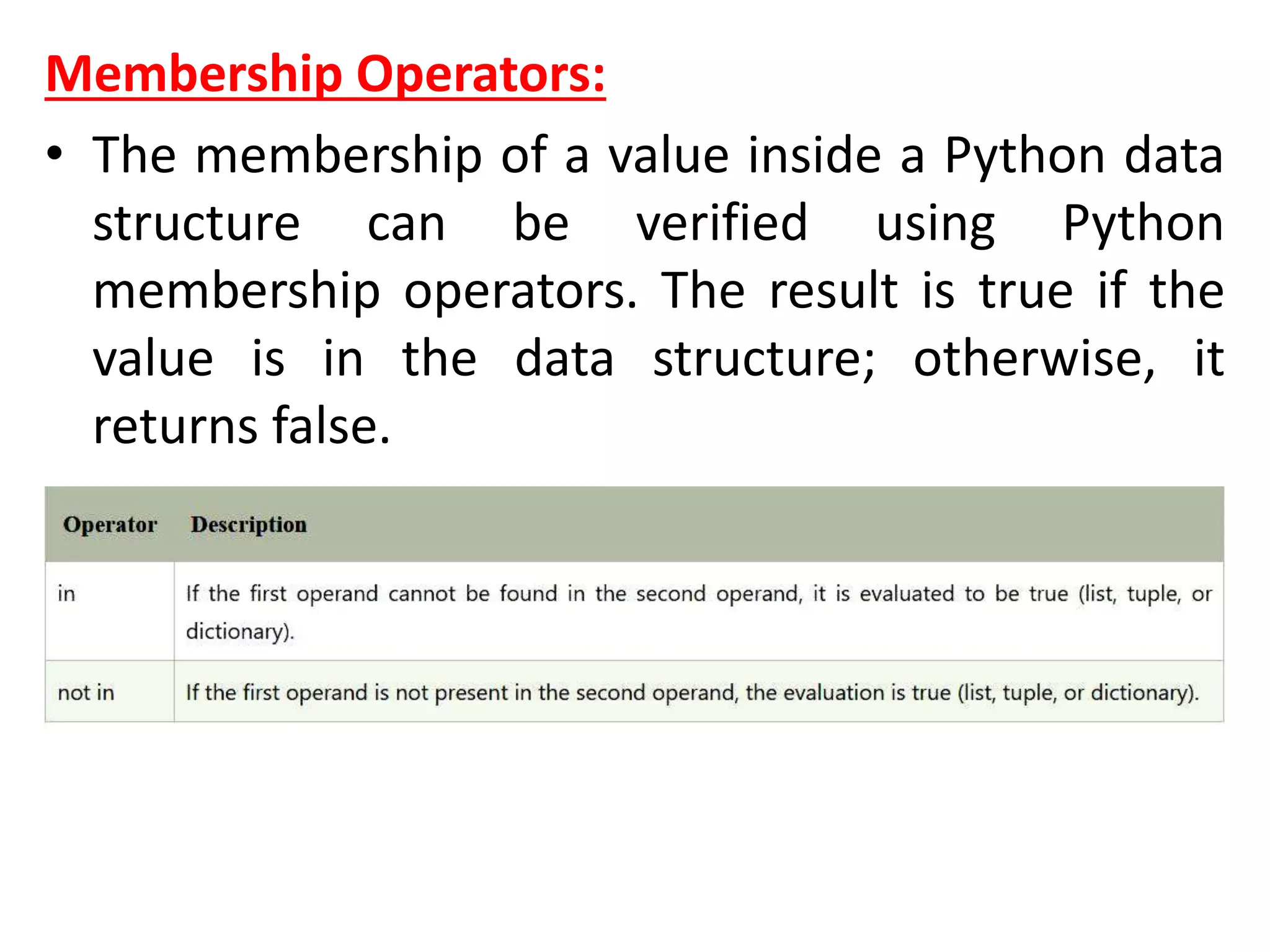
Membership Operators:
• The membership of a value inside a Python data
structure can be verified using Python
membership operators. The result is true if the
value is in the data structure; otherwise, it
returns false.
Program Code:
Now we give code examples of Membership
operators in Python. The code is given below -
x = ["Rose", "Lotus"]
print(' Is value Present?', "Rose" in x)
print(' Is value not Present?', "Riya" not in x)
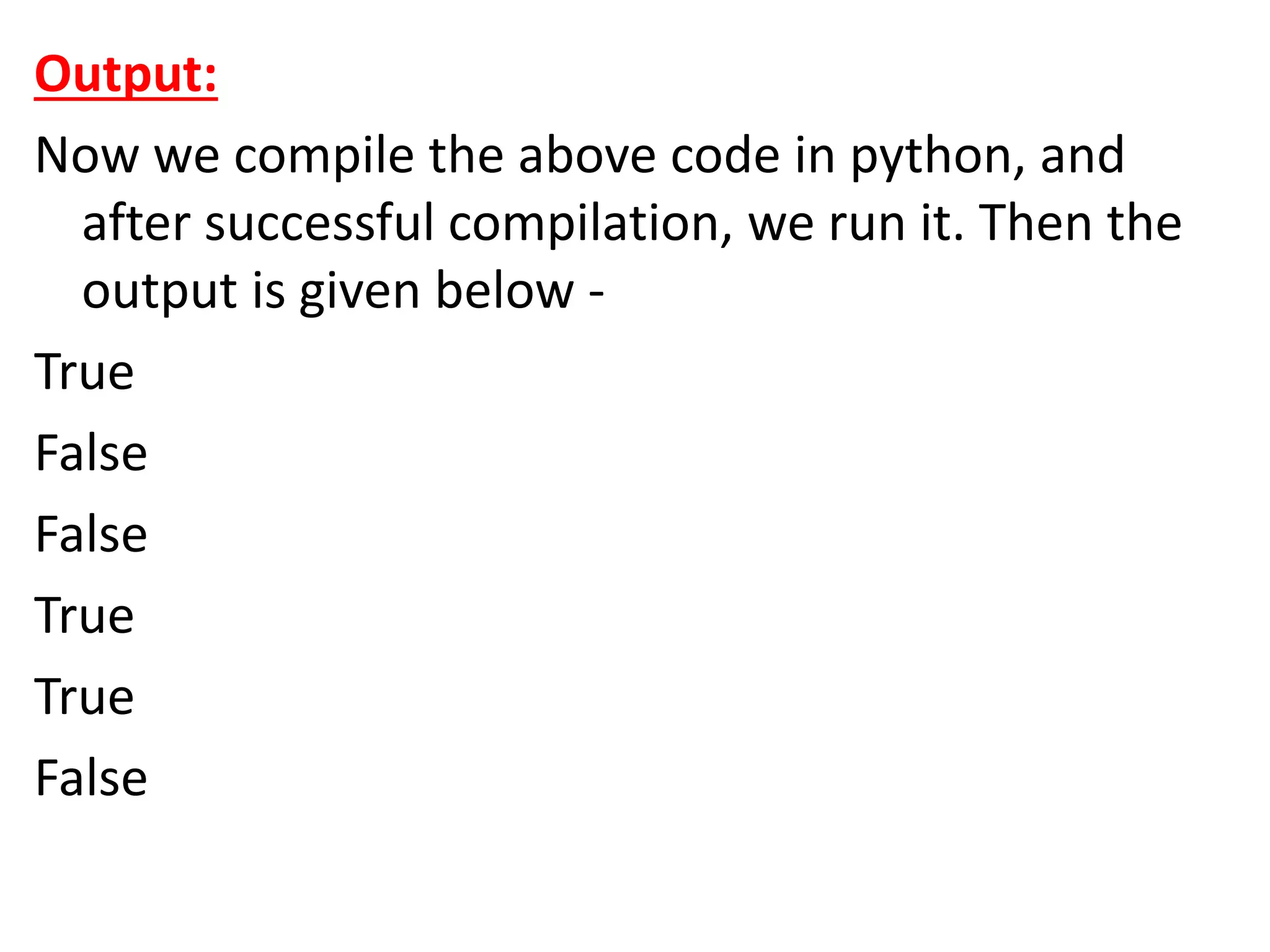
Output:
Now we compile the above code in Python, and
after successful compilation, we run it. Then the
output is given below -
Is value Present? True
Is value not Present? True
Identity Operators
Program Code:
Now we give code examples of Identity operators
in Python. The code is given below -
a = ["Rose", "Lotus"]
b = ["Rose", "Lotus"]
c = a
print(a is c)
print(a is not c)
print(a is b)
print(a is not b)
print(a == b)
print(a != b)
Output:
Now we compile the above code in python, and
after successful compilation, we run it. Then the
output is given below -
True
False
False
True
True
False
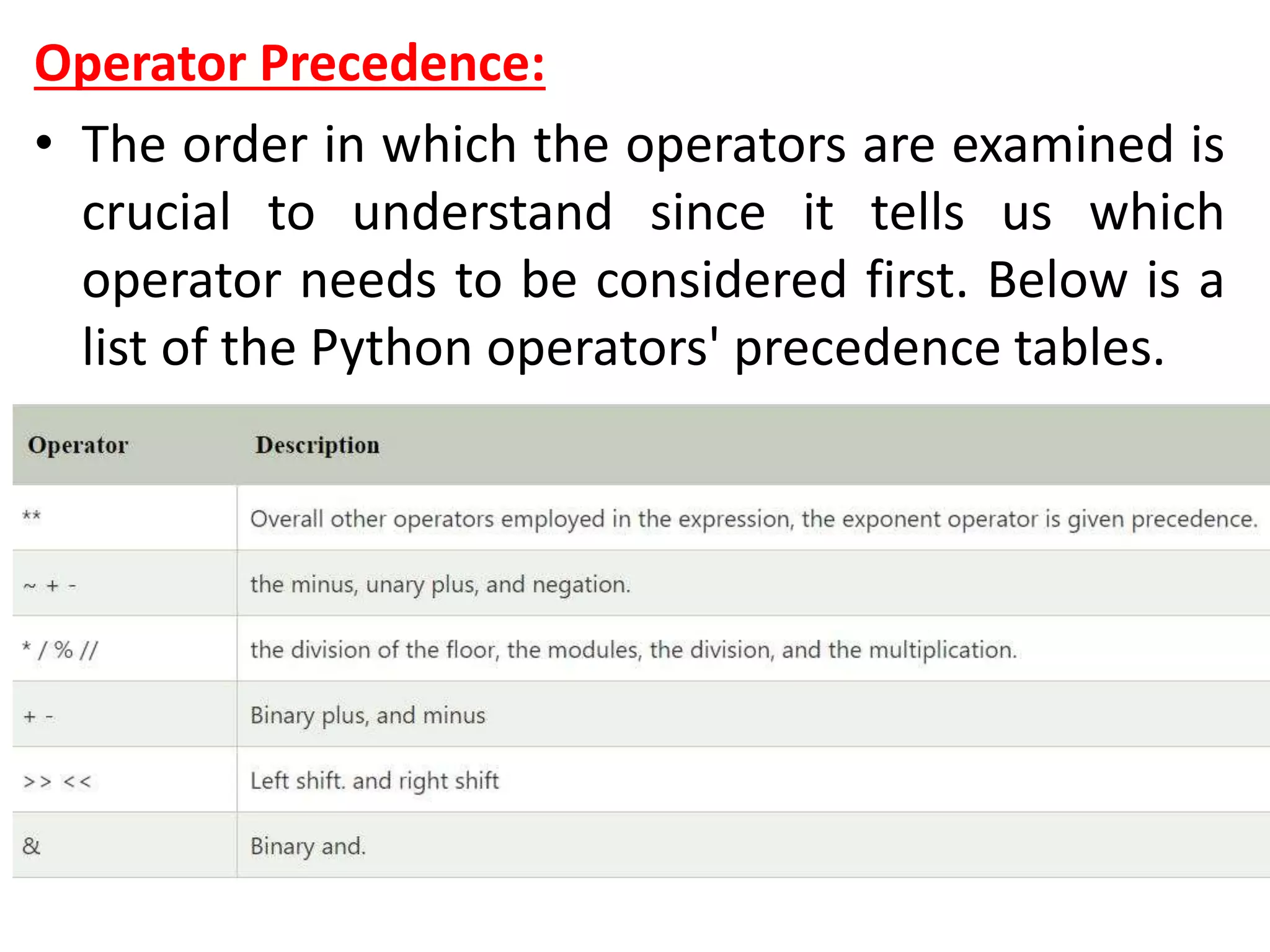
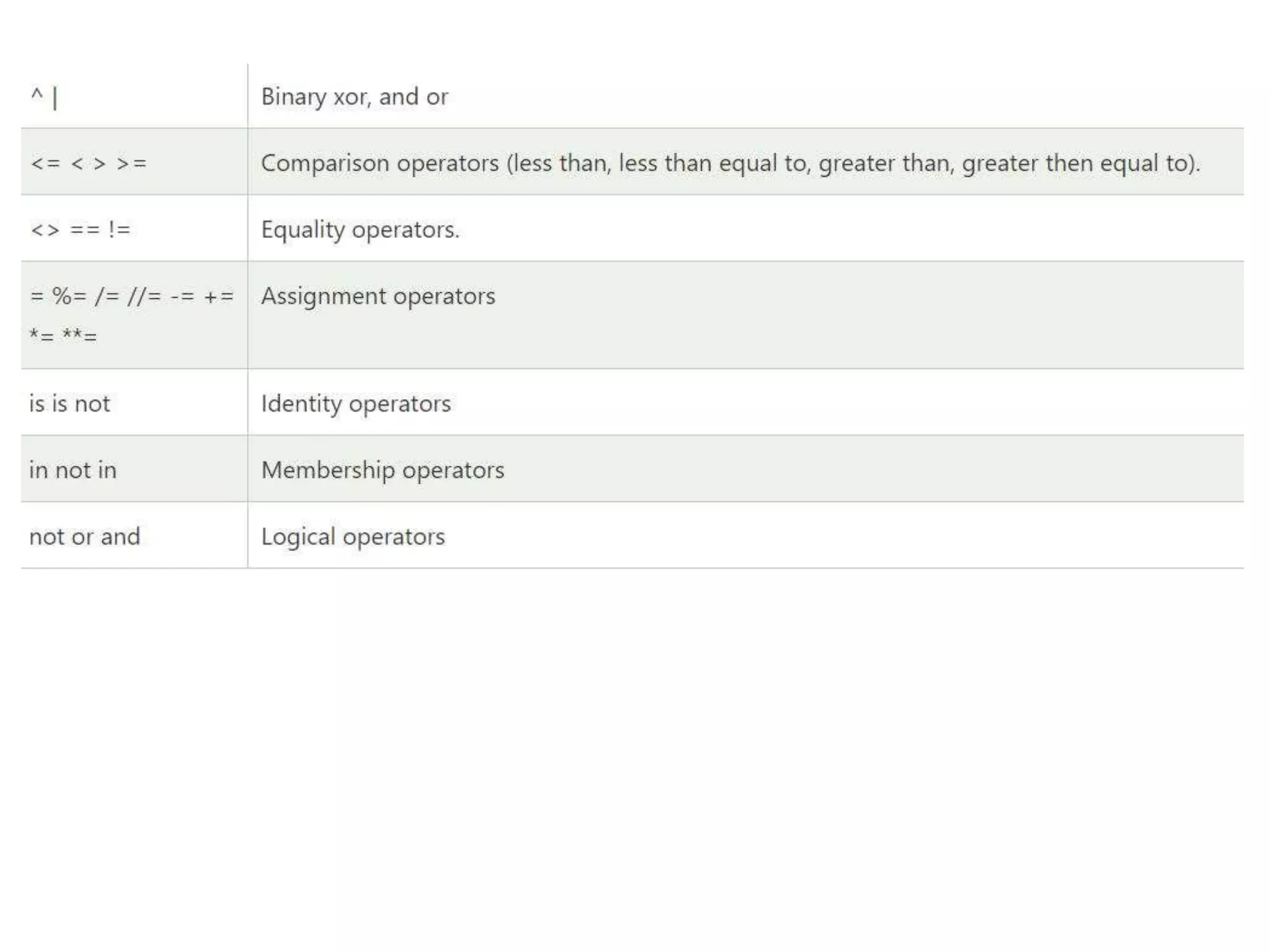
Operator Precedence:
• The order in which the operators are examined is
crucial to understand since it tells us which
operator needs to be considered first. Below is a
list of the Python operators' precedence tables.
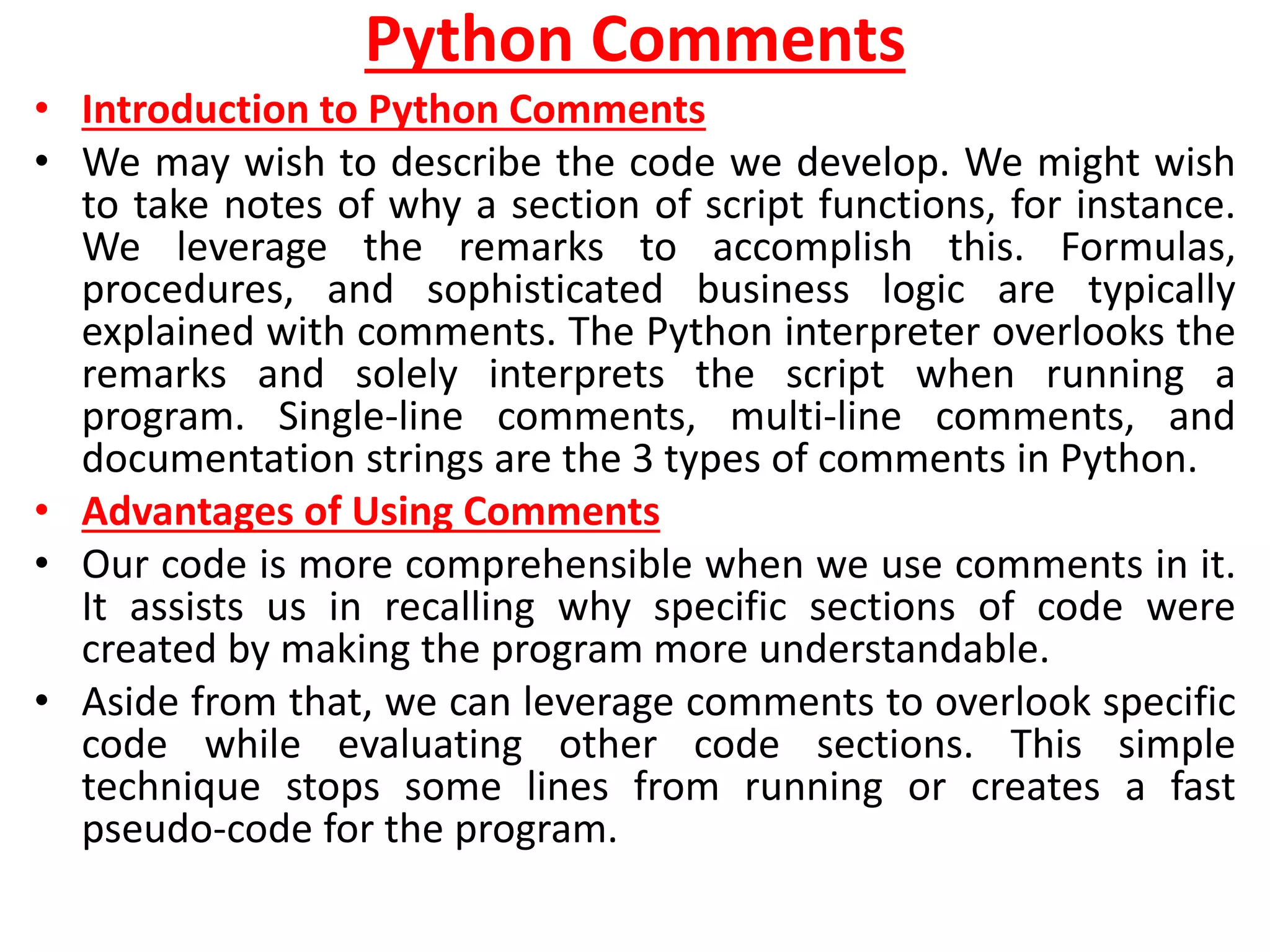
Python Comments
• Introduction to Python Comments
• We may wish to describe the code we develop. We might wish
to take notes of why a section of script functions, for instance.
We leverage the remarks to accomplish this. Formulas,
procedures, and sophisticated business logic are typically
explained with comments. The Python interpreter overlooks the
remarks and solely interprets the script when running a
program. Single-line comments, multi-line comments, and
documentation strings are the 3 types of comments in Python.
• Advantages of Using Comments
• Our code is more comprehensible when we use comments in it.
It assists us in recalling why specific sections of code were
created by making the program more understandable.
• Aside from that, we can leverage comments to overlook specific
code while evaluating other code sections. This simple
technique stops some lines from running or creates a fast
pseudo-code for the program.
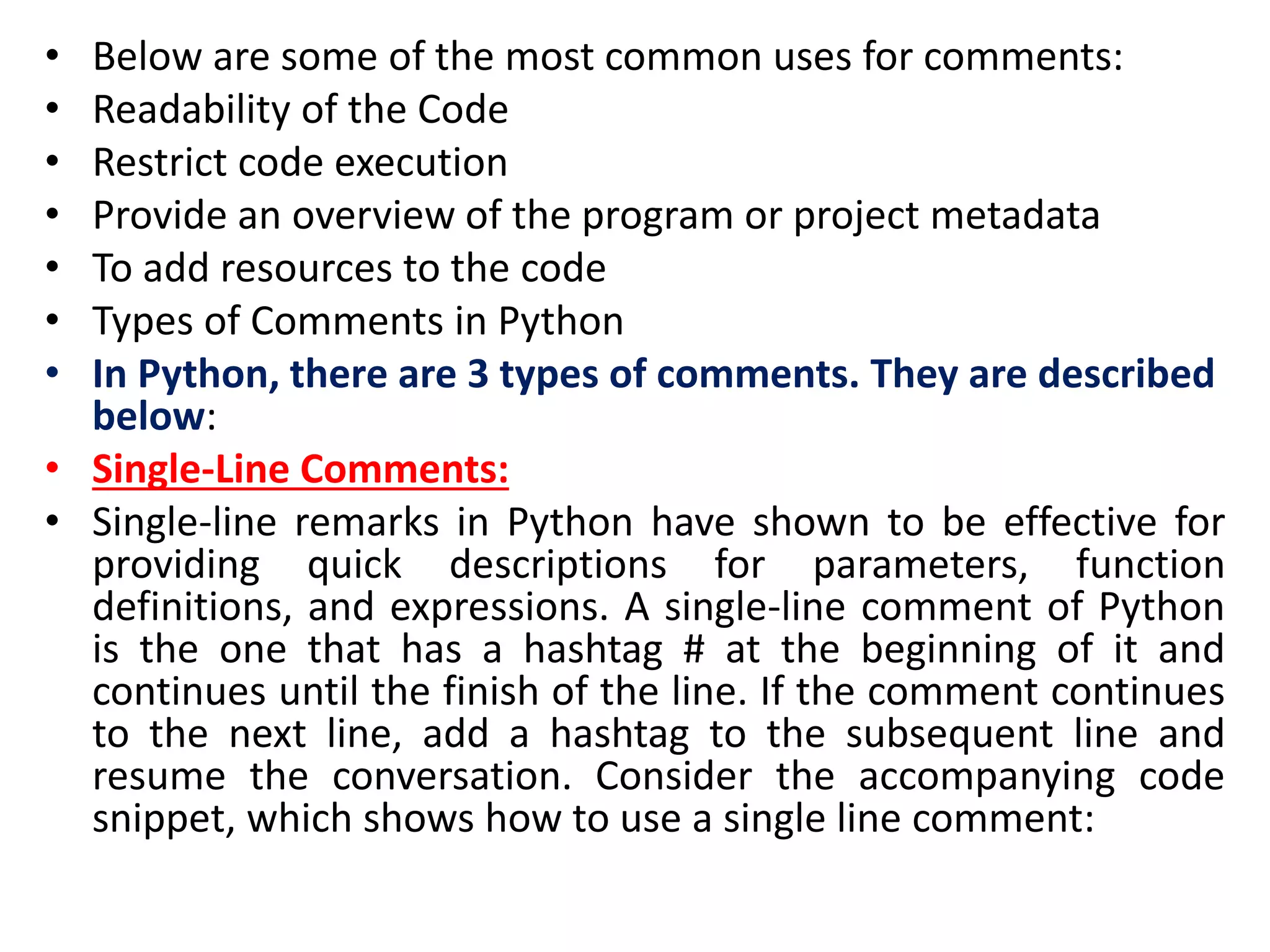
• Below are some of the most common uses for comments:
• Readability of the Code
• Restrict code execution
• Provide an overview of the program or project metadata
• To add resources to the code
• Types of Comments in Python
• In Python, there are 3 types of comments. They are described
below:
• Single-Line Comments:
• Single-line remarks in Python have shown to be effective for
providing quick descriptions for parameters, function
definitions, and expressions. A single-line comment of Python
is the one that has a hashtag # at the beginning of it and
continues until the finish of the line. If the comment continues
to the next line, add a hashtag to the subsequent line and
resume the conversation. Consider the accompanying code
snippet, which shows how to use a single line comment:
Code
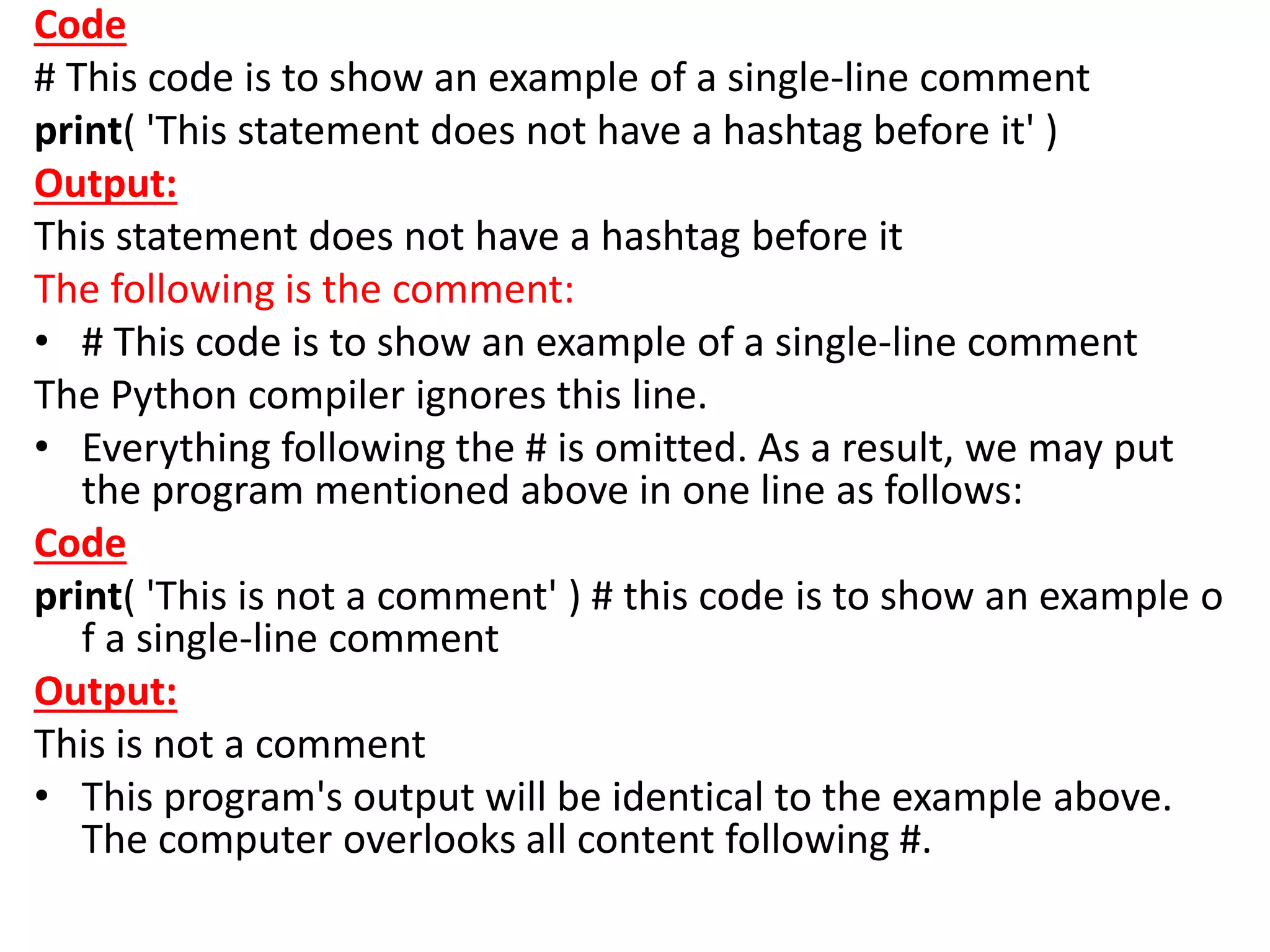
# This code is to show an example of a single-line comment
print( 'This statement does not have a hashtag before it' )
Output:
This statement does not have a hashtag before it
The following is the comment:
• # This code is to show an example of a single-line comment
The Python compiler ignores this line.
• Everything following the # is omitted. As a result, we may put
the program mentioned above in one line as follows:
Code
print( 'This is not a comment' ) # this code is to show an example o
f a single-line comment
Output:
This is not a comment
• This program's output will be identical to the example above.
The computer overlooks all content following #.
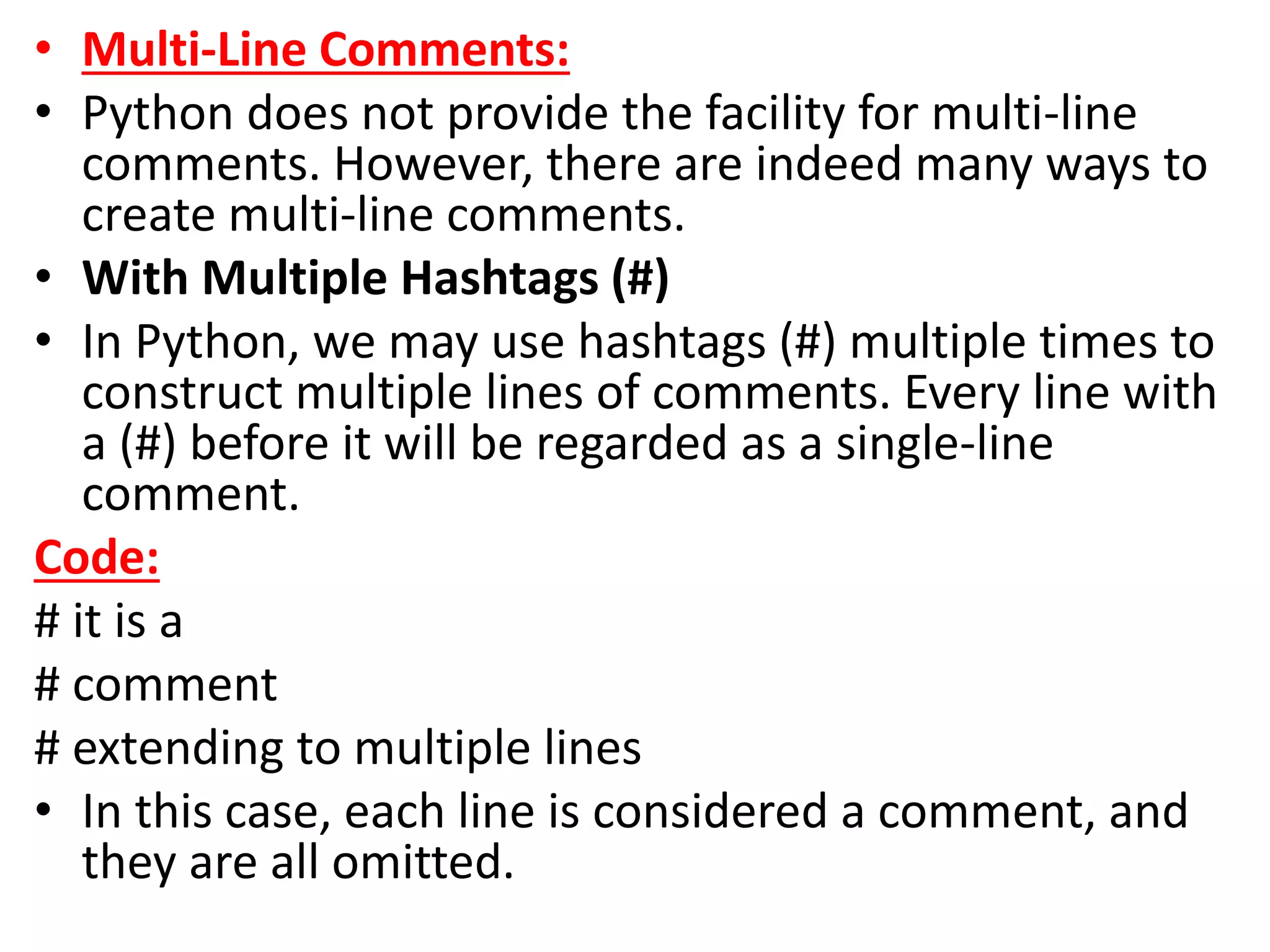
• Multi-Line Comments:
• Python does not provide the facility for multi-line
comments. However, there are indeed many ways to
create multi-line comments.
• With Multiple Hashtags (#)
• In Python, we may use hashtags (#) multiple times to
construct multiple lines of comments. Every line with
a (#) before it will be regarded as a single-line
comment.
Code:
# it is a
# comment
# extending to multiple lines
• In this case, each line is considered a comment, and
they are all omitted.
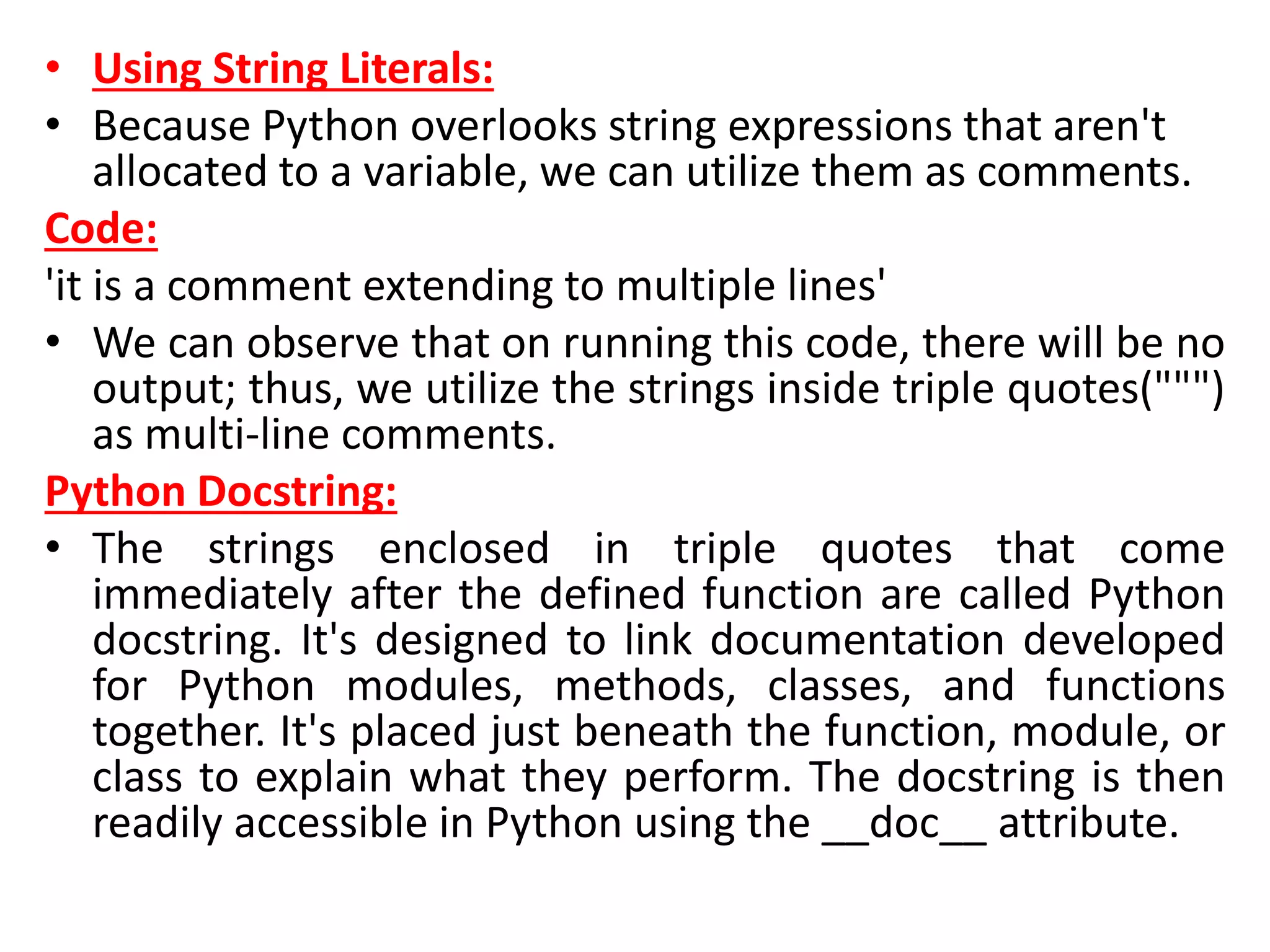
• Using String Literals:
• Because Python overlooks string expressions that aren't
allocated to a variable, we can utilize them as comments.
Code:
'it is a comment extending to multiple lines'
• We can observe that on running this code, there will be no
output; thus, we utilize the strings inside triple quotes(""")
as multi-line comments.
Python Docstring:
• The strings enclosed in triple quotes that come
immediately after the defined function are called Python
docstring. It's designed to link documentation developed
for Python modules, methods, classes, and functions
together. It's placed just beneath the function, module, or
class to explain what they perform. The docstring is then
readily accessible in Python using the __doc__ attribute.
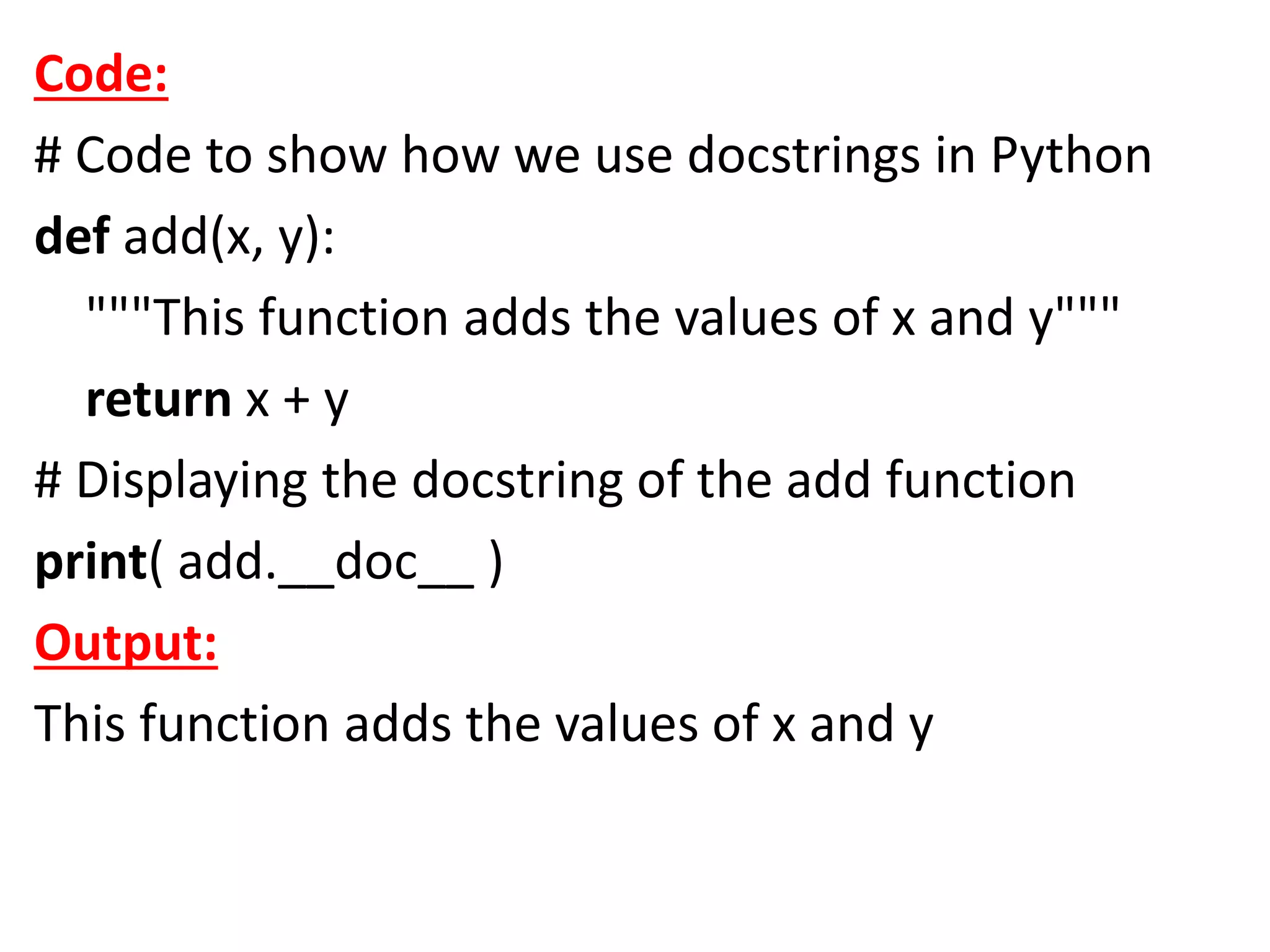
Code:
# Code to show how we use docstrings in Python
def add(x, y):
"""This function adds the values of x and y"""
return x + y
# Displaying the docstring of the add function
print( add.__doc__ )
Output:
This function adds the values of x and y
Python If-else statements
• Decision making is the most important aspect of
almost all the programming languages. As the
name implies, decision making allows us to run a
particular block of code for a particular decision.
Here, the decisions are made on the validity of
the particular conditions. Condition checking is
the backbone of decision making.
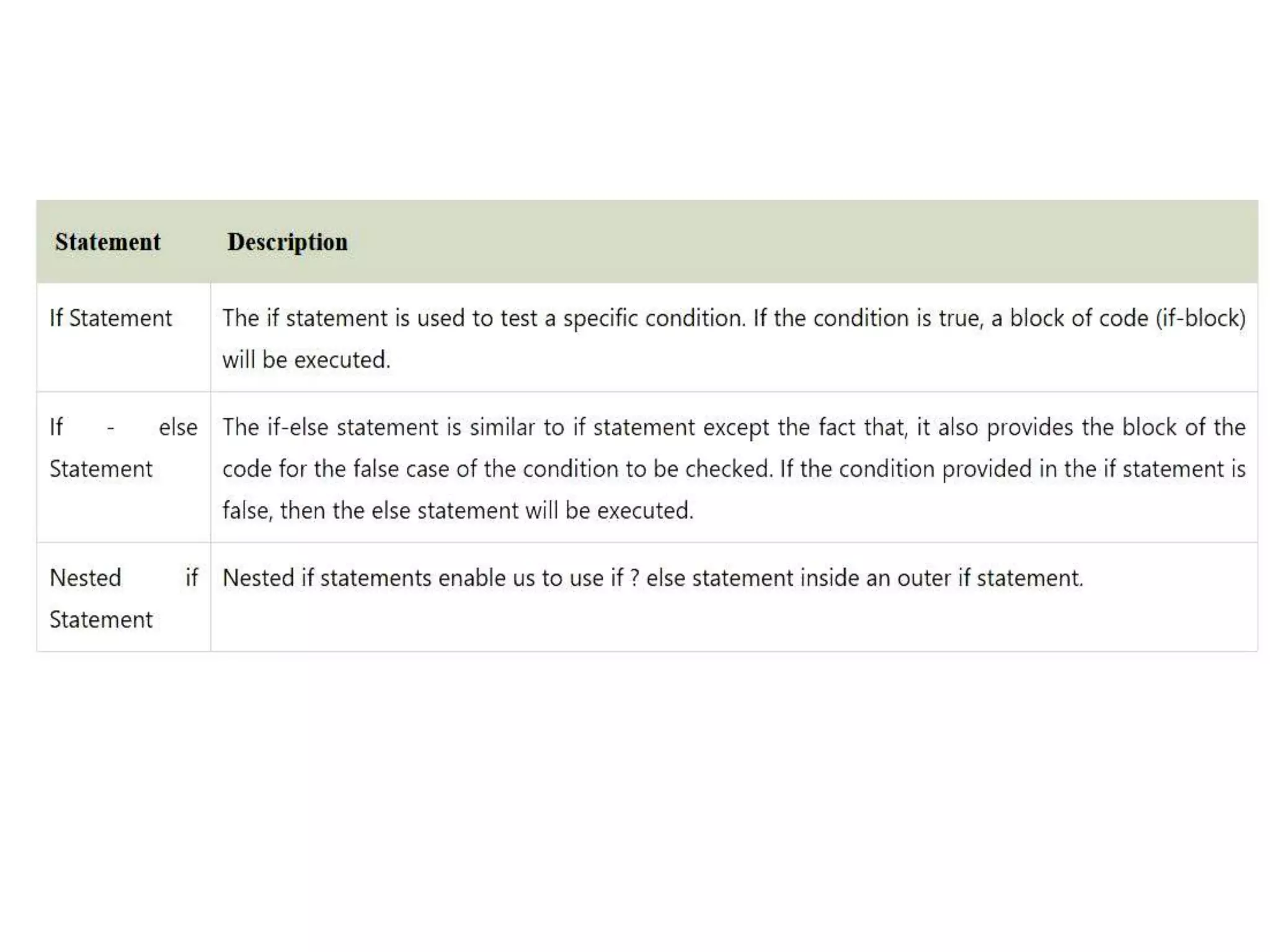
• In python, decision making is performed by the
following statements.
Indentation in Python
• For the ease of programming and to achieve
simplicity, python doesn't allow the use of
parentheses for the block level code. In Python,
indentation is used to declare a block. If two
statements are at the same indentation level, then
they are the part of the same block.
• Generally, four spaces are given to indent the
statements which are a typical amount of
indentation in python.
• Indentation is the most used part of the python
language since it declares the block of code. All the
statements of one block are intended at the same
level indentation. We will see how the actual
indentation takes place in decision making and other
stuff in python.
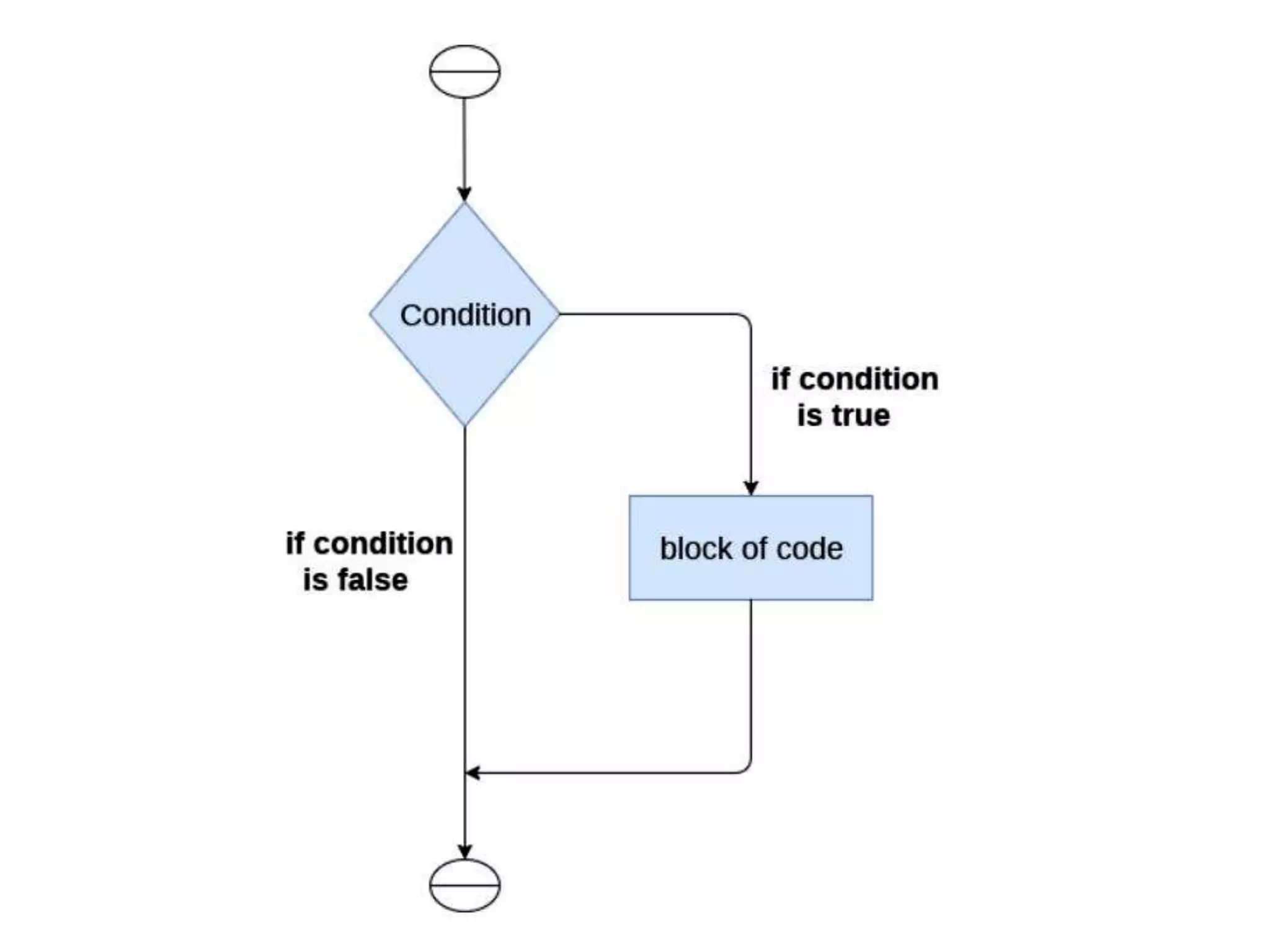
The if statement:
• The if statement is used to test a particular
condition and if the condition is true, it executes
a block of code known as if-block. The condition
of if statement can be any valid logical expression
which can be either evaluated to true or false.
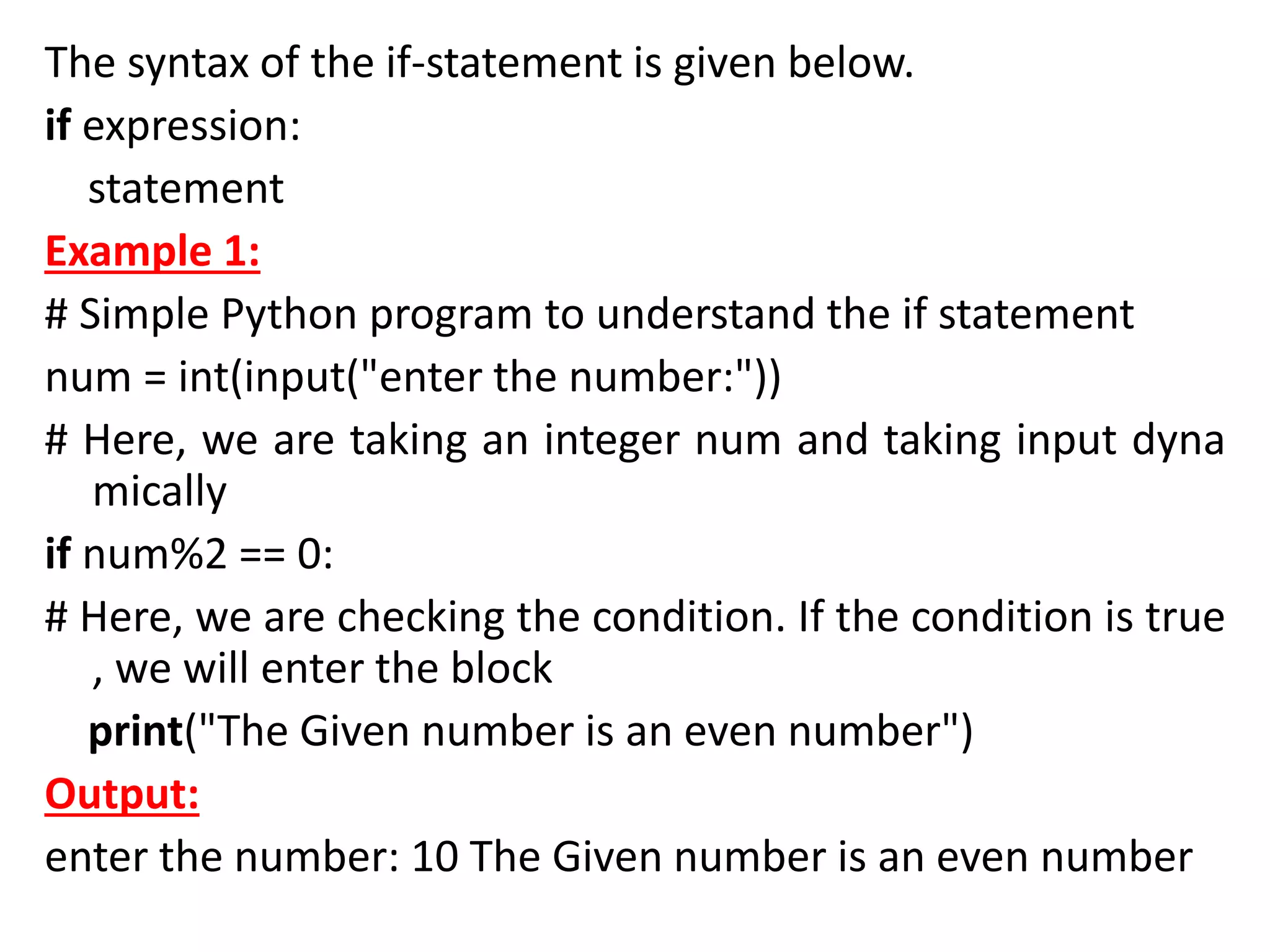
The syntax of the if-statement is given below.
if expression:
statement
Example 1:
# Simple Python program to understand the if statement
num = int(input("enter the number:"))
# Here, we are taking an integer num and taking input dyna
mically
if num%2 == 0:
# Here, we are checking the condition. If the condition is true
, we will enter the block
print("The Given number is an even number")
Output:
enter the number: 10 The Given number is an even number
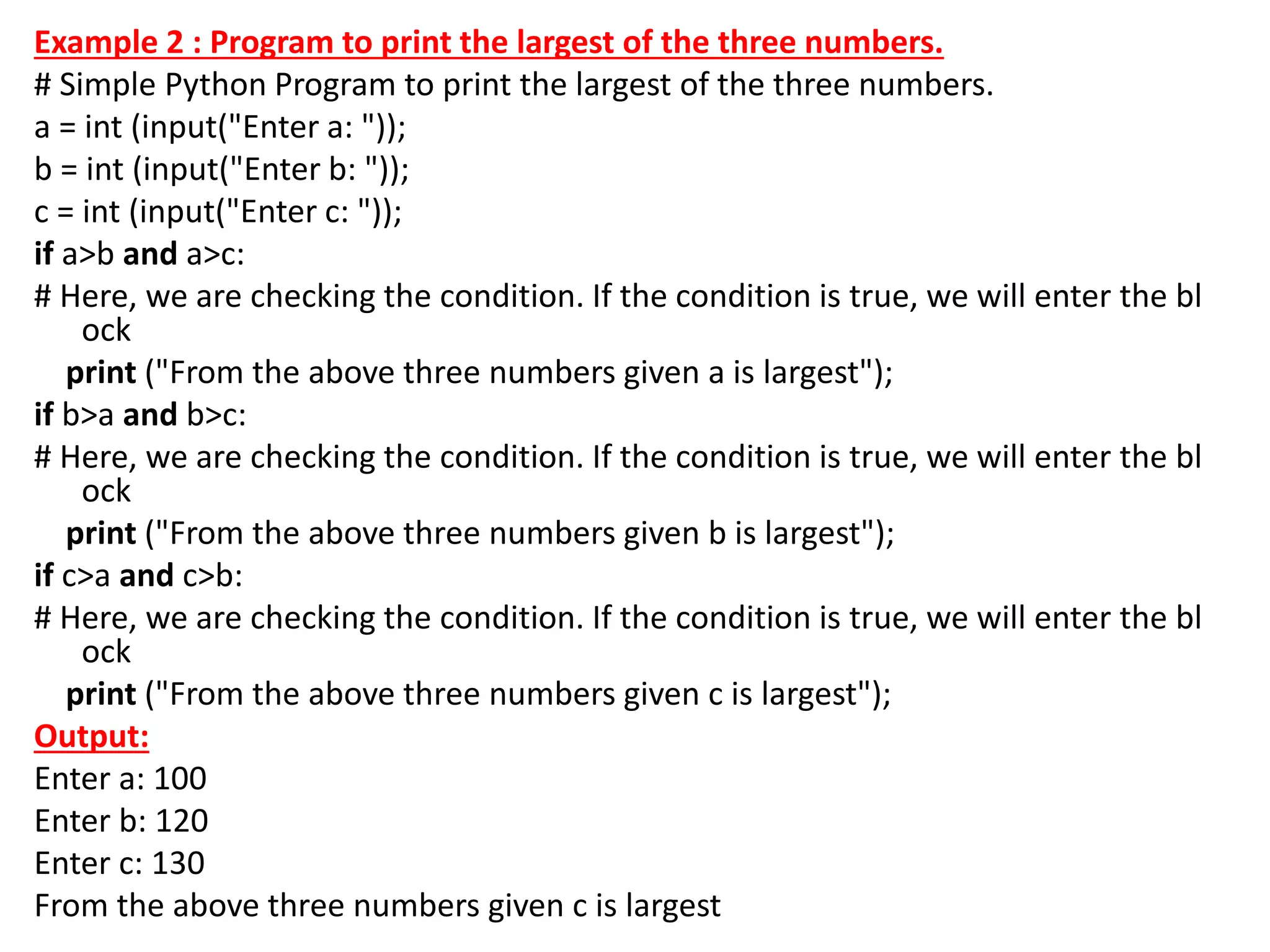
Example 2 : Program to print the largest of the three numbers.
# Simple Python Program to print the largest of the three numbers.
a = int (input("Enter a: "));
b = int (input("Enter b: "));
c = int (input("Enter c: "));
if a>b and a>c:
# Here, we are checking the condition. If the condition is true, we will enter the bl
ock
print ("From the above three numbers given a is largest");
if b>a and b>c:
# Here, we are checking the condition. If the condition is true, we will enter the bl
ock
print ("From the above three numbers given b is largest");
if c>a and c>b:
# Here, we are checking the condition. If the condition is true, we will enter the bl
ock
print ("From the above three numbers given c is largest");
Output:
Enter a: 100
Enter b: 120
Enter c: 130
From the above three numbers given c is largest
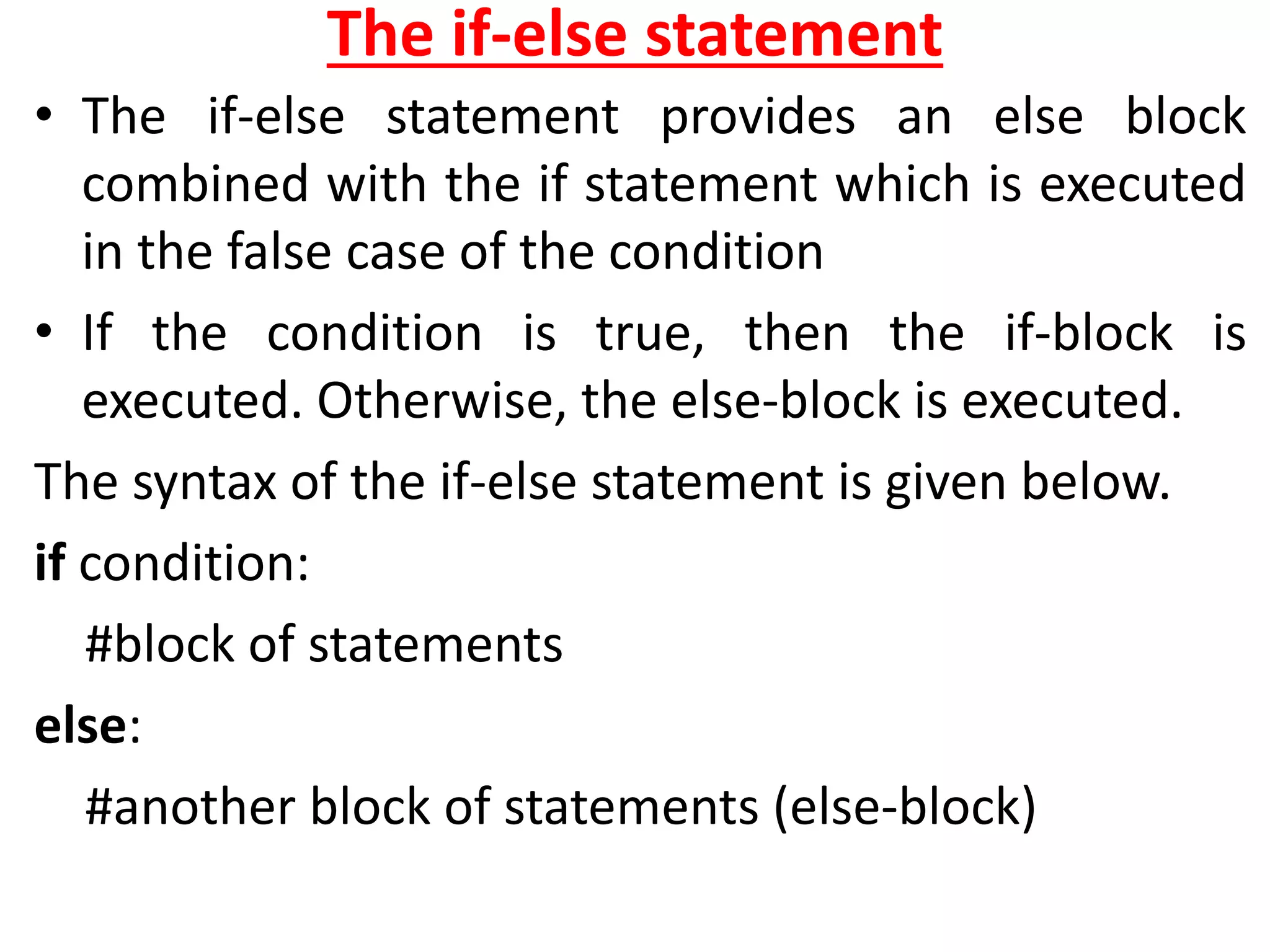
The if-else statement
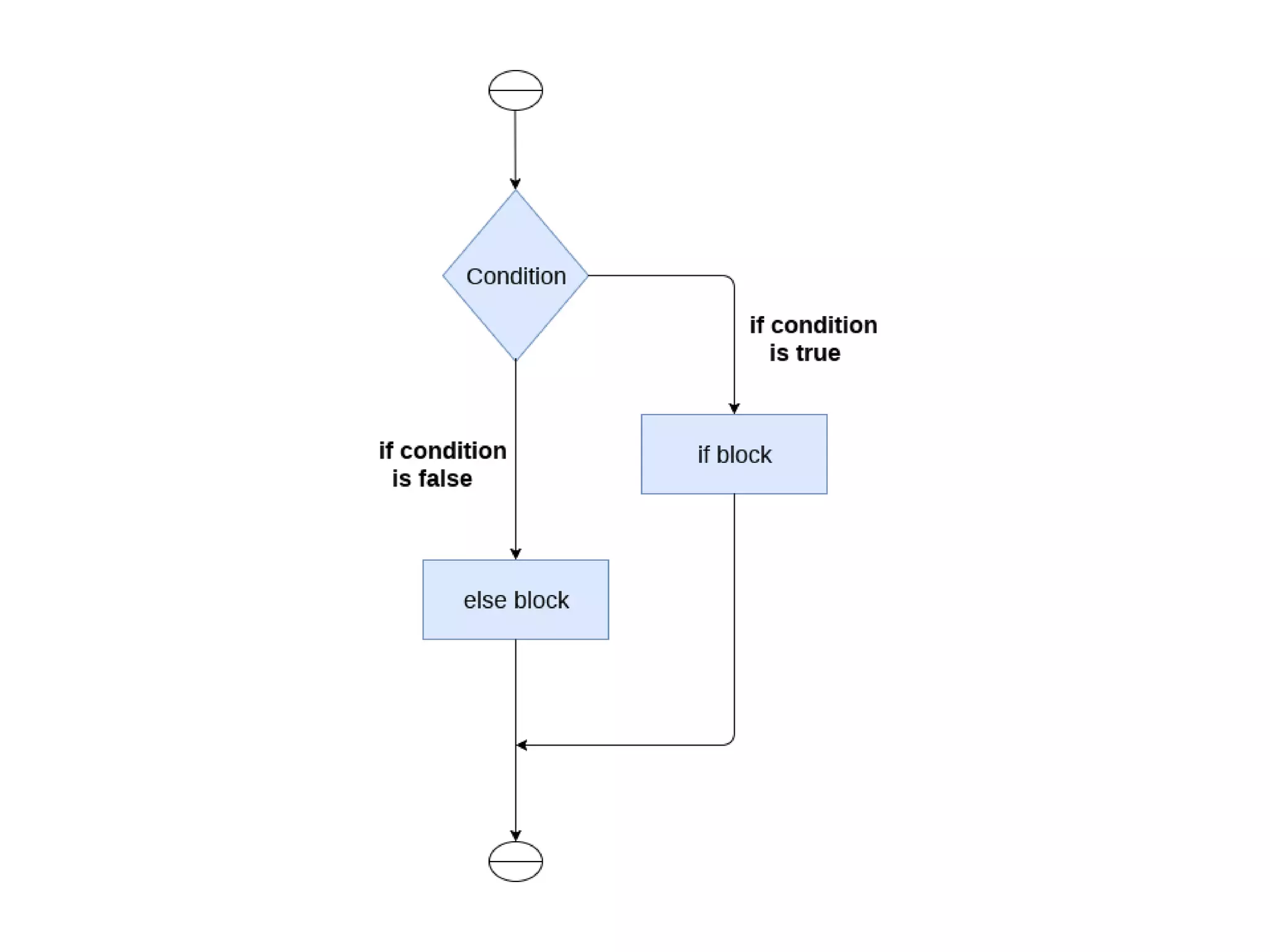
• The if-else statement provides an else block
combined with the if statement which is executed
in the false case of the condition
• If the condition is true, then the if-block is
executed. Otherwise, the else-block is executed.
The syntax of the if-else statement is given below.
if condition:
#block of statements
else:
#another block of statements (else-block)
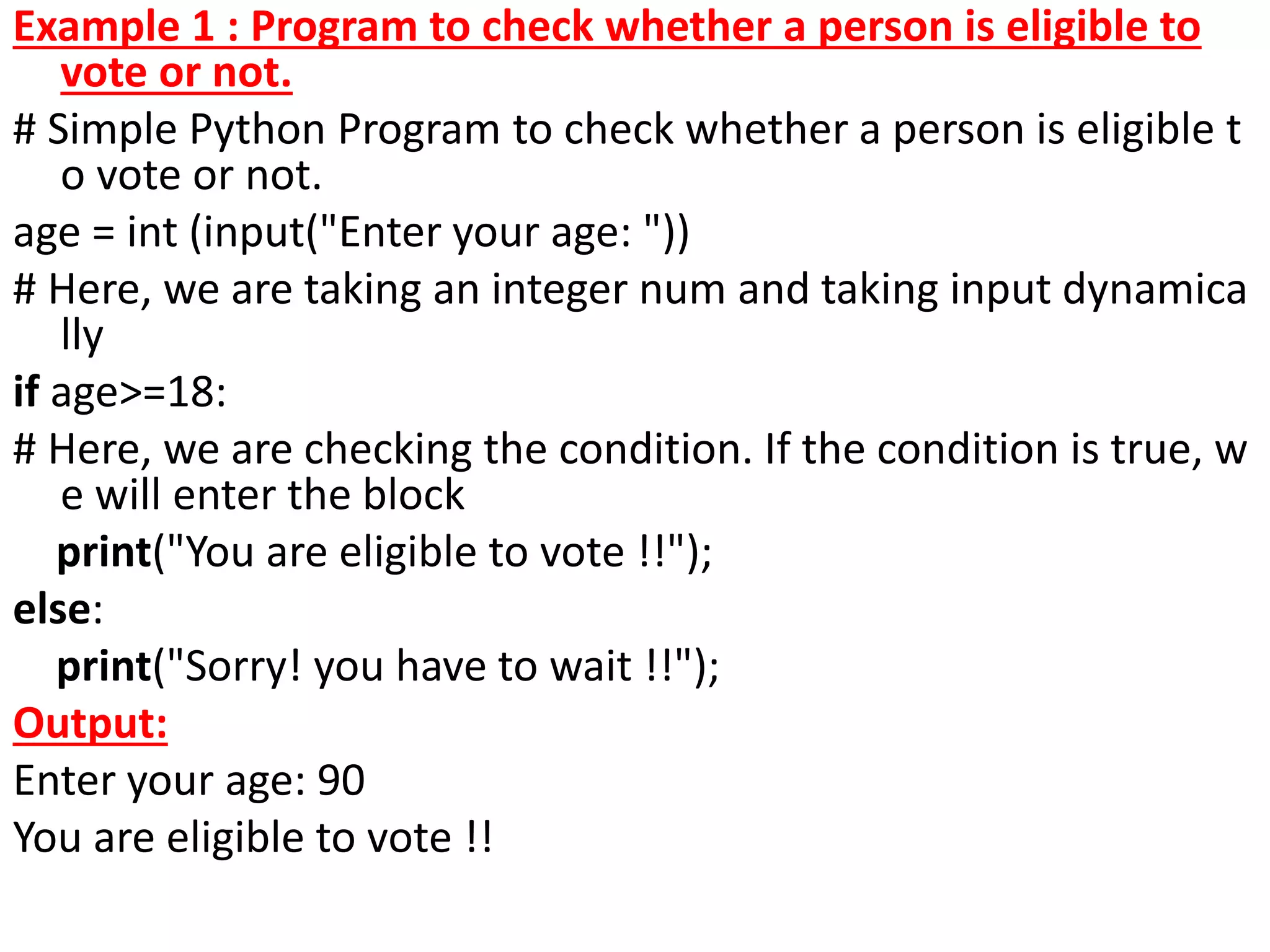
Example 1 : Program to check whether a person is eligible to
vote or not.
# Simple Python Program to check whether a person is eligible t
o vote or not.
age = int (input("Enter your age: "))
# Here, we are taking an integer num and taking input dynamica
lly
if age>=18:
# Here, we are checking the condition. If the condition is true, w
e will enter the block
print("You are eligible to vote !!");
else:
print("Sorry! you have to wait !!");
Output:
Enter your age: 90
You are eligible to vote !!
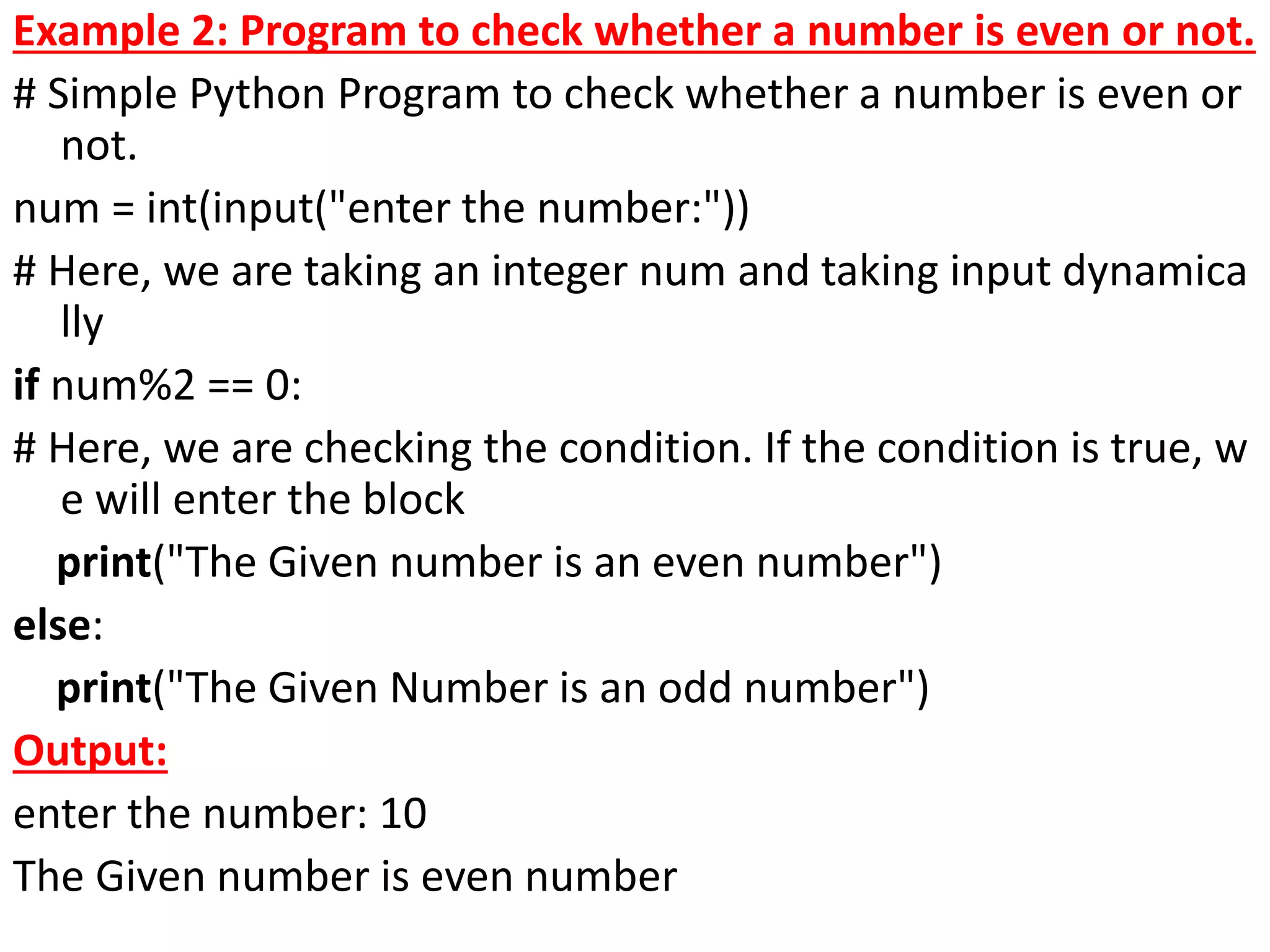
Example 2: Program to check whether a number is even or not.
# Simple Python Program to check whether a number is even or
not.
num = int(input("enter the number:"))
# Here, we are taking an integer num and taking input dynamica
lly
if num%2 == 0:
# Here, we are checking the condition. If the condition is true, w
e will enter the block
print("The Given number is an even number")
else:
print("The Given Number is an odd number")
Output:
enter the number: 10
The Given number is even number
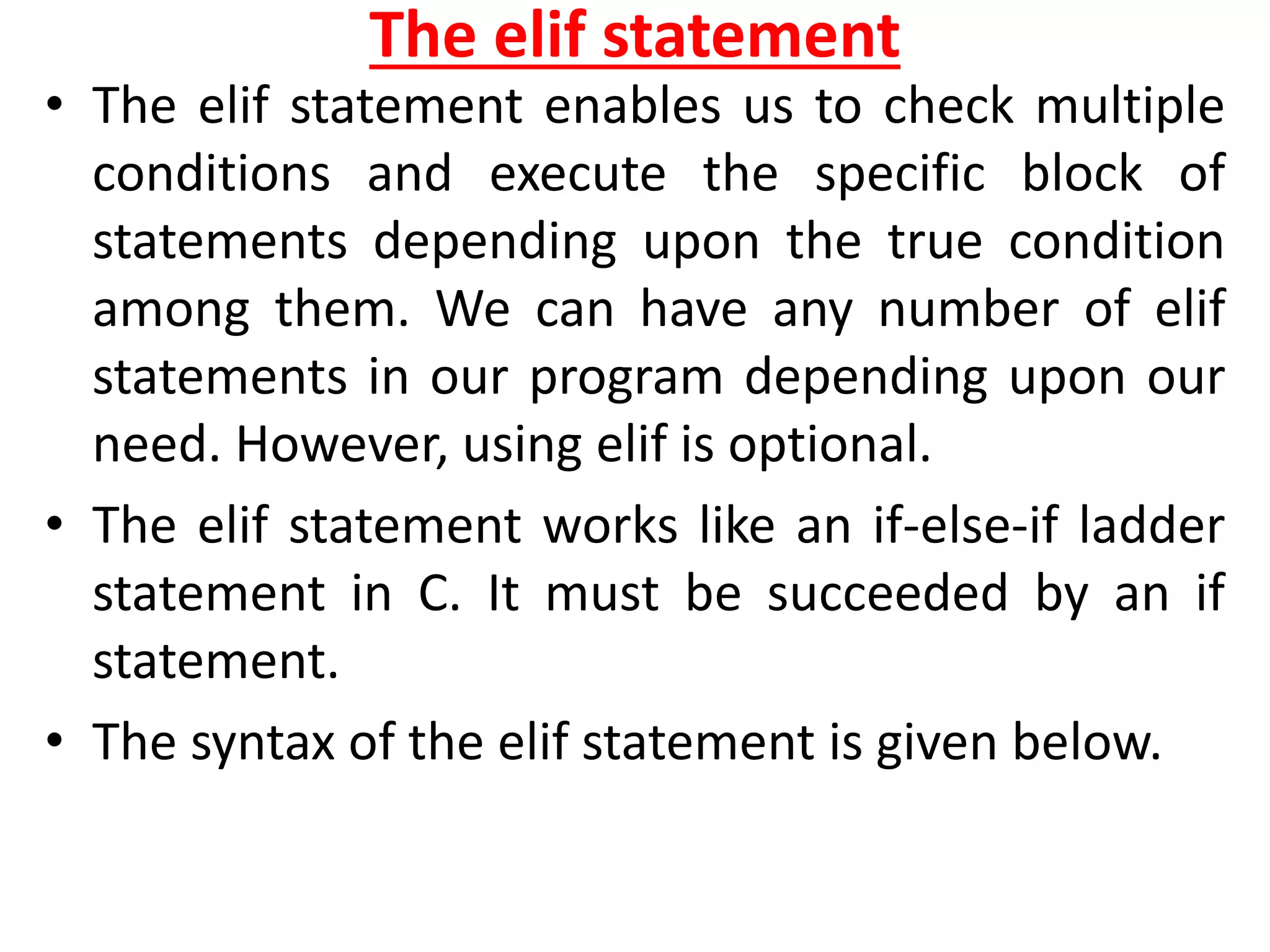
The elif statement
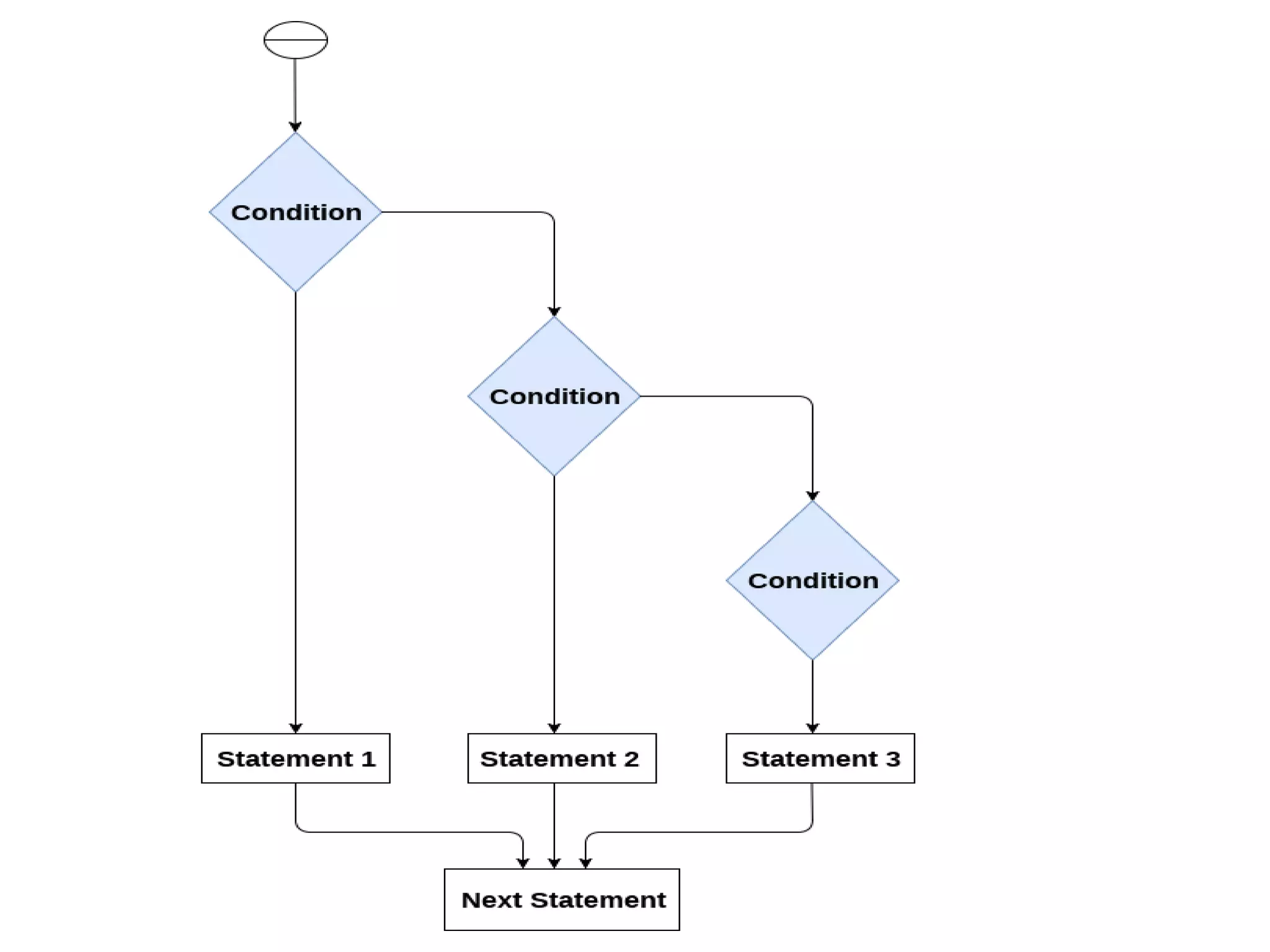
• The elif statement enables us to check multiple
conditions and execute the specific block of
statements depending upon the true condition
among them. We can have any number of elif
statements in our program depending upon our
need. However, using elif is optional.
• The elif statement works like an if-else-if ladder
statement in C. It must be succeeded by an if
statement.
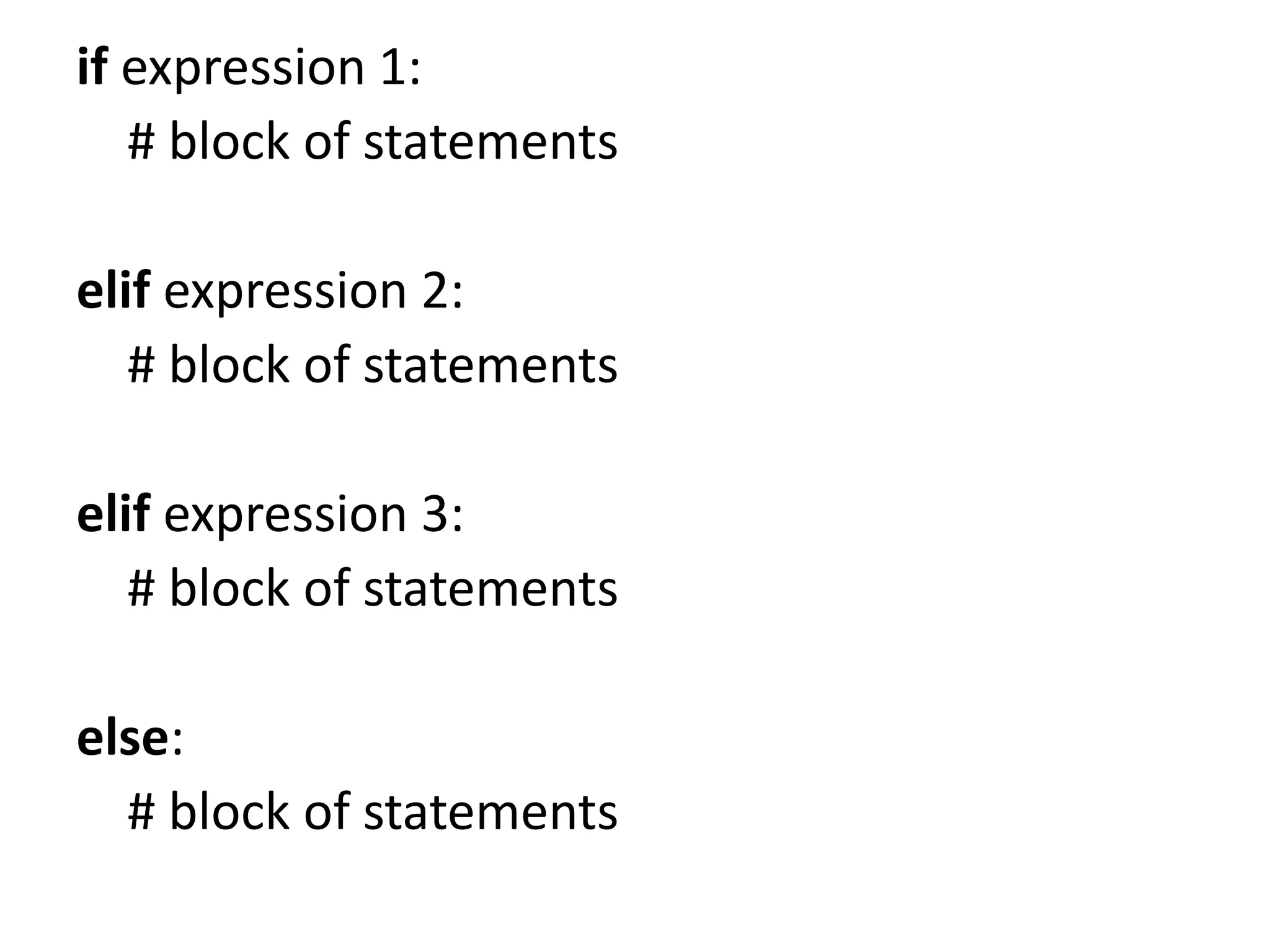
• The syntax of the elif statement is given below.
if expression 1:
# block of statements
elif expression 2:
# block of statements
elif expression 3:
# block of statements
else:
# block of statements
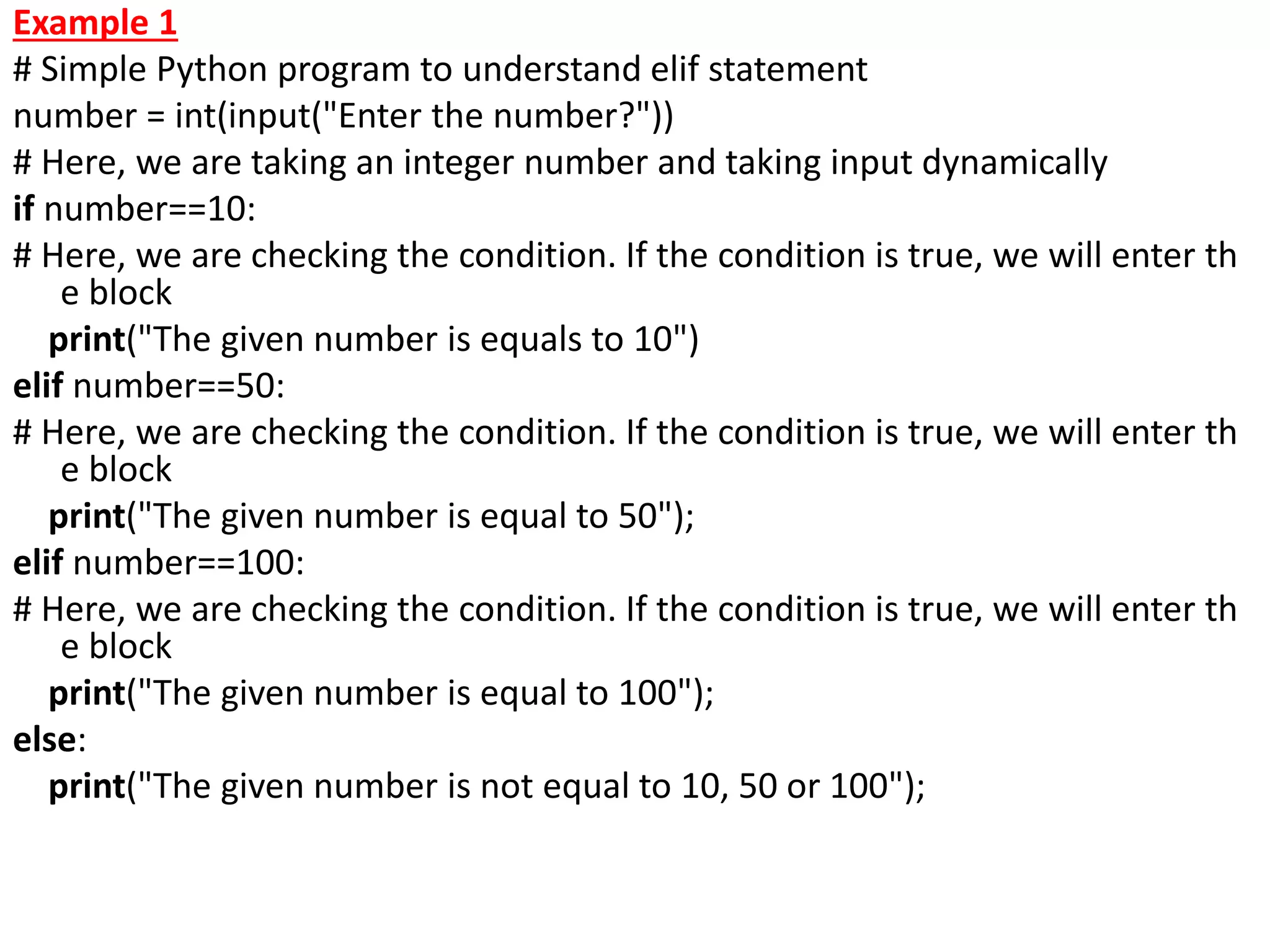
Example 1
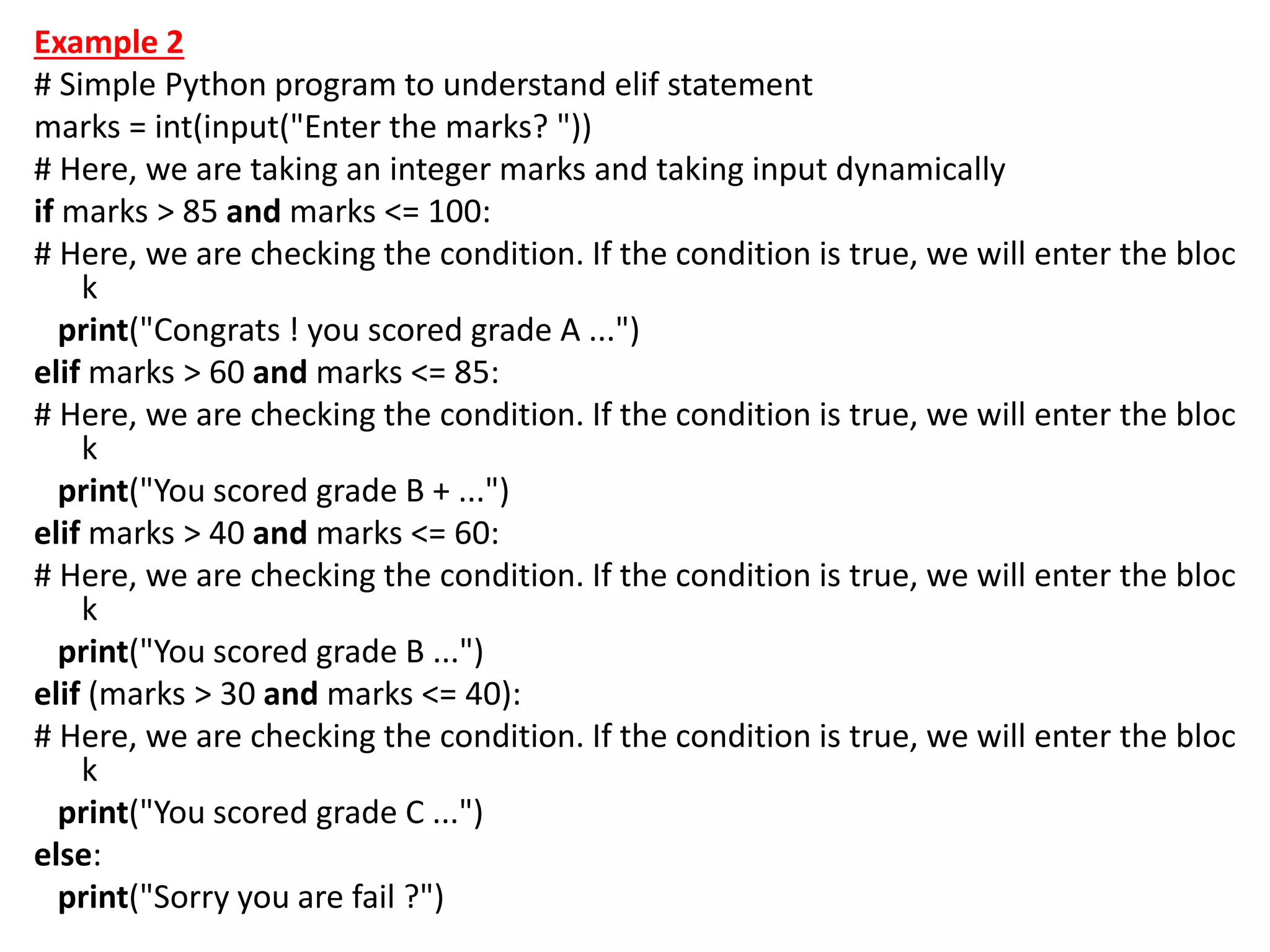
# Simple Python program to understand elif statement
number = int(input("Enter the number?"))
# Here, we are taking an integer number and taking input dynamically
if number==10:
# Here, we are checking the condition. If the condition is true, we will enter th
e block
print("The given number is equals to 10")
elif number==50:
# Here, we are checking the condition. If the condition is true, we will enter th
e block
print("The given number is equal to 50");
elif number==100:
# Here, we are checking the condition. If the condition is true, we will enter th
e block
print("The given number is equal to 100");
else:
print("The given number is not equal to 10, 50 or 100");
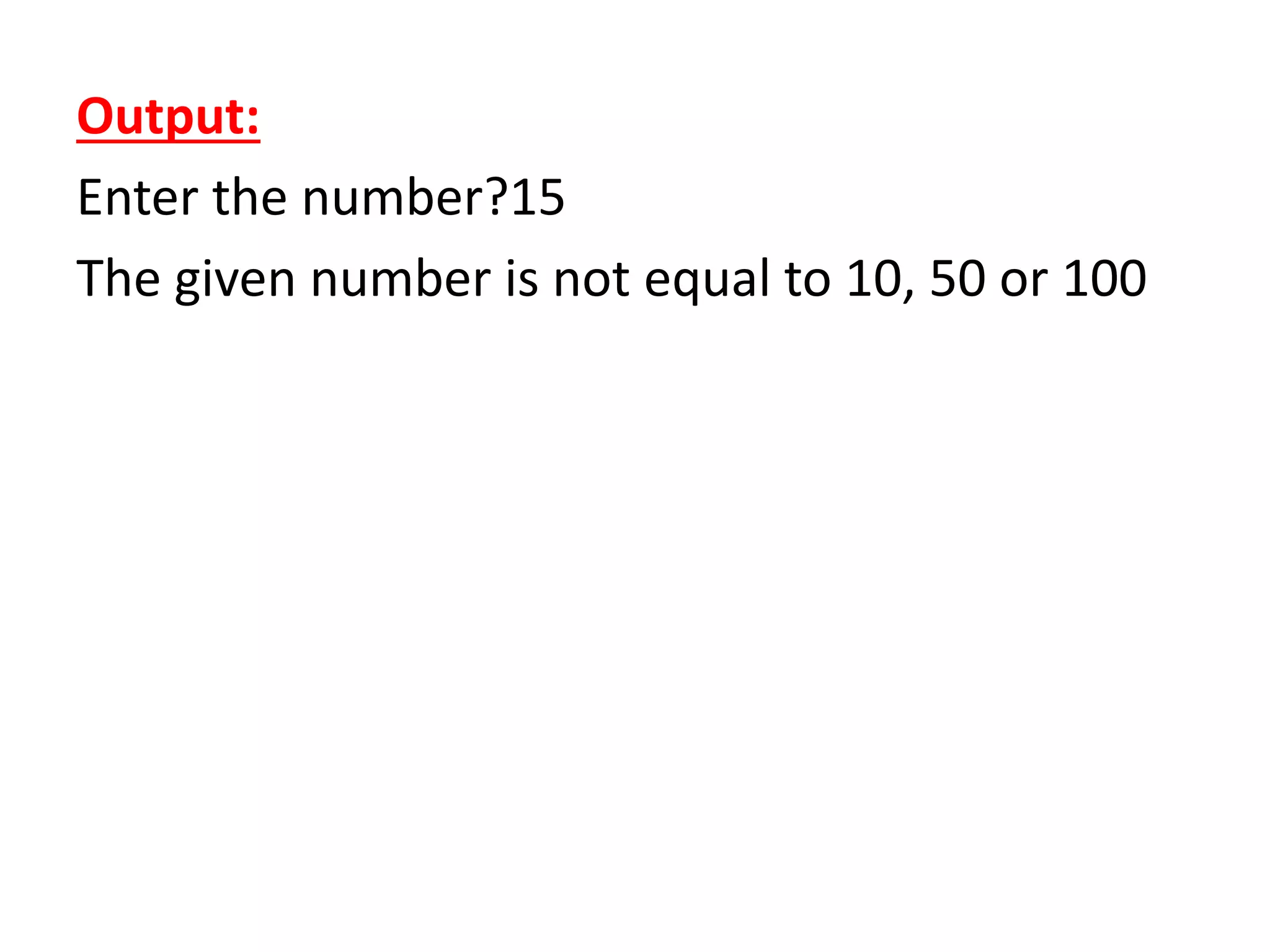
Output:
Enter the number?15
The given number is not equal to 10, 50 or 100
Example 2
# Simple Python program to understand elif statement
marks = int(input("Enter the marks? "))
# Here, we are taking an integer marks and taking input dynamically
if marks > 85 and marks <= 100:
# Here, we are checking the condition. If the condition is true, we will enter the bloc
k
print("Congrats ! you scored grade A ...")
elif marks > 60 and marks <= 85:
# Here, we are checking the condition. If the condition is true, we will enter the bloc
k
print("You scored grade B + ...")
elif marks > 40 and marks <= 60:
# Here, we are checking the condition. If the condition is true, we will enter the bloc
k
print("You scored grade B ...")
elif (marks > 30 and marks <= 40):
# Here, we are checking the condition. If the condition is true, we will enter the bloc
k
print("You scored grade C ...")
else:
print("Sorry you are fail ?")
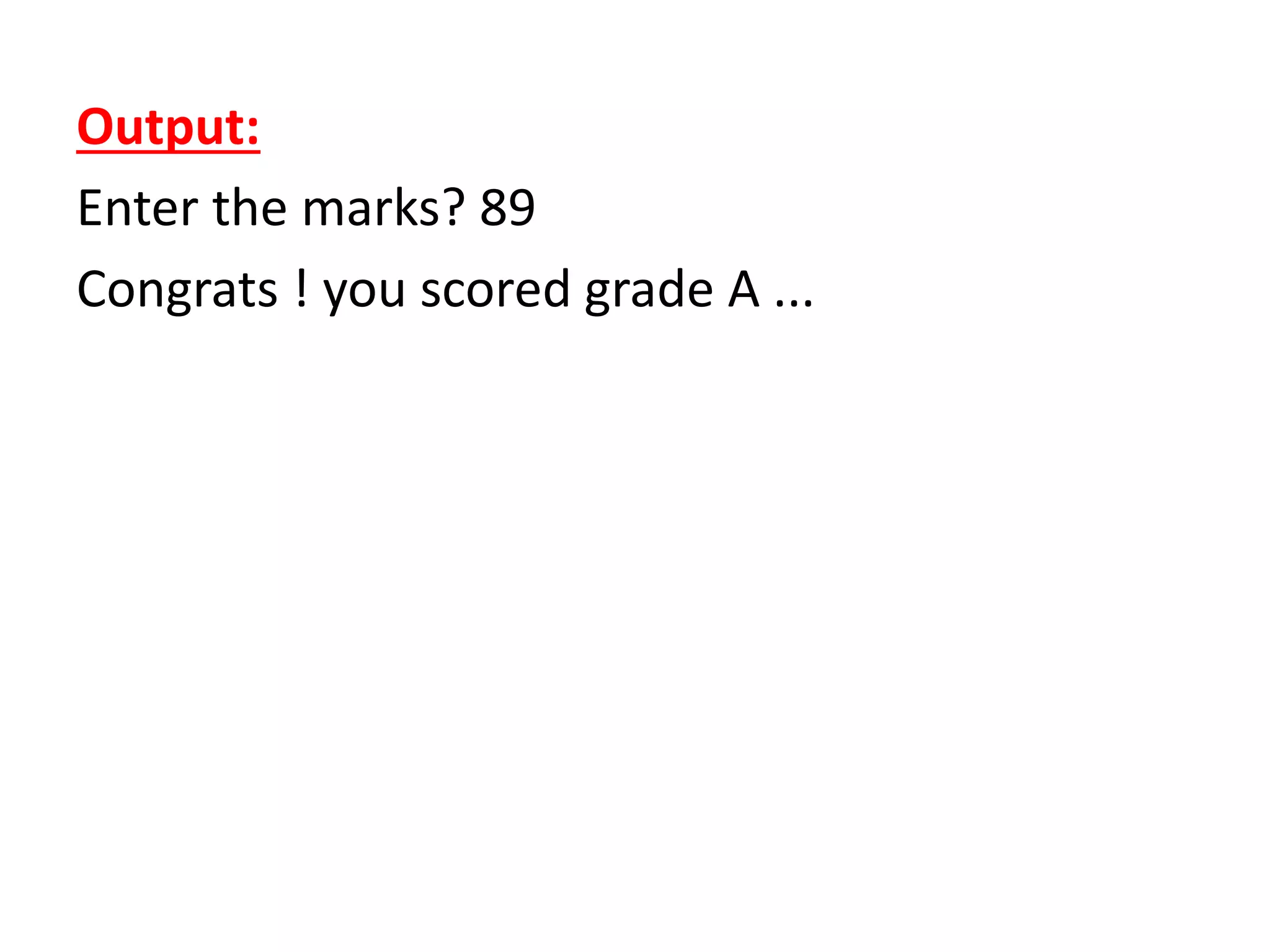
Output:
Enter the marks? 89
Congrats ! you scored grade A ...
Python Loops
• The following loops are available in Python to
fulfil the looping needs. Python offers 3 choices
for running the loops. The basic functionality of all
the techniques is the same, although the syntax
and the amount of time required for checking the
condition differ.
• We can run a single statement or set of
statements repeatedly using a loop command.
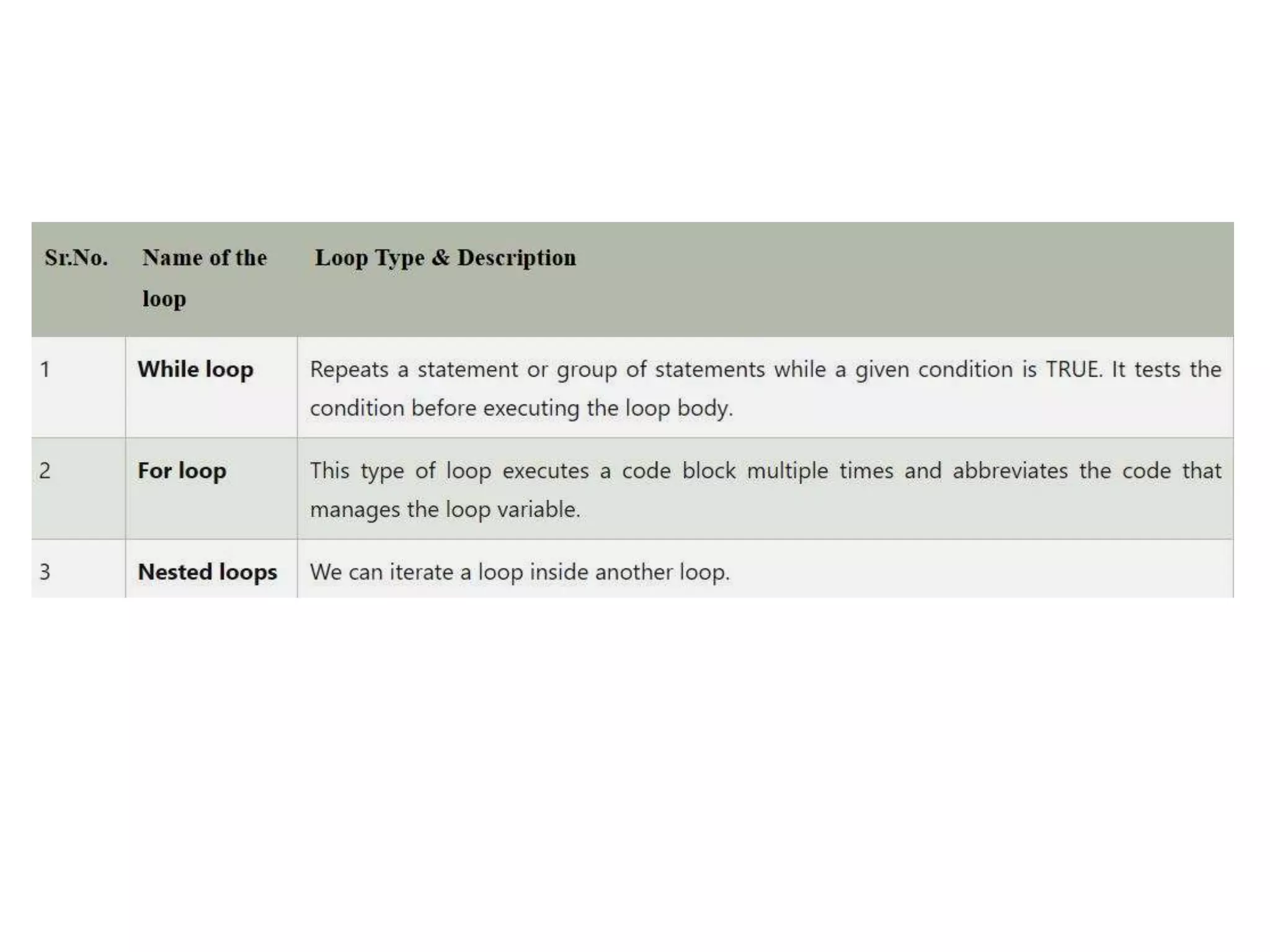
• The following sorts of loops are available in the
Python programming language.
• Loop Control Statements:
• Statements used to control loops and change
the course of iteration are called control
statements. All the objects produced within
the local scope of the loop are deleted when
execution is completed.
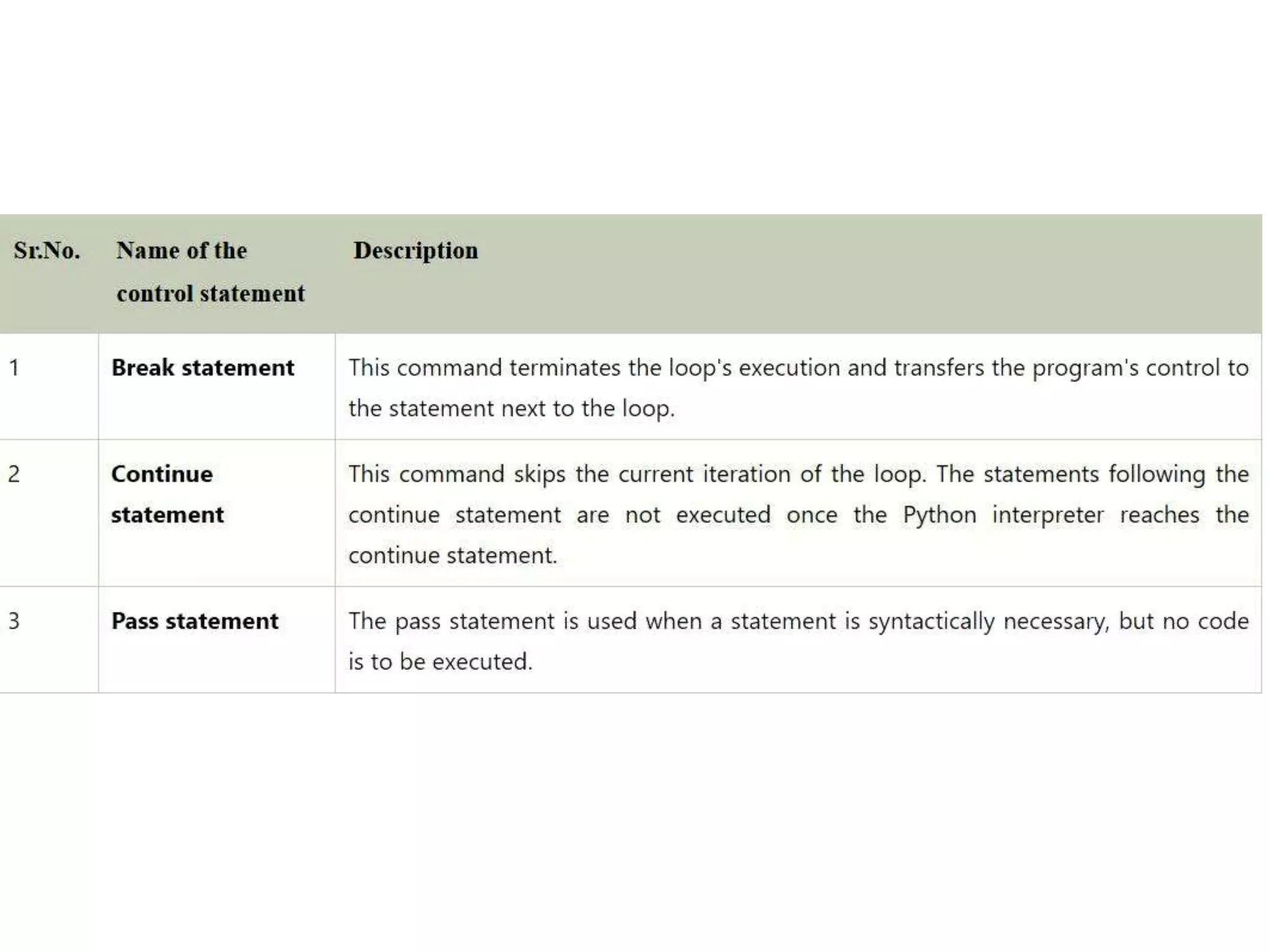
• Python provides the following control
statements. We will discuss them later in
detail.
• Let us quickly go over the definitions of these
loop control statements.
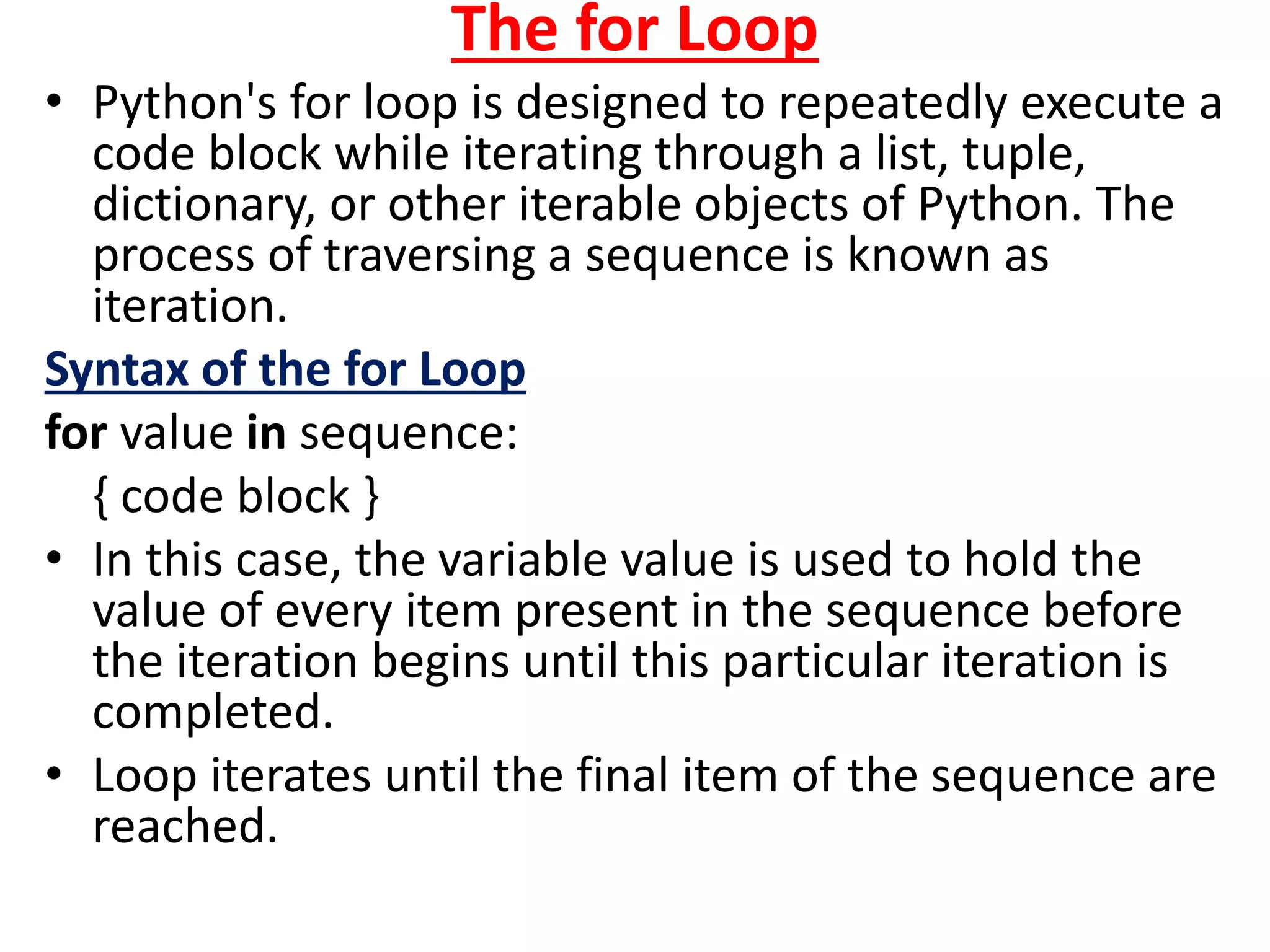
The for Loop
• Python's for loop is designed to repeatedly execute a
code block while iterating through a list, tuple,
dictionary, or other iterable objects of Python. The
process of traversing a sequence is known as
iteration.
Syntax of the for Loop
for value in sequence:
{ code block }
• In this case, the variable value is used to hold the
value of every item present in the sequence before
the iteration begins until this particular iteration is
completed.
• Loop iterates until the final item of the sequence are
reached.
Code:
# Python program to show how the for loop works
# Creating a sequence which is a tuple of numbers
numbers = [4, 2, 6, 7, 3, 5, 8, 10, 6, 1, 9, 2]
# variable to store the square of the number
square = 0
# Creating an empty list
squares = []
# Creating a for loop
for value in numbers:
square = value ** 2
squares.append(square)
print("The list of squares is", squares)
Output:
The list of squares is [16, 4, 36, 49, 9, 25, 64, 100, 36, 1, 81, 4]
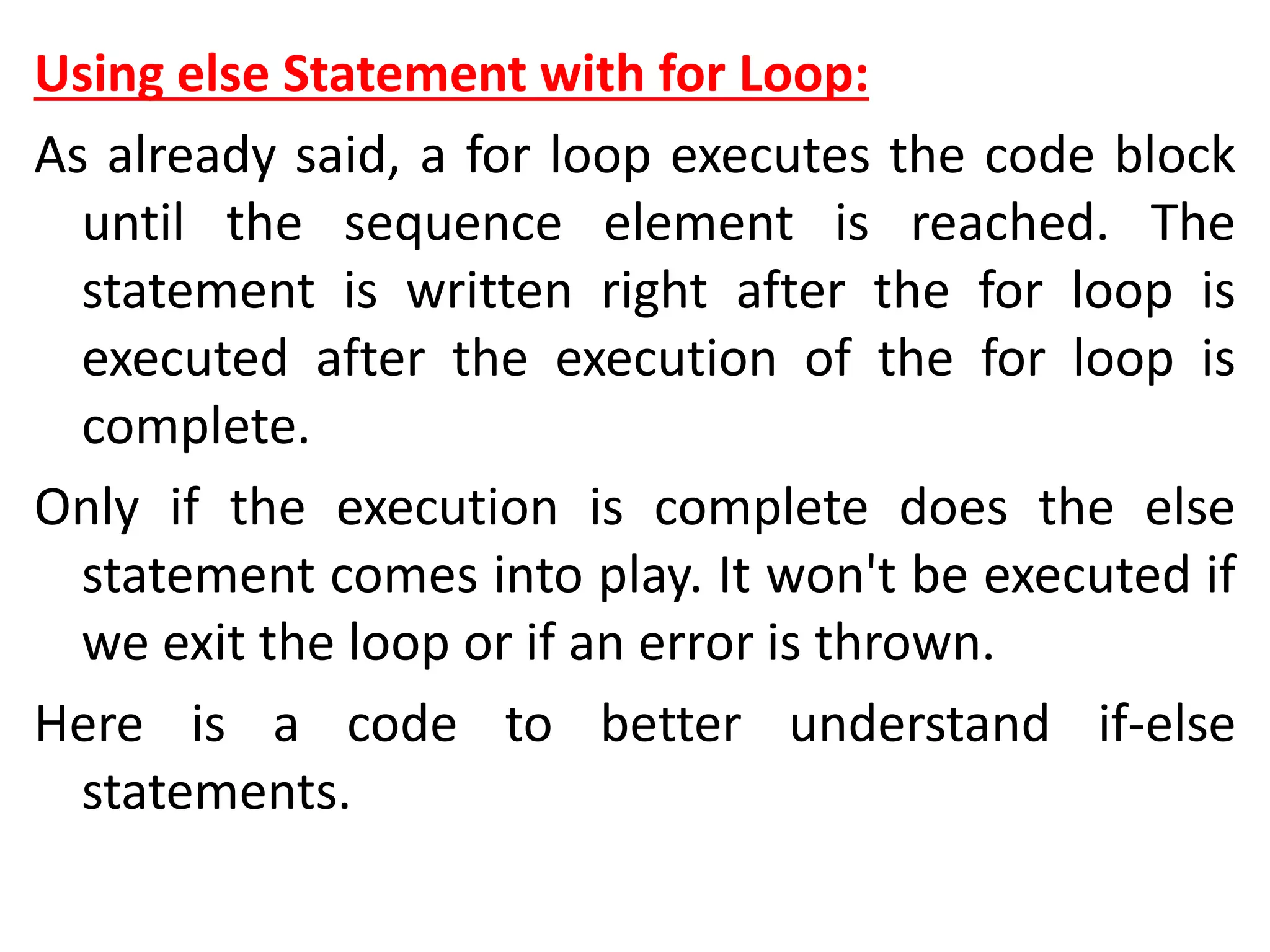
Using else Statement with for Loop:
As already said, a for loop executes the code block
until the sequence element is reached. The
statement is written right after the for loop is
executed after the execution of the for loop is
complete.
Only if the execution is complete does the else
statement comes into play. It won't be executed if
we exit the loop or if an error is thrown.
Here is a code to better understand if-else
statements.
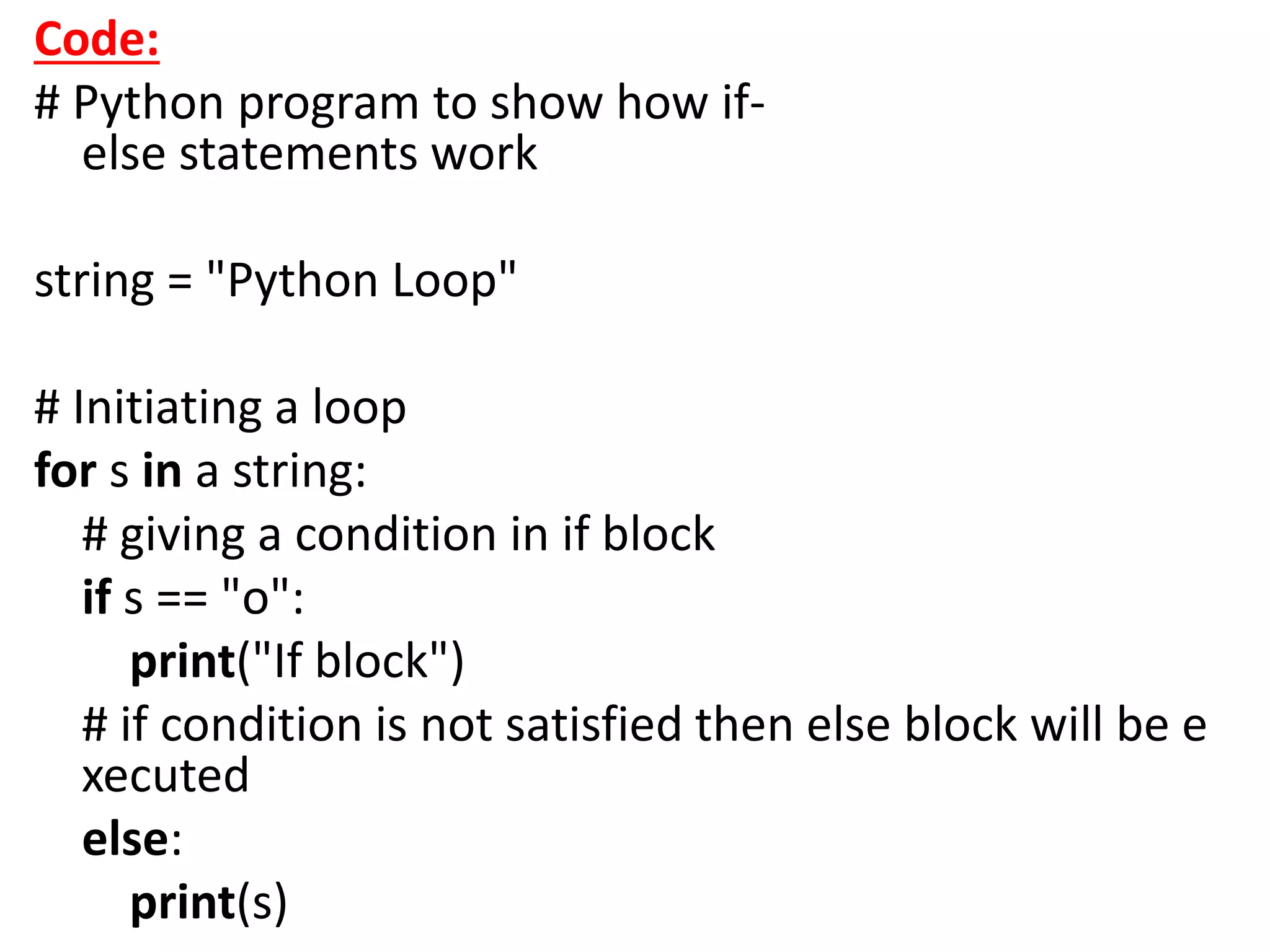
Code:
# Python program to show how if-
else statements work
string = "Python Loop"
# Initiating a loop
for s in a string:
# giving a condition in if block
if s == "o":
print("If block")
# if condition is not satisfied then else block will be e
xecuted
else:
print(s)
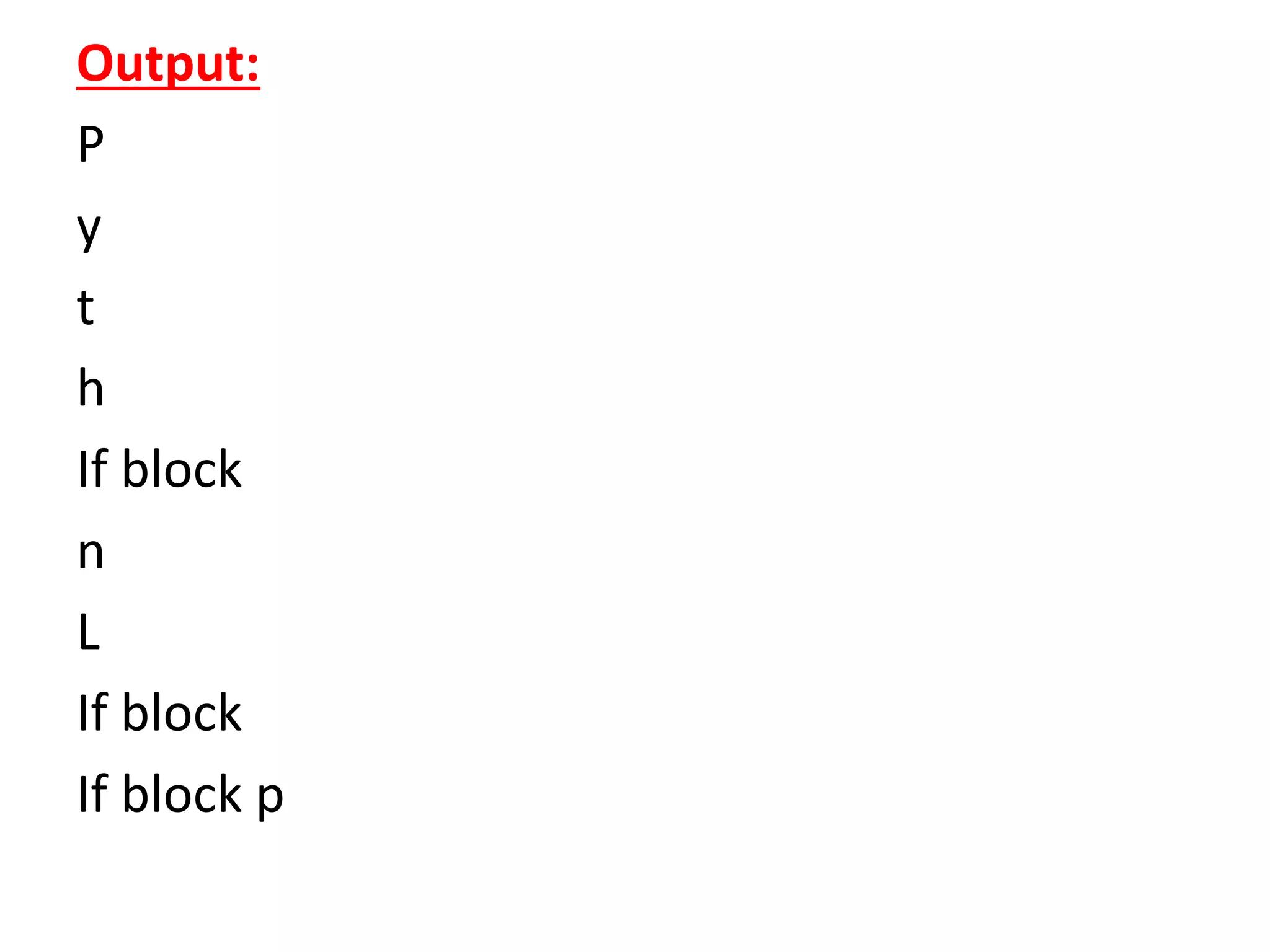
Output:
P
y
t
h
If block
n
L
If block
If block p
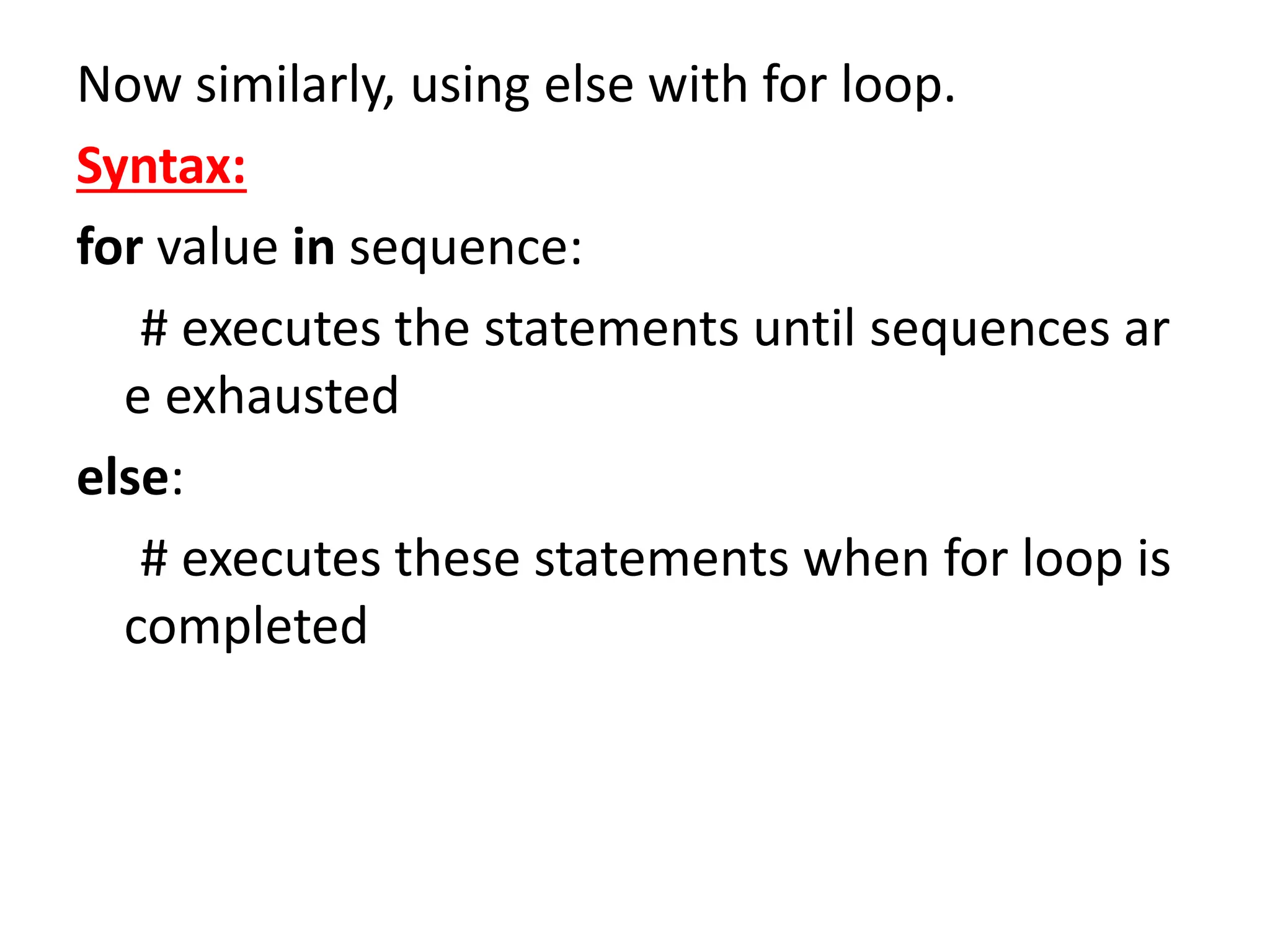
Now similarly, using else with for loop.
Syntax:
for value in sequence:
# executes the statements until sequences ar
e exhausted
else:
# executes these statements when for loop is
completed
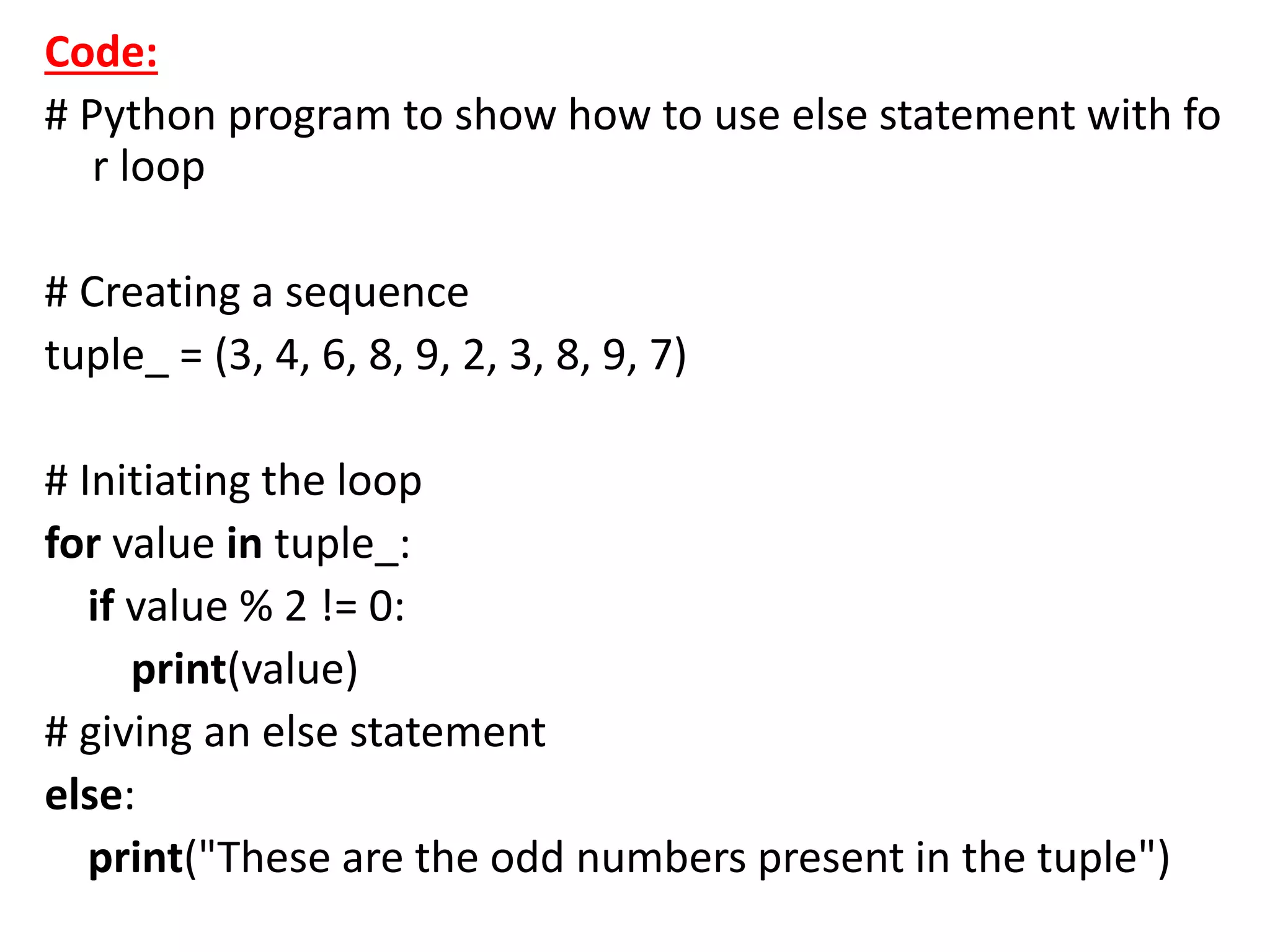
Code:
# Python program to show how to use else statement with fo
r loop
# Creating a sequence
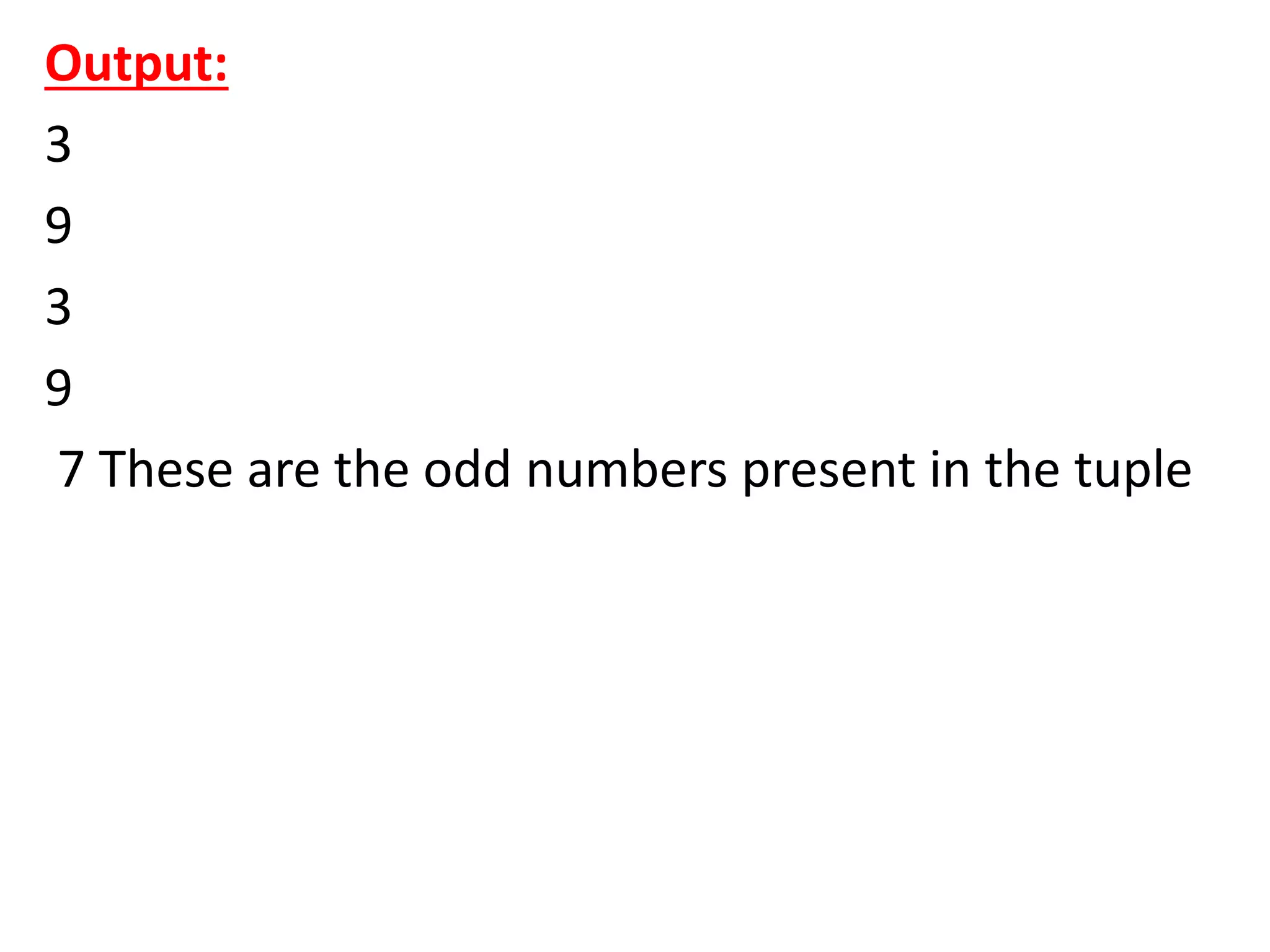
tuple_ = (3, 4, 6, 8, 9, 2, 3, 8, 9, 7)
# Initiating the loop
for value in tuple_:
if value % 2 != 0:
print(value)
# giving an else statement
else:
print("These are the odd numbers present in the tuple")
Output:
3
9
3
9
7 These are the odd numbers present in the tuple
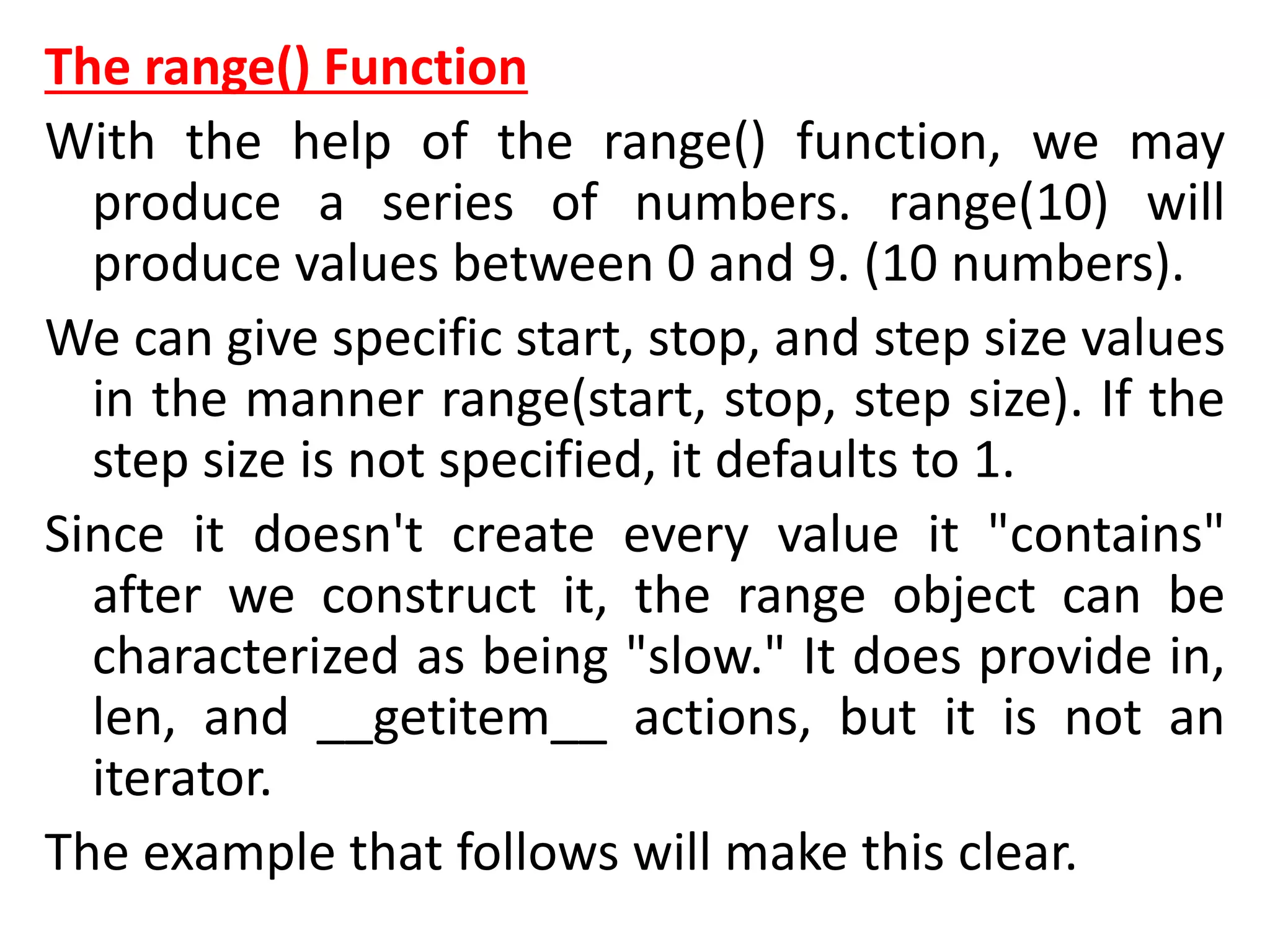
The range() Function
With the help of the range() function, we may
produce a series of numbers. range(10) will
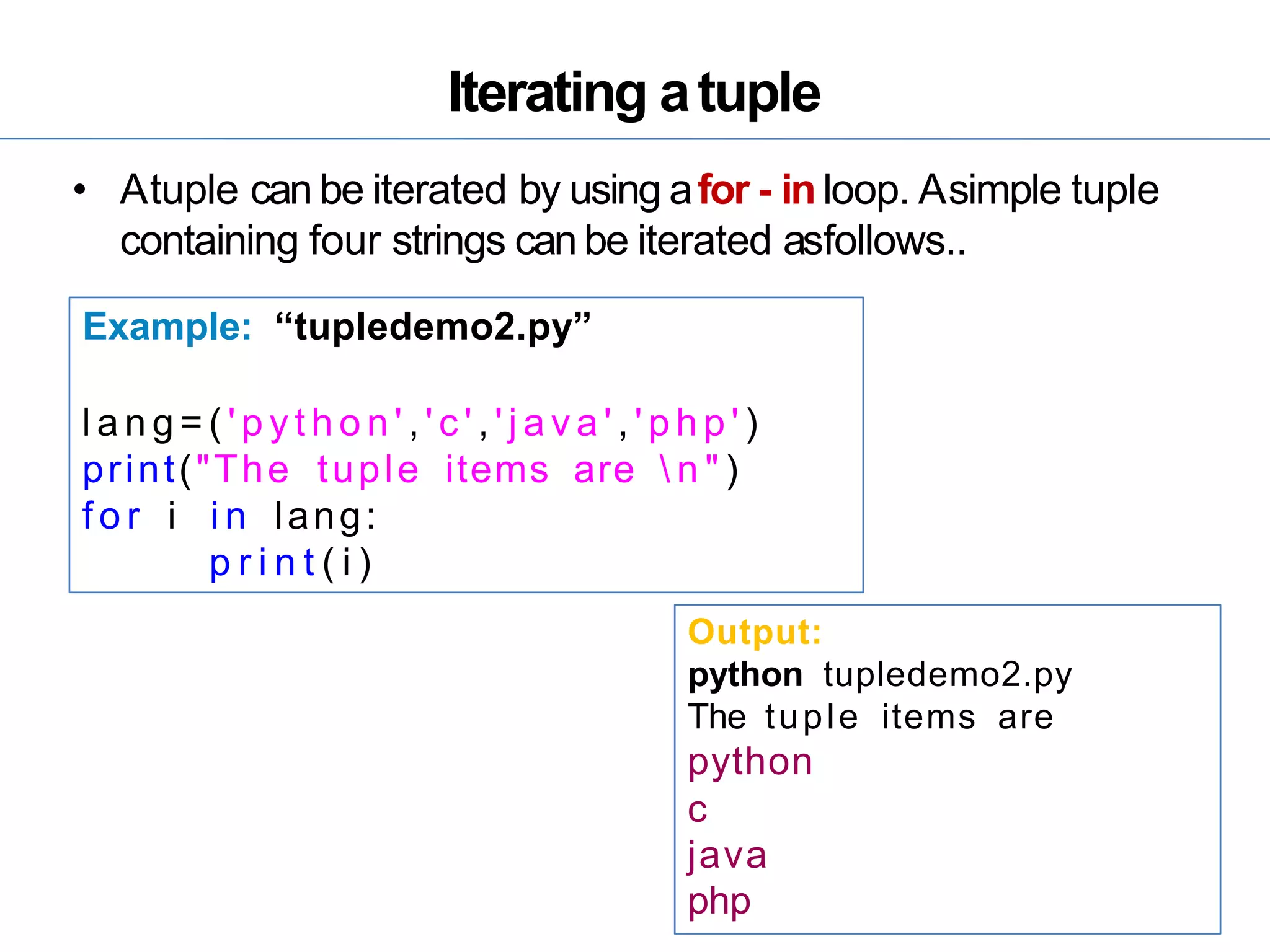
produce values between 0 and 9. (10 numbers).
We can give specific start, stop, and step size values
in the manner range(start, stop, step size). If the
step size is not specified, it defaults to 1.
Since it doesn't create every value it "contains"
after we construct it, the range object can be
characterized as being "slow." It does provide in,
len, and __getitem__ actions, but it is not an
iterator.
The example that follows will make this clear.
Code:
# Python program to show the working of range() functio
n
print(range(15))
print(list(range(15)))
print(list(range(4, 9)))
print(list(range(5, 25, 4)))
Output:
range(0, 15)
[0, 1, 2, 3, 4, 5, 6, 7, 8, 9, 10, 11, 12, 13, 14]
[4, 5, 6, 7, 8]
[5, 9, 13, 17, 21]
• To iterate through a sequence of items, we can apply
the range() method in for loops. We can use indexing
to iterate through the given sequence by combining it
with an iterable's len() function. Here's an illustration.
Code:
# Python program to iterate over a sequence with the hel
p of indexing
tuple_ = ("Python", "Loops", "Sequence", "Condition", "R
ange")
# iterating over tuple_ using range() function
for iterator in range(len(tuple_)):
print(tuple_[iterator].upper())
Output:
PYTHON
LOOPS
SEQUENCE
CONDITION
RANGE
While Loop
• While loops are used in Python to iterate until a
specified condition is met. However, the statement
in the program that follows the while loop is
executed once the condition changes to false.
Syntax of the while loop is:
while <condition>:
{ code block }
• All the coding statements that follow a structural
command define a code block. These statements
are intended with the same number of spaces.
Python groups statements together with
indentation.
Code
# Python program to show how to use a while loop
counter = 0
# Initiating the loop
while counter < 10: # giving the condition
counter = counter + 3
print("Python Loops")
Output:
Python Loops
Python Loops
Python Loops
Python Loops
Using else Statement with while Loops
As discussed earlier in the for loop section, we can use the
else statement with the while loop also. It has the same
syntax.
Code
#Python program to show how to use else statement with th
e while loop
counter = 0
# Iterating through the while loop
while (counter < 10):
counter = counter + 3
print("Python Loops") # Executed untile condition is met
# Once the condition of while loop gives False this statement
will be executed
else:
print("Code block inside the else statement")
Output:
Python Loops
Python Loops
Python Loops
Python Loops
Code block inside the else statement
Single statement while Block:
The loop can be declared in a single statement, as seen
below. This is similar to the if-else block, where we
can write the code block in a single line.
Code:
# Python program to show how to write a single statem
ent while loop
counter = 0
while (count < 3): print("Python Loops")
Loop Control Statements
Now we will discuss the loop control statements in detail. We
will see an example of each control statement.
Continue Statement:
It returns the control to the beginning of the loop.
Code:
# Python program to show how the continue statement work
s
# Initiating the loop
for string in "Python Loops":
if string == "o" or string == "p" or string == "t":
continue
print('Current Letter:', string)
Output:
Current Letter: P
Current Letter: y
Current Letter: h
Current Letter: n
Current Letter:
Current Letter: L
Current Letter: s
Break Statement:
It stops the execution of the loop when the break
statement is reached.
Code:
# Python program to show how the break statement
works
# Initiating the loop
for string in "Python Loops":
if string == 'L':
break
print('Current Letter: ', string)
Output:
Current Letter: P
Current Letter: y
Current Letter: t
Current Letter: h
Current Letter: o
Current Letter: n
Current Letter:
Pass Statement:
Pass statements are used to create empty loops.
Pass statement is also employed for classes,
functions, and empty control statements.
Code:
# Python program to show how the pass statement
works
for a string in "Python Loops":
pass
print( 'Last Letter:', string)
Output:
Last Letter: s
Python Functions
• A collection of related assertions that carry out a
mathematical, analytical, or evaluative operation is
known as a function. An assortment of
proclamations called Python Capabilities returns the
specific errand. Python functions are necessary for
intermediate-level programming and are easy to
define. Function names meet the same standards as
variable names do. The objective is to define a
function and group-specific frequently performed
actions. Instead of repeatedly creating the same
code block for various input variables, we can call
the function and reuse the code it contains with
different variables.
• Client-characterized and worked-in capabilities are
the two primary classes of capabilities in Python. It
aids in maintaining the program's uniqueness,
conciseness, and structure.
• Advantages of Python Functions
• Pause We can stop a program from repeatedly using
the same code block by including functions.
• Once defined, Python functions can be called
multiple times and from any location in a program.
• Our Python program can be broken up into
numerous, easy-to-follow functions if it is significant.
• The ability to return as many outputs as we want
using a variety of arguments is one of Python's most
significant achievements.
• However, Python programs have always incurred
overhead when calling functions.
• However, calling functions has always been overhead
in a Python program.
Syntax:
# An example Python Function
def function_name( parameters ):
# code block
The accompanying components make up to characterize a capability, as seen
previously.
• The start of a capability header is shown by a catchphrase called def.
• function_name is the function's name, which we can use to distinguish it
from other functions. We will utilize this name to call the capability later in
the program. Name functions in Python must adhere to the same guidelines
as naming variables.
• Using parameters, we provide the defined function with arguments.
Notwithstanding, they are discretionary.
• A colon (:) marks the function header's end.
• We can utilize a documentation string called docstring in the short structure
to make sense of the reason for the capability.
• Several valid Python statements make up the function's body. The entire
code block's indentation depth-typically four spaces-must be the same.
• A return expression can get a value from a defined function.
• Illustration of a User-Defined Function
• We will define a function that returns the argument
number's square when called.
# Example Python Code for User-Defined function
def square( num ):
"""
This function computes the square of the number.
"""
return num**2
object_ = square(6)
print( "The square of the given number is: ", object_ )
Output:
The square of the given number is: 36
• Calling a Function:
• Calling a Function To define a function, use the def keyword to give it a
name, specify the arguments it must receive, and organize the code block.
• When the fundamental framework for a function is finished, we can call it
from anywhere in the program. An illustration of how to use the a_function
function can be found below.
# Example Python Code for calling a function
# Defining a function
def a_function( string ):
"This prints the value of length of string"
return len(string)
# Calling the function we defined
print( "Length of the string Functions is: ", a_function( "Functions" ) )
print( "Length of the string Python is: ", a_function( "Python" ) )
Output:
Length of the string Functions is: 9
Length of the string Python is: 6
Pass by Reference vs. Pass by Value:
In the Python programming language, all parameters are passed by
reference. It shows that if we modify the worth of contention within a
capability, the calling capability will similarly mirror the change. For
instance,
Code
# Example Python Code for Pass by Reference vs. Value
# defining the function
def square( item_list ):
'''''''This function will find the square of items in the list'''
squares = [ ]
for l in item_list:
squares.append( l**2 )
return squares
# calling the defined function
my_list = [17, 52, 8];
my_result = square( my_list )
print( "Squares of the list are: ", my_result )
Output:
Squares of the list are: [289, 2704, 64]
Function Arguments
The following are the types of arguments that we can
use to call a function:
1. Default arguments
2. Keyword arguments
3. Required arguments
4. Variable-length arguments
1) Default Arguments:
• A default contention is a boundary that takes as
information a default esteem, assuming that no
worth is provided for the contention when the
capability is called. The following example
demonstrates default arguments.
Code:
# Python code to demonstrate the use of default argum
ents
# defining a function
def function( n1, n2 = 20 ):
print("number 1 is: ", n1)
print("number 2 is: ", n2)
# Calling the function and passing only one argument
print( "Passing only one argument" )
function(30)
# Now giving two arguments to the function
print( "Passing two arguments" )
function(50,30)
Output:
Passing only one argument
number 1 is: 30
number 2 is: 20
Passing two arguments
number 1 is: 50
number 2 is: 30
• Keyword Arguments
• Keyword arguments are linked to the arguments
of a called function. While summoning a
capability with watchword contentions, the client
might tell whose boundary esteem it is by looking
at the boundary name.
• We can eliminate or orchestrate specific
contentions in an alternate request since the
Python translator will interface the furnished
watchwords to connect the qualities with its
boundaries. One more method for utilizing
watchwords to summon the capability() strategy
is as per the following:
Code:
# Python code to demonstrate the use of keyword arguments
# Defining a function
def function( n1, n2 ):
print("number 1 is: ", n1)
print("number 2 is: ", n2)
# Calling function and passing arguments without using keyword
print( "Without using keyword" )
function( 50, 30)
# Calling function and passing arguments using keyword
print( "With using keyword" )
function( n2 = 50, n1 = 30)
Output:
Without using keyword
number 1 is: 50
number 2 is: 30
With using keyword
number 1 is: 30
number 2 is: 50
• 3) Required Arguments
• Required arguments are those supplied to a
function during its call in a predetermined
positional sequence. The number of arguments
required in the method call must be the same as
those provided in the function's definition.
• We should send two contentions to the
capability() all put together; it will return a
language structure blunder, as seen beneath.
Code:
# Python code to demonstrate the use of default arguments
# Defining a function
def function( n1, n2 ):
print("number 1 is: ", n1)
print("number 2 is: ", n2)
# Calling function and passing two arguments out of order, we
need num1 to be 20 and num2 to be 30
print( "Passing out of order arguments" )
function( 30, 20 )
# Calling function and passing only one argument
print( "Passing only one argument" )
try:
function( 30 )
except:
print( "Function needs two positional arguments" )
Output:
Passing out of order arguments
number 1 is: 30
number 2 is: 20
Passing only one argument
Function needs two positional arguments
4) Variable-Length Arguments:
• We can involve unique characters in Python
capabilities to pass many contentions. However,
we need a capability. This can be accomplished
with one of two types of characters:
• "args" and "kwargs" refer to arguments not based
on keywords.
• To help you understand arguments of variable
length, here's an example.
Code:
# Python code to demonstrate the use of variable-length arguments
# Defining a function
def function( *args_list ):
ans = []
for l in args_list:
ans.append( l.upper() )
return ans
# Passing args arguments
object = function('Python', 'Functions', 'tutorial')
print( object )
# defining a function
def function( **kargs_list ):
ans = []
for key, value in kargs_list.items():
ans.append([key, value])
return ans
# Paasing kwargs arguments
object = function(First = "Python", Second = "Functions", Third = "Tutorial")
print(object)
Output:
['PYTHON', 'FUNCTIONS', 'TUTORIAL']
[['First', 'Python'], ['Second', 'Functions'], ['Third',
'Tutorial']]
return Statement:
• When a defined function is called, a return
statement is written to exit the function and
return the calculated value.
Syntax:
return < expression to be returned as output >
• The return statement can be an argument, a
statement, or a value, and it is provided as output
when a particular job or function is finished. A
declared function will return an empty string if no
return statement is written.
• A return statement in Python functions is
depicted in the following example.
Code:
# Python code to demonstrate the use of return statements
# Defining a function with return statement
def square( num ):
return num**2
# Calling function and passing arguments.
print( "With return statement" )
print( square( 52 ) )
# Defining a function without return statement
def square( num ):
num**2
# Calling function and passing arguments.
print( "Without return statement" )
print( square( 52 ) )
• Output:
With return statement
2704
Without return statement None
Standard Type built in functions
• Python provides a wide range of built-in functions
to work with standard data types. Here are some
of the commonly used built-in functions for
various standard data types:
1. Numeric Types:
• int(): Converts a value to an integer.
• float(): Converts a value to a floating-point
number.
• abs(): Returns the absolute value of a number.
• round(): Rounds a floating-point number to the
nearest integer.
• 2. Strings:
• str(): Converts a value to a string.
• len(): Returns the length of a string.
• upper(): Converts a string to uppercase.
• lower(): Converts a string to lowercase.
• strip(): Removes leading and trailing whitespace from
a string.
• split(): Splits a string into a list of substrings based on
a delimiter.
• join(): Joins a list of strings into a single string using a
delimiter.
• find(): Searches for a substring within a string and
returns its index.
• replace(): Replaces occurrences of a substring in a
string with another substring.
• 3. Lists:
• list(): Converts an iterable (e.g., tuple, string) to a list.
• len(): Returns the number of elements in a list.
• append(): Adds an element to the end of a list.
• extend(): Appends the elements of an iterable to a list.
• insert(): Inserts an element at a specific index in a list.
• remove(): Removes the first occurrence of a specified
value from a list.
• pop(): Removes and returns an element at a specified
index.
• index(): Returns the index of the first occurrence of a
specified value.
• count(): Returns the number of occurrences of a specified
value in a list.
• sort(): Sorts the elements of a list in ascending order.
• reverse(): Reverses the order of elements in a list.
• 4. Tuples:
• tuple(): Converts an iterable (e.g., list, string) to a tuple.
• len(): Returns the number of elements in a tuple.
• index(): Returns the index of the first occurrence of a specified value.
• count(): Returns the number of occurrences of a specified value in a
tuple.
• 5. Dictionaries:
• dict(): Creates a new dictionary or converts an iterable of key-value
pairs to a dictionary.
• len(): Returns the number of key-value pairs in a dictionary.
• keys(): Returns a list of keys in the dictionary.
• values(): Returns a list of values in the dictionary.
• items(): Returns a list of key-value pairs as tuples.
• get(): Returns the value associated with a key, or a default value if the
key is not found.
• pop(): Removes and returns the value associated with a key.
• update(): Updates a dictionary with key-value pairs from another
dictionary.
Unsupported types in python
Following are some of the types that are not supported by python
Charcter type (char):
In python there is no character data type, in python character is a string of length
one, it is represented by class str.
Pointers:
No, we don't have any kind of Pointer in Python language. In C and C++, a pointer
is a variable that holds a memory address, but we don't have any kind of
Pointer in Python , if you want to find address of any object then you need to
use id() function.
Program:
a=10
print(id(a)) #id() function is used to find address output:
9789280
long int and short int:
In c programming for long size integer values and short size integer values we use
long int data type and short int data type but python do not support long int
and short int , in python for both long and short size integers we use type int.
double data type:
We use double data type for long size float values ,but python do not support
double type. In python even for long size float values you can use float data
type.python float is actually C’s double data type
lambda function
A lambda function is a small anonymous function.
A lambda function can take any number of arguments, but
can only have one expression.
Syntax
lambda arguments : expression
The expression is executed and the result is returned:
Example
Add 10 to argument a, and return the result:
x = lambda a: a + 10
print(x(5))
output:
15
•
Python Function Recursion:
Python also accepts function recursion, which means a
defined function can call itself.
Function which calls itself is know as recursion. This has
the benefit of meaning that you can loop through data
to reach a result.
Example:
def name():
print(“my name is nagendra”) name()
name()
name()
output:
my name is nagendra
my name is nagendra
my name is nagendra
my name is nagendra
:
:
:
• in above example I written name() function inside name()
function, which means function name() calls itself , so it
keep on repeating same code again and again, so we can
loop statements by using recursion
Following is an example of a recursive function to find the
factorial of an integer.
• Factorial of a number is the product of all the integers from
1 to that number. For example, the factorial of 6 (denoted
as 6!) is 1*2*3*4*5*6= 720
Example of a recursive function
def factorial(n):
if n == 1:
return 1
else:
return n * factorial(n-1)
n = 5
print("The factorial of", n, "is", factorial(n))
output:
The factorial of 5 is 120
Built-In Functions
Python has a set of built-in functions.
input()
Input() Python built-in functions, reads an input.
Example:
a=int(input(“enter no:”)) print(a)
output:
enter no: 10
10
eval()
Eval( ) function will accept any data type values that you enter.
Example:
a=eval(input(“enter no:”)) print(a)
output:
enter no: 10
10
exec()
exec() runs Python code dynamically.
>>> exec('a=2;b=3;print(a+b)')
Output
5
hex()
Hex() Python built-in functions, converts an
integer to hexadecimal.
>>> hex(16) Output ‘0x10’
id()
id() returns an object’s identity(address).
>>> id(orange) Output 100218832
len()
We’ve seen len() so many times by now. It returns the length of an
object.
Example:
a=(1,2,3,4,5,6,7)
print(len(a)) output:
7
max()
max() returns the item, in a sequence, with the highest value of all.
Example:
a=(1,2,3,4,5,6,7)
print(max(a)) output:
7
min()
min() returns the item, in a sequence, with the smallest value of all.
Example: a=(1,2,3,4,5,6,7)
print(min(a)) output:
1
pow()
pow() takes two arguments- say, x and y. It then returns the
value of x to the power of y.
>>> pow(3,4)
Output
81
print()
We don’t think we need to explain this anymore. We’ve been
seeing this function since the beginning.
>>> print("hi”)
output:
hi
repr()
repr() returns a representable string of an object.
>>> repr("Hello")
Output
“‘Hello'”
range()
we use range ( ) function in order to print values in sequence
example:
>>> for i in range(1,6):
print(i)
Output
1
2
3
4
5
sorted()
Like we’ve seen before, sorted() prints out a sorted version of an iterable. It does not,
however, alter the iterable.
>>> sorted('Python')
Output
[‘P’, ‘h’, ‘n’, ‘o’, ‘t’, ‘y’]
sum()
The function sum() takes an iterable as an argument, and returns the sum of all values.
>>> sum([3,4,5],3)
Output
15
type()
We have been seeing the type() function to
check the type of object we’re dealing with.
>>> type(10)
Output
<class ‘int’>
other built in functions :
int(), float(), str(), complex( ), list ( ) , tuple ( ) , set ( ) .
• print(int(10.5)) #converting float value to int
print(int("10")) #converting string to int
• print(float(10)) #converting int to float
print(float("10.5")) #converting string to float
print(str(10)) #converting int to str
• print(str(10.5)) #converting float to str
• print(complex(1,2.3))#converting int and float numbers
to complex print(list((1,2.4,"btech")))
#converting tuple to list print(tuple([1,2.4,"btech"]))
#converting list to tuple print(set([1,2.4,"btech"]))
#converting list to set
output:
10
10
10.0
10.5
10
10.5 (1+2.3j)
[1, 2.4, 'btech']
(1, 2.4, 'btech')
{'btech', 1, 2.4}
Python object
• Python is an object-oriented programming
language. Everything is in Python treated as an
object, including variable, function, list, tuple,
dictionary, set, etc. Every object belongs to its
class. For example - An integer variable belongs to
integer class. An object is a real-life entity. An
object is the collection of various data and
functions that operate on those data. An object
contains the following properties.
Value:
data item that is represented by an object
Example:
a=10 #here 10 is value print(a)
output:
10
Type:
an object’s type indicates what kind of values an object can
hold. what operations can be applied to such objects.
type ( ) function is used to find type of object
Example:
a=10
print(type(a)) output:
<class ‘int’>
Identity :
Each object contains unique identity that
differentiates from all other objects. And you can
check id of an object by using id ( ) function.
Example:
a=10
print(id(a)) output:
9789280
literals and types of literal constants
literal is a raw data given to variable or constant
in python there are various types of literals they are
numberic literals :
3 types – integer, float, complex
Example:
a=10
b=10.5
c=1+2j
print(a)
print(b)
print(c)
output:
10
10.5
1+2j
string literals :
Example:
a=”hello”
print(a)
output:
Hello
special literals :
None
if you dont want to give any value to the variable then you can use
None
Example:
a=None
print(a)
output:
here you will not get any output because None means nothing
python - Type conversion
• type conversion is the process of converting data
of one type to another. For example: converting
integer data to string.
There are two types of type conversion in Python.
Implicit Conversion - automatic type conversion
Explicit Conversion - manual type conversion
Implicit Type Conversion:
• In certain situations, Python automatically converts
one data type to another. This is known as implicit type
conversion.
• Python always converts smaller data types to larger
data types to avoid the loss of data.
• Integer is smaller than float and float is smaller than
string
Example:
a=10
b=10.5
c=a+b
print(c)
output:
20.5
• In the above example, I took a value as 10 which
is integer and b value as 10.5 which is float
.though i given one value as integer and other
value as float , i got output as float value because
Python always converts smaller data types to
larger data types to avoid the loss of data. In this
example integer value is smaller than float value,
so integer value 10 is automatically converted
into float value,so i got output 20.5 which is float
value.
Explicit Type Conversion:
• In Explicit Type Conversion, Python cannot
automatically converts one data type to another
so, users converts one data type to another
manually .
• We use the built-in functions like int(),
float(), str(), complex( ), list ( ) , tuple ( ) , set ( )
to perform explicit type conversion.
• This type of conversion is also called typecasting
because the user casts (changes) the data type
of the objects.
Example:
• print(int(10.5)) #converting float value to int
print(int("10")) #converting string to int
• print(float(10)) #converting int to float
print(float("10.5")) #converting string to float
print(str(10)) #converting int to str
• print(str(10.5)) #converting float to str
• print(complex(1,2.3))#converting int and float
numbers to complex print(list((1,2.4,"btech")))
#converting tuple to list
print(tuple([1,2.4,"btech"])) #converting list to
tuple print(set([1,2.4,"btech"]))
#converting list to set
output:
10
10
10.0
10.5
10
10.5 (1+2.3j)
[1, 2.4, 'btech']
(1, 2.4, 'btech')
{'btech', 1, 2.4}
explicit type conversion program 2:
Example:
a=10
b=”10” #when you take 10 in double quotes then it is string c=a+b
print(c)
output:
error
In above example it will display error because we cannot add integer
value and string value
So you need to convert string “10” to integer value by using int( )
function.
Example:
a=10
b="10” #when you take 10 in double quotes then it is string
c=a+int(b) # now i converted string 10 to integer value by using int( )
print(c)
output:
20
Python - Internal types
Traceback:
when you get an error it is recommended that you should trace it
backward(traceback). Whenever the code gets an exception(error), the
traceback will give the information about what went wrong in the
code.The Python traceback contains great information that can help you
find what is going wrong in the code.
Example:
a = [1, 2, 3]
print(a[10])
output:.
Traceback (most recent call last):
File "", line 2, in print(a[10])
IndexError: list index out of range
In above example, we are trying to access the 10th element of the list. With
only 3 elements present in the list it will give Runtime error. When this
program is executed you will get the above traceback.
Slice:
• A slice object is used to specify how to slice a
sequence. You can specify where to start the
slicing, and where to end. You can also specify
the step
• The slice() function returns a slice object.
Syntax
slice(start, end, step)
Example:
a = ("a", "b", "c", "d", "e", "f", "g", "h")
x = slice(3, 5)
print(a[x])
output:
('d', 'e')
Xrange():
• Xrange objects are created by xrange( ) function. In
python3 there is no xrange ( ) function so, range ( )
function behaves like xrange( ) function.
•
• xrange() – This function returns the generator object
that can be used to display numbers only by looping.
•
• To loop through a set of code a specified number of
times, we can use the range() function,
•
• The range() function returns a sequence of numbers,
starting from 0 by default, and increments by 1 (by
default), and ends at a specified number.
Example:
for x in range(1,6):
print(x)
output:
1
2
3
4
5
code:
• Code objects are executable pieces of python source that
are byte compiled, usually as return values form calling
the compile ( ) . such objects are appropriate for
execution by either exec( ) or by the eval( ).
• Code objects themselves do not contain any information
regarding their execution environment, but they are at
the heart of every user-defined function, all of which do
contain some execution context.
frame:
• These are objects representing execution stack frames in
python
• Frame objects contain all the information the python
interpreter needs to know during a runtime execution
environment. Each function call results in a new frame
object , and for each frame object, a C stack frame is
created.
ellipsis:
• you can use the ellipsis to indicate that you’re
leaving something out. Essentially, you use three
dots (...) .it is same like pass statement.
Program:
def fun():
...
fun()
When you run above program There’s no error
when you execute a
• function in Python that contains only( ...) in the
function body. That means you can use an ellipsis
as a placeholder similar to the pass keyword
Other built in types
Type
Null object ( None ) File
Set
Function / Method Module
Class
Scope and Lifetime of Variables
• A variable's scope refers to the program's domain
wherever it is declared. A capability's contentions
and factors are not external to the characterized
capability. They only have a local domain as a
result.
• The length of time a variable remains in RAM is its
lifespan. The lifespan of a function is the same as
the lifespan of its internal variables. When we exit
the function, they are taken away from us. As a
result, the value of a variable in a function does
not persist from previous executions.
• An easy illustration of a function's scope for a
variable can be found here.
Code:
# Python code to demonstrate scope and lifetime of va
riables
#defining a function to print a number.
def number( ):
num = 50
print( "Value of num inside the function: ", num)
num = 10
number()
print( "Value of num outside the function:", num)
Output:
Value of num inside the function: 50 Value of num
outside the function: 10
• Here, we can see that the initial value of num is 10.
Even though the function number() changed the
value of num to 50, the value of num outside of the
function remained unchanged.
• This is because the capability's interior variable num
is not quite the same as the outer variable (nearby
to the capability). Despite having a similar variable
name, they are separate factors with discrete
extensions.
• Factors past the capability are available inside the
capability. The impact of these variables is global.
We can retrieve their values within the function, but
we cannot alter or change them. The value of a
variable can be changed outside of the function if it
is declared global with the keyword global.
Python sequences
In which order you give input , in the same order you will
receive output, so we call them as python sequences
Stringsin Python
• In python, strings canbe created by enclosing the characteror
the sequence ofcharacters in the quotes.
• Python allows usto usesingle quotes, double quotes, or triple
quotes to createstrings.
Example:
• In python, strings are treated as the sequence of characters
which means that python doesn't support the character data
type instead a single character written as 'p' is treated as the
string of length1.
str1
str2
=
=
'Hello Python'
"Hello Python"
str3 = ' ' ' H e l l o Python'''
StringIndexing
StringIndexingin Python
• Likeother programming languages,the indexing of the pythonstrings
starts from 0. Forexample,the string "HELLO"is indexed asgiven in
the below figure.
str="HELLO"
s t r [ 0]=H
s t r [ 1]=E
s t r [ 4]=O
• Python allows negative indexing for itssequences.
• The index of -1 refers to the last item, -2 to the second last item and
soon.
str[-1]=O
str[-2]=L
str[-4]=E
StringOperators
StringOperatorsin Python
+ It is known asconcatenation operator used to join the strings.
* It is known asrepetition operator. It concatenates the multiple copies
of the samestring.
[ ] It is known asslice operator. It is used to accessthe sub-strings of a
particular string.
[ :] It is known asrange slice operator. Itis usedto accessthe characters
from the specifiedrange.
in It is known asmembership operator. It returns if aparticular sub-
string is present in the specifiedstring.
not in Itis also amembership operator and does the exact reverse of in. It
returns true if aparticular substring is not present in the specified
string.
r/R It is used to specify the raw string. Todefine any string asarawstring,
the character r or Ris followed by the string. Suchas"hello n
python".
% It is used to perform string formatting. It makesuseof the format
specifies usedin Cprogramming like %dor %fto map their valuesin
python.
StringOperatorsin Python cont…
Example: “stropdemo.py”
str1 = "Hello"
str2 = " World"
print(str1*3) # prints HelloHelloHello
print(str1+str2) # prints Hello world
p r i n t ( s t r 1 [ 4 ] ) # prints o
pr int ( s t r 1[ 2 : 4 ] ) # prints l l
p r i n t ( ' w' i n str1) # prints false as w i s not present in str1
print('Wo' not i n str2) # prints false as W
o i s present i n s t r 2 .
pr int ( r 'Hello n world') # prints Hellon world as i t i s written
print("The string str1 : %s"%(str1)) # prints The string s t r : Hello
Output: pythonifdemo.py
HelloHelloHello
Hello World
o
ll
False
False
Hellon world
Thestring str1 : Hello
StringFunctions& Methods
StringFunctions& Methods in Python
• Python provides various in-built functions & methods that are
used for string handling. Thoseare
• In python, len() function returns length of the given string.
Syntax: len(string)
• len()
• lower()
• upper()
• replace()
• join()
• split()
☞ len():
• find()
•index()
• isalnum()
• isdigit()
• isnumeric()
• islower()
• isupper()
Example: strlendemo.py
str1="Python Language"
p r i n t ( l e n ( s t r 1 ) )
Output:
pythonstrlendemo.py
15
StringFunctions& Methods in Python Cont..
☞ lower ():
• In python, lower() method returns all characters of given string in
lowercase.
Syntax:
str.lower()
☞ upper ():
• In python, upper() method returns all characters of given string in uppercase.
Syntax:
str.upper()
Example: strlowerdemo.py
str1="PyTHOn"
pr int (str1.lower())
Output:
pythonstrlowerdemo.py
python
Example: strupperdemo.py
str="PyTHOn"
pr int (str.upper())
Output:
python strupperdemo.py
PYTHON
StringFunctions& Methods in Python Cont..
☞ replace()
• In python, replace() method replaces theold sequence of
characters with the newsequence.
Syntax: str.replace(old, new[, count])
Example: strreplacedemo.py
s t r ="Java i s Obje c t- Orie n ted Java"
str2= str.replace("Java","Python")
print("Old String:  n " , s t r )
print("New String:  n " , s t r 2 )
str3 = str.replace("Java","Python",1)
p r i n t ( "  n Old String:  n " , s t r )
print("New String:  n " , s t r 3 )
Output: pythonstrreplacedemo.py
Old String: Javais Object-Oriented and Java
New String: Python is Object-Oriented andPython
Old String: Javais Object-Oriented and Java
New String: Python is Object-Oriented andJava
StringFunctions& Methods in Python Cont..
☞ split():
• In python, split() method splits the string into acomma separated list.
The string splits according to the spaceif the delimiter is not provided.
Syntax: s tr.s plit ( [s ep= "delimiter " ])
Example: strsplitdemo.py
str1 = "Python i s a programming language"
str2 = s t r 1 . s p l i t ( )
p r i n t ( s t r 1 ) ; p r i n t ( s t r 2 )
str1 = "Python,is,a,programming,language"
str2 = s t r 1 . s p l i t ( s e p = ' , ' )
p r i n t ( s t r 1 ) ; p r i n t ( s t r 2 )
Output: python strsplitdemo.py
Java i s a programming language
[ ' J a v a ' , ' i s ' , ' a ' , 'programming', 'language']
Java, i s , a, programming, language
[ ' J a v a ' , ' i s ' , ' a ' , 'programming', 'language']
StringFunctions& Methods in Python Cont..
☞ find():
• In python, find() method finds substring in the given string and returns
index of the first match. It returns -1 if substring does not match.
Syntax: s t r. f i n d ( s u b [ , s t a r t [ , e n d ] ] )
Example: strfinddemo.py
str1 = "python i s a programming language"
str2 = s t r 1 . f i n d ( " i s " )
str3 = s tr1. find ( "java" )
str4 = s t r 1 . f i n d ( " p " , 5 )
str5 = s t r 1 . f i n d ( " i " , 5 , 2 5 )
p r i n t ( s t r 2 ,s t r 3,str4 , s tr5)
Output:
pythonstrfinddemo.py
7 -1 12 7
StringFunctions& Methods in Python Cont..
☞ index():
• In python, index() method is sameasthe find() method except it returns
error on failure. Thismethod returns index of first occurred substring
and an error if there is no matchfound.
Syntax:
Example:
s t r . index(sub[, s t a r t [ , e n d ] ] )
strindexdemo.py
s tr1 = "python is a programming language"
str2 = s tr 1. index ("is" )
p r i n t ( s t r 2 )
str3 = str1.index("p",5)
p r i n t ( s t r 3 )
str4 = str1.index("i",5,25)
p r i n t ( s t r 4 )
s tr5 = s tr1. index( "java")
p r i n t ( s t r 5 )
Output:
pythonstrindexdemo.py
7
12
7
Substring not found
StringFunctions& Methods in Python Cont..
☞ isalnum():
• In python, isalnum() method checkswhether the all characters ofthe
string is alphanumeric or not.
• Acharacter which is either aletter or anumber is knownas
alphanumeric. It does not allow special chars evenspaces.
Syntax: str.isalnum()
Example: straldemo.py
str1 = "python"
str2 = "python123"
str3 = "12345"
str4 = "python@123"
str5 = "python 123"
p r i n t(s t r 1. is a lnum() )
p r i n t(s t r 2. is a lnum() )
p r i n t(s t r 3. is a lnum() )
p r i n t(s t r 4. is a lnum() )
p r i n t( s tr 5 . isa lnum())
Output:
pythonstraldemo.py
True
True
True
False
False
StringFunctions& Methods in Python Cont..
☞ isdigit():
• In python, isdigit() method returns True if all the characters in the string
are digits. It returns Falseif no character is digit in the string.
Syntax: s t r. i s d i g i t ( )
Exampl
e:
strdigitdemo.py
str1 = "12345"
str2 = "python123"
str3 =
str4 =
"123-45-78"
" I I I V " Output:
str5 =
str6 =
"/u00B23" # 23
"/u00BD" # 1/2
pythonstrdigitldemo.py
True
p r i n t ( s t r 1 . i s d i g i t ( ) )
print(str2.isdigit())
print(str3.isdigit())
print(str4.isdigit())
print(str5.isdigit())
print(str6.isdigit())
False
Fals
e
Fals
e
True
StringFunctions& Methods in Python Cont..
☞ isnumeric():
• In python, isnumeric() method checks whether all the characters of the
string are numeric characters or not. It returns True if all the characters
are numeric, otherwise returns False.
Syntax: s t r . isnumeric()
Example: strnumericdemo.py
str1 = "12345"
str2 = "python123"
str3 = "123-45-78"
str4 = " I I I V "
str5 = "/u00B23" # 23
str6 = "/u00BD" # 1/2
print(str1.isnumeric())
print(str2.isnumeric())
print(str3.isnumeric())
print(str4.isnumeric())
print(str5.isnumeric())
print(str6.isnumeric())
Output:
pythonstrnumericldemo.py
True
False
False
False
True
True
StringFunctions& Methods in Python Cont..
☞ islower():
• In python, islower() method returns True if all characters in the string
are in lowercase. It returns Falseif not in lowercase.
Syntax: s tr.is low er ( )
Example: strlowerdemo.py
str1 = "python"
str2="PytHOn"
str3="python3.7.3"
p r in t( s tr 1.is low er ( ) )
p r in t( s tr 2.is low er ( ) )
p r in t( s tr 3.is low er ( ) )
Output:
python strlowerldemo.py
True
False
True
StringFunctions& Methods in Python Cont..
☞ isupper():
• In python string isupper() method returns True if all characters in the
string are in uppercase. It returns Falseif not in uppercase.
Syntax: s t r.isupper( )
Example: strupperdemo.py
str1 = "PYTHON"
str2="PytHOn"
str3="PYTHON 3 .7 .3"
p r i n t( s tr1.isu pper())
p r i n t(s t r 2.isupper())
p r i n t(s t r 3.isupper())
Output:
python strupperldemo.py
True
False
True
Listin Python
ListCreation
Listin Python
• In python, alist canbe defined asacollection of values or
items.
• Theitems in the list are separated with the comma (,) and
enclosed with the square brackets [].
Syntax:
list-var =[ value1, value2, value3,….]
Example: “listdemo.py”
L1 = [ ]
L2 = [123,"python", 3.7]
L3 = [ 1 , 2, 3, 4, 5, 6]
L4 = ["C","Java","Python"]
p r i n t (L1)
p r i n t (L2)
p r i n t (L3)
p r i n t (L4)
Output:
pythonlistdemo.py
[ ]
[123, 'python', 3.7]
[ 1 , 2, 3, 4, 5, 6]
[ ' C ' , ' J a v a ' , ' P y t h o n ' ]
ListIndexing
ListIndexingin Python
• Like string sequence, the indexing of the python lists starts from
0, i.e. the first element of the list is stored at the 0th index, the
second element of the list is stored at the 1st index, and soon.
• Theelements of the list canbe accessedby using theslice
operator [].
Example:
mylist=[‘banana’,’apple’,’mango’,’tomato’,’berry’]
• mylist[0]=”banana”
• mylist[2]=”mango”
mylist[1:3]=[”apple”,”mango”]
ListIndexingin Python cont…
• Unlike other languages, python provides us the flexibility to use
the negative indexing also. The negative indices are counted
from the right.
• The last element (right most) of the list has the index -1, its
adjacent left element is present at the index -2 and so on until
the left most elementis encountered.
Example: mylist=[‘banana’,’apple’,’mango’,’tomato’,’berry’]
• mylist[-1]=”berry”
• mylist[-3]=”mango”
mylist[-4:-2]=[“apple”,mango”]
ListOperators
ListOperatorsin Python
+
It is known asconcatenation operator used to concatenatetwo
lists.
*
It is known asrepetition operator. It concatenates themultiple
copies of the samelist.
[]
It is known asslice operator. It is usedto accessthe listitem
from list.
[:]
It is known asrange slice operator. It is used to accesstherange
of list items fromlist.
in
It is known asmembership operator. It returns ifaparticular
item is present in the specifiedlist.
not in
It is also amembership operator and It returns true if a
particular list item is not present in the list.
ListOperatorsin Python cont…
Example: “listopdemo.py”
num=[1,2,3,4,5]
l a n g = [ ' p y t h o n ' , ' c ' , ' j a v a ' , ' p h p ' ]
print(num + lang) #concatenates two l i s t s
p r i n t (num * 2) #concatenates same l i s t 2 times
print (lang[ 2]) # prints 2nd index value
p r i n t ( lang[ 1: 4] ) #prints values from 1st to 3rd index.
p r i n t ( ' c p p ' i n lang) # prints False
print(6 not i n num) # prints True
Output: python listopdemo.py
[ 1 , 2, 3, 4, 5, 'python' , ' c ' , ' j a v a ' , ' p h p ' ]
[ 1 , 2, 3, 4, 5, 1, 2, 3, 4, 5]
java
[ ' c ' , ' j a v a ' , ' php' ]
False
True
Howto updateor changeelements to a list?
• Python allows usto modify the list items by using the slice and
assignment operator.
• Wecan useassignment operator ( =) to change an item or a
range of items.
Example: “listopdemo1.py”
num=[1,2,3,4,5]
print(num)
num[2]=30
print(num)
num[1: 3] = [ 25, 36]
print(num)
num[4]="Python"
print(num)
Output:
python listopdemo1.py
[ 1 , 2, 3, 4, 5]
[ 1 , 2, 30, 4, 5]
[ 1 , 25, 36, 4, 5]
[ 1 , 25, 36, 4, 'Python']
Howto delete or removeelements from a list?
• Python allows usto delete one or more items in alist by using
the delkeyword.
Example: “listopdemo2.py”
num = [1,2,3,4,5]
print(num)
del num[1]
print(num)
del num[1: 3]
print(num)
Output:
python listopdemo2.py
[ 1 , 2, 3, 4, 5]
[ 1 , 3, 4, 5]
[ 1 , 5]
Iterating aList
• A list can be iterated by using a for - in loop. A simple list
containing four strings can be iterated asfollows..
Example: “listopdemo3.py”
lang=[ 'python' ,'c','java' , 'php ‘]
print("The l i s t items are  n " )
f o r i i n lang:
p r i n t ( i )
Output:
python listopdemo3.py
The l i s t items are
python
c
java
php
ListFunctions& Methods
ListFunctions& Methods in Python
• Python provides various in-built functions and methods which
canbe used with list. Thoseare
• len()
• max()
• min()
• sum()
• list()
☞ len():
• In Python, len() function is used to find the length of list,i.e it
returns the number of items in the list..
Syntax: l e n ( l i s t )
Example: listlendemo.py
num=[1,2,3,4,5,6]
print("length of l i s t :",len(num))
Output:
pythonlistlendemo.py
length of list :6
• sorted()
• append()
• remove()
• sort()
• reverse()
• count()
• index()
• insert()
• pop()
• clear()
ListFunctions& Methods in Python Cont..
☞ max():
• In Python, max() function is used to find maximum value in the list.
Syntax: max(list)
Example: listmaxdemo.py
list1=[ 1,2,3,4,5,6]
l i s t 2 = [ ' j a v a ' , ' c ' , ' p y t h o n ' , ' c p p ' ]
print("Max of l i s t 1 : ", m ax( list 1) )
print("Max of l i s t 2 : ", m ax( list 2) )
Output:
python listmaxdemo.py
Max of list1 :6
Max of list2 :python
ListFunctions& Methods in Python Cont..
☞ min():
• In Python, min() function is used to find minimum value in the list.
Syntax: m i n ( l i s t )
Example: listmindemo.py
list 1=[ 1,2,3,4,5,6]
l i s t 2 = [ ' j a v a ' , ' c ' , ' p y t h o n ' , ' c p p ' ]
print("Min of l i s t 1 :",min(list1))
print("Min of l i s t 2 :",min(list2))
Output:
pythonlistmindemo.py
Min of list1 :1
Min of list2 :c
ListFunctions& Methods in Python Cont..
☞ sum():
• In python, sum() function returns sum of all values in the list. List
values must in numbertype.
Syntax: sum(list)
Example: listsumdemo.py
list 1=[ 1,2,3,4,5,6]
print("Sum of l i s t items : ", sum ( list 1) )
Output:
python listsumdemo.py
Sumof list items :21
ListFunctions& Methods in Python Cont..
☞ list():
• In python, list() is used toconvert
into list.
given sequence (string or tuple)
Syntax: list(sequence)
Example: listdemo.py
str="python"
l i s t 1 = l i s t ( s t r )
p r i n t ( l i s t 1 )
Output:
python listdemo.py
['p', 'y', 't', 'h', 'o','n']
ListFunctions& Methods in Python Cont..
☞ sorted():
• In python, sorted() function is used to sort all items of list in an
ascending order.
Syntax: s o r t e d ( l i s t )
Example: sorteddemo.py
num=[1,3,2,4,6,5]
l a n g = [ ' j a v a ' , ' c ' , ' p y t h o n ' , ' c p p ' ]
print(sorted(num))
p r i n t ( sorted( la ng) )
Output:
python sorteddemo.py
[1, 2, 3, 4, 5,6]
['c', 'cpp', 'java','python']
ListFunctions& Methods in Python Cont..
☞ append():
• In python, append() method adds an item to the end of the list.
Syntax: list.append(item)
where item may be number, string, list andetc.
Example: appenddemo.py
num=[1,2,3,4,5]
lang=[ 'python' ,'java']
num.append(6)
print(num)
lang.append( " cpp" )
print(lang)
Output:
python appenddemo.py
[1, 2, 3, 4, 5,6]
['python', 'java','cpp']
ListFunctions& Methods in Python Cont..
☞ remove():
• In python, remove() method removes item from the list. It removes
first occurrence of item if list contains duplicate items. It throws an
error if the item is not present in the list.
Syntax: list.remove(item)
Example: removedemo.py
list 1=[ 1,2,3,4,5]
l i s t 2 = [ ' A ' , ' B ' , ' C ' , ' B ' , ' D ' ]
list1.remove(2)
p r i n t ( l i s t 1 )
l i s t 2 . remove( "B" )
p r i n t ( l i s t 2 )
list2.remove("E")
p r i n t ( l i s t 2 )
Output:
python removedemo.py
[1, 3, 4,5]
['A', 'C', 'B','D']
ValueError: xnot in list
ListFunctions& Methods in Python Cont..
☞ sort():
• In python, sort() method sorts the list elements into descending or
ascending order. Bydefault, list sorts the elements into ascending
order. It takes an optional parameter 'reverse' which sorts the list
into descendingorder.
Syntax: list . sor t( [reverse=tr ue])
Example: sortdemo.py
list1=[6,8,2,4,10]
l i s t 1 . s o r t ( )
p r i n t ( "  n After Sorting: n")
p r i n t ( l i s t 1 )
p r i n t ( "Descend ing Order: n")
list1.sort(reverse=True)
p r i n t ( l i s t 1 )
Output:
pythonsortdemo.py
After Sorting:
[2, 4, 6, 8 ,10]
Descending Order:
[10, 8, 6, 4 ,2]
ListFunctions& Methods in Python Cont..
☞ reverse():
• In python, reverse() method reverses elements of the list. i.e. the
last index value of the list will be present at 0th index.
Syntax: l i s t . r e v e r s e ( )
Example: reversedemo.py
list1=[6,8,2,4,10]
list1. reverse()
p r i n t ( "  n After reverse: n")
p r i n t ( l i s t 1 )
Output:
python reversedemo.py
After reverse:
[10, 4, 2, 8 ,6]
ListFunctions& Methods in Python Cont..
☞ count():
• In python, count() method returns the number of times an element
appears in the list. If the element is not present in the list, it
returns 0.
Syntax: list.count( item)
Example: countdemo.py
num=[1,2,3,4,3,2,2,1,4,5,8]
cnt=num.count(2)
print("Count of 2 i s : " , c n t )
cnt=num.count(10)
p r i n t ( "Count of 10 i s : " , cnt) Output:
pythoncountdemo.py
Count of 2 is:3
Count of 10 is:0
ListFunctions& Methods in Python Cont..
☞ index():
• In python, index () method returns index of the passedelement.If
the element is not present, itraises aValueError.
• If list contains duplicate elements, it returns index of first
occurred element.
• Thismethod takes two more optional parameters start and end
which are used to search index withinalimit.
Syntax: l i s t . index(item [ , s t a r t [ , end]])
Example: indexdemo.py
l i s t 1 = [ ' p ' , ' y ' , ' t ' , ' o ' , ' n ' , ' p ' ]
p r i n t ( l i s t 1 . i n d e x ( ' t ' ) )
P r i n t ( l i s t 1 . i n d e x ( ' p ' ) )
P r i n t ( l i s t 1 . i n d e x ( ' p ' , 3 , 1 0 ) )
P r i n t ( l i s t 1 . i n d e x ( ' z ' ) ) )
Output:
python indexdemo.py
2
0
5
Value Error
ListFunctions& Methods in Python Cont..
☞ insert():
• In python, insert() method inserts the element at the specified
index in the list. The first argument is the index of the element
before which to insert theelement.
Syntax: list . ins er t ( i n de x, it em )
Example: insertdemo.py
num=[10, 20, 30, 40, 50]
num.insert( 4, 60)
print(num)
num.insert( 7, 70)
print(num)
Output:
pythoninsertdemo.py
[10, 20, 30, 40, 60,50]
[10, 20, 30, 40, 60, 50,70]
ListFunctions& Methods in Python Cont..
☞ pop():
• In python, pop() element removes an element present at specified
index from thelist.
Syntax: list.pop(index)
Example: popdemo.py
num=[10,20,30,40,50]
num.pop()
p r i n t (num)
num.pop( 2)
p r i n t (num)
num.pop( 7)
p r i n t (num)
Output:
pythonpopdemo.py
[10, 20, 30,40]
[10, 20, 40]
IndexError: Out of range
ListFunctions& Methods in Python Cont..
☞ clear():
• In python, clear() method removes all the elements from the list.
It clears the list completely and returns nothing.
Syntax: l i s t . c l e a r ( )
Example: cleardemo.py
num=[10,20,30,40,50]
num.clear( )
print(num)
Output:
python cleardemo.py
[ ]
Tuplein Python
TupleCreation
Tuplein Python
• In python, atuple is asequence of immutable elements oritems.
• Tuple is similar to list since the items stored in the list can be
changed whereas the tuple is immutable and the items stored in
the tuple cannot bechanged.
• A tuple can be written as the collection of comma-separated
values enclosed with the small brackets ().
Syntax:var =( value1, value2, value3,….)
Example: “tupledemo.py”
t1 = ( )
t2 = ( 123, "python", 3. 7)
t3 = ( 1 , 2, 3, 4, 5, 6)
t4 = ( "C " ,)
p r i n t( t 1 )
p r i n t( t 2 )
p r i n t( t 3 )
p r i n t( t 4 )
Output:
python tupledemo.py
( )
(123, 'python', 3.7)
( 1 , 2, 3, 4, 5, 6)
( ' C ' , )
TupleIndexing
TupleIndexingin Python
• Like list sequence, the indexing of the python tuple starts from
0, i.e. the first element of the tuple is stored at the 0th index,
the second element of the tuple is stored at the 1st index, and
soon.
• Theelements of the tuple canbe accessedby using theslice
operator [].
Example:
mytuple=(‘banana’,’apple’,’mango’,’tomato’,’berry’)
• mytuple[0]=”banana”
• mytuple[2]=”mango”
mytuple[1:3]=[”apple”,”mango”]
TupleIndexingin Python cont…
• Unlike other languages, python provides us the flexibility to use
the negative indexing also. The negative indices are counted
from the right.
• The last element (right most) of the tuple has the index -1, its
adjacent left element is present at the index -2 and so on until
the left most elementis encountered.
Example: mytuple=*‘banana’,’apple’,’mango’,’tomato’,’berry’+
• mytuple[-1]=”berry”
• mytuple[-3]=”mango”
mytuple[-4:-2]=[“apple”,mango”]
TupleOperators
TupleOperatorsin Python
+
It is known asconcatenation operator used to concatenatetwo
tuples.
*
It is known asrepetition operator. It concatenates themultiple
copies of the sametuple.
[]
It is known asslice operator. It is usedto accessthe itemfrom
tuple.
[:]
It is known asrange slice operator. It is used to accesstherange
of items from tuple.
in
It is known asmembership operator. It returns ifaparticular
item is present in the specifiedtuple.
not in
It is also amembership operator and It returns true if a
particular item is not present in the tuple.
TupleOperatorsin Python cont…
Example: “tupleopdemo.py”
num=(1,2,3,4,5)
l a n g = ( ' p y t h o n ' , ' c ' , ' j a v a ' , ' p h p ' )
print(num + lang) #concatenates two tuples
p r i n t (num * 2) #concatenates same tuple 2 times
print (lang[ 2]) # prints 2nd index value
p r i n t ( lang[ 1: 4] ) #prints values from 1st to 3rd index.
p r i n t ( ' c p p ' i n lang) # prints False
print(6 not i n num) # prints True
Output: python tupleopdemo.py
( 1 , 2, 3, 4, 5, 'python' , ' c ' , ' j a v a ' , ' p h p ' )
( 1 , 2, 3, 4, 5, 1, 2, 3, 4, 5)
java
( ' c ' , ' j a v a ' , ' php' )
False
True
Howto addor removeelements from a tuple?
• Unlike lists, the tuple items cannot be updated or deleted as
tuples areimmutable.
• Todelete an entire tuple, we can usethe del keyword with the
tuple name.
Example: “tupledemo1.py”
t u p = ( ' p y t h o n ' , ' c ' , ' j a v a ' , ' p h p ' )
tup[3]="html"
p r i n t ( tup)
del tup[3]
p r i n t ( tup)
del tup
Output:
python tupledemo1.py
'tuple' object does not
support item assignment
'tuple' object doesn't
support item deletion
Iterating atuple
• Atuple can be iterated by using afor - in loop. Asimple tuple
containing four strings can be iterated asfollows..
Example: “tupledemo2.py”
l a n g = ( ' p y t h o n ' , ' c ' , ' j a v a ' , ' p h p ' )
print("The tuple items are  n " )
f o r i i n lang:
p r i n t ( i )
Output:
python tupledemo2.py
The tuple items are
python
c
java
php
TupleFunctions& Methods
TuplesFunctions& Methods in Python
• Python provides various in-built functions and methods which
canbe used with tuples. Thoseare
• len()
• max()
• min()
• sum()
☞ len():
• In Python, len() function is used to find the length of tuple,i.e it
returns the number of items in the tuple.
Syntax: len(tuple)
Example: lendemo.py
num=(1,2,3,4,5,6)
print("length of tuple :",len(num))
Output:
pythonlendemo.py
length of tuple :6
• tuple()
•sorted()
• count()
• index()
TupleFunctions& Methods in Python Cont..
☞ max():
• In Python, max() function is used to find maximum value in the
tuple.
Syntax: max(tuple)
Example: maxdemo.py
t1=(1,2,3,4,5,6)
t 2 = ( ' j a v a ' , ' c ' , ' p y t h o n ' , ' c p p ' )
print("Max of Tuple t1 :",max(t1))
print("Max of Tuple t2 :",max(t2))
Output:
python maxdemo.py
Max of Tuple t1 :6
Max of Tuple t2 :python
TupleFunctions& Methods in Python Cont..
☞ min():
• In Python, min() is used to find minimum value in the tuple.
Syntax: min(tuple)
Example: mindemo.py
t1=(1,2,3,4,5,6)
t 2 = ( ' j a v a ' , ' c ' , ' p y t h o n ' , ' c p p ' )
print("Min of Tuple t1 :",min(t1))
print("Min of Tuple t2 :",min(t2))
Output:
pythonmindemo.py
Min of Tuple t1 : 1
Min of Tuple t2 : c
TupleFunctions& Methods in Python Cont..
☞ sum():
• In python, sum() function returns sum of all values in the tuple. The
tuple values must in numbertype.
Syntax: sum(tuple)
Example: sumdemo.py
t1=(1,2,3,4,5,6)
print("Sum of tuple items :",sum(t1))
Output:
python sumdemo.py
Sumof tuple items :21
TupleFunctions& Methods in Python Cont..
☞ tuple():
• In python, tuple() is used toconvert
into tuple.
given sequence (string or list)
Syntax: tuple(sequence)
Example: tupledemo.py
str="python"
t1=tuple(str)
p r i n t ( t 1 )
num=[1,2,3,4,5,6]
t2=tuple(num)
p r i n t ( t 2 )
Output:
pythontupledemo.py
('p', 'y', 't', 'h', 'o','n‘)
(1, 2, 3, 4, 5,6)
TupleFunctions& Methods in Python Cont..
☞ sorted():
• In python, sorted() function is used to sort all items of tuple in an
ascending order.
Syntax: sorted(tuple)
Example: sorteddemo.py
num=(1,3,2,4,6,5)
l a n g = ( ' j a v a ' , ' c ' , ' p y t h o n ' , ' c p p ' )
print(sorted(num))
p r i n t ( sorted( la ng) )
Output:
python sorteddemo.py
(1, 2, 3, 4, 5,6)
('c', 'cpp', 'java', 'python')
TupleFunctions& Methods in Python Cont..
☞ count():
• In python, count() method returns the number of times an element
appears in the tuple. If the element is not present in the tuple, it
returns 0.
Syntax: tuple.count(item)
Example: countdemo.py
num=(1,2,3,4,3,2,2,1,4,5,8)
cnt=num.count(2)
print("Count of 2 i s : " , c n t )
cnt=num.count(10)
p r i n t ( "Count of 10 i s : " , cnt) Output:
pythoncountdemo.py
Count of 2 is:3
Count of 10 is:0
TupleFunctions& Methods in Python Cont..
☞ index():
• In python, index () method returns index of the passedelement.If
the element is not present, itraises aValueError.
• If tuple contains duplicate elements, it returns index of first
occurred element.
• Thismethod takes two more optional parameters start and end
which are used to search index withinalimit.
Syntax: tuple.index(item [ , s t a r t [ , end]])
Example: indexdemo.py
t 1 = ( ' p ' , ' y ' , ' t ' , ' o ' , ' n ' , ' p ' )
p r i n t ( t 1 . i n d e x ( ' t ' ) )
P r i n t ( t 1 . i n d e x ( ' p ' ) )
Pr int ( t1.index( 'p' , 3,10))
P r i n t ( t 1 . i n d e x ( ' z ' ) ) )
Output:
python indexdemo.py
2
0
5
Value Error
Python dictionary is an unordered
collection of items.
While other compound data types have
only value as an element, a dictionary has
a key: value pair.
Dictionaries are optimized to retrieve
values when the key is known.
Creating a dictionary is as simple as placing items inside
curly braces {} separated by comma.
Each element in a dictionary is represented by
a key:value pair.
While values can be of any data type and can repeat,
keys must be of immutable type and must be unique.
mohammed.sikander@cranessoftware.com 3
While indexing is used with other container types to access values,
dictionary uses keys. Key can be used either inside square brackets
or with the get() method.
The difference while using get() is that it returns None instead
of KeyError, if the key is not found.
Dictionary are mutable. We can add new items or
change the value of existing items using assignment
operator.
If the key is already present, value gets updated, else a
new key: value pair is added to the dictionary.
We can remove a particular item in a dictionary by using the method pop().
This method removes as item with the provided key and returns the value.
All the items can be removed at once using the clear() method.
We can also use the del keyword to remove individual items or the entire
dictionary itself.
The method, popitem() can be used to remove and return an
arbitrary item (key, value) form the dictionary.
RaisesKeyErrorif the dictionary is empty.
Wecantest if akey is in adictionary or not using the keywordin. Notice
that membership test is for keysonly, not for values.
Using afor loop we caniterate through each
key in adictionary.
Method Description
clear() Removeall items form the dictionary.
copy() Returnashallowcopy of the dictionary.
fromkeys(seq[, v]) Return anewdictionary with keysfrom seq andvalueequalto v(defaults to None).
get(key[,d]) Return the value of key. If key doesnotexit, return d (defaults to None).
items() Return anewview of the dictionary'sitems (key, value).
keys() Returnanewview of the dictionary'skeys.
pop(key[,d])
Removethe item with key andreturn its value or d if key isnot found. If d is not provided
andkey isnot found, raisesKeyError.
popitem() Removeandreturn anarbitaryitem (key, value). Raises KeyError if the dictionary is empty.
setdefault(key[,d])
If key is in the dictionary,return its value. If not, insert key with avalueof d and
return d (defaults to None).
update([other]) Updatethe dictionary with the key/value pairs from other, overwritingexisting keys.
values() Returnanewview of the dictionary'svalues
Function Description
len() Returnthe length (the number of items) in the dictionary.
sorted() Returnanew sorted list of keys in the dictionary.
# Definition of country and capital
countries =['spain', 'france', 'germany', 'norway','india']
capitals =['madrid','paris', 'berlin', 'oslo','delhi']
I would like to print the capital of germany.
# Get index of 'germany': ind_ger
# Useind_ger to print out capital of Germany
If you know how to accessadictionary, you can also
assignanew value to it. Toadd anew key-valuepair to
countryCapitals, you canusesomething like this:
countryCapitals[‘india’] =‘delhi’
To remove a entry from dictionary, we can use del
method.
Remove norway
del (countryCapitals[‘norway’])
Create aDictionary which records the major
cities ofeach state.
{state : [major cities] }
Dictionaries cancontain key:value pairs
where the valuesareagain dictionaries.
Aset is anunordered collection of items. Everyelement is
unique and mustbe immutable.
However, the set itself is mutable.Wecanadd or remove
items fromit.
Setscanbe usedto perform mathematical set operations
like union, intersection, symmetric difference etc.
A set is created by placing all the elements inside curly braces{},
separated by comma or by using the built-in function set().
The elements can be of different types (integer, float, tuple, string
etc.).
But a set cannot have a mutable element, like list, set or dictionary,
as its element.
A set can contain elements of different type
A set cannot contain lists. We can convert a list to set
using set function
LIST
append
extend
Insert
Pop
remove
TUPLE
add
Update
-----------
------------
remove
discard
Setsare mutable. But sincethey areunordered, indexing haveno
meaning.
Wecannotaccessor changeanelement of set usingindexing or slicing.
Wecanadd singleelement using the add()method and multiple
elements using the update() method.
Theupdate() method cantake tuples, lists, strings or other sets asits
argument.
In all cases,duplicates are avoided.
A particular item can be removed from setusing
methods, discard() and remove().
using discard() if the item does not exist in the set, it remains
unchanged.
But remove() will raise an error in such condition.
We can test if an item exists in a set or
not, using the in operator.
Givenanlist of elements, removethe
duplicateelement.
Read a string and find the number of unique
characters in it.
Sets can be used to carry out mathematical set operations
like union, intersection, difference and symmetric difference.
Wecando this with operators or methods.
Method Operator
union |
intersection &
difference -
symmetric_difference ^
Wehaveseenthe applicationsof union, intersection,
differenceandsymmetricdifferenceoperations,but these operationsdo not
makeany changesor mutations to the set.
Wecan use the following operations to createmutations to a set:
Method Operator
update |= Update the set by adding elements
from an iterable/anotherset.
intersection_update &= Update the set by keeping only the
elements found in it and an
iterable/another set.
Difference_update -= Update the set by removing elements
found in an iterable/another set.
symmetric_difference_update ^= Update the set by only keeping the
elements found in either set, but not
in both.
Isdisjoint–This method will returnTrueif two
set have anullintersection
Issubset–This method reports whether
another set contains this set
Issuperset–Thismethod will report whether
this set contains another set
PYTHON UNIT 1

PYTHON UNIT 1

  • 1.
  • 2.
    What is Python •Python is a general-purpose, dynamic, high-level, and interpreted programming language. It supports Object Oriented programming approach to develop applications. It is simple and easy to learn and provides lots of high-level data structures. • Python is an easy-to-learn yet powerful and versatile scripting language, which makes it attractive for Application Development. • With its interpreted nature, Python's syntax and dynamic typing make it an ideal language for scripting and rapid application development. • Python supports multiple programming patterns, including object-oriented, imperative, and functional or procedural programming styles.
  • 3.
    • Python isnot intended to work in a particular area, such as web programming. It is a multipurpose programming language because it can be used with web, enterprise, 3D CAD, etc. • We don't need to use data types to declare variable because it is dynamically typed, so we can write a=10 to assign an integer value in an integer variable. • Python makes development and debugging fast because no compilation step is included in Python development, and the edit-test-debug cycle is very fast. • Python has many web-based assets, open-source projects, and a vibrant community. Learning the language, working together on projects, and contributing to the Python ecosystem are all made very easy for developers.
  • 4.
    • Because ofits straightforward language framework, Python is easier to understand and write code in. This makes it a fantastic programming language for novices. Additionally, it assists seasoned programmers in writing clearer, error-free code. • Python is an open-source, cost-free programming language. It is utilized in several sectors and disciplines as a result. • In Python, code readability and maintainability are important. As a result, even if the code was developed by someone else, it is easy to understand and adapt by some other developer. • Python has many third-party libraries that can be used to make its functionality easier. These libraries cover many domains, for example, web development, scientific computing, data analysis, and more.
  • 5.
    Python Basic Syntax •There is no use of curly braces or semicolon in Python programming language. It is English-like language. But Python uses the indentation to define a block of code. Indentation is nothing but adding whitespace before the statement when it is needed. For example - def func(): statement 1 statement 2 ………………… ………………… statement N • In the above example, the statements that are the same level to the right belong to the function. Generally, we can use four whitespaces to define indentation. • Instead of Semicolon as used in other languages, Python ends its statements with a NewLine character. • Python is a case-sensitive language, which means that uppercase and lowercase letters are treated differently. For example, 'name' and 'Name' are two different variables in Python.
  • 6.
    • In Python,comments can be added using the '#' symbol. Any text written after the '#' symbol is considered a comment and is ignored by the interpreter. This trick is useful for adding notes to the code or temporarily disabling a code block. It also helps in understanding the code better by some other developers. • 'If', 'otherwise', 'for', 'while', 'try', 'except', and 'finally' are a few reserved keywords in Python that cannot be used as variable names. These terms are used in the language for particular reasons and have fixed meanings. If you use these keywords, your code may include errors, or the interpreter may reject them as potential new Variables.
  • 7.
    Why learn Python? •Python provides many useful features to the programmer. These features make it the most popular and widely used language. We have listed belo • Easy to use and Learn: Python has a simple and easy-to- understand syntax, unlike traditional languages like C, C++, Java, etc., making it easy for beginners to learn. • Expressive Language: It allows programmers to express complex concepts in just a few lines of code or reduces Developer's Time. • Interpreted Language: Python does not require compilation, allowing rapid development and testing. It uses Interpreter instead of Compiler. • Object-Oriented Language: It supports object-oriented programming, making writing reusable and modular code easy. • Open Source Language: Python is open source and free to use, distribute and modify. • Extensible: Python can be extended with modules written in C, C++, or other languages.
  • 8.
    • Learn StandardLibrary: Python's standard library contains many modules and functions that can be used for various tasks, such as string manipulation, web programming, and more. • GUI Programming Support: Python provides several GUI frameworks, such as Tkinter and PyQt, allowing developers to create desktop applications easily. • Integrated: Python can easily integrate with other languages and technologies, such as C/C++, Java, and . NET. • Embeddable: Python code can be embedded into other applications as a scripting language. • Dynamic Memory Allocation: Python automatically manages memory allocation, making it easier for developers to write complex programs without worrying about memory management. • Wide Range of Libraries and Frameworks: Python has a vast collection of libraries and frameworks, such as NumPy, Pandas, Django, and Flask, that can be used to solve a wide range of problems. • Versatility: Python is a universal language in various domains such as web development, machine learning, data analysis, scientific computing, and more.
  • 9.
    • Large Community:Python has a vast and active community of developers contributing to its development and offering support. This makes it easy for beginners to get help and learn from experienced developers. • Career Opportunities: Python is a highly popular language in the job market. Learning Python can open up several career opportunities in data science, artificial intelligence, web development, and more. • High Demand: With the growing demand for automation and digital transformation, the need for Python developers is rising. Many industries seek skilled Python developers to help build their digital infrastructure. • Increased Productivity: Python has a simple syntax and powerful libraries that can help developers write code faster and more efficiently. This can increase productivity and save time for developers and organizations. • Big Data and Machine Learning: Python has become the go-to language for big data and machine learning. Python has become popular among data scientists and machine learning engineers with libraries like NumPy, Pandas, Scikit-learn, TensorFlow, and more.
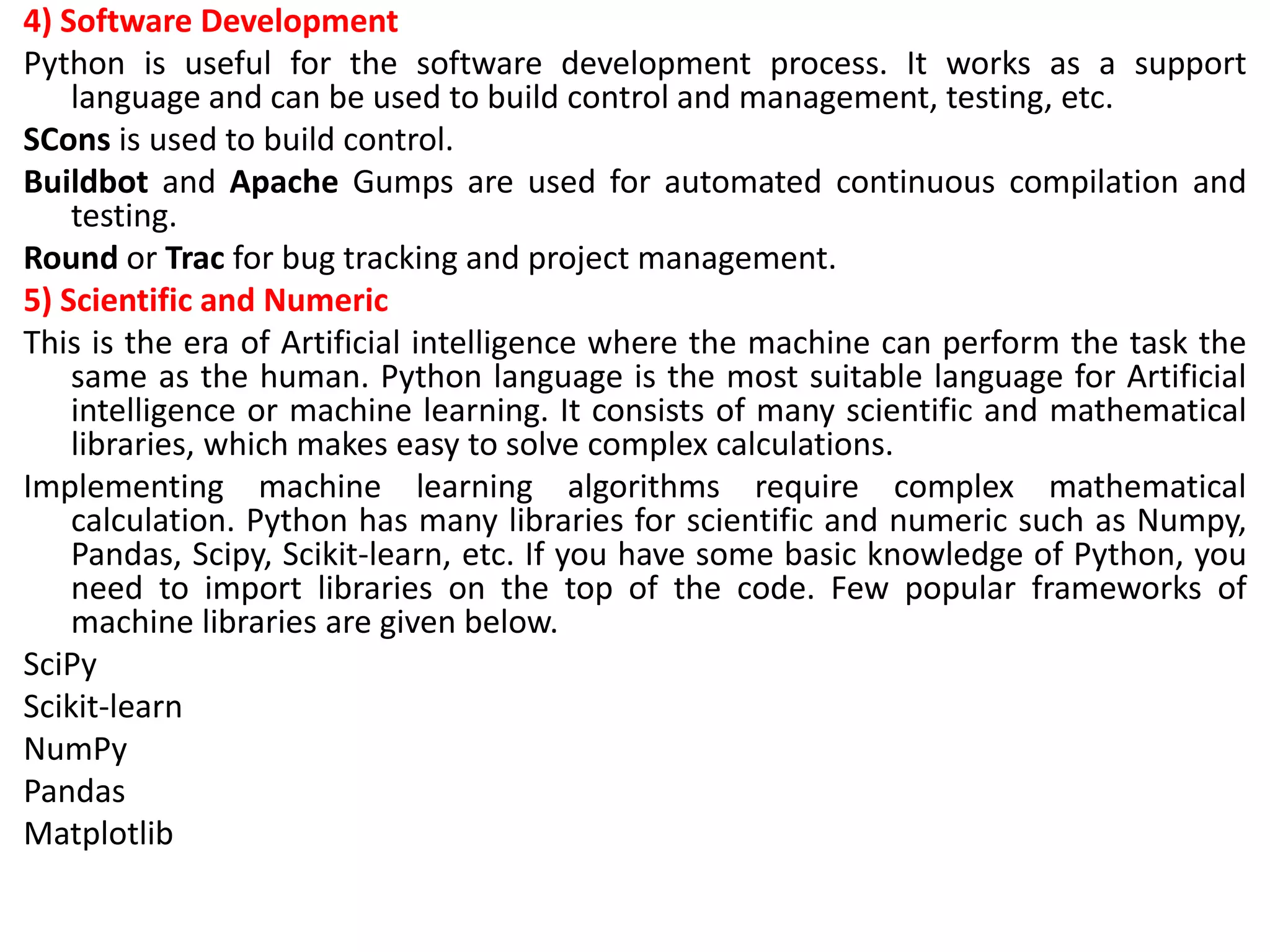
  • 10.
    Where is Pythonused? • Python is a general-purpose, popular programming language, and it is used in almost every technical field. The various areas of Python use are given below. • Data Science: Data Science is a vast field, and Python is an important language for this field because of its simplicity, ease of use, and availability of powerful data analysis and visualization libraries like NumPy, Pandas, and Matplotlib. • Desktop Applications: PyQt and Tkinter are useful libraries that can be used in GUI - Graphical User Interface-based Desktop Applications. There are better languages for this field, but it can be used with other languages for making Applications. • Console-based Applications: Python is also commonly used to create command-line or console-based applications because of its ease of use and support for advanced features such as input/output redirection and piping. • Mobile Applications: While Python is not commonly used for creating mobile applications, it can still be combined with frameworks like Kivy or BeeWare to create cross-platform mobile applications.
  • 11.
    • Software Development:Python is considered one of the best software-making languages. Python is easily compatible with both from Small Scale to Large Scale software. • Artificial Intelligence: AI is an emerging Technology, and Python is a perfect language for artificial intelligence and machine learning because of the availability of powerful libraries such as TensorFlow, Keras, and PyTorch. • Web Applications: Python is commonly used in web development on the backend with frameworks like Django and Flask and on the front end with tools like JavaScript and HTML. • Enterprise Applications: Python can be used to develop large- scale enterprise applications with features such as distributed computing, networking, and parallel processing. • 3D CAD Applications: Python can be used for 3D computer- aided design (CAD) applications through libraries such as Blender. • Machine Learning: Python is widely used for machine learning due to its simplicity, ease of use, and availability of powerful machine learning libraries.
  • 12.
    • Computer Visionor Image Processing Applications: Python can be used for computer vision and image processing applications through powerful libraries such as OpenCV and Scikit-image. • Speech Recognition: Python can be used for speech recognition applications through libraries such as SpeechRecognition and PyAudio. • Scientific computing: Libraries like NumPy, SciPy, and Pandas provide advanced numerical computing capabilities for tasks like data analysis, machine learning, and more. • Education: Python's easy-to-learn syntax and availability of many resources make it an ideal language for teaching programming to beginners. • Testing: Python is used for writing automated tests, providing frameworks like unit tests and pytest that help write test cases and generate reports. • Gaming: Python has libraries like Pygame, which provide a platform for developing games using Python. • IoT: Python is used in IoT for developing scripts and applications for devices like Raspberry Pi, Arduino, and others.
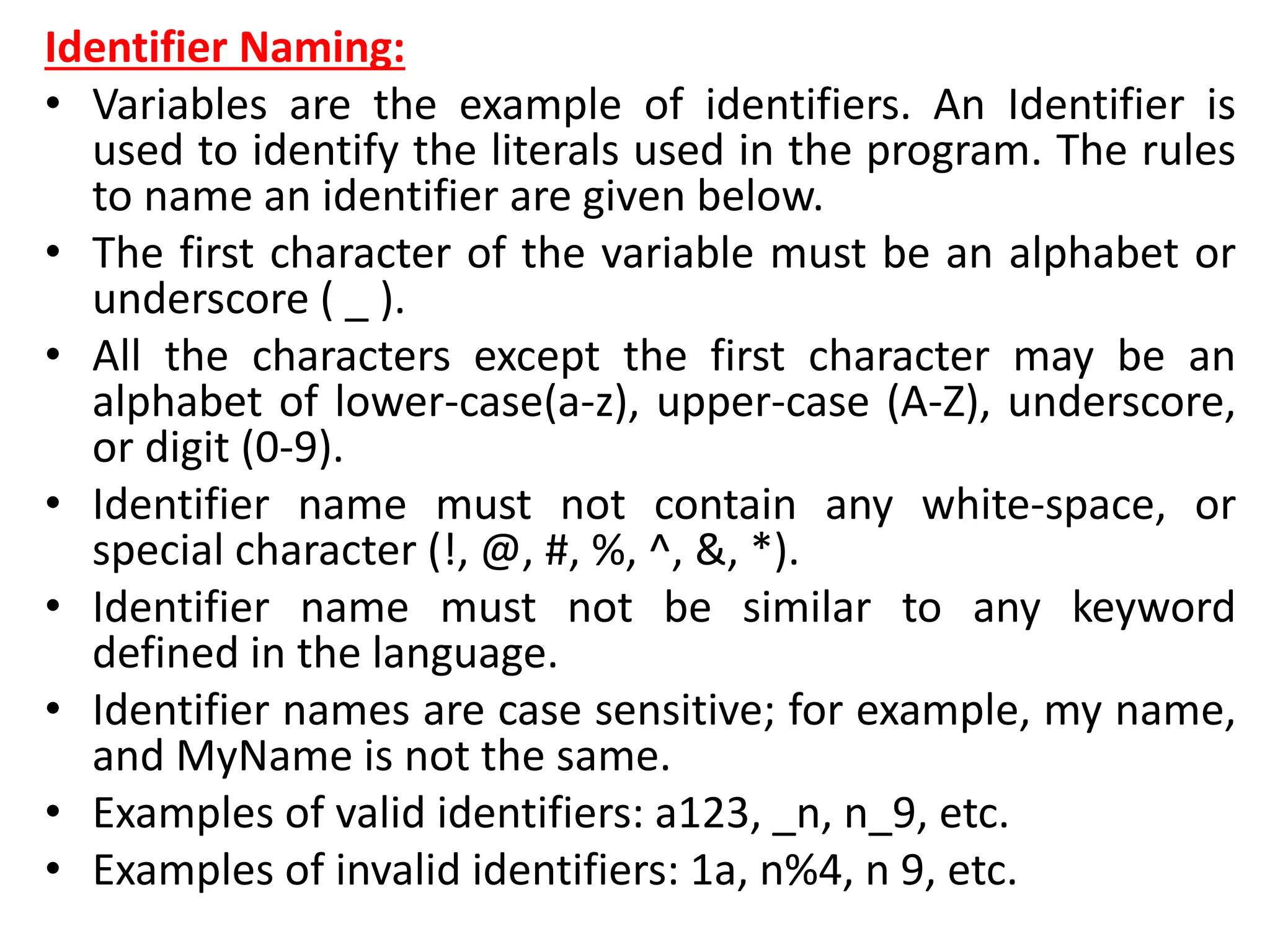
  • 13.
    • Networking: Pythonis used in networking for developing scripts and applications for network automation, monitoring, and management. • DevOps: Python is widely used in DevOps for automation and scripting of infrastructure management, configuration management, and deployment processes. • Finance: Python has libraries like Pandas, Scikit-learn, and Statsmodels for financial modeling and analysis. • Audio and Music: Python has libraries like Pyaudio, which is used for audio processing, synthesis, and analysis, and Music21, which is used for music analysis and generation. • Writing scripts: Python is used for writing utility scripts to automate tasks like file operations, web scraping, and data processing.
  • 14.
    Python Popular Frameworksand Libraries • Python has wide range of libraries and frameworks widely used in various fields such as machine learning, artificial intelligence, web applications, etc. We define some popular frameworks and libraries of Python as follows. • Web development (Server-side) - Django Flask, Pyramid, CherryPy • GUIs based applications - Tk, PyGTK, PyQt, PyJs, etc. • Machine Learning - TensorFlow, PyTorch, Scikit-learn, Matplotlib, Scipy, etc. • Mathematics - Numpy, Pandas, etc. • BeautifulSoup: a library for web scraping and parsing HTML and XML • Requests: a library for making HTTP requests • SQLAlchemy: a library for working with SQL databases
  • 15.
    • Kivy: aframework for building multi-touch applications • Pygame: a library for game development • Pytest: a testing framework for Python • Django REST framework: a toolkit for building RESTful APIs • FastAPI: a modern, fast web framework for building APIs • Streamlit: a library for building interactive web apps for machine learning and data science • NLTK: a library for natural language processing
  • 16.
    Python Features • Pythonprovides many useful features which make it popular and valuable from the other programming languages. It supports object- oriented programming, procedural programming approaches and provides dynamic memory allocation. We have listed below a few essential features. 1) Easy to Learn and Use • Python is easy to learn as compared to other programming languages. Its syntax is straightforward and much the same as the English language. There is no use of the semicolon or curly-bracket, the indentation defines the code block. It is the recommended programming language for beginners. 2) Expressive Language • Python can perform complex tasks using a few lines of code. A simple example, the hello world program you simply type print("Hello World"). It will take only one line to execute, while Java or C takes multiple lines. 3) Interpreted Language • Python is an interpreted language; it means the Python program is executed one line at a time. The advantage of being interpreted language, it makes debugging easy and portable.
  • 17.
    4) Cross-platform Language Pythoncan run equally on different platforms such as Windows, Linux, UNIX, and Macintosh, etc. So, we can say that Python is a portable language. It enables programmers to develop the software for several competing platforms by writing a program only once. 5) Free and Open Source Python is freely available for everyone. It is freely available on its official website www.python.org. It has a large community across the world that is dedicatedly working towards make new python modules and functions. Anyone can contribute to the Python community. The open- source means, "Anyone can download its source code without paying any penny." 6) Object-Oriented Language Python supports object-oriented language and concepts of classes and objects come into existence. It supports inheritance, polymorphism, and encapsulation, etc. The object-oriented procedure helps to programmer to write reusable code and develop applications in less code. 7) Extensible It implies that other languages such as C/C++ can be used to compile the code and thus it can be used further in our Python code. It converts the program into byte code, and any platform can use that byte code.
  • 18.
    8) Large StandardLibrary It provides a vast range of libraries for the various fields such as machine learning, web developer, and also for the scripting. There are various machine learning libraries, such as Tensor flow, Pandas, Numpy, Keras, and Pytorch, etc. Django, flask, pyramids are the popular framework for Python web development. 9) GUI Programming Support Graphical User Interface is used for the developing Desktop application. PyQT5, Tkinter, Kivy are the libraries which are used for developing the web application. 10) Integrated It can be easily integrated with languages like C, C++, and JAVA, etc. Python runs code line by line like C,C++ Java. It makes easy to debug the code. 11. Embeddable The code of the other programming language can use in the Python source code. We can use Python source code in another programming language as well. It can embed other language into our code. 12. Dynamic Memory Allocation In Python, we don't need to specify the data-type of the variable. When we assign some value to the variable, it automatically allocates the memory to the variable at run time. Suppose we are assigned integer value 15 to x, then we don't need to write int x = 15. Just write x = 15.
  • 19.
    Python History andVersions • Python laid its foundation in the late 1980s. • The implementation of Python was started in December 1989 by Guido Van Rossum at CWI in Netherland. • In February 1991, Guido Van Rossum published the code (labeled version 0.9.0) to alt.sources. • In 1994, Python 1.0 was released with new features like lambda, map, filter, and reduce. • Python 2.0 added new features such as list comprehensions, garbage collection systems. • On December 3, 2008, Python 3.0 (also called "Py3K") was released. It was designed to rectify the fundamental flaw of the language. • ABC programming language is said to be the predecessor of Python language, which was capable of Exception Handling and interfacing with the Amoeba Operating System. • The following programming languages influence Python: – ABC language. – Modula-3
  • 20.
    Why the NamePython? • There is a fact behind choosing the name Python. Guido van Rossum was reading the script of a popular BBC comedy series "Monty Python's Flying Circus". It was late on-air 1970s. • Van Rossum wanted to select a name which unique, sort, and little-bit mysterious. So he decided to select naming Python after the "Monty Python's Flying Circus" for their newly created programming language. • The comedy series was creative and well random. It talks about everything. Thus it is slow and unpredictable, which made it very interesting. • Python is also versatile and widely used in every technical field, such as Machine Learning, Artificial Intelligence, Web Development, Mobile Application, Desktop Application, Scientific Calculation, etc.
  • 21.
    Python Version List •Python programming language is being updated regularly with new features and supports. There are lots of update in Python versions, started from 1994 to current release. • A list of Python versions with its released date is given below.
  • 24.
    Python Applications • Pythonis known for its general-purpose nature that makes it applicable in almost every domain of software development. Python makes its presence in every emerging field. It is the fastest-growing programming language and can develop any application. • Here, we are specifying application areas where Python can be applied.
  • 25.
    1) Web Applications Wecan use Python to develop web applications. It provides libraries to handle internet protocols such as HTML and XML, JSON, Email processing, request, beautifulSoup, Feedparser, etc. One of Python web-framework named Django is used on Instagram. Python provides many useful frameworks, and these are given below: • Django and Pyramid framework(Use for heavy applications) • Flask and Bottle (Micro-framework) • Plone and Django CMS (Advance Content management) 2) Desktop GUI Applications The GUI stands for the Graphical User Interface, which provides a smooth interaction to any application. Python provides a Tk GUI library to develop a user interface. Some popular GUI libraries are given below.
  • 26.
    • Tkinter orTk • wxWidgetM • Kivy (used for writing multitouch applications ) • PyQt or Pyside 3) Console-based Application Console-based applications run from the command-line or shell. These applications are computer program which are used commands to execute. This kind of application was more popular in the old generation of computers. Python can develop this kind of application very effectively. It is famous for having REPL, which means the Read-Eval-Print Loop that makes it the most suitable language for the command-line applications. Python provides many free library or module which helps to build the command-line apps. The necessary IO libraries are used to read and write. It helps to parse argument and create console help text out-of-the-box. There are also advance libraries that can develop independent console apps.
  • 27.
    4) Software Development Pythonis useful for the software development process. It works as a support language and can be used to build control and management, testing, etc. SCons is used to build control. Buildbot and Apache Gumps are used for automated continuous compilation and testing. Round or Trac for bug tracking and project management. 5) Scientific and Numeric This is the era of Artificial intelligence where the machine can perform the task the same as the human. Python language is the most suitable language for Artificial intelligence or machine learning. It consists of many scientific and mathematical libraries, which makes easy to solve complex calculations. Implementing machine learning algorithms require complex mathematical calculation. Python has many libraries for scientific and numeric such as Numpy, Pandas, Scipy, Scikit-learn, etc. If you have some basic knowledge of Python, you need to import libraries on the top of the code. Few popular frameworks of machine libraries are given below. SciPy Scikit-learn NumPy Pandas Matplotlib
  • 28.
    6) Business Applications BusinessApplications differ from standard applications. E-commerce and ERP are an example of a business application. This kind of application requires extensively, scalability and readability, and Python provides all these features. 7) Audio or Video-based Applications Python is flexible to perform multiple tasks and can be used to create multimedia applications. Some multimedia applications which are made by using Python are TimPlayer, cplay, etc. The few multimedia libraries are given below. Gstreamer Pyglet QT Phonon
  • 29.
    8) 3D CADApplications The CAD (Computer-aided design) is used to design engineering related architecture. It is used to develop the 3D representation of a part of a system. Python can create a 3D CAD application by using the following functionalities. Fandango (Popular ) CAMVOX HeeksCNC AnyCAD RCAM 9) Enterprise Applications Python can be used to create applications that can be used within an Enterprise or an Organization. Some real-time applications are OpenERP, Tryton, Picalo, etc. 10) Image Processing Application Python contains many libraries that are used to work with the image. The image can be manipulated according to our requirements. Some libraries of image processing are given below. OpenCV Pillow SimpleITK
  • 30.
    How to InstallPython • Installing Python on Windows: • Download Python: – Visit the official Python website at https://www.python.org/downloads/windows/. – Click on the "Downloads" tab. – Download the latest Python installer for Windows. Choose the installer that corresponds to your system architecture (32-bit or 64-bit). • Run the Installer: – Locate the downloaded installer file (e.g., python-3.x.x.exe) and double-click it to run the installer. • Customize Installation (Optional): – You can customize the installation by clicking the "Customize installation" button. However, the default settings are usually sufficient for most users. • Installation Options: – Make sure to check the box that says "Add Python X.X to PATH." This allows you to use Python from the command line without needing to specify the full path. • Installation: – Click the "Install Now" button to begin the installation process. • Completing the Installation: – Once the installation is complete, you should see a screen that says "Setup was successful." You can now close the installer. • Verify Installation: – Open the Command Prompt by searching for "cmd" in the Windows Start Menu. – Type python and press Enter. You should see the Python version information. This confirms that Python is installed.
  • 31.
    • Installing Pythonon Ubuntu: • Open the Terminal: – Press Ctrl+Alt+T to open a terminal window. • Update Package List: – Before installing Python, it's a good practice to update the package list to ensure you're getting the latest version of Python and its dependencies. Run the following command: • sudo apt update • sudo apt install python3 • python3 --version • This should display the Python version installed.
  • 32.
    First Python Program •In Python, the most basic program is one that prints a message to the screen. Here's a "Hello, World!" program: • print("Hello, World!") • Now, let's break it down: • 1. `print()`: `print` is a Python function used to output text or data to the console (the terminal or command prompt). In this case, it's used to print the message "Hello, World!" to the screen. • 2. `"Hello, World!"`: This is a string. In Python, strings are sequences of characters enclosed in either single (`'`) or double (`"`) quotes. In this case, we're using double quotes.
  • 33.
    • So, whenyou run this Python program, it will simply display "Hello, World!" in the console. • Here's how you can run the program: 1. Save the code in a file with a `.py` extension, like `hello.py`. 2. Open a terminal or command prompt. 3. Navigate to the directory where you saved the `hello.py` file. 4. Run the program by typing `python hello.py` and pressing Enter. You should see the output: Hello, World!
  • 34.
    Python Variables • Variableis a name that is used to refer to memory location. Python variable is also known as an identifier and used to hold value. • In Python, we don't need to specify the type of variable because Python is a infer language and smart enough to get variable type. • Variable names can be a group of both the letters and digits, but they have to begin with a letter or an underscore. • It is recommended to use lowercase letters for the variable name. Rahul and rahul both are two different variables.
  • 35.
    Python Variables • Variableis a name that is used to refer to memory location. Python variable is also known as an identifier and used to hold value. • In Python, we don't need to specify the type of variable because Python is a infer language and smart enough to get variable type. • Variable names can be a group of both the letters and digits, but they have to begin with a letter or an underscore. • It is recommended to use lowercase letters for the variable name. Rahul and rahul both are two different variables.
  • 36.
    Identifier Naming: • Variablesare the example of identifiers. An Identifier is used to identify the literals used in the program. The rules to name an identifier are given below. • The first character of the variable must be an alphabet or underscore ( _ ). • All the characters except the first character may be an alphabet of lower-case(a-z), upper-case (A-Z), underscore, or digit (0-9). • Identifier name must not contain any white-space, or special character (!, @, #, %, ^, &, *). • Identifier name must not be similar to any keyword defined in the language. • Identifier names are case sensitive; for example, my name, and MyName is not the same. • Examples of valid identifiers: a123, _n, n_9, etc. • Examples of invalid identifiers: 1a, n%4, n 9, etc.
  • 37.
    Declaring Variable andAssigning Values • Python does not bind us to declare a variable before using it in the application. It allows us to create a variable at the required time. • We don't need to declare explicitly variable in Python. When we assign any value to the variable, that variable is declared automatically. • The equal (=) operator is used to assign value to a variable. • Object References • It is necessary to understand how the Python interpreter works when we declare a variable. The process of treating variables is somewhat different from many other programming languages. • Python is the highly object-oriented programming language; that's why every data item belongs to a specific type of class. Consider the following example.
  • 38.
    print("John") Output: John • The Pythonobject creates an integer object and displays it to the console. In the above print statement, we have created a string object. Let's check the type of it using the Python built- in type() function. type("John") Output: <class 'str'> • In Python, variables are a symbolic name that is a reference or pointer to an object. The variables are used to denote objects by that name. • Let's understand the following example a = 50 • In the above image, the variable a refers to an integer object. • Suppose we assign the integer value 50 to a new variable b.
  • 39.
    a = 50 b= a • The variable b refers to the same object that a points to because Python does not create another object. • Let's assign the new value to b. Now both variables will refer to the different objects. a = 50 b =100 • python manages memory efficiently if we assign the same variable to two different values.
  • 40.
    Object Identity • InPython, every created object identifies uniquely in Python. Python provides the guaranteed that no two objects will have the same identifier. The built-in id() function, is used to identify the object identifier. Consider the following example. a = 50 b = a print(id(a)) print(id(b)) # Reassigned variable a a = 500 print(id(a)) Output: 140734982691168 140734982691168 2822056960944 • We assigned the b = a, a and b both point to the same object. When we checked by the id() function it returned the same number. We reassign a to 500; then it referred to the new object identifier.
  • 41.
    Variable Names • Wehave already discussed how to declare the valid variable. Variable names can be any length can have uppercase, lowercase (A to Z, a to z), the digit (0-9), and underscore character(_). Consider the following example of valid variables names. name = "Devansh" age = 20 marks = 80.50 print(name) print(age) print(marks) Output: Devansh 20 80.5
  • 42.
    • Consider thefollowing valid variables name. name = "A" Name = "B" naMe = "C" NAME = "D" n_a_m_e = "E" _name = "F" name_ = "G" _name_ = "H" na56me = "I" print(name,Name,naMe,NAME,n_a_m_e, NAME, n_a_m_e, _name, name_, _name, na56me) Output: A B C D E D E F G F I • In the above example, we have declared a few valid variable names such as name, _name_ , etc. But it is not recommended because when we try to read code, it may create confusion. The variable name should be descriptive to make code more readable.
  • 43.
    • The multi-wordkeywords can be created by the following method. • Camel Case - In the camel case, each word or abbreviation in the middle of begins with a capital letter. There is no intervention of whitespace. For example - nameOfStudent, valueOfVaraible, etc. • Pascal Case - It is the same as the Camel Case, but here the first word is also capital. For example - NameOfStudent, etc. • Snake Case - In the snake case, Words are separated by the underscore. For example - name_of_student, etc.
  • 44.
    Multiple Assignment • Pythonallows us to assign a value to multiple variables in a single statement, which is also known as multiple assignments. • We can apply multiple assignments in two ways, either by assigning a single value to multiple variables or assigning multiple values to multiple variables. Consider the following example. 1. Assigning single value to multiple variables Eg: x=y=z=50 print(x) print(y) print(z) Output: 50 50 50
  • 45.
    2. Assigning multiplevalues to multiple variables: Eg: a,b,c=5,10,15 print a print b print c Output: 5 10 15 • The values will be assigned in the order in which variables appear.
  • 46.
    Python Variable Types •There are two types of variables in Python - Local variable and Global variable. Let's understand the following variables. Local Variable • Local variables are the variables that declared inside the function and have scope within the function. Let's understand the following example. Example - # Declaring a function def add(): # Defining local variables. They has scope only within a function a = 20 b = 30 c = a + b print("The sum is:", c) # Calling a function add() Output: The sum is: 50
  • 47.
    Explanation: • In theabove code, we declared a function named add() and assigned a few variables within the function. These variables will be referred to as the local variables which have scope only inside the function. If we try to use them outside the function, we get a following error. add() # Accessing local variable outside the function print(a) • Output: The sum is: 50 print(a) NameError: name 'a' is not defined • We tried to use local variable outside their scope; it threw the NameError.
  • 48.
    Global Variables • Globalvariables can be used throughout the program, and its scope is in the entire program. We can use global variables inside or outside the function. • A variable declared outside the function is the global variable by default. Python provides the global keyword to use global variable inside the function. If we don't use the global keyword, the function treats it as a local variable. Let's understand the following example. Example - # Declare a variable and initialize it x = 101
  • 49.
    # Global variablein function def mainFunction(): # printing a global variable global x print(x) # modifying a global variable x = 'Welcome To Javatpoint' print(x) mainFunction() print(x) Output: 101 Welcome To Javatpoint Welcome To Javatpoint
  • 50.
    Explanation: • In theabove code, we declare a global variable x and assign a value to it. Next, we defined a function and accessed the declared variable using the global keyword inside the function. Now we can modify its value. Then, we assigned a new string value to the variable x. • Now, we called the function and proceeded to print x. It printed the as newly assigned value of x.
  • 51.
    Delete a variable: •We can delete the variable using the del keyword. The syntax is given below. • Syntax – • del <variable_name> • In the following example, we create a variable x and assign value to it. We deleted variable x, and print it, we get the error "variable x is not defined". The variable x will no longer use in future. Example - # Assigning a value to x x = 6 print(x) # deleting a variable. del x print(x) Output: 6 Traceback (most recent call last): File "C:/Users/DEVANSH SHARMA/PycharmProjects/Hello/multiprocessing.py", line 389, in print(x) NameError: name 'x' is not defined
  • 52.
    Maximum Possible Valueof an Integer in Python • Unlike the other programming languages, Python doesn't have long int or float data types. It treats all integer values as an int data type. Here, the question arises. What is the maximum possible value can hold by the variable in Python? Consider the following example. • Example – # A Python program to display that we can store # large numbers in Python a = 10000000000000000000000000000000000000000000 a = a + 1 print(type(a)) print (a) Output: <class 'int'> 10000000000000000000000000000000000000000001 • As we can see in the above example, we assigned a large integer value to variable x and checked its type. It printed class <int> not long int. Hence, there is no limitation number by bits and we can expand to the limit of our memory. • Python doesn't have any special data type to store larger numbers.
  • 53.
    Print Single andMultiple Variables in Python • We can print multiple variables within the single print statement. Below are the example of single and multiple printing values. Example - 1 (Printing Single Variable) # printing single value a = 5 print(a) print((a)) Output: 5 5 Example - 2 (Printing Multiple Variables) a = 5 b = 6 # printing multiple variables print(a,b) # separate the variables by the comma Print(1, 2, 3, 4, 5, 6, 7, 8) Output: 5 6 1 2 3 4 5 6 7 8
  • 54.
    Basic Fundamentals: This sectioncontains the fundamentals of Python, such as: i)Tokens and their types. ii) Comments a)Tokens: • The tokens can be defined as a punctuator mark, reserved words, and each word in a statement. • The token is the smallest unit inside the given program. There are following tokens in Python: Keywords. Identifiers. Literals. Operators.
  • 55.
    Python Data Types •Every value has a datatype, and variables can hold values. Python is a powerfully composed language; consequently, we don't have to characterize the sort of variable while announcing it. The interpreter binds the value implicitly to its type. a = 5 • We did not specify the type of the variable a, which has the value five from an integer. The Python interpreter will automatically interpret the variable as an integer. • We can verify the type of the program-used variable thanks to Python. The type() function in Python returns the type of the passed variable. • Consider the following illustration when defining and verifying the values of various data types.
  • 56.
    Program: a=10 b="Hi Python" c =10.5 print(type(a)) print(type(b)) print(type(c)) Output: <type 'int'> <type 'str'> <type 'float'>
  • 57.
    Standard data types: •A variable can contain a variety of values. On the other hand, a person's id must be stored as an integer, while their name must be stored as a string. • The storage method for each of the standard data types that Python provides is specified by Python. The following is a list of the Python-defined data types. Numbers Sequence Type Boolean Set Dictionary
  • 59.
    • The datatypes will be briefly discussed in this tutorial section. We will talk about every single one of them exhaustively later in this instructional exercise. Numbers: • Numeric values are stored in numbers. The whole number, float, and complex qualities have a place with a Python Numbers datatype. Python offers the type() function to determine a variable's data type. The instance () capability is utilized to check whether an item has a place with a specific class. • When a number is assigned to a variable, Python generates Number objects. For instance,
  • 60.
    Program: a = 5 print("Thetype of a", type(a)) b = 40.5 print("The type of b", type(b)) c = 1+3j print("The type of c", type(c)) print(" c is a complex number", isinstance(1+3j,complex) ) Output: The type of a <class 'int'> The type of b <class 'float'> The type of c <class 'complex'> c is complex number: True Python supports three kinds of numerical data.
  • 61.
    • Int: Wholenumber worth can be any length, like numbers 10, 2, 29, - 20, - 150, and so on. An integer can be any length you want in Python. Its worth has a place with int. • Float: Float stores drifting point numbers like 1.9, 9.902, 15.2, etc. It can be accurate to within 15 decimal places. • Complex: An intricate number contains an arranged pair, i.e., x + iy, where x and y signify the genuine and non-existent parts separately. The complex numbers like 2.14j, 2.0 + 2.3j, etc.
  • 62.
    Sequence Type String • Thesequence of characters in the quotation marks can be used to describe the string. A string can be defined in Python using single, double, or triple quotes. • String dealing with Python is a direct undertaking since Python gives worked-in capabilities and administrators to perform tasks in the string. • When dealing with strings, the operation "hello"+" python" returns "hello python," and the operator + is used to combine two strings. • Because the operation "Python" *2 returns "Python," the operator * is referred to as a repetition operator. • The Python string is demonstrated in the following example.
  • 63.
    Example - 1 str= "string using double quotes" print(str) s = '''''A multiline string''' print(s) Output: string using double quotes A multiline string Look at the following illustration of string handling.
  • 64.
    Example - 2 str1= 'hello javatpoint' #string str1 str2 = ' how are you' #string str2 print (str1[0:2]) #printing first two character using slice operator print (str1[4]) #printing 4th character of the string print (str1*2) #printing the string twice print (str1 + str2) #printing the concatenation of str1 a nd str2 Output: he o hello javatpointhello javatpoint hello javatpoint how are you
  • 65.
    • List: • Listsin Python are like arrays in C, but lists can contain data of different types. The things put away in the rundown are isolated with a comma (,) and encased inside square sections []. • To gain access to the list's data, we can use slice [:] operators. Like how they worked with strings, the list is handled by the concatenation operator (+) and the repetition operator (*).
  • 66.
    Example: list1 = [1,"hi", "Python", 2] #Checking type of given list print(type(list1)) #Printing the list1 print (list1) # List slicing print (list1[3:]) # List slicing print (list1[0:2]) # List Concatenation using + operator print (list1 + list1) # List repetation using * operator print (list1 * 3) Output: [1, 'hi', 'Python', 2] [2] [1, 'hi'] [1, 'hi', 'Python', 2, 1, 'hi', 'Python', 2] [1, 'hi', 'Python', 2, 1, 'hi', 'Python', 2, 1, 'hi', 'Python', 2]
  • 67.
    Tuple: • In manyways, a tuple is like a list. Tuples, like lists, also contain a collection of items from various data types. A parenthetical space () separates the tuple's components from one another. • Because we cannot alter the size or value of the items in a tuple, it is a read-only data structure. • Let's look at a straightforward tuple in action.
  • 68.
    Example: tup = ("hi","Python", 2) # Checking type of tup print (type(tup)) #Printing the tuple print (tup) # Tuple slicing print (tup[1:]) print (tup[0:1]) # Tuple concatenation using + operator print (tup + tup) # Tuple repatation using * operator print (tup * 3) # Adding value to tup. It will throw an error. t[2] = "hi"
  • 69.
    Output: <class 'tuple'> ('hi', 'Python',2) ('Python', 2) ('hi',) ('hi', 'Python', 2, 'hi', 'Python', 2) ('hi', 'Python', 2, 'hi', 'Python', 2, 'hi', 'Python', 2) Traceback (most recent call last): File "main.py", line 14, in <module> t[2] = "hi"; TypeError: 'tuple' object does not support item assignment
  • 70.
    Dictionary • A dictionaryis a key-value pair set arranged in any order. It stores a specific value for each key, like an associative array or a hash table. Value is any Python object, while the key can hold any primitive data type. • The comma (,) and the curly braces are used to separate the items in the dictionary. • Look at the following example. d = {1:'Jimmy', 2:'Alex', 3:'john', 4:'mike'} # Printing dictionary print (d) # Accesing value using keys print("1st name is "+d[1]) print("2nd name is "+ d[4]) print (d.keys()) print (d.values())
  • 71.
    • Output: 1st nameis Jimmy 2nd name is mike {1: 'Jimmy', 2: 'Alex', 3: 'john', 4: 'mike'} dict_keys([1, 2, 3, 4]) dict_values(['Jimmy', 'Alex', 'john', 'mike'])
  • 72.
    Boolean: • True andFalse are the two default values for the Boolean type. These qualities are utilized to decide the given assertion valid or misleading. The class book indicates this. False can be represented by the 0 or the letter "F," while true can be represented by any value that is not zero. Look at the following example. # Python program to check the boolean type print(type(True)) print(type(False)) print(false) Output: <class 'bool'> <class 'bool'> NameError: name 'false' is not defined
  • 73.
    Set: • The datatype's unordered collection is Python Set. It is iterable, mutable(can change after creation), and has remarkable components. The elements of a set have no set order; It might return the element's altered sequence. Either a sequence of elements is passed through the curly braces and separated by a comma to create the set or the built-in function set() is used to create the set. It can contain different kinds of values. • Look at the following example.
  • 74.
    Program: # Creating Emptyset set1 = set() set2 = {'James', 2, 3,'Python'} #Printing Set value print(set2) # Adding element to the set set2.add(10) print(set2) #Removing element from the set set2.remove(2) print(set2) Output: {3, 'Python', 'James', 2} {'Python', 'James', 3, 2, 10} {'Python', 'James', 3, 10}
  • 75.
    Python Keywords • Everyscripting language has designated words or keywords, with particular definitions and usage guidelines. Python is no exception. The fundamental constituent elements of any Python program are Python keywords. • This tutorial will give you a basic overview of all Python keywords and a detailed discussion of some important keywords that are frequently used. Introducing Python Keywords: • Python keywords are unique words reserved with defined meanings and functions that we can only apply for those functions. You'll never need to import any keyword into your program because they're permanently present. • Python's built-in methods and classes are not the same as the keywords. Built-in methods and classes are constantly present; however, they are not as limited in their application as keywords.
  • 76.
    • Assigning aparticular meaning to Python keywords means you can't use them for other purposes in our code. You'll get a message of SyntaxError if you attempt to do the same. If you attempt to assign anything to a built-in method or type, you will not receive a SyntaxError message; however, it is still not a smart idea. • Python contains thirty-five keywords in the most recent version, i.e., Python 3.8. Here we have shown a complete list of Python keywords for the reader's reference.
  • 77.
    in distinct versionsof Python, the preceding keywords might be changed. Some extras may be introduced, while others may be deleted. By writing the following statement into the coding window, you can anytime retrieve the collection of keywords in the version you are working on.
  • 78.
    Code: # Python programto demonstrate the application of iskeyword() # importing keyword library which has lists import keyword # displaying the complete list using "kwlist()." print("The set of keywords in this version is: ") print( keyword.kwlist ) Output: The set of keywords in this version is : ['False', 'None', 'True', 'and', 'as', 'assert', 'async', 'await', 'break', 'class', 'continue', 'def', 'del', 'elif', 'else', 'except', 'finally', 'for', 'from', 'global', 'if', 'import', 'in', 'is', 'lambda', 'nonlocal', 'not', 'or', 'pass', 'raise', 'return', 'try', 'while', 'with', 'yield'] By calling help(), you can retrieve a list of currently offered keywords: Code help("keywords")
  • 79.
    Python Literals Python Literalscan be defined as data that is given in a variable or constant. • Python supports the following literals: 1. String literals: • String literals can be formed by enclosing a text in the quotes. We can use both single as well as double quotes to create a string. Example: "Aman" , '12345'
  • 80.
    Types of Strings: Thereare two types of Strings supported in Python: a) Single-line String- Strings that are terminated within a single-line are known as Single line Strings. Example: text1='hello' b) Multi-line String - A piece of text that is written in multiple lines is known as multiple lines string. There are two ways to create multiline strings: Adding black slash at the end of each line. Example: text1='hello user' print(text1) 'hellouser'
  • 81.
    2) Using triplequotation marks:- Example: str2='''''welcome to SSSIT''' print str2 Output: welcome to SSSIT II. Numeric literals: Numeric Literals are immutable. Numeric literals can belong to following four different numerical types.
  • 82.
    Example - NumericLiterals x = 0b10100 #Binary Literals y = 100 #Decimal Literal z = 0o215 #Octal Literal u = 0x12d #Hexadecimal Literal #Float Literal float_1 = 100.5 float_2 = 1.5e2 #Complex Literal a = 5+3.14j print(x, y, z, u) print(float_1, float_2) print(a, a.imag, a.real)
  • 83.
    Output: 20 100 141301 100.5 150.0 (5+3.14j) 3.14 5.0 III. Boolean literals: • A Boolean literal can have any of the two values: True or False. Example - Boolean Literals x = (1 == True) y = (2 == False) z = (3 == True) a = True + 10 b = False + 10 print("x is", x) print("y is", y) print("z is", z) print("a:", a) print("b:", b)
  • 84.
    Output: x is True yis False z is False a: 11 b: 10 IV. Special literals: • Python contains one special literal i.e., None. • None is used to specify to that field that is not created. It is also used for the end of lists in Python. Example - Special Literals val1=10 val2=None print(val1) print(val2) Output: 10 None
  • 85.
    V. Literal Collections. •Python provides the four types of literal collection such as List literals, Tuple literals, Dict literals, and Set literals. List: • List contains items of different data types. Lists are mutable i.e., modifiable. • The values stored in List are separated by comma(,) and enclosed within square brackets([]). We can store different types of data in a List.
  • 86.
    Example - Listliterals list=['John',678,20.4,'Peter'] list1=[456,'Andrew'] print(list) print(list + list1) Output: ['John', 678, 20.4, 'Peter'] ['John', 678, 20.4, 'Peter', 456, 'Andrew'] • Dictionary: • Python dictionary stores the data in the key-value pair. • It is enclosed by curly-braces {} and each pair is separated by the commas(,).
  • 87.
    Example dict = {'name':'Pater', 'Age':18,'Roll_nu':101} print(dict) Output: {'name': 'Pater', 'Age': 18, 'Roll_nu': 101} Tuple: Python tuple is a collection of different data-type. It is immutable which means it cannot be modified after creation. It is enclosed by the parentheses () and each element is separated by the comma(,). Example tup = (10,20,"Dev",[2,3,4]) print(tup) Output: (10, 20, 'Dev', [2, 3, 4])
  • 88.
    Set: Python set isthe collection of the unordered dataset. It is enclosed by the {} and each element is separated by the comma(,). Example: - Set Literals set = {'apple','grapes','guava','papaya'} print(set) Output: {'guava', 'apple', 'papaya', 'grapes'}
  • 89.
    Python Operators Introduction: • Theoperator is a symbol that performs a specific operation between two operands, according to one definition. Operators serve as the foundation upon which logic is constructed in a program in a particular programming language. In every programming language, some operators perform several tasks. Same as other languages, Python also has some operators, and these are given below – • Arithmetic operators • Comparison operators • Assignment Operators • Logical Operators • Bitwise Operators • Membership Operators • Identity Operators • Arithmetic Operators
  • 90.
    Arithmetic Operators: • Arithmeticoperators used between two operands for a particular operation. There are many arithmetic operators. It includes the exponent (**) operator as well as the + (addition), - (subtraction), * (multiplication), / (divide), % (reminder), and // (floor division) operators. • Consider the following table for a detailed explanation of arithmetic operators.
  • 92.
    Program Code: • Nowwe give code examples of arithmetic operators in Python. The code is given below - a = 32 # Initialize the value of a b = 6 # Initialize the value of b print('Addition of two numbers:',a+b) print('Subtraction of two numbers:',a-b) print('Multiplication of two numbers:',a*b) print('Division of two numbers:',a/b) print('Reminder of two numbers:',a%b) print('Exponent of two numbers:',a**b) print('Floor division of two numbers:',a//b)
  • 93.
    • Output: • Nowwe compile the above code in Python, and after successful compilation, we run it. Then the output is given below - Addition of two numbers: 38 Subtraction of two numbers: 26 Multiplication of two numbers: 192 Division of two numbers: 5.333333333333333 Reminder of two numbers: 2 Exponent of two numbers: 1073741824 Floor division of two numbers: 5
  • 94.
    • Comparison operator: •Comparison operators mainly use for comparison purposes. Comparison operators compare the values of the two operands and return a true or false Boolean value in accordance. The example of comparison operators are ==, !=, <=, >=, >, <. In the below table, we explain the works of the operators.
  • 95.
    • Program Code: •Now we give code examples of Comparison operators in Python. The code is given below - a = 32 # Initialize the value of a b = 6 # Initialize the value of b print('Two numbers are equal or not:',a==b) print('Two numbers are not equal or not:',a!=b) print('a is less than or equal to b:',a<=b) print('a is greater than or equal to b:',a>=b) print('a is greater b:',a>b) print('a is less than b:',a<b)
  • 96.
    • Output: • Nowwe compile the above code in Python, and after successful compilation, we run it. Then the output is given below - Two numbers are equal or not: False Two numbers are not equal or not: True a is less than or equal to b: False a is greater than or equal to b: True a is greater b: True a is less than b: False
  • 97.
    • Assignment Operators: •Using the assignment operators, the right expression's value is assigned to the left operand. There are some examples of assignment operators like =, +=, -=, *=, %=, **=, //=. In the below table, we explain the works of the operators.
  • 99.
    Program Code: Now wegive code examples of Assignment operators in Python. The code is given below - a = 32 # Initialize the value of a b = 6 # Initialize the value of b print('a=b:', a==b) print('a+=b:', a+b) print('a-=b:', a-b) print('a*=b:', a*b) print('a%=b:', a%b) print('a**=b:', a**b) print('a//=b:', a//b)
  • 100.
    Output: • Now wecompile the above code in Python, and after successful compilation, we run it. Then the output is given below – a=b: False a+=b: 38 a-=b: 26 a*=b: 192 a%=b: 2 a**=b: 1073741824 a//=b: 5
  • 101.
    Bitwise Operators: • Thetwo operands' values are processed bit by bit by the bitwise operators. The examples of Bitwise operators are bitwise OR (|), bitwise AND (&), bitwise XOR (^), negation (~), Left shift (<<), and Right shift (>>). Consider the case below. • For example, if a = 7 b = 6 then, binary (a) = 0111 binary (b) = 0110 hence, a & b = 0011 a | b = 0111 a ^ b = 0100 ~ a = 1000 Let, Binary of x = 0101 Binary of y = 1000 Bitwise OR = 1101 8 4 2 1 1 1 0 1 = 8 + 4 + 1 = 13 Bitwise AND = 0000 0000 = 0 Bitwise XOR = 1101 8 4 2 1 1 1 0 1 = 8 + 4 + 1 = 13 Negation of x = ~x = (-x) - 1 = (-5) - 1 = -6 ~x = -6
  • 102.
    • In thebelow table, we are explaining the works of the bitwise operators.
  • 103.
    Program Code: Now wegive code examples of Bitwise operators in Python. The code is given below - a = 5 # initialize the value of a b = 6 # initialize the value of b print('a&b:', a&b) print('a|b:', a|b) print('a^b:', a^b) print('~a:', ~a) print('a<<b:', a<<b) print('a>>b:', a>>b)
  • 104.
    Output: Now we compilethe above code in Python, and after successful compilation, we run it. Then the output is given below - a&b: 4 a|b: 7 a^b: 3 ~a: -6 a<>b: 0
  • 105.
    Logical Operators • Theassessment of expressions to make decisions typically uses logical operators. The examples of logical operators are and, or, and not. In the case of logical AND, if the first one is 0, it does not depend upon the second one. In the case of logical OR, if the first one is 1, it does not depend on the second one. Python supports the following logical operators. In the below table, we explain the works of the logical operators.
  • 107.
    Program Code: Now wegive code examples of arithmetic operators in Python. The code is given below - a = 5 # initialize the value of a print(Is this statement true?:',a > 3 and a < 5) print('Any one statement is true?:',a > 3 or a < 5) print('Each statement is true then return False and vice- versa:',(not(a > 3 and a < 5))) Output: Now we give code examples of Bitwise operators in Python. The code is given below - Is this statement true?: False Any one statement is true?: True Each statement is true then return False and vice-versa: True
  • 108.
    Membership Operators: • Themembership of a value inside a Python data structure can be verified using Python membership operators. The result is true if the value is in the data structure; otherwise, it returns false.
  • 109.
    Program Code: Now wegive code examples of Membership operators in Python. The code is given below - x = ["Rose", "Lotus"] print(' Is value Present?', "Rose" in x) print(' Is value not Present?', "Riya" not in x) Output: Now we compile the above code in Python, and after successful compilation, we run it. Then the output is given below - Is value Present? True Is value not Present? True
  • 110.
    Identity Operators Program Code: Nowwe give code examples of Identity operators in Python. The code is given below - a = ["Rose", "Lotus"] b = ["Rose", "Lotus"] c = a print(a is c) print(a is not c) print(a is b) print(a is not b) print(a == b) print(a != b)
  • 111.
    Output: Now we compilethe above code in python, and after successful compilation, we run it. Then the output is given below - True False False True True False
  • 112.
    Operator Precedence: • Theorder in which the operators are examined is crucial to understand since it tells us which operator needs to be considered first. Below is a list of the Python operators' precedence tables.
  • 114.
    Python Comments • Introductionto Python Comments • We may wish to describe the code we develop. We might wish to take notes of why a section of script functions, for instance. We leverage the remarks to accomplish this. Formulas, procedures, and sophisticated business logic are typically explained with comments. The Python interpreter overlooks the remarks and solely interprets the script when running a program. Single-line comments, multi-line comments, and documentation strings are the 3 types of comments in Python. • Advantages of Using Comments • Our code is more comprehensible when we use comments in it. It assists us in recalling why specific sections of code were created by making the program more understandable. • Aside from that, we can leverage comments to overlook specific code while evaluating other code sections. This simple technique stops some lines from running or creates a fast pseudo-code for the program.
  • 115.
    • Below aresome of the most common uses for comments: • Readability of the Code • Restrict code execution • Provide an overview of the program or project metadata • To add resources to the code • Types of Comments in Python • In Python, there are 3 types of comments. They are described below: • Single-Line Comments: • Single-line remarks in Python have shown to be effective for providing quick descriptions for parameters, function definitions, and expressions. A single-line comment of Python is the one that has a hashtag # at the beginning of it and continues until the finish of the line. If the comment continues to the next line, add a hashtag to the subsequent line and resume the conversation. Consider the accompanying code snippet, which shows how to use a single line comment:
  • 116.
    Code # This codeis to show an example of a single-line comment print( 'This statement does not have a hashtag before it' ) Output: This statement does not have a hashtag before it The following is the comment: • # This code is to show an example of a single-line comment The Python compiler ignores this line. • Everything following the # is omitted. As a result, we may put the program mentioned above in one line as follows: Code print( 'This is not a comment' ) # this code is to show an example o f a single-line comment Output: This is not a comment • This program's output will be identical to the example above. The computer overlooks all content following #.
  • 117.
    • Multi-Line Comments: •Python does not provide the facility for multi-line comments. However, there are indeed many ways to create multi-line comments. • With Multiple Hashtags (#) • In Python, we may use hashtags (#) multiple times to construct multiple lines of comments. Every line with a (#) before it will be regarded as a single-line comment. Code: # it is a # comment # extending to multiple lines • In this case, each line is considered a comment, and they are all omitted.
  • 118.
    • Using StringLiterals: • Because Python overlooks string expressions that aren't allocated to a variable, we can utilize them as comments. Code: 'it is a comment extending to multiple lines' • We can observe that on running this code, there will be no output; thus, we utilize the strings inside triple quotes(""") as multi-line comments. Python Docstring: • The strings enclosed in triple quotes that come immediately after the defined function are called Python docstring. It's designed to link documentation developed for Python modules, methods, classes, and functions together. It's placed just beneath the function, module, or class to explain what they perform. The docstring is then readily accessible in Python using the __doc__ attribute.
  • 119.
    Code: # Code toshow how we use docstrings in Python def add(x, y): """This function adds the values of x and y""" return x + y # Displaying the docstring of the add function print( add.__doc__ ) Output: This function adds the values of x and y
  • 120.
    Python If-else statements •Decision making is the most important aspect of almost all the programming languages. As the name implies, decision making allows us to run a particular block of code for a particular decision. Here, the decisions are made on the validity of the particular conditions. Condition checking is the backbone of decision making. • In python, decision making is performed by the following statements.
  • 122.
    Indentation in Python •For the ease of programming and to achieve simplicity, python doesn't allow the use of parentheses for the block level code. In Python, indentation is used to declare a block. If two statements are at the same indentation level, then they are the part of the same block. • Generally, four spaces are given to indent the statements which are a typical amount of indentation in python. • Indentation is the most used part of the python language since it declares the block of code. All the statements of one block are intended at the same level indentation. We will see how the actual indentation takes place in decision making and other stuff in python.
  • 123.
    The if statement: •The if statement is used to test a particular condition and if the condition is true, it executes a block of code known as if-block. The condition of if statement can be any valid logical expression which can be either evaluated to true or false.
  • 125.
    The syntax ofthe if-statement is given below. if expression: statement Example 1: # Simple Python program to understand the if statement num = int(input("enter the number:")) # Here, we are taking an integer num and taking input dyna mically if num%2 == 0: # Here, we are checking the condition. If the condition is true , we will enter the block print("The Given number is an even number") Output: enter the number: 10 The Given number is an even number
  • 126.
    Example 2 :Program to print the largest of the three numbers. # Simple Python Program to print the largest of the three numbers. a = int (input("Enter a: ")); b = int (input("Enter b: ")); c = int (input("Enter c: ")); if a>b and a>c: # Here, we are checking the condition. If the condition is true, we will enter the bl ock print ("From the above three numbers given a is largest"); if b>a and b>c: # Here, we are checking the condition. If the condition is true, we will enter the bl ock print ("From the above three numbers given b is largest"); if c>a and c>b: # Here, we are checking the condition. If the condition is true, we will enter the bl ock print ("From the above three numbers given c is largest"); Output: Enter a: 100 Enter b: 120 Enter c: 130 From the above three numbers given c is largest
  • 127.
    The if-else statement •The if-else statement provides an else block combined with the if statement which is executed in the false case of the condition • If the condition is true, then the if-block is executed. Otherwise, the else-block is executed. The syntax of the if-else statement is given below. if condition: #block of statements else: #another block of statements (else-block)
  • 129.
    Example 1 :Program to check whether a person is eligible to vote or not. # Simple Python Program to check whether a person is eligible t o vote or not. age = int (input("Enter your age: ")) # Here, we are taking an integer num and taking input dynamica lly if age>=18: # Here, we are checking the condition. If the condition is true, w e will enter the block print("You are eligible to vote !!"); else: print("Sorry! you have to wait !!"); Output: Enter your age: 90 You are eligible to vote !!
  • 130.
    Example 2: Programto check whether a number is even or not. # Simple Python Program to check whether a number is even or not. num = int(input("enter the number:")) # Here, we are taking an integer num and taking input dynamica lly if num%2 == 0: # Here, we are checking the condition. If the condition is true, w e will enter the block print("The Given number is an even number") else: print("The Given Number is an odd number") Output: enter the number: 10 The Given number is even number
  • 131.
    The elif statement •The elif statement enables us to check multiple conditions and execute the specific block of statements depending upon the true condition among them. We can have any number of elif statements in our program depending upon our need. However, using elif is optional. • The elif statement works like an if-else-if ladder statement in C. It must be succeeded by an if statement. • The syntax of the elif statement is given below.
  • 132.
    if expression 1: #block of statements elif expression 2: # block of statements elif expression 3: # block of statements else: # block of statements
  • 134.
    Example 1 # SimplePython program to understand elif statement number = int(input("Enter the number?")) # Here, we are taking an integer number and taking input dynamically if number==10: # Here, we are checking the condition. If the condition is true, we will enter th e block print("The given number is equals to 10") elif number==50: # Here, we are checking the condition. If the condition is true, we will enter th e block print("The given number is equal to 50"); elif number==100: # Here, we are checking the condition. If the condition is true, we will enter th e block print("The given number is equal to 100"); else: print("The given number is not equal to 10, 50 or 100");
  • 135.
    Output: Enter the number?15 Thegiven number is not equal to 10, 50 or 100
  • 136.
    Example 2 # SimplePython program to understand elif statement marks = int(input("Enter the marks? ")) # Here, we are taking an integer marks and taking input dynamically if marks > 85 and marks <= 100: # Here, we are checking the condition. If the condition is true, we will enter the bloc k print("Congrats ! you scored grade A ...") elif marks > 60 and marks <= 85: # Here, we are checking the condition. If the condition is true, we will enter the bloc k print("You scored grade B + ...") elif marks > 40 and marks <= 60: # Here, we are checking the condition. If the condition is true, we will enter the bloc k print("You scored grade B ...") elif (marks > 30 and marks <= 40): # Here, we are checking the condition. If the condition is true, we will enter the bloc k print("You scored grade C ...") else: print("Sorry you are fail ?")
  • 137.
    Output: Enter the marks?89 Congrats ! you scored grade A ...
  • 138.
    Python Loops • Thefollowing loops are available in Python to fulfil the looping needs. Python offers 3 choices for running the loops. The basic functionality of all the techniques is the same, although the syntax and the amount of time required for checking the condition differ. • We can run a single statement or set of statements repeatedly using a loop command. • The following sorts of loops are available in the Python programming language.
  • 140.
    • Loop ControlStatements: • Statements used to control loops and change the course of iteration are called control statements. All the objects produced within the local scope of the loop are deleted when execution is completed. • Python provides the following control statements. We will discuss them later in detail. • Let us quickly go over the definitions of these loop control statements.
  • 142.
    The for Loop •Python's for loop is designed to repeatedly execute a code block while iterating through a list, tuple, dictionary, or other iterable objects of Python. The process of traversing a sequence is known as iteration. Syntax of the for Loop for value in sequence: { code block } • In this case, the variable value is used to hold the value of every item present in the sequence before the iteration begins until this particular iteration is completed. • Loop iterates until the final item of the sequence are reached.
  • 143.
    Code: # Python programto show how the for loop works # Creating a sequence which is a tuple of numbers numbers = [4, 2, 6, 7, 3, 5, 8, 10, 6, 1, 9, 2] # variable to store the square of the number square = 0 # Creating an empty list squares = [] # Creating a for loop for value in numbers: square = value ** 2 squares.append(square) print("The list of squares is", squares) Output: The list of squares is [16, 4, 36, 49, 9, 25, 64, 100, 36, 1, 81, 4]
  • 144.
    Using else Statementwith for Loop: As already said, a for loop executes the code block until the sequence element is reached. The statement is written right after the for loop is executed after the execution of the for loop is complete. Only if the execution is complete does the else statement comes into play. It won't be executed if we exit the loop or if an error is thrown. Here is a code to better understand if-else statements.
  • 145.
    Code: # Python programto show how if- else statements work string = "Python Loop" # Initiating a loop for s in a string: # giving a condition in if block if s == "o": print("If block") # if condition is not satisfied then else block will be e xecuted else: print(s)
  • 146.
  • 147.
    Now similarly, usingelse with for loop. Syntax: for value in sequence: # executes the statements until sequences ar e exhausted else: # executes these statements when for loop is completed
  • 148.
    Code: # Python programto show how to use else statement with fo r loop # Creating a sequence tuple_ = (3, 4, 6, 8, 9, 2, 3, 8, 9, 7) # Initiating the loop for value in tuple_: if value % 2 != 0: print(value) # giving an else statement else: print("These are the odd numbers present in the tuple")
  • 149.
    Output: 3 9 3 9 7 These arethe odd numbers present in the tuple
  • 150.
    The range() Function Withthe help of the range() function, we may produce a series of numbers. range(10) will produce values between 0 and 9. (10 numbers). We can give specific start, stop, and step size values in the manner range(start, stop, step size). If the step size is not specified, it defaults to 1. Since it doesn't create every value it "contains" after we construct it, the range object can be characterized as being "slow." It does provide in, len, and __getitem__ actions, but it is not an iterator. The example that follows will make this clear.
  • 151.
    Code: # Python programto show the working of range() functio n print(range(15)) print(list(range(15))) print(list(range(4, 9))) print(list(range(5, 25, 4))) Output: range(0, 15) [0, 1, 2, 3, 4, 5, 6, 7, 8, 9, 10, 11, 12, 13, 14] [4, 5, 6, 7, 8] [5, 9, 13, 17, 21] • To iterate through a sequence of items, we can apply the range() method in for loops. We can use indexing to iterate through the given sequence by combining it with an iterable's len() function. Here's an illustration.
  • 152.
    Code: # Python programto iterate over a sequence with the hel p of indexing tuple_ = ("Python", "Loops", "Sequence", "Condition", "R ange") # iterating over tuple_ using range() function for iterator in range(len(tuple_)): print(tuple_[iterator].upper()) Output: PYTHON LOOPS SEQUENCE CONDITION RANGE
  • 153.
    While Loop • Whileloops are used in Python to iterate until a specified condition is met. However, the statement in the program that follows the while loop is executed once the condition changes to false. Syntax of the while loop is: while <condition>: { code block } • All the coding statements that follow a structural command define a code block. These statements are intended with the same number of spaces. Python groups statements together with indentation.
  • 154.
    Code # Python programto show how to use a while loop counter = 0 # Initiating the loop while counter < 10: # giving the condition counter = counter + 3 print("Python Loops") Output: Python Loops Python Loops Python Loops Python Loops
  • 155.
    Using else Statementwith while Loops As discussed earlier in the for loop section, we can use the else statement with the while loop also. It has the same syntax. Code #Python program to show how to use else statement with th e while loop counter = 0 # Iterating through the while loop while (counter < 10): counter = counter + 3 print("Python Loops") # Executed untile condition is met # Once the condition of while loop gives False this statement will be executed else: print("Code block inside the else statement")
  • 156.
    Output: Python Loops Python Loops PythonLoops Python Loops Code block inside the else statement Single statement while Block: The loop can be declared in a single statement, as seen below. This is similar to the if-else block, where we can write the code block in a single line. Code: # Python program to show how to write a single statem ent while loop counter = 0 while (count < 3): print("Python Loops")
  • 157.
    Loop Control Statements Nowwe will discuss the loop control statements in detail. We will see an example of each control statement. Continue Statement: It returns the control to the beginning of the loop. Code: # Python program to show how the continue statement work s # Initiating the loop for string in "Python Loops": if string == "o" or string == "p" or string == "t": continue print('Current Letter:', string)
  • 158.
    Output: Current Letter: P CurrentLetter: y Current Letter: h Current Letter: n Current Letter: Current Letter: L Current Letter: s
  • 159.
    Break Statement: It stopsthe execution of the loop when the break statement is reached. Code: # Python program to show how the break statement works # Initiating the loop for string in "Python Loops": if string == 'L': break print('Current Letter: ', string)
  • 160.
    Output: Current Letter: P CurrentLetter: y Current Letter: t Current Letter: h Current Letter: o Current Letter: n Current Letter:
  • 161.
    Pass Statement: Pass statementsare used to create empty loops. Pass statement is also employed for classes, functions, and empty control statements. Code: # Python program to show how the pass statement works for a string in "Python Loops": pass print( 'Last Letter:', string) Output: Last Letter: s
  • 162.
    Python Functions • Acollection of related assertions that carry out a mathematical, analytical, or evaluative operation is known as a function. An assortment of proclamations called Python Capabilities returns the specific errand. Python functions are necessary for intermediate-level programming and are easy to define. Function names meet the same standards as variable names do. The objective is to define a function and group-specific frequently performed actions. Instead of repeatedly creating the same code block for various input variables, we can call the function and reuse the code it contains with different variables. • Client-characterized and worked-in capabilities are the two primary classes of capabilities in Python. It aids in maintaining the program's uniqueness, conciseness, and structure.
  • 163.
    • Advantages ofPython Functions • Pause We can stop a program from repeatedly using the same code block by including functions. • Once defined, Python functions can be called multiple times and from any location in a program. • Our Python program can be broken up into numerous, easy-to-follow functions if it is significant. • The ability to return as many outputs as we want using a variety of arguments is one of Python's most significant achievements. • However, Python programs have always incurred overhead when calling functions. • However, calling functions has always been overhead in a Python program.
  • 164.
    Syntax: # An examplePython Function def function_name( parameters ): # code block The accompanying components make up to characterize a capability, as seen previously. • The start of a capability header is shown by a catchphrase called def. • function_name is the function's name, which we can use to distinguish it from other functions. We will utilize this name to call the capability later in the program. Name functions in Python must adhere to the same guidelines as naming variables. • Using parameters, we provide the defined function with arguments. Notwithstanding, they are discretionary. • A colon (:) marks the function header's end. • We can utilize a documentation string called docstring in the short structure to make sense of the reason for the capability. • Several valid Python statements make up the function's body. The entire code block's indentation depth-typically four spaces-must be the same. • A return expression can get a value from a defined function.
  • 165.
    • Illustration ofa User-Defined Function • We will define a function that returns the argument number's square when called. # Example Python Code for User-Defined function def square( num ): """ This function computes the square of the number. """ return num**2 object_ = square(6) print( "The square of the given number is: ", object_ ) Output: The square of the given number is: 36
  • 166.
    • Calling aFunction: • Calling a Function To define a function, use the def keyword to give it a name, specify the arguments it must receive, and organize the code block. • When the fundamental framework for a function is finished, we can call it from anywhere in the program. An illustration of how to use the a_function function can be found below. # Example Python Code for calling a function # Defining a function def a_function( string ): "This prints the value of length of string" return len(string) # Calling the function we defined print( "Length of the string Functions is: ", a_function( "Functions" ) ) print( "Length of the string Python is: ", a_function( "Python" ) ) Output: Length of the string Functions is: 9 Length of the string Python is: 6
  • 167.
    Pass by Referencevs. Pass by Value: In the Python programming language, all parameters are passed by reference. It shows that if we modify the worth of contention within a capability, the calling capability will similarly mirror the change. For instance, Code # Example Python Code for Pass by Reference vs. Value # defining the function def square( item_list ): '''''''This function will find the square of items in the list''' squares = [ ] for l in item_list: squares.append( l**2 ) return squares # calling the defined function my_list = [17, 52, 8]; my_result = square( my_list ) print( "Squares of the list are: ", my_result ) Output: Squares of the list are: [289, 2704, 64]
  • 168.
    Function Arguments The followingare the types of arguments that we can use to call a function: 1. Default arguments 2. Keyword arguments 3. Required arguments 4. Variable-length arguments 1) Default Arguments: • A default contention is a boundary that takes as information a default esteem, assuming that no worth is provided for the contention when the capability is called. The following example demonstrates default arguments.
  • 169.
    Code: # Python codeto demonstrate the use of default argum ents # defining a function def function( n1, n2 = 20 ): print("number 1 is: ", n1) print("number 2 is: ", n2) # Calling the function and passing only one argument print( "Passing only one argument" ) function(30) # Now giving two arguments to the function print( "Passing two arguments" ) function(50,30)
  • 170.
    Output: Passing only oneargument number 1 is: 30 number 2 is: 20 Passing two arguments number 1 is: 50 number 2 is: 30
  • 171.
    • Keyword Arguments •Keyword arguments are linked to the arguments of a called function. While summoning a capability with watchword contentions, the client might tell whose boundary esteem it is by looking at the boundary name. • We can eliminate or orchestrate specific contentions in an alternate request since the Python translator will interface the furnished watchwords to connect the qualities with its boundaries. One more method for utilizing watchwords to summon the capability() strategy is as per the following:
  • 172.
    Code: # Python codeto demonstrate the use of keyword arguments # Defining a function def function( n1, n2 ): print("number 1 is: ", n1) print("number 2 is: ", n2) # Calling function and passing arguments without using keyword print( "Without using keyword" ) function( 50, 30) # Calling function and passing arguments using keyword print( "With using keyword" ) function( n2 = 50, n1 = 30)
  • 173.
    Output: Without using keyword number1 is: 50 number 2 is: 30 With using keyword number 1 is: 30 number 2 is: 50
  • 174.
    • 3) RequiredArguments • Required arguments are those supplied to a function during its call in a predetermined positional sequence. The number of arguments required in the method call must be the same as those provided in the function's definition. • We should send two contentions to the capability() all put together; it will return a language structure blunder, as seen beneath.
  • 175.
    Code: # Python codeto demonstrate the use of default arguments # Defining a function def function( n1, n2 ): print("number 1 is: ", n1) print("number 2 is: ", n2) # Calling function and passing two arguments out of order, we need num1 to be 20 and num2 to be 30 print( "Passing out of order arguments" ) function( 30, 20 ) # Calling function and passing only one argument print( "Passing only one argument" ) try: function( 30 ) except: print( "Function needs two positional arguments" )
  • 176.
    Output: Passing out oforder arguments number 1 is: 30 number 2 is: 20 Passing only one argument Function needs two positional arguments
  • 177.
    4) Variable-Length Arguments: •We can involve unique characters in Python capabilities to pass many contentions. However, we need a capability. This can be accomplished with one of two types of characters: • "args" and "kwargs" refer to arguments not based on keywords. • To help you understand arguments of variable length, here's an example.
  • 178.
    Code: # Python codeto demonstrate the use of variable-length arguments # Defining a function def function( *args_list ): ans = [] for l in args_list: ans.append( l.upper() ) return ans # Passing args arguments object = function('Python', 'Functions', 'tutorial') print( object ) # defining a function def function( **kargs_list ): ans = [] for key, value in kargs_list.items(): ans.append([key, value]) return ans # Paasing kwargs arguments object = function(First = "Python", Second = "Functions", Third = "Tutorial") print(object)
  • 179.
    Output: ['PYTHON', 'FUNCTIONS', 'TUTORIAL'] [['First','Python'], ['Second', 'Functions'], ['Third', 'Tutorial']]
  • 180.
    return Statement: • Whena defined function is called, a return statement is written to exit the function and return the calculated value. Syntax: return < expression to be returned as output > • The return statement can be an argument, a statement, or a value, and it is provided as output when a particular job or function is finished. A declared function will return an empty string if no return statement is written. • A return statement in Python functions is depicted in the following example.
  • 181.
    Code: # Python codeto demonstrate the use of return statements # Defining a function with return statement def square( num ): return num**2 # Calling function and passing arguments. print( "With return statement" ) print( square( 52 ) ) # Defining a function without return statement def square( num ): num**2 # Calling function and passing arguments. print( "Without return statement" ) print( square( 52 ) )
  • 182.
    • Output: With returnstatement 2704 Without return statement None
  • 183.
    Standard Type builtin functions • Python provides a wide range of built-in functions to work with standard data types. Here are some of the commonly used built-in functions for various standard data types: 1. Numeric Types: • int(): Converts a value to an integer. • float(): Converts a value to a floating-point number. • abs(): Returns the absolute value of a number. • round(): Rounds a floating-point number to the nearest integer.
  • 184.
    • 2. Strings: •str(): Converts a value to a string. • len(): Returns the length of a string. • upper(): Converts a string to uppercase. • lower(): Converts a string to lowercase. • strip(): Removes leading and trailing whitespace from a string. • split(): Splits a string into a list of substrings based on a delimiter. • join(): Joins a list of strings into a single string using a delimiter. • find(): Searches for a substring within a string and returns its index. • replace(): Replaces occurrences of a substring in a string with another substring.
  • 185.
    • 3. Lists: •list(): Converts an iterable (e.g., tuple, string) to a list. • len(): Returns the number of elements in a list. • append(): Adds an element to the end of a list. • extend(): Appends the elements of an iterable to a list. • insert(): Inserts an element at a specific index in a list. • remove(): Removes the first occurrence of a specified value from a list. • pop(): Removes and returns an element at a specified index. • index(): Returns the index of the first occurrence of a specified value. • count(): Returns the number of occurrences of a specified value in a list. • sort(): Sorts the elements of a list in ascending order. • reverse(): Reverses the order of elements in a list.
  • 186.
    • 4. Tuples: •tuple(): Converts an iterable (e.g., list, string) to a tuple. • len(): Returns the number of elements in a tuple. • index(): Returns the index of the first occurrence of a specified value. • count(): Returns the number of occurrences of a specified value in a tuple. • 5. Dictionaries: • dict(): Creates a new dictionary or converts an iterable of key-value pairs to a dictionary. • len(): Returns the number of key-value pairs in a dictionary. • keys(): Returns a list of keys in the dictionary. • values(): Returns a list of values in the dictionary. • items(): Returns a list of key-value pairs as tuples. • get(): Returns the value associated with a key, or a default value if the key is not found. • pop(): Removes and returns the value associated with a key. • update(): Updates a dictionary with key-value pairs from another dictionary.
  • 187.
    Unsupported types inpython Following are some of the types that are not supported by python Charcter type (char): In python there is no character data type, in python character is a string of length one, it is represented by class str. Pointers: No, we don't have any kind of Pointer in Python language. In C and C++, a pointer is a variable that holds a memory address, but we don't have any kind of Pointer in Python , if you want to find address of any object then you need to use id() function. Program: a=10 print(id(a)) #id() function is used to find address output: 9789280 long int and short int: In c programming for long size integer values and short size integer values we use long int data type and short int data type but python do not support long int and short int , in python for both long and short size integers we use type int. double data type: We use double data type for long size float values ,but python do not support double type. In python even for long size float values you can use float data type.python float is actually C’s double data type
  • 188.
    lambda function A lambdafunction is a small anonymous function. A lambda function can take any number of arguments, but can only have one expression. Syntax lambda arguments : expression The expression is executed and the result is returned: Example Add 10 to argument a, and return the result: x = lambda a: a + 10 print(x(5)) output: 15 •
  • 189.
    Python Function Recursion: Pythonalso accepts function recursion, which means a defined function can call itself. Function which calls itself is know as recursion. This has the benefit of meaning that you can loop through data to reach a result. Example: def name(): print(“my name is nagendra”) name() name() name()
  • 190.
    output: my name isnagendra my name is nagendra my name is nagendra my name is nagendra : : : • in above example I written name() function inside name() function, which means function name() calls itself , so it keep on repeating same code again and again, so we can loop statements by using recursion
  • 191.
    Following is anexample of a recursive function to find the factorial of an integer. • Factorial of a number is the product of all the integers from 1 to that number. For example, the factorial of 6 (denoted as 6!) is 1*2*3*4*5*6= 720 Example of a recursive function def factorial(n): if n == 1: return 1 else: return n * factorial(n-1) n = 5 print("The factorial of", n, "is", factorial(n)) output: The factorial of 5 is 120
  • 192.
    Built-In Functions Python hasa set of built-in functions. input() Input() Python built-in functions, reads an input. Example: a=int(input(“enter no:”)) print(a) output: enter no: 10 10 eval() Eval( ) function will accept any data type values that you enter. Example: a=eval(input(“enter no:”)) print(a) output: enter no: 10 10
  • 193.
    exec() exec() runs Pythoncode dynamically. >>> exec('a=2;b=3;print(a+b)') Output 5 hex() Hex() Python built-in functions, converts an integer to hexadecimal. >>> hex(16) Output ‘0x10’ id() id() returns an object’s identity(address). >>> id(orange) Output 100218832
  • 194.
    len() We’ve seen len()so many times by now. It returns the length of an object. Example: a=(1,2,3,4,5,6,7) print(len(a)) output: 7 max() max() returns the item, in a sequence, with the highest value of all. Example: a=(1,2,3,4,5,6,7) print(max(a)) output: 7 min() min() returns the item, in a sequence, with the smallest value of all. Example: a=(1,2,3,4,5,6,7) print(min(a)) output: 1
  • 195.
    pow() pow() takes twoarguments- say, x and y. It then returns the value of x to the power of y. >>> pow(3,4) Output 81 print() We don’t think we need to explain this anymore. We’ve been seeing this function since the beginning. >>> print("hi”) output: hi repr() repr() returns a representable string of an object. >>> repr("Hello") Output “‘Hello'”
  • 196.
    range() we use range( ) function in order to print values in sequence example: >>> for i in range(1,6): print(i) Output 1 2 3 4 5 sorted() Like we’ve seen before, sorted() prints out a sorted version of an iterable. It does not, however, alter the iterable. >>> sorted('Python') Output [‘P’, ‘h’, ‘n’, ‘o’, ‘t’, ‘y’] sum() The function sum() takes an iterable as an argument, and returns the sum of all values. >>> sum([3,4,5],3) Output 15
  • 197.
    type() We have beenseeing the type() function to check the type of object we’re dealing with. >>> type(10) Output <class ‘int’>
  • 198.
    other built infunctions : int(), float(), str(), complex( ), list ( ) , tuple ( ) , set ( ) . • print(int(10.5)) #converting float value to int print(int("10")) #converting string to int • print(float(10)) #converting int to float print(float("10.5")) #converting string to float print(str(10)) #converting int to str • print(str(10.5)) #converting float to str • print(complex(1,2.3))#converting int and float numbers to complex print(list((1,2.4,"btech"))) #converting tuple to list print(tuple([1,2.4,"btech"])) #converting list to tuple print(set([1,2.4,"btech"])) #converting list to set
  • 199.
    output: 10 10 10.0 10.5 10 10.5 (1+2.3j) [1, 2.4,'btech'] (1, 2.4, 'btech') {'btech', 1, 2.4}
  • 200.
    Python object • Pythonis an object-oriented programming language. Everything is in Python treated as an object, including variable, function, list, tuple, dictionary, set, etc. Every object belongs to its class. For example - An integer variable belongs to integer class. An object is a real-life entity. An object is the collection of various data and functions that operate on those data. An object contains the following properties.
  • 201.
    Value: data item thatis represented by an object Example: a=10 #here 10 is value print(a) output: 10 Type: an object’s type indicates what kind of values an object can hold. what operations can be applied to such objects. type ( ) function is used to find type of object Example: a=10 print(type(a)) output: <class ‘int’>
  • 202.
    Identity : Each objectcontains unique identity that differentiates from all other objects. And you can check id of an object by using id ( ) function. Example: a=10 print(id(a)) output: 9789280
  • 203.
    literals and typesof literal constants literal is a raw data given to variable or constant in python there are various types of literals they are numberic literals : 3 types – integer, float, complex Example: a=10 b=10.5 c=1+2j print(a) print(b) print(c) output: 10 10.5 1+2j
  • 204.
    string literals : Example: a=”hello” print(a) output: Hello specialliterals : None if you dont want to give any value to the variable then you can use None Example: a=None print(a) output: here you will not get any output because None means nothing
  • 205.
    python - Typeconversion • type conversion is the process of converting data of one type to another. For example: converting integer data to string. There are two types of type conversion in Python. Implicit Conversion - automatic type conversion Explicit Conversion - manual type conversion
  • 206.
    Implicit Type Conversion: •In certain situations, Python automatically converts one data type to another. This is known as implicit type conversion. • Python always converts smaller data types to larger data types to avoid the loss of data. • Integer is smaller than float and float is smaller than string Example: a=10 b=10.5 c=a+b print(c) output: 20.5
  • 207.
    • In theabove example, I took a value as 10 which is integer and b value as 10.5 which is float .though i given one value as integer and other value as float , i got output as float value because Python always converts smaller data types to larger data types to avoid the loss of data. In this example integer value is smaller than float value, so integer value 10 is automatically converted into float value,so i got output 20.5 which is float value.
  • 208.
    Explicit Type Conversion: •In Explicit Type Conversion, Python cannot automatically converts one data type to another so, users converts one data type to another manually . • We use the built-in functions like int(), float(), str(), complex( ), list ( ) , tuple ( ) , set ( ) to perform explicit type conversion. • This type of conversion is also called typecasting because the user casts (changes) the data type of the objects.
  • 209.
    Example: • print(int(10.5)) #convertingfloat value to int print(int("10")) #converting string to int • print(float(10)) #converting int to float print(float("10.5")) #converting string to float print(str(10)) #converting int to str • print(str(10.5)) #converting float to str • print(complex(1,2.3))#converting int and float numbers to complex print(list((1,2.4,"btech"))) #converting tuple to list print(tuple([1,2.4,"btech"])) #converting list to tuple print(set([1,2.4,"btech"])) #converting list to set
  • 210.
    output: 10 10 10.0 10.5 10 10.5 (1+2.3j) [1, 2.4,'btech'] (1, 2.4, 'btech') {'btech', 1, 2.4}
  • 211.
    explicit type conversionprogram 2: Example: a=10 b=”10” #when you take 10 in double quotes then it is string c=a+b print(c) output: error In above example it will display error because we cannot add integer value and string value So you need to convert string “10” to integer value by using int( ) function. Example: a=10 b="10” #when you take 10 in double quotes then it is string c=a+int(b) # now i converted string 10 to integer value by using int( ) print(c) output: 20
  • 212.
    Python - Internaltypes Traceback: when you get an error it is recommended that you should trace it backward(traceback). Whenever the code gets an exception(error), the traceback will give the information about what went wrong in the code.The Python traceback contains great information that can help you find what is going wrong in the code. Example: a = [1, 2, 3] print(a[10]) output:. Traceback (most recent call last): File "", line 2, in print(a[10]) IndexError: list index out of range In above example, we are trying to access the 10th element of the list. With only 3 elements present in the list it will give Runtime error. When this program is executed you will get the above traceback.
  • 213.
    Slice: • A sliceobject is used to specify how to slice a sequence. You can specify where to start the slicing, and where to end. You can also specify the step • The slice() function returns a slice object. Syntax slice(start, end, step) Example: a = ("a", "b", "c", "d", "e", "f", "g", "h") x = slice(3, 5) print(a[x]) output: ('d', 'e')
  • 214.
    Xrange(): • Xrange objectsare created by xrange( ) function. In python3 there is no xrange ( ) function so, range ( ) function behaves like xrange( ) function. • • xrange() – This function returns the generator object that can be used to display numbers only by looping. • • To loop through a set of code a specified number of times, we can use the range() function, • • The range() function returns a sequence of numbers, starting from 0 by default, and increments by 1 (by default), and ends at a specified number.
  • 215.
    Example: for x inrange(1,6): print(x) output: 1 2 3 4 5
  • 216.
    code: • Code objectsare executable pieces of python source that are byte compiled, usually as return values form calling the compile ( ) . such objects are appropriate for execution by either exec( ) or by the eval( ). • Code objects themselves do not contain any information regarding their execution environment, but they are at the heart of every user-defined function, all of which do contain some execution context. frame: • These are objects representing execution stack frames in python • Frame objects contain all the information the python interpreter needs to know during a runtime execution environment. Each function call results in a new frame object , and for each frame object, a C stack frame is created.
  • 217.
    ellipsis: • you canuse the ellipsis to indicate that you’re leaving something out. Essentially, you use three dots (...) .it is same like pass statement. Program: def fun(): ... fun() When you run above program There’s no error when you execute a • function in Python that contains only( ...) in the function body. That means you can use an ellipsis as a placeholder similar to the pass keyword
  • 218.
    Other built intypes Type Null object ( None ) File Set Function / Method Module Class
  • 219.
    Scope and Lifetimeof Variables • A variable's scope refers to the program's domain wherever it is declared. A capability's contentions and factors are not external to the characterized capability. They only have a local domain as a result. • The length of time a variable remains in RAM is its lifespan. The lifespan of a function is the same as the lifespan of its internal variables. When we exit the function, they are taken away from us. As a result, the value of a variable in a function does not persist from previous executions. • An easy illustration of a function's scope for a variable can be found here.
  • 220.
    Code: # Python codeto demonstrate scope and lifetime of va riables #defining a function to print a number. def number( ): num = 50 print( "Value of num inside the function: ", num) num = 10 number() print( "Value of num outside the function:", num) Output: Value of num inside the function: 50 Value of num outside the function: 10
  • 221.
    • Here, wecan see that the initial value of num is 10. Even though the function number() changed the value of num to 50, the value of num outside of the function remained unchanged. • This is because the capability's interior variable num is not quite the same as the outer variable (nearby to the capability). Despite having a similar variable name, they are separate factors with discrete extensions. • Factors past the capability are available inside the capability. The impact of these variables is global. We can retrieve their values within the function, but we cannot alter or change them. The value of a variable can be changed outside of the function if it is declared global with the keyword global.
  • 222.
    Python sequences In whichorder you give input , in the same order you will receive output, so we call them as python sequences
  • 223.
    Stringsin Python • Inpython, strings canbe created by enclosing the characteror the sequence ofcharacters in the quotes. • Python allows usto usesingle quotes, double quotes, or triple quotes to createstrings. Example: • In python, strings are treated as the sequence of characters which means that python doesn't support the character data type instead a single character written as 'p' is treated as the string of length1. str1 str2 = = 'Hello Python' "Hello Python" str3 = ' ' ' H e l l o Python'''
  • 224.
  • 225.
    StringIndexingin Python • Likeotherprogramming languages,the indexing of the pythonstrings starts from 0. Forexample,the string "HELLO"is indexed asgiven in the below figure. str="HELLO" s t r [ 0]=H s t r [ 1]=E s t r [ 4]=O • Python allows negative indexing for itssequences. • The index of -1 refers to the last item, -2 to the second last item and soon. str[-1]=O str[-2]=L str[-4]=E
  • 226.
  • 227.
    StringOperatorsin Python + Itis known asconcatenation operator used to join the strings. * It is known asrepetition operator. It concatenates the multiple copies of the samestring. [ ] It is known asslice operator. It is used to accessthe sub-strings of a particular string. [ :] It is known asrange slice operator. Itis usedto accessthe characters from the specifiedrange. in It is known asmembership operator. It returns if aparticular sub- string is present in the specifiedstring. not in Itis also amembership operator and does the exact reverse of in. It returns true if aparticular substring is not present in the specified string. r/R It is used to specify the raw string. Todefine any string asarawstring, the character r or Ris followed by the string. Suchas"hello n python". % It is used to perform string formatting. It makesuseof the format specifies usedin Cprogramming like %dor %fto map their valuesin python.
  • 228.
    StringOperatorsin Python cont… Example:“stropdemo.py” str1 = "Hello" str2 = " World" print(str1*3) # prints HelloHelloHello print(str1+str2) # prints Hello world p r i n t ( s t r 1 [ 4 ] ) # prints o pr int ( s t r 1[ 2 : 4 ] ) # prints l l p r i n t ( ' w' i n str1) # prints false as w i s not present in str1 print('Wo' not i n str2) # prints false as W o i s present i n s t r 2 . pr int ( r 'Hello n world') # prints Hellon world as i t i s written print("The string str1 : %s"%(str1)) # prints The string s t r : Hello Output: pythonifdemo.py HelloHelloHello Hello World o ll False False Hellon world Thestring str1 : Hello
  • 229.
  • 230.
    StringFunctions& Methods inPython • Python provides various in-built functions & methods that are used for string handling. Thoseare • In python, len() function returns length of the given string. Syntax: len(string) • len() • lower() • upper() • replace() • join() • split() ☞ len(): • find() •index() • isalnum() • isdigit() • isnumeric() • islower() • isupper() Example: strlendemo.py str1="Python Language" p r i n t ( l e n ( s t r 1 ) ) Output: pythonstrlendemo.py 15
  • 231.
    StringFunctions& Methods inPython Cont.. ☞ lower (): • In python, lower() method returns all characters of given string in lowercase. Syntax: str.lower() ☞ upper (): • In python, upper() method returns all characters of given string in uppercase. Syntax: str.upper() Example: strlowerdemo.py str1="PyTHOn" pr int (str1.lower()) Output: pythonstrlowerdemo.py python Example: strupperdemo.py str="PyTHOn" pr int (str.upper()) Output: python strupperdemo.py PYTHON
  • 232.
    StringFunctions& Methods inPython Cont.. ☞ replace() • In python, replace() method replaces theold sequence of characters with the newsequence. Syntax: str.replace(old, new[, count]) Example: strreplacedemo.py s t r ="Java i s Obje c t- Orie n ted Java" str2= str.replace("Java","Python") print("Old String: n " , s t r ) print("New String: n " , s t r 2 ) str3 = str.replace("Java","Python",1) p r i n t ( " n Old String: n " , s t r ) print("New String: n " , s t r 3 ) Output: pythonstrreplacedemo.py Old String: Javais Object-Oriented and Java New String: Python is Object-Oriented andPython Old String: Javais Object-Oriented and Java New String: Python is Object-Oriented andJava
  • 233.
    StringFunctions& Methods inPython Cont.. ☞ split(): • In python, split() method splits the string into acomma separated list. The string splits according to the spaceif the delimiter is not provided. Syntax: s tr.s plit ( [s ep= "delimiter " ]) Example: strsplitdemo.py str1 = "Python i s a programming language" str2 = s t r 1 . s p l i t ( ) p r i n t ( s t r 1 ) ; p r i n t ( s t r 2 ) str1 = "Python,is,a,programming,language" str2 = s t r 1 . s p l i t ( s e p = ' , ' ) p r i n t ( s t r 1 ) ; p r i n t ( s t r 2 ) Output: python strsplitdemo.py Java i s a programming language [ ' J a v a ' , ' i s ' , ' a ' , 'programming', 'language'] Java, i s , a, programming, language [ ' J a v a ' , ' i s ' , ' a ' , 'programming', 'language']
  • 234.
    StringFunctions& Methods inPython Cont.. ☞ find(): • In python, find() method finds substring in the given string and returns index of the first match. It returns -1 if substring does not match. Syntax: s t r. f i n d ( s u b [ , s t a r t [ , e n d ] ] ) Example: strfinddemo.py str1 = "python i s a programming language" str2 = s t r 1 . f i n d ( " i s " ) str3 = s tr1. find ( "java" ) str4 = s t r 1 . f i n d ( " p " , 5 ) str5 = s t r 1 . f i n d ( " i " , 5 , 2 5 ) p r i n t ( s t r 2 ,s t r 3,str4 , s tr5) Output: pythonstrfinddemo.py 7 -1 12 7
  • 235.
    StringFunctions& Methods inPython Cont.. ☞ index(): • In python, index() method is sameasthe find() method except it returns error on failure. Thismethod returns index of first occurred substring and an error if there is no matchfound. Syntax: Example: s t r . index(sub[, s t a r t [ , e n d ] ] ) strindexdemo.py s tr1 = "python is a programming language" str2 = s tr 1. index ("is" ) p r i n t ( s t r 2 ) str3 = str1.index("p",5) p r i n t ( s t r 3 ) str4 = str1.index("i",5,25) p r i n t ( s t r 4 ) s tr5 = s tr1. index( "java") p r i n t ( s t r 5 ) Output: pythonstrindexdemo.py 7 12 7 Substring not found
  • 236.
    StringFunctions& Methods inPython Cont.. ☞ isalnum(): • In python, isalnum() method checkswhether the all characters ofthe string is alphanumeric or not. • Acharacter which is either aletter or anumber is knownas alphanumeric. It does not allow special chars evenspaces. Syntax: str.isalnum() Example: straldemo.py str1 = "python" str2 = "python123" str3 = "12345" str4 = "python@123" str5 = "python 123" p r i n t(s t r 1. is a lnum() ) p r i n t(s t r 2. is a lnum() ) p r i n t(s t r 3. is a lnum() ) p r i n t(s t r 4. is a lnum() ) p r i n t( s tr 5 . isa lnum()) Output: pythonstraldemo.py True True True False False
  • 237.
    StringFunctions& Methods inPython Cont.. ☞ isdigit(): • In python, isdigit() method returns True if all the characters in the string are digits. It returns Falseif no character is digit in the string. Syntax: s t r. i s d i g i t ( ) Exampl e: strdigitdemo.py str1 = "12345" str2 = "python123" str3 = str4 = "123-45-78" " I I I V " Output: str5 = str6 = "/u00B23" # 23 "/u00BD" # 1/2 pythonstrdigitldemo.py True p r i n t ( s t r 1 . i s d i g i t ( ) ) print(str2.isdigit()) print(str3.isdigit()) print(str4.isdigit()) print(str5.isdigit()) print(str6.isdigit()) False Fals e Fals e True
  • 238.
    StringFunctions& Methods inPython Cont.. ☞ isnumeric(): • In python, isnumeric() method checks whether all the characters of the string are numeric characters or not. It returns True if all the characters are numeric, otherwise returns False. Syntax: s t r . isnumeric() Example: strnumericdemo.py str1 = "12345" str2 = "python123" str3 = "123-45-78" str4 = " I I I V " str5 = "/u00B23" # 23 str6 = "/u00BD" # 1/2 print(str1.isnumeric()) print(str2.isnumeric()) print(str3.isnumeric()) print(str4.isnumeric()) print(str5.isnumeric()) print(str6.isnumeric()) Output: pythonstrnumericldemo.py True False False False True True
  • 239.
    StringFunctions& Methods inPython Cont.. ☞ islower(): • In python, islower() method returns True if all characters in the string are in lowercase. It returns Falseif not in lowercase. Syntax: s tr.is low er ( ) Example: strlowerdemo.py str1 = "python" str2="PytHOn" str3="python3.7.3" p r in t( s tr 1.is low er ( ) ) p r in t( s tr 2.is low er ( ) ) p r in t( s tr 3.is low er ( ) ) Output: python strlowerldemo.py True False True
  • 240.
    StringFunctions& Methods inPython Cont.. ☞ isupper(): • In python string isupper() method returns True if all characters in the string are in uppercase. It returns Falseif not in uppercase. Syntax: s t r.isupper( ) Example: strupperdemo.py str1 = "PYTHON" str2="PytHOn" str3="PYTHON 3 .7 .3" p r i n t( s tr1.isu pper()) p r i n t(s t r 2.isupper()) p r i n t(s t r 3.isupper()) Output: python strupperldemo.py True False True
  • 241.
  • 242.
  • 243.
    Listin Python • Inpython, alist canbe defined asacollection of values or items. • Theitems in the list are separated with the comma (,) and enclosed with the square brackets []. Syntax: list-var =[ value1, value2, value3,….] Example: “listdemo.py” L1 = [ ] L2 = [123,"python", 3.7] L3 = [ 1 , 2, 3, 4, 5, 6] L4 = ["C","Java","Python"] p r i n t (L1) p r i n t (L2) p r i n t (L3) p r i n t (L4) Output: pythonlistdemo.py [ ] [123, 'python', 3.7] [ 1 , 2, 3, 4, 5, 6] [ ' C ' , ' J a v a ' , ' P y t h o n ' ]
  • 244.
  • 245.
    ListIndexingin Python • Likestring sequence, the indexing of the python lists starts from 0, i.e. the first element of the list is stored at the 0th index, the second element of the list is stored at the 1st index, and soon. • Theelements of the list canbe accessedby using theslice operator []. Example: mylist=[‘banana’,’apple’,’mango’,’tomato’,’berry’] • mylist[0]=”banana” • mylist[2]=”mango” mylist[1:3]=[”apple”,”mango”]
  • 246.
    ListIndexingin Python cont… •Unlike other languages, python provides us the flexibility to use the negative indexing also. The negative indices are counted from the right. • The last element (right most) of the list has the index -1, its adjacent left element is present at the index -2 and so on until the left most elementis encountered. Example: mylist=[‘banana’,’apple’,’mango’,’tomato’,’berry’] • mylist[-1]=”berry” • mylist[-3]=”mango” mylist[-4:-2]=[“apple”,mango”]
  • 247.
  • 248.
    ListOperatorsin Python + It isknown asconcatenation operator used to concatenatetwo lists. * It is known asrepetition operator. It concatenates themultiple copies of the samelist. [] It is known asslice operator. It is usedto accessthe listitem from list. [:] It is known asrange slice operator. It is used to accesstherange of list items fromlist. in It is known asmembership operator. It returns ifaparticular item is present in the specifiedlist. not in It is also amembership operator and It returns true if a particular list item is not present in the list.
  • 249.
    ListOperatorsin Python cont… Example:“listopdemo.py” num=[1,2,3,4,5] l a n g = [ ' p y t h o n ' , ' c ' , ' j a v a ' , ' p h p ' ] print(num + lang) #concatenates two l i s t s p r i n t (num * 2) #concatenates same l i s t 2 times print (lang[ 2]) # prints 2nd index value p r i n t ( lang[ 1: 4] ) #prints values from 1st to 3rd index. p r i n t ( ' c p p ' i n lang) # prints False print(6 not i n num) # prints True Output: python listopdemo.py [ 1 , 2, 3, 4, 5, 'python' , ' c ' , ' j a v a ' , ' p h p ' ] [ 1 , 2, 3, 4, 5, 1, 2, 3, 4, 5] java [ ' c ' , ' j a v a ' , ' php' ] False True
  • 250.
    Howto updateor changeelementsto a list? • Python allows usto modify the list items by using the slice and assignment operator. • Wecan useassignment operator ( =) to change an item or a range of items. Example: “listopdemo1.py” num=[1,2,3,4,5] print(num) num[2]=30 print(num) num[1: 3] = [ 25, 36] print(num) num[4]="Python" print(num) Output: python listopdemo1.py [ 1 , 2, 3, 4, 5] [ 1 , 2, 30, 4, 5] [ 1 , 25, 36, 4, 5] [ 1 , 25, 36, 4, 'Python']
  • 251.
    Howto delete orremoveelements from a list? • Python allows usto delete one or more items in alist by using the delkeyword. Example: “listopdemo2.py” num = [1,2,3,4,5] print(num) del num[1] print(num) del num[1: 3] print(num) Output: python listopdemo2.py [ 1 , 2, 3, 4, 5] [ 1 , 3, 4, 5] [ 1 , 5]
  • 252.
    Iterating aList • Alist can be iterated by using a for - in loop. A simple list containing four strings can be iterated asfollows.. Example: “listopdemo3.py” lang=[ 'python' ,'c','java' , 'php ‘] print("The l i s t items are n " ) f o r i i n lang: p r i n t ( i ) Output: python listopdemo3.py The l i s t items are python c java php
  • 253.
  • 254.
    ListFunctions& Methods inPython • Python provides various in-built functions and methods which canbe used with list. Thoseare • len() • max() • min() • sum() • list() ☞ len(): • In Python, len() function is used to find the length of list,i.e it returns the number of items in the list.. Syntax: l e n ( l i s t ) Example: listlendemo.py num=[1,2,3,4,5,6] print("length of l i s t :",len(num)) Output: pythonlistlendemo.py length of list :6 • sorted() • append() • remove() • sort() • reverse() • count() • index() • insert() • pop() • clear()
  • 255.
    ListFunctions& Methods inPython Cont.. ☞ max(): • In Python, max() function is used to find maximum value in the list. Syntax: max(list) Example: listmaxdemo.py list1=[ 1,2,3,4,5,6] l i s t 2 = [ ' j a v a ' , ' c ' , ' p y t h o n ' , ' c p p ' ] print("Max of l i s t 1 : ", m ax( list 1) ) print("Max of l i s t 2 : ", m ax( list 2) ) Output: python listmaxdemo.py Max of list1 :6 Max of list2 :python
  • 256.
    ListFunctions& Methods inPython Cont.. ☞ min(): • In Python, min() function is used to find minimum value in the list. Syntax: m i n ( l i s t ) Example: listmindemo.py list 1=[ 1,2,3,4,5,6] l i s t 2 = [ ' j a v a ' , ' c ' , ' p y t h o n ' , ' c p p ' ] print("Min of l i s t 1 :",min(list1)) print("Min of l i s t 2 :",min(list2)) Output: pythonlistmindemo.py Min of list1 :1 Min of list2 :c
  • 257.
    ListFunctions& Methods inPython Cont.. ☞ sum(): • In python, sum() function returns sum of all values in the list. List values must in numbertype. Syntax: sum(list) Example: listsumdemo.py list 1=[ 1,2,3,4,5,6] print("Sum of l i s t items : ", sum ( list 1) ) Output: python listsumdemo.py Sumof list items :21
  • 258.
    ListFunctions& Methods inPython Cont.. ☞ list(): • In python, list() is used toconvert into list. given sequence (string or tuple) Syntax: list(sequence) Example: listdemo.py str="python" l i s t 1 = l i s t ( s t r ) p r i n t ( l i s t 1 ) Output: python listdemo.py ['p', 'y', 't', 'h', 'o','n']
  • 259.
    ListFunctions& Methods inPython Cont.. ☞ sorted(): • In python, sorted() function is used to sort all items of list in an ascending order. Syntax: s o r t e d ( l i s t ) Example: sorteddemo.py num=[1,3,2,4,6,5] l a n g = [ ' j a v a ' , ' c ' , ' p y t h o n ' , ' c p p ' ] print(sorted(num)) p r i n t ( sorted( la ng) ) Output: python sorteddemo.py [1, 2, 3, 4, 5,6] ['c', 'cpp', 'java','python']
  • 260.
    ListFunctions& Methods inPython Cont.. ☞ append(): • In python, append() method adds an item to the end of the list. Syntax: list.append(item) where item may be number, string, list andetc. Example: appenddemo.py num=[1,2,3,4,5] lang=[ 'python' ,'java'] num.append(6) print(num) lang.append( " cpp" ) print(lang) Output: python appenddemo.py [1, 2, 3, 4, 5,6] ['python', 'java','cpp']
  • 261.
    ListFunctions& Methods inPython Cont.. ☞ remove(): • In python, remove() method removes item from the list. It removes first occurrence of item if list contains duplicate items. It throws an error if the item is not present in the list. Syntax: list.remove(item) Example: removedemo.py list 1=[ 1,2,3,4,5] l i s t 2 = [ ' A ' , ' B ' , ' C ' , ' B ' , ' D ' ] list1.remove(2) p r i n t ( l i s t 1 ) l i s t 2 . remove( "B" ) p r i n t ( l i s t 2 ) list2.remove("E") p r i n t ( l i s t 2 ) Output: python removedemo.py [1, 3, 4,5] ['A', 'C', 'B','D'] ValueError: xnot in list
  • 262.
    ListFunctions& Methods inPython Cont.. ☞ sort(): • In python, sort() method sorts the list elements into descending or ascending order. Bydefault, list sorts the elements into ascending order. It takes an optional parameter 'reverse' which sorts the list into descendingorder. Syntax: list . sor t( [reverse=tr ue]) Example: sortdemo.py list1=[6,8,2,4,10] l i s t 1 . s o r t ( ) p r i n t ( " n After Sorting: n") p r i n t ( l i s t 1 ) p r i n t ( "Descend ing Order: n") list1.sort(reverse=True) p r i n t ( l i s t 1 ) Output: pythonsortdemo.py After Sorting: [2, 4, 6, 8 ,10] Descending Order: [10, 8, 6, 4 ,2]
  • 263.
    ListFunctions& Methods inPython Cont.. ☞ reverse(): • In python, reverse() method reverses elements of the list. i.e. the last index value of the list will be present at 0th index. Syntax: l i s t . r e v e r s e ( ) Example: reversedemo.py list1=[6,8,2,4,10] list1. reverse() p r i n t ( " n After reverse: n") p r i n t ( l i s t 1 ) Output: python reversedemo.py After reverse: [10, 4, 2, 8 ,6]
  • 264.
    ListFunctions& Methods inPython Cont.. ☞ count(): • In python, count() method returns the number of times an element appears in the list. If the element is not present in the list, it returns 0. Syntax: list.count( item) Example: countdemo.py num=[1,2,3,4,3,2,2,1,4,5,8] cnt=num.count(2) print("Count of 2 i s : " , c n t ) cnt=num.count(10) p r i n t ( "Count of 10 i s : " , cnt) Output: pythoncountdemo.py Count of 2 is:3 Count of 10 is:0
  • 265.
    ListFunctions& Methods inPython Cont.. ☞ index(): • In python, index () method returns index of the passedelement.If the element is not present, itraises aValueError. • If list contains duplicate elements, it returns index of first occurred element. • Thismethod takes two more optional parameters start and end which are used to search index withinalimit. Syntax: l i s t . index(item [ , s t a r t [ , end]]) Example: indexdemo.py l i s t 1 = [ ' p ' , ' y ' , ' t ' , ' o ' , ' n ' , ' p ' ] p r i n t ( l i s t 1 . i n d e x ( ' t ' ) ) P r i n t ( l i s t 1 . i n d e x ( ' p ' ) ) P r i n t ( l i s t 1 . i n d e x ( ' p ' , 3 , 1 0 ) ) P r i n t ( l i s t 1 . i n d e x ( ' z ' ) ) ) Output: python indexdemo.py 2 0 5 Value Error
  • 266.
    ListFunctions& Methods inPython Cont.. ☞ insert(): • In python, insert() method inserts the element at the specified index in the list. The first argument is the index of the element before which to insert theelement. Syntax: list . ins er t ( i n de x, it em ) Example: insertdemo.py num=[10, 20, 30, 40, 50] num.insert( 4, 60) print(num) num.insert( 7, 70) print(num) Output: pythoninsertdemo.py [10, 20, 30, 40, 60,50] [10, 20, 30, 40, 60, 50,70]
  • 267.
    ListFunctions& Methods inPython Cont.. ☞ pop(): • In python, pop() element removes an element present at specified index from thelist. Syntax: list.pop(index) Example: popdemo.py num=[10,20,30,40,50] num.pop() p r i n t (num) num.pop( 2) p r i n t (num) num.pop( 7) p r i n t (num) Output: pythonpopdemo.py [10, 20, 30,40] [10, 20, 40] IndexError: Out of range
  • 268.
    ListFunctions& Methods inPython Cont.. ☞ clear(): • In python, clear() method removes all the elements from the list. It clears the list completely and returns nothing. Syntax: l i s t . c l e a r ( ) Example: cleardemo.py num=[10,20,30,40,50] num.clear( ) print(num) Output: python cleardemo.py [ ]
  • 269.
  • 270.
  • 271.
    Tuplein Python • Inpython, atuple is asequence of immutable elements oritems. • Tuple is similar to list since the items stored in the list can be changed whereas the tuple is immutable and the items stored in the tuple cannot bechanged. • A tuple can be written as the collection of comma-separated values enclosed with the small brackets (). Syntax:var =( value1, value2, value3,….) Example: “tupledemo.py” t1 = ( ) t2 = ( 123, "python", 3. 7) t3 = ( 1 , 2, 3, 4, 5, 6) t4 = ( "C " ,) p r i n t( t 1 ) p r i n t( t 2 ) p r i n t( t 3 ) p r i n t( t 4 ) Output: python tupledemo.py ( ) (123, 'python', 3.7) ( 1 , 2, 3, 4, 5, 6) ( ' C ' , )
  • 272.
  • 273.
    TupleIndexingin Python • Likelist sequence, the indexing of the python tuple starts from 0, i.e. the first element of the tuple is stored at the 0th index, the second element of the tuple is stored at the 1st index, and soon. • Theelements of the tuple canbe accessedby using theslice operator []. Example: mytuple=(‘banana’,’apple’,’mango’,’tomato’,’berry’) • mytuple[0]=”banana” • mytuple[2]=”mango” mytuple[1:3]=[”apple”,”mango”]
  • 274.
    TupleIndexingin Python cont… •Unlike other languages, python provides us the flexibility to use the negative indexing also. The negative indices are counted from the right. • The last element (right most) of the tuple has the index -1, its adjacent left element is present at the index -2 and so on until the left most elementis encountered. Example: mytuple=*‘banana’,’apple’,’mango’,’tomato’,’berry’+ • mytuple[-1]=”berry” • mytuple[-3]=”mango” mytuple[-4:-2]=[“apple”,mango”]
  • 275.
  • 276.
    TupleOperatorsin Python + It isknown asconcatenation operator used to concatenatetwo tuples. * It is known asrepetition operator. It concatenates themultiple copies of the sametuple. [] It is known asslice operator. It is usedto accessthe itemfrom tuple. [:] It is known asrange slice operator. It is used to accesstherange of items from tuple. in It is known asmembership operator. It returns ifaparticular item is present in the specifiedtuple. not in It is also amembership operator and It returns true if a particular item is not present in the tuple.
  • 277.
    TupleOperatorsin Python cont… Example:“tupleopdemo.py” num=(1,2,3,4,5) l a n g = ( ' p y t h o n ' , ' c ' , ' j a v a ' , ' p h p ' ) print(num + lang) #concatenates two tuples p r i n t (num * 2) #concatenates same tuple 2 times print (lang[ 2]) # prints 2nd index value p r i n t ( lang[ 1: 4] ) #prints values from 1st to 3rd index. p r i n t ( ' c p p ' i n lang) # prints False print(6 not i n num) # prints True Output: python tupleopdemo.py ( 1 , 2, 3, 4, 5, 'python' , ' c ' , ' j a v a ' , ' p h p ' ) ( 1 , 2, 3, 4, 5, 1, 2, 3, 4, 5) java ( ' c ' , ' j a v a ' , ' php' ) False True
  • 278.
    Howto addor removeelementsfrom a tuple? • Unlike lists, the tuple items cannot be updated or deleted as tuples areimmutable. • Todelete an entire tuple, we can usethe del keyword with the tuple name. Example: “tupledemo1.py” t u p = ( ' p y t h o n ' , ' c ' , ' j a v a ' , ' p h p ' ) tup[3]="html" p r i n t ( tup) del tup[3] p r i n t ( tup) del tup Output: python tupledemo1.py 'tuple' object does not support item assignment 'tuple' object doesn't support item deletion
  • 279.
    Iterating atuple • Atuplecan be iterated by using afor - in loop. Asimple tuple containing four strings can be iterated asfollows.. Example: “tupledemo2.py” l a n g = ( ' p y t h o n ' , ' c ' , ' j a v a ' , ' p h p ' ) print("The tuple items are n " ) f o r i i n lang: p r i n t ( i ) Output: python tupledemo2.py The tuple items are python c java php
  • 280.
  • 281.
    TuplesFunctions& Methods inPython • Python provides various in-built functions and methods which canbe used with tuples. Thoseare • len() • max() • min() • sum() ☞ len(): • In Python, len() function is used to find the length of tuple,i.e it returns the number of items in the tuple. Syntax: len(tuple) Example: lendemo.py num=(1,2,3,4,5,6) print("length of tuple :",len(num)) Output: pythonlendemo.py length of tuple :6 • tuple() •sorted() • count() • index()
  • 282.
    TupleFunctions& Methods inPython Cont.. ☞ max(): • In Python, max() function is used to find maximum value in the tuple. Syntax: max(tuple) Example: maxdemo.py t1=(1,2,3,4,5,6) t 2 = ( ' j a v a ' , ' c ' , ' p y t h o n ' , ' c p p ' ) print("Max of Tuple t1 :",max(t1)) print("Max of Tuple t2 :",max(t2)) Output: python maxdemo.py Max of Tuple t1 :6 Max of Tuple t2 :python
  • 283.
    TupleFunctions& Methods inPython Cont.. ☞ min(): • In Python, min() is used to find minimum value in the tuple. Syntax: min(tuple) Example: mindemo.py t1=(1,2,3,4,5,6) t 2 = ( ' j a v a ' , ' c ' , ' p y t h o n ' , ' c p p ' ) print("Min of Tuple t1 :",min(t1)) print("Min of Tuple t2 :",min(t2)) Output: pythonmindemo.py Min of Tuple t1 : 1 Min of Tuple t2 : c
  • 284.
    TupleFunctions& Methods inPython Cont.. ☞ sum(): • In python, sum() function returns sum of all values in the tuple. The tuple values must in numbertype. Syntax: sum(tuple) Example: sumdemo.py t1=(1,2,3,4,5,6) print("Sum of tuple items :",sum(t1)) Output: python sumdemo.py Sumof tuple items :21
  • 285.
    TupleFunctions& Methods inPython Cont.. ☞ tuple(): • In python, tuple() is used toconvert into tuple. given sequence (string or list) Syntax: tuple(sequence) Example: tupledemo.py str="python" t1=tuple(str) p r i n t ( t 1 ) num=[1,2,3,4,5,6] t2=tuple(num) p r i n t ( t 2 ) Output: pythontupledemo.py ('p', 'y', 't', 'h', 'o','n‘) (1, 2, 3, 4, 5,6)
  • 286.
    TupleFunctions& Methods inPython Cont.. ☞ sorted(): • In python, sorted() function is used to sort all items of tuple in an ascending order. Syntax: sorted(tuple) Example: sorteddemo.py num=(1,3,2,4,6,5) l a n g = ( ' j a v a ' , ' c ' , ' p y t h o n ' , ' c p p ' ) print(sorted(num)) p r i n t ( sorted( la ng) ) Output: python sorteddemo.py (1, 2, 3, 4, 5,6) ('c', 'cpp', 'java', 'python')
  • 287.
    TupleFunctions& Methods inPython Cont.. ☞ count(): • In python, count() method returns the number of times an element appears in the tuple. If the element is not present in the tuple, it returns 0. Syntax: tuple.count(item) Example: countdemo.py num=(1,2,3,4,3,2,2,1,4,5,8) cnt=num.count(2) print("Count of 2 i s : " , c n t ) cnt=num.count(10) p r i n t ( "Count of 10 i s : " , cnt) Output: pythoncountdemo.py Count of 2 is:3 Count of 10 is:0
  • 288.
    TupleFunctions& Methods inPython Cont.. ☞ index(): • In python, index () method returns index of the passedelement.If the element is not present, itraises aValueError. • If tuple contains duplicate elements, it returns index of first occurred element. • Thismethod takes two more optional parameters start and end which are used to search index withinalimit. Syntax: tuple.index(item [ , s t a r t [ , end]]) Example: indexdemo.py t 1 = ( ' p ' , ' y ' , ' t ' , ' o ' , ' n ' , ' p ' ) p r i n t ( t 1 . i n d e x ( ' t ' ) ) P r i n t ( t 1 . i n d e x ( ' p ' ) ) Pr int ( t1.index( 'p' , 3,10)) P r i n t ( t 1 . i n d e x ( ' z ' ) ) ) Output: python indexdemo.py 2 0 5 Value Error
  • 290.
    Python dictionary isan unordered collection of items. While other compound data types have only value as an element, a dictionary has a key: value pair. Dictionaries are optimized to retrieve values when the key is known.
  • 291.
    Creating a dictionaryis as simple as placing items inside curly braces {} separated by comma. Each element in a dictionary is represented by a key:value pair. While values can be of any data type and can repeat, keys must be of immutable type and must be unique. mohammed.sikander@cranessoftware.com 3
  • 292.
    While indexing isused with other container types to access values, dictionary uses keys. Key can be used either inside square brackets or with the get() method. The difference while using get() is that it returns None instead of KeyError, if the key is not found.
  • 293.
    Dictionary are mutable.We can add new items or change the value of existing items using assignment operator. If the key is already present, value gets updated, else a new key: value pair is added to the dictionary.
  • 294.
    We can removea particular item in a dictionary by using the method pop(). This method removes as item with the provided key and returns the value. All the items can be removed at once using the clear() method. We can also use the del keyword to remove individual items or the entire dictionary itself.
  • 296.
    The method, popitem()can be used to remove and return an arbitrary item (key, value) form the dictionary. RaisesKeyErrorif the dictionary is empty.
  • 298.
    Wecantest if akeyis in adictionary or not using the keywordin. Notice that membership test is for keysonly, not for values.
  • 299.
    Using afor loopwe caniterate through each key in adictionary.
  • 302.
    Method Description clear() Removeallitems form the dictionary. copy() Returnashallowcopy of the dictionary. fromkeys(seq[, v]) Return anewdictionary with keysfrom seq andvalueequalto v(defaults to None). get(key[,d]) Return the value of key. If key doesnotexit, return d (defaults to None). items() Return anewview of the dictionary'sitems (key, value). keys() Returnanewview of the dictionary'skeys. pop(key[,d]) Removethe item with key andreturn its value or d if key isnot found. If d is not provided andkey isnot found, raisesKeyError. popitem() Removeandreturn anarbitaryitem (key, value). Raises KeyError if the dictionary is empty. setdefault(key[,d]) If key is in the dictionary,return its value. If not, insert key with avalueof d and return d (defaults to None). update([other]) Updatethe dictionary with the key/value pairs from other, overwritingexisting keys. values() Returnanewview of the dictionary'svalues
  • 303.
    Function Description len() Returnthelength (the number of items) in the dictionary. sorted() Returnanew sorted list of keys in the dictionary.
  • 305.
    # Definition ofcountry and capital countries =['spain', 'france', 'germany', 'norway','india'] capitals =['madrid','paris', 'berlin', 'oslo','delhi'] I would like to print the capital of germany. # Get index of 'germany': ind_ger # Useind_ger to print out capital of Germany
  • 307.
    If you knowhow to accessadictionary, you can also assignanew value to it. Toadd anew key-valuepair to countryCapitals, you canusesomething like this: countryCapitals[‘india’] =‘delhi’
  • 308.
    To remove aentry from dictionary, we can use del method. Remove norway del (countryCapitals[‘norway’])
  • 310.
    Create aDictionary whichrecords the major cities ofeach state. {state : [major cities] }
  • 311.
    Dictionaries cancontain key:valuepairs where the valuesareagain dictionaries.
  • 314.
    Aset is anunorderedcollection of items. Everyelement is unique and mustbe immutable. However, the set itself is mutable.Wecanadd or remove items fromit. Setscanbe usedto perform mathematical set operations like union, intersection, symmetric difference etc.
  • 315.
    A set iscreated by placing all the elements inside curly braces{}, separated by comma or by using the built-in function set(). The elements can be of different types (integer, float, tuple, string etc.). But a set cannot have a mutable element, like list, set or dictionary, as its element.
  • 316.
    A set cancontain elements of different type A set cannot contain lists. We can convert a list to set using set function
  • 317.
  • 318.
    Setsare mutable. Butsincethey areunordered, indexing haveno meaning. Wecannotaccessor changeanelement of set usingindexing or slicing. Wecanadd singleelement using the add()method and multiple elements using the update() method. Theupdate() method cantake tuples, lists, strings or other sets asits argument. In all cases,duplicates are avoided.
  • 319.
    A particular itemcan be removed from setusing methods, discard() and remove(). using discard() if the item does not exist in the set, it remains unchanged. But remove() will raise an error in such condition.
  • 320.
    We can testif an item exists in a set or not, using the in operator.
  • 321.
    Givenanlist of elements,removethe duplicateelement.
  • 322.
    Read a stringand find the number of unique characters in it.
  • 323.
    Sets can beused to carry out mathematical set operations like union, intersection, difference and symmetric difference. Wecando this with operators or methods. Method Operator union | intersection & difference - symmetric_difference ^
  • 328.
    Wehaveseenthe applicationsof union,intersection, differenceandsymmetricdifferenceoperations,but these operationsdo not makeany changesor mutations to the set. Wecan use the following operations to createmutations to a set: Method Operator update |= Update the set by adding elements from an iterable/anotherset. intersection_update &= Update the set by keeping only the elements found in it and an iterable/another set. Difference_update -= Update the set by removing elements found in an iterable/another set. symmetric_difference_update ^= Update the set by only keeping the elements found in either set, but not in both.
  • 329.
    Isdisjoint–This method willreturnTrueif two set have anullintersection Issubset–This method reports whether another set contains this set Issuperset–Thismethod will report whether this set contains another set