BASIC PYTHON
PROGRAMMING
JYOTI DURGA
MCA
(TEACHER)
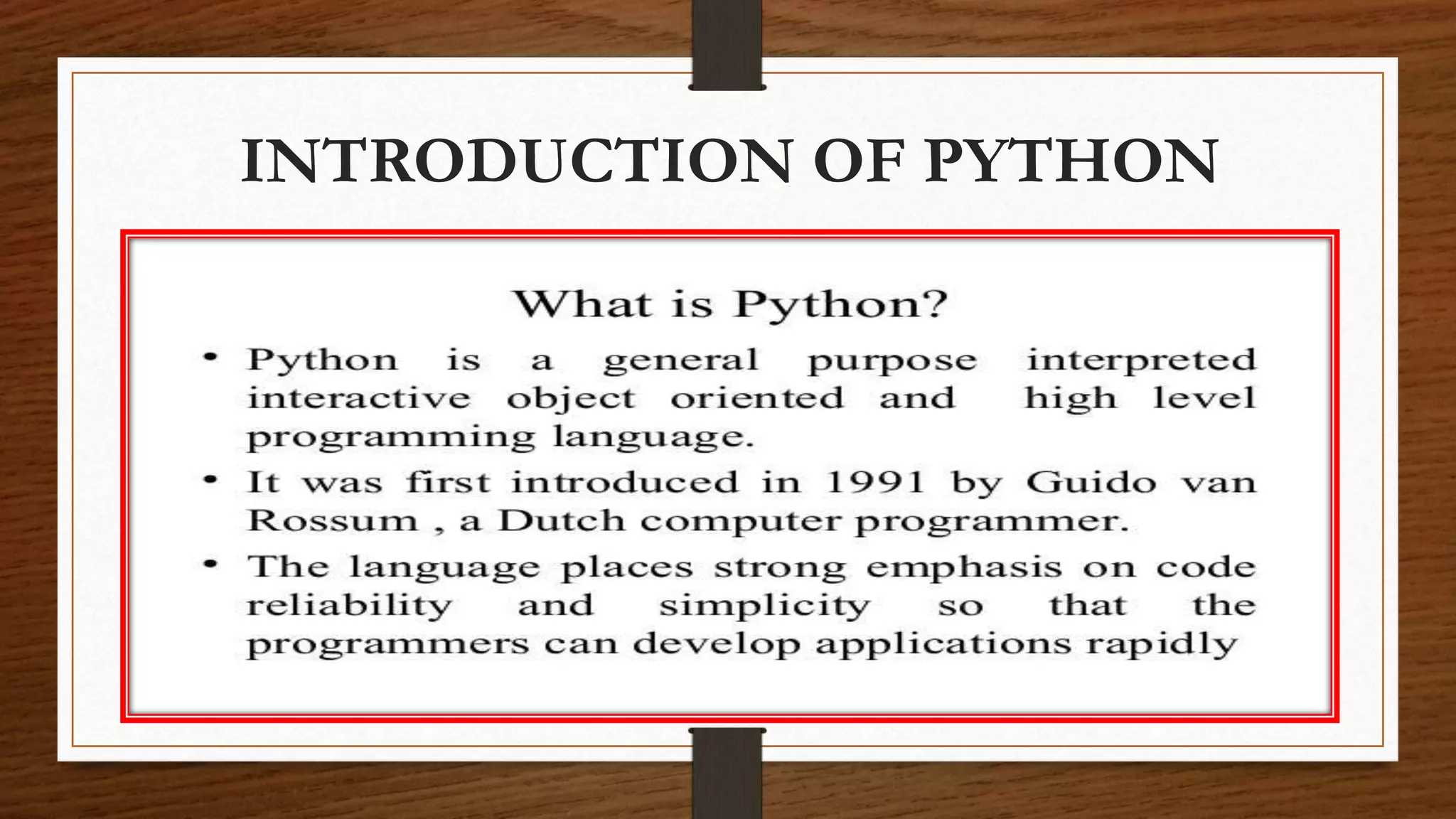
INTRODUCTION OF PYTHON
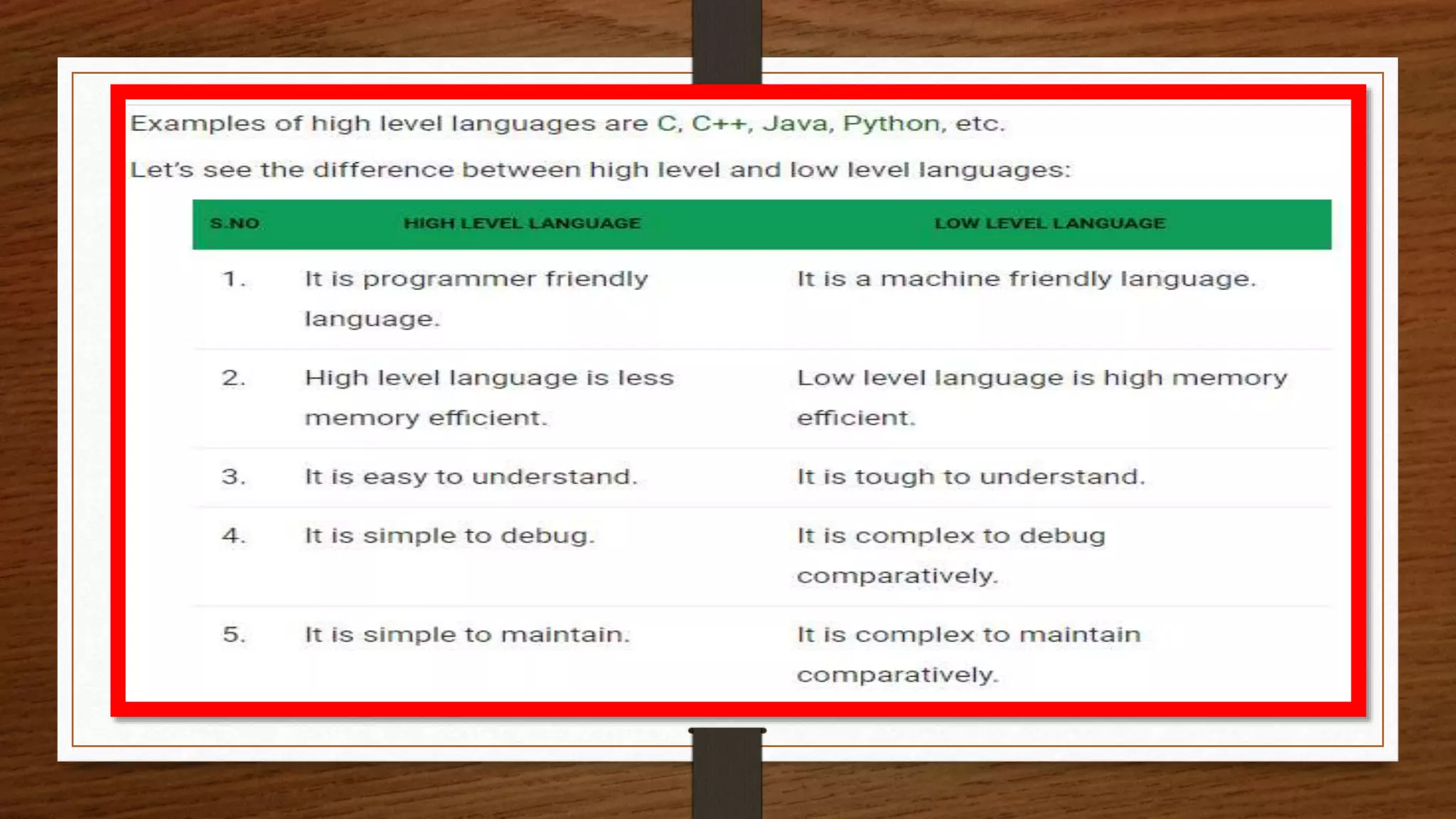
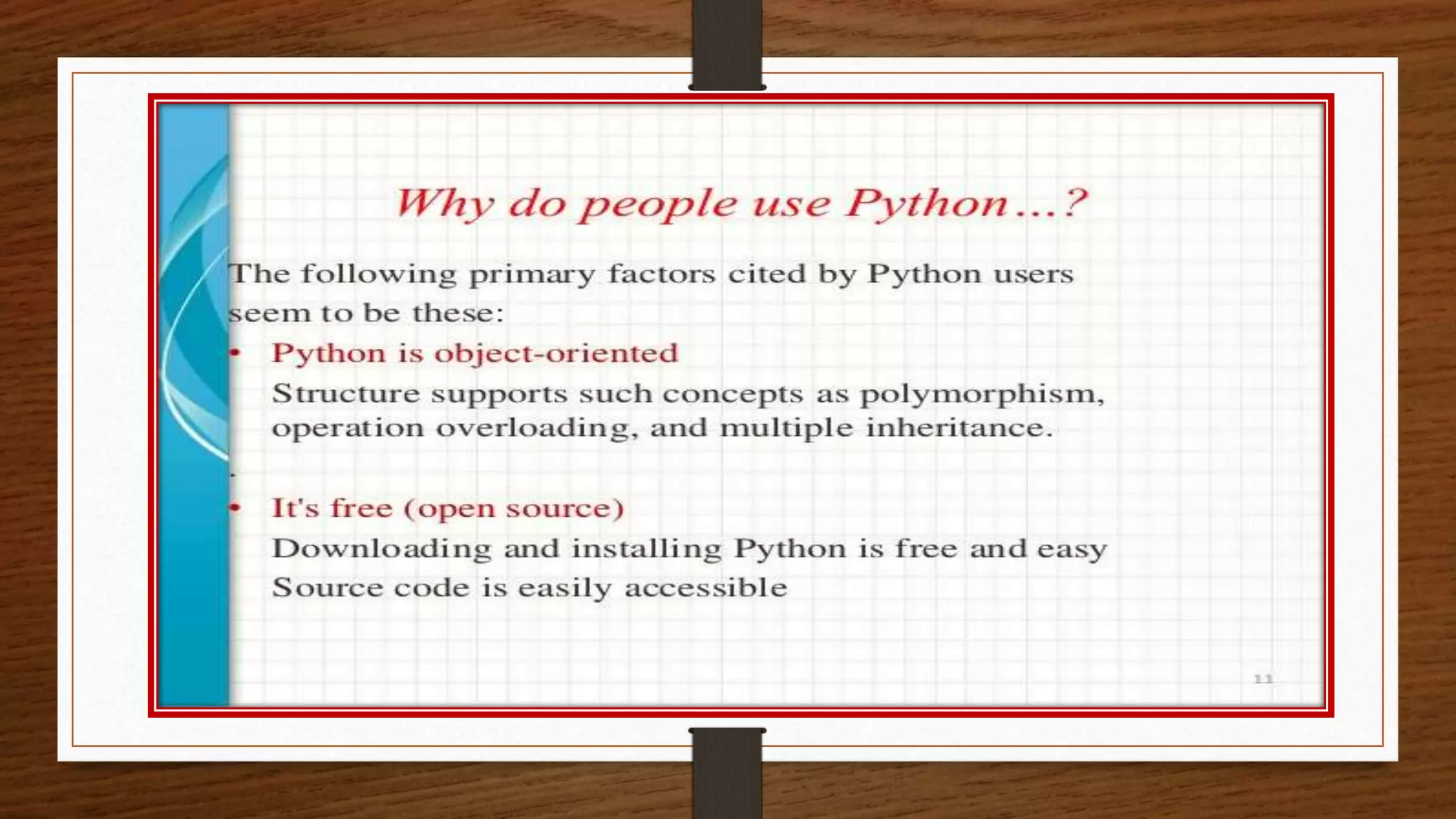
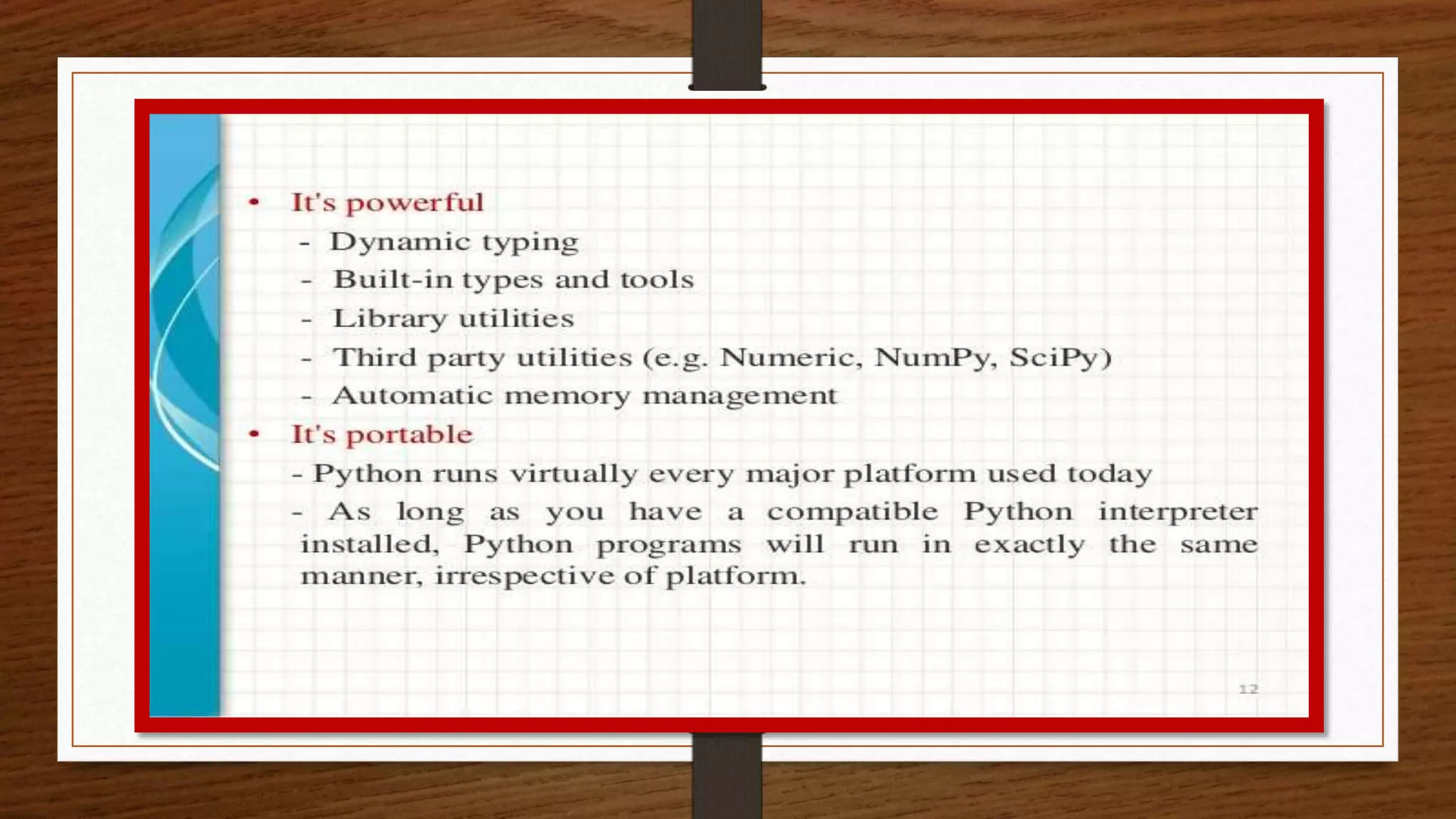
ADVANTAGES
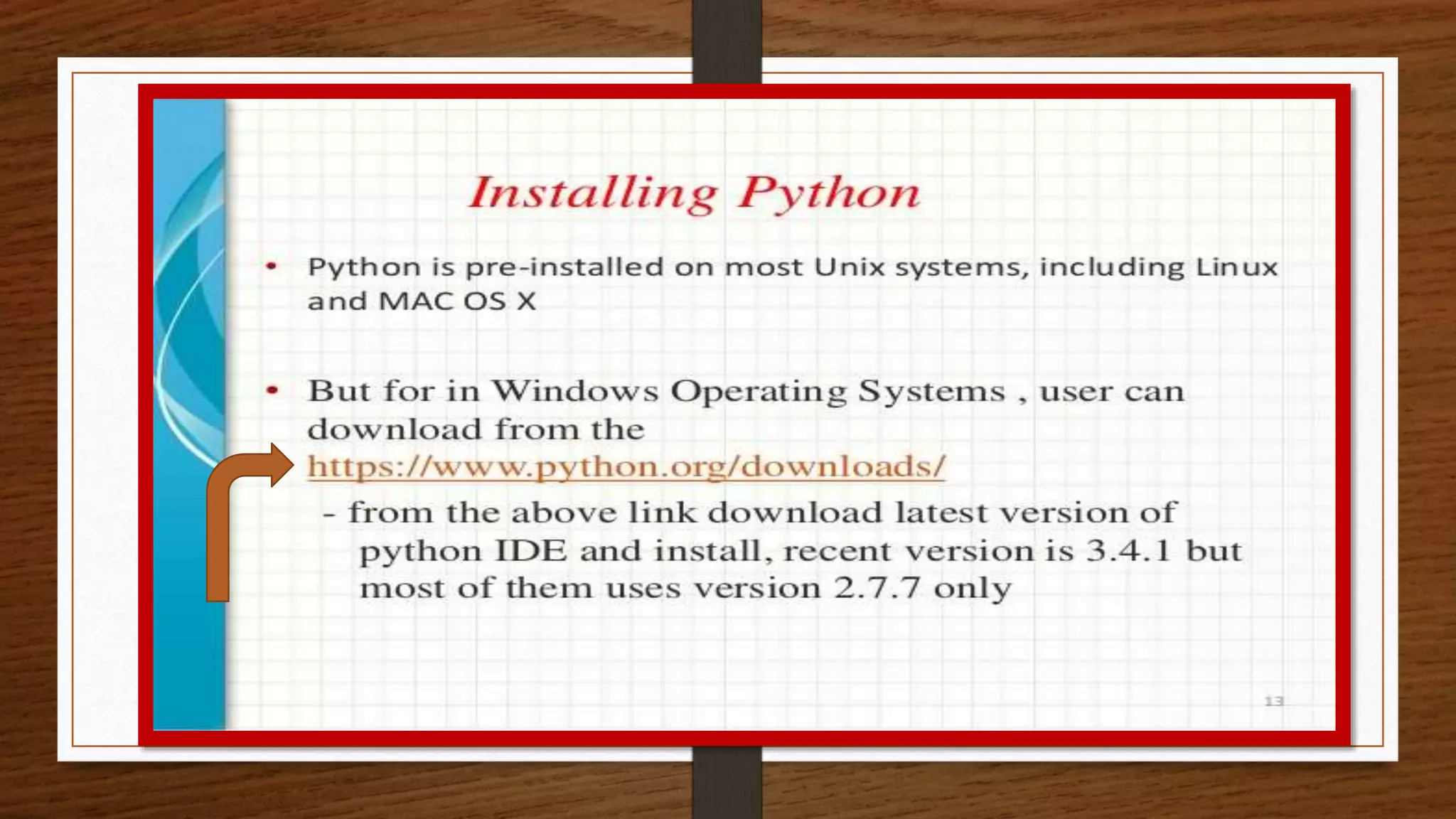
HOW TO INSTALL
PYTHON
DATA TYPES IN
PYTHON
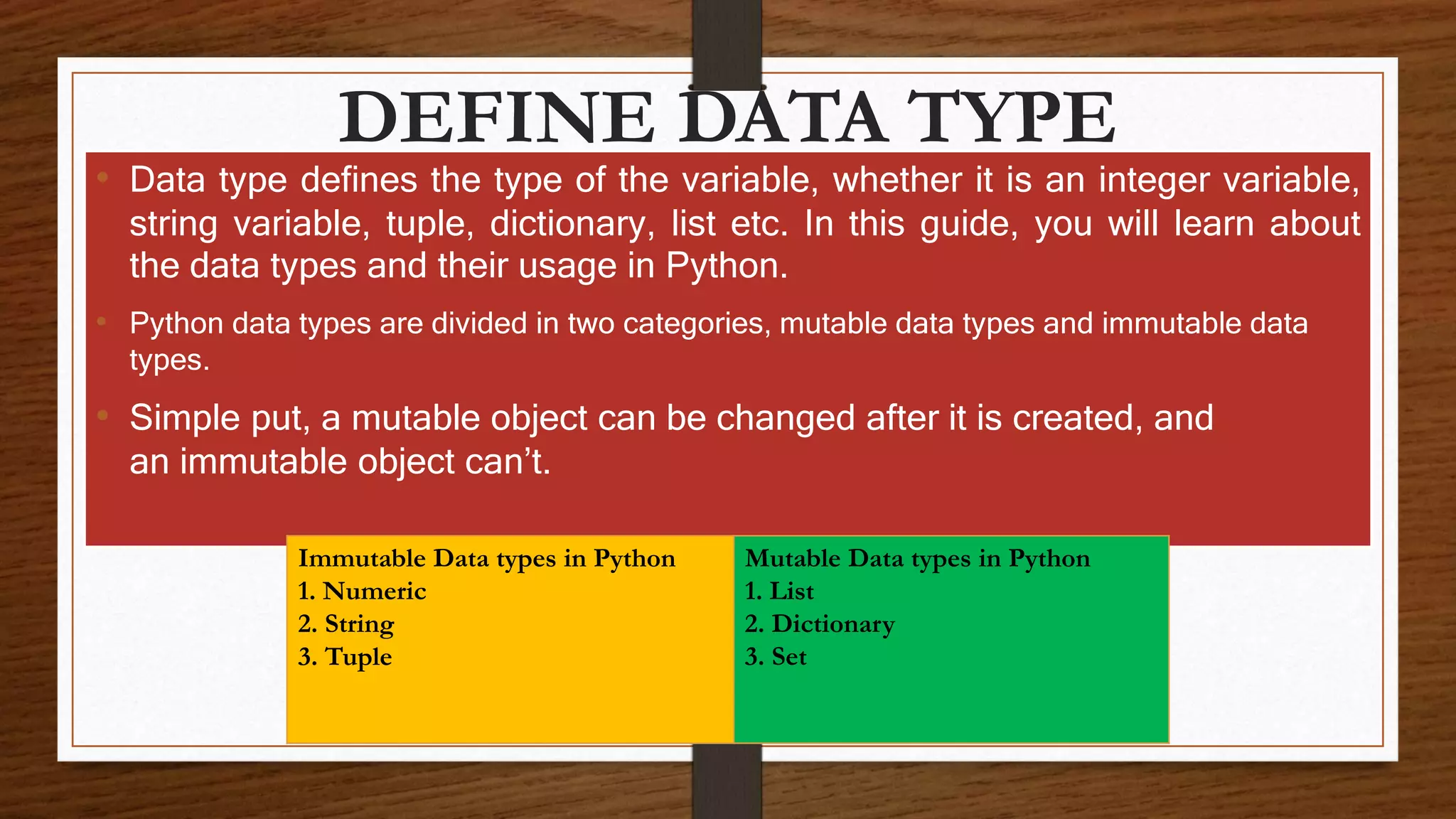
DEFINE DATA TYPE
• Data type defines the type of the variable, whether it is an integer variable,
string variable, tuple, dictionary, list etc. In this guide, you will learn about
the data types and their usage in Python.
• Python data types are divided in two categories, mutable data types and immutable data
types.
• Simple put, a mutable object can be changed after it is created, and
an immutable object can’t.
Immutable Data types in Python
1. Numeric
2. String
3. Tuple
Mutable Data types in Python
1. List
2. Dictionary
3. Set
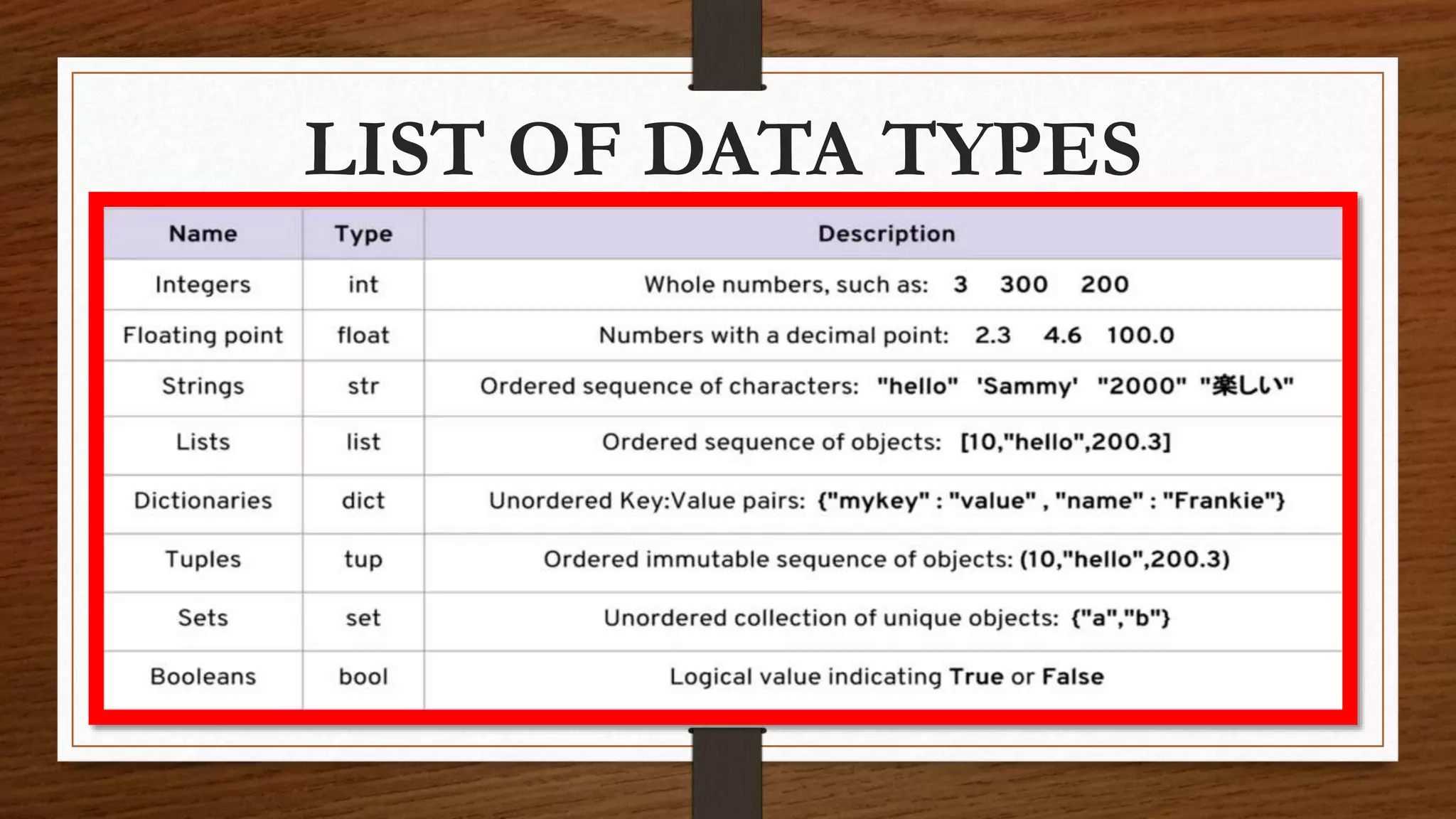
LIST OF DATA TYPES
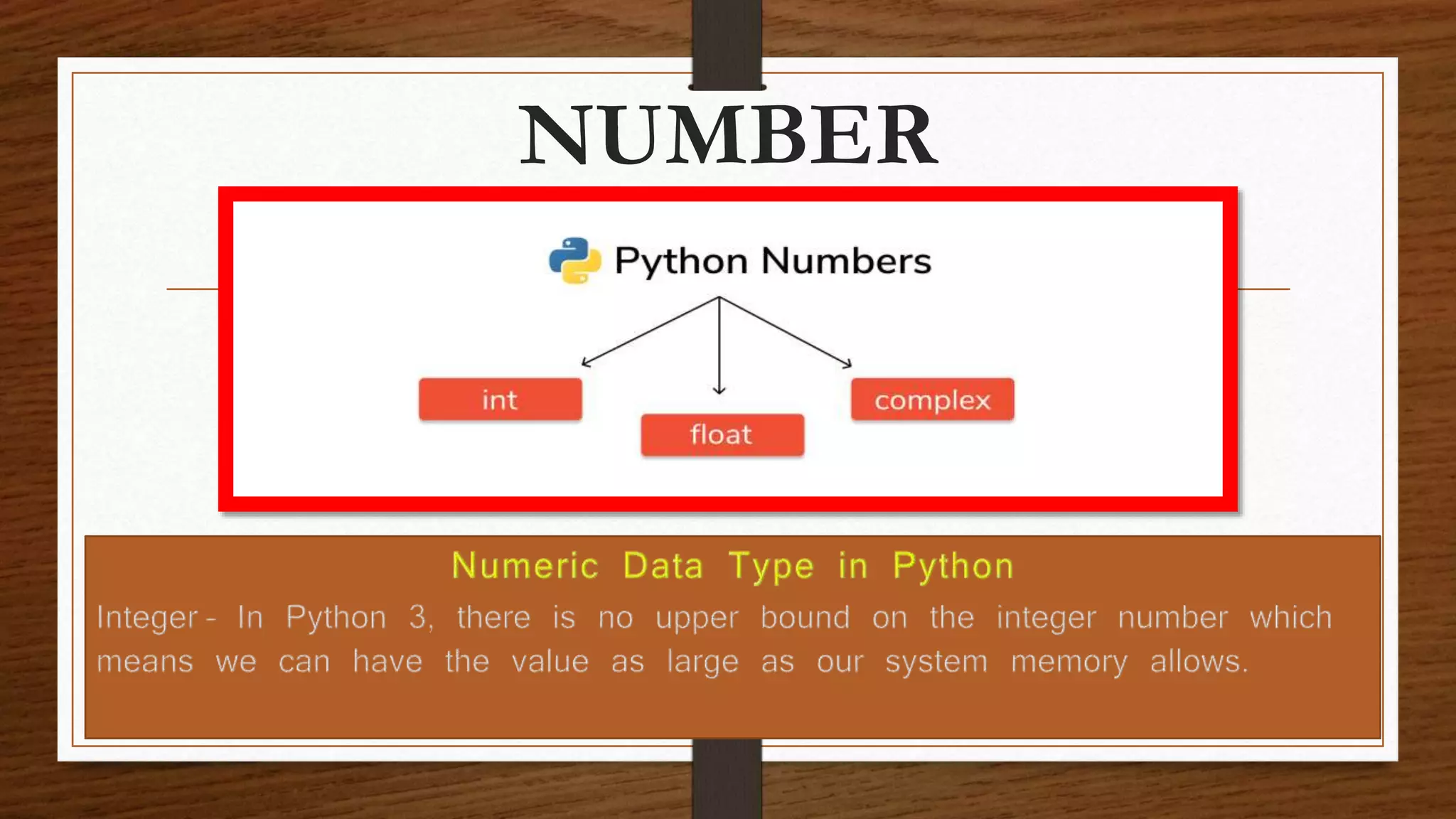
NUMBER
FLOAT & COMPLEX
• Float – Values with decimal points are the float values, there is no need to
specify the data type in Python. It is automatically inferred based on the
value we are assigning to a variable. For example here fnum is a float data
type.
• Complex Number – Numbers with real and imaginary parts are known as
complex numbers. Unlike other programming language such as Java,
Python is able to identify these complex numbers with the values. In the
following example when we print the type of the variable cnum, it prints as
complex number.
TYPE & COMMENTS
The type() function returns the type of the
specified object.
Comments can be used to explain Python code.
Comments can be used to make the code more
readable.
STRING
• String is a sequence of characters in Python. The
data type of String in Python is called “str”.
• Strings in Python are either enclosed with single
quotes or double quotes.
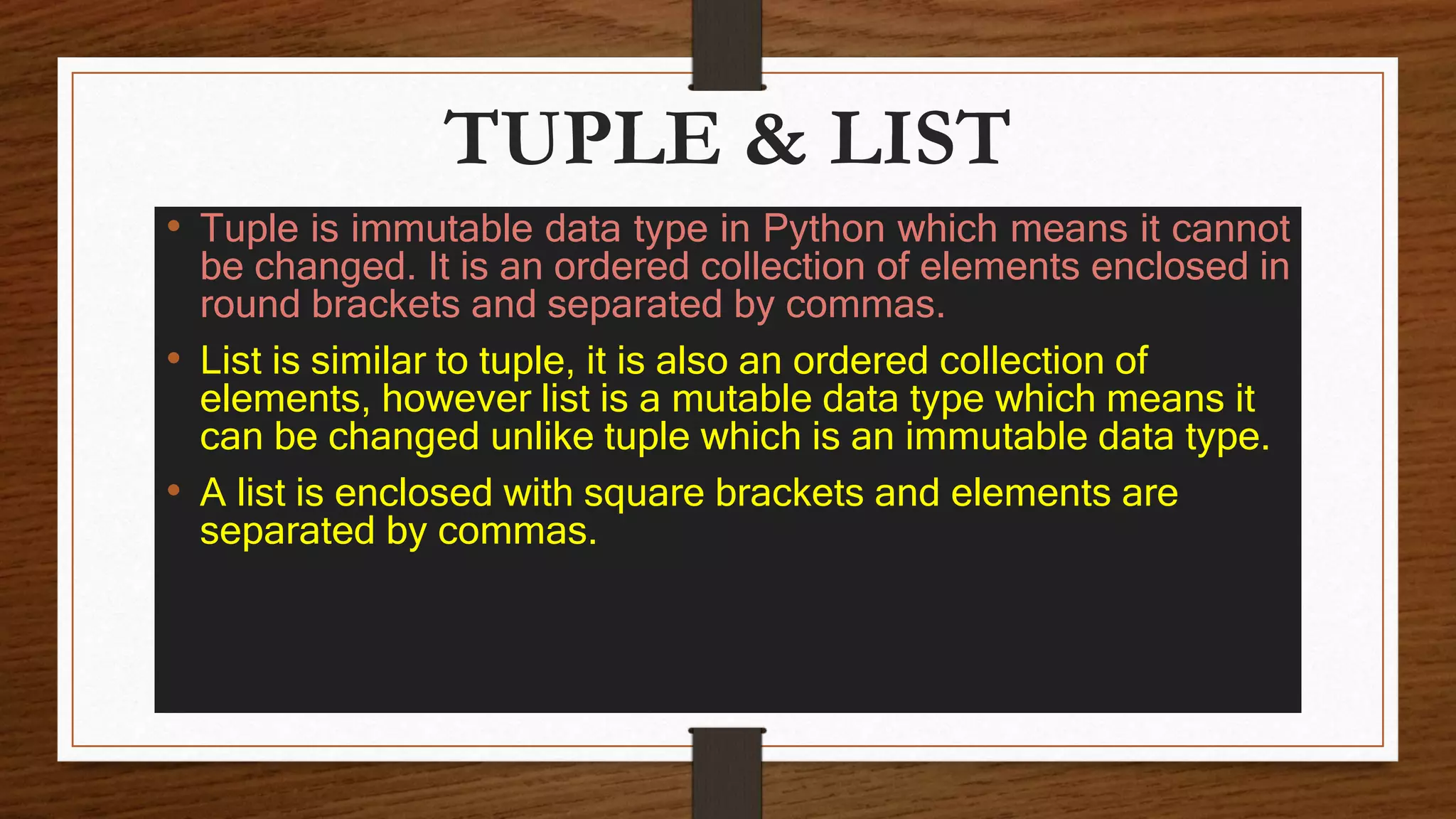
TUPLE & LIST
• Tuple is immutable data type in Python which means it cannot
be changed. It is an ordered collection of elements enclosed in
round brackets and separated by commas.
• List is similar to tuple, it is also an ordered collection of
elements, however list is a mutable data type which means it
can be changed unlike tuple which is an immutable data type.
• A list is enclosed with square brackets and elements are
separated by commas.
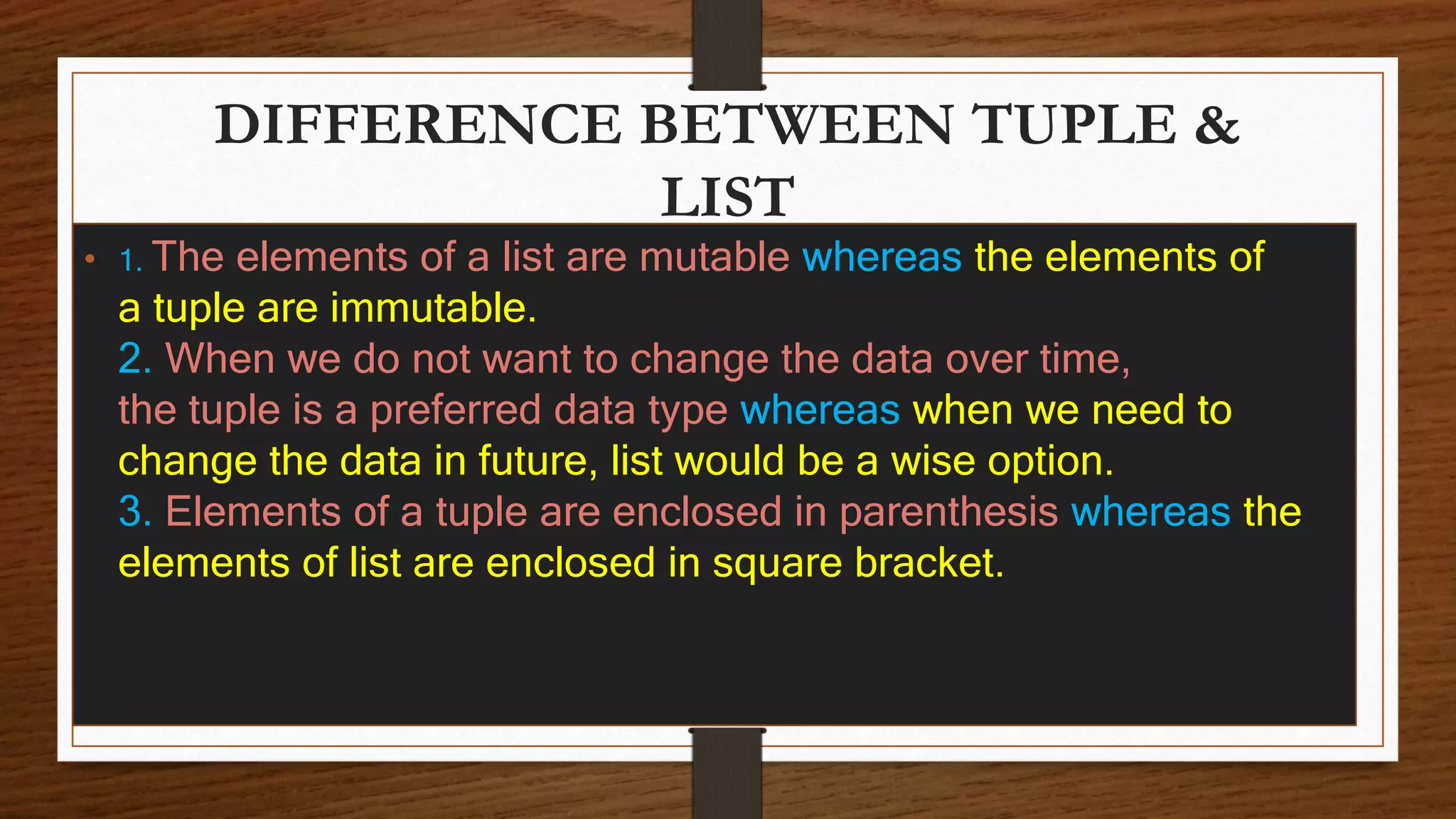
DIFFERENCE BETWEEN TUPLE &
LIST
• 1. The elements of a list are mutable whereas the elements of
a tuple are immutable.
2. When we do not want to change the data over time,
the tuple is a preferred data type whereas when we need to
change the data in future, list would be a wise option.
3. Elements of a tuple are enclosed in parenthesis whereas the
elements of list are enclosed in square bracket.
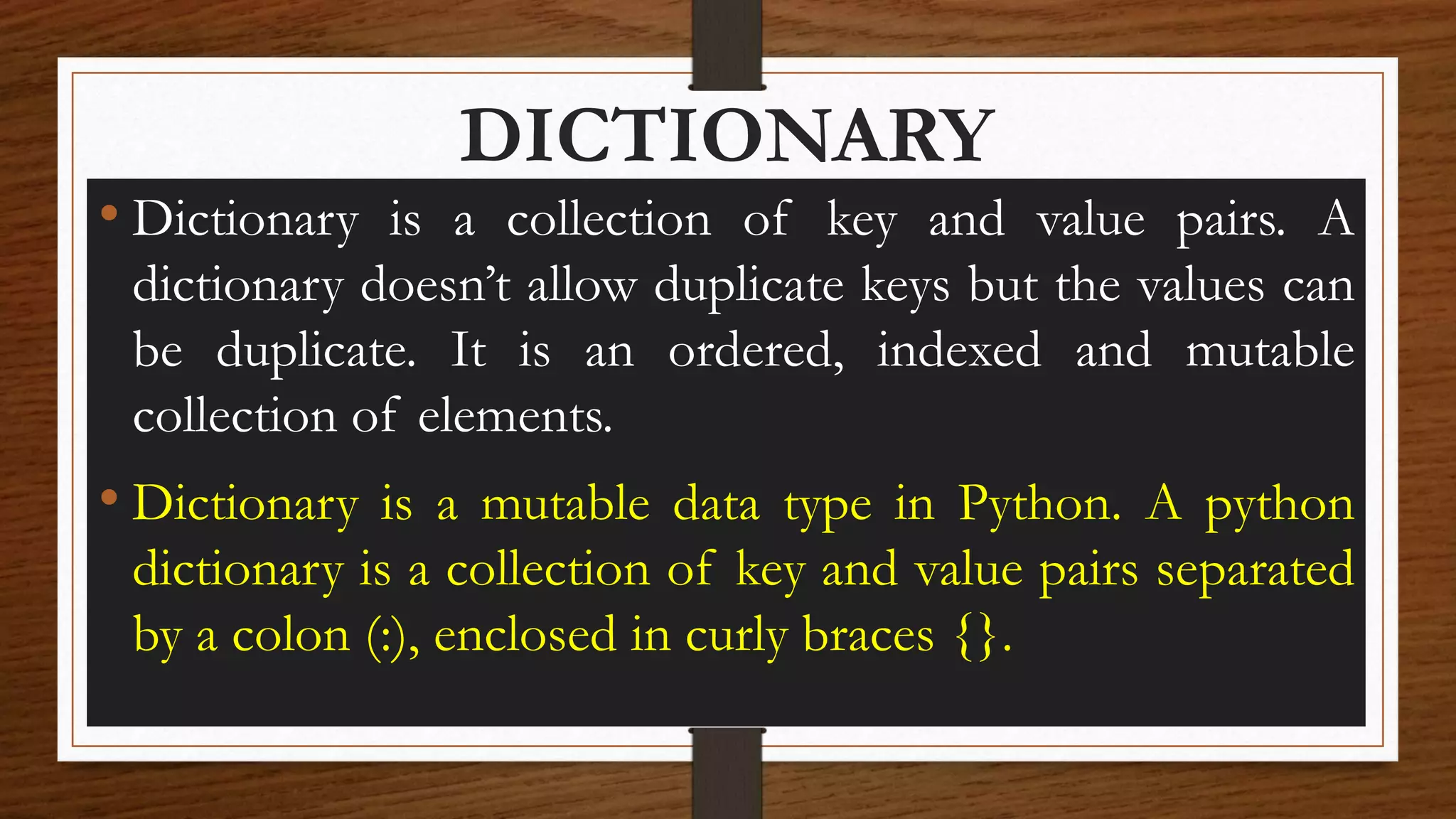
DICTIONARY
• Dictionary is a collection of key and value pairs. A
dictionary doesn’t allow duplicate keys but the values can
be duplicate. It is an ordered, indexed and mutable
collection of elements.
• Dictionary is a mutable data type in Python. A python
dictionary is a collection of key and value pairs separated
by a colon (:), enclosed in curly braces {}.
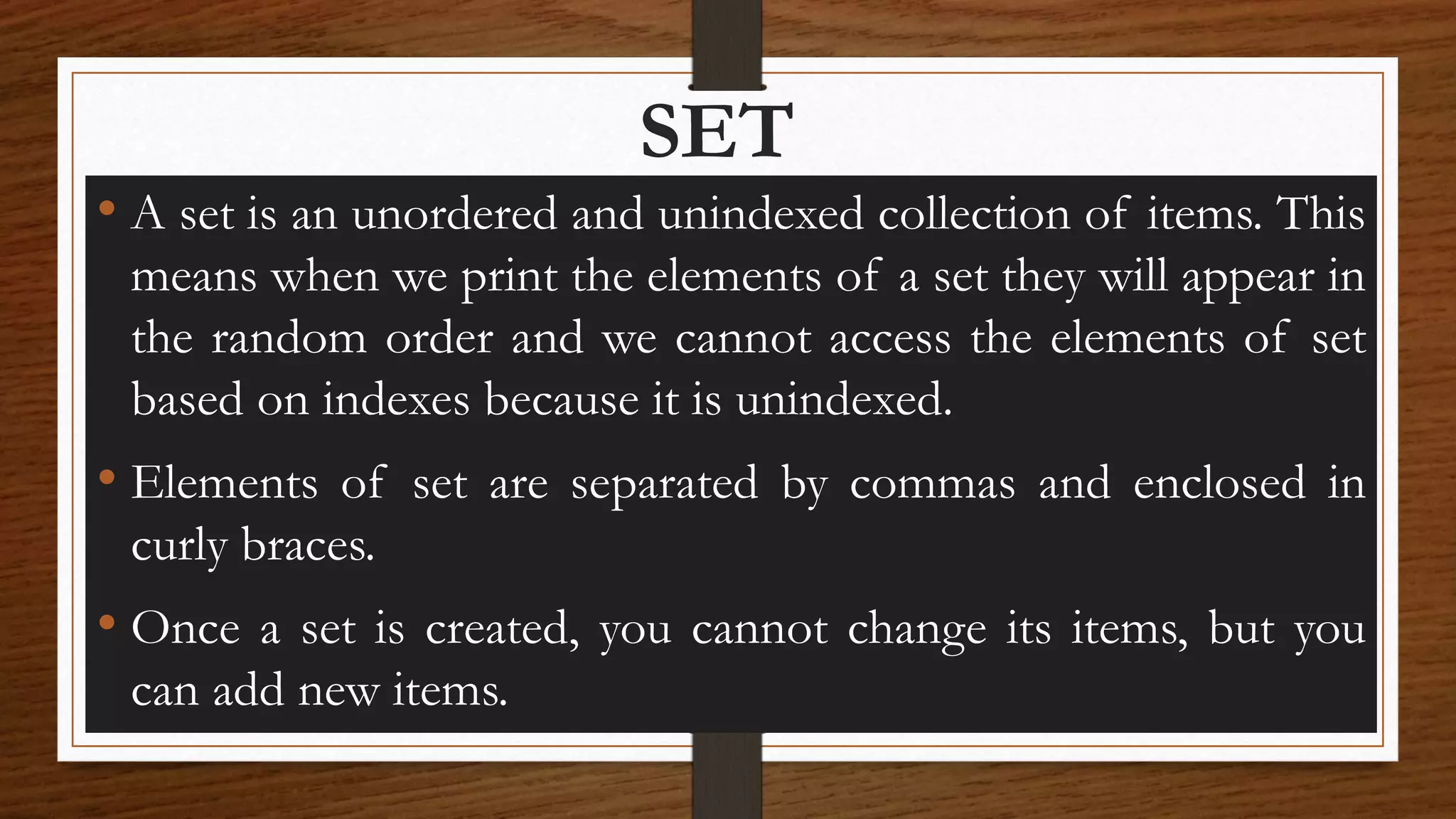
SET
• A set is an unordered and unindexed collection of items. This
means when we print the elements of a set they will appear in
the random order and we cannot access the elements of set
based on indexes because it is unindexed.
• Elements of set are separated by commas and enclosed in
curly braces.
• Once a set is created, you cannot change its items, but you
can add new items.
BOOLEAN
Data type with one of the two built-in
values, True or False.
In fact, there are not many values that evaluates to False, except
empty values, such as (), [], {}, "", the number 0, and the
value None. And of course the value False evaluates to False.
OPERATORS IN
PYTHON
OPERATORS
Operators are special symbols in Python that carry out
arithmetic or logical computation. The value that the operator
operates on is called the operand.
For example:
>>> 2+3 5
Here, + is the operator that performs addition. 2 and 3 are the
operands and 5 is the output of the operation.
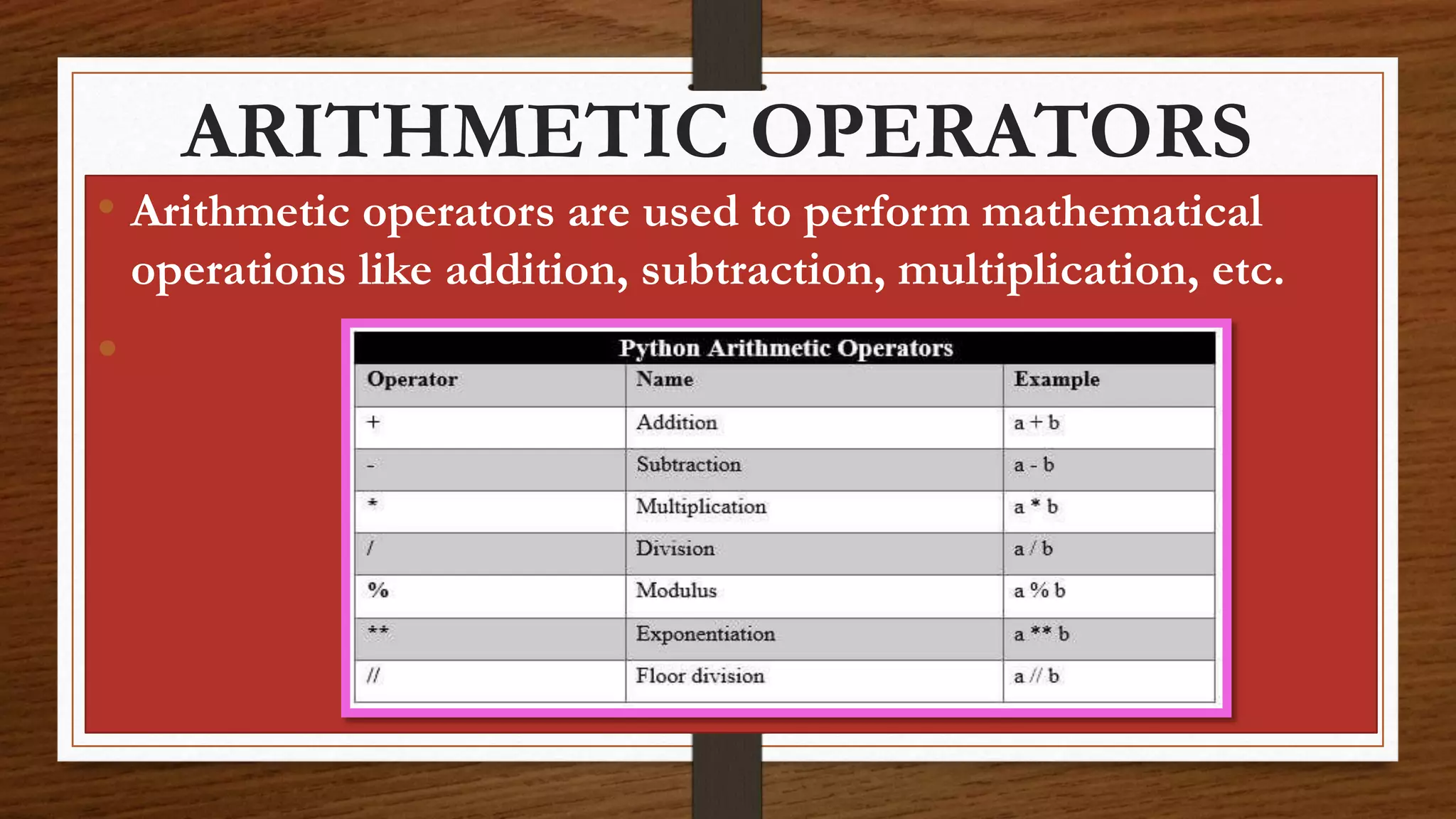
ARITHMETIC OPERATORS
• Arithmetic operators are used to perform mathematical
operations like addition, subtraction, multiplication, etc.
•
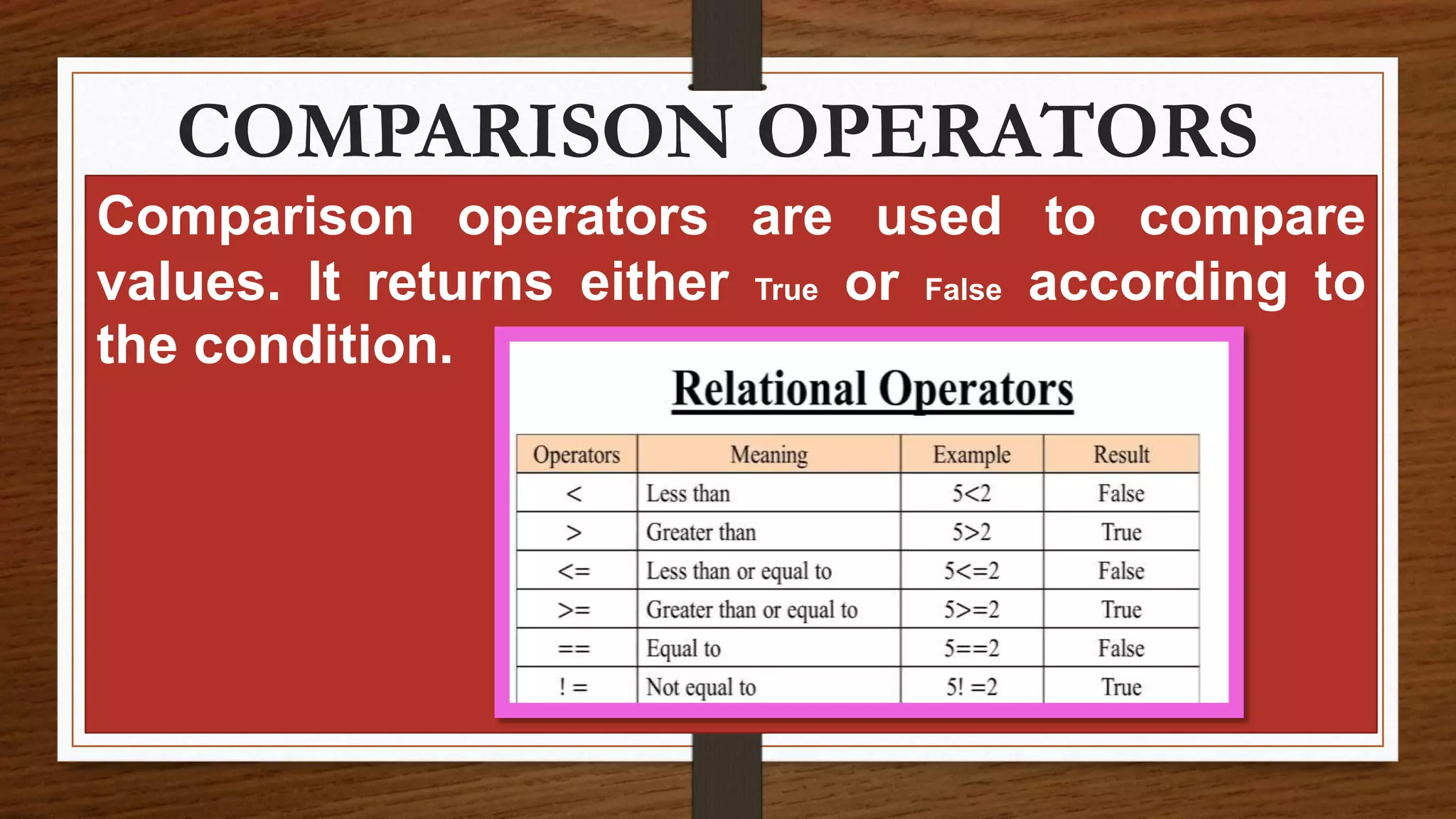
COMPARISON OPERATORS
Comparison operators are used to compare
values. It returns either True or False according to
the condition.
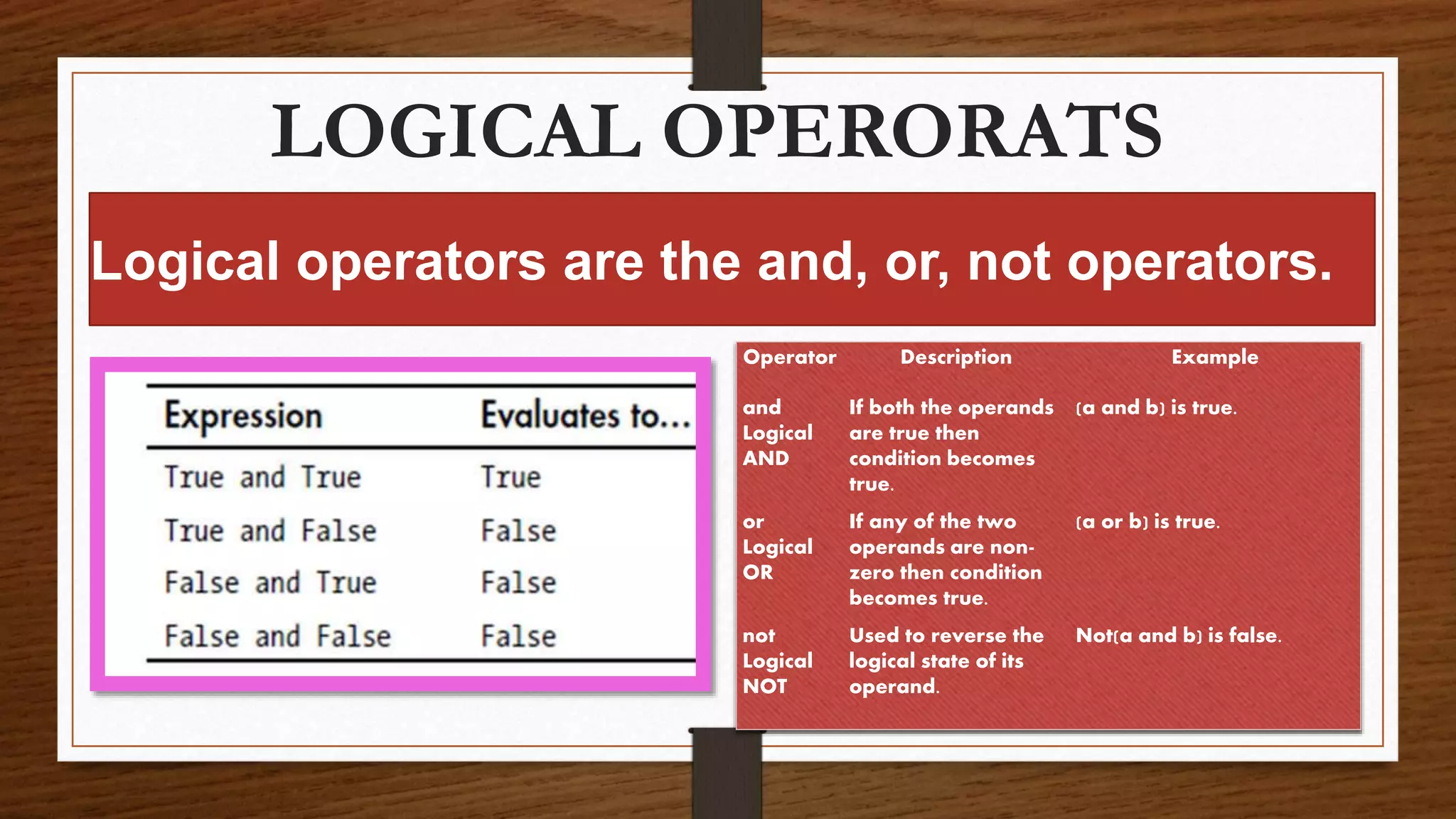
LOGICAL OPERORATS
Logical operators are the and, or, not operators.
Operator Description Example
and
Logical
AND
If both the operands
are true then
condition becomes
true.
(a and b) is true.
or
Logical
OR
If any of the two
operands are non-
zero then condition
becomes true.
(a or b) is true.
not
Logical
NOT
Used to reverse the
logical state of its
operand.
Not(a and b) is false.
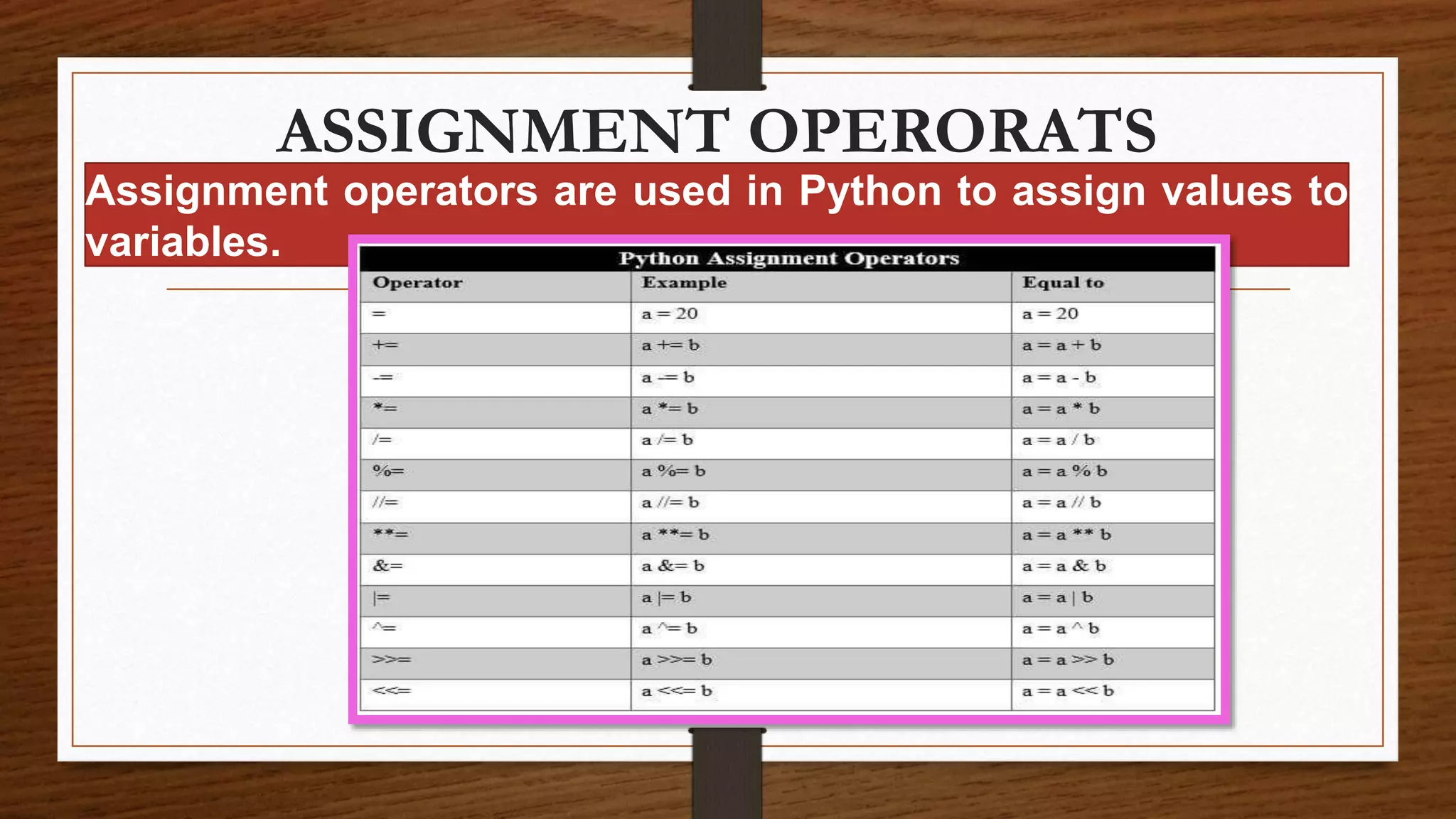
Assignment operators are used in Python to assign values to
variables.
ASSIGNMENT OPERORATS
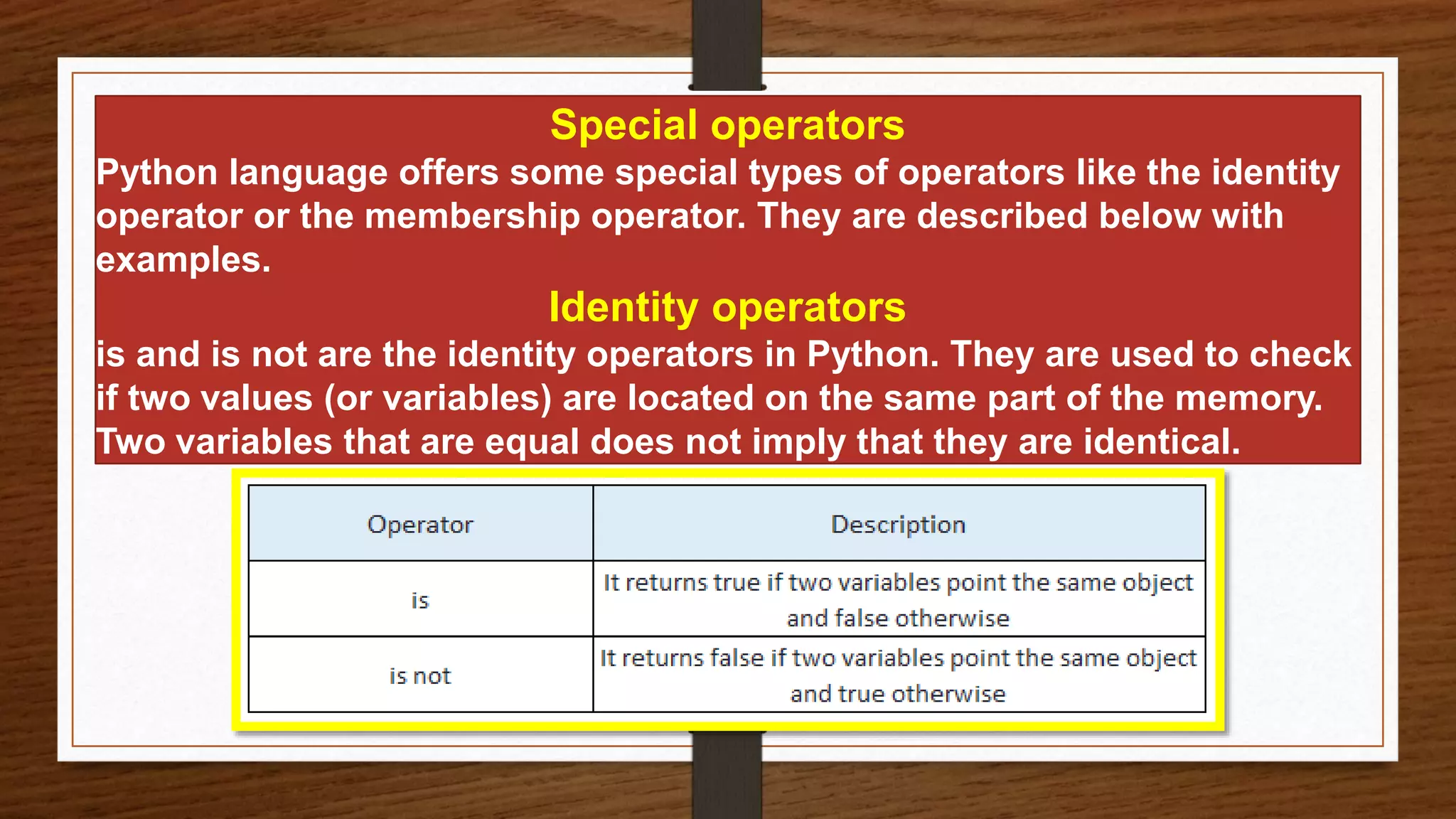
Special operators
Python language offers some special types of operators like the identity
operator or the membership operator. They are described below with
examples.
Identity operators
is and is not are the identity operators in Python. They are used to check
if two values (or variables) are located on the same part of the memory.
Two variables that are equal does not imply that they are identical.
MEMBERSHIP OPERATORS
in and not in are the membership operators in Python. They
are used to test whether a value or variable is found in a
sequence (string, list, tuple, set and dictionary).
In a dictionary we can only test for presence of key, not the
value.
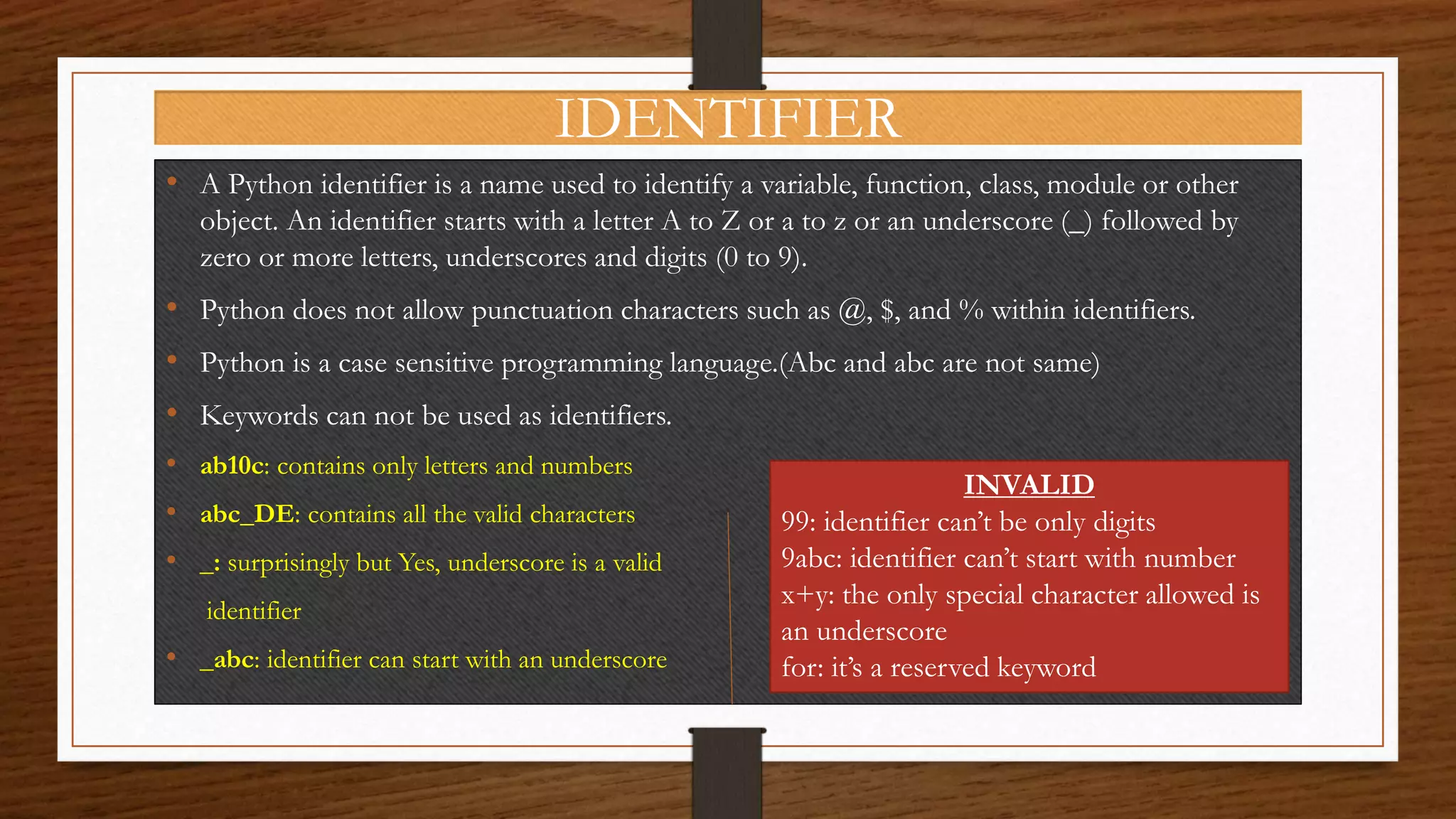
IDENTIFIER
• A Python identifier is a name used to identify a variable, function, class, module or other
object. An identifier starts with a letter A to Z or a to z or an underscore (_) followed by
zero or more letters, underscores and digits (0 to 9).
• Python does not allow punctuation characters such as @, $, and % within identifiers.
• Python is a case sensitive programming language.(Abc and abc are not same)
• Keywords can not be used as identifiers.
• ab10c: contains only letters and numbers
• abc_DE: contains all the valid characters
• _: surprisingly but Yes, underscore is a valid
identifier
• _abc: identifier can start with an underscore
INVALID
99: identifier can’t be only digits
9abc: identifier can’t start with number
x+y: the only special character allowed is
an underscore
for: it’s a reserved keyword
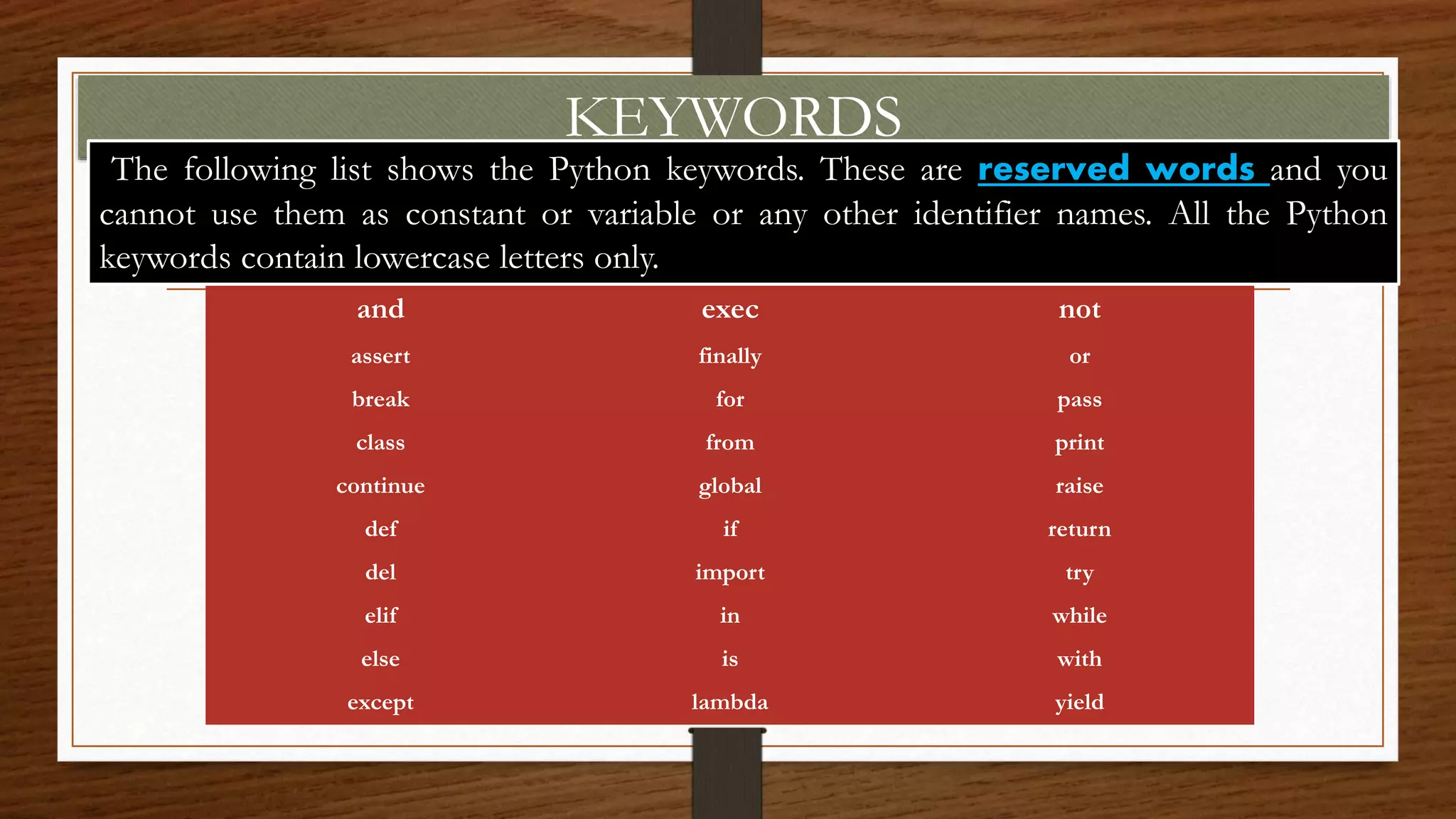
KEYWORDS
and exec not
assert finally or
break for pass
class from print
continue global raise
def if return
del import try
elif in while
else is with
except lambda yield
sThe following list shows the Python keywords. These are reserved words and you
cannot use them as constant or variable or any other identifier names. All the Python
keywords contain lowercase letters only.
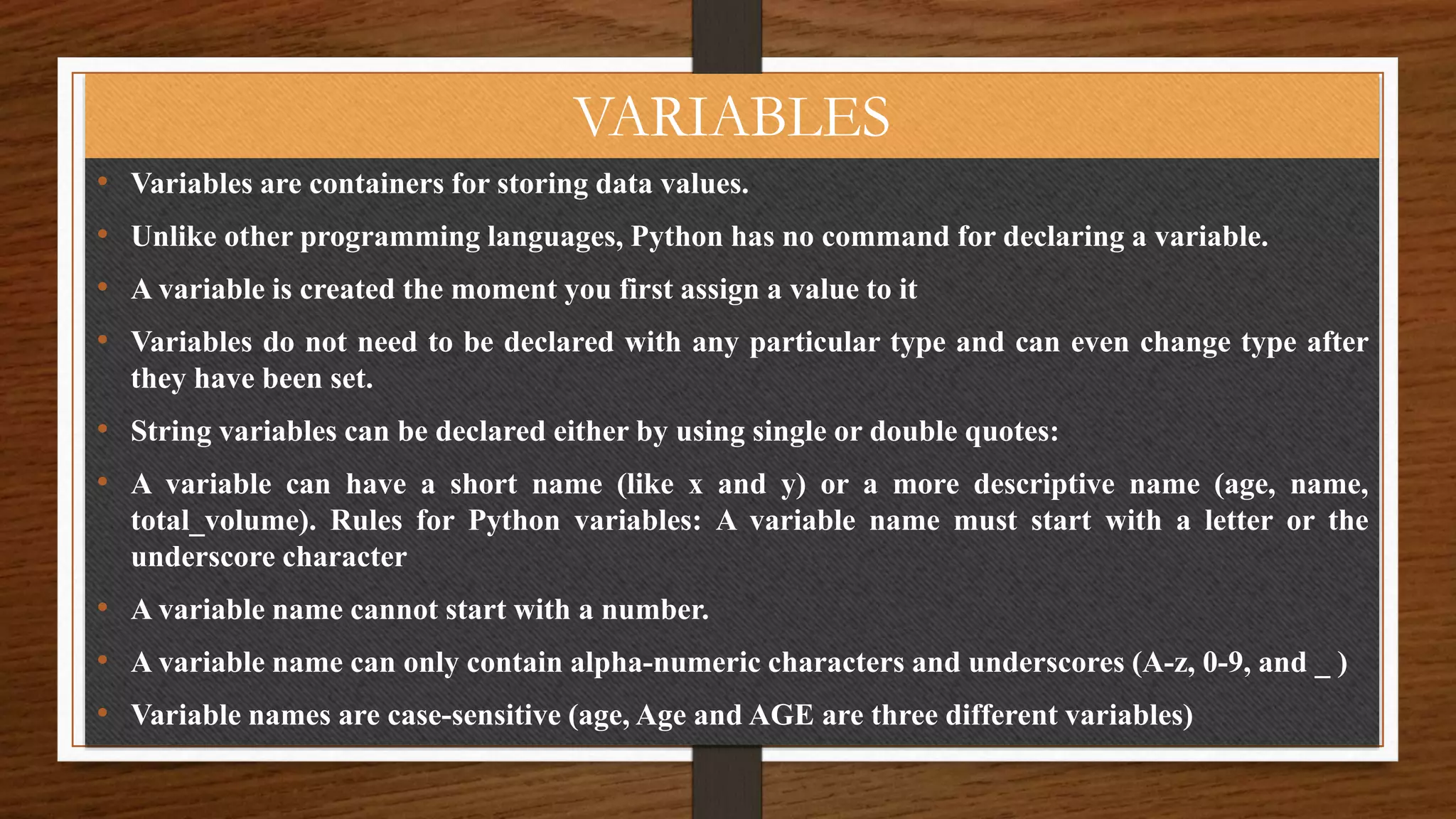
VARIABLES
• Variables are containers for storing data values.
• Unlike other programming languages, Python has no command for declaring a variable.
• A variable is created the moment you first assign a value to it
• Variables do not need to be declared with any particular type and can even change type after
they have been set.
• String variables can be declared either by using single or double quotes:
• A variable can have a short name (like x and y) or a more descriptive name (age, name,
total_volume). Rules for Python variables: A variable name must start with a letter or the
underscore character
• A variable name cannot start with a number.
• A variable name can only contain alpha-numeric characters and underscores (A-z, 0-9, and _ )
• Variable names are case-sensitive (age, Age and AGE are three different variables)
CONDITIONAL STATEMENTS
IN PYTHON
The if Condition
• Python supports the usual logical conditions from mathematics:
• Equals: a == b
• Not Equals: a != b
• Less than: a < b
• Less than or equal to: a <= b
• Greater than: a > b
• Greater than or equal to: a >= b
These conditions can be used in several ways, most commonly in "if statements" and
loops.
An "if statement" is written by using the if keyword. if keyword and the conditional expression
is ended with a colon.
if [conditional expression]:
[statement(s) to execute]
The else Condition
The else keyword catches anything which isn't caught by the preceding
conditions.
Talking about else, let's first see how it is used alongside the if statement.
if[conditional expression]:
[statement to execute]
else:
[alternate statement to execute]
The elif Condition
elif statement is added between if and else blocks.
if[condition #1]:
[statedment #1]
elif[conition #2]:
[statement #2]
elif[condition #3]:
[statement #3]
else:
[statement when if and elif(s) are False]
Nested if..
You can have if statements inside if statements, this is
called nested if statements.
if[condition #1]:
if[condition #1.1]:
[statement to exec if #1 and #1.1 are true]
else:
[statement to if #1 and #1.1 are false]
else:
[alternate statement to execute]
LOOPS IN PYTHON
Python Loops
• Python programming language provides following types of loops
to handle looping requirements.
• Python provides three ways for executing the loops.
• While all the ways provide similar basic functionality, they differ
in their syntax and condition checking time.
• Python has two primitive loop commands:
• WHILE LOOP
• FOR LOOP
WHILE LOOP
In python, while loop is used to execute a block of
statements repeatedly until a given a condition is
satisfied. And when the condition becomes false,
the line immediately after the loop in program is
executed.
Syntax :
while expression:
statement(s)
WHILE..ELSE LOOP
• Using else statement with while loops: As discussed above, while loop
executes the block until a condition is satisfied. When the condition becomes
false, the statement immediately after the loop is executed.
The else clause is only executed when your while condition becomes false. If
you break out of the loop, or if an exception is raised, it won’t be executed.
• while condition:
• # execute these statements
• else:
• # execute these statements
CONTINUE & BREAK
IN WHILE LOOP
With the continue statement we can stop the current
iteration, and continue with the next:
With the break statement we can stop the loop even
if the while condition is true:
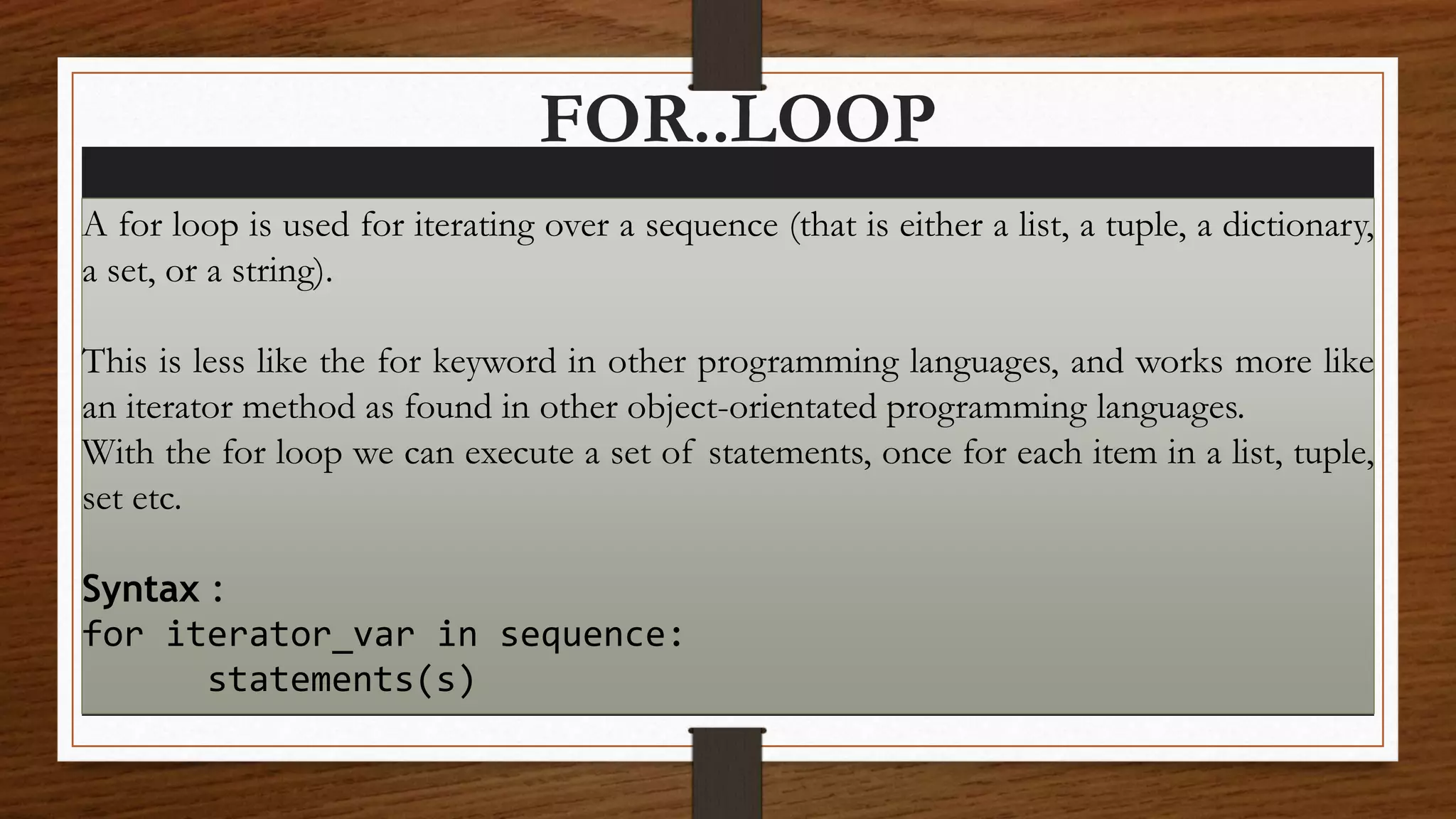
FOR..LOOP
A for loop is used for iterating over a sequence (that is either a list, a tuple, a dictionary,
a set, or a string).
This is less like the for keyword in other programming languages, and works more like
an iterator method as found in other object-orientated programming languages.
With the for loop we can execute a set of statements, once for each item in a list, tuple,
set etc.
Syntax :
for iterator_var in sequence:
statements(s)
CONTINUE & BREAK IN FOR LOOP
RANGE FUNCTION
The break Statement
With the break statement we can stop the loop before it has looped through all the items:
The continue Statement
With the continue statement we can stop the current iteration of the loop, and continue with the
next:
The range() Function
To loop through a set of code a specified number of times, we can use the range() function,
The range() function returns a sequence of numbers, starting from 0 by default, and increments
by 1 (by default), and ends at a specified number.
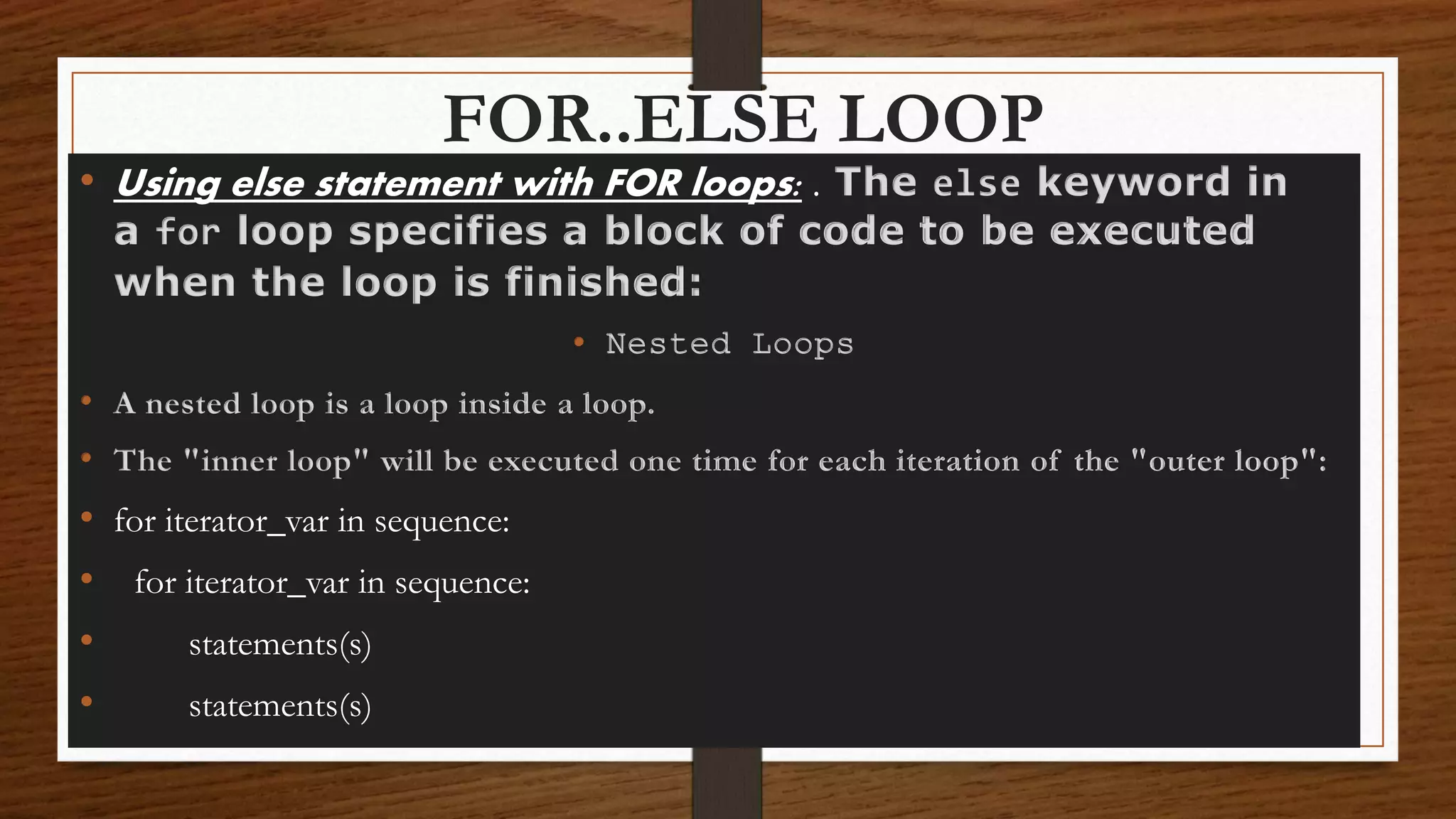
FOR..ELSE LOOP
• Using else statement with FOR loops: . The else keyword in
a for loop specifies a block of code to be executed
when the loop is finished:
• Nested Loops
• A nested loop is a loop inside a loop.
• The "inner loop" will be executed one time for each iteration of the "outer loop":
• for iterator_var in sequence:
• statements(s)
• statements(s)
The pass Statement
for loops cannot be empty, but if you for some reason have
a for loop with no content, put in the pass statement to avoid
getting an error.
FUNCTIONS IN
PYTHON
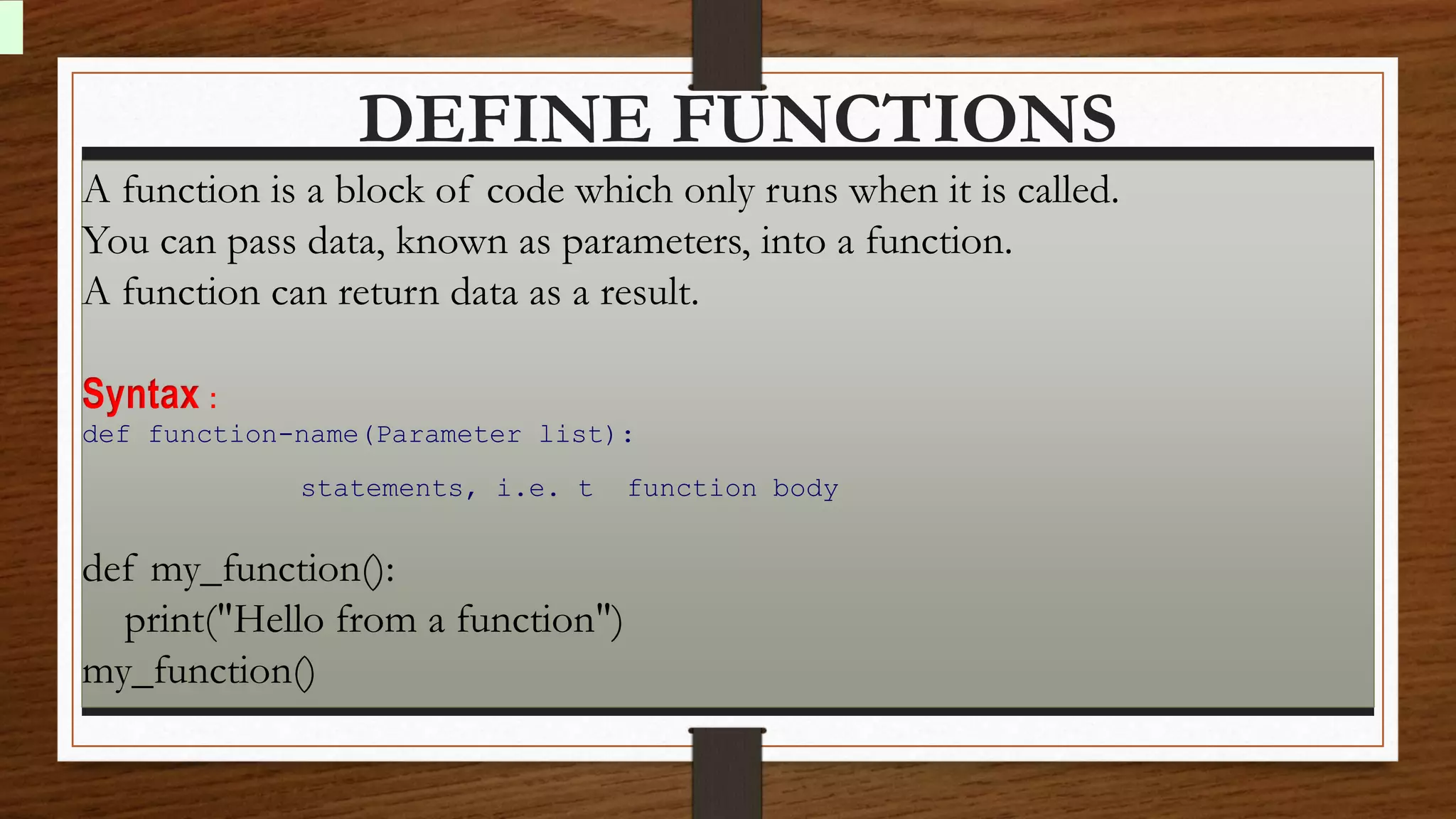
DEFINE FUNCTIONS
A function is a block of code which only runs when it is called.
You can pass data, known as parameters, into a function.
A function can return data as a result.
Syntax :
def function-name(Parameter list):
statements, i.e. t function body
def my_function():
print("Hello from a function")
my_function()
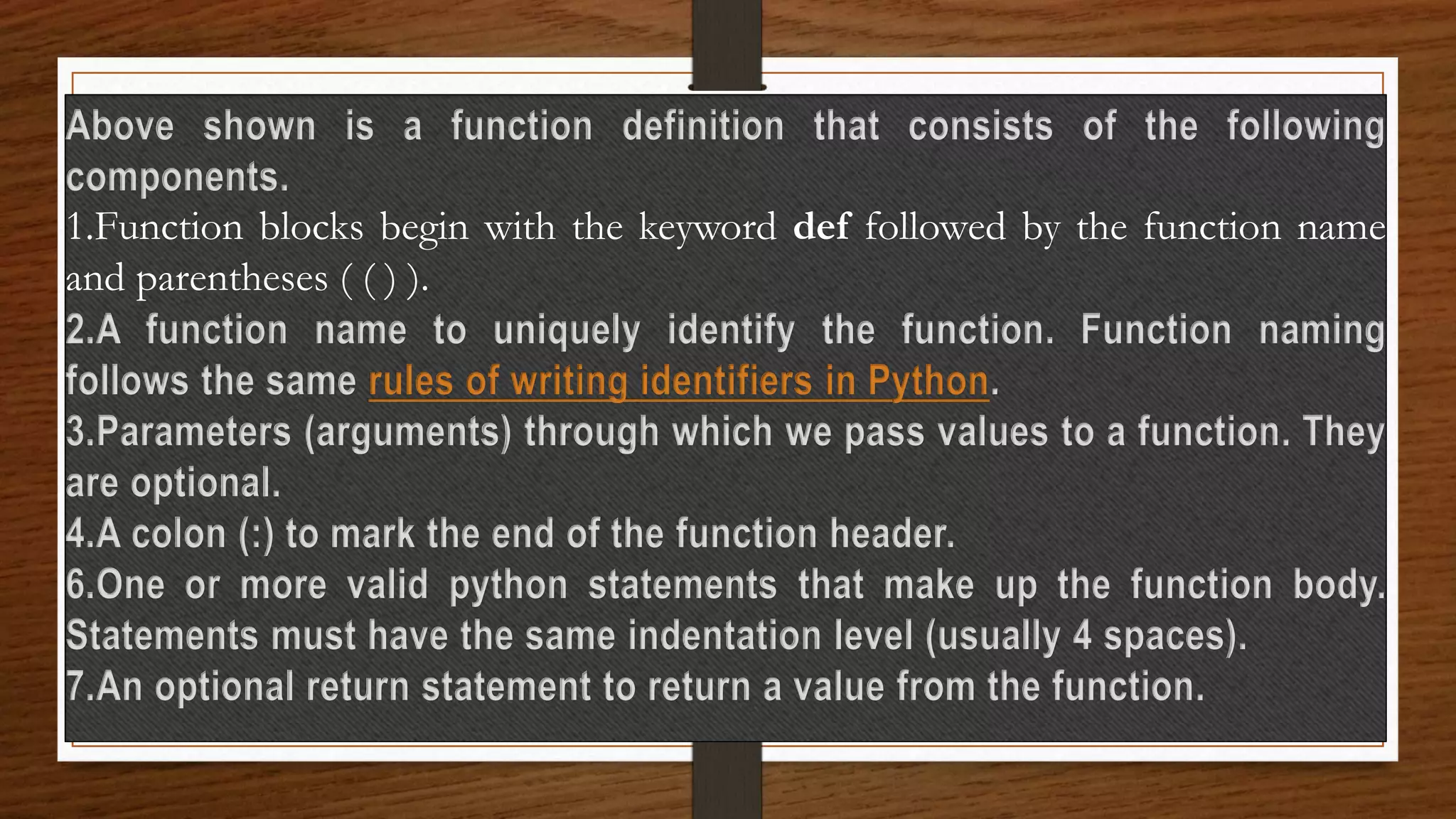
Above shown is a function definition that consists of the following
components.
1.Function blocks begin with the keyword def followed by the function name
and parentheses ( ( ) ).
2.A function name to uniquely identify the function. Function naming
follows the same rules of writing identifiers in Python.
3.Parameters (arguments) through which we pass values to a function. They
are optional.
4.A colon (:) to mark the end of the function header.
6.One or more valid python statements that make up the function body.
Statements must have the same indentation level (usually 4 spaces).
7.An optional return statement to return a value from the function.
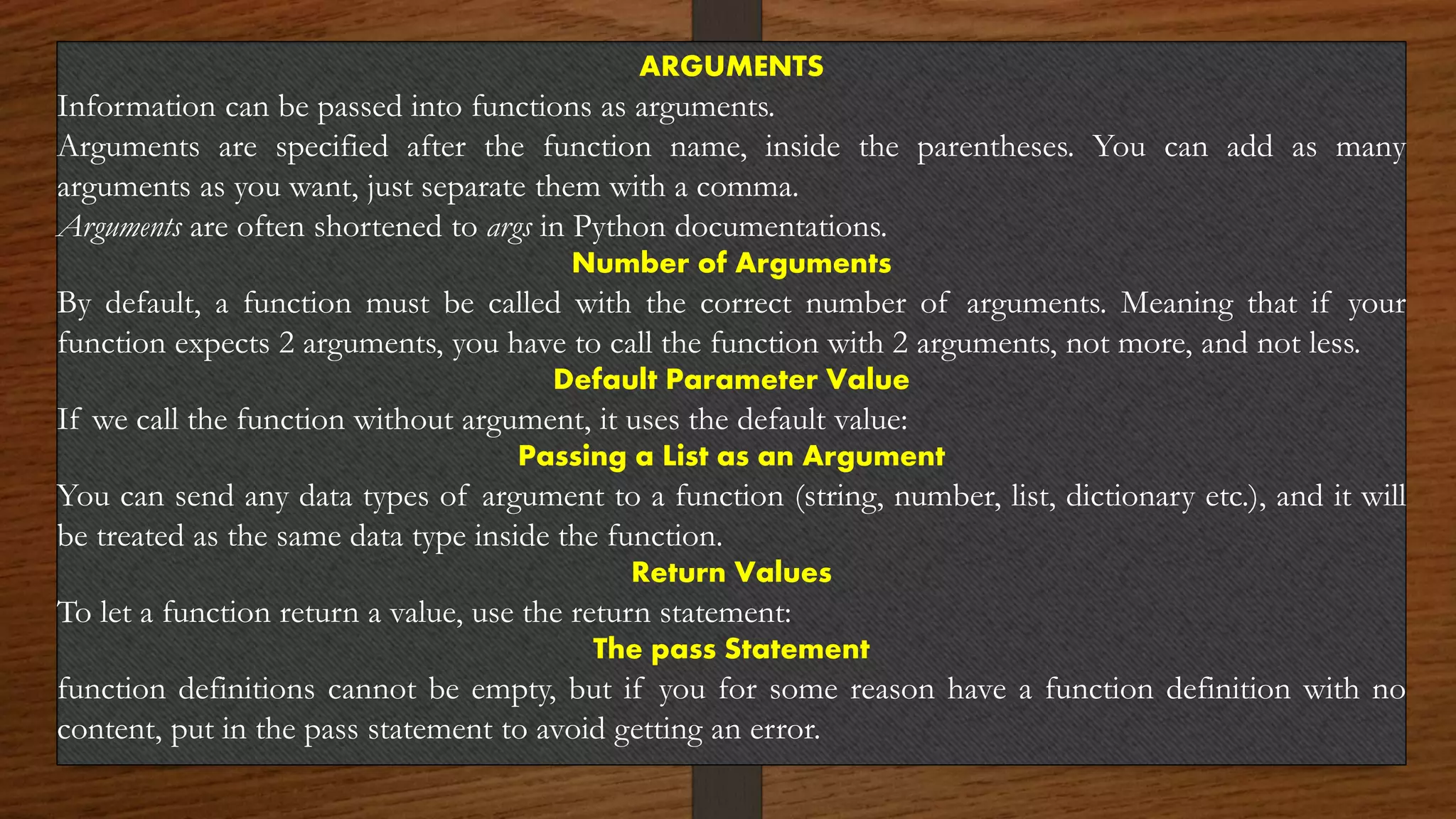
ARGUMENTS
Information can be passed into functions as arguments.
Arguments are specified after the function name, inside the parentheses. You can add as many
arguments as you want, just separate them with a comma.
Arguments are often shortened to args in Python documentations.
Number of Arguments
By default, a function must be called with the correct number of arguments. Meaning that if your
function expects 2 arguments, you have to call the function with 2 arguments, not more, and not less.
Default Parameter Value
If we call the function without argument, it uses the default value:
Passing a List as an Argument
You can send any data types of argument to a function (string, number, list, dictionary etc.), and it will
be treated as the same data type inside the function.
Return Values
To let a function return a value, use the return statement:
The pass Statement
function definitions cannot be empty, but if you for some reason have a function definition with no
content, put in the pass statement to avoid getting an error.
OBJECT CLASSES &
METHOD IN PYTHON
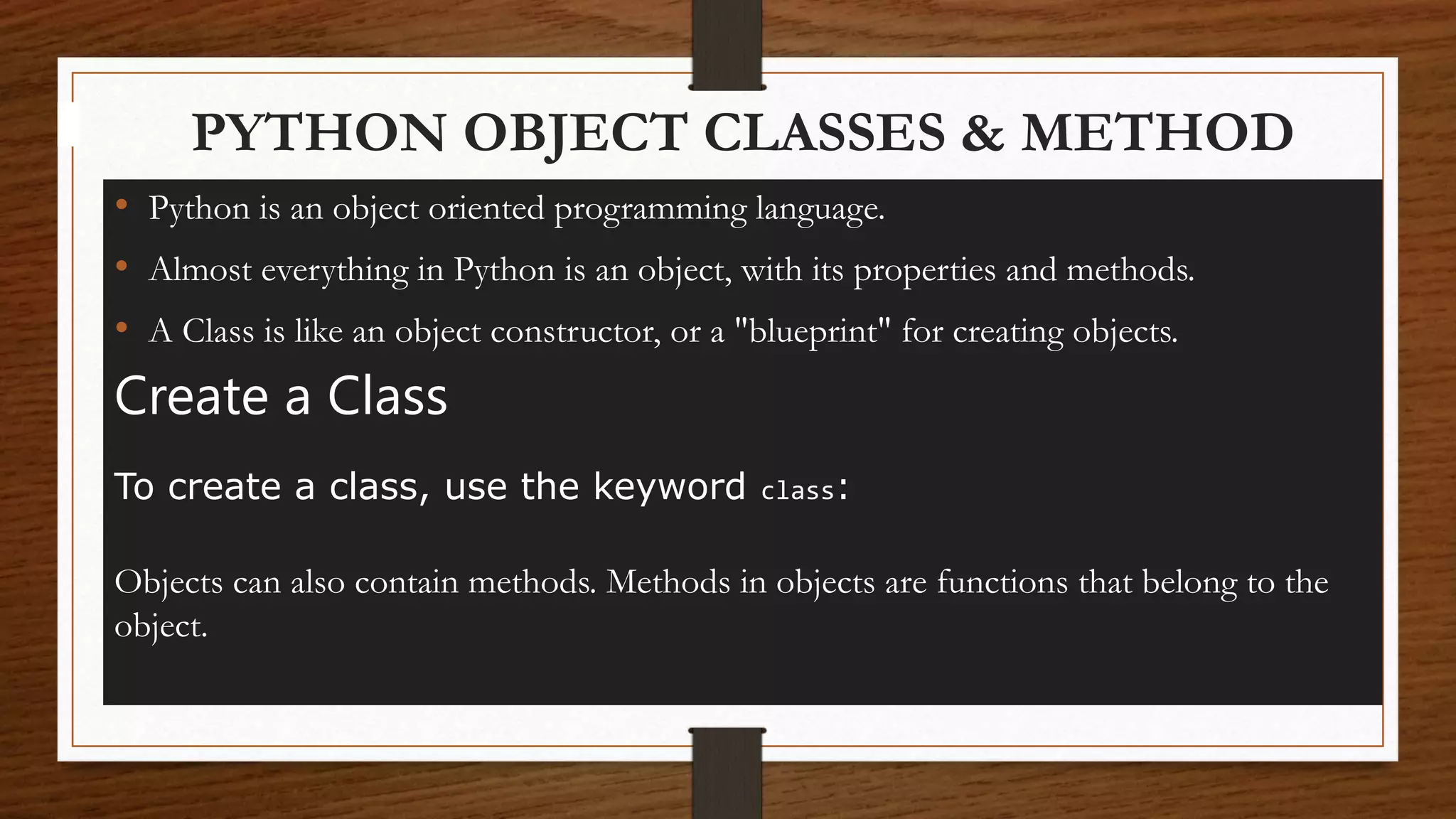
PYTHON OBJECT CLASSES & METHOD
• Python is an object oriented programming language.
• Almost everything in Python is an object, with its properties and methods.
• A Class is like an object constructor, or a "blueprint" for creating objects.
Create a Class
To create a class, use the keyword class:
Objects can also contain methods. Methods in objects are functions that belong to the
object.
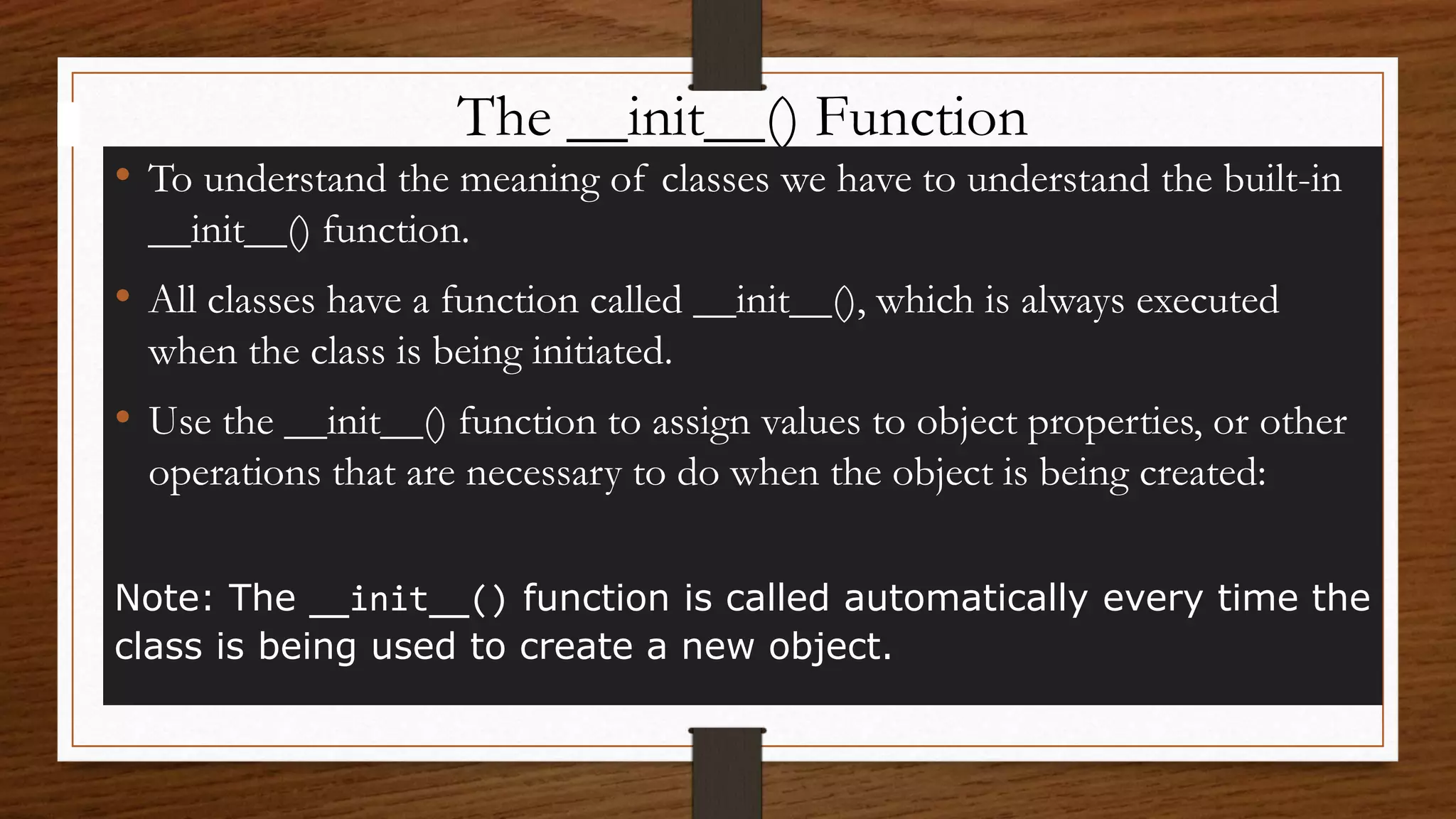
The __init__() Function
• To understand the meaning of classes we have to understand the built-in
__init__() function.
• All classes have a function called __init__(), which is always executed
when the class is being initiated.
• Use the __init__() function to assign values to object properties, or other
operations that are necessary to do when the object is being created:
Note: The __init__() function is called automatically every time the
class is being used to create a new object.
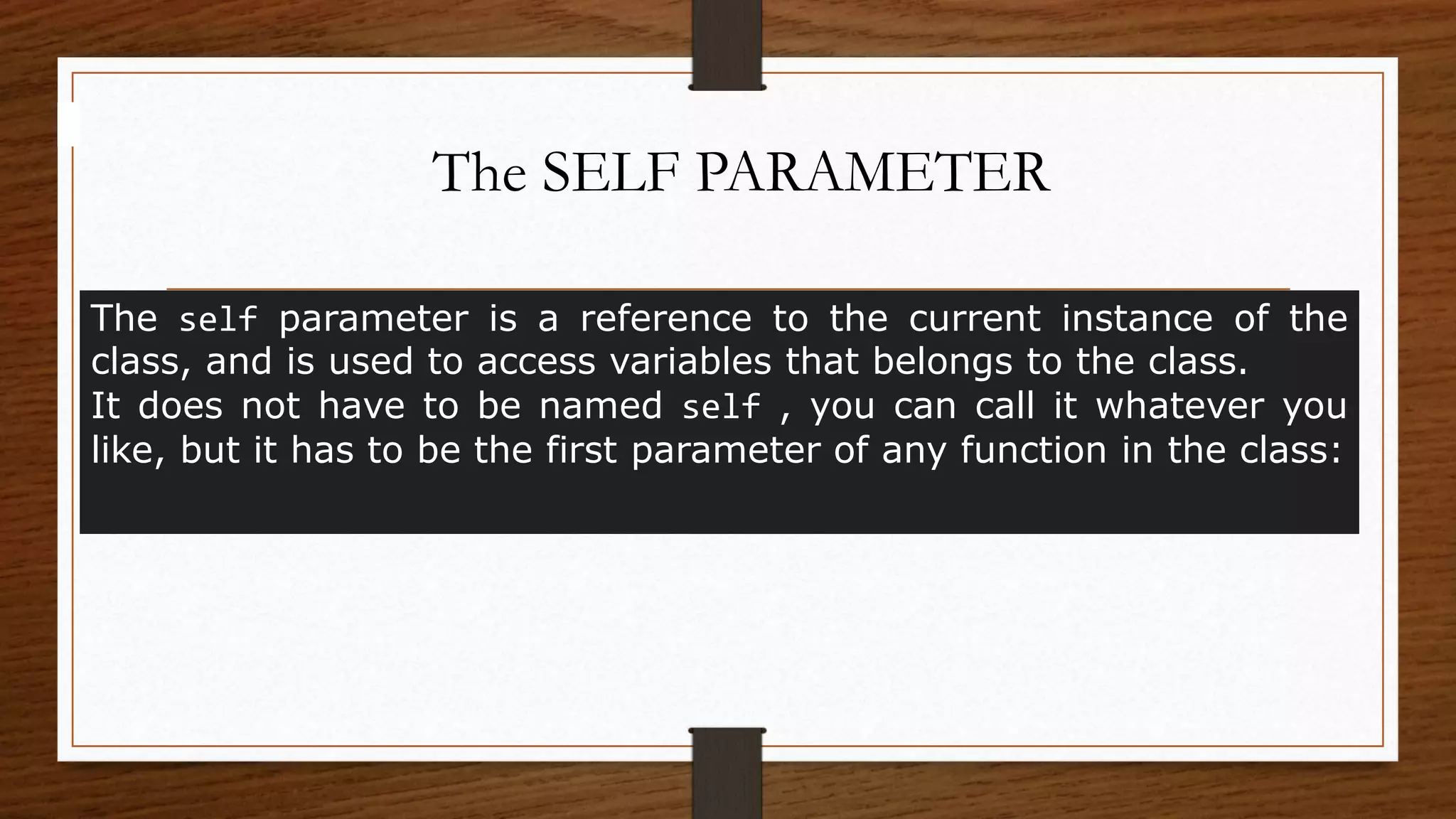
The SELF PARAMETER
The self parameter is a reference to the current instance of the
class, and is used to access variables that belongs to the class.
It does not have to be named self , you can call it whatever you
like, but it has to be the first parameter of any function in the class:
FILE HANDLING IN
PYTHON
FILES
• Files are named locations on disk to store related information. They are used to permanently
store data in a non-volatile memory (e.g. hard disk).
• Since Random Access Memory (RAM) is volatile (which loses its data when the computer is
turned off), we use files for future use of the data by permanently storing them.
• When we want to read from or write to a file, we need to open it first. When we are done, it
needs to be closed so that the resources that are tied with the file are freed.
• Hence, in Python, a file operation takes place in the following order:
• Open a file
• Read or write (perform operation)
• Close the file
FILE HANDLING
File handling is an part of any web application.
• Python has several fun important Actions for creating, reading, updating, and deleting
files.
 The key function for working with files in Python is the open() function.
 The open() function takes two parameters; filename, and mode.
There are four different methods (modes) for opening a file:
 "r" - Read - Default value. Opens a file for reading, error if the file does
not exist
 "a" - Append - Opens a file for appending, creates the file if it does not
exist
 "w" - Write - Opens a file for writing, creates the file if it does not exist
 "x" - Create - Creates the specified file, returns an error if the file exists
Closing Files in Python
When we are done with performing operations on the file, we
need to properly close the file.
Closing a file will free up the resources that were tied with the
file. It is done using the close() method available in Python.
Writing to Files in Python
In order to write into a file in Python, we need to open it in
write w, append a or exclusive creation x mode.
We need to be careful with the w mode, as it will overwrite into
the file if it already exists. Due to this, all the previous data are
erased.
Reading Files in Python
To read a file in Python, we must open the file in
reading r mode.
We can see that the read() method returns a newline as 'n'.
We can our current file cursor (position) using the seek() method. Similarly,
the tell() method returns our current position (in number of bytes).
We can our current file cursor (position) using the seek() method. Similarly,
the tell() method returns our current position (in number of bytes).
Alternatively, we can use the readline() method to read individual lines of a
file. This method reads a file till the newline, including the newline character.
Lastly, the readlines() method returns a list of remaining lines of the entire
file.
python presentation.pptx

python presentation.pptx

  • 1.
  • 2.
  • 4.
  • 8.
  • 12.
  • 13.
    DEFINE DATA TYPE •Data type defines the type of the variable, whether it is an integer variable, string variable, tuple, dictionary, list etc. In this guide, you will learn about the data types and their usage in Python. • Python data types are divided in two categories, mutable data types and immutable data types. • Simple put, a mutable object can be changed after it is created, and an immutable object can’t. Immutable Data types in Python 1. Numeric 2. String 3. Tuple Mutable Data types in Python 1. List 2. Dictionary 3. Set
  • 14.
  • 15.
  • 16.
    FLOAT & COMPLEX •Float – Values with decimal points are the float values, there is no need to specify the data type in Python. It is automatically inferred based on the value we are assigning to a variable. For example here fnum is a float data type. • Complex Number – Numbers with real and imaginary parts are known as complex numbers. Unlike other programming language such as Java, Python is able to identify these complex numbers with the values. In the following example when we print the type of the variable cnum, it prints as complex number.
  • 17.
    TYPE & COMMENTS Thetype() function returns the type of the specified object. Comments can be used to explain Python code. Comments can be used to make the code more readable.
  • 18.
    STRING • String isa sequence of characters in Python. The data type of String in Python is called “str”. • Strings in Python are either enclosed with single quotes or double quotes.
  • 19.
    TUPLE & LIST •Tuple is immutable data type in Python which means it cannot be changed. It is an ordered collection of elements enclosed in round brackets and separated by commas. • List is similar to tuple, it is also an ordered collection of elements, however list is a mutable data type which means it can be changed unlike tuple which is an immutable data type. • A list is enclosed with square brackets and elements are separated by commas.
  • 20.
    DIFFERENCE BETWEEN TUPLE& LIST • 1. The elements of a list are mutable whereas the elements of a tuple are immutable. 2. When we do not want to change the data over time, the tuple is a preferred data type whereas when we need to change the data in future, list would be a wise option. 3. Elements of a tuple are enclosed in parenthesis whereas the elements of list are enclosed in square bracket.
  • 21.
    DICTIONARY • Dictionary isa collection of key and value pairs. A dictionary doesn’t allow duplicate keys but the values can be duplicate. It is an ordered, indexed and mutable collection of elements. • Dictionary is a mutable data type in Python. A python dictionary is a collection of key and value pairs separated by a colon (:), enclosed in curly braces {}.
  • 22.
    SET • A setis an unordered and unindexed collection of items. This means when we print the elements of a set they will appear in the random order and we cannot access the elements of set based on indexes because it is unindexed. • Elements of set are separated by commas and enclosed in curly braces. • Once a set is created, you cannot change its items, but you can add new items.
  • 23.
    BOOLEAN Data type withone of the two built-in values, True or False. In fact, there are not many values that evaluates to False, except empty values, such as (), [], {}, "", the number 0, and the value None. And of course the value False evaluates to False.
  • 24.
  • 25.
    OPERATORS Operators are specialsymbols in Python that carry out arithmetic or logical computation. The value that the operator operates on is called the operand. For example: >>> 2+3 5 Here, + is the operator that performs addition. 2 and 3 are the operands and 5 is the output of the operation.
  • 26.
    ARITHMETIC OPERATORS • Arithmeticoperators are used to perform mathematical operations like addition, subtraction, multiplication, etc. •
  • 27.
    COMPARISON OPERATORS Comparison operatorsare used to compare values. It returns either True or False according to the condition.
  • 28.
    LOGICAL OPERORATS Logical operatorsare the and, or, not operators. Operator Description Example and Logical AND If both the operands are true then condition becomes true. (a and b) is true. or Logical OR If any of the two operands are non- zero then condition becomes true. (a or b) is true. not Logical NOT Used to reverse the logical state of its operand. Not(a and b) is false.
  • 29.
    Assignment operators areused in Python to assign values to variables. ASSIGNMENT OPERORATS
  • 30.
    Special operators Python languageoffers some special types of operators like the identity operator or the membership operator. They are described below with examples. Identity operators is and is not are the identity operators in Python. They are used to check if two values (or variables) are located on the same part of the memory. Two variables that are equal does not imply that they are identical.
  • 31.
    MEMBERSHIP OPERATORS in andnot in are the membership operators in Python. They are used to test whether a value or variable is found in a sequence (string, list, tuple, set and dictionary). In a dictionary we can only test for presence of key, not the value.
  • 32.
    IDENTIFIER • A Pythonidentifier is a name used to identify a variable, function, class, module or other object. An identifier starts with a letter A to Z or a to z or an underscore (_) followed by zero or more letters, underscores and digits (0 to 9). • Python does not allow punctuation characters such as @, $, and % within identifiers. • Python is a case sensitive programming language.(Abc and abc are not same) • Keywords can not be used as identifiers. • ab10c: contains only letters and numbers • abc_DE: contains all the valid characters • _: surprisingly but Yes, underscore is a valid identifier • _abc: identifier can start with an underscore INVALID 99: identifier can’t be only digits 9abc: identifier can’t start with number x+y: the only special character allowed is an underscore for: it’s a reserved keyword
  • 33.
    KEYWORDS and exec not assertfinally or break for pass class from print continue global raise def if return del import try elif in while else is with except lambda yield sThe following list shows the Python keywords. These are reserved words and you cannot use them as constant or variable or any other identifier names. All the Python keywords contain lowercase letters only.
  • 34.
    VARIABLES • Variables arecontainers for storing data values. • Unlike other programming languages, Python has no command for declaring a variable. • A variable is created the moment you first assign a value to it • Variables do not need to be declared with any particular type and can even change type after they have been set. • String variables can be declared either by using single or double quotes: • A variable can have a short name (like x and y) or a more descriptive name (age, name, total_volume). Rules for Python variables: A variable name must start with a letter or the underscore character • A variable name cannot start with a number. • A variable name can only contain alpha-numeric characters and underscores (A-z, 0-9, and _ ) • Variable names are case-sensitive (age, Age and AGE are three different variables)
  • 35.
  • 36.
    The if Condition •Python supports the usual logical conditions from mathematics: • Equals: a == b • Not Equals: a != b • Less than: a < b • Less than or equal to: a <= b • Greater than: a > b • Greater than or equal to: a >= b These conditions can be used in several ways, most commonly in "if statements" and loops. An "if statement" is written by using the if keyword. if keyword and the conditional expression is ended with a colon. if [conditional expression]: [statement(s) to execute]
  • 37.
    The else Condition Theelse keyword catches anything which isn't caught by the preceding conditions. Talking about else, let's first see how it is used alongside the if statement. if[conditional expression]: [statement to execute] else: [alternate statement to execute]
  • 38.
    The elif Condition elifstatement is added between if and else blocks. if[condition #1]: [statedment #1] elif[conition #2]: [statement #2] elif[condition #3]: [statement #3] else: [statement when if and elif(s) are False]
  • 39.
    Nested if.. You canhave if statements inside if statements, this is called nested if statements. if[condition #1]: if[condition #1.1]: [statement to exec if #1 and #1.1 are true] else: [statement to if #1 and #1.1 are false] else: [alternate statement to execute]
  • 40.
  • 41.
    Python Loops • Pythonprogramming language provides following types of loops to handle looping requirements. • Python provides three ways for executing the loops. • While all the ways provide similar basic functionality, they differ in their syntax and condition checking time. • Python has two primitive loop commands: • WHILE LOOP • FOR LOOP
  • 42.
    WHILE LOOP In python,while loop is used to execute a block of statements repeatedly until a given a condition is satisfied. And when the condition becomes false, the line immediately after the loop in program is executed. Syntax : while expression: statement(s)
  • 43.
    WHILE..ELSE LOOP • Usingelse statement with while loops: As discussed above, while loop executes the block until a condition is satisfied. When the condition becomes false, the statement immediately after the loop is executed. The else clause is only executed when your while condition becomes false. If you break out of the loop, or if an exception is raised, it won’t be executed. • while condition: • # execute these statements • else: • # execute these statements
  • 44.
    CONTINUE & BREAK INWHILE LOOP With the continue statement we can stop the current iteration, and continue with the next: With the break statement we can stop the loop even if the while condition is true:
  • 45.
    FOR..LOOP A for loopis used for iterating over a sequence (that is either a list, a tuple, a dictionary, a set, or a string). This is less like the for keyword in other programming languages, and works more like an iterator method as found in other object-orientated programming languages. With the for loop we can execute a set of statements, once for each item in a list, tuple, set etc. Syntax : for iterator_var in sequence: statements(s)
  • 46.
    CONTINUE & BREAKIN FOR LOOP RANGE FUNCTION The break Statement With the break statement we can stop the loop before it has looped through all the items: The continue Statement With the continue statement we can stop the current iteration of the loop, and continue with the next: The range() Function To loop through a set of code a specified number of times, we can use the range() function, The range() function returns a sequence of numbers, starting from 0 by default, and increments by 1 (by default), and ends at a specified number.
  • 47.
    FOR..ELSE LOOP • Usingelse statement with FOR loops: . The else keyword in a for loop specifies a block of code to be executed when the loop is finished: • Nested Loops • A nested loop is a loop inside a loop. • The "inner loop" will be executed one time for each iteration of the "outer loop": • for iterator_var in sequence: • for iterator_var in sequence: • statements(s) • statements(s)
  • 48.
    The pass Statement forloops cannot be empty, but if you for some reason have a for loop with no content, put in the pass statement to avoid getting an error.
  • 49.
  • 50.
    DEFINE FUNCTIONS A functionis a block of code which only runs when it is called. You can pass data, known as parameters, into a function. A function can return data as a result. Syntax : def function-name(Parameter list): statements, i.e. t function body def my_function(): print("Hello from a function") my_function()
  • 51.
    Above shown isa function definition that consists of the following components. 1.Function blocks begin with the keyword def followed by the function name and parentheses ( ( ) ). 2.A function name to uniquely identify the function. Function naming follows the same rules of writing identifiers in Python. 3.Parameters (arguments) through which we pass values to a function. They are optional. 4.A colon (:) to mark the end of the function header. 6.One or more valid python statements that make up the function body. Statements must have the same indentation level (usually 4 spaces). 7.An optional return statement to return a value from the function.
  • 52.
    ARGUMENTS Information can bepassed into functions as arguments. Arguments are specified after the function name, inside the parentheses. You can add as many arguments as you want, just separate them with a comma. Arguments are often shortened to args in Python documentations. Number of Arguments By default, a function must be called with the correct number of arguments. Meaning that if your function expects 2 arguments, you have to call the function with 2 arguments, not more, and not less. Default Parameter Value If we call the function without argument, it uses the default value: Passing a List as an Argument You can send any data types of argument to a function (string, number, list, dictionary etc.), and it will be treated as the same data type inside the function. Return Values To let a function return a value, use the return statement: The pass Statement function definitions cannot be empty, but if you for some reason have a function definition with no content, put in the pass statement to avoid getting an error.
  • 53.
  • 54.
    PYTHON OBJECT CLASSES& METHOD • Python is an object oriented programming language. • Almost everything in Python is an object, with its properties and methods. • A Class is like an object constructor, or a "blueprint" for creating objects. Create a Class To create a class, use the keyword class: Objects can also contain methods. Methods in objects are functions that belong to the object.
  • 55.
    The __init__() Function •To understand the meaning of classes we have to understand the built-in __init__() function. • All classes have a function called __init__(), which is always executed when the class is being initiated. • Use the __init__() function to assign values to object properties, or other operations that are necessary to do when the object is being created: Note: The __init__() function is called automatically every time the class is being used to create a new object.
  • 56.
    The SELF PARAMETER Theself parameter is a reference to the current instance of the class, and is used to access variables that belongs to the class. It does not have to be named self , you can call it whatever you like, but it has to be the first parameter of any function in the class:
  • 57.
  • 58.
    FILES • Files arenamed locations on disk to store related information. They are used to permanently store data in a non-volatile memory (e.g. hard disk). • Since Random Access Memory (RAM) is volatile (which loses its data when the computer is turned off), we use files for future use of the data by permanently storing them. • When we want to read from or write to a file, we need to open it first. When we are done, it needs to be closed so that the resources that are tied with the file are freed. • Hence, in Python, a file operation takes place in the following order: • Open a file • Read or write (perform operation) • Close the file
  • 59.
    FILE HANDLING File handlingis an part of any web application. • Python has several fun important Actions for creating, reading, updating, and deleting files.  The key function for working with files in Python is the open() function.  The open() function takes two parameters; filename, and mode. There are four different methods (modes) for opening a file:  "r" - Read - Default value. Opens a file for reading, error if the file does not exist  "a" - Append - Opens a file for appending, creates the file if it does not exist  "w" - Write - Opens a file for writing, creates the file if it does not exist  "x" - Create - Creates the specified file, returns an error if the file exists
  • 60.
    Closing Files inPython When we are done with performing operations on the file, we need to properly close the file. Closing a file will free up the resources that were tied with the file. It is done using the close() method available in Python. Writing to Files in Python In order to write into a file in Python, we need to open it in write w, append a or exclusive creation x mode. We need to be careful with the w mode, as it will overwrite into the file if it already exists. Due to this, all the previous data are erased.
  • 61.
    Reading Files inPython To read a file in Python, we must open the file in reading r mode. We can see that the read() method returns a newline as 'n'. We can our current file cursor (position) using the seek() method. Similarly, the tell() method returns our current position (in number of bytes). We can our current file cursor (position) using the seek() method. Similarly, the tell() method returns our current position (in number of bytes). Alternatively, we can use the readline() method to read individual lines of a file. This method reads a file till the newline, including the newline character. Lastly, the readlines() method returns a list of remaining lines of the entire file.