PyMongo for the Clueless


      klrkdekira@gmail.com
http://www.python.org
http://www.mongodb.org/
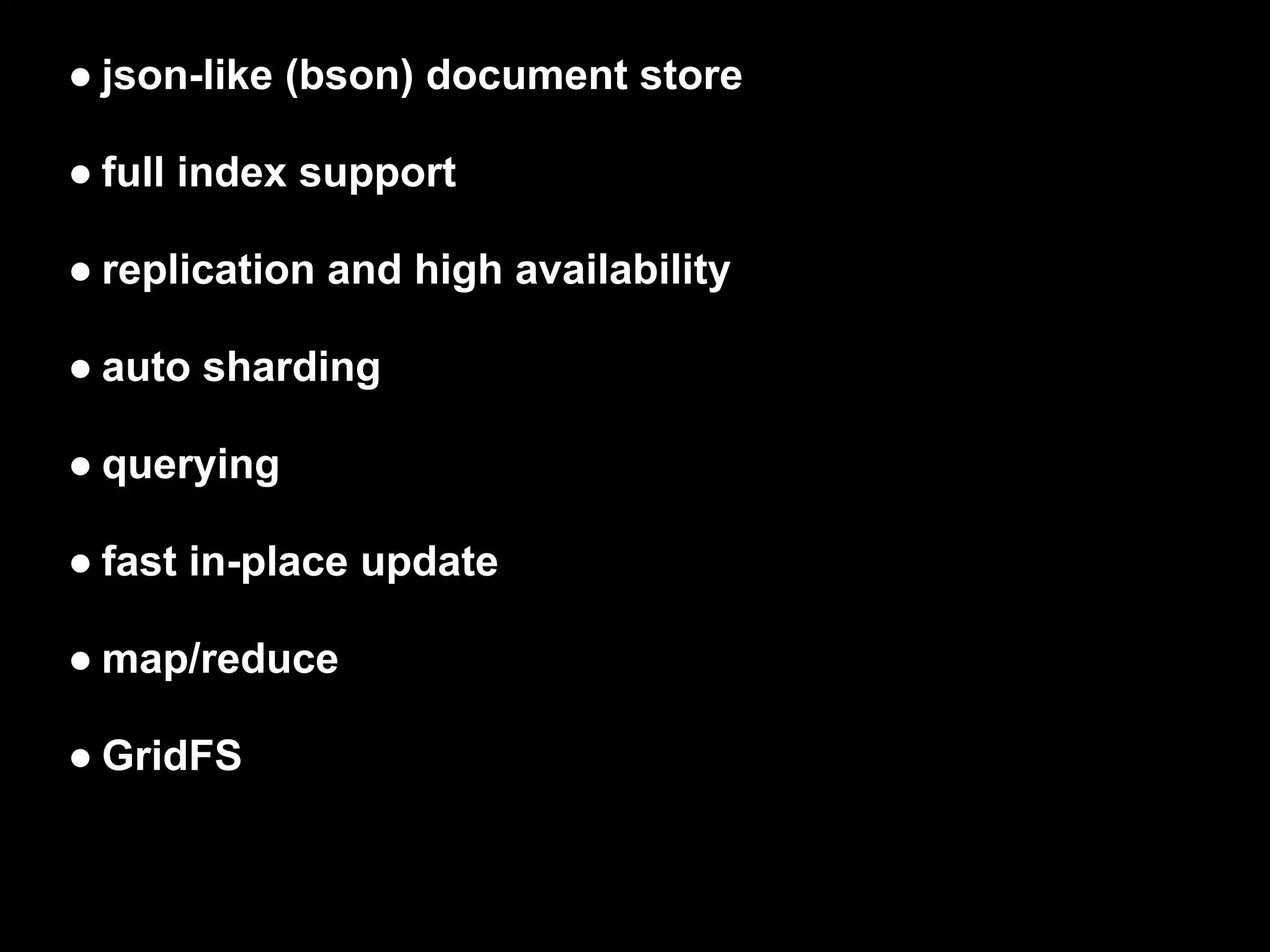
● json-like (bson) document store

● full index support

● replication and high availability

● auto sharding

● querying

● fast in-place update

● map/reduce

● GridFS
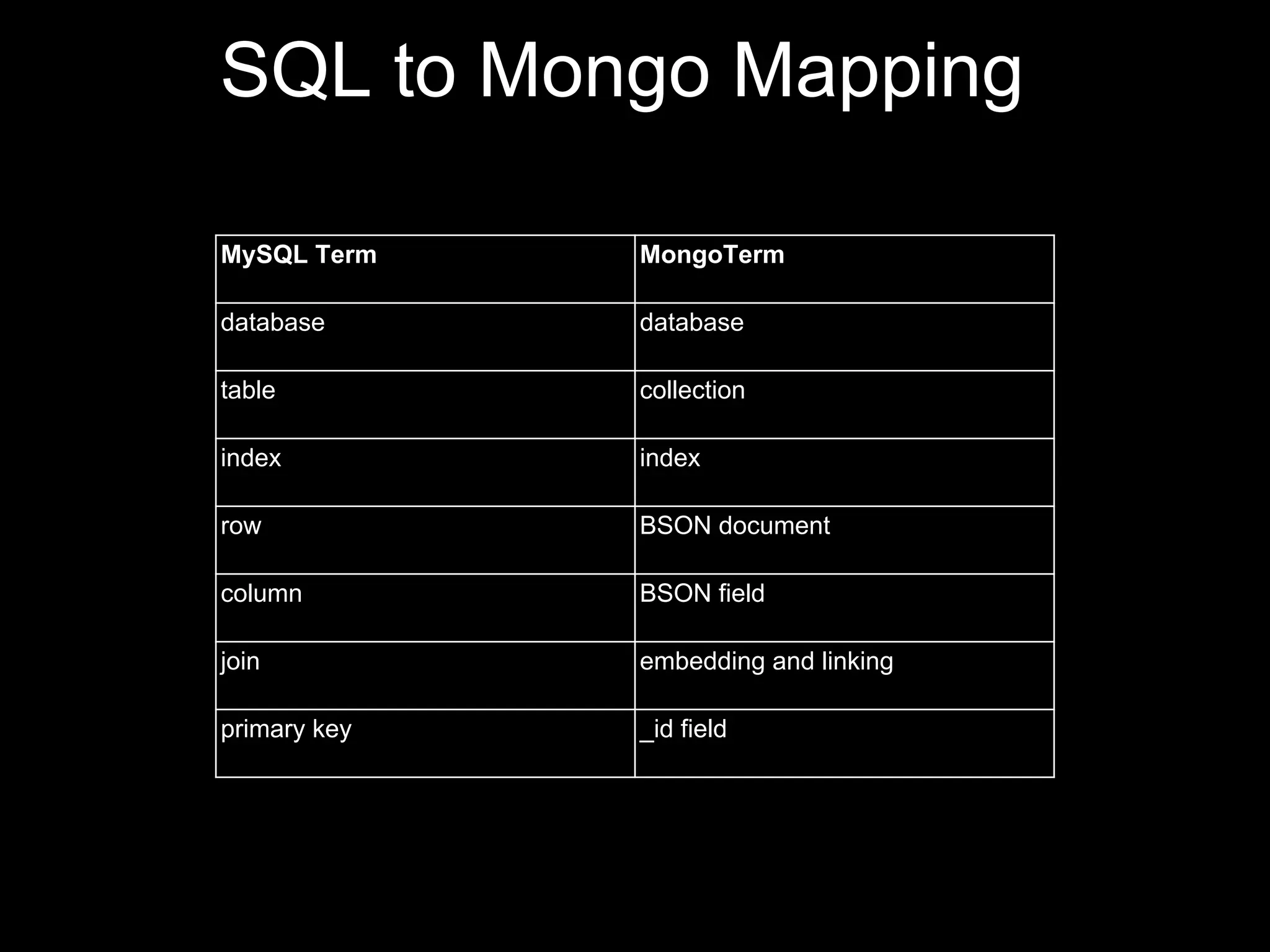
SQL to Mongo Mapping

MySQL Term    MongoTerm

database      database

table         collection

index         index

row           BSON document

column        BSON field

join          embedding and linking

primary key   _id field
PyMongo

The romantic story of

          and
Connection Part 1
>>> import pymongo

>>> conn = pymongo.Connection()

is equivalent to

>>> conn = pymongo.Connection('localhost', 27017)

Getting the database

>>> db = conn.testdb

is equivalent to

>>> db = conn['testdb']
Basic Part 2
Getting the collection

>>> collection = db.test_collection

also is equivalent to

>>> collection = db['test_collection']

Make it understood from now
Insert New Document(s)
>>> dummy = db['dummy']

>>> dummy.insert({'key': 'a',
                 'value': 1})
ObjectId('4e7c50eb059bf61d2f000000')

Multiple insert

>>> docs = [{'key':'b', 'value':2},
           {'key':'c', 'value':3}]

>>> dummy.insert(docs)
[ObjectId('4e7c552a059bf61d2f000002'), ObjectId
('4e7c552a059bf61d2f000003')]
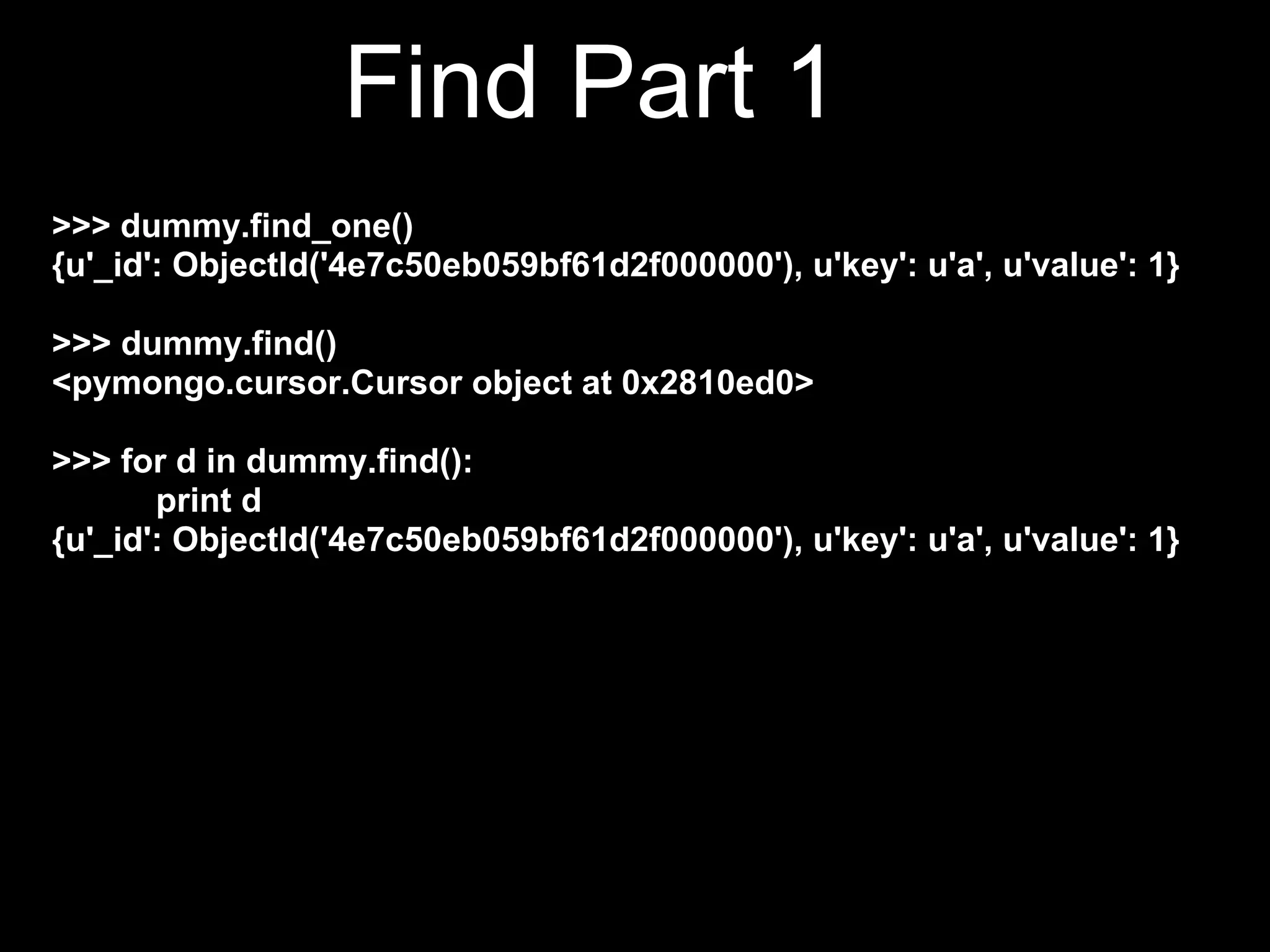
Find Part 1
>>> dummy.find_one()
{u'_id': ObjectId('4e7c50eb059bf61d2f000000'), u'key': u'a', u'value': 1}

>>> dummy.find()
<pymongo.cursor.Cursor object at 0x2810ed0>

>>> for d in dummy.find():
       print d
{u'_id': ObjectId('4e7c50eb059bf61d2f000000'), u'key': u'a', u'value': 1}
{u'_id': ObjectId('4e7c5544059bf61d2f000004'), u'key': u'b',
u'value': 2}
{u'_id': ObjectId('4e7c5544059bf61d2f000005'), u'key': u'c',
u'value': 3}
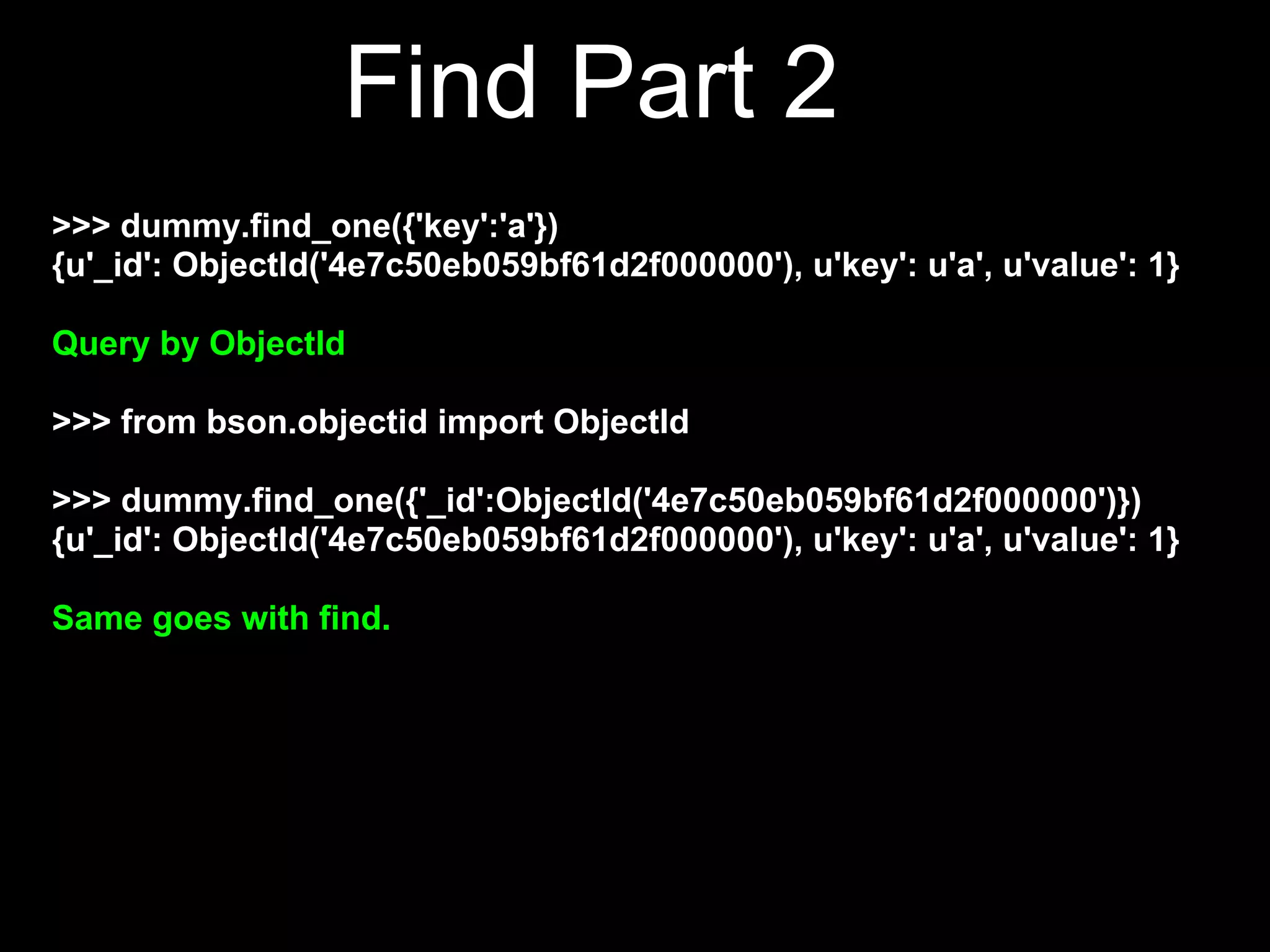
Find Part 2
>>> dummy.find_one({'key':'a'})
{u'_id': ObjectId('4e7c50eb059bf61d2f000000'), u'key': u'a', u'value': 1}

Query by ObjectId

>>> from bson.objectid import ObjectId

>>> dummy.find_one({'_id':ObjectId('4e7c50eb059bf61d2f000000')})
{u'_id': ObjectId('4e7c50eb059bf61d2f000000'), u'key': u'a', u'value': 1}

Same goes with find.
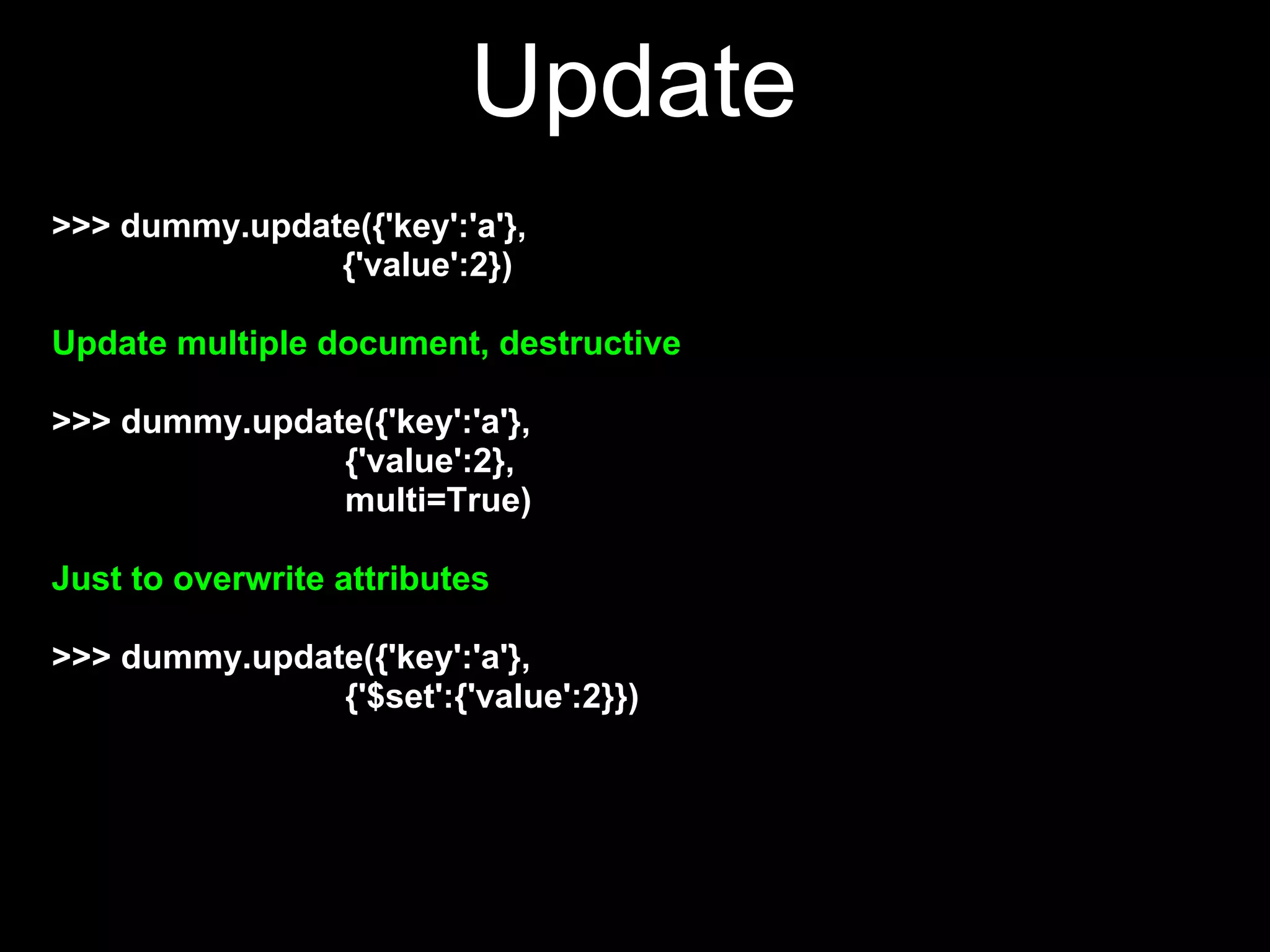
Update
>>> dummy.update({'key':'a'},
               {'value':2})

Update multiple document, destructive

>>> dummy.update({'key':'a'},
               {'value':2},
               multi=True)

Just to overwrite attributes

>>> dummy.update({'key':'a'},
               {'$set':{'value':2}})
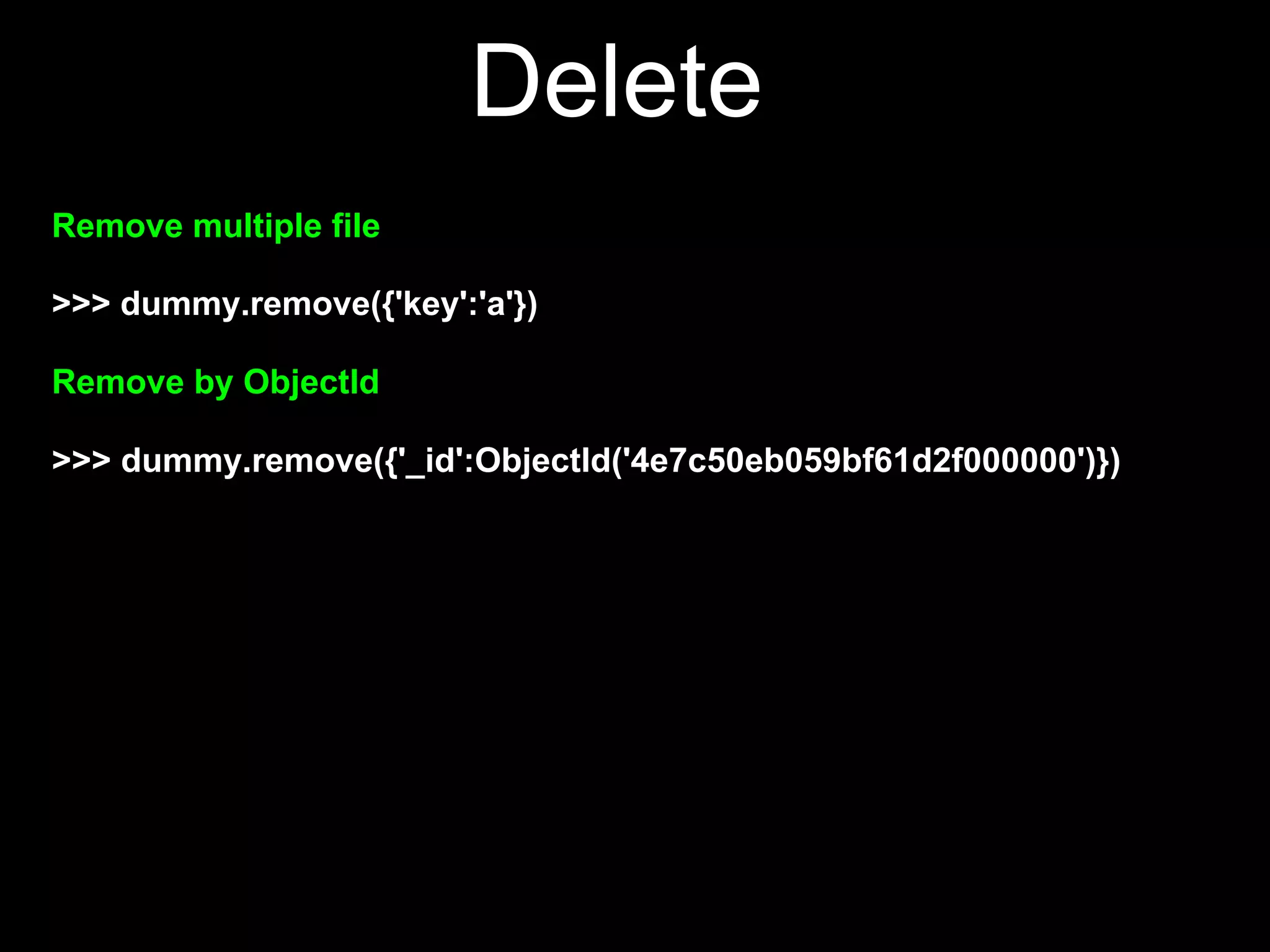
Delete
Remove multiple file

>>> dummy.remove({'key':'a'})

Remove by ObjectId

>>> dummy.remove({'_id':ObjectId('4e7c50eb059bf61d2f000000')})
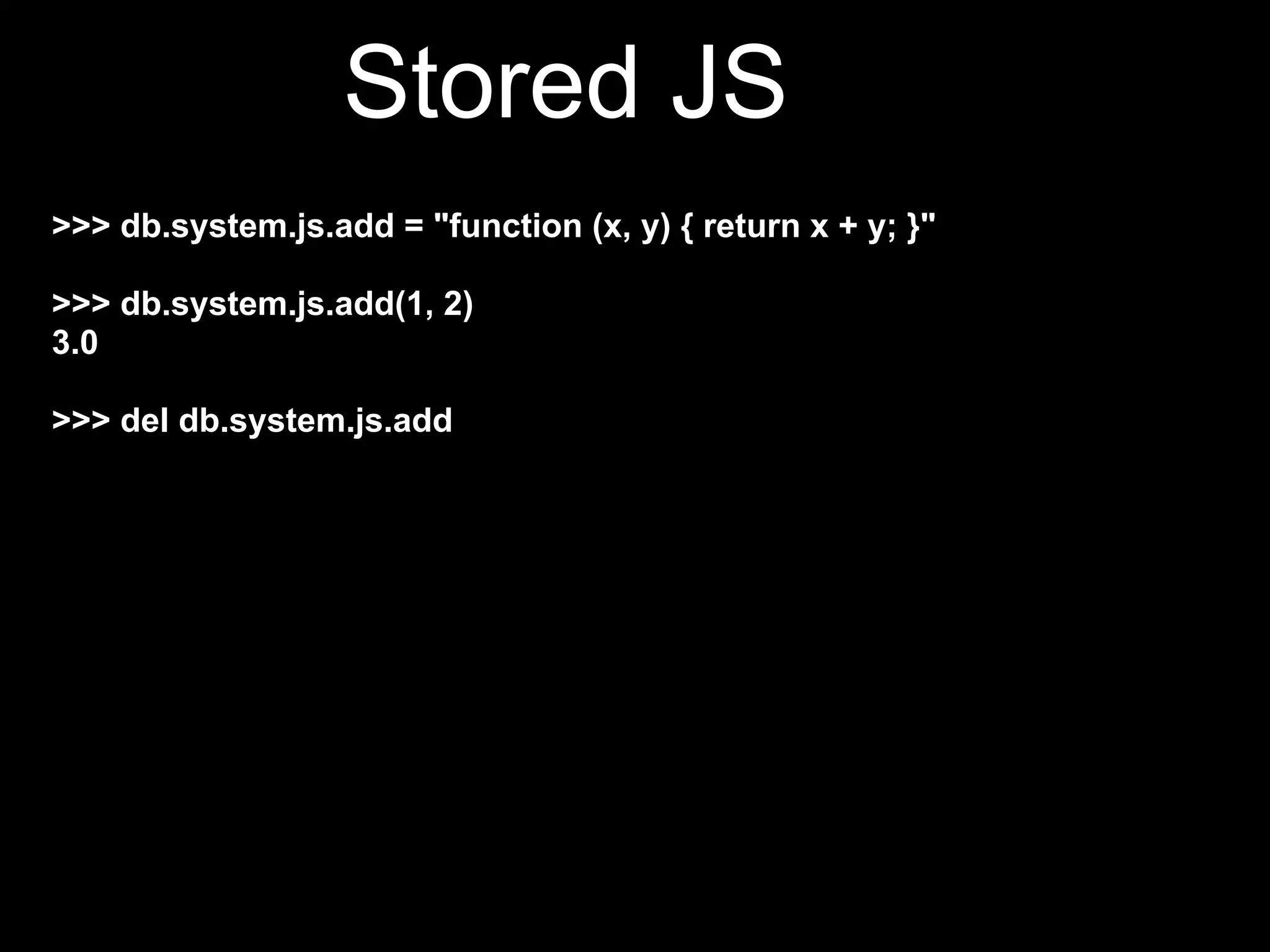
Stored JS
>>> db.system.js.add = "function (x, y) { return x + y; }"

>>> db.system.js.add(1, 2)
3.0

>>> del db.system.js.add
QUESTION   ?
Pymongo for the Clueless

Pymongo for the Clueless

  • 1.
    PyMongo for theClueless klrkdekira@gmail.com
  • 2.
  • 3.
  • 4.
    ● json-like (bson)document store ● full index support ● replication and high availability ● auto sharding ● querying ● fast in-place update ● map/reduce ● GridFS
  • 5.
    SQL to MongoMapping MySQL Term MongoTerm database database table collection index index row BSON document column BSON field join embedding and linking primary key _id field
  • 6.
  • 7.
    Connection Part 1 >>>import pymongo >>> conn = pymongo.Connection() is equivalent to >>> conn = pymongo.Connection('localhost', 27017) Getting the database >>> db = conn.testdb is equivalent to >>> db = conn['testdb']
  • 8.
    Basic Part 2 Gettingthe collection >>> collection = db.test_collection also is equivalent to >>> collection = db['test_collection'] Make it understood from now
  • 9.
    Insert New Document(s) >>>dummy = db['dummy'] >>> dummy.insert({'key': 'a', 'value': 1}) ObjectId('4e7c50eb059bf61d2f000000') Multiple insert >>> docs = [{'key':'b', 'value':2}, {'key':'c', 'value':3}] >>> dummy.insert(docs) [ObjectId('4e7c552a059bf61d2f000002'), ObjectId ('4e7c552a059bf61d2f000003')]
  • 10.
    Find Part 1 >>>dummy.find_one() {u'_id': ObjectId('4e7c50eb059bf61d2f000000'), u'key': u'a', u'value': 1} >>> dummy.find() <pymongo.cursor.Cursor object at 0x2810ed0> >>> for d in dummy.find(): print d {u'_id': ObjectId('4e7c50eb059bf61d2f000000'), u'key': u'a', u'value': 1} {u'_id': ObjectId('4e7c5544059bf61d2f000004'), u'key': u'b', u'value': 2} {u'_id': ObjectId('4e7c5544059bf61d2f000005'), u'key': u'c', u'value': 3}
  • 11.
    Find Part 2 >>>dummy.find_one({'key':'a'}) {u'_id': ObjectId('4e7c50eb059bf61d2f000000'), u'key': u'a', u'value': 1} Query by ObjectId >>> from bson.objectid import ObjectId >>> dummy.find_one({'_id':ObjectId('4e7c50eb059bf61d2f000000')}) {u'_id': ObjectId('4e7c50eb059bf61d2f000000'), u'key': u'a', u'value': 1} Same goes with find.
  • 12.
    Update >>> dummy.update({'key':'a'}, {'value':2}) Update multiple document, destructive >>> dummy.update({'key':'a'}, {'value':2}, multi=True) Just to overwrite attributes >>> dummy.update({'key':'a'}, {'$set':{'value':2}})
  • 13.
    Delete Remove multiple file >>>dummy.remove({'key':'a'}) Remove by ObjectId >>> dummy.remove({'_id':ObjectId('4e7c50eb059bf61d2f000000')})
  • 14.
    Stored JS >>> db.system.js.add= "function (x, y) { return x + y; }" >>> db.system.js.add(1, 2) 3.0 >>> del db.system.js.add
  • 15.