PYTHON WITH MYSQL
Python can be used in database applications.
One of the most popular databases is MySQL.
Install MySQL Driver
Python needs a MySQL driver to access the MySQL database.
In this tutorial we will use the driver "MySQL Connector".
We recommend that you use PIP to install "MySQL Connector".
PIP is most likely already installed in your Python environment.
Test MySQL Connector
• To test if the installation was successful, or if you already have "MySQL Connector" installed,
create a Python page with the following content:
import mysql.connector
PYTHON WITH MYSQL
Python MySQL Connector is a Python driver that helps to integrate Python and MySQL.This
Python MySQL library allows the conversion between Python and MySQL data types. MySQL
Connector API is implemented using pure Python and does not require any third-party library.
Installation
To install the Python-mysql-connector module, one must have Python and PIP, preinstalled on
their system. If Python and pip are already installed type the below command in the terminal.
https://dev.mysql.com/downloads/installer/
 Windows (x86, 32-bit), MSI Installer 8.0.42 353.7M Download
After Click on download click on
 No thanks, just start my download.
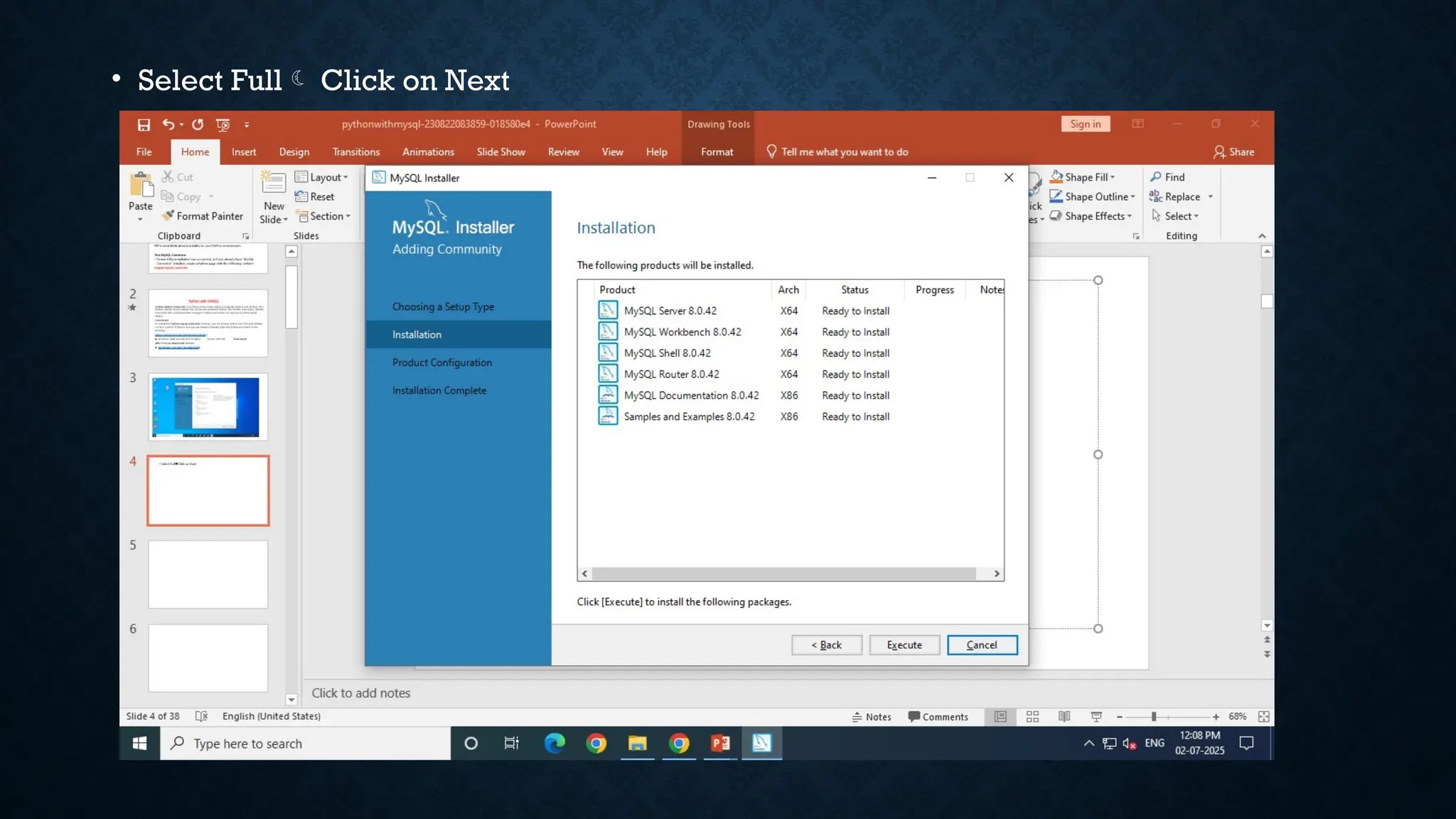
• Select Full Click on Next
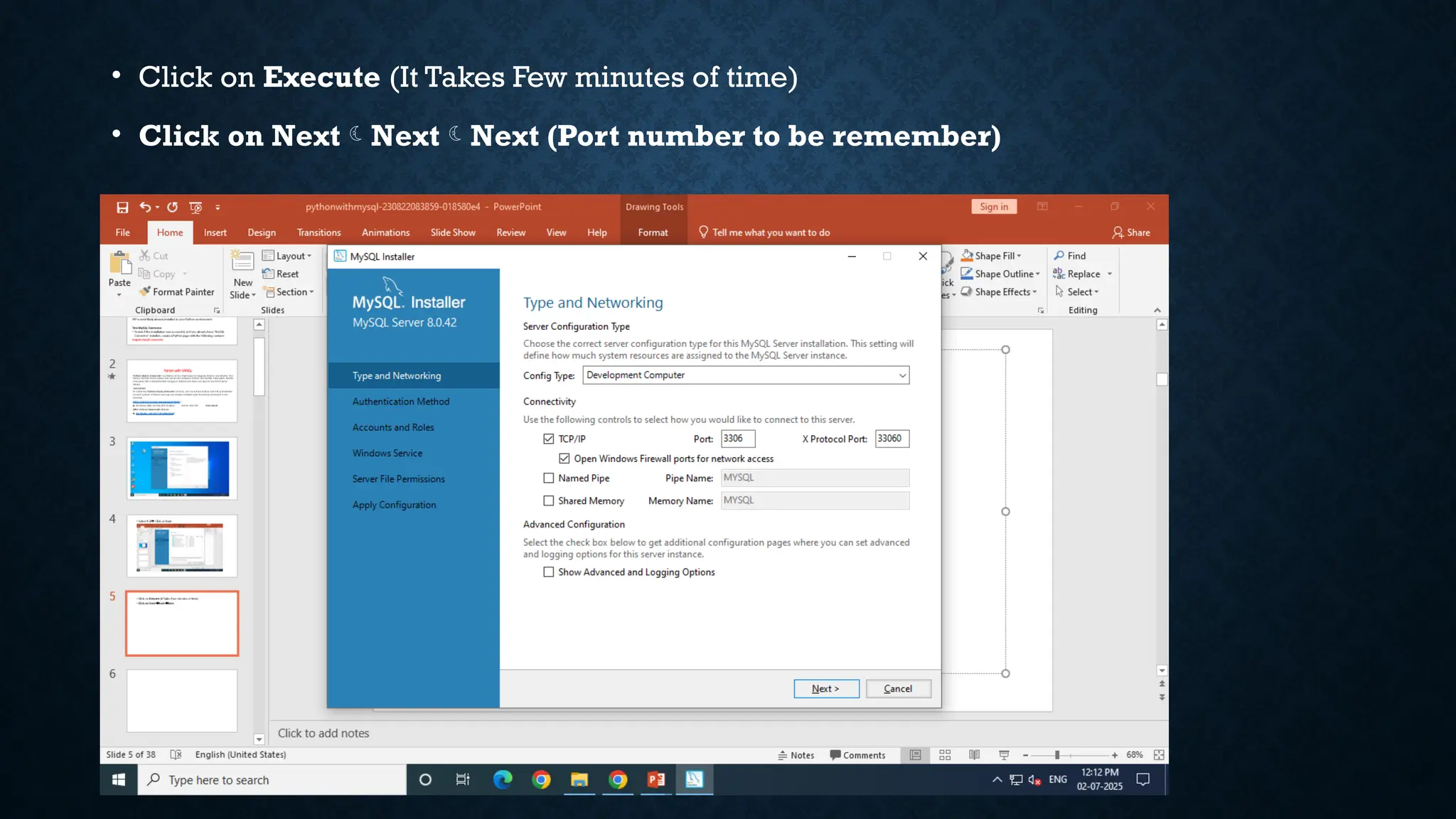
• Click on Execute (It Takes Few minutes of time)
• Click on NextNextNext (Port number to be remember)
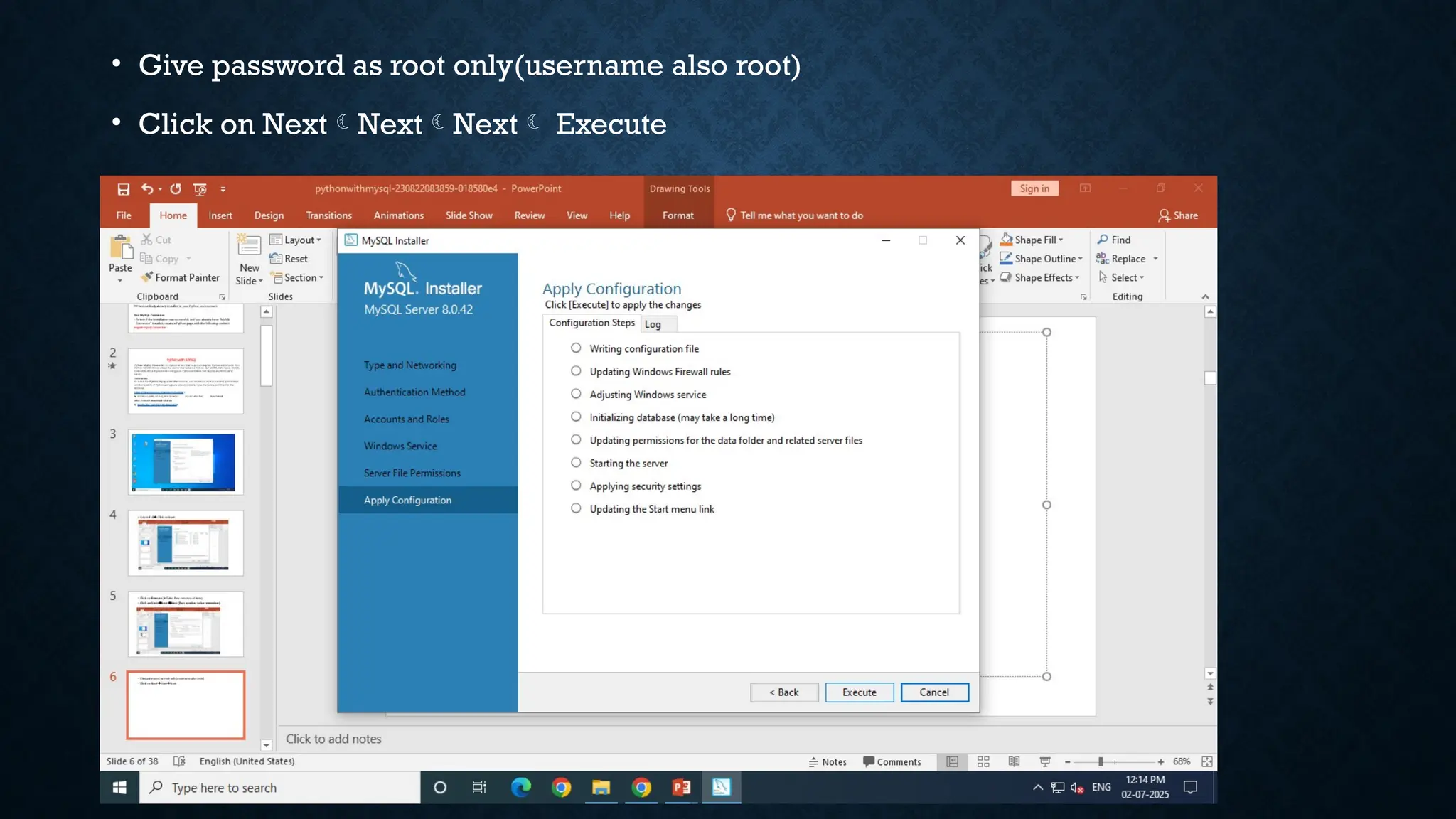
• Give password as root only(username also root)
• Click on NextNextNext Execute
• Click on TestExecuteNextFinish Nextclose.
• After completion Download Mysql/Python connector
• https://dev.mysql.com/downloads/connector/python/
• Select OS as Platform independent
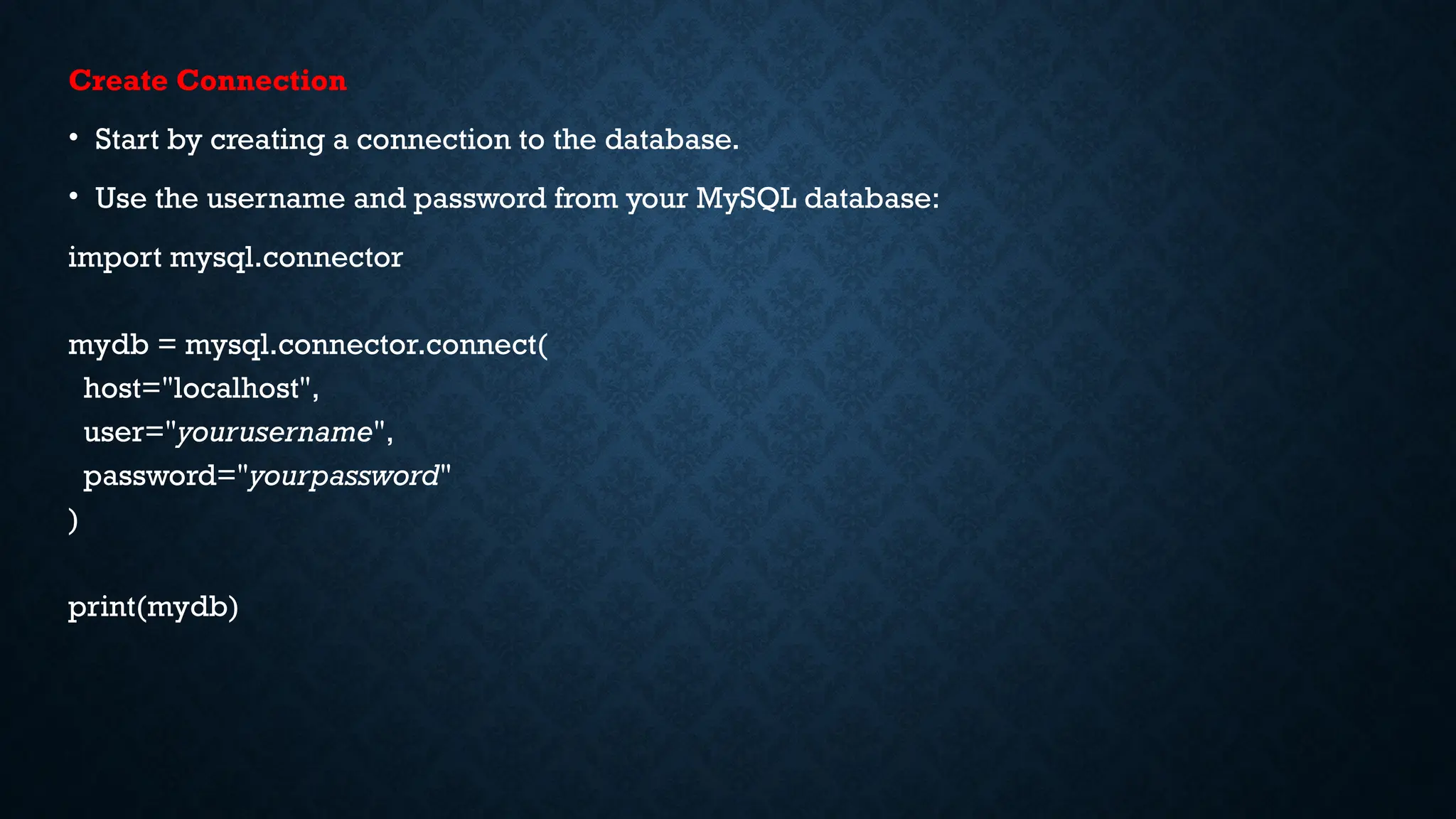
Create Connection
• Start by creating a connection to the database.
• Use the username and password from your MySQL database:
import mysql.connector
mydb = mysql.connector.connect(
host="localhost",
user="yourusername",
password="yourpassword"
)
print(mydb)
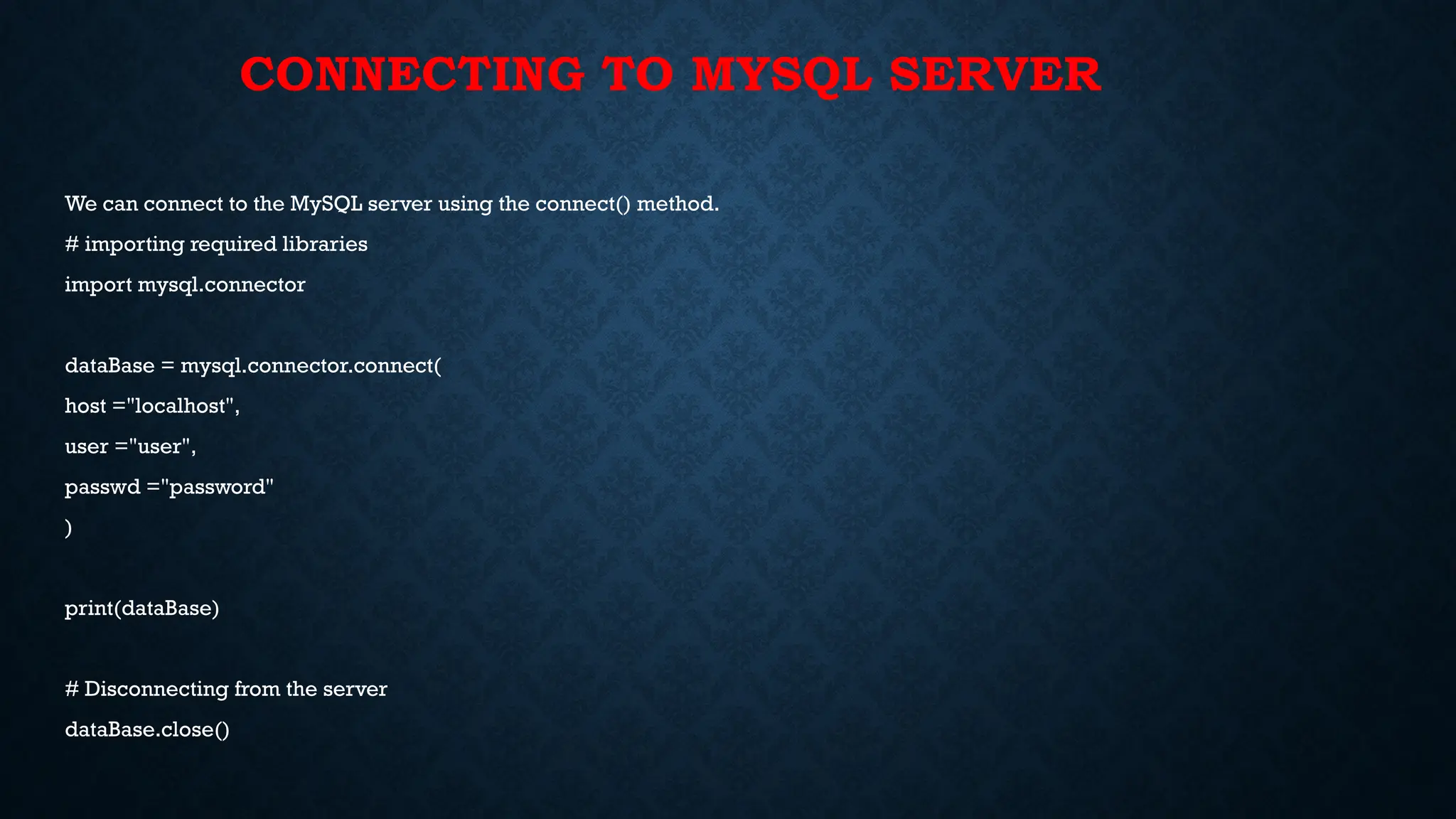
CONNECTING TO MYSQL SERVER
We can connect to the MySQL server using the connect() method.
# importing required libraries
import mysql.connector
dataBase = mysql.connector.connect(
host ="localhost",
user ="user",
passwd ="password"
)
print(dataBase)
# Disconnecting from the server
dataBase.close()
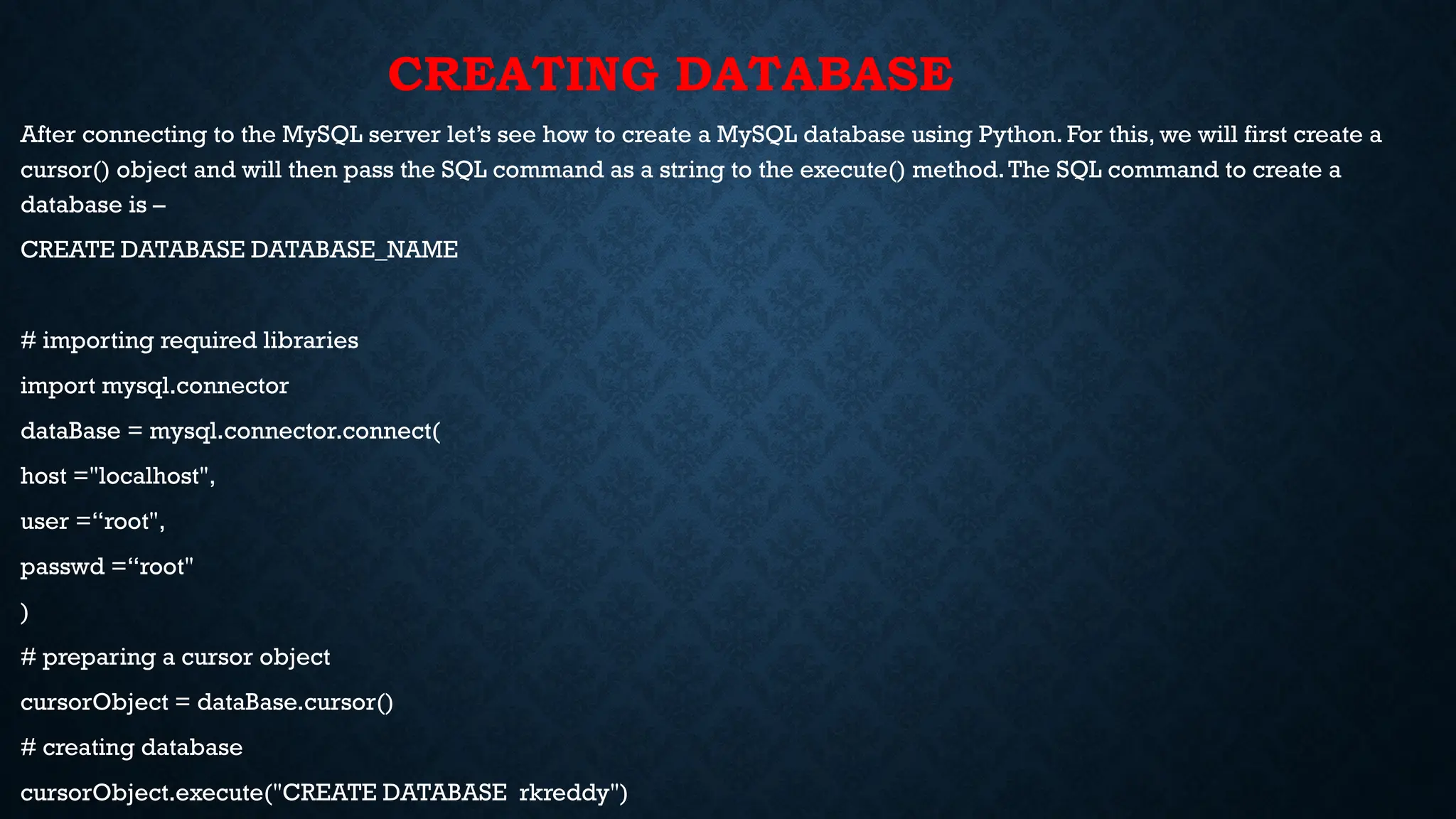
CREATING DATABASE
After connecting to the MySQL server let’s see how to create a MySQL database using Python. For this, we will first create a
cursor() object and will then pass the SQL command as a string to the execute() method.The SQL command to create a
database is –
CREATE DATABASE DATABASE_NAME
# importing required libraries
import mysql.connector
dataBase = mysql.connector.connect(
host ="localhost",
user =“root",
passwd =“root"
)
# preparing a cursor object
cursorObject = dataBase.cursor()
# creating database
cursorObject.execute("CREATE DATABASE rkreddy")
CREATING TABLES
For creating tables we will follow the similar approach of writing the mySQL commands as strings and then passing it to the execute() method of the cursor object.
import pymysql
conn = pymysql.connect(
host='localhost',
user='root',
password='root',
database='rkreddy'
)
cursor = conn.cursor()
studentRecord = """CREATE TABLE STUDENT (
NAME VARCHAR(20) NOT NULL,
BRANCH VARCHAR(50),
ROLL INT NOT NULL,
SECTION VARCHAR(5),
AGE INT
)"""
# table created
cursor.execute(studentRecord)
# disconnecting from server
conn.close()
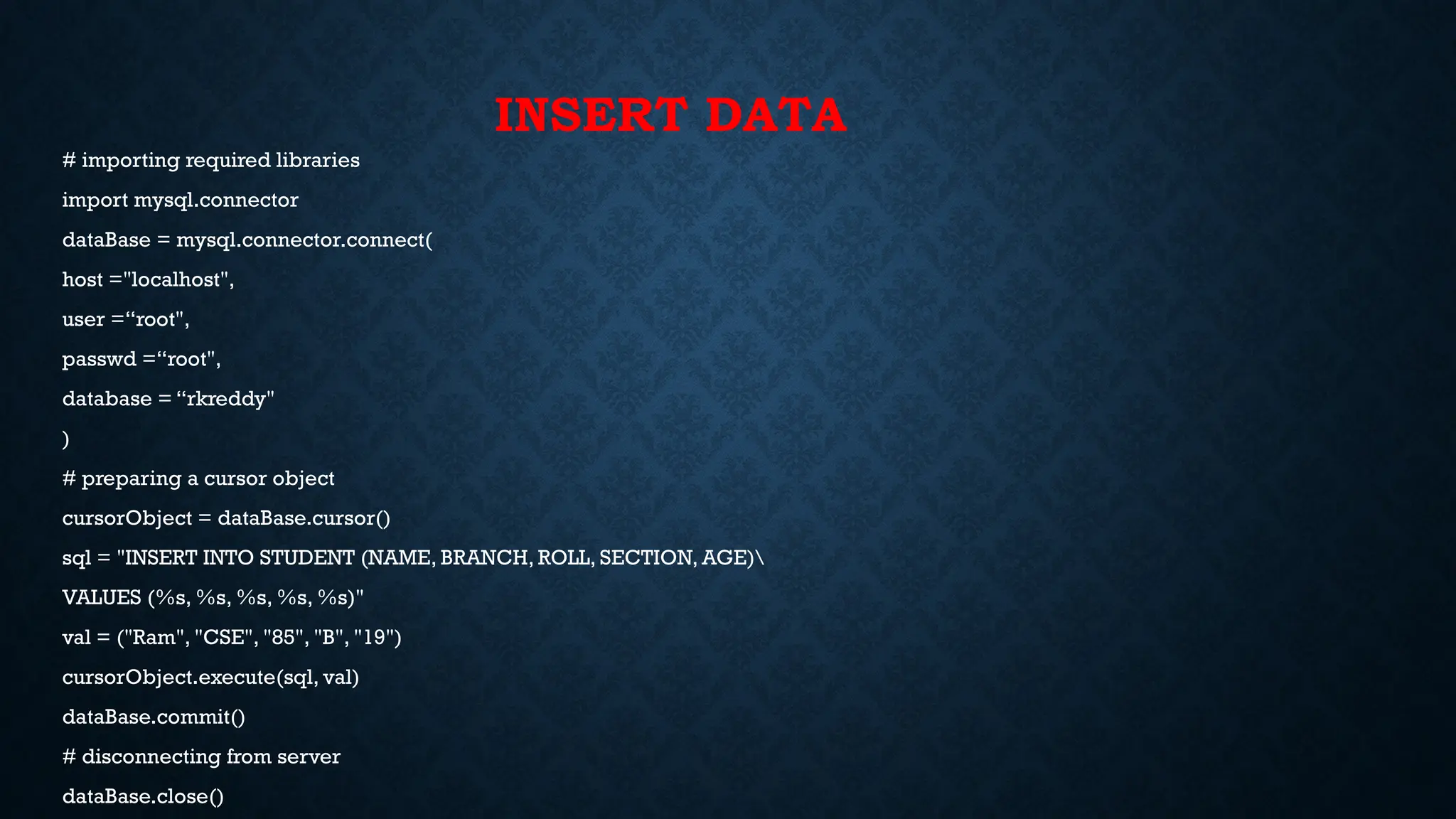
INSERT DATA
# importing required libraries
import mysql.connector
dataBase = mysql.connector.connect(
host ="localhost",
user =“root",
passwd =“root",
database = “rkreddy"
)
# preparing a cursor object
cursorObject = dataBase.cursor()
sql = "INSERT INTO STUDENT (NAME, BRANCH, ROLL, SECTION, AGE)
VALUES (%s, %s, %s, %s, %s)"
val = ("Ram", "CSE", "85", "B", "19")
cursorObject.execute(sql, val)
dataBase.commit()
# disconnecting from server
dataBase.close()
INSERTING MULTIPLE ROWS
# importing required libraries
import mysql.connector
dataBase = mysql.connector.connect(
host ="localhost",
user ="user",
passwd ="password",
database = “rkreddy"
# preparing a cursor object
cursorObject = dataBase.cursor()
sql = "INSERT INTO STUDENT (NAME, BRANCH, ROLL, SECTION, AGE)
VALUES (%s, %s, %s, %s, %s)"
val = [("Nikhil", "CSE", "98", "A", "18"),
("Nisha", "CSE", "99", "A", "18"),
("Rohan", "MAE", "43", "B", "20"),
("Amit", "ECE", "24", "A", "21"),
("Anil", "MAE", "45", "B", "20"),
("Megha", "ECE", "55", "A", "22"),
("Sita", "CSE", "95", "A", "19")]
cursorObject.executemany(sql, val)
dataBase.commit()
# disconnecting from server
dataBase.close()
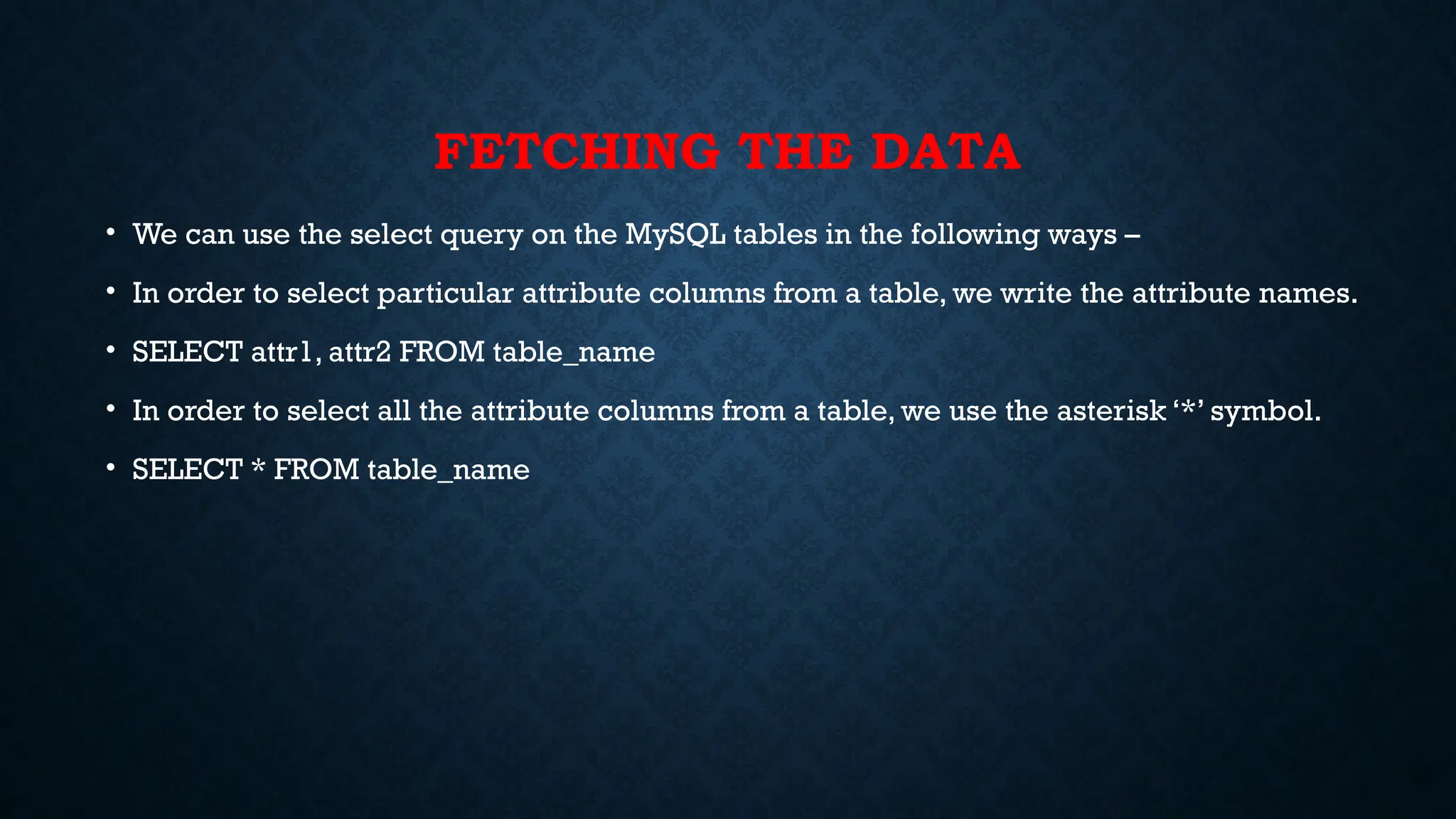
FETCHING THE DATA
• We can use the select query on the MySQL tables in the following ways –
• In order to select particular attribute columns from a table, we write the attribute names.
• SELECT attr1, attr2 FROM table_name
• In order to select all the attribute columns from a table, we use the asterisk ‘*’ symbol.
• SELECT * FROM table_name
# importing required libraries
import mysql.connector
dataBase = mysql.connector.connect(
host ="localhost",
user ="user",
passwd ="password",
database = "gfg"
)
# preparing a cursor object
cursorObject = dataBase.cursor()
query = "SELECT NAME, ROLL FROM STUDENT"
cursorObject.execute(query)
myresult = cursorObject.fetchall()
for x in myresult:
print(x)
# disconnecting from server
dataBase.close()
WHERE CLAUSE
Where clause is used in MySQL database to filter the data as per the condition required.
You can fetch, delete or update a particular set of data in MySQL database by using where
clause.
Syntax:
SELECT column1, column2, …. columnN FROM [TABLE NAME] WHERE [CONDITION];
Example:Where clause in MySQL using Python
# importing required libraries
import mysql.connector
dataBase = mysql.connector.connect(
host ="localhost",
user ="user",
passwd ="password",
database = “rkreddy"
)
# preparing a cursor object
cursorObject = dataBase.cursor()
query = "SELECT * FROM STUDENT where AGE >=20"
cursorObject.execute(query)
myresult = cursorObject.fetchall()
for x in myresult:
print(x)
# disconnecting from server
dataBase.close()
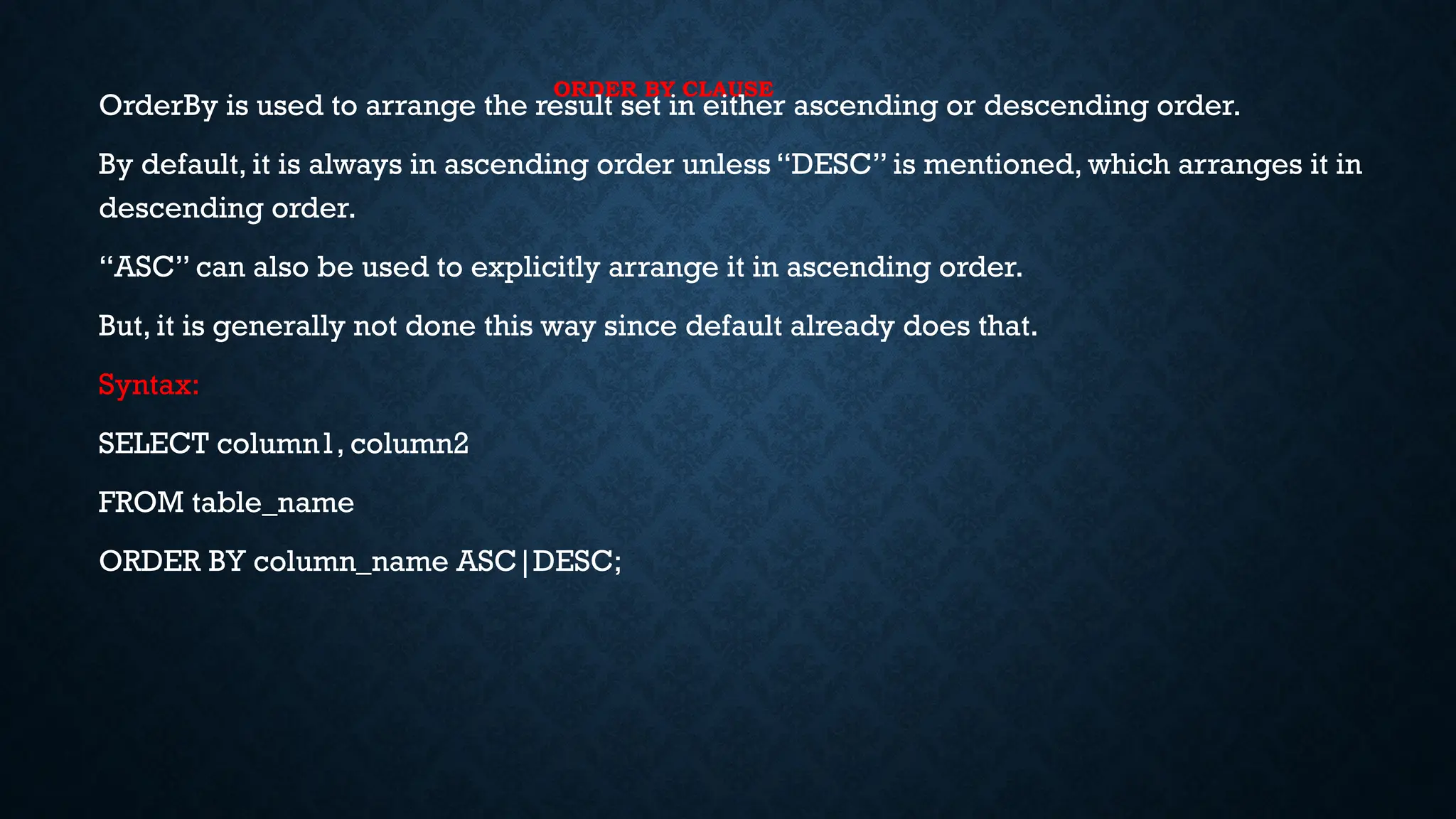
ORDER BY CLAUSE
OrderBy is used to arrange the result set in either ascending or descending order.
By default, it is always in ascending order unless “DESC” is mentioned, which arranges it in
descending order.
“ASC” can also be used to explicitly arrange it in ascending order.
But, it is generally not done this way since default already does that.
Syntax:
SELECT column1, column2
FROM table_name
ORDER BY column_name ASC|DESC;
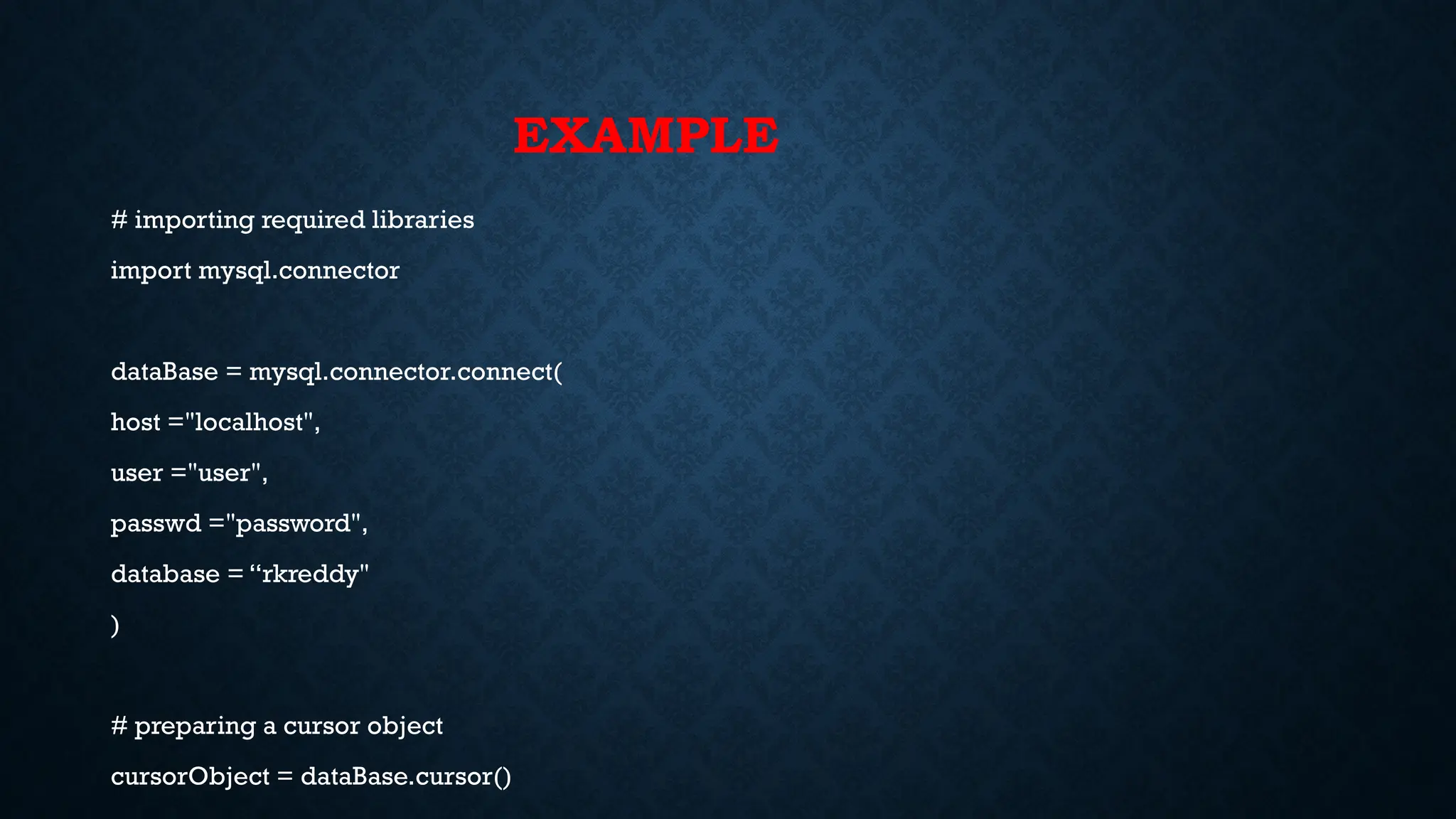
EXAMPLE
# importing required libraries
import mysql.connector
dataBase = mysql.connector.connect(
host ="localhost",
user ="user",
passwd ="password",
database = “rkreddy"
)
# preparing a cursor object
cursorObject = dataBase.cursor()
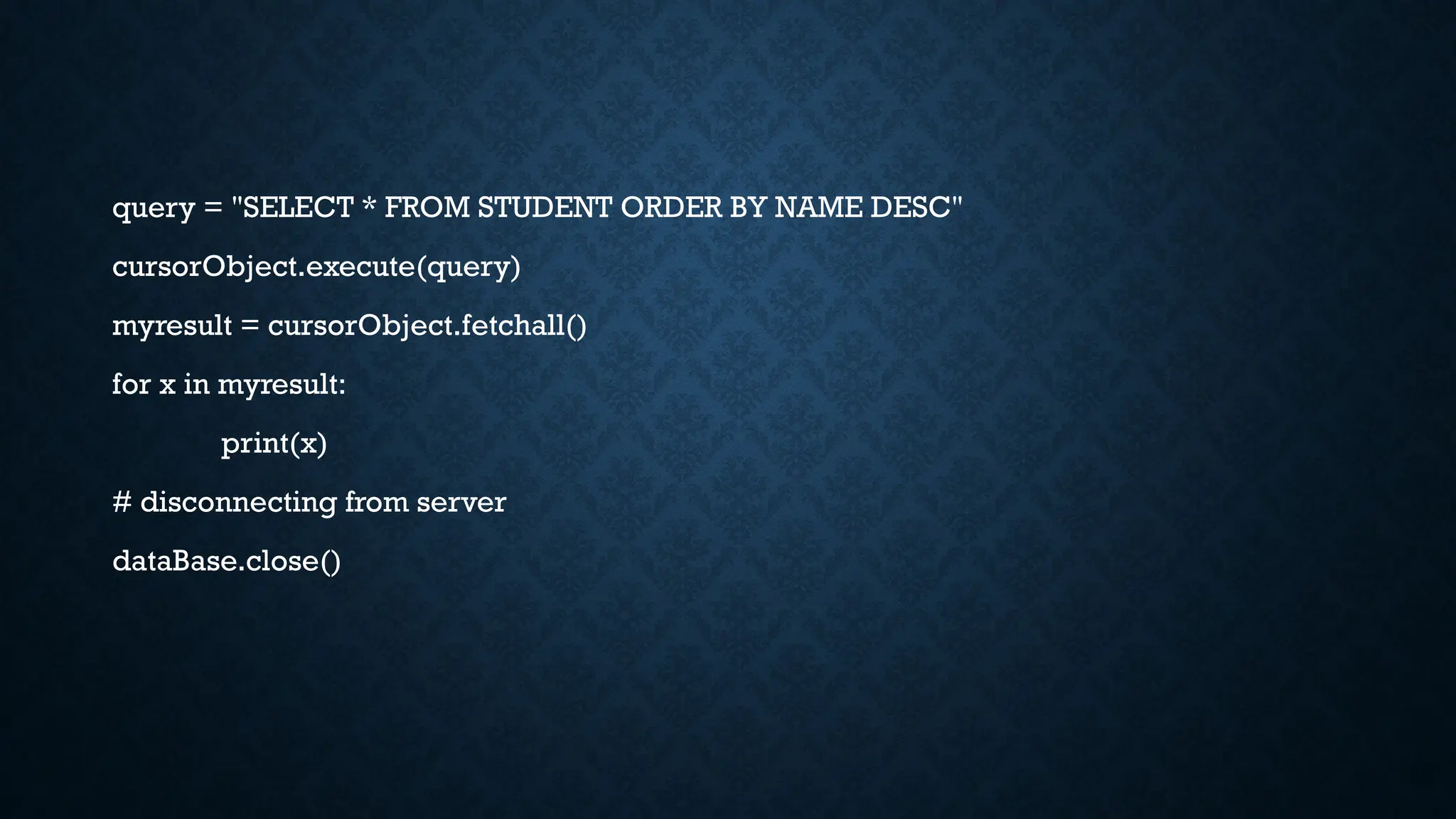
query = "SELECT * FROM STUDENT ORDER BY NAME DESC"
cursorObject.execute(query)
myresult = cursorObject.fetchall()
for x in myresult:
print(x)
# disconnecting from server
dataBase.close()
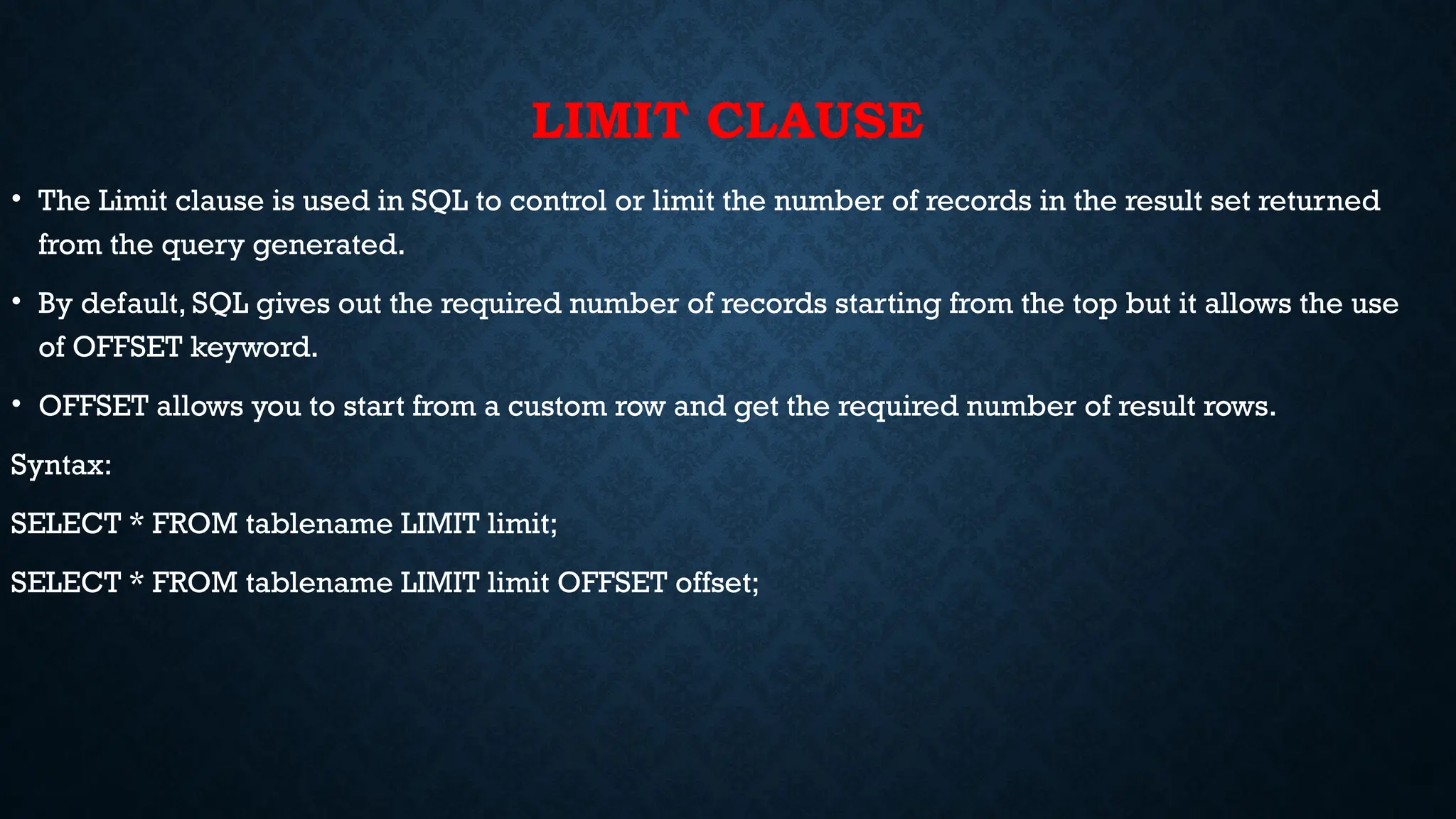
LIMIT CLAUSE
• The Limit clause is used in SQL to control or limit the number of records in the result set returned
from the query generated.
• By default, SQL gives out the required number of records starting from the top but it allows the use
of OFFSET keyword.
• OFFSET allows you to start from a custom row and get the required number of result rows.
Syntax:
SELECT * FROM tablename LIMIT limit;
SELECT * FROM tablename LIMIT limit OFFSET offset;
# importing required libraries
import mysql.connector
dataBase = mysql.connector.connect(
host ="localhost",
user ="user",
passwd ="password",
database = “rkreddy"
)
# preparing a cursor object
cursorObject = dataBase.cursor()
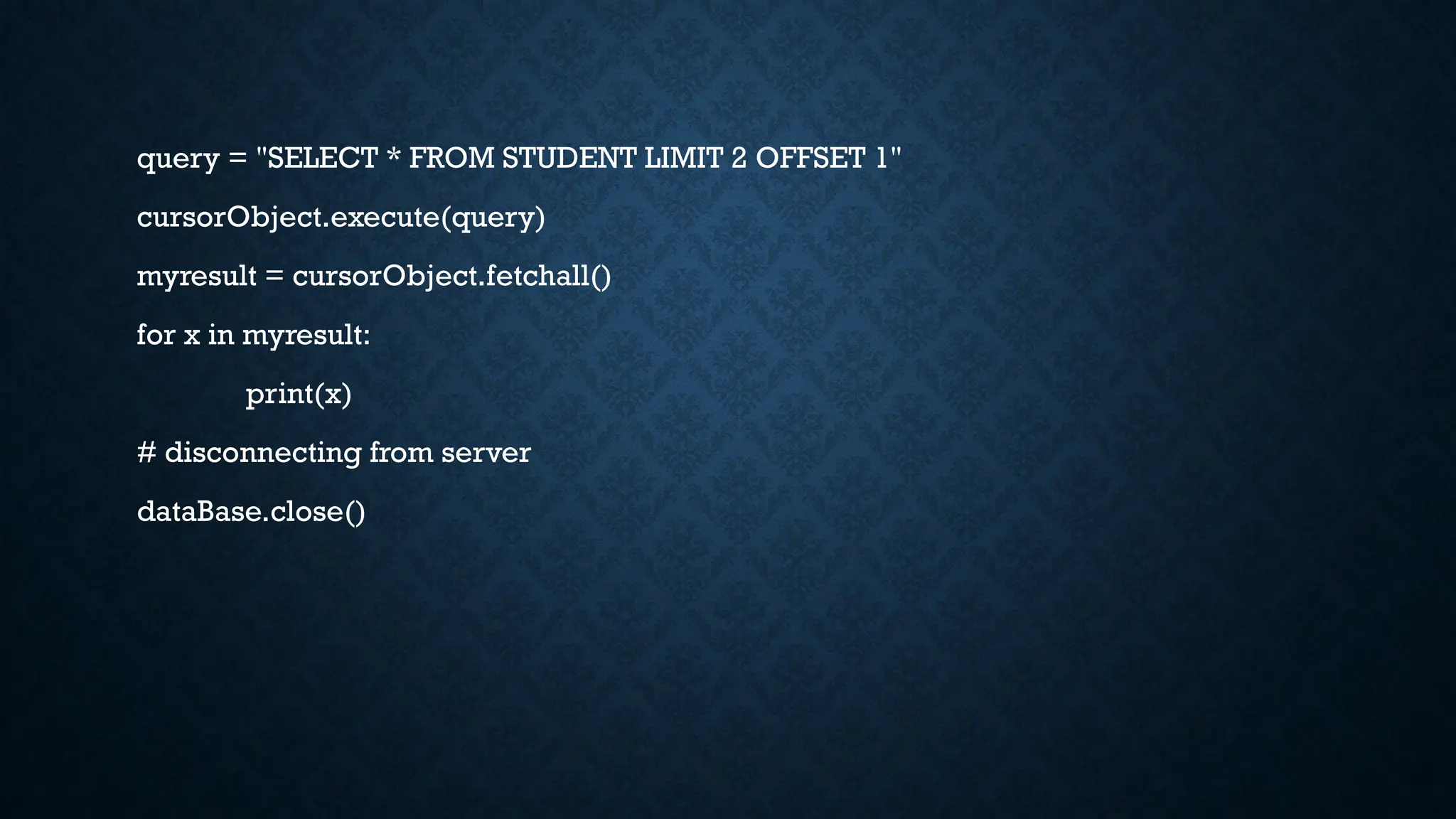
query = "SELECT * FROM STUDENT LIMIT 2 OFFSET 1"
cursorObject.execute(query)
myresult = cursorObject.fetchall()
for x in myresult:
print(x)
# disconnecting from server
dataBase.close()
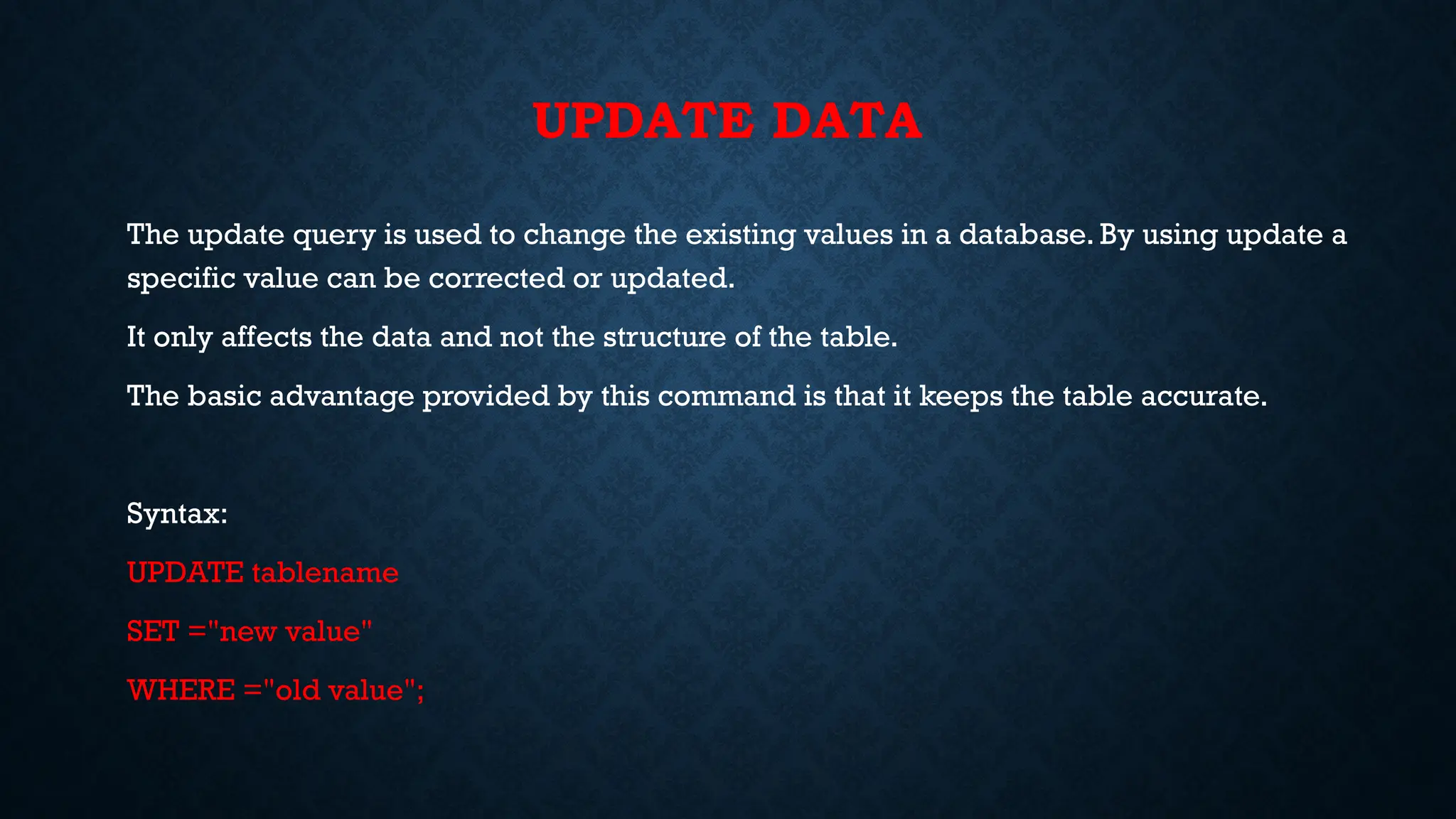
UPDATE DATA
The update query is used to change the existing values in a database. By using update a
specific value can be corrected or updated.
It only affects the data and not the structure of the table.
The basic advantage provided by this command is that it keeps the table accurate.
Syntax:
UPDATE tablename
SET ="new value"
WHERE ="old value";
# importing required libraries
import mysql.connector
dataBase = mysql.connector.connect(
host ="localhost",
user ="user",
passwd ="password",
database = “rkreddy"
)
# preparing a cursor object
cursorObject = dataBase.cursor()
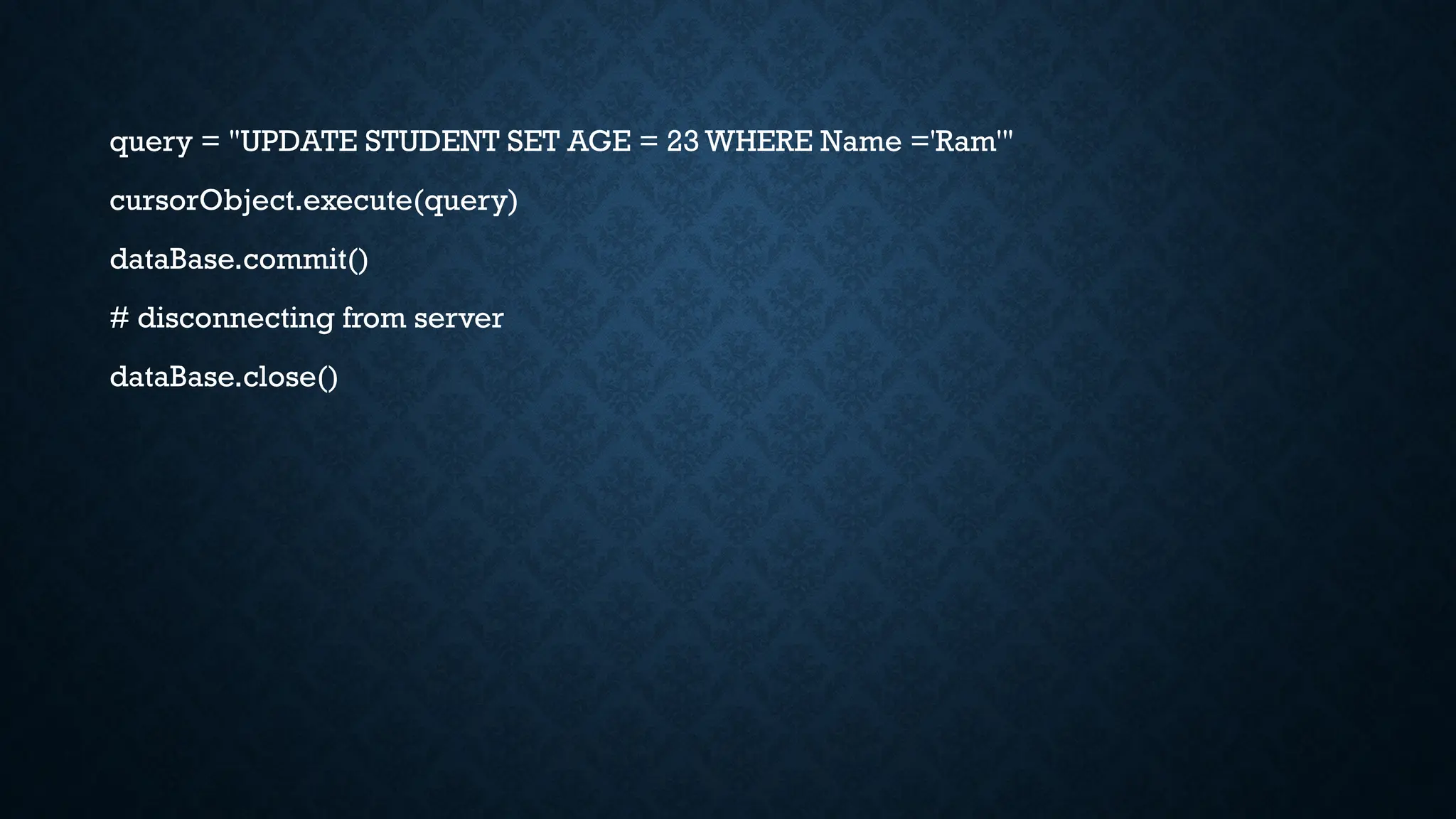
query = "UPDATE STUDENT SET AGE = 23 WHERE Name ='Ram'"
cursorObject.execute(query)
dataBase.commit()
# disconnecting from server
dataBase.close()
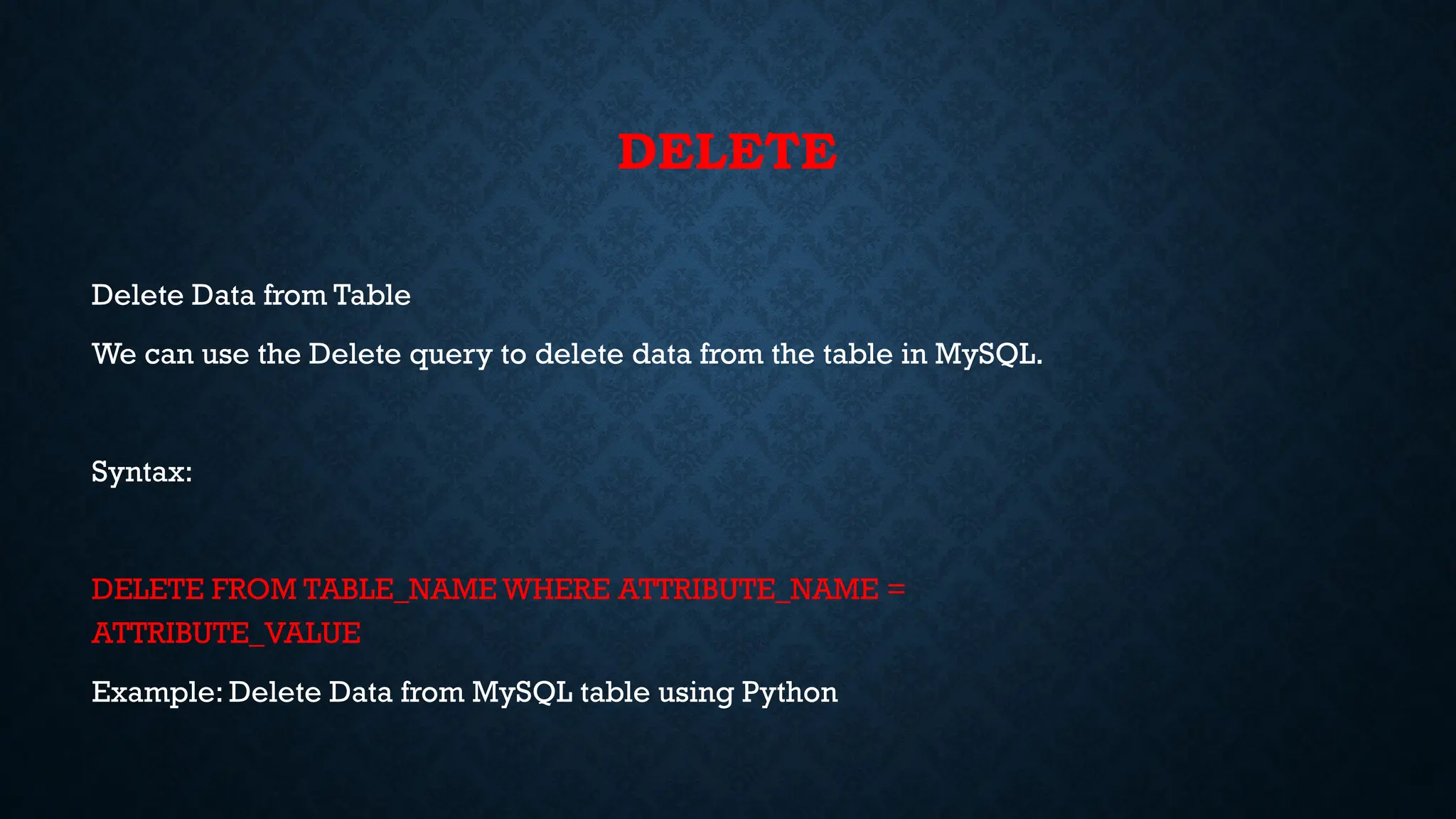
DELETE
Delete Data from Table
We can use the Delete query to delete data from the table in MySQL.
Syntax:
DELETE FROM TABLE_NAME WHERE ATTRIBUTE_NAME =
ATTRIBUTE_VALUE
Example: Delete Data from MySQL table using Python
# importing required libraries
import mysql.connector
dataBase = mysql.connector.connect(
host ="localhost",
user ="user",
passwd ="password",
database = “rkreddy"
)
# preparing a cursor object
cursorObject = dataBase.cursor()
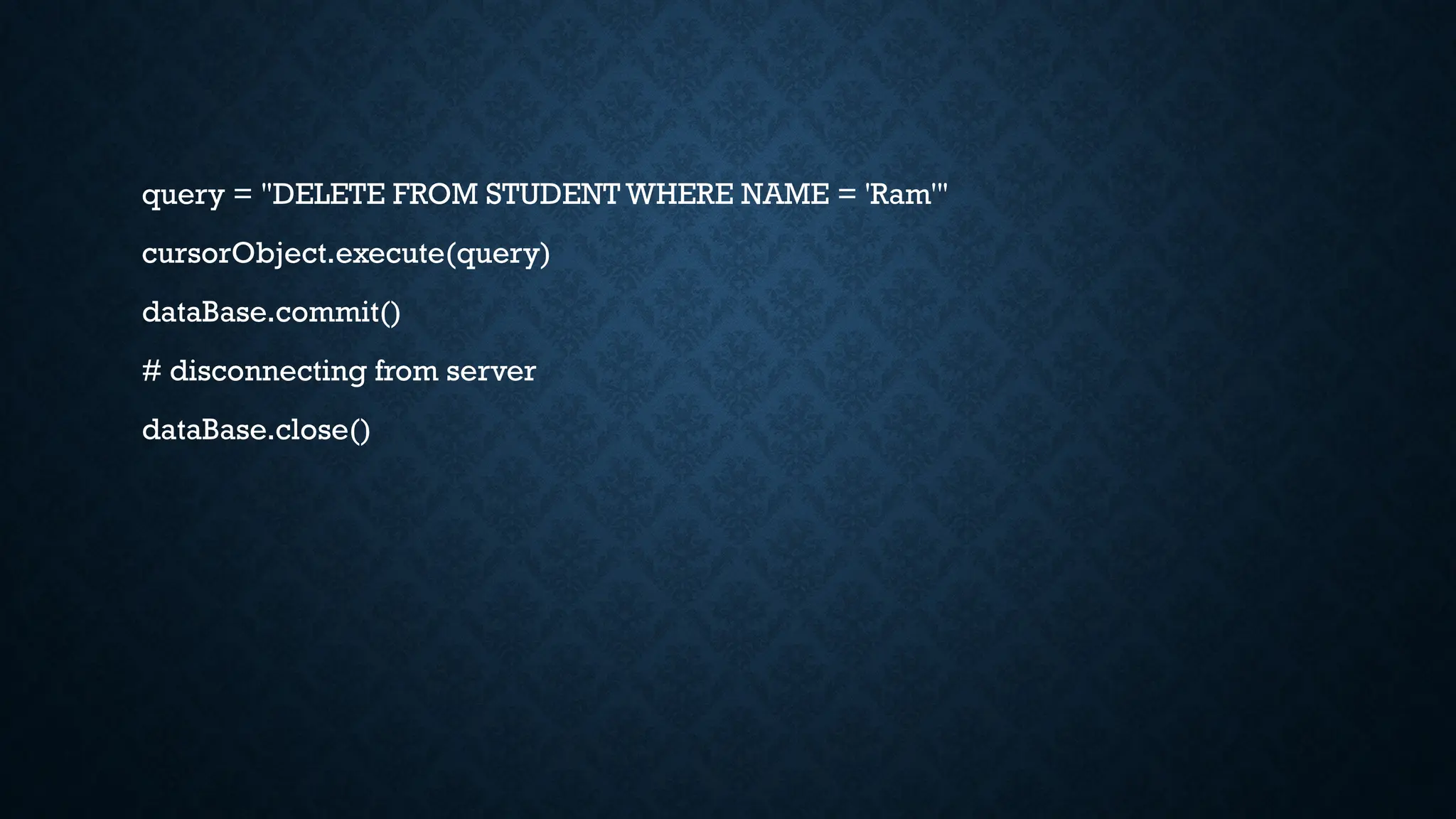
query = "DELETE FROM STUDENT WHERE NAME = 'Ram'"
cursorObject.execute(query)
dataBase.commit()
# disconnecting from server
dataBase.close()
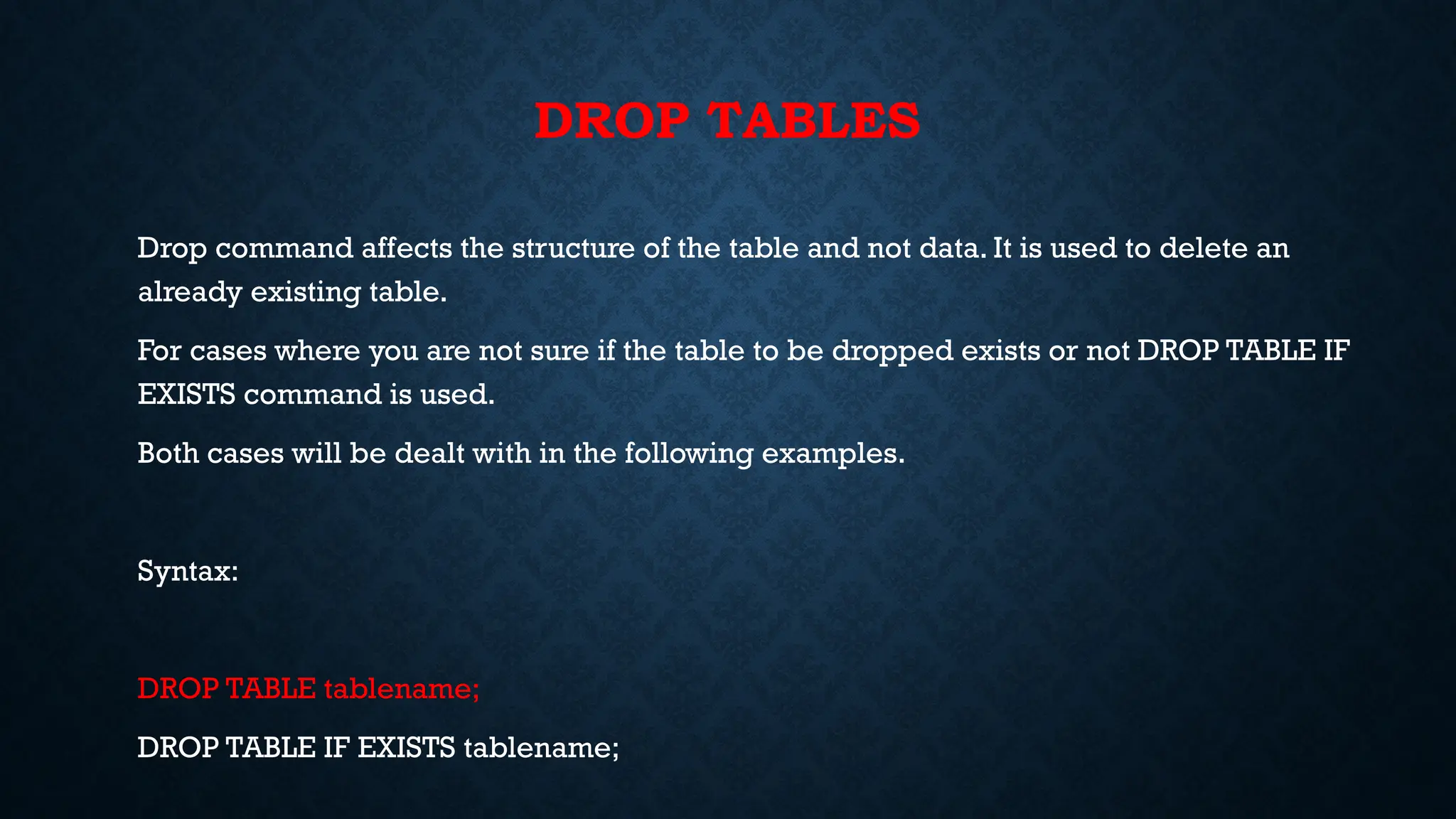
DROP TABLES
Drop command affects the structure of the table and not data. It is used to delete an
already existing table.
For cases where you are not sure if the table to be dropped exists or not DROP TABLE IF
EXISTS command is used.
Both cases will be dealt with in the following examples.
Syntax:
DROP TABLE tablename;
DROP TABLE IF EXISTS tablename;
# importing required libraries
import mysql.connector
dataBase = mysql.connector.connect(
host ="localhost",
user ="user",
passwd ="password",
database = “college"
)
# preparing a cursor object
cursorObject = dataBase.cursor()
query ="DROP TABLE Student;"
cursorObject.execute(query)
dataBase.commit()
# disconnecting from server
dataBase.close()
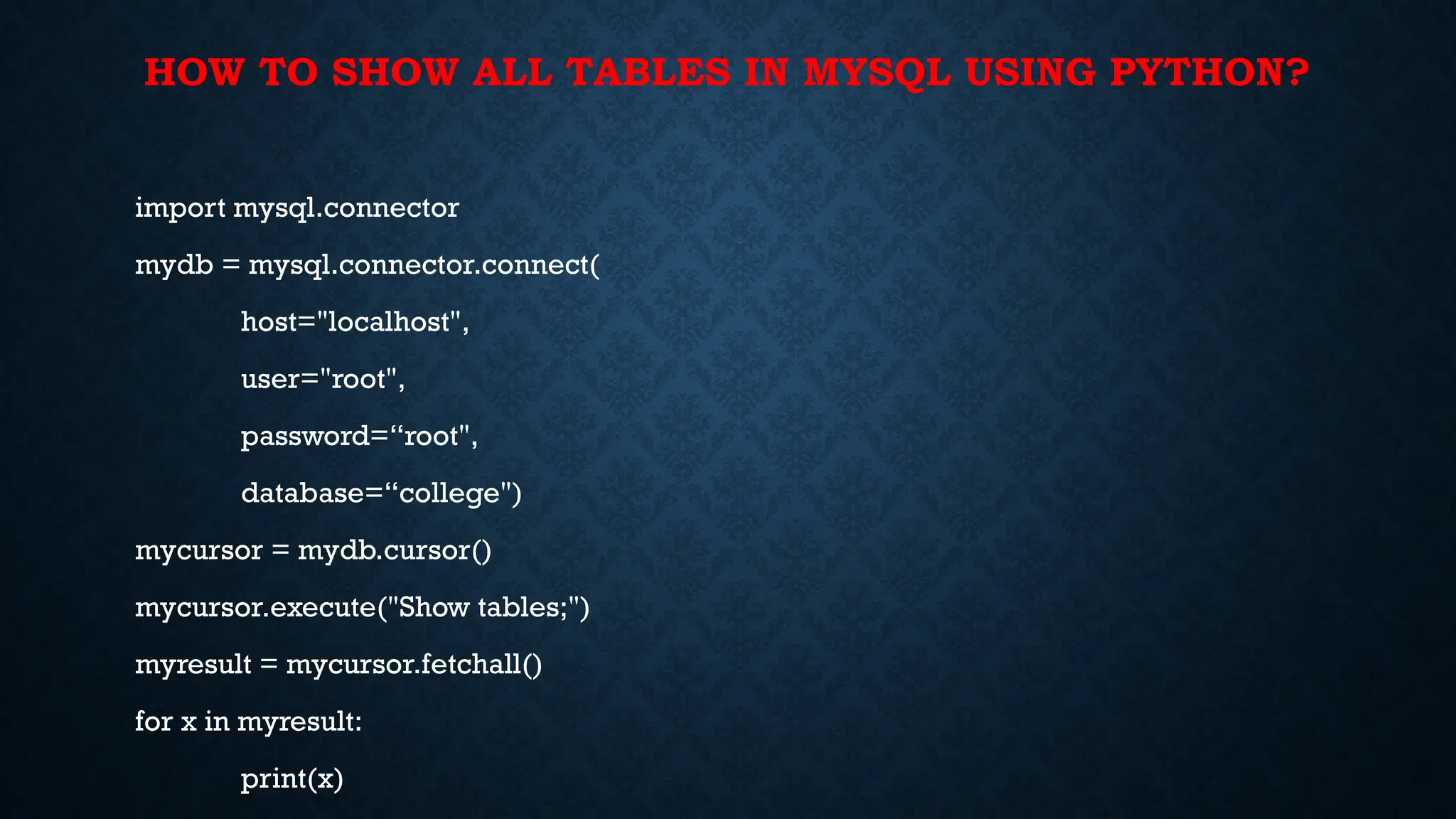
HOW TO SHOW ALL TABLES IN MYSQL USING PYTHON?
import mysql.connector
mydb = mysql.connector.connect(
host="localhost",
user="root",
password=“root",
database=“college")
mycursor = mydb.cursor()
mycursor.execute("Show tables;")
myresult = mycursor.fetchall()
for x in myresult:
print(x)
ALTER STATEMENT
With the ALTER statement, one can add, drop, or modify a column of an existing table as
well as modify table constraints.
The syntax for adding a column with ALTER statement:
ALTER TABLE table_name
ADD new_column_name column_definition
[FIRST | AFTER column_name];ALTER TABLE table_name
ADD new_column_name column_definition
[FIRST | AFTER column_name];
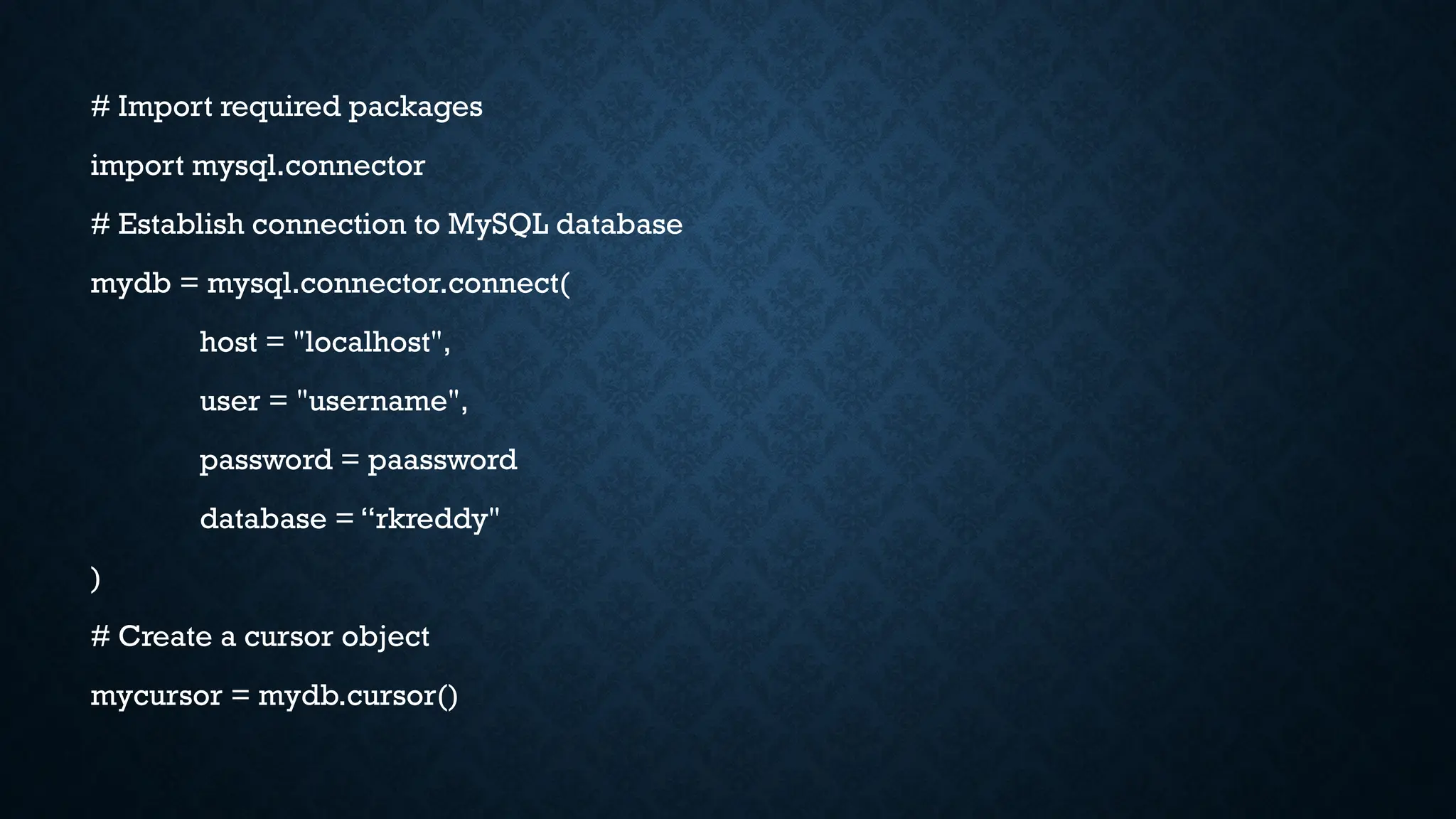
# Import required packages
import mysql.connector
# Establish connection to MySQL database
mydb = mysql.connector.connect(
host = "localhost",
user = "username",
password = paassword
database = “rkreddy"
)
# Create a cursor object
mycursor = mydb.cursor()
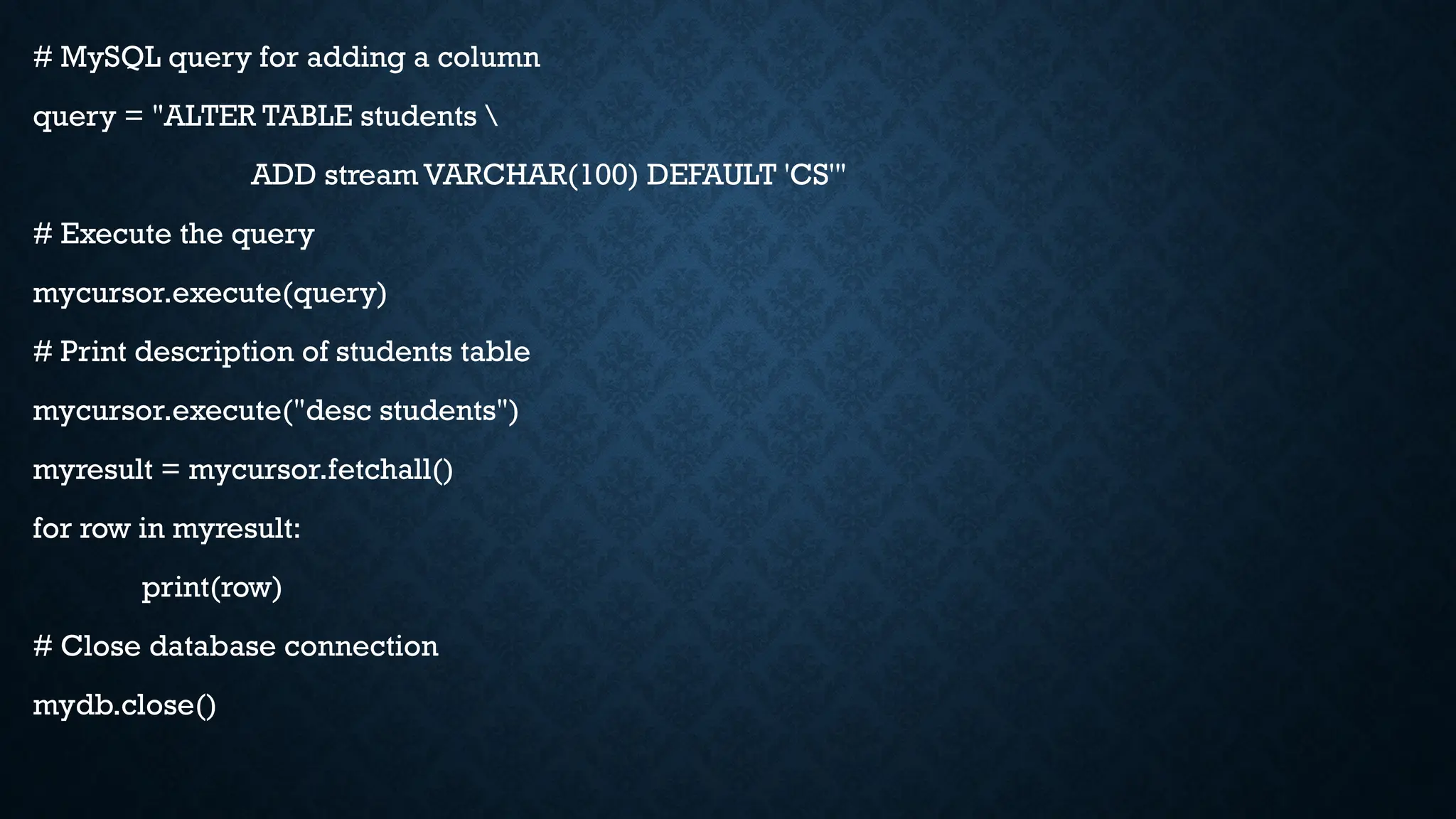
# MySQL query for adding a column
query = "ALTER TABLE students 
ADD stream VARCHAR(100) DEFAULT 'CS'"
# Execute the query
mycursor.execute(query)
# Print description of students table
mycursor.execute("desc students")
myresult = mycursor.fetchall()
for row in myresult:
print(row)
# Close database connection
mydb.close()
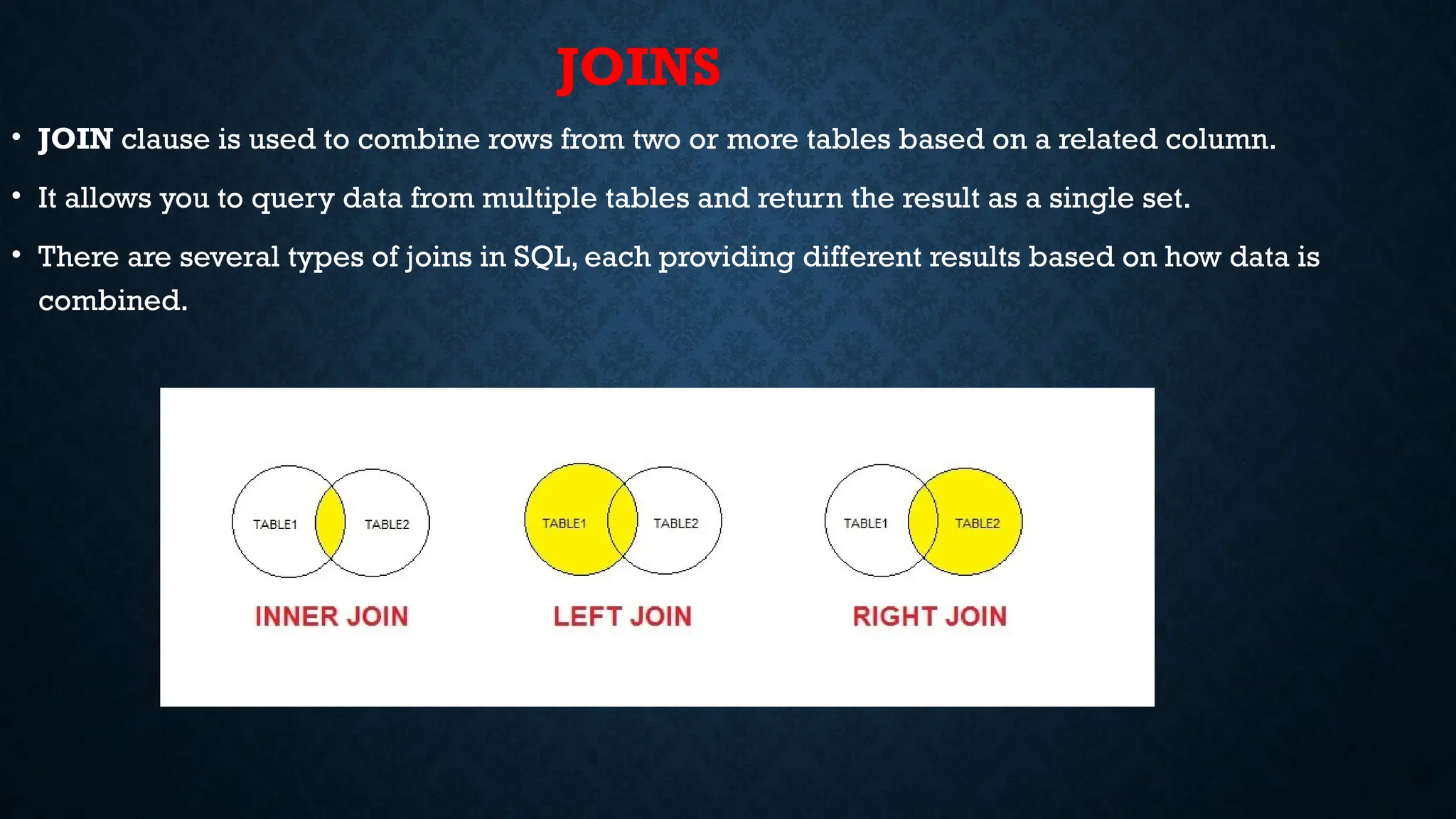
JOINS
• JOIN clause is used to combine rows from two or more tables based on a related column.
• It allows you to query data from multiple tables and return the result as a single set.
• There are several types of joins in SQL, each providing different results based on how data is
combined.
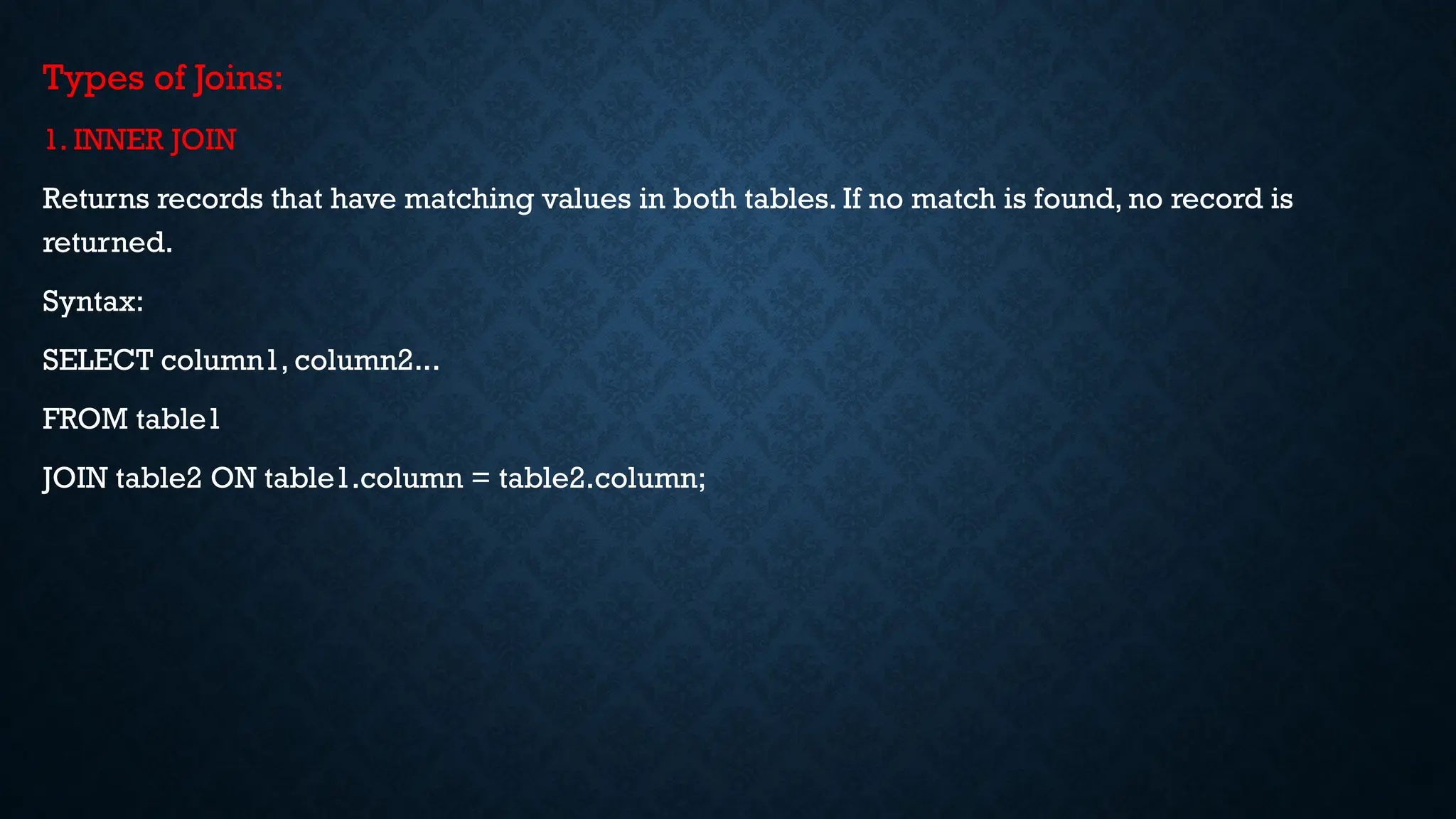
Types of Joins:
1. INNER JOIN
Returns records that have matching values in both tables. If no match is found, no record is
returned.
Syntax:
SELECT column1, column2...
FROM table1
JOIN table2 ON table1.column = table2.column;
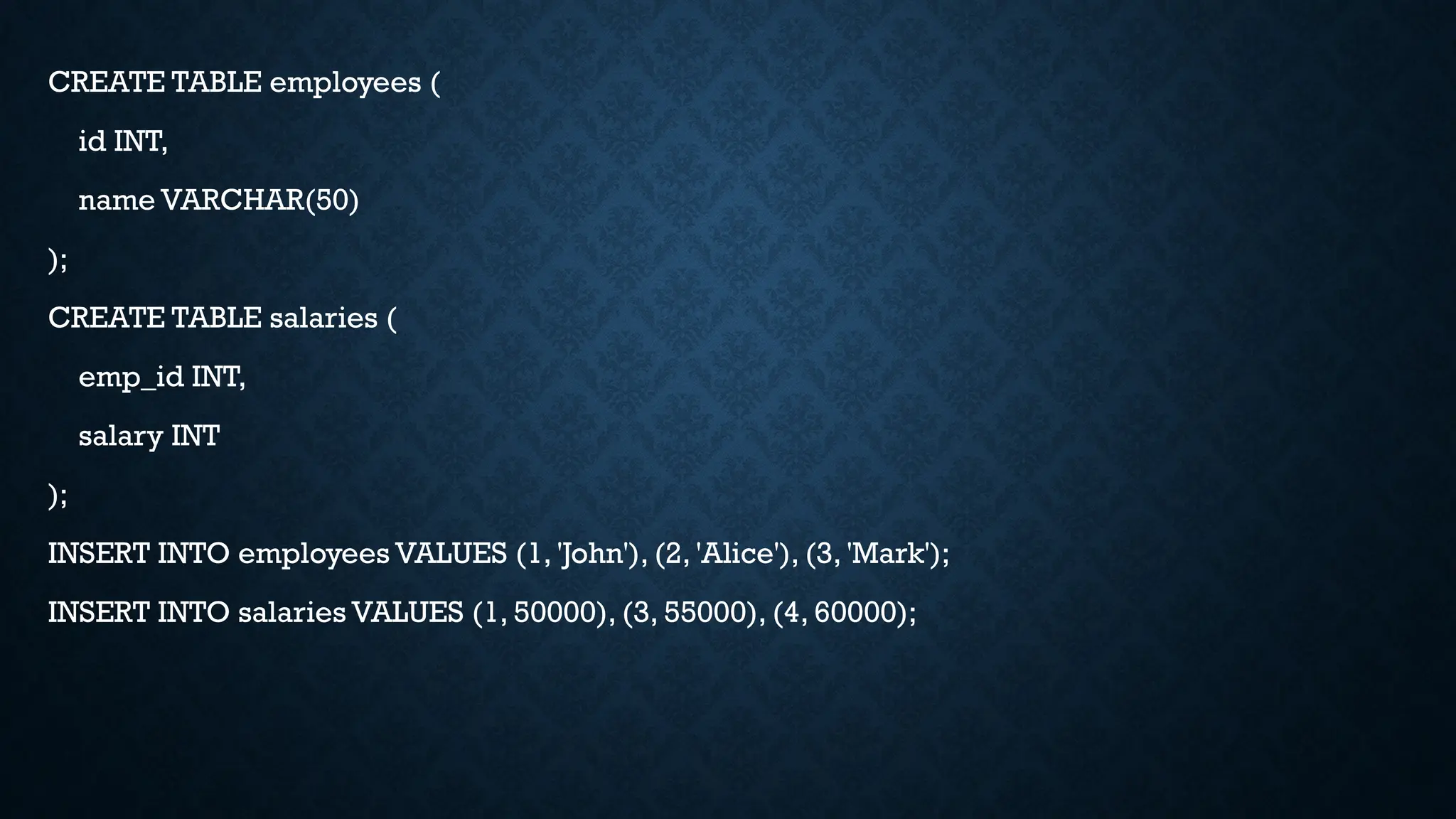
CREATE TABLE employees (
id INT,
name VARCHAR(50)
);
CREATE TABLE salaries (
emp_id INT,
salary INT
);
INSERT INTO employees VALUES (1, 'John'), (2, 'Alice'), (3, 'Mark');
INSERT INTO salaries VALUES (1, 50000), (3, 55000), (4, 60000);
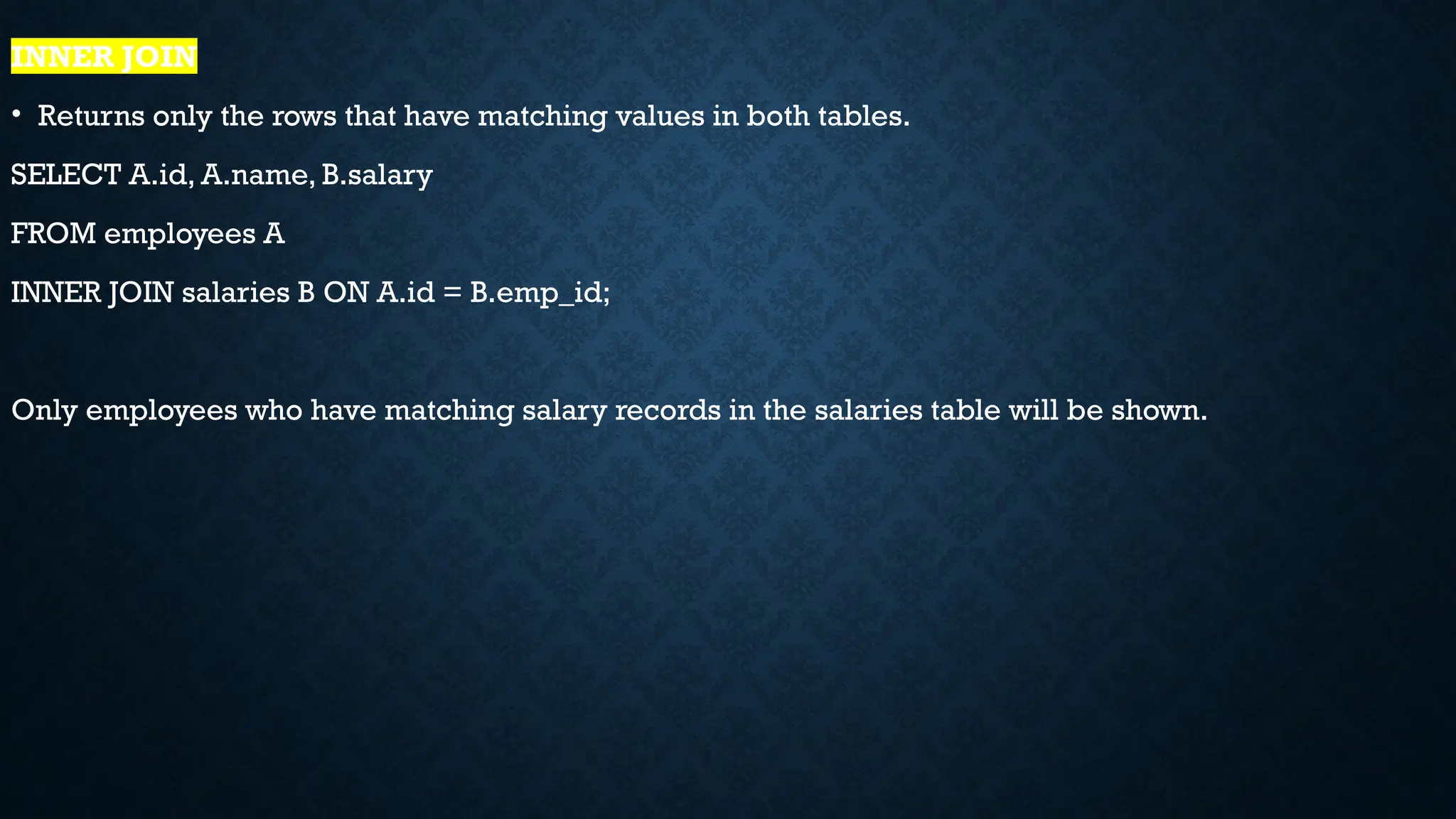
INNER JOIN
• Returns only the rows that have matching values in both tables.
SELECT A.id, A.name, B.salary
FROM employees A
INNER JOIN salaries B ON A.id = B.emp_id;
Only employees who have matching salary records in the salaries table will be shown.
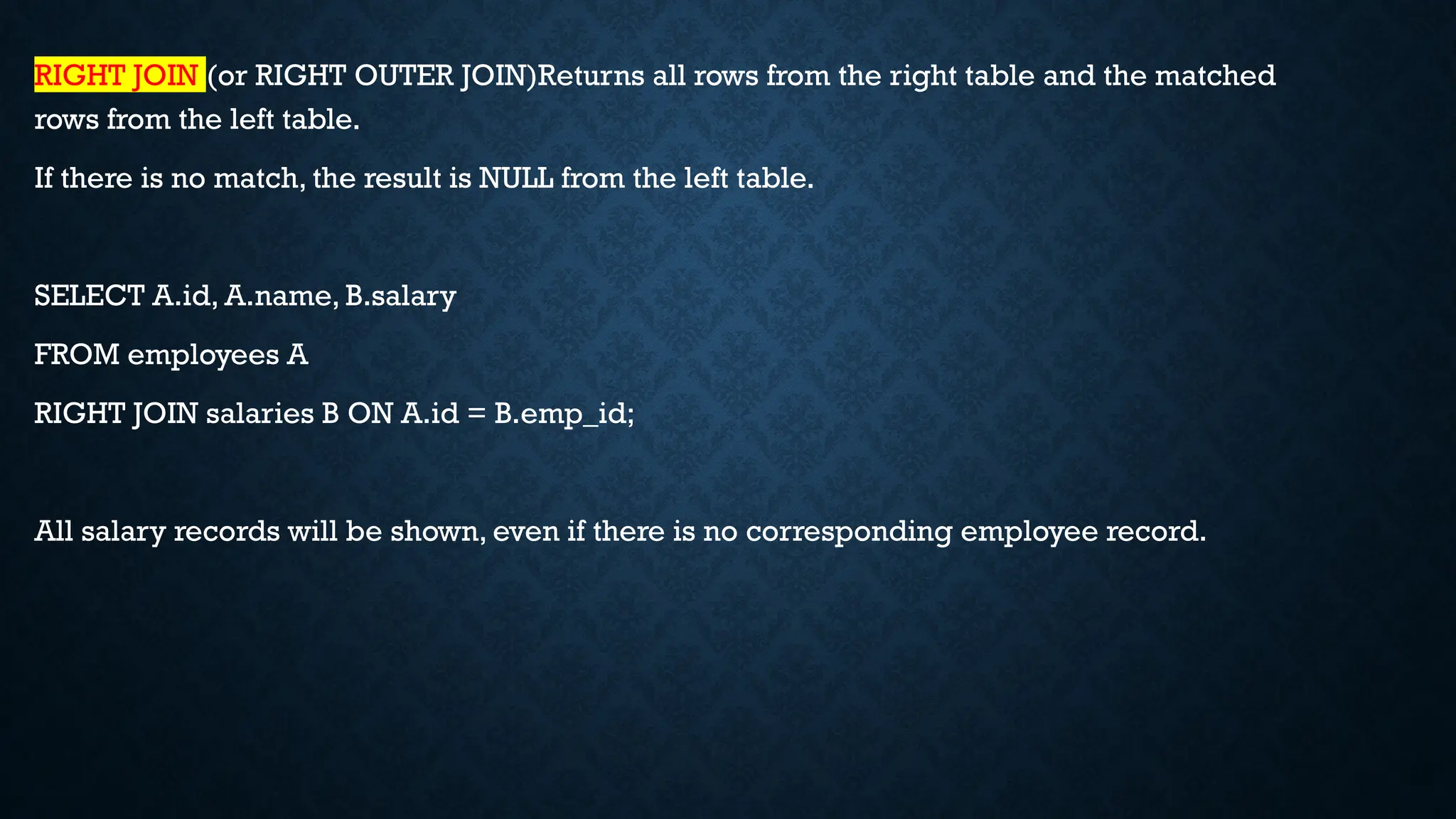
RIGHT JOIN (or RIGHT OUTER JOIN)Returns all rows from the right table and the matched
rows from the left table.
If there is no match, the result is NULL from the left table.
SELECT A.id, A.name, B.salary
FROM employees A
RIGHT JOIN salaries B ON A.id = B.emp_id;
All salary records will be shown, even if there is no corresponding employee record.
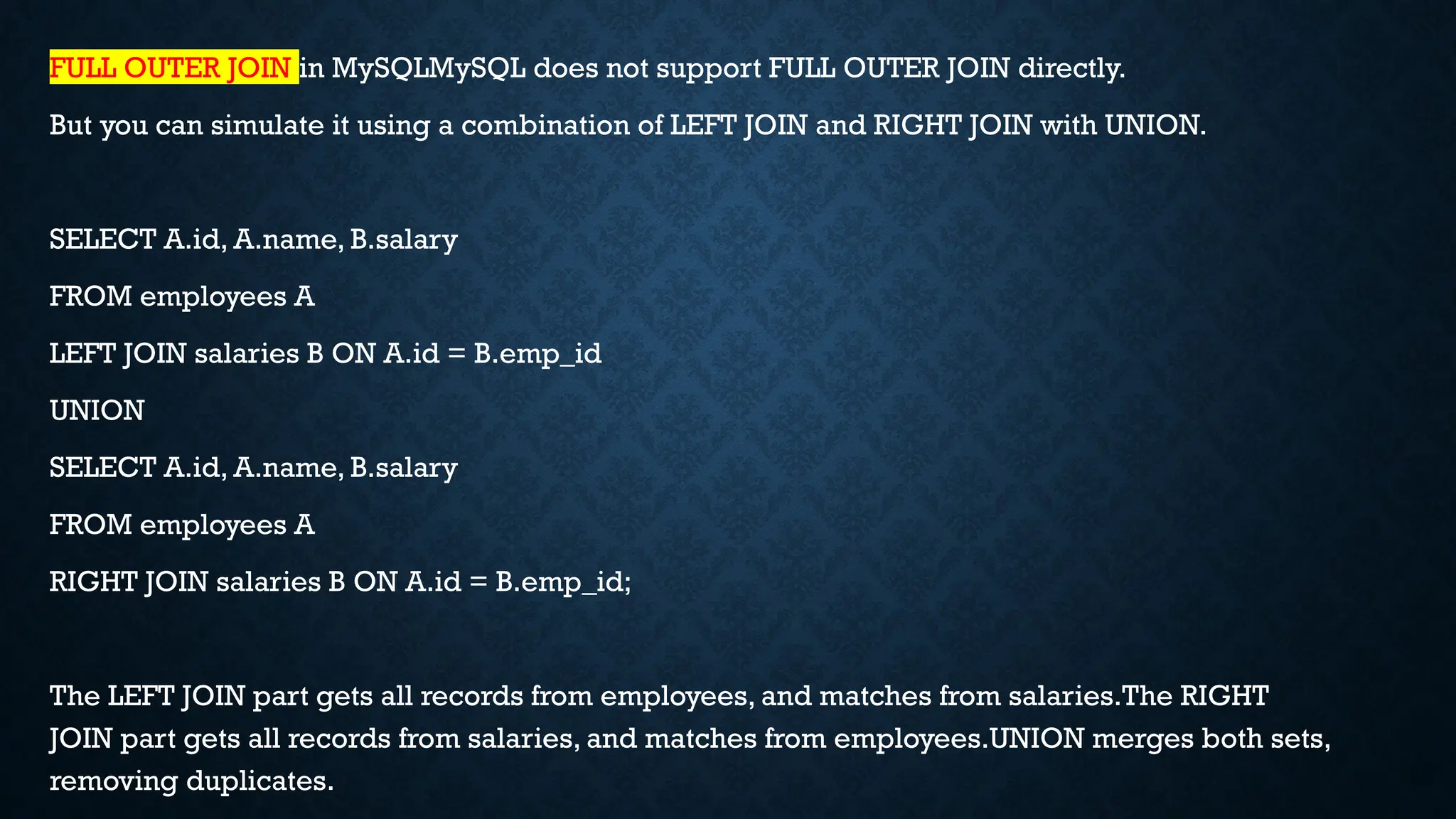
FULL OUTER JOIN in MySQLMySQL does not support FULL OUTER JOIN directly.
But you can simulate it using a combination of LEFT JOIN and RIGHT JOIN with UNION.
SELECT A.id, A.name, B.salary
FROM employees A
LEFT JOIN salaries B ON A.id = B.emp_id
UNION
SELECT A.id, A.name, B.salary
FROM employees A
RIGHT JOIN salaries B ON A.id = B.emp_id;
The LEFT JOIN part gets all records from employees, and matches from salaries.The RIGHT
JOIN part gets all records from salaries, and matches from employees.UNION merges both sets,
removing duplicates.
LEFT JOIN (or LEFT OUTER JOIN)Returns all rows from the left table and the matched rows
from the right table.
If there is no match, the result is NULL from the right table.
SELECT A.id, A.name, B.salary
FROM employees A
LEFT JOIN salaries B ON A.id = B.emp_id;
All employees will be shown, even if they don’t have a salary record.
Using LIKE Clause with % to match any number of Characters
SELECT * FROM Emp_data WHERE first_name LIKE 'Y%’;
To fetch records from the Emp_data Table with first_name ending with the letter '%m’.
SELECT * FROM Emp_data WHERE first_name LIKE '%m’;
To fetch records from the Emp_data with first_name with the letter 'h' at any position.
SELECT * FROM Emp_data WHERE first_name LIKE '%h%’;
To fetch the records from Emp_data in which salary contains a number 50 in between.
SELECT * FROM Emp_data WHERE salary LIKE '%50%’;
Using LIKE Clause with _ to match only one Character
SELECT * FROM Emp_data WHERE first_name LIKE 'R____’;
SELECT * FROM Emp_data WHERE Salary LIKE '3__00';
Pyhton with Mysql to perform CRUD operations.pptx

  • 1.
    PYTHON WITH MYSQL Pythoncan be used in database applications. One of the most popular databases is MySQL. Install MySQL Driver Python needs a MySQL driver to access the MySQL database. In this tutorial we will use the driver "MySQL Connector". We recommend that you use PIP to install "MySQL Connector". PIP is most likely already installed in your Python environment. Test MySQL Connector • To test if the installation was successful, or if you already have "MySQL Connector" installed, create a Python page with the following content: import mysql.connector
  • 2.
    PYTHON WITH MYSQL PythonMySQL Connector is a Python driver that helps to integrate Python and MySQL.This Python MySQL library allows the conversion between Python and MySQL data types. MySQL Connector API is implemented using pure Python and does not require any third-party library. Installation To install the Python-mysql-connector module, one must have Python and PIP, preinstalled on their system. If Python and pip are already installed type the below command in the terminal. https://dev.mysql.com/downloads/installer/  Windows (x86, 32-bit), MSI Installer 8.0.42 353.7M Download After Click on download click on  No thanks, just start my download.
  • 4.
    • Select FullClick on Next
  • 5.
    • Click onExecute (It Takes Few minutes of time) • Click on NextNextNext (Port number to be remember)
  • 6.
    • Give passwordas root only(username also root) • Click on NextNextNext Execute
  • 8.
    • Click onTestExecuteNextFinish Nextclose. • After completion Download Mysql/Python connector • https://dev.mysql.com/downloads/connector/python/ • Select OS as Platform independent
  • 9.
    Create Connection • Startby creating a connection to the database. • Use the username and password from your MySQL database: import mysql.connector mydb = mysql.connector.connect( host="localhost", user="yourusername", password="yourpassword" ) print(mydb)
  • 10.
    CONNECTING TO MYSQLSERVER We can connect to the MySQL server using the connect() method. # importing required libraries import mysql.connector dataBase = mysql.connector.connect( host ="localhost", user ="user", passwd ="password" ) print(dataBase) # Disconnecting from the server dataBase.close()
  • 11.
    CREATING DATABASE After connectingto the MySQL server let’s see how to create a MySQL database using Python. For this, we will first create a cursor() object and will then pass the SQL command as a string to the execute() method.The SQL command to create a database is – CREATE DATABASE DATABASE_NAME # importing required libraries import mysql.connector dataBase = mysql.connector.connect( host ="localhost", user =“root", passwd =“root" ) # preparing a cursor object cursorObject = dataBase.cursor() # creating database cursorObject.execute("CREATE DATABASE rkreddy")
  • 12.
    CREATING TABLES For creatingtables we will follow the similar approach of writing the mySQL commands as strings and then passing it to the execute() method of the cursor object. import pymysql conn = pymysql.connect( host='localhost', user='root', password='root', database='rkreddy' ) cursor = conn.cursor() studentRecord = """CREATE TABLE STUDENT ( NAME VARCHAR(20) NOT NULL, BRANCH VARCHAR(50), ROLL INT NOT NULL, SECTION VARCHAR(5), AGE INT )""" # table created cursor.execute(studentRecord) # disconnecting from server conn.close()
  • 13.
    INSERT DATA # importingrequired libraries import mysql.connector dataBase = mysql.connector.connect( host ="localhost", user =“root", passwd =“root", database = “rkreddy" ) # preparing a cursor object cursorObject = dataBase.cursor() sql = "INSERT INTO STUDENT (NAME, BRANCH, ROLL, SECTION, AGE) VALUES (%s, %s, %s, %s, %s)" val = ("Ram", "CSE", "85", "B", "19") cursorObject.execute(sql, val) dataBase.commit() # disconnecting from server dataBase.close()
  • 14.
    INSERTING MULTIPLE ROWS #importing required libraries import mysql.connector dataBase = mysql.connector.connect( host ="localhost", user ="user", passwd ="password", database = “rkreddy" # preparing a cursor object cursorObject = dataBase.cursor() sql = "INSERT INTO STUDENT (NAME, BRANCH, ROLL, SECTION, AGE)
  • 15.
    VALUES (%s, %s,%s, %s, %s)" val = [("Nikhil", "CSE", "98", "A", "18"), ("Nisha", "CSE", "99", "A", "18"), ("Rohan", "MAE", "43", "B", "20"), ("Amit", "ECE", "24", "A", "21"), ("Anil", "MAE", "45", "B", "20"), ("Megha", "ECE", "55", "A", "22"), ("Sita", "CSE", "95", "A", "19")] cursorObject.executemany(sql, val) dataBase.commit() # disconnecting from server dataBase.close()
  • 16.
    FETCHING THE DATA •We can use the select query on the MySQL tables in the following ways – • In order to select particular attribute columns from a table, we write the attribute names. • SELECT attr1, attr2 FROM table_name • In order to select all the attribute columns from a table, we use the asterisk ‘*’ symbol. • SELECT * FROM table_name
  • 17.
    # importing requiredlibraries import mysql.connector dataBase = mysql.connector.connect( host ="localhost", user ="user", passwd ="password", database = "gfg" ) # preparing a cursor object cursorObject = dataBase.cursor() query = "SELECT NAME, ROLL FROM STUDENT" cursorObject.execute(query) myresult = cursorObject.fetchall() for x in myresult: print(x) # disconnecting from server dataBase.close()
  • 18.
    WHERE CLAUSE Where clauseis used in MySQL database to filter the data as per the condition required. You can fetch, delete or update a particular set of data in MySQL database by using where clause. Syntax: SELECT column1, column2, …. columnN FROM [TABLE NAME] WHERE [CONDITION]; Example:Where clause in MySQL using Python
  • 19.
    # importing requiredlibraries import mysql.connector dataBase = mysql.connector.connect( host ="localhost", user ="user", passwd ="password", database = “rkreddy" ) # preparing a cursor object cursorObject = dataBase.cursor() query = "SELECT * FROM STUDENT where AGE >=20" cursorObject.execute(query) myresult = cursorObject.fetchall() for x in myresult: print(x) # disconnecting from server dataBase.close()
  • 20.
    ORDER BY CLAUSE OrderByis used to arrange the result set in either ascending or descending order. By default, it is always in ascending order unless “DESC” is mentioned, which arranges it in descending order. “ASC” can also be used to explicitly arrange it in ascending order. But, it is generally not done this way since default already does that. Syntax: SELECT column1, column2 FROM table_name ORDER BY column_name ASC|DESC;
  • 21.
    EXAMPLE # importing requiredlibraries import mysql.connector dataBase = mysql.connector.connect( host ="localhost", user ="user", passwd ="password", database = “rkreddy" ) # preparing a cursor object cursorObject = dataBase.cursor()
  • 22.
    query = "SELECT* FROM STUDENT ORDER BY NAME DESC" cursorObject.execute(query) myresult = cursorObject.fetchall() for x in myresult: print(x) # disconnecting from server dataBase.close()
  • 23.
    LIMIT CLAUSE • TheLimit clause is used in SQL to control or limit the number of records in the result set returned from the query generated. • By default, SQL gives out the required number of records starting from the top but it allows the use of OFFSET keyword. • OFFSET allows you to start from a custom row and get the required number of result rows. Syntax: SELECT * FROM tablename LIMIT limit; SELECT * FROM tablename LIMIT limit OFFSET offset;
  • 24.
    # importing requiredlibraries import mysql.connector dataBase = mysql.connector.connect( host ="localhost", user ="user", passwd ="password", database = “rkreddy" ) # preparing a cursor object cursorObject = dataBase.cursor()
  • 25.
    query = "SELECT* FROM STUDENT LIMIT 2 OFFSET 1" cursorObject.execute(query) myresult = cursorObject.fetchall() for x in myresult: print(x) # disconnecting from server dataBase.close()
  • 26.
    UPDATE DATA The updatequery is used to change the existing values in a database. By using update a specific value can be corrected or updated. It only affects the data and not the structure of the table. The basic advantage provided by this command is that it keeps the table accurate. Syntax: UPDATE tablename SET ="new value" WHERE ="old value";
  • 27.
    # importing requiredlibraries import mysql.connector dataBase = mysql.connector.connect( host ="localhost", user ="user", passwd ="password", database = “rkreddy" ) # preparing a cursor object cursorObject = dataBase.cursor()
  • 28.
    query = "UPDATESTUDENT SET AGE = 23 WHERE Name ='Ram'" cursorObject.execute(query) dataBase.commit() # disconnecting from server dataBase.close()
  • 29.
    DELETE Delete Data fromTable We can use the Delete query to delete data from the table in MySQL. Syntax: DELETE FROM TABLE_NAME WHERE ATTRIBUTE_NAME = ATTRIBUTE_VALUE Example: Delete Data from MySQL table using Python
  • 30.
    # importing requiredlibraries import mysql.connector dataBase = mysql.connector.connect( host ="localhost", user ="user", passwd ="password", database = “rkreddy" ) # preparing a cursor object cursorObject = dataBase.cursor()
  • 31.
    query = "DELETEFROM STUDENT WHERE NAME = 'Ram'" cursorObject.execute(query) dataBase.commit() # disconnecting from server dataBase.close()
  • 32.
    DROP TABLES Drop commandaffects the structure of the table and not data. It is used to delete an already existing table. For cases where you are not sure if the table to be dropped exists or not DROP TABLE IF EXISTS command is used. Both cases will be dealt with in the following examples. Syntax: DROP TABLE tablename; DROP TABLE IF EXISTS tablename;
  • 33.
    # importing requiredlibraries import mysql.connector dataBase = mysql.connector.connect( host ="localhost", user ="user", passwd ="password", database = “college" ) # preparing a cursor object cursorObject = dataBase.cursor()
  • 34.
    query ="DROP TABLEStudent;" cursorObject.execute(query) dataBase.commit() # disconnecting from server dataBase.close()
  • 35.
    HOW TO SHOWALL TABLES IN MYSQL USING PYTHON? import mysql.connector mydb = mysql.connector.connect( host="localhost", user="root", password=“root", database=“college") mycursor = mydb.cursor() mycursor.execute("Show tables;") myresult = mycursor.fetchall() for x in myresult: print(x)
  • 36.
    ALTER STATEMENT With theALTER statement, one can add, drop, or modify a column of an existing table as well as modify table constraints. The syntax for adding a column with ALTER statement: ALTER TABLE table_name ADD new_column_name column_definition [FIRST | AFTER column_name];ALTER TABLE table_name ADD new_column_name column_definition [FIRST | AFTER column_name];
  • 37.
    # Import requiredpackages import mysql.connector # Establish connection to MySQL database mydb = mysql.connector.connect( host = "localhost", user = "username", password = paassword database = “rkreddy" ) # Create a cursor object mycursor = mydb.cursor()
  • 38.
    # MySQL queryfor adding a column query = "ALTER TABLE students ADD stream VARCHAR(100) DEFAULT 'CS'" # Execute the query mycursor.execute(query) # Print description of students table mycursor.execute("desc students") myresult = mycursor.fetchall() for row in myresult: print(row) # Close database connection mydb.close()
  • 39.
    JOINS • JOIN clauseis used to combine rows from two or more tables based on a related column. • It allows you to query data from multiple tables and return the result as a single set. • There are several types of joins in SQL, each providing different results based on how data is combined.
  • 40.
    Types of Joins: 1.INNER JOIN Returns records that have matching values in both tables. If no match is found, no record is returned. Syntax: SELECT column1, column2... FROM table1 JOIN table2 ON table1.column = table2.column;
  • 41.
    CREATE TABLE employees( id INT, name VARCHAR(50) ); CREATE TABLE salaries ( emp_id INT, salary INT ); INSERT INTO employees VALUES (1, 'John'), (2, 'Alice'), (3, 'Mark'); INSERT INTO salaries VALUES (1, 50000), (3, 55000), (4, 60000);
  • 42.
    INNER JOIN • Returnsonly the rows that have matching values in both tables. SELECT A.id, A.name, B.salary FROM employees A INNER JOIN salaries B ON A.id = B.emp_id; Only employees who have matching salary records in the salaries table will be shown.
  • 43.
    RIGHT JOIN (orRIGHT OUTER JOIN)Returns all rows from the right table and the matched rows from the left table. If there is no match, the result is NULL from the left table. SELECT A.id, A.name, B.salary FROM employees A RIGHT JOIN salaries B ON A.id = B.emp_id; All salary records will be shown, even if there is no corresponding employee record.
  • 44.
    FULL OUTER JOINin MySQLMySQL does not support FULL OUTER JOIN directly. But you can simulate it using a combination of LEFT JOIN and RIGHT JOIN with UNION. SELECT A.id, A.name, B.salary FROM employees A LEFT JOIN salaries B ON A.id = B.emp_id UNION SELECT A.id, A.name, B.salary FROM employees A RIGHT JOIN salaries B ON A.id = B.emp_id; The LEFT JOIN part gets all records from employees, and matches from salaries.The RIGHT JOIN part gets all records from salaries, and matches from employees.UNION merges both sets, removing duplicates.
  • 45.
    LEFT JOIN (orLEFT OUTER JOIN)Returns all rows from the left table and the matched rows from the right table. If there is no match, the result is NULL from the right table. SELECT A.id, A.name, B.salary FROM employees A LEFT JOIN salaries B ON A.id = B.emp_id; All employees will be shown, even if they don’t have a salary record.
  • 46.
    Using LIKE Clausewith % to match any number of Characters SELECT * FROM Emp_data WHERE first_name LIKE 'Y%’; To fetch records from the Emp_data Table with first_name ending with the letter '%m’. SELECT * FROM Emp_data WHERE first_name LIKE '%m’; To fetch records from the Emp_data with first_name with the letter 'h' at any position. SELECT * FROM Emp_data WHERE first_name LIKE '%h%’; To fetch the records from Emp_data in which salary contains a number 50 in between. SELECT * FROM Emp_data WHERE salary LIKE '%50%’; Using LIKE Clause with _ to match only one Character SELECT * FROM Emp_data WHERE first_name LIKE 'R____’; SELECT * FROM Emp_data WHERE Salary LIKE '3__00';