
Programming Style GuidelinesNhat ‘Rich’ NguyenFuture  Computing  LabFebruary 2010
2“You got to know the rules before you can break them. Otherwise it’s no fun.”Sonny Crockett (Miami Vice)
Benefits of well-written codeUnderstandingSharingMaintainingBeing professional3
OverviewNaming ConventionOrganizationStatementsDocumentationExtra Guidelines4
1. Naming Convention5“What's in a name? That which we call a roseby any other name would smell as sweet.” Juliet / WilliamShakespeare
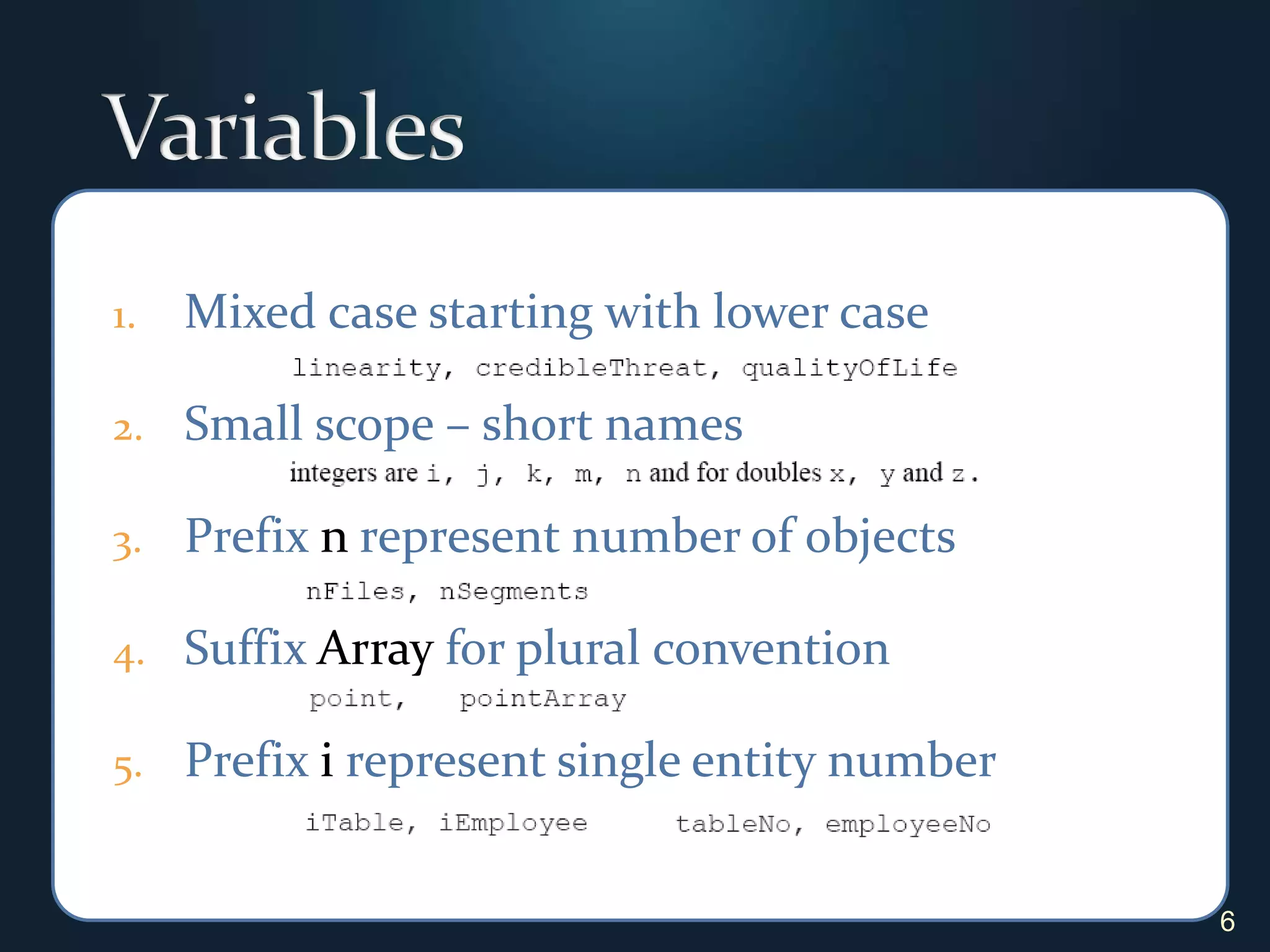
VariablesMixed case starting with lower case Small scope – short namesPrefix n represent number of objectsSuffix Array for plural conventionPrefix i represent single entity number 6
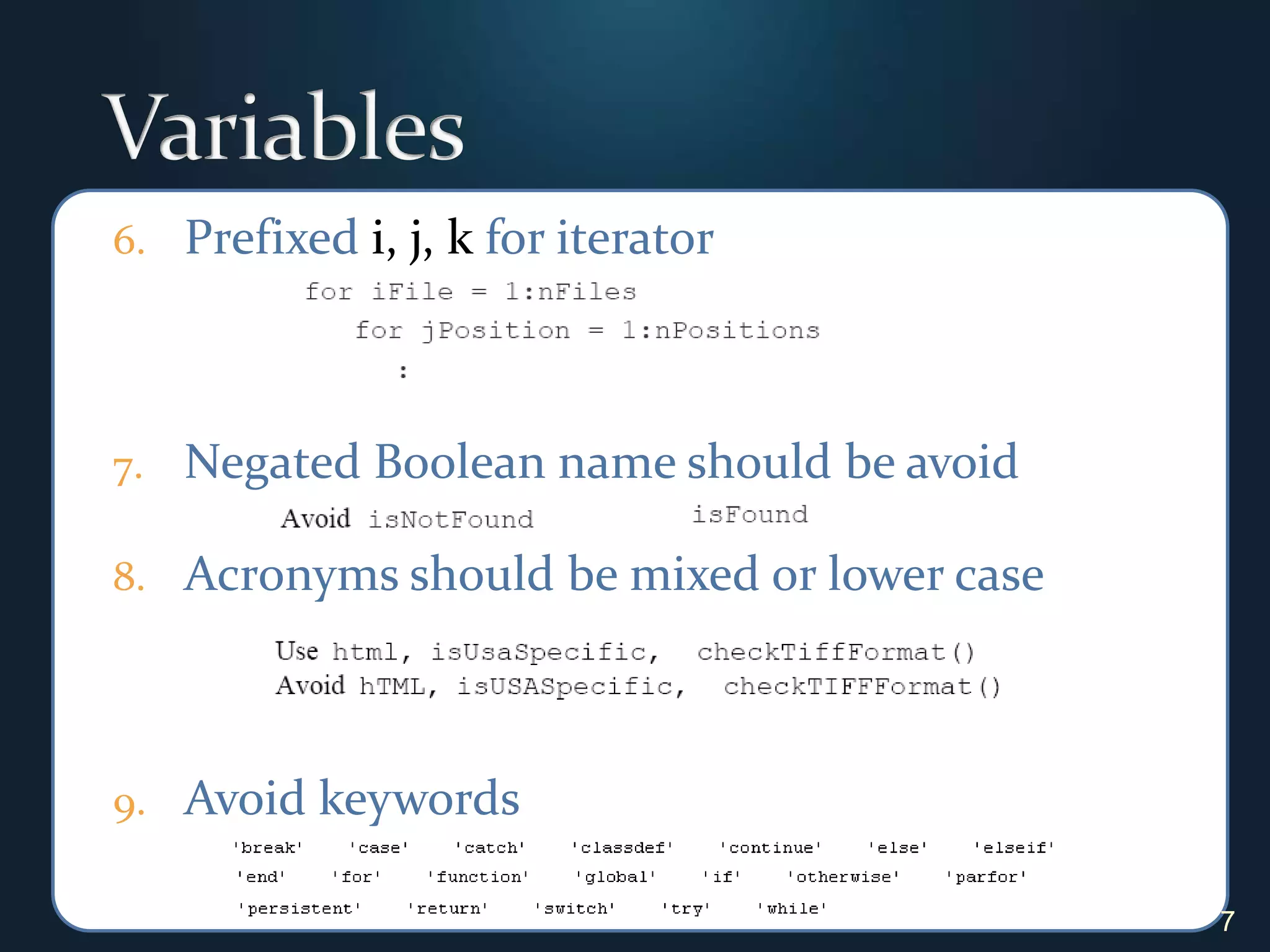
VariablesPrefixed i, j, k for iteratorNegated Boolean name should be avoidAcronyms should be mixed or lower caseAvoid keywords7
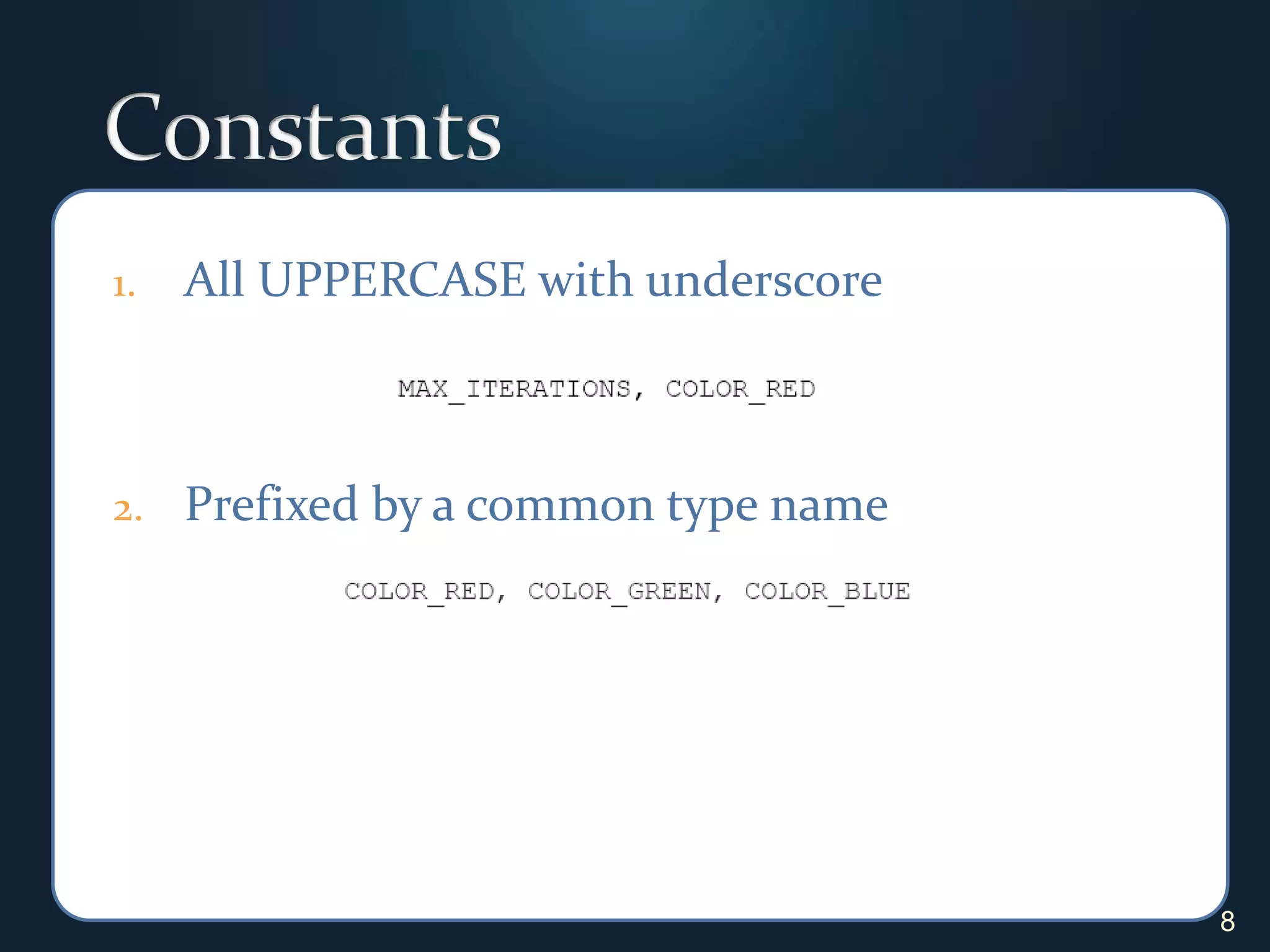
ConstantsAll UPPERCASE with underscore Prefixed by a common type name8
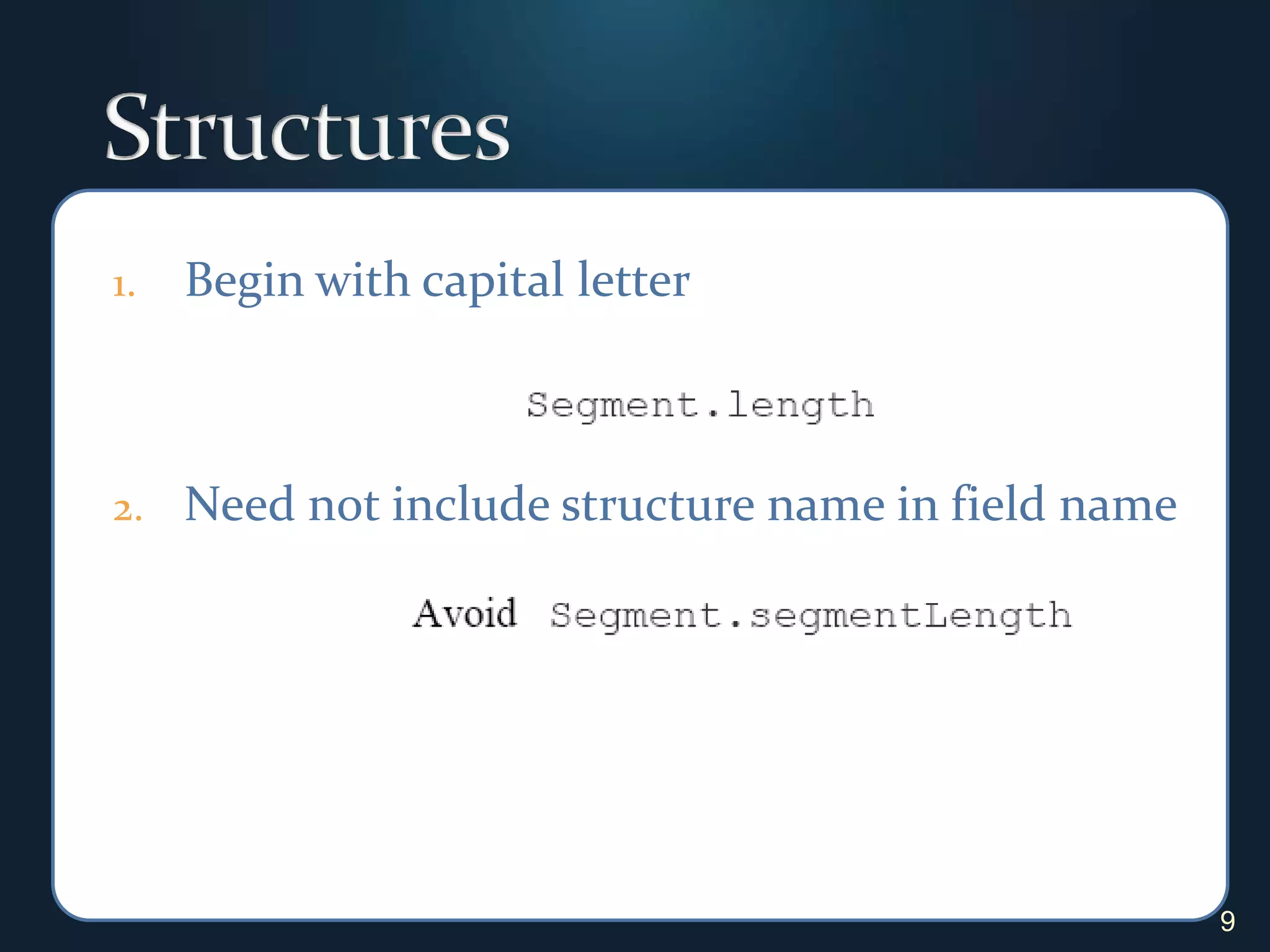
StructuresBegin with capital letterNeed not include structure name in field name9
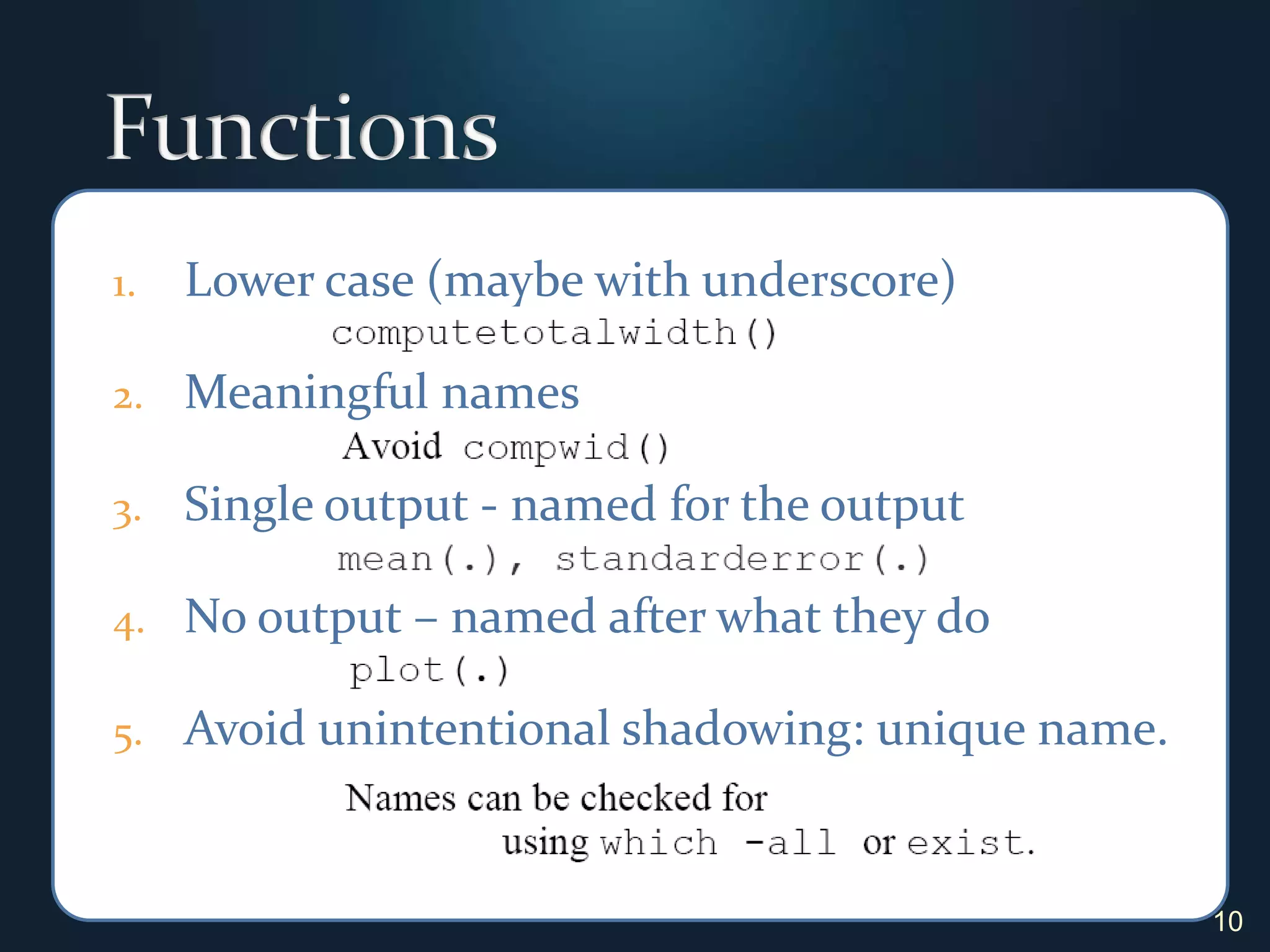
FunctionsLower case (maybe with underscore)Meaningful namesSingle output - named for the outputNo output – named after what they doAvoid unintentional shadowing: unique name.10
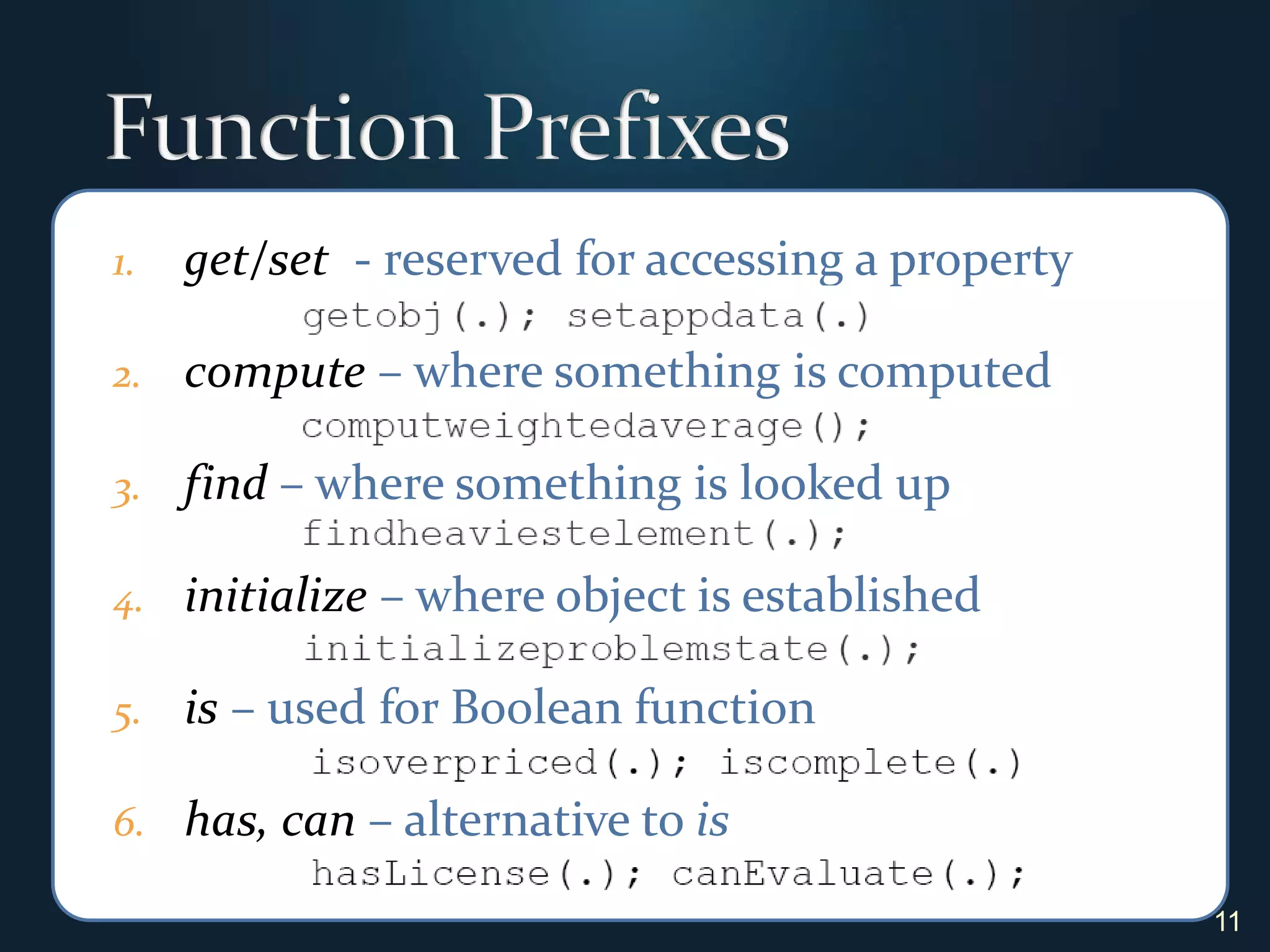
Function Prefixesget/set  - reserved for accessing a property compute – where something is computedfind– where something is looked upinitialize – where object is establishedis – used for Boolean functionhas, can – alternative to is11
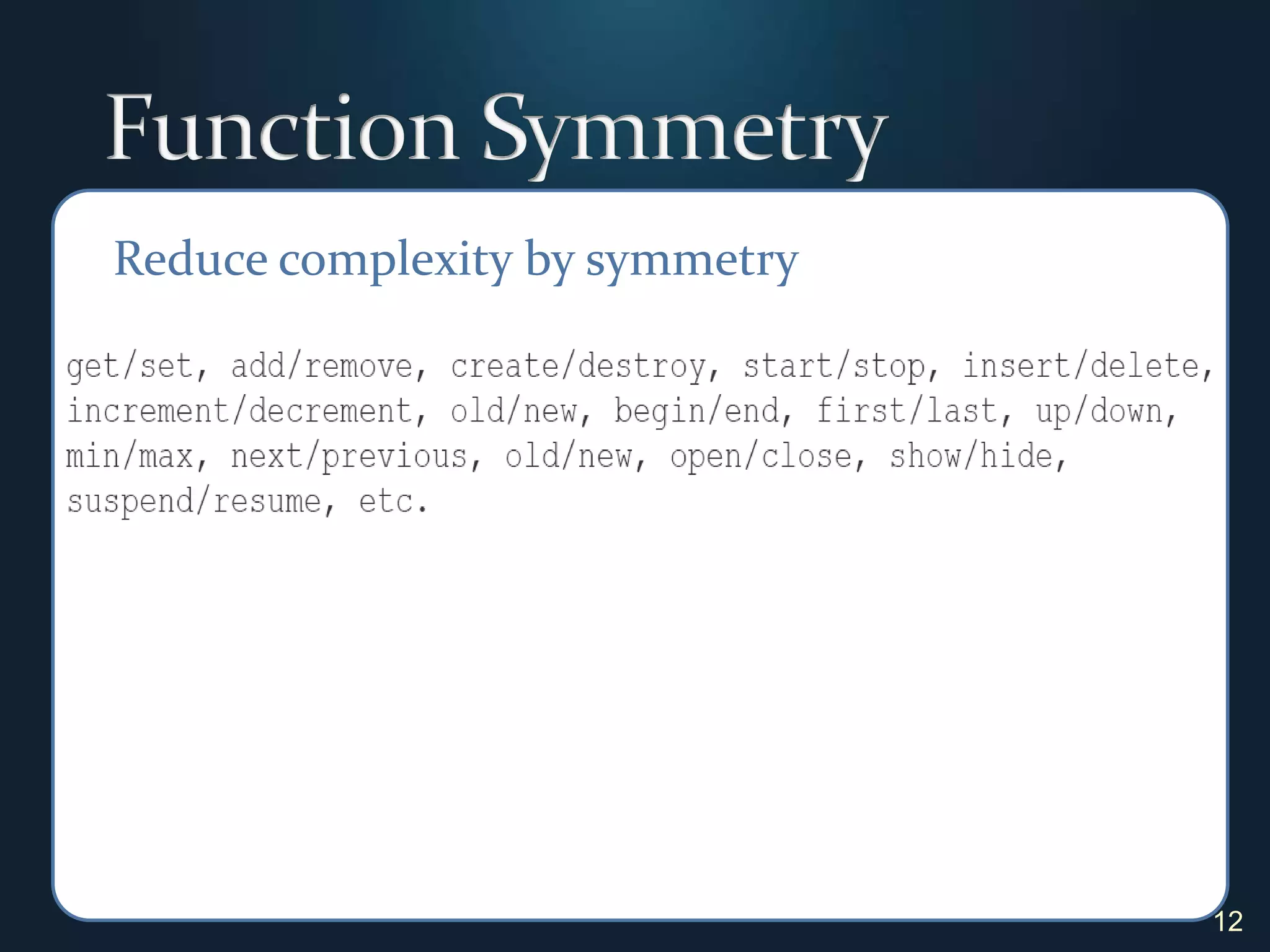
Function Symmetry12Reduce complexity by symmetry
2. Organization13"A place for everything, everything in its place." Benjamin Franklin
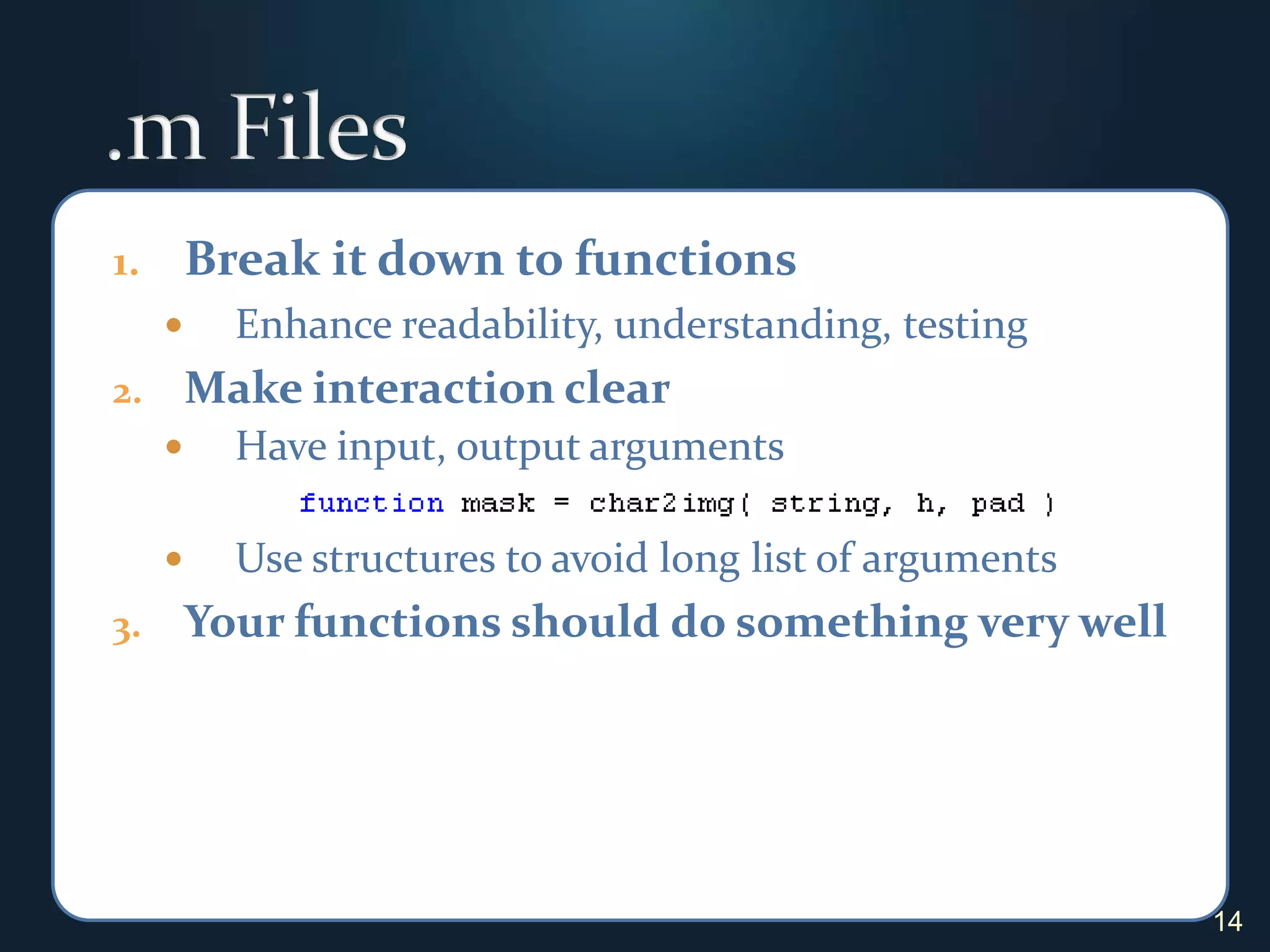
.m FilesBreak it down to functionsEnhance readability, understanding, testingMake interaction clearHave input, output argumentsUse structures to avoid long list of argumentsYour functions should do something very well14
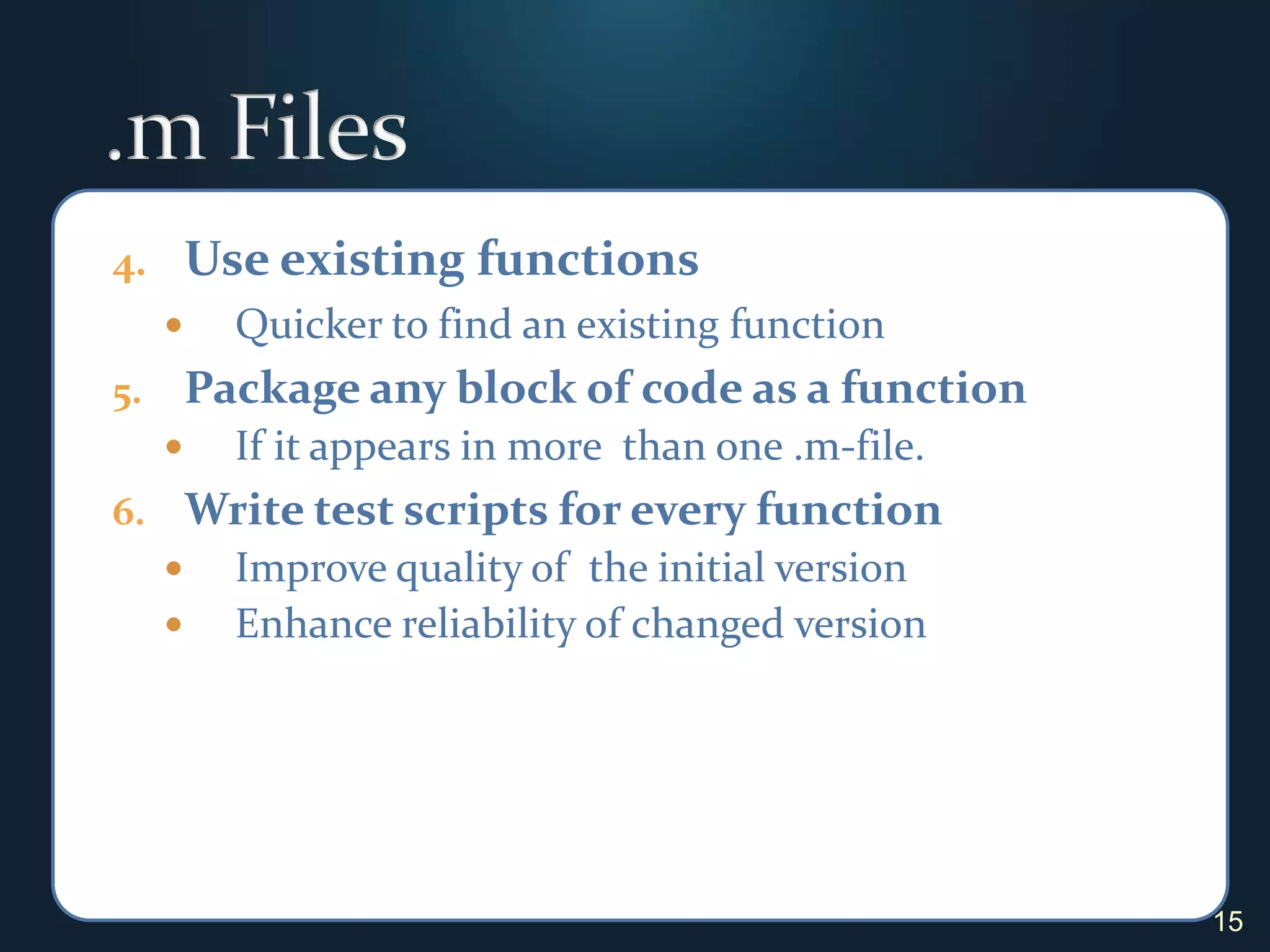
.m FilesUse existing functionsQuicker to find an existing functionPackage any block of code as a function If it appears in more  than one .m-file.Write test scripts for every functionImprove quality of  the initial versionEnhance reliability of changed version15
Input and OutputMake input and output modulesInput is subject to change and often messyOutput is subject to change without noticeLocalize code to preprocess them.Format output for easy useFor human: make it self descriptive and easy to read.For another function: make it easy to use as input.For both: make it easy to use as input and write a formatter function to produce a human readable version.16
3. Statements17“A month from now, if I look atthis code, will I understand what it’s doing?” Steve Lord – The MathWorks Inc.
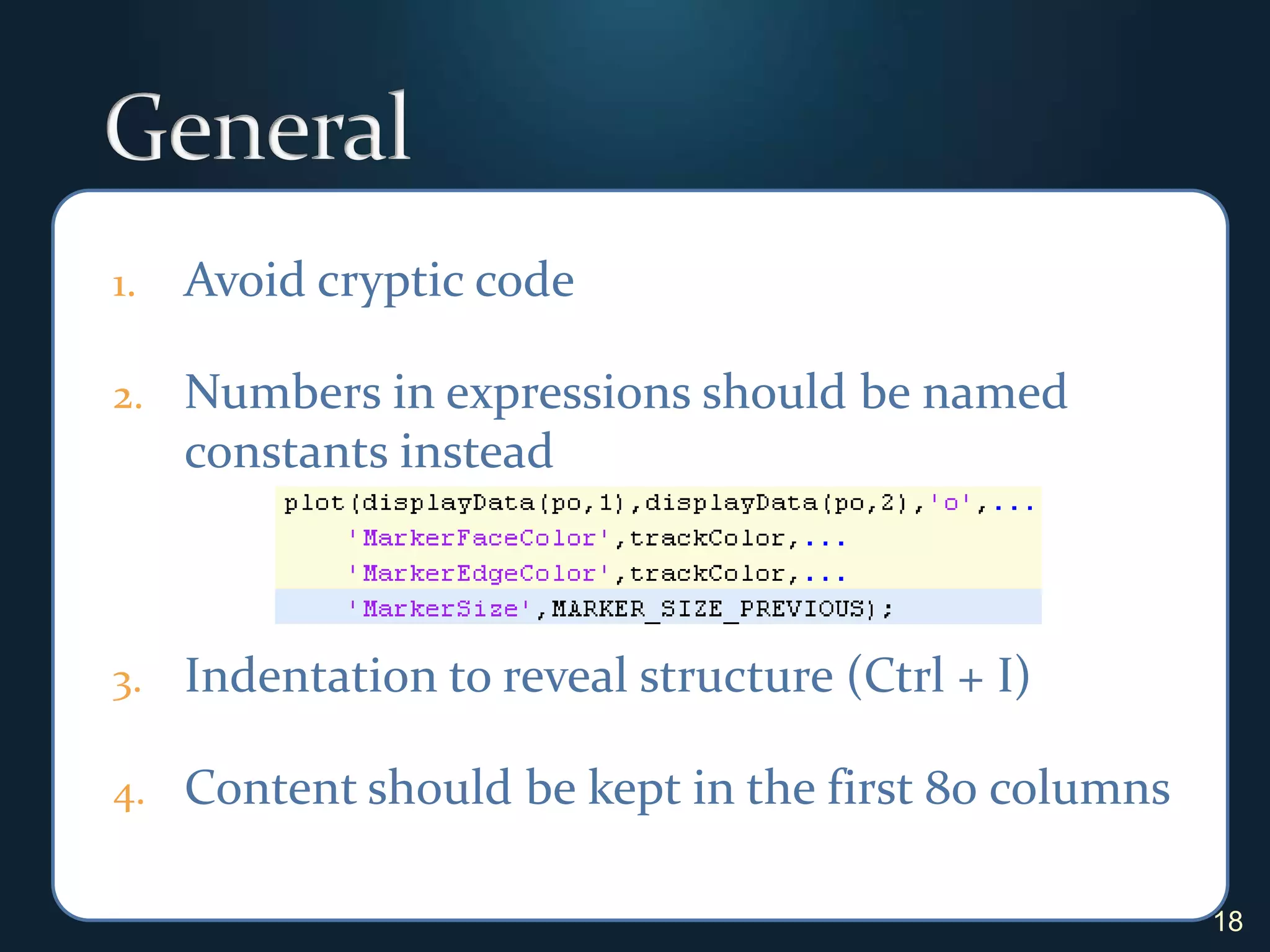
GeneralAvoid cryptic codeNumbers in expressions should be named constants insteadIndentation to reveal structure (Ctrl + I)Content should be kept in the first 80 columns18
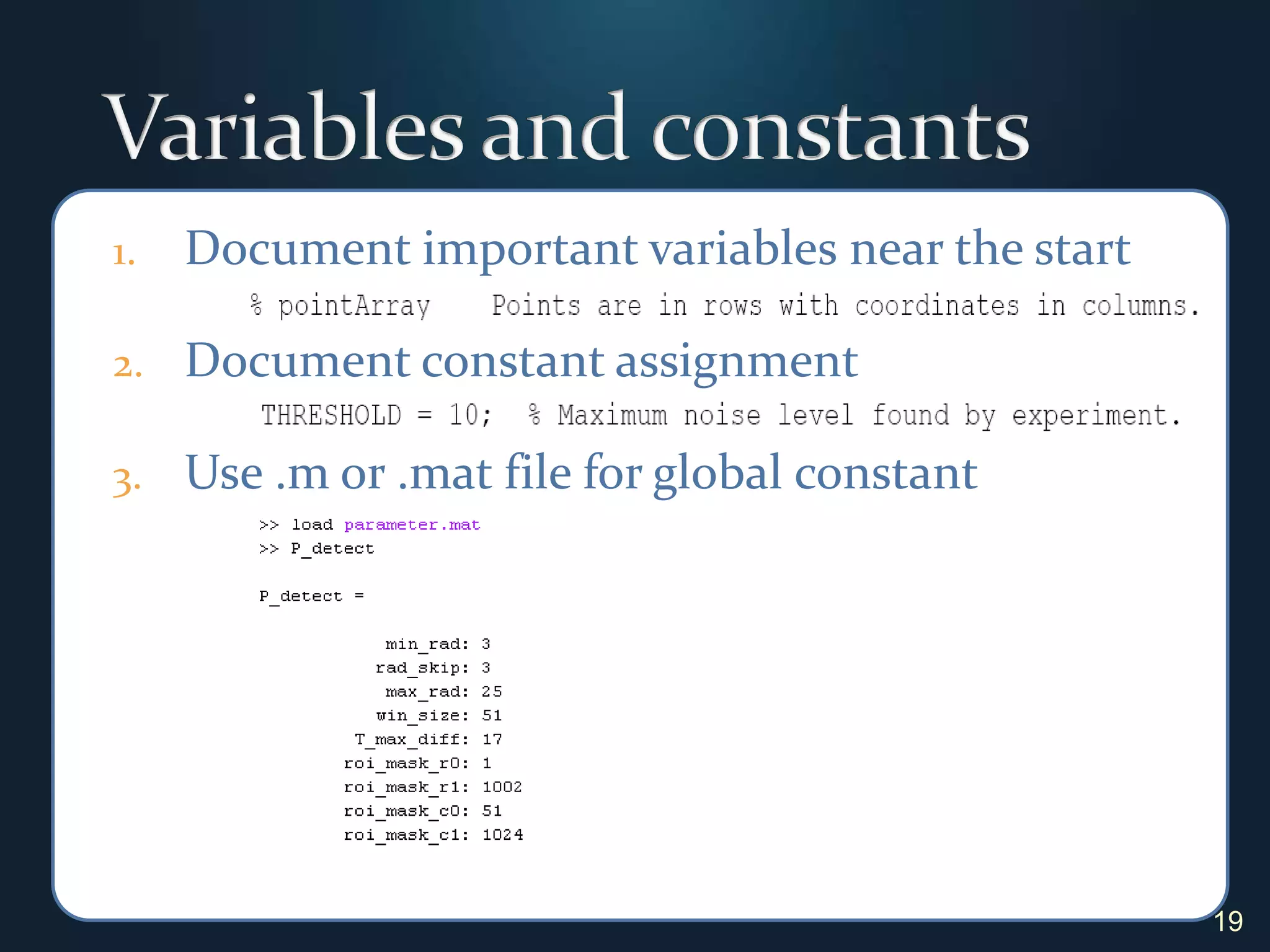
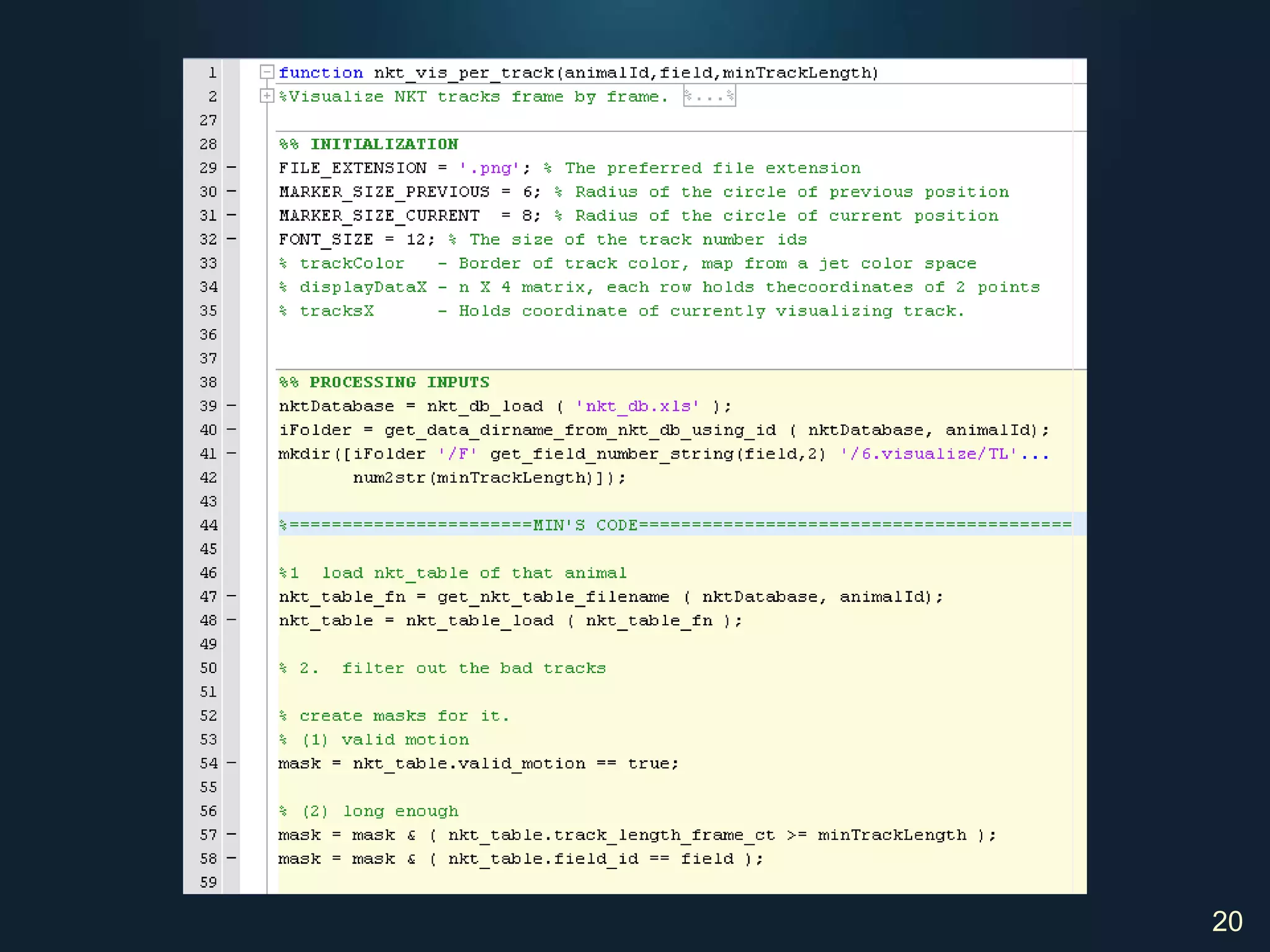
Variables and constantsDocument important variables near the startDocument constant assignmentUse .m or .mat file for global constant19
20
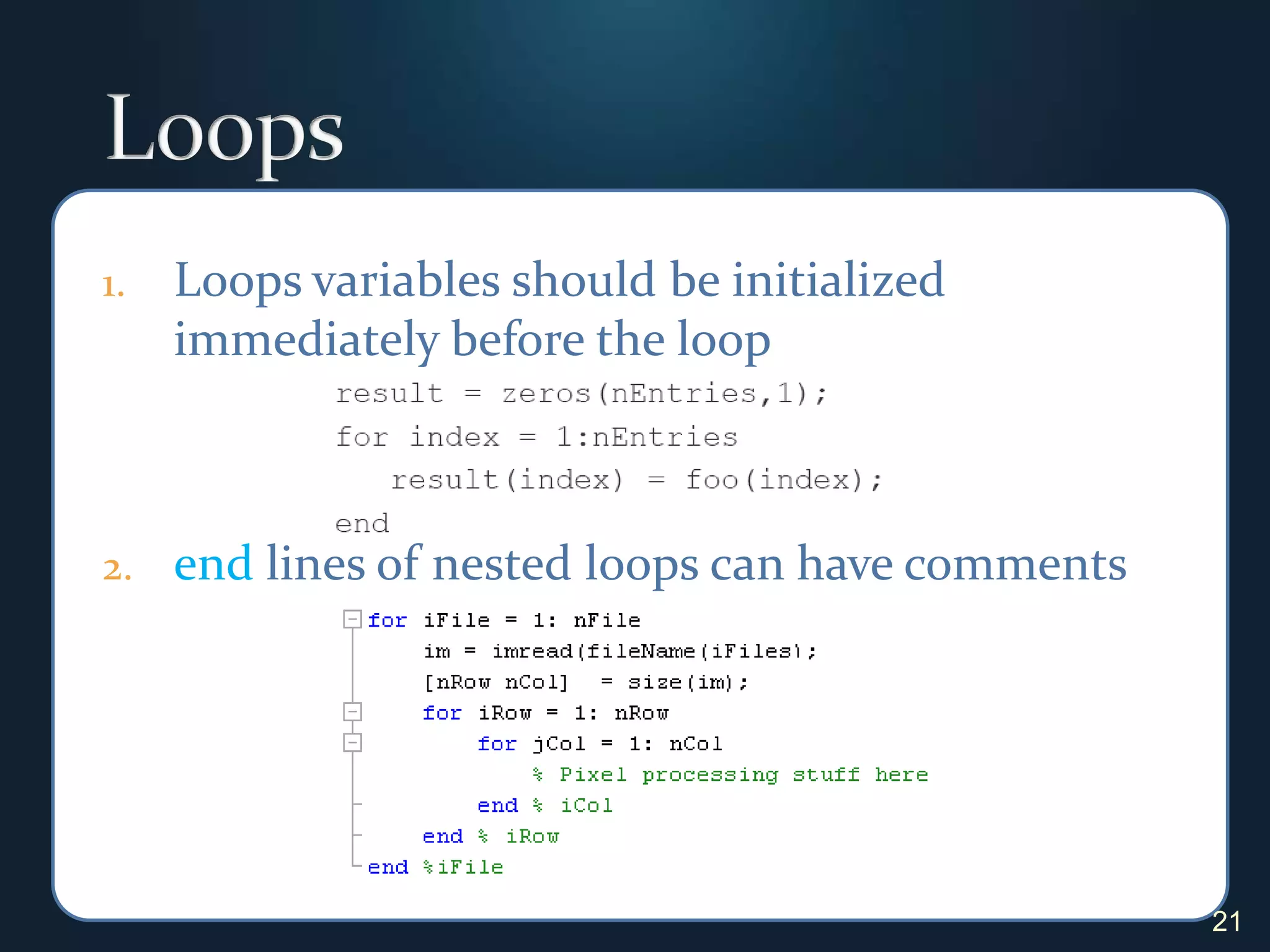
LoopsLoops variables should be initialized immediately before the loopend lines of nested loops can have comments21
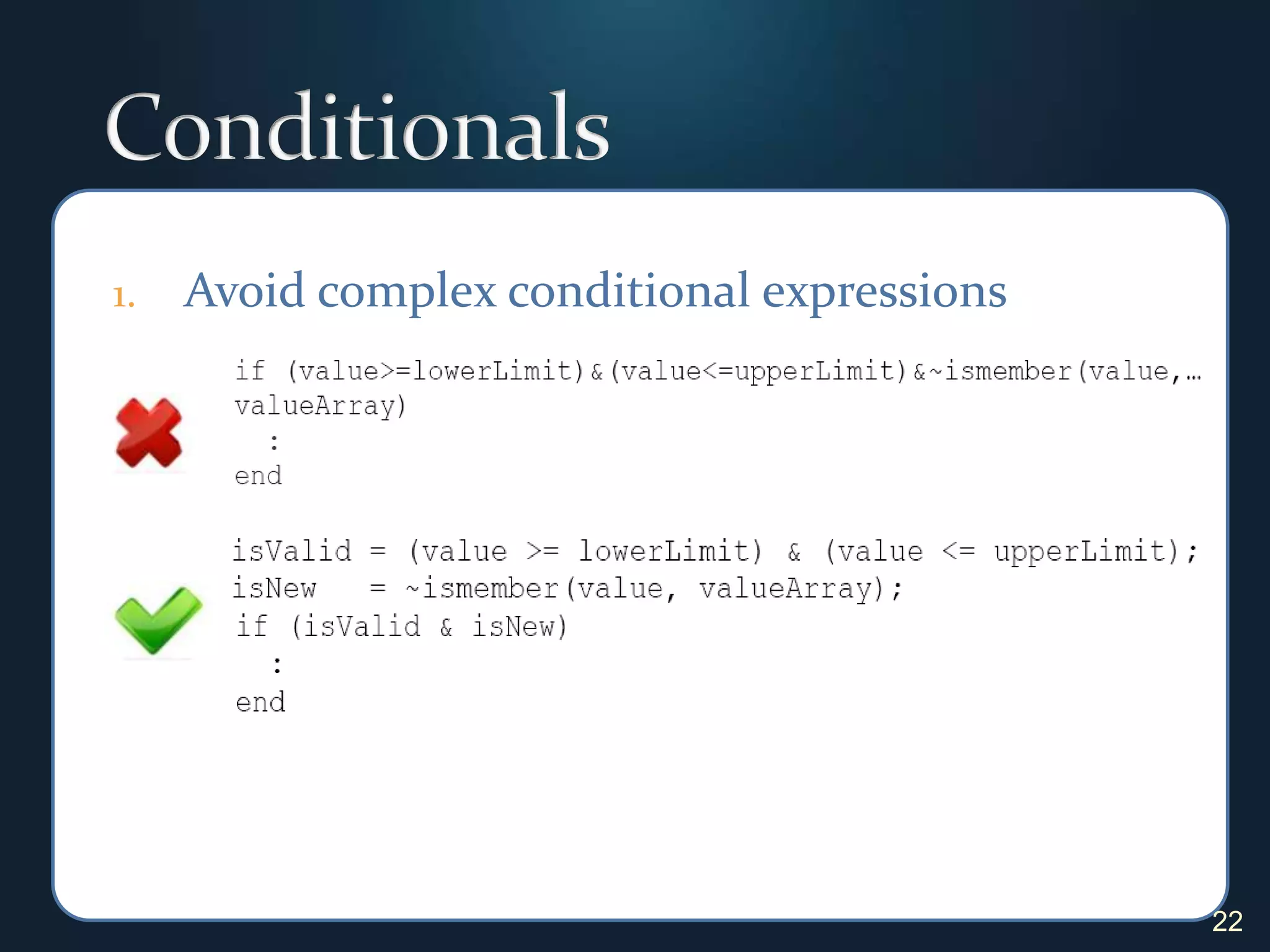
ConditionalsAvoid complex conditional expressions22
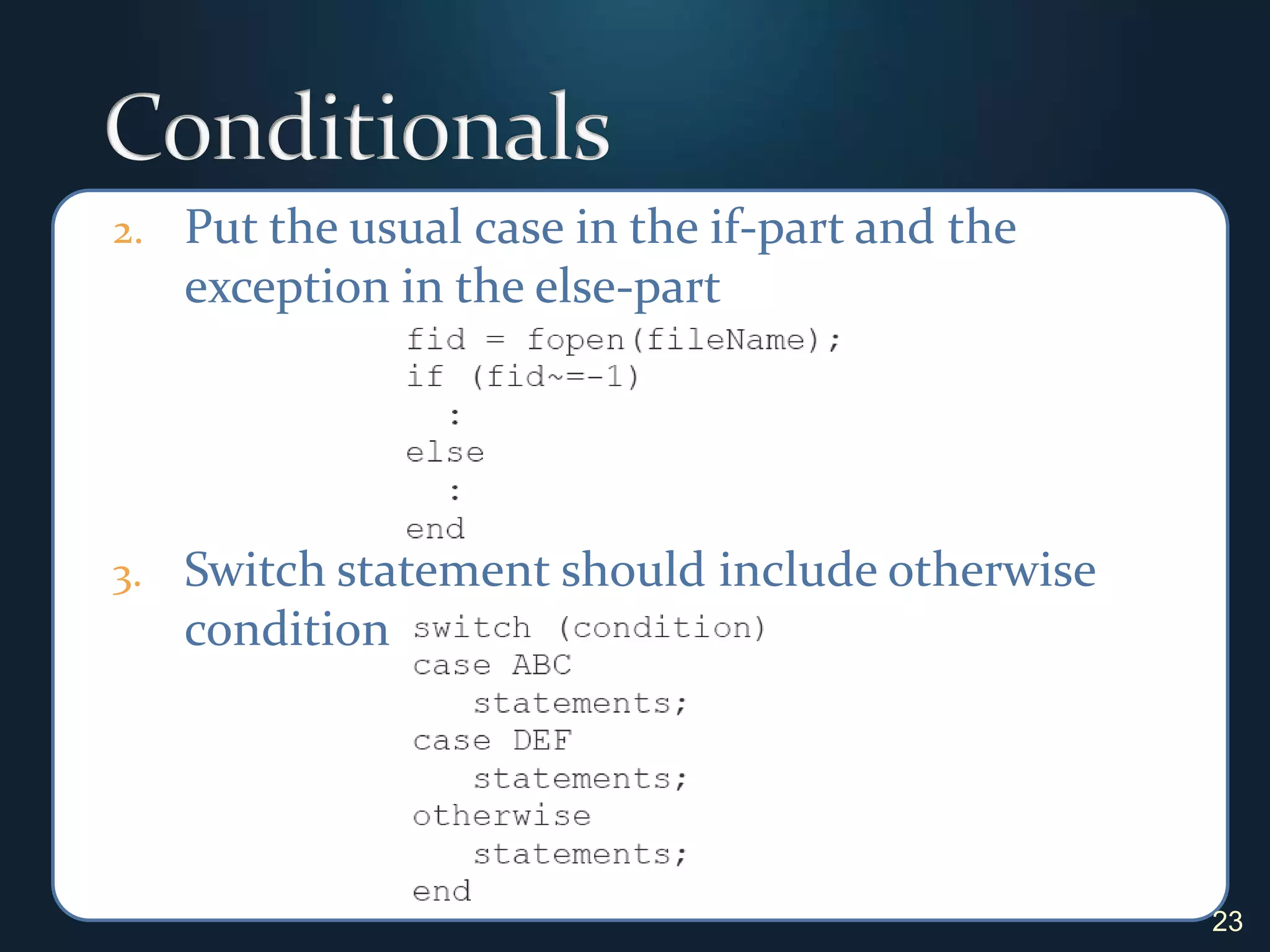
ConditionalsPut the usual case in the if-part and the exception in the else-partSwitch statement should include otherwise condition23
4. Documentation24“Good documentation is a sign of the professional pride a programmer puts into a program.” Steve McConnell
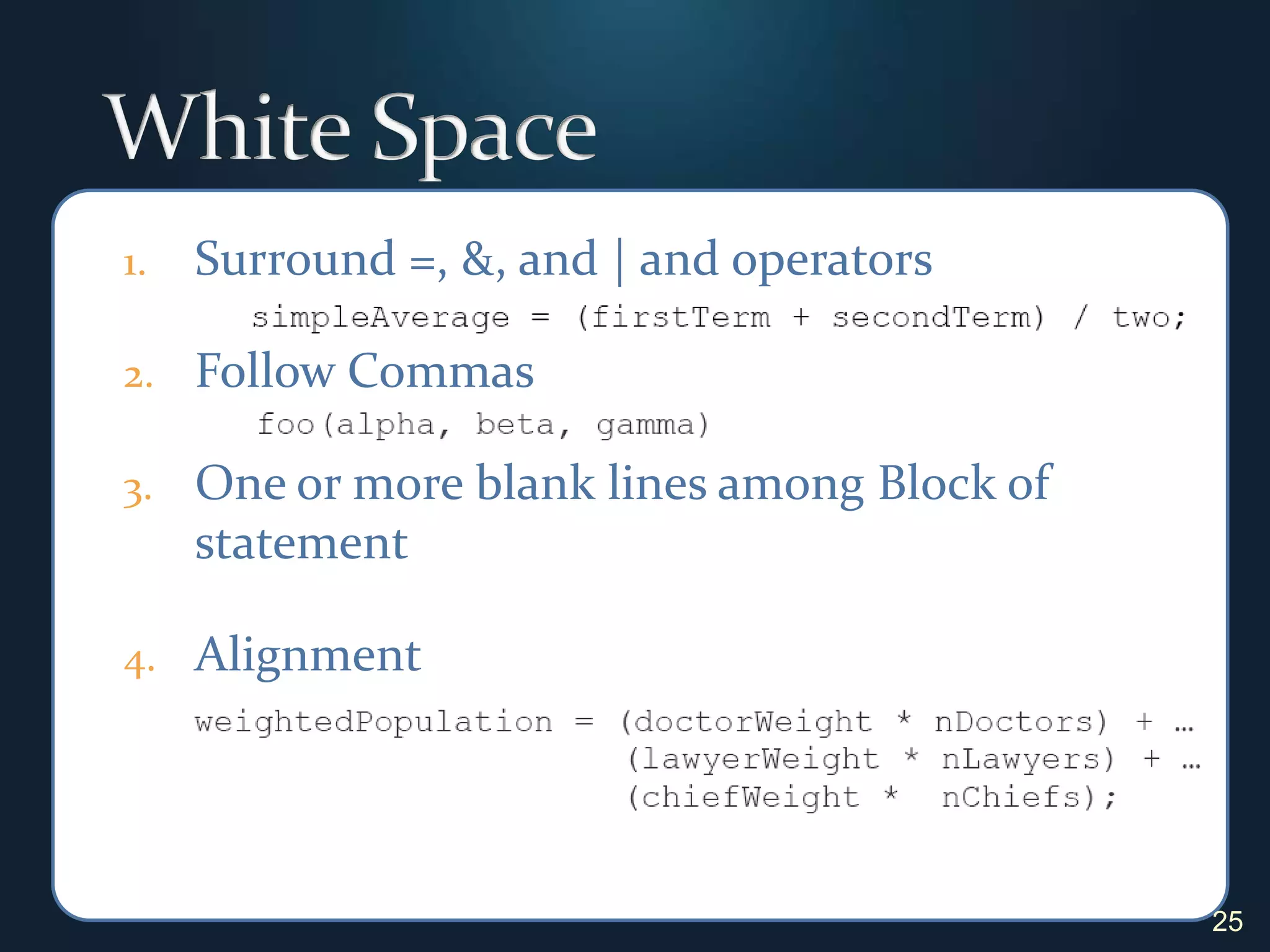
White SpaceSurround =, &, and | and operatorsFollow CommasOne or more blank lines among Block of statement Alignment25
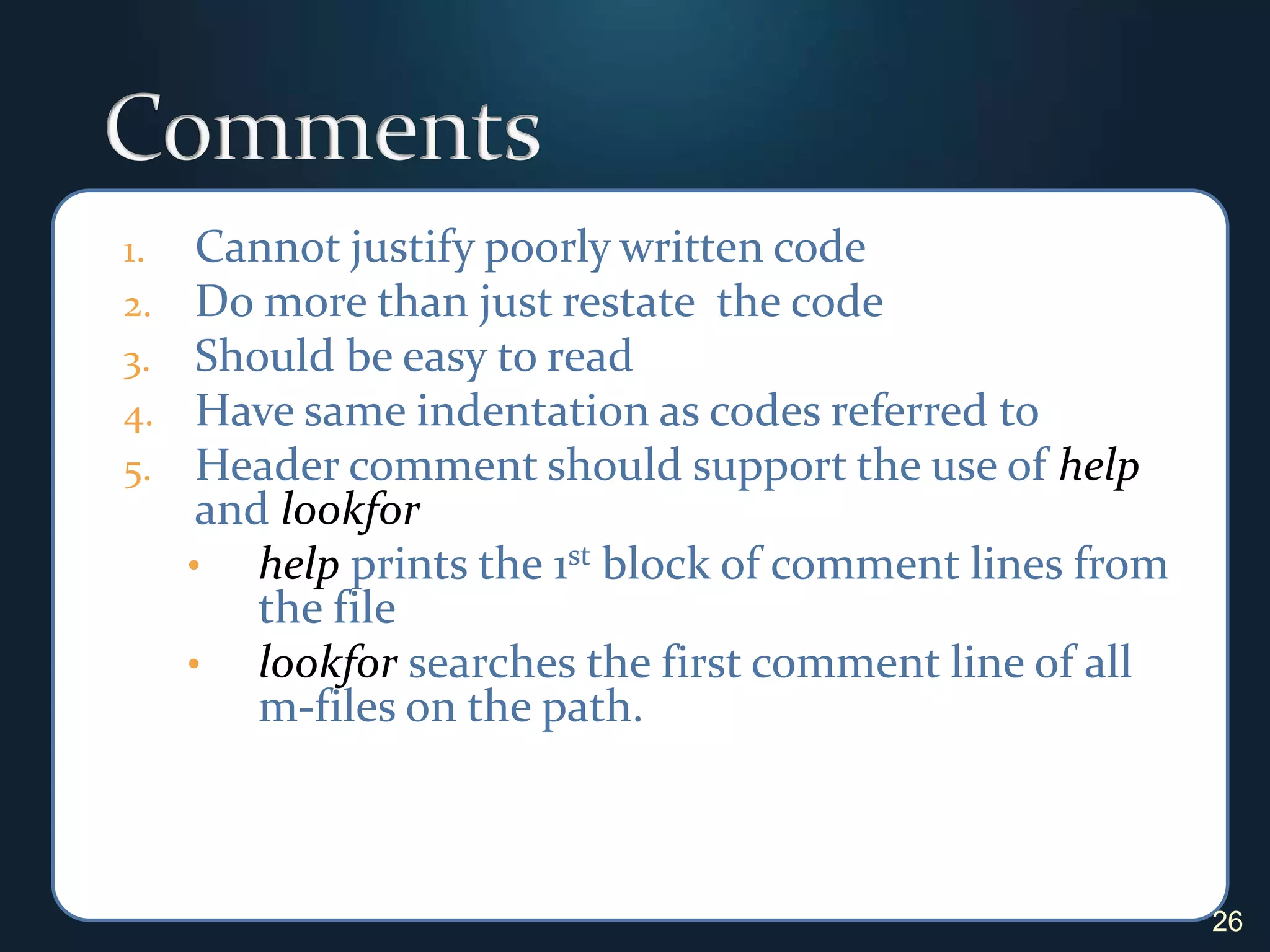
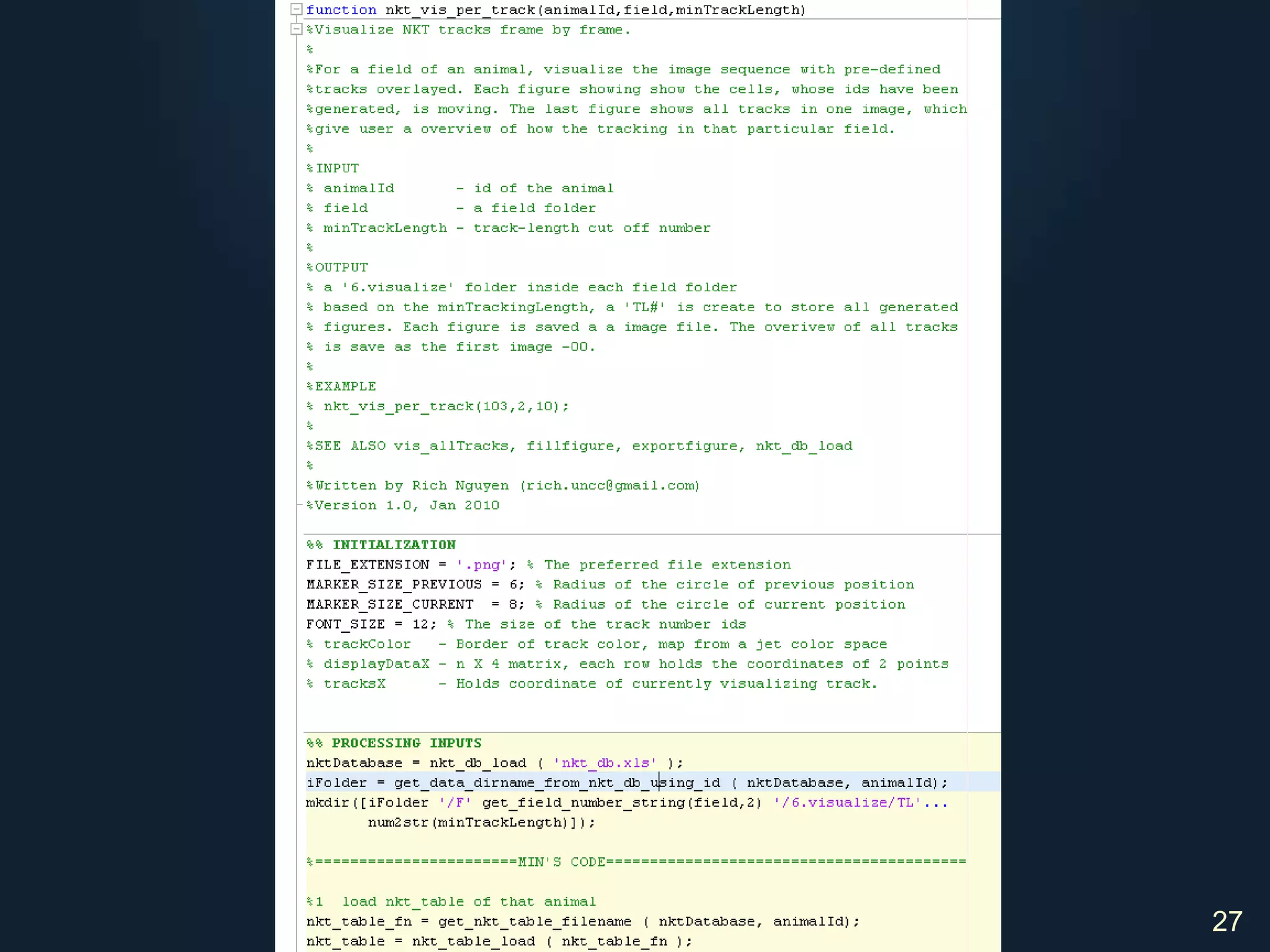
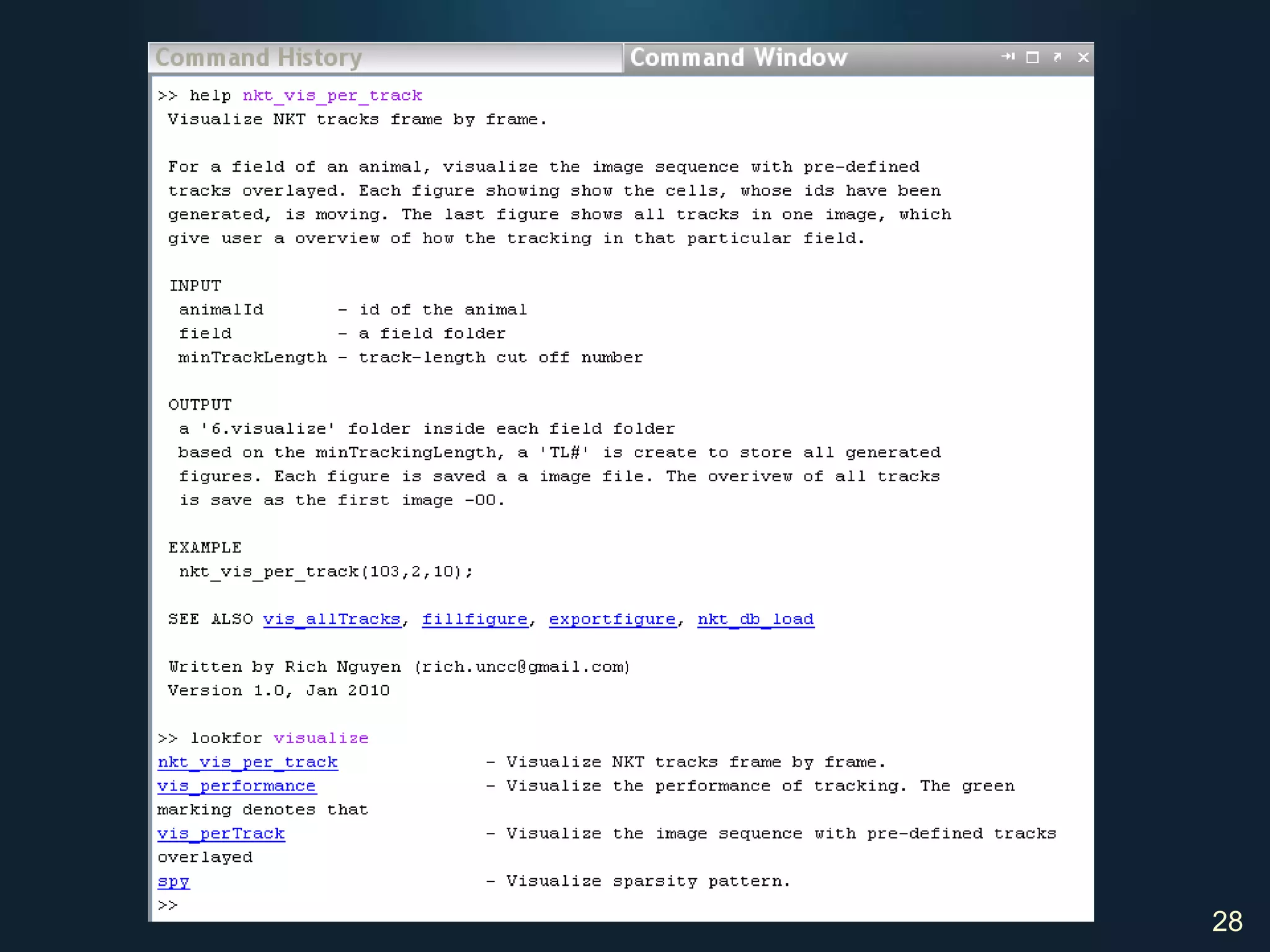
CommentsCannot justify poorly written codeDo more than just restate  the codeShould be easy to readHave same indentation as codes referred toHeader comment should support the use of help and lookforhelp prints the 1st block of comment lines from the file
lookforsearches the first comment line of all m-files on the path. 26
27
28
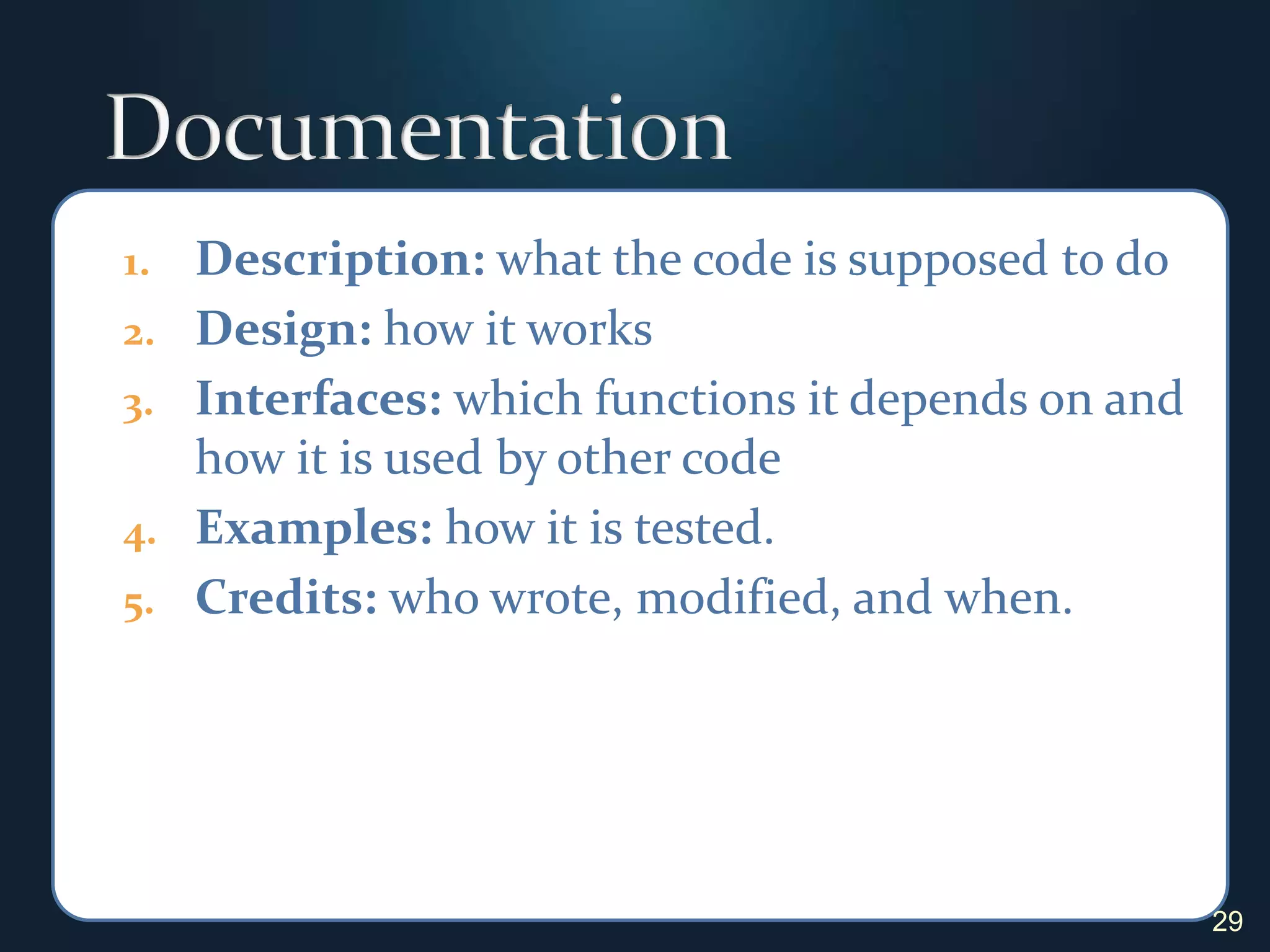
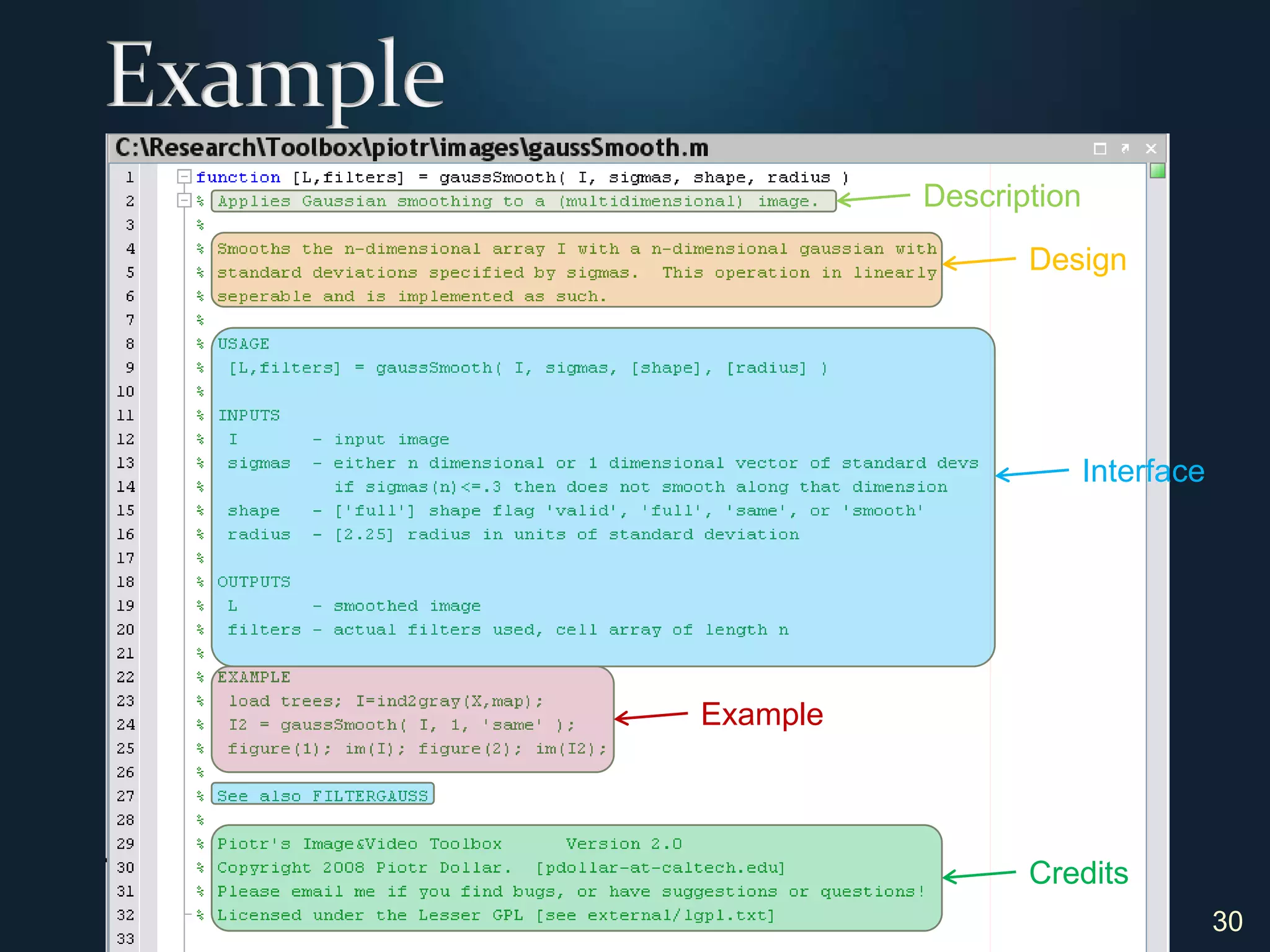
DocumentationDescription: what the code is supposed to do Design: how it worksInterfaces: which functions it depends on and how it is used by other codeExamples: how it is tested.Credits:who wrote, modified, and when.29
30ExampleDescriptionDesignInterfaceExampleCredits
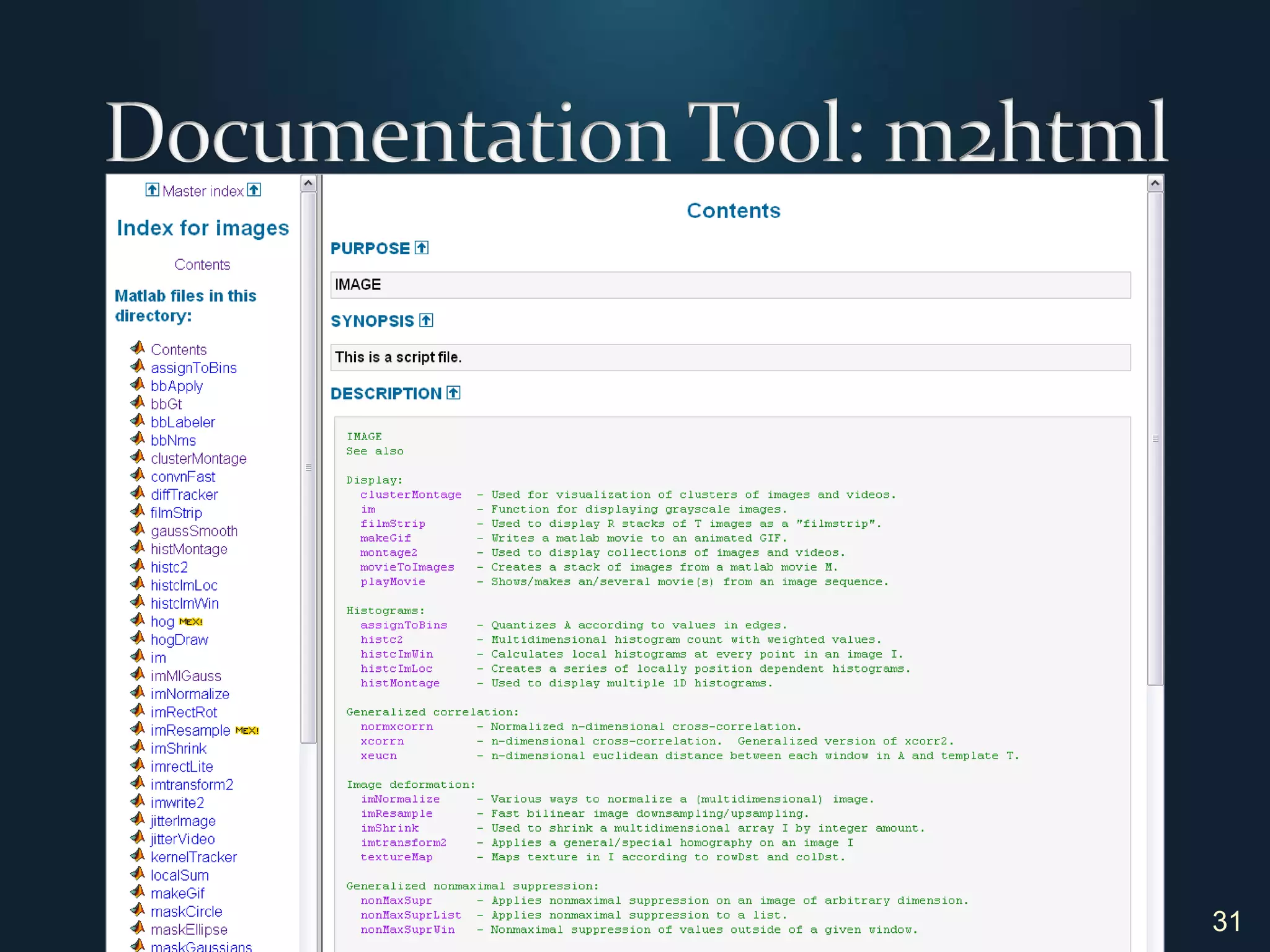
Documentation Tool: m2html31
5. Extra Guidelines32“Measuring programming progress by lines of code is like measuring aircraft building progress by weight.”Bill Gates   
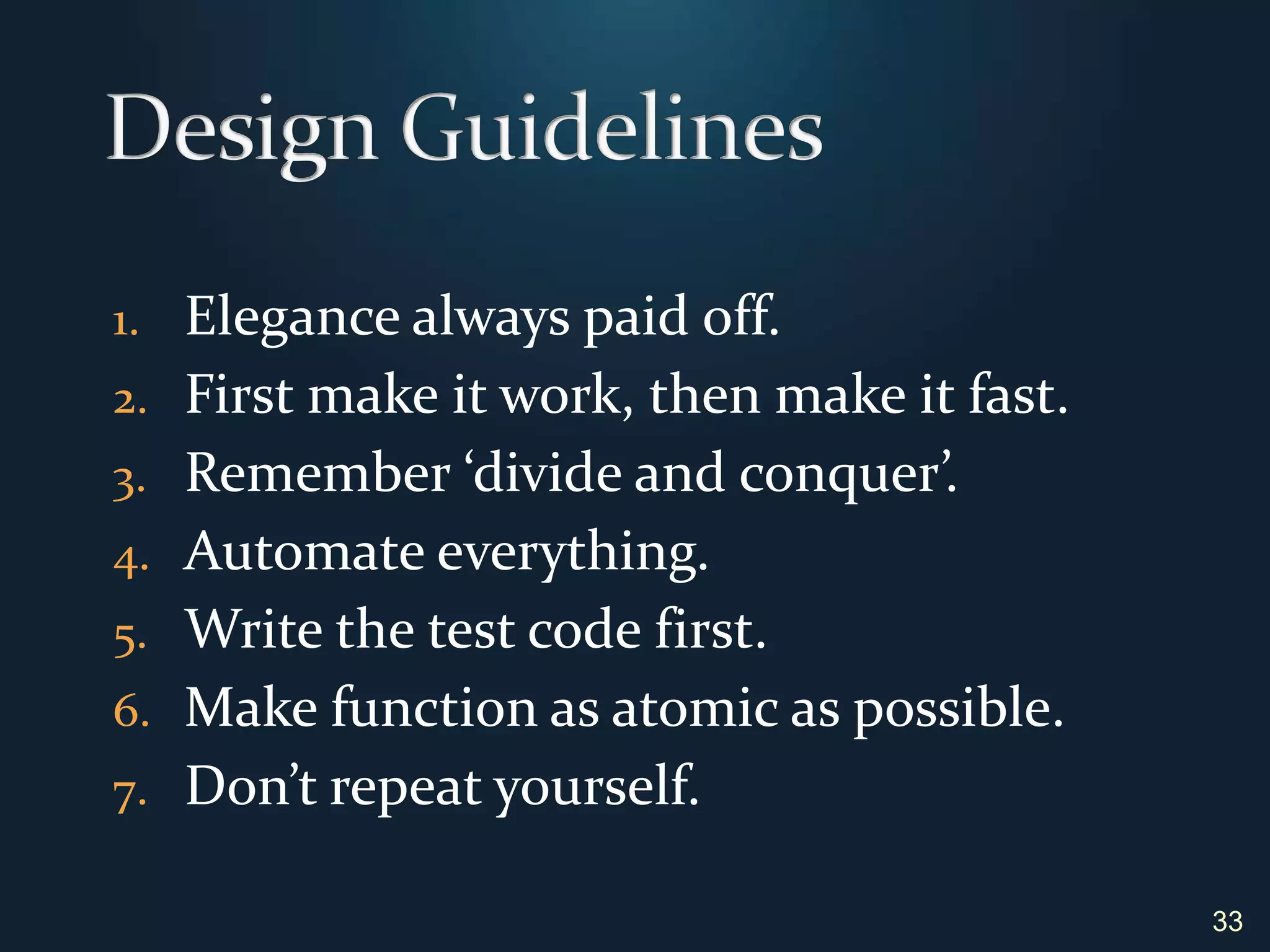
Design Guidelines	Elegance always paid off.First make it work, then make it fast.Remember ‘divide and conquer’.Automate everything.Write the test code first.Make function as atomic as possible.Don’t repeat yourself.33
Implementation Guidelines	Follow coding conventions.Group standardize code.Use ‘get’, ‘set’, ‘is’ naming convention. Don’t fall for premature optimization.Robust components make robust program.Avoid using ‘magic number’.Code is read much more than it is written.34
Documentation Guidelines	Write documentation first!Define what each function should do. Define how it interact with other function.Include case testing scripts.35
Use this presentation as a guide, Refer to it often, and …Practice, practice, practice.Ask the group if you need a code review. Good luck!36

Programming style guildelines