Download to read offline
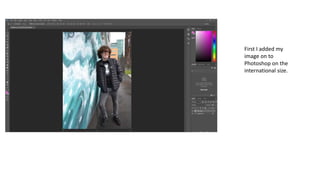
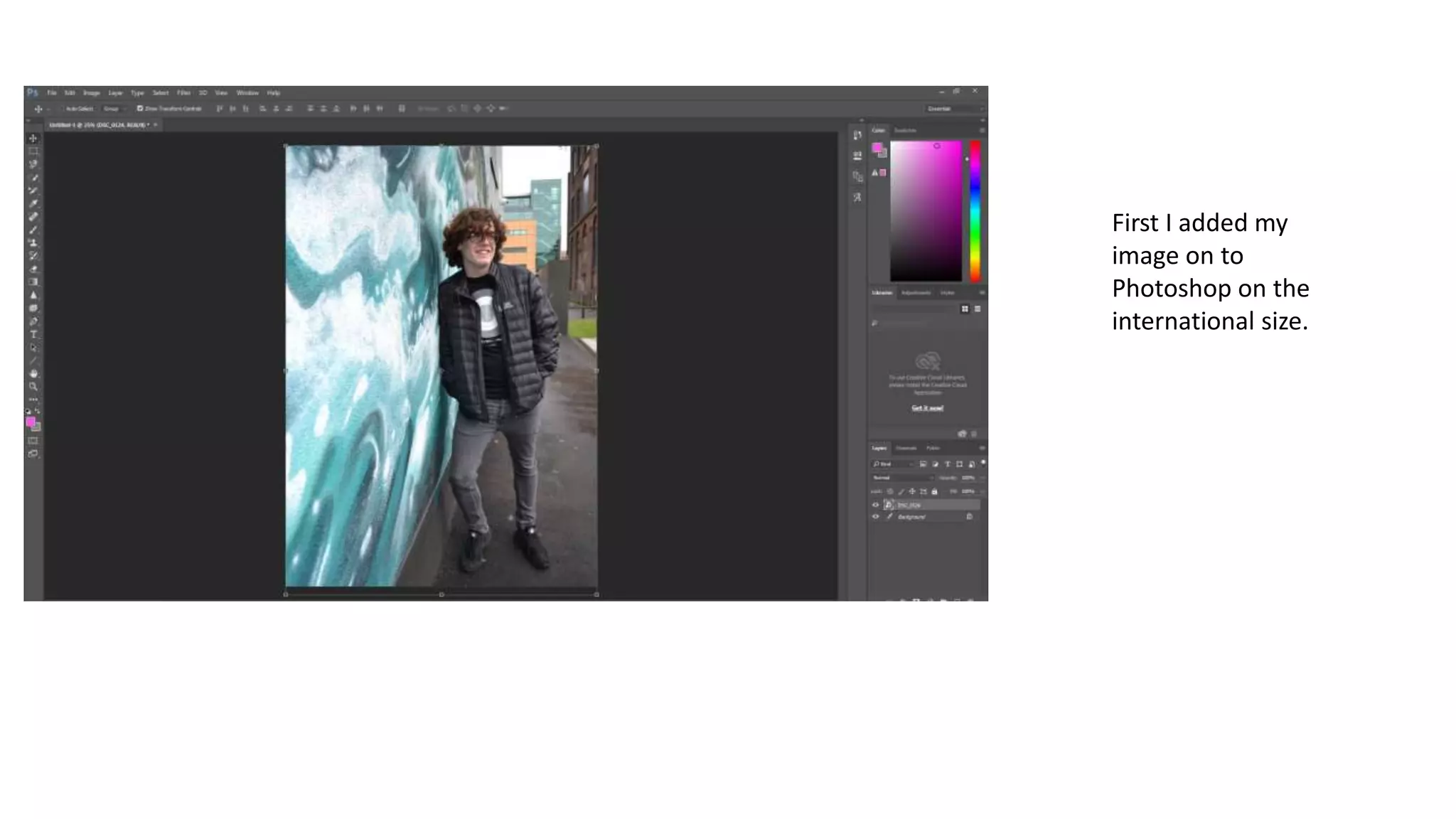
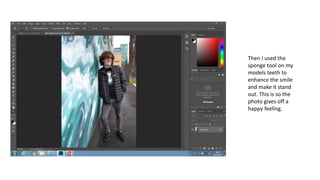
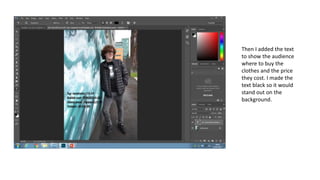
The document describes editing a photo in Photoshop. The editor first added an image at international size. Then they used the sponge tool to enhance the model's smile and make it stand out, in order to give the photo a happy feeling. Finally, they added black text to show where to buy the clothes and their prices so it would stand out on the background.


