Pratt Institute SLIS


                       1
Outline
I. The Basics

II. A Finding Aid

III. Implementation


                          2
I. The Basics


                3
I. Basics


             What is EAD?


  XML standard for encoding finding aids


                                       4
I. Basics - What is EAD?


  XML standard for encoding finding aids


     XML (eXtensible Markup Language):
 a set of rules for structuring data via markup


                                             5
I. Basics - What is EAD?


  XML standard for encoding finding aids

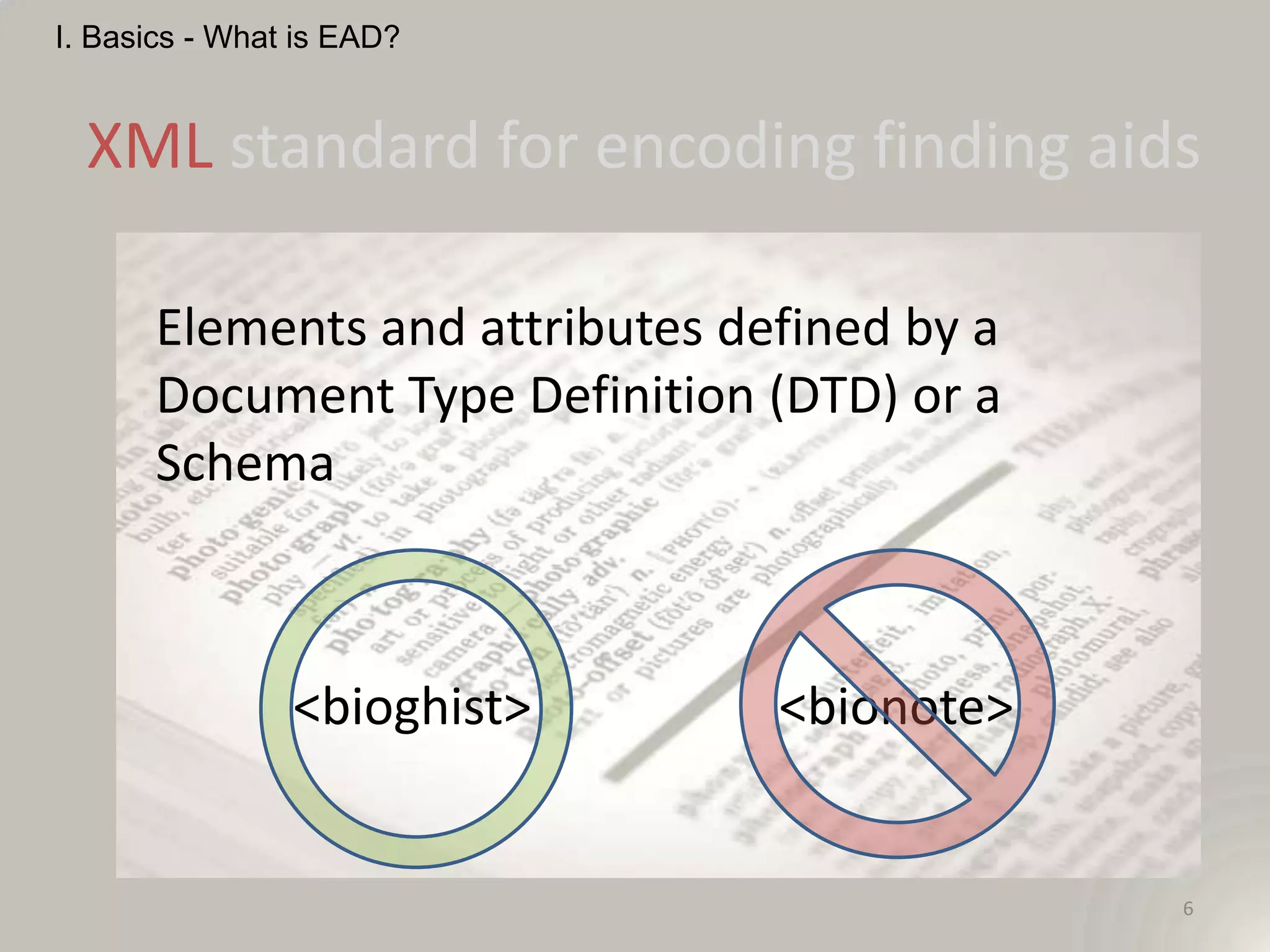
      Elements and attributes defined by a
      Document Type Definition (DTD) or a
      Schema


                <bioghist>      <bionote>


                                             6
I. Basics - What is EAD?


  XML standard for encoding finding aids


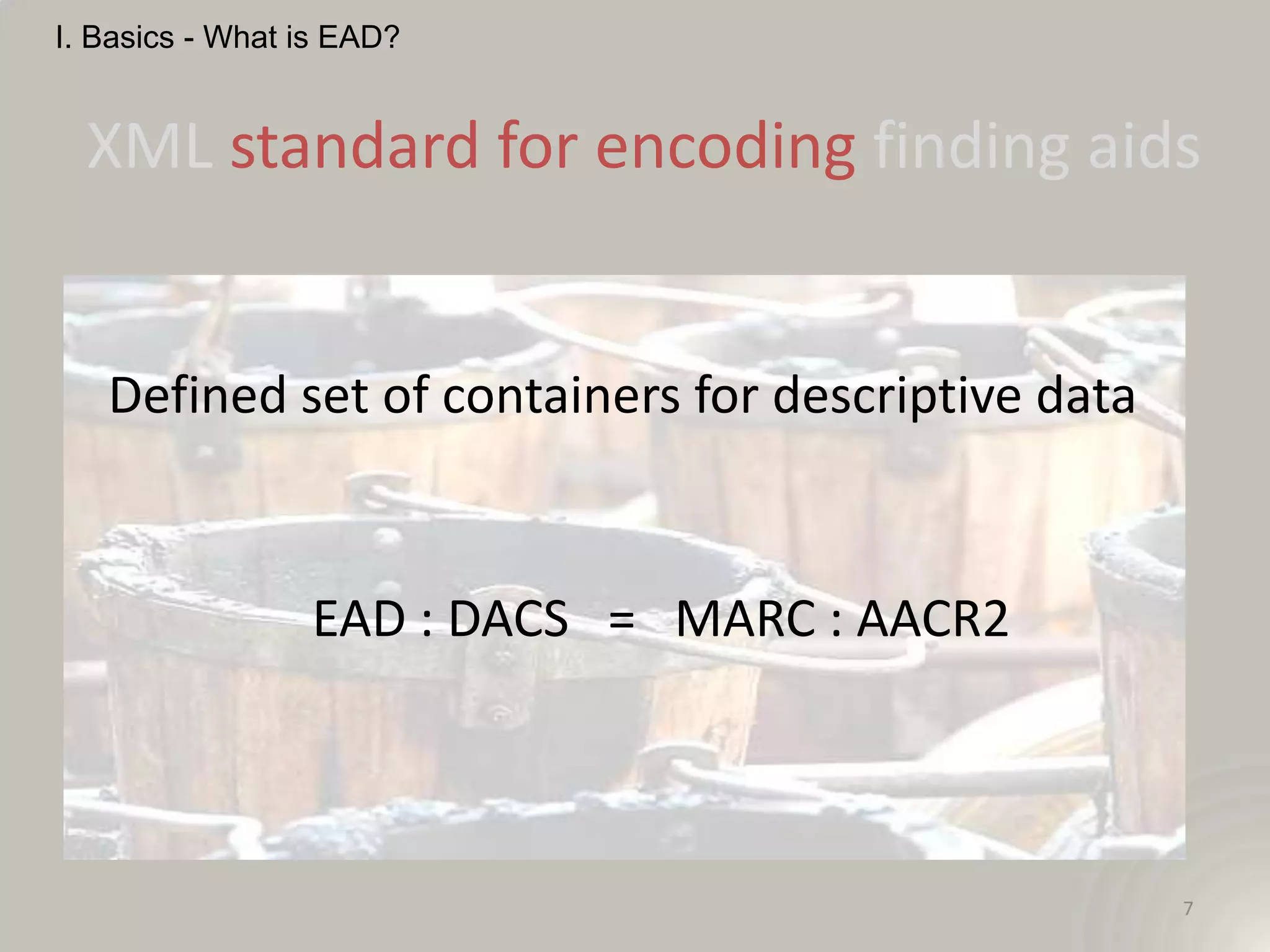
   Defined set of containers for descriptive data


                 EAD : DACS = MARC : AACR2


                                                    7
I. Basics - What is EAD?


  XML standard for encoding finding aids


   A description of records that gives the
   repository physical and intellectual control over
   the materials and that assists users to gain
   access to and understand the materials (SAA)

   Describing Archives: A Content Standard (DACS)

                                                   8
I. Basics


             What is EAD?


  XML standard for encoding finding aids


                                       9
I. Basics


                What is EAD?


      EAD encoding is not a substitute for
          sound archival description!


                                             10
I. Basics


             A Brief Aside: DACS
Describing Archives: A Content Standard

         “rules to ensure the creation of
         consistent, appropriate, and self-
        explanatory descriptions of archival
                     material.”

                                           11
I. Basics


            A Brief Aside: DACS
“DACS defines twenty-five elements that
    are useful in creating systems for
     describing archival materials.”

      “Not all of the DACS elements are
    required in every archival description.”

                                          12
I. Basics


            A Brief Aside: DACS
3.1 Scope and Content Element

“This element provides information
about the nature of the materials and
activities reflected in the unit being
described to enable users to judge its
potential relevance. …”
                                         13
I. Basics


             A Brief Aside: DACS


            DACS revision underway


                                     14
II. A Finding Aid


                    15
II. Finding Aid


             EAD Finding Aid Structure
   <?xml version="1.0" encoding="UTF-8"?>


   <!DOCTYPE ead SYSTEM "ead.dtd">

                           or

   <ead xsi:schemaLocation="urn:isbn:1-931666-22-9
   http://www.loc.gov/ead/ead.xsd">
                                                     16
II. Finding Aid


             EAD Finding Aid Structure

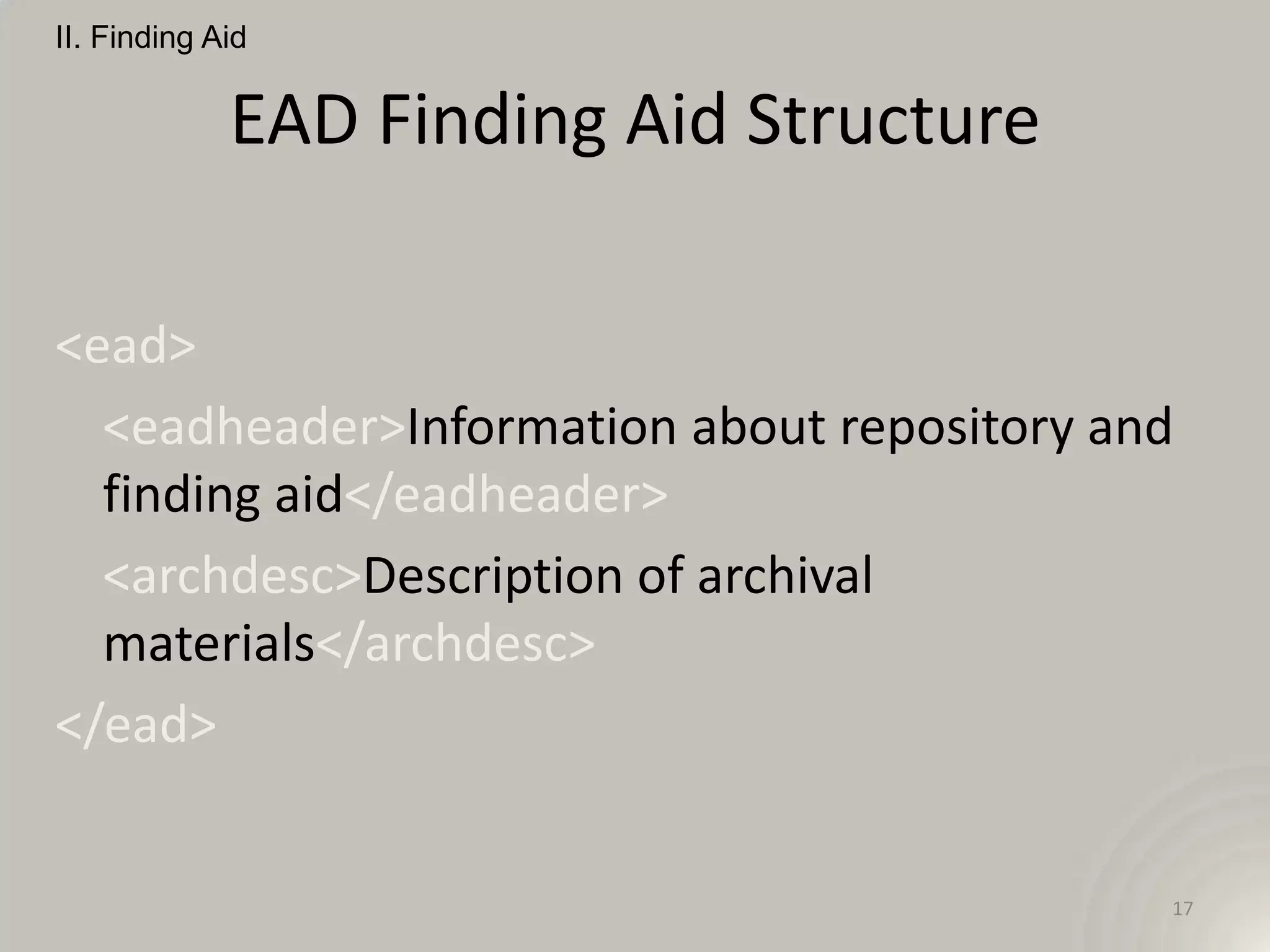
<ead>
  <eadheader>Information about repository and
  finding aid</eadheader>
  <archdesc>Description of archival
  materials</archdesc>
</ead>


                                            17
II. Finding Aid


           Common Tags <eadheader>

• Finding aid author
<filedesc><titlestmt>
   <author>Processed by Stanislav Pejša.</author>
</titlestmt></filedesc>


                                                    18
II. Finding Aid


             Common Tags <archdesc>
• Minimum required description – “high-level did”
<did>
 <origination>Mueller, Justin J.</origination>
 <unittitle>Justin J. Mueller Collection</unittitle>
 <unitdate>undated, 1890-2005</unitdate>
 <abstract>[short descriptive text]</abstract>
 […]


                                                       19
II. Finding Aid


             Common Tags <archdesc>
• Minimum required description – “high-level did”
<did>
 […]
 <langmaterial>In German and English</langmaterial>
 <physdesc>1 linear foot</physdesc>
 <unitid>AR 10254</unitid>
 <repository>Leo Baeck Institute</repository>
 <physloc>V 11/2</physloc>
</did>
                                                      20
II. Finding Aid


             Common Tags <archdesc>
• Biographical information
<bioghist><p>Joseph Roth was one of the most prominent
  Austrian writers of the first half of the 20th
  century.</p></bioghist>

• Controlled vocabulary
<geogname encodinganalog="651$a" source="lcsh"
  authfilenumber="n 79040121">Austria</geogname>


                                                   21
II. Finding Aid


             Common Tags <archdesc>
• Description of Subordinate Components
<dsc>
<c01 level="series">
  <c02>Folder 1
      <c03>Item 1</c03>
      <c03>Item 2</c03>
  </c02>
  <c02>Folder 2</c02>
</c01>
                                          22
II. Finding Aid


                Common Tags <archdesc>
• Description of Subordinate Components

A Component <c> provides information about the content,
  context, and extent of a subordinate body of materials.

Each <c> element identifies an intellectually logical section
  of the described materials. The physical filing
  separations between components do not always
  coincide with the intellectual separations.
From EAD Tag library <http://www.loc.gov/ead/tglib/elements/c.html>
                                                                      23
II. Finding Aid


             Common Tags <archdesc>
• Description of Subordinate Components
<dsc>
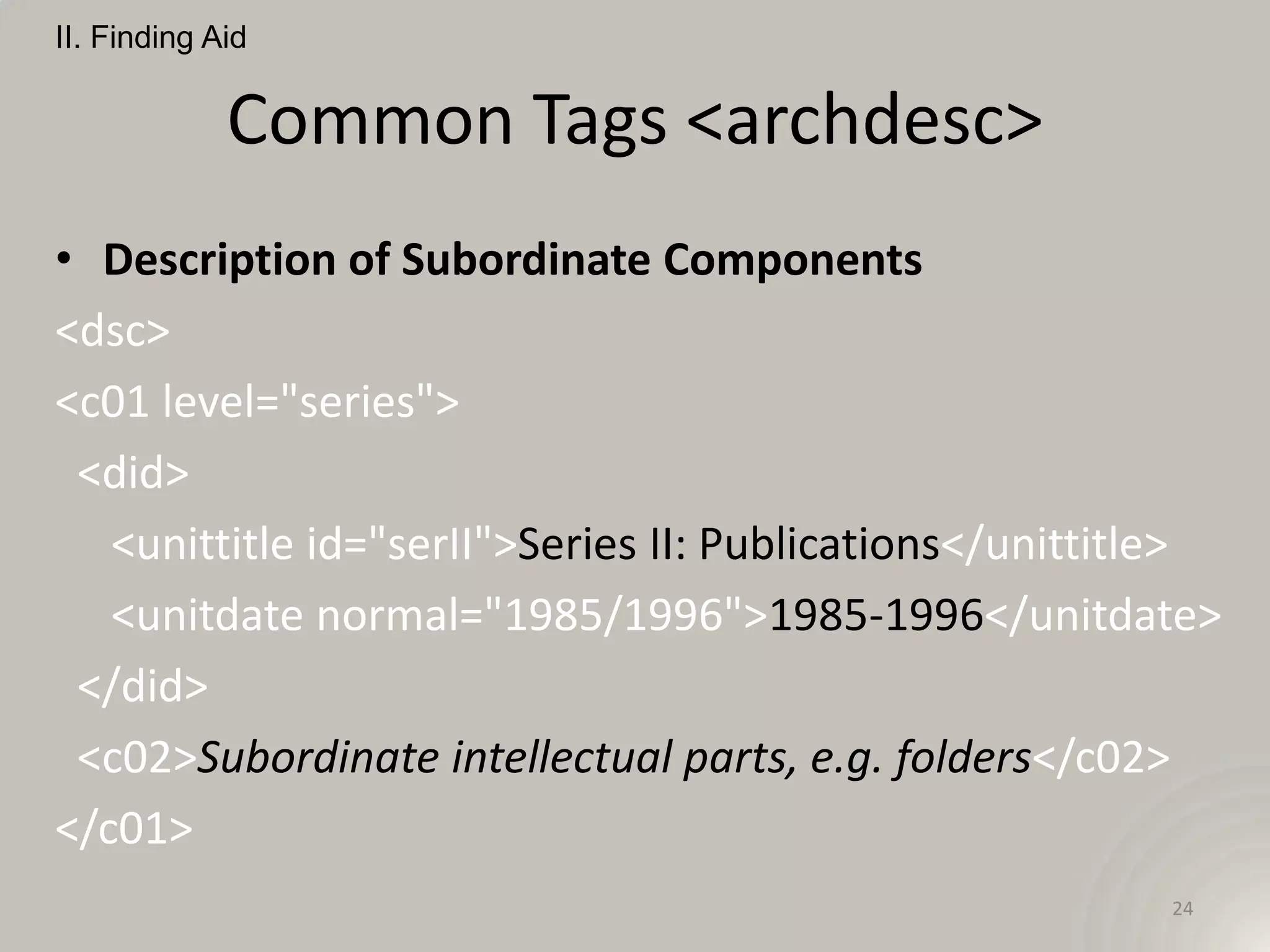
<c01 level="series">
 <did>
   <unittitle id="serII">Series II: Publications</unittitle>
   <unitdate normal="1985/1996">1985-1996</unitdate>
 </did>
 <c02>Subordinate intellectual parts, e.g. folders</c02>
</c01>
                                                         24
II. Finding Aid


             Common Tags <archdesc>
• Description of Subordinate Components
<c02>
  <did>
      <container type="box">2</container>
      <container type="folder">1</container>
      <unittitle>Articles</unittitle>
      <unitdate>1985-1994</unitdate>
  </did>
</c02>
                                               25
II. Finding Aid


             Common Tags <archdesc>
• Description of Subordinate Components
<c02>
  <did>
      <container type="box">OS 145</container>
      <container type="folder">1</container>
      <unittitle>Newspaper foldout</unittitle>
      <unitdate>1996</unitdate>
  </did>
</c02>
                                                 26
II. Finding Aid


  Common Tags – Human Readable?


                  <dimensions>


                                 27
II. Finding Aid


  Common Tags – Human Readable?


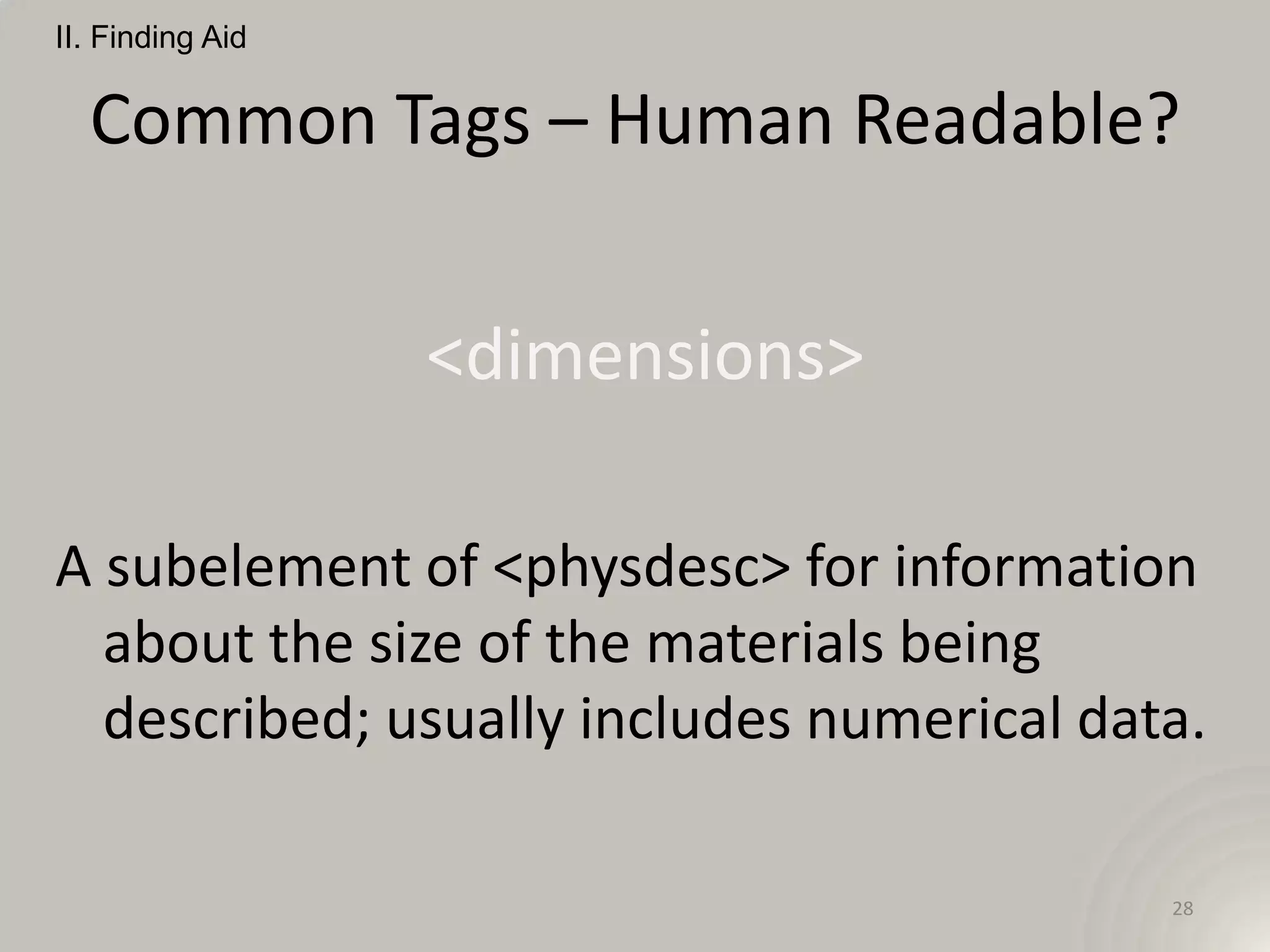
                  <dimensions>

A subelement of <physdesc> for information
  about the size of the materials being
  described; usually includes numerical data.

                                           28
II. Finding Aid


  Common Tags – Human Readable?


                  <famname>


                              29
II. Finding Aid


  Common Tags – Human Readable?


                  <famname>

The proper noun designation for a group of
  persons closely related by blood or persons
  who form a household. Includes single
  families and family groups, e.g., Patience
  Parker Family and Parker Family.         30
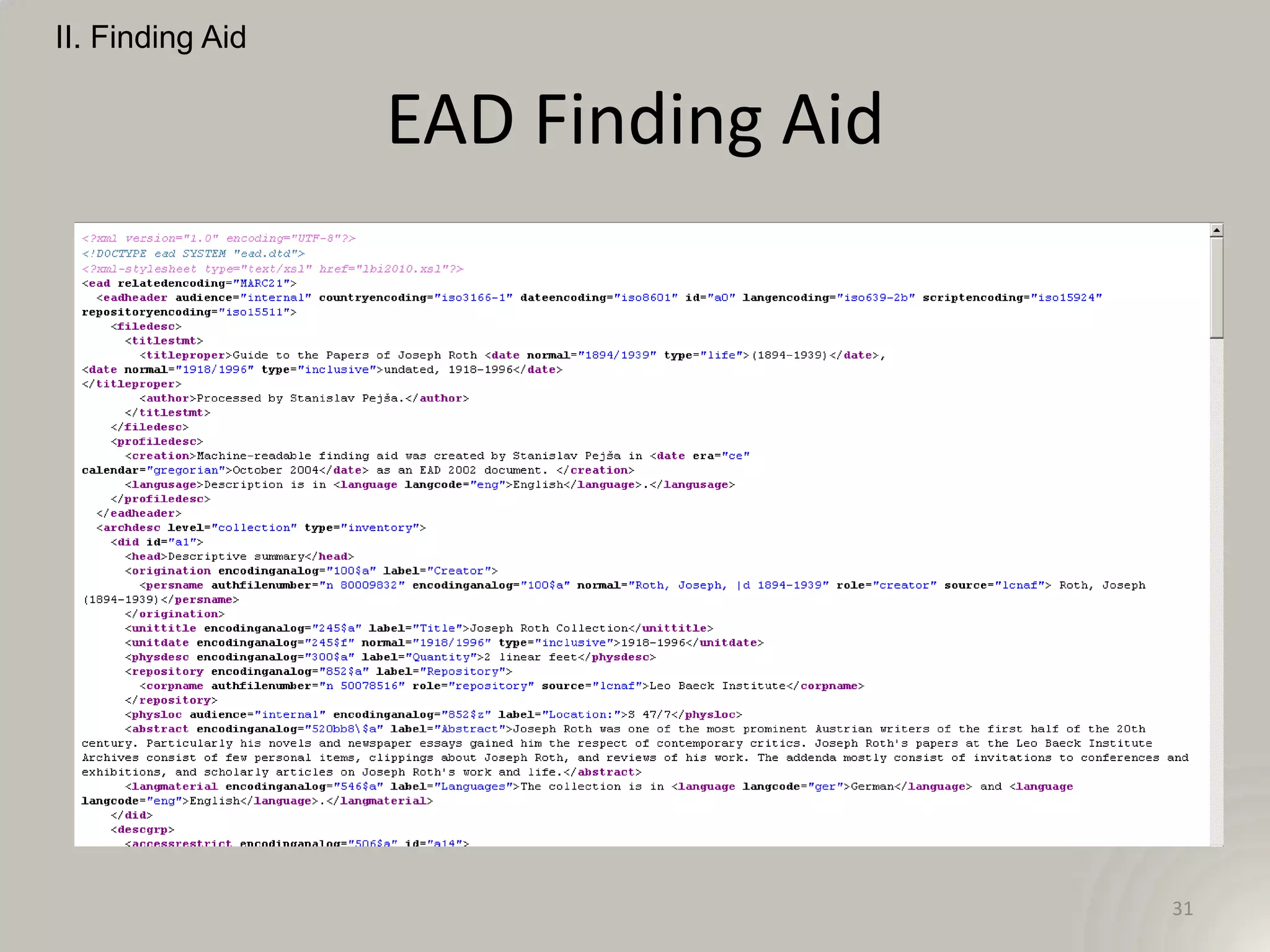
II. Finding Aid


                  EAD Finding Aid


                                    31
III. Implementation


                      32
III. Implementation:
      Creating EAD


                       33
III. Implementation: Creating EAD


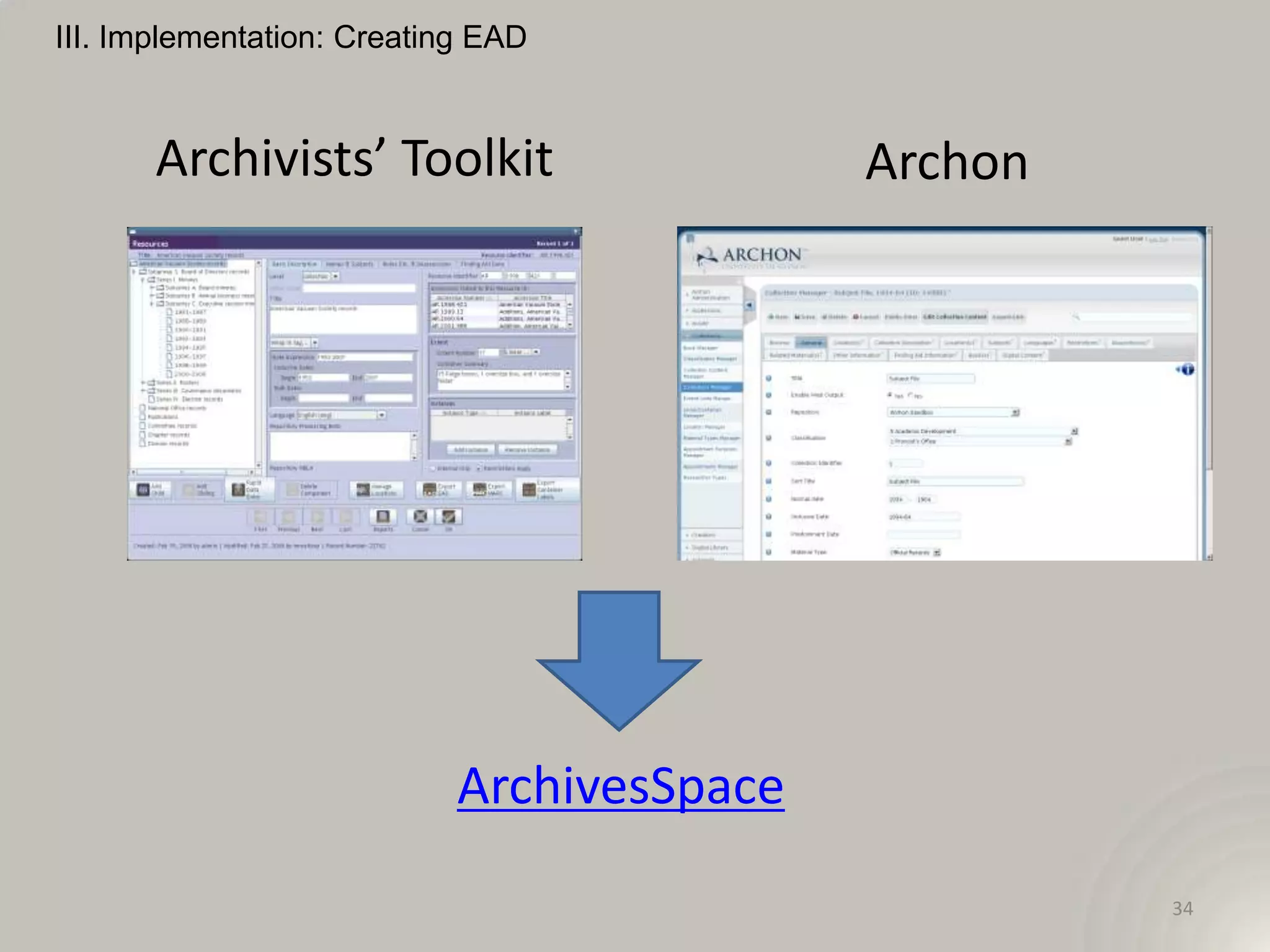
       Archivists’ Toolkit                  Archon


                            ArchivesSpace
                                                     34
III. Implementation: Creating EAD


                             ICA-AtoM


                                        35
III. Implementation: Creating EAD


                                oXygen


                                         36
III. Implementation: Creating EAD

              NoteTab               Dreamweaver


              EADitor                Note Pad


                                                  37
III. Implementation: Creating EAD


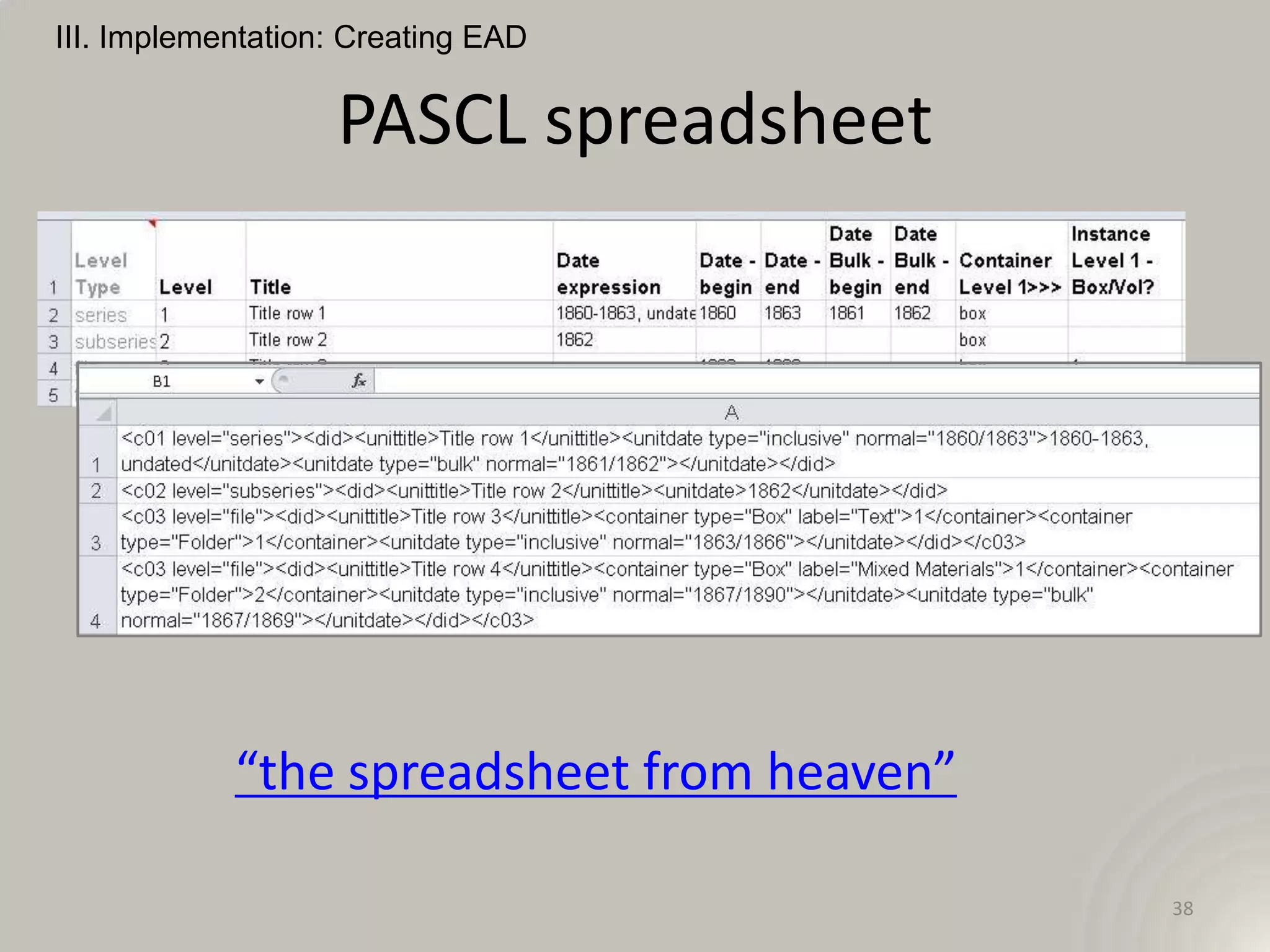
                   PASCL spreadsheet


            “the spreadsheet from heaven”

                                            38
III. Implementation: Creating EAD


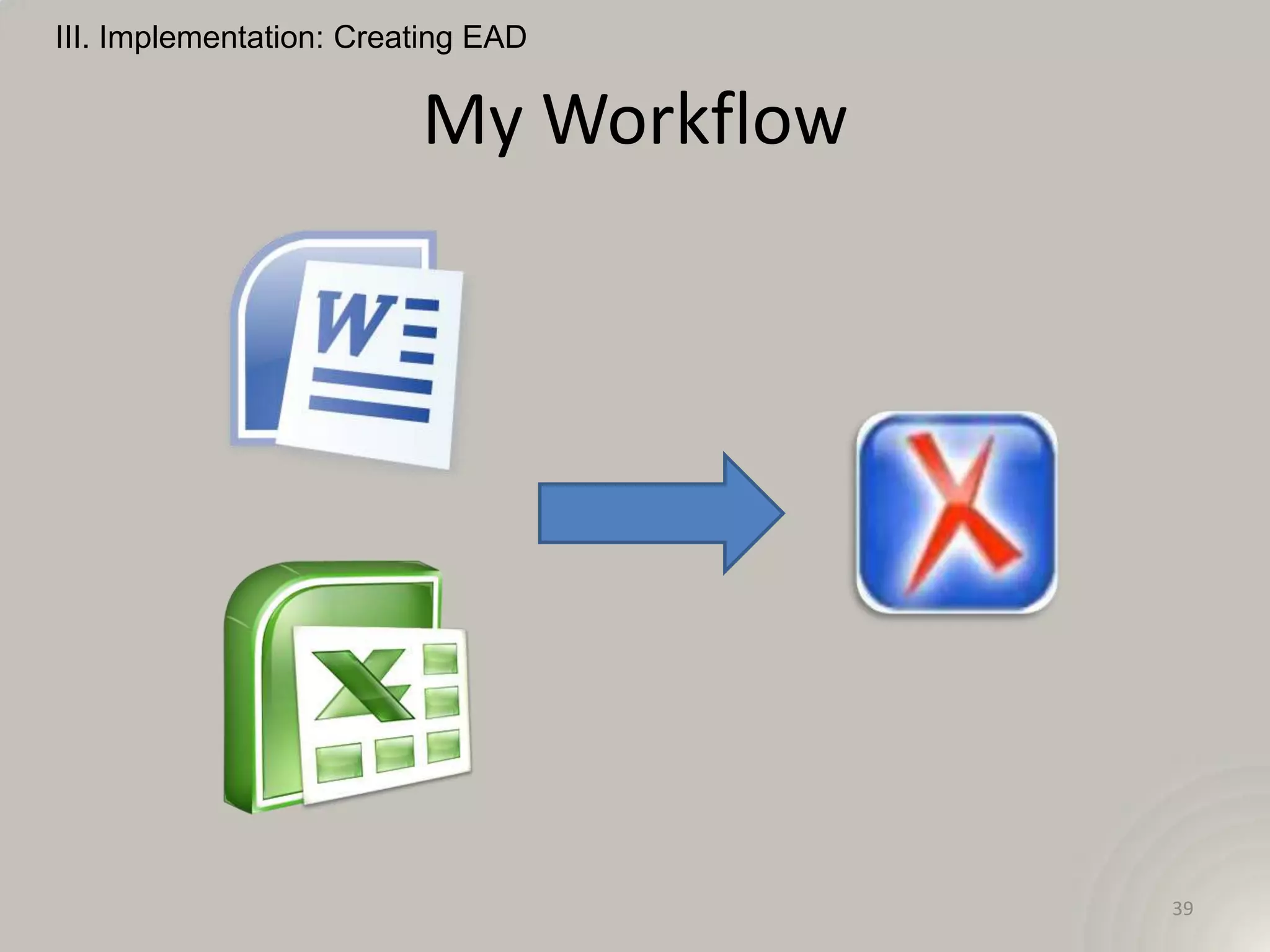
                         My Workflow


                                       39
III. Implementation:
       Using EAD


                       40
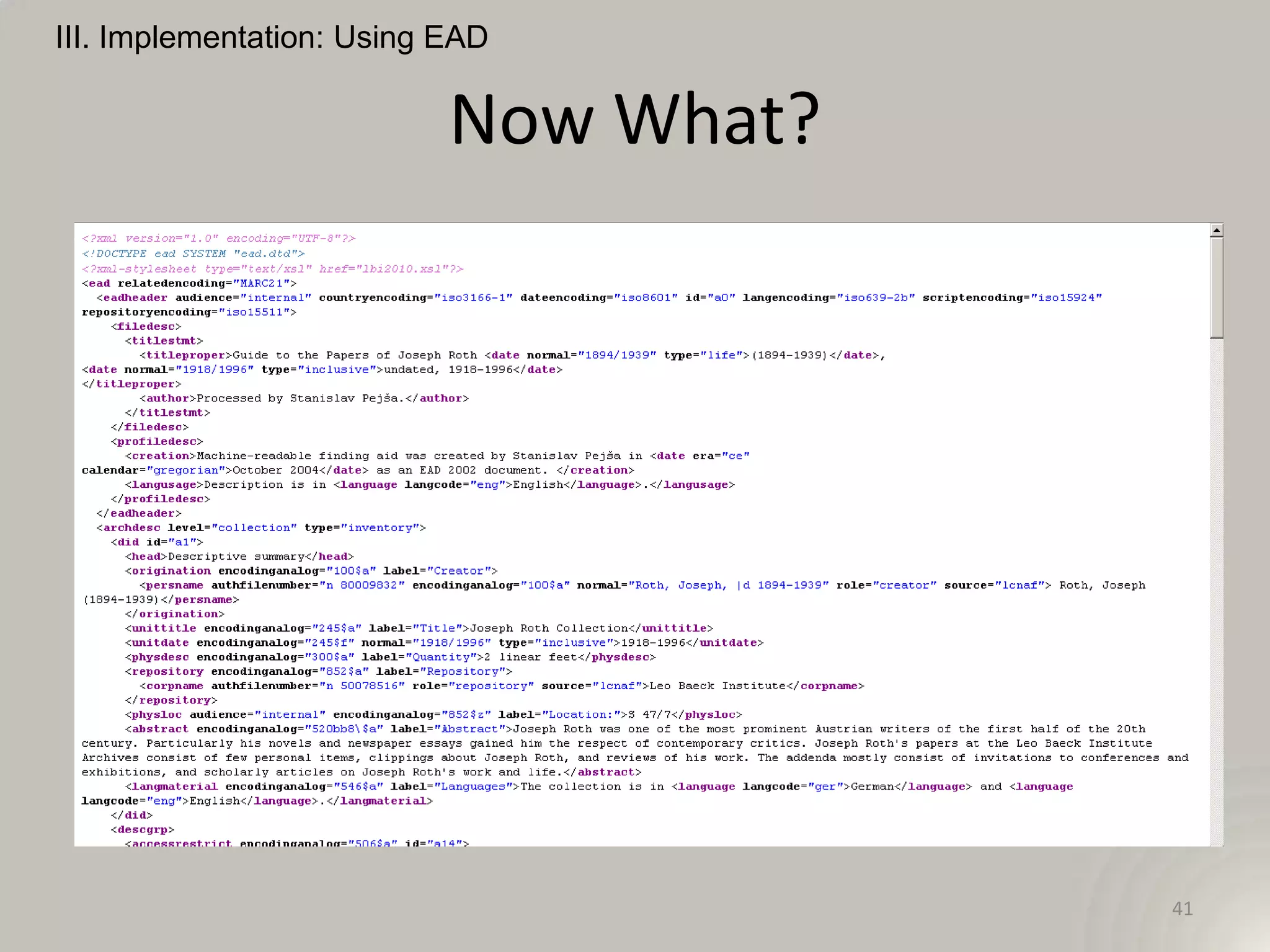
III. Implementation: Using EAD


                           Now What?


                                       41
III. Implementation: Using EAD


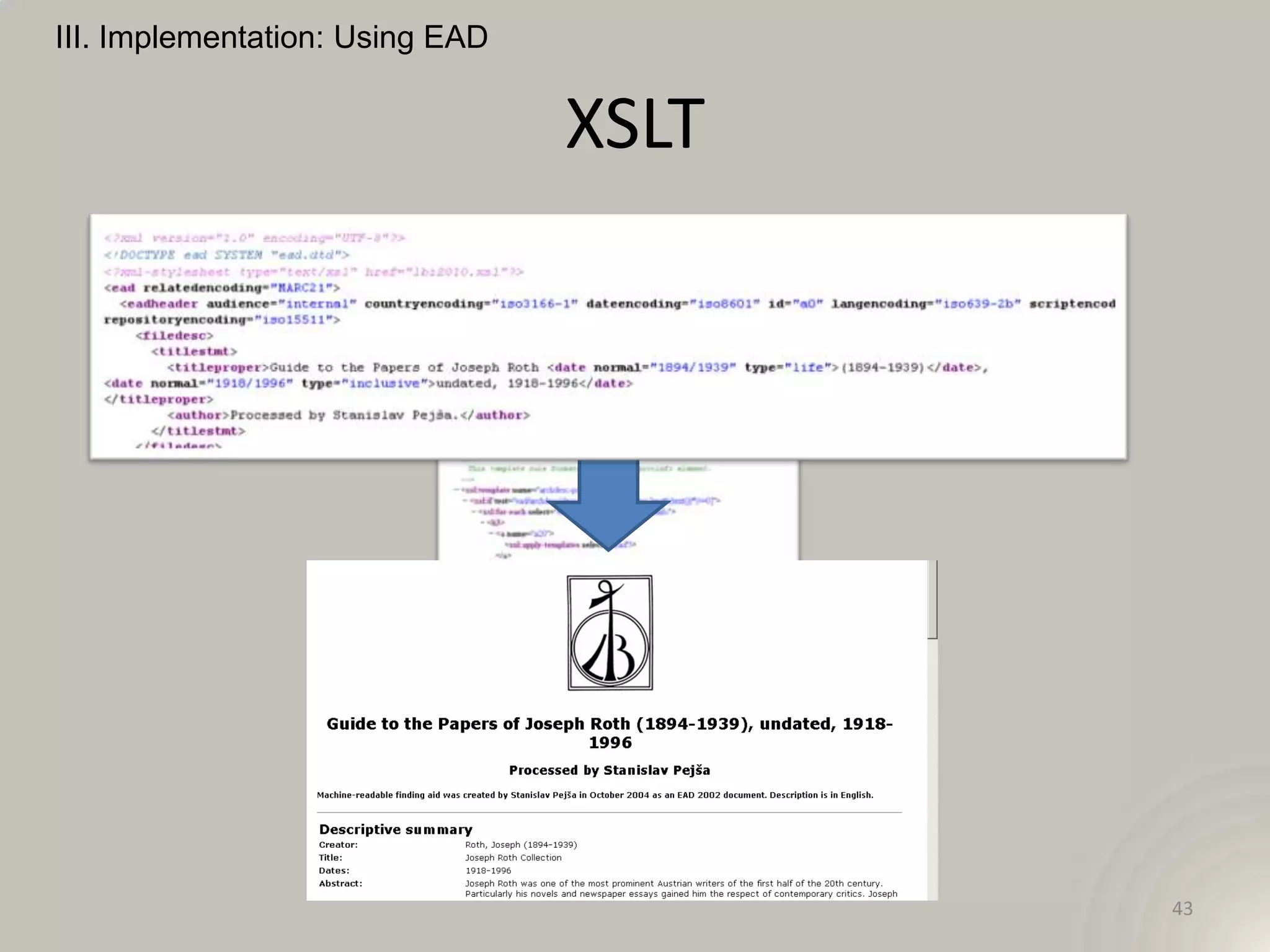
                                 XSLT


                                        42
III. Implementation: Using EAD


                                 XSLT


                                        43
III. Implementation: Using EAD


                         EAD to HTML


                                       44
III. Implementation: Using EAD


                EAD to HTML with DC


                                      45
III. Implementation: Using EAD


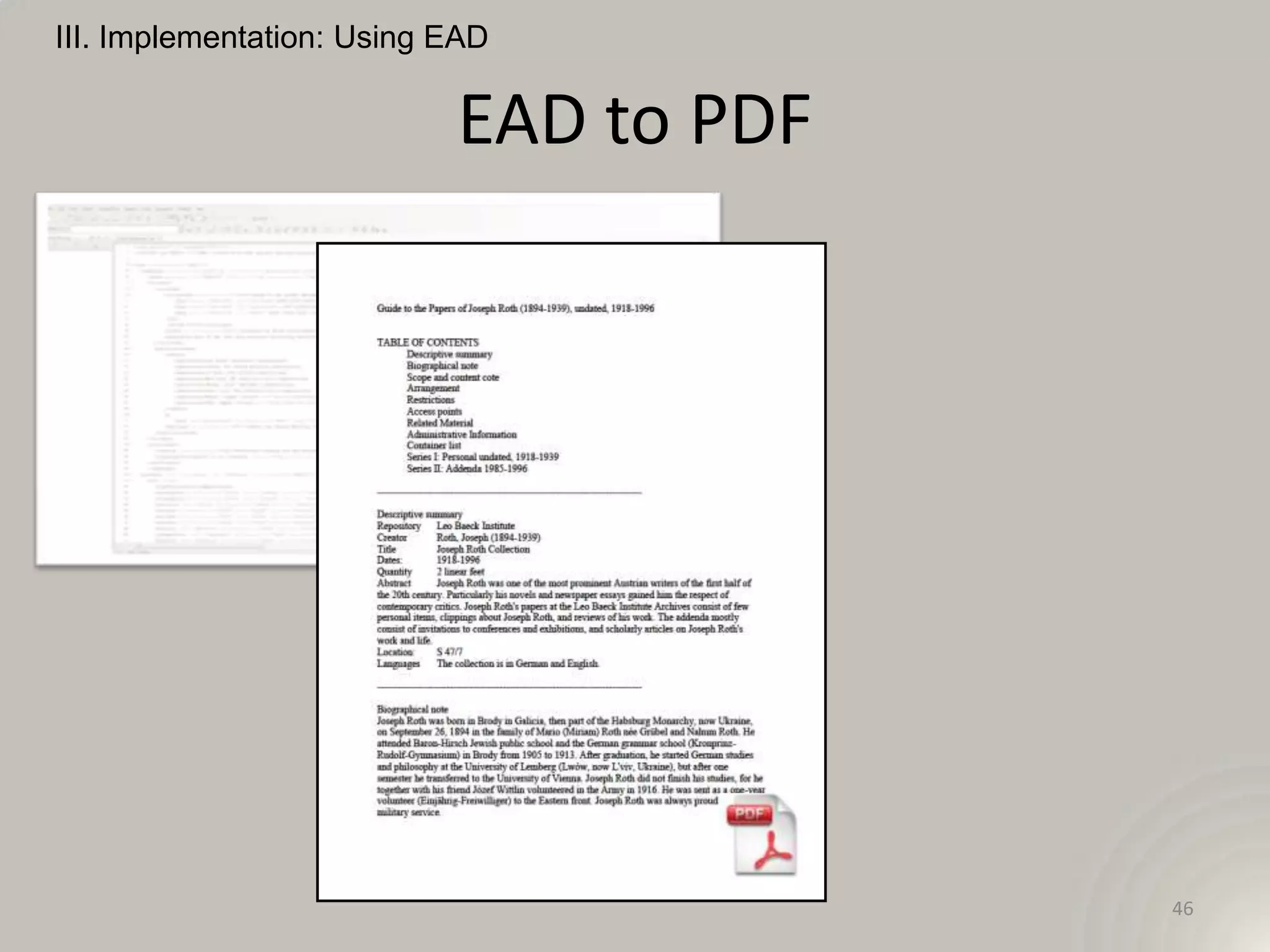
                           EAD to PDF


                                        46
III. Implementation: Using EAD


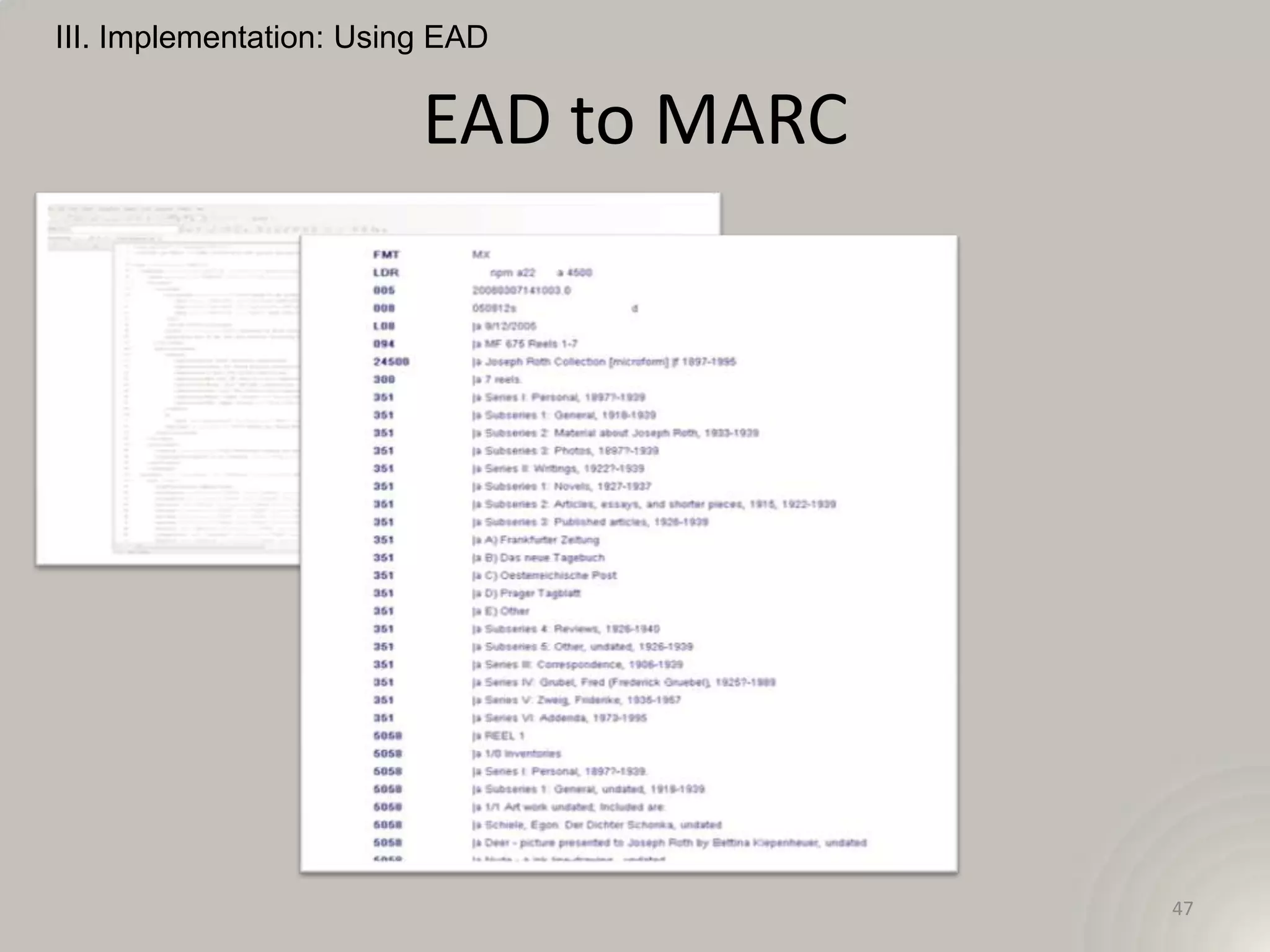
                         EAD to MARC


                                       47
III. Implementation: Using EAD


                           Other Uses
• Integration with other standards (e.g. EAC-CPF)

• Open Archives Initiative – Protocol for Metadata
  Harvesting (OAI-PMH)

• EAD consortia

• Metadata for digitized collections
                                                48
III. Implementation: Using EAD


                           Other Uses
• Flexible search and display


                                        49
III. Implementation: Using EAD


                    The Future of EAD
(pre) Alpha release of EAD revision, August 2012

• Simplify links

• Reduce mixed content

• Add, deprecate, and delete elements

                                                   50
III. Implementation: Using EAD


                    The Future of EAD

• Revision is schema-based -- goodbye, DTD

• LC stylesheet: dtd2schema.xsl

• “Attribute validation errors indicate that the
  attribute value does not conform to the ruling
  ISO standard”

                                                   51
III. Implementation: Using EAD


                    The Future of EAD
• Beta release of schema, documentation, and
  migration tools, January 15, 2013

• New version of EAD released with tag library and
  migration tools, July 1, 2013


 slideshare.net/mikerush/ead-revision-progress-report-20120808

                                                             52
III. Implementation: Using EAD


                                 Relax!


                                          53
IV. Exercises

                Questions?


                             54
Resources


            55
III. Implementation: Creating EAD


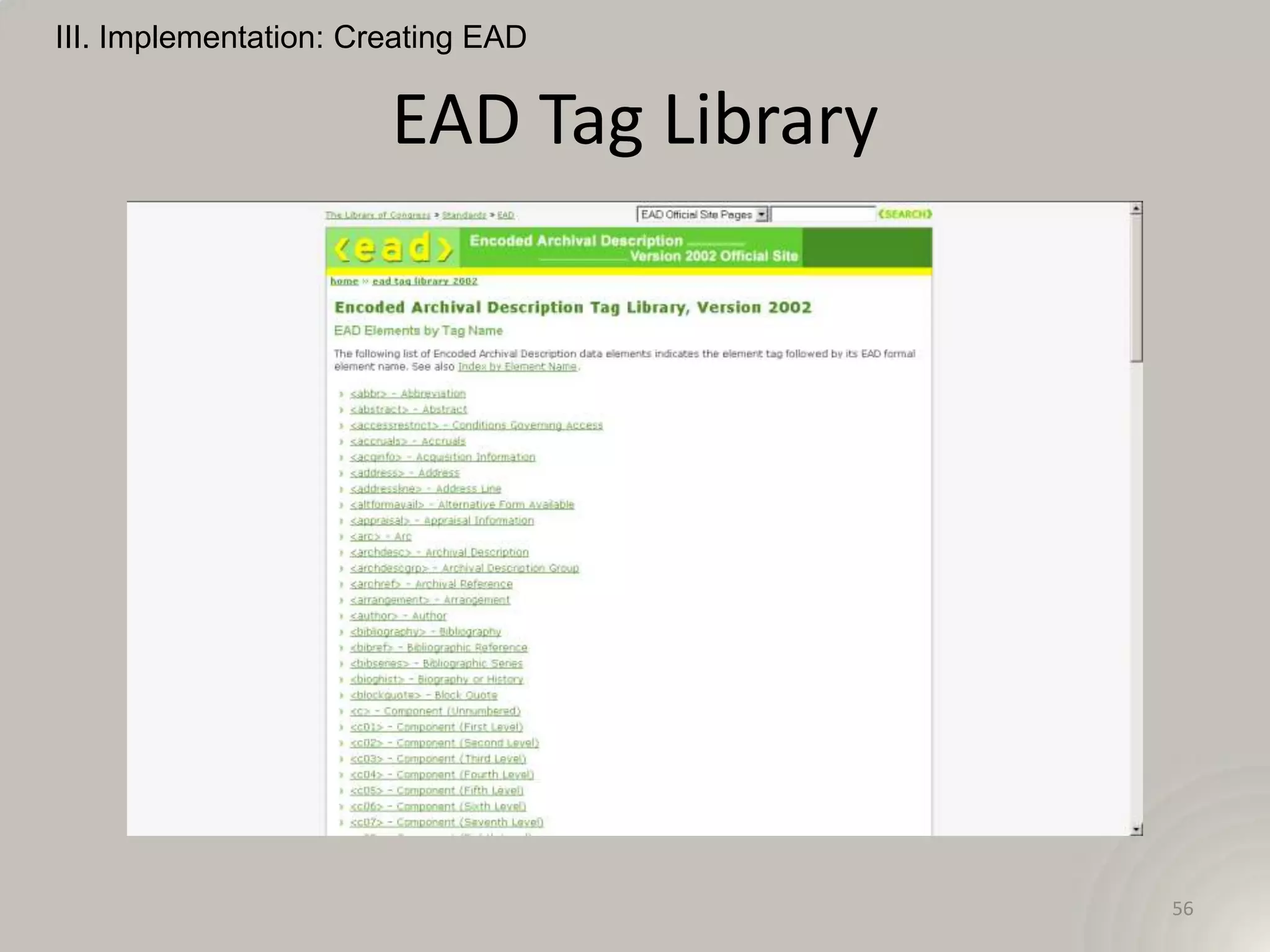
                       EAD Tag Library


                                         56
III. Implementation: Creating EAD


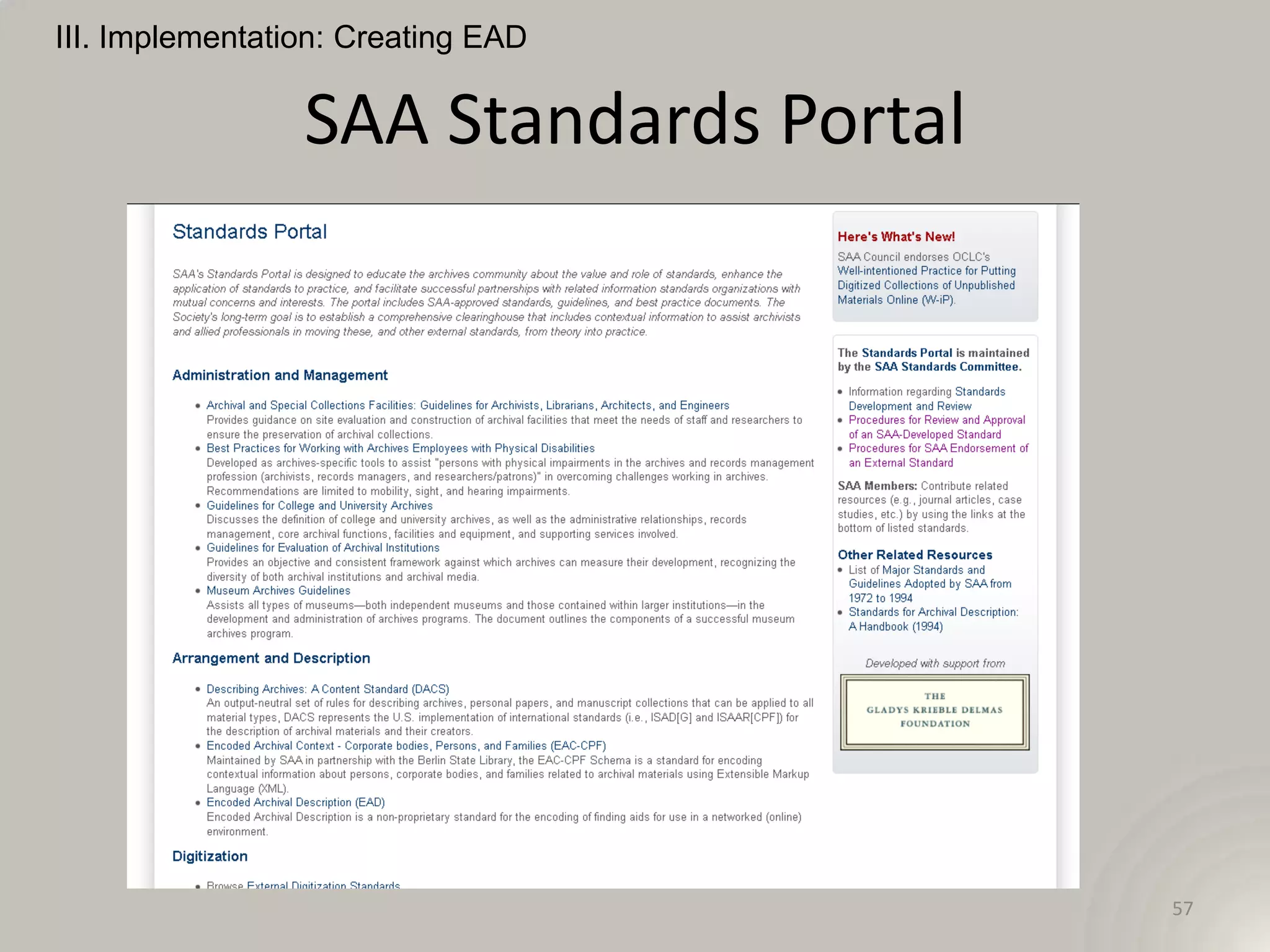
                 SAA Standards Portal


                                        57
Resources


            EAD Tools


                        58
Resources


                    Tinker!

• Download the free trial of oXygen XML editor,
  the schema, an EAD finding aid, and a stylesheet.

• Try some basic actions: add a folder, change a
  controlled vocabulary term, remove a series.


                                                   59
Thank you!


             60

Pratt EAD -

  • 1.
  • 2.
    Outline I. The Basics II.A Finding Aid III. Implementation 2
  • 3.
  • 4.
    I. Basics What is EAD? XML standard for encoding finding aids 4
  • 5.
    I. Basics -What is EAD? XML standard for encoding finding aids XML (eXtensible Markup Language): a set of rules for structuring data via markup 5
  • 6.
    I. Basics -What is EAD? XML standard for encoding finding aids Elements and attributes defined by a Document Type Definition (DTD) or a Schema <bioghist> <bionote> 6
  • 7.
    I. Basics -What is EAD? XML standard for encoding finding aids Defined set of containers for descriptive data EAD : DACS = MARC : AACR2 7
  • 8.
    I. Basics -What is EAD? XML standard for encoding finding aids A description of records that gives the repository physical and intellectual control over the materials and that assists users to gain access to and understand the materials (SAA) Describing Archives: A Content Standard (DACS) 8
  • 9.
    I. Basics What is EAD? XML standard for encoding finding aids 9
  • 10.
    I. Basics What is EAD? EAD encoding is not a substitute for sound archival description! 10
  • 11.
    I. Basics A Brief Aside: DACS Describing Archives: A Content Standard “rules to ensure the creation of consistent, appropriate, and self- explanatory descriptions of archival material.” 11
  • 12.
    I. Basics A Brief Aside: DACS “DACS defines twenty-five elements that are useful in creating systems for describing archival materials.” “Not all of the DACS elements are required in every archival description.” 12
  • 13.
    I. Basics A Brief Aside: DACS 3.1 Scope and Content Element “This element provides information about the nature of the materials and activities reflected in the unit being described to enable users to judge its potential relevance. …” 13
  • 14.
    I. Basics A Brief Aside: DACS DACS revision underway 14
  • 15.
  • 16.
    II. Finding Aid EAD Finding Aid Structure <?xml version="1.0" encoding="UTF-8"?> <!DOCTYPE ead SYSTEM "ead.dtd"> or <ead xsi:schemaLocation="urn:isbn:1-931666-22-9 http://www.loc.gov/ead/ead.xsd"> 16
  • 17.
    II. Finding Aid EAD Finding Aid Structure <ead> <eadheader>Information about repository and finding aid</eadheader> <archdesc>Description of archival materials</archdesc> </ead> 17
  • 18.
    II. Finding Aid Common Tags <eadheader> • Finding aid author <filedesc><titlestmt> <author>Processed by Stanislav Pejša.</author> </titlestmt></filedesc> 18
  • 19.
    II. Finding Aid Common Tags <archdesc> • Minimum required description – “high-level did” <did> <origination>Mueller, Justin J.</origination> <unittitle>Justin J. Mueller Collection</unittitle> <unitdate>undated, 1890-2005</unitdate> <abstract>[short descriptive text]</abstract> […] 19
  • 20.
    II. Finding Aid Common Tags <archdesc> • Minimum required description – “high-level did” <did> […] <langmaterial>In German and English</langmaterial> <physdesc>1 linear foot</physdesc> <unitid>AR 10254</unitid> <repository>Leo Baeck Institute</repository> <physloc>V 11/2</physloc> </did> 20
  • 21.
    II. Finding Aid Common Tags <archdesc> • Biographical information <bioghist><p>Joseph Roth was one of the most prominent Austrian writers of the first half of the 20th century.</p></bioghist> • Controlled vocabulary <geogname encodinganalog="651$a" source="lcsh" authfilenumber="n 79040121">Austria</geogname> 21
  • 22.
    II. Finding Aid Common Tags <archdesc> • Description of Subordinate Components <dsc> <c01 level="series"> <c02>Folder 1 <c03>Item 1</c03> <c03>Item 2</c03> </c02> <c02>Folder 2</c02> </c01> 22
  • 23.
    II. Finding Aid Common Tags <archdesc> • Description of Subordinate Components A Component <c> provides information about the content, context, and extent of a subordinate body of materials. Each <c> element identifies an intellectually logical section of the described materials. The physical filing separations between components do not always coincide with the intellectual separations. From EAD Tag library <http://www.loc.gov/ead/tglib/elements/c.html> 23
  • 24.
    II. Finding Aid Common Tags <archdesc> • Description of Subordinate Components <dsc> <c01 level="series"> <did> <unittitle id="serII">Series II: Publications</unittitle> <unitdate normal="1985/1996">1985-1996</unitdate> </did> <c02>Subordinate intellectual parts, e.g. folders</c02> </c01> 24
  • 25.
    II. Finding Aid Common Tags <archdesc> • Description of Subordinate Components <c02> <did> <container type="box">2</container> <container type="folder">1</container> <unittitle>Articles</unittitle> <unitdate>1985-1994</unitdate> </did> </c02> 25
  • 26.
    II. Finding Aid Common Tags <archdesc> • Description of Subordinate Components <c02> <did> <container type="box">OS 145</container> <container type="folder">1</container> <unittitle>Newspaper foldout</unittitle> <unitdate>1996</unitdate> </did> </c02> 26
  • 27.
    II. Finding Aid Common Tags – Human Readable? <dimensions> 27
  • 28.
    II. Finding Aid Common Tags – Human Readable? <dimensions> A subelement of <physdesc> for information about the size of the materials being described; usually includes numerical data. 28
  • 29.
    II. Finding Aid Common Tags – Human Readable? <famname> 29
  • 30.
    II. Finding Aid Common Tags – Human Readable? <famname> The proper noun designation for a group of persons closely related by blood or persons who form a household. Includes single families and family groups, e.g., Patience Parker Family and Parker Family. 30
  • 31.
    II. Finding Aid EAD Finding Aid 31
  • 32.
  • 33.
    III. Implementation: Creating EAD 33
  • 34.
    III. Implementation: CreatingEAD Archivists’ Toolkit Archon ArchivesSpace 34
  • 35.
  • 36.
  • 37.
    III. Implementation: CreatingEAD NoteTab Dreamweaver EADitor Note Pad 37
  • 38.
    III. Implementation: CreatingEAD PASCL spreadsheet “the spreadsheet from heaven” 38
  • 39.
  • 40.
  • 41.
  • 42.
  • 43.
  • 44.
    III. Implementation: UsingEAD EAD to HTML 44
  • 45.
    III. Implementation: UsingEAD EAD to HTML with DC 45
  • 46.
    III. Implementation: UsingEAD EAD to PDF 46
  • 47.
    III. Implementation: UsingEAD EAD to MARC 47
  • 48.
    III. Implementation: UsingEAD Other Uses • Integration with other standards (e.g. EAC-CPF) • Open Archives Initiative – Protocol for Metadata Harvesting (OAI-PMH) • EAD consortia • Metadata for digitized collections 48
  • 49.
    III. Implementation: UsingEAD Other Uses • Flexible search and display 49
  • 50.
    III. Implementation: UsingEAD The Future of EAD (pre) Alpha release of EAD revision, August 2012 • Simplify links • Reduce mixed content • Add, deprecate, and delete elements 50
  • 51.
    III. Implementation: UsingEAD The Future of EAD • Revision is schema-based -- goodbye, DTD • LC stylesheet: dtd2schema.xsl • “Attribute validation errors indicate that the attribute value does not conform to the ruling ISO standard” 51
  • 52.
    III. Implementation: UsingEAD The Future of EAD • Beta release of schema, documentation, and migration tools, January 15, 2013 • New version of EAD released with tag library and migration tools, July 1, 2013 slideshare.net/mikerush/ead-revision-progress-report-20120808 52
  • 53.
  • 54.
    IV. Exercises Questions? 54
  • 55.
  • 56.
    III. Implementation: CreatingEAD EAD Tag Library 56
  • 57.
    III. Implementation: CreatingEAD SAA Standards Portal 57
  • 58.
    Resources EAD Tools 58
  • 59.
    Resources Tinker! • Download the free trial of oXygen XML editor, the schema, an EAD finding aid, and a stylesheet. • Try some basic actions: add a folder, change a controlled vocabulary term, remove a series. 59
  • 60.

Editor's Notes

  • #3 http://www.flickr.com/photos/carowallis1/2314716161/sizes/m/in/photostream/Will be available on slideshare – many links on images and in text in the later portion of the presentation
  • #6 Familiar with html? Similar (tags aka mark-up), but data structure, not displayXML (eXtensible Markup Language): set of rules for structuring data via markup
  • #7 DTD and schema define the buckets; the list of tags in the tag library (we’ll see later) is defined here. Move to schema is coming; more flexible; not something you need to know right awayhttp://www.flickr.com/photos/linneberg/4481309196/sizes/m/in/photostream/
  • #8 Encoding standards are rules for defining buckets; content standards are rules for the information insidehttp://www.flickr.com/photos/linneberg/4481309196/sizes/m/in/photostream/Xml, EAD, MARC are ways to structure your data, they are not the same as the descriptive data such as the finding aid, the catalog record, etc.
  • #9 http://www.archivists.org/glossary/term_details.asp?DefinitionKey=66http://www.flickr.com/photos/osuarchives/3427510628/sizes/m/in/photostream/
  • #11 EAD cookbook
  • #13 7 principles; rules for minimum information; names and dates. Revision (tip – free way to get text!), and link.
  • #14 7 principles; rules for minimum information; names and dates. Revision (tip – free way to get text!), and link.
  • #15 7 principles; rules for minimum information; names and dates. Revision (tip – free way to get text!), and link.
  • #18 An EAD-encoded finding aid is split into info about institution/FA (metametadata) and info about materials (the finding aid)
  • #22 id.loc.gov&lt;p&gt; to structure text
  • #32 Looking at the real thing
  • #34 Extremely unlikely you will be asked to type it all out by hand. Temples, programs, guidance.
  • #35 Software is free (like kittens, not like beer) Designed by archivists: interface is intuitive Manages most common archival processes Designed for metadata standardsOutput – html, eadBuilt on a database (MySQL)
  • #36 “ICA-AtoM is web-based archival description software that is based on International Council on Archives (&apos;ICA&apos;) standards. &apos;AtoM&apos; is an acronymn for &apos;Access to Memory&apos;.”
  • #37 Basic, powerful XML editor. You can safely ignore about 95% of the buttons and drop-downs, but will do things like suggest valid tags and attributes, close tags, and validate as you go. This is what we use.
  • #38 Software is free (like kittens, not like beer) Designed by archivists: interface is intuitive Manages most common archival processes Designed for metadata standardsOutput – html, eadBuilt on a database (MySQL)
  • #39 http://clir.pacscl.org/2012/03/19/excel-to-xml-the-spreadsheet-from-heaven/
  • #40 http://www2.archivists.org/standards
  • #43 XSLT (Extensible Stylesheet Language Transformations) is a declarative, XML-based language used for the transformation of XML documents. Here, the EAD tag processinfo is converted into HTML.
  • #44 XSLT (Extensible Stylesheet Language Transformations) is a declarative, XML-based language used for the transformation of XML documents. Here, the EAD tag processinfo is converted into HTML.
  • #50 Results returned a correct level of hierarchy, linking back to full finding aid.
  • #51 http://www.slideshare.net/mikerush/ead-revision-progress-report-20120808
  • #52 http://www.slideshare.net/mikerush/ead-revision-progress-report-20120808
  • #53 http://www.slideshare.net/mikerush/ead-revision-progress-report-20120808
  • #54 https://secure.flickr.com/photos/flik/172629460/sizes/z/in/photostream/
  • #55 https://secure.flickr.com/photos/loneblackrider/315302588/sizes/l/in/photostream/
  • #56 https://secure.flickr.com/photos/elnegro/233434144/sizes/z/in/photostream/
  • #57 http://www.loc.gov/ead/tglib/element_index.html
  • #58 http://www2.archivists.org/standards
  • #59 http://www.oclc.org/research/publications/library/2010/2010-04.pdf
  • #61 Links are in comments and in slides