EDITINGTHE IMAGES
Poster
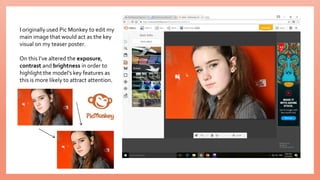
I originally used Pic Monkey to edit my
main image that would act as the key
visual on my teaser poster.
On this I’ve altered the exposure,
contrast and brightness in order to
highlight the model’s key features as
this is more likely to attract attention.
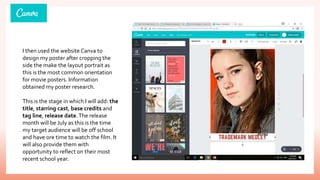
I then used the website Canva to
design my poster after cropping the
side the make the layout portrait as
this is the most common orientation
for movie posters. Information
obtained my poster research.
This is the stage in which I will add: the
title, starring cast, base credits and
tag line, release date.The release
month will be July as this is the time
my target audience will be off school
and have ore time to watch the film. It
will also provide them with
opportunity to reflect on their most
recent school year.
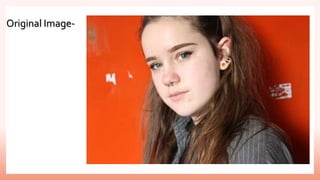
Original Image-
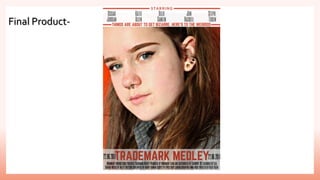
Final Product-

Poster process

  • 1.
  • 2.
    I originally usedPic Monkey to edit my main image that would act as the key visual on my teaser poster. On this I’ve altered the exposure, contrast and brightness in order to highlight the model’s key features as this is more likely to attract attention.
  • 3.
    I then usedthe website Canva to design my poster after cropping the side the make the layout portrait as this is the most common orientation for movie posters. Information obtained my poster research. This is the stage in which I will add: the title, starring cast, base credits and tag line, release date.The release month will be July as this is the time my target audience will be off school and have ore time to watch the film. It will also provide them with opportunity to reflect on their most recent school year.
  • 4.
  • 5.