Payment
Terminals
Testing
Hello!
I am Roman Iakymchuk
I am here because I want to share with you my
knowledge
You can find me at Fb: @YakimchukRV
Tw: @yakimchukrv
2
Agenda
✗ What is a 'Point Of Sale - POS'
✗ Payment Terminals and their components
✗ Work preparation
✗ What to Test?
✗ How to Test?
3
1.
What is Point of Sale
(POS)?
“The point of sale (POS) or
point of purchase (POP) is the
time and place where a retail
transaction is completed.”
5
What are the challenges in POS testing?
6
✗ Multiple Configurations
✗ Complex interfaces
✗ Peripheral issues
✗ Upgrades
✗ PCI compliance
✗ Test lab maintenance
77
2.
Payment Terminals
and their
components
Point of Sale Terminal
9
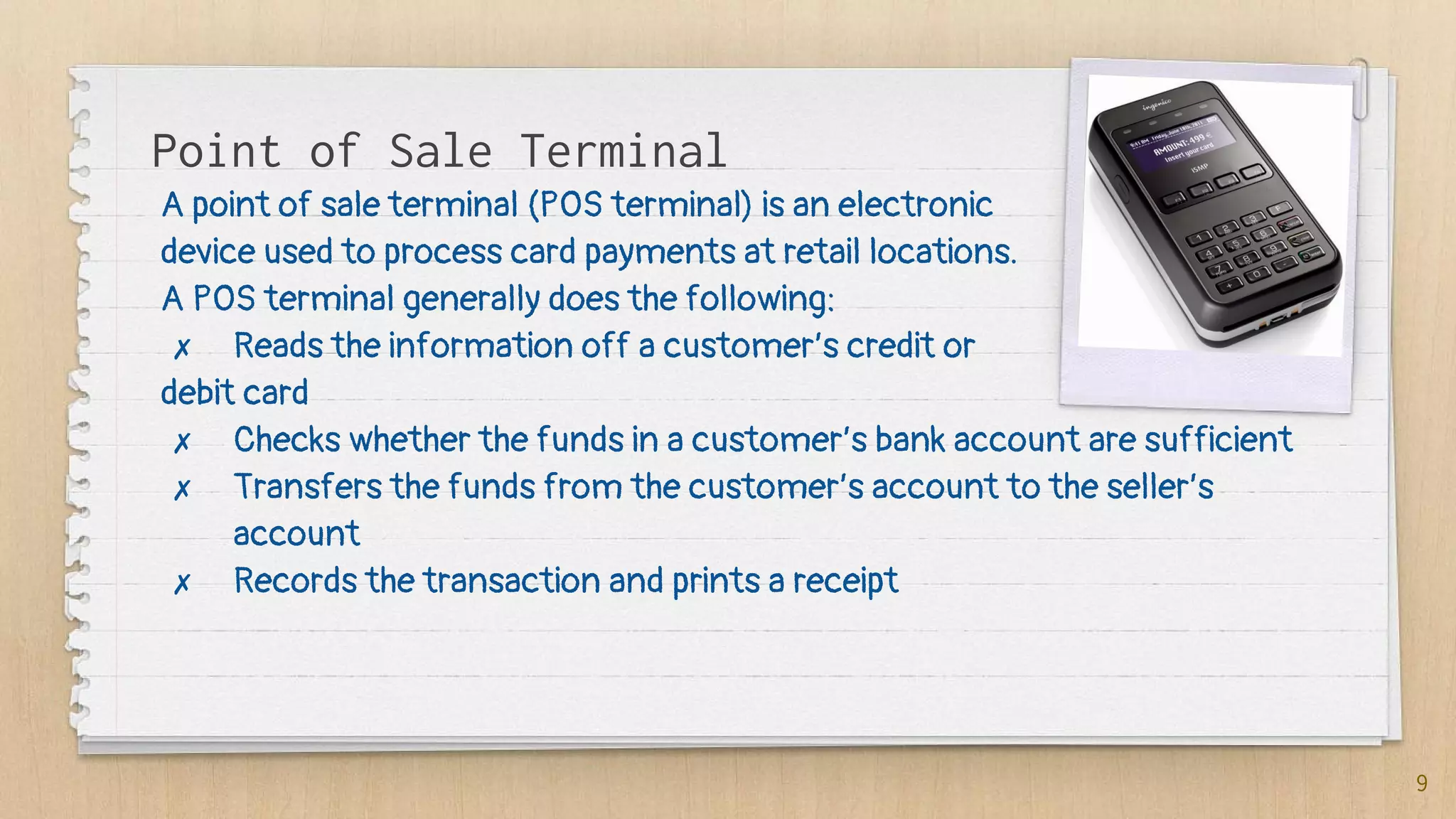
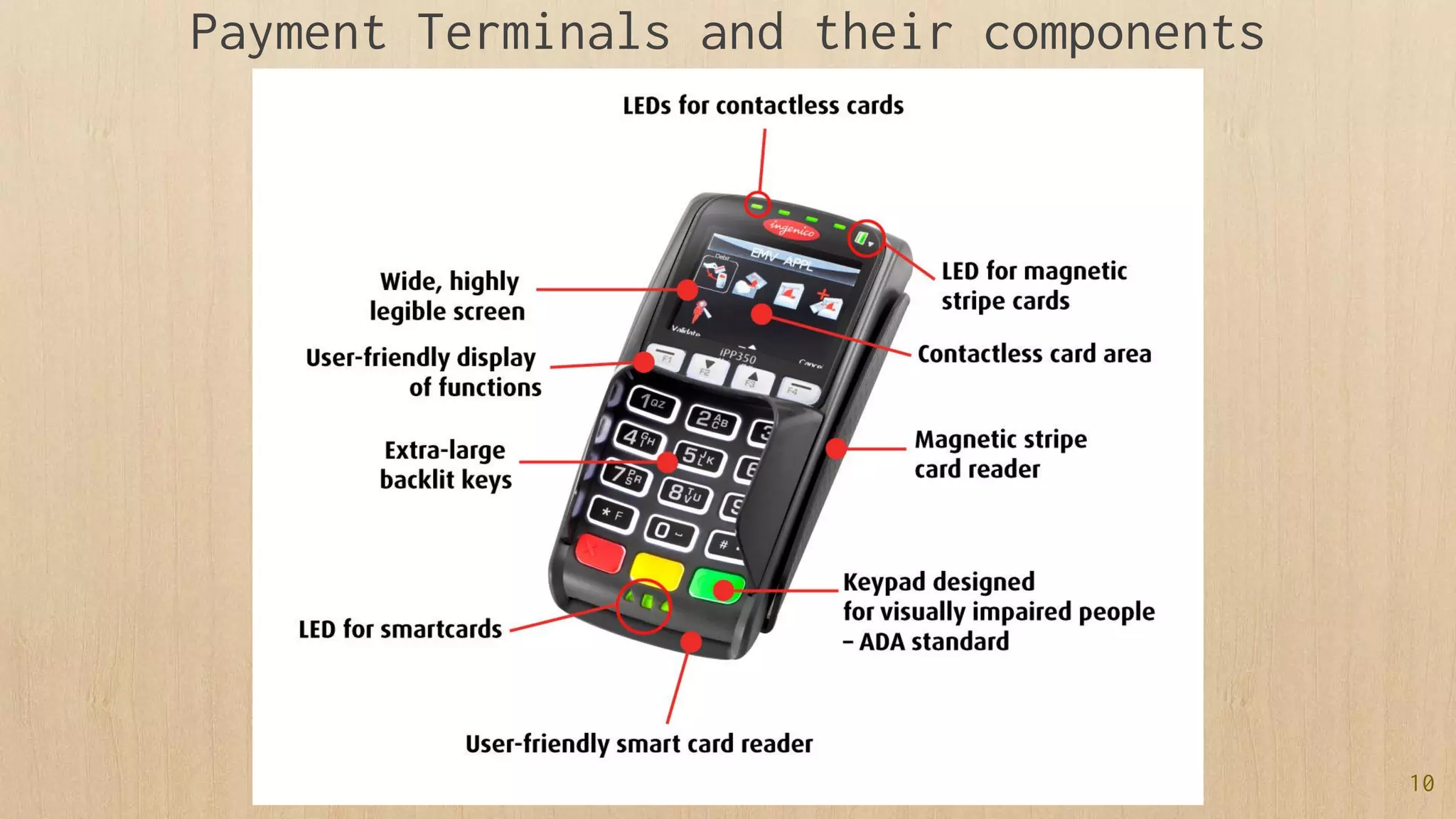
A point of sale terminal (POS terminal) is an electronic
device used to process card payments at retail locations.
A POS terminal generally does the following:
✗ Reads the information off a customer’s credit or
debit card
✗ Checks whether the funds in a customer’s bank account are sufficient
✗ Transfers the funds from the customer’s account to the seller’s
account
✗ Records the transaction and prints a receipt
1.
What is Point of Sale
(POS)?
10
Payment Terminals and their components
3.
Preparation for
Testing
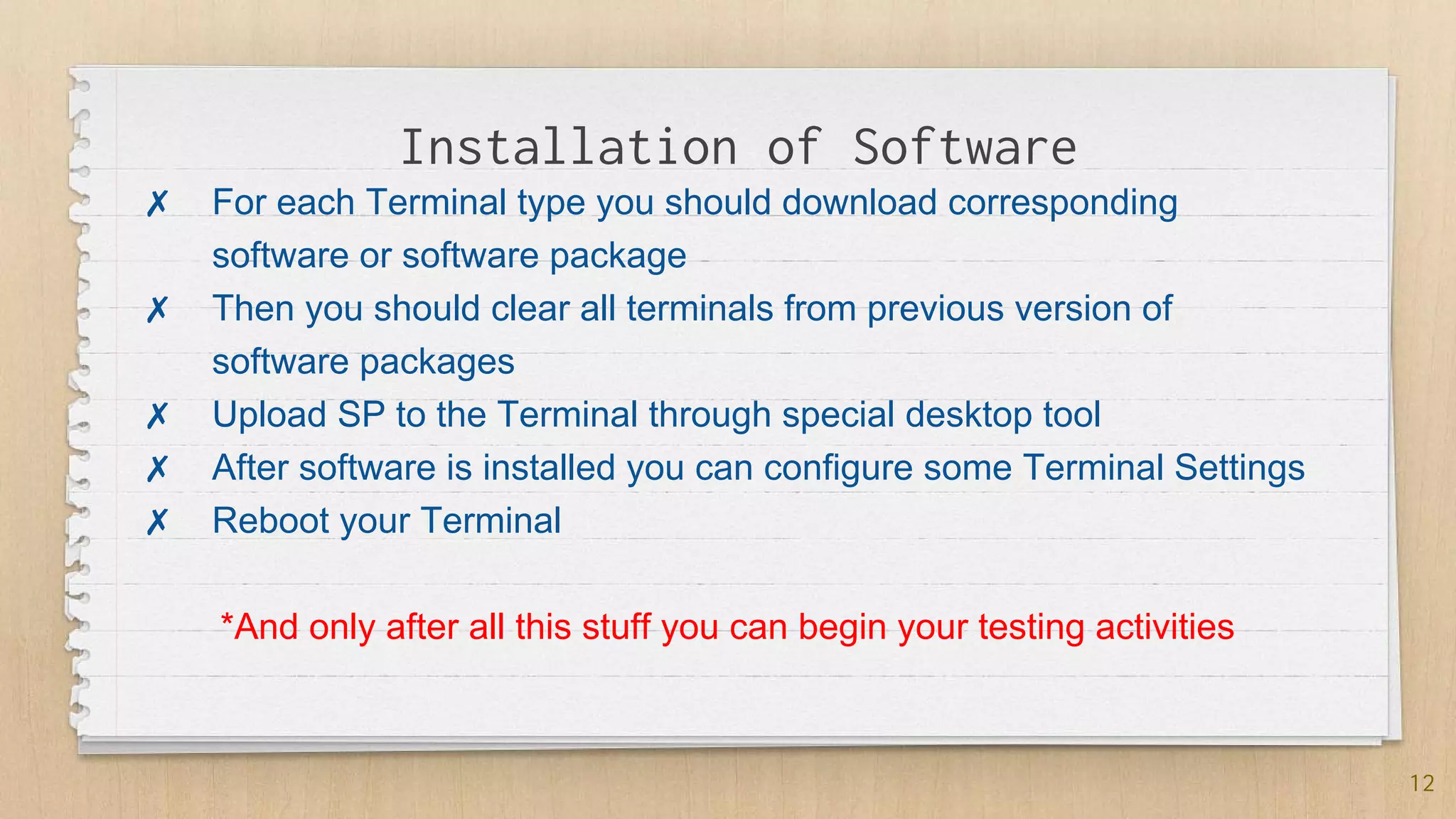
Installation of Software
12
✗ For each Terminal type you should download corresponding
software or software package
✗ Then you should clear all terminals from previous version of
software packages
✗ Upload SP to the Terminal through special desktop tool
✗ After software is installed you can configure some Terminal Settings
✗ Reboot your Terminal
*And only after all this stuff you can begin your testing activities
4.
What to Test?
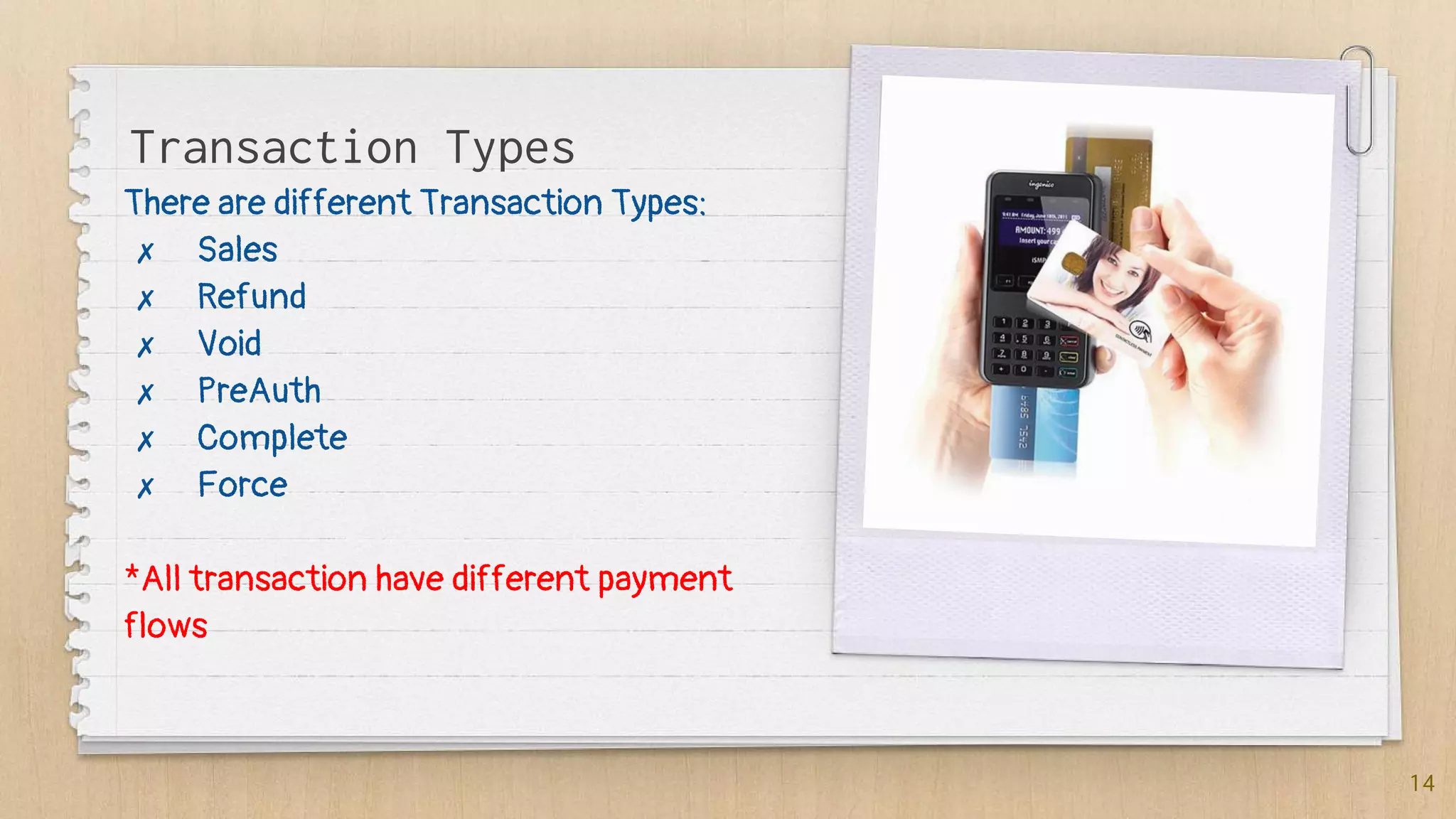
There are different Transaction Types:
✗ Sales
✗ Refund
✗ Void
✗ PreAuth
✗ Complete
✗ Force
*All transaction have different payment
flows
14
Transaction Types
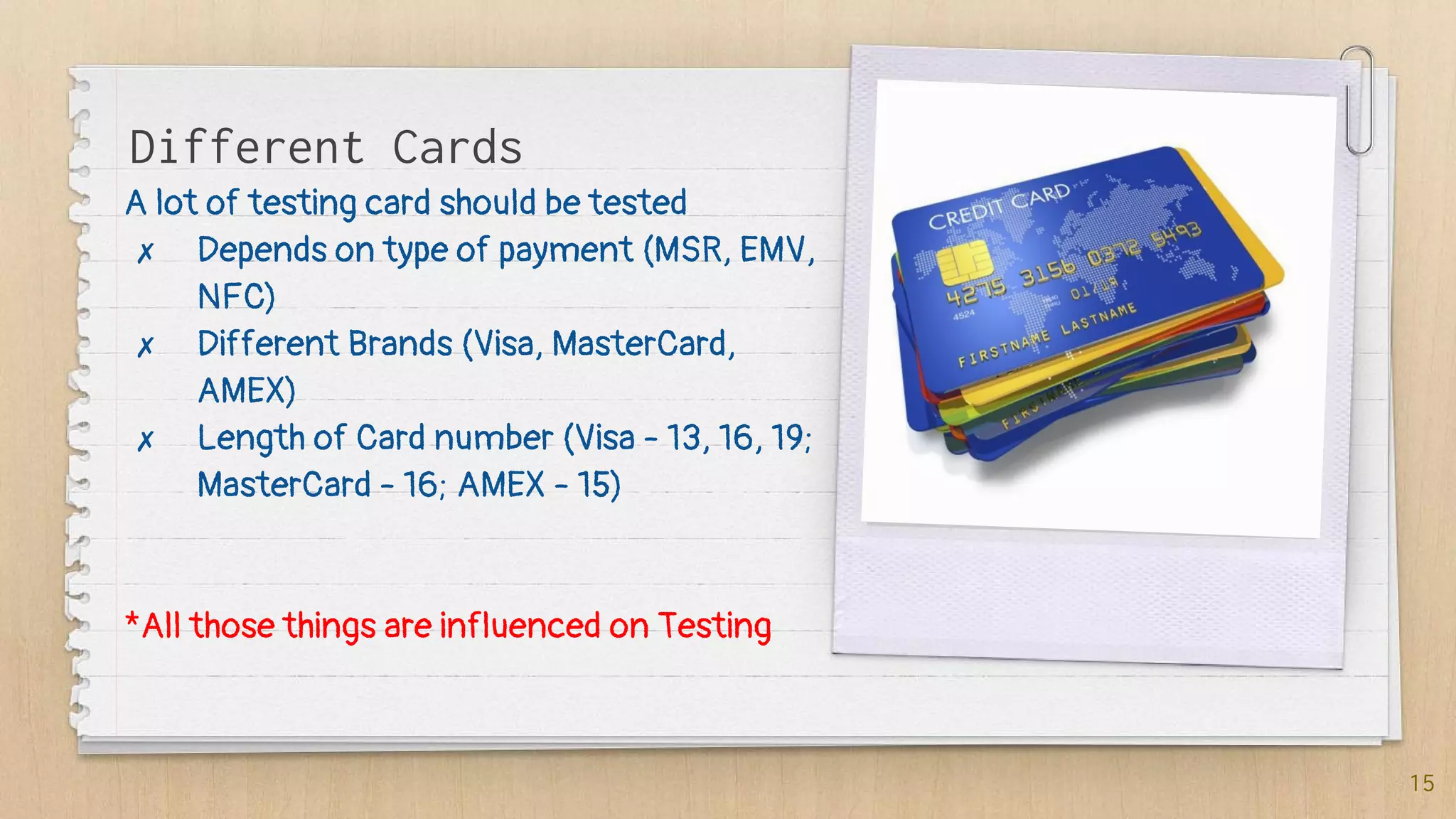
A lot of testing card should be tested
✗ Depends on type of payment (MSR, EMV,
NFC)
✗ Different Brands (Visa, MasterCard,
AMEX)
✗ Length of Card number (Visa - 13, 16, 19;
MasterCard - 16; AMEX - 15)
*All those things are influenced on Testing
15
Different Cards
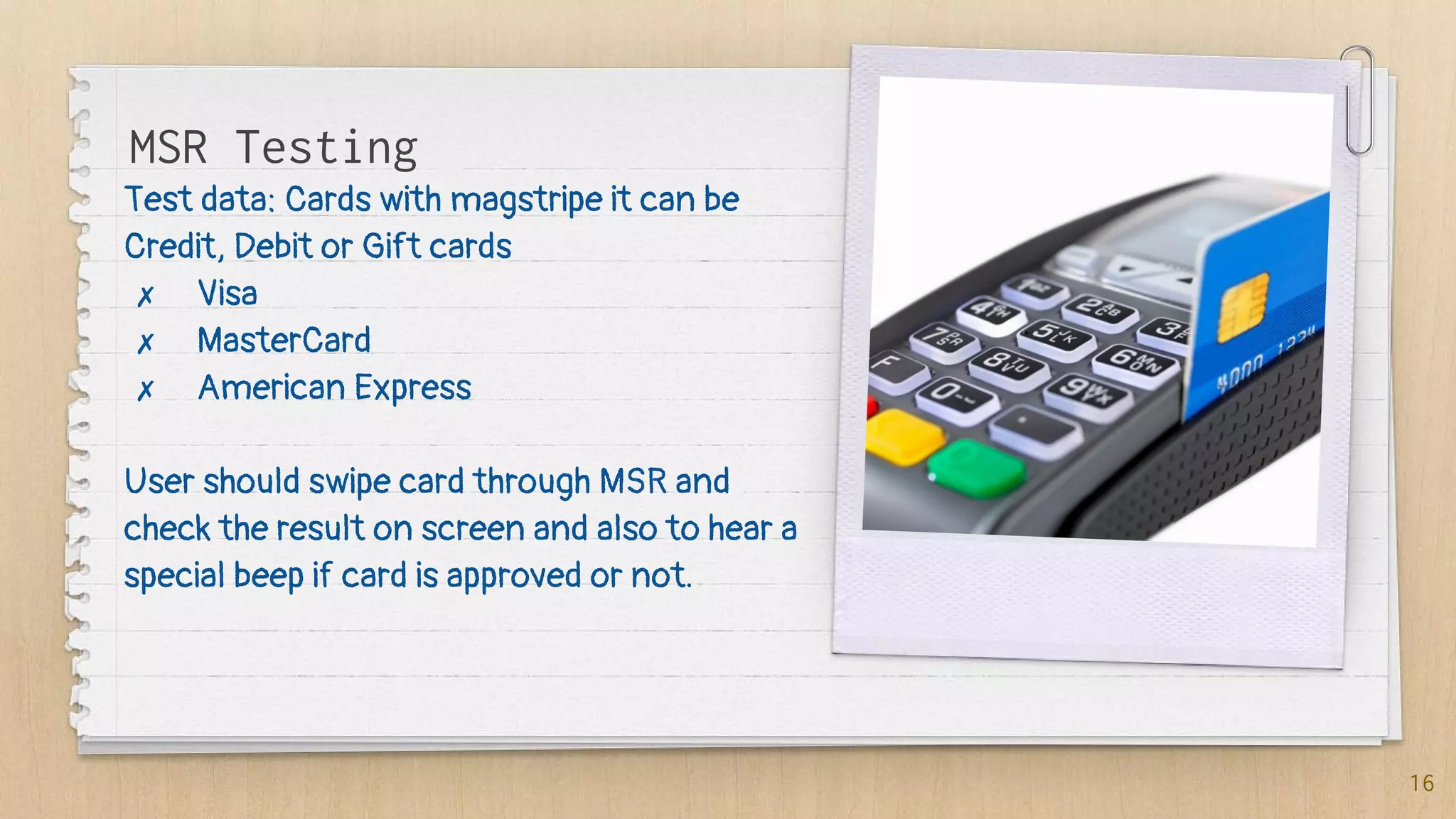
Test data: Cards with magstripe it can be
Credit, Debit or Gift cards
✗ Visa
✗ MasterCard
✗ American Express
User should swipe card through MSR and
check the result on screen and also to hear a
special beep if card is approved or not.
16
MSR Testing
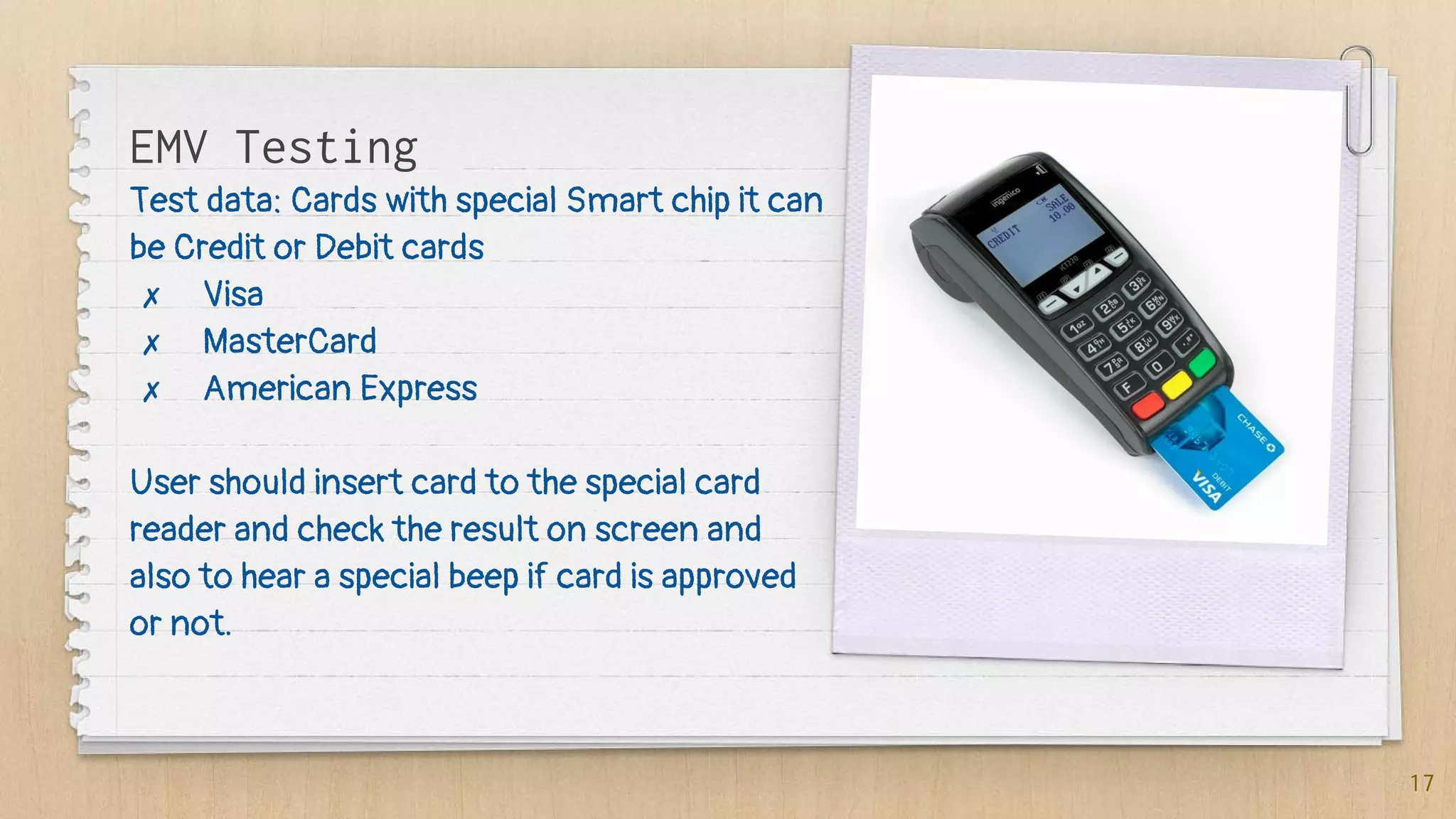
Test data: Cards with special Smart chip it can
be Credit or Debit cards
✗ Visa
✗ MasterCard
✗ American Express
User should insert card to the special card
reader and check the result on screen and
also to hear a special beep if card is approved
or not.
17
EMV Testing
Test data: Cards with special Smart chip it can
be Credit or Debit cards
✗ Visa
✗ MasterCard
✗ American Express
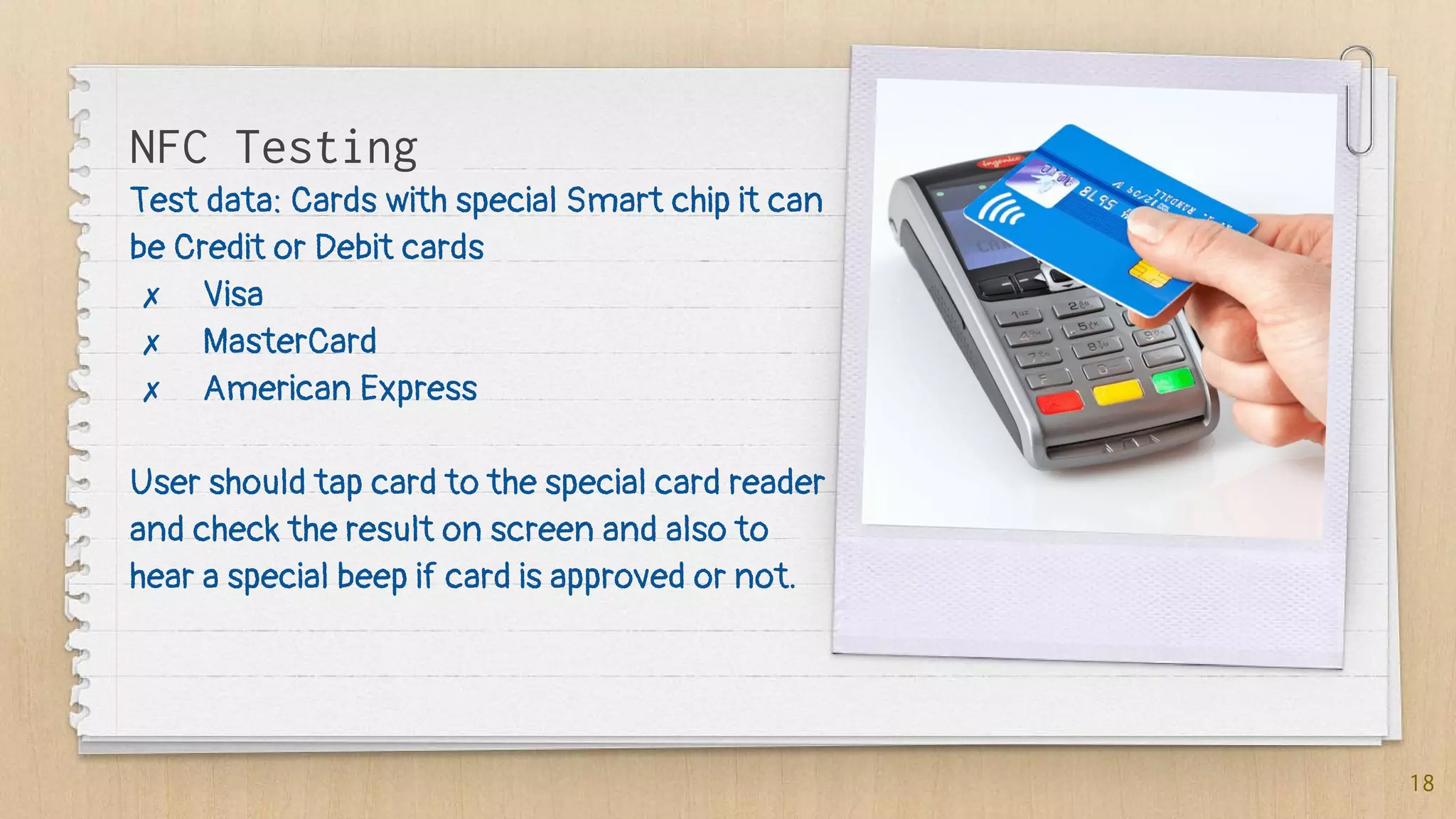
User should tap card to the special card reader
and check the result on screen and also to
hear a special beep if card is approved or not.
18
NFC Testing
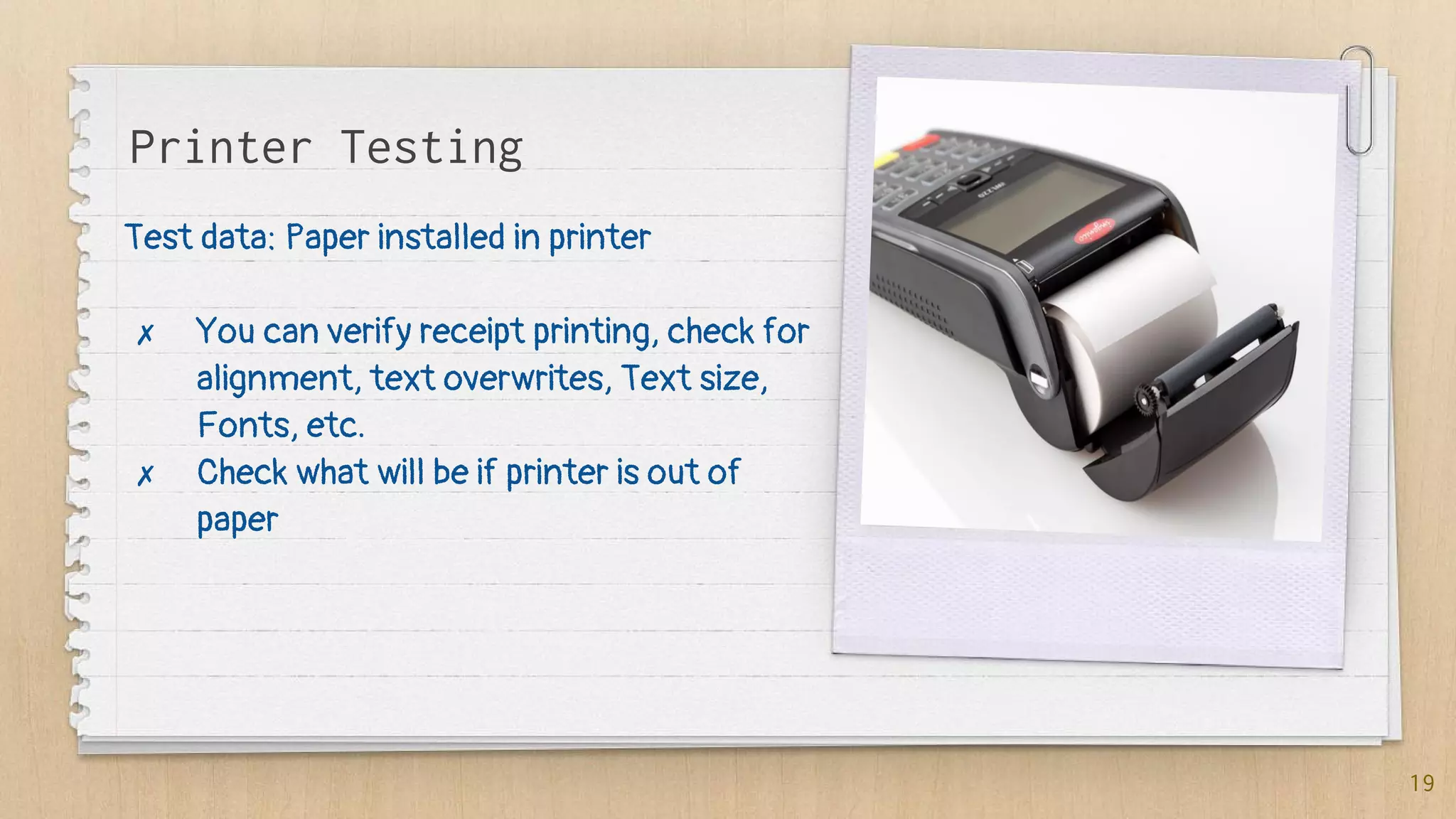
Test data: Paper installed in printer
✗ You can verify receipt printing, check for
alignment, text overwrites, Text size,
Fonts, etc.
✗ Check what will be if printer is out of
paper
19
Printer Testing
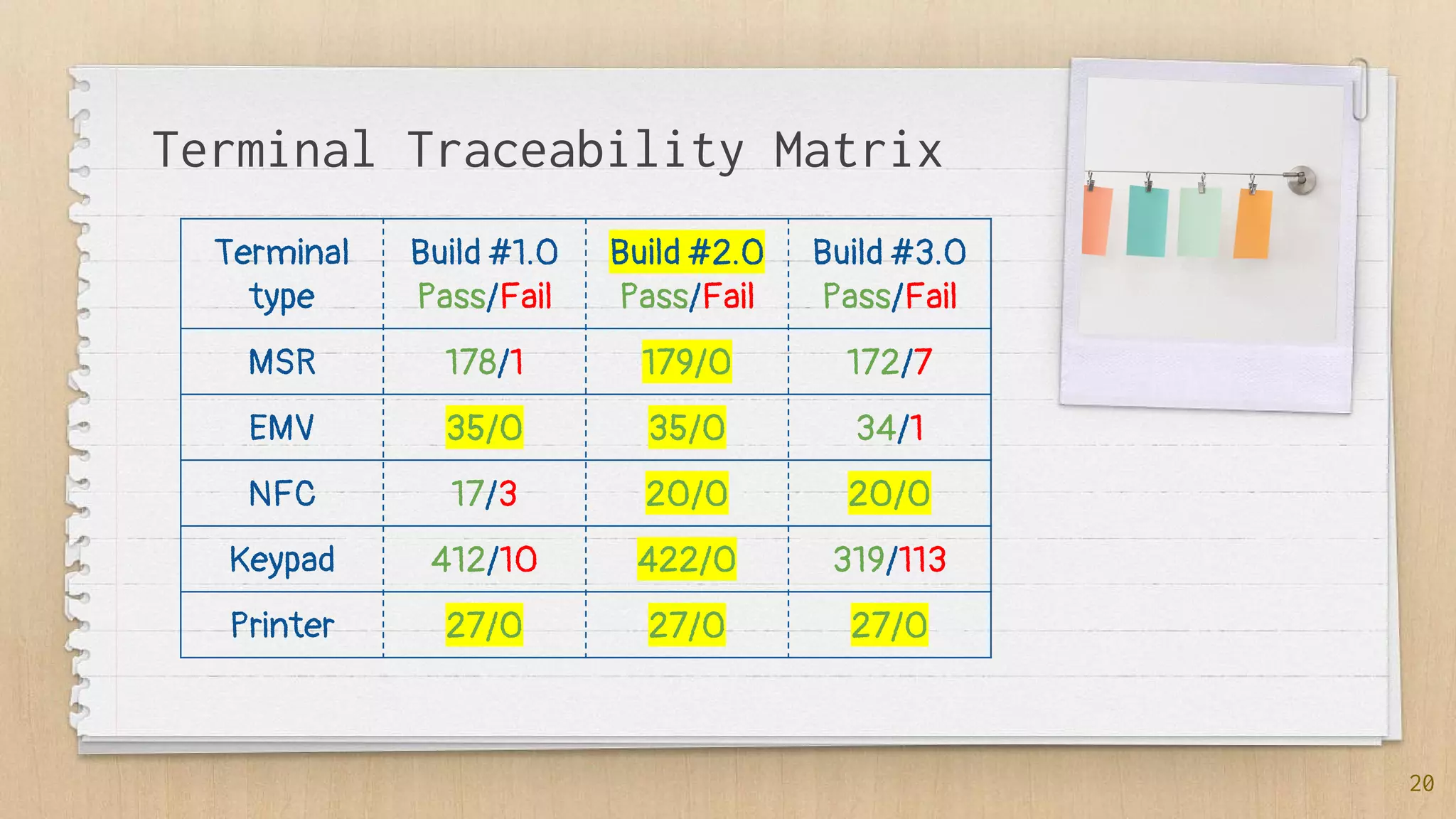
Terminal Traceability Matrix
Terminal
type
Build #1.0
Pass/Fail
Build #2.0
Pass/Fail
Build #3.0
Pass/Fail
MSR 178/1 179/0 172/7
EMV 35/0 35/0 34/1
NFC 17/3 20/0 20/0
Keypad 412/10 422/0 319/113
Printer 27/0 27/0 27/0
20
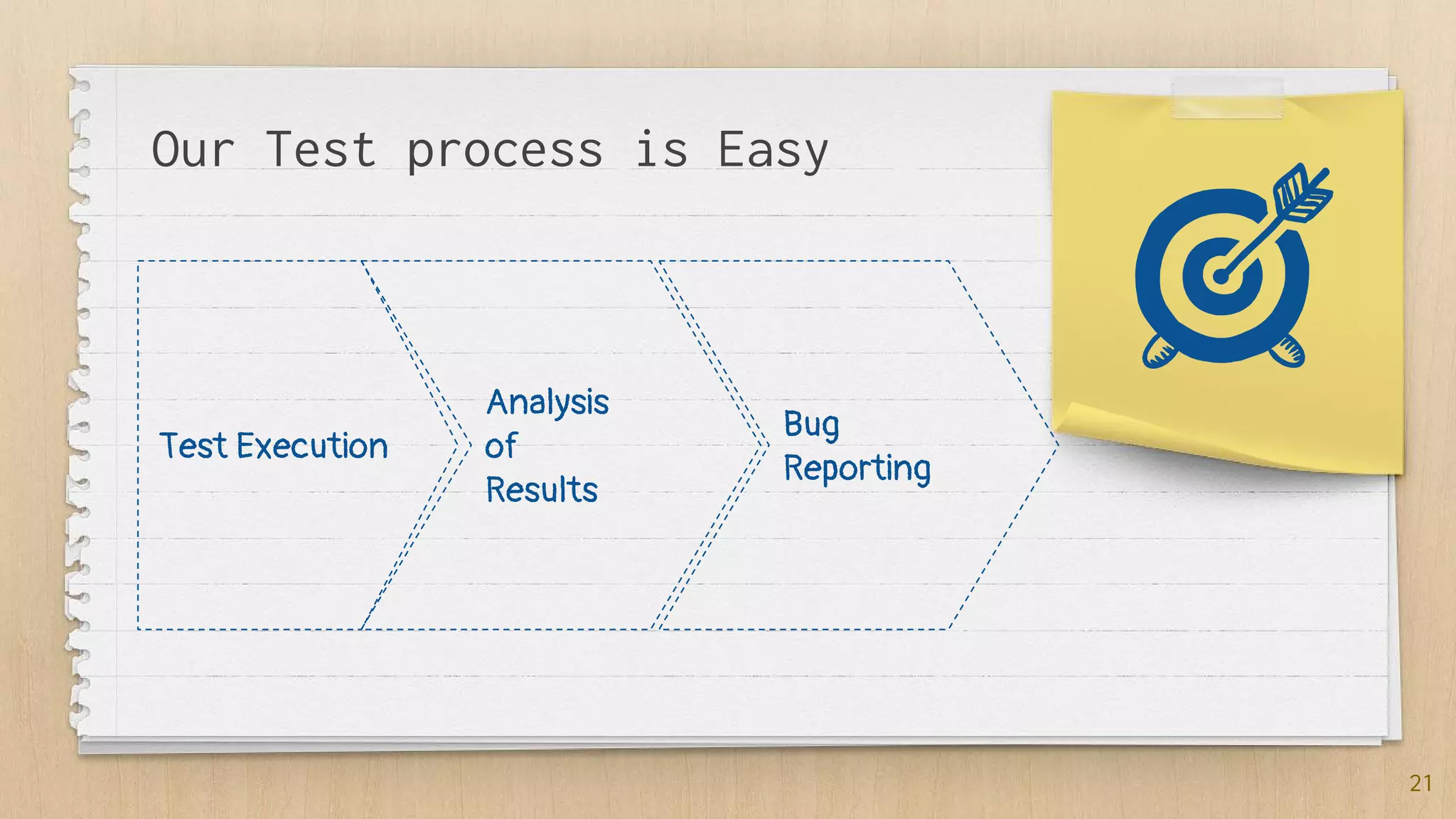
Our Test process is Easy
Test Execution
Analysis
of
Results
Bug
Reporting
21
Bug Report Example
Bug #1:Second track does not come after Visa card Swipe
Pr.C: ICT250, BankSW_1720.0001 package, Visa 1 Test card
Steps to Reproduce
1. Chose Sale Transaction
2. Enter amount 10.00 $ and click on “Pay” button
3. Verify that “Swipe or Tap your Card” message is displayed on the screen
4. Swipe with Visa 1 Test Card
5. Check that Card is approved and transaction is Completed
AR: Second track does not come after Visa card Swipe
exp: ;1234567890123445=99011200XXXX00000000?
got: null
ER: All Card information should be received in 2nd track and transaction should be completed
22
24
Thanks!
Any questions?
You can find me at:
Fb: @YakimchukRV
Tw: @yakimchukrv
And my page for Testers: QABlog

Payment Terminals Testing

  • 1.
  • 2.
    Hello! I am RomanIakymchuk I am here because I want to share with you my knowledge You can find me at Fb: @YakimchukRV Tw: @yakimchukrv 2
  • 3.
    Agenda ✗ What isa 'Point Of Sale - POS' ✗ Payment Terminals and their components ✗ Work preparation ✗ What to Test? ✗ How to Test? 3
  • 4.
    1. What is Pointof Sale (POS)?
  • 5.
    “The point ofsale (POS) or point of purchase (POP) is the time and place where a retail transaction is completed.” 5
  • 6.
    What are thechallenges in POS testing? 6 ✗ Multiple Configurations ✗ Complex interfaces ✗ Peripheral issues ✗ Upgrades ✗ PCI compliance ✗ Test lab maintenance
  • 7.
  • 8.
  • 9.
    Point of SaleTerminal 9 A point of sale terminal (POS terminal) is an electronic device used to process card payments at retail locations. A POS terminal generally does the following: ✗ Reads the information off a customer’s credit or debit card ✗ Checks whether the funds in a customer’s bank account are sufficient ✗ Transfers the funds from the customer’s account to the seller’s account ✗ Records the transaction and prints a receipt
  • 10.
    1. What is Pointof Sale (POS)? 10 Payment Terminals and their components
  • 11.
  • 12.
    Installation of Software 12 ✗For each Terminal type you should download corresponding software or software package ✗ Then you should clear all terminals from previous version of software packages ✗ Upload SP to the Terminal through special desktop tool ✗ After software is installed you can configure some Terminal Settings ✗ Reboot your Terminal *And only after all this stuff you can begin your testing activities
  • 13.
  • 14.
    There are differentTransaction Types: ✗ Sales ✗ Refund ✗ Void ✗ PreAuth ✗ Complete ✗ Force *All transaction have different payment flows 14 Transaction Types
  • 15.
    A lot oftesting card should be tested ✗ Depends on type of payment (MSR, EMV, NFC) ✗ Different Brands (Visa, MasterCard, AMEX) ✗ Length of Card number (Visa - 13, 16, 19; MasterCard - 16; AMEX - 15) *All those things are influenced on Testing 15 Different Cards
  • 16.
    Test data: Cardswith magstripe it can be Credit, Debit or Gift cards ✗ Visa ✗ MasterCard ✗ American Express User should swipe card through MSR and check the result on screen and also to hear a special beep if card is approved or not. 16 MSR Testing
  • 17.
    Test data: Cardswith special Smart chip it can be Credit or Debit cards ✗ Visa ✗ MasterCard ✗ American Express User should insert card to the special card reader and check the result on screen and also to hear a special beep if card is approved or not. 17 EMV Testing
  • 18.
    Test data: Cardswith special Smart chip it can be Credit or Debit cards ✗ Visa ✗ MasterCard ✗ American Express User should tap card to the special card reader and check the result on screen and also to hear a special beep if card is approved or not. 18 NFC Testing
  • 19.
    Test data: Paperinstalled in printer ✗ You can verify receipt printing, check for alignment, text overwrites, Text size, Fonts, etc. ✗ Check what will be if printer is out of paper 19 Printer Testing
  • 20.
    Terminal Traceability Matrix Terminal type Build#1.0 Pass/Fail Build #2.0 Pass/Fail Build #3.0 Pass/Fail MSR 178/1 179/0 172/7 EMV 35/0 35/0 34/1 NFC 17/3 20/0 20/0 Keypad 412/10 422/0 319/113 Printer 27/0 27/0 27/0 20
  • 21.
    Our Test processis Easy Test Execution Analysis of Results Bug Reporting 21
  • 22.
    Bug Report Example Bug#1:Second track does not come after Visa card Swipe Pr.C: ICT250, BankSW_1720.0001 package, Visa 1 Test card Steps to Reproduce 1. Chose Sale Transaction 2. Enter amount 10.00 $ and click on “Pay” button 3. Verify that “Swipe or Tap your Card” message is displayed on the screen 4. Swipe with Visa 1 Test Card 5. Check that Card is approved and transaction is Completed AR: Second track does not come after Visa card Swipe exp: ;1234567890123445=99011200XXXX00000000? got: null ER: All Card information should be received in 2nd track and transaction should be completed 22
  • 24.
    24 Thanks! Any questions? You canfind me at: Fb: @YakimchukRV Tw: @yakimchukrv And my page for Testers: QABlog