Download to read offline
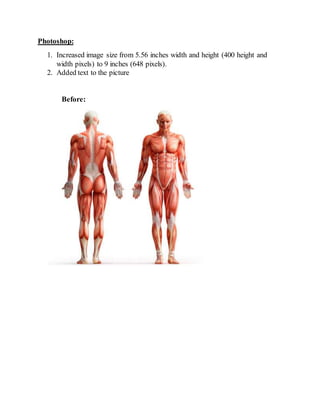

Photoshop was used to increase the size of an image from 5.56 inches width and height to 9 inches width and height by increasing the pixel dimensions from 400x400 to 648x648. Text was also added to the picture. The document provided a brief before and after description of the edits made in Photoshop to increase the size and add text to a photo.


