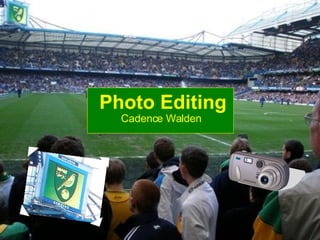
Photo Editing Cadence Walden
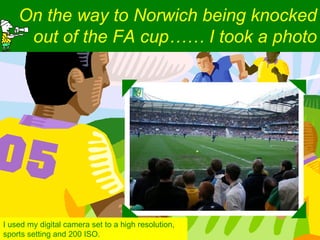
On the way to Norwich being knocked out of the FA cup…… I took a photo I used my digital camera set to a high resolution, sports setting and 200 ISO.
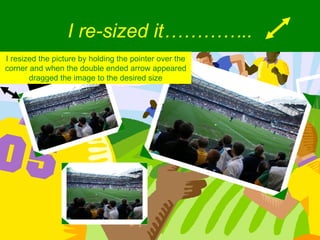
I re-sized it………….. I resized the picture by holding the pointer over the corner and when the double ended arrow appeared dragged the image to the desired size
I added music………….. Followed menus; Insert – Movies and sound – sound from clip organizer. Then selected my sound and chose for it to play automatically
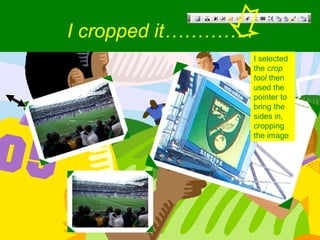
I cropped it………….. I selected the  crop tool  then used the pointer to bring the sides in, cropping the image
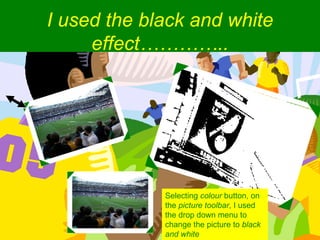
I used the black and white effect………….. Selecting  colour  button, on the  picture toolbar , I used the drop down menu to change the picture to  black and white

Photo Editing- Cadence W

  • 1.
  • 2.
    On the wayto Norwich being knocked out of the FA cup…… I took a photo I used my digital camera set to a high resolution, sports setting and 200 ISO.
  • 3.
    I re-sized it…………..I resized the picture by holding the pointer over the corner and when the double ended arrow appeared dragged the image to the desired size
  • 4.
    I added music…………..Followed menus; Insert – Movies and sound – sound from clip organizer. Then selected my sound and chose for it to play automatically
  • 5.
    I cropped it…………..I selected the crop tool then used the pointer to bring the sides in, cropping the image
  • 6.
    I used theblack and white effect………….. Selecting colour button, on the picture toolbar , I used the drop down menu to change the picture to black and white