
Building a robust and highly available
Exchange Server 2010 organization on any
               sized budget


        Presented by Aaron Harclerode
 MCT, MCITP: Enterprise Messaging Administrator
         Director of Technical Services
Agenda

    Exchange Server 2010 roles
    What is HA
    HA in Previous Versions of Exchange
    HA in Exchange Server 2010
    • CAS Role
    • HT Role
    • Mailbox Role (DAGs)
    Demo
2
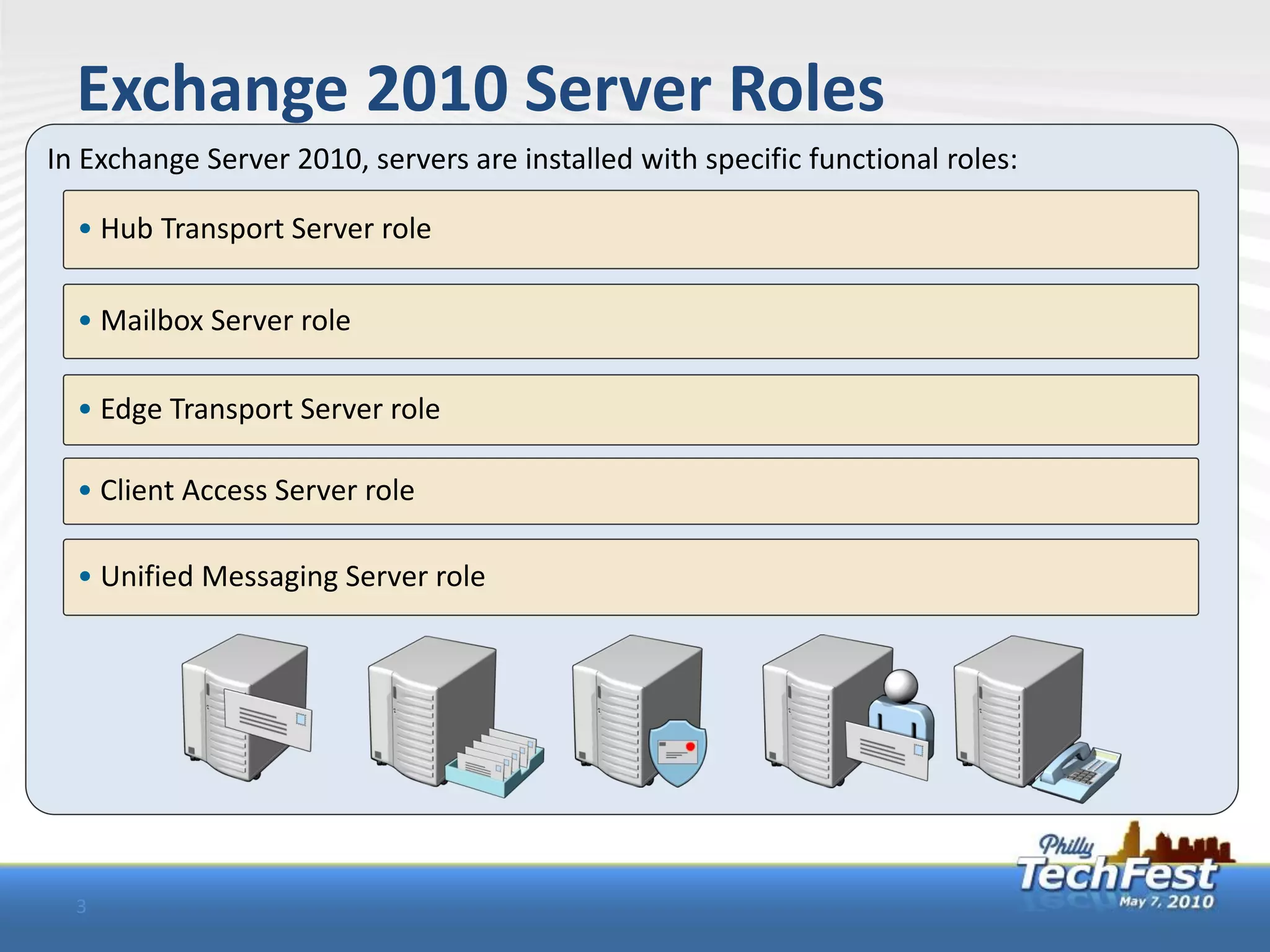
Exchange 2010 Server Roles
In Exchange Server 2010, servers are installed with specific functional roles:

  • Hub Transport Server role

  • Mailbox Server role

  • Edge Transport Server role

  • Client Access Server role

  • Unified Messaging Server role


  3
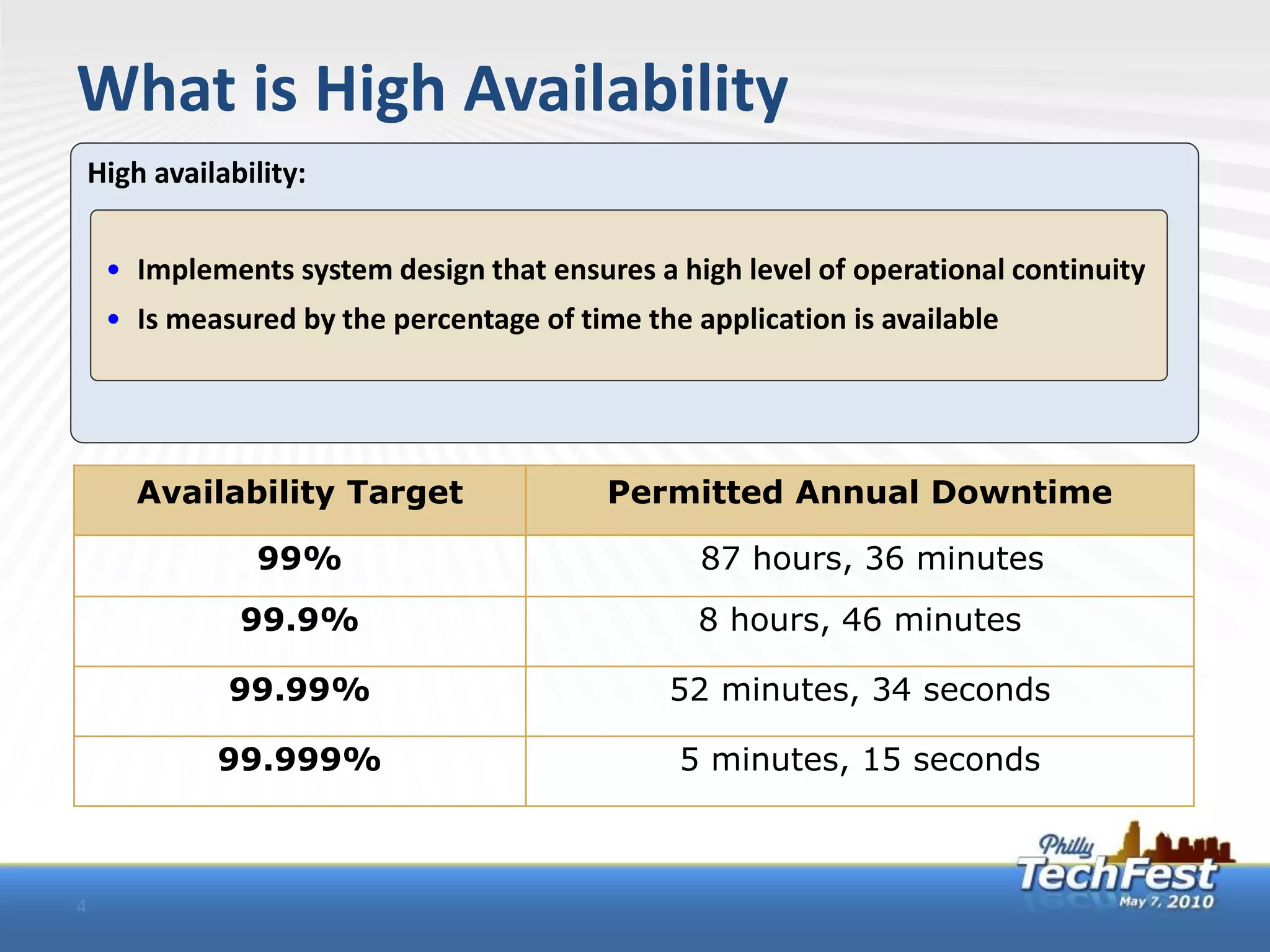
What is High Availability
    High availability:


     • Implements system design that ensures a high level of operational continuity
     • Is measured by the percentage of time the application is available


        Availability Target                Permitted Annual Downtime

                 99%                              87 hours, 36 minutes
                99.9%                             8 hours, 46 minutes

               99.99%                          52 minutes, 34 seconds

              99.999%                           5 minutes, 15 seconds


4
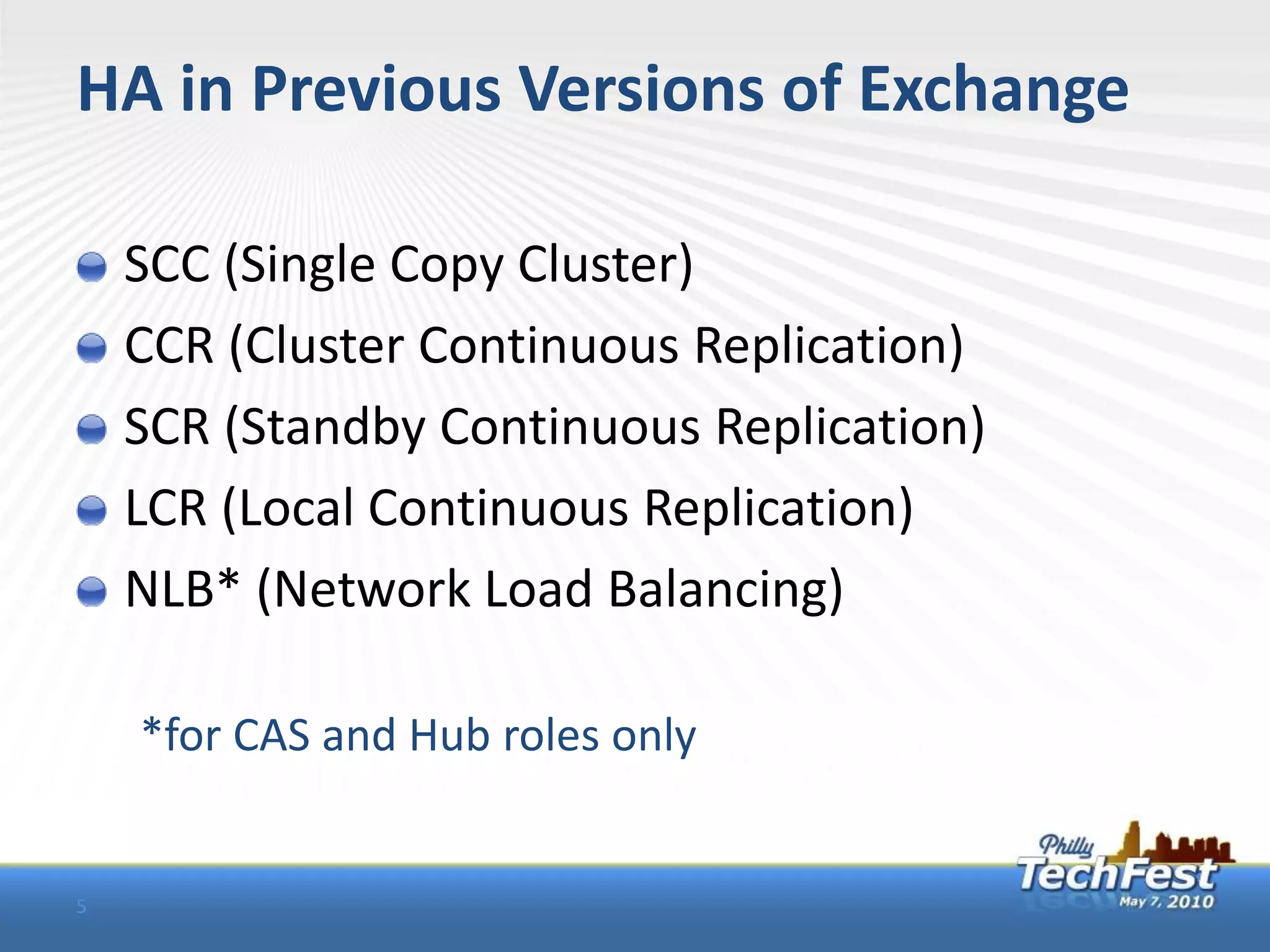
HA in Previous Versions of Exchange

    SCC (Single Copy Cluster)
    CCR (Cluster Continuous Replication)
    SCR (Standby Continuous Replication)
    LCR (Local Continuous Replication)
    NLB* (Network Load Balancing)

    *for CAS and Hub roles only


5
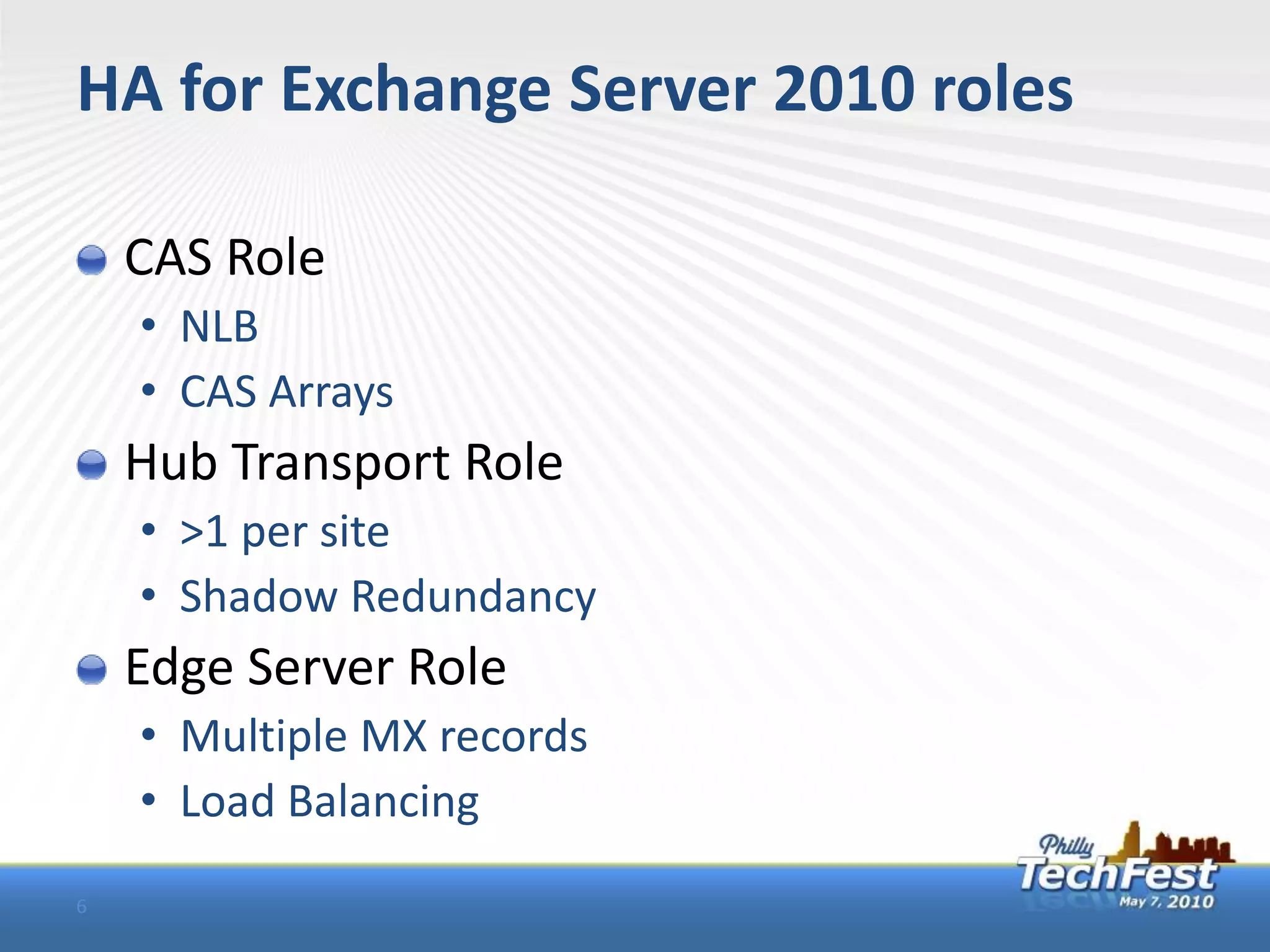
HA for Exchange Server 2010 roles

    CAS Role
    • NLB
    • CAS Arrays
    Hub Transport Role
    • >1 per site
    • Shadow Redundancy
    Edge Server Role
    • Multiple MX records
    • Load Balancing
6
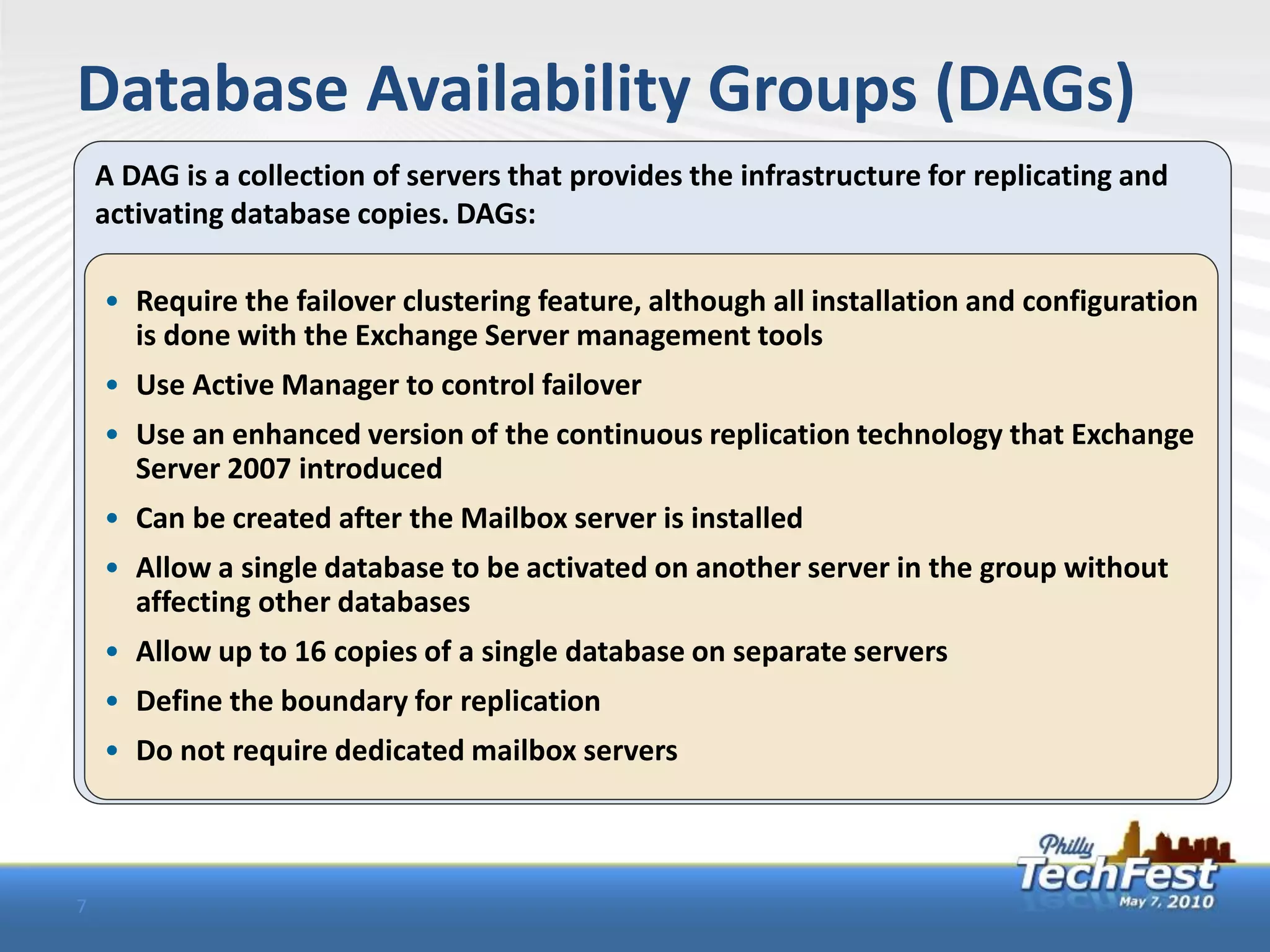
Database Availability Groups (DAGs)
    A DAG is a collection of servers that provides the infrastructure for replicating and
    activating database copies. DAGs:

    • Require the failover clustering feature, although all installation and configuration
      is done with the Exchange Server management tools
    • Use Active Manager to control failover
    • Use an enhanced version of the continuous replication technology that Exchange
      Server 2007 introduced
    • Can be created after the Mailbox server is installed
    • Allow a single database to be activated on another server in the group without
      affecting other databases
    • Allow up to 16 copies of a single database on separate servers
    • Define the boundary for replication
    • Do not require dedicated mailbox servers


7
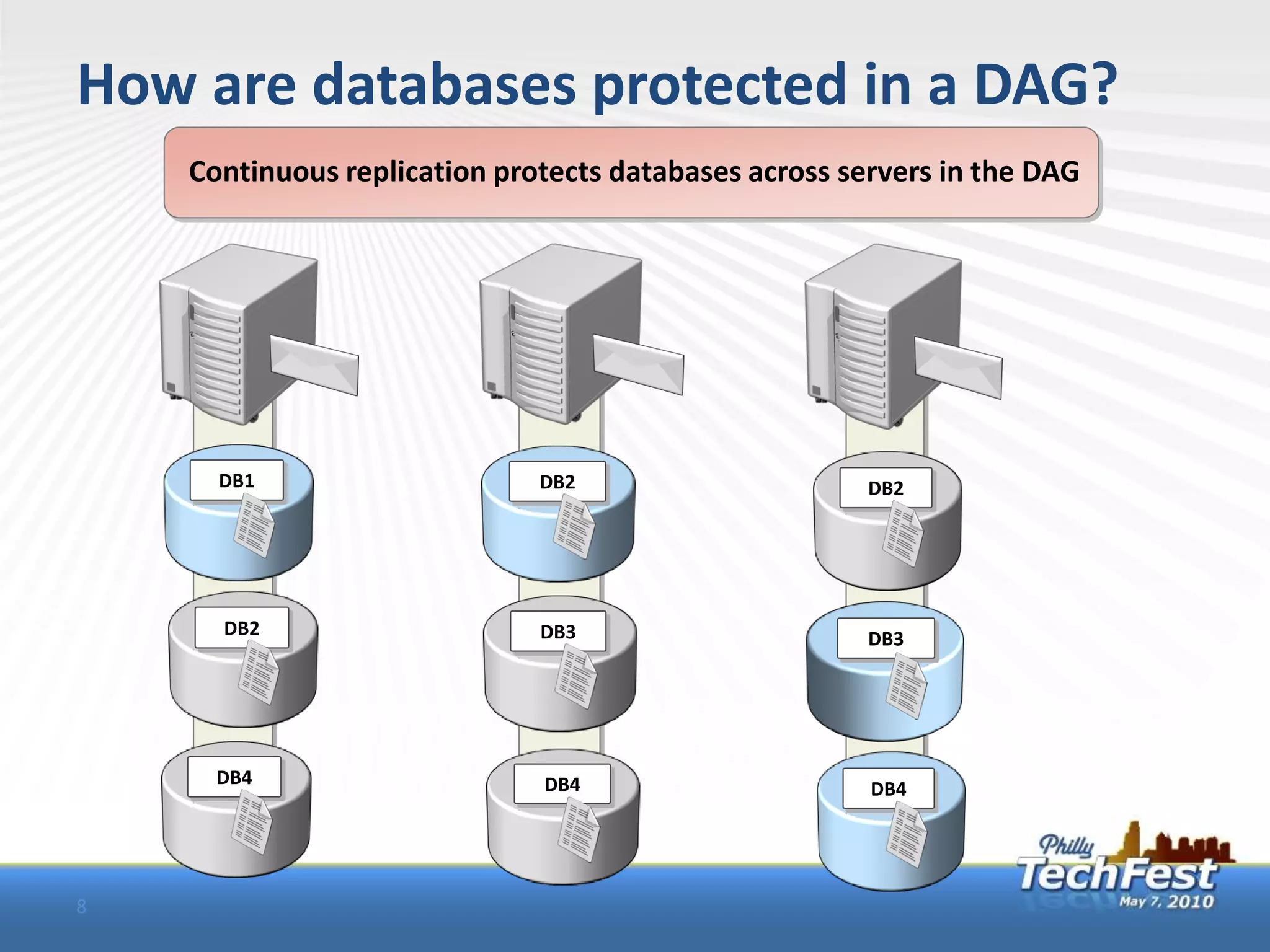
How are databases protected in a DAG?
    Continuous replication protects databases across servers in the DAG


      DB1                     DB2                      DB2


      DB2                     DB3                      DB3


      DB4                     DB4                      DB4


8
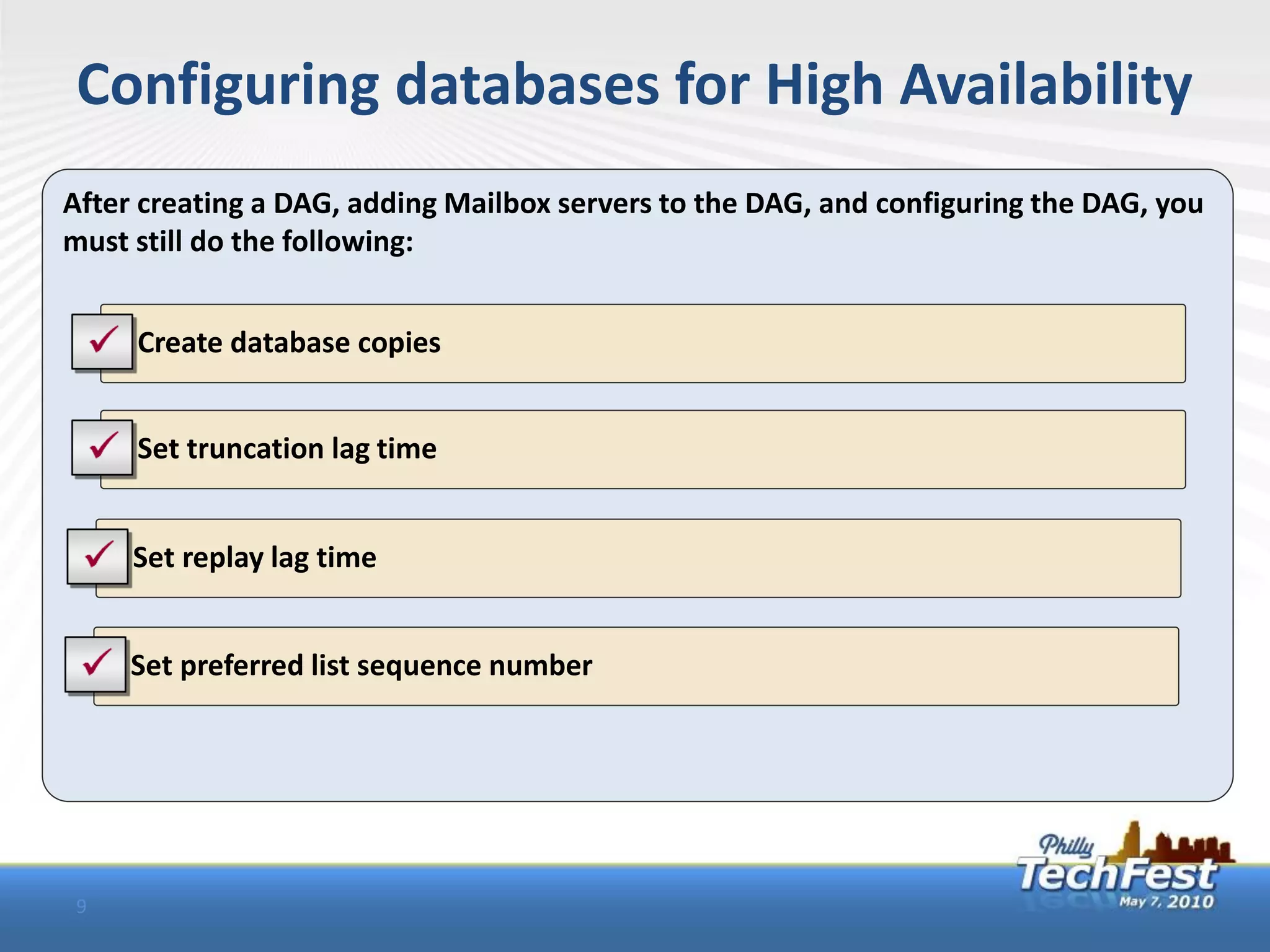
Configuring databases for High Availability
After creating a DAG, adding Mailbox servers to the DAG, and configuring the DAG, you
must still do the following:


    • Create database copies


    • Set truncation lag time


    • Set replay lag time


    • Set preferred list sequence number


9
Demo

     DAG Creation
     DAG Configuration
     Client failover


10
Relevant courses at Springhouse

     10135 – Configuring, managing, and
     troubleshooting Microsoft Exchange Server
     2010
     6423 – Implementing and managing Windows
     Server 2008 clustering


11
Q&A

     Questions?
     Aaron Harclerode
     • Aaron.harclerode@springhouse.com


12
Stay Connected with Springhouse

            www.linkedin.com/companies/201280


            www.facebook.com/springhouseeducation


            www.twitter.com/SpringhouseEduc

            Join in the conversation
            Philly TechFest hashtag #phtf10
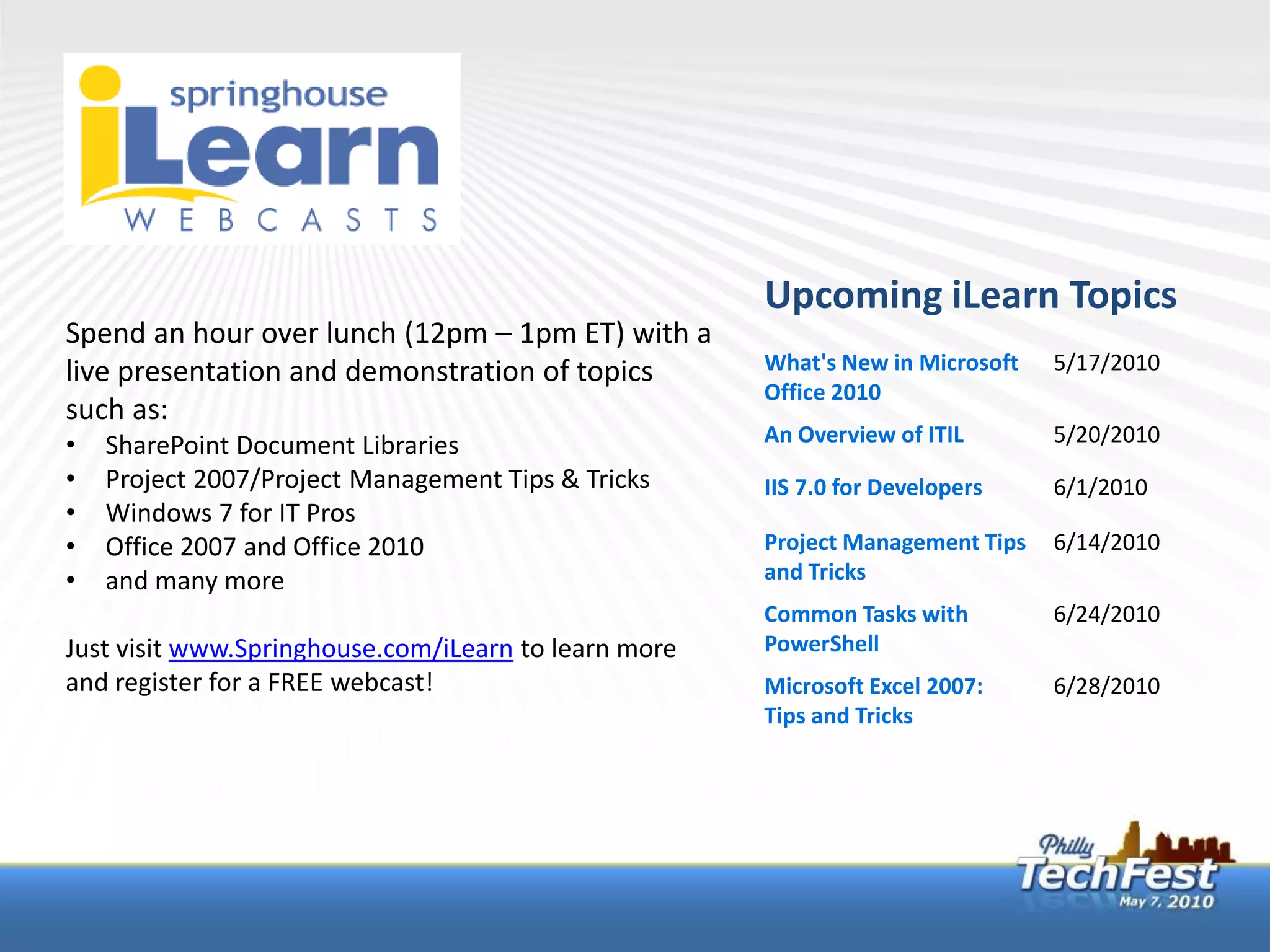
Upcoming iLearn Topics
Spend an hour over lunch (12pm – 1pm ET) with a
live presentation and demonstration of topics         What's New in Microsoft   5/17/2010
                                                      Office 2010
such as:
•   SharePoint Document Libraries                     An Overview of ITIL       5/20/2010
•   Project 2007/Project Management Tips & Tricks     IIS 7.0 for Developers    6/1/2010
•   Windows 7 for IT Pros
•   Office 2007 and Office 2010                       Project Management Tips   6/14/2010
•   and many more                                     and Tricks
                                                      Common Tasks with         6/24/2010
Just visit www.Springhouse.com/iLearn to learn more   PowerShell
and register for a FREE webcast!                      Microsoft Excel 2007:     6/28/2010
                                                      Tips and Tricks
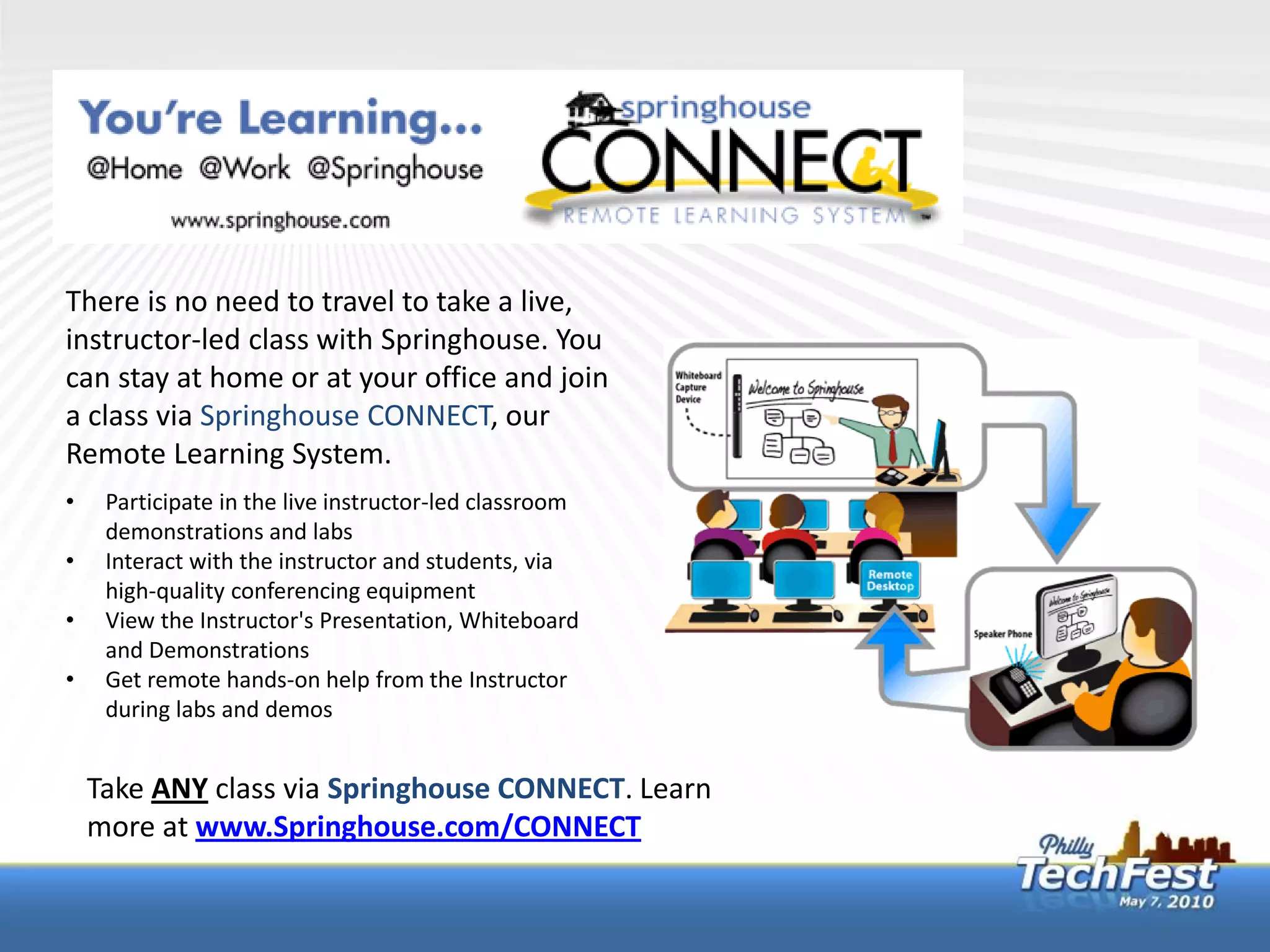
There is no need to travel to take a live,
instructor-led class with Springhouse. You
can stay at home or at your office and join
a class via Springhouse CONNECT, our
Remote Learning System.
•    Participate in the live instructor-led classroom
     demonstrations and labs
•    Interact with the instructor and students, via
     high-quality conferencing equipment
•    View the Instructor's Presentation, Whiteboard
     and Demonstrations
•    Get remote hands-on help from the Instructor
     during labs and demos


    Take ANY class via Springhouse CONNECT. Learn
    more at www.Springhouse.com/CONNECT
Buy 2 Classes, Get 1 Free! Or Buy 1 Class, Get 2nd for Half Price!
What’s In It For Me?                               Springhouse is making it easier for you and
• You’ll Gain New Skills!                          your organization to gain new skills and
• You’ll Save Money!                               increase productivity while maximizing your
                                                   budget.
• You’ll Increase Your Productivity!
                                                   For full details of the program visist
How Do I Take Advantage?                           www.Springhouse.com/Summer-of-Learning
Visit www.Springhouse.com and select any course
scheduled to run between May 31, 2010 and
September 6, 2010.

Enroll in the course using
Promo Code: SUMMER2010
A Springhouse representative will contact you to
register for the other discounted course.
Upcoming Windows 7 Migration Clinics
Exton, PA – May 13th                      Event Overview
Malvern, PA – June 29th
Reston, VA - May 14th                     This one-day Windows 7 Migration
Richmond, VA – June 2nd & 11th            Clinic dives deep into the migration
Washington, DC – June 30th                and deployment planning strategies
                                          for Windows 7. Through a series of
                                          in-depth presentations and exercise
For full event details and registration
                                          demonstrations, we will highlight the
visit www.springhouse.com/events          new tools and technologies designed
                                          to enable successful Windows 7
                                          migrations and deployments.

Philly Tech Fest Exchange Server 2008 High Availability

  • 1.
    Building a robustand highly available Exchange Server 2010 organization on any sized budget Presented by Aaron Harclerode MCT, MCITP: Enterprise Messaging Administrator Director of Technical Services
  • 2.
    Agenda Exchange Server 2010 roles What is HA HA in Previous Versions of Exchange HA in Exchange Server 2010 • CAS Role • HT Role • Mailbox Role (DAGs) Demo 2
  • 3.
    Exchange 2010 ServerRoles In Exchange Server 2010, servers are installed with specific functional roles: • Hub Transport Server role • Mailbox Server role • Edge Transport Server role • Client Access Server role • Unified Messaging Server role 3
  • 4.
    What is HighAvailability High availability: • Implements system design that ensures a high level of operational continuity • Is measured by the percentage of time the application is available Availability Target Permitted Annual Downtime 99% 87 hours, 36 minutes 99.9% 8 hours, 46 minutes 99.99% 52 minutes, 34 seconds 99.999% 5 minutes, 15 seconds 4
  • 5.
    HA in PreviousVersions of Exchange SCC (Single Copy Cluster) CCR (Cluster Continuous Replication) SCR (Standby Continuous Replication) LCR (Local Continuous Replication) NLB* (Network Load Balancing) *for CAS and Hub roles only 5
  • 6.
    HA for ExchangeServer 2010 roles CAS Role • NLB • CAS Arrays Hub Transport Role • >1 per site • Shadow Redundancy Edge Server Role • Multiple MX records • Load Balancing 6
  • 7.
    Database Availability Groups(DAGs) A DAG is a collection of servers that provides the infrastructure for replicating and activating database copies. DAGs: • Require the failover clustering feature, although all installation and configuration is done with the Exchange Server management tools • Use Active Manager to control failover • Use an enhanced version of the continuous replication technology that Exchange Server 2007 introduced • Can be created after the Mailbox server is installed • Allow a single database to be activated on another server in the group without affecting other databases • Allow up to 16 copies of a single database on separate servers • Define the boundary for replication • Do not require dedicated mailbox servers 7
  • 8.
    How are databasesprotected in a DAG? Continuous replication protects databases across servers in the DAG DB1 DB2 DB2 DB2 DB3 DB3 DB4 DB4 DB4 8
  • 9.
    Configuring databases forHigh Availability After creating a DAG, adding Mailbox servers to the DAG, and configuring the DAG, you must still do the following: • Create database copies • Set truncation lag time • Set replay lag time • Set preferred list sequence number 9
  • 10.
    Demo DAG Creation DAG Configuration Client failover 10
  • 11.
    Relevant courses atSpringhouse 10135 – Configuring, managing, and troubleshooting Microsoft Exchange Server 2010 6423 – Implementing and managing Windows Server 2008 clustering 11
  • 12.
    Q&A Questions? Aaron Harclerode • Aaron.harclerode@springhouse.com 12
  • 13.
    Stay Connected withSpringhouse www.linkedin.com/companies/201280 www.facebook.com/springhouseeducation www.twitter.com/SpringhouseEduc Join in the conversation Philly TechFest hashtag #phtf10
  • 14.
    Upcoming iLearn Topics Spendan hour over lunch (12pm – 1pm ET) with a live presentation and demonstration of topics What's New in Microsoft 5/17/2010 Office 2010 such as: • SharePoint Document Libraries An Overview of ITIL 5/20/2010 • Project 2007/Project Management Tips & Tricks IIS 7.0 for Developers 6/1/2010 • Windows 7 for IT Pros • Office 2007 and Office 2010 Project Management Tips 6/14/2010 • and many more and Tricks Common Tasks with 6/24/2010 Just visit www.Springhouse.com/iLearn to learn more PowerShell and register for a FREE webcast! Microsoft Excel 2007: 6/28/2010 Tips and Tricks
  • 15.
    There is noneed to travel to take a live, instructor-led class with Springhouse. You can stay at home or at your office and join a class via Springhouse CONNECT, our Remote Learning System. • Participate in the live instructor-led classroom demonstrations and labs • Interact with the instructor and students, via high-quality conferencing equipment • View the Instructor's Presentation, Whiteboard and Demonstrations • Get remote hands-on help from the Instructor during labs and demos Take ANY class via Springhouse CONNECT. Learn more at www.Springhouse.com/CONNECT
  • 16.
    Buy 2 Classes,Get 1 Free! Or Buy 1 Class, Get 2nd for Half Price! What’s In It For Me? Springhouse is making it easier for you and • You’ll Gain New Skills! your organization to gain new skills and • You’ll Save Money! increase productivity while maximizing your budget. • You’ll Increase Your Productivity! For full details of the program visist How Do I Take Advantage? www.Springhouse.com/Summer-of-Learning Visit www.Springhouse.com and select any course scheduled to run between May 31, 2010 and September 6, 2010. Enroll in the course using Promo Code: SUMMER2010 A Springhouse representative will contact you to register for the other discounted course.
  • 17.
    Upcoming Windows 7Migration Clinics Exton, PA – May 13th Event Overview Malvern, PA – June 29th Reston, VA - May 14th This one-day Windows 7 Migration Richmond, VA – June 2nd & 11th Clinic dives deep into the migration Washington, DC – June 30th and deployment planning strategies for Windows 7. Through a series of in-depth presentations and exercise For full event details and registration demonstrations, we will highlight the visit www.springhouse.com/events new tools and technologies designed to enable successful Windows 7 migrations and deployments.