Download free for 30 days
Sign in
Upload
Language (EN)
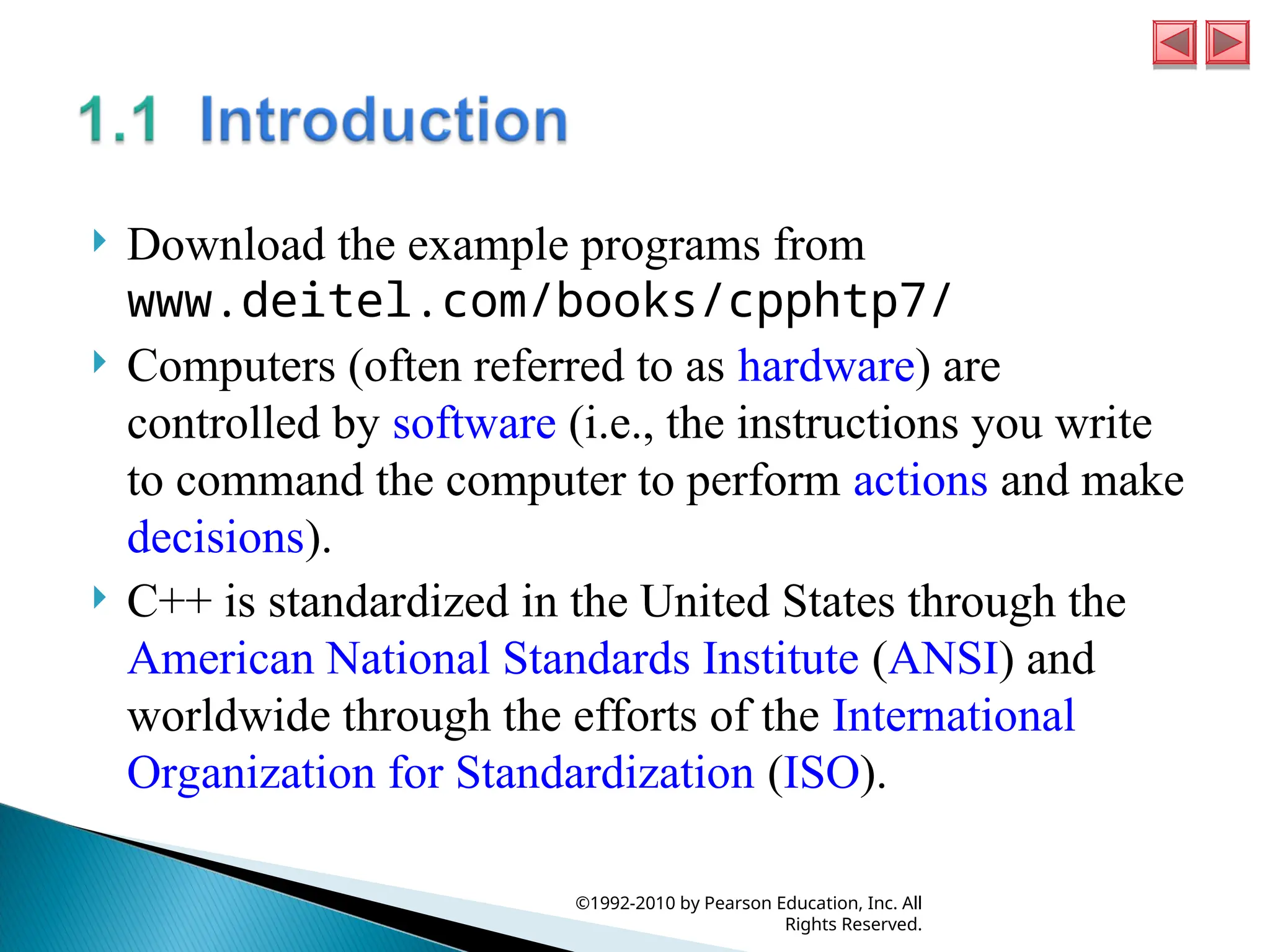
Support
Business
Mobile
Social Media
Marketing
Technology
Art & Photos
Career
Design
Education
Presentations & Public Speaking
Government & Nonprofit
Healthcare
Internet
Law
Leadership & Management
Automotive
Engineering
Software
Recruiting & HR
Retail
Sales
Services
Science
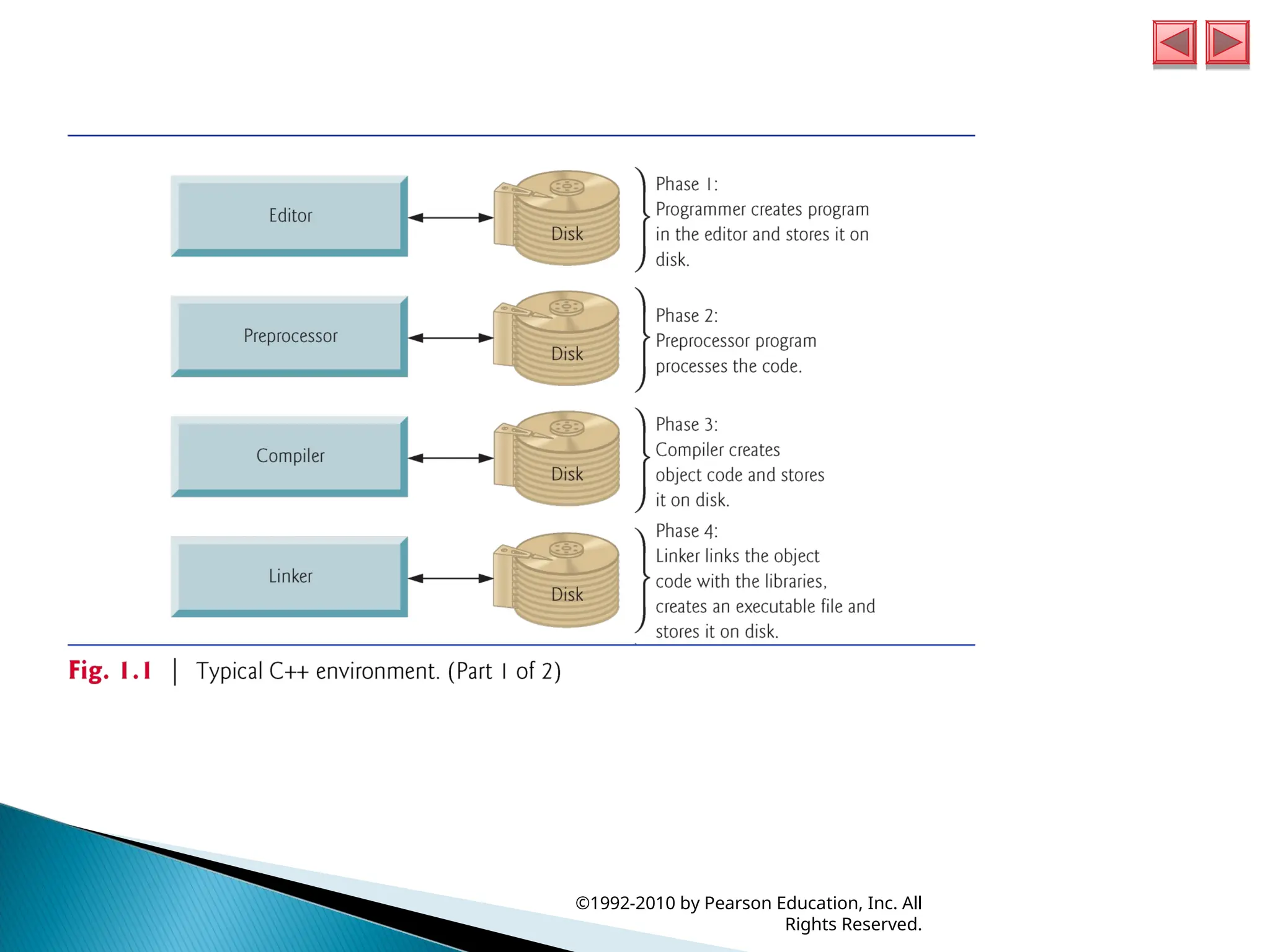
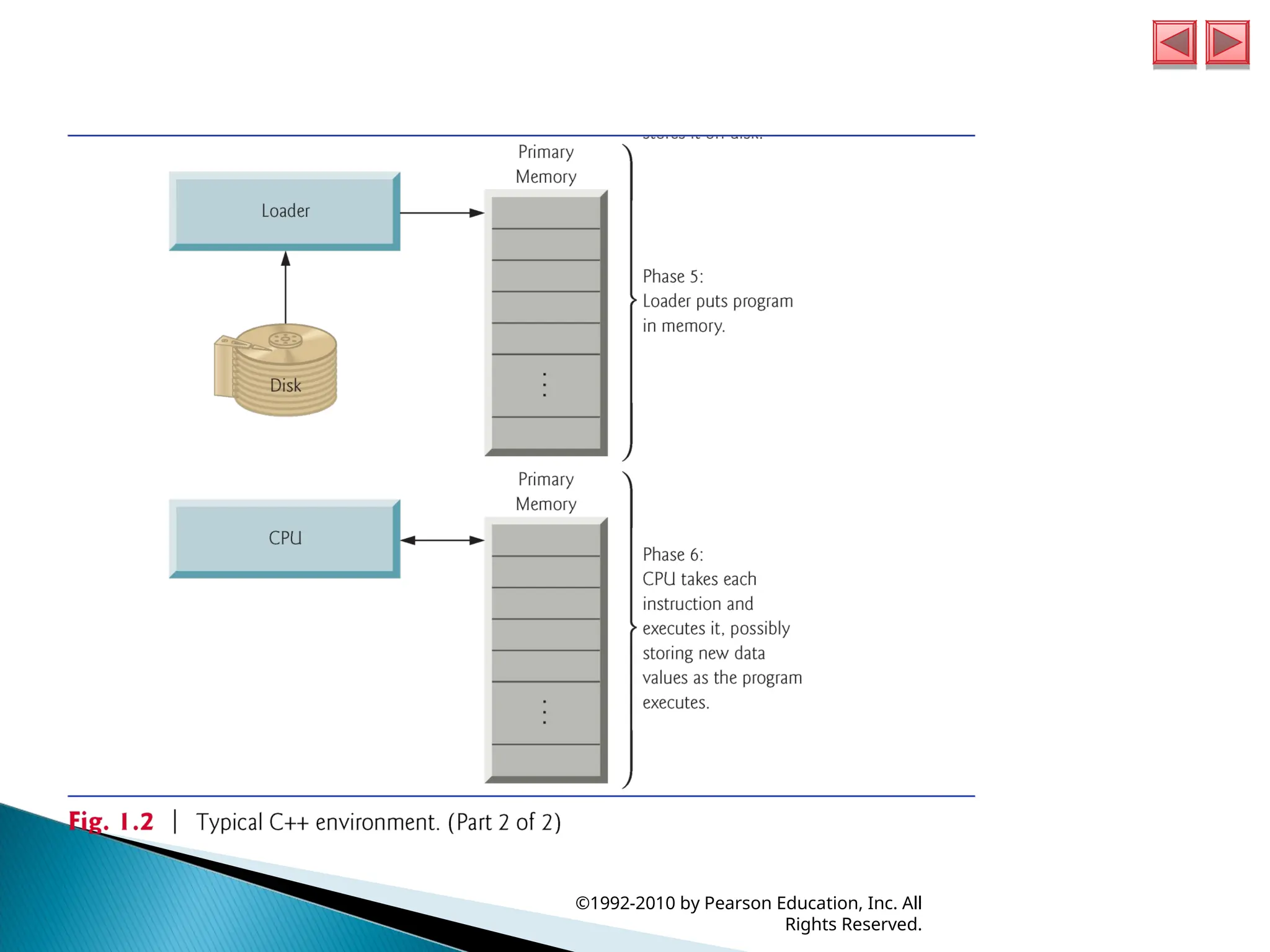
Small Business & Entrepreneurship
Food
Environment
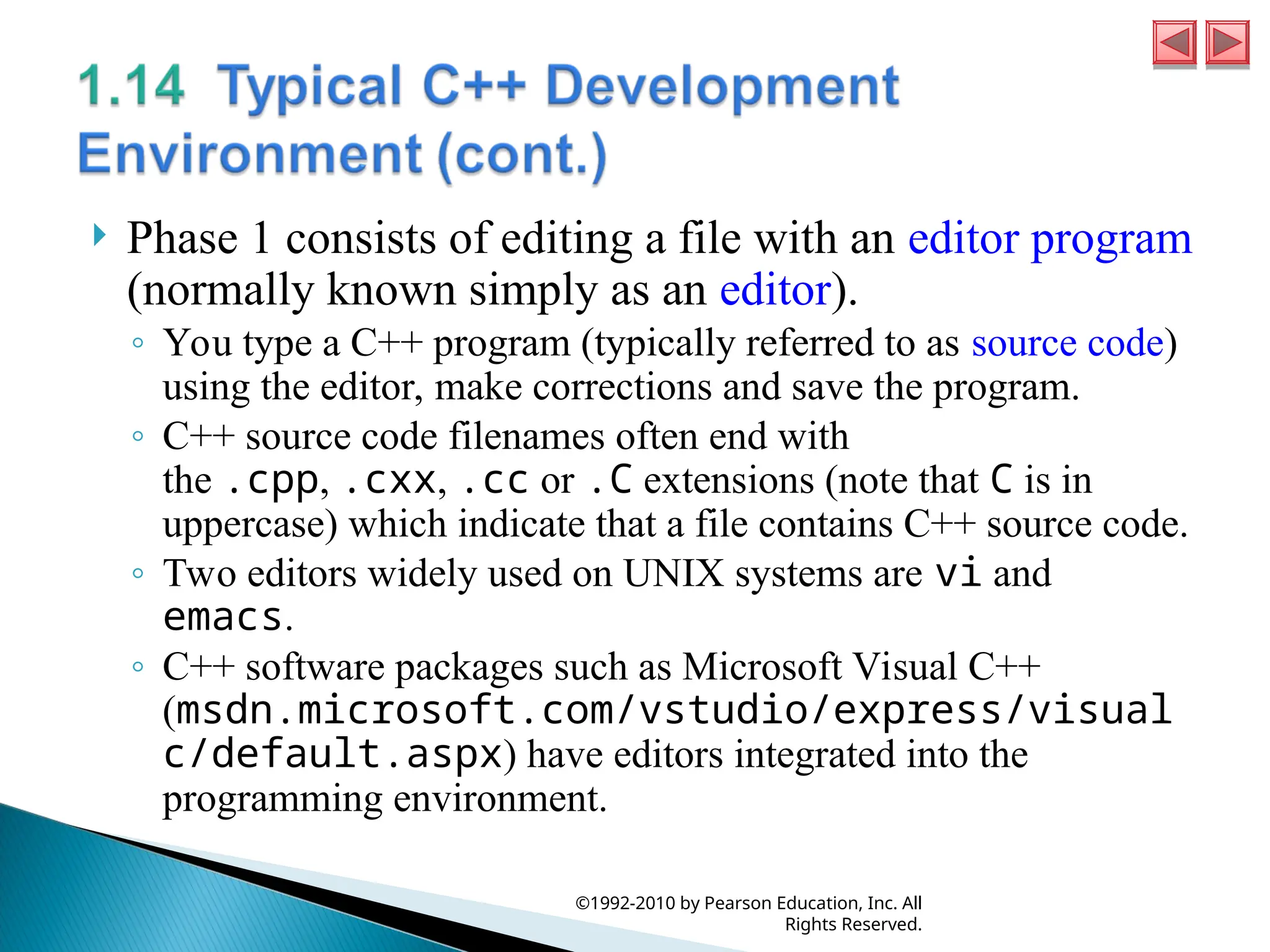
Economy & Finance
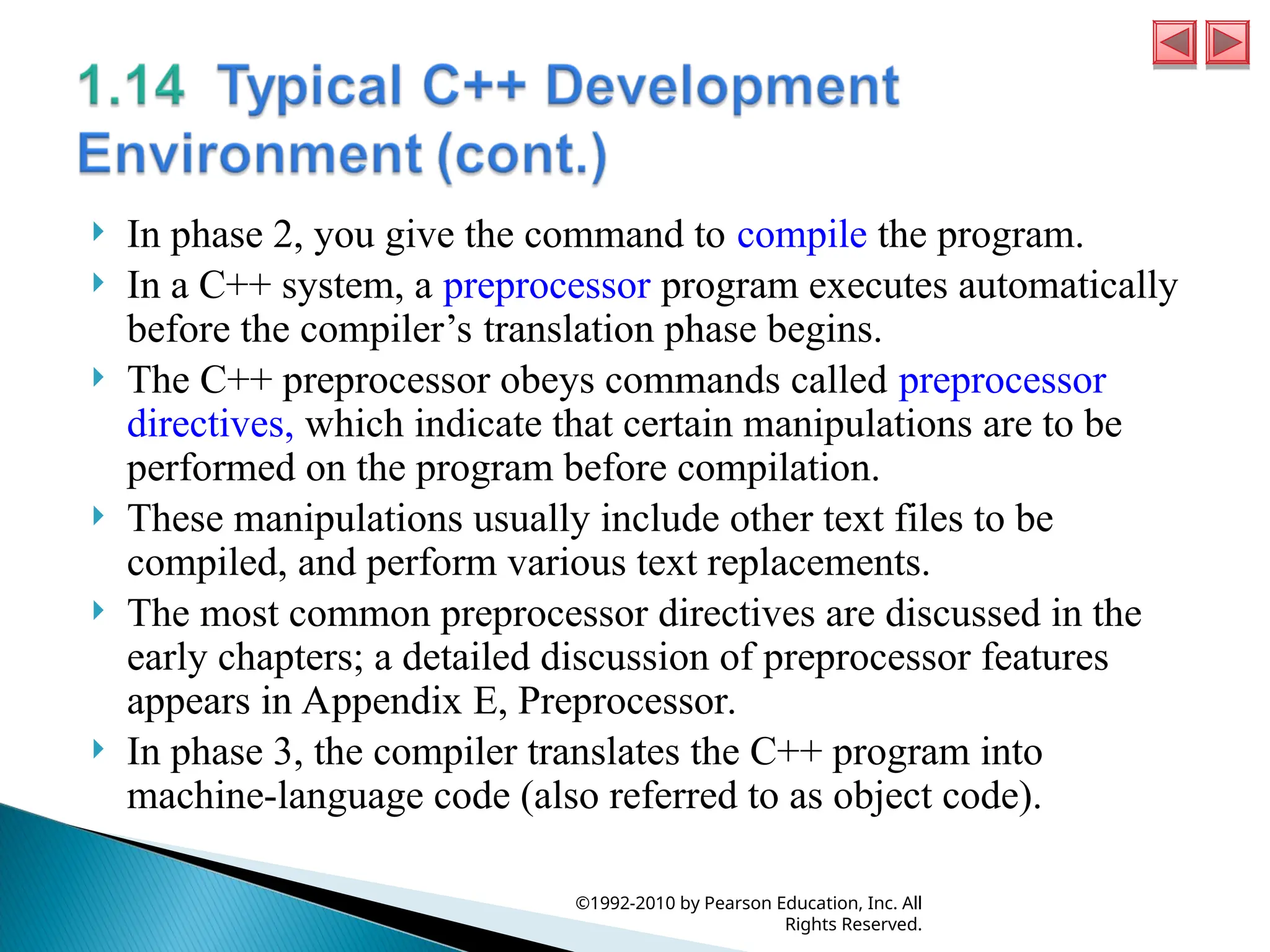
Data & Analytics
Investor Relations
Sports
Spiritual
News & Politics
Travel
Self Improvement
Real Estate
Entertainment & Humor
Health & Medicine
Devices & Hardware
Lifestyle
Change Language
Language
English
Español
Português
Français
Deutsche
Cancel
Save
Submit search
EN
Uploaded by
aqilahkhairuddin389
PPT, PDF
15 views
pengenalan mengenai computer dan internet
pengenalan mengenai computer dan internet
Education
◦
Read more
0
Save
Share
Embed
Embed presentation
Download
Download to read offline
1
/ 36
2
/ 36
3
/ 36
4
/ 36
5
/ 36
6
/ 36
7
/ 36
8
/ 36
9
/ 36
10
/ 36
11
/ 36
12
/ 36
13
/ 36
14
/ 36
15
/ 36
16
/ 36
17
/ 36
18
/ 36
19
/ 36
20
/ 36
21
/ 36
22
/ 36
23
/ 36
24
/ 36
25
/ 36
26
/ 36
27
/ 36
28
/ 36
29
/ 36
30
/ 36
31
/ 36
32
/ 36
33
/ 36
34
/ 36
35
/ 36
36
/ 36
More Related Content
PPT
Cpp htp5e 01
by
Yogesh Sahani
PPT
iw3htp4_01-FINAL.ppt
by
lucky sharma
PPT
jhtp8_ch01.ppt
by
KPKumar15
PPT
introduction to c programming language deitel
by
mjmansoori54
PDF
Chap 1 Introduction to Computers, the Internet and the WebFile.pdf
by
hieunguyenhoangxuan
PPT
CHTP5e_01.ppt bbbbbbbbb bbbb
by
faiqa81
PDF
01장 Introduction to Computers and Java
by
유석 남
PDF
VTU C programming(CPS) 18CPS13/23 notes by Nithin,VVCE,Mysuru
by
Nithin Kumar,VVCE, Mysuru
Cpp htp5e 01
by
Yogesh Sahani
iw3htp4_01-FINAL.ppt
by
lucky sharma
jhtp8_ch01.ppt
by
KPKumar15
introduction to c programming language deitel
by
mjmansoori54
Chap 1 Introduction to Computers, the Internet and the WebFile.pdf
by
hieunguyenhoangxuan
CHTP5e_01.ppt bbbbbbbbb bbbb
by
faiqa81
01장 Introduction to Computers and Java
by
유석 남
VTU C programming(CPS) 18CPS13/23 notes by Nithin,VVCE,Mysuru
by
Nithin Kumar,VVCE, Mysuru
Similar to pengenalan mengenai computer dan internet
PPT
Lecture 1.ppt
by
NabaahoJohnPaulOffit
PDF
Lecture01.pdf2132132312312322313212132231231221332
by
25119109
PDF
Computer Systems.pdf
by
ssuserb58d2d
PPT
slides01.ppt
by
CyberWisdom1
PPT
slides01.ppt
by
Rahul926331
PPT
Java Software Solution Chapter 1: Computer Systems Chapter 1: Computer Systems
by
NirviVashishtha
PPTX
Computer Systems (JSA).pptx
by
ssuserb58d2d
PPTX
Csc240 lecture 1
by
Ainuddin Yousufzai
PPSX
Computer Applications In Business by Mahatma Gandhi University
by
Mahatma Gandhi University
PPTX
Chapter1- Introduction to Computers and the Internet
by
Fatom Ahmad
PPTX
COMPUTER APPLICATIOnnnnnnnnnN II BBA.pptx
by
KabilanM8
PPT
1. intro to comp & c++ programming
by
रमन सनौरिया
PPT
01slide.ppt
by
PuteriNursyawatiAzzu
PPTX
Introduction to Computers
by
Rohit Pant
PDF
Chapter 1 (computer)
by
Amr Mohamed
PPTX
FJWU Lecture 01-Introduction to Computers.pptx
by
ssuser50c54b
PPTX
Chapter-1_c++_programming_course_PBM Solving.pptx
by
Dora562786
PPTX
Computer Science Class 11 India PPT
by
Rat Devil
PPT
Chtp4 01
by
manedar
PPTX
lecture Slides - Week 1.programming fundamentals
by
fazayn927
Lecture 1.ppt
by
NabaahoJohnPaulOffit
Lecture01.pdf2132132312312322313212132231231221332
by
25119109
Computer Systems.pdf
by
ssuserb58d2d
slides01.ppt
by
CyberWisdom1
slides01.ppt
by
Rahul926331
Java Software Solution Chapter 1: Computer Systems Chapter 1: Computer Systems
by
NirviVashishtha
Computer Systems (JSA).pptx
by
ssuserb58d2d
Csc240 lecture 1
by
Ainuddin Yousufzai
Computer Applications In Business by Mahatma Gandhi University
by
Mahatma Gandhi University
Chapter1- Introduction to Computers and the Internet
by
Fatom Ahmad
COMPUTER APPLICATIOnnnnnnnnnN II BBA.pptx
by
KabilanM8
1. intro to comp & c++ programming
by
रमन सनौरिया
01slide.ppt
by
PuteriNursyawatiAzzu
Introduction to Computers
by
Rohit Pant
Chapter 1 (computer)
by
Amr Mohamed
FJWU Lecture 01-Introduction to Computers.pptx
by
ssuser50c54b
Chapter-1_c++_programming_course_PBM Solving.pptx
by
Dora562786
Computer Science Class 11 India PPT
by
Rat Devil
Chtp4 01
by
manedar
lecture Slides - Week 1.programming fundamentals
by
fazayn927
Recently uploaded
PDF
DHA/HAAD/MOH/DOH OPTOMETRY MCQ PYQ. .pdf
by
Anmol Singh
PDF
Projecte de la porta de la classe de primer A: Mar i cel.
by
eduardrubio1
PPTX
Semester 6 unit 2 Atopic dermatitis.pptx
by
sachin7989
PPTX
The Cell & Cell Cycle-detailed structure and function of organelles.pptx
by
Ashish Umale
PPTX
PURPOSIVE SAMPLING IN EDUCATIONAL RESEARCH RACHITHRA RK.pptx
by
ssuser047b711
PDF
Models of Teaching - TNTEU - B.Ed I Semester - Teaching and Learning - BD1TL ...
by
Dr Raja Mohammed T
PPTX
Basics in Phytochemistry, Extraction, Isolation methods, Characterisation etc.
by
D. Y. Patil College of Pharmacy, Kolhapur.
PPTX
Pain. definition, causes, factor influencing pain & pain assessment.pptx
by
Pompi Begum
PDF
Analyzing the data of your initial survey
by
Thelma Villaflores
PPTX
AI_in_Daily_Life_Presentation and more.pptx
by
bantydansena
PDF
All Students Workshop 25 Yoga Wellness by LDMMIA
by
©LDMMIA, ©Reiki Yoga
PPTX
Campfens "The Data Qualify Challenge: Publishers, institutions, and funders r...
by
National Information Standards Organization (NISO)
PPTX
Details of Epithelial and Connective Tissue.pptx
by
Ashish Umale
PPTX
2025-2026 History in your Hands Class 4 December 2025 January 2026 .pptx
by
EilsONeill
PPTX
Pig- piggy bank in Big Data Analytics.ppt.pptx
by
Varshini M
PPTX
extracting significant information to formulate sound judgement
by
Marichelle2
PDF
The Tale of Melon City poem ppt by Sahasra
by
bitrasahasra
PDF
BỘ TEST KIỂM TRA CUỐI HỌC KÌ 1 - TIẾNG ANH 6-7-8-9 GLOBAL SUCCESS - PHIÊN BẢN...
by
Nguyen Thanh Tu Collection
PDF
Projecte de la porta d'i5B: Els animals marins
by
eduardrubio1
PPTX
Introduction-to-Anatomy-and-Physiology.pptx
by
Ashish Umale
DHA/HAAD/MOH/DOH OPTOMETRY MCQ PYQ. .pdf
by
Anmol Singh
Projecte de la porta de la classe de primer A: Mar i cel.
by
eduardrubio1
Semester 6 unit 2 Atopic dermatitis.pptx
by
sachin7989
The Cell & Cell Cycle-detailed structure and function of organelles.pptx
by
Ashish Umale
PURPOSIVE SAMPLING IN EDUCATIONAL RESEARCH RACHITHRA RK.pptx
by
ssuser047b711
Models of Teaching - TNTEU - B.Ed I Semester - Teaching and Learning - BD1TL ...
by
Dr Raja Mohammed T
Basics in Phytochemistry, Extraction, Isolation methods, Characterisation etc.
by
D. Y. Patil College of Pharmacy, Kolhapur.
Pain. definition, causes, factor influencing pain & pain assessment.pptx
by
Pompi Begum
Analyzing the data of your initial survey
by
Thelma Villaflores
AI_in_Daily_Life_Presentation and more.pptx
by
bantydansena
All Students Workshop 25 Yoga Wellness by LDMMIA
by
©LDMMIA, ©Reiki Yoga
Campfens "The Data Qualify Challenge: Publishers, institutions, and funders r...
by
National Information Standards Organization (NISO)
Details of Epithelial and Connective Tissue.pptx
by
Ashish Umale
2025-2026 History in your Hands Class 4 December 2025 January 2026 .pptx
by
EilsONeill
Pig- piggy bank in Big Data Analytics.ppt.pptx
by
Varshini M
extracting significant information to formulate sound judgement
by
Marichelle2
The Tale of Melon City poem ppt by Sahasra
by
bitrasahasra
BỘ TEST KIỂM TRA CUỐI HỌC KÌ 1 - TIẾNG ANH 6-7-8-9 GLOBAL SUCCESS - PHIÊN BẢN...
by
Nguyen Thanh Tu Collection
Projecte de la porta d'i5B: Els animals marins
by
eduardrubio1
Introduction-to-Anatomy-and-Physiology.pptx
by
Ashish Umale
pengenalan mengenai computer dan internet
1.
C++ How to
Program, 7/e ©1992-2010 by Pearson Education, Inc. All Rights Reserved.
2.
©1992-2010 by Pearson
Education, Inc. All Rights Reserved.
3.
©1992-2010 by Pearson
Education, Inc. All Rights Reserved.
4.
Download the
example programs from www.deitel.com/books/cpphtp7/ Computers (often referred to as hardware) are controlled by software (i.e., the instructions you write to command the computer to perform actions and make decisions). C++ is standardized in the United States through the American National Standards Institute (ANSI) and worldwide through the efforts of the International Organization for Standardization (ISO). ©1992-2010 by Pearson Education, Inc. All Rights Reserved.
5.
To keep
up to date with C++ developments at Deitel & Associates, please register for our free e-mail newsletter, the Deitel® Buzz Online, at www.deitel.com/newsletter/subscribe.html C++ and related Resource Centers at www.deitel.com/ResourceCenters.html Errata and updates for this book are posted at www.deitel.com/books/cpphtp7/ You are embarking on a challenging and rewarding path. As you proceed, if you have any questions, please send e- mail to deitel@deitel.com ©1992-2010 by Pearson Education, Inc. All Rights Reserved.
6.
A computer
is a device that can perform computations and make logical decisions billions of times faster than human beings can. Today’s fastest supercomputers can perform thousands of trillions (quadrillions) of instructions per second! Computers process data under the control of sets of instructions called computer programs. Programs guide the computer through orderly sets of actions specified by people called computer programmers. A computer consists of various devices referred to as hardware. The programs that run on a computer are referred to as software. ©1992-2010 by Pearson Education, Inc. All Rights Reserved.
7.
Virtually every
computer may be envisioned as divided into six logical units or sections: ◦ Input unit. This “receiving” section obtains from input devices and places it at the disposal of the other units so that it can be processed. ◦ Output unit. This “shipping” section takes information that the computer has processed and places it on various output devices to make it available for use outside the computer. ◦ Memory unit. This rapid-access, relatively low-capacity “warehouse” section retains information that has been entered through the input unit, making it immediately available for processing when needed. It also retains processed information until it can be placed on output devices by the output unit. Information in the memory unit is volatile. The memory unit is often called either memory or primary memory. ©1992-2010 by Pearson Education, Inc. All Rights Reserved.
8.
Arithmetic and
logic unit (ALU). This “ manufacturing” section performs calculations. It also contains the computer’s decision mechanisms. In today’s systems, the ALU is usually implemented as part of the next logical unit, the CPU. Central processing unit (CPU). This “ administrative” section coordinates and supervises the operation of the other sections. ◦ Tells the input unit when information should be read into the memory unit ◦ Tells the ALU when information from the memory unit should be used in calculations ◦ Tells the output unit when to send information from the memory unit to certain output devices. ◦ Many of today’s computers have multiple CPUs and, hence, can perform many operations simultaneously—such computers are called multiprocessors. A multi-core processor implements multiprocessing on a single integrated circuit chip. ©1992-2010 by Pearson Education, Inc. All Rights Reserved.
9.
◦ Secondary storage
unit. This is the long-term, high-capacity “warehousing” section. Programs or data not actively being used by the other units normally are placed on secondary storage devices (e.g., your hard drive) until they’re again needed, possibly hours, days, months or even years later. Therefore, information on secondary storage devices is said to be persistent. ©1992-2010 by Pearson Education, Inc. All Rights Reserved.
10.
In 1977,
Apple Computer popularized personal computing. In 1981, IBM, the world’s largest computer vendor, introduced the IBM Personal Computer (PC). ◦ This quickly legitimized personal computing in business, industry and government organizations, where IBM mainframes were heavily used. Machines could be linked together in computer networks, sometimes over telephone lines and sometimes in local area networks (LANs) within an organization. ◦ Led to the phenomenon of distributed computing, in which an organization’s computing is distributed over networks to the sites where the organization’s work is performed. ©1992-2010 by Pearson Education, Inc. All Rights Reserved.
11.
Today’s personal
computers are as powerful as the million-dollar machines of just a few decades ago. Information is shared easily across computer networks, where computers called servers offer a common data store that may be used by client computers distributed throughout the network, hence the term client/server computing. C++ has become widely used for writing software for operating systems, for computer networking and for distributed client/server applications. ©1992-2010 by Pearson Education, Inc. All Rights Reserved.
12.
The Internet
was initiated in the late 1960s with funding supplied by the U.S. Department of Defense. Originally designed to connect the main computer systems of about a dozen universities and research organizations. With the introduction of the World Wide Web, the Internet has exploded into the world’s premier communication mechanism. The Internet and the World Wide Web are surely among humankind’s most important and profound creations. ©1992-2010 by Pearson Education, Inc. All Rights Reserved.
13.
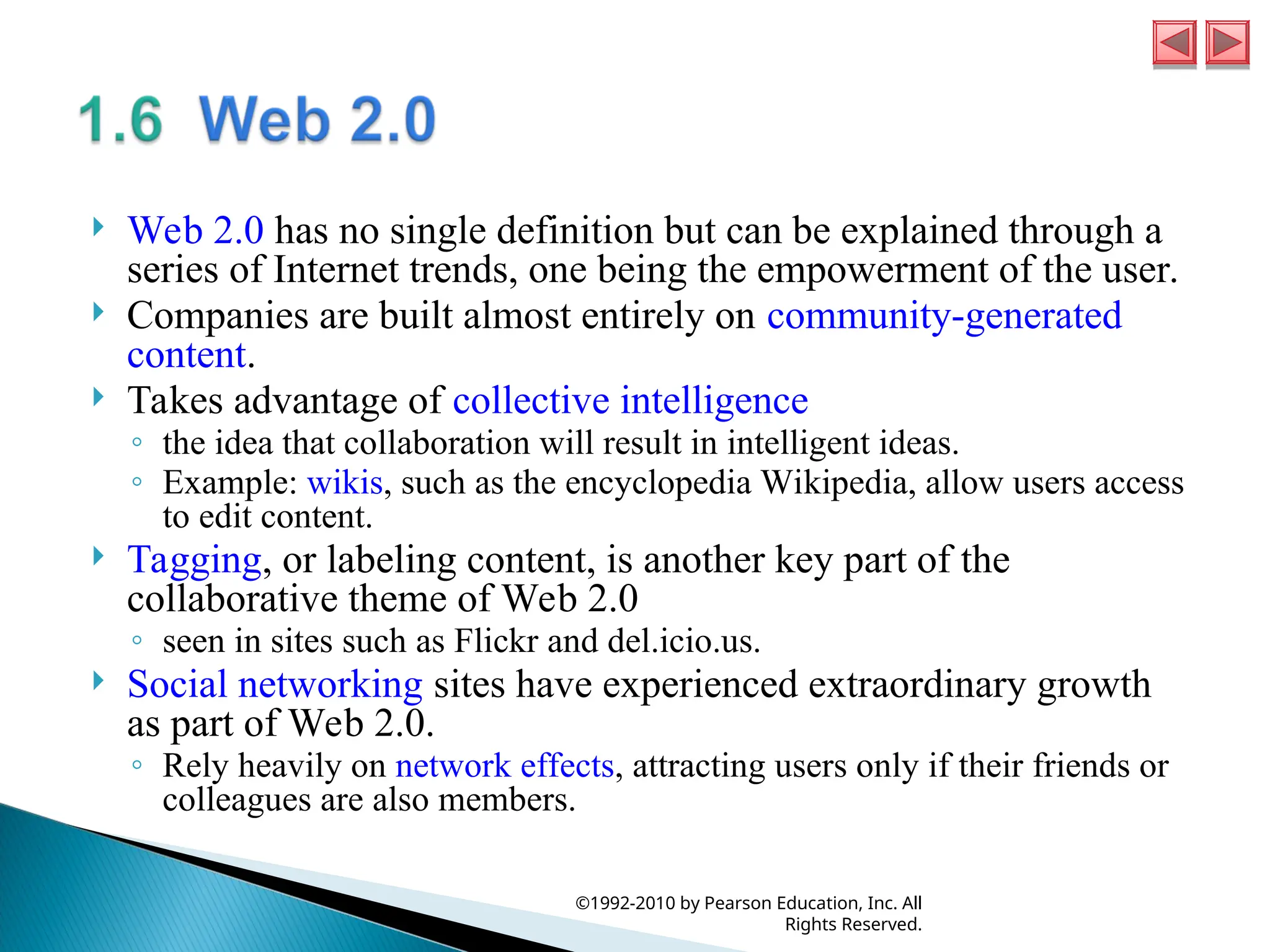
Web 2.0
has no single definition but can be explained through a series of Internet trends, one being the empowerment of the user. Companies are built almost entirely on community-generated content. Takes advantage of collective intelligence ◦ the idea that collaboration will result in intelligent ideas. ◦ Example: wikis, such as the encyclopedia Wikipedia, allow users access to edit content. Tagging, or labeling content, is another key part of the collaborative theme of Web 2.0 ◦ seen in sites such as Flickr and del.icio.us. Social networking sites have experienced extraordinary growth as part of Web 2.0. ◦ Rely heavily on network effects, attracting users only if their friends or colleagues are also members. ©1992-2010 by Pearson Education, Inc. All Rights Reserved.
14.
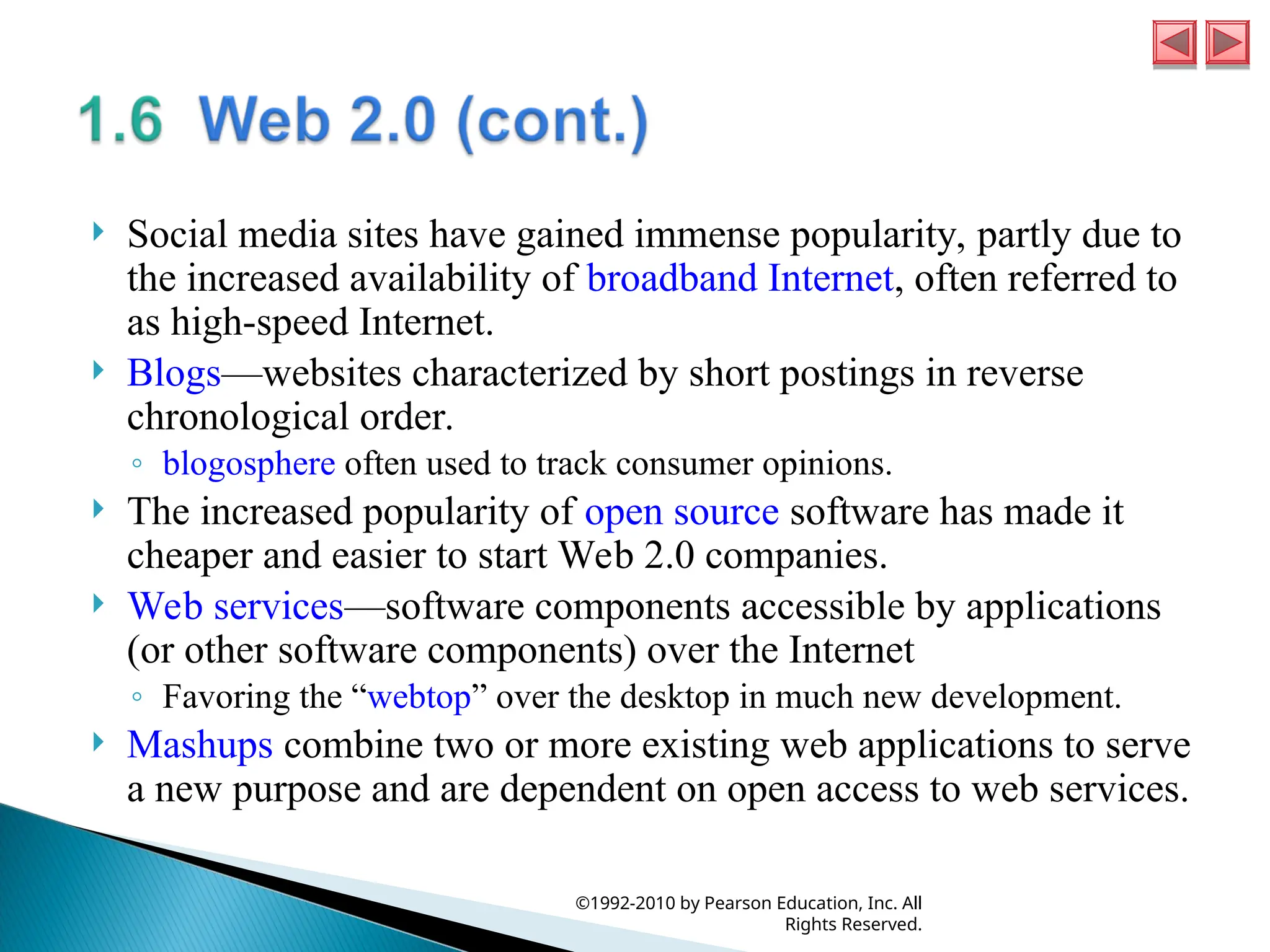
Social media
sites have gained immense popularity, partly due to the increased availability of broadband Internet, often referred to as high-speed Internet. Blogs—websites characterized by short postings in reverse chronological order. ◦ blogosphere often used to track consumer opinions. The increased popularity of open source software has made it cheaper and easier to start Web 2.0 companies. Web services—software components accessible by applications (or other software components) over the Internet ◦ Favoring the “webtop” over the desktop in much new development. Mashups combine two or more existing web applications to serve a new purpose and are dependent on open access to web services. ©1992-2010 by Pearson Education, Inc. All Rights Reserved.
15.
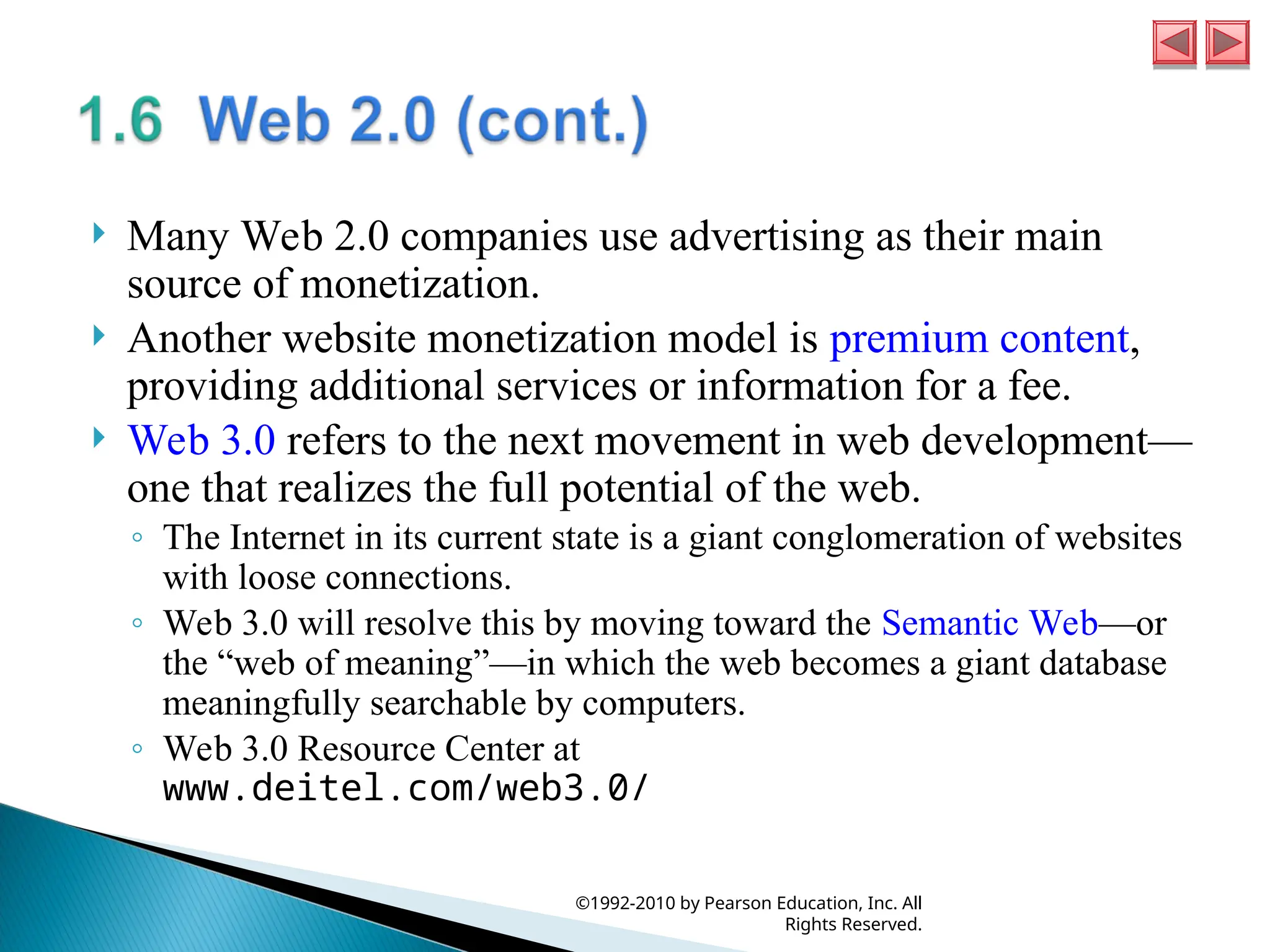
Many Web
2.0 companies use advertising as their main source of monetization. Another website monetization model is premium content, providing additional services or information for a fee. Web 3.0 refers to the next movement in web development— one that realizes the full potential of the web. ◦ The Internet in its current state is a giant conglomeration of websites with loose connections. ◦ Web 3.0 will resolve this by moving toward the Semantic Web—or the “web of meaning”—in which the web becomes a giant database meaningfully searchable by computers. ◦ Web 3.0 Resource Center at www.deitel.com/web3.0/ ©1992-2010 by Pearson Education, Inc. All Rights Reserved.
16.
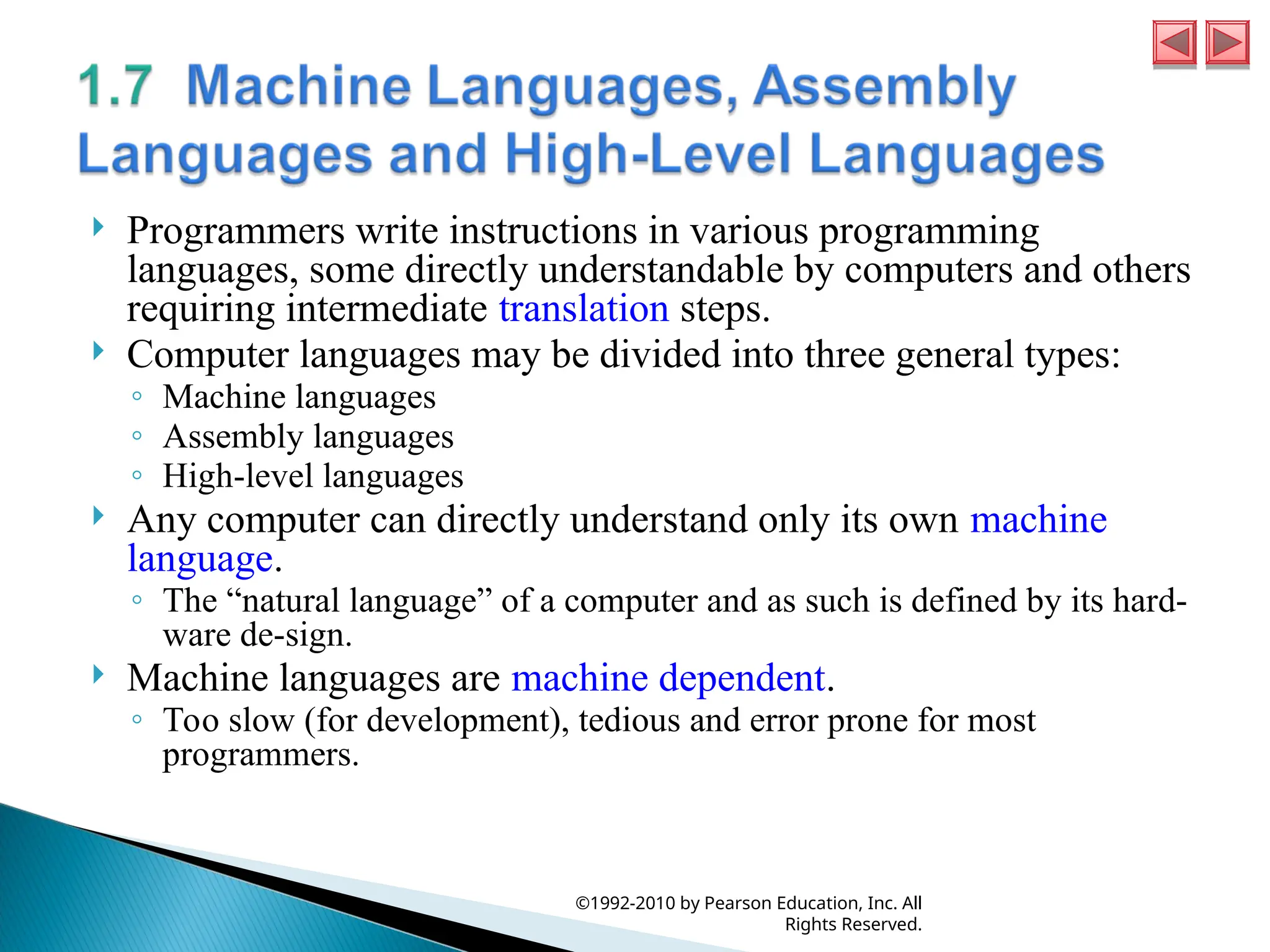
Programmers write
instructions in various programming languages, some directly understandable by computers and others requiring intermediate translation steps. Computer languages may be divided into three general types: ◦ Machine languages ◦ Assembly languages ◦ High-level languages Any computer can directly understand only its own machine language. ◦ The “natural language” of a computer and as such is defined by its hard- ware de-sign. Machine languages are machine dependent. ◦ Too slow (for development), tedious and error prone for most programmers. ©1992-2010 by Pearson Education, Inc. All Rights Reserved.
17.
English-like abbreviations
that represent elementary operations formed the basis of assembly languages. Translator programs called assemblers convert assembly- language programs to machine language. Programmers still had to use many instructions to accomplish even the simplest tasks. To speed the programming process, high-level languages were developed in which single statements could be written to accomplish substantial tasks. Translator programs called compilers convert high-level language programs into machine language. Interpreter programs execute high-level language programs directly (without the delay of compilation), although slower than compiled programs run. ©1992-2010 by Pearson Education, Inc. All Rights Reserved.
18.
C++ evolved
from C, which evolved from two previous programming languages, BCPL and B. BCPL was developed in 1967 by Martin Richards as a language for writing operating systems software and compilers for operating systems. Ken Thompson modeled many features in B after their counterparts in BCPL and used B to create early versions of the UNIX operating system at Bell Laboratories in 1970. The C language was evolved from B by Dennis Ritchie at Bell Laboratories. ◦ C initially became widely known as the development language of the UNIX operating system. ◦ Today, most operating systems are written in C and/or C++. ◦ C is available for most computers and is hardware independent. ◦ It’s possible to write C programs that are portable to most computers. ©1992-2010 by Pearson Education, Inc. All Rights Reserved.
19.
C++, an
extension of C, was developed by Bjarne Stroustrup in the early 1980s at Bell Laboratories. C++ provides capabilities for object-oriented programming. Objects are essentially reusable software components that model items in the real world. Modular, object-oriented design and implementation makes programmers much more productive than can previous popular programming techniques. Object-oriented programs are easier to understand, correct and modify. ©1992-2010 by Pearson Education, Inc. All Rights Reserved.
20.
C++ programs
consist of pieces called classes and functions. Most C++ programmers take advantage of the rich collections of classes and functions in the C++ Standard Library. Two parts to learning the C++ “world.” ◦ The C++ language itself, and ◦ How to use the classes and functions in the C++ Standard Library. Many special-purpose class libraries are supplied by independent software vendors. ©1992-2010 by Pearson Education, Inc. All Rights Reserved.
21.
Microprocessors are
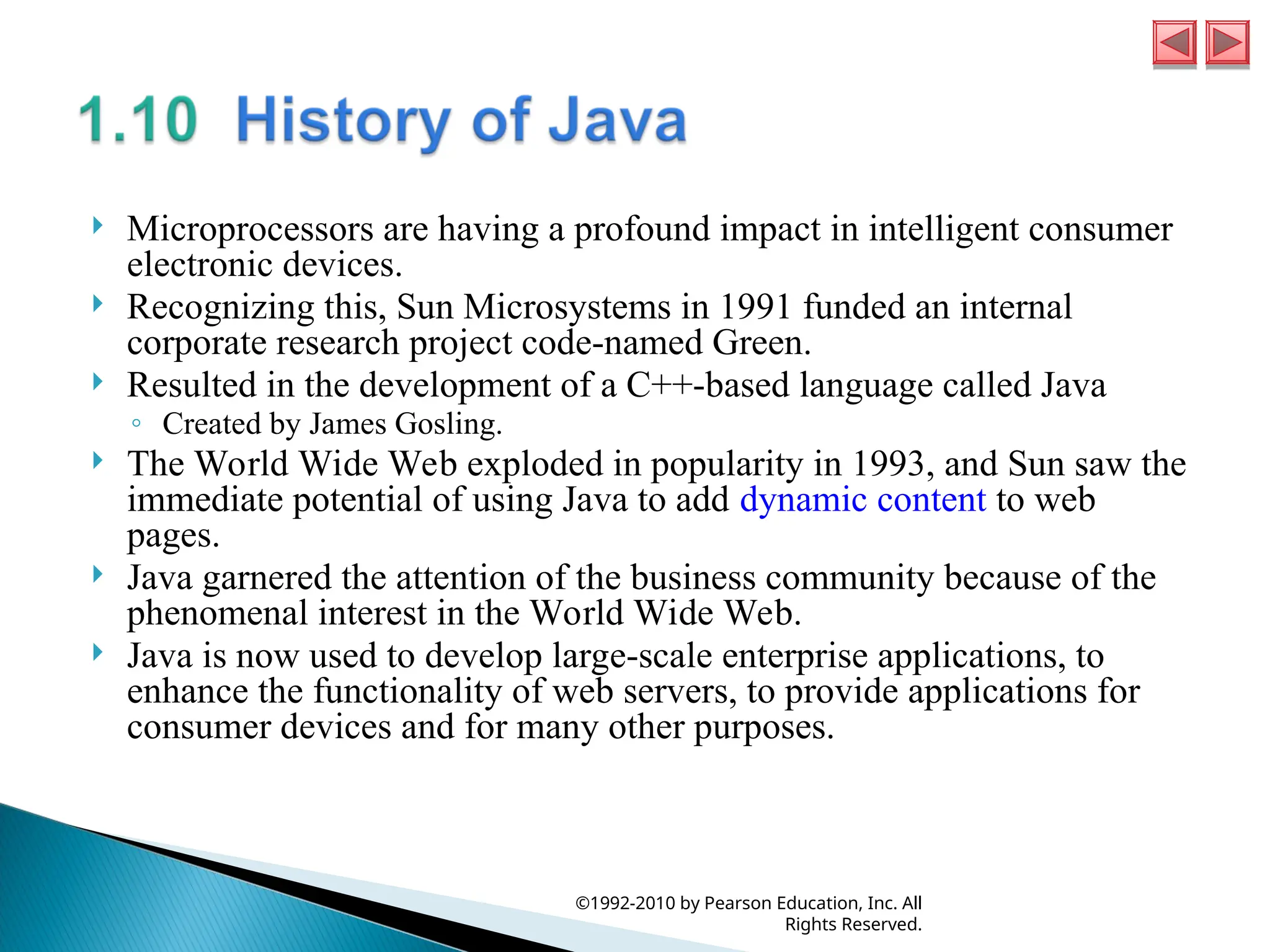
having a profound impact in intelligent consumer electronic devices. Recognizing this, Sun Microsystems in 1991 funded an internal corporate research project code-named Green. Resulted in the development of a C++-based language called Java ◦ Created by James Gosling. The World Wide Web exploded in popularity in 1993, and Sun saw the immediate potential of using Java to add dynamic content to web pages. Java garnered the attention of the business community because of the phenomenal interest in the World Wide Web. Java is now used to develop large-scale enterprise applications, to enhance the functionality of web servers, to provide applications for consumer devices and for many other purposes. ©1992-2010 by Pearson Education, Inc. All Rights Reserved.
22.
FORTRAN (FORmula
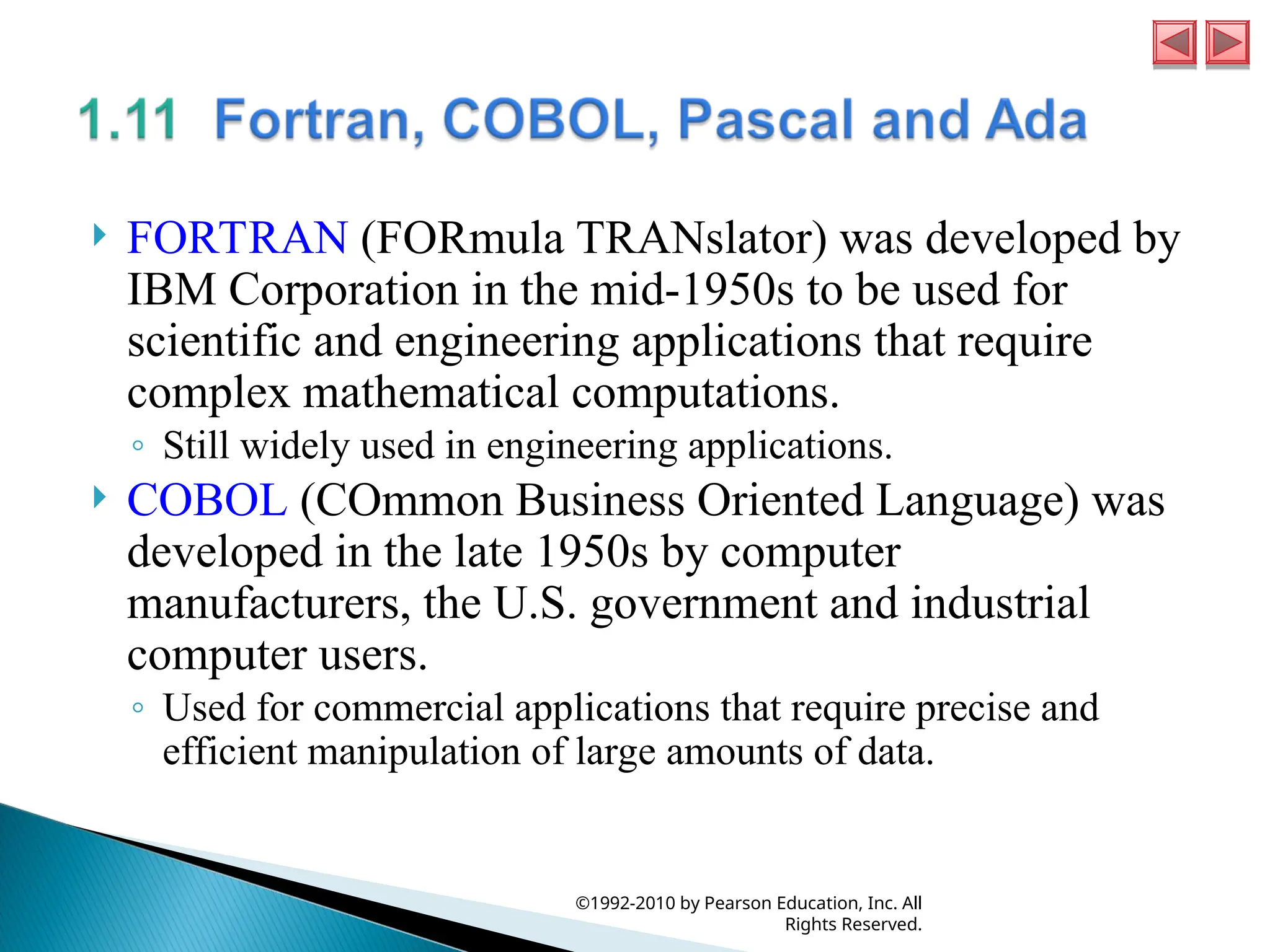
TRANslator) was developed by IBM Corporation in the mid-1950s to be used for scientific and engineering applications that require complex mathematical computations. ◦ Still widely used in engineering applications. COBOL (COmmon Business Oriented Language) was developed in the late 1950s by computer manufacturers, the U.S. government and industrial computer users. ◦ Used for commercial applications that require precise and efficient manipulation of large amounts of data. ©1992-2010 by Pearson Education, Inc. All Rights Reserved.
23.
Structured programming—a
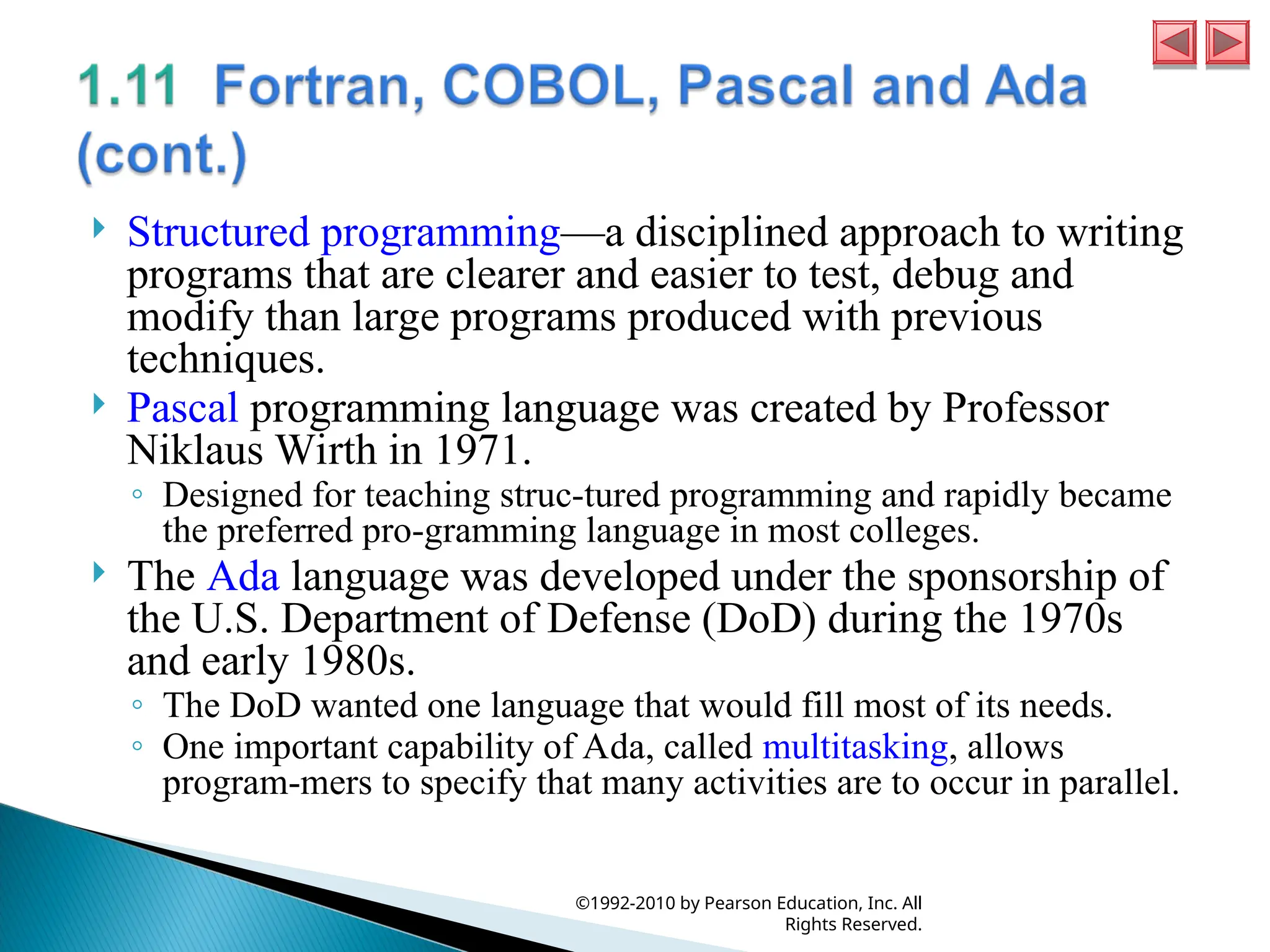
disciplined approach to writing programs that are clearer and easier to test, debug and modify than large programs produced with previous techniques. Pascal programming language was created by Professor Niklaus Wirth in 1971. ◦ Designed for teaching struc-tured programming and rapidly became the preferred pro-gramming language in most colleges. The Ada language was developed under the sponsorship of the U.S. Department of Defense (DoD) during the 1970s and early 1980s. ◦ The DoD wanted one language that would fill most of its needs. ◦ One important capability of Ada, called multitasking, allows program-mers to specify that many activities are to occur in parallel. ©1992-2010 by Pearson Education, Inc. All Rights Reserved.
24.
The BASIC
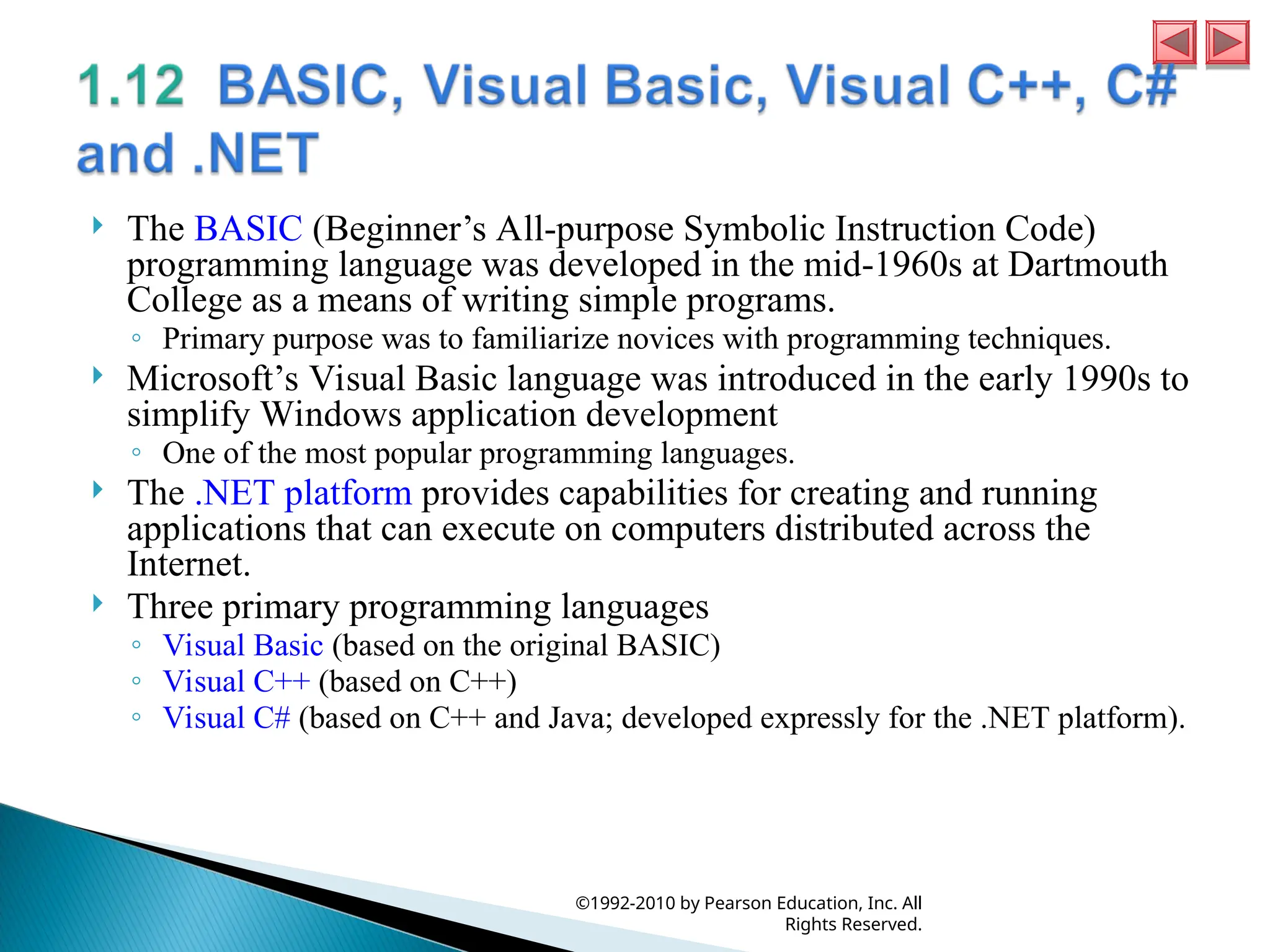
(Beginner’s All-purpose Symbolic Instruction Code) programming language was developed in the mid-1960s at Dartmouth College as a means of writing simple programs. ◦ Primary purpose was to familiarize novices with programming techniques. Microsoft’s Visual Basic language was introduced in the early 1990s to simplify Windows application development ◦ One of the most popular programming languages. The .NET platform provides capabilities for creating and running applications that can execute on computers distributed across the Internet. Three primary programming languages ◦ Visual Basic (based on the original BASIC) ◦ Visual C++ (based on C++) ◦ Visual C# (based on C++ and Java; developed expressly for the .NET platform). ©1992-2010 by Pearson Education, Inc. All Rights Reserved.
25.
Object technology
dates back to the mid 1960s. The C++ programming language, developed at AT&T by Bjarne Stroustrup in the early 1980s, is based on two languages—C and Simula 67, a simulation programming language developed in Europe and released in 1967. C++ absorbed the features of C and added Simula’s capabilities for creating and manipulating objects. Object technology is a packaging scheme that helps us create meaningful software units. Before object-oriented languages appeared, procedural programming languages (such as Fortran, COBOL, Pascal, BASIC and C) were focused on actions (verbs) rather than on things or objects (nouns). ©1992-2010 by Pearson Education, Inc. All Rights Reserved.
26.
A key
problem with procedural programming is that the program units do not effectively mirror real-world entities, so these units are not particularly reusable. With object technology, classes, if properly designed, tend to be reusable on future projects. Using libraries of reusable componentry can greatly reduce effort required to implement certain kinds of systems (compared to the effort that would be required to reinvent these capabilities on new projects). ©1992-2010 by Pearson Education, Inc. All Rights Reserved.
27.
Key benefit
of object-oriented programming is that the software is ◦ more understandable ◦ better organized and ◦ easier to maintain, modify and debug Significant because perhaps as much as 80 percent of software costs are associated not with the original efforts to develop the software, but with the continued evolution and maintenance of that software throughout its lifetime. ©1992-2010 by Pearson Education, Inc. All Rights Reserved.
28.
C++ systems
generally consist of three parts: a program development environment, the language and the C++ Standard Library. C++ programs typically go through six phases: edit, preprocess, compile, link, load and execute. ©1992-2010 by Pearson Education, Inc. All Rights Reserved.
29.
©1992-2010 by Pearson
Education, Inc. All Rights Reserved.
30.
©1992-2010 by Pearson
Education, Inc. All Rights Reserved.
31.
Phase 1
consists of editing a file with an editor program (normally known simply as an editor). ◦ You type a C++ program (typically referred to as source code) using the editor, make corrections and save the program. ◦ C++ source code filenames often end with the .cpp, .cxx, .cc or .C extensions (note that C is in uppercase) which indicate that a file contains C++ source code. ◦ Two editors widely used on UNIX systems are vi and emacs. ◦ C++ software packages such as Microsoft Visual C++ (msdn.microsoft.com/vstudio/express/visual c/default.aspx) have editors integrated into the programming environment. ©1992-2010 by Pearson Education, Inc. All Rights Reserved.
32.
In phase
2, you give the command to compile the program. In a C++ system, a preprocessor program executes automatically before the compiler’s translation phase begins. The C++ preprocessor obeys commands called preprocessor directives, which indicate that certain manipulations are to be performed on the program before compilation. These manipulations usually include other text files to be compiled, and perform various text replacements. The most common preprocessor directives are discussed in the early chapters; a detailed discussion of preprocessor features appears in Appendix E, Preprocessor. In phase 3, the compiler translates the C++ program into machine-language code (also referred to as object code). ©1992-2010 by Pearson Education, Inc. All Rights Reserved.
33.
Phase 4
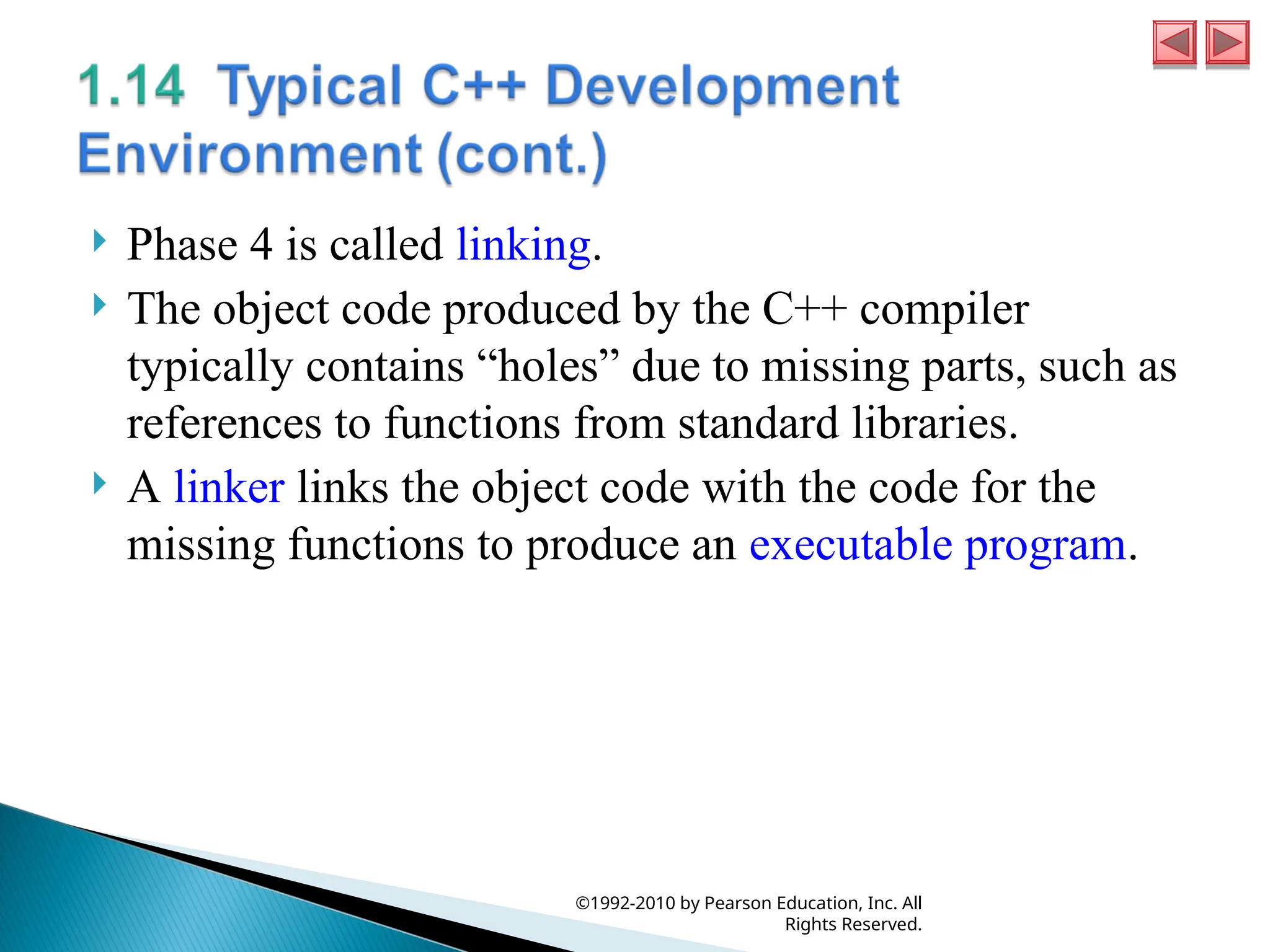
is called linking. The object code produced by the C++ compiler typically contains “holes” due to missing parts, such as references to functions from standard libraries. A linker links the object code with the code for the missing functions to produce an executable program. ©1992-2010 by Pearson Education, Inc. All Rights Reserved.
34.
Phase 5
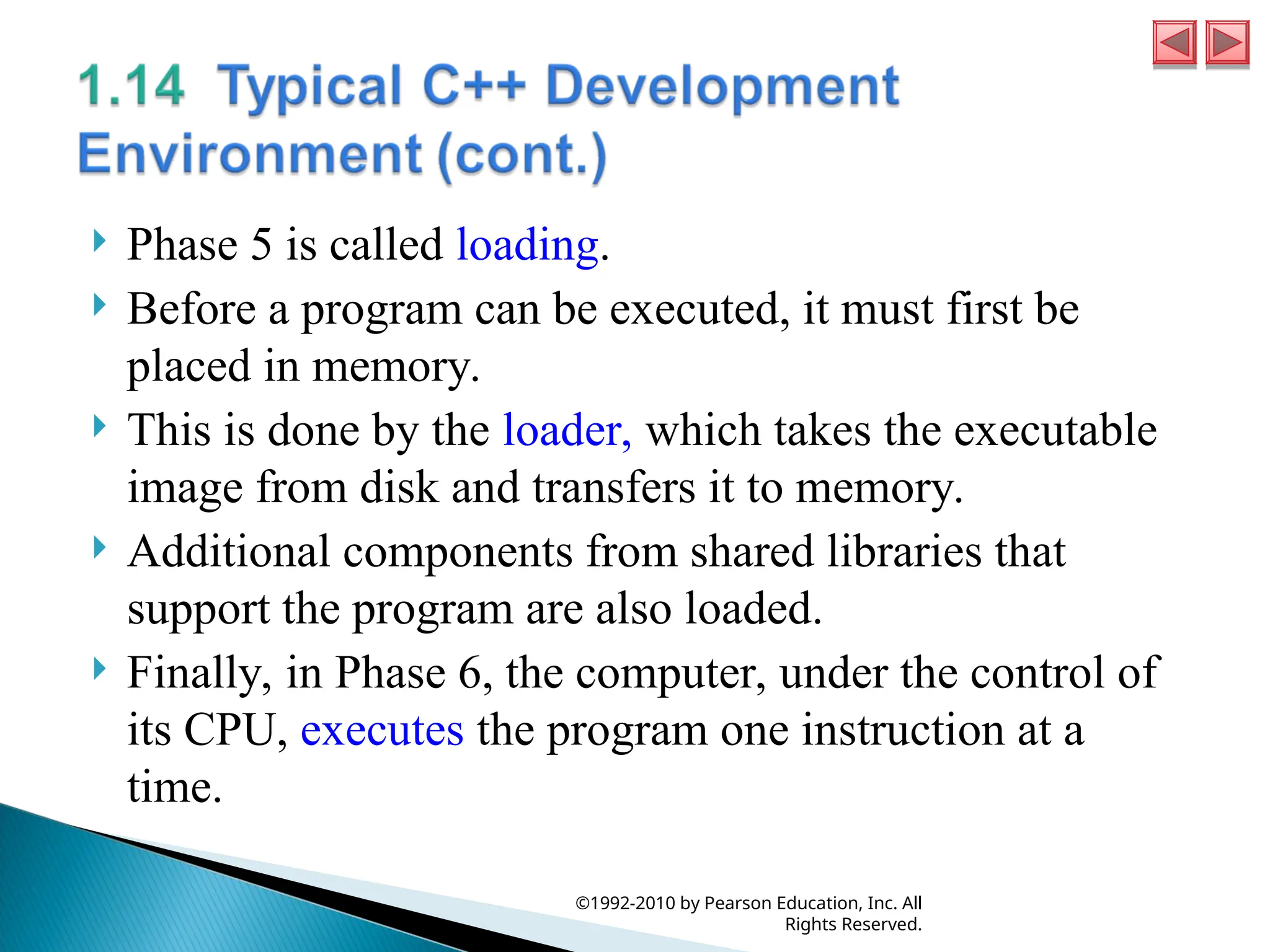
is called loading. Before a program can be executed, it must first be placed in memory. This is done by the loader, which takes the executable image from disk and transfers it to memory. Additional components from shared libraries that support the program are also loaded. Finally, in Phase 6, the computer, under the control of its CPU, executes the program one instruction at a time. ©1992-2010 by Pearson Education, Inc. All Rights Reserved.
35.
Programs do
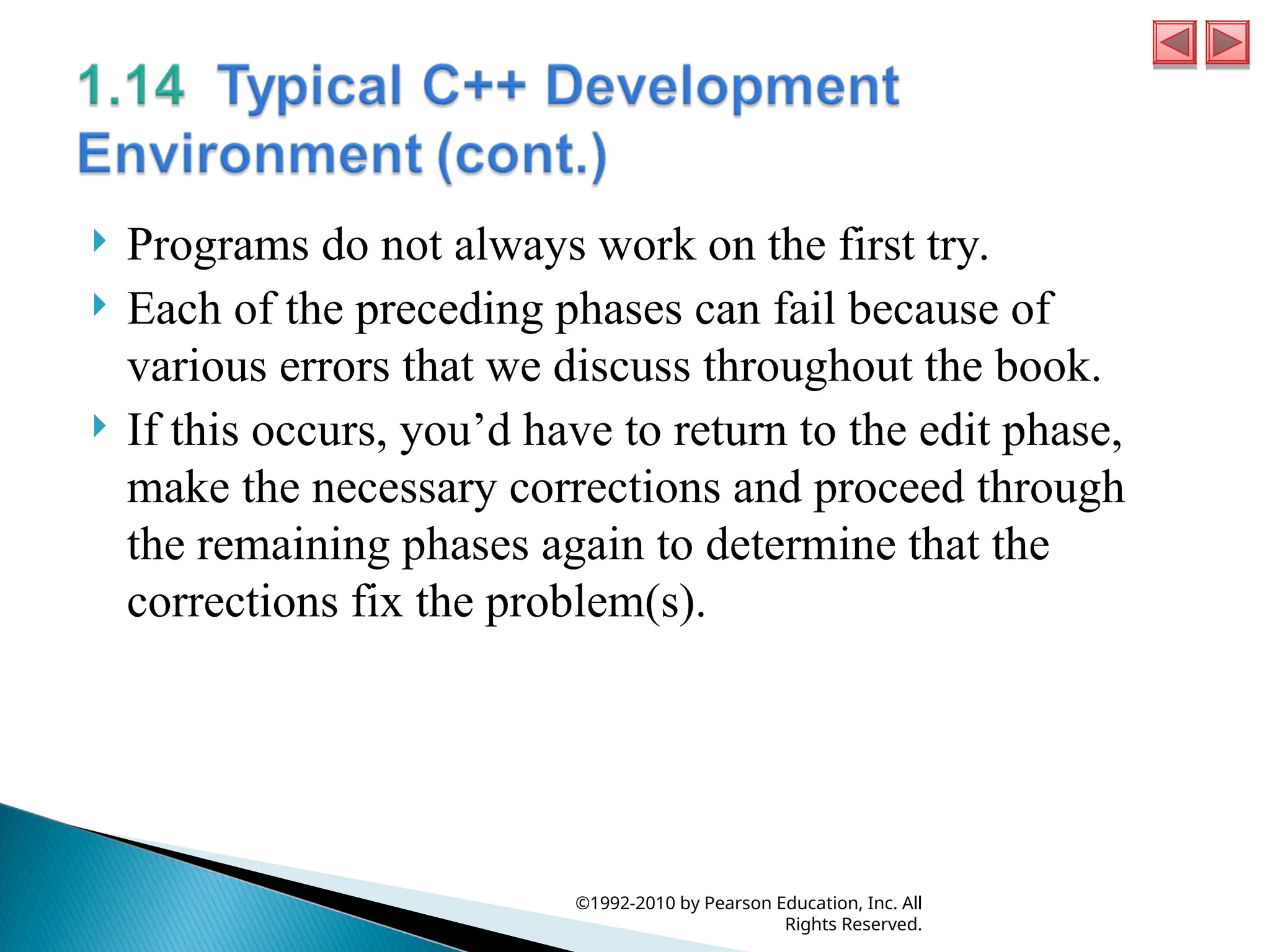
not always work on the first try. Each of the preceding phases can fail because of various errors that we discuss throughout the book. If this occurs, you’d have to return to the edit phase, make the necessary corrections and proceed through the remaining phases again to determine that the corrections fix the problem(s). ©1992-2010 by Pearson Education, Inc. All Rights Reserved.
36.
Most programs
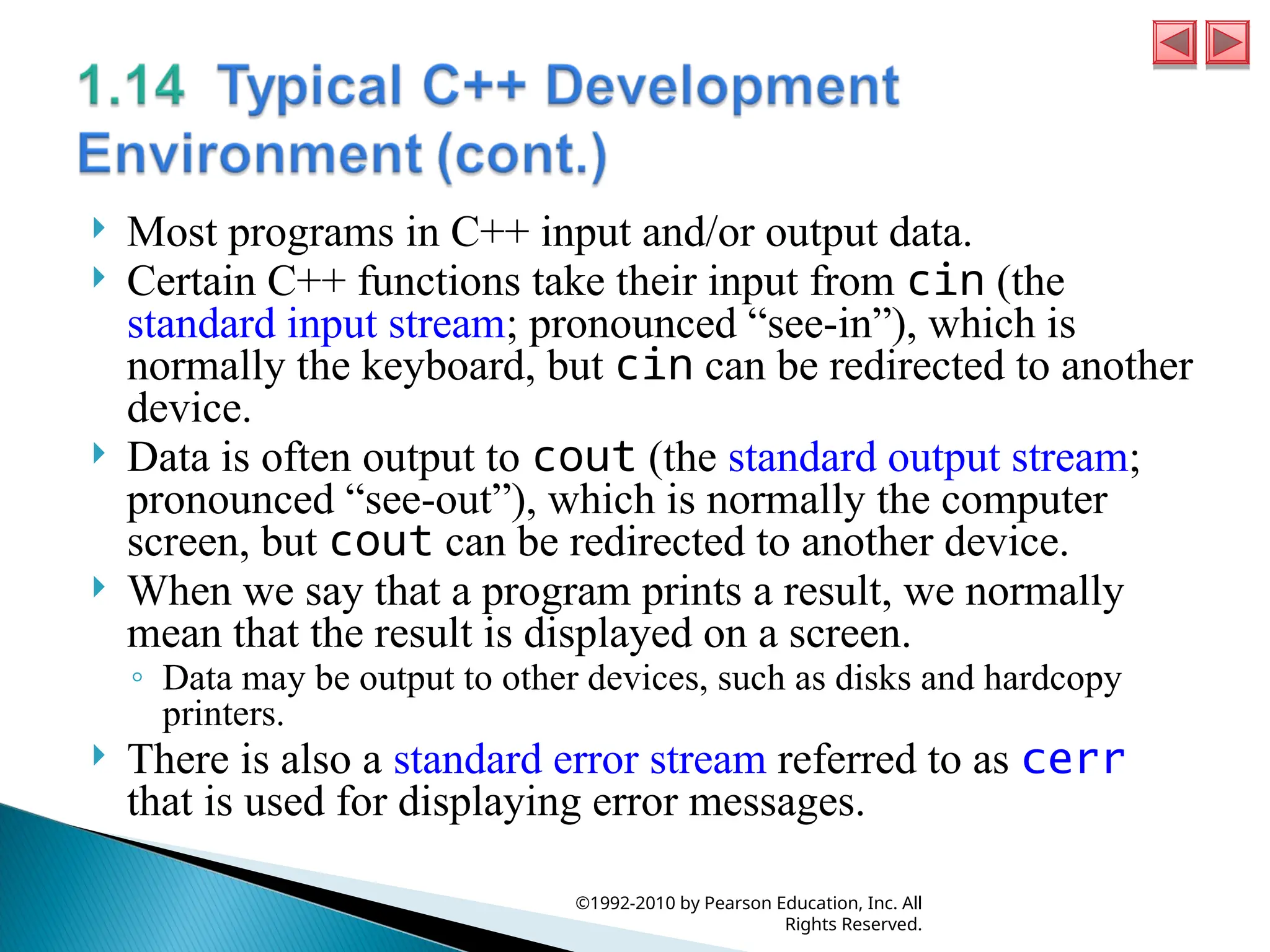
in C++ input and/or output data. Certain C++ functions take their input from cin (the standard input stream; pronounced “see-in”), which is normally the keyboard, but cin can be redirected to another device. Data is often output to cout (the standard output stream; pronounced “see-out”), which is normally the computer screen, but cout can be redirected to another device. When we say that a program prints a result, we normally mean that the result is displayed on a screen. ◦ Data may be output to other devices, such as disks and hardcopy printers. There is also a standard error stream referred to as cerr that is used for displaying error messages. ©1992-2010 by Pearson Education, Inc. All Rights Reserved.
Download