Complementing GUI Testing Scripts
with Smart Monkey Testing
Dr. Pekka Aho
Open University of the Netherlands
Automated GUI testing scripts
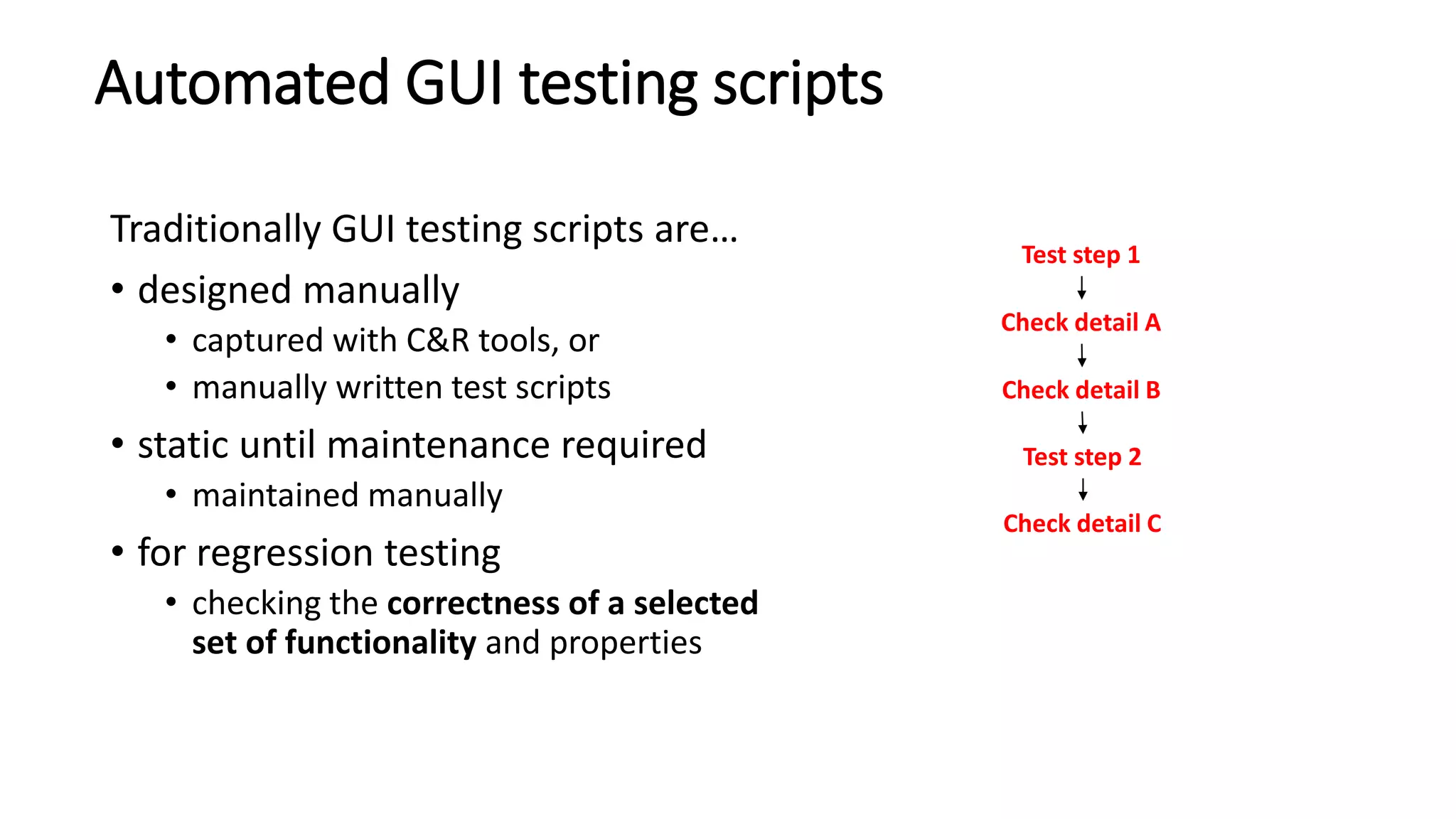
Traditionally GUI testing scripts are…
• designed manually
• captured with C&R tools, or
• manually written test scripts
• static until maintenance required
• maintained manually
• for regression testing
• checking the correctness of a selected
set of functionality and properties
2
Test step 1
Check detail A
Check detail B
Test step 2
Check detail C
Monkey testing
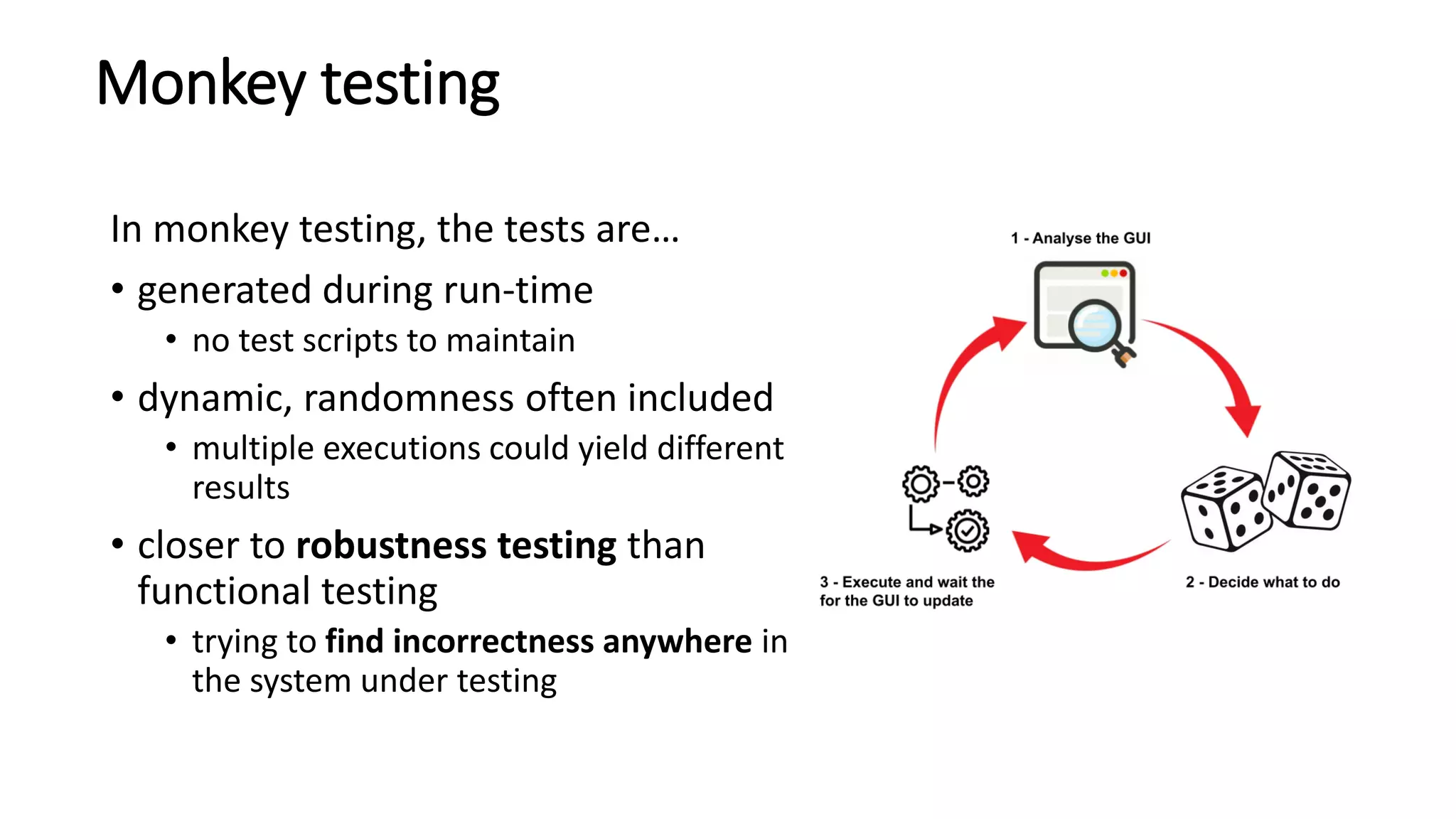
In monkey testing, the tests are…
• generated during run-time
• no test scripts to maintain
• dynamic, randomness often included
• multiple executions could yield different
results
• closer to robustness testing than
functional testing
• trying to find incorrectness anywhere in
the system under testing
3
Monkey testing complements scripts
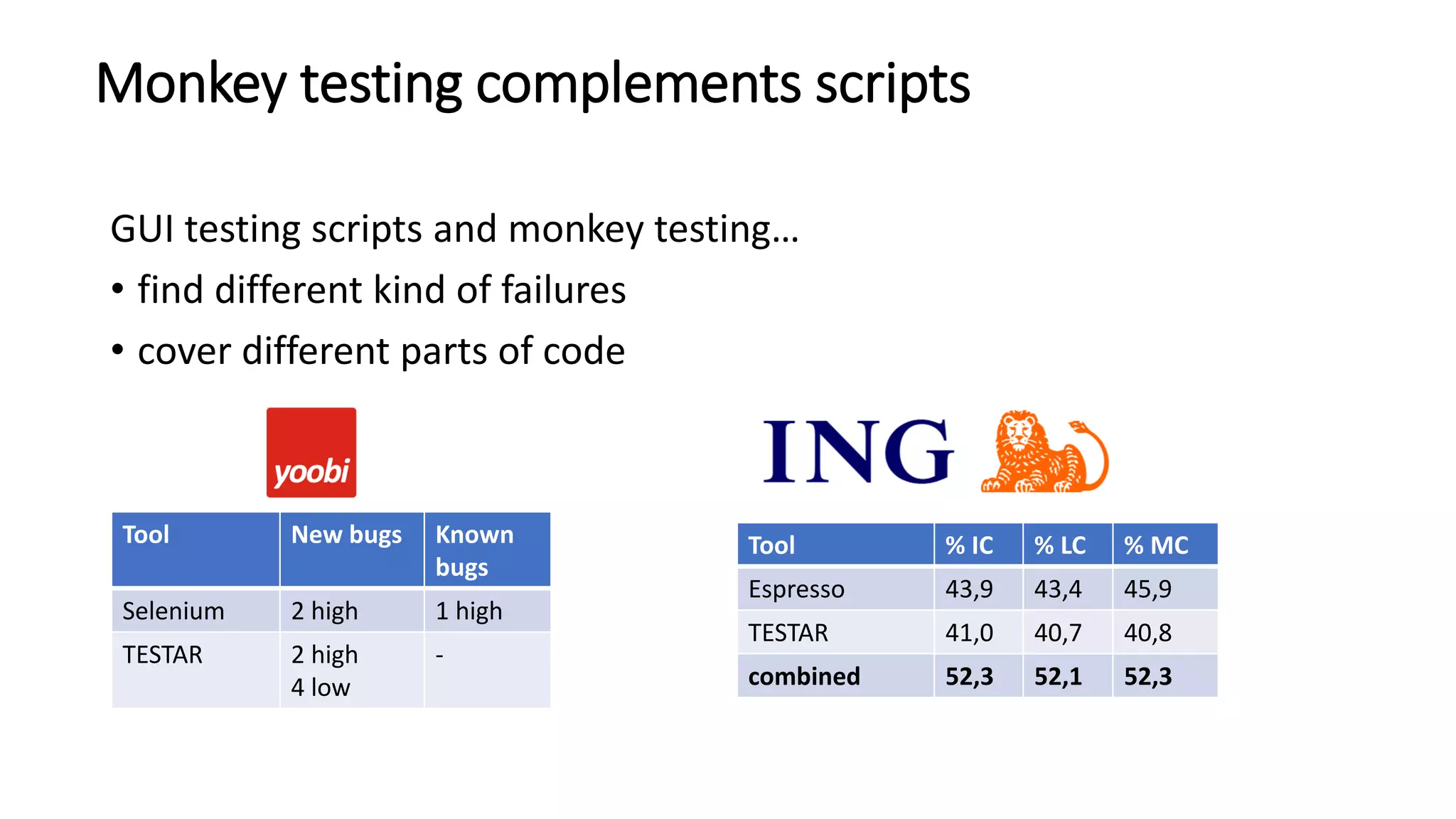
GUI testing scripts and monkey testing…
• find different kind of failures
• cover different parts of code
4
Tool New bugs Known
bugs
Selenium 2 high 1 high
TESTAR 2 high
4 low
-
Tool % IC % LC % MC
Espresso 43,9 43,4 45,9
TESTAR 41,0 40,7 40,8
combined 52,3 52,1 52,3
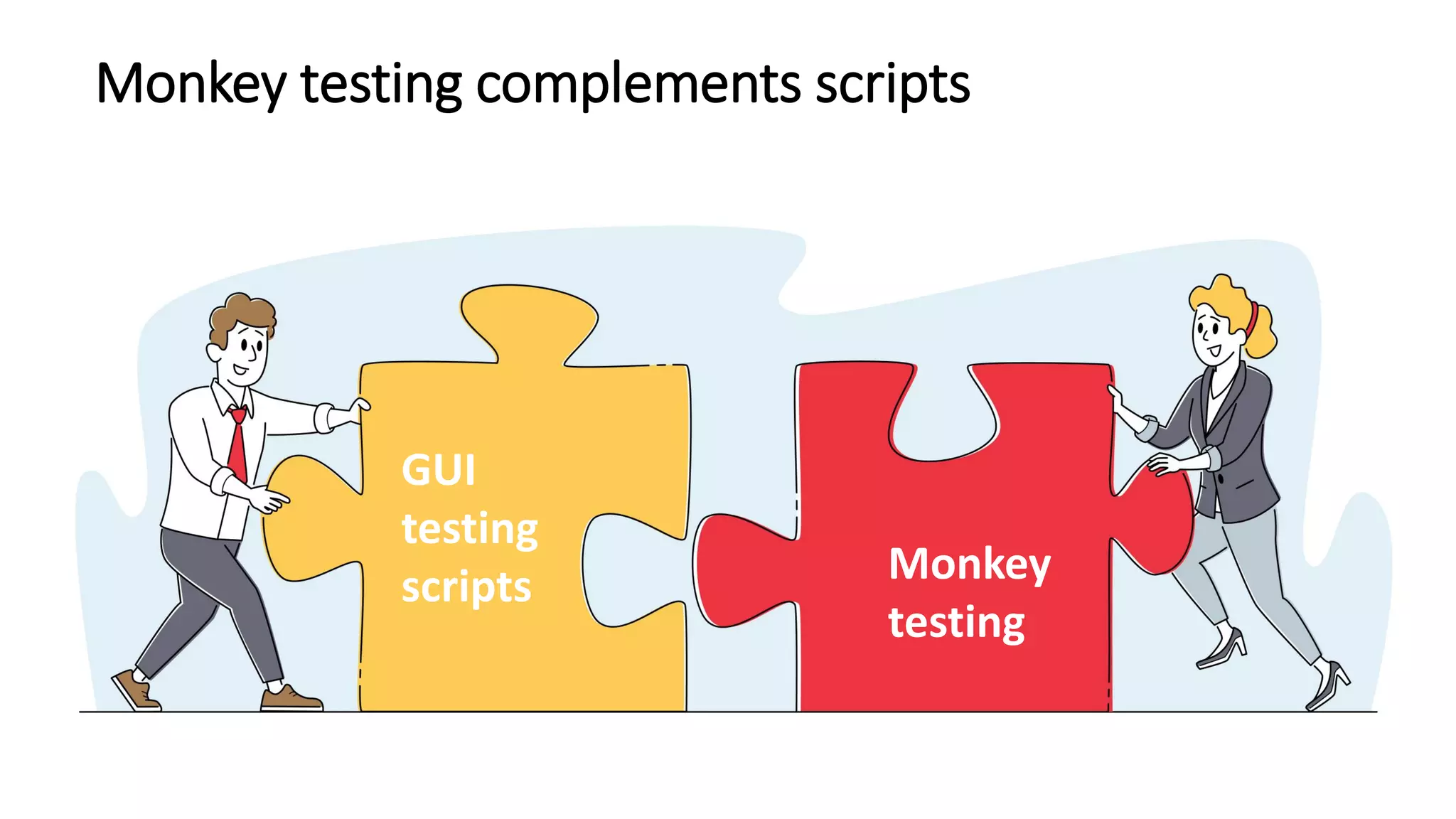
Monkey testing complements scripts
5
GUI
testing
scripts Monkey
testing
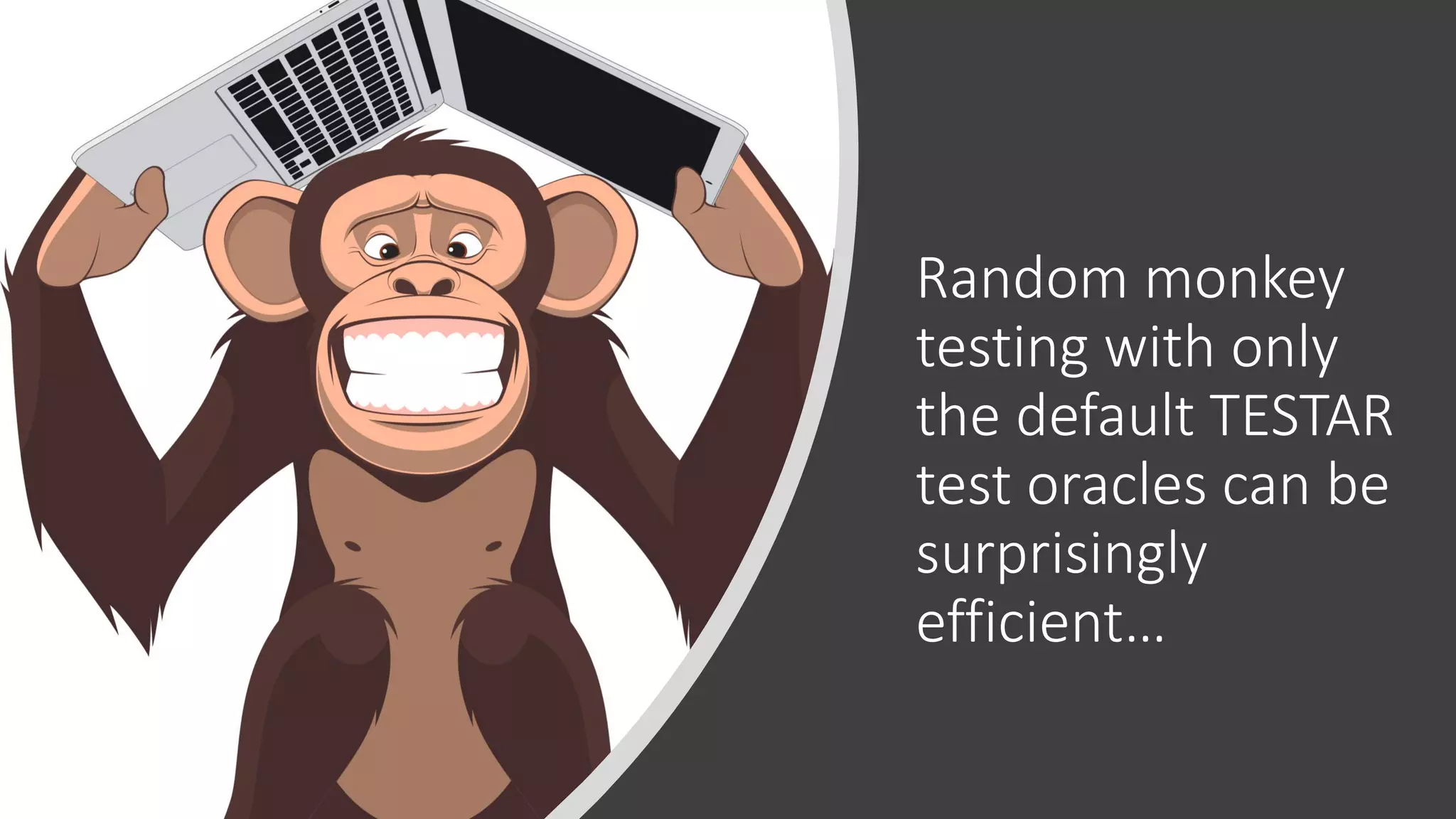
Random monkey
testing with only
the default TESTAR
test oracles can be
surprisingly
efficient…
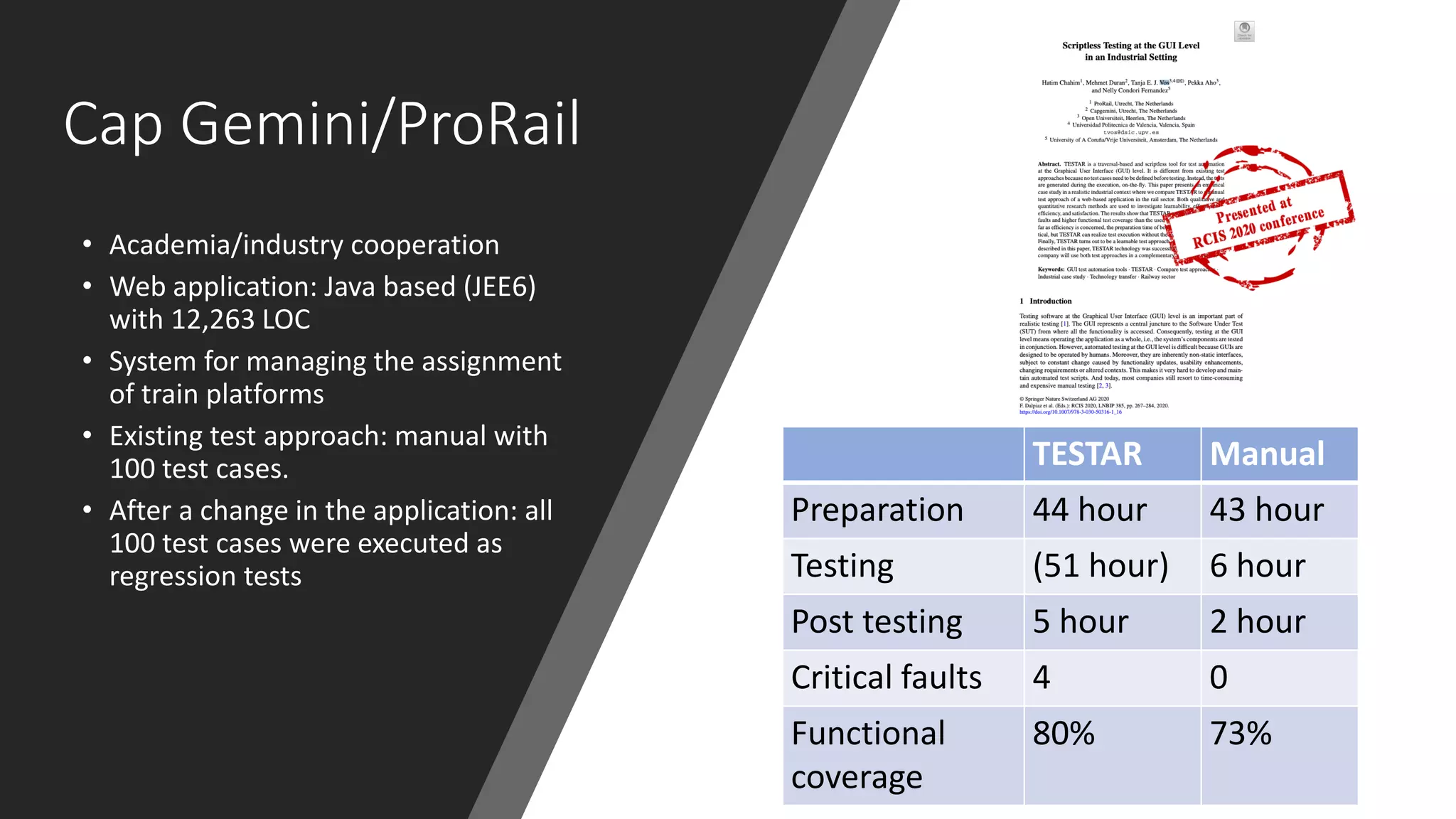
Cap Gemini/ProRail
• Academia/industry cooperation
• Web application: Java based (JEE6)
with 12,263 LOC
• System for managing the assignment
of train platforms
• Existing test approach: manual with
100 test cases.
• After a change in the application: all
100 test cases were executed as
regression tests
TESTAR Manual
Preparation 44 hour 43 hour
Testing (51 hour) 6 hour
Post testing 5 hour 2 hour
Critical faults 4 0
Functional
coverage
80% 73%
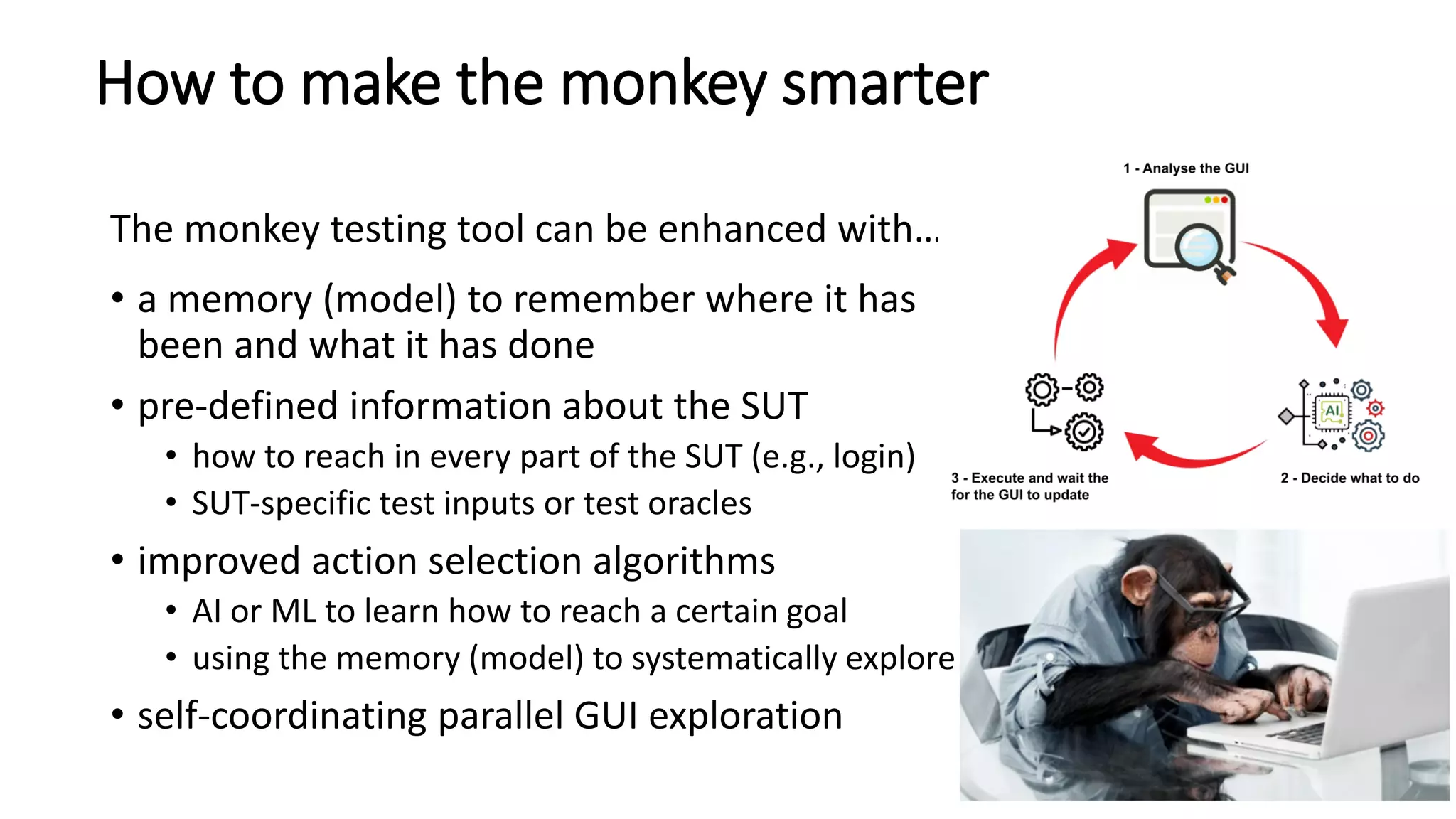
How to make the monkey smarter
The monkey testing tool can be enhanced with…
• a memory (model) to remember where it has
been and what it has done
• pre-defined information about the SUT
• how to reach in every part of the SUT (e.g., login)
• SUT-specific test inputs or test oracles
• improved action selection algorithms
• AI or ML to learn how to reach a certain goal
• using the memory (model) to systematically explore
• self-coordinating parallel GUI exploration
8
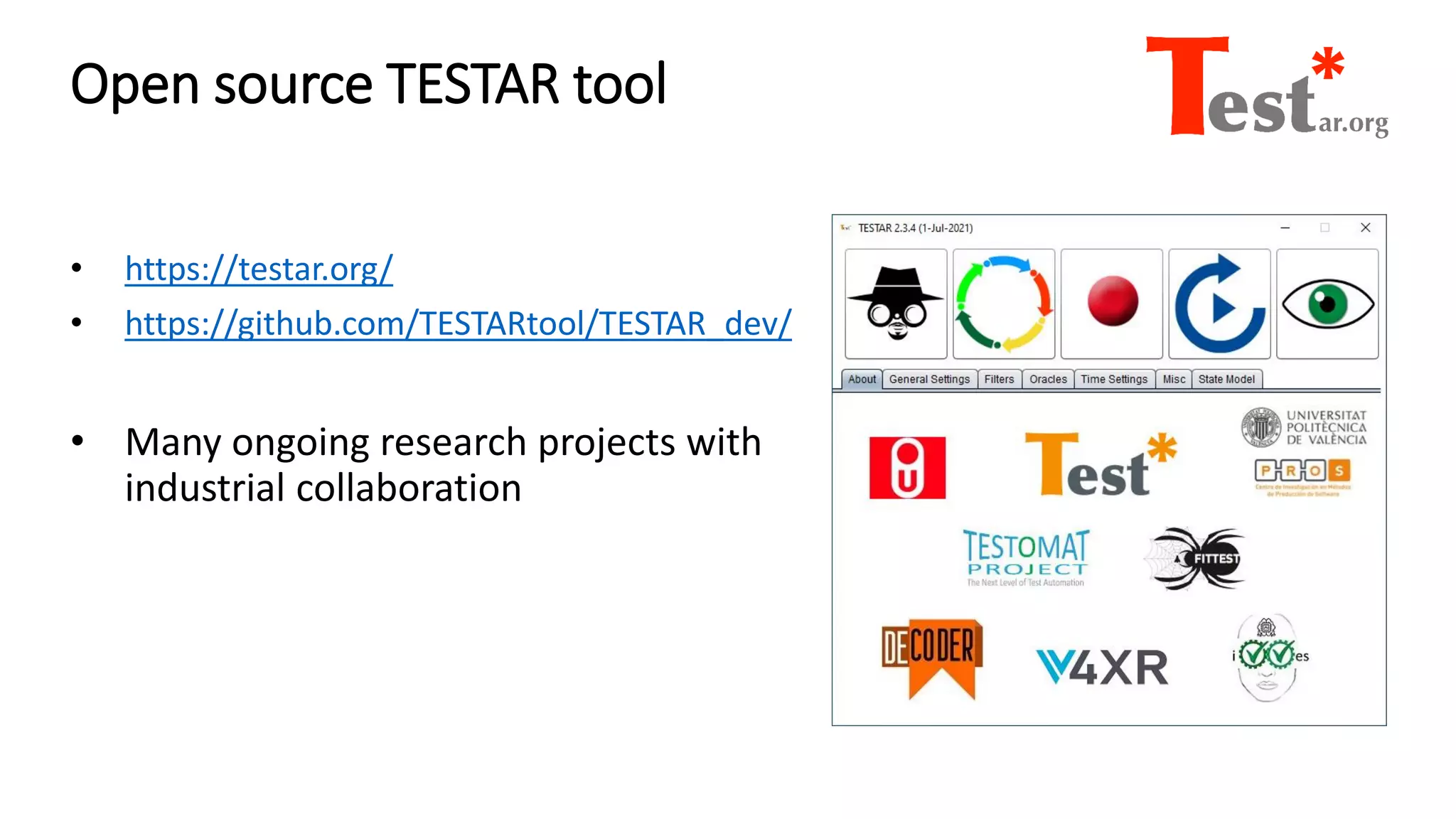
Open source TESTAR tool
• https://testar.org/
• https://github.com/TESTARtool/TESTAR_dev/
• Many ongoing research projects with
industrial collaboration
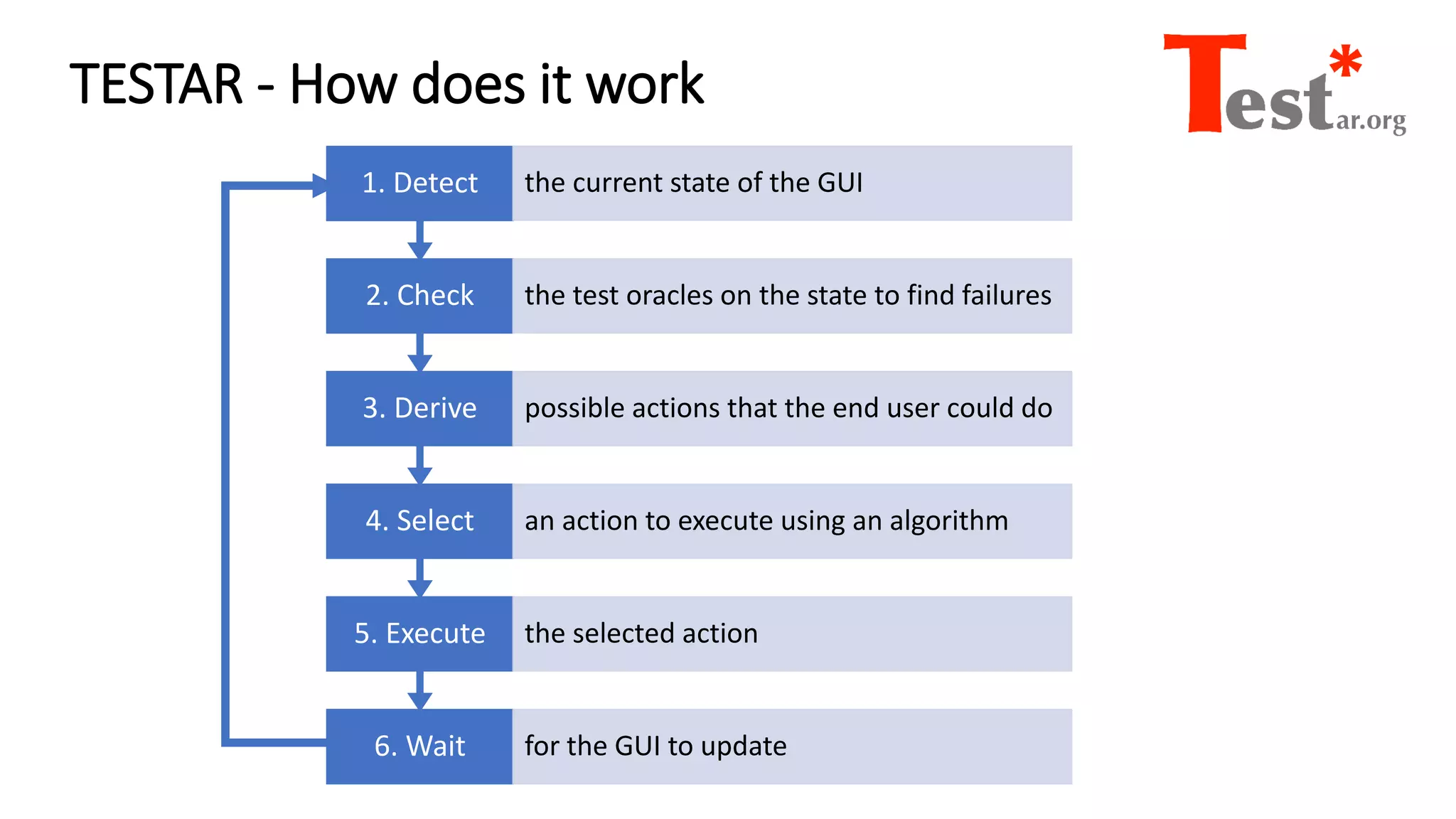
TESTAR - How does it work
6. Wait for the GUI to update
5. Execute the selected action
4. Select an action to execute using an algorithm
3. Derive possible actions that the end user could do
2. Check the test oracles on the state to find failures
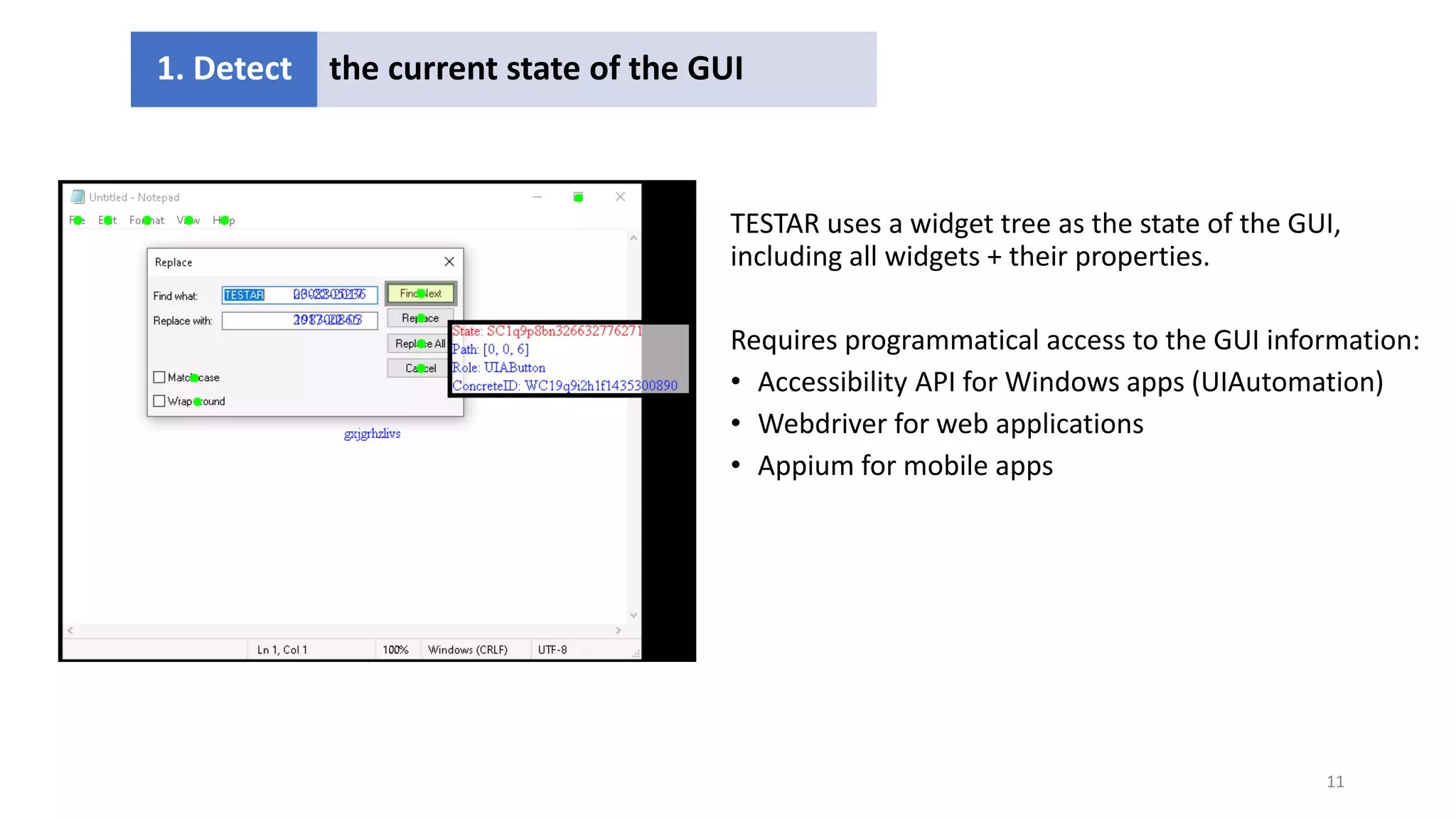
1. Detect the current state of the GUI
11
TESTAR uses a widget tree as the state of the GUI,
including all widgets + their properties.
Requires programmatical access to the GUI information:
• Accessibility API for Windows apps (UIAutomation)
• Webdriver for web applications
• Appium for mobile apps
1. Detect the current state of the GUI
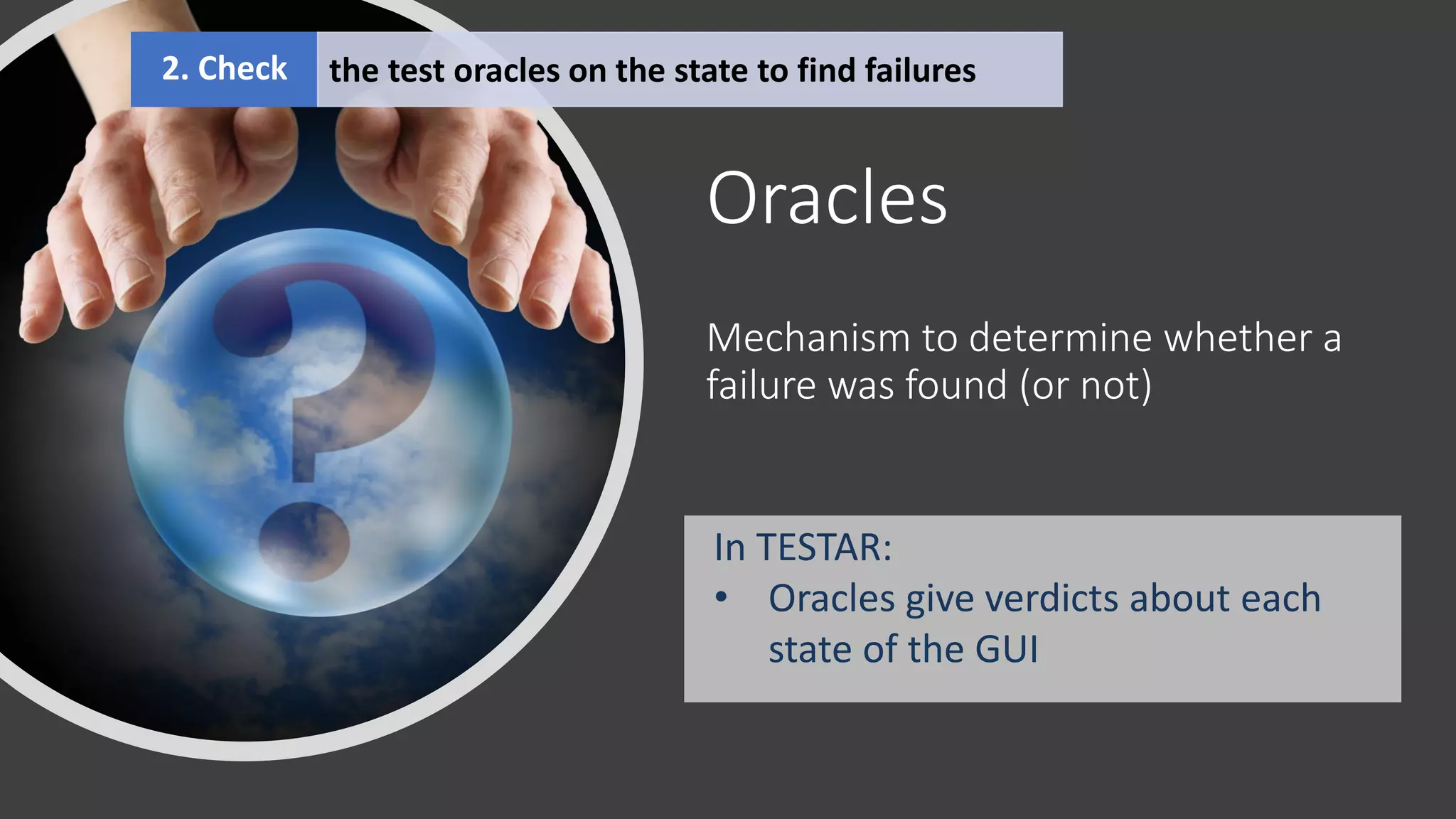
Oracles
Mechanism to determine whether a
failure was found (or not)
In TESTAR:
• Oracles give verdicts about each
state of the GUI
2. Check the test oracles on the state to find failures
What kind of errors can be found with TESTAR?
100% Automated implicit oracles
• Crashes (unexpected close of the SUT)
• Hangs (SUT becomes unresponsive)
15
• Oracles for suspicious text and outputs
• Easy to specify using a regular expression
.*[eE]rror.*|.*[eE]xcepti[o?]n.*
16
TESTAR provides a Java interface for implementing other
oracles, for example:
• Checking results from a database or other external source
• Triggering specific oracles in a specific GUI state
• Implementing platform specific error checking
• E.g. checking JavaScript console for error messages
2. Derive actions
• .
• .
• .
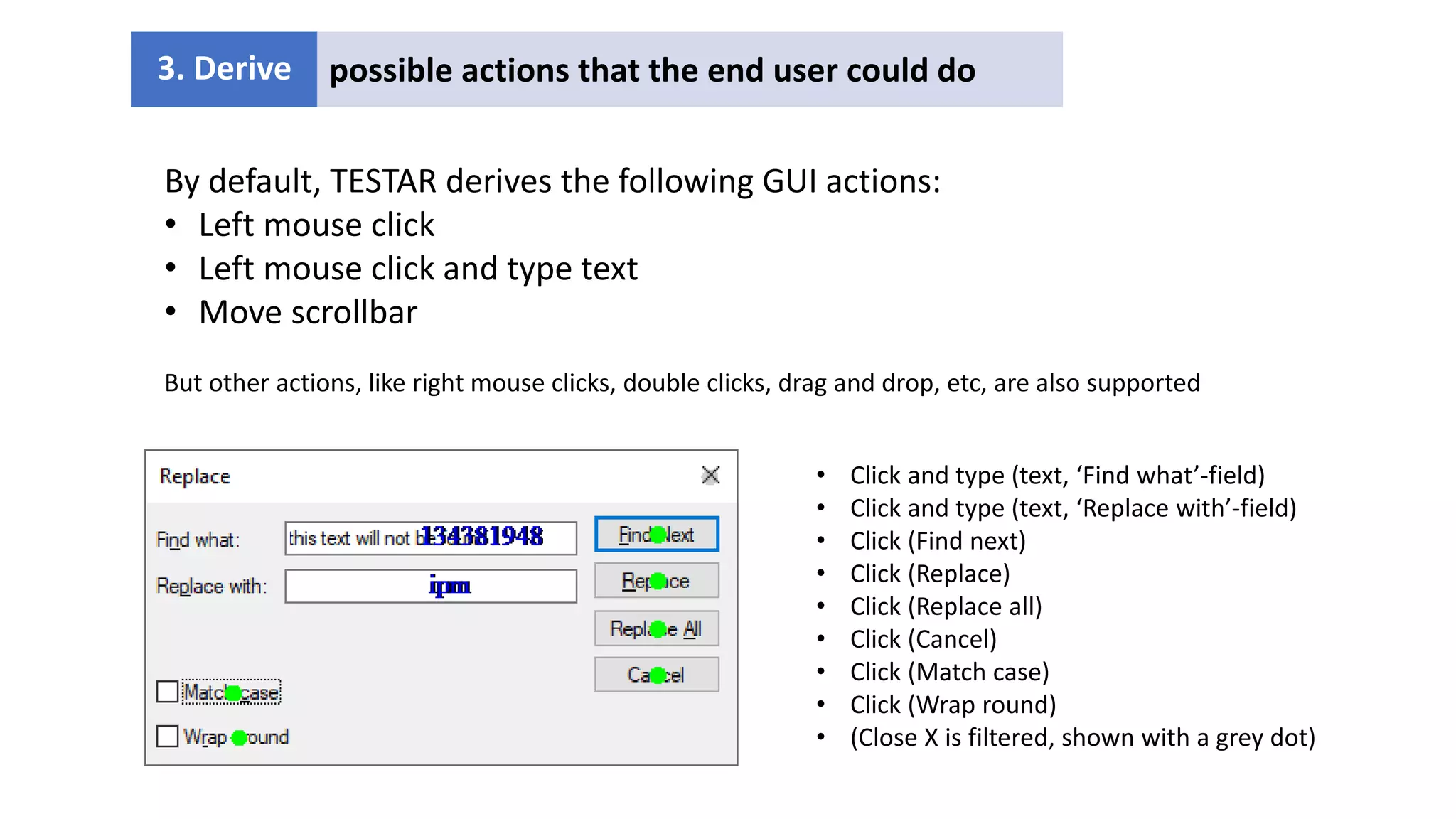
3. Derive possible actions that the end user could do
• Click and type (text, ‘Find what’-field)
• Click and type (text, ‘Replace with’-field)
• Click (Find next)
• Click (Replace)
• Click (Replace all)
• Click (Cancel)
• Click (Match case)
• Click (Wrap round)
• (Close X is filtered, shown with a grey dot)
By default, TESTAR derives the following GUI actions:
• Left mouse click
• Left mouse click and type text
• Move scrollbar
But other actions, like right mouse clicks, double clicks, drag and drop, etc, are also supported
3. Select an action using an
algorithm
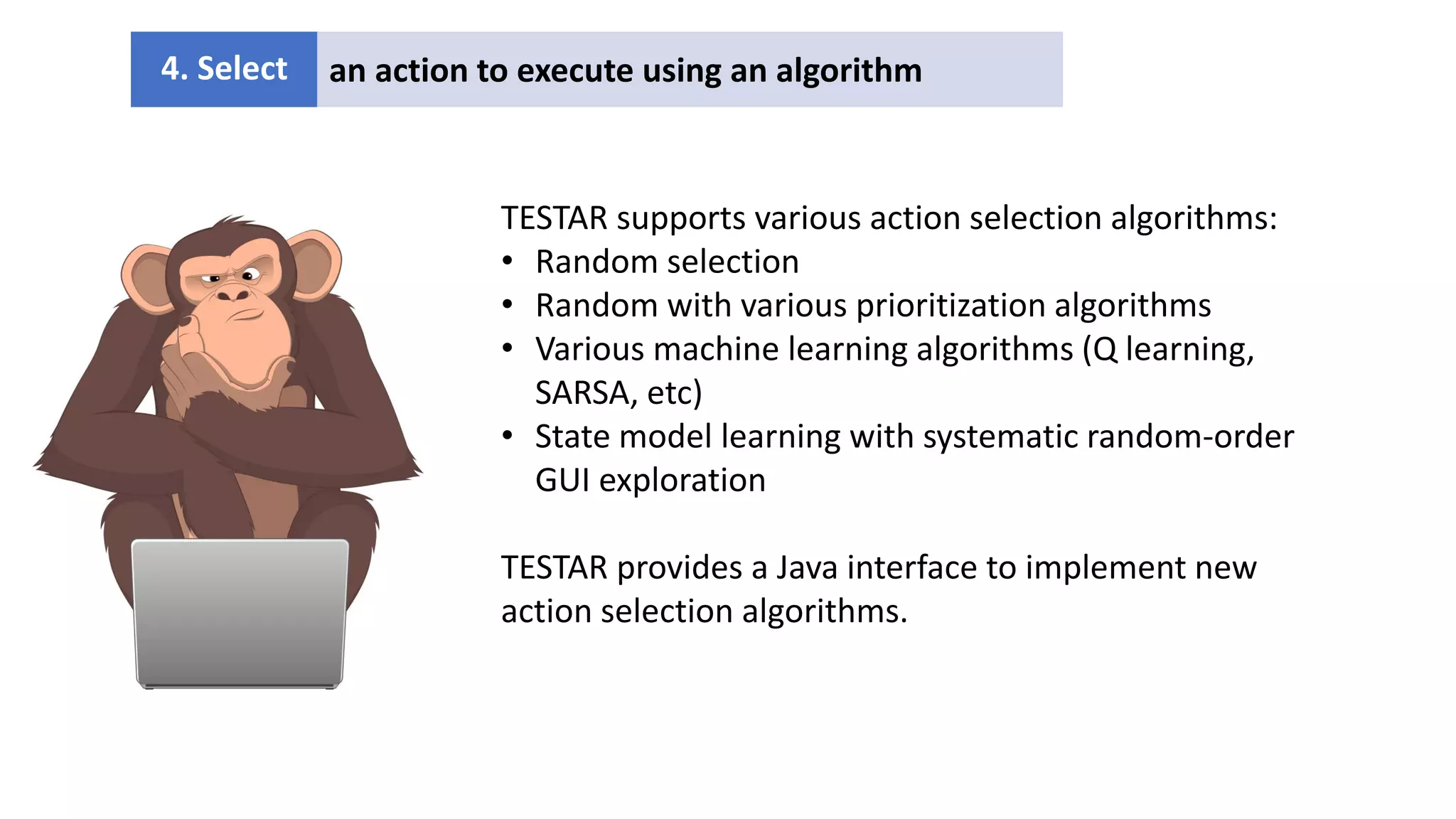
4. Select an action to execute using an algorithm
TESTAR supports various action selection algorithms:
• Random selection
• Random with various prioritization algorithms
• Various machine learning algorithms (Q learning,
SARSA, etc)
• State model learning with systematic random-order
GUI exploration
TESTAR provides a Java interface to implement new
action selection algorithms.
oracles • Click (OK)
• Click(File)
• Click(Edit)
• Click(Format)
• Click (View)
• Click (Help)
• lick (☐)
5. Execute the selected action
6. Wait for the GUI to update
By default, TESTAR executes the GUI actions using system mouse and keyboard
• Testing from the end user perspective, including the GUI
• For Windows apps, TESTAR monitors the SUT process
• For web and mobile apps, Webdriver and Appium are used
• email: pekka.aho@ou.nl
• web: http://www.testar.org/
• github.com/TESTARtool/TESTAR_dev
Any questions?

Pekka_Aho_Complementing GUI Testing Scripts - Testing Assembly 2022.pdf

  • 1.
    Complementing GUI TestingScripts with Smart Monkey Testing Dr. Pekka Aho Open University of the Netherlands
  • 2.
    Automated GUI testingscripts Traditionally GUI testing scripts are… • designed manually • captured with C&R tools, or • manually written test scripts • static until maintenance required • maintained manually • for regression testing • checking the correctness of a selected set of functionality and properties 2 Test step 1 Check detail A Check detail B Test step 2 Check detail C
  • 3.
    Monkey testing In monkeytesting, the tests are… • generated during run-time • no test scripts to maintain • dynamic, randomness often included • multiple executions could yield different results • closer to robustness testing than functional testing • trying to find incorrectness anywhere in the system under testing 3
  • 4.
    Monkey testing complementsscripts GUI testing scripts and monkey testing… • find different kind of failures • cover different parts of code 4 Tool New bugs Known bugs Selenium 2 high 1 high TESTAR 2 high 4 low - Tool % IC % LC % MC Espresso 43,9 43,4 45,9 TESTAR 41,0 40,7 40,8 combined 52,3 52,1 52,3
  • 5.
    Monkey testing complementsscripts 5 GUI testing scripts Monkey testing
  • 6.
    Random monkey testing withonly the default TESTAR test oracles can be surprisingly efficient…
  • 7.
    Cap Gemini/ProRail • Academia/industrycooperation • Web application: Java based (JEE6) with 12,263 LOC • System for managing the assignment of train platforms • Existing test approach: manual with 100 test cases. • After a change in the application: all 100 test cases were executed as regression tests TESTAR Manual Preparation 44 hour 43 hour Testing (51 hour) 6 hour Post testing 5 hour 2 hour Critical faults 4 0 Functional coverage 80% 73%
  • 8.
    How to makethe monkey smarter The monkey testing tool can be enhanced with… • a memory (model) to remember where it has been and what it has done • pre-defined information about the SUT • how to reach in every part of the SUT (e.g., login) • SUT-specific test inputs or test oracles • improved action selection algorithms • AI or ML to learn how to reach a certain goal • using the memory (model) to systematically explore • self-coordinating parallel GUI exploration 8
  • 9.
    Open source TESTARtool • https://testar.org/ • https://github.com/TESTARtool/TESTAR_dev/ • Many ongoing research projects with industrial collaboration
  • 10.
    TESTAR - Howdoes it work 6. Wait for the GUI to update 5. Execute the selected action 4. Select an action to execute using an algorithm 3. Derive possible actions that the end user could do 2. Check the test oracles on the state to find failures 1. Detect the current state of the GUI
  • 11.
    1. Detect thecurrent state of the GUI 11 TESTAR uses a widget tree as the state of the GUI, including all widgets + their properties. Requires programmatical access to the GUI information: • Accessibility API for Windows apps (UIAutomation) • Webdriver for web applications • Appium for mobile apps 1. Detect the current state of the GUI
  • 12.
    Oracles Mechanism to determinewhether a failure was found (or not) In TESTAR: • Oracles give verdicts about each state of the GUI 2. Check the test oracles on the state to find failures
  • 13.
    What kind oferrors can be found with TESTAR?
  • 14.
    100% Automated implicitoracles • Crashes (unexpected close of the SUT) • Hangs (SUT becomes unresponsive)
  • 15.
    15 • Oracles forsuspicious text and outputs • Easy to specify using a regular expression .*[eE]rror.*|.*[eE]xcepti[o?]n.*
  • 16.
    16 TESTAR provides aJava interface for implementing other oracles, for example: • Checking results from a database or other external source • Triggering specific oracles in a specific GUI state • Implementing platform specific error checking • E.g. checking JavaScript console for error messages
  • 17.
    2. Derive actions •. • . • . 3. Derive possible actions that the end user could do • Click and type (text, ‘Find what’-field) • Click and type (text, ‘Replace with’-field) • Click (Find next) • Click (Replace) • Click (Replace all) • Click (Cancel) • Click (Match case) • Click (Wrap round) • (Close X is filtered, shown with a grey dot) By default, TESTAR derives the following GUI actions: • Left mouse click • Left mouse click and type text • Move scrollbar But other actions, like right mouse clicks, double clicks, drag and drop, etc, are also supported
  • 18.
    3. Select anaction using an algorithm 4. Select an action to execute using an algorithm TESTAR supports various action selection algorithms: • Random selection • Random with various prioritization algorithms • Various machine learning algorithms (Q learning, SARSA, etc) • State model learning with systematic random-order GUI exploration TESTAR provides a Java interface to implement new action selection algorithms.
  • 19.
    oracles • Click(OK) • Click(File) • Click(Edit) • Click(Format) • Click (View) • Click (Help) • lick (☐) 5. Execute the selected action 6. Wait for the GUI to update By default, TESTAR executes the GUI actions using system mouse and keyboard • Testing from the end user perspective, including the GUI • For Windows apps, TESTAR monitors the SUT process • For web and mobile apps, Webdriver and Appium are used
  • 20.
    • email: pekka.aho@ou.nl •web: http://www.testar.org/ • github.com/TESTARtool/TESTAR_dev Any questions?