Package
PRESENTED BY
R.RAMADEVI
M.sc(CS & IT)
NADAR SARASWATHI COLLEGE OF ARTS & SCIENCE
THENI
INTRODUCTION
 We have repeatedly stated that one of the main features of OOP is its ability to
reuse the code already created
 One way of achieving this is by extending the classes and implementing the
interface
 package a concept similar to “class libraries” in other languages
 Another way of achieving the reusability in java is to use package
 package are java way of grouping a variety of classes and/or interface
 The grouping is usually done according to functionality ,package act as
“containers” for classes
INTRODUCTION
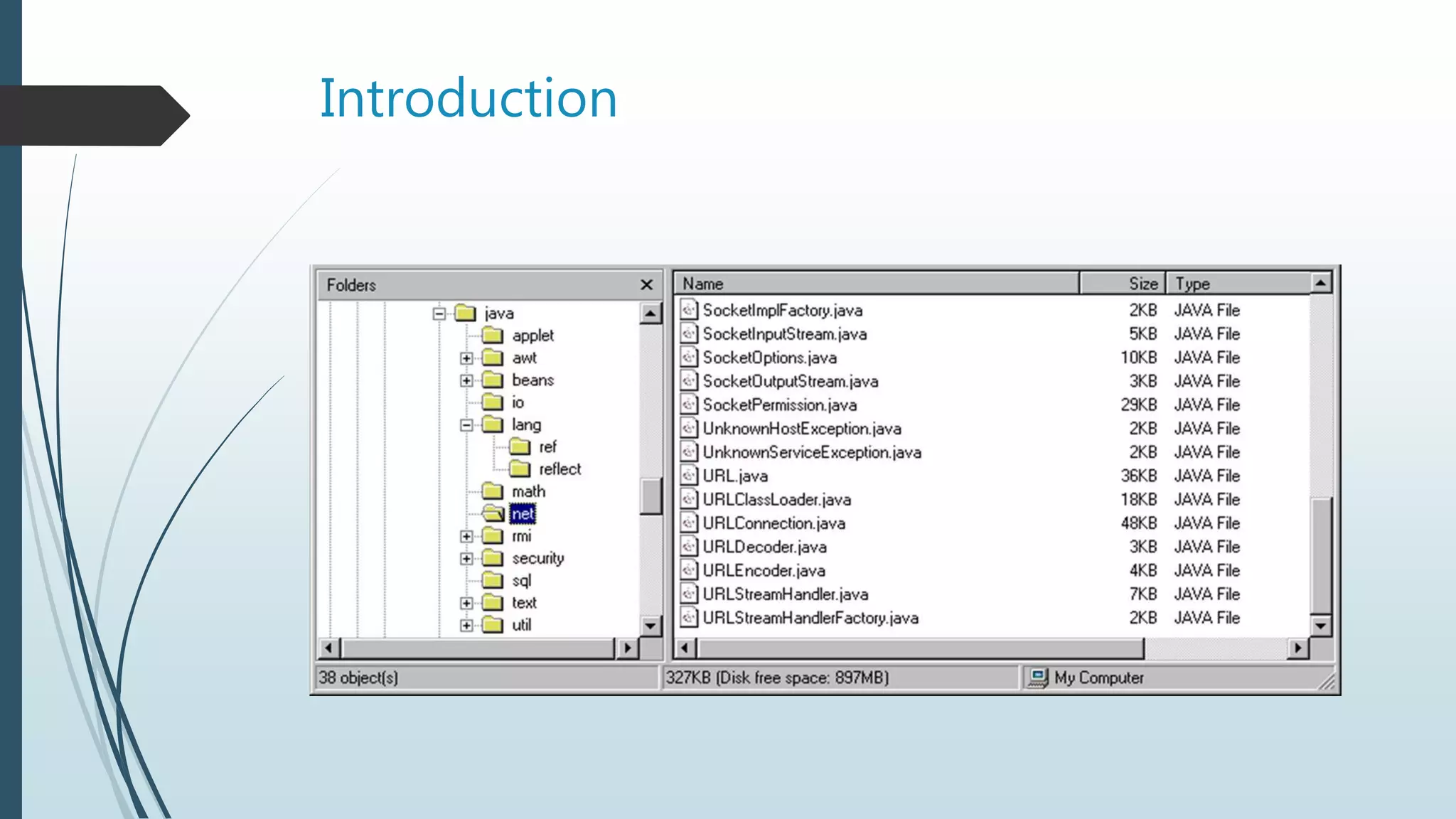
 Packages are nothing more than the way we organize files into different directories
according to their functionality, usability as well as category they should belong to .
 A Java package is a Java programming language mechanism for organizing classes into
namespaces.
 Java source files belonging to the same category or providing similar functionality
can include a package statement at the top of the file to designate the package for
the classes the source file defines.
 Java packages can be stored in compressed files called JAR files.
Introduction
By organizing our classes into package we achieve the following
benefits:
1. The classes contained in the package of other program can be
easily reused
2.In packages classes can be unique compared with classes in
other package .
3.That is two classes in two different package can have the same
name
4.Package provide a way to “hide” classes thus preventing other
program or package from accessing classes that are meant for
internal use only
5.package also provide a way for separating “design” from
“coding” .we can implement the java code needed for the
method
JAVA APL PACKAGE
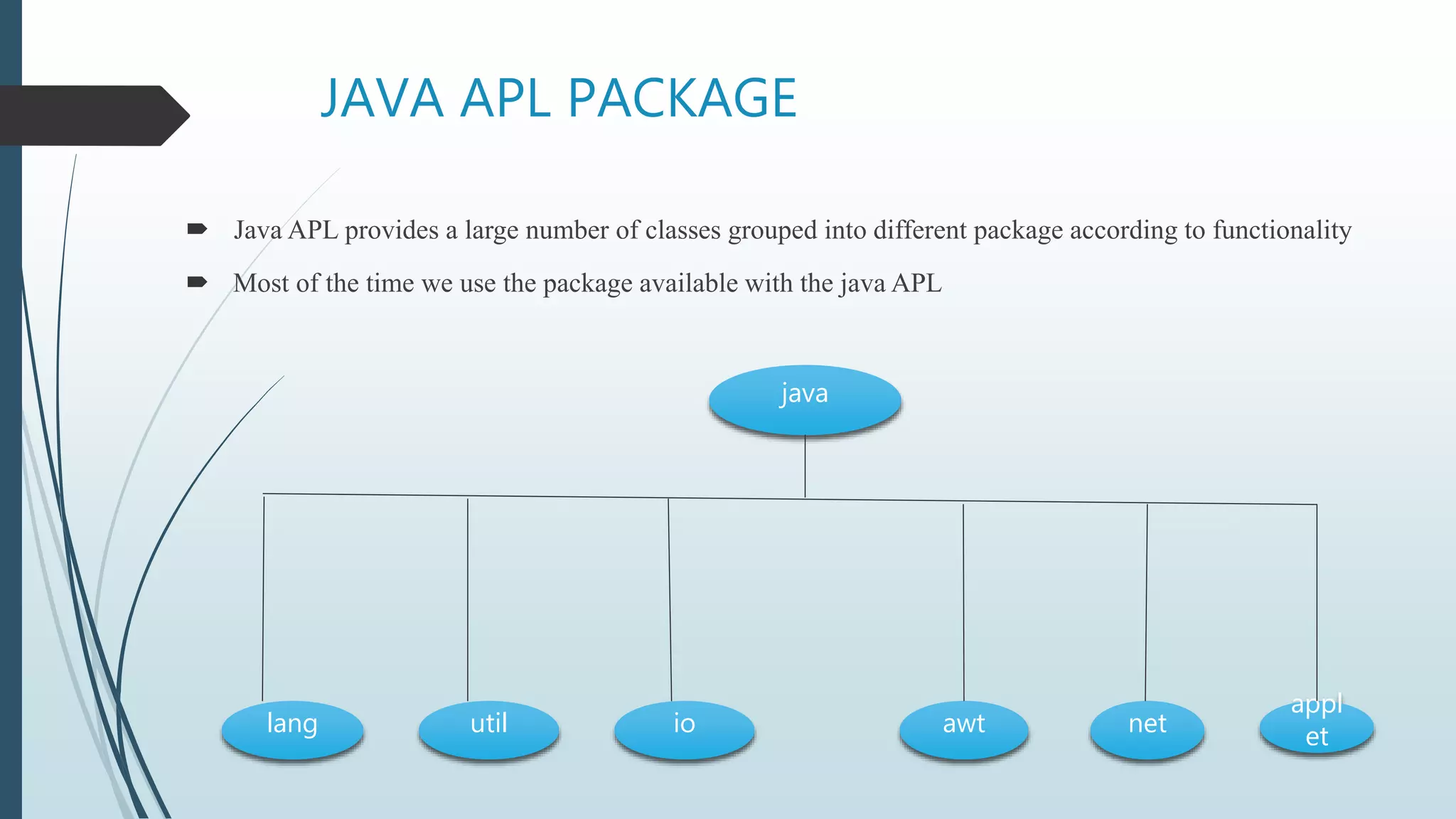
 Java APL provides a large number of classes grouped into different package according to functionality
 Most of the time we use the package available with the java APL
java
lang util io awt net
appl
et
USING SYSTEM PACKAGE
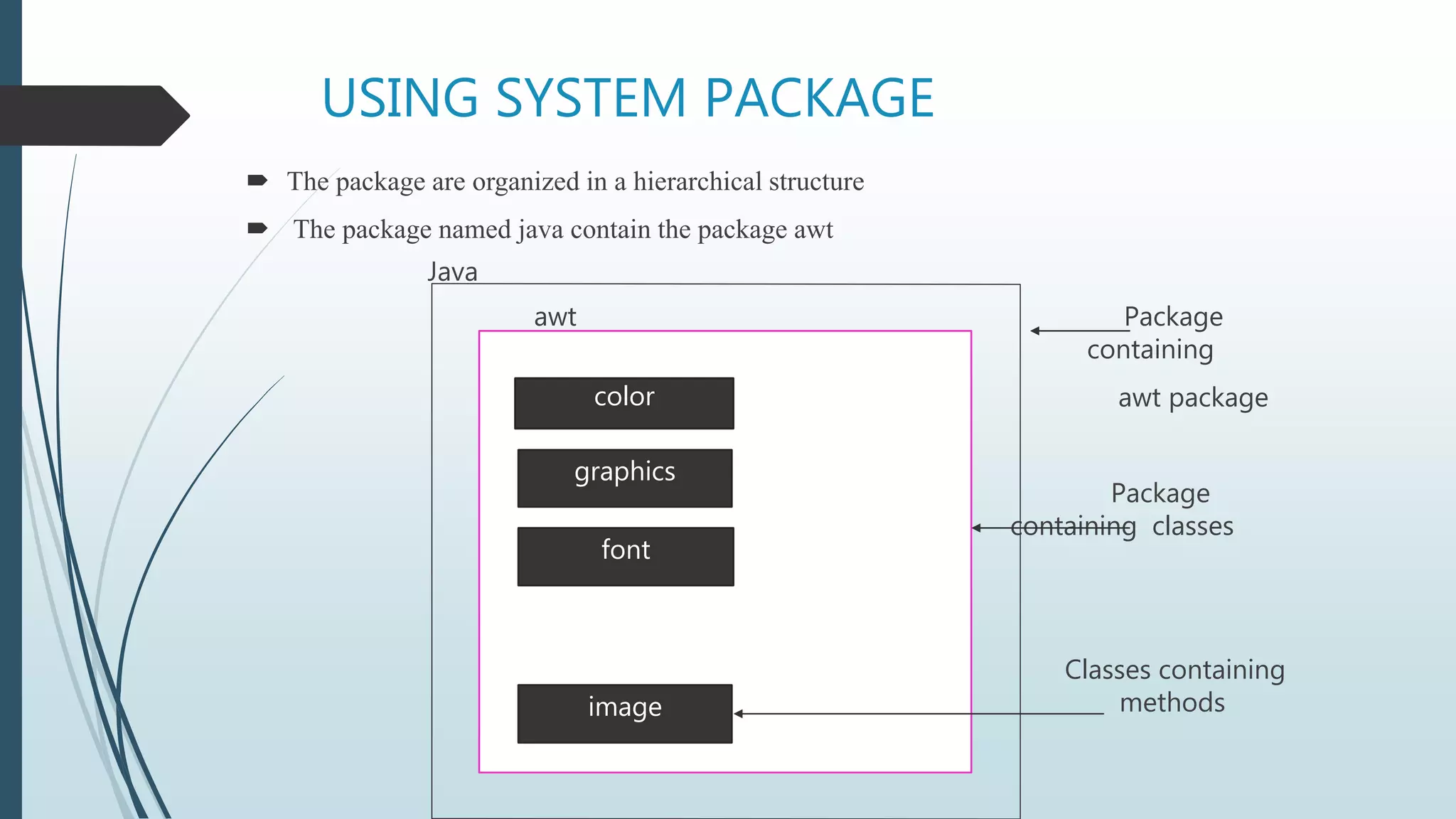
 The package are organized in a hierarchical structure
 The package named java contain the package awt
Java
awt Package
containing
awt package
Package
containing classes
Classes containing
methods
color
graphics
font
image
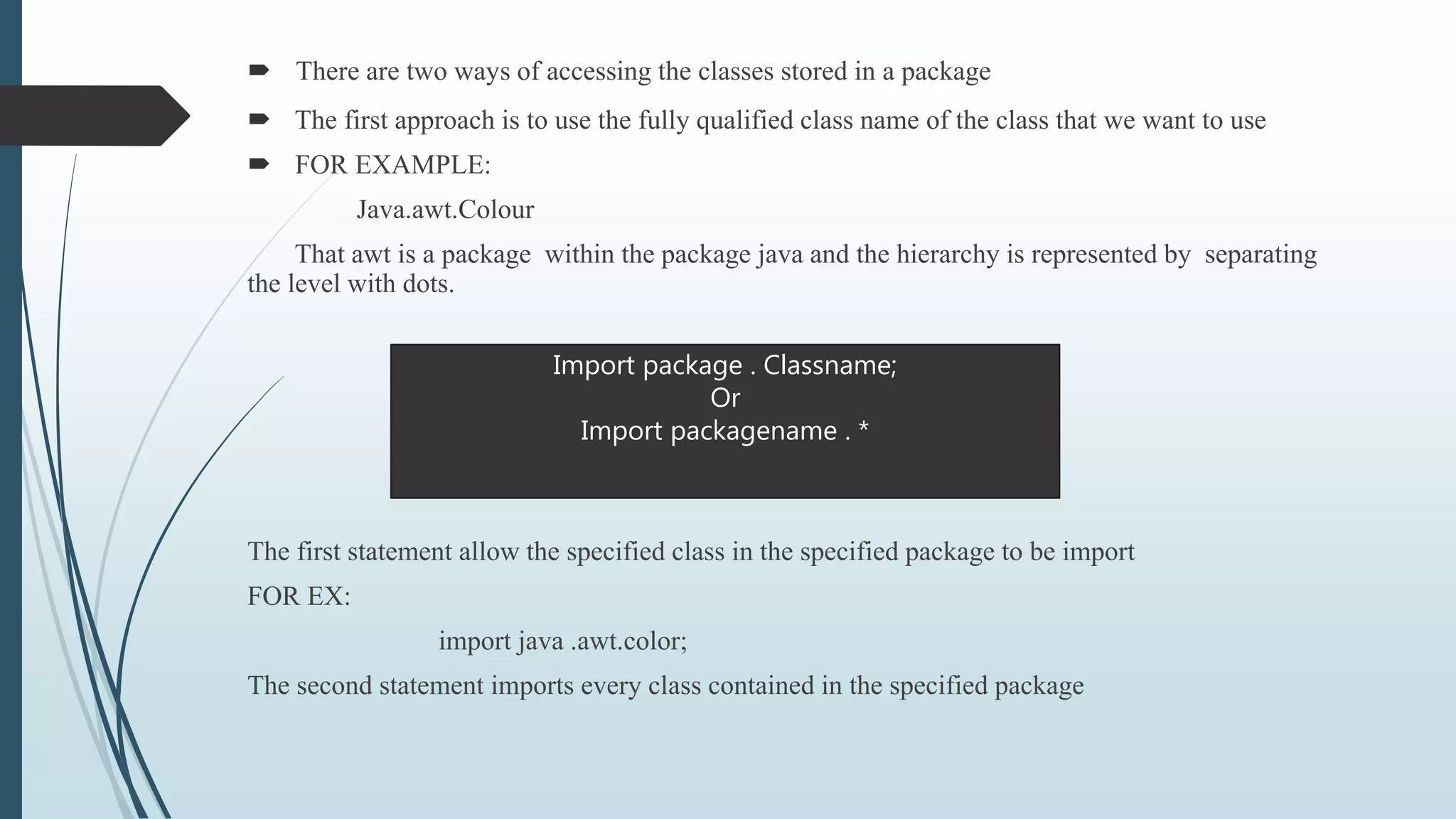
 There are two ways of accessing the classes stored in a package
 The first approach is to use the fully qualified class name of the class that we want to use
 FOR EXAMPLE:
Java.awt.Colour
That awt is a package within the package java and the hierarchy is represented by separating
the level with dots.
The first statement allow the specified class in the specified package to be import
FOR EX:
import java .awt.color;
The second statement imports every class contained in the specified package
Import package . Classname;
Or
Import packagename . *
Using Packages
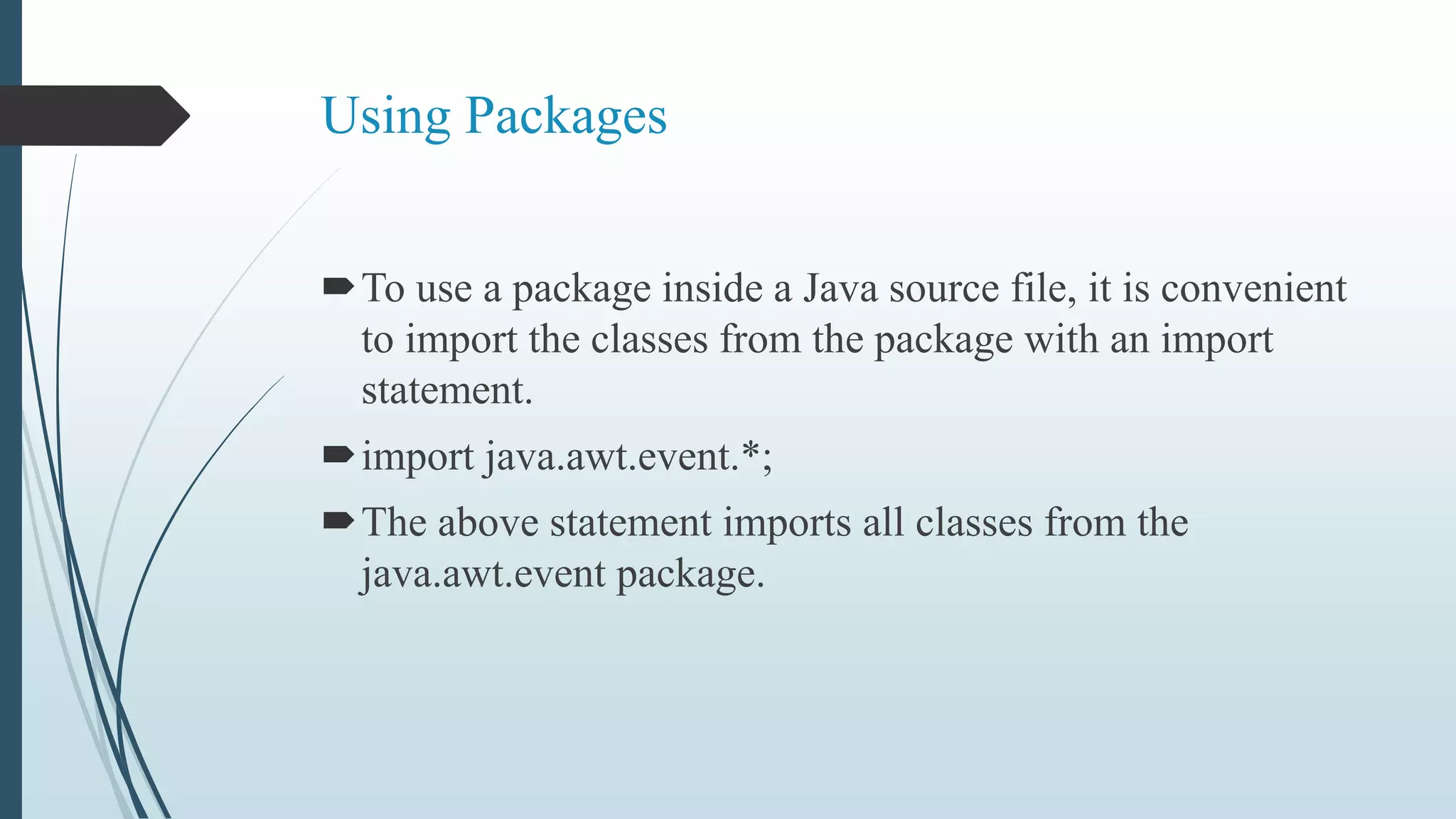
To use a package inside a Java source file, it is convenient
to import the classes from the package with an import
statement.
import java.awt.event.*;
The above statement imports all classes from the
java.awt.event package.
Package access protection
Classes within a package can access classes and members
declared with default access and class members declared
with the protected access modifier.
Default access is enforced when neither the public,
protected nor private access modifier is specified in the
declaration.
Creation Of Jar Files
 In Java source files the package the file belongs to is specified with
the package keyword .
 package java.awt.event;
 JAR Files are created with the jar command-line utility.
 The command “jar cf myPackage.jar *.class” compresses all *.class
files into the JAR file myPackage.jar.
Package Naming Conventions
Packages are usually defined using a hierarchical naming
pattern, with levels in the hierarchy separated by periods
(.) .
Although packages lower in the naming hierarchy are
often referred to a "subpackages" of the corresponding
packages higher in the hierarchy, there is no semantic
relationship between packages.
Package Design Guidelines
 Design Guideline Package Cohesion
Only closely related classes should belong to the same package.
Classes that change together should belong to the same package.
Classes that are not reused together should not belong to the
same package.
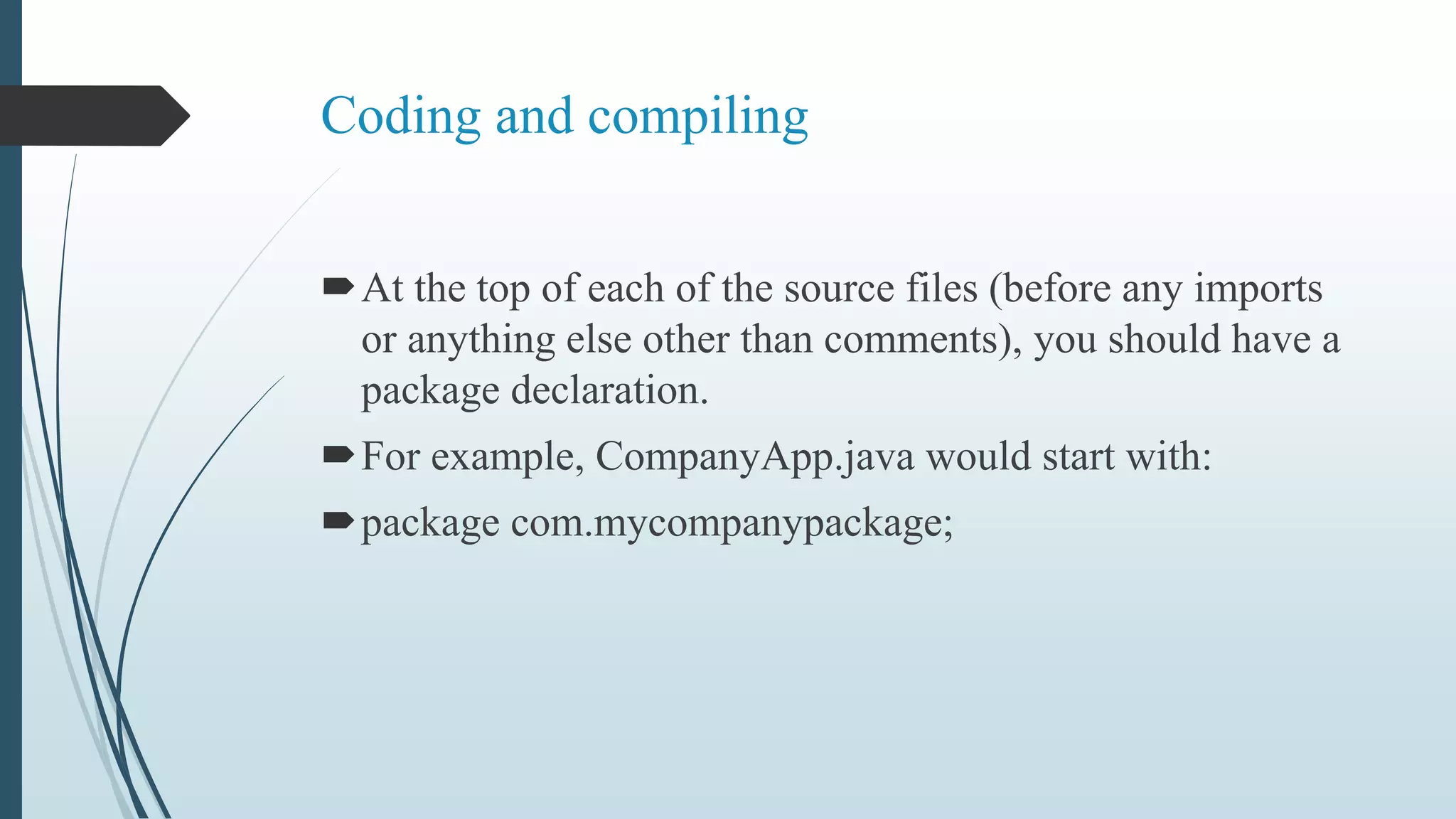
Coding and compiling
At the top of each of the source files (before any imports
or anything else other than comments), you should have a
package declaration.
For example, CompanyApp.java would start with:
package com.mycompanypackage;
Package Declaration
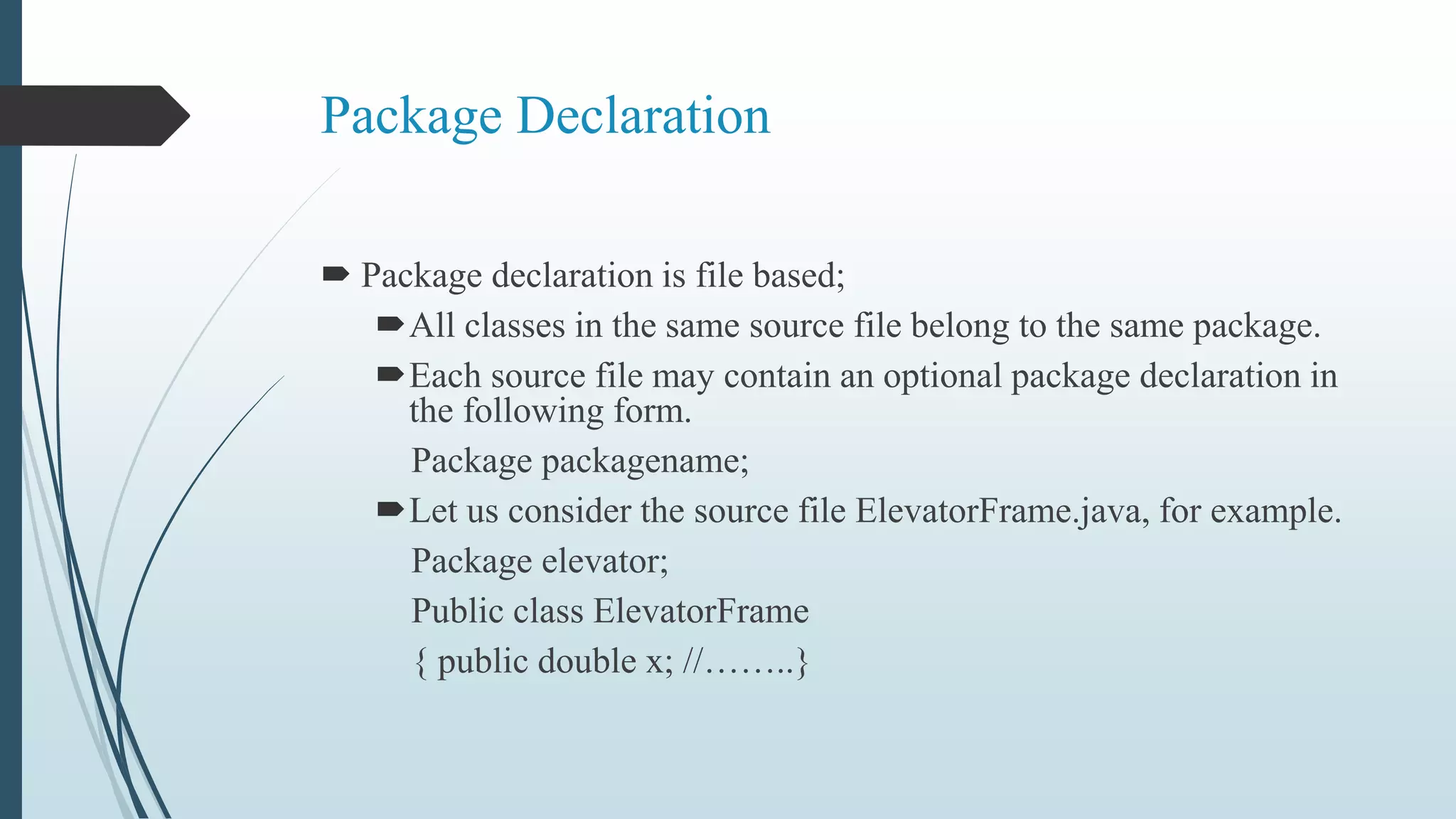
 Package declaration is file based;
All classes in the same source file belong to the same package.
Each source file may contain an optional package declaration in
the following form.
Package packagename;
Let us consider the source file ElevatorFrame.java, for example.
Package elevator;
Public class ElevatorFrame
{ public double x; //……..}
Package Declaration
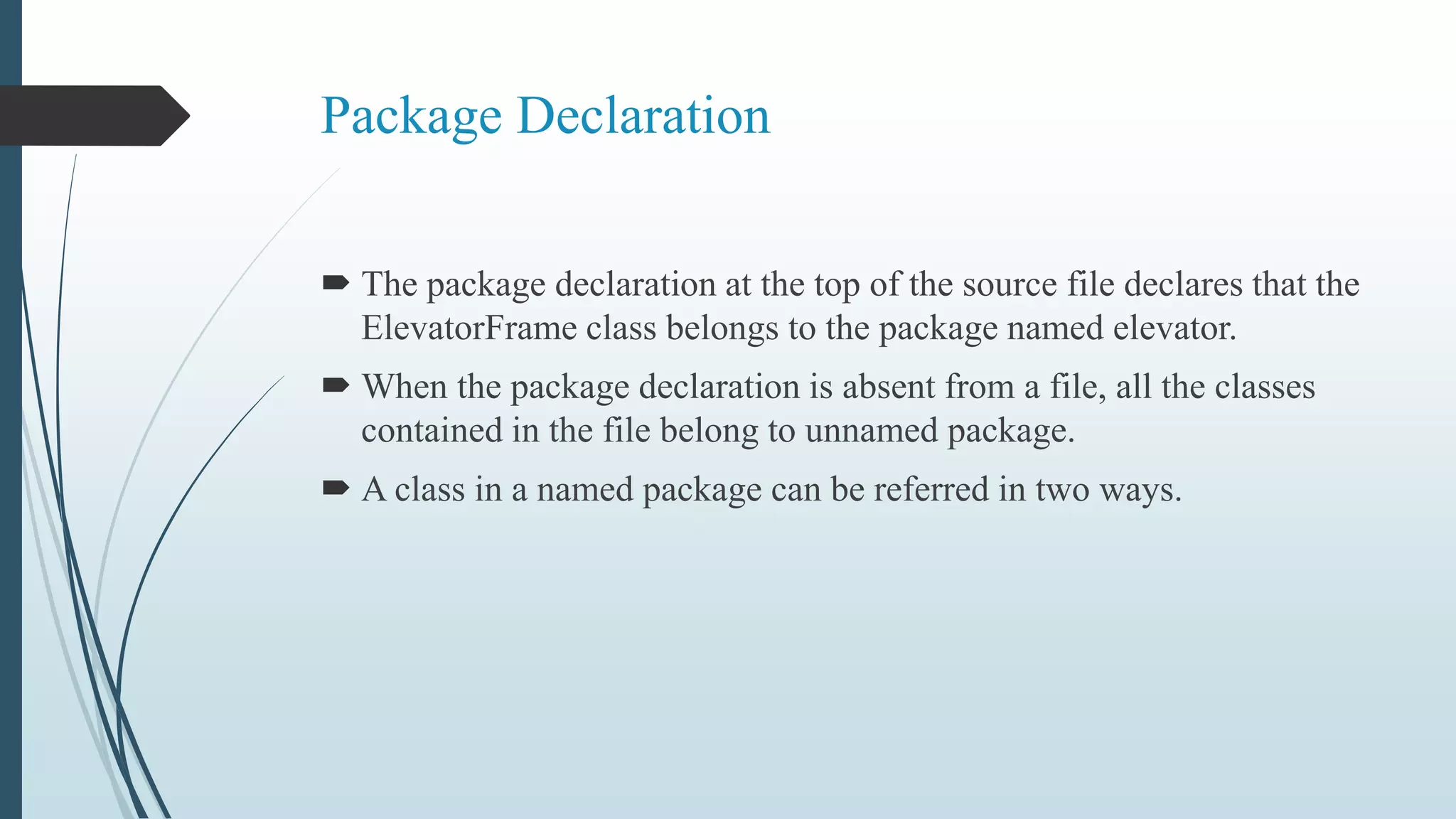
 The package declaration at the top of the source file declares that the
ElevatorFrame class belongs to the package named elevator.
 When the package declaration is absent from a file, all the classes
contained in the file belong to unnamed package.
 A class in a named package can be referred in two ways.
Importing a class in the package
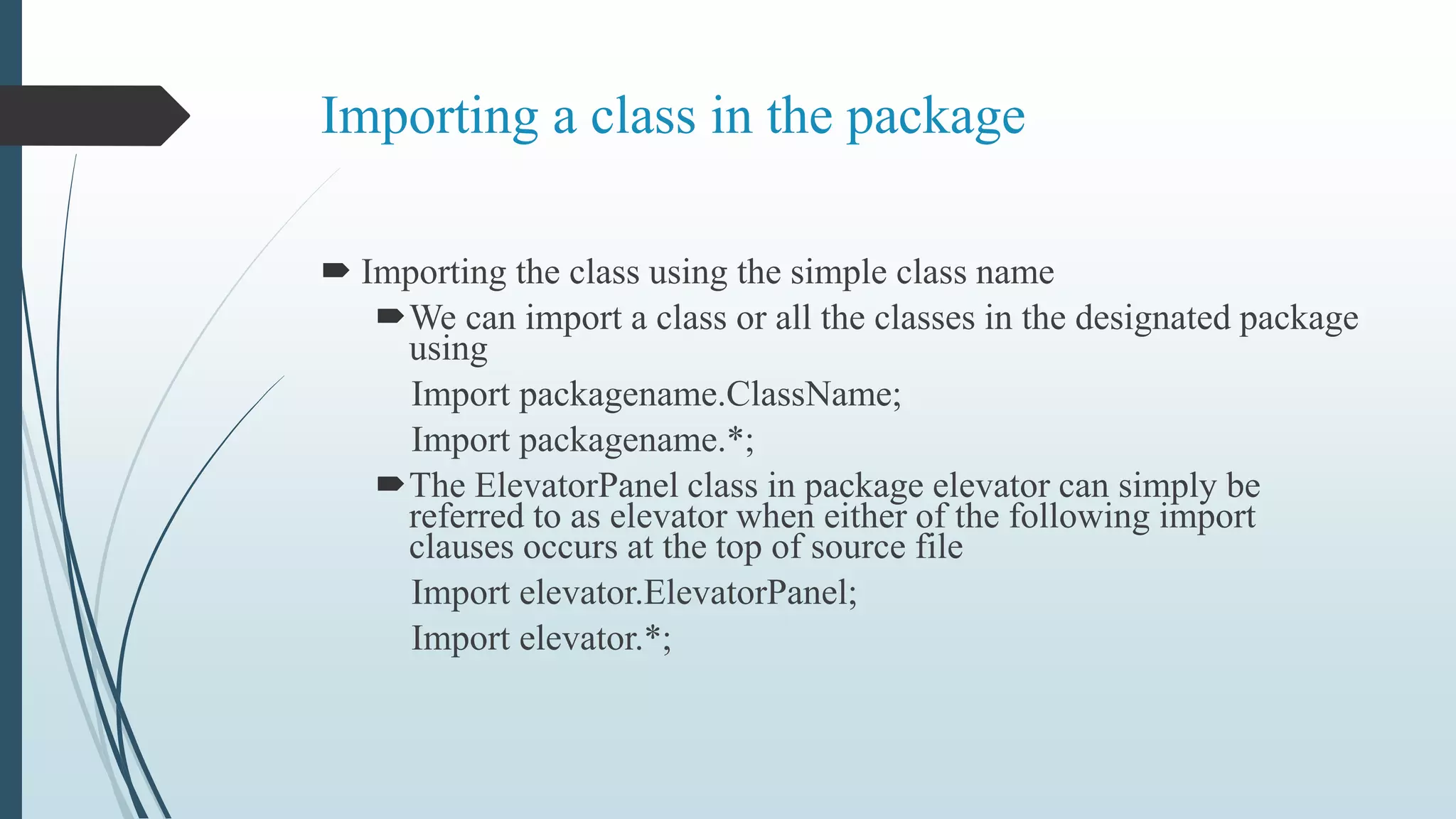
 Importing the class using the simple class name
We can import a class or all the classes in the designated package
using
Import packagename.ClassName;
Import packagename.*;
The ElevatorPanel class in package elevator can simply be
referred to as elevator when either of the following import
clauses occurs at the top of source file
Import elevator.ElevatorPanel;
Import elevator.*;
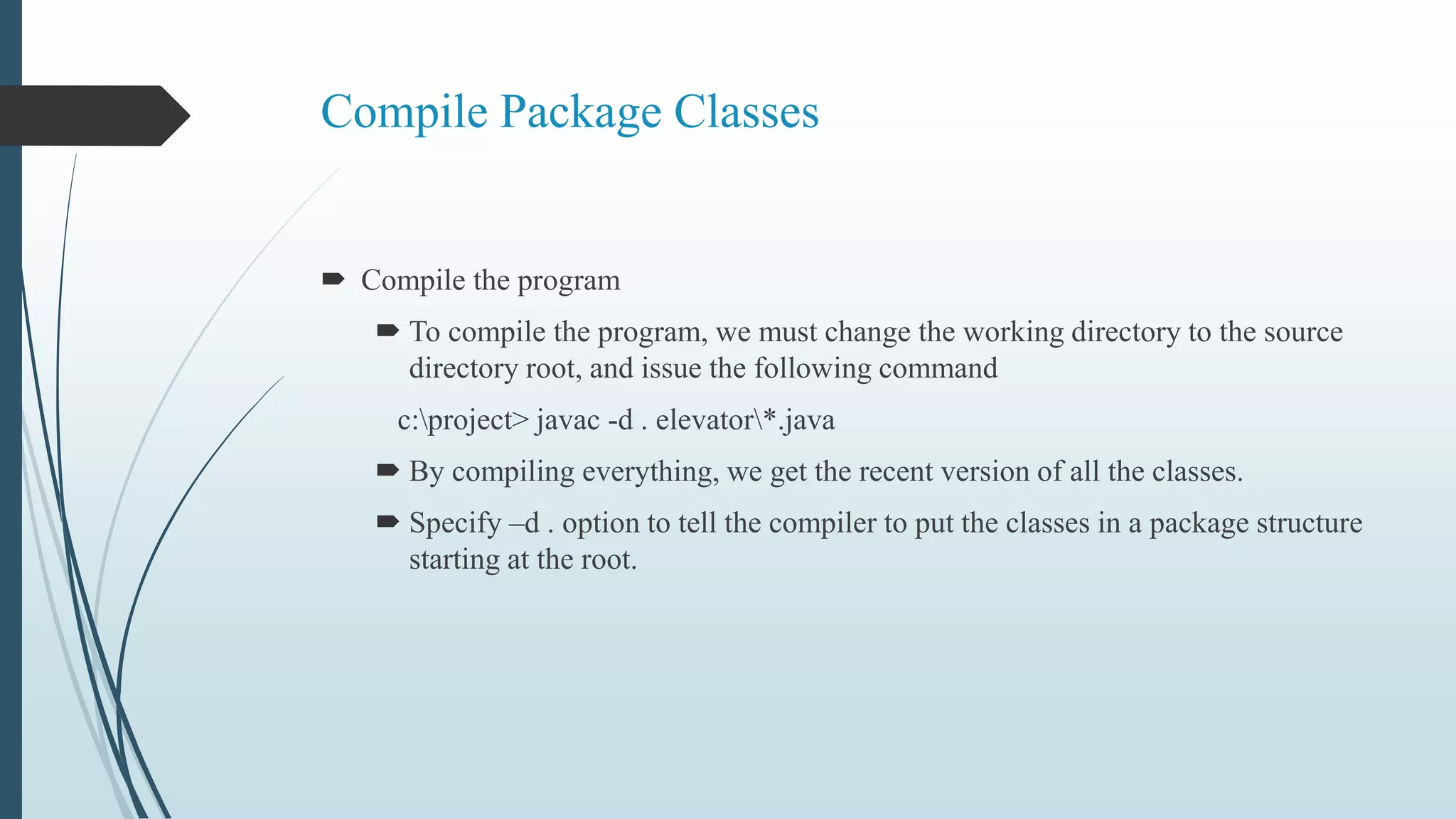
Compile Package Classes
 Compile the program
 To compile the program, we must change the working directory to the source
directory root, and issue the following command
c:project> javac -d . elevator*.java
 By compiling everything, we get the recent version of all the classes.
 Specify –d . option to tell the compiler to put the classes in a package structure
starting at the root.
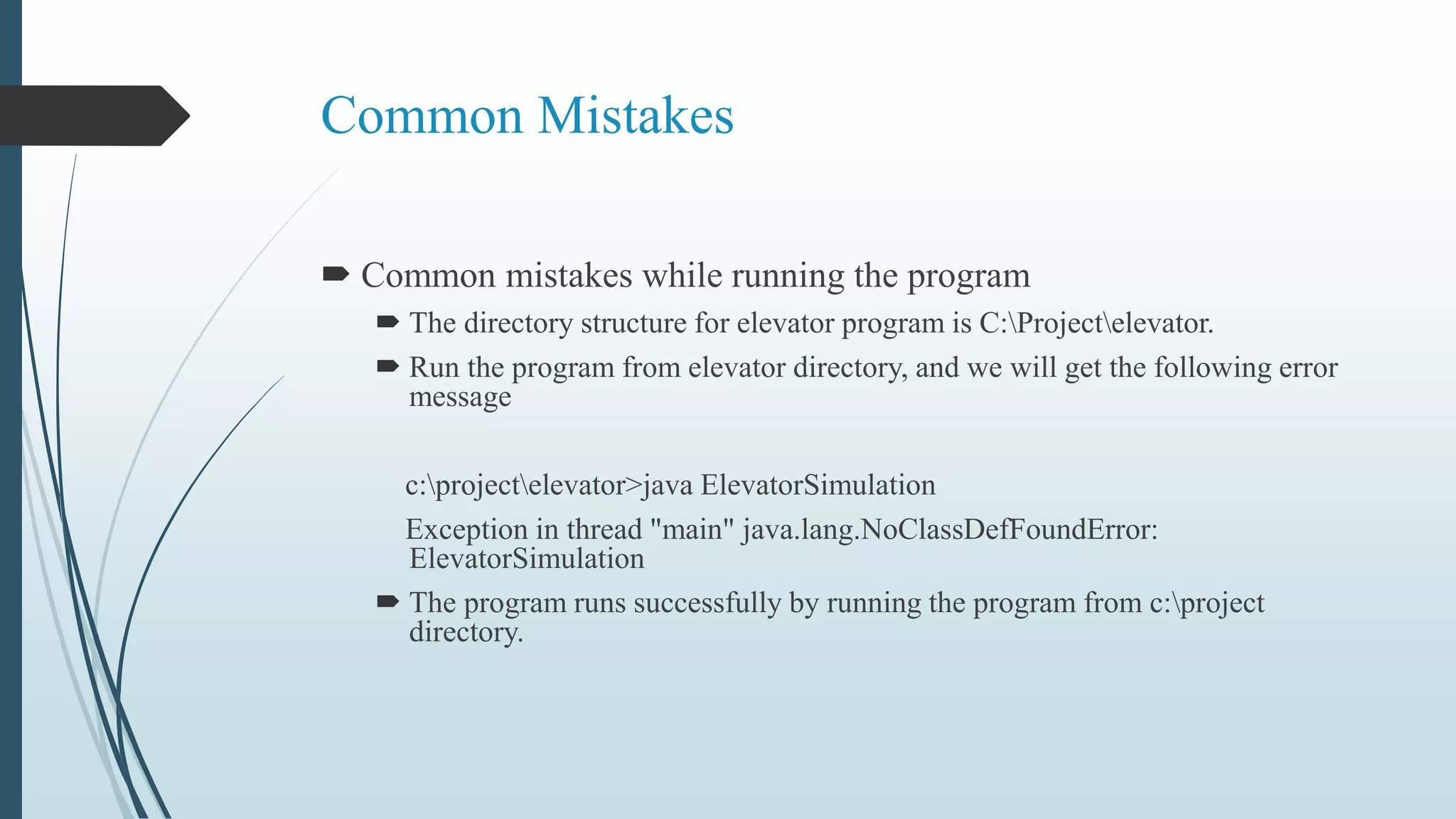
Common Mistakes
 Common mistakes while running the program
 The directory structure for elevator program is C:Projectelevator.
 Run the program from elevator directory, and we will get the following error
message
c:projectelevator>java ElevatorSimulation
Exception in thread "main" java.lang.NoClassDefFoundError:
ElevatorSimulation
 The program runs successfully by running the program from c:project
directory.
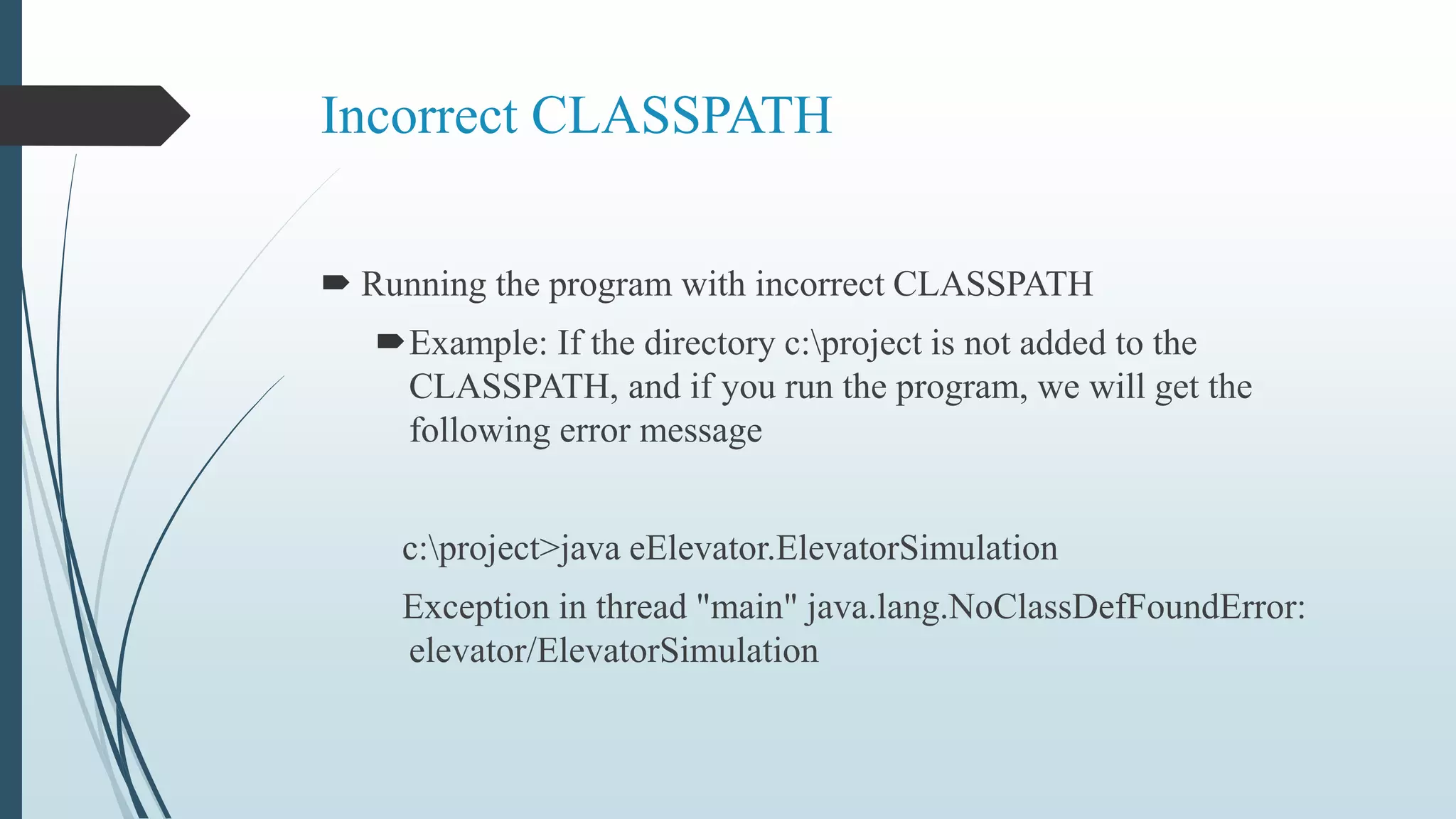
Incorrect CLASSPATH
 Running the program with incorrect CLASSPATH
Example: If the directory c:project is not added to the
CLASSPATH, and if you run the program, we will get the
following error message
c:project>java eElevator.ElevatorSimulation
Exception in thread "main" java.lang.NoClassDefFoundError:
elevator/ElevatorSimulation
THANKYOU!!!

Package in Java

  • 1.
    Package PRESENTED BY R.RAMADEVI M.sc(CS &IT) NADAR SARASWATHI COLLEGE OF ARTS & SCIENCE THENI
  • 2.
    INTRODUCTION  We haverepeatedly stated that one of the main features of OOP is its ability to reuse the code already created  One way of achieving this is by extending the classes and implementing the interface  package a concept similar to “class libraries” in other languages  Another way of achieving the reusability in java is to use package  package are java way of grouping a variety of classes and/or interface  The grouping is usually done according to functionality ,package act as “containers” for classes
  • 3.
    INTRODUCTION  Packages arenothing more than the way we organize files into different directories according to their functionality, usability as well as category they should belong to .  A Java package is a Java programming language mechanism for organizing classes into namespaces.  Java source files belonging to the same category or providing similar functionality can include a package statement at the top of the file to designate the package for the classes the source file defines.  Java packages can be stored in compressed files called JAR files.
  • 4.
  • 5.
    By organizing ourclasses into package we achieve the following benefits: 1. The classes contained in the package of other program can be easily reused 2.In packages classes can be unique compared with classes in other package . 3.That is two classes in two different package can have the same name 4.Package provide a way to “hide” classes thus preventing other program or package from accessing classes that are meant for internal use only 5.package also provide a way for separating “design” from “coding” .we can implement the java code needed for the method
  • 6.
    JAVA APL PACKAGE Java APL provides a large number of classes grouped into different package according to functionality  Most of the time we use the package available with the java APL java lang util io awt net appl et
  • 7.
    USING SYSTEM PACKAGE The package are organized in a hierarchical structure  The package named java contain the package awt Java awt Package containing awt package Package containing classes Classes containing methods color graphics font image
  • 8.
     There aretwo ways of accessing the classes stored in a package  The first approach is to use the fully qualified class name of the class that we want to use  FOR EXAMPLE: Java.awt.Colour That awt is a package within the package java and the hierarchy is represented by separating the level with dots. The first statement allow the specified class in the specified package to be import FOR EX: import java .awt.color; The second statement imports every class contained in the specified package Import package . Classname; Or Import packagename . *
  • 9.
    Using Packages To usea package inside a Java source file, it is convenient to import the classes from the package with an import statement. import java.awt.event.*; The above statement imports all classes from the java.awt.event package.
  • 10.
    Package access protection Classeswithin a package can access classes and members declared with default access and class members declared with the protected access modifier. Default access is enforced when neither the public, protected nor private access modifier is specified in the declaration.
  • 11.
    Creation Of JarFiles  In Java source files the package the file belongs to is specified with the package keyword .  package java.awt.event;  JAR Files are created with the jar command-line utility.  The command “jar cf myPackage.jar *.class” compresses all *.class files into the JAR file myPackage.jar.
  • 12.
    Package Naming Conventions Packagesare usually defined using a hierarchical naming pattern, with levels in the hierarchy separated by periods (.) . Although packages lower in the naming hierarchy are often referred to a "subpackages" of the corresponding packages higher in the hierarchy, there is no semantic relationship between packages.
  • 13.
    Package Design Guidelines Design Guideline Package Cohesion Only closely related classes should belong to the same package. Classes that change together should belong to the same package. Classes that are not reused together should not belong to the same package.
  • 14.
    Coding and compiling Atthe top of each of the source files (before any imports or anything else other than comments), you should have a package declaration. For example, CompanyApp.java would start with: package com.mycompanypackage;
  • 15.
    Package Declaration  Packagedeclaration is file based; All classes in the same source file belong to the same package. Each source file may contain an optional package declaration in the following form. Package packagename; Let us consider the source file ElevatorFrame.java, for example. Package elevator; Public class ElevatorFrame { public double x; //……..}
  • 16.
    Package Declaration  Thepackage declaration at the top of the source file declares that the ElevatorFrame class belongs to the package named elevator.  When the package declaration is absent from a file, all the classes contained in the file belong to unnamed package.  A class in a named package can be referred in two ways.
  • 17.
    Importing a classin the package  Importing the class using the simple class name We can import a class or all the classes in the designated package using Import packagename.ClassName; Import packagename.*; The ElevatorPanel class in package elevator can simply be referred to as elevator when either of the following import clauses occurs at the top of source file Import elevator.ElevatorPanel; Import elevator.*;
  • 18.
    Compile Package Classes Compile the program  To compile the program, we must change the working directory to the source directory root, and issue the following command c:project> javac -d . elevator*.java  By compiling everything, we get the recent version of all the classes.  Specify –d . option to tell the compiler to put the classes in a package structure starting at the root.
  • 19.
    Common Mistakes  Commonmistakes while running the program  The directory structure for elevator program is C:Projectelevator.  Run the program from elevator directory, and we will get the following error message c:projectelevator>java ElevatorSimulation Exception in thread "main" java.lang.NoClassDefFoundError: ElevatorSimulation  The program runs successfully by running the program from c:project directory.
  • 20.
    Incorrect CLASSPATH  Runningthe program with incorrect CLASSPATH Example: If the directory c:project is not added to the CLASSPATH, and if you run the program, we will get the following error message c:project>java eElevator.ElevatorSimulation Exception in thread "main" java.lang.NoClassDefFoundError: elevator/ElevatorSimulation
  • 21.