PRESENTATION
ON
JAVA PACKAGES
Presented By:
Farhat Anjum,
HOD, Computer Science
GDRCST
CONTENTS
 Introduction
 Types Of Packages
 System Packages or Java API
 Java System Packages & Their Classes
 User Defined Packages.
 Creating User Defined Packages
 Steps For Creating Package
 Accessing a Package
o Advantages Of Packages
INTRODUCTION
In java, programmers can create several classes &
Interface. After creating these classes and interface, it
is better if they are divided into some groups
depending on their relationship. Thus, the classes
and interface which handle similar or same task are
put into the same directory or folder, which is also
known as package.
Packages act as “containers” for classes. A package
represents a directory that contain related group of
classes & interface.
TYPES OF PACKAGES
There are basically only 2 types of java packages.
They are as follow :
 System Packages or Java API
 User Defined Packages.
SYSTEM PACKAGES OR JAVA API
As there are built in methods , java also provides
inbuilt packages which contain lots of classes &
interfaces. These classes inside the packages are
already defined & we can use them by importing
relevant package in our program.
Java has an extensive library of packages, a
programmer need not think about logic for doing any
task. For everything, there are the methods available
in java and that method can be used by the
programmer without developing the logic on his own.
This makes the programming easy.
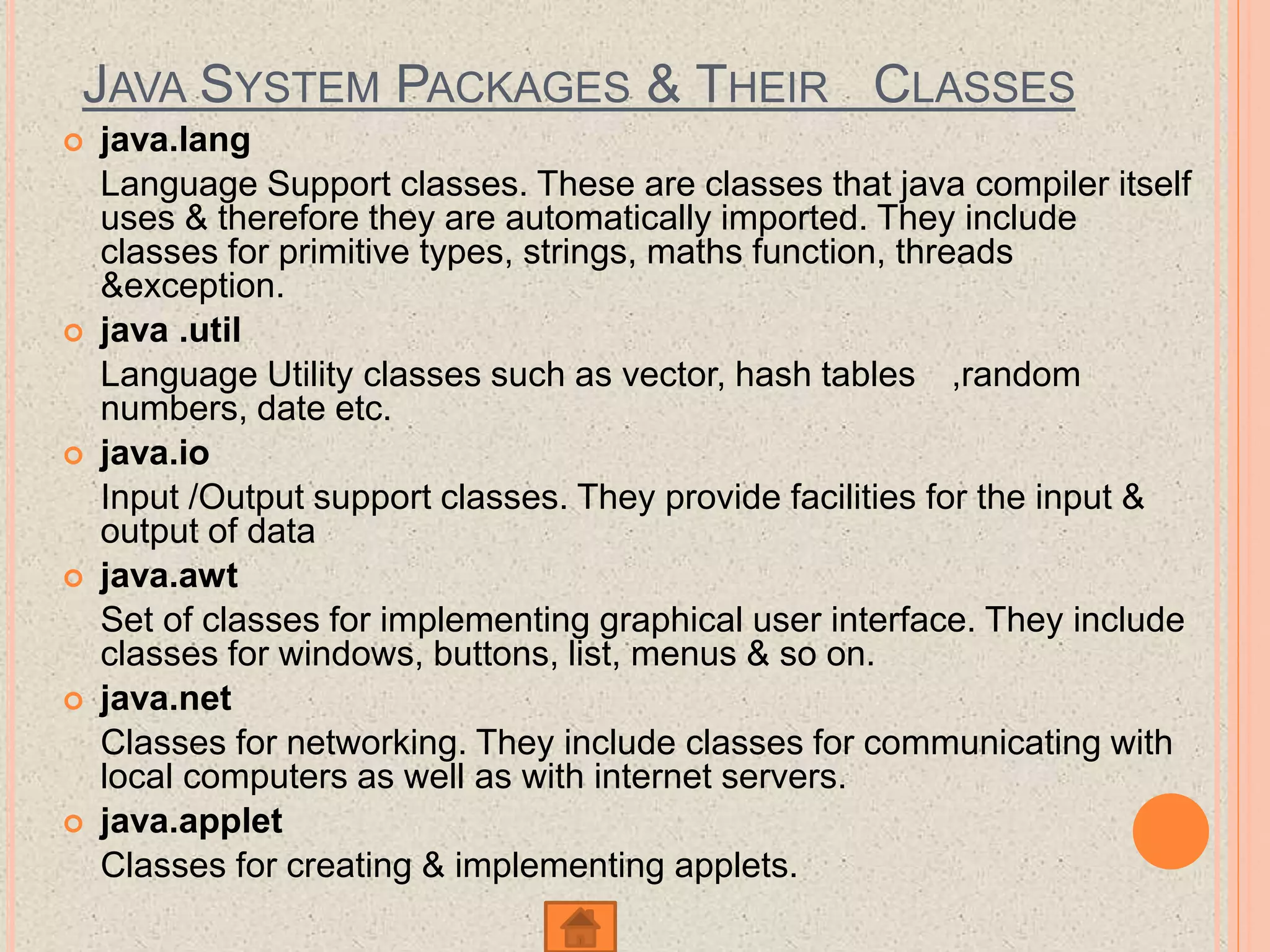
JAVA SYSTEM PACKAGES & THEIR CLASSES
 java.lang
Language Support classes. These are classes that java compiler itself
uses & therefore they are automatically imported. They include
classes for primitive types, strings, maths function, threads
&exception.
 java .util
Language Utility classes such as vector, hash tables ,random
numbers, date etc.
 java.io
Input /Output support classes. They provide facilities for the input &
output of data
 java.awt
Set of classes for implementing graphical user interface. They include
classes for windows, buttons, list, menus & so on.
 java.net
Classes for networking. They include classes for communicating with
local computers as well as with internet servers.
 java.applet
Classes for creating & implementing applets.
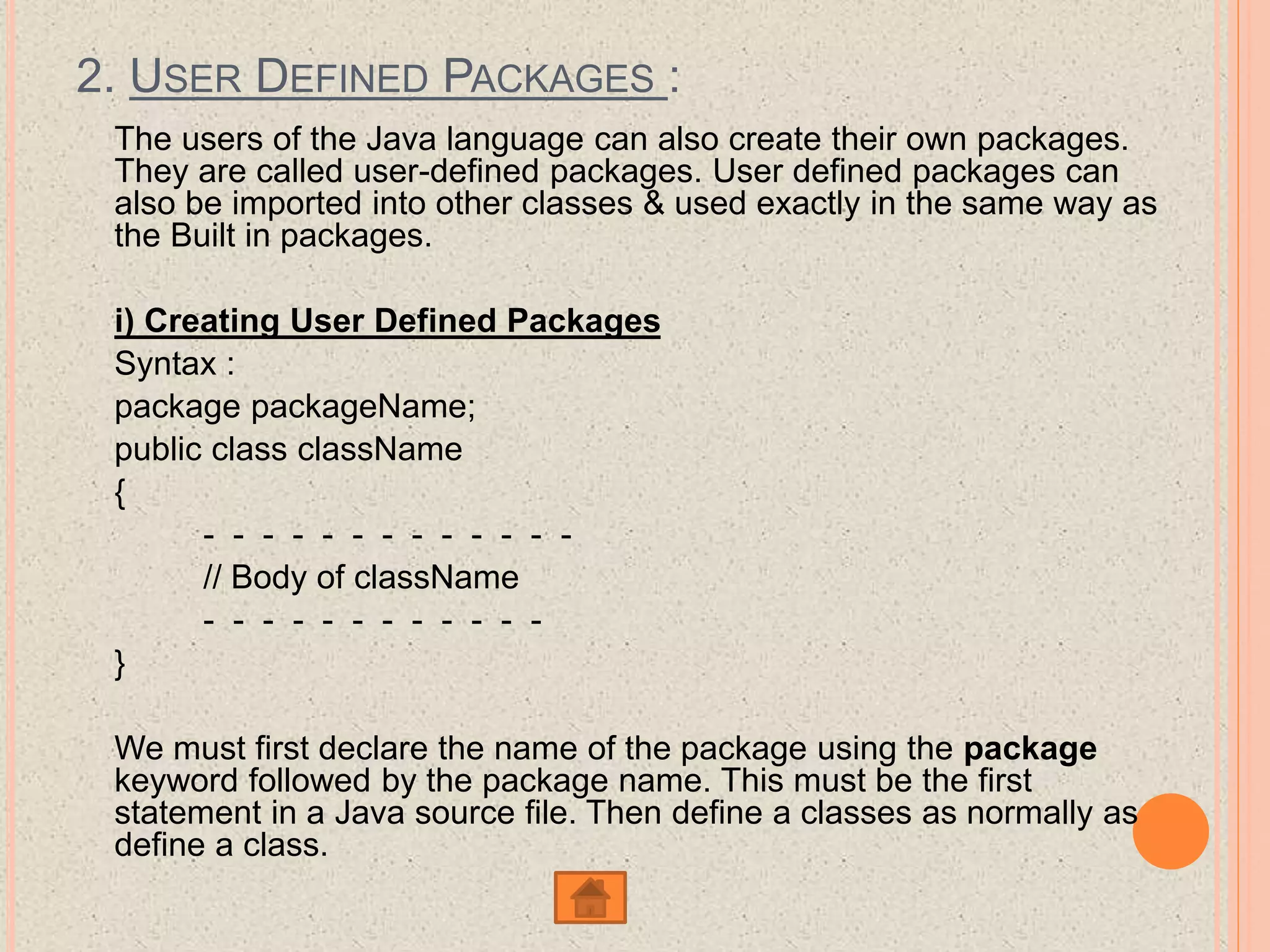
2. USER DEFINED PACKAGES :
The users of the Java language can also create their own packages.
They are called user-defined packages. User defined packages can
also be imported into other classes & used exactly in the same way as
the Built in packages.
i) Creating User Defined Packages
Syntax :
package packageName;
public class className
{
- - - - - - - - - - - - -
// Body of className
- - - - - - - - - - - -
}
We must first declare the name of the package using the package
keyword followed by the package name. This must be the first
statement in a Java source file. Then define a classes as normally as
define a class.
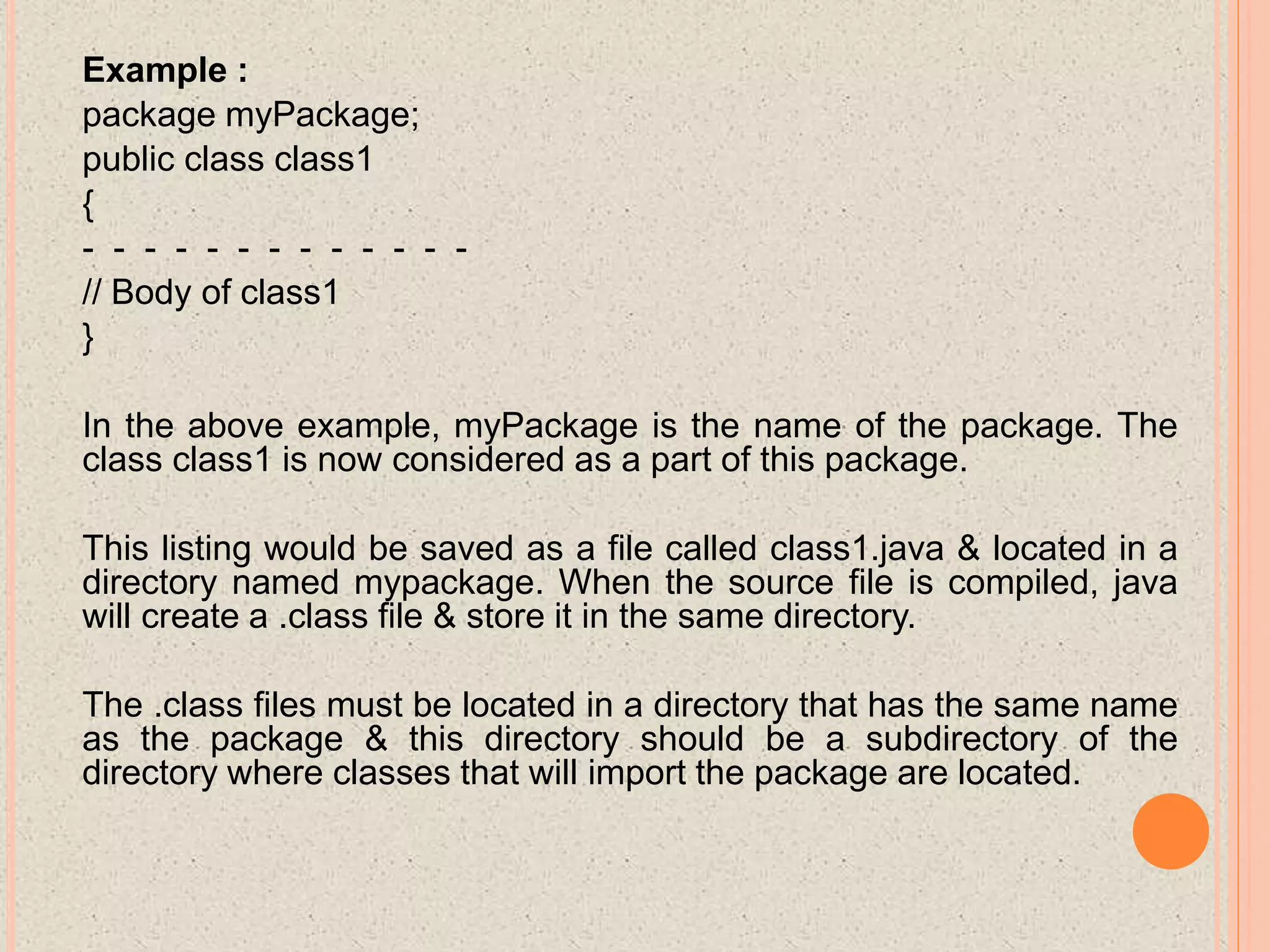
Example :
package myPackage;
public class class1
{
- - - - - - - - - - - - -
// Body of class1
}
In the above example, myPackage is the name of the package. The
class class1 is now considered as a part of this package.
This listing would be saved as a file called class1.java & located in a
directory named mypackage. When the source file is compiled, java
will create a .class file & store it in the same directory.
The .class files must be located in a directory that has the same name
as the package & this directory should be a subdirectory of the
directory where classes that will import the package are located.
STEPS FOR CREATING PACKAGE :
To create a user defined package the following steps
should be involved :-
1: Declare the package at the beginning of a file using
the syntax :-
package packageName;
2: Define the class that is to be put in the package &
declare it public.
3: Create a subdirectory under the directory where the
main source files are stored.
4: Store the listing as the classname.java file in the
subdirectory created.
5: Compile the file. This create .class file in the
subdirectory.
Java also supports the concept of package hierarchy. This
is done by specifying multiple names in a package
statement, seprated by dots (.).
Ex :- package firstPackage.secondPackage;
This approach allows us to group related classes into a
package and their group related package into a larger
package. Store this package in a subdirectory named
firstpackage/secondPackage.
A java package file can have more than one class
definition. In such cases, only one of the classes may be
declared public & that class name with .java extension is
the source file name. When a source file with more than
one class definition is compiled, java creates independent
.class files for those classes.
ACCESSING A PACKAGE
Java package can be accessed either using a fully qualified
class name or using a shortcut approach through the import
statement.
Syntax :
import package1[.package2][.package3].classname;
Here, package1 is the name of the top level package, package2
is the name of the package that is inside the package & so on.
We can have any number of packages in a package hierarchy.
Finally the explicit classname is specified. The import statement
must end with a semicolon (;). The import startment should
appear before any class definitions in a source file. Multiple
import statements are allowed.
Ex :
import firstpackage.secondPackage.Myclass;
or
import firstpackage.*;
ADVANTAGES OF PACKAGES
There are several advantages of package some of them are as
follow :-
1: Packages are useful to arrange related classes and interface
into a group.This makes all the classes & interface performing
the same task to put together in the same package.
2: Packages hide the classes & interfaces in a seprate
subdirectory, so that accidental deletion of classes & interfaces
will not take place.
3: The classes & interfaces of a packages are isolated form the
classes & interfaces of another packages. This means that we
can use same names for classes of two different classes.
4: A group of packages is called a library. The classes & interface
of a package are like books in a library & can be reused
several times. This reusability nature of packages makes
programming easy.
Java package

Java package

  • 1.
    PRESENTATION ON JAVA PACKAGES Presented By: FarhatAnjum, HOD, Computer Science GDRCST
  • 2.
    CONTENTS  Introduction  TypesOf Packages  System Packages or Java API  Java System Packages & Their Classes  User Defined Packages.  Creating User Defined Packages  Steps For Creating Package  Accessing a Package o Advantages Of Packages
  • 3.
    INTRODUCTION In java, programmerscan create several classes & Interface. After creating these classes and interface, it is better if they are divided into some groups depending on their relationship. Thus, the classes and interface which handle similar or same task are put into the same directory or folder, which is also known as package. Packages act as “containers” for classes. A package represents a directory that contain related group of classes & interface.
  • 4.
    TYPES OF PACKAGES Thereare basically only 2 types of java packages. They are as follow :  System Packages or Java API  User Defined Packages.
  • 5.
    SYSTEM PACKAGES ORJAVA API As there are built in methods , java also provides inbuilt packages which contain lots of classes & interfaces. These classes inside the packages are already defined & we can use them by importing relevant package in our program. Java has an extensive library of packages, a programmer need not think about logic for doing any task. For everything, there are the methods available in java and that method can be used by the programmer without developing the logic on his own. This makes the programming easy.
  • 6.
    JAVA SYSTEM PACKAGES& THEIR CLASSES  java.lang Language Support classes. These are classes that java compiler itself uses & therefore they are automatically imported. They include classes for primitive types, strings, maths function, threads &exception.  java .util Language Utility classes such as vector, hash tables ,random numbers, date etc.  java.io Input /Output support classes. They provide facilities for the input & output of data  java.awt Set of classes for implementing graphical user interface. They include classes for windows, buttons, list, menus & so on.  java.net Classes for networking. They include classes for communicating with local computers as well as with internet servers.  java.applet Classes for creating & implementing applets.
  • 7.
    2. USER DEFINEDPACKAGES : The users of the Java language can also create their own packages. They are called user-defined packages. User defined packages can also be imported into other classes & used exactly in the same way as the Built in packages. i) Creating User Defined Packages Syntax : package packageName; public class className { - - - - - - - - - - - - - // Body of className - - - - - - - - - - - - } We must first declare the name of the package using the package keyword followed by the package name. This must be the first statement in a Java source file. Then define a classes as normally as define a class.
  • 8.
    Example : package myPackage; publicclass class1 { - - - - - - - - - - - - - // Body of class1 } In the above example, myPackage is the name of the package. The class class1 is now considered as a part of this package. This listing would be saved as a file called class1.java & located in a directory named mypackage. When the source file is compiled, java will create a .class file & store it in the same directory. The .class files must be located in a directory that has the same name as the package & this directory should be a subdirectory of the directory where classes that will import the package are located.
  • 9.
    STEPS FOR CREATINGPACKAGE : To create a user defined package the following steps should be involved :- 1: Declare the package at the beginning of a file using the syntax :- package packageName; 2: Define the class that is to be put in the package & declare it public. 3: Create a subdirectory under the directory where the main source files are stored. 4: Store the listing as the classname.java file in the subdirectory created. 5: Compile the file. This create .class file in the subdirectory.
  • 10.
    Java also supportsthe concept of package hierarchy. This is done by specifying multiple names in a package statement, seprated by dots (.). Ex :- package firstPackage.secondPackage; This approach allows us to group related classes into a package and their group related package into a larger package. Store this package in a subdirectory named firstpackage/secondPackage. A java package file can have more than one class definition. In such cases, only one of the classes may be declared public & that class name with .java extension is the source file name. When a source file with more than one class definition is compiled, java creates independent .class files for those classes.
  • 11.
    ACCESSING A PACKAGE Javapackage can be accessed either using a fully qualified class name or using a shortcut approach through the import statement. Syntax : import package1[.package2][.package3].classname; Here, package1 is the name of the top level package, package2 is the name of the package that is inside the package & so on. We can have any number of packages in a package hierarchy. Finally the explicit classname is specified. The import statement must end with a semicolon (;). The import startment should appear before any class definitions in a source file. Multiple import statements are allowed. Ex : import firstpackage.secondPackage.Myclass; or import firstpackage.*;
  • 12.
    ADVANTAGES OF PACKAGES Thereare several advantages of package some of them are as follow :- 1: Packages are useful to arrange related classes and interface into a group.This makes all the classes & interface performing the same task to put together in the same package. 2: Packages hide the classes & interfaces in a seprate subdirectory, so that accidental deletion of classes & interfaces will not take place. 3: The classes & interfaces of a packages are isolated form the classes & interfaces of another packages. This means that we can use same names for classes of two different classes. 4: A group of packages is called a library. The classes & interface of a package are like books in a library & can be reused several times. This reusability nature of packages makes programming easy.